Customer Ratings & Reviews





- Model:
- LJP 4301FDW/4RA82F#BGJ
- SKU:
- 10187440
Rating by feature
- Value
Rating 4.3 out of 5 stars
- Quality
Rating 4.5 out of 5 stars
- Ease of Use
Rating 4.4 out of 5 stars
- Pros mentioned:Print quality
HP Laserjet Pro
||Posted . Owned for 1 month when reviewed.This reviewer received promo considerations or sweepstakes entry for writing a review.I updated my HP laserjet printer with the LaserJet Pro 4301fdw and am tickled pink. The one draw back I found was a small volume paper tray so I purchased the optional second paper tray that adds 550 sheet capability. The speed and quality of the printer is great for small business use. I recommend this printer highly.
I would recommend this to a friend - Pros mentioned:Overall performance
All-in-one Printer
||Posted .This reviewer received promo considerations or sweepstakes entry for writing a review.Had a couple of issues, but it's a great overall all-in-one machine.
I would recommend this to a friend A solid workhorse
||Posted . Owned for 1.5 years when reviewed.This reviewer received promo considerations or sweepstakes entry for writing a review.This has been a very solid choice. Reliable and capable. While photo/design printing is better than any other home office printer I’ve had, the photo quality could be better on this printer.
I would recommend this to a friend- Cons mentioned:Size
Great Printer for Small office!
||Posted . Owned for 1 month when reviewed.This reviewer received promo considerations or sweepstakes entry for writing a review.We have a small medical office and decided to print collateral in house as it was just so expensive with other sources (even with promos). Besides looking nice and pretty, the price was great, does exactly what we need and on demand, we expected it to be bigger so no shock there. We are happy we decided to make the switch to in house.
I would recommend this to a friend - Pros mentioned:Overall performance
Easy setup and use
||Posted .This reviewer received promo considerations or sweepstakes entry for writing a review.Great printer replacing my old HP color laser printer. Have been very happy so far. Easy to setup and connect. Worked right out of the box.
I would recommend this to a friend Color LaserJet Pro MFO 4301fdw
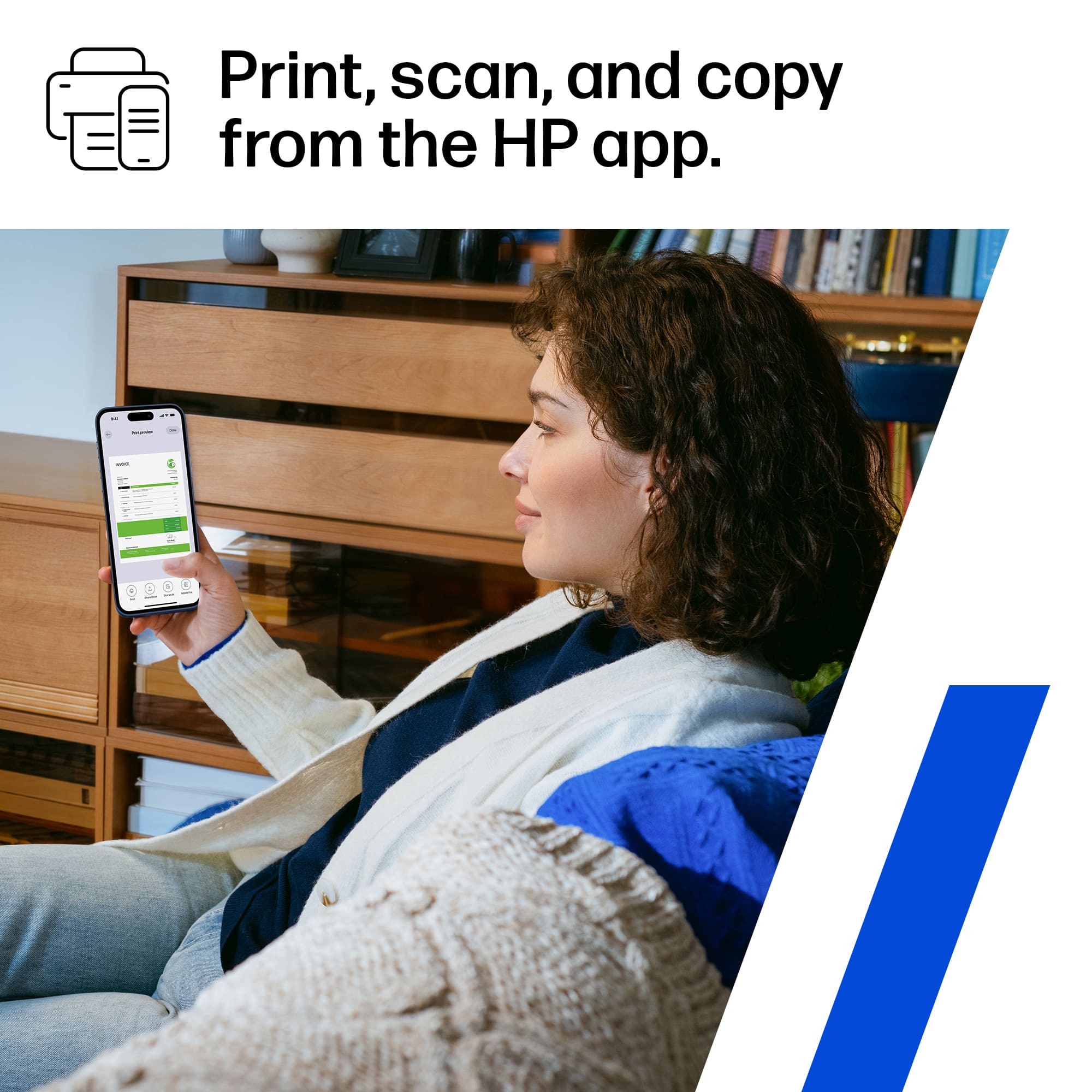
||Posted . Owned for 7 months when reviewed.This reviewer received promo considerations or sweepstakes entry for writing a review.Love my laser color printer allows me to print documents, envelopes and make copies an all-in-all printer. Wireless so I can print any pics or images or text from IPad or iPhone. I highly recommend it!!
I would recommend this to a friend- Pros mentioned:Print quality
Prints great. Autofeed needs work
||Posted . Owned for 1 month when reviewed.This reviewer received promo considerations or sweepstakes entry for writing a review.Great quality prints and fast printing. Lackluster scanning with autofeed. Have to manually seperate pages to feed. Upgraded to laser due to poor proformace of new inkjet models.
I would recommend this to a friend Amazing product!
||Posted . Owned for 5 months when reviewed.This reviewer received promo considerations or sweepstakes entry for writing a review.I love it! It was easy to connect to phone to print. Just amazing product!
I would recommend this to a friend- Pros mentioned:Print quality
Great for Home business
||Posted . Owned for 3 weeks when reviewed.This reviewer received promo considerations or sweepstakes entry for writing a review.This printer is great for my home business. The print quality is crisp and clear
I would recommend this to a friend - Pros mentioned:Print quality
Laser printer
||Posted . Owned for 1 month when reviewed.This reviewer received promo considerations or sweepstakes entry for writing a review.We really like this printer. We have had no problems with it so far. It connected easily to the internet, printing is clear. We originally had a different one and had issues with it. Since we have Total Tech we took it in and said we didn’t want that one and wanted to exchange it for a different brand. We had no hassle and customer service was great!
I would recommend this to a friend - Pros mentioned:Print quality
Lloyd Candle Company
||Posted . Owned for 1 year when reviewed.This reviewer received promo considerations or sweepstakes entry for writing a review.Love this printer. Print fast and is a great addition to our business. We print our own candle lables. Lloydcandlecompany.com
I would recommend this to a friend - Pros mentioned:Print quality
PRINTER - SMALL BUSINESS
||Posted . Owned for 6 months when reviewed.This reviewer received promo considerations or sweepstakes entry for writing a review.Wonderful printer! The print quality is remarkable and highly economical. I would definitely purchase it again.
I would recommend this to a friend - Pros mentioned:Print quality
Amazing investment
||Posted . Owned for 1 month when reviewed.This reviewer received promo considerations or sweepstakes entry for writing a review.This is am amazing printer. I've been an HP fan since the original 2680 back in 1981.. This printer is fast, efficient, great output quality, and SMART... I highly recommend this printer for your home or work environments.
I would recommend this to a friend - Pros mentioned:Print quality
Clean color pictures
||Posted . Owned for 6 months when reviewed.This reviewer received promo considerations or sweepstakes entry for writing a review.The quality of the print is truly amazing. My pictures on printer paper come out super clean!
I would recommend this to a friend lightning fast laser printer
||Posted . Owned for 3 weeks when reviewed.This reviewer received promo considerations or sweepstakes entry for writing a review.I had a great sales clerk that knew his products and helped his sale a lot.
I would recommend this to a friend- Pros mentioned:Print qualityCons mentioned:Weight

fast "do everything" printer, pleasing to look at
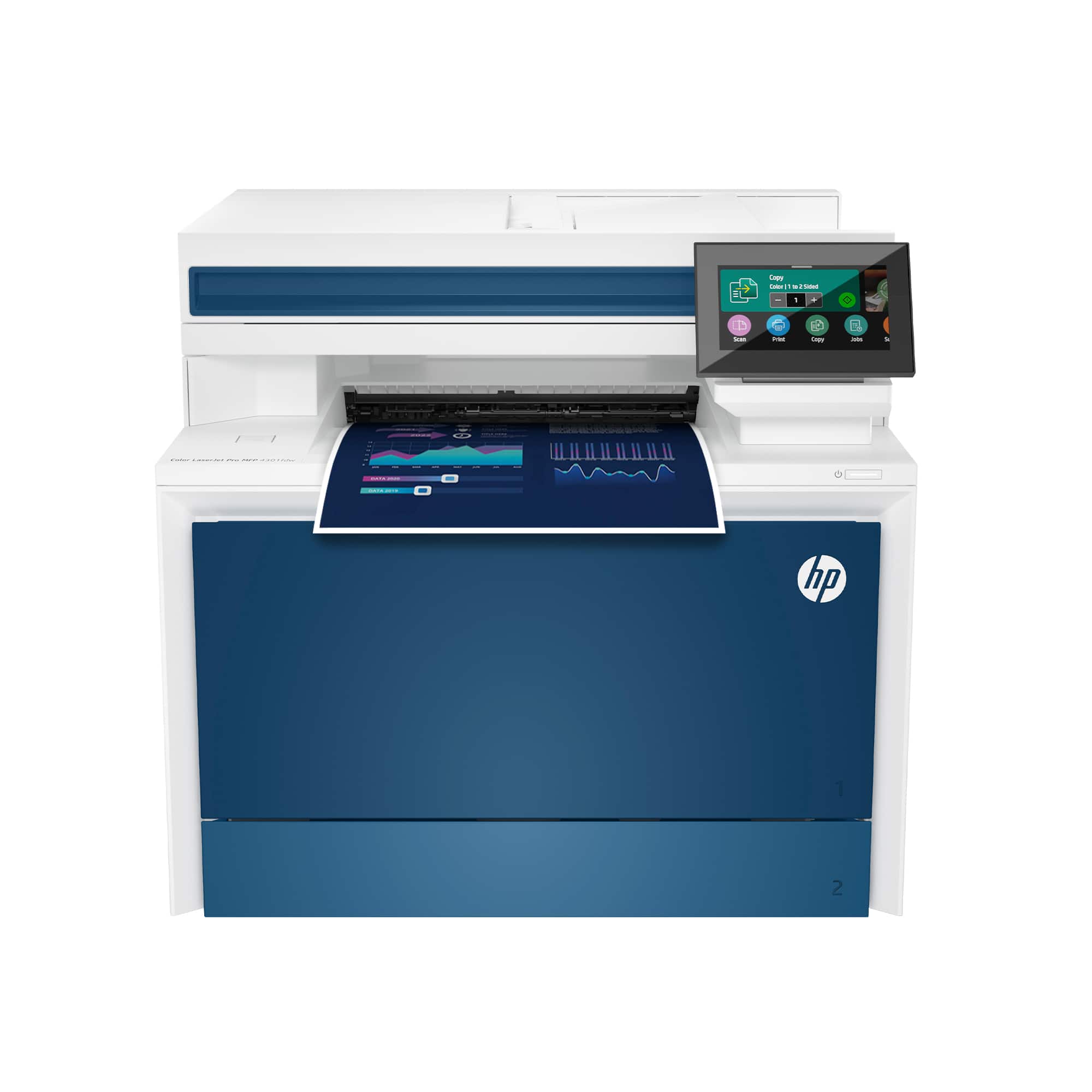
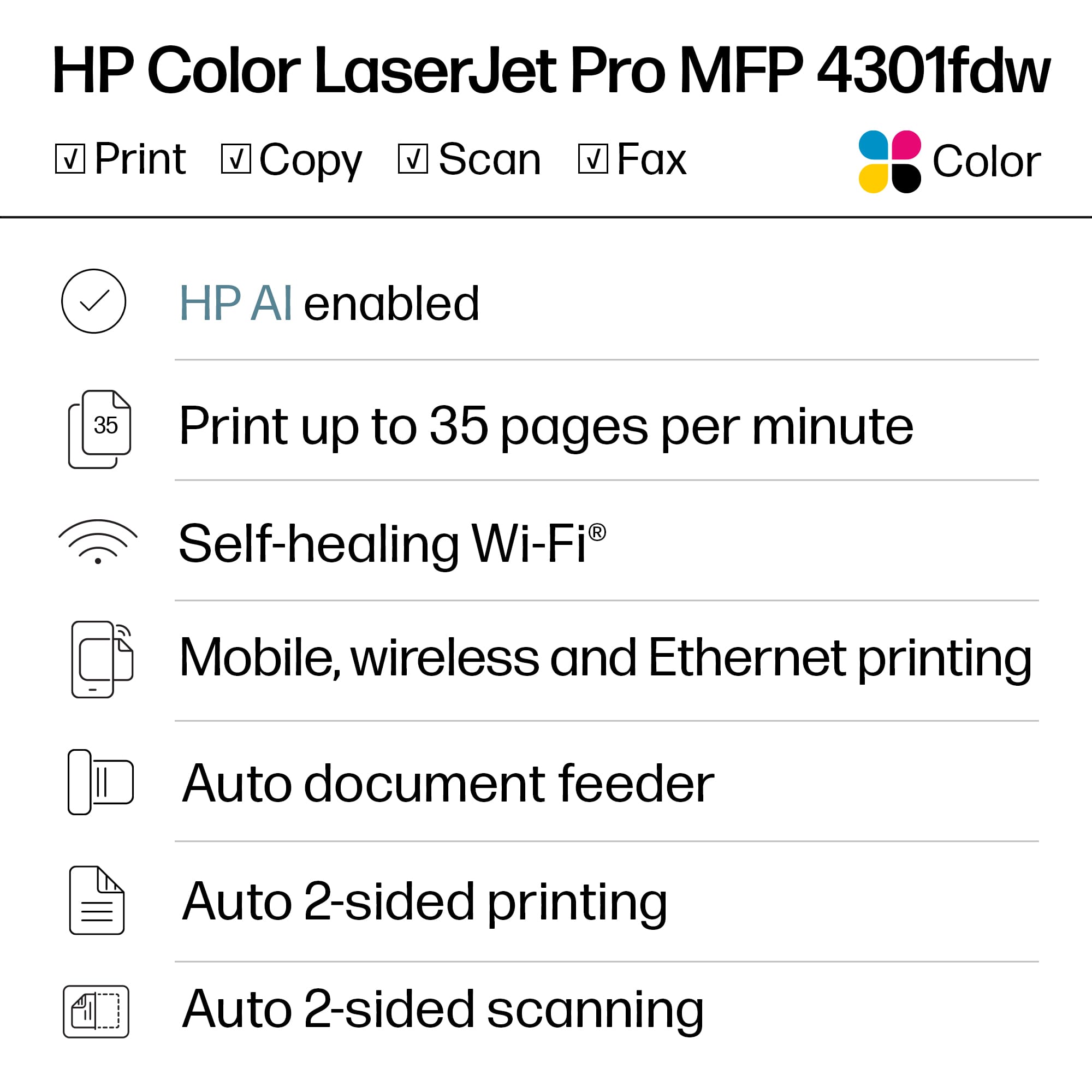
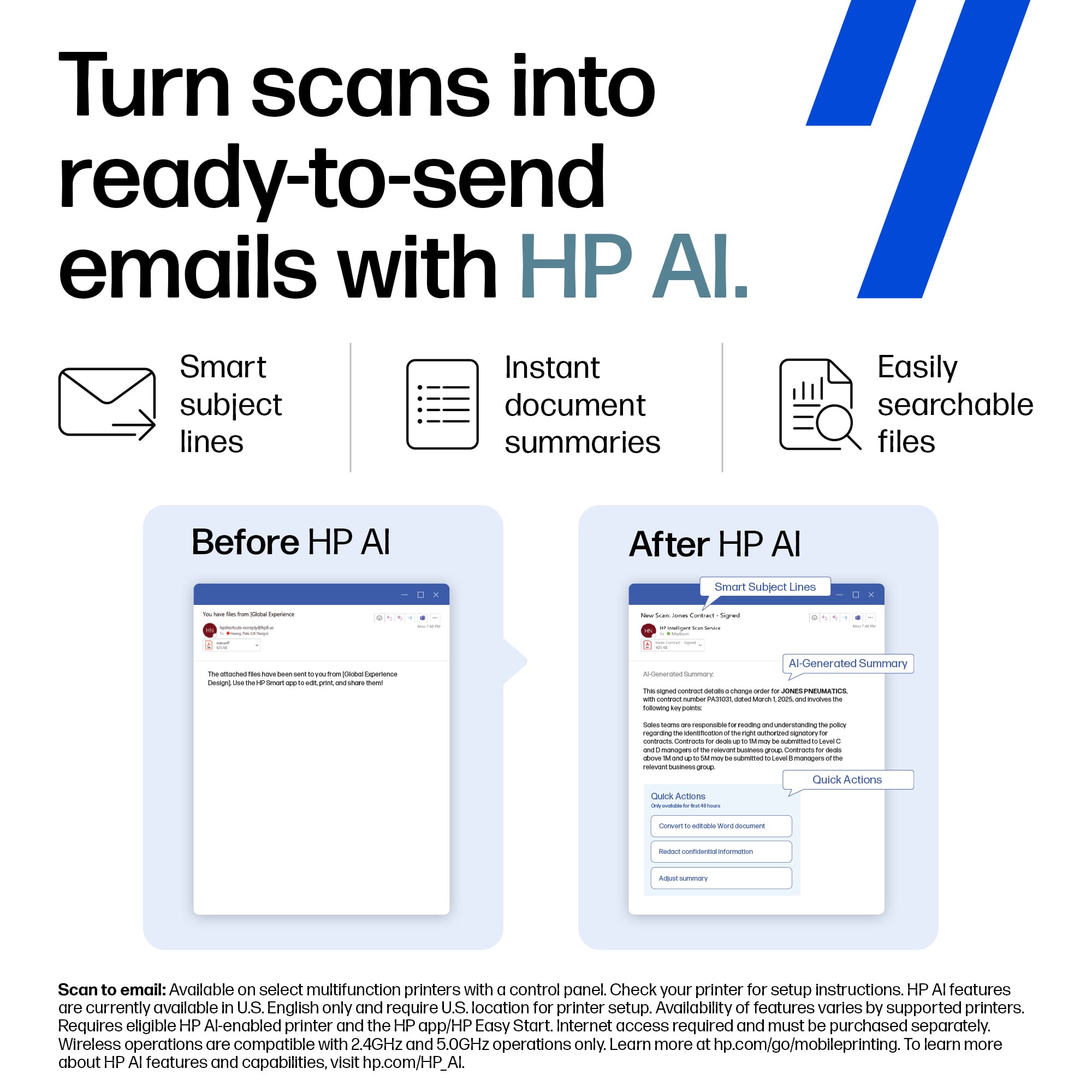
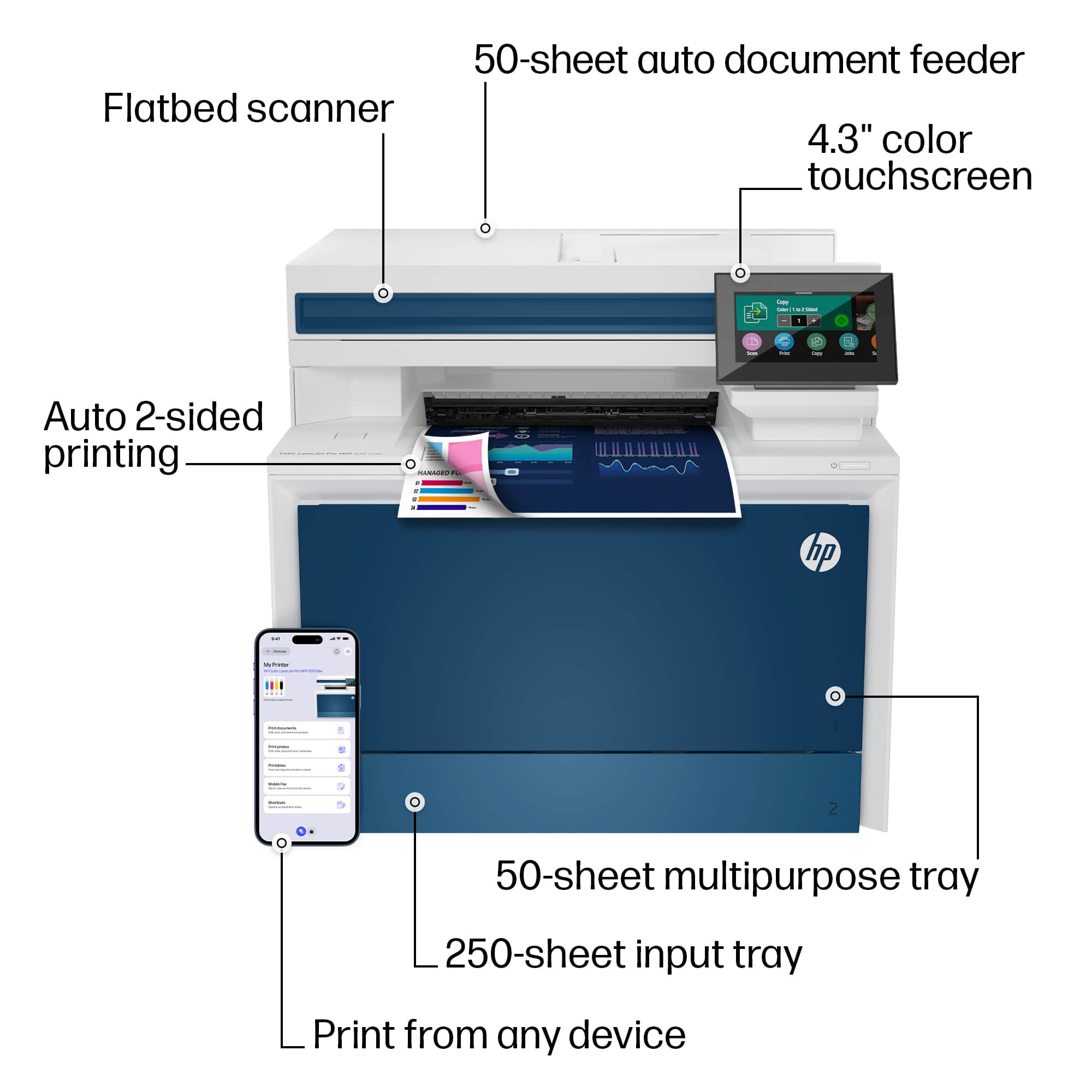
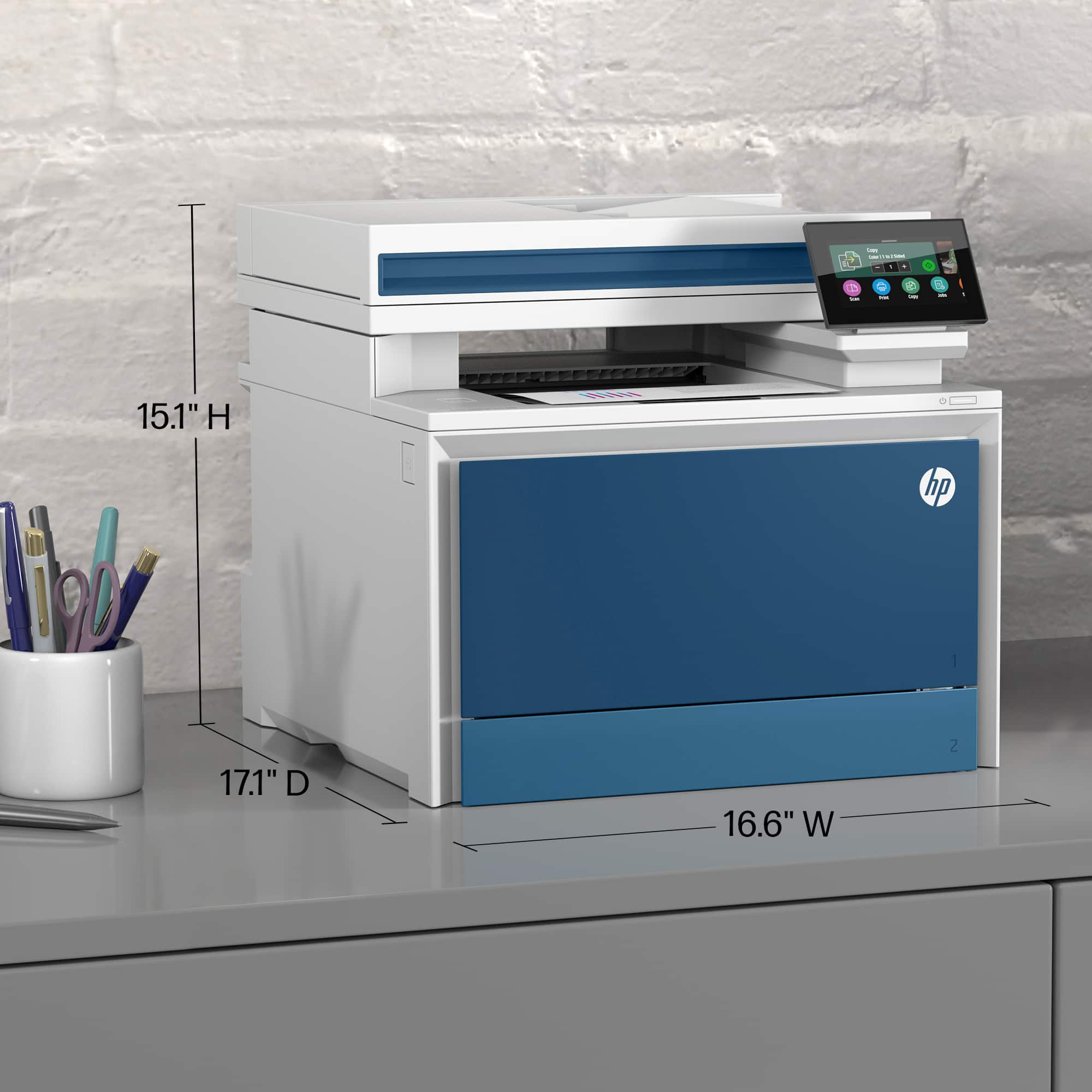
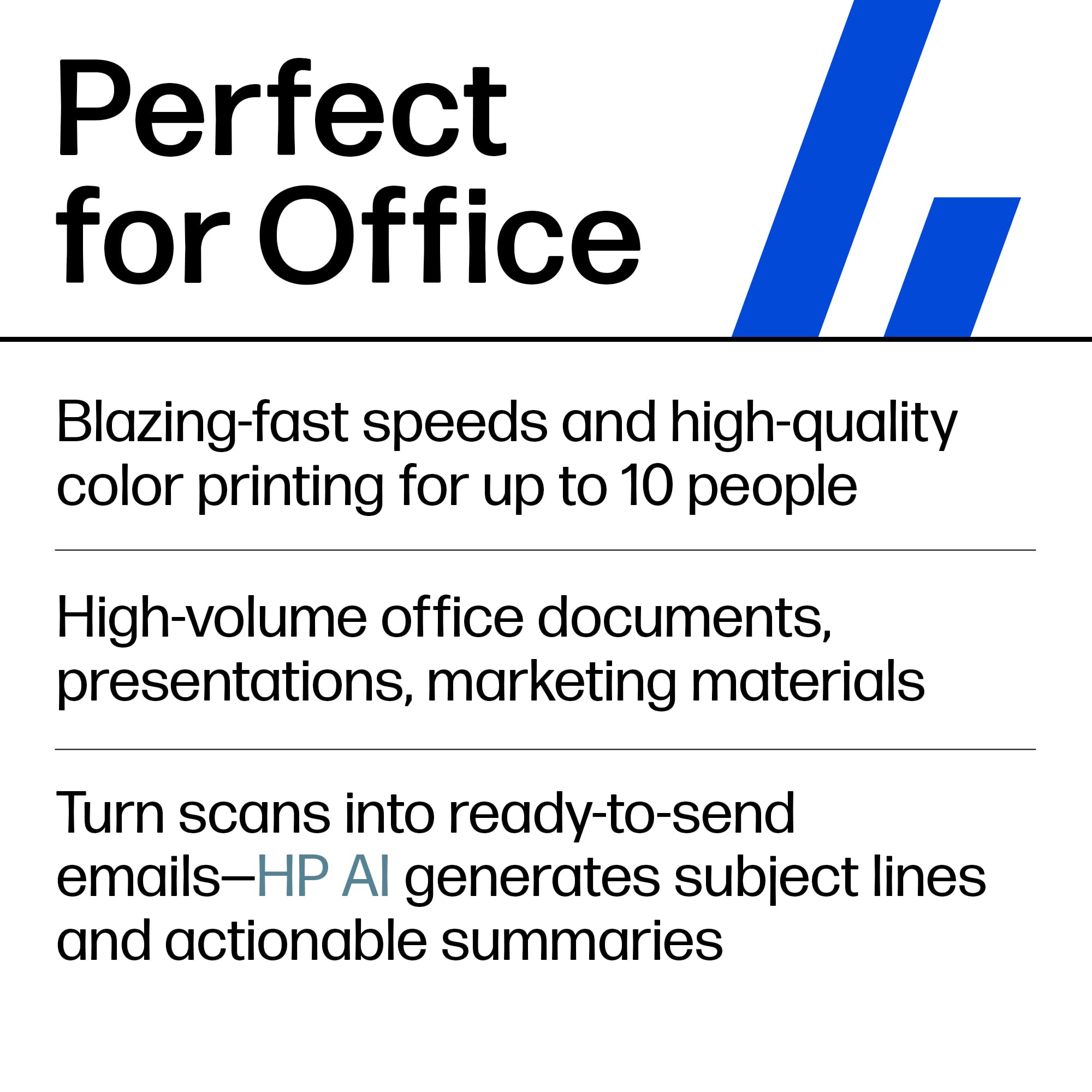
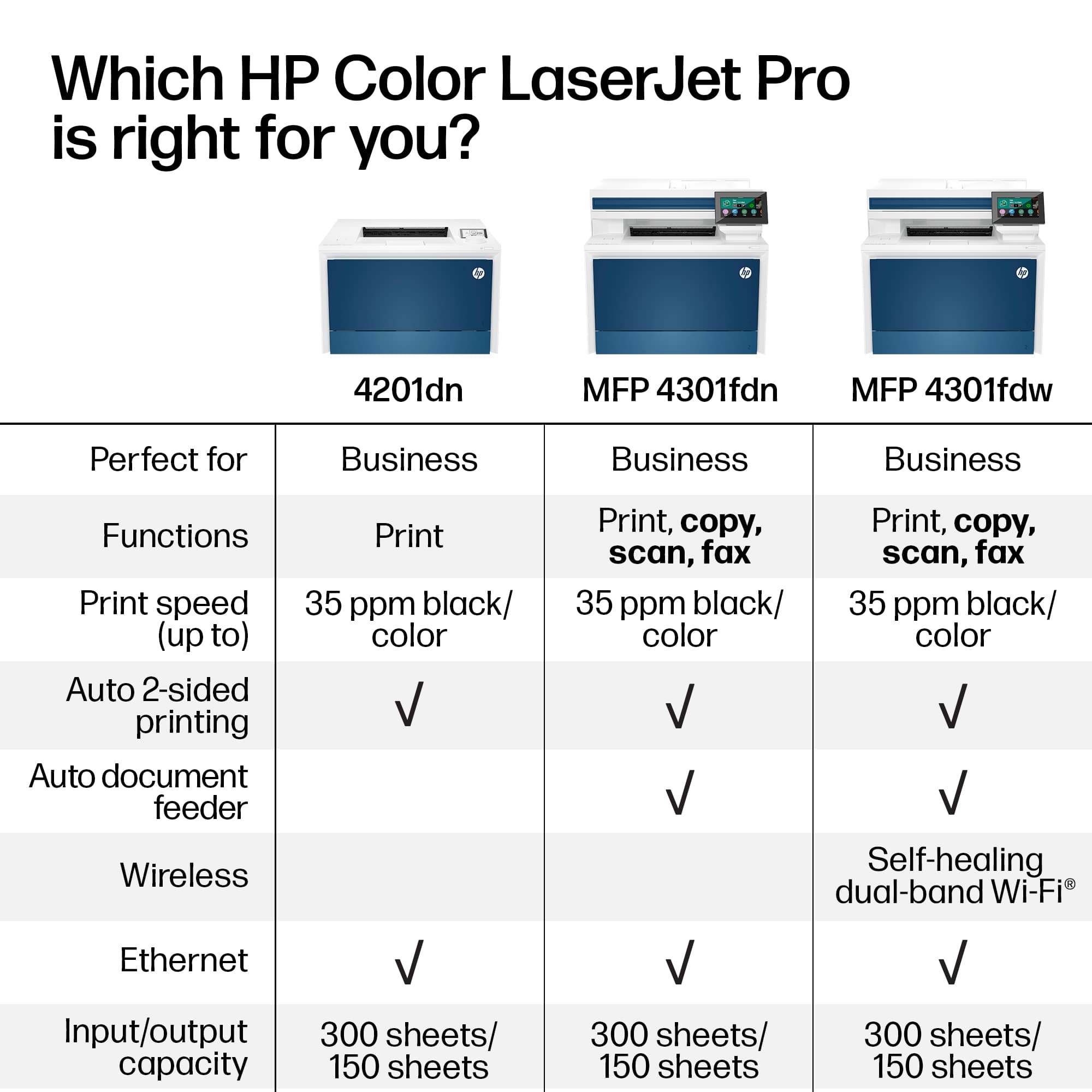
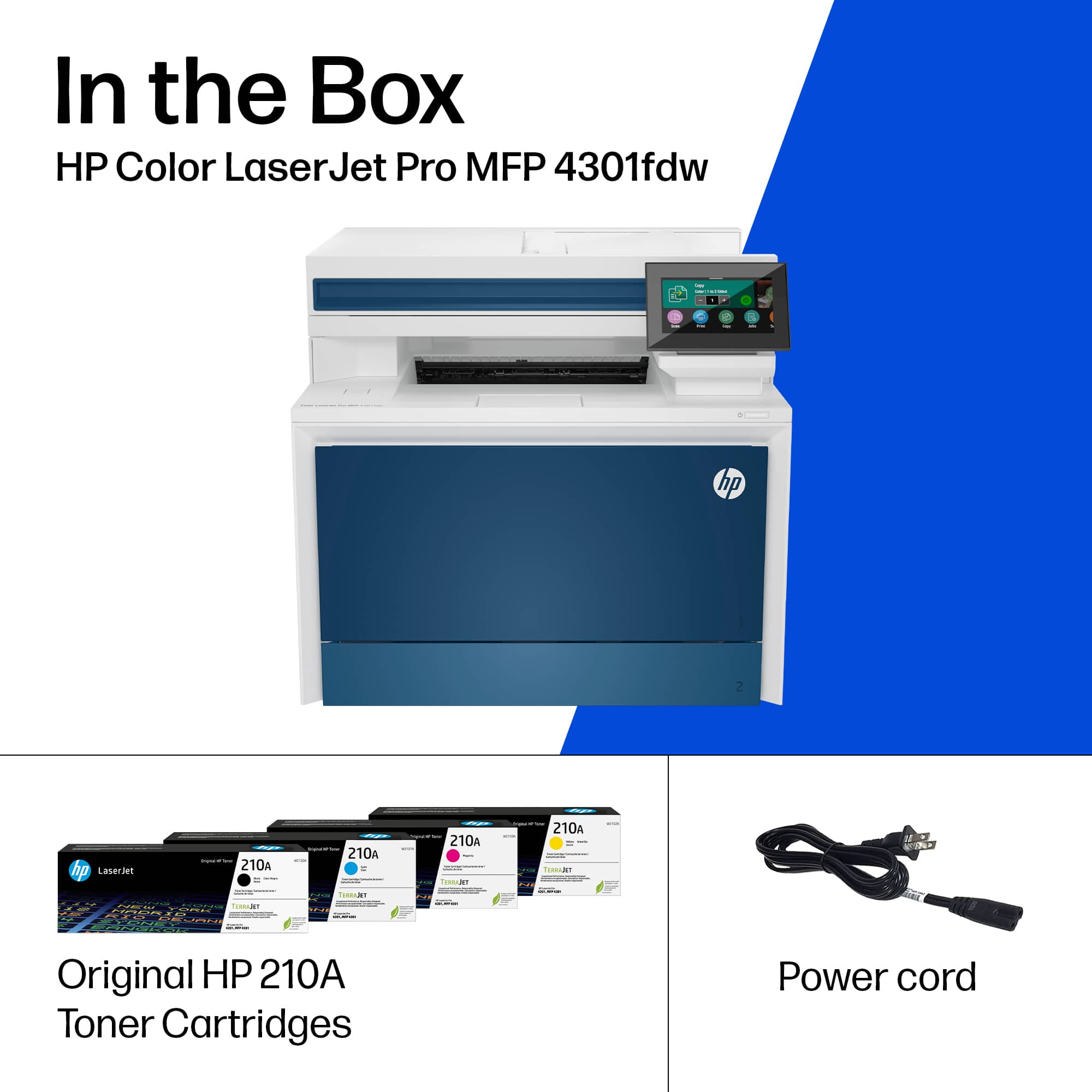
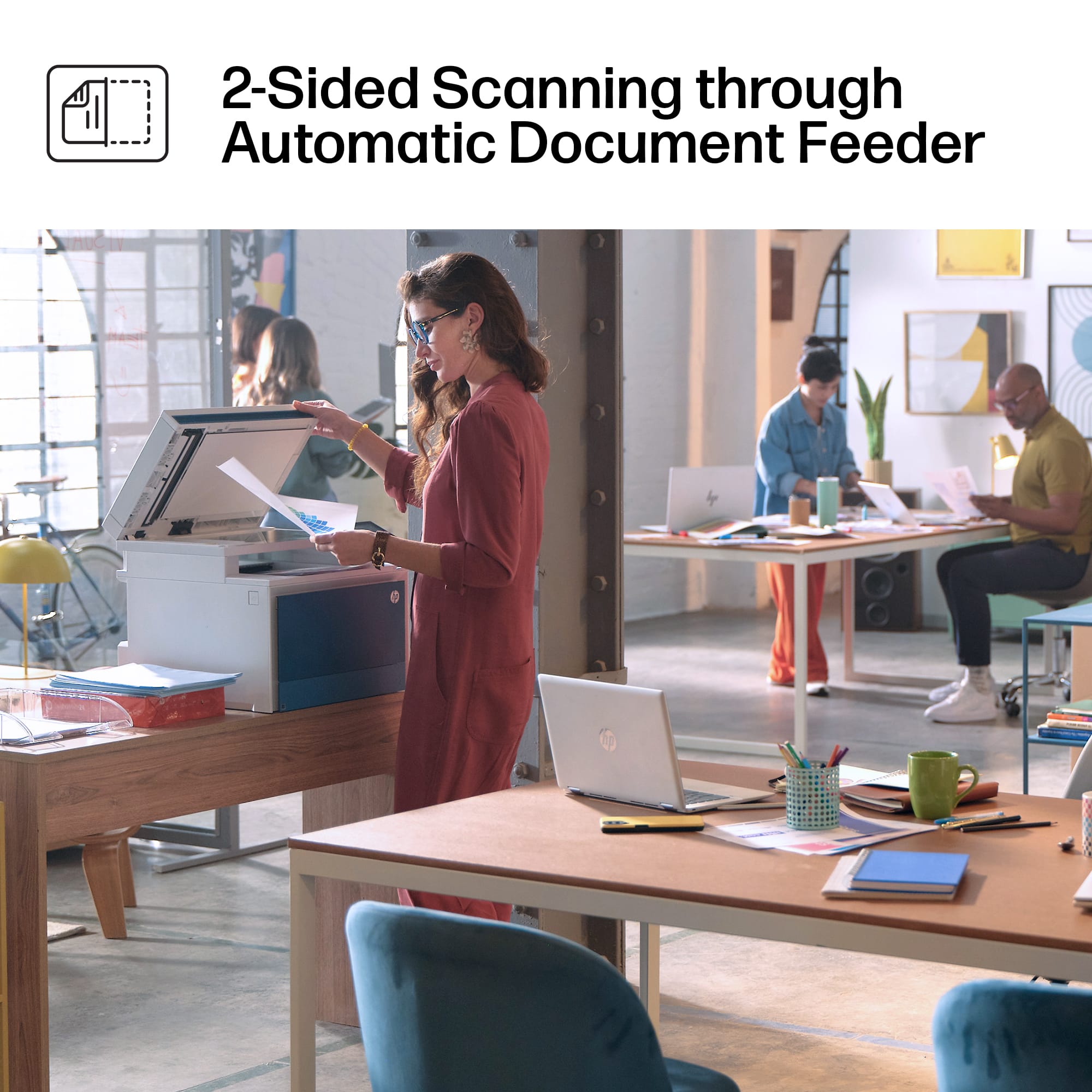
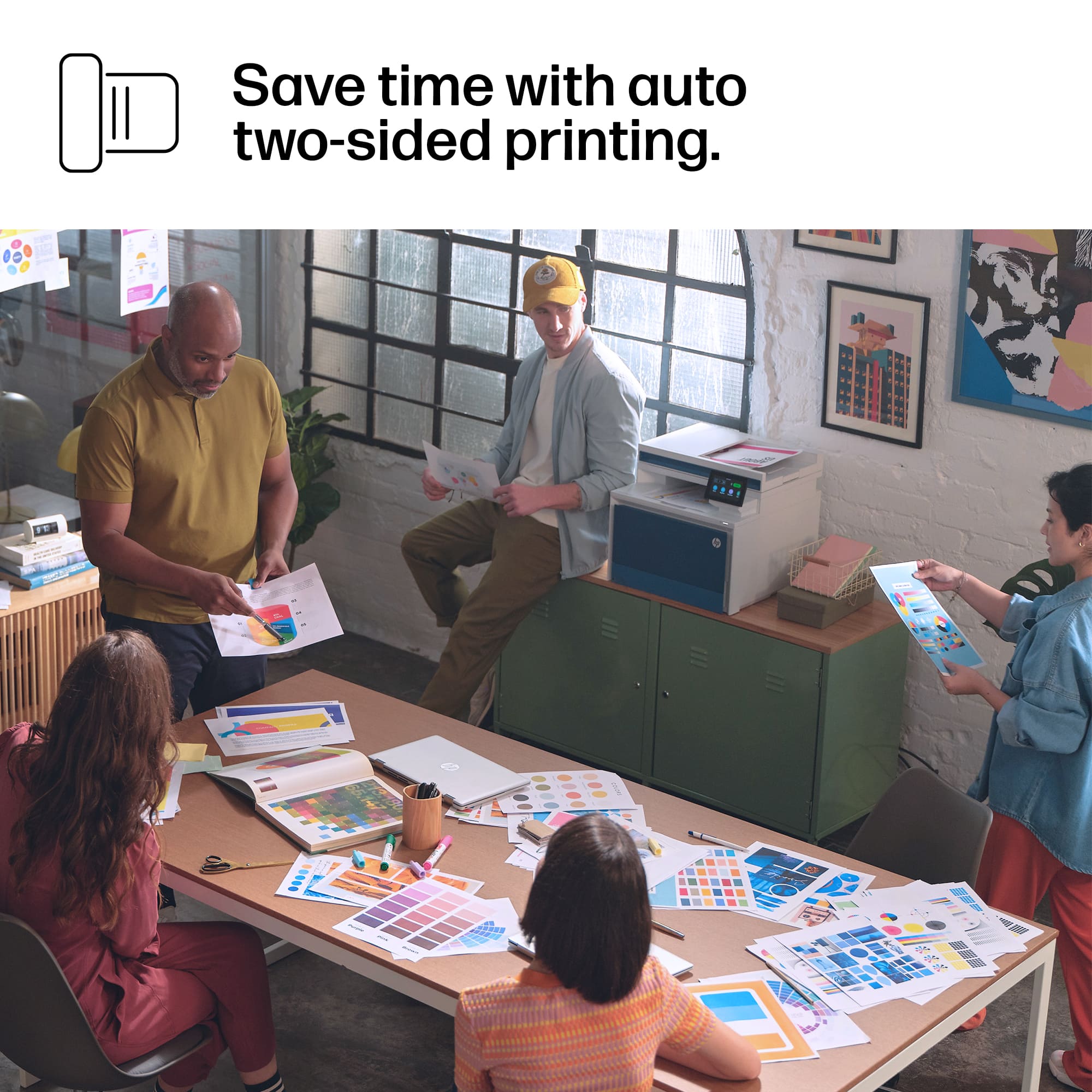
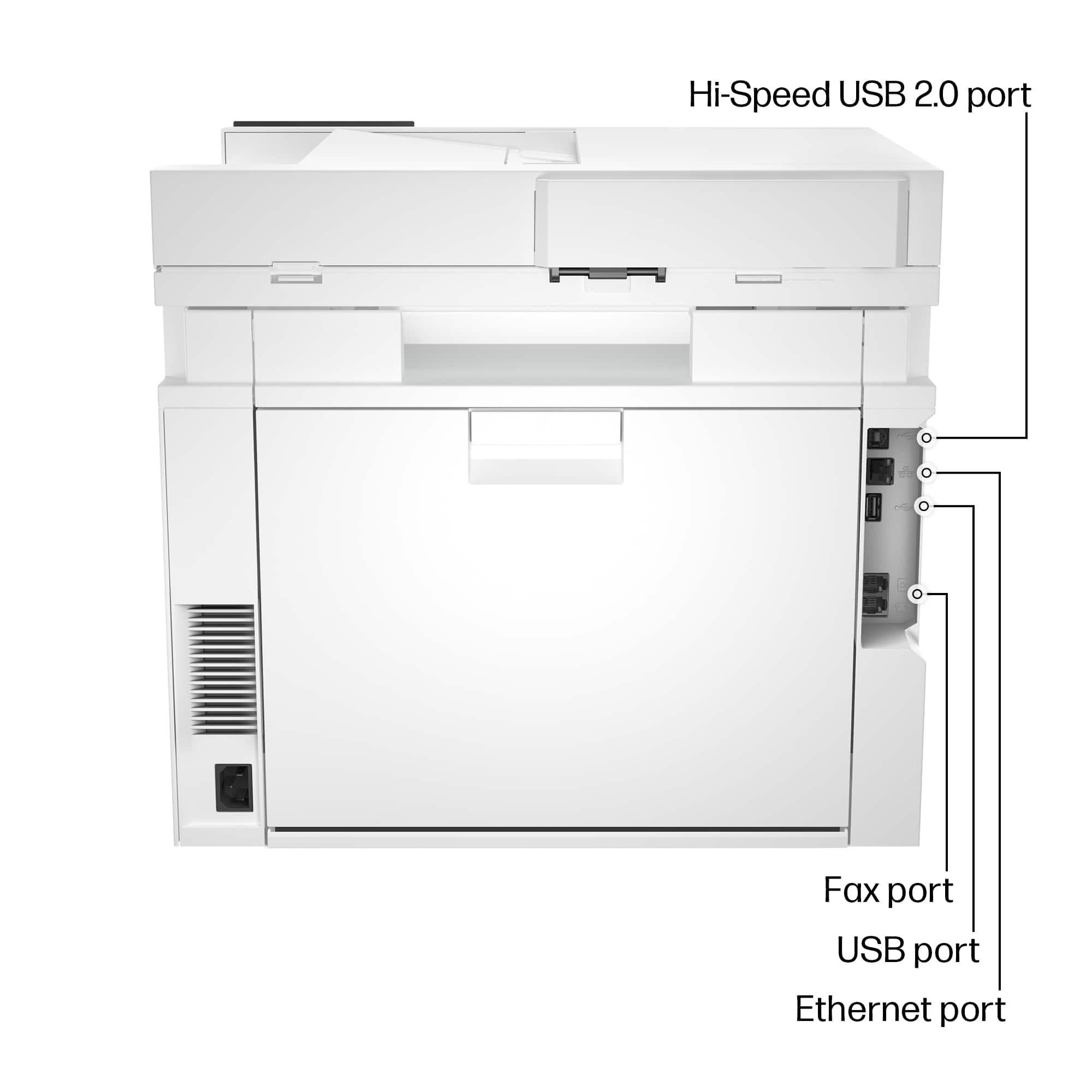
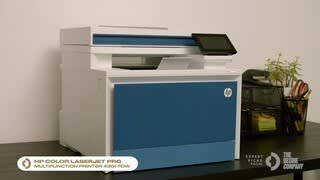
|Posted .This reviewer received promo considerations or sweepstakes entry for writing a review.My thanks to BestBuy for arranging for my receiving this equipment for my trial of the machine. In exchange I wish to provide my hands on experience and opinions of the printer. Having experience with a similar HP printer beginning only 6 months ago with very similar features, gives me the chance to compare and note any improvements and differences in these two models. My initial impressions is that they are almost indistinguishable machines with only some tweaks in the styling and location of some of the controls. The response, speed, output quality, and additional features of these multifunction machines is identical. My first realization was the substantial weight of this printer, weighing 45 lbs, by the labeling on the box. Compared to ink jet printers, the laser engine is profoundly heavier. The value of the laser in speed of output, large capacity for larger work loads, and much cheaper price per page of output make the laser printer worth the extra weight. It is designated as appropriate for a small to medium business, with output of up to 50,000 pages a month. Printer output is quite brisk, rated at 35 pages/minute for both color and B&W. The is a convenient front load 50 sheet loading paper slot for printing onto an occasional stock, such as letterhead, color paper, heavier stock for photos, etc. The second 250 sheet bulk tray is at the base, accepting all normal bulk stock such as 8.5” x 11” and A5. The tray accepts 8.5” x 14”, but the trays then sticks out in the front to accommodate the extra 3” of length for the legal page stock. The printer is compatible to the most common operating systems, including Windows, MacOS, Linux, ChromeOS, iOS and Android for mobile devices, Linux, and Citrix. I found it worked seamlessly with AirPrint on my iPhone 13; no hoops to jump through. It just worked. It arrived via a commercial carrier in excellent condition, well packaged. Alas, a couple of large chunks of styrofoam came in the box, one of the least ecological plastics available and not accepted in the majority of municipal curbside recycling programs. Other bulky items I have received recently have been much more ecologically padded with use of molded cardboard to protect the equipment. This molded heavy cardboard was sufficient protection for the equipment, which has all arrived in excellent shape, and avoids new plastics traveling for centuries of life in the landfill or oceans. The printer itself was a departure from the starkness of most recent HP printers in their plain white motif. With a blue facade, it was actually quite stylish in comparison, and a welcome change for me. Other aspects of how the machine was organized was also showing some improvements of access and convenience, such as the USB port in an easier access, behind a little flip up door, rather than tucked The touchscreen which is about 4.3” diagonal screen is very conveniently located up front. It prompted you for all the steps to setup your printer, without a hitch. Logging in to the WiFi was simple and flawless in execution. It then automatically checked for any firmware updates, and gave me the options for future updates whether I wished to check on my own, receive notifications of updates, or allow such updates to be automatically installed. My first pass on the firmware update gave me an error screen (see photo) but the second pass was flawless. There is also Ethernet connectivity, which would offer advantages of speed, and stability of the network even if the WiFi “went down”, and offers security by no vulnerability to hacking into the WiFi network. The machine arrived with all 4 color toner cartridges installed. The black cartridge was a regular size, rated at around 1800 pages of output, whereas the color cartridges were “introductory” cartridges, offering around 800-1000 pages of output (varies with your usage of color output). HP notes in the firmware disclosure that the machine is programed to accept only HP brand cartridges, and recognizes the embedded computer chips in HP brand cartridges. HP stated in this disclosure that future updates in the firmware will function to detect and thwart future any third party toner cartridges that have been designed to bypass HP’s restriction to only HP branded toner products. The customer cost of the 4 regular fill cartridges at retail is $425, but various vendors offer “rewards” for customers, which lowers the final cost. The various office supply stores charge essentially the same prices at retail. Printer Duplex printing, which can be toggled easily on the print dialog screen, as well as standard choices of color or B&W printing, number of copies, whether you want the whole document or just certain pages of it to print, etc. Very fast output, stated to be 35 pages/minute, color or B&W. This small to medium office machine is likely faster than “home use” rated machines, which have output in the 20-25 pages/minute range. The photo output is actually quite good. Generally, for fully optimal (gallery or archival) usage a laser printer is not the machine for photographs. In the consumer market that is usually an ink jet printer, with many manufacturers all making photo printers in a wide range of prices, depending on size format of the resulting prints. Laser printers usually top out at 8.5” x 14” size pages, and do not do glossy print surfaces. Dye sublimation, giclee, and other technologies for maximal accuracy of rendition, and longevity of print life, are available for the photo and graphic design pros. So a laser printer is great for color graphs and illustrations, illustrative photographs, line drawings, etc. but this “office machine” is not designed to fulfill your Ansel Adams dreams. Fax No having a land line at my home office, I did not test out the traditional fax function. I did, however, activate the “mobile fax” function. Note that this is a send only function, you would need a traditional land line to use it for receiving faxes. The mobile fax was easy to activate, and I had no difficulty in sending myself a fax to the office’s fax number. You can use this to send with typing in your message or attaching a document, such as a PDF. Scan You can choose color or B&W resolution 75 dpi, 150 dpi, or 300 dpi easily choose from the flatbed scanner glass (for items that are not standard paper size) or use the document feeder, which can scan duplex, capturing both sides of the document to be scanned in a single pass. I had a a problem getting both sides to actually show up on my scanned documents, when I selected “two sided printing”. Despite repeated attempts, it only scans one side. This capacity flawlessly executed on a similar but slightly older HP model. I am in the midst of trying to resolve this issue, and it has escaped me. I need to sift through the online help from HP, but sort of a low priority, as this is an infrequently used feature. I cannot say this is broken, but certainly not functioning as I intended. The prior printer would easily scan the documents to a USB memory stick if inserted into the USB port on the printer. It was one of the options, once you chose to scan, the USB was one target offered for the scan procedure. However the MFP4301 did not have a “scan to USB stick” option, just a scan “to computer” option, where you could have the scan go to any computer on your network. Of course, you could then save that PDF or JPG to your USB thumb drive from the computer, but it takes an extra step on the MFP 4301. Copy One touch to function as a copy machine, using the document feeder or the flatbed glass screen, where you can arrange multiple items (a series of narrow receipts from a retail store, for example). Duplex works well in this mode. Create You are prompted to download to your computer, tablet, smartphone the program HP Smart. This opens up a bevy of support apps, templates, features, and the like. Various cards and craft projects are presented. Using your phone’s camera as a mobile and portable scanner is certainly handy. There are many phone apps that offer such a function, but often at an ongoing fee. The HP Smart download is free, and includes access to a mobile faxing program for a trial period of unstated duration. You can send faxes from your computer or the phone HP Smart app, using your phone as a scanner or the phone’s camera to send a photo. The advantage of sending a photo via an internet fax is not that obvious to me, whereas sending a JPG via email, text, or message app is quite ubiquitous. However, the sign up does inquire if you are a HIPAA requiring entity, which suggests that their protocols could be compliant with the legal requirements of HIPAA for confidential transmission of medical reports, history, and similar data for the health care fields. Conclusion The printer performs very well, with a speedy consistent output, and several capacities beyond being just a printer. The price tag is I think reasonable given that you are getting about $425 worth of toner pre-loaded in the product. Whether the flat bed scanner, duplex printing, land line fax ability, and very fast page output are worth the premium over a more basic LaserJet is a calculation you will need to make. Since my home office usage is not that great, and I don’t therefore burn through toner that much, the requirement to stick with HP branded toner cartridges is not a deal breaker. Again that is a calculation you will need to decide for yourself. In comparison to the prior HP model that I use at the office, there are a couple of features that are missing here, that I had used regularly. Most notably: 1) to scan to a USB drive (not offered as a choice in this model) and 2) getting the scanning to provide duplex scanning (both sides of a document without having to take out and re-feed the document into the tray). Duplex scanning is present in the choices of scanning, but just doesn’t work. I have not yet connected with HP help desk to see if
I would recommend this to a friend - Pros mentioned:Print quality
perfect for our home office
||Posted . Owned for 1 month when reviewed.This reviewer received promo considerations or sweepstakes entry for writing a review.So far, our home office printer is exactly what we were looking for. Print quality is excellent.
I would recommend this to a friend - Pros mentioned:Ease of use
Great Product
||Posted . Owned for 1 month when reviewed.This reviewer received promo considerations or sweepstakes entry for writing a review.Excellent Product. Very easy and powerful printer. Highly Recommend
I would recommend this to a friend - Pros mentioned:Overall performance
Positive review
||Posted . Owned for 3 weeks when reviewed.This reviewer received promo considerations or sweepstakes entry for writing a review.The printer runs smoothly. Not having a single problem
I would recommend this to a friend - Pros mentioned:Print quality
Recommend
||Posted . Owned for 3 weeks when reviewed.This reviewer received promo considerations or sweepstakes entry for writing a review.Have had this printer for about a month and, so far, it functions as advertised. My first color laserjet and I'm pleased.
I would recommend this to a friend