Customer Ratings & Reviews





- Model:
- M3301sdw/499Q3F#BGJ
- |
- SKU:
- 11006270
Customer reviews
Rating 4.5 out of 5 stars with 533 reviews
(533 customer reviews)Rating by feature
- Value4.4
Rating 4.4 out of 5 stars
- Quality4.6
Rating 4.6 out of 5 stars
- Ease of Use4.5
Rating 4.5 out of 5 stars
- Pros mentioned:Print quality
Rated 5 out of 5 stars
Good printer for our needs.
||Posted . Owned for 1 month when reviewed.This reviewer received promo considerations or sweepstakes entry for writing a review.Pretty easy to set up, and prints well. Like the color and speed.
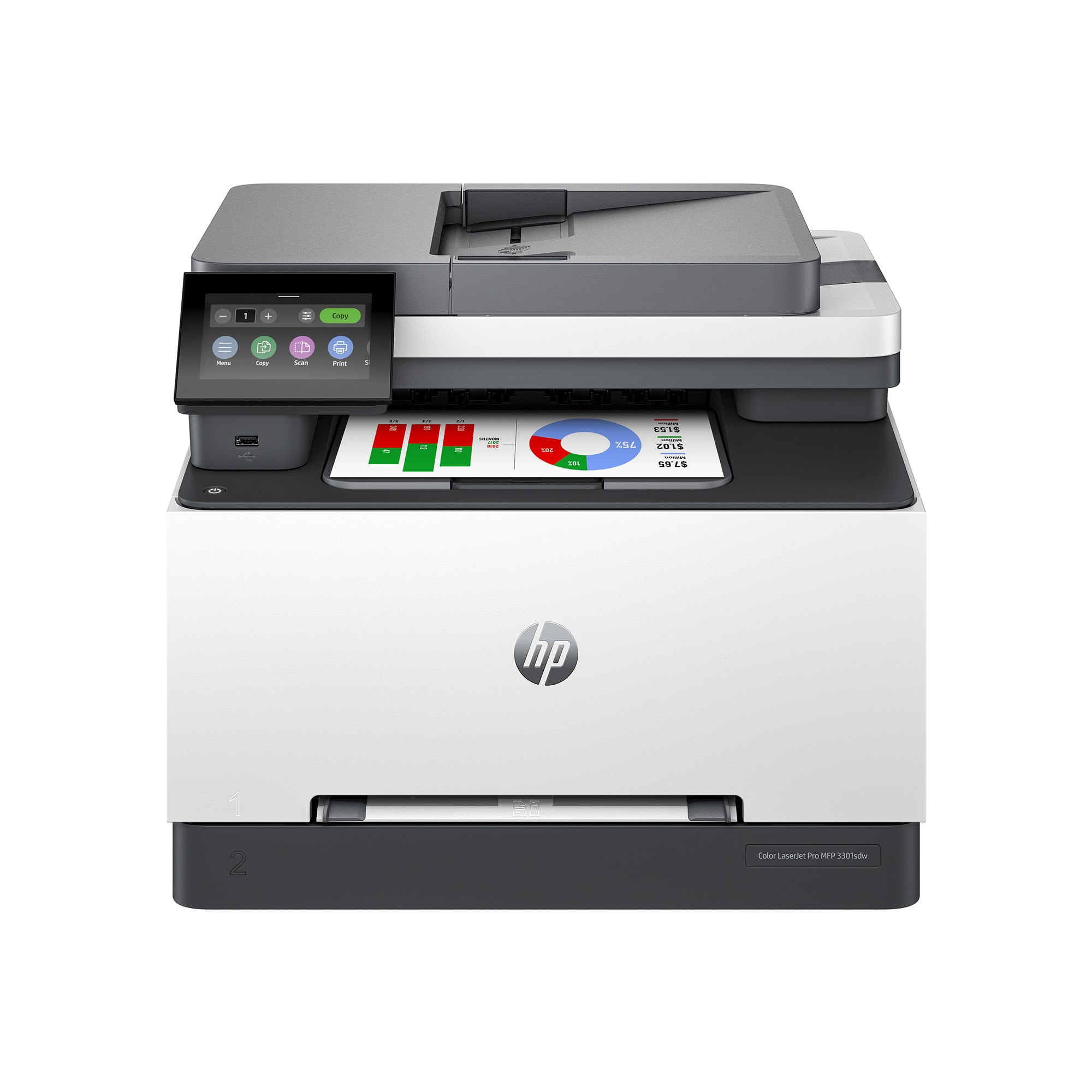
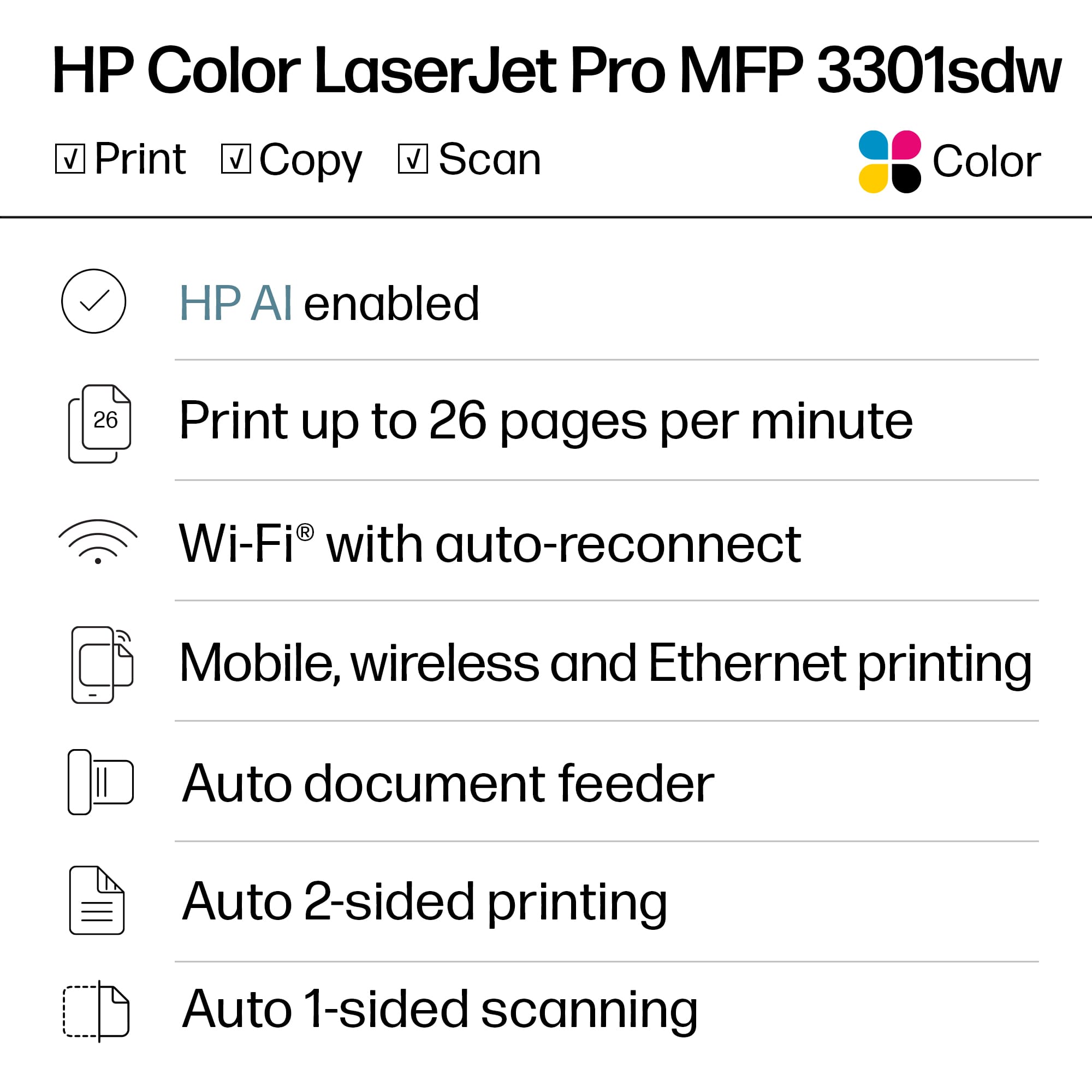
This review is from HP - LaserJet Pro MFP 3301sdw Wireless AI-Enabled Color All-in-One Laser Printer - White
I would recommend this to a friend - Pros mentioned:Overall performance
Rated 5 out of 5 stars
Great laserprinter that was easy to set up!
||Posted . Owned for 3 weeks when reviewed.This reviewer received promo considerations or sweepstakes entry for writing a review.Our 20 year HP printer bit the dust and this replacement is excellent! It was very easy to set up both the printing & scanning functions and works great!
This review is from HP - LaserJet Pro MFP 3301sdw Wireless AI-Enabled Color All-in-One Laser Printer - White
I would recommend this to a friend - Pros mentioned:Print quality
Rated 5 out of 5 stars
HP LaserJet Pro MFP 3301sdw
||Posted . Owned for 2 weeks when reviewed.This reviewer received promo considerations or sweepstakes entry for writing a review.I'm very pleased with this printer. It is very easy to set up and print quality is exceptional. I bought this to replace a Samsung color printer that was only a year old but kept giving me print quality issues.
This review is from HP - LaserJet Pro MFP 3301sdw Wireless AI-Enabled Color All-in-One Laser Printer - White
I would recommend this to a friend Rated 5 out of 5 stars
Printer Purchase
||Posted . Owned for 1 month when reviewed.This reviewer received promo considerations or sweepstakes entry for writing a review.This printer is wonderful! Easy connection and hook-up. I am very pleased. Thank you, Lisa Camera
This review is from HP - LaserJet Pro MFP 3301sdw Wireless AI-Enabled Color All-in-One Laser Printer - White
I would recommend this to a friendRated 4 out of 5 stars
Saturated colors, fast and solid
||Posted . Owned for 1 month when reviewed.This reviewer received promo considerations or sweepstakes entry for writing a review.This printer is so easy to set up, and prints crisply and quickly. Wish the colors weren't quite as saturated (for color matching) but printouts look great otherwise. Much better quality than the HP smart tank and has far less obtrusive noises, although I wish it was as economical as the smart tank for toner.
This review is from HP - LaserJet Pro MFP 3301sdw Wireless AI-Enabled Color All-in-One Laser Printer - White
I would recommend this to a friend- Pros mentioned:Print quality
Rated 5 out of 5 stars
Amazed
||Posted .This reviewer received promo considerations or sweepstakes entry for writing a review.The quality of this all in one printer is amazing! The paperwork that is being printed comes out very fast and precisely. I am extremely satisfied with this purchase.
This review is from HP - LaserJet Pro MFP 3301sdw Wireless AI-Enabled Color All-in-One Laser Printer - White
I would recommend this to a friend - Pros mentioned:Print quality
Rated 4 out of 5 stars
Wireless colr laser printer
||Posted . Owned for 2 weeks when reviewed.This reviewer received promo considerations or sweepstakes entry for writing a review.Wireless connection was unnecessarily complicated. Print quality is top notch. Can't wait to try printing photos.
This review is from HP - LaserJet Pro MFP 3301sdw Wireless AI-Enabled Color All-in-One Laser Printer - White
I would recommend this to a friend - Pros mentioned:Overall performance
Rated 5 out of 5 stars
Printer
||Posted . Owned for 3 weeks when reviewed.This reviewer received promo considerations or sweepstakes entry for writing a review.Have had this a few weeks; and it seems to be a good printer so far.
This review is from HP - LaserJet Pro MFP 3301sdw Wireless AI-Enabled Color All-in-One Laser Printer - White
I would recommend this to a friend - Pros mentioned:Print quality
Rated 5 out of 5 stars
You can buy a printer or you can buy HP
||Posted . Owned for 1 month when reviewed.This reviewer received promo considerations or sweepstakes entry for writing a review.Reliable, easy to install and connect, handsome, and providing excellent print quality. What's not to like?
This review is from HP - LaserJet Pro MFP 3301sdw Wireless AI-Enabled Color All-in-One Laser Printer - White
I would recommend this to a friend - Pros mentioned:Print quality
Rated 4 out of 5 stars
Fine color laser printer
||Posted . Owned for 3 weeks when reviewed.This reviewer received promo considerations or sweepstakes entry for writing a review.I replaced an HP COLOR LASER PRINTER WITH THIS NEW ONE. I really like the final printed material. Still trying to figure out how to print from my phone. A 3d party is there to assist you but they are really trying sell you something you don’t need like HP updates.
This review is from HP - LaserJet Pro MFP 3301sdw Wireless AI-Enabled Color All-in-One Laser Printer - White
I would recommend this to a friend Rated 4 out of 5 stars
Bad Connections-Great Print Quality
||Posted . Owned for 2 weeks when reviewed.This reviewer received promo considerations or sweepstakes entry for writing a review.The four stars have nothing to do with the print quality. The print quality is excellent-even in eco mode. HOWEVER, it is the setup that stinks. If you connect via USB cable, you can not update the firmare or soft ware from HP. But, if you manually enter the product and serial number on HP Support Assistant, then you can dowload soft ware and firmware. You can also go onto HP's driver downloads page and select the printer and selct individually what you need, including the new firmware. But, you have to know what you are doing... The only way to get all of the latest and greatest is to connect wireless. So, I switiched to wireless connection and updated the whole show that way, since it is the "preferred" way to connect. But, I could not print anything after that. All of printing jobs jst stayed in my computer's printing que. So, I had to go back to the USB cable method of connection. As soon as I did that-BINGO-my printer started to print again!
This review is from HP - LaserJet Pro MFP 3301sdw Wireless AI-Enabled Color All-in-One Laser Printer - White
No, I would not recommend this to a friend- Pros mentioned:Print quality
Rated 4 out of 5 stars
Good Value Printer
||Posted . Owned for 1 month when reviewed.This reviewer received promo considerations or sweepstakes entry for writing a review.This prints quickly and is much quieter than my previous printer. The only issue is that it does not always recognize which printer tray to use. This is odd because there is only 1 printer tray.
This review is from HP - LaserJet Pro MFP 3301sdw Wireless AI-Enabled Color All-in-One Laser Printer - White
I would recommend this to a friend - Pros mentioned:Print quality
Rated 2 out of 5 stars
Do not change your paper setting!
||Posted . Owned for 7 months when reviewed.This reviewer received promo considerations or sweepstakes entry for writing a review.I'm giving this printer 2 stars because it does a great job of printing....when it prints. The print and images are crisp and colors bright. I love that part of the printer. I love the ease of changing toner. I love that it lasts a long time What I do not love is the way it crashes my productivity. I made the mistake of changing the paper size from letter to legal which you have to do in three different places just to make it print but now I cannot get it back to letter. I am stuck on Legal therefore my print job is cut off and not working correctly and isn't usable. It DOES print correctly approximately every 20th time iI reset the printer to the correct paper size. So I know it can be done. I just cannot get the print settings to remain long enough to actually print paper. I have saved my settings multiple times. I've done the essential of turning it off and back on. I've searched for solutions....yet it reverts back to the setting I do not need at this time. Plus it goes through a phase (when it is printing) that I have to manually approve the paper size....which means I have to get up and hit a button every time I want to print anything. I did correct this error before I changed paper size but why bother at this point when it won't print correctly. Why is this so hard? Why is this a problem? I would not recommend this product. Simply because it is unreliable. I have owned this printer since April 7, 2025. I am so disappointed in this printer. I do not recommend.
This review is from HP - LaserJet Pro MFP 3301sdw Wireless AI-Enabled Color All-in-One Laser Printer - White
No, I would not recommend this to a friend - Pros mentioned:Overall performance, Print quality
Rated 5 out of 5 stars
Color laser printer
||Posted . Owned for 1 month when reviewed.This reviewer received promo considerations or sweepstakes entry for writing a review.Printer works great. Crisp and fast. Setup was not as intuitive as it could have been, but ultimately was successful.
This review is from HP - LaserJet Pro MFP 3301sdw Wireless AI-Enabled Color All-in-One Laser Printer - White
I would recommend this to a friend - Pros mentioned:Overall performance
Rated 5 out of 5 stars
Hp Laserjet Pro MFP 3301 sdw
||Posted . Owned for 4 months when reviewed.This reviewer received promo considerations or sweepstakes entry for writing a review.Excellent MFP! Perfect for the home office...I highly recommend!
This review is from HP - LaserJet Pro MFP 3301sdw Wireless AI-Enabled Color All-in-One Laser Printer - White
I would recommend this to a friend - Pros mentioned:Print quality
Rated 5 out of 5 stars
Great Printer!
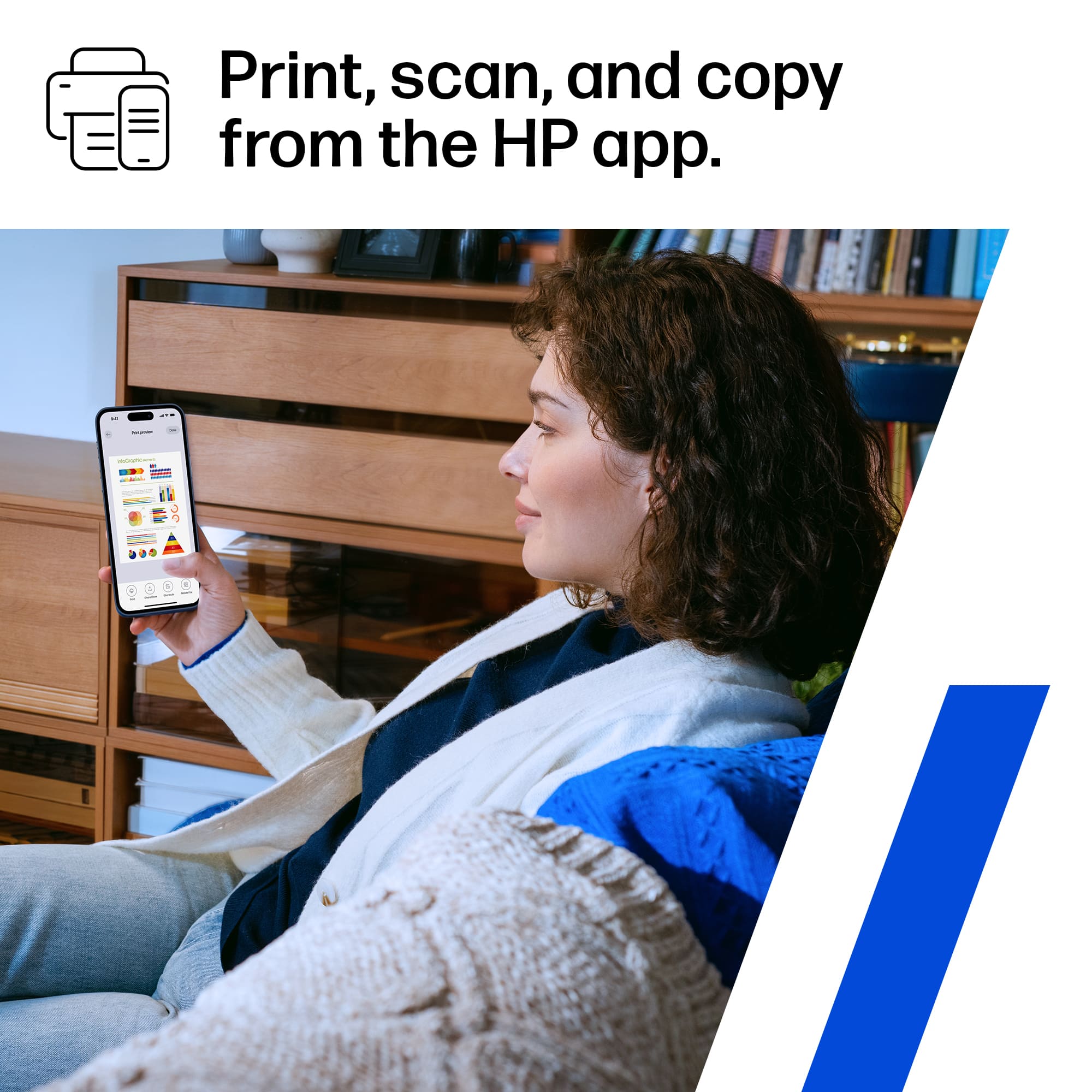
||Posted . Owned for 9 months when reviewed.This reviewer received promo considerations or sweepstakes entry for writing a review.Great printer - very good print quality. Really like the feature to print directly from my iPhone or iPad.
This review is from HP - LaserJet Pro MFP 3301sdw Wireless AI-Enabled Color All-in-One Laser Printer - White
I would recommend this to a friend - Pros mentioned:Print quality
Rated 5 out of 5 stars
An amazing quality printer!
||Posted . Owned for less than 1 week when reviewed.This reviewer received promo considerations or sweepstakes entry for writing a review.An amazing quality printer! I was looking for a color laser jet and this is definitely the one! Print quality and image quality are superb!
This review is from HP - LaserJet Pro MFP 3301sdw Wireless AI-Enabled Color All-in-One Laser Printer - White
I would recommend this to a friend - Pros mentioned:Overall performance
Rated 5 out of 5 stars
Good all in one
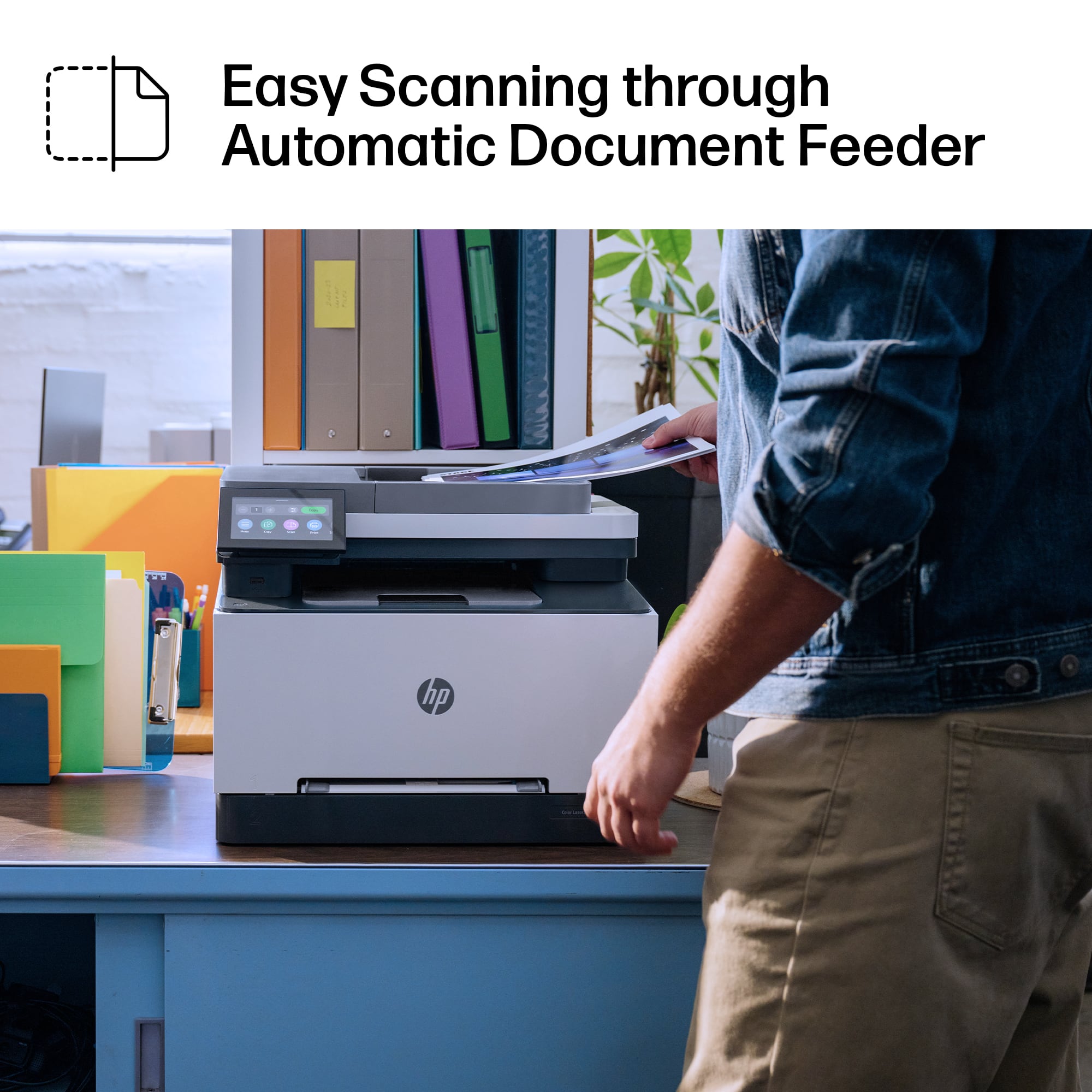
||Posted . Owned for 1 month when reviewed.This reviewer received promo considerations or sweepstakes entry for writing a review.Excellent printer/copier/scanner Good quality and easy to use
This review is from HP - LaserJet Pro MFP 3301sdw Wireless AI-Enabled Color All-in-One Laser Printer - White
I would recommend this to a friend - Pros mentioned:Overall performance, Print quality
Rated 5 out of 5 stars
Upgraded
||Posted . Owned for 1 month when reviewed.This reviewer received promo considerations or sweepstakes entry for writing a review.Very pleased with my upgraded printer. I use this for my small personal business. Works well, prints beautifully.
This review is from HP - LaserJet Pro MFP 3301sdw Wireless AI-Enabled Color All-in-One Laser Printer - White
I would recommend this to a friend - Pros mentioned:Print quality
Rated 5 out of 5 stars
HP Laser Jet 330
||Posted . Owned for 1 month when reviewed.This reviewer received promo considerations or sweepstakes entry for writing a review.This HP Laser jet printer has been the best printer we have ever bought! The print quality is Crisp, FAST and QUIET!!
This review is from HP - LaserJet Pro MFP 3301sdw Wireless AI-Enabled Color All-in-One Laser Printer - White
I would recommend this to a friend