Customer Ratings & Reviews
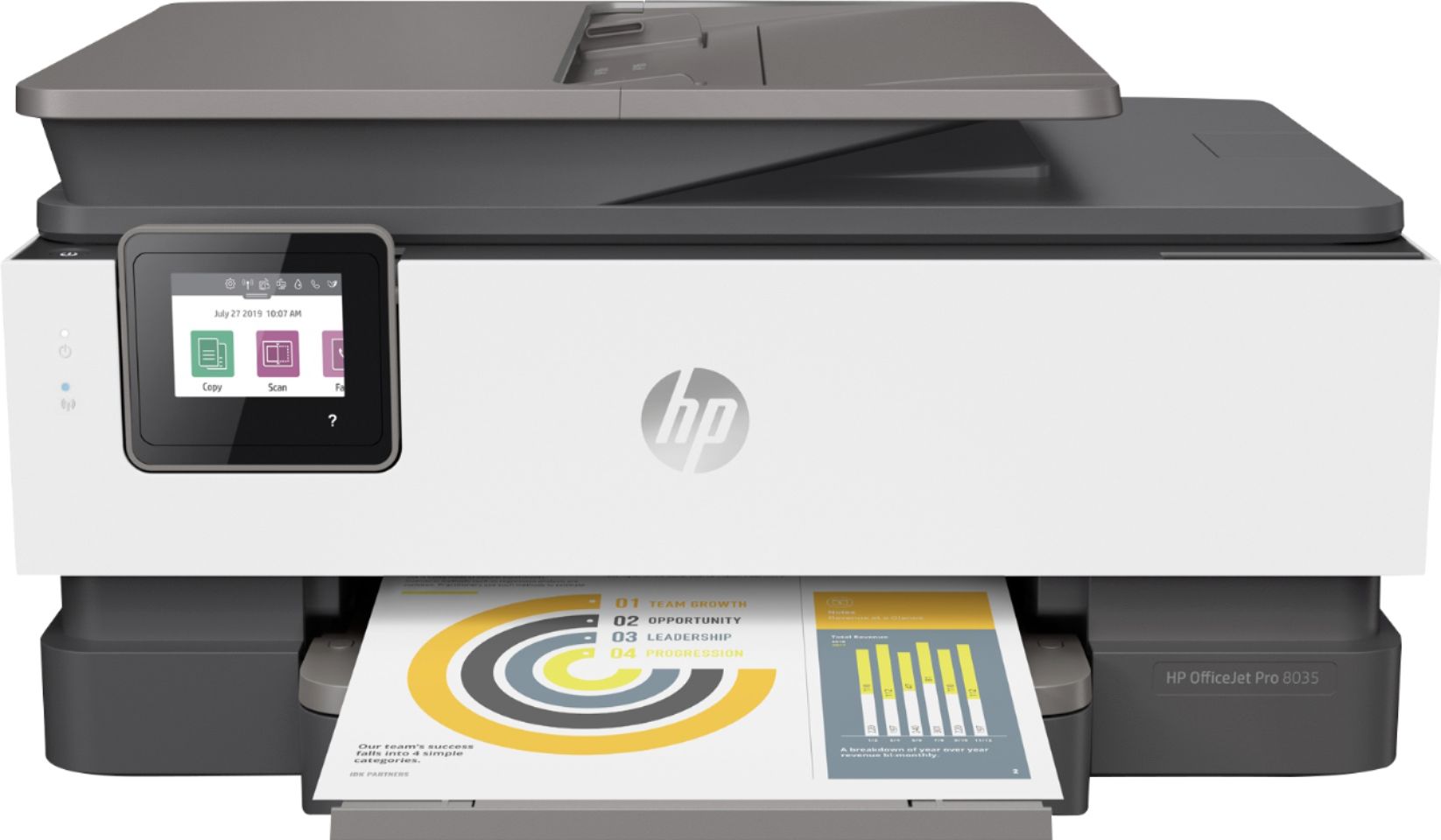
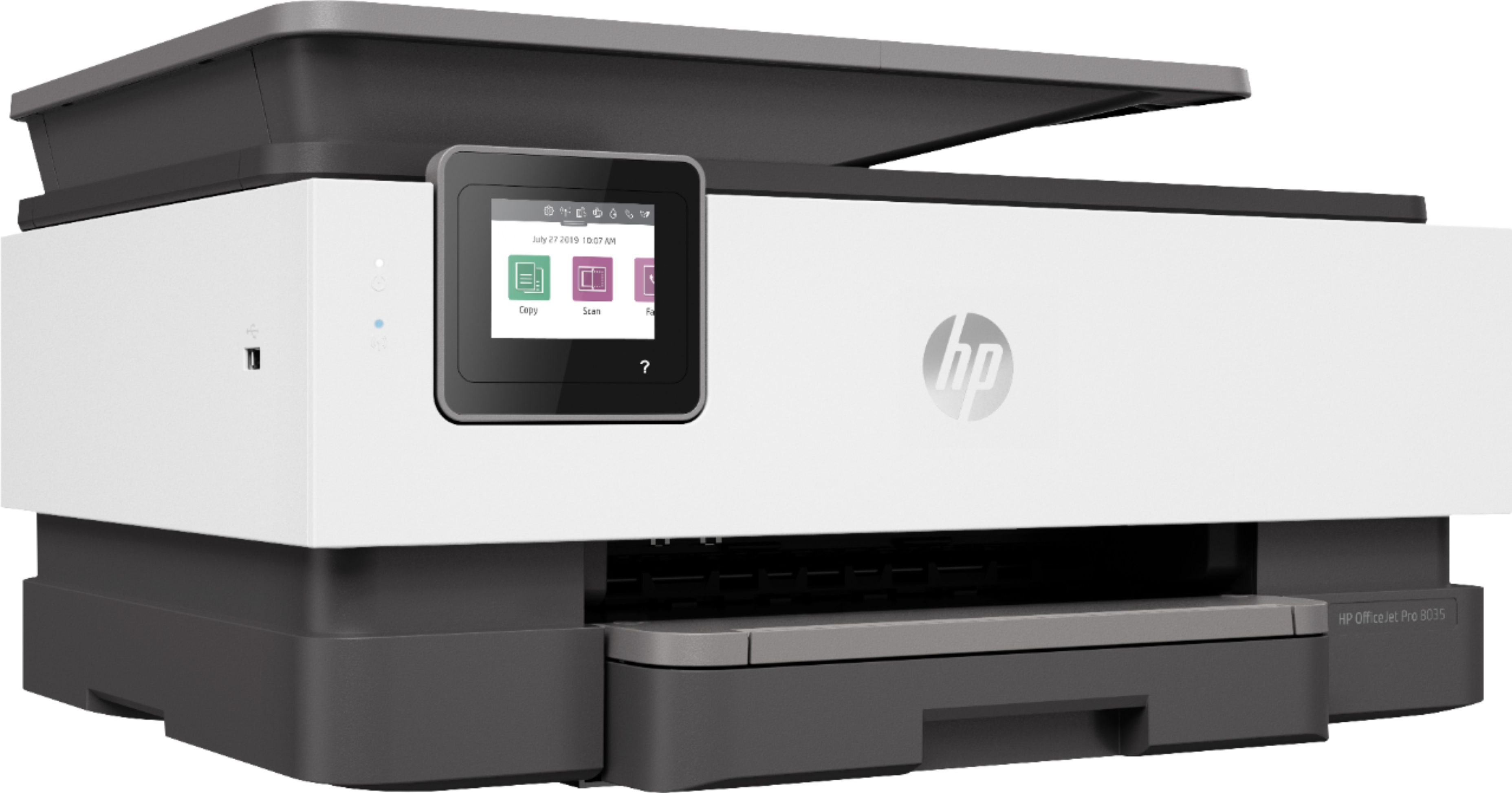
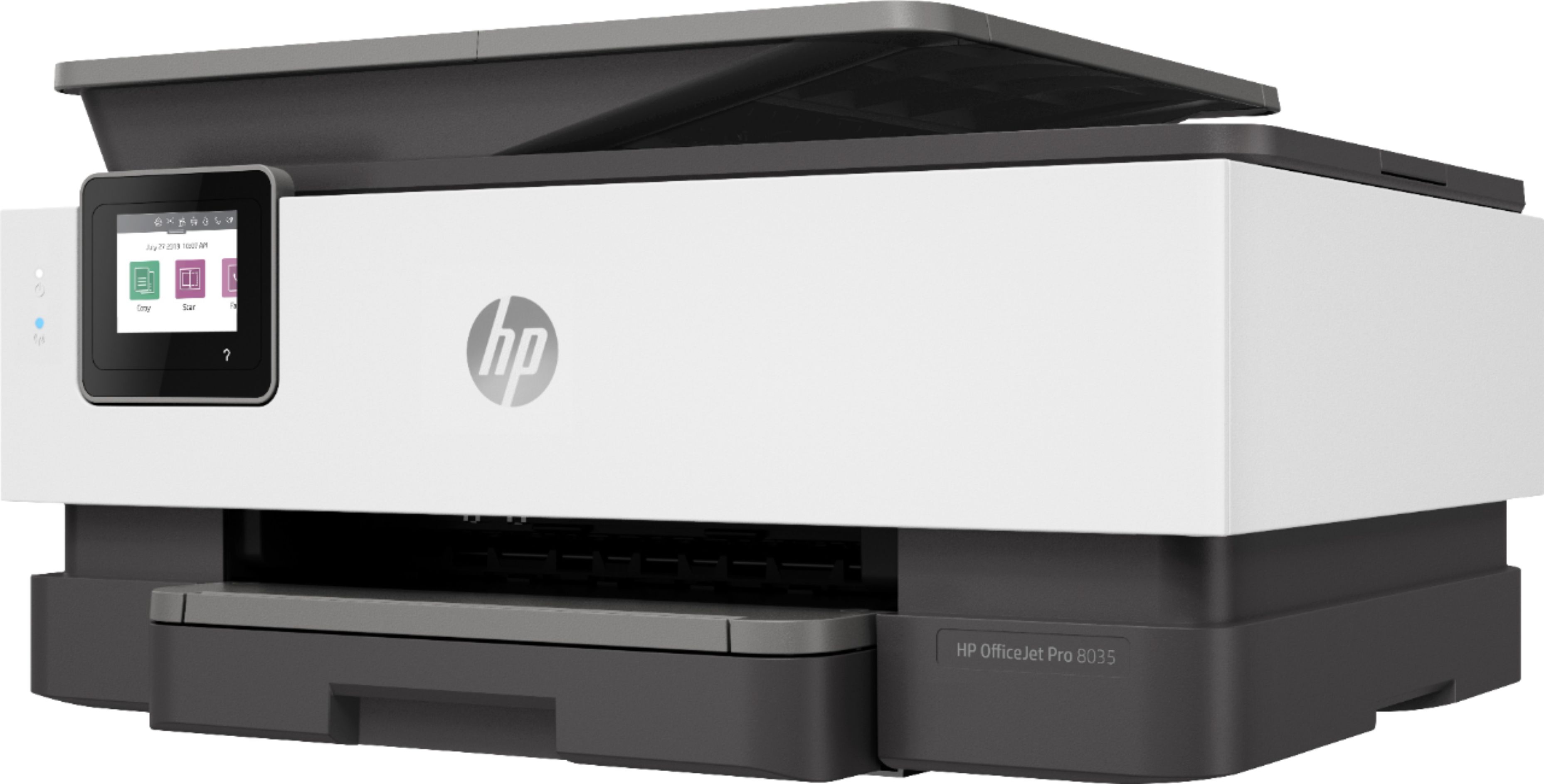
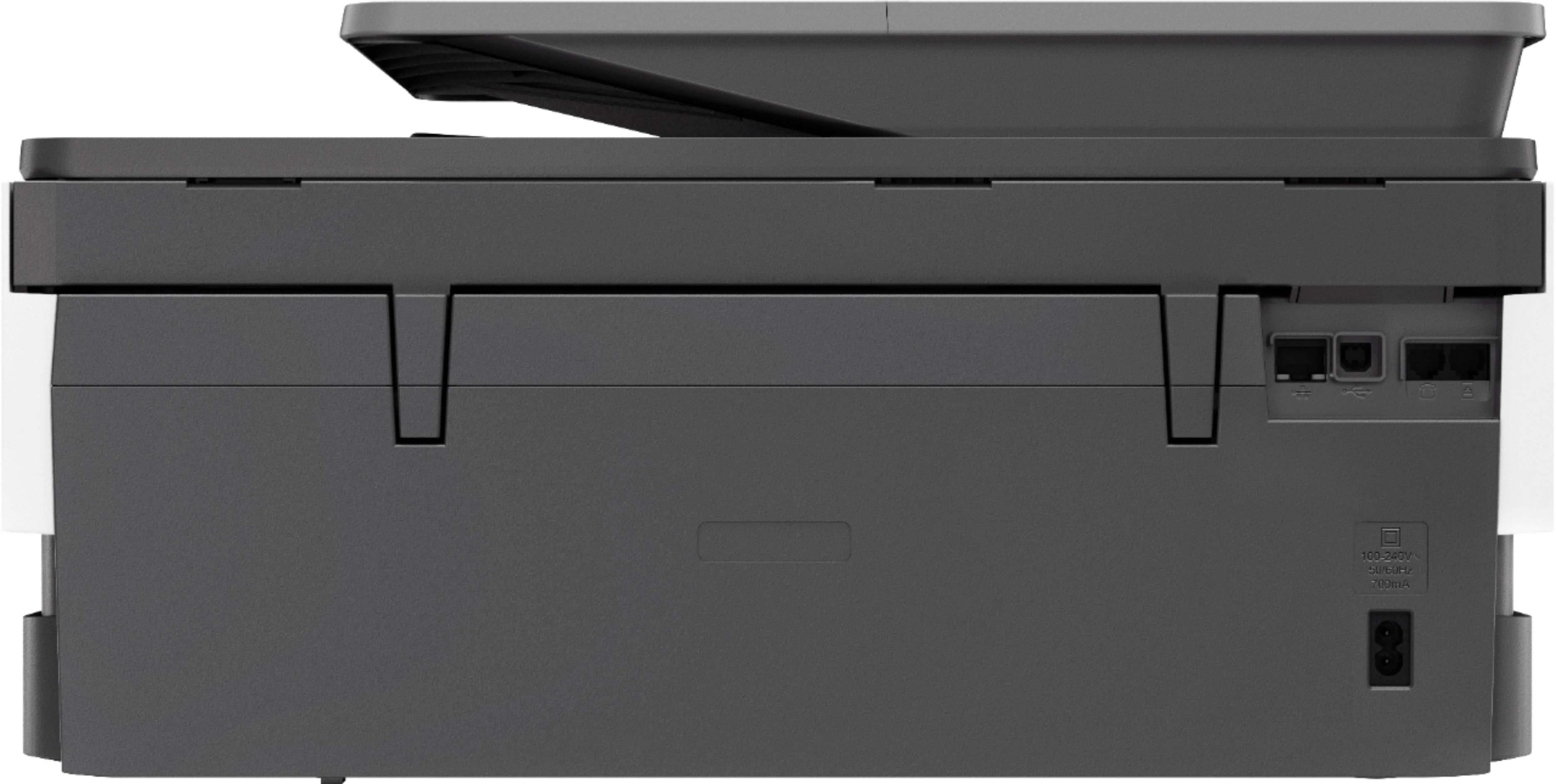



- Model:
- 5LJ23A#B1H
- SKU:
- 6335313
Rating by feature
- Value
Rating 4.4 out of 5 stars
- Quality
Rating 4.4 out of 5 stars
- Ease of Use
Rating 4.4 out of 5 stars
Customers are saying
Customers praise the OfficeJet Pro 8035e for its excellent print quality, ease of use, and compact size, finding it to be a convenient and efficient printer for home use. Positive feedback also highlights the printer's wireless capabilities and straightforward setup process. However, some users experienced challenges with the paper tray.
This summary was generated by AI based on customer reviews.
Too much noise
||Posted . Owned for 1 month when reviewed.This reviewer received promo considerations or sweepstakes entry for writing a review.When you turn the printer on, the cartridges keeps going back and forth until you turn it off and then turn it on again.
No, I would not recommend this to a friend- Pros mentioned:Print quality

One for All and All in One
|Posted .This reviewer received promo considerations or sweepstakes entry for writing a review.Pros: Wireless and wired network printing, smartphone friendly, good print quality, 4 ink system Cons: MacOS 10.11 and later support only, wireless a/b/g/n, 4 ink system I’ve always had a soft spot for HP printers probably because the first printer I ever purchased was an HP Deskjet while I was in college. Call me brand loyal I suppose, but I’ve always received years of reliable use. Fast forward 20 years later and I still gravitate towards HP’s. I’m using my Officejet Pro 8035 for light to medium duty for my home office. The OJP 8035 sits somewhere below the middle for size and form factor. It takes up just about the same amount of counter real estate as my previous Officejet (a 6700). I’ve had larger printers that can do more and store more paper, but for my printing needs this fits the bill. Print quality is really good as far as inkjets go. I still prefer laser for text, but for all around use, inkjets are my go to. I listed 4 ink system as both a pro and a con. I think 6 ink systems deliver print quality for graphics and especially photos, but having to replace only 4 ink cartridges vs 6 means less to replace. It is a bit of a compromise, but I’m not exactly printing exhibition pieces to be put on display at least not from my office printer. There are dedicated printers to do that and that’s not what this printer is for. I did print some photos on photo paper and the results were more than acceptable for small prints. Touching on the other cons, MacOS support for 10.11 and later only was a real bummer. I have a few older Macs running Yosemite. I need to either transfer to one of my mobile devices, PC, or the only El Capitan machine I have to make prints from the 8035. The 8035 does have support for Windows 7 and later. I do get a bit of lag when printing large and complex documents wirelessly compared to when printed via wire or other printers that have wireless AC protocol ability. I rarely print those types of documents and on average print 3-10 page documents on average where wireless a/b/g/n is sufficient. All in all, this is a nice all-in-one home office printer and has kept up adequately with my printing needs.
I would recommend this to a friend Disappointed so far
||Posted . Owned for less than 1 week when reviewed.This reviewer received promo considerations or sweepstakes entry for writing a review.Not impressed. When I pay this much, I expect a brand new machine. I have cleaned long black hair off, dirt, and the film looks like it has been taken off and replaced. I ordered online, so I guess that is the chance you take. I worry that maybe I have a refurbished product when I see these things. I need a printer, so I am stuck, but I won't be doing this again. I am not rating quality, value, or ease of use. Very disappointed.
No, I would not recommend this to a friend- Cons mentioned:Reliability
Constantly problem with HP printer
||Posted . Owned for 1 year when reviewed.This reviewer received promo considerations or sweepstakes entry for writing a review.I start to notice that HP products are starting to be a problem.
No, I would not recommend this to a friend - Pros mentioned:Print quality
Very Poor Choice
||Posted . Owned for 1 month when reviewed.This reviewer received promo considerations or sweepstakes entry for writing a review.Print Quality is Great ! ! ! Ink cost is unexceptable Print choices are bad
No, I would not recommend this to a friend It does the job
||Posted . Owned for 1 month when reviewed.This reviewer received promo considerations or sweepstakes entry for writing a review.Not overly impressed with this printer... The finished printed product could be better. The speed is super slow, and the setup isn’t exactly easy.
No, I would not recommend this to a friend- Cons mentioned:Reliability
Waste of money
||Posted . Owned for 1.5 years when reviewed.This reviewer received promo considerations or sweepstakes entry for writing a review.Horrible, didn’t last long at all. Multiple errors and code issues
No, I would not recommend this to a friend Nothing but errors
||Posted . Owned for 1 month when reviewed.This reviewer received promo considerations or sweepstakes entry for writing a review.Returning it to Best Buy this week. It prints the first two lines then has a communication error, almost every time. I'm rating Quality as poor under the assumption that because it will print the first few lines, I have installed everything properly. Big disappointment. I usually go with the cheap HP printers and thought I'd splurge this time.
No, I would not recommend this to a friendBrand response from HP Team
Posted .Hello,
I am sorry to hear that you had to return the printer due to connectivity failures that made it impossible to complete your print jobs.
Please, if you decide to give us a second chance, contact us through our support so that we can help you choose the product that best suits your needs. You can contact us through:
- HP Support: support.hp.com/us-en/contact-hp
We would love to improve your experience!
Antonio
HP Care
HP 6800 is a better printer scanner.
||Posted . Owned for 1 month when reviewed.This reviewer received promo considerations or sweepstakes entry for writing a review.Can not scan a double sided document. Clumsy and if this is an advanced printer then double sided document scanning should be standard.
No, I would not recommend this to a friendBrand response from HP Team
Posted .Hello Brad,
I’m sorry to hear that this printer couldn’t meet your expectations. Of course, we want to offer our customers a reliable and satisfactory experience with our products, and I regret that we missed the mark here. I can understand how disappointing this must have been.
If you have any other concerns or questions, always remember that you can contact us directly for further assistance. We are always there for you. You can find all contact details on our website "HP Support".
Denise
HP Care
Piece of junk
||Posted .This reviewer received promo considerations or sweepstakes entry for writing a review.Terrible printer. Just God awful and then HP tries their hardest to sneak in instant ink on top of selling me this crappy printer. Sent it back 2nd day I had it and bought a 99 dollar Epson printer that I can not be more please with. Another complaint I have is Best Buy did fully credit my card but it took them 2 weeks after I sent it back to do so. Did not take them that long to charge my credit card. I like Best Buy but that is baloney.
No, I would not recommend this to a friendPrint Head error
||Posted . Owned for 1 month when reviewed.This reviewer received promo considerations or sweepstakes entry for writing a review.I travel alot so havent got the chance to print until now and I get print head error. I will be calling HP support to see what can be done
No, I would not recommend this to a friendBrand response from HP Team
Posted .Hi there.
I’m sorry to hear that your printer gave you a printhead error. I can understand how that would be a big disappointment, especially considering your busy travel schedule and the desire for a reliable machine. With that in mind, I’ll offer some information and resources that I hope will help.
You’re right to get in touch with support. I recommend that you contact us directly at +1 800-474-6836 so we can guide you through the proper troubleshooting. To expedite the process, I recommend gathering the following information before the call:
- Model number
- Serial number
- Your location
- Case number (from any previous contact with HP support)
I'll also mention that HP printers have a one-year warranty from their purchase date that covers hardware as well as ink supplies, so if it comes to that, you might consider making use of it. You can verify the warranty using the following link: support.hp.com/us-en/checkwarranty
Keith
HP Care
hp.com/support
- Cons mentioned:Reliability
Waste of money
||Posted . Owned for less than 1 week when reviewed.This reviewer received promo considerations or sweepstakes entry for writing a review.Biggest piece of garbage ive ever bought. All it does is jam. Don’t waste your money
No, I would not recommend this to a friend Ink is a scam
||Posted . Owned for 5 months when reviewed.This reviewer received promo considerations or sweepstakes entry for writing a review.I purchased this 4/28/2020 and have used it less than five times. It’s 9/25/2020 and the ink is “empty” so I put in all new cartridges that I had gotten “free” with the printer but they are all “empty” too. They said 8 months worth of printing yet it’s been less than five and it’s probably printed maybe two pages in it’s life.
No, I would not recommend this to a friendBrand response from HP Team
Posted .Hi, Andrew.
I’m sorry to hear that the ink cartridges you got with your printer register as empty. It’s easy to understand why that would be quite a jarring discovery. We aim to provide a reliable experience with our printers and supplies, so I’ll offer some resources and information I hope will help.
I can’t tell from your review why your printer says the cartridges are empty, or whether the problem lies with the cartridges or the printer itself, so I suggest that you contact us directly at +1 800-474-6836 so we can help you assess the situation and guide you through any applicable troubleshooting. (Please note that because of restrictions on personal movement and workplace attendance associated with the COVID-19 pandemic, wait times for agents are longer than normal. Thanks in advance for your understanding.) To expedite the process, I recommend gathering the following information before the call:
- Model number
- Serial number
- Your location
- Case number (from any previous contact with HP support)
I'll also mention that HP printers have a one-year warranty from their purchase date that covers hardware as well as ink supplies, so if it comes to that, you can make use of it. You can verify the warranty using the following link: support.hp.com/us-en/checkwarranty
Keith
HP Care
hp.com/support
- Pros mentioned:Ease of use, Print quality
Great new HP Printer
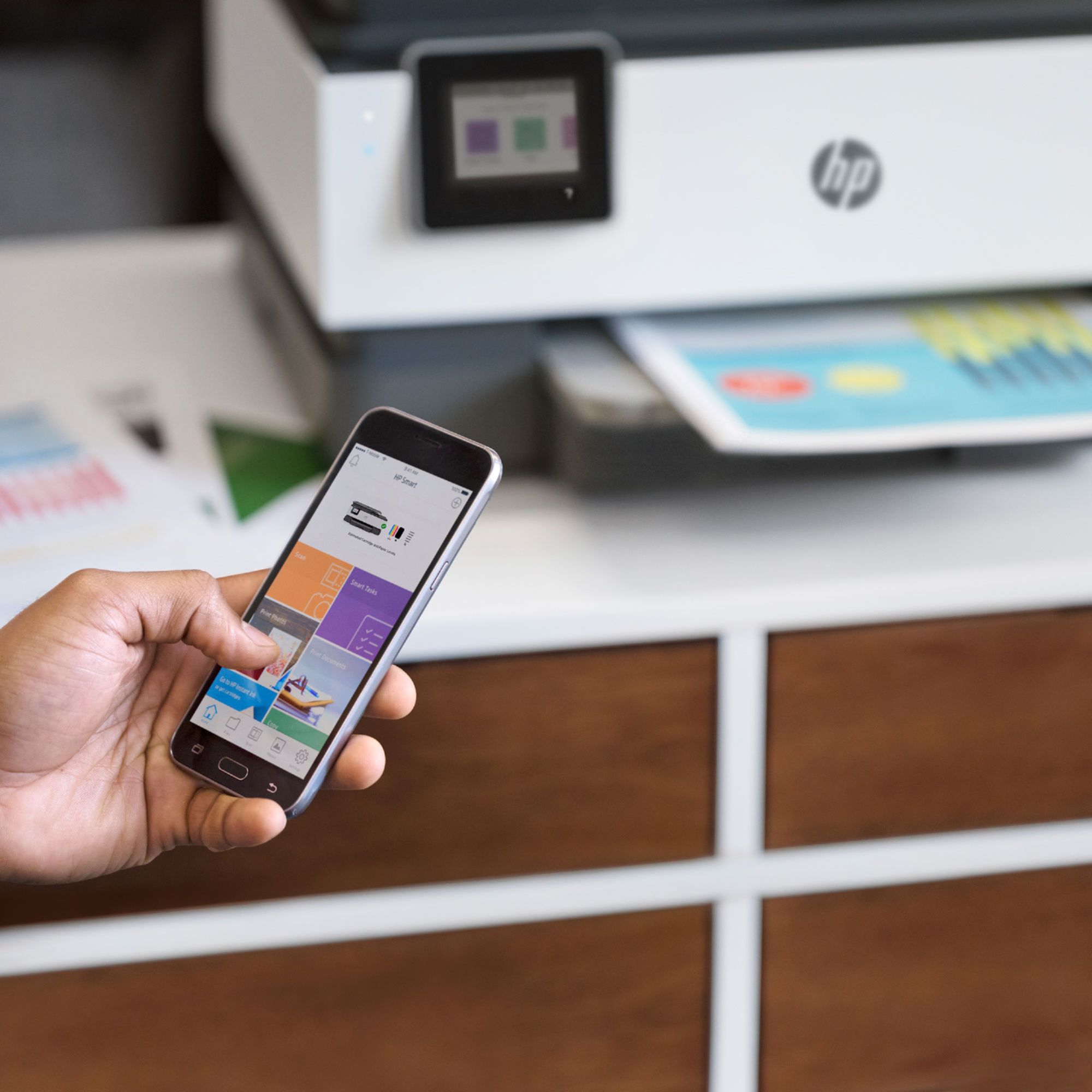
|Posted .This reviewer received promo considerations or sweepstakes entry for writing a review.The HP OfficeJet Pro 8035 printer was super easy to set up with a mobile app and can be installed on phone/tablet all other computers in my house (Windows) loaded the HP Smart software automatically you just log in, this feature alone is worth the price of admission. The problems in the past trying to get drivers for each computer one by one are gone. This All-in-One is a printer that is easy to set up on a network. It's able to print wirelessly easily. I can even print from my phone. I think it's a great deal for the price. The paper tray holds a lot of paper, and it is easy to load. The print speed is very fast. The print quality is excellent. Also, it comes with eight months of Ink delivered. Overall, This printer offers exceptional print quality for documents and pictures, high black ink capacity, automatic 2 sided printing and advanced printing options such as scanning/printing documents from your mobile device makes this a must-have printer for small business.
I would recommend this to a friend Don't Buy It!
||Posted . Owned for 1 year when reviewed.This reviewer received promo considerations or sweepstakes entry for writing a review.I made just over 1K prints and now the magenta won't print. Tried all the troubleshooting. Wasted tons of ink just to get no where. I have used only genuine cartridges. Of course, this happens a few months after the warranty expires. Besides that, print only in black is awful, and leaves big black areas on the print. The scanner is not great and scans come out crooked.
No, I would not recommend this to a friendExecellent service from Best Buy
||Posted . Owned for 3 weeks when reviewed.This reviewer received promo considerations or sweepstakes entry for writing a review.New printer. Okay until printer ink needed to be replace. Not available in what printer required. We learned the ink type needed for printer had been recalled. Reason-not published. Best Buy graciously assisted our return of month-old HP with ink not available and purchase of different brand printer with available ink.
No, I would not recommend this to a friendDon't Buy This Printer
||Posted . Owned for 4 months when reviewed.This reviewer received promo considerations or sweepstakes entry for writing a review.I bought this printer on 10/30/19 so I've had lots of time to get this down. Eats ink like crazy. The print tray is flimsy. Scanning is not a breeze. It does not stay connected to wi-fi and the router is right next to it. I spend more time trying to connect my surface pro to the printer than printing documents it seems! If Best Buy would take this back I would be there tomorrow. This will be the last HP product for me!
No, I would not recommend this to a friendPrinter
||Posted .This reviewer received promo considerations or sweepstakes entry for writing a review.Nice printer but a pain to figure out instructions are the worse. Ink runs out FAST and kinda high
No, I would not recommend this to a friendBrand response from HP Team
Posted .Hi, Robin.
I’m sorry that your printer has been difficult to operate and that it has used ink more rapidly than you’d anticipated. I can clearly see why this combination would be a bad start to owning the device. I want to help you learn more about your printer and remedy the problems you face, so I’ll direct you to some resources I hope will make that happen.
To learn more about your printer and all its features, or for help solving problems, you can access user manuals, how-to documents, troubleshooting guides and software updates here:
- support.hp.com/us-en/product/model/37934580
You can also visit a page on our support site that has diagnostic tools for various tasks and issues, including cartridge installation, print quality, operating-system compatibility and connectivity. There you can find a general-purpose tool called the HP Print and Scan Doctor. If you use Windows, the tool will help identify and guide you through solutions to a wide range of common printing and scanning issues. You can find the page here:
- support.hp.com/us-en/topic/diagnostics
As for ink use, I can’t tell from your review how many pages you’ve printed compared with the estimated page yields of the cartridges, but I can tell you that ink use varies based on many factors, including print resolution, humidity and the type of paper used. Regardless, here are some facts that might help you get more prints without too much extra effort:
- A high-density print (such as an image or graph) uses ink more quickly than a text-only document, particularly if the paper is highly absorbent and the environment is dry.
- Using the draft and black only settings on your printer can help save on ink, particularly the colors.
- Shutting the printer down between uses can result in some savings. However, always use the power button on the printer itself to turn it off. That will let the printer to 'park' so that the nozzles that spray the ink onto the paper are protected from excess drying.
If any problem persists, I suggest that you contact us directly at +1 800-474-6836 so we can help you assess the situation and find a solution. (Please note that because of restrictions on personal movement and workplace attendance associated with the COVID-19 pandemic, wait times for agents are longer than normal. Thanks in advance for your understanding.) To expedite the process, I recommend gathering the following information before the call:
- Model number
- Serial number
- Your location
- Case number (from any previous contact with HP support)
Keith
HP Care
hp.com/support
Flawed machine and no support
||Posted .This reviewer received promo considerations or sweepstakes entry for writing a review.No Best Buy support proivided. Machine mechanically defective, as determined by HP tech. Hard to set ups, even with prof. tech help, kept losing internet, and its internal controls and mechanism are faulty (default;ts to options not wanted). Never buy a HP product again, this iOS my 3rd & last. Support sucks (hrs on the phone), the virtual chat robot is useless,
No, I would not recommend this to a friendI like HP but this model is not worth the buy.
||Posted . Owned for 1.5 years when reviewed.This reviewer received promo considerations or sweepstakes entry for writing a review.This printer did not even last a year. 11 months later the printer is acting like it's possessed. Error codes flashing with a blue screen and the only way to stop them is to unplug it to restart. The ink wasn't looking good for 2 months before, color lines in all my papers and no amount of alignements or head cleaning changed that.
No, I would not recommend this to a friend