Customer Ratings & Reviews
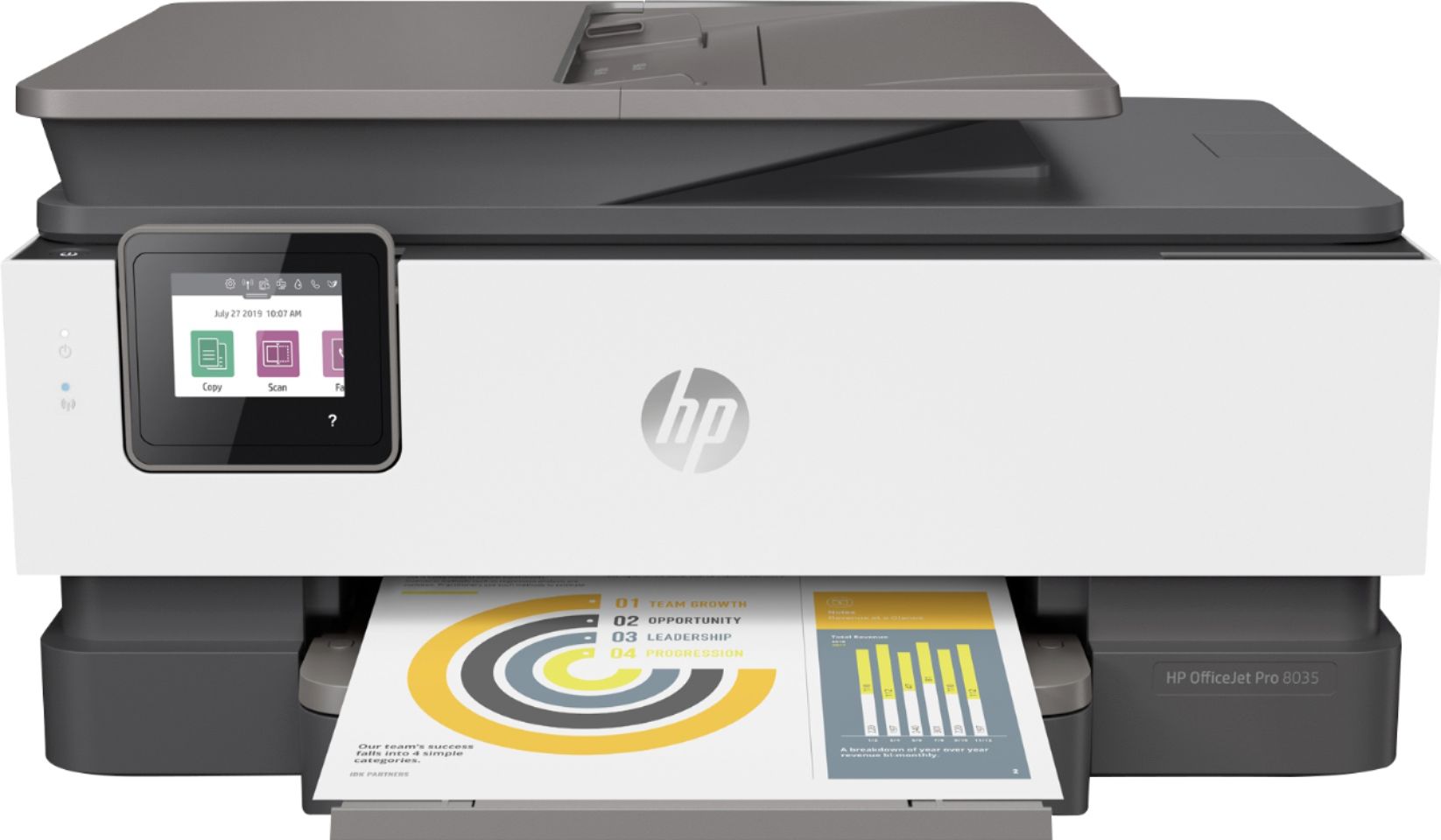
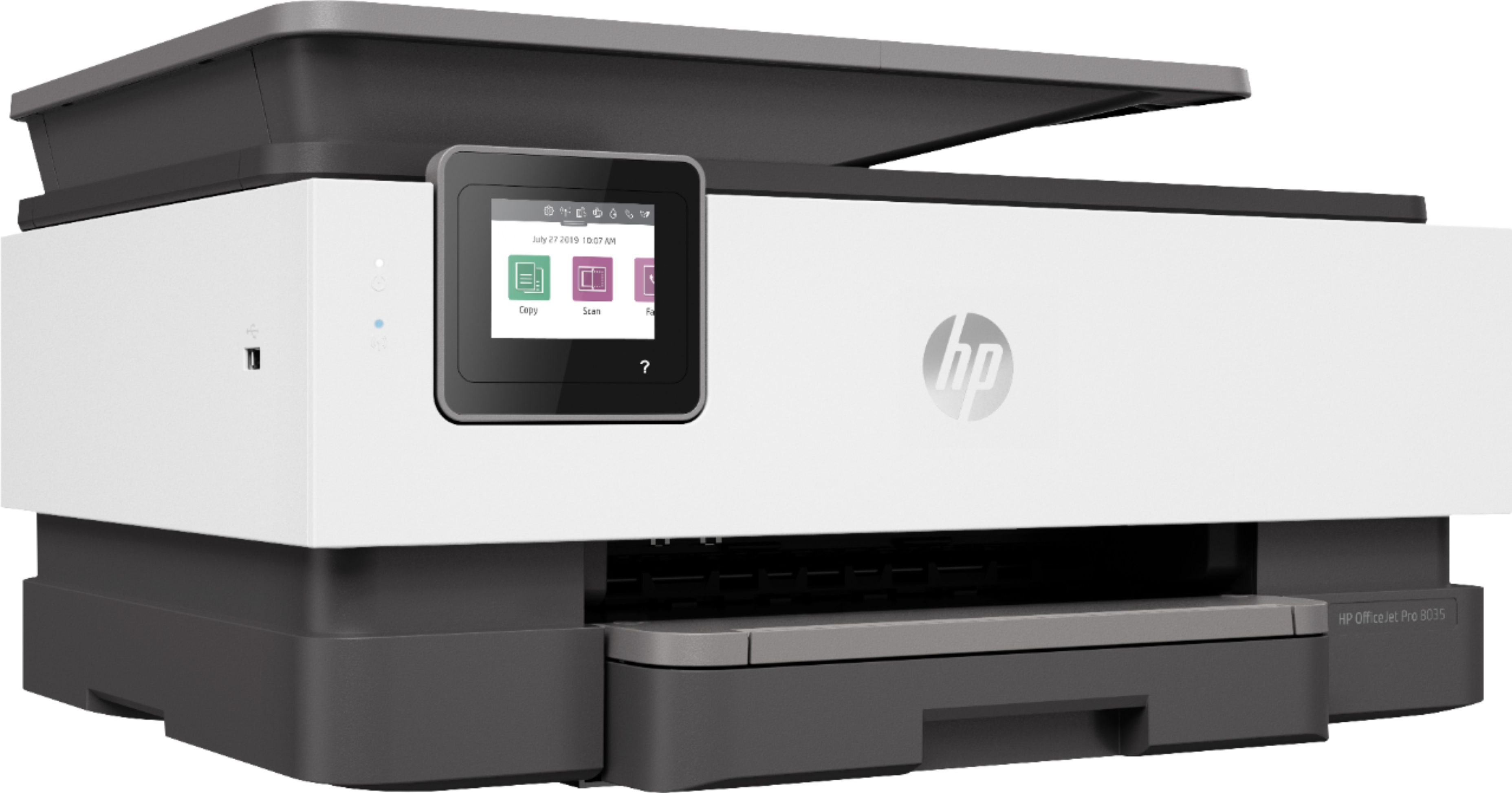
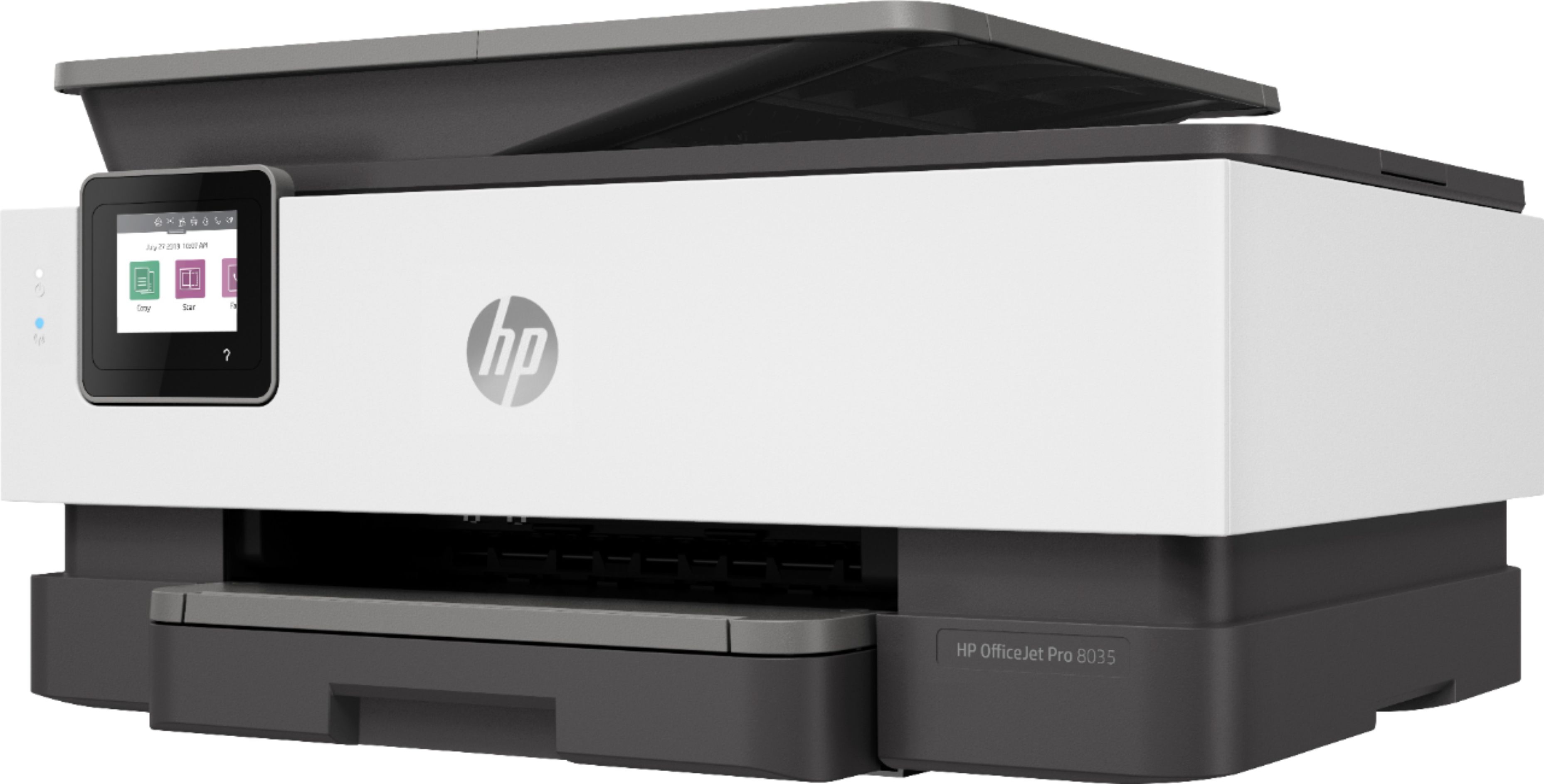
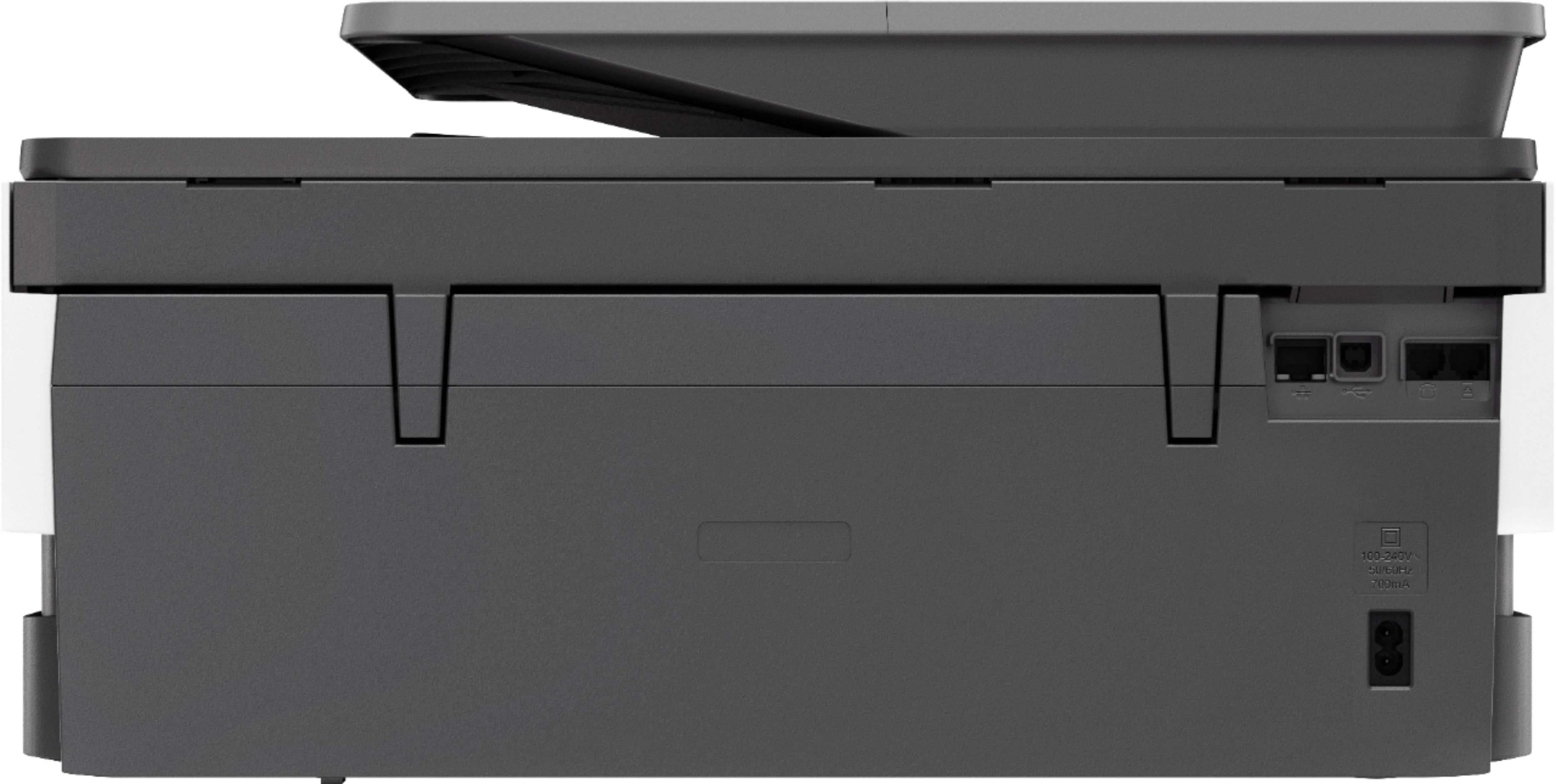



- Model:
- 5LJ23A#B1H
- SKU:
- 6335313
Rating by feature
- Value
Rating 4.4 out of 5 stars
- Quality
Rating 4.4 out of 5 stars
- Ease of Use
Rating 4.4 out of 5 stars
Customers are saying
Customers praise the OfficeJet Pro 8035e for its excellent print quality, ease of use, and compact size, finding it to be a convenient and efficient printer for home use. Positive feedback also highlights the printer's wireless capabilities and straightforward setup process. However, some users experienced challenges with the paper tray.
This summary was generated by AI based on customer reviews.
Hope for either a replacement or it to be fixed.
||Posted . Owned for 1 year when reviewed.This reviewer received promo considerations or sweepstakes entry for writing a review.It did not last long. I have to take it back to the store I bought the warranty so hopefully they can either fix it or replace it. It prints with a line from top to bottom on each page as if there is something there but there is not and it has no scratches or marks on the item to account for the line that won't go away even after cleaning heads and walking through all trouble shooting steps.
No, I would not recommend this to a friendPoor Software
||Posted .This reviewer received promo considerations or sweepstakes entry for writing a review.Printer seems to work fine and easily connected to my network. Unfortunately, when attempting to install drivers/software on computer it keeps asking for a HP CD which is not supplied. Can't save scans on the Web function and can't find unit when I open the scan application. Attempted support and they got it to print and scan but later discovered flaws mentioned above.
No, I would not recommend this to a friendBrand response from HP Team
Posted .Hi there.
I’m sorry to hear that your printer has performed erratically regarding a request for a nonexistent CD and difficulty with the scan function. I can certainly understand why that would be a jarring surprise, especially just after you’d received help from a support agent with setup. I would love to help you resolve this issue, so I’ll provide a resource aimed at achieving that goal.
I can’t tell from your review what’s causing these problems or whether they’re related, but HP+ printers come with exclusive concierge support. To call and reach live HP+ experts, go to the following URL and enter your HP+ serial number:
- hp.com/plus-help
Keith
HP Care
hp.com/support
Hate It
||Posted .This reviewer received promo considerations or sweepstakes entry for writing a review.I am annoyed with this printer. I've only used it twice. The first time was pretty smooth. The second time, the paper kept jamming about every 2 papers. And now I cannot get it to print everything. The screen also keeps going in and out as if it is having some electrical problems. WORST PRINTER EVERRRRR !
No, I would not recommend this to a friendBrand response from HP Team
Posted .Hi there.
I’m sorry to hear that you’ve encountered such difficulty with your printer. I can understand why frequent paper jams and generally unreliable printing performance would be a terrible start to having a new printer, so I’ll offer some resources and information I hope will help.
I can’t tell from your review what’s causing these issues, so I hope you’ll contact us directly at +1 800-474-6836 so we can help you assess the situation and guide you through any applicable troubleshooting. (Please note that because of restrictions on personal movement and workplace attendance associated with the COVID-19 pandemic, wait times for agents are longer than normal. Thanks in advance for your understanding.) To expedite the process, I recommend gathering the following information before the call:
- Model number
- Serial number
- Your location
- Case number (from any previous contact with HP support)
I'll also mention that HP printers have a one-year warranty from their purchase date that covers hardware as well as ink supplies, so if it comes to that, you might consider making use of it. You can verify the warranty using the following link: support.hp.com/us-en/checkwarranty
Keith
HP Care
hp.com/support
Difficult to set up.
||Posted . Owned for 1 month when reviewed.This reviewer received promo considerations or sweepstakes entry for writing a review.The ink cartridge had to be replaced. The printer said it did not need to be replaced. The HP Chat was of no assistance
No, I would not recommend this to a friendHorrible Printer
||Posted . Owned for less than 1 week when reviewed.This reviewer received promo considerations or sweepstakes entry for writing a review.I couldn't get 1 peice of paper to print. It would jam up as soon as it tried print anything. Save your money. This review is not negative to Bestbuy. My problem rests exclusively with HP.
No, I would not recommend this to a friend- Pros mentioned:Print quality, Setup

And only does everything
|Posted .This reviewer received promo considerations or sweepstakes entry for writing a review.Right out of the box set up is easy. Take off the little pieces of tape and plug it in. Connecting to the Wi-Fi was great. The Wi-Fi healing feature is actually pretty cool, basically if it gets disconnected it finds its way back. That's definitely helpful. This guy scans through a feeder like the professional ones you have at work, and can scan one page of time. The quality and resolution on my computer is great. I have a desktop Windows 10 so downloading the app and keeping all the features there are pretty cool. Signed up for a 12 months of free ink so it's legit. They like you to put a credit card in but I didn't and it still went through. The touchscreen interface is pretty cool but it's definitely the printer scanner copier fax to have.
I would recommend this to a friend - Pros mentioned:Print quality, Setup
Great Printer
|Posted .This reviewer received promo considerations or sweepstakes entry for writing a review.This was the easiest printer I have setup to date. The print quality is very good and the automatic ink monitoring and shipping feature will certainly come in handy for me and my family. Work, school and photo print projects are an everyday occurrence at home and not worrying about ink running out is a huge plus. When I took it out of the box and plugged it in, the setup screen came up and instructed me about installing the HP app to finish the printer configuration. Most of it required nothing from me which would be a huge plus for anyone that isn’t very tech savvy. It walks you through setting up remote printing which has come in very handy for documents we need to get out when not at home. The application functionality is a huge plus for monitor print jobs, printer health and the overall settings. I am a big fan of HP Printers and this doesn’t disappoint.
I would recommend this to a friend Too Late.
||Posted . Owned for 2 months when reviewed.This reviewer received promo considerations or sweepstakes entry for writing a review.Printing photos on this is HORRIBLE quality. My old HP 8600 Officejet Printer did a fantastic job. The tray is awful also, very flimsy. I would return this Printer if I could! Just 12 days too late unfortunately.
No, I would not recommend this to a friendBrand response from HP Team
Posted .Hi, Carolyn.
I’m sorry to hear that your printer has rendered photo prints of such poor quality. I can certainly understand your dismay, considering that your previous HP printer performed so much better for you in this regard. I want to help you resolve this situation, so I’ll provide some resources that I hope will make that happen.
First, I recommend following the steps listed in a guide on our support site to improving print quality. Issues covered include faded or streaked prints, color or black ink not printing properly or at all, and blurred or fuzzy text. Find that guide here:
- support.hp.com/us-en/document/c06260268
You also might gain useful information from a guide to printing photos with HP printers. It covers the types and loading of photo paper, printing photos from various operating systems, and tips on shooting and editing photos before printing to get better results. Find that guide here:
- support.hp.com/us-en/document/ish_2387104-2310812-16
If print quality does not improve to your satisfaction, I suggest that you contact us directly at +1 800-474-6836 so we can help you assess the situation and find the best course of action. To expedite the process, I recommend gathering the following information before the call:
- Model number
- Serial number
- Your location
- Case number (from any previous contact with HP support)
Keith
HP Care
hp.com/support
Ridiculous
||Posted . Owned for 2 months when reviewed.This reviewer received promo considerations or sweepstakes entry for writing a review.Loses connection all the time for Document feeding scanning only. The solution from tech support was to move the printer 6-10 ft from router. That is funny, because then I would not need WIRELESS! It will scan if click on the hp software. SO FRUSTRATED! I am an IT person as well.
No, I would not recommend this to a friendSent me a broken printer that was used
||Posted . Owned for 3 weeks when reviewed.This reviewer received promo considerations or sweepstakes entry for writing a review.Buyer beware! They’re not sending new printers. They have a shortage and no shipments coming in. Opened printer and plugged it in & saw a return receipt from someone else. Then the pop up screen was like poltergeist with the white snow screen. Returned to the store where they had no printers available and offered to order me another. No thanks!
No, I would not recommend this to a friendLasted 6 Months
||Posted . Owned for 1 year when reviewed.This reviewer received promo considerations or sweepstakes entry for writing a review.The printer off the start was horrible. It blew threw so much ink in cleaning cycles that it began to become costly. Then with in 6 months the print head went. I tried every diy trick I could to see if I could recover it, but sadly it was toast. I’ve had nothing but bad experiences with HP printers.
No, I would not recommend this to a friendPoor printer choice
||Posted . Owned for 3 weeks when reviewed.This reviewer received promo considerations or sweepstakes entry for writing a review.Poor response times, Hard to print with wifi from HP computer.
No, I would not recommend this to a friendBrand response from HP Team
Posted .Hi there.
I’m sorry that your printer has failed to maintain a reliable wireless connection and takes longer than you’d like to respond. Your review is brief, but it’s easy to understand why this combination would make for a frustrating start to ownership. I want to help you remedy these problems. I hope the resources below will guide you there.
First, if you’ve not done so already, I recommend you visit a page on our support site that has diagnostic tools for various issues, including wireless connectivity. On the same page you’ll find a general-purpose tool called the HP Print and Scan Doctor. If you use Windows, the tool will help identify and guide you through solutions to a wide range of common printing and scanning difficulties. You can find that page here:
- support.hp.com/us-en/topic/diagnostics
For more help with difficulties, you can access troubleshooting guides, how-to documents, user manuals and software updates specific to your printer here:
- support.hp.com/us-en/product/model/37934580
If you need further assistance, I suggest you contact us directly so we can help you assess what’s happening and find a solution. HP+ printers such as yours come with exclusive concierge support. To call and reach live HP+ experts, visit the following URL and enter your HP+ serial number:
- hp.com/plus-help
Keith
HP Care
hp.com/support
Product couldn't arrive when promised
||Posted . Owned for 1 month when reviewed.This reviewer received promo considerations or sweepstakes entry for writing a review.We returned this product before it ever arrived because the shipping was taking way too long.
No, I would not recommend this to a friendScanner difficult to set up
||Posted . Owned for 2 months when reviewed.This reviewer received promo considerations or sweepstakes entry for writing a review.Difficult to get the scanner wireless function towork
No, I would not recommend this to a friendBrand response from HP Team
Posted .Hi there.
I’m sorry that your printer’s scan function was difficult to set up and has not performed well wirelessly. I can wholly understand why that would be a poor start to ownership. I want to help you get all functions of the printer working like they should, so I’ll suggest some resources I hope will reach that end.
First, I recommend you visit a page on our support site that has diagnostic tools for various issues, including wireless connectivity. On the same page, you’ll find a general-purpose tool called the HP Print and Scan Doctor. If you use Windows, the tool will help identify and guide you through solutions to a wide range of common printing and scanning difficulties. You can find that page here:
- support.hp.com/us-en/topic/diagnostics
You can also find troubleshooting guides specific to your printer, including ones on the scanner, in addition to user manuals, how-to documents and software updates here:
- support.hp.com/us-en/product/model/37934580
If any difficulty persists, I suggest that you contact us directly at +1 800-474-6836 so we can help you assess what’s happening and find a solution. To expedite the process, I recommend gathering the following information before the call:
- Model number
- Serial number
- Your location
- Case number (from any previous contact with HP support)
Keith
HP Care
hp.com/support
HP All In One Problem Printer
||Posted . Owned for 1.5 years when reviewed.This reviewer received promo considerations or sweepstakes entry for writing a review.This all in one HP has been nothing but a problem. Doesn’t fax or receive faxes most of time. It doesn’t scan to the app most of the time, and the scanned documents can’t be found after scanning them completely. Waste of money;HP refuses to exchange or replace for free, or at a discounted price.
No, I would not recommend this to a friendBad printer
||Posted . Owned for 3 weeks when reviewed.This reviewer received promo considerations or sweepstakes entry for writing a review.It is soooo gigicukt to pair. Bought it last week and still can not use it
No, I would not recommend this to a friendBrand response from HP Team
Posted .Hi, Chimola.
I’m sorry to hear that your printer has not connected wirelessly like it should. Your review is brief, but your dilemma and disappointment are clear – and wholly understandable. I want to help you get the device connected and working to your satisfaction, so I’ll offer some resources and information I hope will help.
First, I recommend that you follow a setup and connection tutorial specific to your printer you can find on our support site. On the same page you can also access user manuals, troubleshooting guides, how-to documents and software updates. Do that by following this link:
- support.hp.com/us-en/product/model/37934580
You can also visit a page on our support site that has diagnostic tools for various tasks and issues, including setup and connectivity. You can find the page here:
- support.hp.com/us-en/topic/diagnostics
If you need further assistance with setup, connectivity or anything else, I’ll point out that HP+ printers come with exclusive concierge support. To call and reach live HP+ experts who can help you assess what’s going on and find a solution, visit the following URL and enter your HP+ serial number:
- hp.com/plus-help
Keith
HP Care
hp.com/support
office
||Posted . Owned for 1 month when reviewed.This reviewer received promo considerations or sweepstakes entry for writing a review.Difficult to operate unless, your computer savy. Perhaps then I would recommend
No, I would not recommend this to a friendBrand response from HP Team
Posted .Hello there,
This is so upsetting to learn that you are not entirely satisfied with this printer. We are always grateful for our customers' feedback, as we can continuously care for their experience. This also allows us to adjust our Products' design to suit our customers' needs the best.
Also, I would recommend contacting us for support to resolve any issue that you may be experiencing with this device. We'd be more than happy to help you. You can find our official support site at: support.hp.com/us-en
Kacper
HP Care
hp.com/support
Very noisy, hard to set up
||Posted . Owned for 1 month when reviewed.This reviewer received promo considerations or sweepstakes entry for writing a review.Makes a lot of noise. Doesn't seem to be made well. My 13 year old HP7210 works better. The wireless does not stay connected. I had to hard wire it to make it work. Best but put is on sale 35 days after I bought it and would not adjust the price for me. Not happy.
No, I would not recommend this to a friendBrand response from HP Team
Posted .Hi, Dexter.
I'm so sorry for the inconvenience this printer is causing. I can imagine that unreliable connectivity and the other issues you describe would be frustrating as well as perplexing. Given that, I’ll provide what I hope are some helpful suggestions.
First, I recommend using this troubleshooter to tend to frequent connection inconsistencies:
- Windows: support.hp.com/us-en/document/c04249080
- Mac OS: support.hp.com/us-en/document/c04249334
Next, the following link will help guide you through solutions for a wide range of wireless issues:
- hp.dezide.com/ts/start.jsp?guide=Printer_Does_Not_Maintain_Wireless_Connection.net
I also recommend looking at this document to address printers that do not maintain Wi-Fi connections:
- support.hp.com/us-en/document/c02790693
Regarding the noisiness, while your printer is powered up, it makes sure that the nozzles are regularly cleared, which can be noisy, especially if the printer is on a hard surface. I recommend placing the printer on a padded surface to muffle the vibrations that occur.
If these suggestions don’t help, please remember you can reach out to us for support any time. We're always here to assist you. You can contact us via your preferred method at this link: hp.com/contactHP
Keith
HP Care
hp.com/support
Nice if it doesn't jam paper
||Posted . Owned for 1 week when reviewed.This reviewer received promo considerations or sweepstakes entry for writing a review.This printer setup easy enough and when it printed it did a fine job. After printing about 7 pages or so it would jam up every other page. For a new printer that was unexcusable. I took it back and got an Epson with the bottled ink. It was more money but works perfectly.
No, I would not recommend this to a friendBrand response from HP Team
Posted .Hi there,
I’m so sorry that you had paper feeding issues with this printer. We always aim to provide our customers a reliable and satisfactory experience with our products and I regret that we fell short here. Please allow me to help you further in this issue.
I would recommend following the steps in this guide so that the printer reliably picks up paper again:
- Paper feeding issues: support.hp.com/document/c06262856
I would also like to remind you that our products are equipped with a one-year warranty, so if your warranty is still valid you can always use it however you might like. Check your warranty status here: support.hp.com/checkwarranty
If you have any other issues or problems with this printer, always remember that we are here to help with anything you might need. We would love to help you resolve any problems you might be having. You can always reach us here: hp.com/contactHP
Antonio
HP Care
hp.com/support
Very disappointed.
||Posted . Owned for 3 weeks when reviewed.This reviewer received promo considerations or sweepstakes entry for writing a review.I returned it and it’s ink within 14 days. Print quality and copy quality very bad. Color reproduction terrible. Heavy black bleed through with Norma plain text on normal 20lb paper. Also I need a duplex scanner - I want it to do 2-2 printing - this is not.
No, I would not recommend this to a friend