Customer Ratings & Reviews



- Model:
- 5LJ23A#B1H
- SKU:
- 6335313
Rating by feature
- Value
Rating 4.4 out of 5 stars
- Quality
Rating 4.4 out of 5 stars
- Ease of Use
Rating 4.4 out of 5 stars
Customers are saying
Customers praise the OfficeJet Pro 8035e for its excellent print quality, ease of use, and compact size, finding it to be a convenient and efficient printer for home use. Positive feedback also highlights the printer's wireless capabilities and straightforward setup process. However, some users experienced challenges with the paper tray.
This summary was generated by AI based on customer reviews.
- Pros mentioned:Setup

A Printer Can Be Cool
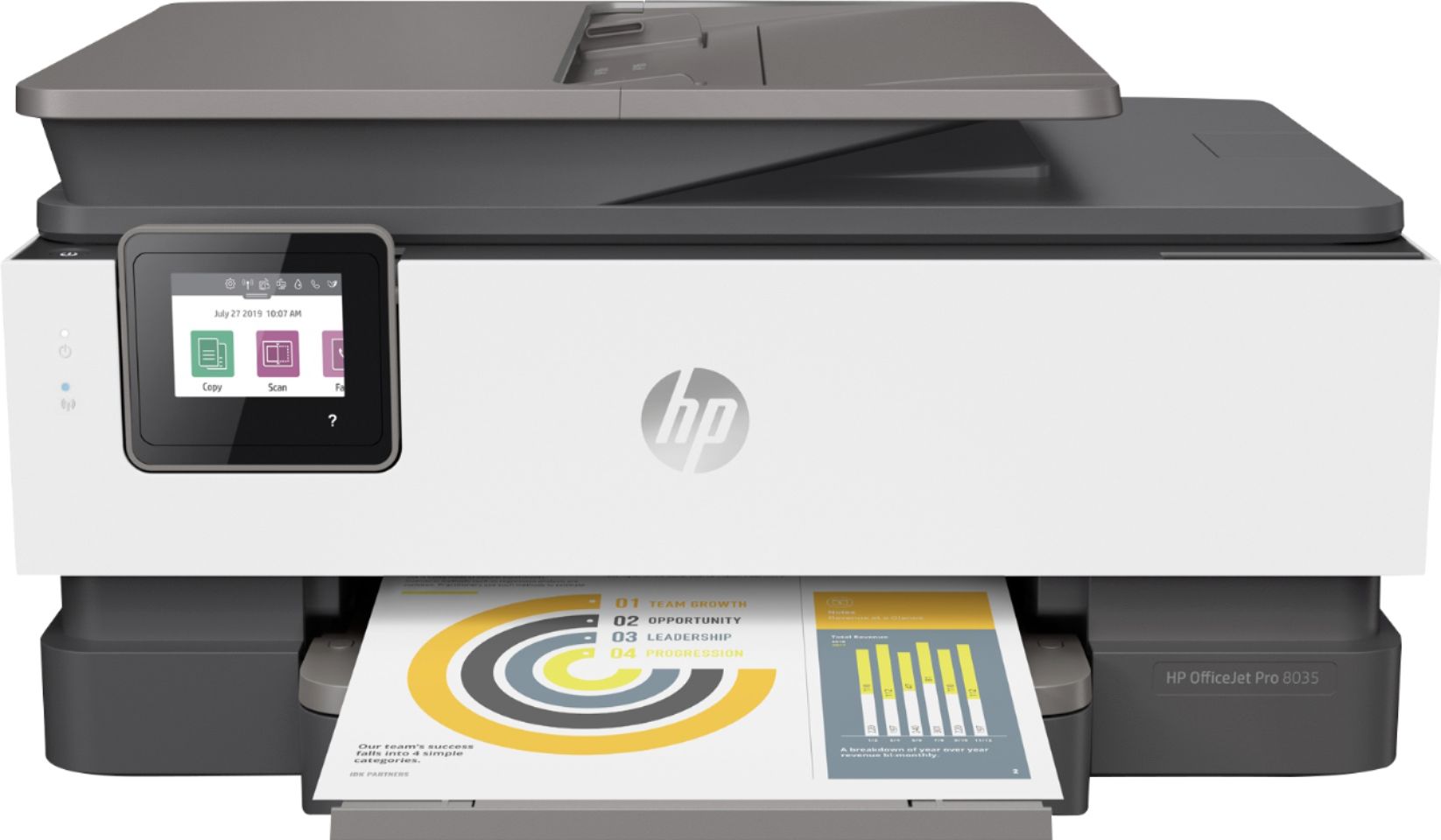
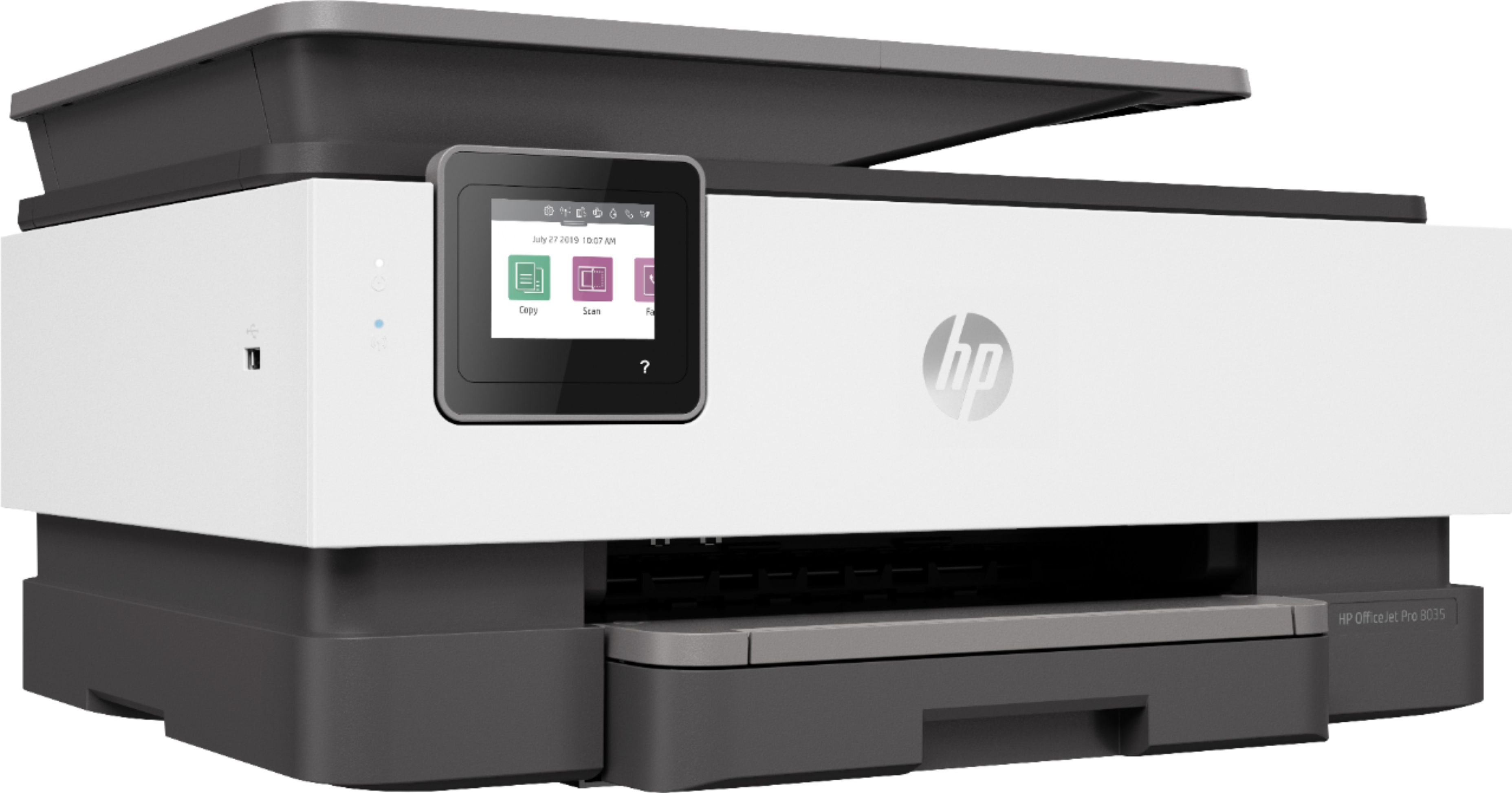
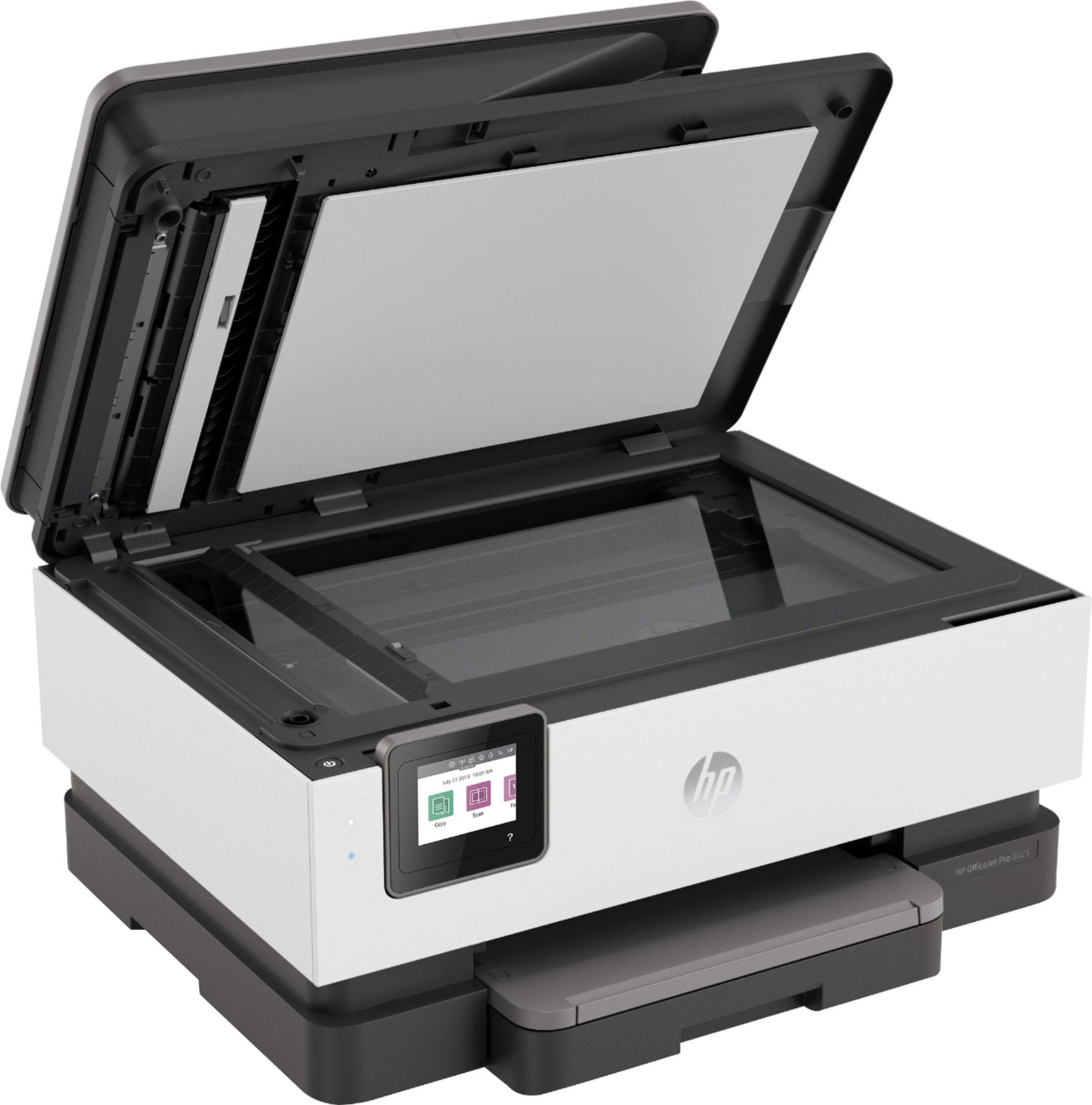
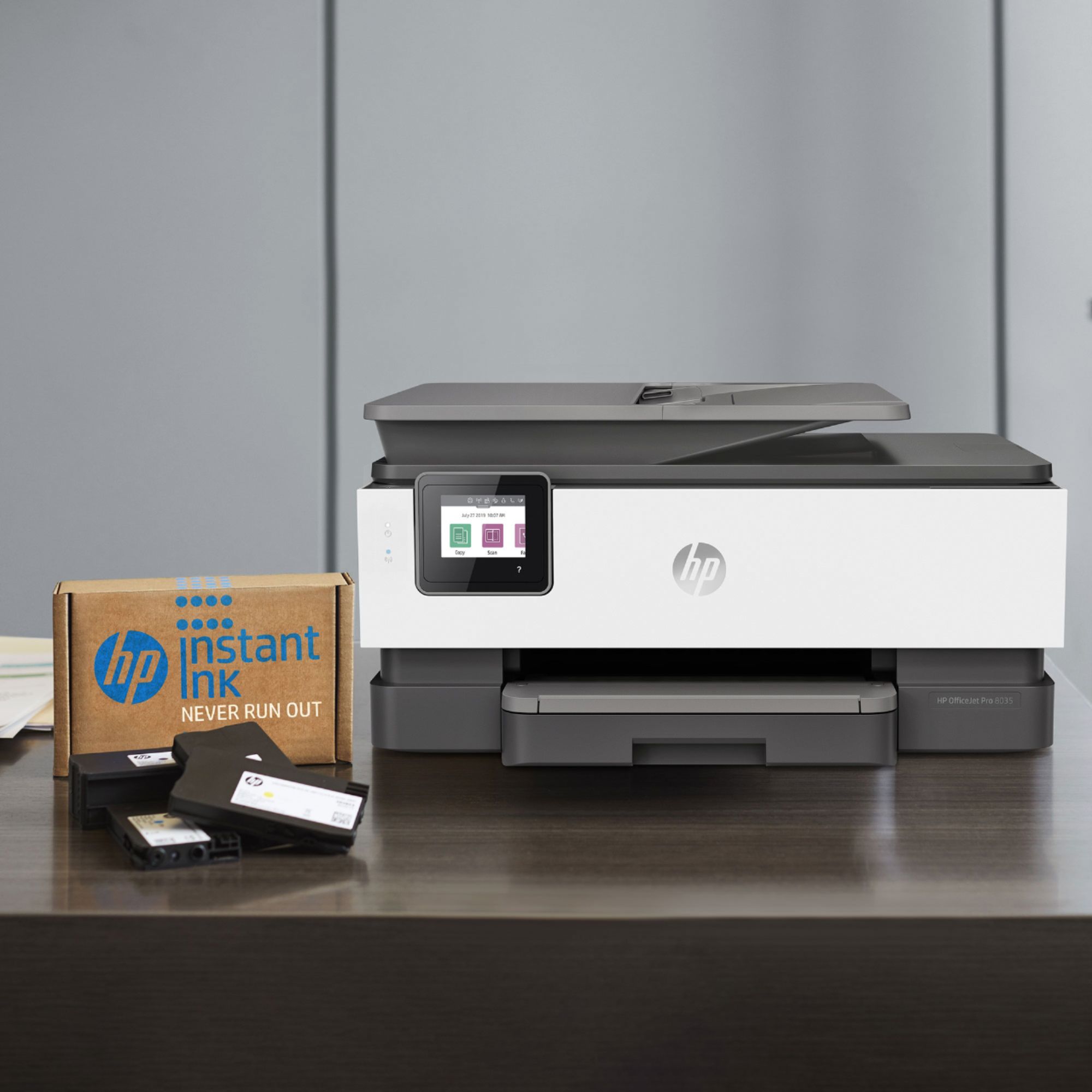
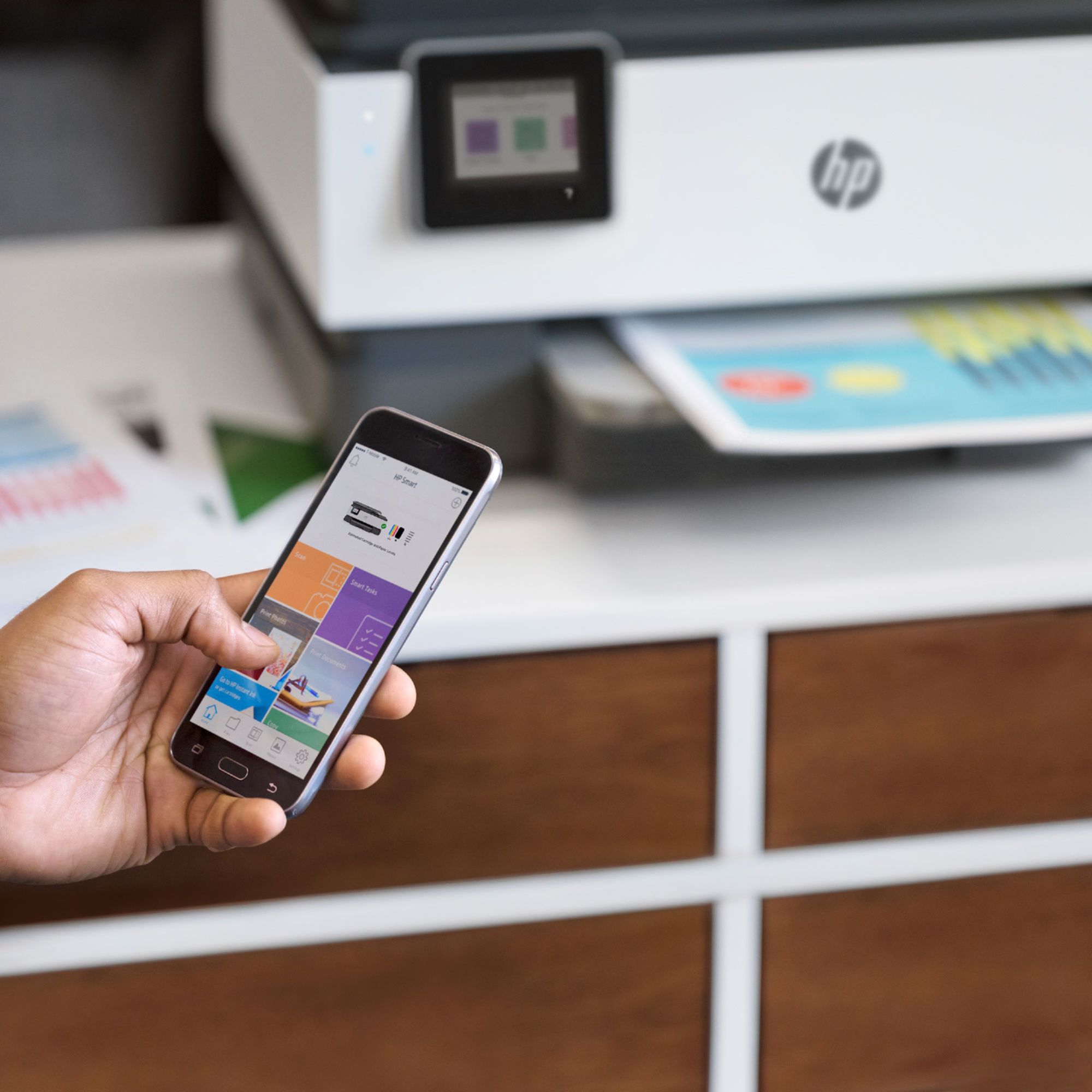
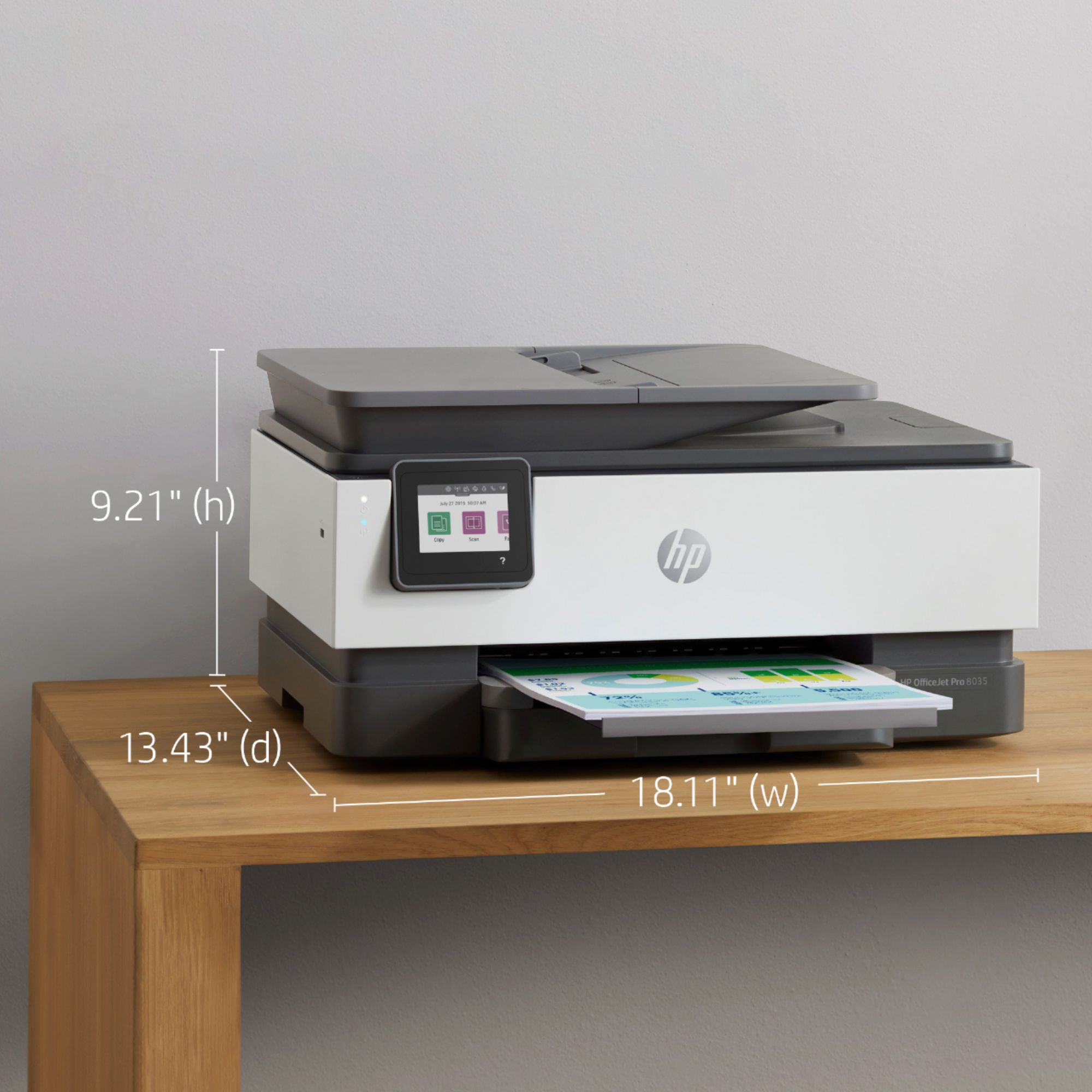
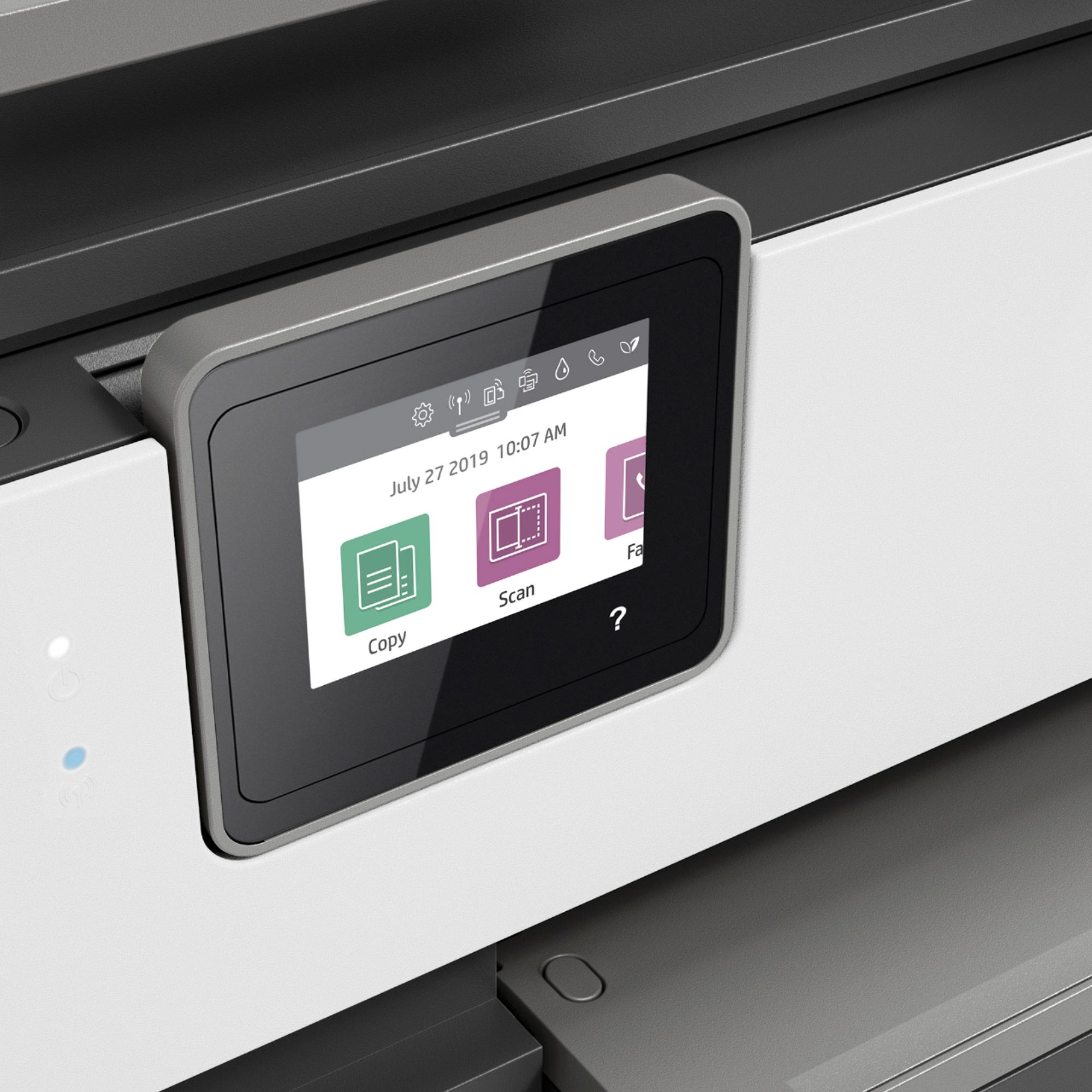
|Posted .This reviewer received promo considerations or sweepstakes entry for writing a review.I’ve been using HP printers for years. They’re reliable and the ink cartridges are always easy to find. The new OfficeJet Pro has some neat features that made me realize what I’ve been missing out on with my 6 year old printer. To start, the OfficeJet Pro looks good and is built very nice. No flex or flimsiness in the body of the printer. It looks like this printer will last for years to come. Set-up was simple using the HP app. Each step shows up on the little touch screen and it was easy to follow. Some features that I really like is that it works with AirPrint, meaning I can easily print off my iPad or iPhone without going through extra steps. Also, something that is really cool is the double-sided printing. I didn’t know how it was going to do it, but it prints one side, then the page goes back in and the paper gets flipped. It nice because now for things that are not very important, I don’t have to waste an extra sheet. This is also my first printer where the I can feed papers into the scanner using the tray. Its really convenient if you have a lot of papers to scan. The included ink cartridges did give me some trouble. When installing, you have to twist an orange tab from the bottom of each cartridge. It looks fairly easy in the set-up video, but it requires a lot of force and I hurt my fingers. I guess its nice to know with the tabs being on so tight, no ink will leak out. Whether at home or in a small business, the OfficeJet Pro 8035 is a great printer that will last. Its smart capabilities and cool features making printing an enjoyable experience.
I would recommend this to a friend Does not print color
||Posted . Owned for 1 week when reviewed.This reviewer received promo considerations or sweepstakes entry for writing a review.Does not print color and does not print double sided. Returned the printer and got a different model and luv it. HP 9015 is better.
No, I would not recommend this to a friendYou sell Junk
||Posted . Owned for 3 weeks when reviewed.This reviewer received promo considerations or sweepstakes entry for writing a review.Piece of junk will not work only print test page you must only sell inferior products to make your goal so fare every thing i have bought there is JUNK
No, I would not recommend this to a friendBrand response from HP Team
Posted .Hi there.
I’m sorry to hear that your printer has not worked like it should. Your review is brief, but the frustration you express over seeing nothing but a test page is clear – and totally understandable – so I’ll offer a resource that I hope will help you remedy the situation.
I can’t tell from your review why your printer is not printing, but HP+ printers come with exclusive concierge support. To call and reach live HP+ experts, go to the following URL and enter your HP+ serial number:
- hp.com/plus-help
Keith
HP Care
hp.com/support
HP cloud app SUCKS!
||Posted .This reviewer received promo considerations or sweepstakes entry for writing a review.This printer is junk. Not so much the printer but the cloud based os. Never again HP. Create a stand alone app for this printer. Its going back!
No, I would not recommend this to a friendProblem with color cartridges
||Posted . Owned for 10 months when reviewed.This reviewer received promo considerations or sweepstakes entry for writing a review.Ink cartridges do not work- get error message when use the color cartridge- and nothing wrong with the cartridge. Replaced twice and neither work
No, I would not recommend this to a friendBrand response from HP Team
Posted .Hi, Matt.
I’m sorry to hear that your printer has displayed an error message after you’ve installed new color cartridges. Your dismay is no surprise, considering you’ve replaced cartridges twice yet the problem persists. I want to help you remedy the situation, so I’ll offer a resource and some information I hope will reach that end.
I can’t tell from your review why your printer won’t recognize and use the cartridges, so I recommend that you contact us directly at +1 800-474-6836 so we can help you assess the situation and find a solution. (Please note that because of restrictions on personal movement and workplace attendance associated with the COVID-19 pandemic, wait times for agents are longer than normal. Thanks in advance for your understanding.) To expedite the process, I recommend gathering the following information before the call:
- Model number
- Serial number
- Your location
- Case number (from any previous contact with HP support)
I'll also mention that HP printers have a one-year warranty from their purchase date that covers hardware as well as ink supplies, so if it comes to that, you might consider making use of it. You can verify the warranty using the following link:
- support.hp.com/us-en/checkwarranty
Keith
HP Care
hp.com/support
Terrible Printer
||Posted . Owned for 5 months when reviewed.This reviewer received promo considerations or sweepstakes entry for writing a review.What an incredible piece of crap. You can MAYBE get 5 sheets of paper in the "document feeder" and they may or may not be torn up when done.
No, I would not recommend this to a friendBrand response from HP Team
Posted .Hi there.
I’m sorry that your printer’s automatic document feeder has performed so poorly for you. The frustration you express is wholly understandable, considering you’ve experienced torn paper after loading multiple sheets in the feeder. I want to help you remedy this problem, so I’ll direct you to some appropriate resources and information.
First, I recommend you follow the steps in a guide on our support site to document feeders that pull through too many pages at once or fail to pick up paper at all. That description might not fit your issue exactly, but I believe the guide might provide some insight nonetheless. Find that guide here:
- support.hp.com/us-en/document/c01728503
If the problem persists, I suggest that you contact us directly at +1 800-474-6836 so we can help you assess the situation and determine the best course of action. (Please note that because of restrictions on personal movement and workplace attendance associated with the COVID-19 pandemic, wait times for agents are longer than normal. Thanks in advance for your understanding.) To expedite the process, I recommend gathering the following information before the call:
- Model number
- Serial number
- Your location
- Case number (from any previous contact with HP support)
I'll also mention that HP printers have a one-year warranty from their purchase date that covers hardware as well as ink supplies – and that warranty extends to two years with an HP+ account – so if it comes to that, you might consider making use of it. You can verify the warranty using the following link:
- support.hp.com/us-en/checkwarranty
Keith
HP Care
hp.com/support
Never again
||Posted .This reviewer received promo considerations or sweepstakes entry for writing a review.This is the worse printer I ever had to use. Once I locate my receipt, you can have it back. This unit is totally dysfunctional.
No, I would not recommend this to a friendGets stuck trying to print
||Posted . Owned for 7 months when reviewed.This reviewer received promo considerations or sweepstakes entry for writing a review.This is not a good printer. It takes forever trying to print pages and they has a message saying "cancelling" that spins for ages. Very irritating and disappointing.
No, I would not recommend this to a friendBrand response from HP Team
Posted .Hi there.
I’m sorry to hear that your printer has not performed like it should. I can understand why the delays that you describe and "cancelling" messages that time out would quickly become frustrating, so I’ll offer some resources and information I hope will help.
First, I recommend you visit a page on our support site that has multiple diagnostic tools for various problems. There you’ll find a general-purpose tool called the HP Print and Scan Doctor. If you use Windows, the tool will help identify and guide you through solutions to a wide range of common printing and scanning issues. Visit that page here:
- support.hp.com/us-en/topic/diagnostics
If the problem persists, I recommend that you contact us directly at +1 800-474-6836 so we can guide you through the proper troubleshooting. (Please note that because of restrictions on personal movement and workplace attendance associated with the COVID-19 pandemic, wait times for agents are longer than normal. Thanks in advance for your understanding.) To expedite the process, I recommend gathering the following information before the call:
- Model number
- Serial number
- Your location
- Case number (from any previous contact with HP support)
Keith
HP Care
hp.com/support
Sucker
||Posted .This reviewer received promo considerations or sweepstakes entry for writing a review.I had to pay someone for 2 hours to try to make it work. It never worked right so I returned it for a Canon printer which works just fine.
No, I would not recommend this to a friendNever again
||Posted . Owned for 1 year when reviewed.This reviewer received promo considerations or sweepstakes entry for writing a review.After 3 months of having it, color stopped working. Had a really bad experience with customer service as well. Waste of money.
No, I would not recommend this to a friendPrinter didn’t work
||Posted . Owned for 3 weeks when reviewed.This reviewer received promo considerations or sweepstakes entry for writing a review.The product didn’t work when I plugged it in. You would think that either HP or BestBuy would have tested it before putting it in the box.
No, I would not recommend this to a friendThe printer screen is saying Updating 48
||Posted . Owned for 9 months when reviewed.This reviewer received promo considerations or sweepstakes entry for writing a review.I bought this printer in April, why is this printer not working and HP Tech-support wanna charge me $200 to repair it and the printer cost $140.00
No, I would not recommend this to a friendDO NOT BUY
||Posted . Owned for 1.5 years when reviewed.This reviewer received promo considerations or sweepstakes entry for writing a review.Print heads dried up after 2 years. Instant Ink subscription is a joke...they charge for every printed page. RIPOFF!!
No, I would not recommend this to a friendMeh
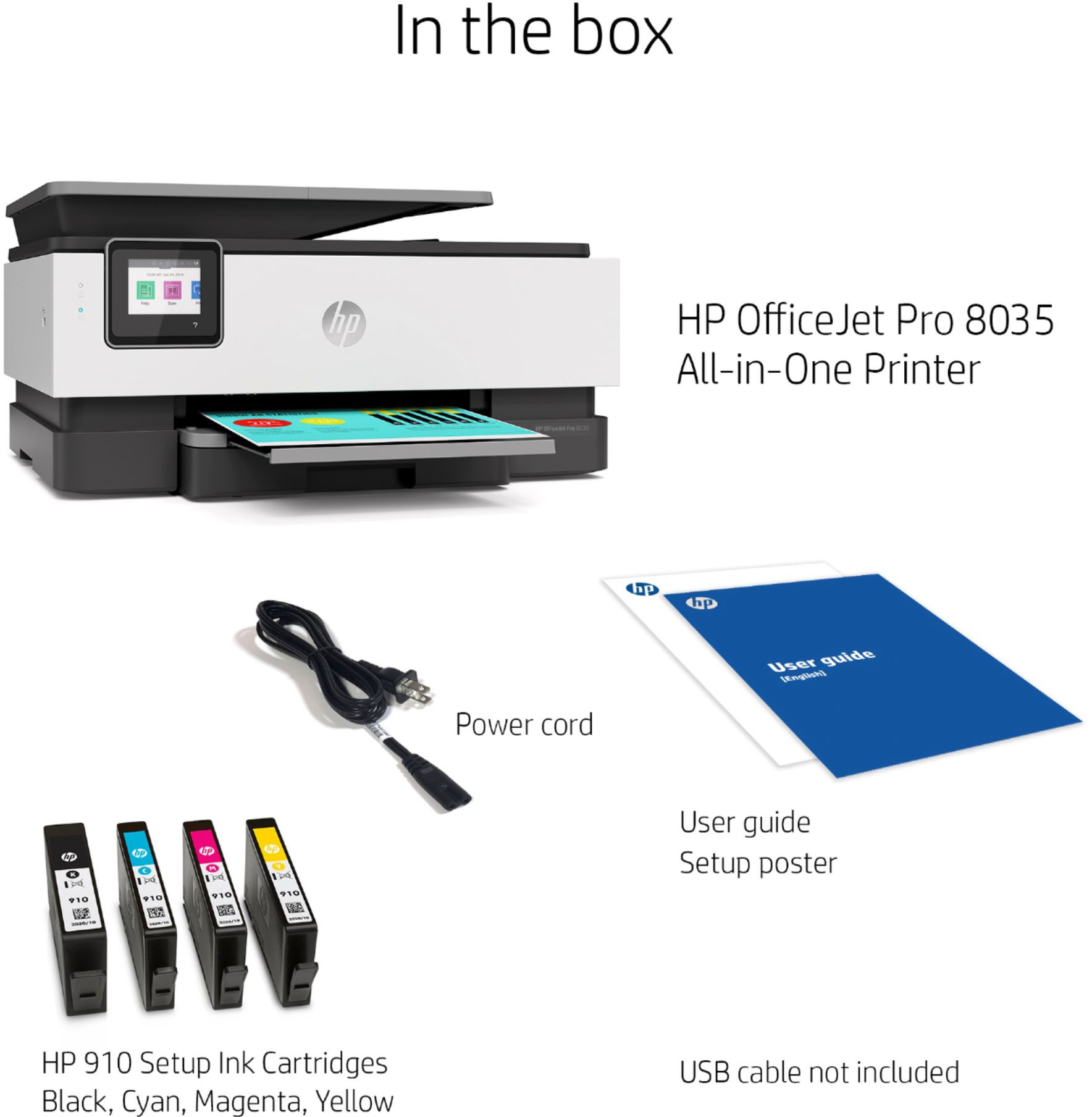
||Posted .This reviewer received promo considerations or sweepstakes entry for writing a review.It didn’t come with any of the new printer document or the power cord. I’m pretty sure best buy sold me a refurbished one as a brand new one.
No, I would not recommend this to a friendBrand response from HP Team
Posted .Hello there,
I’m sorry to hear that your printer arrived without the things you mentioned. I can imagine how disappointing and disconcerting this must have been, so I want to make sure that I provide information to help you make it right.
Because you expected to receive a printer with all the necessary components, I recommend you contact the seller to address this promptly. You can find the seller by scrolling to the bottom of the Best Buy website and clicking Orders & Returns.
If you need to, I hope you’ll contact us directly at +1 800-474-6836 so we can help you assess the situation and find a solution. (Please note that because of restrictions on personal movement and workplace attendance associated with the COVID-19 pandemic, wait times for agents are longer than normal. Thanks in advance for your understanding.) To expedite the process, I recommend gathering the following information before the call:
- Model number
- Serial number
- Your location
- Case number (from any previous contact with HP support)
Kacper
HP Care
hp.com/support
Really not sure what i bought!!
||Posted . Owned for 1 month when reviewed.This reviewer received promo considerations or sweepstakes entry for writing a review.I paid money for the "OfficeJet Pro 8035" printer. When I installed it it tells me it's a "OfficeJet Pro 8025" printer. Which is it? I don't know!!
No, I would not recommend this to a friendBoo HP
||Posted .This reviewer received promo considerations or sweepstakes entry for writing a review.Beyond Miserable, instant paper jams, horrible connectivity. Will NEVER buy an HP Product again.
No, I would not recommend this to a friendBrand response from HP Team
Posted .Hi there.
I’m sorry that your printer has performed so poorly for you. Your frustration comes as no surprise, considering you’ve endured frequent paper jams and connectivity problems. I want to help you remedy these issues, so I’ll provide some resources aimed at reaching that goal.
First, I recommend going through the steps to clearing and avoiding paper jams that you’ll find in this troubleshooting guide on our support site:
- support.hp.com/us-en/document/c06262856
You can also visit a page on our support site that has diagnostic tools for various issues, including wireless connectivity. You can find that page here:
- support.hp.com/us-en/topic/diagnostics
If any problem persists, I suggest you contact us directly so we can help you assess what’s happening and find the best course of action. HP+ printers such as yours come with exclusive concierge support. To call and reach live HP+ experts, visit the following URL and enter your HP+ serial number:
- hp.com/plus-help
Keith
HP Care
hp.com/support
Printer
||Posted .This reviewer received promo considerations or sweepstakes entry for writing a review.Have been unable to get it to work. Followed all instructions. Really complicated. Even my son unable to make it work.
No, I would not recommend this to a friendBrand response from HP Team
Posted .Hi there.
I’m sorry to hear that your printer has not completed the setup and installation process. I can absolutely understand why that would be an exasperating experience, especially considering you had a family member help you with no results. I want you to get the device working to your satisfaction, so I’ll provide some resources I hope will make that happen.
First, I recommend that you follow a setup tutorial specific to your printer you can find on our support site. On the same page you can also access user manuals, troubleshooting guides, how-to documents and software updates. Do that by following this link:
- support.hp.com/us-en/product/model/37934580
You can also visit a page on our support site that has diagnostic tools for various tasks and issues, including setup and connectivity. You can find the page here:
- support.hp.com/us-en/topic/diagnostics
If you need further assistance with setup or any issue, HP+ printers come with exclusive concierge support. To call and reach live HP+ experts, visit the following URL and enter your HP+ serial number:
- hp.com/plus-help
Keith
HP Care
hp.com/support
Worst printer ever!
||Posted . Owned for 5 months when reviewed.This reviewer received promo considerations or sweepstakes entry for writing a review.Worst printer I have ever owned. Constantly going offline, paper jams, and also, overpriced cartridge plans...
No, I would not recommend this to a friendBrand response from HP Team
Posted .Hi there.
I’m sorry to learn that your printer has performed so poorly for you. I can easily see why the device frequently going offline and experiencing paper jams would be a frustrating start to ownership. I want to help you resolve these problems, so I’ll direct you to some resources I hope will accomplish that goal.
First, I recommend you visit a page on our support site that has diagnostic tools for various issues, including wireless connectivity and printer-offline difficulties. You can find that page here:
- support.hp.com/us-en/topic/diagnostics
Next, I suggest going through the steps to clearing and avoiding paper jams that you’ll find in this troubleshooting guide on our support site:
- support.hp.com/us-en/document/c06262856
You might also find it helpful to check out this support document regarding how to best store and handle paper to avoid jams:
- support.hp.com/us-en/document/c04518237
If any problem persists, I suggest you contact us directly so we can help you assess the situation and find a solution. HP+ printers such as yours come with exclusive concierge support. To call and reach live HP+ experts, visit the following URL and enter your HP+ serial number:
- hp.com/plus-help
Keith
HP Care
hp.com/support
Not good quality
||Posted .This reviewer received promo considerations or sweepstakes entry for writing a review.It was damaged when I took it out of the box so I returned it without ever setting up. Plastic case was too flimsy for so heavy a piece.
No, I would not recommend this to a friendAnother printer that is useless after 6 months
||Posted . Owned for 7 months when reviewed.This reviewer received promo considerations or sweepstakes entry for writing a review.Started out strong but now after 6 months of minimal use we're ready to toss it. Constant connection issues, paper jams, etc.
No, I would not recommend this to a friendBrand response from HP Team
Posted .Hi there.
I’m sorry to hear that your printer has performed poorly recently. I can wholly understand why connectivity issues and frequent paper jams would be a jarring surprise after six months of light use. With that in mind, I’ll offer some information and resources that I hope will help.
First, I recommend you visit a page on our support site that has diagnostic tools for various problems, including wireless connectivity and paper jam issues. There you’ll also find a general-purpose tool called the HP Print and Scan Doctor. If you use Windows, the tool will help identify and guide you through solutions to a wide range of common printing and scanning issues. Visit that page here:
- support.hp.com/us-en/topic/diagnostics
If difficulty persists, I suggest you contact us directly at +1 800-474-6836 so we can help you assess the situation and guide you through any applicable troubleshooting. (Please note that because of restrictions on personal movement and workplace attendance associated with the COVID-19 pandemic, wait times for agents are longer than normal. Thanks in advance for your understanding.) To expedite the process, I recommend gathering the following information before the call:
- Model number
- Serial number
- Your location
- Case number (from any previous contact with HP support)
I'll also mention that HP printers have a one-year warranty from their purchase date that covers hardware as well as ink supplies, so if it comes to that, you might consider making use of it. You can verify the warranty using the following link: support.hp.com/us-en/checkwarranty
Keith
HP Care
hp.com/support