Customer Ratings & Reviews






- Model:
- 405T6A#B1H
- SKU:
- 11005991
Rating by feature
- Value
Rating 4.6 out of 5 stars
- Quality
Rating 4.5 out of 5 stars
- Ease of Use
Rating 4.5 out of 5 stars

Not worth it
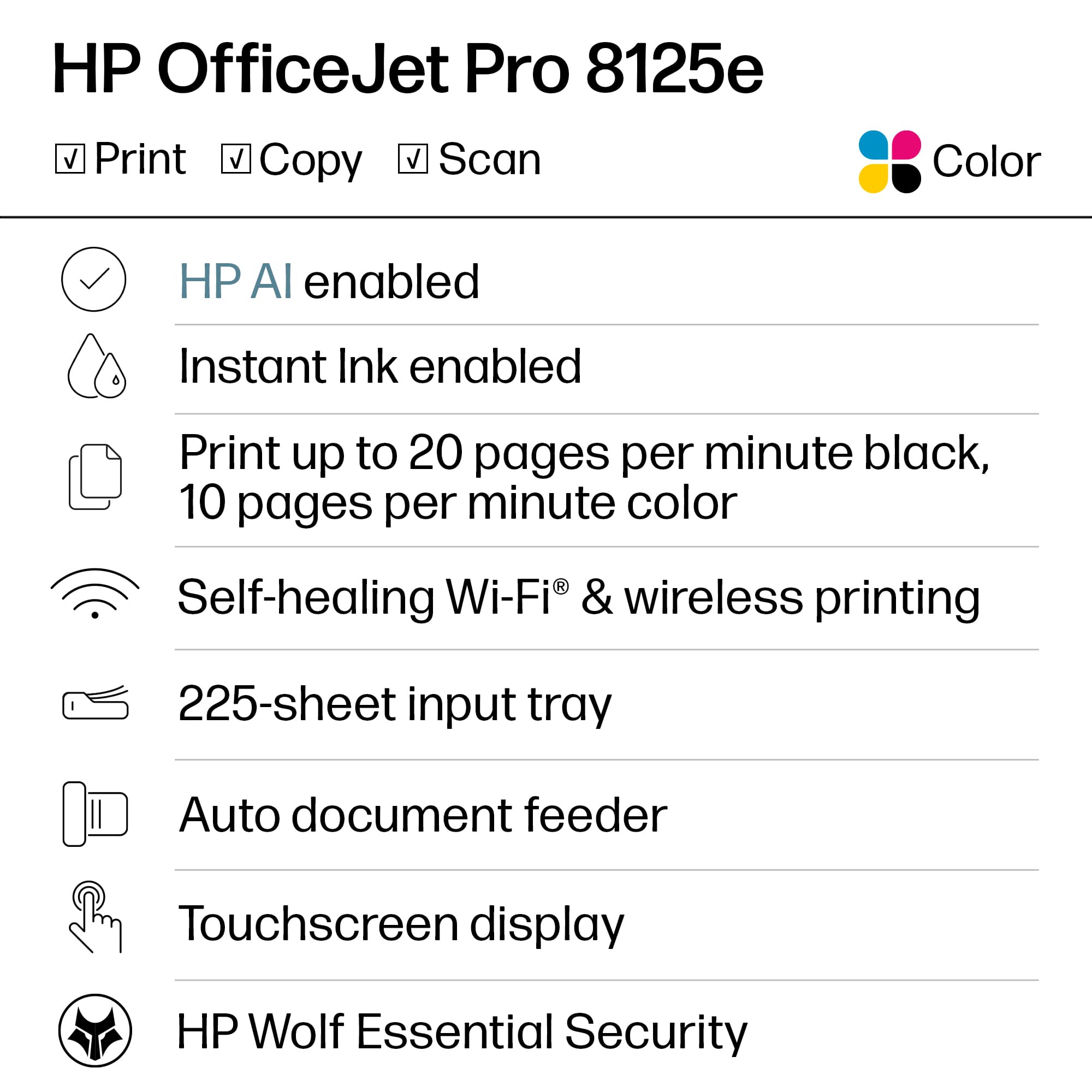
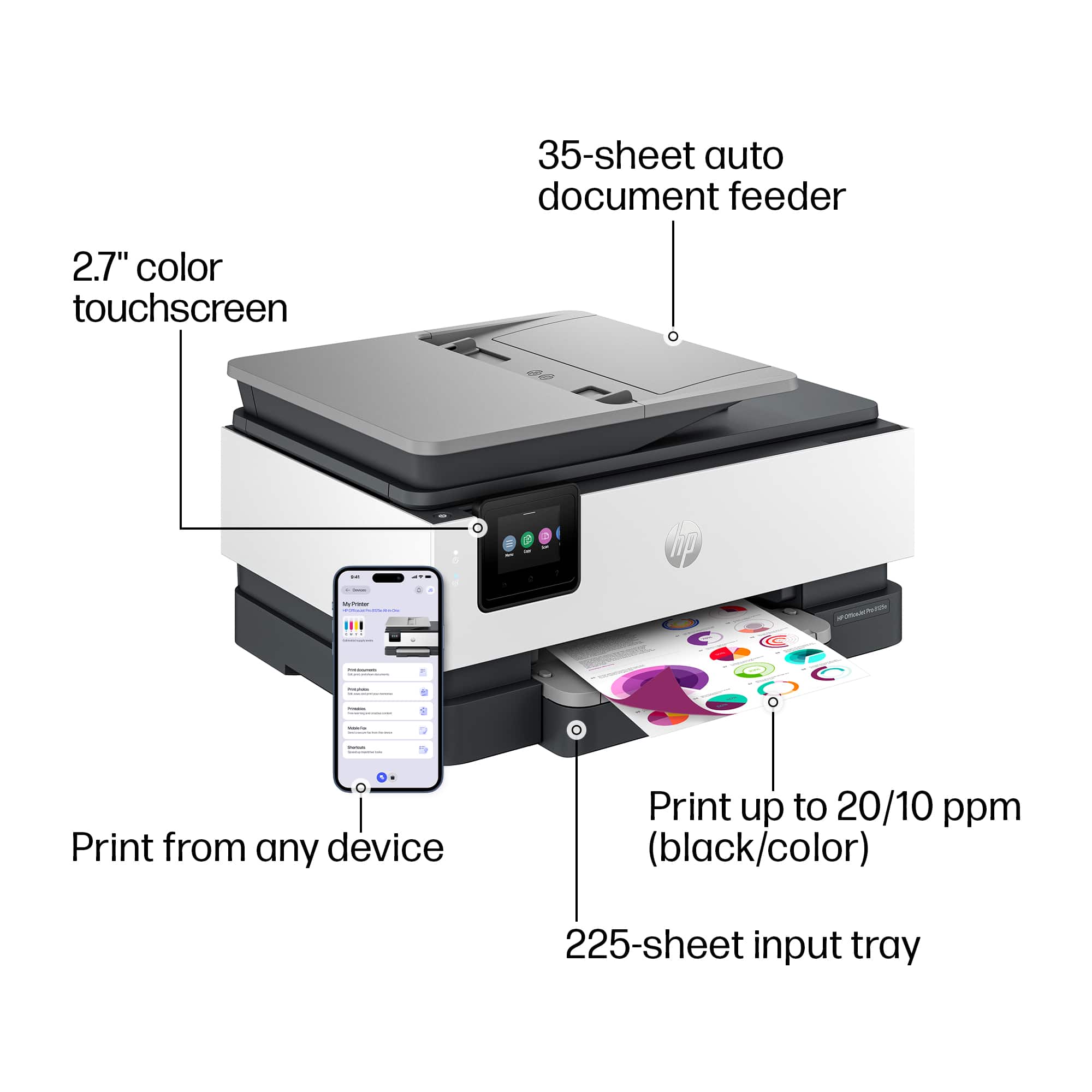
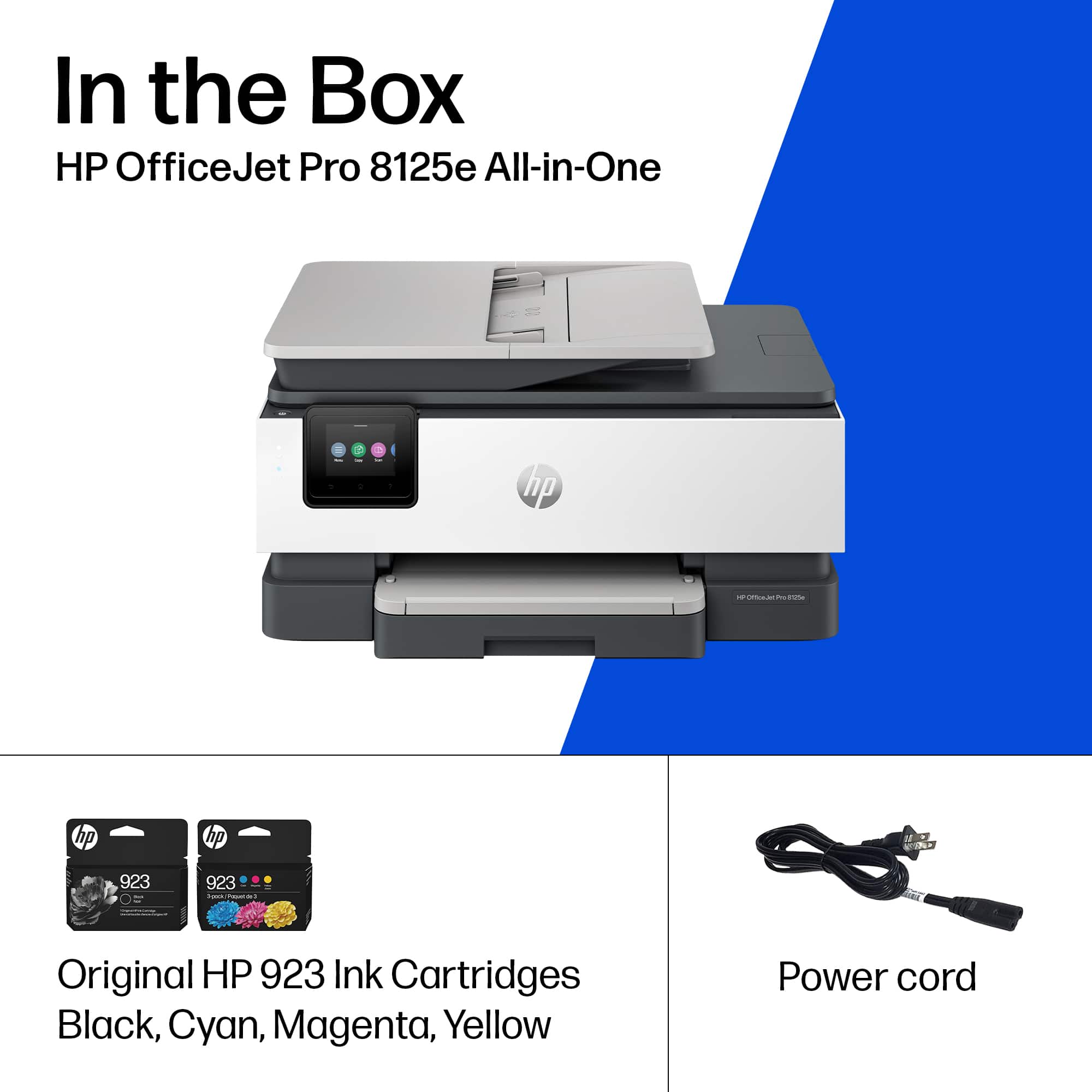
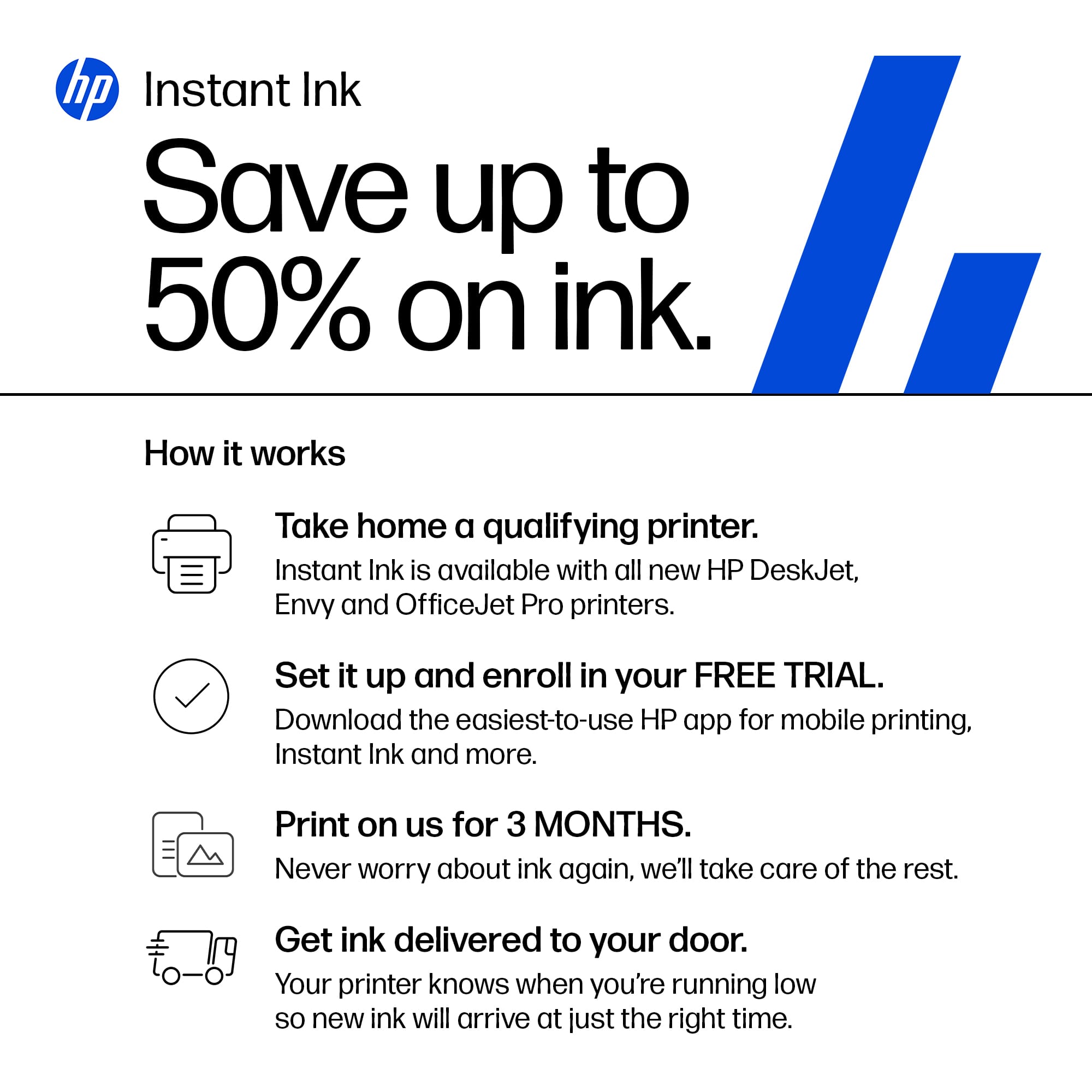
|Posted .This reviewer received promo considerations or sweepstakes entry for writing a review.Easy to unbox but lots of problems during setup. You need to have HP Smart installed on any device to use this printer. During onscreen installation on the printer there will be a QR code to scan or you can go directly to the link indicated. My recommendation is to use the QR code and setup the printer from your phone. I tried on 2 desktops but the printer kept getting stuck during installation. Using the phone it worked after 2 tries. Setting up the printer on my desktops was also a pain as it asks for the WPS PIN. You will find it on your printer screen while trying to add a printer. It says you have 90 seconds but it timed out after about 10-15 seconds. That took a few tries. Okay, printer installed on multiple devices – check. Printer test page printed ok – check. Then tried to print a document, a photo and some other items and everything printed in black and white. Color Mode was set to color. Never had that happen before and the same document prints in color on another printer. Both printers had HP Smart previously installed on them. You have to go through the complete installation on each device you want to print from as it needs to update the drivers. That was the solution. Plus, I used the IP address from the printer when installing on the desktop. So after a frustrating few hours setting up printing for a few devices all is finally good. The printer includes 3 months of Instant Ink. I am a fan of the Instant Ink as it really helps control cost. Printer ink has become so expensive and I only use manufacturer’s ink. There are 4 ink cartridges included. This printer does restrict the use to only HP cartridges. The paper tray holds 225 sheets. The document feeder doesn’t have an option for 2 sided scans or copies. Scanning quality is very poor. It is very grainy. Print speed is okay. It takes a while to warm up and prints about 8 color pages per minute and 14 black and white. Okay for basic home printing or light office printing. Photo printing is poor but this is not a photo printer. Having owned over 25 printers, this one is not even average. Document printing is okay and it didn’t jam on me when using a heavier paper stock. I have included a photo with a comparison from two printers. The image from this printer isn’t as sharp or as colorful. You get what you pay for – spend a bit more and you will be happier.
No, I would not recommend this to a friendgreat printer.
||Posted . Owned for 2 weeks when reviewed.This reviewer received promo considerations or sweepstakes entry for writing a review.print is clear with good color. Compact and streamlined. Prints quickly.
I would recommend this to a friendPowerfull Printer
||Posted . Owned for 2 weeks when reviewed.This reviewer received promo considerations or sweepstakes entry for writing a review.Excellent construction. Easy to use and the scanner is great.
I would recommend this to a friendWorks great for small office
||Posted . Owned for 1 month when reviewed.This reviewer received promo considerations or sweepstakes entry for writing a review.So far so good. Easy to setup and easy to use. Prints wirelessly and it connects fast.
I would recommend this to a friendGood quality, easy to set up
||Posted .This reviewer received promo considerations or sweepstakes entry for writing a review.It was very easy to set up with both Window and Android systems, using the new HP app. The quality is the usual good. I do not use instaink because I have previously found it to be to expensive for our home use.
I would recommend this to a friendHP Printer
||Posted . Owned for 1 month when reviewed.This reviewer received promo considerations or sweepstakes entry for writing a review.not a computer person some difficulty setting up so far so good. prints very clear copies quiet compared to older copy machine good price good service was delivered next day after purchase different printers were well explained think it was the best choice
I would recommend this to a friendGreat Printer
||Posted .This reviewer received promo considerations or sweepstakes entry for writing a review.Very easy to set up and works great. Wireless easily connected for air print.
I would recommend this to a friendPrinter Review
||Posted . Owned for 2 months when reviewed.This reviewer received promo considerations or sweepstakes entry for writing a review.easy to install and set up. Copy quality is great.
I would recommend this to a friendeasy-to-use!
||Posted . Owned for 2 weeks when reviewed.This reviewer received promo considerations or sweepstakes entry for writing a review.excellent print quality and easy-to-use! Got this for an elderly parent who lives many miles away and set it up, and they are able to use it easily and even swap out the ink when necessary!
I would recommend this to a friendGreat printer!
||Posted . Owned for 2 weeks when reviewed.This reviewer received promo considerations or sweepstakes entry for writing a review.Love this printer. I had purchased a less expensive printer last year and it just didn’t want to work. After about 10 months of struggling, I decided to pay a little bit more money and boy, what a difference. I love the double-sided printing and it’s super fast. I can print from my phone or computer in seconds. Woo hoo!!! Great printer! A+
I would recommend this to a friendHome owner
||Posted .This reviewer received promo considerations or sweepstakes entry for writing a review.Fairly easy to set up and works great. I would recommend it for home use for sure.
I would recommend this to a friendBuy It
||Posted .This reviewer received promo considerations or sweepstakes entry for writing a review.Works great! Easy set up. In love the modern look in my office.
I would recommend this to a friendGreat printer
||Posted . Owned for 2 weeks when reviewed.This reviewer received promo considerations or sweepstakes entry for writing a review.Great printer, zero complaints. Easy to use. Looks great.
I would recommend this to a friendReplaced HP 8610 printer with HP 8125e printer
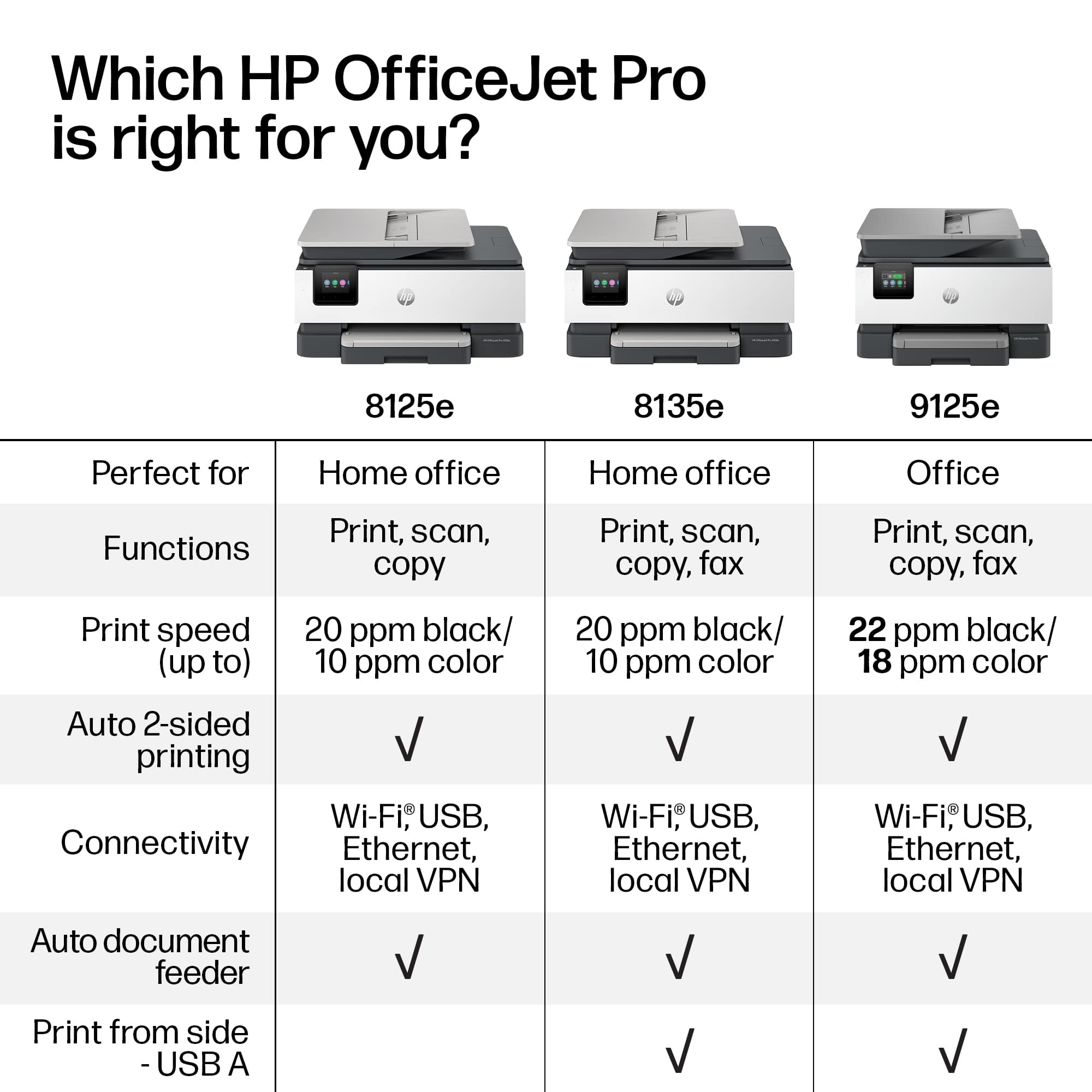
||Posted .This reviewer received promo considerations or sweepstakes entry for writing a review.Purchased the HP OJP 8125e to replace an HP OJP 8610, after 10+ years of great performance, due to a printhead failure. To take advantage of sale price on the new printer, I downgraded from fax and double-sided scan capabilities, and considered the somewhat reasonable b/w and color cartridge costs, vs. other current HP printers. The 8125e Installation/setup was fairly smooth via internet and wireless connection. I bypassed the myriad of HP cartridge auto replacement offers due to my anticipated limited printing. Print startup time and actual print time are a bit slower. It was unfortunate that there were no current HP printers that used my new 8610 cartridges, which resulted in an equal amount of sunk cost against the new printer price. Not sure if I will get 10 years+ from this new printer; however, this one is working well so far. Thank you.
I would recommend this to a friendGood Quality Printer
||Posted . Owned for 3 weeks when reviewed.This reviewer received promo considerations or sweepstakes entry for writing a review.Solid printer that makes good quality prints. Has all the features needed for A Home office printer
I would recommend this to a friendNice printer
||Posted .This reviewer received promo considerations or sweepstakes entry for writing a review.My son quickly set this up for me and I started using it immediately. Easy to figure out, good quality printing and images. Very happy with this printer
I would recommend this to a friendEasy to Use
||Posted . Owned for 1 week when reviewed.This reviewer received promo considerations or sweepstakes entry for writing a review.easy to use, works with apple wireless printing, great quality
I would recommend this to a friend8125A
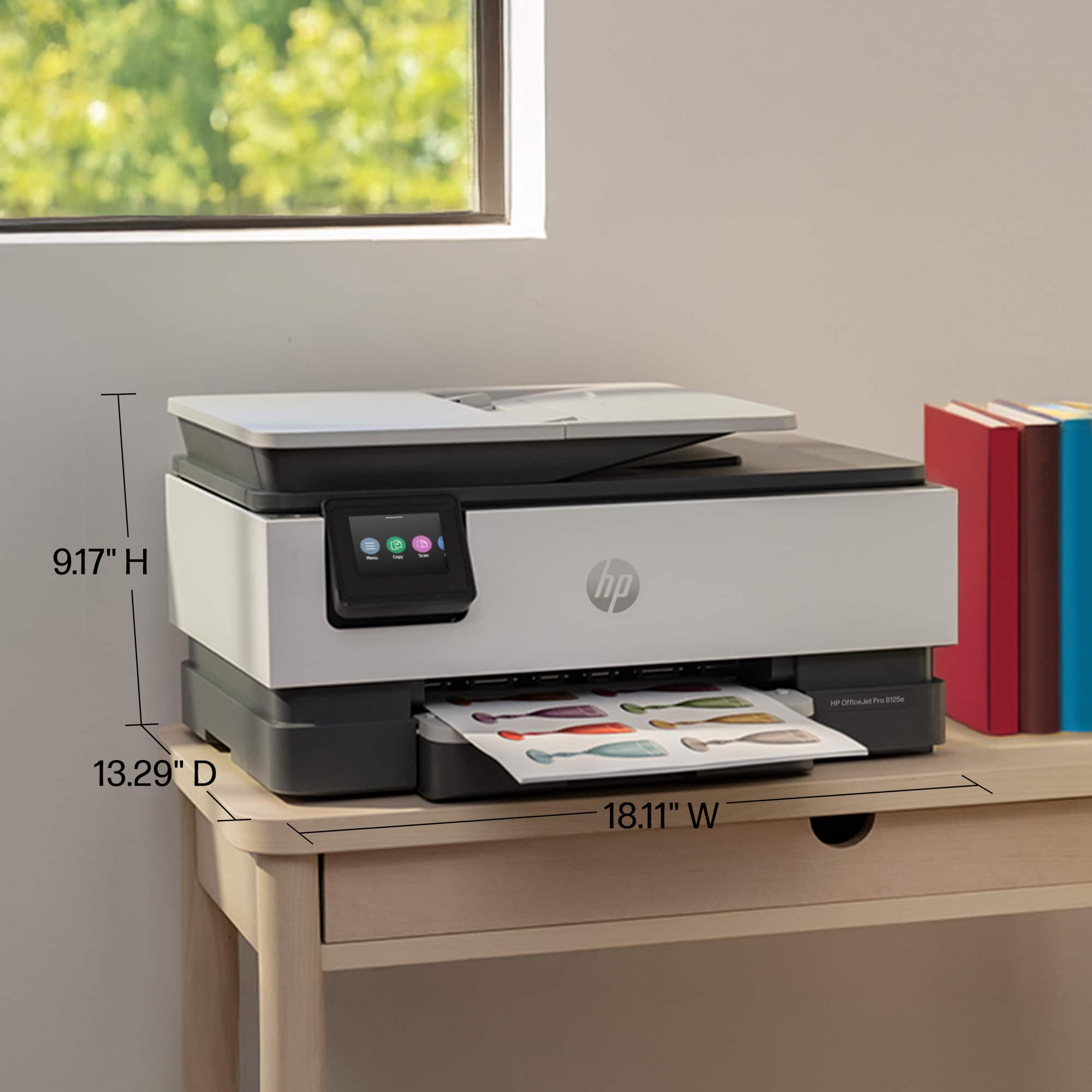
||Posted .This reviewer received promo considerations or sweepstakes entry for writing a review.Replaced an older model. Much more compact, only drawback is a questionable paper tray. Works well.
I would recommend this to a friendGreat value!
||Posted .This reviewer received promo considerations or sweepstakes entry for writing a review.Printer works great, easy to setup, prints black and white in color. Easy to operate copier function as well. So far no issues. Good value for the price.
I would recommend this to a friendLove my 8125e printer
||Posted . Owned for 3 weeks when reviewed.This reviewer received promo considerations or sweepstakes entry for writing a review.I had an 8035e printer and it was great for 5 years. Finally had a printer head issue and it was less expensive to buy the 8125e than get the printer head fixed. The 8120e is equally great- and I got the InstantInk program again, so very convenient. Color/BW Prints, copies, scans- does it all!
I would recommend this to a friend
















