Customer Ratings & Reviews






- Model:
- 405T6A#B1H
- SKU:
- 6621413
Rating by feature
- Value
Rating 4.6 out of 5 stars
- Quality
Rating 4.5 out of 5 stars
- Ease of Use
Rating 4.4 out of 5 stars
Customers are saying
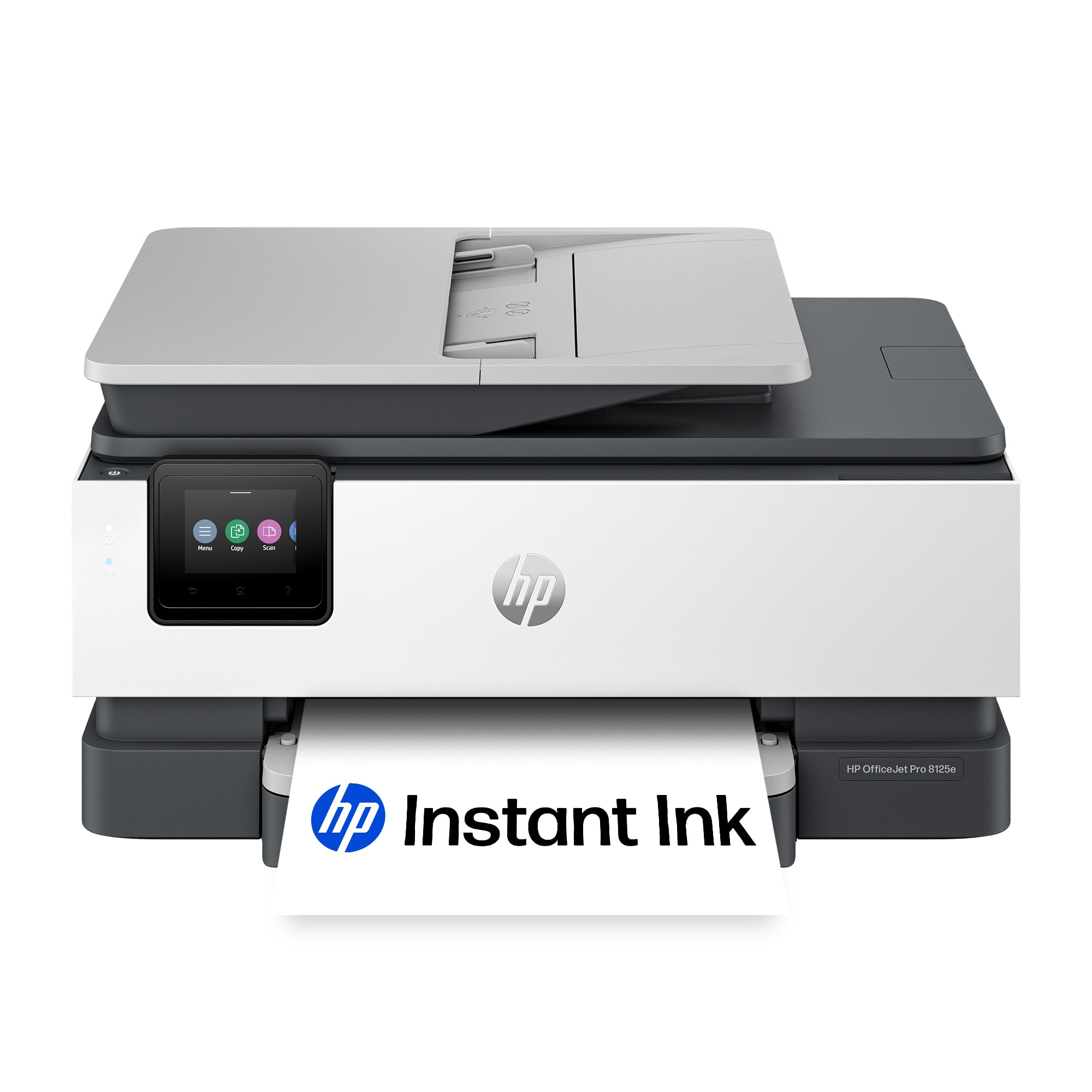
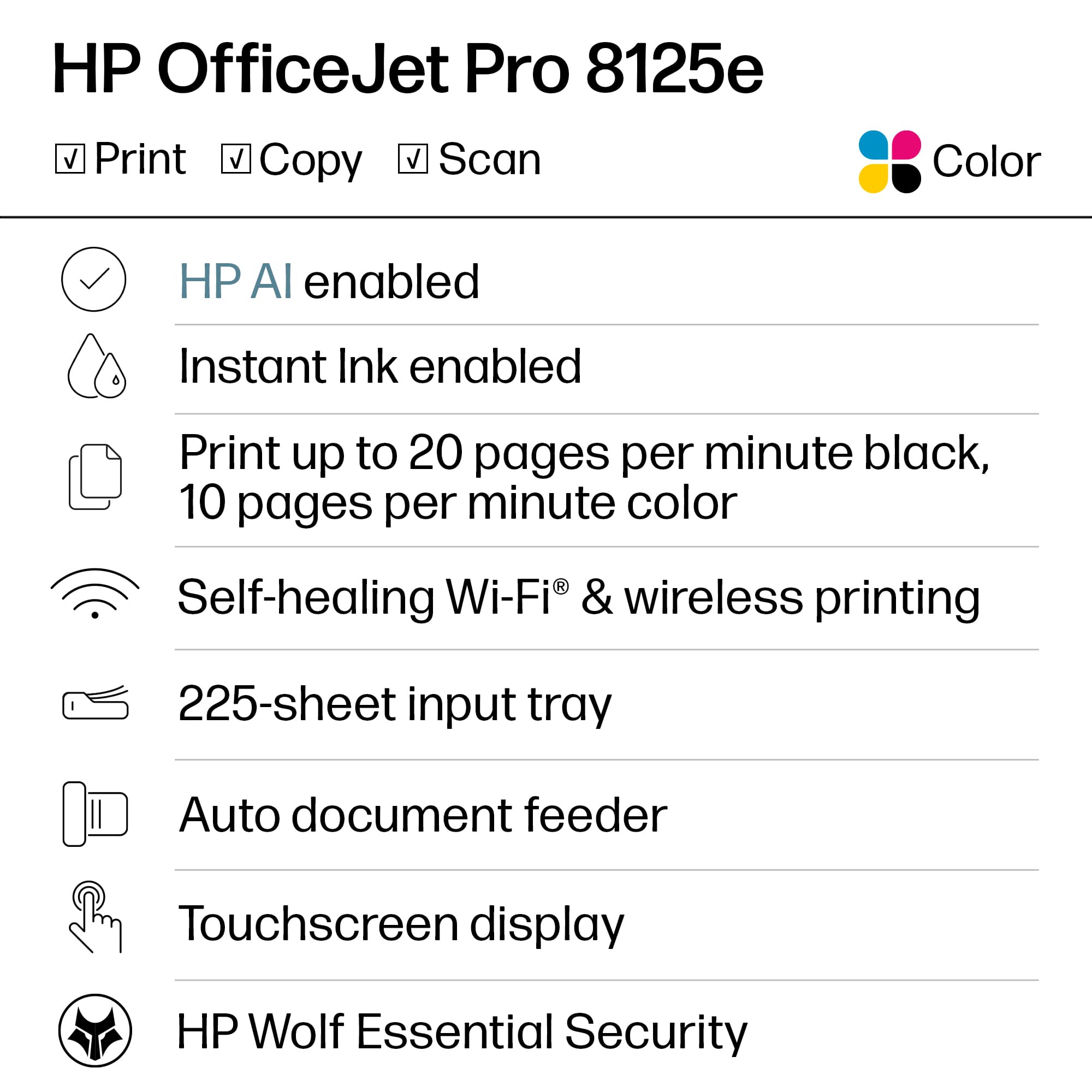
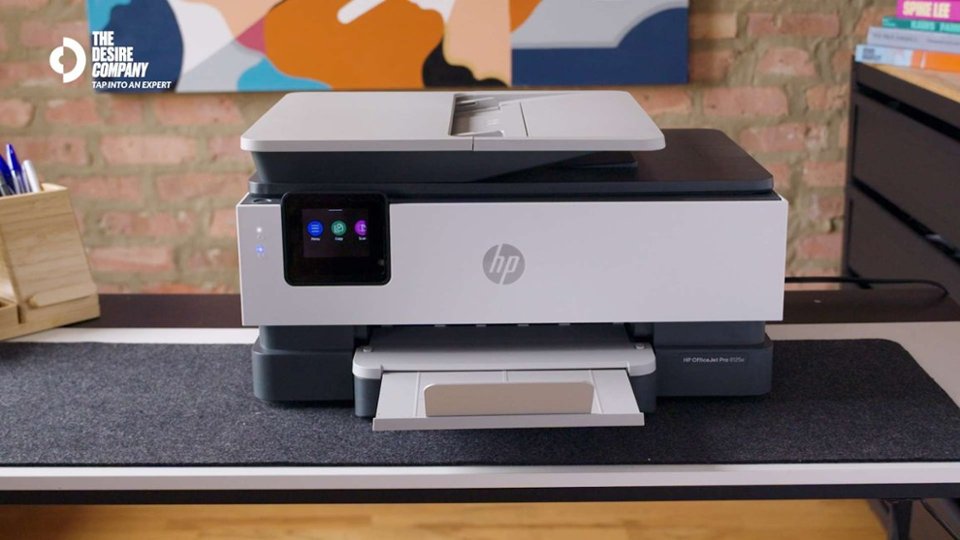
Customers have good things to say about the OfficeJet Pro 8125e, particularly its overall performance and print quality. Many users found the setup process to be seamless and appreciated the clear instructions provided. The printer's connectivity and ease of use were also highlighted as positive aspects, with some users noting its quiet operation.
This summary was generated by AI based on customer reviews.
- Pros mentioned:Ease of use, Overall performance, Setup
HP Pro 8125 Review
||Posted . Owned for 1 month when reviewed.This reviewer received promo considerations or sweepstakes entry for writing a review.This HP multifunction printer was purchased as a replacement for an older HP printer. The purchase process at our local Best Buy was seamless! Printer setup was extremely easy. All printer functions are operating perfectly. The printer controls and app work very well together. I purchased the Best Buy extended warranty, which provides a replacement option. This purchase, along with the extended warranty, makes this an excellent buy.
I would recommend this to a friend - Pros mentioned:Ease of use, Overall performance, Print quality
Crisp Images, Easy Set Up
||Posted . Owned for 2 weeks when reviewed.This reviewer received promo considerations or sweepstakes entry for writing a review.Works great. Prints clear, crisp images. Easy set up. Would definitely recommend.
I would recommend this to a friend - Pros mentioned:Overall performance, Print quality, Setup
Great printer!
||Posted .This reviewer received promo considerations or sweepstakes entry for writing a review.This printer is amazing, doesn't take up too much space, prints quickly, easy to set up and the app allows you to easily monitor it's performance
I would recommend this to a friend - Pros mentioned:Ease of use, Print quality
Very good printer.
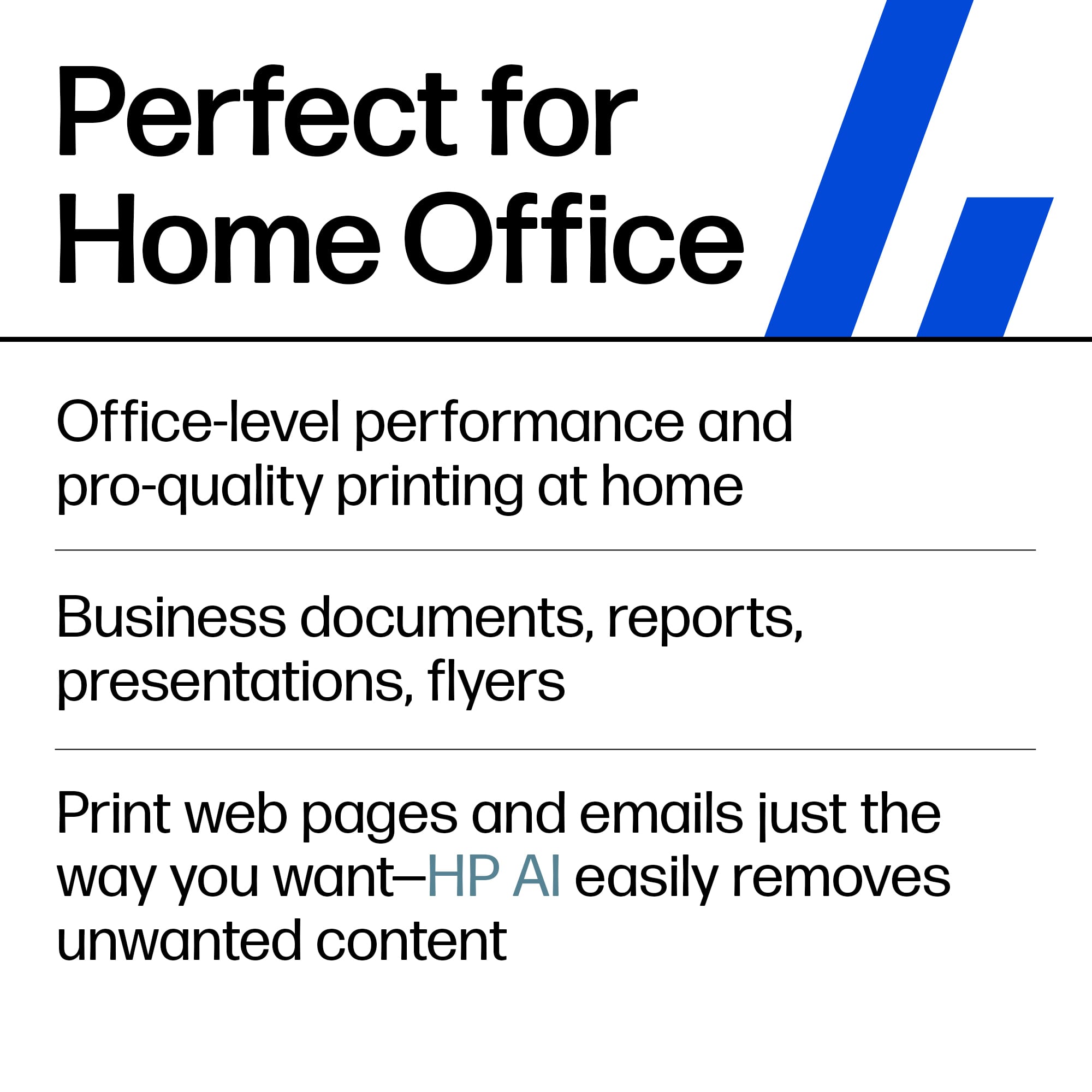
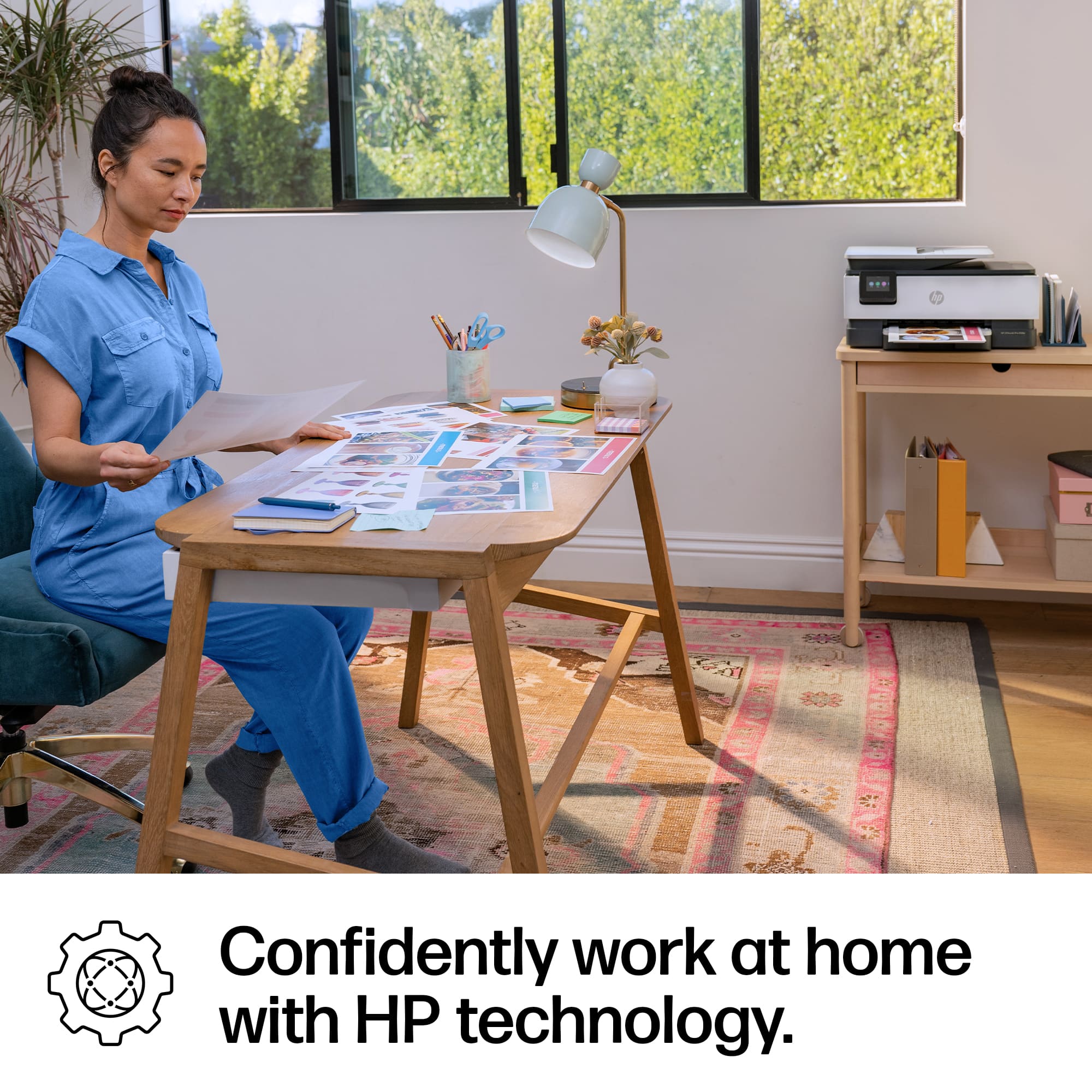
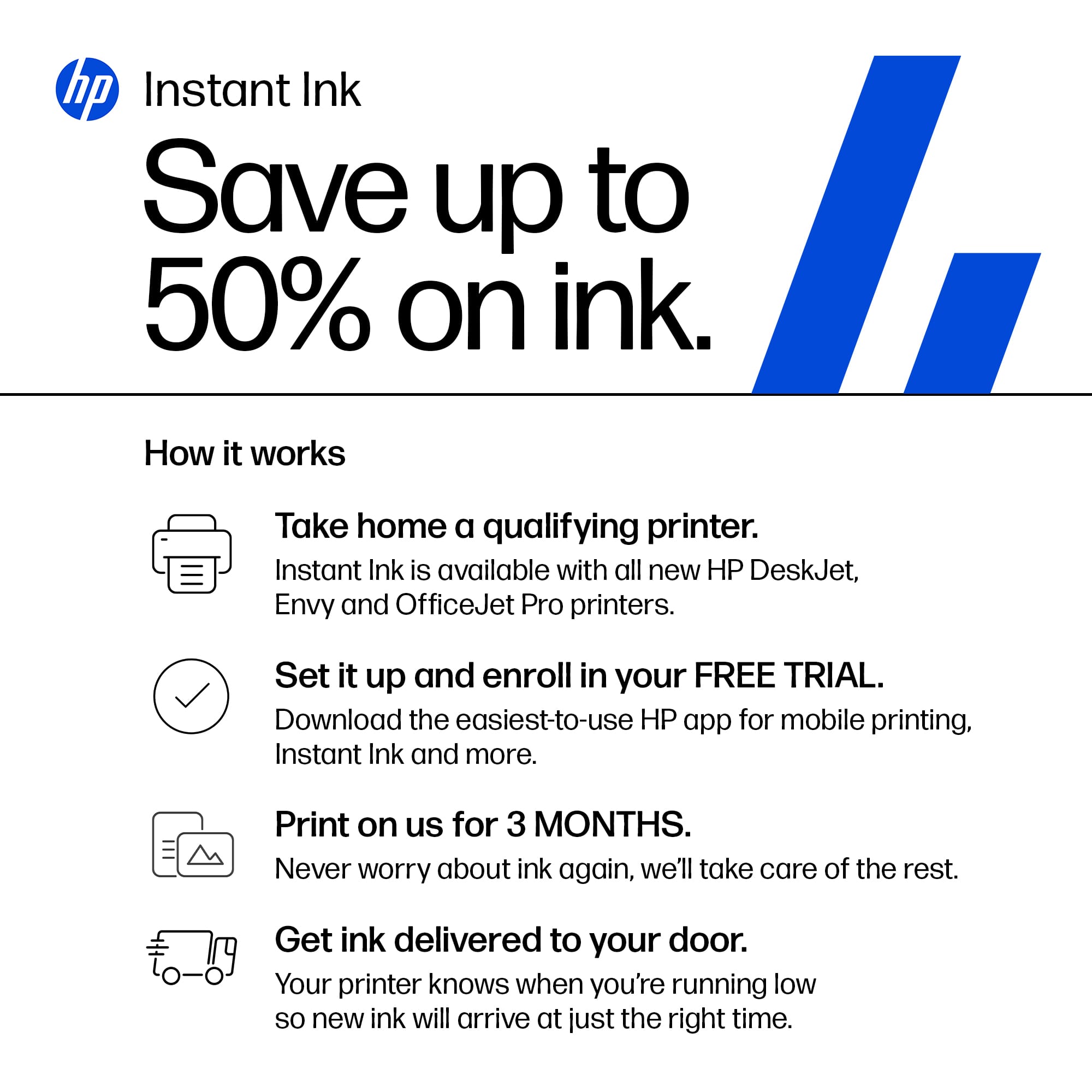
||Posted . Owned for 2 weeks when reviewed.This reviewer received promo considerations or sweepstakes entry for writing a review.Very user friendly, intuitive and inexpensive for the quality you get! Love the size (much smaller than my old bulky epson printer). And with the instant ink option, this printer is an no brainer go for me for my home office use. The quality of print is great as well.
I would recommend this to a friend - Pros mentioned:Connectivity, Ease of use, Overall performance
Highly recommend
||Posted .This reviewer received promo considerations or sweepstakes entry for writing a review.Extremely reliable. Prints without smudging. Does not clog. Prints from phone promptly. Easy to work for non-tech person. Have had other versions in the past. I am pleased I bought this latest version. Very affordable.
I would recommend this to a friend - Pros mentioned:Connectivity, Print quality, Setup

Subscription Printer
|Posted .This reviewer received promo considerations or sweepstakes entry for writing a review.To start with, the printer seems nice. It’s easy to take out of the box and setup. You can scan the QR code and it gives you quick simple pictures to get setup and running. But then it all gets worse from there. First, during setup the app crashed and it took a bit to figure out you can skip the WIFI connecting from the app and just type it in on the screen. Next you get through slowly to getting it setup and it asks you to setup a subscription. There is suppose to be 3 months trial at least, but you have to have put in a credit card. There is also no simple skip during the setup, though eventually I did find a way to skip it all and just use the printer. After that the printing works fine. You use the HP Smart app and install it easily on a PC or print directly from your phone. Since its connected to wifi is easily then prints out what I needed. Overall my biggest problem is the fact that HP is pushing you for a subscription. I don’t print consistently, so I don’t know how much Ink I need. And one month I may do more then the next, and another one I may not even use the printer. They are also making sure you only buy their cartages, so you’re going to be stuck paying what they want you to pay. Maybe if you print enough and consistently the same amount the subscription works, but I don’t feel this is a good option for most people and would suggest to avoid this printer because of that.
No, I would not recommend this to a friend - Pros mentioned:Ease of use, Overall performance, Setup
A Good Printer
||Posted . Owned for 1 month when reviewed.This reviewer received promo considerations or sweepstakes entry for writing a review.This is a very good printer, copier, scanner. Easy setup. Attractive in my home office. And Instant Ink by HP is handy to have. Another 5 star product from Best Buy.
I would recommend this to a friend - Pros mentioned:Setup
HP has nailed it with the 8125e
||Posted . Owned for 3 weeks when reviewed.This reviewer received promo considerations or sweepstakes entry for writing a review.I worked for a printer manufacturer (who shall remain nameless) and i know that it isnt the printer that adds value, it's the consumables such as paper, toner and ink cartridges. With that being said, this printer checks off all the right features. The ink cartridge install process isn't for the faint of heart and the paper feed tray is a little wonky. Other than that, the setup, and the alignment process worked on the first try. I do think the instant ink and paper programs are a work of genius. For a couple bucks, they make sure you never need to head to Best Buy (sorry dudes) to buy ink cartridges or paper. They really should just give these printers away for the millions the device manufacturers make on instant ink/paper. Lastly, the printer is fast and quiet. Highly recommended just dont make the same mistake i did and buy the cheap excuse for a printer that Best Buy sells for $80.
I would recommend this to a friend - Pros mentioned:Ease of use, Overall performance, Setup
Good printer
||Posted . Owned for 2 weeks when reviewed.This reviewer received promo considerations or sweepstakes entry for writing a review.We have had the model efie it for a few years. It took a tumble off the desk no thanks to a four legged crrature. So we had to invest in a new one. This one seemd to be easyer to set up and runs lime a champ.
I would recommend this to a friend - Pros mentioned:Print quality, Setup
HP Wireless
||Posted . Owned for 1 month when reviewed.This reviewer received promo considerations or sweepstakes entry for writing a review.The printer was easy to set up. Instructions were easy to follow. Copies are clear. Printer is quiet which is very nice. It was a little more difficult to connect to WI Fi but HP app was helpful.
I would recommend this to a friend - Pros mentioned:Ease of use, Print quality, Setup
Very happy purchase of this printer
||Posted . Owned for 1 week when reviewed.This reviewer received promo considerations or sweepstakes entry for writing a review.I was overdue for a new printer. My old was was almost 20 years old and only printed in black and white. Very excited and happy with this new 3 in one color printer. It was very easy to setup.
I would recommend this to a friend - Pros mentioned:Ease of use, Print quality, Setup
Awesome Printer for the Home!!
||Posted . Owned for 1 month when reviewed.This reviewer received promo considerations or sweepstakes entry for writing a review.Easy setup. Does a great job printing. No paper jams, no print mistakes. Great printer for home use!!
I would recommend this to a friend - Pros mentioned:Overall performance, Print quality
Reliable HP 8125e
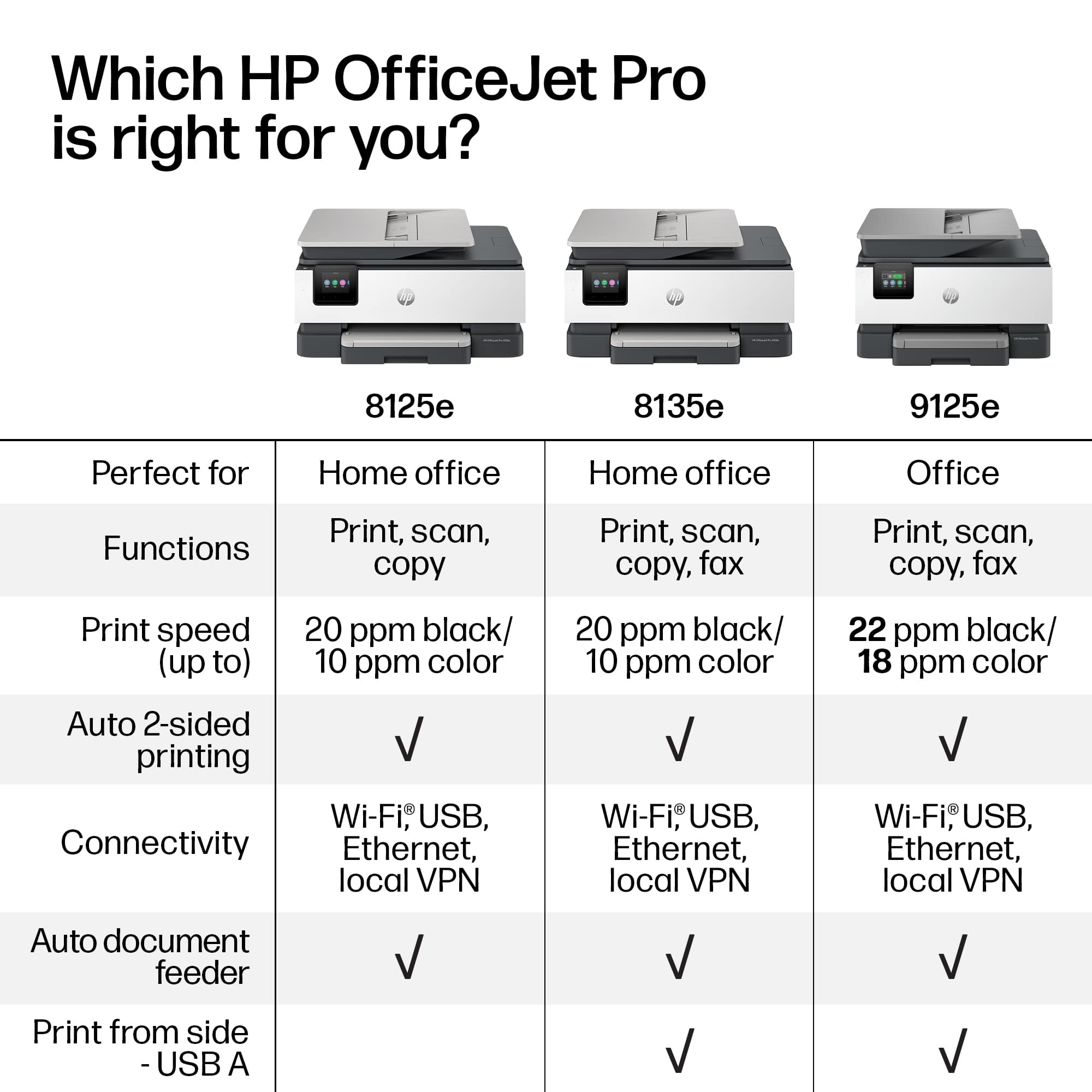
||Posted . Owned for 4 months when reviewed.This reviewer received promo considerations or sweepstakes entry for writing a review.Overall, the HP OfficeJet Pro 8125e is a reliable, versatile all-in-one printer that’s especially strong for home offices, schoolwork, and everyday document printing. It’s easy to use, performs well for most tasks, and has thoughtful features like duplex printing and an ADF. If you mainly need quality text and graphics prints — and don’t mind standard ink costs — it’s a great choice in its class.
I would recommend this to a friend - Pros mentioned:Ease of use, Print quality
HP OfficeJet Pro 8125e
||Posted . Owned for 1 month when reviewed.This reviewer received promo considerations or sweepstakes entry for writing a review.Loving this printer! Easy to use, fast and quiet. Very pleased with this purchase.
I would recommend this to a friend - Pros mentioned:Connectivity, Print quality, Setup
Great Printer for Home and School
||Posted . Owned for 3 months when reviewed.This reviewer received promo considerations or sweepstakes entry for writing a review.I love this HP printer! It was super easy to set up, and it connects quickly with my laptop and phone. The print quality is excellent for documents and photos, and the Instant Ink program helps save money on cartridges. Perfect for home and school projects!
I would recommend this to a friend - Pros mentioned:Ease of use, Print quality, Setup
Great Printer
||Posted . Owned for 1 month when reviewed.This reviewer received promo considerations or sweepstakes entry for writing a review.Great Printer and quick and prints Great. Easy Setup
I would recommend this to a friend - Pros mentioned:Print quality
Back to HP
||Posted .This reviewer received promo considerations or sweepstakes entry for writing a review.Had this for about a month. This is not the first HP printer I have owned, and it has not disappointed at all. Wireless setup was quick, and relatively painless from all of my devices. Printing quality is awesome (this replaces an Epson printer that was nowhere near as good), speed is good and pretty quiet. But after 20 years, they changed how the documents go on the glass for scanning/copying. Used to be lower right, now it's upper left. Not sure how the instant ink will be to use, but seems like the only game it town any more, with everyone not allowing non-company ink to be used. Epson bricked my last printer with a firmware update unless I used their ink, at least HP lets you know up front you are locked into them. If past performance in an indicator, this should last me 4 or 5 years.
I would recommend this to a friend - Pros mentioned:Connectivity, Print quality, Setup
Great printer
||Posted . Owned for 1 week when reviewed.This reviewer received promo considerations or sweepstakes entry for writing a review.Very easy to set up. Love that I can print from anywhere the print quality is good
I would recommend this to a friend Versatile Great Printer
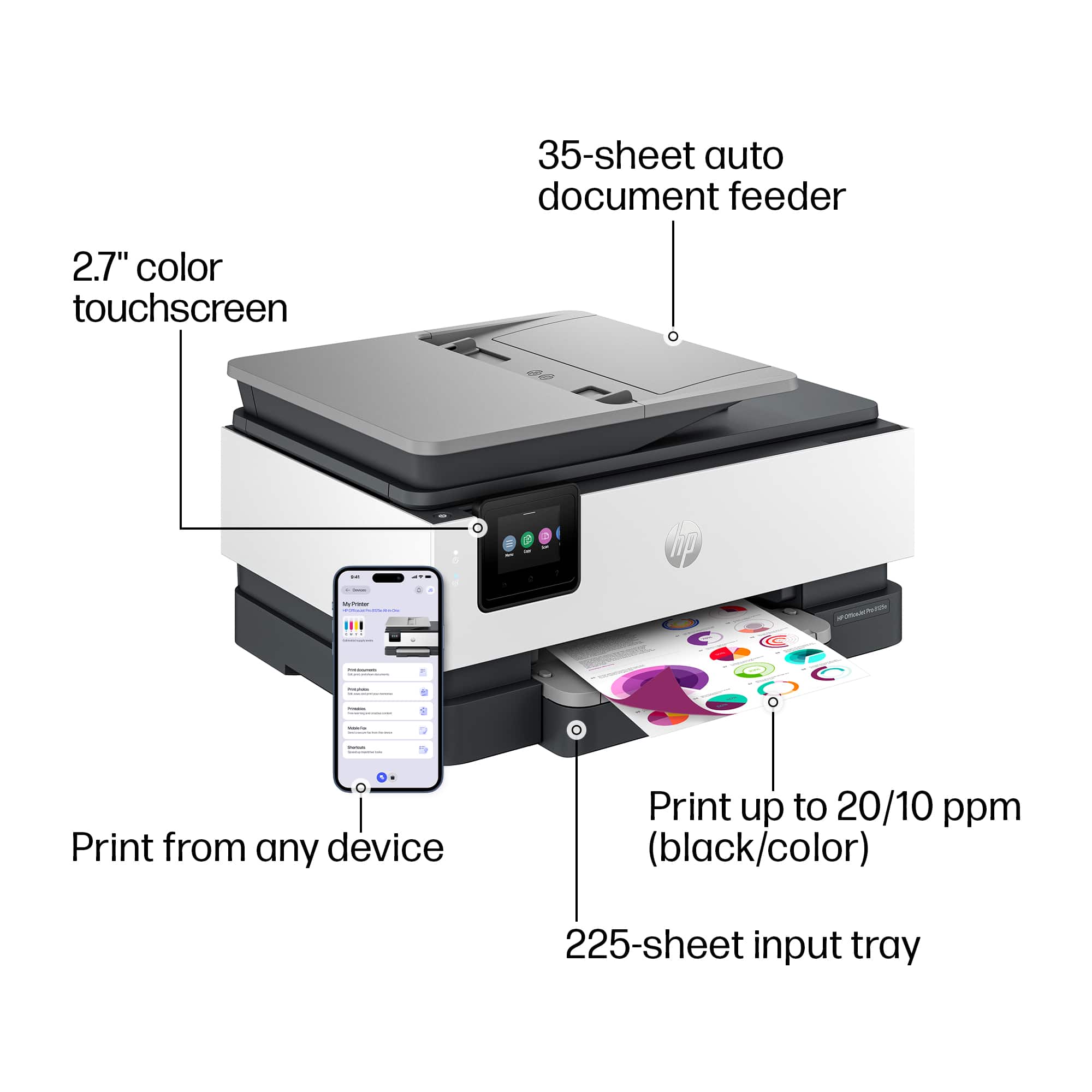
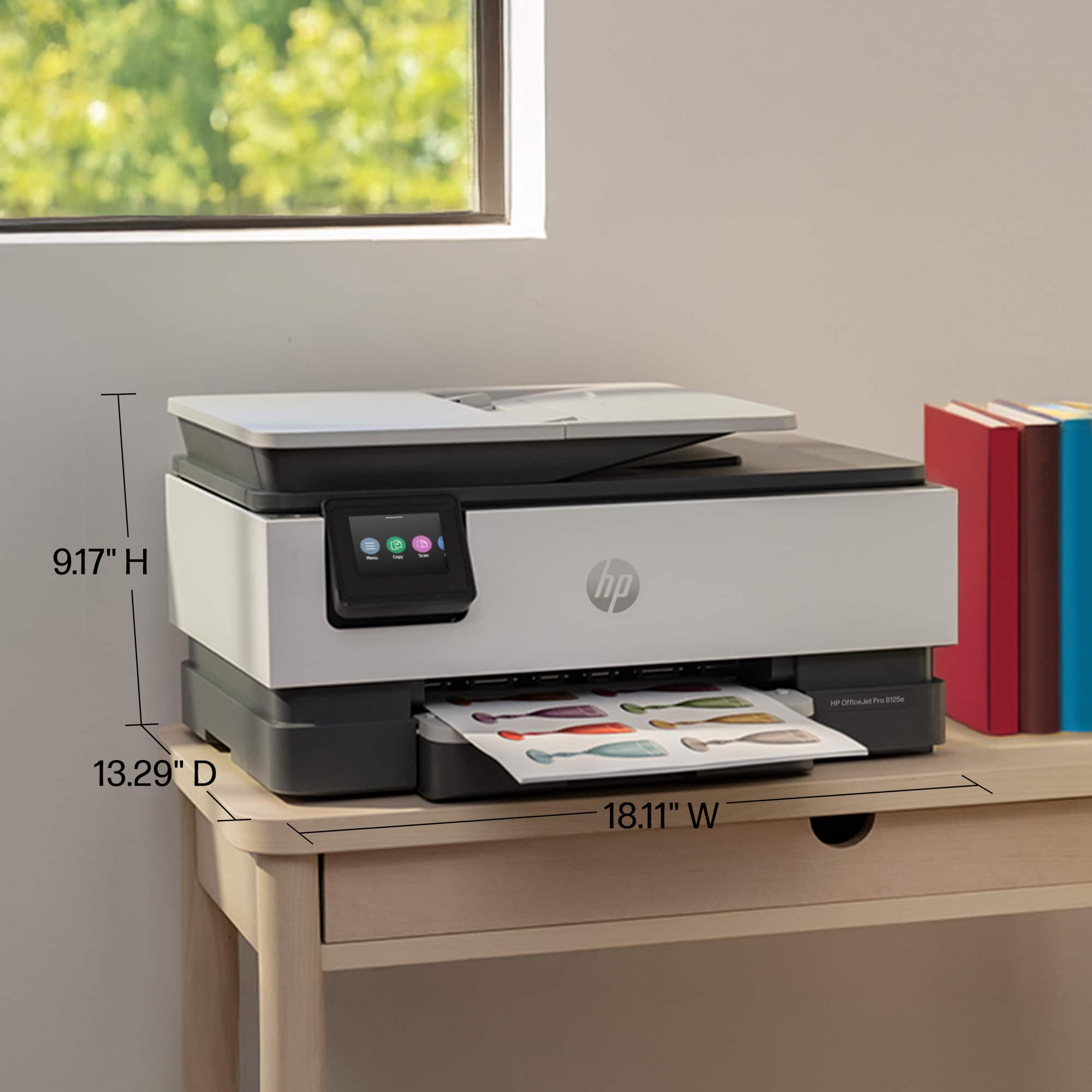
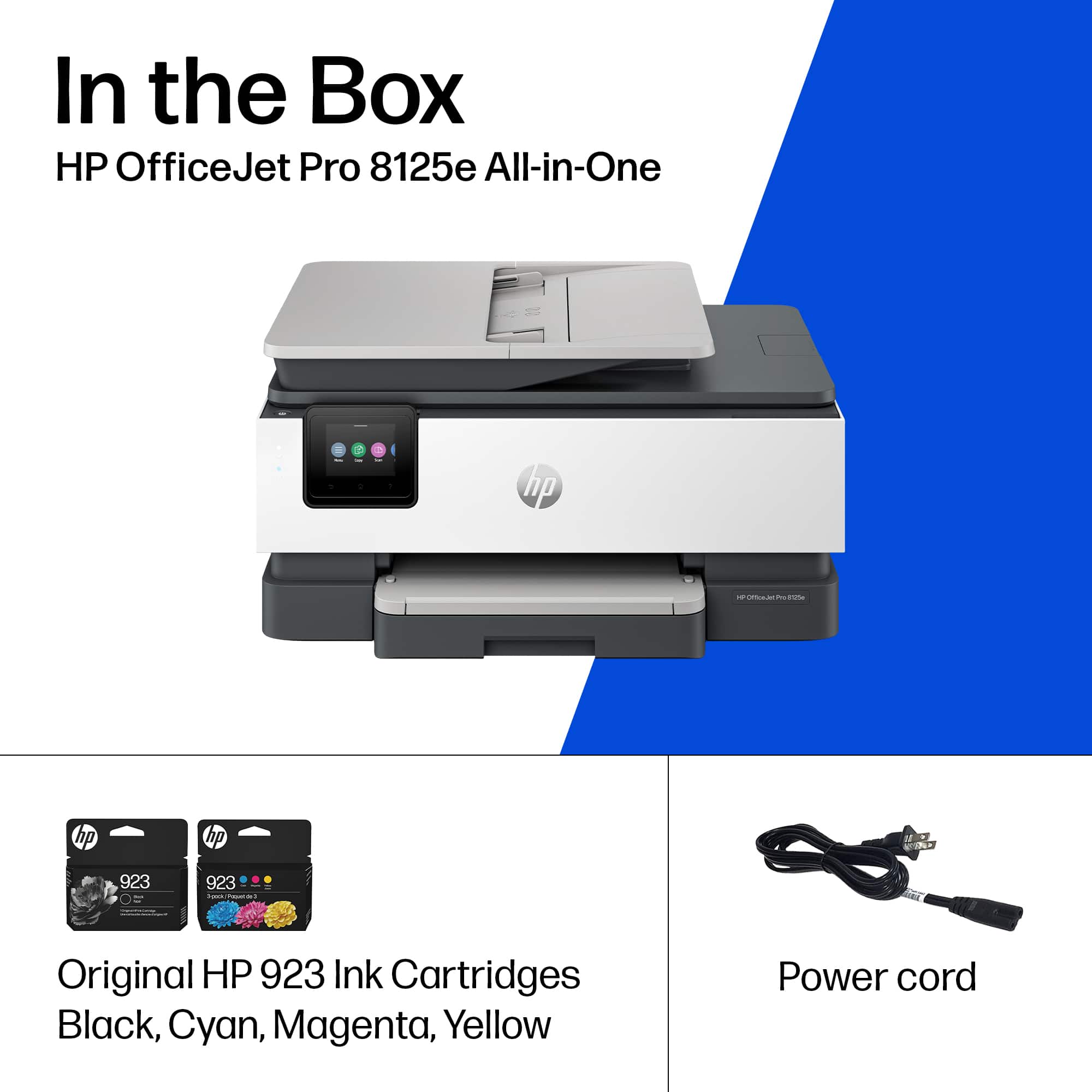
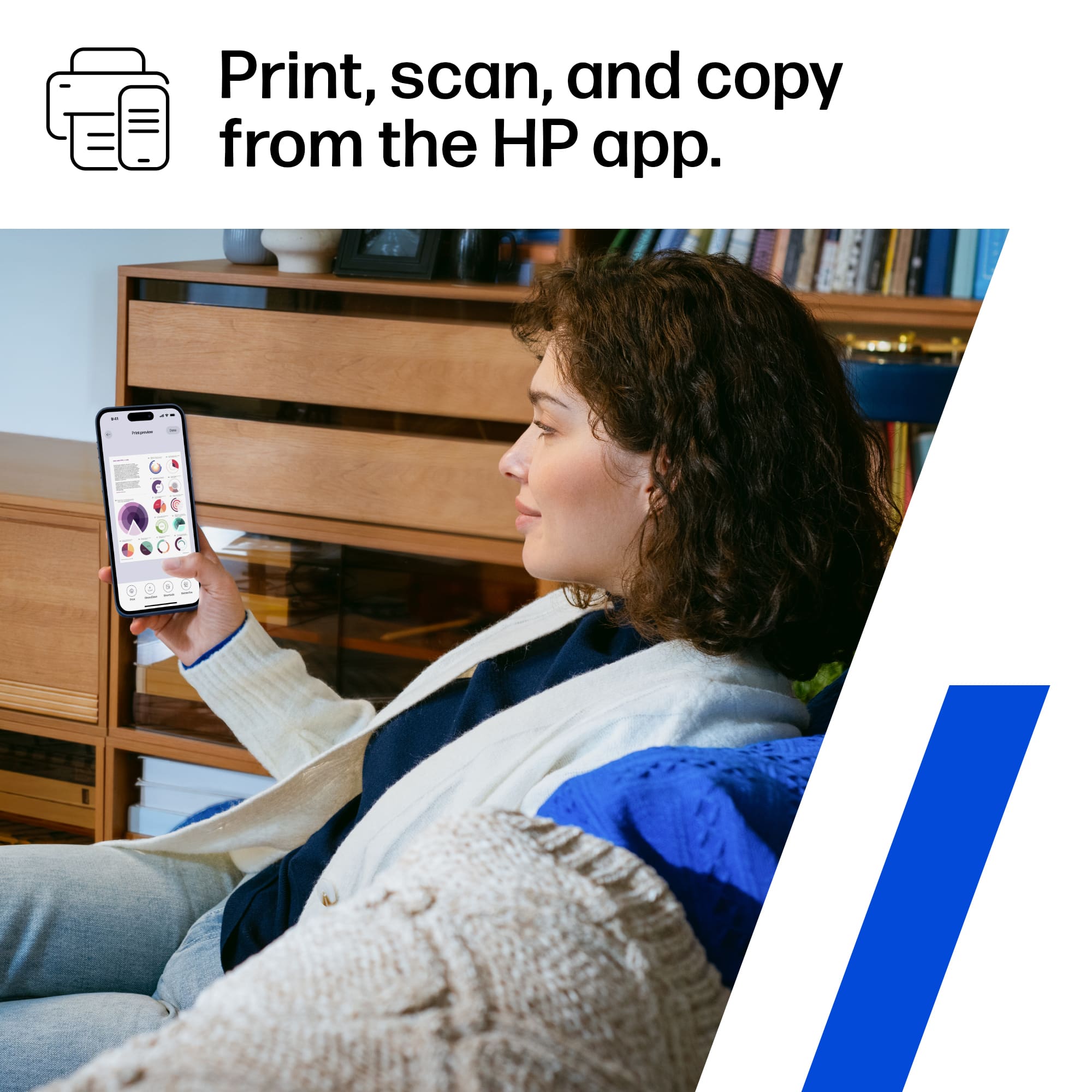
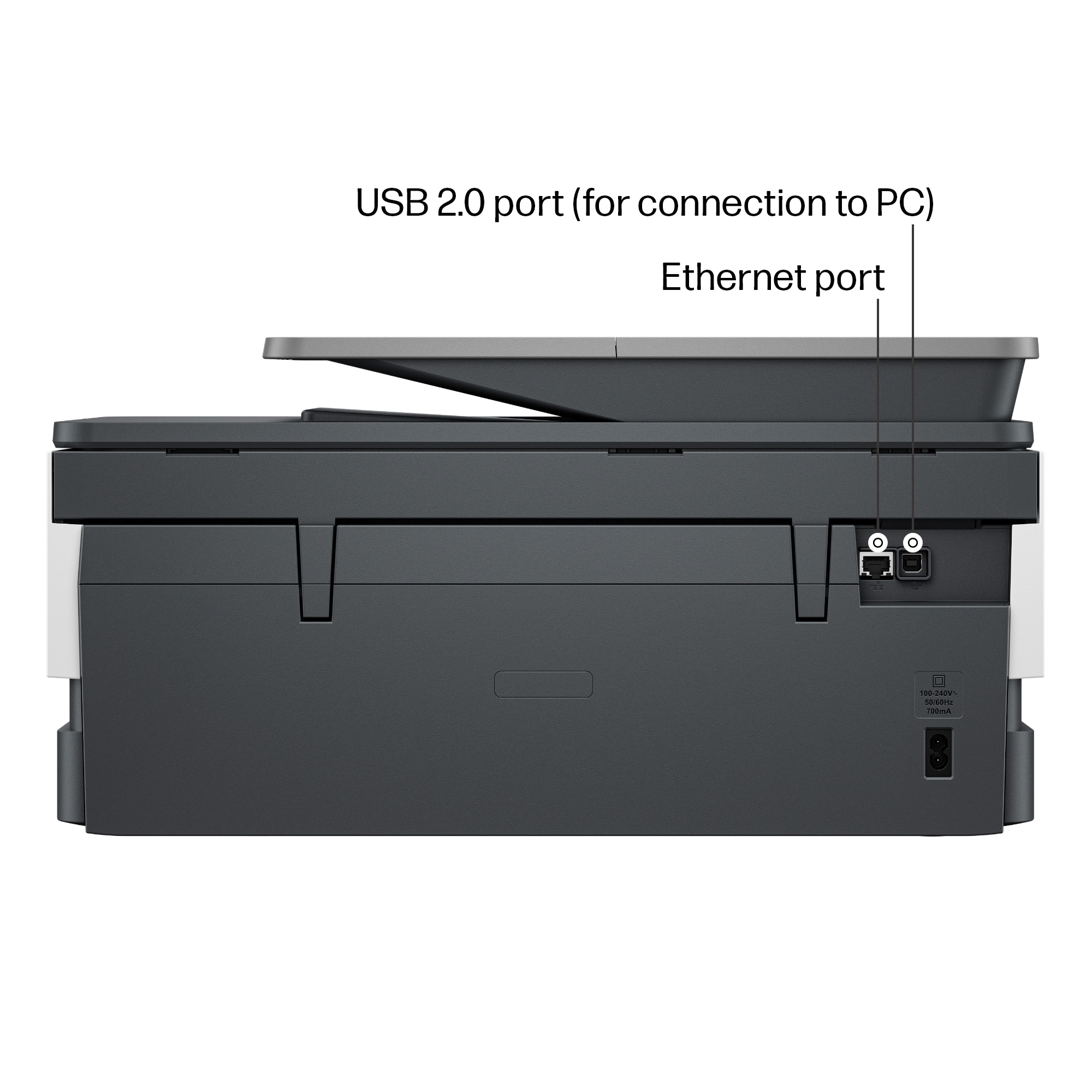
|Posted .This reviewer received promo considerations or sweepstakes entry for writing a review.This HP all-in-one Officejet Pro 8125e printer is a versatile and reliable office machine that offers high-quality printing, scanning, and copying. It’s compact and doesn't take up much space, it has a neat design and fits in nicely in my workspace. It’s primarily made of plastic but feels premium and high quality and this is no doubt it’s HP. Right out of the box, the setup is straightforward. After removing the adhesive strips and installing the included ink cartridges, I followed the quick start guide and installation instructions that is included in the packaging. The setup process using the HP Smart app on my iPhone was seamless. After launching the app, I simply tapped the "+" icon to add a new printer, and after waiting for a minute, it appeared as a new “printer found” and added to my list of devices. The app walked me through installing the ink (even though I had already done it) and completing Wi-Fi and other configuration steps. Once connected, the printer prompted me to print a test page and to scan a document to ensure all the functions are working. This model is HP+ enabled, offering the "Print Anywhere" feature, which allows remote printing as long as the printer is connected to Wi-Fi. I also have an HP Instant Ink subscription, so I registered this printer to my account, so it starts sending usage data to HP, which helps ensure I never run out of ink or paper to allow HP to send me supplies automatically based on my plan and usage. The printer supports Wi-Fi, Wi-Fi Direct, and Ethernet connections. The small multifunction screen has gorgeous colors and gives full control of the printer in case of smartphone isn’t nearby, and it notifies you when firmware updates are available. The paper tray is easily accessible and feels more durable than those of other models I've used before, which is a plus. I’ve been using it for about a week now, and it consistently shows up on all my devices iPhone, iPad, and PC whenever I need to print. This means it has a reliable Wi-Fi connection. Overall, I'm very satisfied with its performance and glad to have added it to my home office setup.
I would recommend this to a friend- Pros mentioned:Connectivity, Print quality
Just print with no hassle, thank you
||Posted . Owned for 3 weeks when reviewed.This reviewer received promo considerations or sweepstakes entry for writing a review.Unlike my previous HP printers, this one communicates flawlessly with my HP desktop as well as several Apple devices in the house. I've finally gotten rid of the USB cable I always had avaiable for when the printer refused to talk. Good quality, no jams, so far I'm very pleased. I have stopped crossing my fingers whenever I click "print!"
I would recommend this to a friend

















