Customer Ratings & Reviews






- Model:
- 405T6A#B1H
- SKU:
- 6621413
Rating by feature
- Value
Rating 4.6 out of 5 stars
- Quality
Rating 4.5 out of 5 stars
- Ease of Use
Rating 4.5 out of 5 stars
Customers are saying
Customers have good things to say about the OfficeJet Pro 8125e, particularly its overall performance and print quality. Many users found the setup process to be seamless and appreciated the clear instructions provided. The printer's connectivity and ease of use were also highlighted as positive aspects, with some users noting its quiet operation.
This summary was generated by AI based on customer reviews.
Benny product
||Posted .This reviewer received promo considerations or sweepstakes entry for writing a review.That was awesome I really enjoyed the product and thanks
I would recommend this to a friendStay Away from this Model
||Posted .This reviewer received promo considerations or sweepstakes entry for writing a review.Bought this printer to upgrade,And have had nothing right to go with it.Pages willnt print correctly.Have had to align each time to print
No, I would not recommend this to a friend- Pros mentioned:Connectivity, Overall performance, Print quality

Good Home Office Choice.
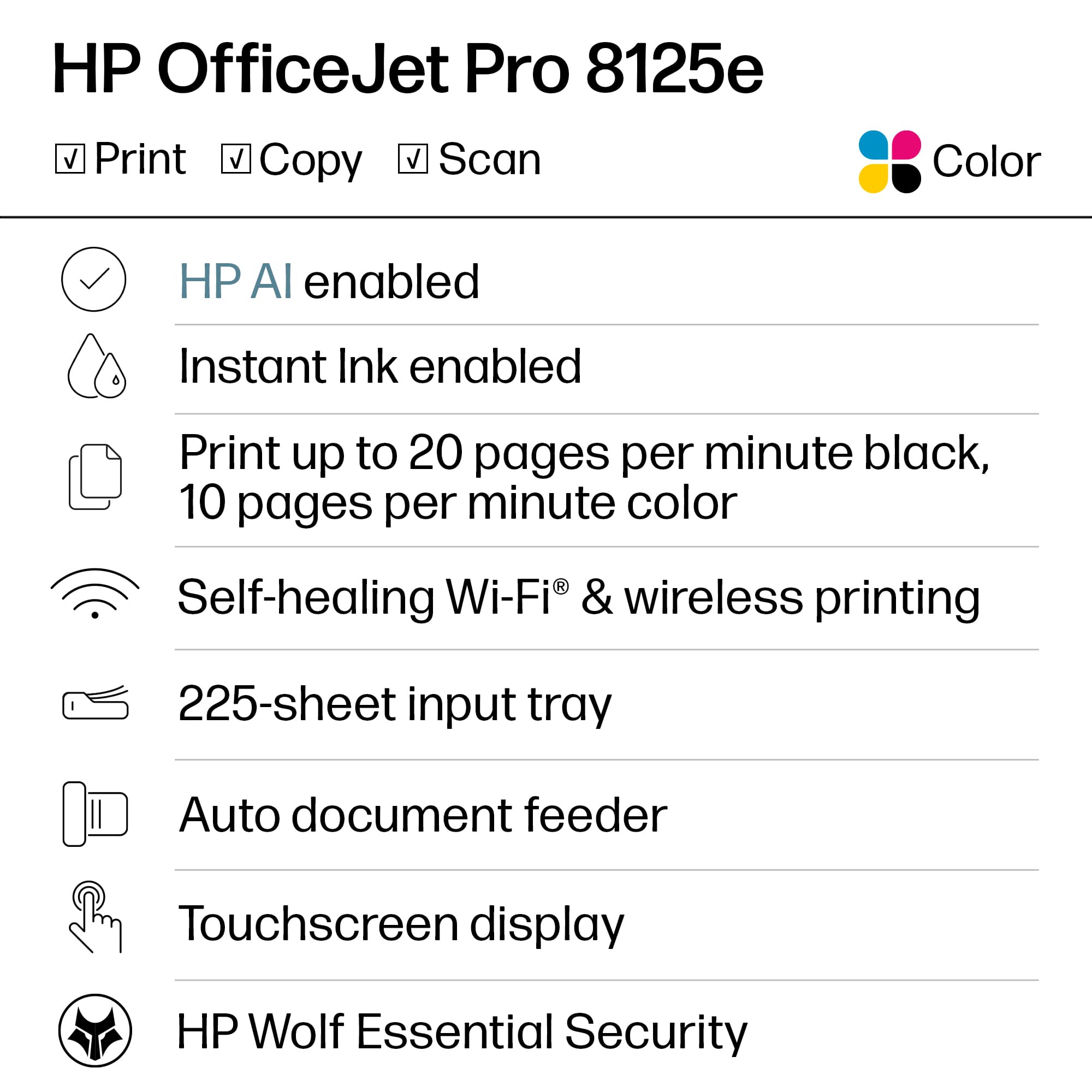
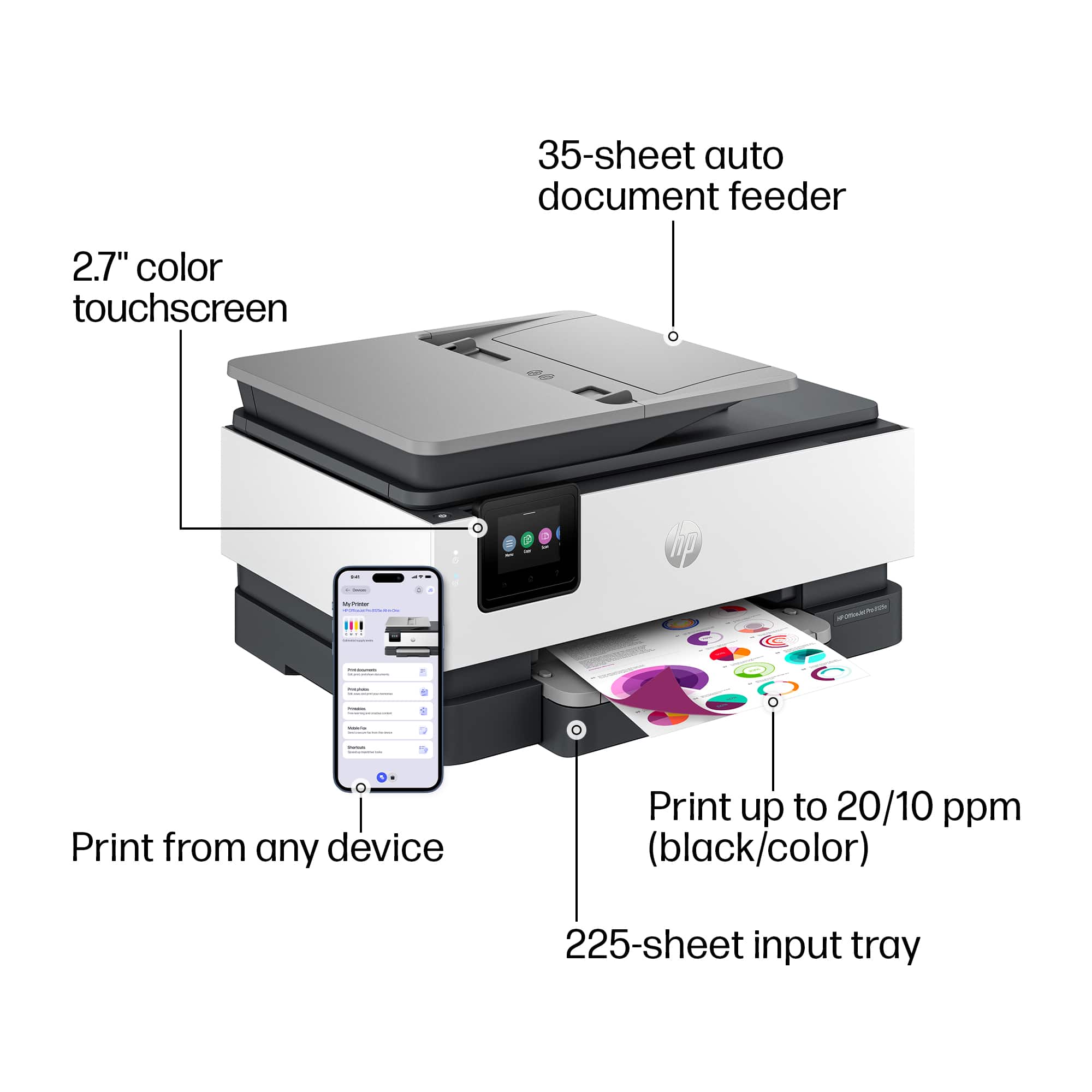
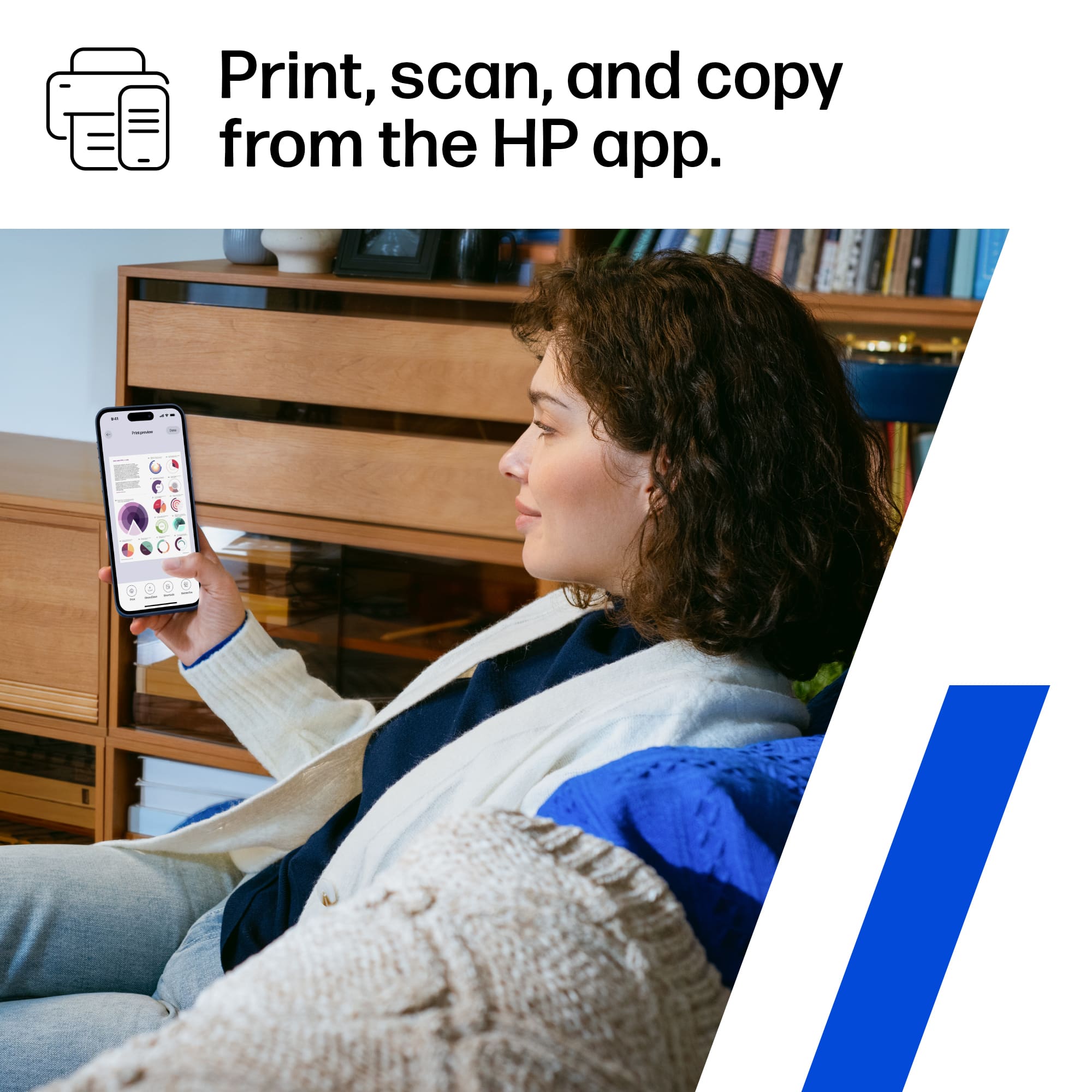
|Posted .This reviewer received promo considerations or sweepstakes entry for writing a review.I honestly don’t print as much as I used to but there are times when I need a digital doc in the real world so a printer is still a key part of my home office and HP has always done a good job with that for me over the years. Got the 8120e and opened up the box. It weighs about 18 pounds and has two nice grab handles underneath it. It was pretty easy to get out of the bag due to a plastic protective sheet that cover it that has pull handles. Nice. Plugged it in and hid the wires. The only wire is the power chord, which I like. Then scanned the app. Here’s where HP has lost its way a bit. The unit is great…the clunky and glitchy HP smart app is anything but that. Very slow, burdensome, and completely unnecessary. I fought with it and restarted the printer and my phone… and finally got it all talking. Honestly…who mobile prints so much that they need a home office printer??? Maybe…and if that’s you maybe it’s worth fighting the app… I mean the app has “print photos”, “print documents” and “camera scan “ and I guess handy if you only use your phone for that. FOR ME…just going to my main work computers and typing in the HP support website and downloaded the drivers. That worked great….done in less than a few minutes with zero headaches. I use other programs for photo editing and I send photos into a store for printing if the seldom need arises. I also am tired of them trying to push the ink subscription…I will buy it when I need it. Or you can just let me know when I am running low. I know they need to increase profits and subscritions are all the rage…but it’s tiresome…I just need a great, dependable printer that is fast and good DPI….That is the 8120e to a T. -Awesome at print, copy and scan! -Very stable “self healing” wifi, I had to look it up – It detects and resolves wifi connection problems. Which is cool. - 20 pages per min, -big 225 page paper tray - can get the ink anywhere easily. I also really like the 2.7” LCD screen. Overall this is a 5 star printer with a 4 star rating because of the problematic set up, clunky unnecessary app and hardcore car salesman ink cartridge subscription push. If you need a great overall home office printer… I’d still go HP for the quality of the print and hardware. Just down load the drivers from the website and call it good.
I would recommend this to a friend - Pros mentioned:Print quality, Setup

Love my printer and Instant Ink!
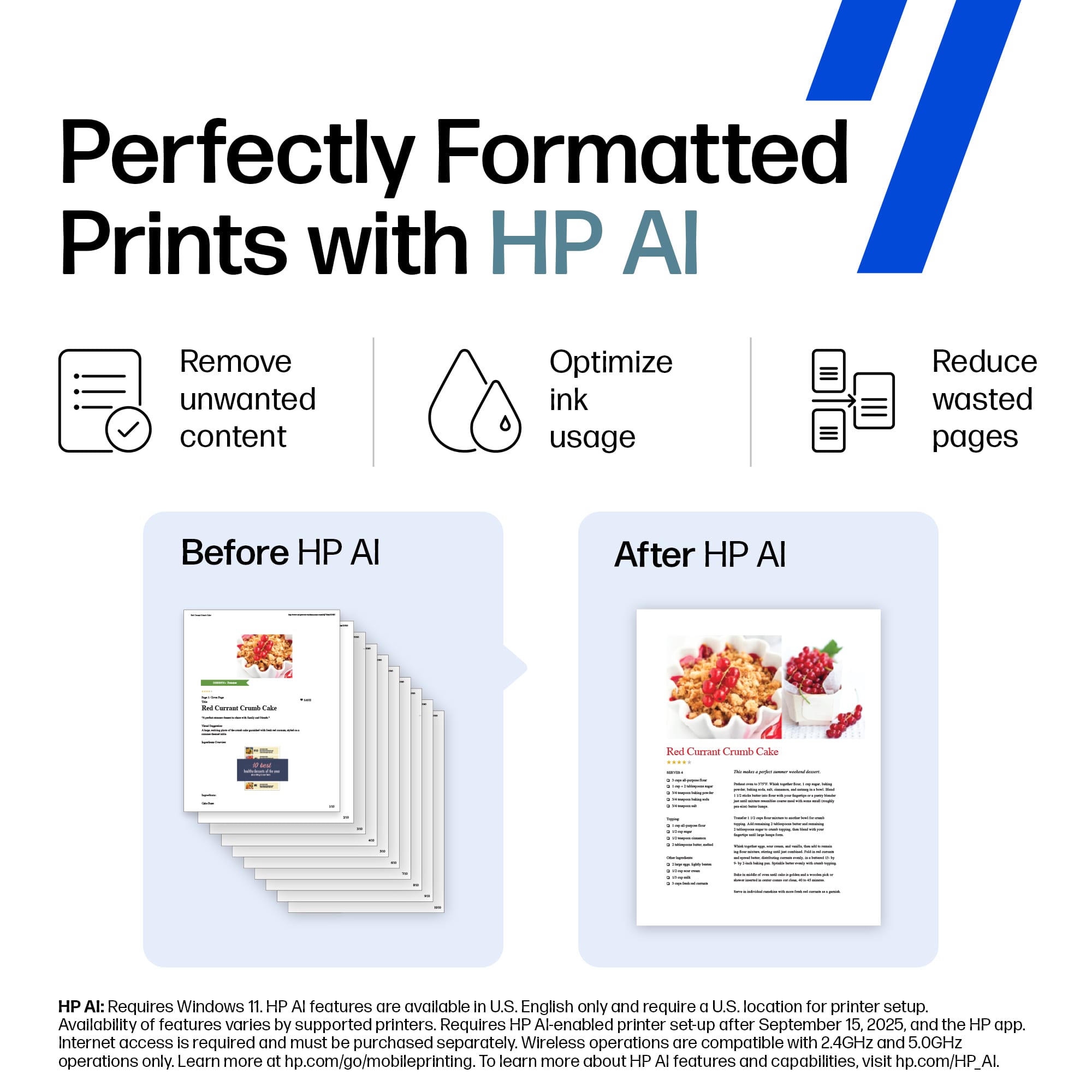
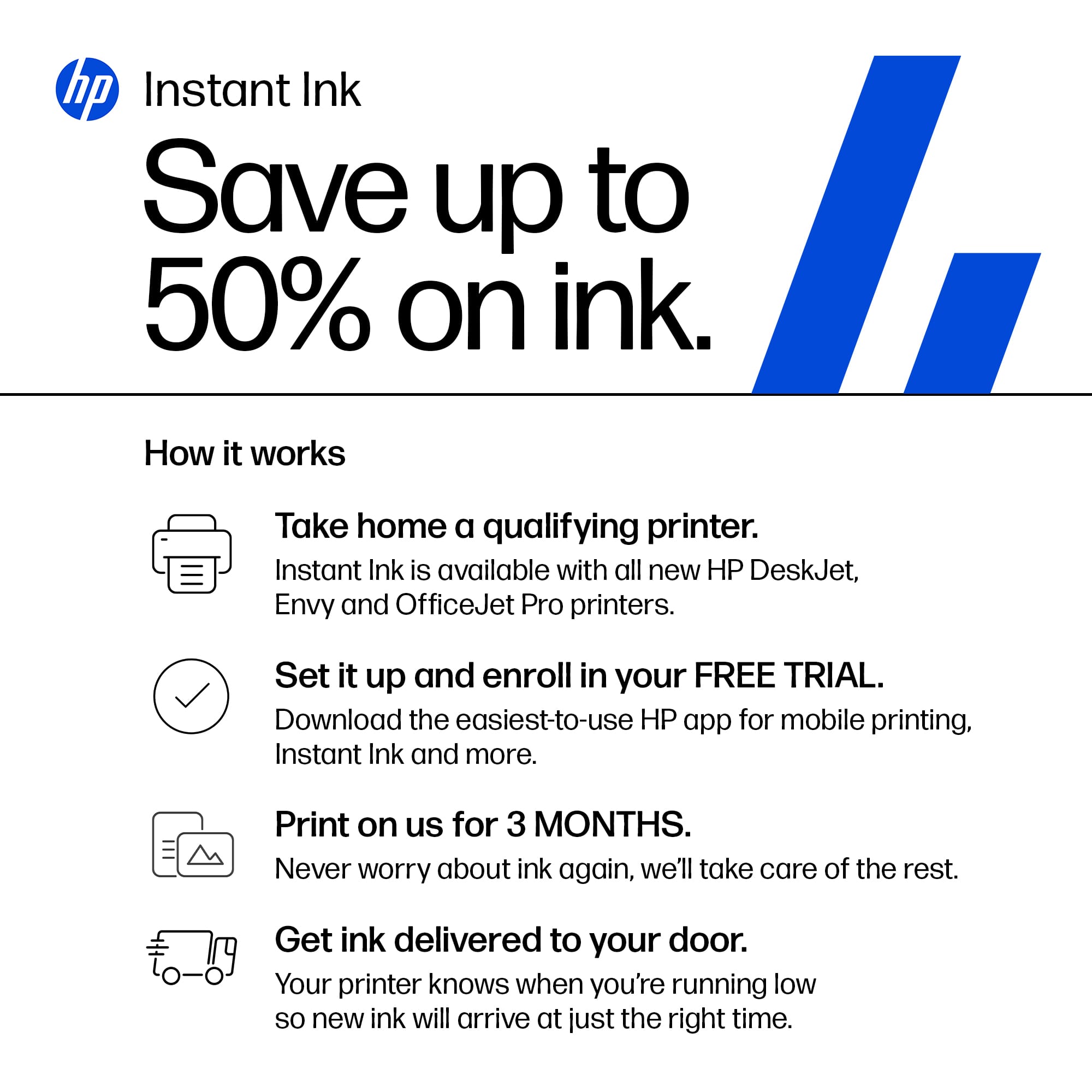
|Posted .This reviewer received promo considerations or sweepstakes entry for writing a review.The HP OfficeJet Pro 8125e is one of those printers that hits a sweet spot for home offices and small workspaces: fast, compact, and surprisingly capable for the price. Setup is straightforward—HP’s guided onboarding through the app walks you through connecting to Wi-Fi, loading paper, and activating Instant Ink. If you’re not someone who enjoys fiddling with tech, the process feels refreshingly smooth. Print quality is solid across the board. Text documents come out crisp and professional, and color graphics look clean and vibrant without oversaturation. While it’s not a dedicated photo printer, it handles everyday color prints well enough that most people won’t need anything more specialized. The “AI-enabled” features mostly show up in the smart task automations, cloud integration, and the ability to monitor ink levels and troubleshoot through the app. It’s less “futuristic AI” and more “smart, helpful automation,” which is honestly what people want from a printer. Print speeds are a nice bonus—fast enough that your documents don’t feel like they’re crawling out of the machine, even when printing multipage reports. The scanner and copier both perform reliably too, especially for quick receipts, forms, or school/work documents. One of the standout perks is the 3 months of Instant Ink, plus an extra month with the promo code. If you print regularly, this can save a surprising amount of money, since HP mails you ink before you run out. It’s convenient and removes the annoying guesswork of timing ink purchases. Just be aware that Instant Ink is a subscription, so you’ll want to choose a plan that fits your printing habits—or cancel if you don’t need it. If there’s a drawback, it’s that HP leans heavily on its software ecosystem. The printer works best when paired with the HP Smart app, and some advanced features require an HP+ account. But once everything’s set, it’s reliable, quiet, and efficient. Overall, the OfficeJet Pro 8125e is a strong choice for anyone who needs dependable everyday printing with modern conveniences and low-maintenance ink management.
I would recommend this to a friend - Pros mentioned:Print quality, Setup
A good multifunctional printer for the home office
|Posted .This reviewer received promo considerations or sweepstakes entry for writing a review.The HP OfficeJet Pro 8125e is a multifunctional printer that prints, scans, and copies and is designed for the home office user. This printer requires an internet connection for it to work as that is how HP has set it up. It will automatically update itself with firmware and make sure its connected to the wifi network. The setup was easy to do over the iPhone, though it did take about 25 minutes to complete. The print quality for text was very good and was close to laser printer quality on the “best” output setting. For black and white, the printer prints at 20 ppm. For color, it prints at 10 pm. Printing from my iPhone via Airprint was easy. The wireless connectivity in this printer is more advanced than what is usually found in a printer. This printer supports dual-band wi-fi with support for all standards up to and including 802.11ac. The requirement for the printer to join the HP+ program in order to unlock all the features of the printer will annoy some people. HP offers an ink subscription program called Instant Ink which becomes more economical if you print large quantities on a monthly basis. However, using Instant Ink is not a requirement to join HP+. I don’t print enough pages per month to make Instant Ink worthwhile. I prefer to buy the XL size of the toner cartridges and those usually last me around 2 years at the rate I print. I’ve used a third party app called Vuescan for years on my Mac to scan documents. Vuescan detected this HP printer without any difficulty and I was able to scan my documents using the app. The HP OfficeJet Pro 8125e is a good choice for people seeking a multifunctional printer that offers good printing quality at a reasonable price. However, one must examine one’s monthly printing habits to decide if joining the Instant Ink program is worth it.
I would recommend this to a friend - Pros mentioned:Connectivity, Print quality
Good "Budget Business" model - checks the boxes.
|Posted .This reviewer received promo considerations or sweepstakes entry for writing a review.HP OfficeJet 8125e Wireless All-In-One This is my third HP printer, with all using the Instant Ink with varying levels depending on useage. One at home, one in classroom at school (teacher), and one in reserve. This is the latest model in what I would call the "Budget Business" capability printers. Pretty much anything you need for light office use is here: scan to file, scan to email, print 2-sided, copy 2-sided, wireless and hardwired to network, USB cable to computer if needed, nice color production, fairly fast printing and copying, remote printing via network/internet, HP Smart software for functions and diagnostics, good paper capacity. I think that covers the overall functionality. Another word about the "Instant Ink" subscription - nothing wrong with the first 3 months free, and I am used to the "Instant Ink" program from 2 HP printers I was already using. Opinions may vary, but I am happy with the "Instant Ink" program - I would say provided you are using the printer on a regular basis. Very nice to not worry about whether to print it in color or not... go ahead the "Instant Ink" will ship whatever cartridges you need before you need them. Very handy and beats the heck out of running around on a Sunday trying to find a needed color cartridge at the retail price for that presentation that has to be ready by Monday morning! Overall pleased with this "Business Economy" printer - great for teachers who want their own printer in the classroom or home business needs. Greetings from Central Georgia!
I would recommend this to a friend - Pros mentioned:Print quality, Setup
Solid HP ink jet for home or small office.
|Posted .This reviewer received promo considerations or sweepstakes entry for writing a review.HP has always produced solid printers. I have and still own many that have lasted for 10 plus years. So let's get to the 8125e. Setup was super easy. I plugged in the printer. Downloaded the app. Followed the instructions to insert the cartridges and walked through the WiFi setup added paper. The printer printed head alignment to scan and configure and I was pretty much setup. Size is a bit bigger than other models. But this one comes with a scan feeder which is very useful for bigger jobs. I signed up for HP+ so that I would get 3 months of free ink. I wished it was longer but it is what it is. Printing from PC and Android phone is super easy. It found the printer right away. Print speed and quality are great. My kid had a final end of the year project for history that actually required a print out yes and actual print. I was really shocked. This printer delivered. And double sided printing worked out just fine. Printing to HP cloud is super simple. Also scanning to the app is easy. So for what it is advertised for this printer delivers.
I would recommend this to a friend - Pros mentioned:Ease of use, Overall performance, Print quality
HP Printer
||Posted . Owned for 2 weeks when reviewed.This reviewer received promo considerations or sweepstakes entry for writing a review.HP has done it again with another great printer. Printer is excellent for small office, home office or regular home printing needs! Very easy to get up and running and can handle large and small printing jobs with ease.Highly recommend would give it more stars if I could!
I would recommend this to a friend - Pros mentioned:Ease of use, Overall performance, Setup
A Good Printer
||Posted . Owned for 1 month when reviewed.This reviewer received promo considerations or sweepstakes entry for writing a review.This is a very good printer, copier, scanner. Easy setup. Attractive in my home office. And Instant Ink by HP is handy to have. Another 5 star product from Best Buy.
I would recommend this to a friend - Pros mentioned:Connectivity, Ease of use, Overall performance
Highly recommend
||Posted .This reviewer received promo considerations or sweepstakes entry for writing a review.Extremely reliable. Prints without smudging. Does not clog. Prints from phone promptly. Easy to work for non-tech person. Have had other versions in the past. I am pleased I bought this latest version. Very affordable.
I would recommend this to a friend - Pros mentioned:Print quality
Not bulky or difficult to setup; good printer
|Posted .This reviewer received promo considerations or sweepstakes entry for writing a review.So had an issue with it when I first got it where it only printed here and there. It kept giving error messaging during the whole setup process, and it wouldn't stay connected to the wifi, so I called the helpline and after 40 minutes on the phone, nothing worked so they determined it was a hardware issue and they sent a replacement. Thankfully the replacement was able to be setup fairly easily via the QR code provided. Please note that it is much easier to set this up with an HP account, so you might as well set one up and download the HP app before you start this setup process. The printing sometimes takes a little while, but once it gets going it prints very well, sharp, and robust in color. One of the main things I liked about this was the instant ink offer for 3 months. This is one thing I have had repeated issues trying to claim my instant ink and I kept getting "server error. try again later." My only disappointment at this point was that the Instant Ink was not able to be set up. I was on the phone with HP for an hour, twice, they took control of my laptop remotely and still couldn't figure it out. I still don't have it, and I am doubting I ever will. Nonetheless, the printer itself, so far, is everything it says it is, and isn't bulky. Other than the Instant Ink offer, it's highly recommended.
I would recommend this to a friend - Pros mentioned:Connectivity, Print quality, Setup
Subscription Printer
|Posted .This reviewer received promo considerations or sweepstakes entry for writing a review.To start with, the printer seems nice. It’s easy to take out of the box and setup. You can scan the QR code and it gives you quick simple pictures to get setup and running. But then it all gets worse from there. First, during setup the app crashed and it took a bit to figure out you can skip the WIFI connecting from the app and just type it in on the screen. Next you get through slowly to getting it setup and it asks you to setup a subscription. There is suppose to be 3 months trial at least, but you have to have put in a credit card. There is also no simple skip during the setup, though eventually I did find a way to skip it all and just use the printer. After that the printing works fine. You use the HP Smart app and install it easily on a PC or print directly from your phone. Since its connected to wifi is easily then prints out what I needed. Overall my biggest problem is the fact that HP is pushing you for a subscription. I don’t print consistently, so I don’t know how much Ink I need. And one month I may do more then the next, and another one I may not even use the printer. They are also making sure you only buy their cartages, so you’re going to be stuck paying what they want you to pay. Maybe if you print enough and consistently the same amount the subscription works, but I don’t feel this is a good option for most people and would suggest to avoid this printer because of that.
No, I would not recommend this to a friend - Pros mentioned:Connectivity, Ease of use, Setup
Great printer, great price
||Posted .This reviewer received promo considerations or sweepstakes entry for writing a review.Great printer for the money. It was very easy to set up and connectivity is very reliable so far. We've had it for several months. Ink is very reasonable with the instant ink subscription
I would recommend this to a friend - Pros mentioned:Ease of use, Print quality, Setup
Good quality, easy to set up
||Posted .This reviewer received promo considerations or sweepstakes entry for writing a review.It was very easy to set up with both Window and Android systems, using the new HP app. The quality is the usual good. I do not use instaink because I have previously found it to be to expensive for our home use.
I would recommend this to a friend - Pros mentioned:Connectivity, Print quality, Setup
Great Printer for Home and School
||Posted . Owned for 3 months when reviewed.This reviewer received promo considerations or sweepstakes entry for writing a review.I love this HP printer! It was super easy to set up, and it connects quickly with my laptop and phone. The print quality is excellent for documents and photos, and the Instant Ink program helps save money on cartridges. Perfect for home and school projects!
I would recommend this to a friend - Pros mentioned:Print quality
Back to HP
||Posted .This reviewer received promo considerations or sweepstakes entry for writing a review.Had this for about a month. This is not the first HP printer I have owned, and it has not disappointed at all. Wireless setup was quick, and relatively painless from all of my devices. Printing quality is awesome (this replaces an Epson printer that was nowhere near as good), speed is good and pretty quiet. But after 20 years, they changed how the documents go on the glass for scanning/copying. Used to be lower right, now it's upper left. Not sure how the instant ink will be to use, but seems like the only game it town any more, with everyone not allowing non-company ink to be used. Epson bricked my last printer with a firmware update unless I used their ink, at least HP lets you know up front you are locked into them. If past performance in an indicator, this should last me 4 or 5 years.
I would recommend this to a friend - Pros mentioned:Ease of use, Overall performance, Setup
Home owner
||Posted .This reviewer received promo considerations or sweepstakes entry for writing a review.Fairly easy to set up and works great. I would recommend it for home use for sure.
I would recommend this to a friend - Pros mentioned:Overall performance, Print quality
Great printer
||Posted .This reviewer received promo considerations or sweepstakes entry for writing a review.This printer has been awesome! Setup took just a few minutes, and the prints come out crisp every time. It’s quiet, reliable, and perfect for my home office. Highly recommend!”
I would recommend this to a friend - Pros mentioned:Overall performance, Print quality, Setup
HP - OfficeJet Pro 8125e
||Posted . Owned for 1 month when reviewed.This reviewer received promo considerations or sweepstakes entry for writing a review.I like this printer very much. It's easy to set up, operate and works quickly and well. I would have given this a 5 star rating but the only thing I think could use improvement is a larger touch screen. Too small for people with less than perfect eyesight.
I would recommend this to a friend Versatile Great Printer
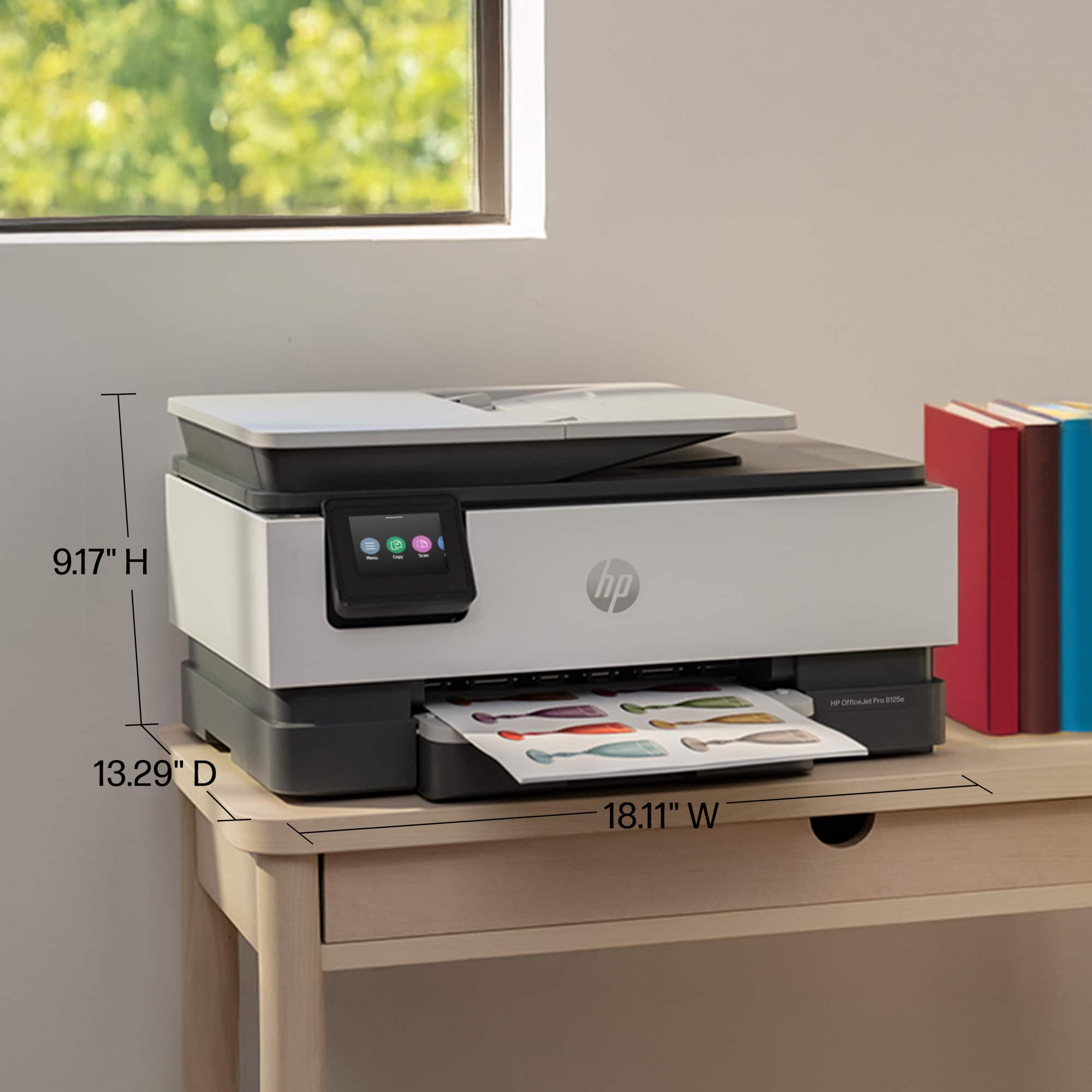
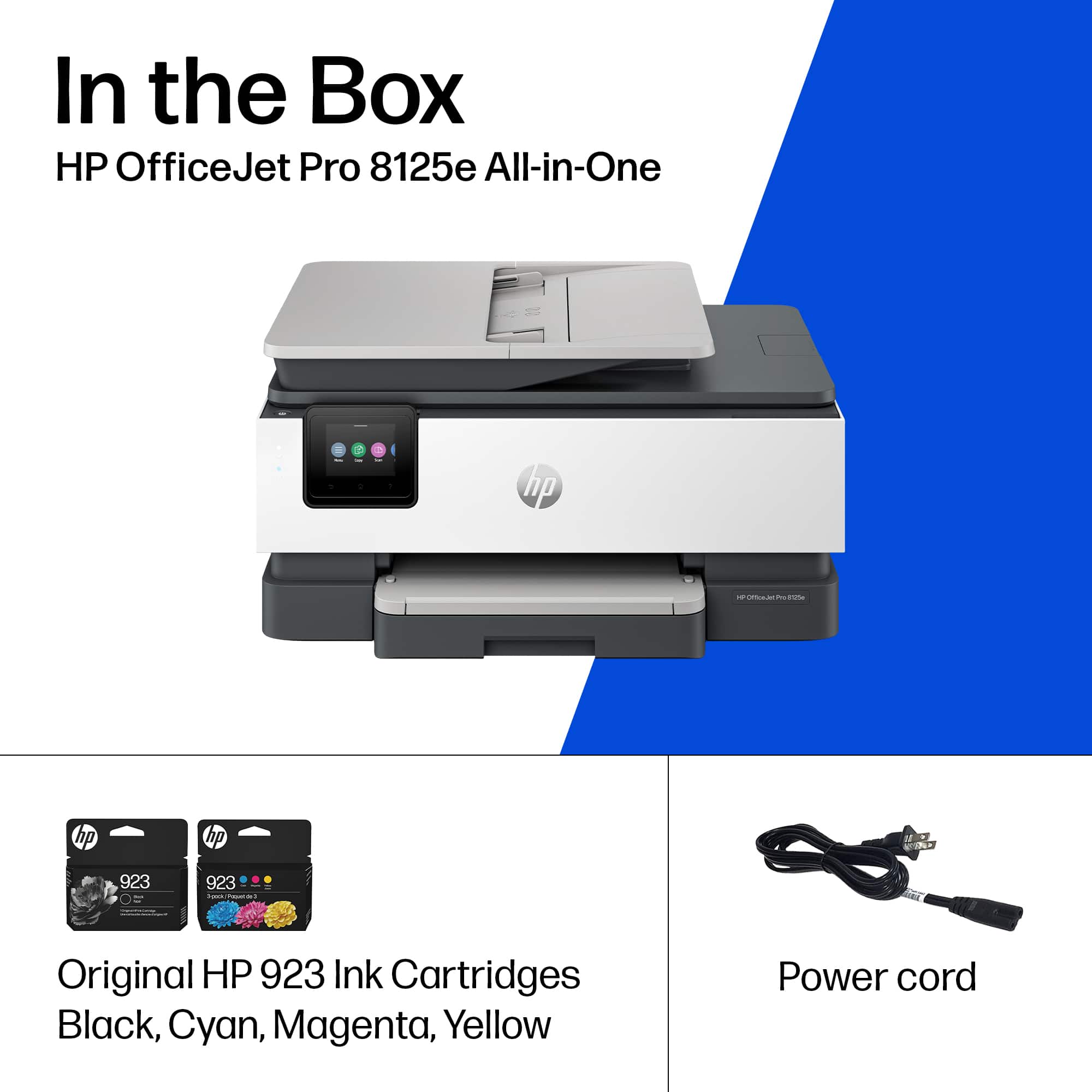
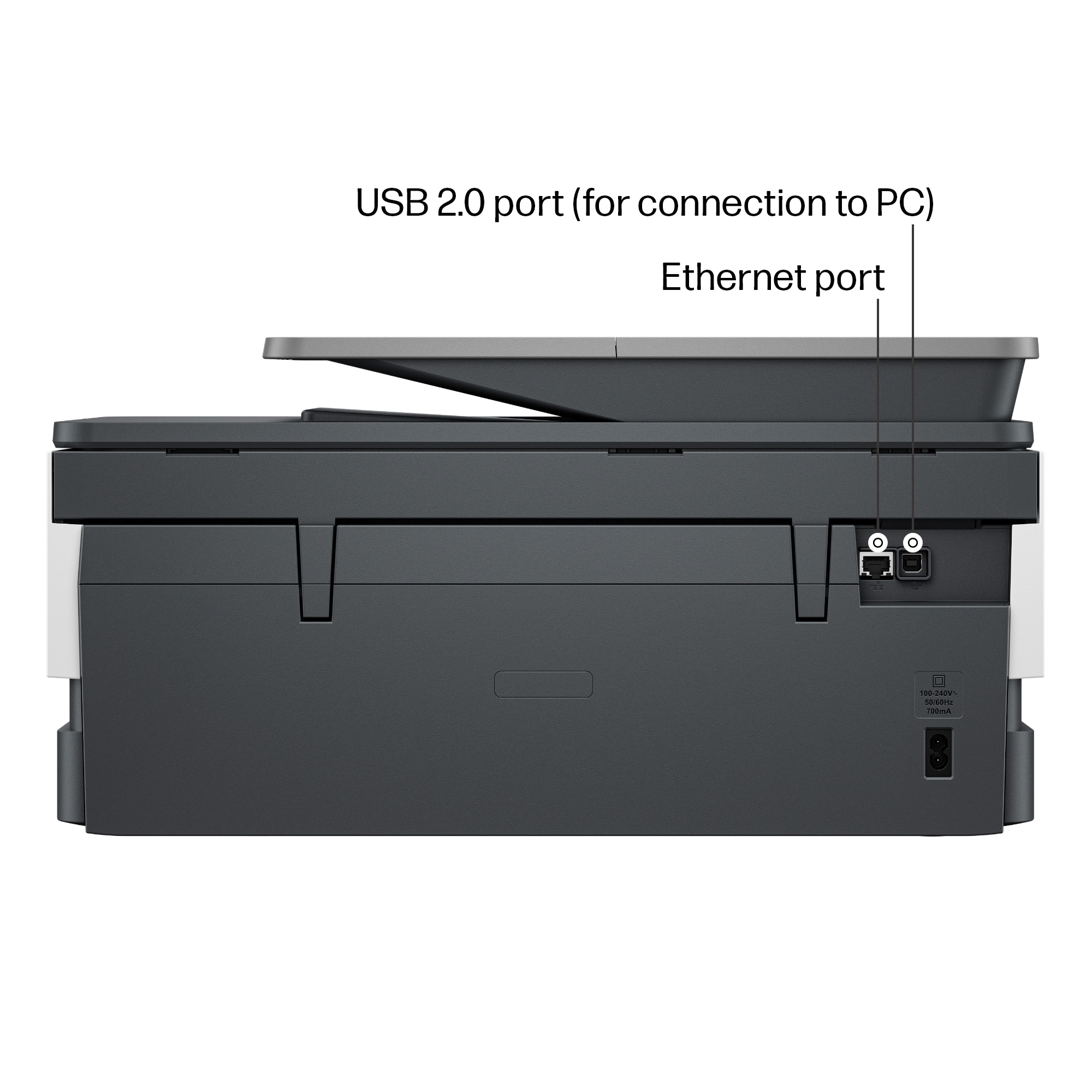
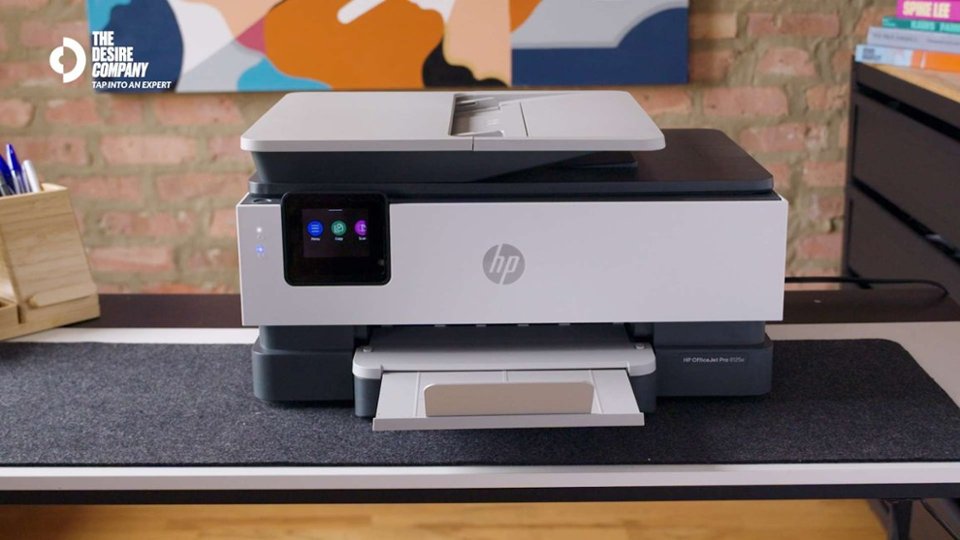
|Posted .This reviewer received promo considerations or sweepstakes entry for writing a review.This HP all-in-one Officejet Pro 8125e printer is a versatile and reliable office machine that offers high-quality printing, scanning, and copying. It’s compact and doesn't take up much space, it has a neat design and fits in nicely in my workspace. It’s primarily made of plastic but feels premium and high quality and this is no doubt it’s HP. Right out of the box, the setup is straightforward. After removing the adhesive strips and installing the included ink cartridges, I followed the quick start guide and installation instructions that is included in the packaging. The setup process using the HP Smart app on my iPhone was seamless. After launching the app, I simply tapped the "+" icon to add a new printer, and after waiting for a minute, it appeared as a new “printer found” and added to my list of devices. The app walked me through installing the ink (even though I had already done it) and completing Wi-Fi and other configuration steps. Once connected, the printer prompted me to print a test page and to scan a document to ensure all the functions are working. This model is HP+ enabled, offering the "Print Anywhere" feature, which allows remote printing as long as the printer is connected to Wi-Fi. I also have an HP Instant Ink subscription, so I registered this printer to my account, so it starts sending usage data to HP, which helps ensure I never run out of ink or paper to allow HP to send me supplies automatically based on my plan and usage. The printer supports Wi-Fi, Wi-Fi Direct, and Ethernet connections. The small multifunction screen has gorgeous colors and gives full control of the printer in case of smartphone isn’t nearby, and it notifies you when firmware updates are available. The paper tray is easily accessible and feels more durable than those of other models I've used before, which is a plus. I’ve been using it for about a week now, and it consistently shows up on all my devices iPhone, iPad, and PC whenever I need to print. This means it has a reliable Wi-Fi connection. Overall, I'm very satisfied with its performance and glad to have added it to my home office setup.
I would recommend this to a friend
















