Customer Ratings & Reviews






- Model:
- OJ Pro 8135e /40Q35A#B1H
- SKU:
- 12374906
Rating by feature
- Value
Rating 4.3 out of 5 stars
- Quality
Rating 4.3 out of 5 stars
- Ease of Use
Rating 4.2 out of 5 stars
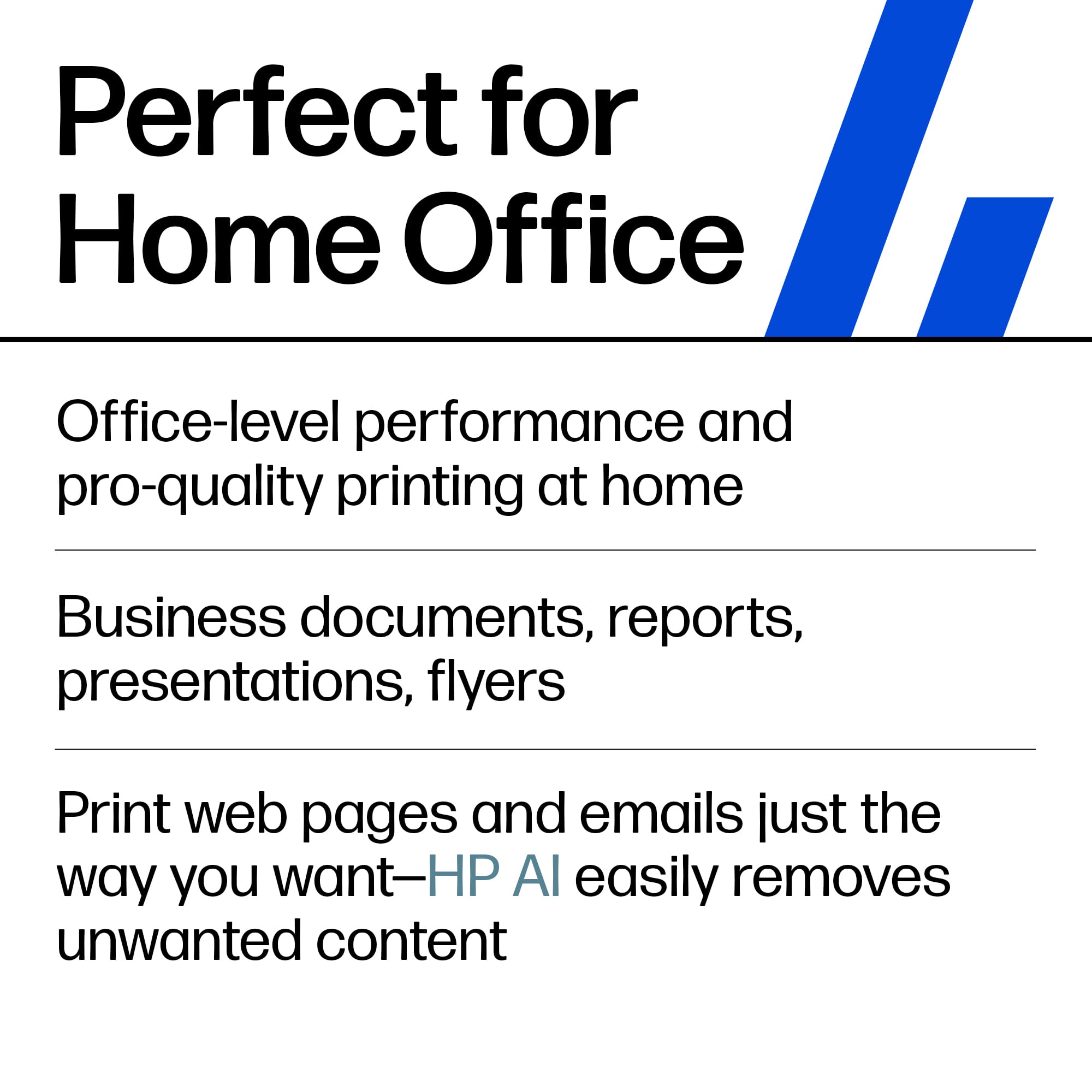
Perfect for home office
||Posted . Owned for 10 months when reviewed.This reviewer received promo considerations or sweepstakes entry for writing a review.Excellent quality computer perfect for my work office. Easy to set up especially with the help of the Geek Squad.
I would recommend this to a friendBuy at Best buy.
||Posted . Owned for 2 weeks when reviewed.This reviewer received promo considerations or sweepstakes entry for writing a review..Works great and prints and copies great. Good price for a good printer .
I would recommend this to a friendHousehold printing
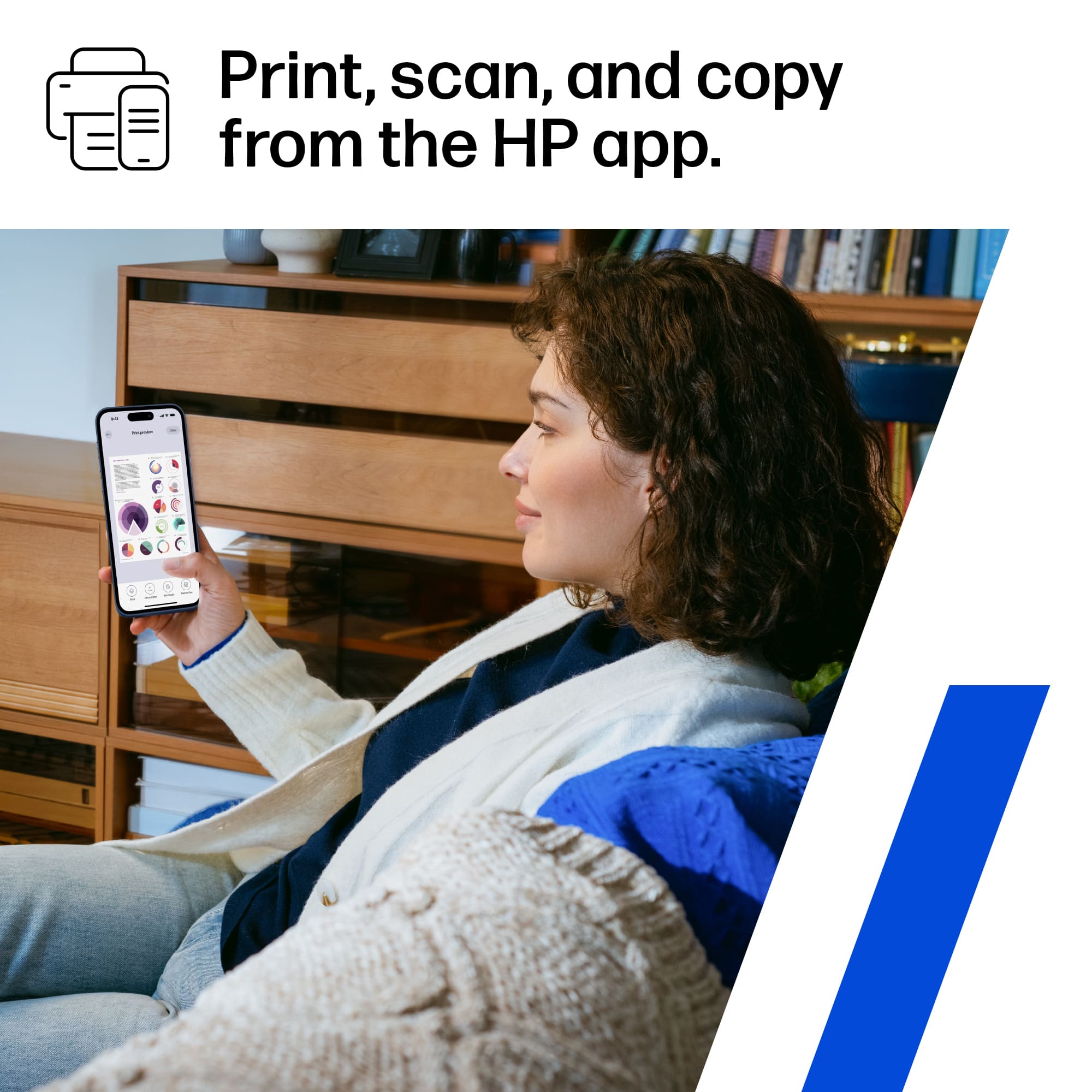
||Posted . Owned for 1.5 years when reviewed.This reviewer received promo considerations or sweepstakes entry for writing a review.Wonderful investment on a wireless printer that every household needs whenever you need something printed out, or copied. Easy to use with just any cellphone in the house
I would recommend this to a friendhp 8135e printer
||Posted . Owned for 2 weeks when reviewed.This reviewer received promo considerations or sweepstakes entry for writing a review.The hp OfficeJet Pro 8135e printer produces excellent prints. It was easy to setup with a few small online network issues involved. Looks great and is one of the quietest printers I've owned.
I would recommend this to a friendHP OfficeJet Pro 8135e Wireless Printer
||Posted . Owned for 1 month when reviewed.This reviewer received promo considerations or sweepstakes entry for writing a review.The HP OfficeJet Pro 8135e Wireless Printer is easy to set up and prints, copies, and scans with ease and great quality.
I would recommend this to a friendHP OfficeJet pro 8135E
||Posted . Owned for 1 month when reviewed.This reviewer received promo considerations or sweepstakes entry for writing a review.Love this machine I’ve had the 9025 HP OfficeJet pro for many years or at least this model in different model numbers. Still trying this out so far so good. The printing is good and And seems to be as quiet or workable as my 9025, maybe a little slower, but I’m trying not to work as much. It gets a job done.
I would recommend this to a friendGood Buy
||Posted .This reviewer received promo considerations or sweepstakes entry for writing a review.Good printer. Prints well, but loses internet connection sometimes. Not a big deal but a little annoying.
I would recommend this to a friendPrinters
||Posted . Owned for 3 weeks when reviewed.This reviewer received promo considerations or sweepstakes entry for writing a review.Great print quality. Easy to setup and use. High quality
I would recommend this to a friendHP Printer
||Posted .This reviewer received promo considerations or sweepstakes entry for writing a review.Fairly easy to set up. Prints clearly. Easy to use display.
I would recommend this to a friendHappy Purchase
||Posted .This reviewer received promo considerations or sweepstakes entry for writing a review.Excellent printer with great quality! Printer drivers can be out of sync at times but good printer overall!
I would recommend this to a friendGlad I chose HP
||Posted . Owned for 3 weeks when reviewed.This reviewer received promo considerations or sweepstakes entry for writing a review.Great price on a printer that does printing faxing and copying very well.
I would recommend this to a friendGood printer, top scan tray feature not so much.
||Posted . Owned for 6 months when reviewed.This reviewer received promo considerations or sweepstakes entry for writing a review.Good printer and works well. I am able to print on my cell phone and away from home where the printer is based. The scan feature works well if your scanning a single document and not using the self feed system on top. The top loading jams quite frequently and I cant say with confidence that I would use it again and depend on it. Placing a single document on the glass works well though. The prints come out clean and it is great for that and it was a big improvement in comparison to our old printer.
I would recommend this to a friendHP printer
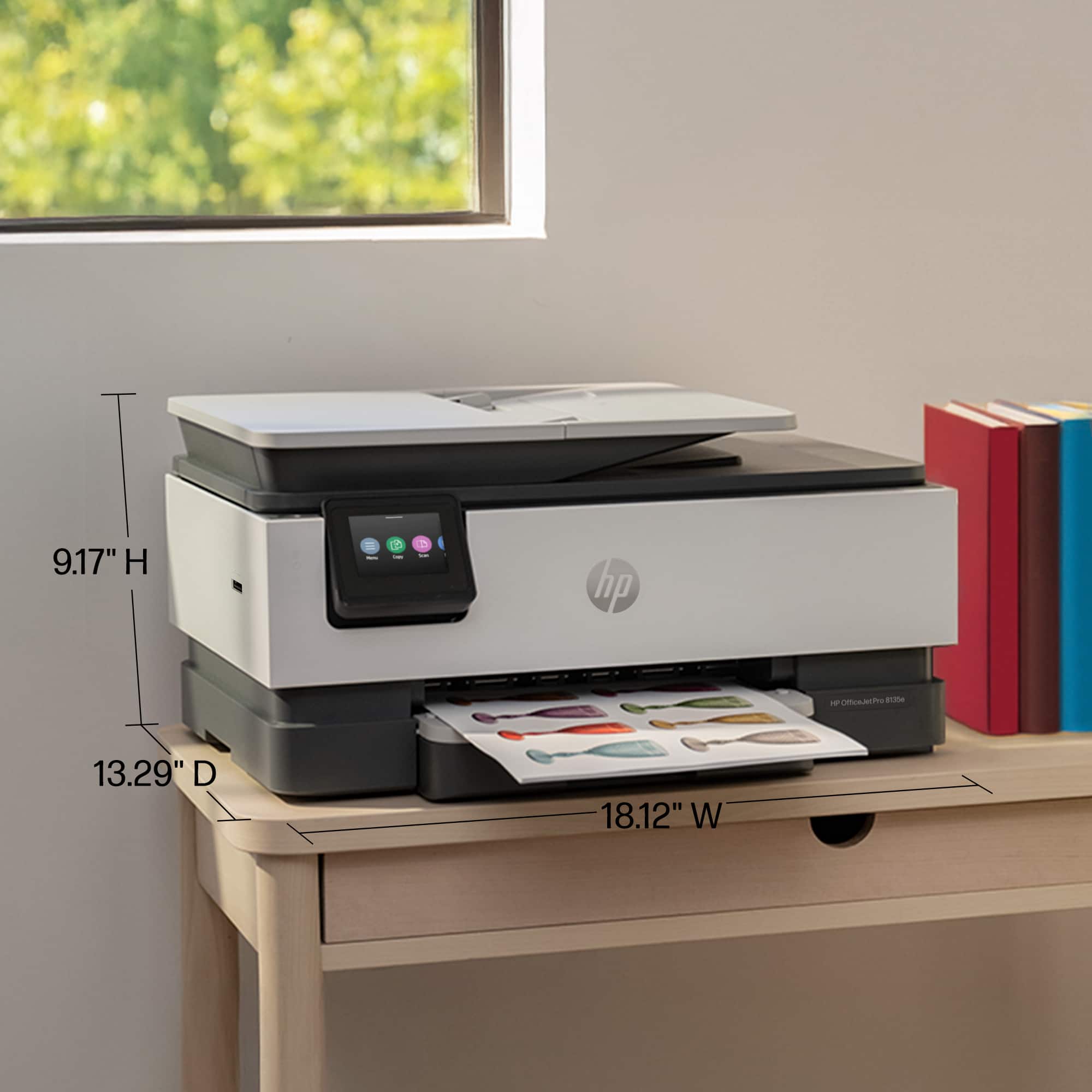
||Posted . Owned for 3 weeks when reviewed.This reviewer received promo considerations or sweepstakes entry for writing a review.Good printing and convenient size but difficult to connect to computer
I would recommend this to a friendHP printer
||Posted . Owned for 1.5 years when reviewed.This reviewer received promo considerations or sweepstakes entry for writing a review.Love this printer. Prints very well as long with copies. Easy to use. Use it daily. Was also priced right and used my gift cards to purchase it.
I would recommend this to a friendMs
||Posted . Owned for 1 month when reviewed.This reviewer received promo considerations or sweepstakes entry for writing a review.Excellent product.i am enjoying it.i have no regret.very simple to set up and use.The copies are sharp.it worth its price .its a good quality and excellent device.i will recommend it millions of times because it is a good product and its durable.its has a good value
I would recommend this to a friendPrinter
||Posted . Owned for 1 month when reviewed.This reviewer received promo considerations or sweepstakes entry for writing a review.Good product, faster, very satisfy with the performance and quality
I would recommend this to a friend
It does what its designed to do, but...
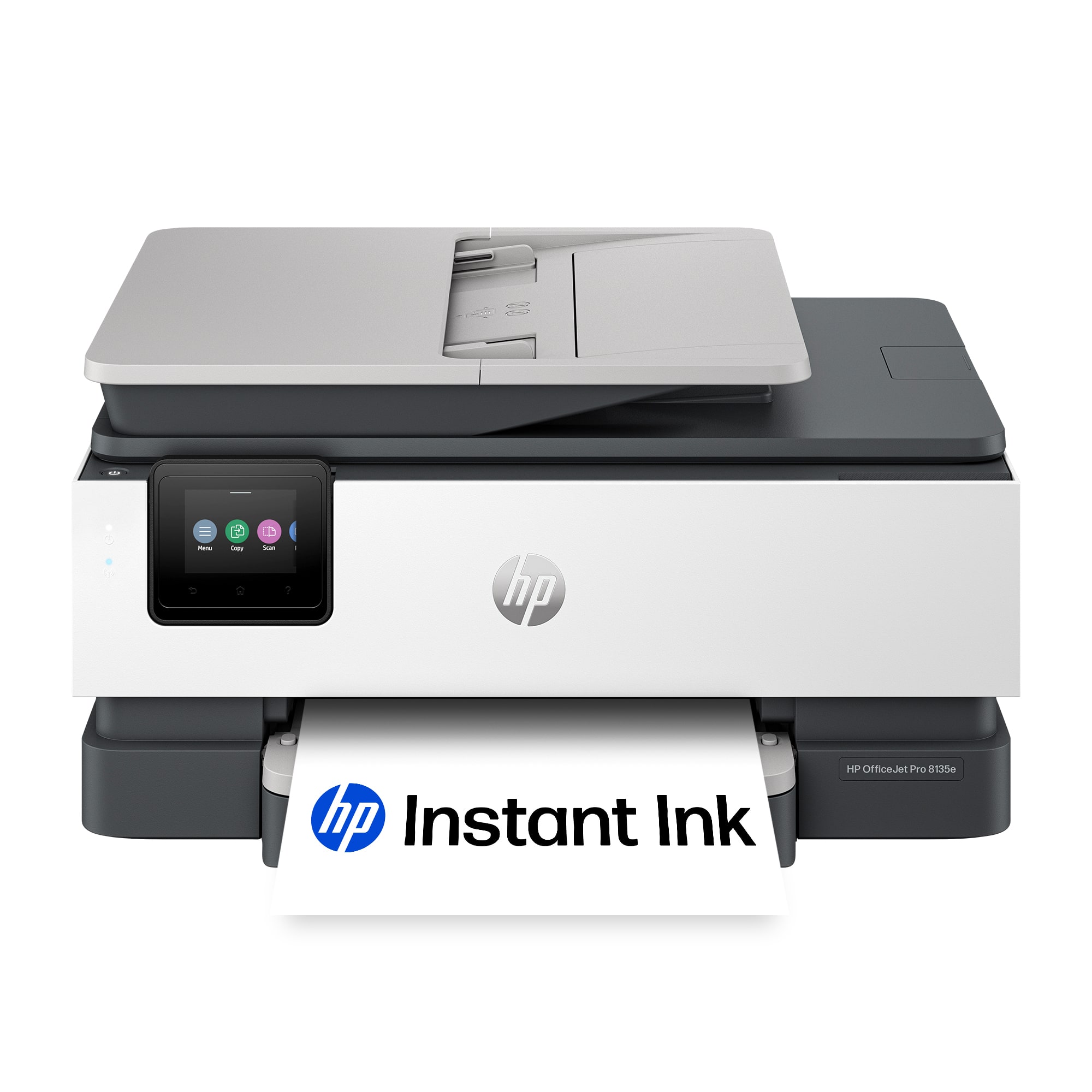
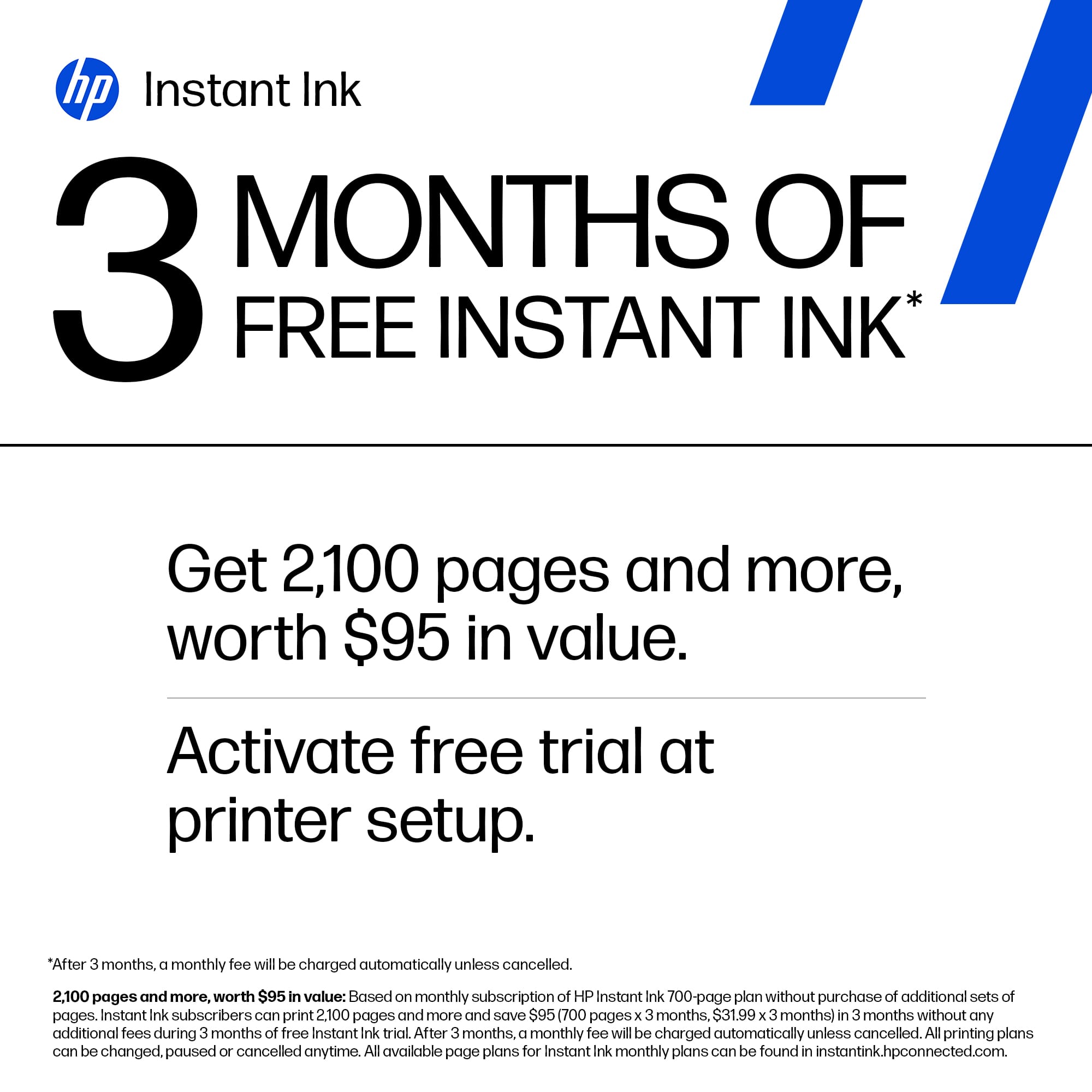
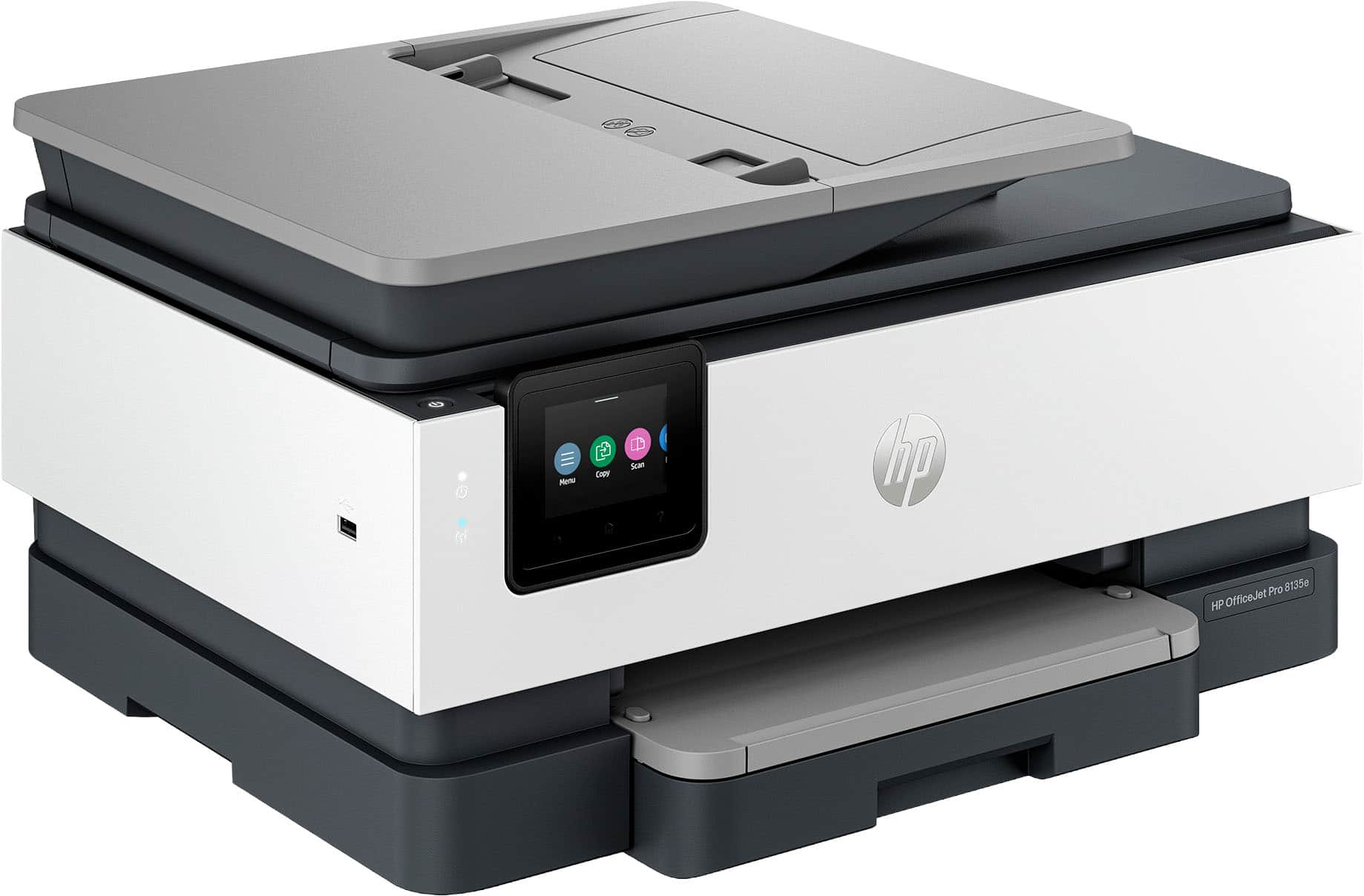
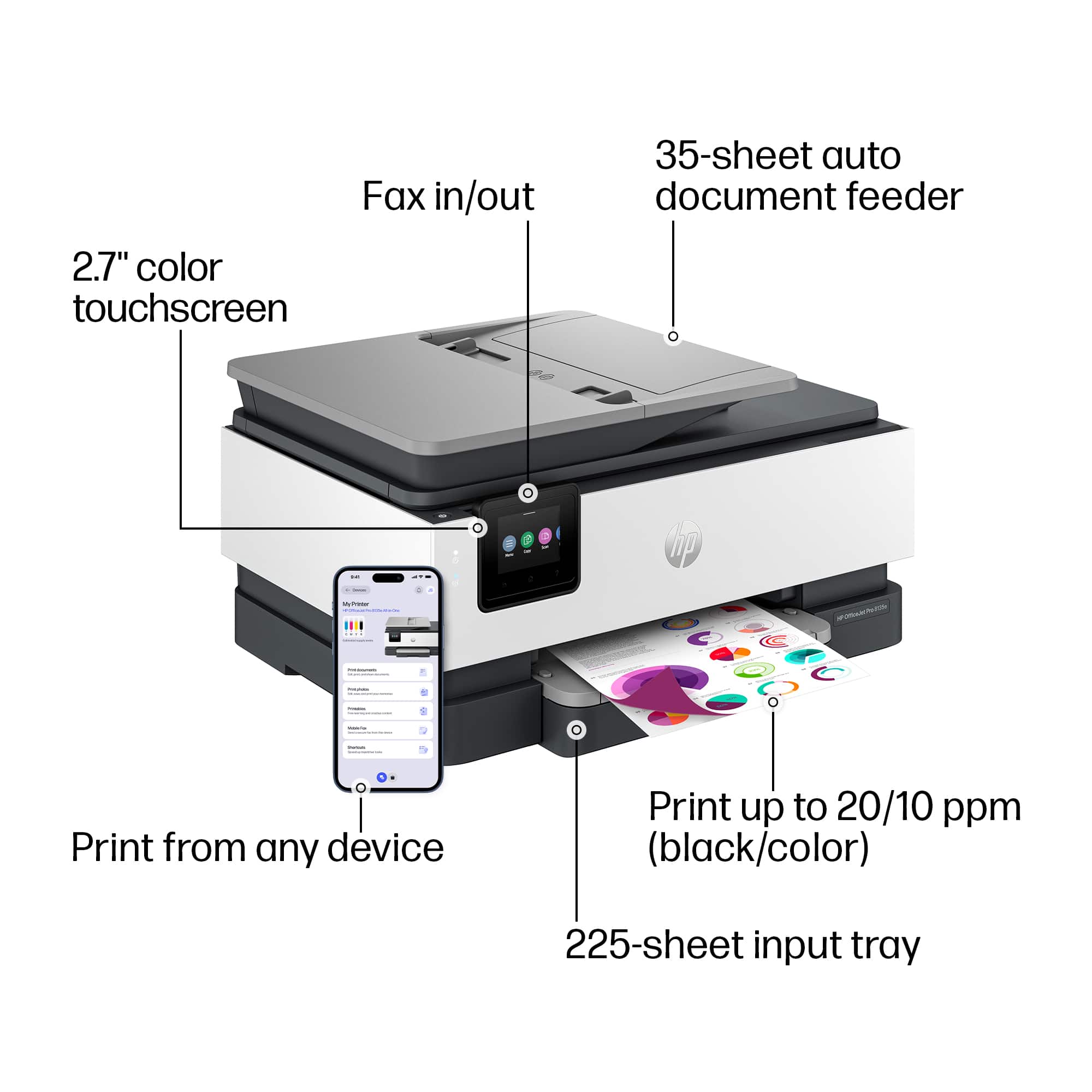
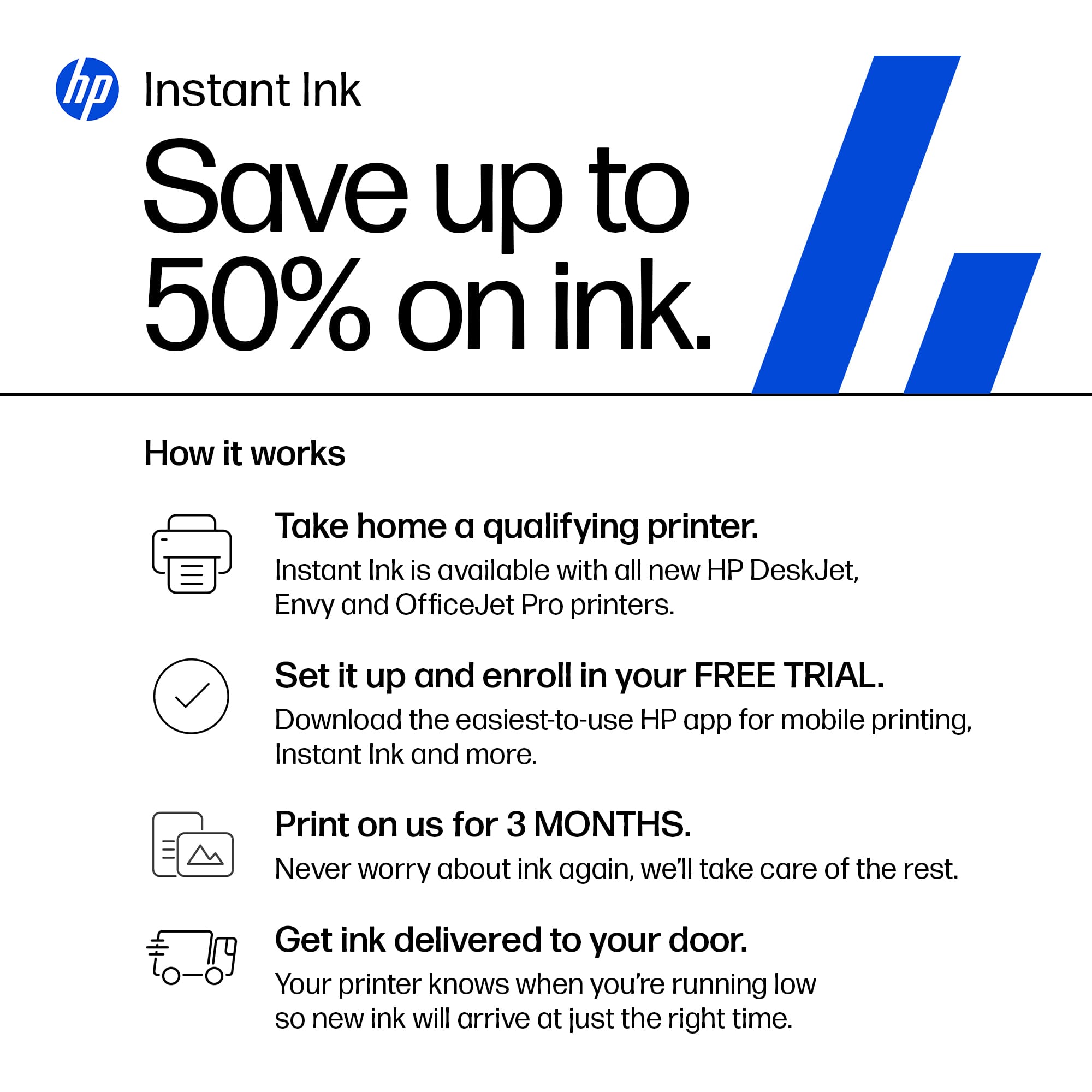
|Posted .This reviewer received promo considerations or sweepstakes entry for writing a review.This is a nice all in one printer from HP. It does what it's supposed to do and it does it pretty well. It prints, it scans, and it faxes. Personally, I don't use a fax machine so unfortunately I can't give any feedback on the fax portion. The printer is fairly large but not any larger than your standard all in one printer. One thing I did notice that I wasn't particularly impressed with, was the printer catch that your paper slides on to when finished must be manually pulled out. My previous printer, also an HP, automatically extended this to catch the paper if it was pushed in. This was a handy feature because by default, keep the paper catch closed. With this printer, I have to manually extend it or else my paper ends up on the ground. The general setup of unboxing and plugging the printer in is pretty straightforward and HP made it pretty easy with basic setup documentation included. I attempted to use the IOS app to set up the printer once it was unboxed and it was quite a big failure. I kept receiving an error message within the app stating “we’re sorry, something went wrong”. I factory reset the printer 2 or 3 times and could not get around this. I ended up having to set it up via the Windows desktop application and didn't have any problems at all. I can't speak for anyone but myself but it would appear the IOS app is not the best route to take for the setup. That being said, once the setup was complete, the IOS app saw the printer and had no issues printing to the printer. This printer comes with the HP+ feature which allows you to print from anywhere without needing to be on your local network. This is a great feature and I do see how this could be very useful for some people who need to print while on the go. This also comes with the 3 months of ink subscription for free. If you don't want to continue the subscription, just make sure you cancel. The scan to PC function requires additional software/driver install that you can download from the HP website. It's called HP Universal Scan Software. I use the scan to pc feature often so if you need it, just install the software and follow the prompts. I'm not impressed with the noise level of this printer. It's actually quite obnoxious after it prints. It runs through several cycles of rollers rolling and it's quite loud and annoying. I think it may be self cleaning but I find this annoying after every print job. Overall it's a decent all in one printer. It does what it's designed to do. But there are a few things I dislike as stated above, the manual paper catch tray, the noisy operation, and the IOS app setup failure. I'm not sure I would recommend this particular model to a friend.
No, I would not recommend this to a friendReview
||Posted . Owned for 3 weeks when reviewed.This reviewer received promo considerations or sweepstakes entry for writing a review.Easy to setup. Had some problem trying to get printer to print one sheet and not on both sides. Finally got that to work. Still learning.
I would recommend this to a friendHp printer
||Posted .This reviewer received promo considerations or sweepstakes entry for writing a review.I am very pleased with this product—the print quality, as well as the image quality when copying and scanning. I would recommend it to friends and family.
I would recommend this to a friendHP Printer Jet Pro 8130e
||Posted . Owned for 2 weeks when reviewed.This reviewer received promo considerations or sweepstakes entry for writing a review.Loving this printer so far. Easy setup and easy printing. I would recommend it to anyone needing a smaller printer. A that works well thats easy ane fast!!
No, I would not recommend this to a friend












