Customer Ratings & Reviews








- Model:
- OFFICEJET PRO 9730E/537P6A#B1H
- SKU:
- 6578444
Rating by feature
- Value
Rating 4.5 out of 5 stars
- Quality
Rating 4.4 out of 5 stars
- Ease of Use
Rating 4.2 out of 5 stars
Customers are saying
Customers are pleased with the OfficeJet Pro 9730e's print quality and overall performance, as well as its paper tray capacity and ease of use. The printer is also praised for its quick setup and connectivity. Some customers find the printer's size to be a drawback, particularly the limitations of the ADF scanner, and have noted its considerable weight.
This summary was generated by AI based on customer reviews.
- Pros mentioned:Connectivity

Bigger is not necessarily better
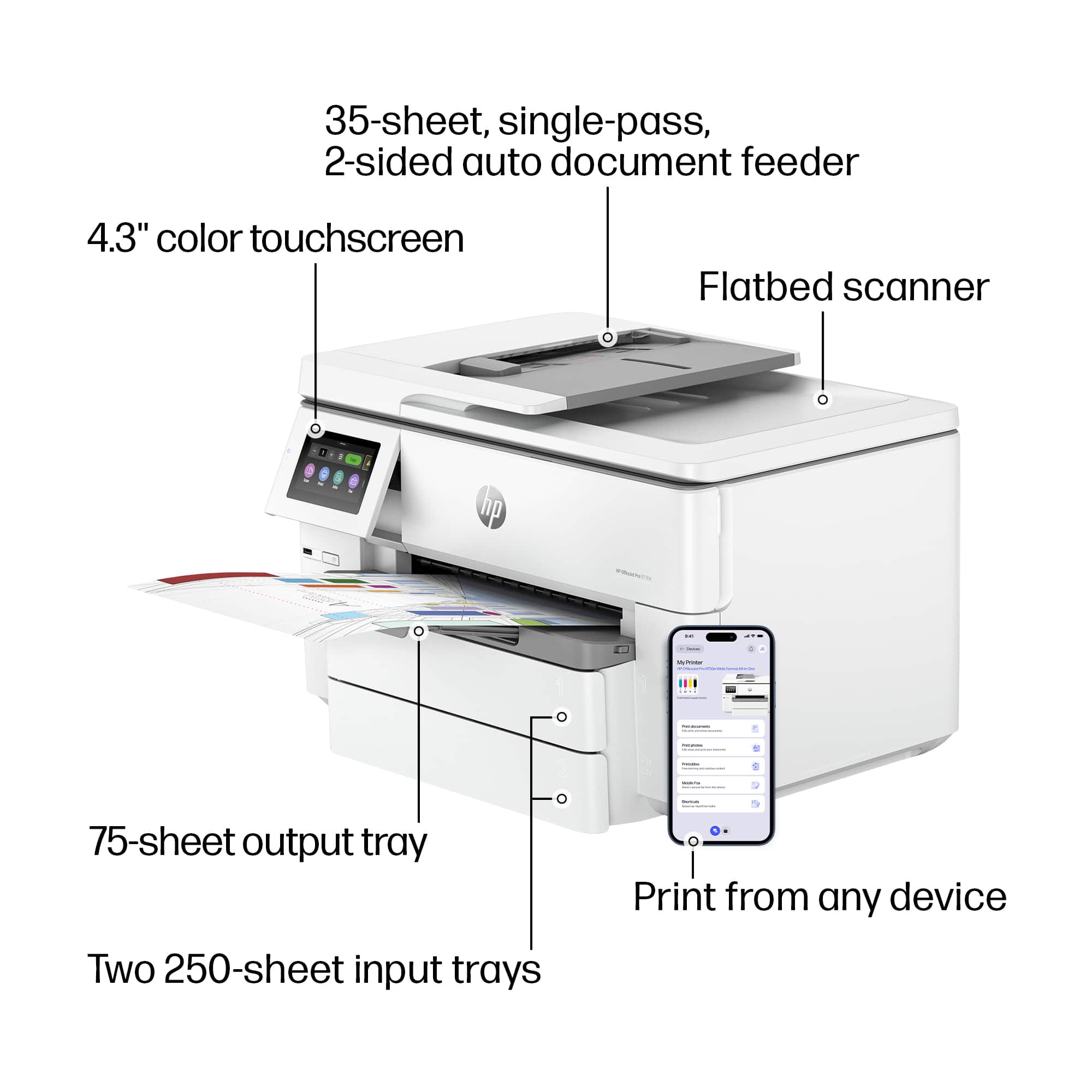
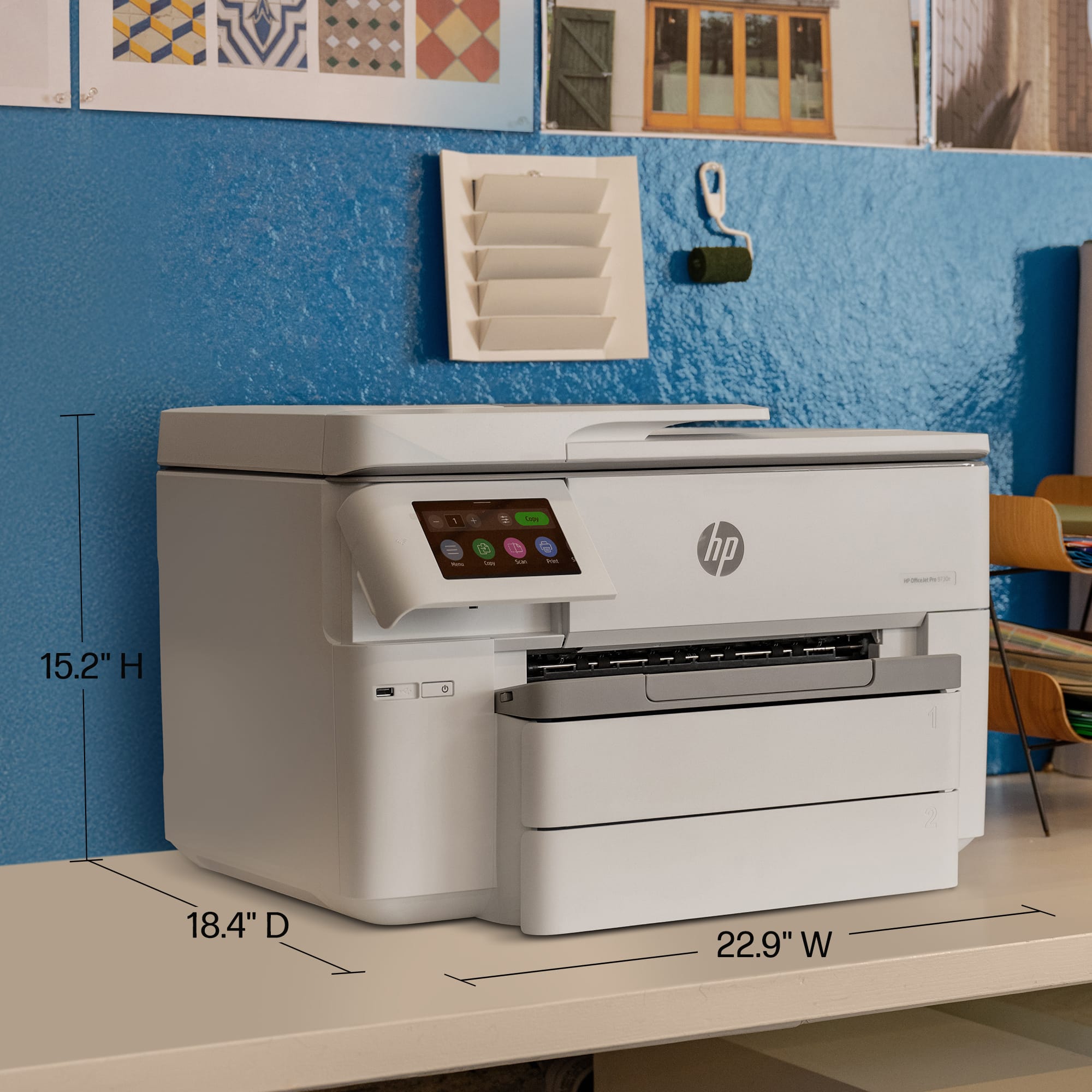
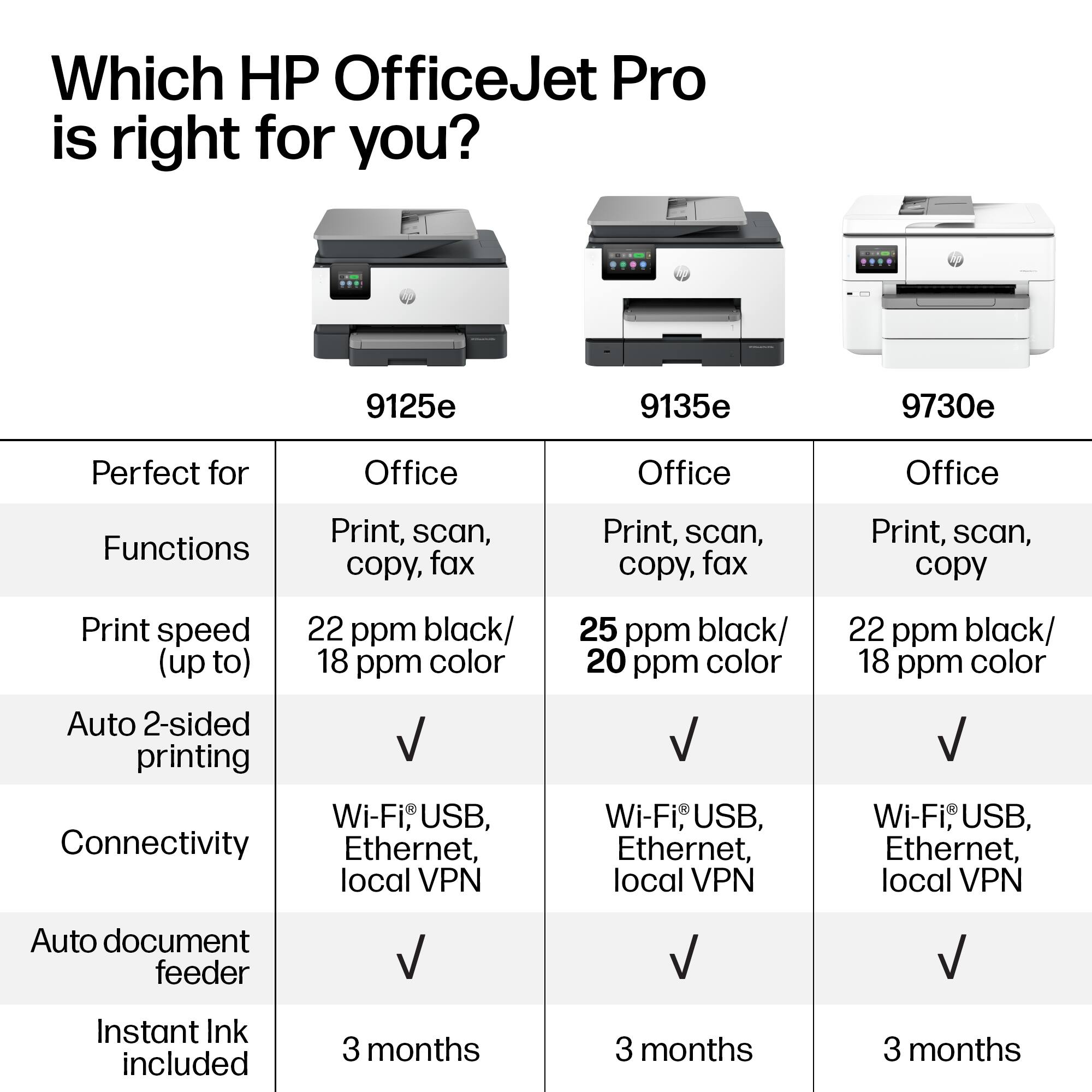
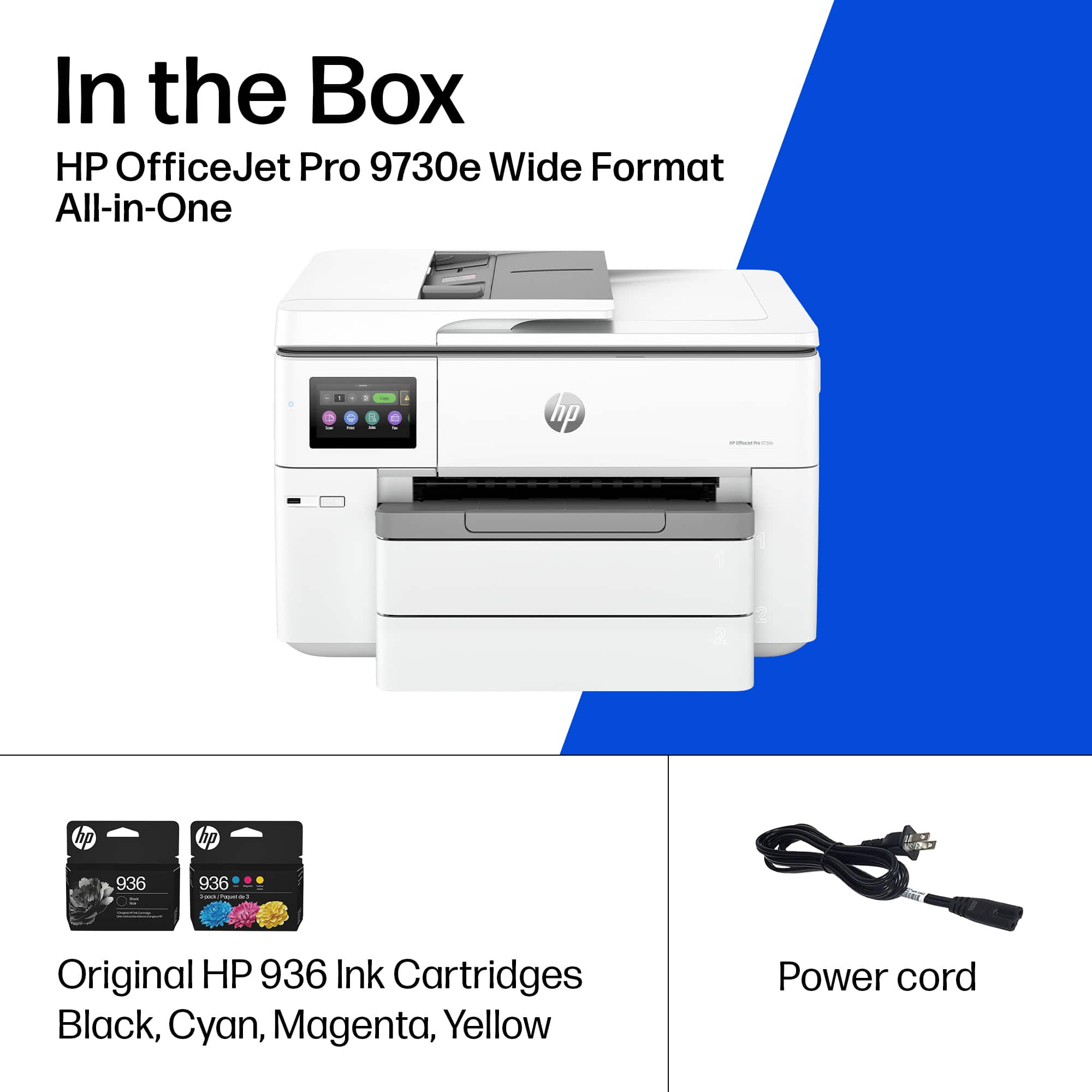
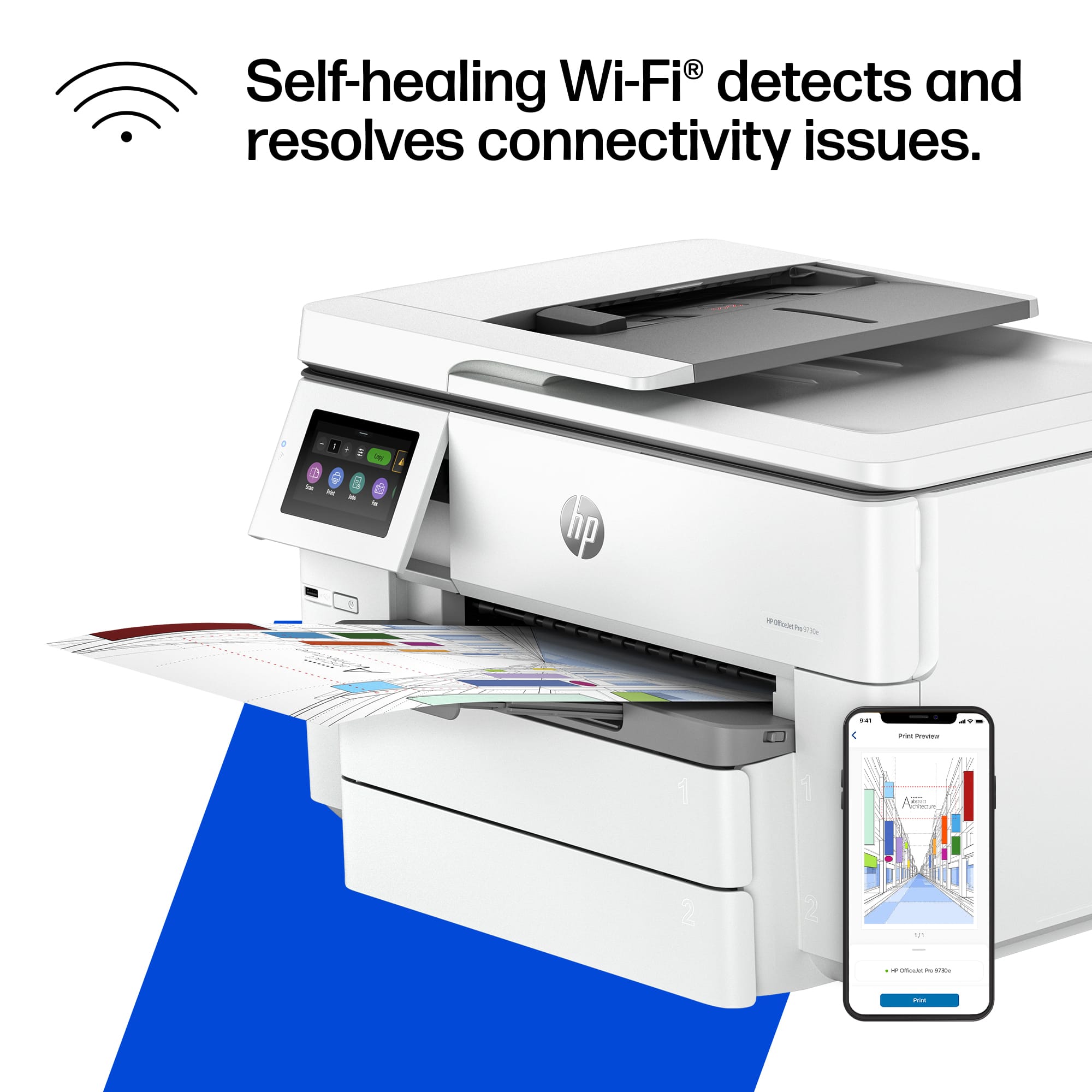
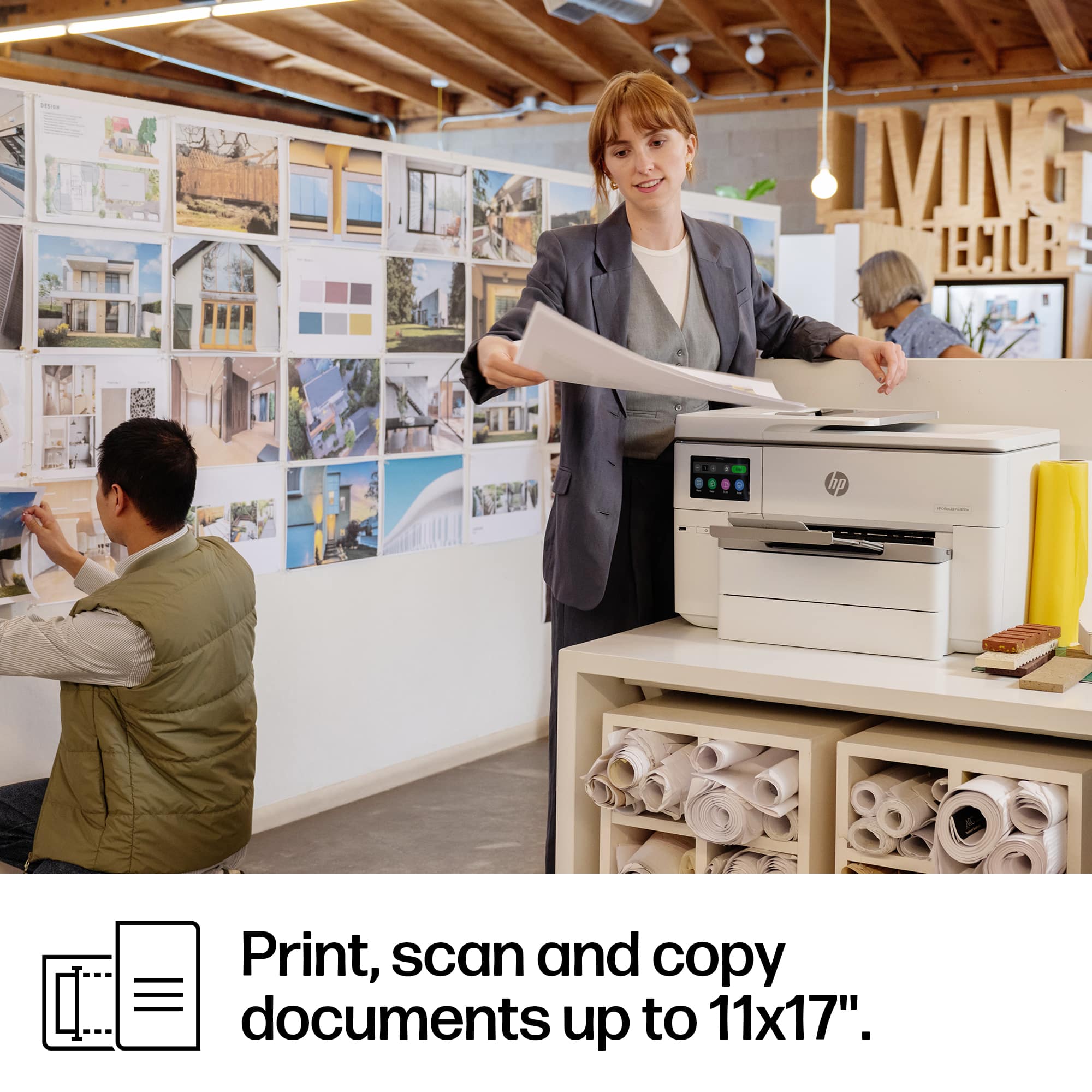
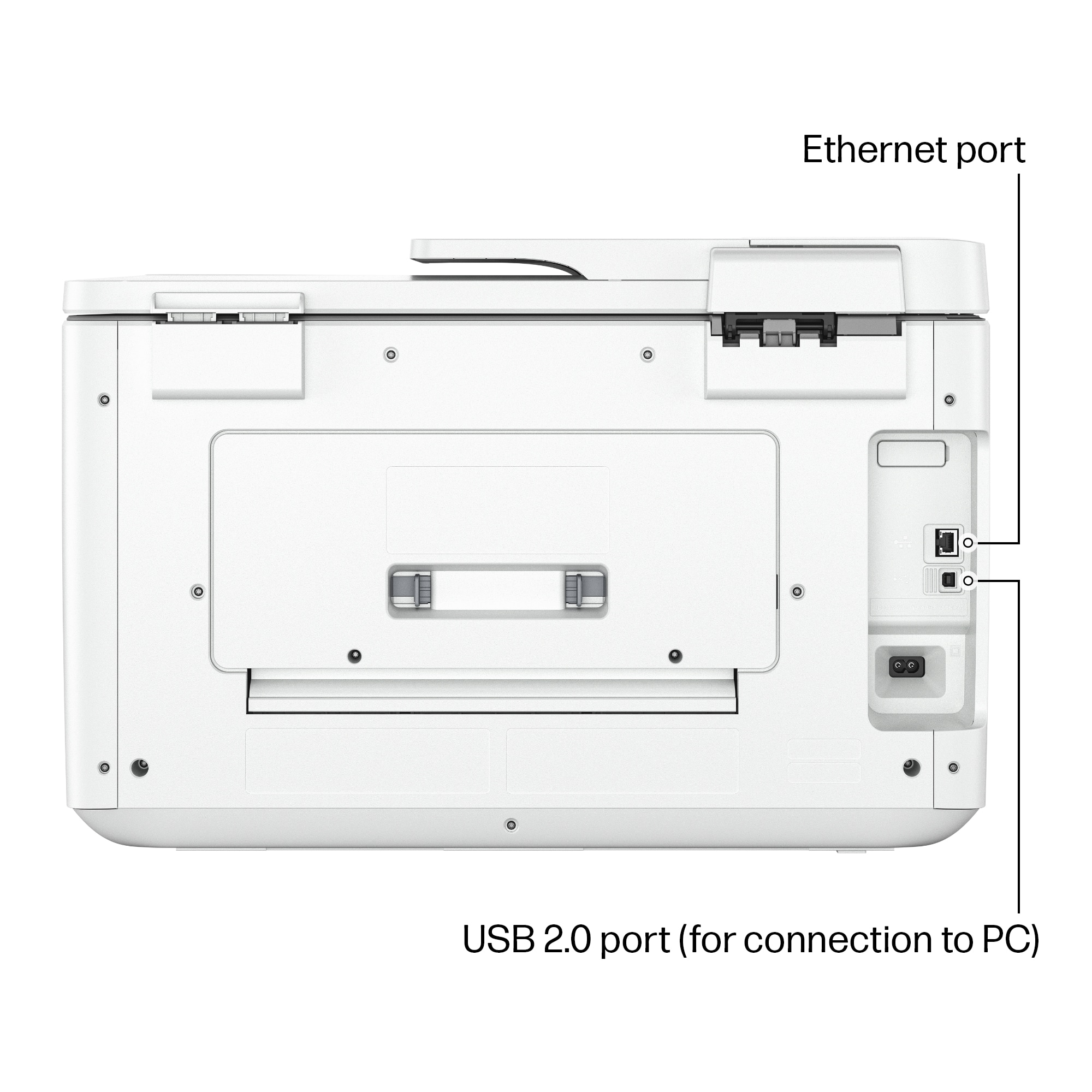
|Posted .This reviewer received promo considerations or sweepstakes entry for writing a review.This is the largest all-in-one inkjet printer I have ever owned. I’d suppose it should be large because it can scan and print A3 paper size. It is built with a lot of plastic and the plastic seems thinner and more flexible than usual. It looks great however. It has a tiltable 4.3” touchscreen that I almost broke off because it was so tight and I used more force than was needed. However, the User Interface and responsiveness has been upgraded from other models I’ve owned. There’s a USB-A port in the front but no USB-C. It has a USB port for connecting directly to a computer via USB cable and it also has an ethernet port for wired network connection. It supports dual-band (2.4 and 5) wifi. 4 ink cartridges, 1 large black cartridge and 3 color cartridges (cyan, maroon & yellow) Scanning: It can do two-sided color scanning. Ok good but it only scans at a maximum resolution of 300dpi with the document feeder. Documents scanned using the document feeder skews fonts and images. Not all but some. Regular paper scanned fine but some thicker card stock seemed to get the skew effect. I do a lot of document scanning and I hope this can do the job that I need it to do. Documents scanned with the scanner glass has a maximum resolution of 1200 dpi but even at that resolution some thick borders or or solid shapes Printing: Solid colors were a bit faded or washed out. Blacks weren’t as black as they should be. This was using the best quality. The print quality is clear for all sizes of fonts but it also could be a lot better. Images turned out okay on regular paper as I didn’t have any photo paper to test it on. Not as good as a dedicated photo printer of course but then again, I’ve had other inkjet printer print better images on regular paper. I’ve had many HP printers and I think this one is the most disappointing of them all. The print and scan quality is just lacking for me. More: Long start and shutdown times Start (ready to print): Nearly 50 seconds Shutdown: 22 seconds It is slow to print when waking from sleep mode
No, I would not recommend this to a friend Exactly what a small business or office needs!
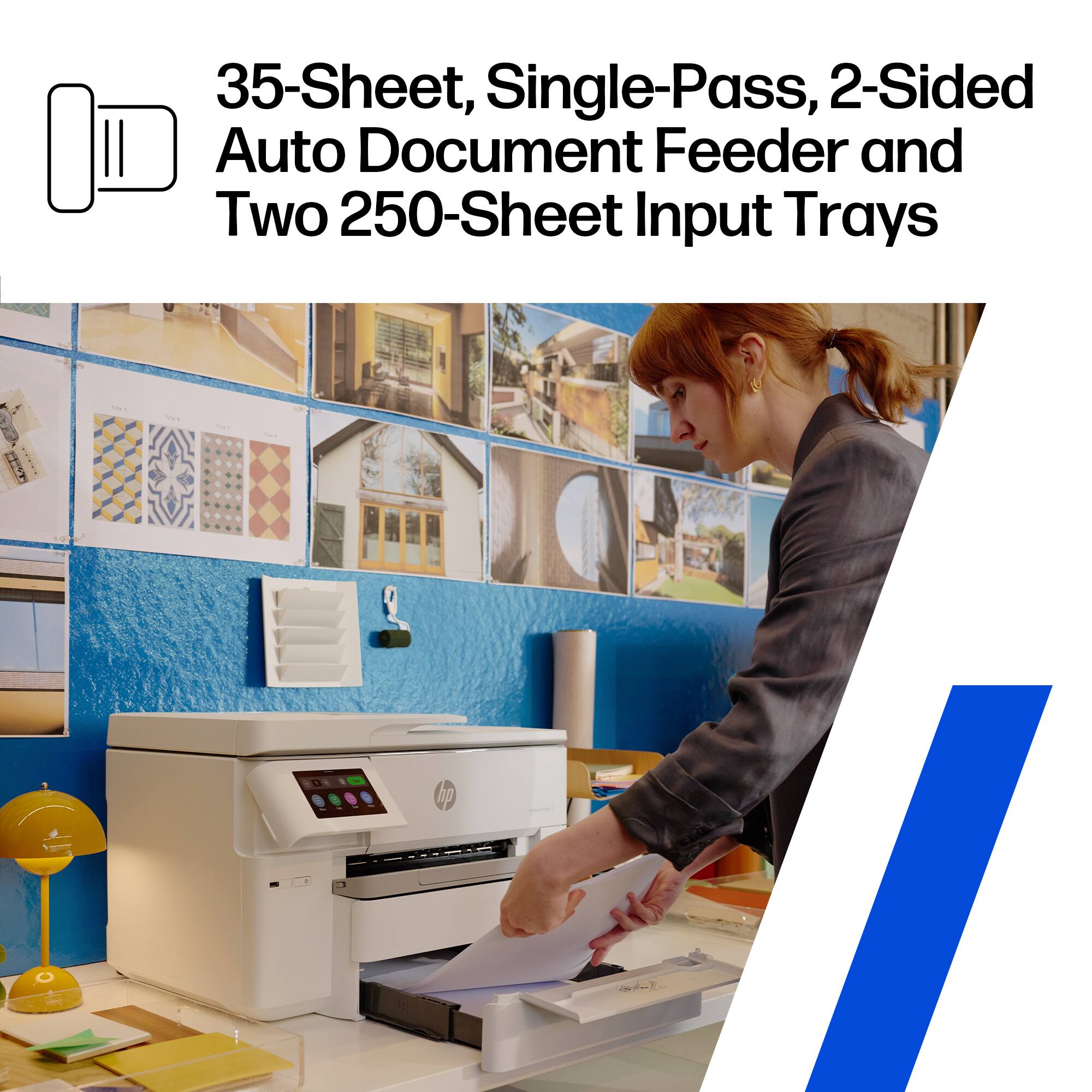
|Posted .This reviewer received promo considerations or sweepstakes entry for writing a review.This printer is an incredible value for small businesses or home offices that expect to do a lot of printing and scanning in the office space. Having a two-sided ADF is excellent and seriously improves the workflow of taking a large quantity of documents without certainty of whether they are coming in printed on both sides or not. The two 250-page sheet input trays are also extremely valued; on my previous little brother’s printer, it was driving me nuts having to fill the intake tray sometimes multiple times a day on high-volume printing days. It is worth mentioning, however, that the ink for this printer is extremely expensive for a full refill, costing around $120 if you stick with HP brand ink. I have not tried any generic alternatives, but even those aren’t a huge cost savings. As such, our home office has implemented black printing only at all costs to see if we can save on some ink refill costs. All the same, this is just the nature of printing these days and is the entrance fee you pay to be able to print in volume in a business setting. Thanks for reading and I hope this review helps your purchasing decision!
I would recommend this to a friendNice Printer
Posted .This reviewer received promo considerations or sweepstakes entry for writing a review.Works well. The quality is good, but not as good as a LaserJet.
I would recommend this to a friendhp office jet pro 9730e
Posted .This reviewer received promo considerations or sweepstakes entry for writing a review.office jet pro printer are well know to jam so I suggest buy different brand
No, I would not recommend this to a friend


















