Customer Ratings & Reviews

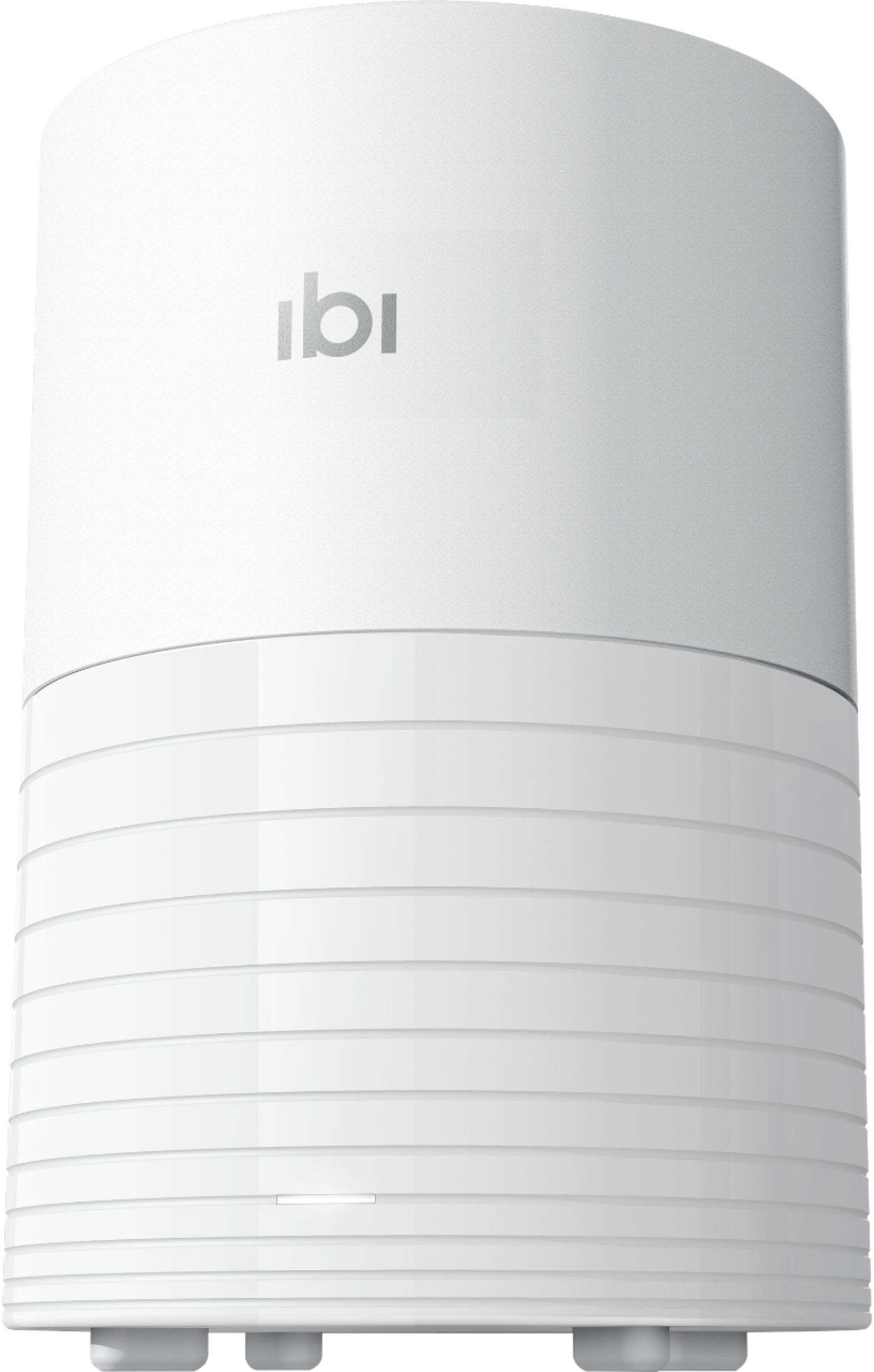

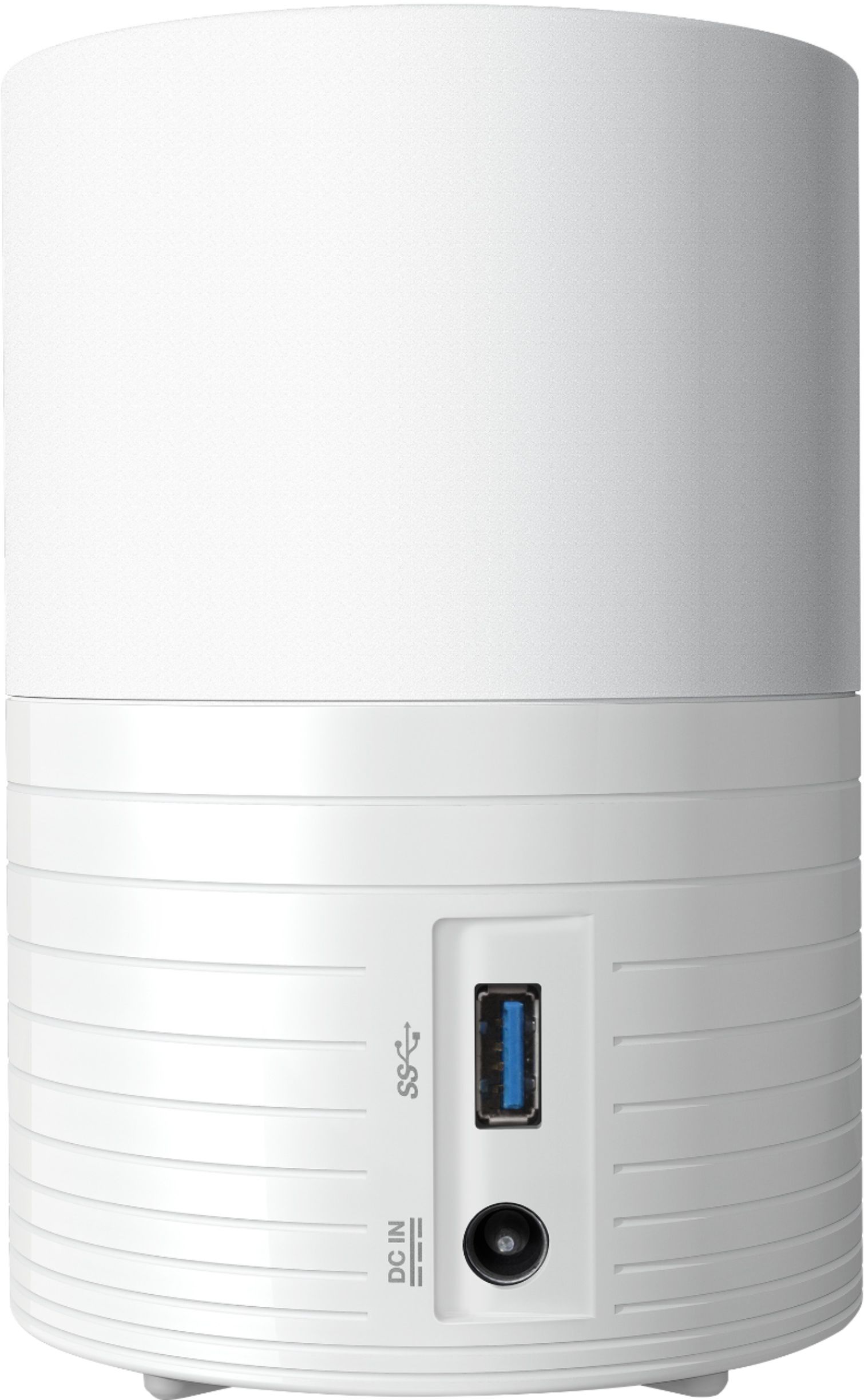
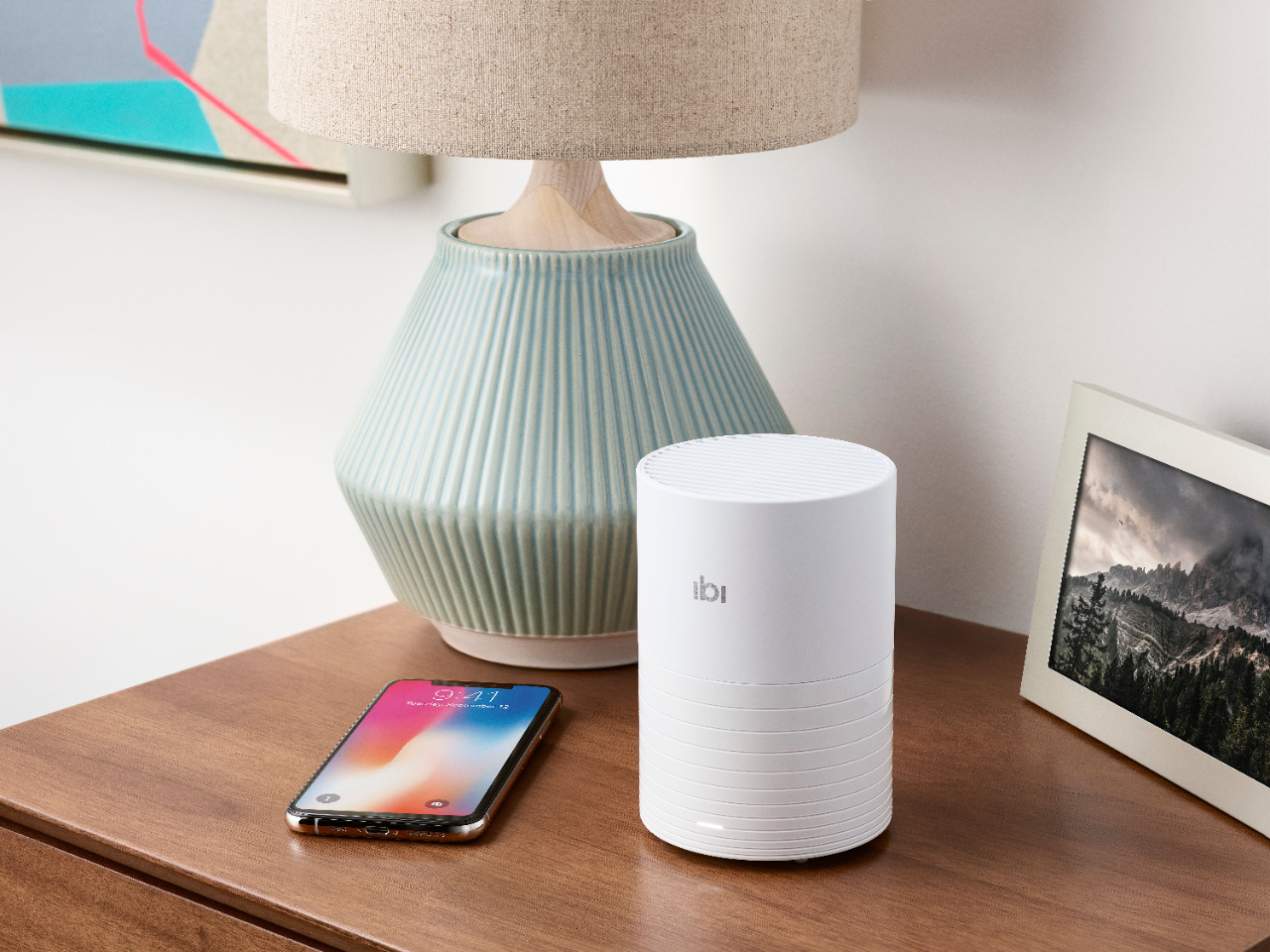
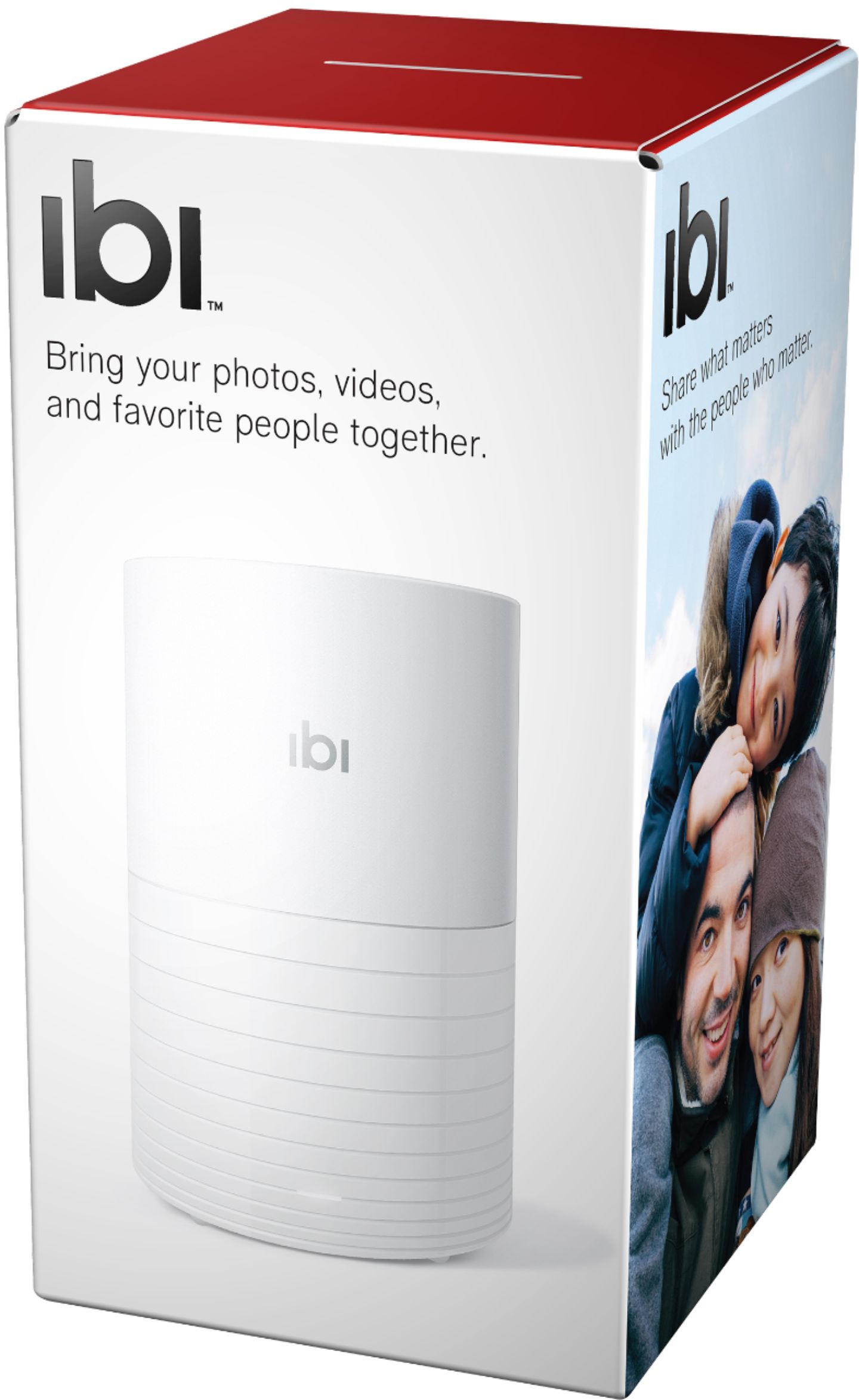





- Model:
- WDBNHE0010BWT-HESN
- SKU:
- 6382798
Rating by feature
- Value
Rating 4.1 out of 5 stars
- Quality
Rating 4.1 out of 5 stars
- Ease of Use
Rating 4.0 out of 5 stars
Customers are saying
Customers commend The Smart Photo Manager with Wi-Fi for its ease of use, ample storage, and convenient Wi-Fi connectivity. Users also appreciate its reasonable price, simple setup, and sharing capabilities. However, some customers have noted compatibility issues and concerns about the noise level of the device.
This summary was generated by AI based on customer reviews.
- Pros mentioned:Ease of use
Easy to set up and use
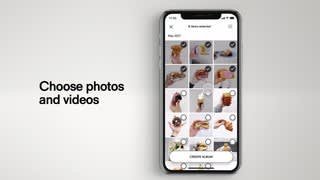
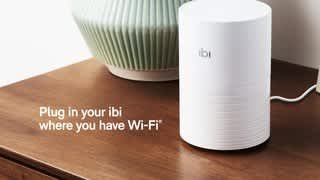
||Posted . Owned for 1 month when reviewed.This reviewer received promo considerations or sweepstakes entry for writing a review.I was so surprised how it was so easy to set up and use. To set it up, I just plugged it into a power outlet, installed its app (on my iphone Xs), then its setup wizard just walked me through to the completion. It probably took me 15-20 minutes for this part. To use it, it just silently uploaded pictures/videos off my phone to the device. Even better, I hooked up my other HDD to its usb port and I could even (again silently) copy and back up files from my other HDD over this ibi drive...how wonderful this is...I'm going to buy another one....
I would recommend this to a friend - Pros mentioned:Wi-fi
Photo share Storage
||Posted . Owned for 3 weeks when reviewed.This reviewer received promo considerations or sweepstakes entry for writing a review.Works as promised—so far I have not had any problems—sent music and photos to it—
I would recommend this to a friend - Pros mentioned:Ease of use, SetupCons mentioned:Noise level

Convenient, Easy To Use Photo Storage Solution
|Posted .This reviewer received promo considerations or sweepstakes entry for writing a review.Great for storing photos in a central location on your network. The mobile app and desktop app make it convenient to access the photos quickly. The mobile app allows you to backup your mobile device photos automatically while at home making them available to your desktop via the desktop app. ibi's desktop app maps a drive on your desktop as a network drive. Setup - 5/5 The ibi team has simplified the setup process. It's as simple as downloading the app from your mobile device's respective app store, launch it, create an account, answer a few questions in their setup wizard, and your done. Device/Warranty Registration - 5/5 From within the app you are able to launch the registration. If you have a Sandisk account simply sign in, otherwise, create an account. Enter the seriel number and choose an option from each of the dropdown lists, tap the registration button, and your done. Use - 5/5 On your mobile device, launch the app to access your photos. On a Windows desktop, you can access your photos from the ibi mapped drive. It's drag and drop on a desktop to move photos back and forth. Noise Level - 4/5 There is a fan inside the ibi to keep the hard drive cool. If the fan runs a full rpm and you are close to it (within 2-3ft), you can hear the fan. I wasn't able to hear the fan when I was more than 3ft away. Your hearing may be better than mine or you may have a different level of background noise, so audible distance may vary a little. I didn't find the fan to be a problem as I will not have the ibi sitting right next to me. If you plan to place this on a desk right next to you, the fan is something to consider. Construction Quality - 4/5 The ibi's case is made of light plastic. It's lighter than what you would typically see in an external HD case. This shouldn't be a problem though as this is something that people will setup, then move to it's long term location (desk, shelf, etc.). Since it's so light, it can easily sit on a shelf or something similar that wouldn't normally take a lot of weight. Just make sure you have at least a little airflow and that you can connect the ibi's power cable to a power outlet. Overall - 5/5 So far I have nothing to complain about it. ibi has made the setup and use of it incredibly simple. Accessing photos from my iPhone and Windows 10 system is about as straight forward as you can get.
I would recommend this to a friend - Pros mentioned:Ease of use, Storage
Your own photo cloud.
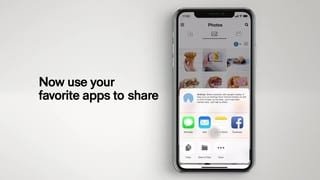
|Posted .This reviewer received promo considerations or sweepstakes entry for writing a review.Ibi was packed in recyclable materials. Setup was extraordinarily simple: Plug Ibi into power, download app, create account, follow prompts, connect to WiFi and voilá! You’re in business. All of 15 minutes from beginning to end. Depending on the storage of your device, a complete backup could take a significant amount of time, best done at night time. The app allows you to share all or some of the content stored, as well as allowing invited people to have their own private folders. There is also a desktop application available for even more control of your sharing and privacy. I have been using it for a few days now and have found everything works exactly as described.
I would recommend this to a friend Great device for photo sharing and organization!
|Posted .This reviewer received promo considerations or sweepstakes entry for writing a review.The initial experience I had with ibi was upon opening the package. Absolutely simplicity of setup! Download the ibi app on the phone, plug the device into an AC outlet, give it about one minute to wake up and go through its initialization, and then the app walks you through the process of getting ibi on your WiFi network and copying photos from your phone to ibi . It is literally that simple. ibi is small and unobtrusive, requiring a tiny amount of footprint on our kitchen countertop. I got this for my wife, who loves to take photos using her iPhone. After that, it is nearly impossible to find what she wants to share unless it happens to be in the past few days. After getting ibi setup on our network, the app went to work loading her photos from the phone to ibi. ibi is much more than a phone photo archive though. It can preserve photos that are posted via social media, as well as photos on a network connected PC. Basically one-stop-shopping in terms of backup, organization, and sharing. ibi will give us a shot at finally organizing our photos in an intuitive manner!
I would recommend this to a friendEasy to use cloud solution
|Posted .This reviewer received promo considerations or sweepstakes entry for writing a review.Ibi Smart Photo Manager I have spent a few days with the Ibi Smart Photo Manager thus far and it has been great for its intended use. Some thoughts: - The hardware is well designed and made by SanDisk, a reputable brand who is known for their great digital storage products. - The app is great. It’s intuitive and has a great and responsive interface. - It’s designed with ease of use in mind. I plugged it in, held my phone up to the device and the app automatically found the device. Also, it automatically backed up my photos and videos after registering. - The ability to share the storage with multiple users is super nice. - The only drawback of this device is that it does not include features found on the more expensive NAS devices, such as RAID, the ability to store files outside of photo and video, DLNA support. I would recommend this product to those who are looking for - an easy to use photo/video storage solution - don’t want to have to pay for cloud storage - don’t want something overly complicated to use/set up If you are looking for more of a pro device, I would consider other options.
I would recommend this to a friend- Pros mentioned:Ease of use, StorageCons mentioned:Speed
Storage
||Posted . Owned for 3 weeks when reviewed.This reviewer received promo considerations or sweepstakes entry for writing a review.Great storage backup for your iPhone pictures and video's. Easy setup. Only drawback is that if you have several years and over 5000 pictures, will take awhile to download to unit, also requires you to setup files for your pictures. I setup my files by year only and not by category, doing that would take quite sometime in doing.
I would recommend this to a friend - Pros mentioned:Ease of use, Storage
Helper storage for pictures
||Posted . Owned for 1 year when reviewed.This reviewer received promo considerations or sweepstakes entry for writing a review.Was concerned with my picture files published in 5 different local and cloud services. Wanted a simple, small physical footprint local storage drive for my pictures. Found it in this simple to use drive. Comes with a usb connection for easy physical transfer but it’s networked transfer program makes it shine. I have two iPhones two iPads a Mac mini and windows 10 tower system. My phones and iPads transfer pictures automatically and there are software connections for computers to interact with the drive. The software has many functional configurations to make the user experience memorable. Can easily share pictures as well. Keep in mind once the pictures are downloaded to drive you can eliminate the pictures from your devices without fear of losing them. Note it will download duplicates so it takes some editing to drive memory to keep it cleaned up. But this drive does all I needed and very well.
I would recommend this to a friend Does the job pretty well
||Posted . Owned for 1 year when reviewed.This reviewer received promo considerations or sweepstakes entry for writing a review.Love this thing. Too bad it got discontinued and some of the original features in the app lost support. It is small and discrete and looks nice in comparison to eyesore hard-drives. We backup all photos from our phones with the (great) app and also use the import features to get pics out of social media accounts, Only complain is that some of those features are being discontinued. I know I could have gotten an external hard disk and connect it to my home network with similar final results, but the appeal of an easy out-of-the-box setup and price made it an easy buy to add yet one more backup of memories to our collection.
I would recommend this to a friend- Cons mentioned:Noise level, Speed
good solution for photos back
||Posted .This reviewer received promo considerations or sweepstakes entry for writing a review.good solution to back up photos and do not have to pay monthly fees. It can backup photos over cellular data, but is very slow and takes several attempts. Slightly loud but if you place it in corner, you probably wont notice. Over all a good solution.
I would recommend this to a friend - Pros mentioned:Ease of use, Storage
Simple and intuitive user interface
||Posted . Owned for 3 weeks when reviewed.This reviewer received promo considerations or sweepstakes entry for writing a review.Really enjoyed uploading photos and videos with the easy to use Apple iOS and Android apps. Great for storage of photos when phone is running low on space and don't want to buy more cloud storage.
I would recommend this to a friend - Pros mentioned:SetupCons mentioned:Speed
Ibi works fine
||Posted . Owned for 3 weeks when reviewed.This reviewer received promo considerations or sweepstakes entry for writing a review.I bought this because it was a greatly reduced price to back up my phone pictures (tried to by a few more, but they weren't available anymore). Very easy set up and link to my phone. Backs things up automatically. Phone app is pretty straightforward for what I've been doing (nothing fancy yet). The only downside I've experienced is when connecting to my laptop. Very slow. I haven't tried the USB port yet. Pretty neat device small local cloud, especially for the price!
I would recommend this to a friend - Pros mentioned:Ease of use
Great for organizing amongst your Family and frien
||Posted . Owned for 3 weeks when reviewed.This reviewer received promo considerations or sweepstakes entry for writing a review.Works great to organize all your photos and sharing is simple, it's simple and has a lot memory with 2tb.
I would recommend this to a friend - Pros mentioned:Ease of use, Storage
Cooking Mama
||Posted . Owned for less than 1 week when reviewed.This reviewer received promo considerations or sweepstakes entry for writing a review.I purchased this to store all of pictures from my phone and I-Pad. I love the fact I was able to use a thumb drive from my computer to down load pictures to it. No longer have a desk top computer. I was able to save all of my pictures to this device. Easy to use. It automatically downloads pictures every day. The you erase your photos from the phone. My phone is running much better without all the photos.
I would recommend this to a friend - Pros mentioned:Price
Best IBIJEEBIES I’ve ever experienced
||Posted . Owned for more than 2 years when reviewed.This reviewer received promo considerations or sweepstakes entry for writing a review.Great device at an excellent price, been using for over 2 years with no issues to mention
I would recommend this to a friend - Pros mentioned:Ease of use, Storage
Awesome Purchase!
||Posted . Owned for 3 weeks when reviewed.This reviewer received promo considerations or sweepstakes entry for writing a review.I love my IBI! I was tired of having a bunch of little memory sticks that I’m constantly losing track of. I transferred the pics from all of those and then another 8,000+ pics from my phone to the IBI and I don’t think I’m even close to using 10% of my storage yet. Super easy to use, even for a non-techy person like me. Well worth it!
I would recommend this to a friend - Pros mentioned:Storage
IBI - The Smart Photo Manager is Really Smart!
||Posted . Owned for less than 1 week when reviewed.This reviewer received promo considerations or sweepstakes entry for writing a review.I was a bit skeptic that IBI could actually backup all of my photos off my iPhone in a timely fashion. Preferably, before the next time I was eligible to trade in for my next iPhone. But, within a couple of hours, I had downloaded over 25,000 photos from my phone! I was on a roll! Next, I backed up my Google photos of some very old photos! I can now delete photos off my iPhone and stop paying for my iCloud! Love my IBI!
I would recommend this to a friend - Pros mentioned:Price, Setup
So far all is well!
||Posted . Owned for 3 weeks when reviewed.This reviewer received promo considerations or sweepstakes entry for writing a review.Set up is easy, and I had all my phone pictures saved in about 15 minutes. Was able to get it on sale, so piece of mind for a low price. Have not tried my laptop as of this writing, but I already have those pics backed up on an external HDD. I did some research to see who ibi is, and pleased to learn it was SanDisk.
I would recommend this to a friend - Pros mentioned:Ease of use, Storage
Easy setup & storage
||Posted . Owned for 3 weeks when reviewed.This reviewer received promo considerations or sweepstakes entry for writing a review.This was the most easiest setup and transferring of pictures device. The options for the device is great that you have the ability for the entire family to store their pictures and sharing them. I'm very happy with the unit can be set to automatically backups pics from your phone.
I would recommend this to a friend - Pros mentioned:Ease of use, Storage
cheap and easy to use
||Posted . Owned for 2 weeks when reviewed.This reviewer received promo considerations or sweepstakes entry for writing a review.great photo storage device, all you have to do is connect it to your wifi, create an account and you are ready to move all the pictures your want and free your phone's storage. very simple and easy to use, plus I got it on sale and I feel like 1TB is more than enough.
I would recommend this to a friend