Customer Ratings & Reviews


- Model:
- NS-AVHTR25
- SKU:
- 6633030
Rating by feature
- Value
Rating 4.0 out of 5 stars
- Quality
Rating 4.2 out of 5 stars
- Ease of Use
Rating 4.4 out of 5 stars
CD VIDEO
||Posted . Owned for 1 week when reviewed.This reviewer received promo considerations or sweepstakes entry for writing a review.Haven’t tried it. Don’t know what else to say. So this is it.
I would recommend this to a friendBrand response from InsigniaCustomerSupport
Posted .Hello Charles, thank you for taking a moment to leave a review. We appreciate you sharing your initial thoughts, and we hope the HDMI to RCA Converter meets your needs once you’ve had a chance to try it out. Thank you for choosing Insignia.
Poojitha | Insignia
RCA Converter
||Posted . Owned for less than 1 week when reviewed.This reviewer received promo considerations or sweepstakes entry for writing a review.It worked as it said it will convert the signal from my computer to an old TV.
I would recommend this to a friendAs advertised. Fills a need
||Posted .This reviewer received promo considerations or sweepstakes entry for writing a review.Just what I needed to play music off an inverter from a laptop.
I would recommend this to a friend- Pros mentioned:Ease of use, Overall performance

A Perfect Necessity For Old RCA Input Televisions
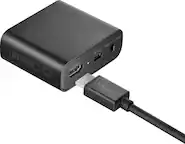
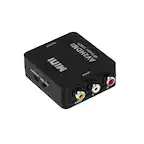
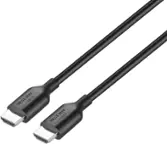
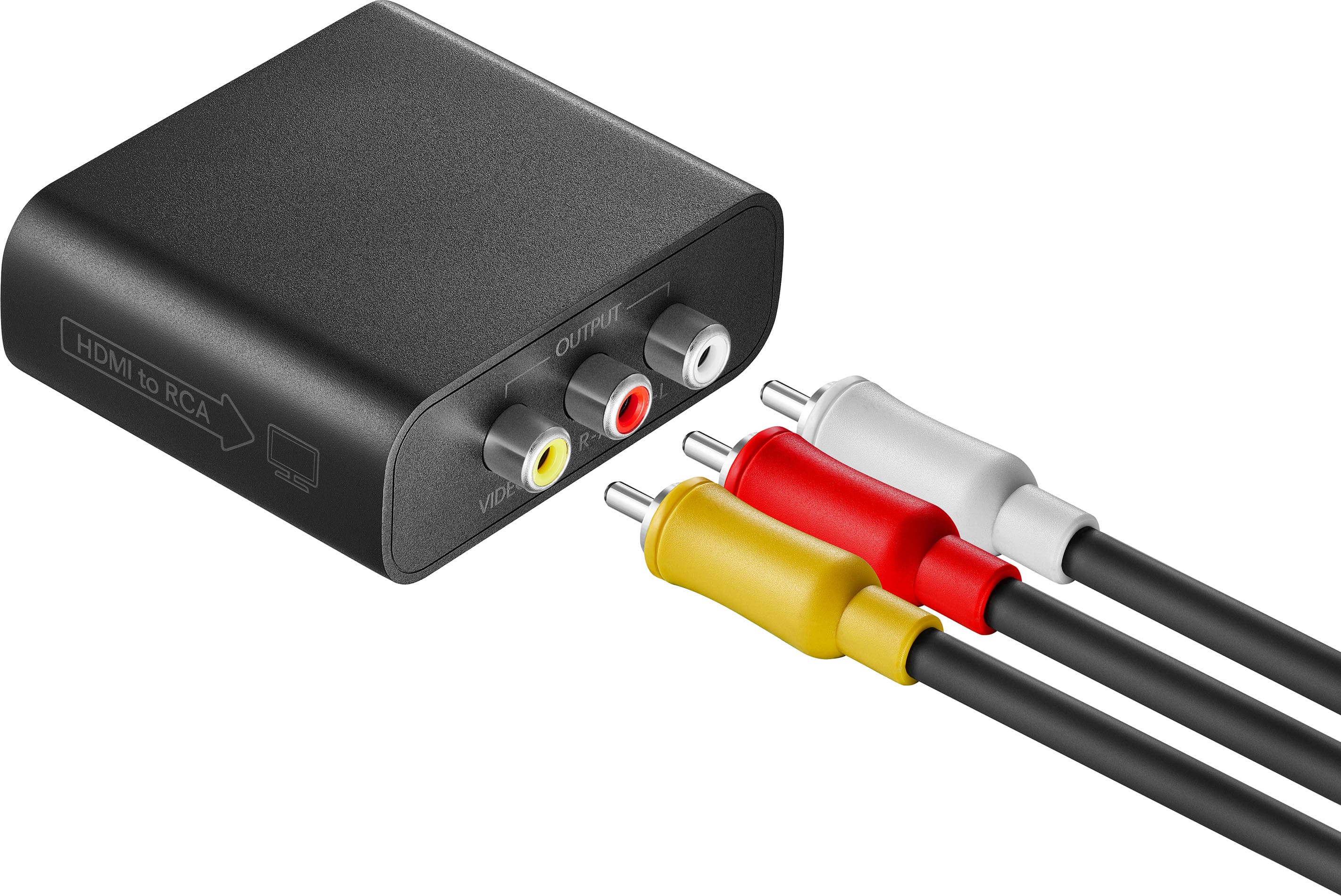
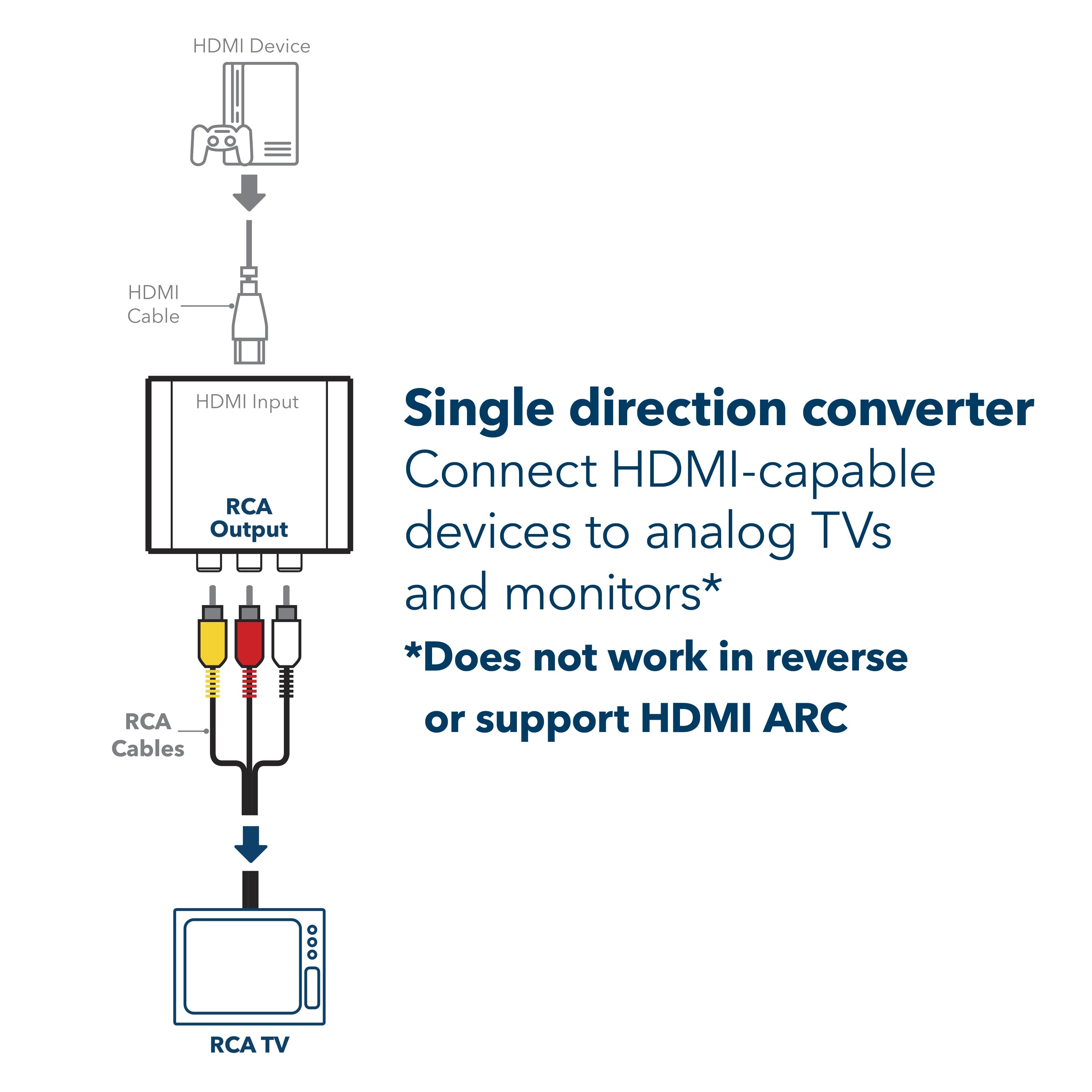
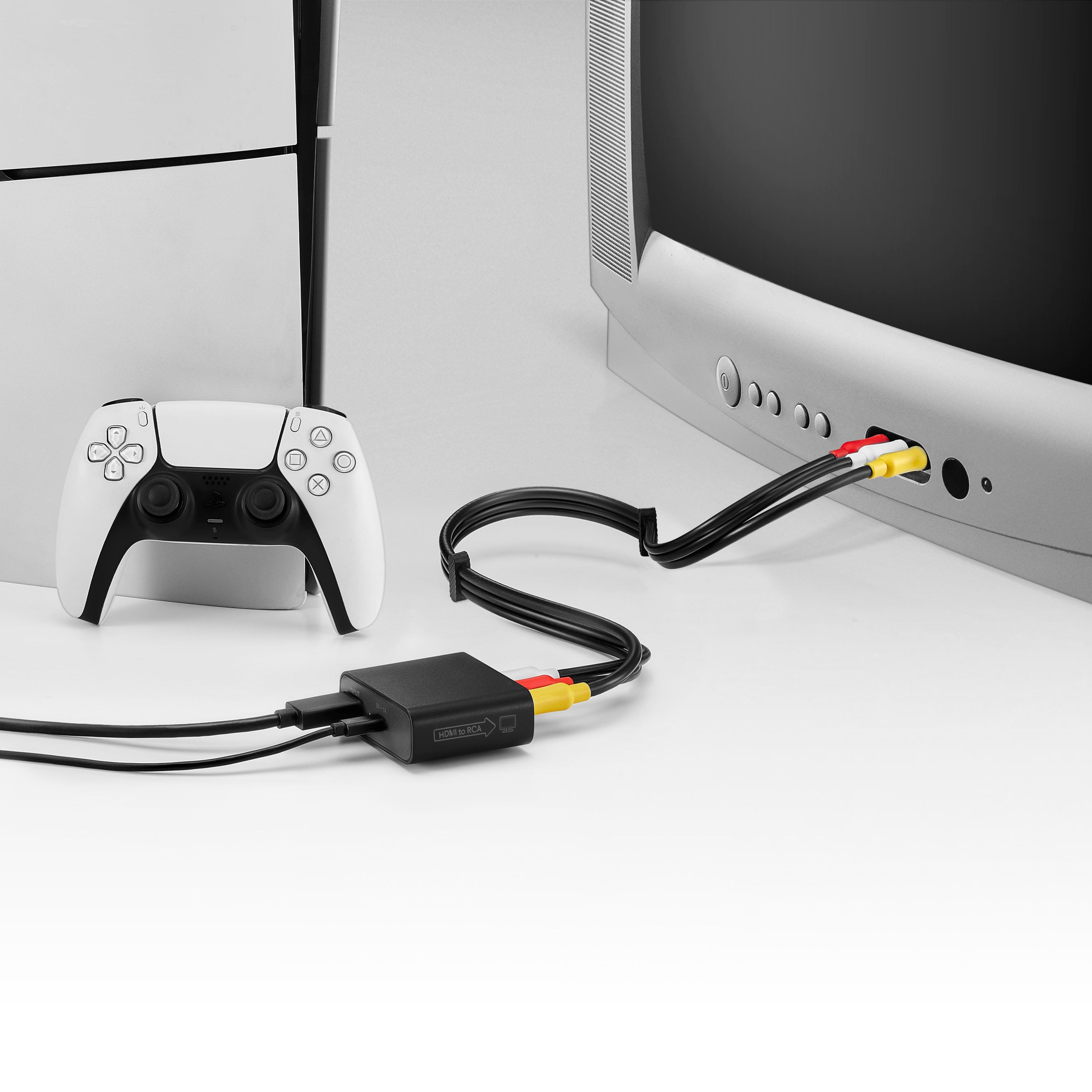
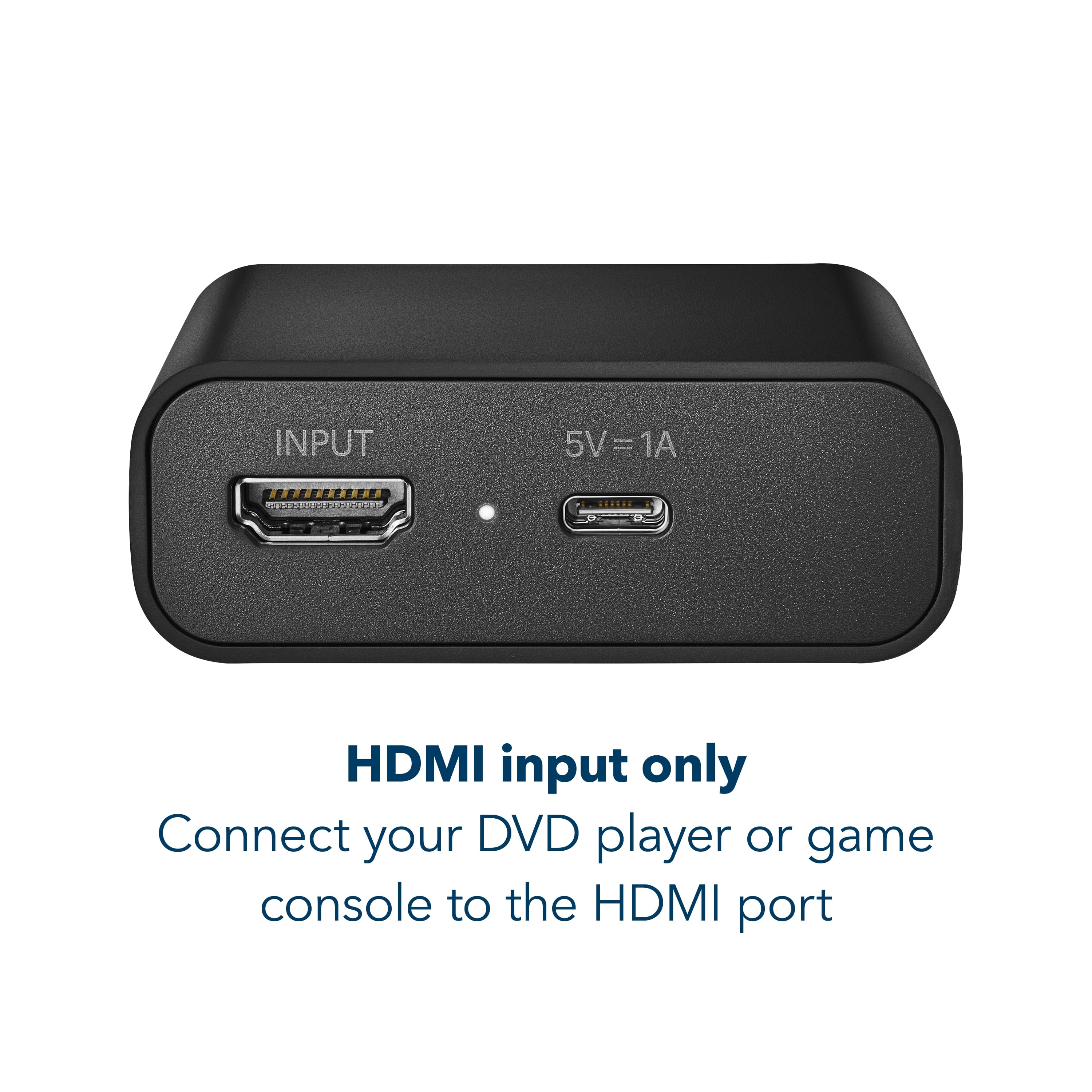
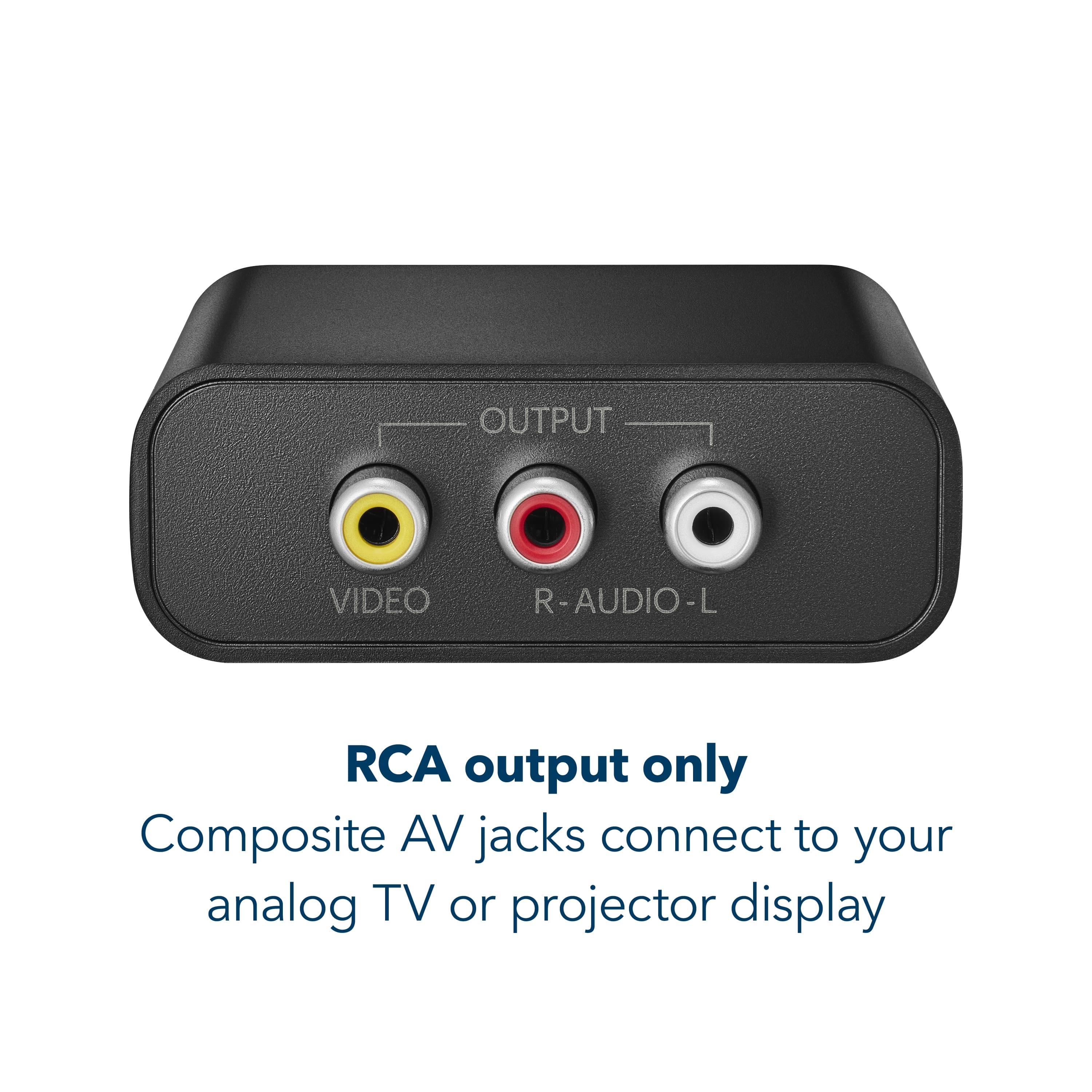
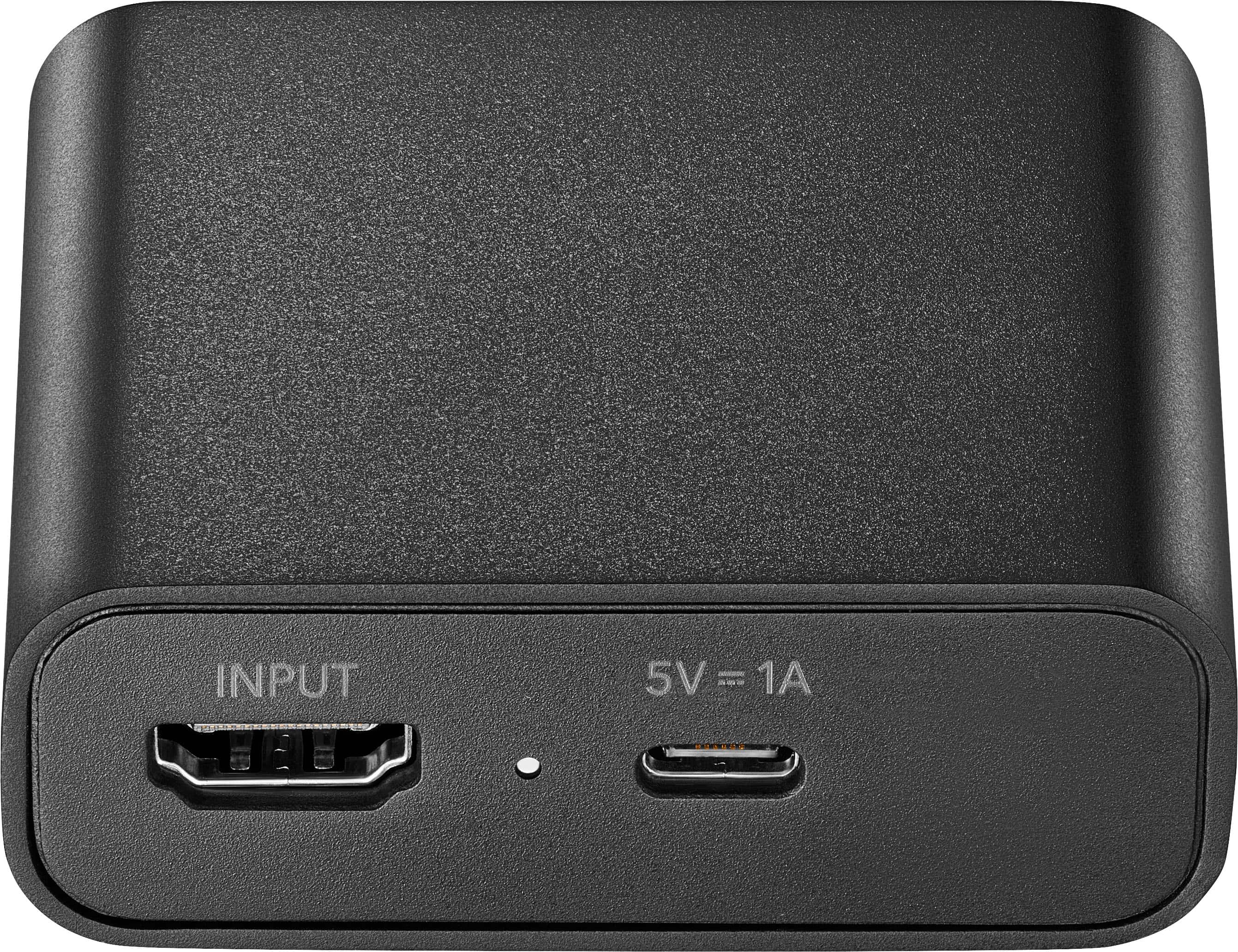
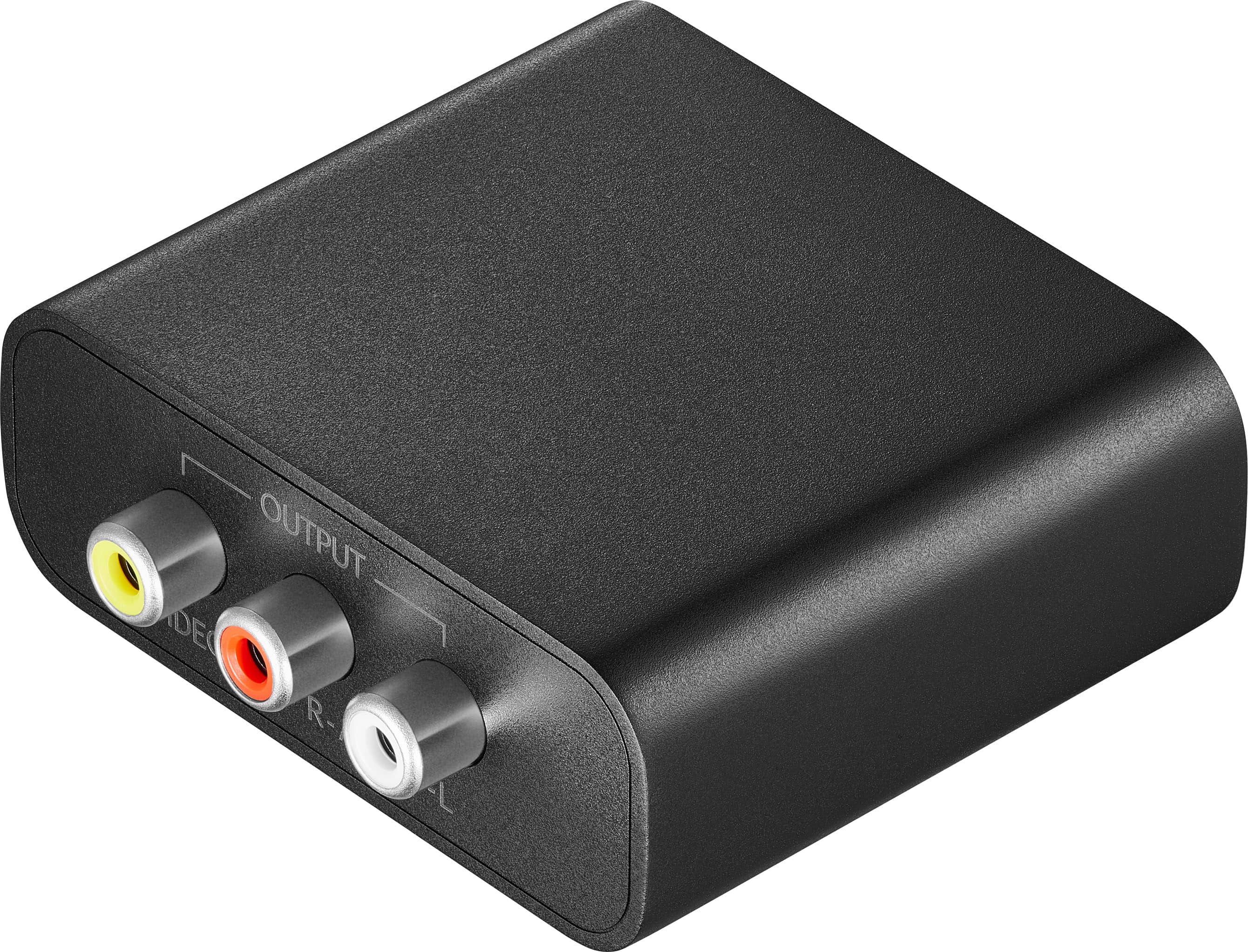
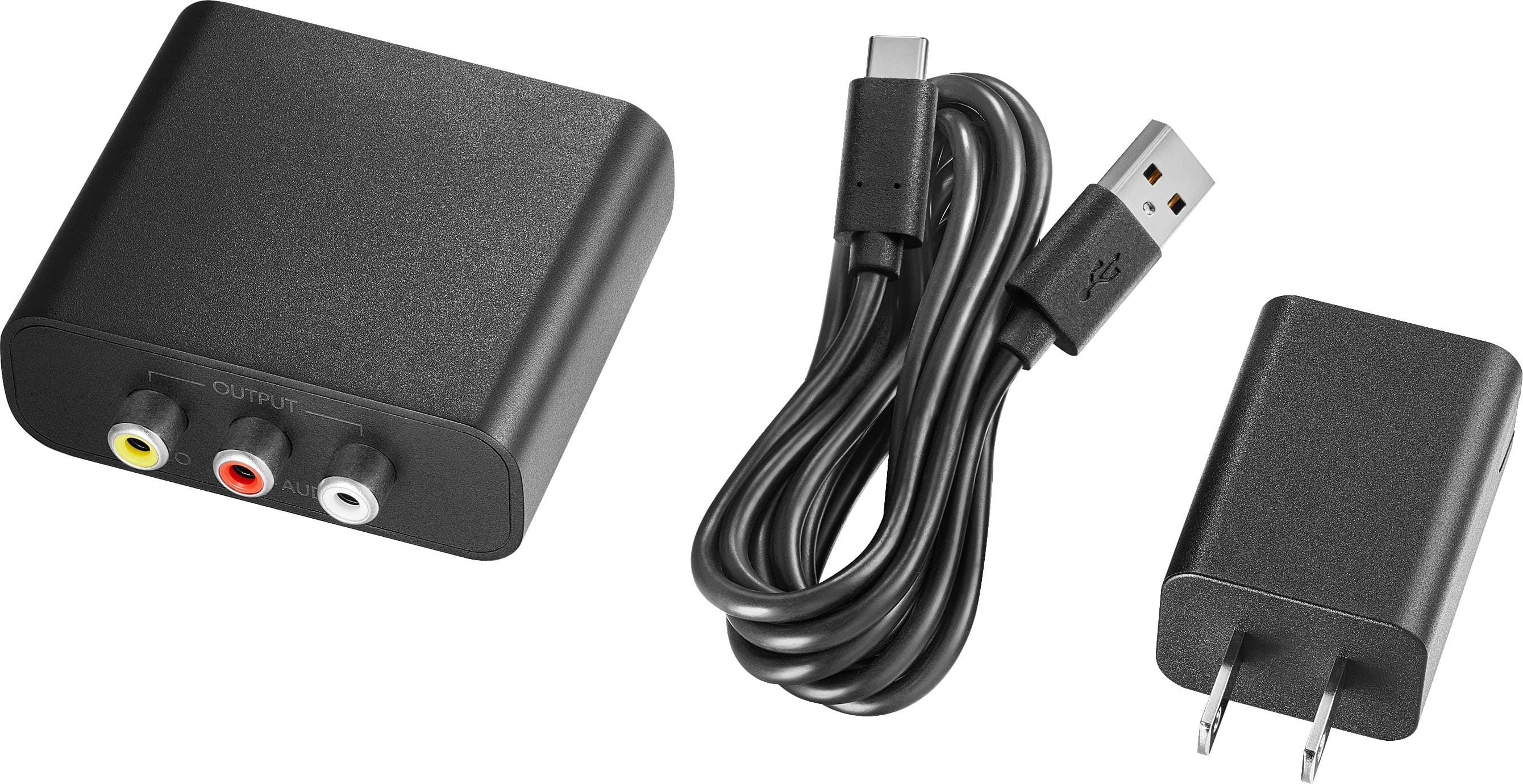
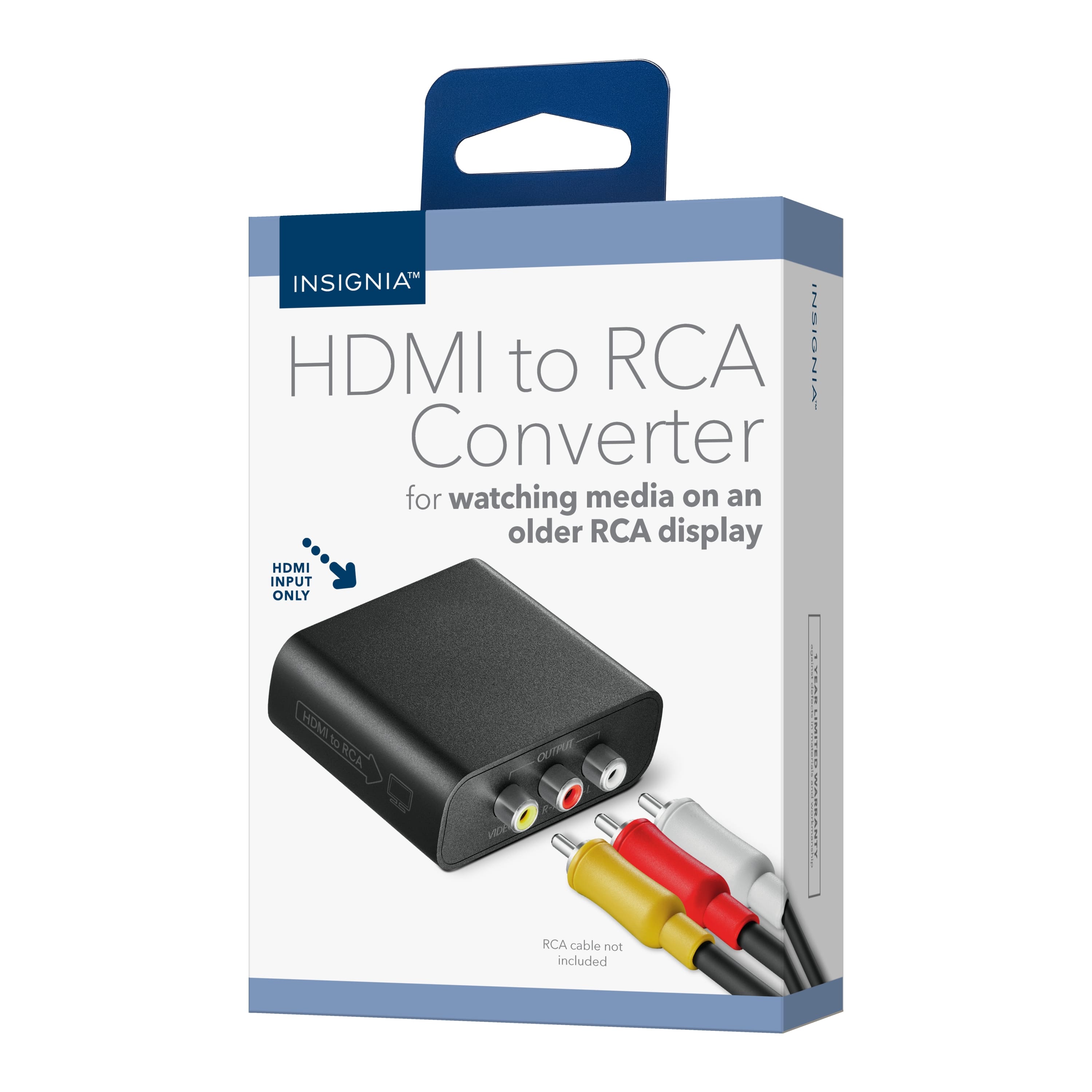
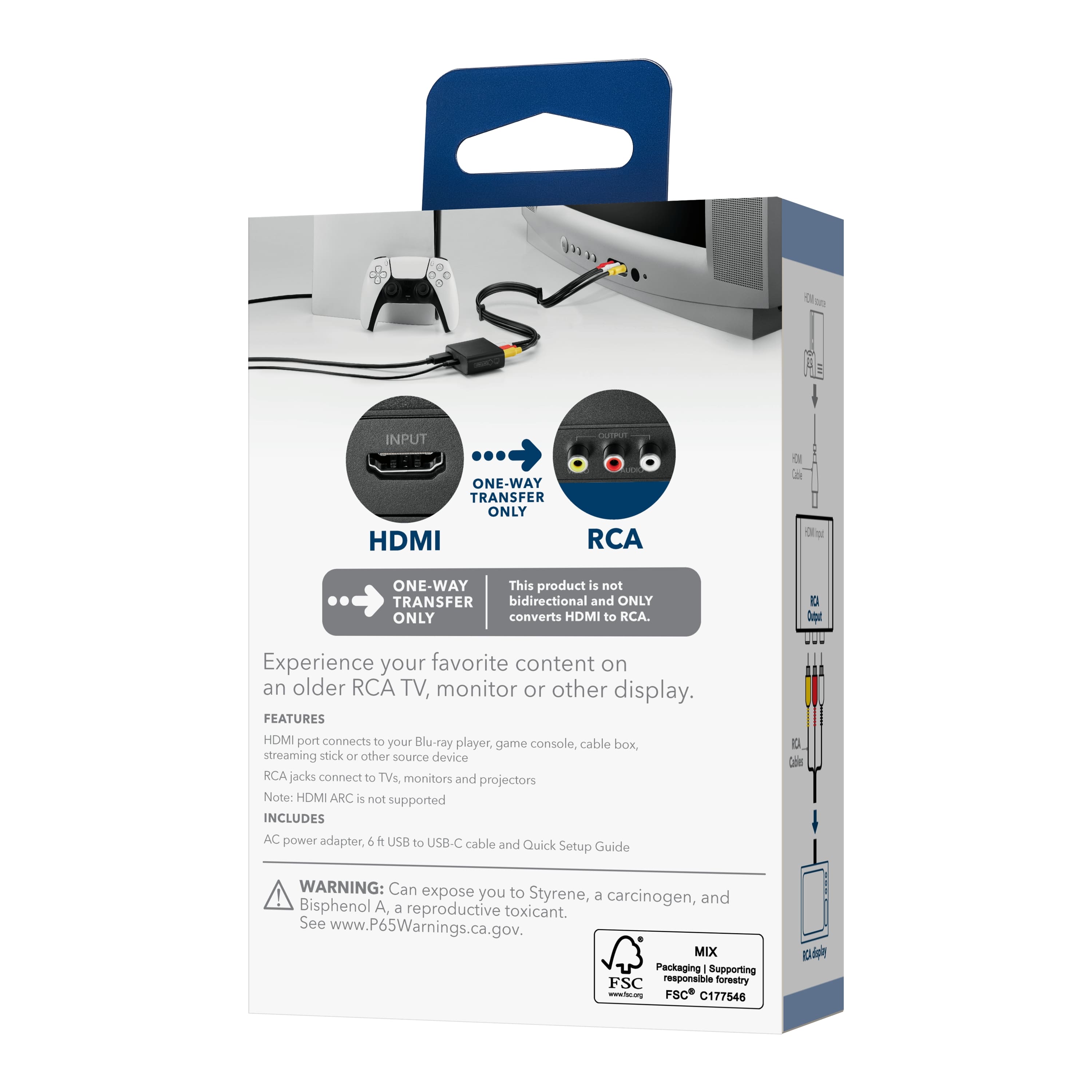
|Posted .This reviewer received promo considerations or sweepstakes entry for writing a review.With new hardware having different connectors, many people want to use new equipment without having to upgrade everything else to match. With the Insignia HDMI to RCA converter, you can solve this problem. The big thing to realize with this equipment is that it is designed to take a box that only outputs a signal in HDMI (ie a PS5, DVD Player, Xbox) and is to be viewed on a television or monitor that does not accept HDMI. If you want to play something like a camcorder on an HDMI television, this is not the product for that. You want an RCA to HDMI converter which is also available; however, this will not do that. The set up is relatively easy and most can do it without instructions. Out of the box, you have the converter and a power cord. This is a two-prong power cord and will require power to use. This is not a passive unit. No HDMI nor RCA cables are provided so you will need your own. After that, you simply connect the HDMI to the HDMI input and the RCA cable to the RCA output, and you are ready to go. As far as performance, the HDMI to RCA converter works very well. The picture is crisp and there are no ready real lag delays. The biggest drawback with this is it only does 1080P. But RCA televisions really do not do 4K, so you should not notice any difference. For gaming, there is no lag either. The picture was also not jittery. It doesn’t do 120 fps, but the video is still smooth enough. Since it only does 1080P, some things that have the ability to output higher resolution will be limited. The PS5 will not do 4K even though it is capable on other devices. You just kind of accept this when using the converter. Sound quality was also very good. You are generally limited by the television or monitor, but the sound is not distorted or breaking up in any way. In the end I was very pleased with the Insignia HDMI to RCA converter. This allowed me to use my high-tech hardware with older televisions. The picture and sound were just what I wanted and expected. If you have an old television and want to use a PS5 to other new hardware with it, this converter is the perfect tool to get the job done.
I would recommend this to a friend Not worth the buy
||Posted . Owned for 2 weeks when reviewed.This reviewer received promo considerations or sweepstakes entry for writing a review.Does it's job but the quality is not yhe greatest. It was also on yhe pricey side.
No, I would not recommend this to a friendBrand response from InsigniaCustomerSupport
Posted .Hello Jennifer, thank you for sharing your feedback on the Insignia HDMI to RCA Converter. We are glad to hear it is working for your setup, and we are sorry for the experience you had with the picture quality and pricing. We understand how important both performance and value are when choosing an accessory, and your feedback is valuable to us and will help guide future improvements. We appreciate the chance to help improve your experience.
Poojitha | Insignia
- Pros mentioned:Overall performance
Do better
||Posted . Owned for 1 week when reviewed.This reviewer received promo considerations or sweepstakes entry for writing a review.No words i assume it works great for something, just not for what an employee recommended.
No, I would not recommend this to a friend Hdmi to rca
||Posted . Owned for 2 weeks when reviewed.This reviewer received promo considerations or sweepstakes entry for writing a review.Total junk. Not work as told. Took item back. Sales person not know anything
No, I would not recommend this to a friendBrand response from InsigniaCustomerSupport
Posted .Hello Bill. Thank you for sharing your experience with the Insignia HDMI to RCA Converter. We’re sorry to hear the product didn’t perform as expected. We understand how frustrating it can be when a device doesn’t work as described. We also regret that your in‑store interaction wasn’t more helpful.
We appreciate your feedback and the opportunity to improve. Sarada | Insignia
not wht I asked for
||Posted . Owned for 1 week when reviewed.This reviewer received promo considerations or sweepstakes entry for writing a review.I told Best Buy that I needed an adapter so that I could connect my old dvd/vhs player to my new TV. They sold me this - which I found out only goes in one direction, directing the signal from the TV to the dvd/vhs player - the exact opposite of what I need. It will be returned.
No, I would not recommend this to a friendBrand response from InsigniaCustomerSupport
Posted .Hello Lousie, thank you for sharing your experience. I’m sorry to hear the converter didn’t meet your needs. That is frustrating, especially when you explained exactly what you were trying to do. Your feedback is really helpful, and I’m glad you’ll be able to return it. I hope you’re able to get the correct adapter, so your DVD/VHS player works smoothly with your new TV. For further queries, please feel free to reach out directly at 877‑467‑4289 or [email protected]. Thanks for choosing Insignia products.
Sandhya | Insignia Products
Wrong product
||Posted . Owned for 1 week when reviewed.This reviewer received promo considerations or sweepstakes entry for writing a review.Wasn't what i needed i called in to place order and was told that was the only one
No, I would not recommend this to a friendWorthless
||Posted . Owned for 1 week when reviewed.This reviewer received promo considerations or sweepstakes entry for writing a review.I bought this item to connect my TV to my stereo. When I had cable TV it was a simple connection, but when I switched to DirecTV (WiFi), nothing happens. I've tried connecting this box to known working equipment, all with the same non-result. Nothing Happens. Waste of money and time.
No, I would not recommend this to a friendDHMI TO RCA ITEN DIDN'T WORK
||Posted . Owned for 1 week when reviewed.This reviewer received promo considerations or sweepstakes entry for writing a review.Sorry i wanted this to work but it didn't work for what i wanted it to. I need to convert FROM DHMI to RCA of my receiver to play the tv sound through the arc port on the tv to my receiver. I tried different cables, different inputs on the received and different tv settings, Nothing worked.
No, I would not recommend this to a friendjack switch functionality
||Posted . Owned for 1 month when reviewed.This reviewer received promo considerations or sweepstakes entry for writing a review.new tv lack of rf capability also did not allow my system to function even with adapter jack
I would recommend this to a friendBrand response from InsigniaCustomerSupport
Posted .Dear Insignia Customer, thank you for sharing your feedback. We’re sorry to hear that the HDMI to RCA Converter (Model: NS‑AVHTR25) did not work as expected with your setup, especially with the RF limitations on your new TV. Your feedback is important and helps us continue improving our products and overall customer experience.
Rafay | Insignia Products
Disappointed
||Posted . Owned for 2 weeks when reviewed.This reviewer received promo considerations or sweepstakes entry for writing a review.Can get visual but no audio Tried to connect several times but no luck
No, I would not recommend this to a friendBrand response from InsigniaCustomerSupport
Posted .Dear Insignia Customer, thank you for sharing your feedback. We’re sorry to hear that you were able to get video but not audio, even after multiple connection attempts. Your feedback is valuable, and it helps us continue improving our products and overall customer experience. Please fell free to contact us directly at 877‑467‑4289 or [email protected].
Rafay | Insignia Products
RCA Converter to HDMI
||Posted . Owned for 1 month when reviewed.This reviewer received promo considerations or sweepstakes entry for writing a review.Did not do as it indicated. Returned product, received full refund.
No, I would not recommend this to a friendNot the best converter!
||Posted . Owned for 1 month when reviewed.This reviewer received promo considerations or sweepstakes entry for writing a review.Your salesperson recommended the product, which did not work!
No, I would not recommend this to a friendHDMI to rca did not work
||Posted . Owned for 3 weeks when reviewed.This reviewer received promo considerations or sweepstakes entry for writing a review.Did not work on my lg tv. I would suggest trying another device.
No, I would not recommend this to a friendDisappointed
||Posted . Owned for 3 weeks when reviewed.This reviewer received promo considerations or sweepstakes entry for writing a review.It doesn't provide a link from my DVD Player to my smart TV..
No, I would not recommend this to a friendBrand response from Rick
Posted .Thank you for sharing your feedback. I’m sorry to hear the product didn’t meet your needs. If you’re looking to connect an RCA device to an HDMI display, our RCA-to-HDMI Converter (Model NS-AVRTH25) may be a better fit. If you have any questions about compatibility or need help choosing the right option, we’re happy to assist!
- Pros mentioned:Overall performance
The Old-School Hookup
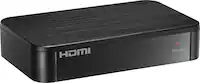
|Posted .This reviewer received promo considerations or sweepstakes entry for writing a review.Whether you’ve got elderly family who refuses to upgrade so long as it works, you’ve got an old TV you picked up on the cheap, or you’re a retrohead like I am, odds are there’s an HDMI-only device that you would love to see working on the old tube TV. The Insignia HDMI to RCA Converter is about as simple a solution as it gets - no fuss, no frustration, no settings to adjust…just plug it in, and it works. While I’m a little disappointed by the lack of features, it does what it says it does with no functional drawbacks, and it’s priced fairly to boot. - Unboxing and Setup There’s so little to say here…in the box all you get is the converter box, a USB cable, a small power brick, and the instruction manual. RCA cables are not included, and the converter box itself has no buttons. It’s truly plug-and-play. In less than two minutes I had my laptop connected to my trusty 32” Mitsubishi CRT TV from 1996, and I was up and running. I would hazard a guess that this device shares at least some circuitry with older VGA to RCA adapters, as the range of possible input resolutions includes 640x480, 800x600, 1024x768, and 1280x1024 alongside the customary 720p and 1080p screen sizes. - Video and Sound Quality As we’re going from high resolution, progressive scan input to the 480 interlaced scanlines of SDTV, image quality is not going to be about as good as your old TV can support (short of S-video, of course). Bringing the modern image down to the classic standard reveals just how unoptimized modern experiences are for low-resolution displays, but beyond that the image output is plenty fine and loses very little in the transition. Colors lose a little bit of vibrancy and edges are soft, mostly due to the limitations of composite (RCA) video sending both brightness and luminance on the same pin. One thing I didn’t like about this converter, and this could be a dealbreaker for many, is that thanks to its simple nature and settings-less design, the aspect ratio can’t be adjusted. This is fine on resolutions where it matches, but 720p and 1080p signals don’t letterbox and instead compress horizontally from 16:9 to 4:3. Nearly all CRT TVs expect the RCA signal to be at the 4:3 aspect ratio, and while you can adjust the picture geometry on some to compensate, you lose image size, crop, or both in doing so. This is not a problem for my use case - connecting a PC at 640x480 to emulate retro videogame consoles - but be aware. I was pleasantly surprised to find that audio pass-through is just about perfect. The converter doesn’t seem to introduce any line noise, and the volume seems about where it should be - perhaps slightly on the low side, which is better than amplification that could risk audio clipping. - Bottom Line This is a much shorter review than usual for me, but there isn’t much else to talk about. The Insignia HDMI to RCA converter does what it says it will, and it’s a handy solution to a niche use case. It’s a little bit pricey for what it is, especially with no option for aspect ratio and zoom settings that similar devices at this price point have, but if it works in your use case then it’s a one-and-done thought. Recommended!
I would recommend this to a friendBrand response from InsigniaCustomerSupport
Posted .Hello Insignia Customer! Thank you for sharing your feedback. We’re glad to hear the converter worked easily for your setup and delivered the performance you were looking for, and we appreciate your notes about features like aspect‑ratio options. We’ll be sure to review this as we continue improving our products. Thank you again for taking the time to let us know. Sidhartha | Insignia
- Pros mentioned:Compatibility, Connectivity
For those who still CRT
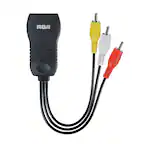
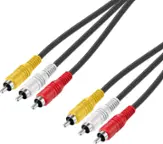
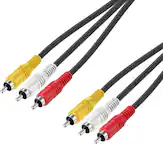
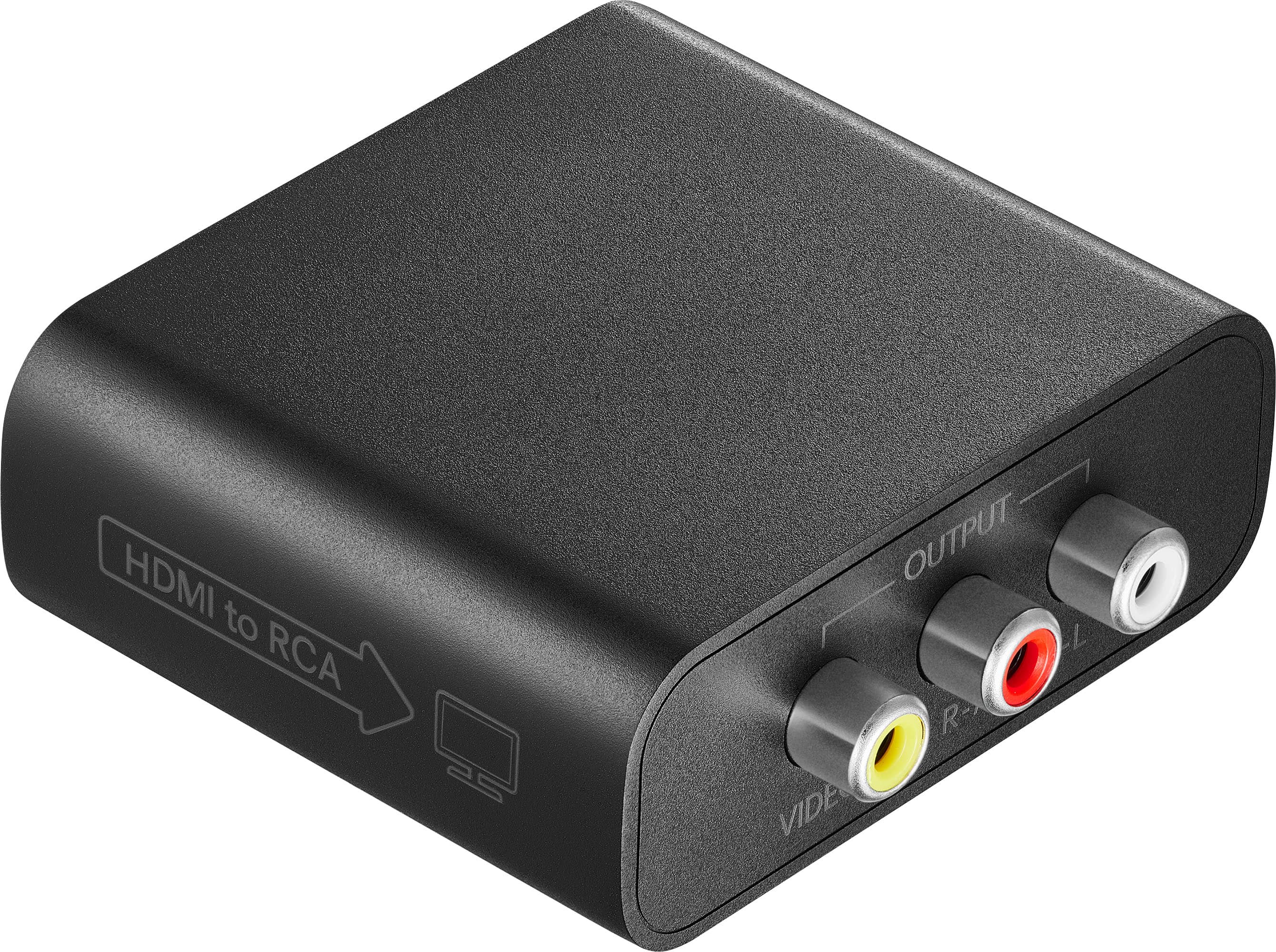
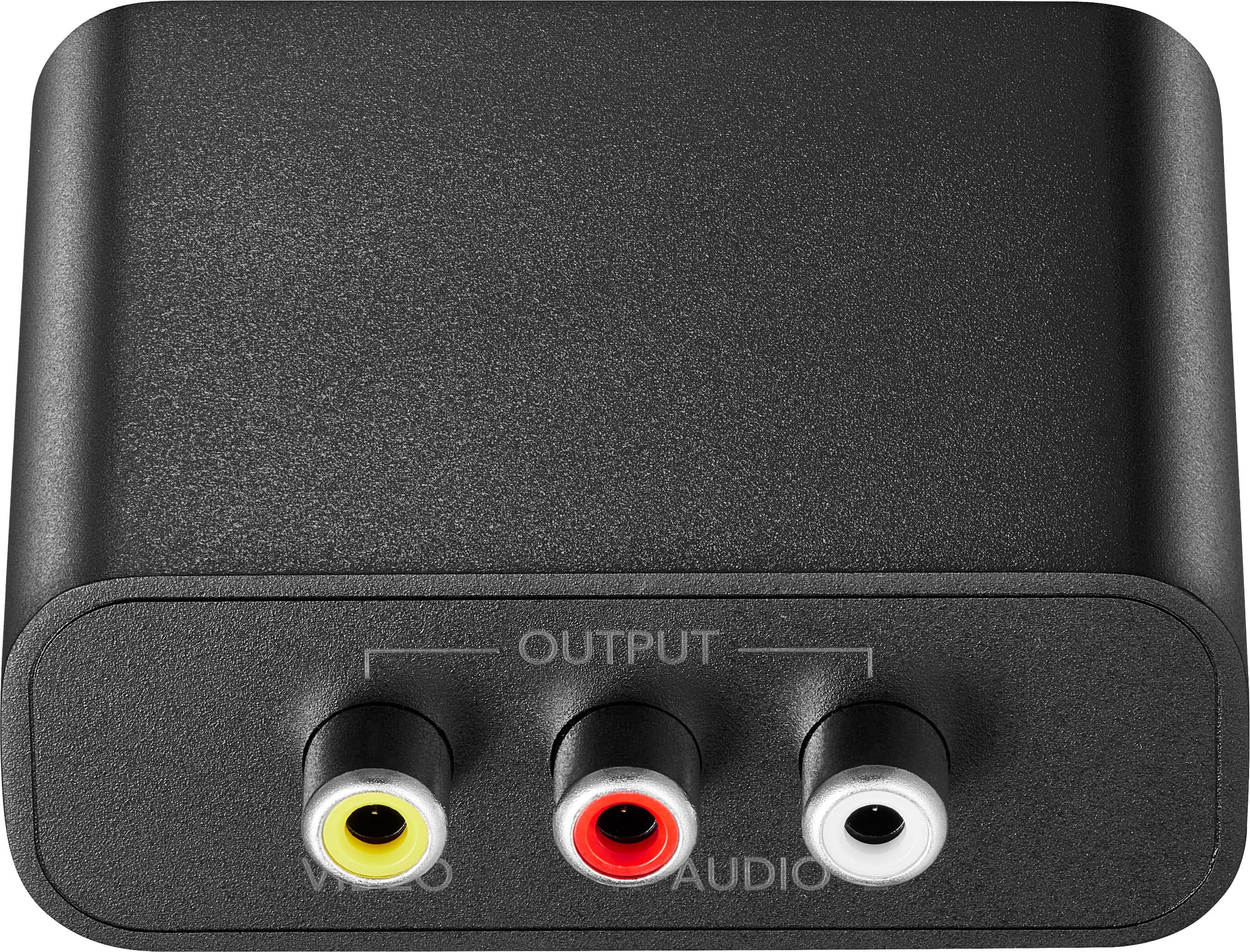
|Posted .This reviewer received promo considerations or sweepstakes entry for writing a review.Let's say it straight out, this is a "niche" device which will be useful to a limited amount of people, but thank goodness Insignia made it. So what is this converter and how does it work and why should you have one? Retro gamers, owners of the good old CRT TV's or older flat screens are the main target here. I have a Sony CRT I use to play older consoles and gaming devices. But nowadays, there are also many emulating gaming systems which run on a HDMI output. And this is where this great little converter is the most useful. It works by receiving the HDMI signal and converting it to a Audio/Video signal broken into 3 outputs (Audio L, Audio R and Video, respectively white, red and yellow) you can connect to your old screen or TV to enjoy the original look and feel of the games from the days before modern screens. An important note is that this device only works one way, you cannot reverse it and turn a analog signal from a console into an HDMI signal (there are other converters capable of this here at Best Buy). So, to keep this short, I have tested an arcade machine with HDMI output and it ran great, I also tried something goofy and hooked up a modern UHD Bluray player, and low and behold, that worked too, not great but it works. A couple of modern consoles ran nicely and the image was quite good. If you would like to use a HDMI device on an old non-HDMI display, I recommend you use this converter as it worked out great with everything I threw at it. Useful!
I would recommend this to a friend - Pros mentioned:Connectivity
Works as it should
|Posted .This reviewer received promo considerations or sweepstakes entry for writing a review.Very simple device that makes use of an older TV/VCR that has RCA connectors (red, yellow, white) that will allow hdmi out from a dvd/bluray device. I actually used this to send video from a bluray player to a video cassette recorder that had a dvd burner (dual deck). Quality on the dvd was not as good as Bluray but it worked for my grand child's dvd player that coax or rca connectors in. Just for giggles I used it to also burn a video cassette and the quality was not as good but it works that way too. But it allowed me to also take advantage of a old tube tv playing video from a very old computer with HDMI for the grand children to play games on a 19 inch tv. Reminded me of old time video game playing I used to do. It was an upgrade from a 13 inch laptop for the children. Note Does not allow RCA output to HDMI. Just takes signal from HDMI connection to something with an RCA connector. Do not expect quality of video to be as good as original due to connection video limitations.
I would recommend this to a friend