Customer Ratings & Reviews
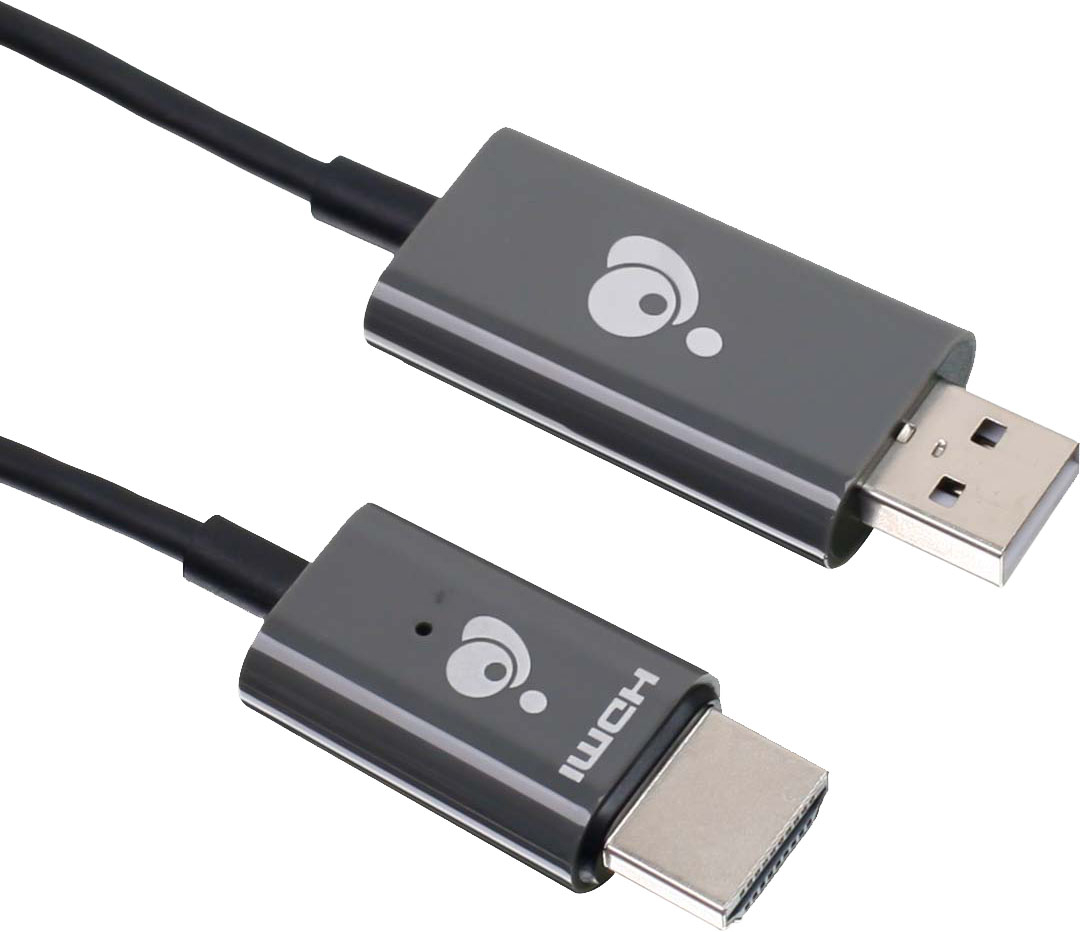
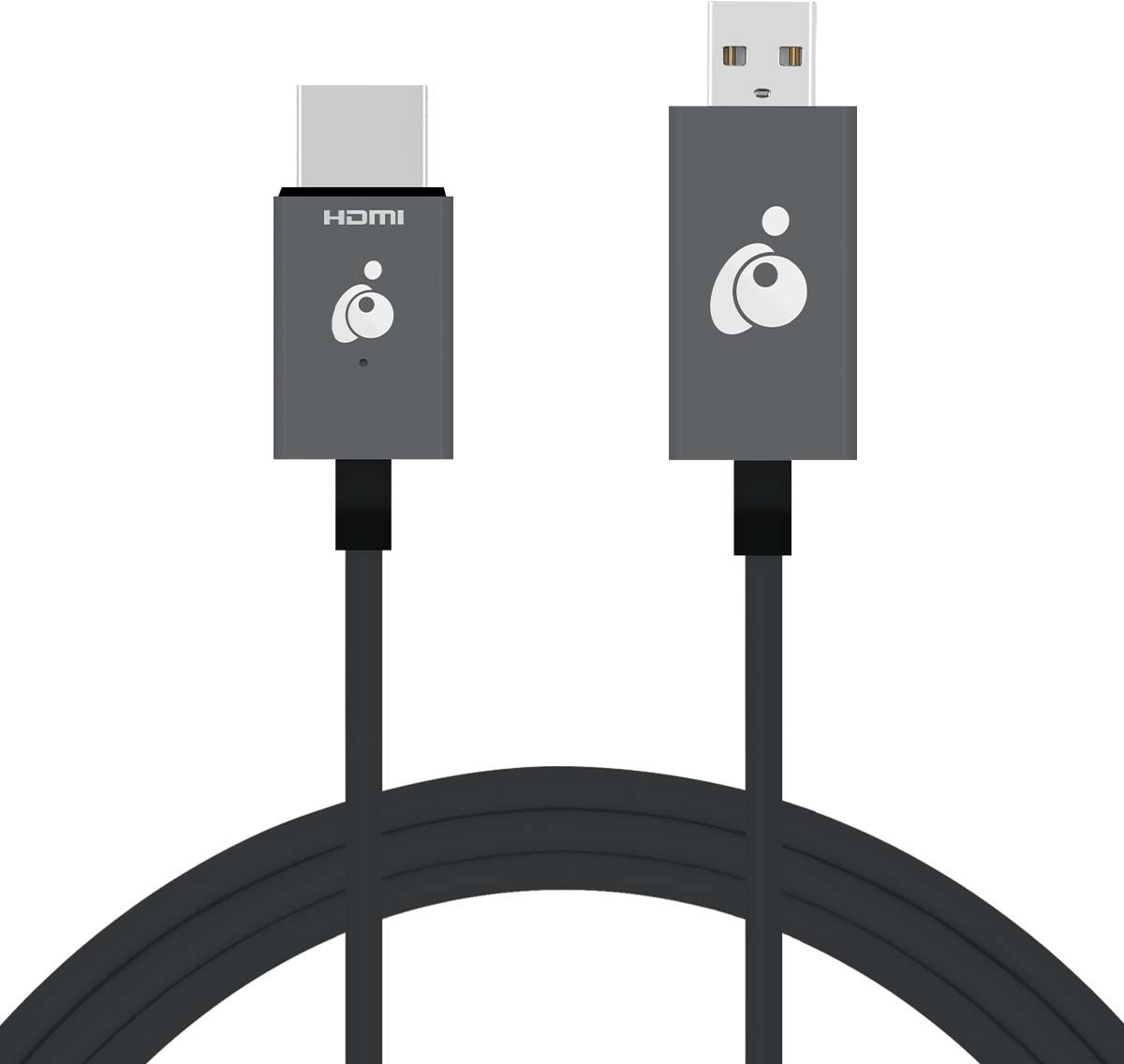
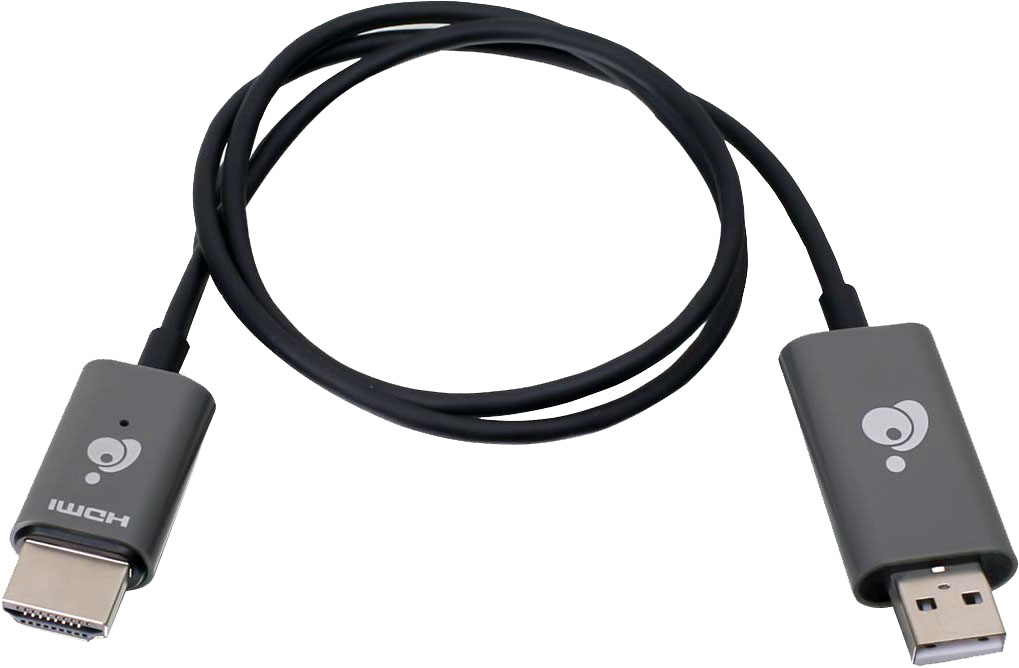
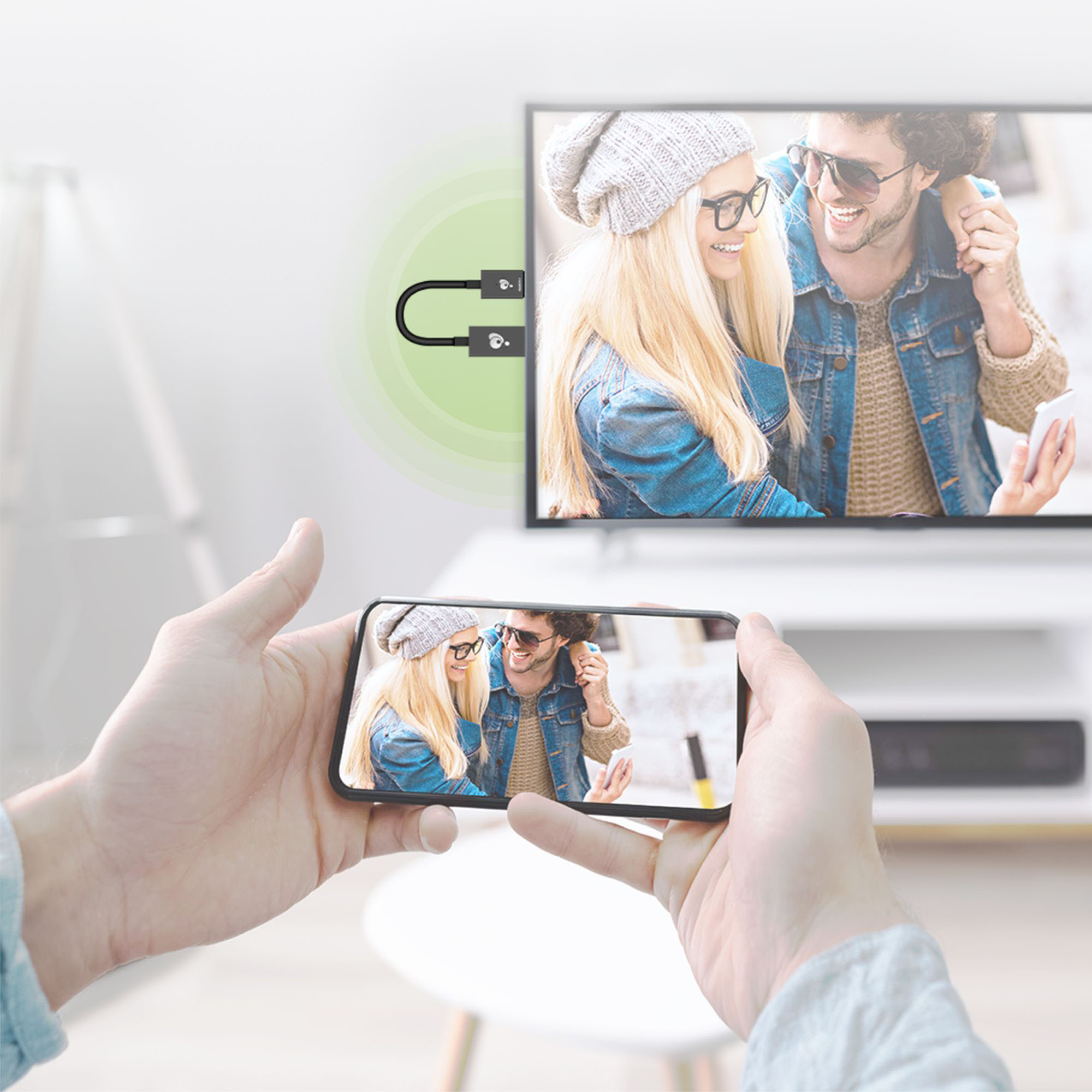
- Model:
- GWAVRD
- SKU:
- 6474770
to a friend
Customers are saying
Customers express satisfaction with the Mini Wireless Screen Sharing device, particularly for its easy setup and screen mirroring capabilities. Many users find it simple to use and appreciate the ability to wirelessly share content from their Apple devices to their TVs. However, some customers have concerns about its video streaming capabilities, suggesting that it may not be suitable for heavy streaming. Additionally, a few users have mentioned compatibility issues, particularly with PCs and smaller iPhones.
This summary was generated by AI based on customer reviews.
- Pros mentioned:Video quality
Fantastic Device that Works
||Posted .This reviewer received promo considerations or sweepstakes entry for writing a review.I was looking on the internet for a device that would mirror my mobile to my smart TV. Many HDMI sticks, (roku, fire, and cromecast) needed WIFI to operate, I needed something that would work without a network. The iogear mini was just what I needed to work wherever I was on any TV, motels, or friends houses to show all my mobile phone information on a small screen to a big screen. Thanks to it's built in WIFI it'll cast anything that is on laptop, or mobile. Videos, pictures, cast in 1080 HD quality. I have a unlimited data plan, so no worries of data overage, and don't need to rely on using my hotspot data. It's a cleaver helpful device, and I'm very pleased of its proformance.
I would recommend this to a friend 
Ok for Laptops; Not so Much for Smartphones
|Posted .This reviewer received promo considerations or sweepstakes entry for writing a review.The IOGear mini wireless screen sharing device works acceptably when I use it with my Windows 10 laptop. After plugging in the device to my tv and going through the set up process using the quick start guide, I was able to wirelessly mirror content and extend my computer display on the tv. Keep in mind though, there is a slight lag in the mirrored display. I was able to wirelessly stream video and audio to my television and projector. When using it with a Windows 10 laptop, there is really no limitation on what can be displayed. It acts as a second display to the laptop just like having an hdmi connection, but in this case without the physical wire from the laptop to the second display. I opened up my chrome web browser on my laptop, dragged the browser tab to the wireless display (my television set), and streamed movies from Vudu, Movies Anywhere, and Netflix. The quality of the video from the wireless device leaves much to be desired, though. The video stream was occasionally pixelated when viewed wirelessly using the device. Also, video streaming isn’t smooth. It appears a few frames are skipped as the wireless device struggles to keep up with the frame rate. It was not a satisfying experience, and I couldn’t watch more than a few minutes of the movie using the wireless device. Other than video, the wireless device is great for showing static content such as spreadsheets, documents, power point. This device works well for business presentations. If you’re planning to use the IOGear Wireless Screen Sharing for your Android smartphone, you will be disappointed. I’m using a Google Pixel 6 phone, and it was such a frustrating experience trying to get the wireless device to connect with the phone. More than half the time, my phone couldn’t find the IOGear wireless device. It was hit and miss. Sometimes, it found the device quickly, and at other times, it kept searching and searching and could not locate the IOGear device. I tried using other phones, and it was the same experience, leading me to conclude that the problem was with the device and not the phones. When you do successfully connect, you will quickly find out that the content you can mirror is limited. If you’re planning to only use it to view pictures and home video on a television or projector, then you will be fine. However, the moment you want to wirelessly stream digitally protected content from providers that I listed above, you will not be able to do so. I am certain that a number of customers are interested in purchasing this device to wirelessly send movies from their smartphones onto a television or projector. If that is the case, then this is not the device you should purchase. It won’t work. Do I recommend the IOGear mini wireless screen sharing device? For business purposes where you will be making presentations featuring static content, this wireless device is a great convenience. However, for use for anything else, such as displaying video content for entertainment, then I would say this is a hard pass as there are other devices out there that can do better.
No, I would not recommend this to a friendOnly good for static content
|Posted .This reviewer received promo considerations or sweepstakes entry for writing a review.I had high hopes for this mini wireless streaming device, especially since it's exactly what I've been needing for use in my travel trailer. I'm always wanting to stream downloaded videos on the main tv when trapped inside my RV during bad weather and no wi-fi, which happens a lot. Other streaming devices I've tried requires a wi-fi network, or a special app or has some other issue that doesn't work for our situation. Then we learned about this device that creates its' own network and works without wi-fi. We were excited. As soon as we got it we tested it out in our home. Install is easy enough, just plug one side into an open hdmi port and the other into a usb port. The usb port is used to power the device, so if you have an older tv without one, you'll need a charging type block to plug the usb side into an outlet. Unfortunately this doesn't come with one so be prepared for that if you need it. With it plugged in just switch your tv's input to the appropriate hdmi port and you'll see the welcome screen with all the info needed to get connected. Although some of the instructions are a bit ambiguous and not the easiest to understand. Basically just find the streaming device in your list of available networks from your phone/laptop and connect to it using the password on the screen. Once connected all you have to do is open up a screen sharing app (smart view on android and air play on iPhone), and you should see the device as an available option to stream to. Select it and voila! You'll see your devices screen mirrored on the big screen. Now to try out some video and see how it does, and this is where the disappointment sets in. First up I had my wife try to stream from her iPhone (12 pro) since she's the one that would use it the most. She opened Amazon Prime Video and started a show, so far so good, then the video started playing and immediately froze while the audio kept going, while the video was still playing on the iPhone just fine. This was being streamed using cell data though so next she tried it with a downloaded video, exactly how we would use it in our rv, and the exact same thing happened. Next she opened up HBO Max. This time the video on the TV just went black. Now 0 for 2 she pulls up YouTube and then Netflix. Video did work with those apps, but more on that in a bit. Next I tried using my Android (Galaxy Note 20 Ultra) and didn't have those issues with Prime Video and HBO Max. All the apps I used streamed the video. There's a big problem though. In all the video streams, the ones that worked from the iPhone and all the ones from my Android, the quality was horrible. The video was extremely laggy and choppy and most of the time the audio was out of sync. No matter what video source we tried we experienced the same issue, whether the video was downloaded or not. Even video captured by the phone's cameras played back choppy on the tv. In all cases the quality is so bad it makes it all unwatchable, making this device pretty much unusable. There's also the option of connecting the device to a router, which allows you to connect to the internet while also streaming to the device, but through the router. I wouldn't think that would improve anything though as now you'd be passing through another device, but I never could find out. To set it up you have to go to a specific IP address for the device from a web browser, but in every browser I tried, I couldn't get anything to load. Even if it did help, it wouldn't be an option for my main use case of having this in my rv. This device isn't completely unusable though. As I said earlier it mirrored my phone's screen just fine. So if you just needed to stream static content, like photos or presentations at work, this does that job just fine. Unfortunately that's not the primary reason I needed this. To sum it up, if you're looking for something to stream video to your tv, this is a hard pass. If all you need is a way to stream pictures onto a big tv, then this will work for that at least. Overall though I can't really recommend this.
No, I would not recommend this to a friend- Cons mentioned:Connection
Its ok
||Posted . Owned for 1 month when reviewed.This reviewer received promo considerations or sweepstakes entry for writing a review.This thing keeps disconnecting....................
I would recommend this to a friend - Pros mentioned:Video quality
Works brilliant!
||Posted . Owned for 3 months when reviewed.This reviewer received promo considerations or sweepstakes entry for writing a review.This is brilliant!! I use it for work to screen share my laptop. Works great even when playing videos! Definitely worth it!
I would recommend this to a friend - Cons mentioned:Compatibility
Dong Dongless
||Posted . Owned for 2 months when reviewed.This reviewer received promo considerations or sweepstakes entry for writing a review.This item is not, and I repeat is not compatible with a wide range of current smart devices. Do your research 1st. This is a s a great value without confusion. I felt like a professional during my class project as all other students were still using relatively older forms of projecting tools
I would recommend this to a friend Awesome product
||Posted . Owned for 4 months when reviewed.This reviewer received promo considerations or sweepstakes entry for writing a review.One of the best products to stream your Apple device content wirelessly to the tv and that too without wifi as it creates its own wifi signal.
I would recommend this to a friendCorded
||Posted . Owned for 1 year when reviewed.This reviewer received promo considerations or sweepstakes entry for writing a review.Exactly what I needed - in store help was knowledgeable and friendly
I would recommend this to a friend- Pros mentioned:Video quality
Once it works, it’s decent
||Posted . Owned for 1 month when reviewed.This reviewer received promo considerations or sweepstakes entry for writing a review.Connection is spotty and takes a second to actually connect. Once it is connected, it works fine with decent detail/quality
I would recommend this to a friend Sold my problem
||Posted . Owned for 3 weeks when reviewed.This reviewer received promo considerations or sweepstakes entry for writing a review.Great for people who can't afford cable or satellite tv.
I would recommend this to a friend- Pros mentioned:Ease of useCons mentioned:Compatibility
Depends On Your Device
|Posted .This reviewer received promo considerations or sweepstakes entry for writing a review.The design of This product is pretty simple and straightforward for its use. Easy enough plugin to your device, but some may have trouble with directions setting up a connection, although directions are very specific. I used this on multiple devices. One being my IOS apple phone and the other my laptop. I noticed when connecting/ mirroring to the television from my iPhone it was limited to just playing youtube videos or other app displays such as Facebook or Tiktok. When I went to my video apps like Netflix or Hulu, it struggled to play the movie. I would consider my internet wifi to be above average. So a little disappointed there. Yet when I used this with my laptop mirroring to the tv, everything worked perfectly. I believe Internet quality will play a huge factor in your screen sharing, so consider this before purchasing. Overall, for the simplicity and versatility of this device, I have rated it 4 stars.
I would recommend this to a friend - Cons mentioned:Compatibility, Setup
If Your TV Isn't Smart, Then This Will Help
|Posted .This reviewer received promo considerations or sweepstakes entry for writing a review.I don't like giving negative reviews so this is about as close as I will come. This device does what it says it will do, but in a very convoluted way. When initially acquiring this device, I was hoping that it would be a plug and play way to attach my phone or other devices to a TV without the need for wifi connections HDMI cables, etc. It's physical design is compact and simple. However, that's about the only thing that is simple. There are a multitude of steps to get the device connected to your source device, which for a person with limited technological know-how, might seem like a tall task. I was able to work my way through it and successfully connect my devices. I gave it three stars because it does what it says it does. But this device is only necessary if you do not have a smart TV. I was hoping this device would go direct with my phone/computer without the need of a WiFi network, but unfortunately it does not have that capability. Again, I would only recommend this device to a friend or family member that had a little bit of technological know-how and needed to connect to a non-Smart TV.
No, I would not recommend this to a friend - Pros mentioned:Video qualityCons mentioned:Setup
Easy to setup and with some video quality issues
|Posted .This reviewer received promo considerations or sweepstakes entry for writing a review.I’ll start off with saying that setup was relatively easy following the steps in the Quick Start guide. Like many products I recommend downloading the full manual from the web as it gives additional information. I also liked when the device is plugged into HDMI it displays an info screen with it’s SSID, password and configuration IP address. If you wish for that page to always be shown when not casting to it turn the Wallpaper setting off, otherwise it will loop a bunch of random images after a period of time. A frustrating thing was that I was not able to find the device on my local network after connecting to my router even though instructions state that you should be able to. I only could get to configuration page by connecting to its Wi-Fi hotspot and accessing via the built-in 192.168.203.1 address. Given that I am not sure what the purpose of connecting to my local network is, however, on the plus side when Wi-Fi connected to the device it does pass-through network requests to the internet via my router. Performance was rather underwhelming. On my iOS mobile devices (pad and phone) playback was decent but did suffer an occasional video lag. When screen sharing a mobile device to a 1080P source you will have some letterboxing (black empty space) around the sides. I tried changing the display mode setting from 100% to “fit-to-screen” but it did not seem that I could stretch it to fit the entire screen. Casting from a laptop in 1080 resolution did fit the entire screen but video quality was terrible. I tested casting a sports video app from a Dell Windows 10 laptop (which has pretty good specs by the way) and it was painful to watch with constant pixelation, tearing, and resolution issues. Also tried casting Hulu from a Surface Book with Windows 11. Picture quality was better but there were frequent lags. Both tests were with the computer in the same room and 10 feet away so range should not have been a factor. Configuration was another frustrating area. Navigating to the device’s IP address takes you to a rather crude settings page. The difficult thing is that if you want to experiment with any of the settings to see how it affects your screen output when casting to it, I found that it cannot be done while you are actively sending video to it (the devices hotspot is not available). What that means is that you must stop or disconnect screen sharing, then connect to the Wi-Fi (from same or different computer), navigate to the settings page, make the changes, and then reconnect your screen sharing.
No, I would not recommend this to a friend Simple and effective
|Posted .This reviewer received promo considerations or sweepstakes entry for writing a review.Pretty neat little device. I use mine to connect my phone to my bedroom TV because my bedroom TV doesn't have screen mirroring capabilities. The IOGEAR Mini Wireless Screen Sharing dongle allowed me to mirror my phone by connecting it to my TV's USB port, and the HDMI input. I assume it gets it power through the USB port because It powered up with only those 2 connections. Upon powering it up I tuned my TV to the correct HDMI input, and the set up screen for the IOGEAR was displayed with the WIFI address, and password needed to connect my phone. In less than 2 minutes, including reading the instructions, I had my phone screen mirrored and was able to cast Facebook, Youtube, etc. For some reason Amazon Prime required an app dowload in order to use it, but mostly everything just cast with no issues. The only problems I experienced was the sound and picture would go out of sync sometimes at the beginning of videos, the volume level seemed to rise and fall by itself, and when watching Amazon Prime Video there was a steady audible pop every minute or so. I tried moving my phone around to different places but it didn't help. When I cast my phone to my TV in the living room I don't experience any of those sound issues so I'm pretty sure it's something with the IOGEAR. Overall though I really like it, and it's super handy if you've got an older TV like mine that doesn't have built in wireless screen sharing.
- Pros mentioned:Video quality
Good for web and document, decent for movies.
|Posted .This reviewer received promo considerations or sweepstakes entry for writing a review.I use this to add a second display mostly for work from home purposes and home security, and for that it does a very nice job. My main intended use for this is to mount a display to a wall in my home office and use this to feed my home security cameras to so I can keep an eye on the driveway, yard and house while I'm working, good for knowing when a delivery is made etc. I also use it at times to throw up web pages for work to keep track of networks, users, bandwidth utilization, etc. For these roles it works almost flawlessly. A few times I've tried using it for TV, movies, and at that point the results are still decent and usable but it drops a few beats in the form of skipped / stuttered frames. It's mostly usable for video, as a background video display you aren't constantly looking at -- like background TV, news, sports, etc. -- it's fine. If however you intend to use for heavy active video display just know you'll see the periodic missed frame, and in a few rare cases it outright randomly disconnected from my computer and went back to its internal info / wallpaper mode. The few times it did this I was able to connect back to it easily enough, just once though I had to reboot it before my computer would see it as an available wireless display again. All said though I'm very happy with it. I usually keep it running 8-12 hours a day streaming my home security cameras, though when I first got it I had it display my cameras for almost 24 hours straight without issue before I needed it for another purpose. In my experience then I'd recommend this is as a second display for photos, web pages, documents, presentations, slides, and light video streaming. For heavy video streaming I'd not recommend.this, though it'll get the job done in a pinch.
I would recommend this to a friend - Pros mentioned:Ease of use
OK IOS mirror substitute
|Posted .This reviewer received promo considerations or sweepstakes entry for writing a review.I was excited to get an alternative device that would screen mirror my iphone to tv without extra app downloads. This IOGEAR is an ok substitute for just that, but it is lacking in some areas that left me underwhelmed. It was an easy install and fired right up with no problem initially. I was able to connect and mirror seamlessly while both my phone and the device were on the same network in home. I could easily mirror my iphone photos and website searches on the tv. I tried a couple movie streaming services and was able to get a satisfiable stream going. But then I tried doing the same with only using mobile hotspot on my phone while in the office. The device fired right up when plugged in to the tv, but as soon as I tried to connect my hotspot wifi, the device lost connection. When I was able to connect, it was very slow to display my mirrored screen if at all. So I'm guessing it is not a self contained device with its on wifi. When it works, it works well. But it is not a constant working device for the person on the move without a reliable wifi service.
No, I would not recommend this to a friend - Pros mentioned:Ease of use, Video quality
Works Great
|Posted .This reviewer received promo considerations or sweepstakes entry for writing a review.This is a nice screen Sharing Cable. Its super easy to use. Once you have it plugged in correctly, the instructions pop up on your TV/ Laptop screen. They are very easy to follow. This is a great gadget to have. The videos didn’t glitch and the images looked amazing. Im a teacher and this will be a very great addition to my class lesson. I can share anything I want from my phone directly to the Screen. My only complaint is that the cable is short and it doesn’t come with a wall power adapter. My TV has both USB and HDMI port on the same side so that wasn’t an issue but if you have a device that doesn’t have the USB port then you would need the wall power adapter and an extension cord to make it work.
I would recommend this to a friend - Cons mentioned:Compatibility
Simple, small, and works
|Posted .This reviewer received promo considerations or sweepstakes entry for writing a review.There is really not much to say about this little adapter except that it does exactly what it is supposed to, as best as it can given the limitation of the sending devices. The cable itself is 24 inches from the USB connector to the HDMI connector. USB is just used for power, and the HDMI output drives the monitor/projector/TV. You have to go through a process to get it connected to your WiFi network (and an additional power cycle was needed), but after that it was easy to connect to. On Windows, you just press the Win-P key combination and this will show up as a standard monitor. This was absolutely trouble-free. Usage with Android 12 was a bit of a mixed bag, but that was due entirely to the way that Android and the apps work. I could stream from YouTube just fine, and continue to use my phone to check e-mail and browse the web while the YouTube video showed up on the attached projector.. However, the BritBox app did not seem to recognize the adapter, so I had to go into the Google Home app and turn on screen mirroring. After that, I could watch classic Doctor Who, but the phone screen and the projector showed the same display, so I could not use my phone for other things. Finally, I tried the Amazon Prime app, and there was no way to get the movie to show up on this wireless adapter. Screen mirroring just provided a black screen. I could see the app's UI elements (progress bar, pause mark, etc.), but the movie itself was black. This does NOT appear to be a fault of the adapter itself, since YouTube worked perfectly. The issue is with the individual apps, and perhaps Android itself. I suspect that any similar product would have similar limitation. One of my daughters who has an iPhone was able to easily connect and send a YouTube video to the device. No further iOS testing was done. Finally, this is a GOOD device, but not perfect. When this is connected to a WiFi network, you can go to its built-in minimalist web server to change some settings (including resolution and screen rotation), but to do that, you need the IP address assigned by the router. It would be nice for a future firmware update to show its IP address on the display. Also, keep in mind that while its size and weight makes it perfect for road warrios, you connect it to a WiFi network by entering the network name and password. If your network needs further log-in information (such as a hotel, coffee shop, etc.), then you will likely NOT be able to use this, so bringing your own travel router might be a good idea. So, overall, it had limitation, but those limitations are a result of the standards being used in the industry at this time, and there is not really much room for improvement in this product. Especially if you use it with a computer, you should be happy with this prduct. Android results will depend on the app being used.
I would recommend this to a friend - Cons mentioned:Setup
Solid Connection
|Posted .This reviewer received promo considerations or sweepstakes entry for writing a review.The IOGEAR Mini Wireless provides an incredibly solid connection, and is a great option for people wanting to cast their screens to an external display. This system provides not a solid connection, but very low latency/lag experience as well. I've found this is far superior to your average chromecast style experience, and is highly recommended. I've primarily used this device with an Android phone, so your mileage may vary on other devices, but I have a feeling it's rock solid across the board. Setup is slightly confusing, but mostly straight forward. After plugging in the device, the splash screen shows you the information you need. You connect initially to the wifi network broadcast by the IOGEAR using the SSID and password shown (note: MAKE SURE your phone or device actually stays connected; my Android phone wanted to disconnect because of not having internet service, so I had to manually force the connection), go the IP address on the screen in your browser, link the IOGEAR to your wifi, and then you're free to disconnect from the IOGEAR wifi and get back on to your normal network. From there, you're free to cast your device to the IOGEAR using your normal OS mechanism. Overall, I've found this device works great. It's very simple to setup since it's a simple HDMI connection on one end, and a USB connection on the other, and gives you all information you need on the splash screen. It doesn't even require an additional app which is a huge bonus in my book. Finally, the connection for me has been flawless and latency is near unnoticeable. Highly recommended.
I would recommend this to a friend - Pros mentioned:Video quality
Not for use at work or classroom.
|Posted .This reviewer received promo considerations or sweepstakes entry for writing a review.I have always loved the innovations from this company. However, this item is not at "universal" as I had thought. So I will let you know what I have found out. 1. fits in most (in the last 8 years) monitors and tv's with both HDMI and USB plugs. If you don't have a USB nearby, then it better be close to a power outlet and you better have a adaptor to use. 2. easy to setup with onscreen instructions to guide you along. 3. decent image quality, depending on other wifi devices around you at the time of use 4. decent response time when used as a second monitor connection or as a presentation device. Now for the bad things I have come up against. 1. does not supply its own connection. by this I mean it is not a self enclosed system. you have to use the wifi in your area to get it to work. Therefore it is mostly limited to home use and not office use (unless you are IT or admin on the network to allow it through). 2. USB to HDMI is too short or needs an extension for older devices. Not all monitors have USB on them, so that limits their use in some educational/business environments. 3. might be my unit, but when it works it works, but when other items are active in the same area, it will pause or disconnect briefly. so I am glad I got it, but it has limited me to only occasional use in most cases.
No, I would not recommend this to a friend