Customer Ratings & Reviews
- Model:
- JDA156
- |
- SKU:
- 5615016
Customer reviews
Rating 4 out of 5 stars with 96 reviews
(96 customer reviews)to a friend
Customers are saying
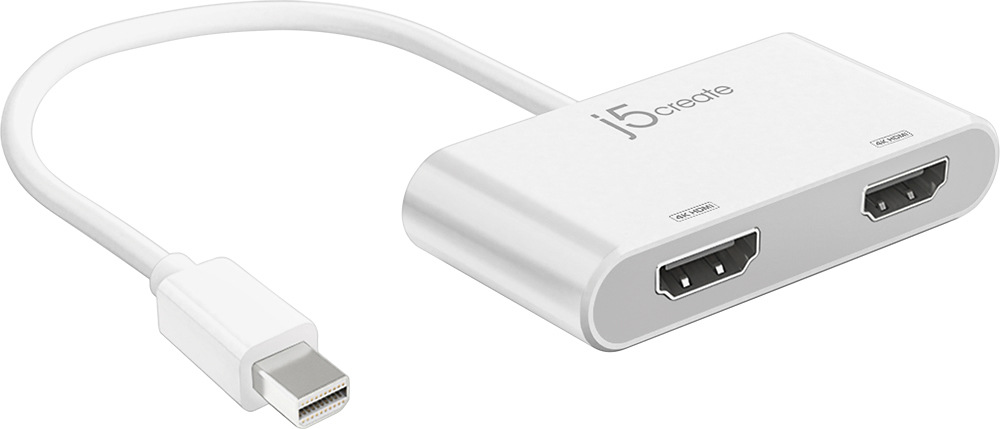
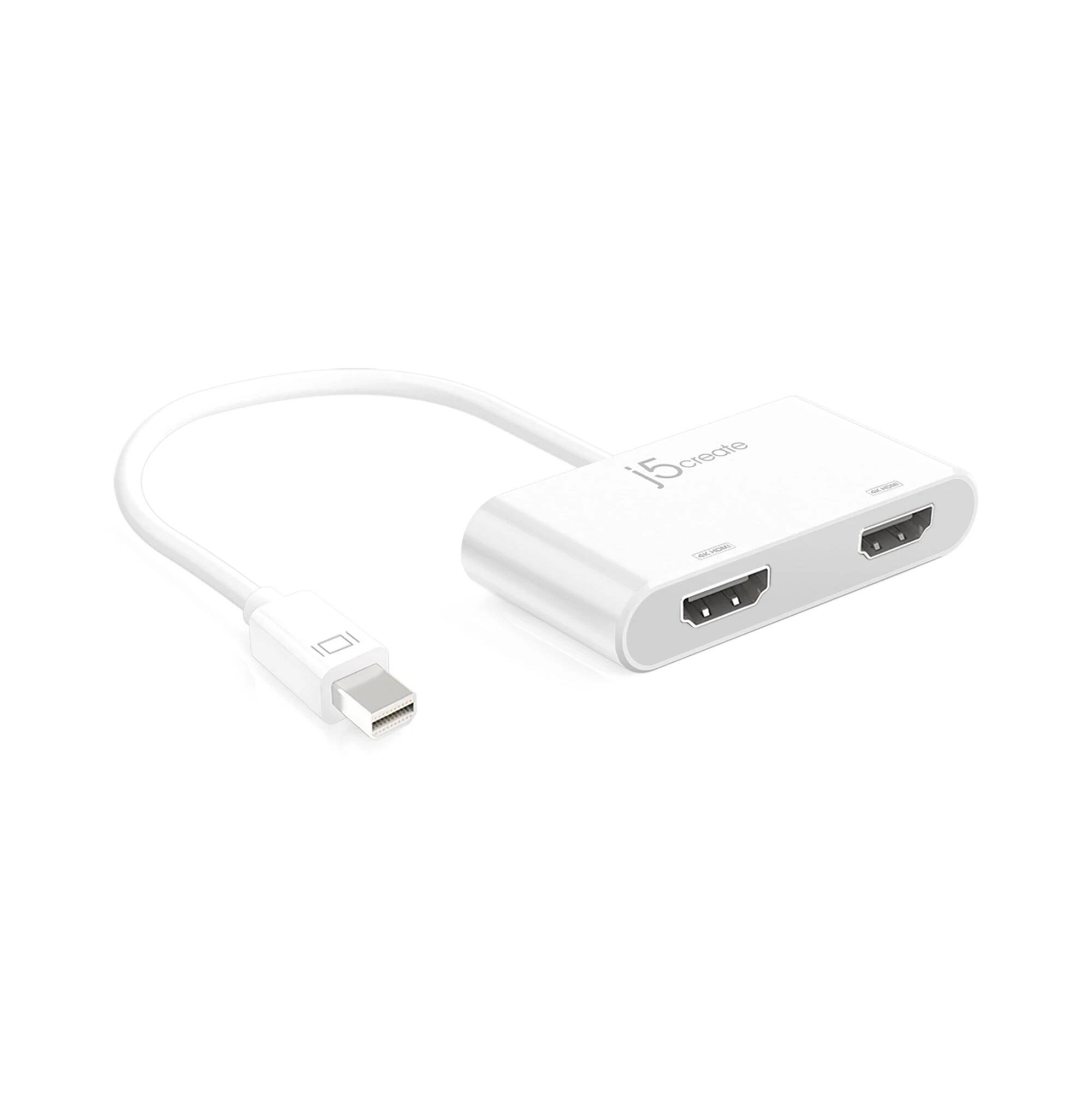
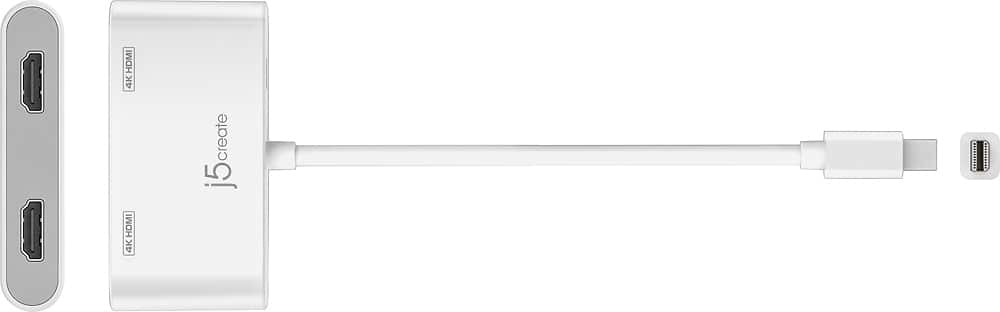
Customers praise the mini DisplayPort to Dual HDMI Adapter's ability to support dual HDMI output, its compatibility with various devices like Mac laptops and Surface products, and its ease of use and setup. Positive feedback also highlights the adapter's performance and good value for its price. The adapter's capacity to extend display capabilities to two external monitors is also frequently mentioned.
This summary was generated by AI based on customer reviews.
- Pros mentioned:Compatibility, Hdmi
Rated 4 out of 5 stars
Works Reasonably well with MS Surface Dock
||Posted .This reviewer received promo considerations or sweepstakes entry for writing a review.I purchased this for use with a SurfacePro4 and MS Surface Dock. The Good: It works most of the time. Allows me to drive 2 external 1080 LCD Displays (via HDMI or DisplayPort) with the Surface when Docked. Interoperates pretty well with W10 and the Display Settings, Project to External Monitor, Display Properties, etc. Docking and Undocking works the majority of the time without user Intervention. The Bad: Periodically it will loose the 2nd Display when Re-Docking. Rebooting the machine usually clears this up but its a pain. This does not happen when connecting 1 monitor directly to surface dock and 1 monitor directly to surface itself.
I would recommend this to a friend - Pros mentioned:Hdmi
Rated 4 out of 5 stars
Efficient Product
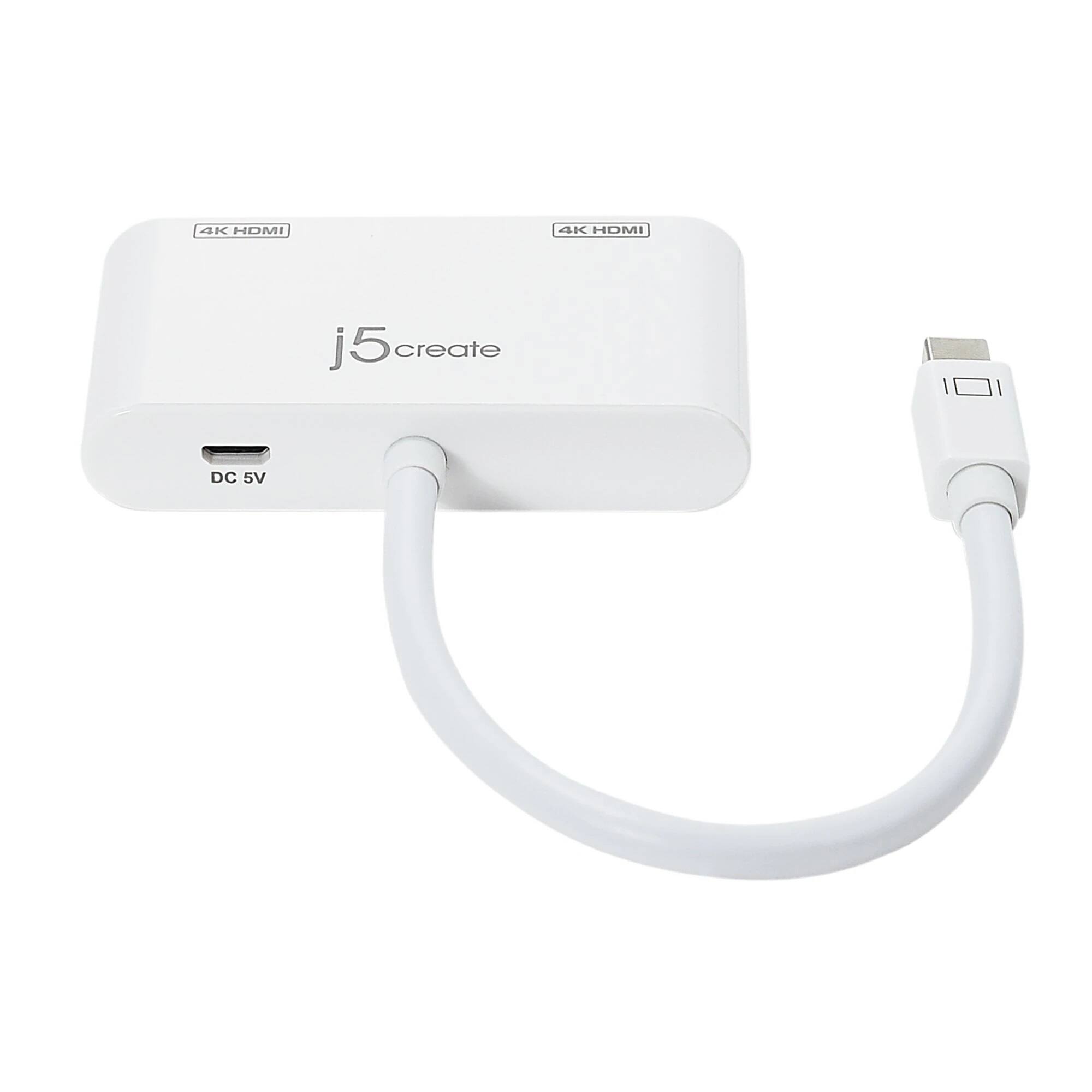
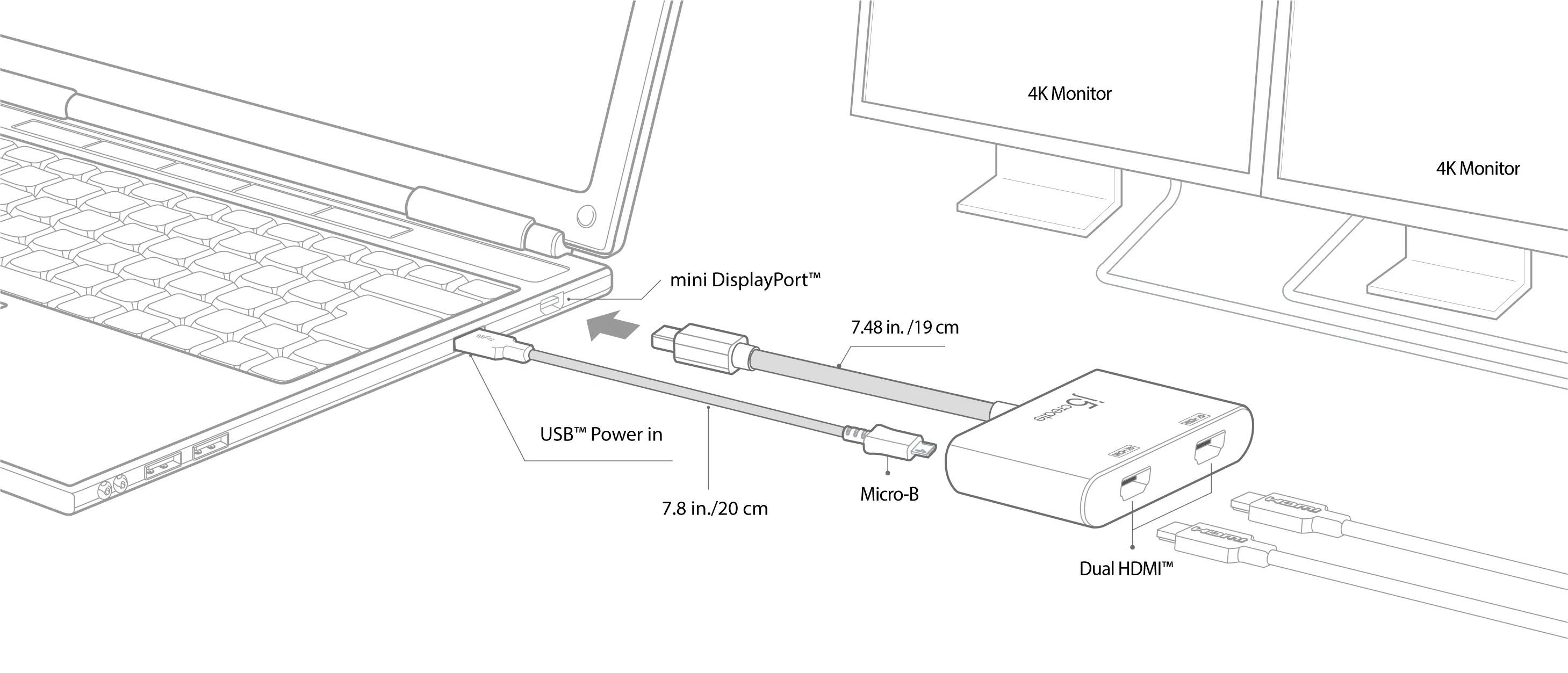
||Posted .This reviewer received promo considerations or sweepstakes entry for writing a review.Works great! Just make sure you have an extra powered usb connection in addition to your display port connection. This adapter will not work without it.
I would recommend this to a friend - Pros mentioned:Compatibility, Hdmi
Rated 5 out of 5 stars
Works amazingly well!
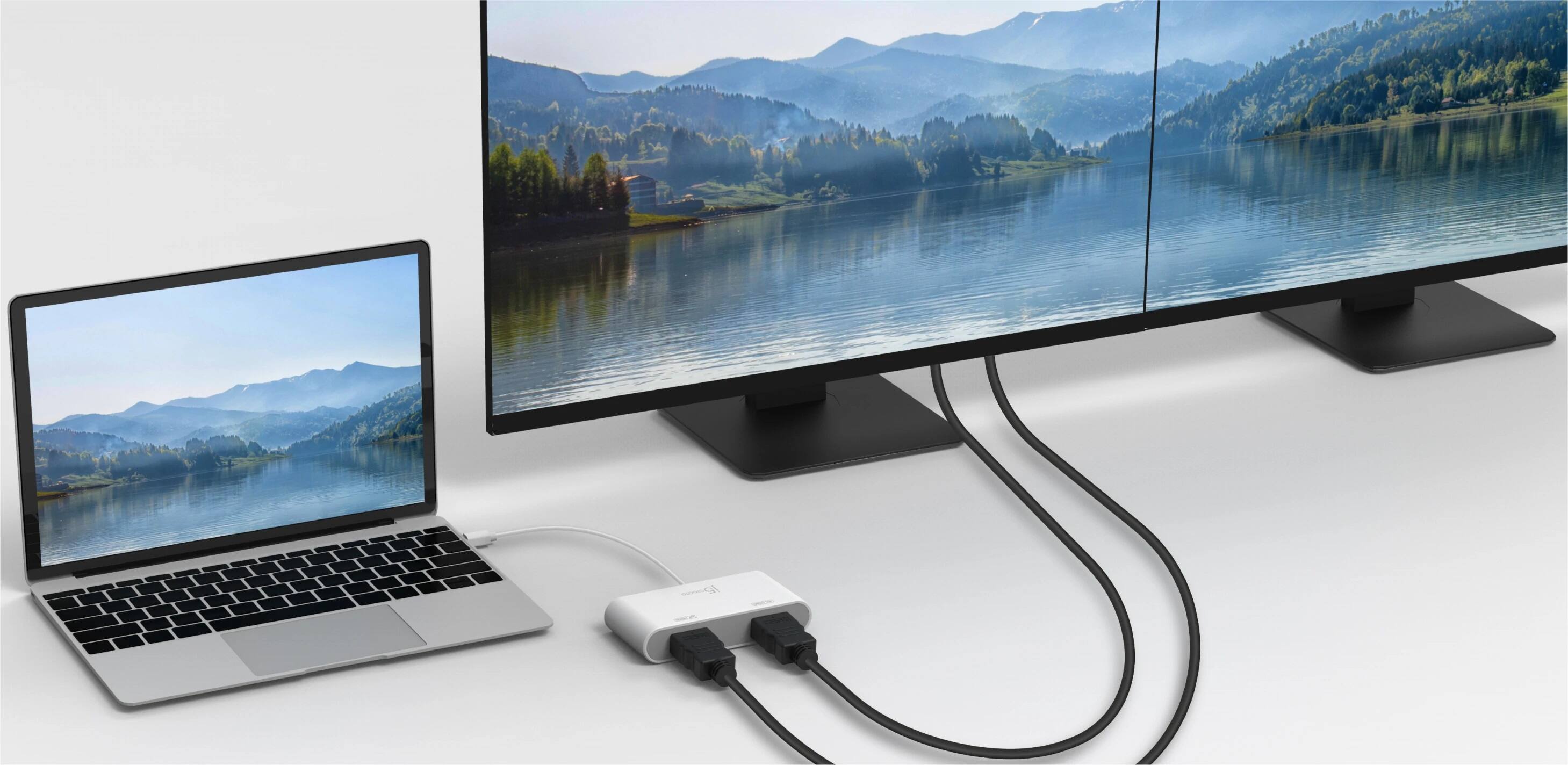
||Posted .This reviewer received promo considerations or sweepstakes entry for writing a review.When I first saw this adapter, I did not know this was possible to even do. I use it on my surface pro and mirror to my large screen tv, while at the same time mirroring the signal to my monitor at my desk. With this I am able to use it both as my multimedia pc and my desktop computer. Most important thing to note is that you MUST HAVE display port 1.2 or above for this to work. As well as mirroring you can also extend, so you can have different things on either one of the monitors you have connected. Essentially it gives you two separate monitor connections from the one mini display port! No installation was needed, it was all automatic and could immediately configure in windows display settings. One very important thing to keep in mind is that this adapter needs external USB power to function. So therefore you need to plug it in to either the USB port on your device, or a wall adapter for it to work. Not really a big deal, and it comes with the cord to do so. Overall I am quite happy! Kept me from spending 200 dollars on a docking station.
I would recommend this to a friend Rated 4 out of 5 stars
I missed the part about needing USB for power
||Posted .This reviewer received promo considerations or sweepstakes entry for writing a review.It works as I expected it but it takes a vital USB port on my Mac to keep it powered (even if you're only using one monitor). Now I have a USB - 4 port hub stuck next to this which gives the Macbook a wild set of wires poking out. I understand using the USB for two displays (kinda) but not for one. there are multiple single display HDMI/DisplayPort converters that require no USB slot. So if you MUST use two external displays, this would be good. 5 Stars if it didn't require USB.
I would recommend this to a friend- Pros mentioned:Hdmi
Rated 5 out of 5 stars
Add multiple monitors
||Posted .This reviewer received promo considerations or sweepstakes entry for writing a review.Use a Surface Pro for work and this worked well to display the Surface to 2 monitors. Works great!
I would recommend this to a friend - Pros mentioned:Price
Rated 5 out of 5 stars
Love the new 4K and Soundbar
||Posted .This reviewer received promo considerations or sweepstakes entry for writing a review.Have been needing to upgrade the 8 year old Vizio 1080 TV in the master bedroom as well as replace a 25 year old set of Polk Audio speakers and Denon receiver. After reading a plethora of reviews I choose the TCL 55" 4K TV and the JBL 3.1 soundbar with subwoofer. The TV is great for the money ($379) and the JBL system really cranks out great sound with massive bass. I've got the cable box going through the TV as well as the normal online channels (Netflix, Roku, Prime Video, and blue ray DVD). Set up with everything was easy. Although I wished that TCL let me know how to activate the HDMI ARC port as it caused me 30 minutes of frustration getting the JBL system to connect. Thank goodness for Google/YouTube for finding the instructions. All in all, VERY pleased with these two pieces of equipment. The TCL meets its positive reviews as does the JBL 3.1. Anyone would be pleased with this set up!
I would recommend this to a friend - Pros mentioned:Ease of use
Rated 5 out of 5 stars
Really easy to use
||Posted .This reviewer received promo considerations or sweepstakes entry for writing a review.Was really easy to use, had no problems with connections
I would recommend this to a friend - Pros mentioned:Hdmi
Rated 4 out of 5 stars
Great to use with my surface !
||Posted .This reviewer received promo considerations or sweepstakes entry for writing a review.Walk around Best Buy looking for the original Microsoft video adapter , found out they didn't have them at the store , so I keep walking and when I look around I saw this one right away and It got my attention, doble hdmi output it works great and never drops the connection
I would recommend this to a friend - Pros mentioned:Hdmi
Rated 5 out of 5 stars
Great way to connect 2 screens
||Posted .This reviewer received promo considerations or sweepstakes entry for writing a review.Product works greta, had two 22' screens that would diplay the same items. With this spliter, I am now about to display different items on either screen. Just plug in and go!
I would recommend this to a friend Rated 5 out of 5 stars
Used for surface
||Posted .This reviewer received promo considerations or sweepstakes entry for writing a review.Perfect for surface pro 3 or 4. Gives me two monitors and the surface laying down to write on. Mirror one and use the second. Gives same function as docking station without the weight.
I would recommend this to a friendRated 4 out of 5 stars
Works Great
||Posted .This reviewer received promo considerations or sweepstakes entry for writing a review.This works great, doesn't get the 5 star cause the instructions were a little vague. Had to figure it out and download the drivers. Other than that works mint.
I would recommend this to a friendRated 3 out of 5 stars
Works, but doesn't work
||Posted .This reviewer received promo considerations or sweepstakes entry for writing a review.Bought this adapter to connect two monitors to a MacBook air. Turns out that it does work if you want mirrored monitors but not if you want extended monitors. In other words, if you want two monitors showing the same thing, it works ok, but not if you want something different on each monitor. It seems to be incompatible with Sierra, but does not really indicate that on the outside of the box.
I would recommend this to a friendRated 3 out of 5 stars
Does OK
||Posted .This reviewer received promo considerations or sweepstakes entry for writing a review.Works ok but you have to make sure you have it plugged into USB for power. Could be problem some if your mini display port isn't near a USB port. It does work though.
I would recommend this to a friend- Pros mentioned:Compatibility
Rated 4 out of 5 stars
Good... but.
||Posted .This reviewer received promo considerations or sweepstakes entry for writing a review.Works great. although I don't love that it requires an external power source. Thought it would be nice and clean. But, works as expected.
I would recommend this to a friend - Pros mentioned:Compatibility, Hdmi
Rated 5 out of 5 stars
Awesome product
||Posted .This reviewer received promo considerations or sweepstakes entry for writing a review.Works great with my MacBook Pro. Can easily hook up two external monitors with no problem.
I would recommend this to a friend - Pros mentioned:Compatibility
Rated 3 out of 5 stars
Plug and see
||Posted .This reviewer received promo considerations or sweepstakes entry for writing a review.Works well for Mac laptops and gives you extended display
I would recommend this to a friend Rated 5 out of 5 stars
Meh
||Posted .This reviewer received promo considerations or sweepstakes entry for writing a review.This is a great project and it does it's job well. The only problem is you can on ly extend the desktop or mirror one monitor on the other.
No, I would not recommend this to a friend- Pros mentioned:Ease of use
Rated 4 out of 5 stars
good for what i needed
||Posted .This reviewer received promo considerations or sweepstakes entry for writing a review.this works great for multi screen applications very easy to install
I would recommend this to a friend Rated 5 out of 5 stars
Needed while travelling was in stock
||Posted .This reviewer received promo considerations or sweepstakes entry for writing a review.Great to have in stock local store when travelling. Urgent need for presentation. BB did not disappoint.
I would recommend this to a friend- Pros mentioned:Compatibility
Rated 4 out of 5 stars
Uses little space
||Posted .This reviewer received promo considerations or sweepstakes entry for writing a review.This is a great adapter to use with my Surface Laptop!
I would recommend this to a friend