Customer Ratings & Reviews
- Model:
- JVAW76
- SKU:
- 6465110
Rating by feature
- Value
Rating 3.8 out of 5 stars
- Quality
Rating 4.0 out of 5 stars
- Ease of Use
Rating 4.1 out of 5 stars
Customers are saying
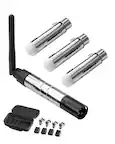
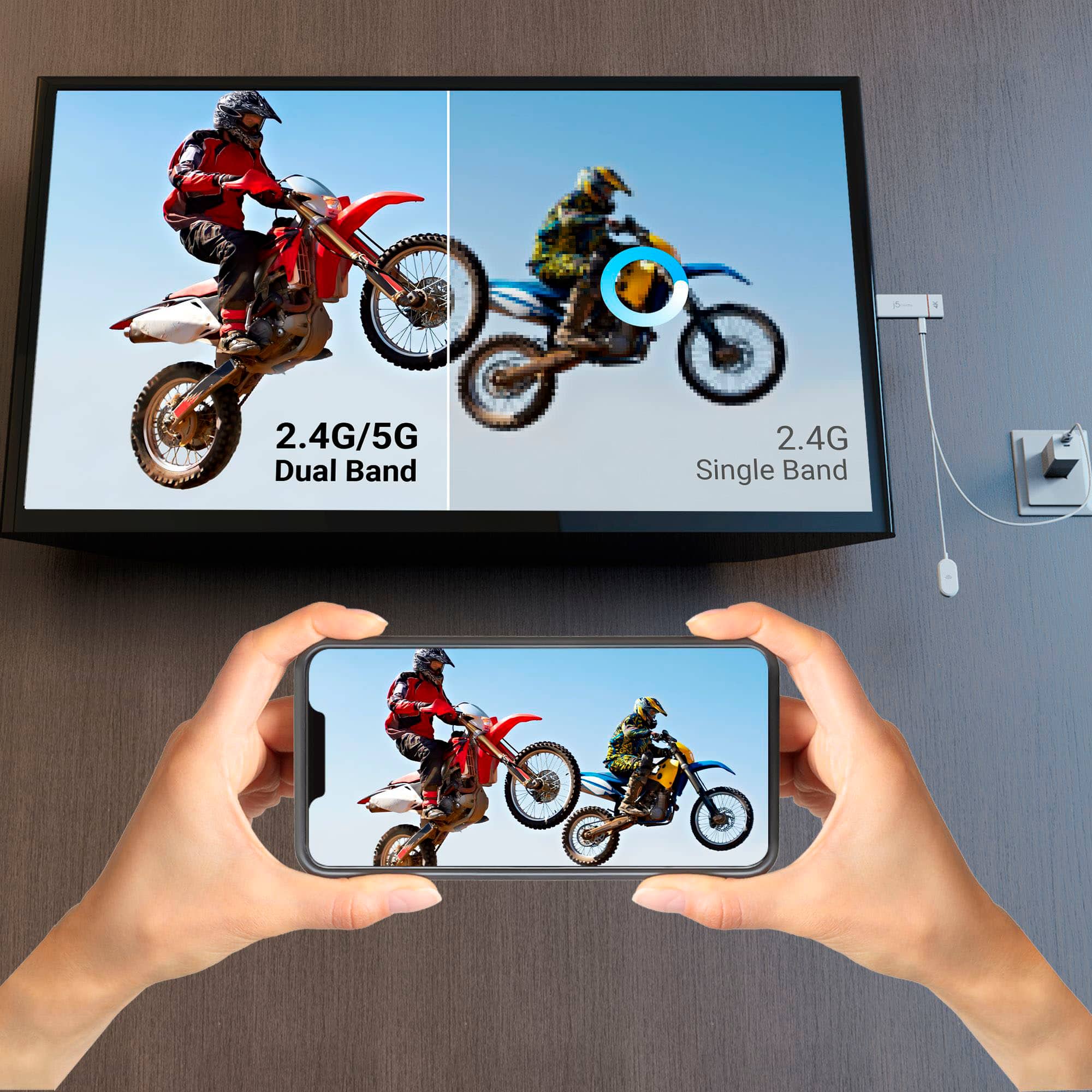
Customers are delighted by the ScreenCast 4K Wireless Display Adapter's ease of use, overall performance, and simple setup. Users appreciate the easy screen mirroring capabilities and the high-quality resolution offered by the device. However, some customers have reported issues with connectivity, compatibility with certain apps, lag, and occasional signal drops. Additionally, a few users have noted concerns regarding the audio quality.
This summary was generated by AI based on customer reviews.

I don't know about 4k, but it is versatile
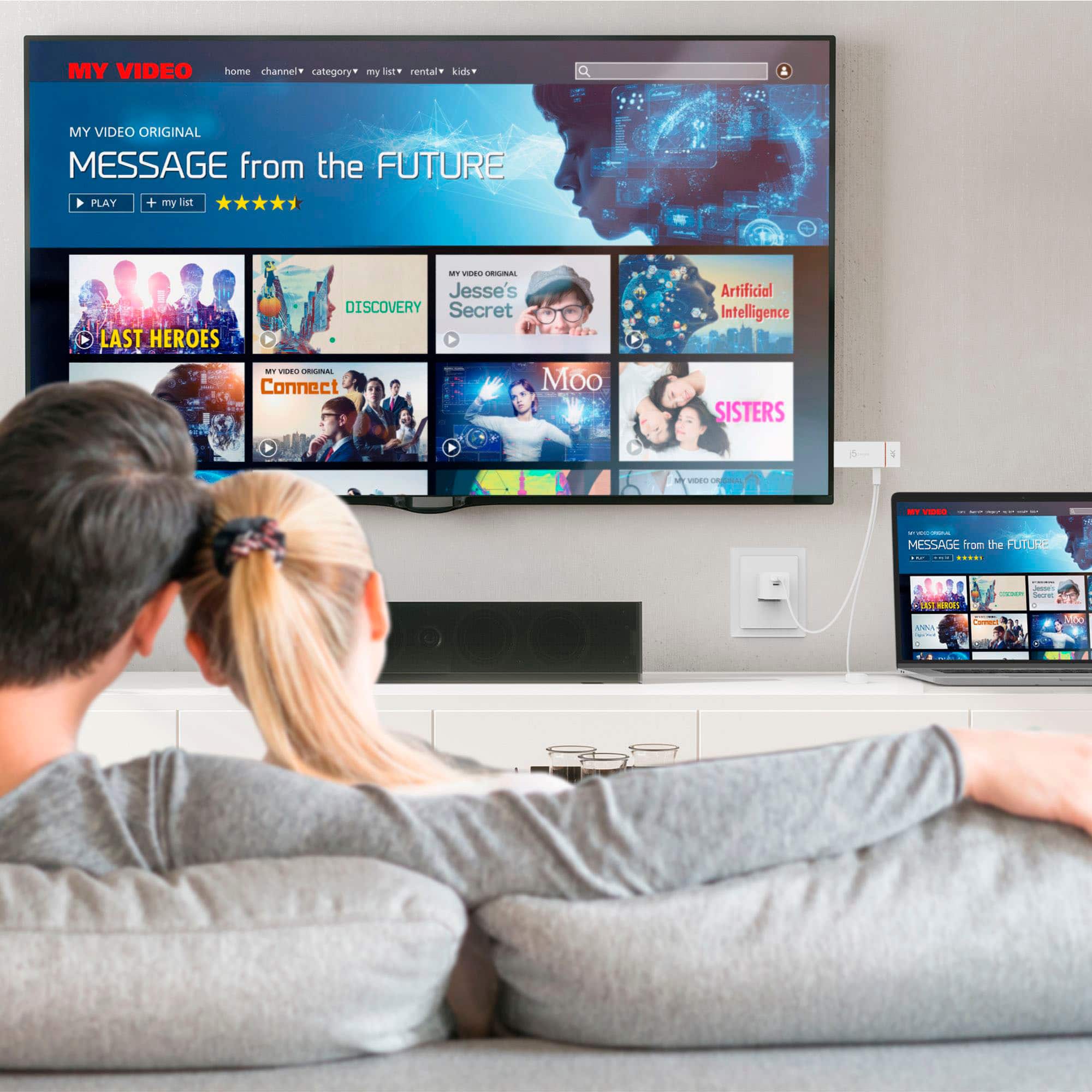
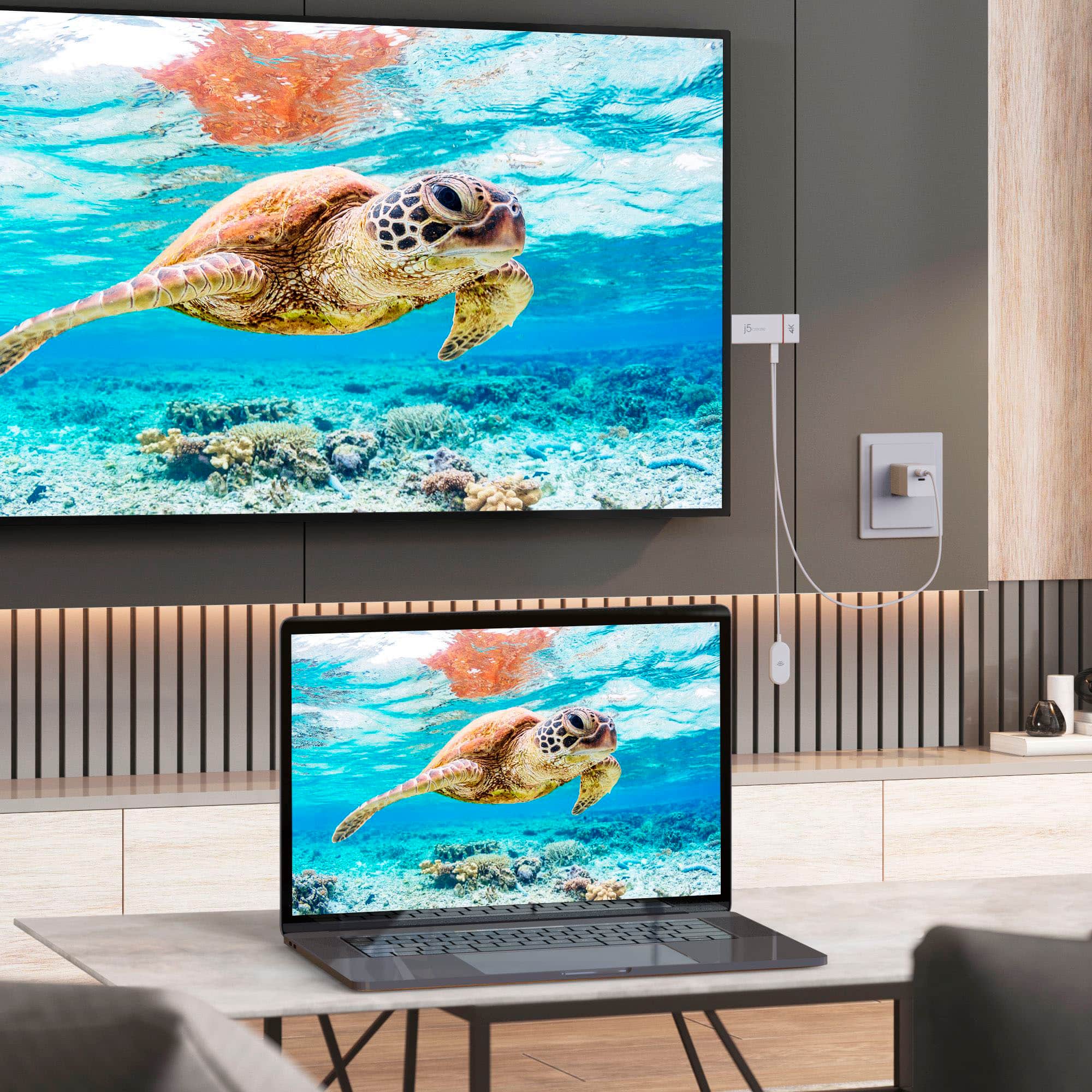
|Posted .This reviewer received promo considerations or sweepstakes entry for writing a review.This is a handy little streaming device. You can connect any other device that you want to it wirelessly to stream to the TV screen. I've found a few nice uses for this. First, you can display your phone screen on your TV, which is great for sharing photos (something you cannot really do with a usual streaming device). Second, you can connect it wirelessly to a computer to use the screen as an additional monitor - my current computer set-up includes a docking station which connects to two monitors, but if I want to connect a third, I can use this and I don't have to worry about not having another physical connection on the dock. Third, if you are traveling, this can connect to your device without being connected to the internet, so you can use this in hotels to stream to the TV without having to log in to an unfamiliar device on your own account (assuming the hotel TV has smart features for Netflix, etc.). The only gripe that I have, which may be more with my own devices than this, is that I wasn't able to stream at 4k resolution. I was able to do 1080p, and it looked reasonable. Not quite as good as a wired connection at 1080p, but it was good enough.
I would recommend this to a friendBrand response from J5create Team
Posted .To stream 4K content, Tv has to support 4K resolution and a few other equipment's. If you have any questions regarding the JVAW76, please contact our Support Team and they'll be glad to assist you. Their information can be found on our website under the "Support" tab. Thank you.

Stunned by easy install, blown away by performance
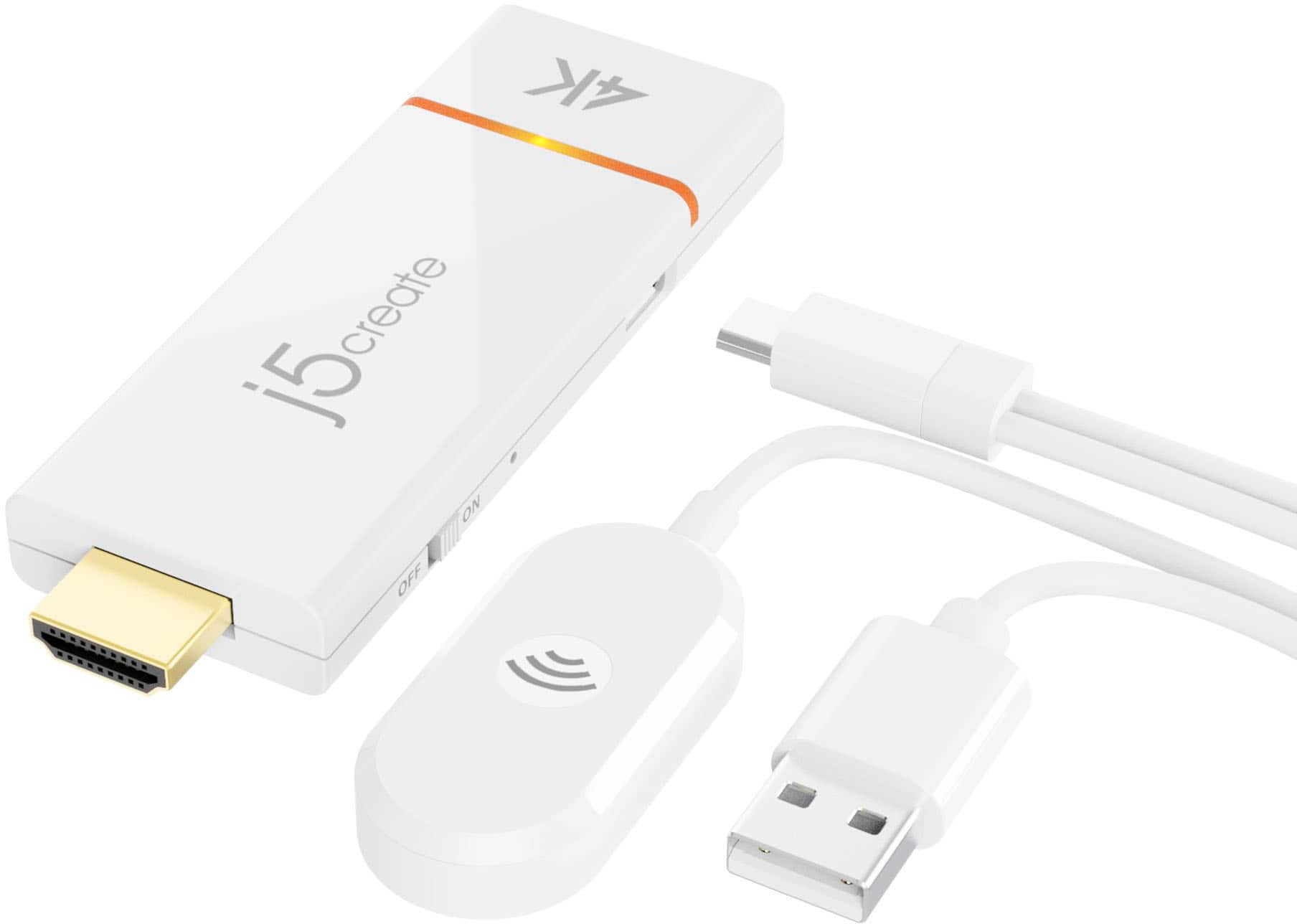
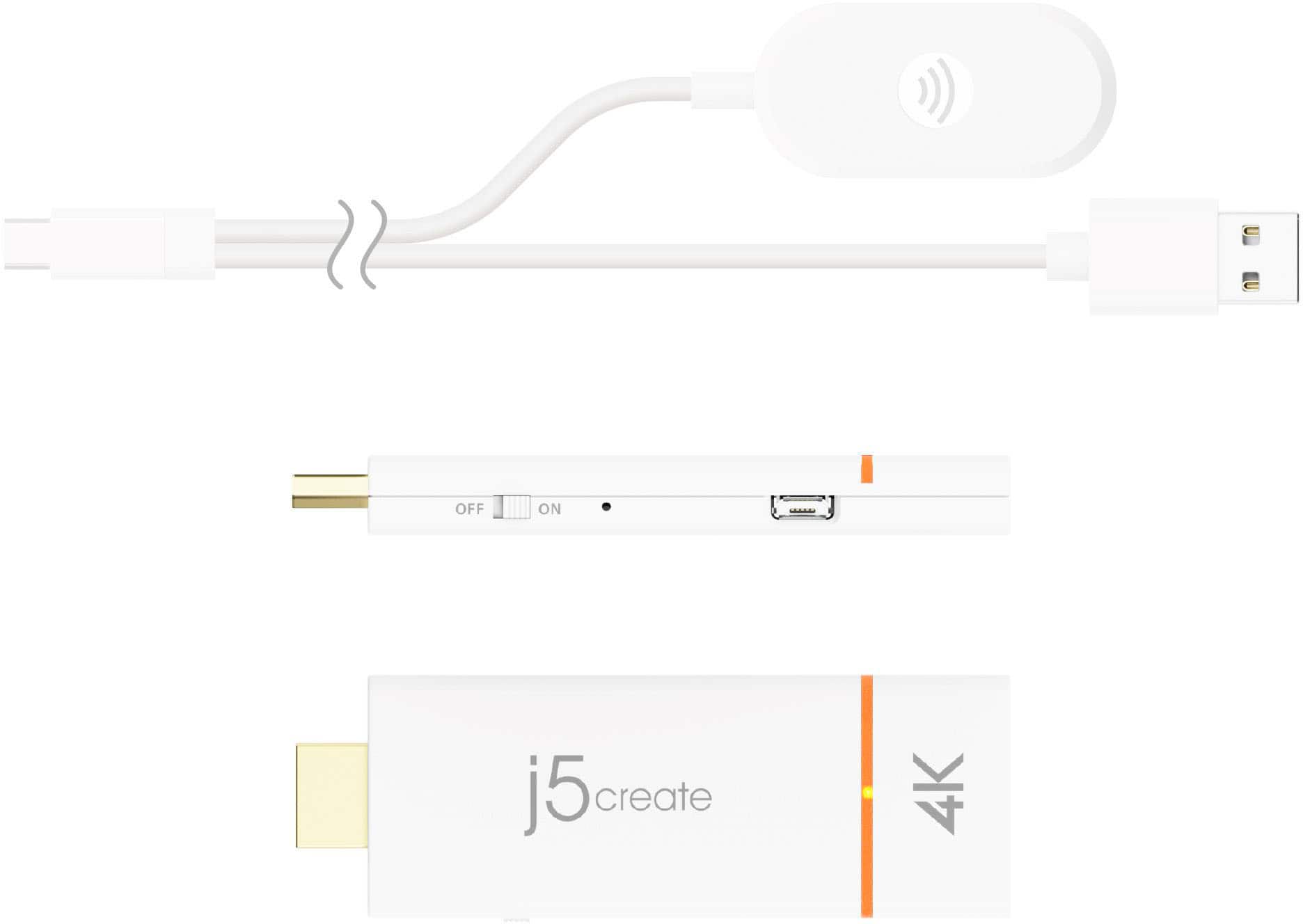
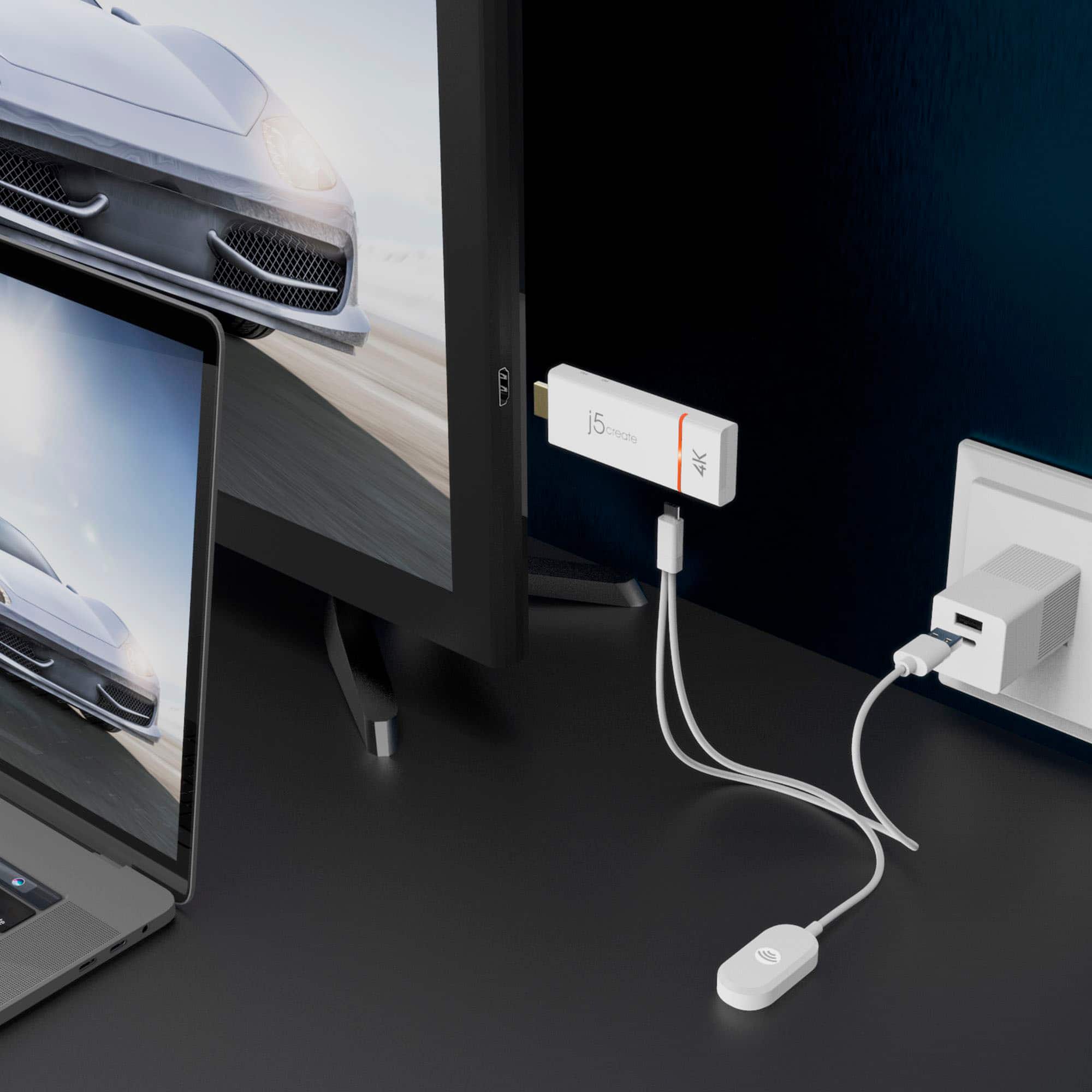
|Posted .This reviewer received promo considerations or sweepstakes entry for writing a review.You take the HDMI end of the ScreenCast 4K HDMI and insert it into one of your TV's HDMI slots. The The ScreenCast comes with a cable that has a connector made to be inserted in a slot on the side of the Screencast with the other end of the cable made to be inserted in any USB slot on your TV. On my TV, the distance between the HDMI and the USB slots was less than 6 inches. This took less than 30 seconds. Then I powered up my MacBookAir notebook computer running the Monterey Operating System. By using the TV remote and pushing the INPUT button, in seconds the Screencast install screen appeared. At about the same time, my MacBook Air became connected via bluetooth. I selected Screencast, and then clicked Display Mirroring and VOILA. A razor sharp image of anything I displayed on my 13" computer screen appeared on my 60" TV. I turned off my MacBook Air notebook and then turned on my ASUS 16" laptop computer running Windows 10. Windows recognized the ScreenCast via bluetooth and in under 1 minute I had the same result as with my MacBook Air -- a magnificent sharp vibrant image on my TV mirroring my small computer screen. As I began working with spreadsheets, and then building new pages for my website I realized that ScreenCast had benefits way beyond usefulness for presentations. This device made it easier to do work. I have literally fallen in love with working multiple applications on the TV screen. The added size makes complicated computer screens easier to work with. Bottomline: It is tiny, ultra portable, quick and easy to install, and priced within most every budget. Strong 5 stars!
I would recommend this to a friendBrand response from J5create Team
Posted .Thank you for taking your time to write your feedback on the JVAW76. I'm glad the Wireless Display device works well with your devices. Enjoy and have a nice day!
Upgraded Instructions Coming ?
Posted .This reviewer received promo considerations or sweepstakes entry for writing a review.There are many more steps to connect our iphone to our smart LG 4K TV than presented in the manual. Suggest the mfr. upgrade their connection instructions and give better details or offer multiple options based of different connecting devices.
I would recommend this to a friendHow Chromecast SHOULD work, but doesn't.
Posted .This reviewer received promo considerations or sweepstakes entry for writing a review.Does exactly what I needed, provides a connection between my Android phone and any TV or monitor with an hdmi port. No Local Area Network or other routers required. Thank you!
I would recommend this to a friend- Pros mentioned:Ease of use
Casting made easy!
Posted .This reviewer received promo considerations or sweepstakes entry for writing a review.So easy! Without a doubt the resolve i wanted to get away from cable connection
I would recommend this to a friend Quick and easy
Posted .This reviewer received promo considerations or sweepstakes entry for writing a review.A perfect solution for adding a 3rd monitor for a laptop.
I would recommend this to a friendNeeds work
Posted .This reviewer received promo considerations or sweepstakes entry for writing a review.Does not work well. Many problems with multiple of my computers. Will not buy again.
No, I would not recommend this to a friendBrand response from J5create Team
Posted .Ensure that the ScreenCast 4K Wireless Display Adapter has the latest firmware installed. Additionally, check for the latest drivers for your computers and update them as needed.
Ensure that your Wi-Fi network is stable and has sufficient bandwidth to support wireless display streaming. Interference or network congestion can lead to connectivity issues.
Ensure that the ScreenCast 4K Wireless Display Adapter and the computers are within a reasonable range for wireless communication. Physical obstructions and distance can impact the signal quality.
Feel free to contact j5create Technical Support if you require further assistance. Their information can be found on j5create website under the Support tab. Thank you.