Customer Ratings & Reviews
- Model:
- JVAW76
- SKU:
- 6465110
Rating by feature
- Value
Rating 3.8 out of 5 stars
- Quality
Rating 4.0 out of 5 stars
- Ease of Use
Rating 4.1 out of 5 stars
Customers are saying
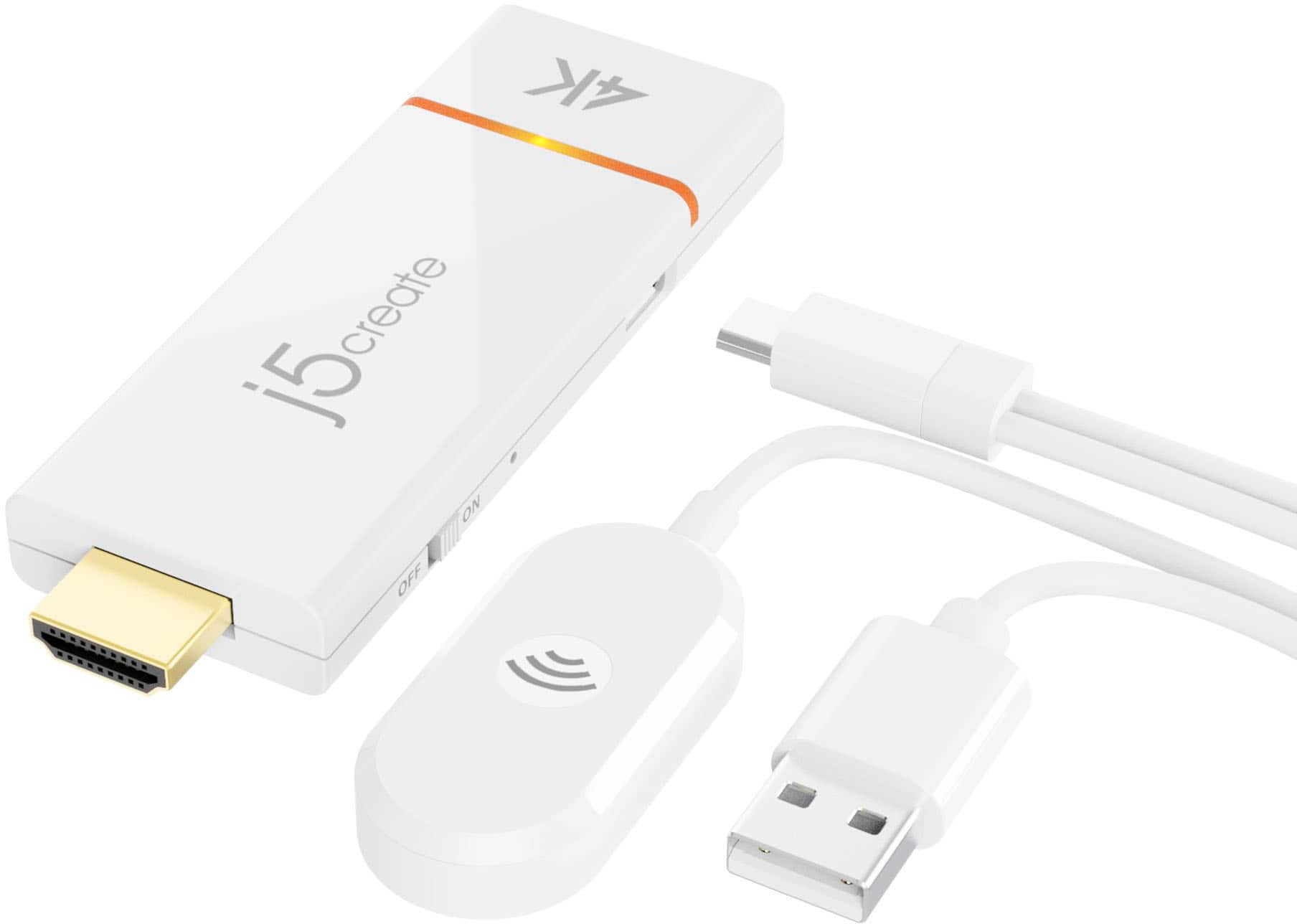
Customers are delighted by the ScreenCast 4K Wireless Display Adapter's ease of use, overall performance, and simple setup. Users appreciate the easy screen mirroring capabilities and the high-quality resolution offered by the device. However, some customers have reported issues with connectivity, compatibility with certain apps, lag, and occasional signal drops. Additionally, a few users have noted concerns regarding the audio quality.
This summary was generated by AI based on customer reviews.
Product exactly as described!
||Posted . Owned for 2 weeks when reviewed.This reviewer received promo considerations or sweepstakes entry for writing a review.Excellent, product is exactly what I needed. The person I spoke with was very knowledgeable as well
I would recommend this to a friend- Cons mentioned:Compatibility
ScreenCast 4K Wireless Display Adapter - White
||Posted . Owned for 3 weeks when reviewed.This reviewer received promo considerations or sweepstakes entry for writing a review.I have an Iphone 16 pro-max and this did not fit at all.
No, I would not recommend this to a friendBrand response from J5create Team
Posted .It sounds like there’s a misunderstanding about how the ScreenCast 4K Wireless Display Adapter works, it doesn’t physically plug into your iPhone like a cable.
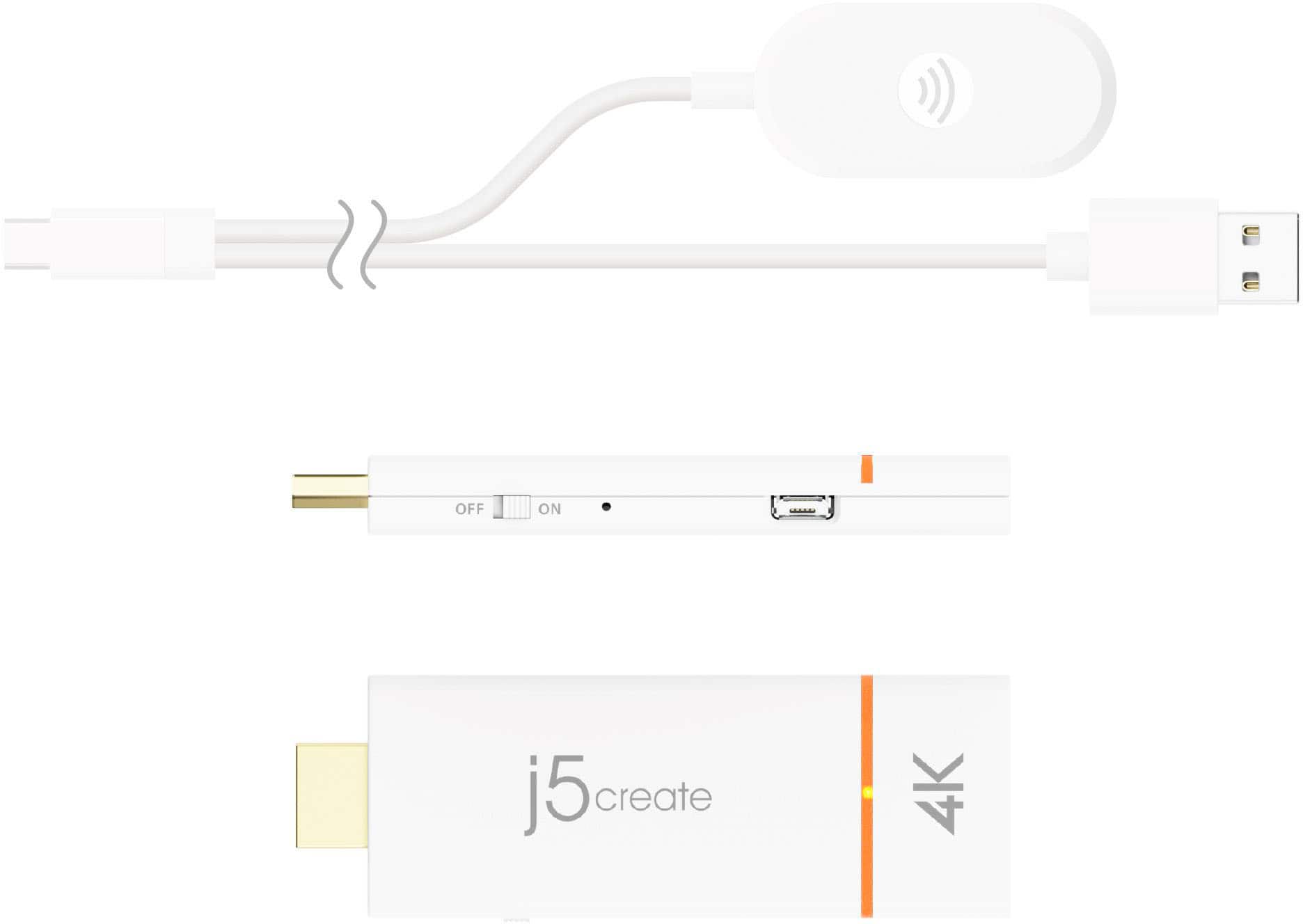
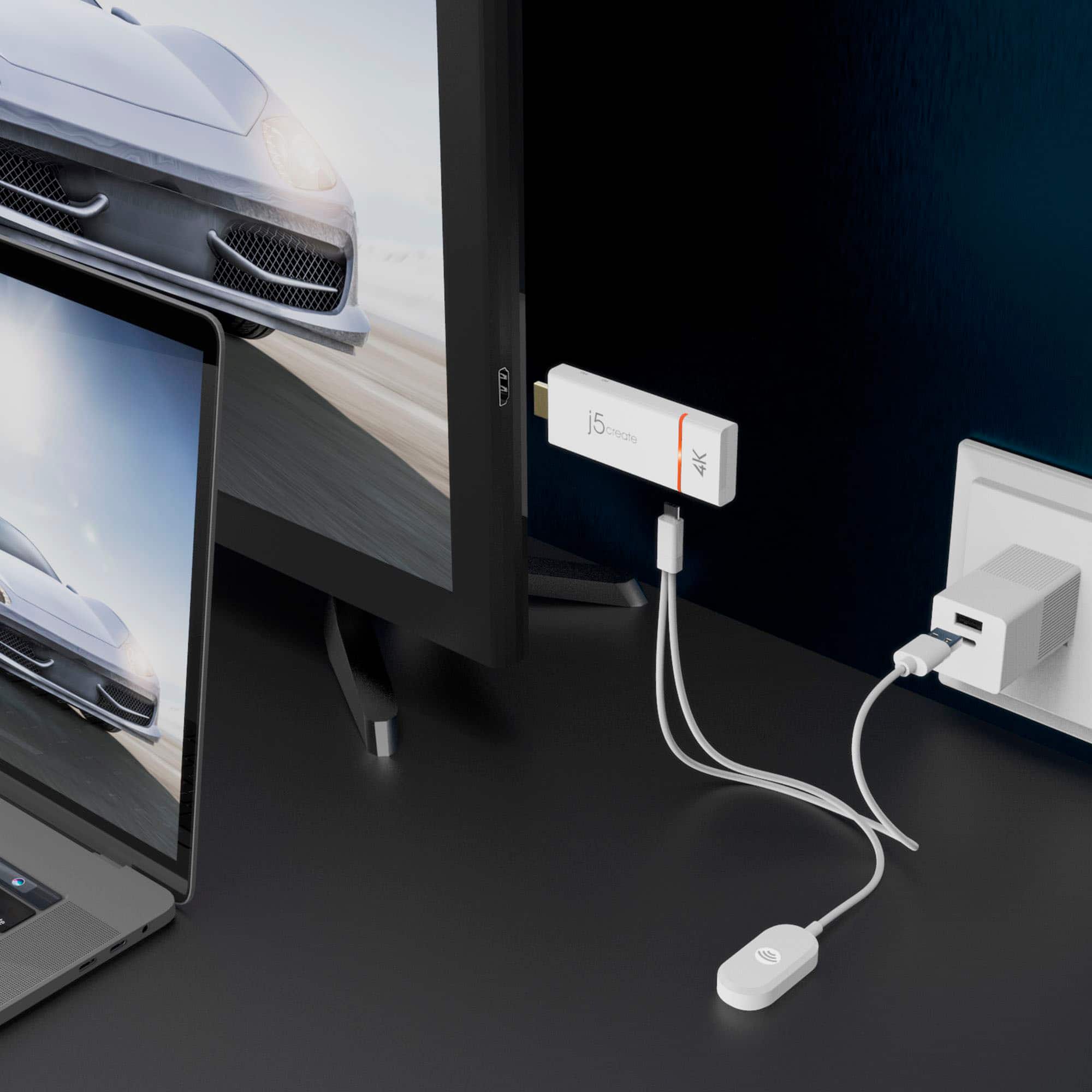
The JVAW76 connects wirelessly using AirPlay (for iPhone/iPad) or Miracast/Google Cast (for other devices).It plugs into your TV or monitor’s HDMI port for video and a USB port (or adapter) for power.
If you tried to “fit” it into your iPhone’s charging port, that’s why it didn’t work, the device is meant to stay connected to your display, and your iPhone streams to it over Wi-Fi Direct.
ScreenCast to TV
||Posted . Owned for 3 weeks when reviewed.This reviewer received promo considerations or sweepstakes entry for writing a review.For sending information wirelessly from PC to TV, this product works great
I would recommend this to a friendBrand response from J5create Team
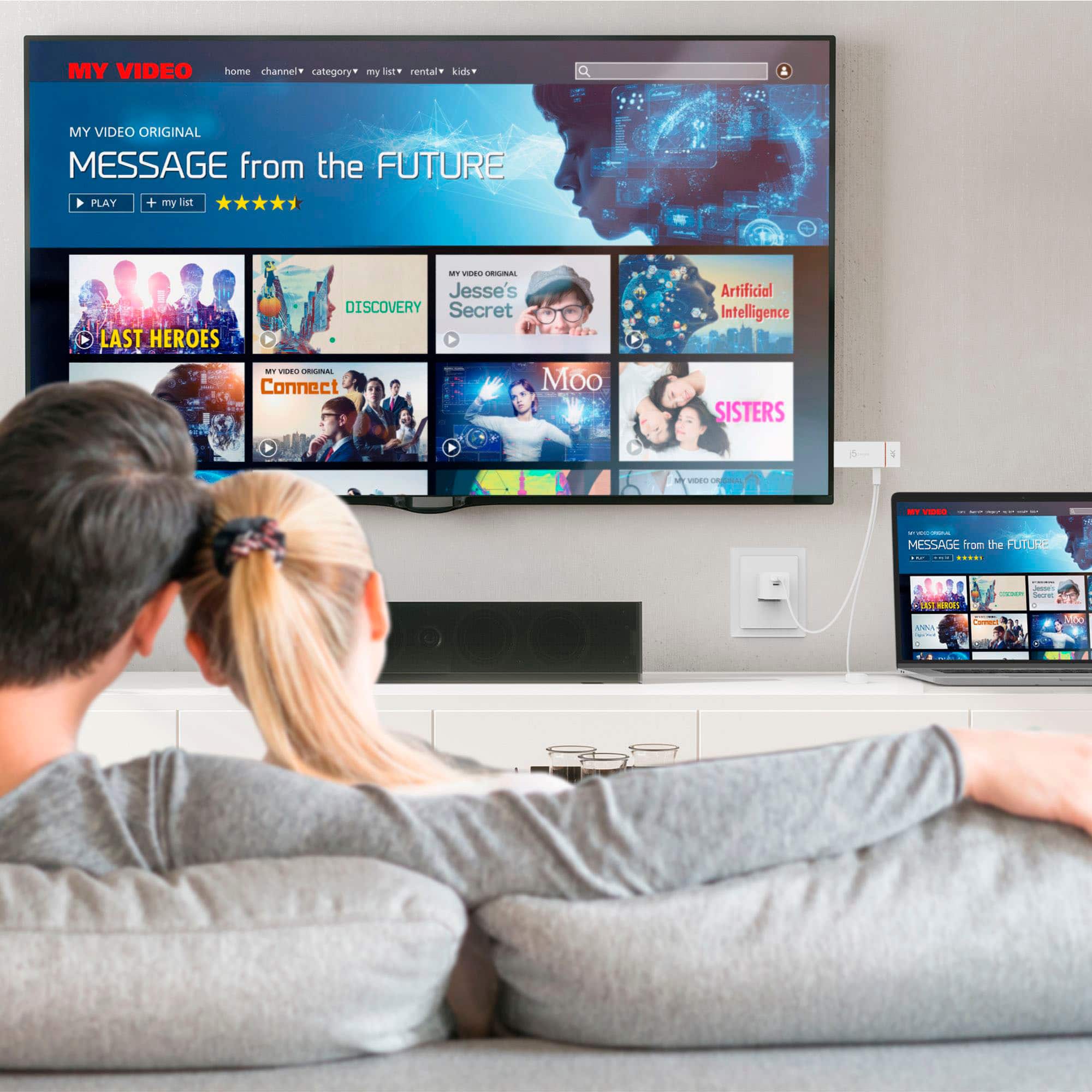
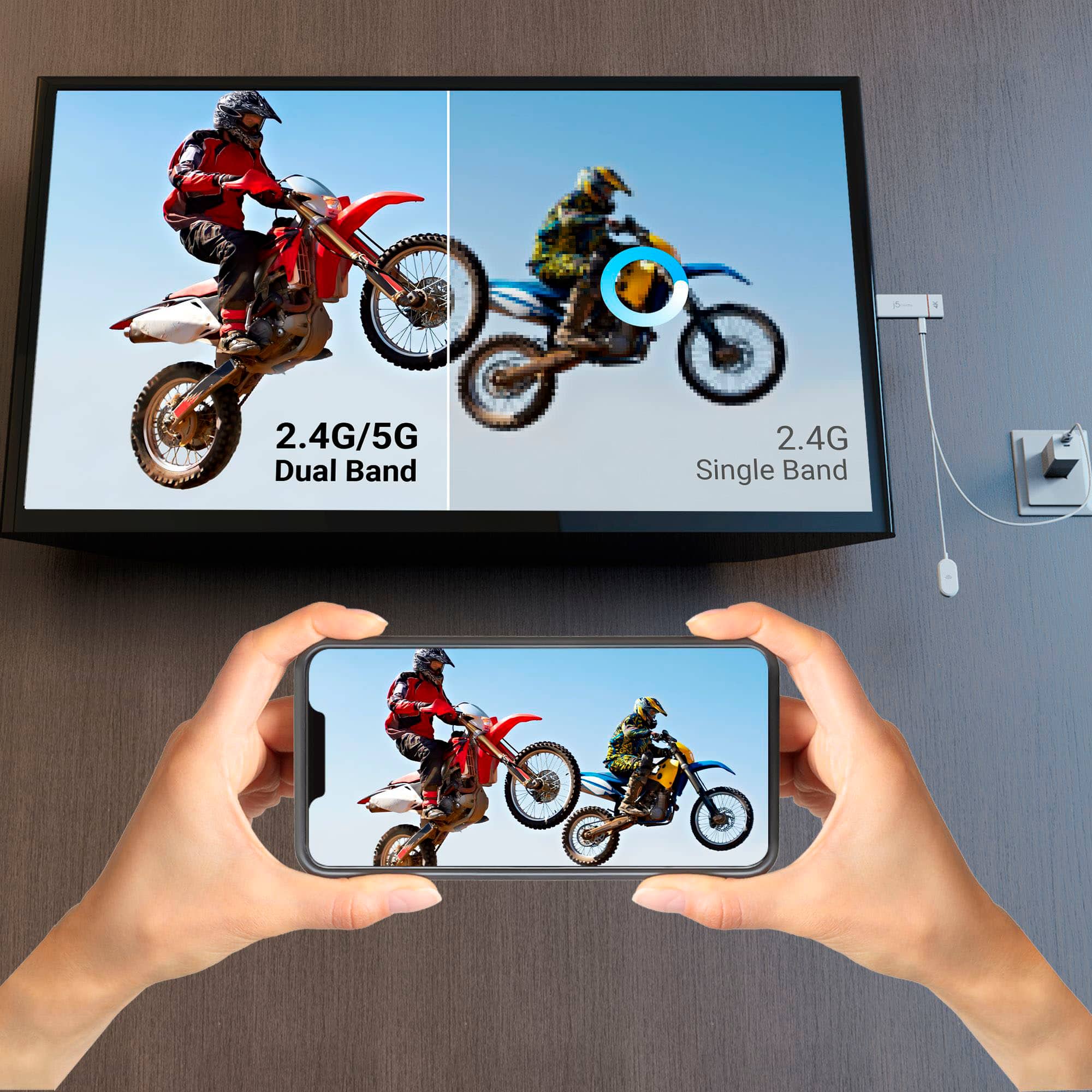
Posted .Wirelessly display content from a phone, tablet, or laptop onto a bigger screen with the ScreenCast 4K Wireless Display Adapter.
Wireless display
||Posted . Owned for 1 month when reviewed.This reviewer received promo considerations or sweepstakes entry for writing a review.Wireless display adapter is a way to go to avoid cables connections.
I would recommend this to a friendTurn your 65" TV screen into your Laptop Monitor!
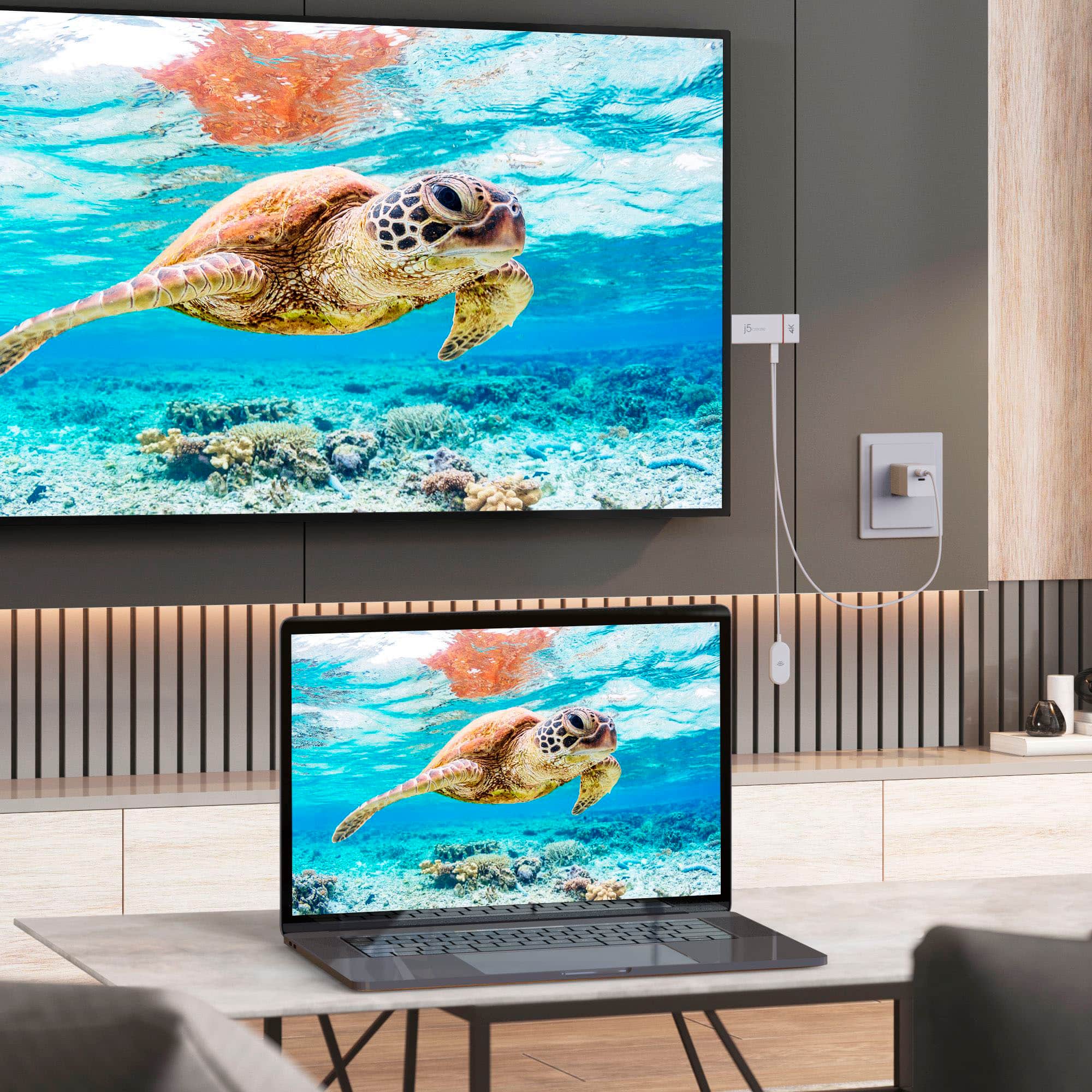
||Posted . Owned for 2 weeks when reviewed.This reviewer received promo considerations or sweepstakes entry for writing a review.Such a simple way to turn your 65" TV into a HUGE monitor for your laptop. Connect the "j5create" to your A/V Receiver, then click on the simple command on your PC to immediately screencast what's on your laptop to a full blown 4K image on your TV. I love it, and the price is right.
I would recommend this to a friend- Cons mentioned:Compatibility
WINDOWS 11 DROPS THE CAST
||Posted . Owned for 1 month when reviewed.This reviewer received promo considerations or sweepstakes entry for writing a review.I've tried wireless display from a 2023 Windows 11 HP Elitebook with limited success. The Screencast drops the connection any time the program goes from full screen to less or changing an app. I would suggest a pass.
No, I would not recommend this to a friendBrand response from J5create Team
Posted .I apologize for the experience you have had with your ScreenCast 4K Wireless Display Adapter. The issue may be caused by something within your environment. Our customer support team can assist you with finding the problem and coming up with a solution. To contact our customer support team please visit the j5create website then click on the "SUPPORT" tab at the top right of the webpage. Thank you.
For the cameras
||Posted . Owned for 2 months when reviewed.This reviewer received promo considerations or sweepstakes entry for writing a review.I was trying to figure out how to make my cameras display on a larger screen and this device makes it 'easy.
I would recommend this to a friend- Cons mentioned:Connectivity
Had issues connecting
||Posted . Owned for 2 months when reviewed.This reviewer received promo considerations or sweepstakes entry for writing a review.Did not connect well. When connected loses connection if device is more the a couple of feet away
No, I would not recommend this to a friendBrand response from J5create Team
Posted .If you're experiencing connection issues with the ScreenCast 4K Wireless Display Adapter, such as losing the connection when the device is more than a couple of feet away, there are several potential causes and troubleshooting steps you can try: Wireless signals can be affected by various factors, including physical obstructions, other electronic devices, and distance. Make sure there are no large objects or walls blocking the signal between the adapter and your device. Additionally, try moving the adapter and your device closer together to see if it improves the connection stability. Wi-Fi network congestion: If you're in an area with many Wi-Fi networks or other wireless devices, it could lead to congestion and interference. Try changing the Wi-Fi channel on your router or moving closer to the router to minimize interference. Try resetting both the adapter and your device. Unplug the adapter from the power source, wait for a few seconds, and then plug it back in. Restart your device and attempt to reconnect to the adapter. Contact Technical Support Team if none of the above steps resolve the issue. They can provide specific troubleshooting steps or determine if there's a defect with the device that requires a replacement. Their information can be found on j5create website under the "Support" tab and a specialist will be ready to assist you. Thank you.
JS Create Screencast 4K Wireless Display adapter
||Posted . Owned for 3 weeks when reviewed.This reviewer received promo considerations or sweepstakes entry for writing a review.Works as promised. Took some time to get it to connet to my smartphone and figure out how to get full screen.
I would recommend this to a friendMirror
||Posted . Owned for 1 month when reviewed.This reviewer received promo considerations or sweepstakes entry for writing a review.The product I purchased from Best Buy was a very good goodbye. It’s a perfect product and it does exactly what I needed to do.
I would recommend this to a friend- Cons mentioned:Connectivity
in theory this is good but it stops there
||Posted . Owned for 1 month when reviewed.This reviewer received promo considerations or sweepstakes entry for writing a review.in theory this is an amazing device, in reality it leaves a lot to be desired. This worked for all of two hours on my brand new 2022 laptop but the connection kept needing to be restored. And now it does not connect at all. so bleh, save your money.
No, I would not recommend this to a friendBrand response from J5create Team
Posted .Please contact our Support Team by Live Chat or Email, in order to narrow down the exact issue you are experiencing. Their information can be found on our website under the "Support" tab. We apologize for the inconvenience.
- Cons mentioned:Compatibility
Wouldn't connect to Miracast Enabled Win10 PC
||Posted . Owned for 3 weeks when reviewed.This reviewer received promo considerations or sweepstakes entry for writing a review.Would not connect to my Win10 PC via any of the display options and their support is slow enough to delay you past the 15-day return date. Even with knowing the PC had full compatibility, Support was unable to get it to work.
No, I would not recommend this to a friendBrand response from J5create Team
Posted .Check if there are firmware or software updates available for the ScreenCast 4K Wireless Display Adapter. Installing the latest updates may resolve compatibility issues. Ensure that your PC and the adapter are connected to the same Wi-Fi network. Incompatible or misconfigured networks can prevent successful connections. Verify that your PC's graphics drivers are up to date. Outdated or incompatible graphics drivers can affect screen mirroring and display functionality. To rule out PC-specific issues, try connecting the ScreenCast 4K Wireless Display Adapter to a different Windows 10 PC if available. This can help determine if the issue is specific to one device.
- Cons mentioned:Connectivity
Cast my screen
||Posted . Owned for 1 month when reviewed.This reviewer received promo considerations or sweepstakes entry for writing a review.This unit kept disconnecting and would have to be reconnected.
No, I would not recommend this to a friendBrand response from J5create Team
Posted .Ensure that the Wi-Fi signal strength is stable and strong where the ScreenCast 4K unit is connected. Weak or unstable Wi-Fi signals can lead to disconnections. High network congestion, especially during peak usage times, can lead to disconnections. Wireless interference from other electronic devices, routers, or neighboring Wi-Fi networks can disrupt the connection. Try changing the Wi-Fi channel on your router or moving other electronic devices away from the ScreenCast unit.
Overpriced
||Posted .This reviewer received promo considerations or sweepstakes entry for writing a review.I purchased this to screencast my 5G phone to my TV. As a result, I found this device to be overpriced as compared to a 4K Roku Stick, and project just as good as a Roku.
No, I would not recommend this to a friendWon’t stream Netflix, Prime etc. HDCP programs
||Posted . Owned for less than 1 week when reviewed.This reviewer received promo considerations or sweepstakes entry for writing a review.Will not stream Prime, Netflix and other HDCP content.
No, I would not recommend this to a friend- Pros mentioned:Ease of use
Don't Recommend, doesn't work on 4k.
||Posted . Owned for less than 1 week when reviewed.This reviewer received promo considerations or sweepstakes entry for writing a review.Returned it. The quality of the 4k is awful. Screen is Glitchy and even at 30hz it is worthless. Tried from 2 different computers and 2 tvs. Just not as good as the Microsoft Adapter 4k. Wish that was still around. Just go with the 1080p one. Easy to set up but sucks.
No, I would not recommend this to a friendBrand response from J5create Team
Posted .When it comes to wireless display adapters, the quality of the streaming experience can be influenced by various factors, including compatibility, signal strength, and network conditions. Make sure your devices are connected to a strong and stable Wi-Fi network for optimal performance. Network congestion can affect the streaming quality. If multiple devices are using the same network or if your network is slow, it can impact the performance of wireless display adapters. If possible, try using the ScreenCast adapter in different physical locations to see if the performance improves. Sometimes, interference from other devices or physical obstacles can affect wireless performance.
Wireless streaming
||Posted . Owned for 1 month when reviewed.This reviewer received promo considerations or sweepstakes entry for writing a review.Decent device which cuts down on hardwire clutter. I’ve had to disconnect and reconnect to get the picture and sound back
No, I would not recommend this to a friendBrand response from J5create Team
Posted .In order to narrow down the exact issue you are experiencing, we recommend contacting support and a specialist will be ready to assist in resolving this, thank you.
Did not work
||Posted . Owned for 3 weeks when reviewed.This reviewer received promo considerations or sweepstakes entry for writing a review.Wanted to stream a movie from my DVD Player, but it did not work. I returned it for a refund.
No, I would not recommend this to a friendBrand response from J5create Team
Posted .The JVAW76 is designed to wirelessly mirror or extend the display from devices like laptops, tablets, and smartphones that support screen casting. Unfortunately, DVD and Blu-ray players don’t support wireless display output, so the adapter won’t be able to stream video from those devices.
Wireless is the only way to go!
||Posted . Owned for 1 month when reviewed.This reviewer received promo considerations or sweepstakes entry for writing a review.This wireless blue tooth systems has been a big help in my leadership presentations at the hospital I am the CEO of.
I would recommend this to a friendowner
||Posted . Owned for 1 week when reviewed.This reviewer received promo considerations or sweepstakes entry for writing a review.Great device, alows good transfer of phone data allowing a larger view.
I would recommend this to a friend