Customer Ratings & Reviews
- Model:
- JUH377
- SKU:
- 10757584
Rating by feature
- Value
Rating 4.5 out of 5 stars
- Quality
Rating 4.6 out of 5 stars
- Ease of Use
Rating 4.7 out of 5 stars
Docking station
||Posted . Owned for 3 weeks when reviewed.This reviewer received promo considerations or sweepstakes entry for writing a review.This was just what I needed and wanted. My laptop fits on it perfectly.
I would recommend this to a friendVery nice device.
||Posted . Owned for 2 weeks when reviewed.This reviewer received promo considerations or sweepstakes entry for writing a review.This unit was simple to install, and has worked flawlessly for me. Prior to this, I had an Anker USB 3.0 hub purchased on Amazon. That unit started having trouble with my external drives (connected via USB-C). So I bought this j5create unit to replace the Anker, and the problems all went away. The j5create was more expensive, but the stability has been well worth the additional cost. I now own two of these.
I would recommend this to a friendBrand response from J5create Team
Posted .Thank you so much JimBurd, for purchasing the JUH377 and sharing your experience with us. Our JUH377 has been our popular Hub and we appreciate the 5-star rating. Have a great day! j5create.

Hub
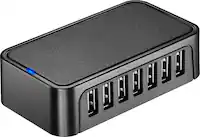
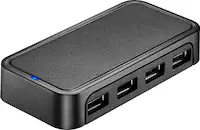
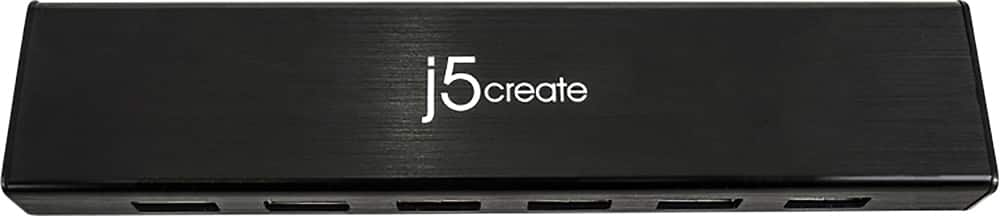
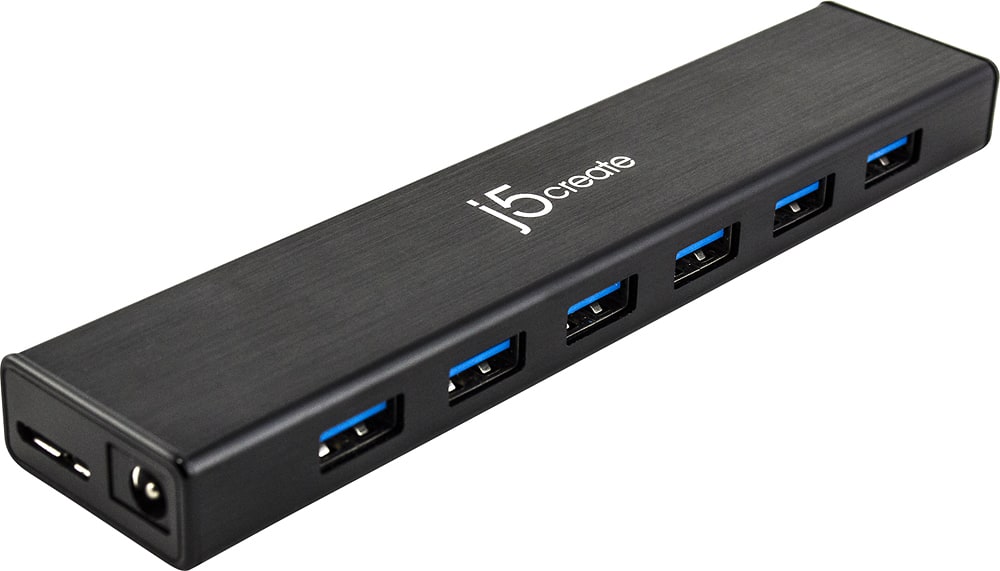
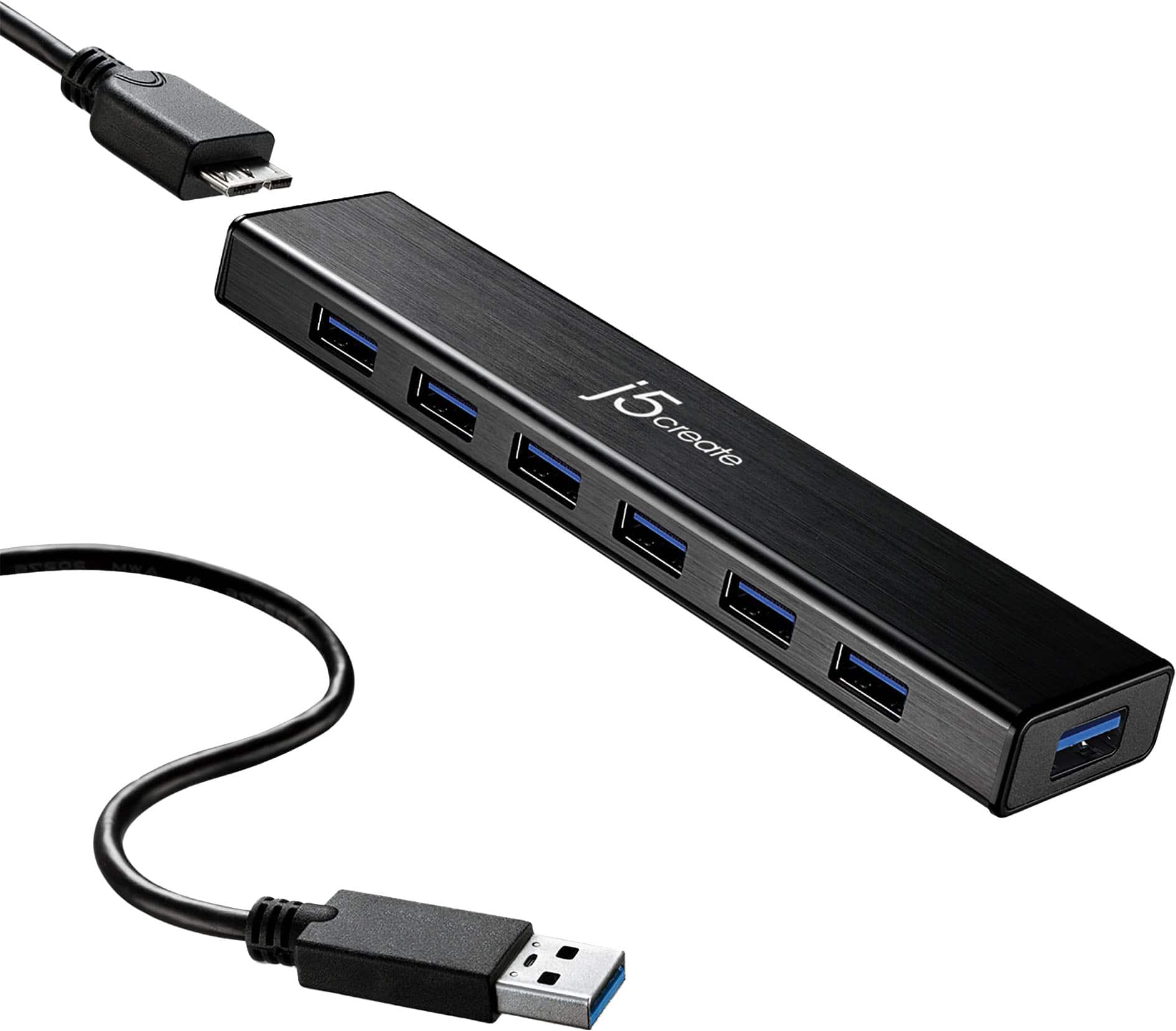
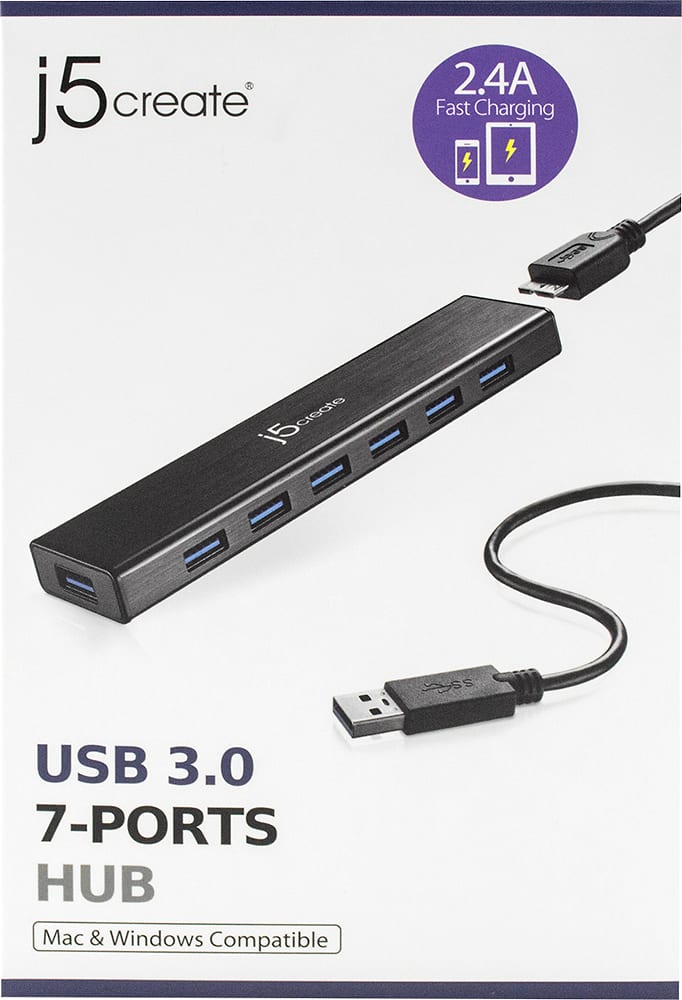
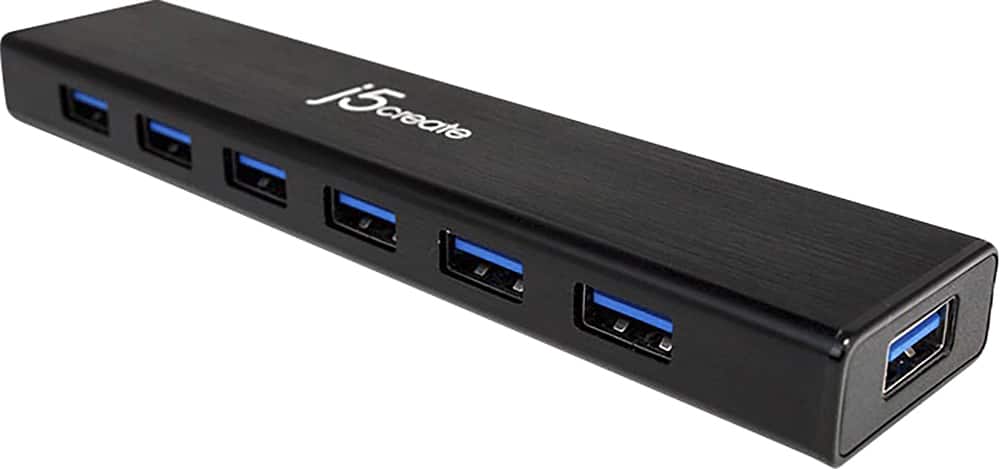
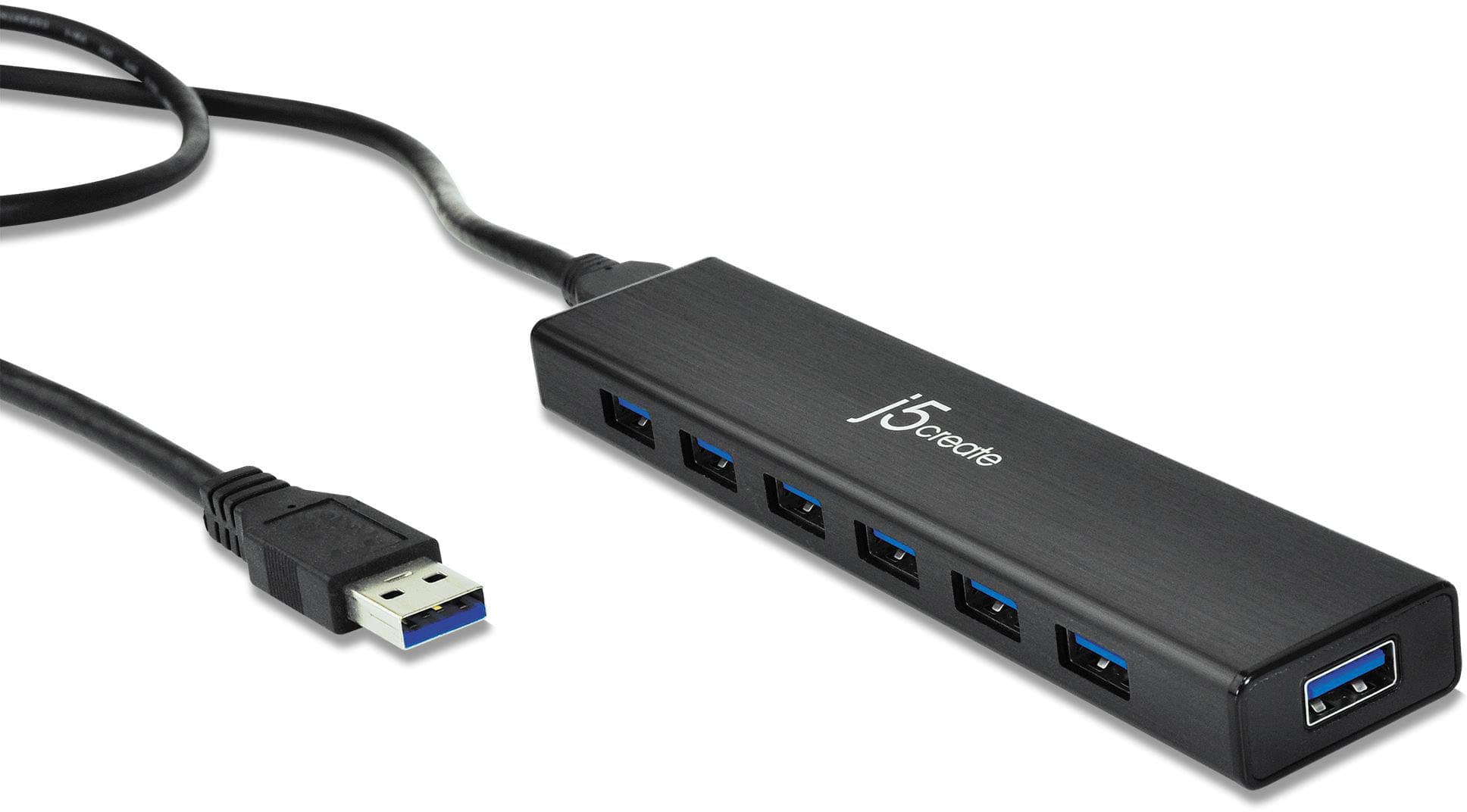
||Posted . Owned for 3 weeks when reviewed.This reviewer received promo considerations or sweepstakes entry for writing a review.This is a 7-port USB 3.0 Hub. You can attach up to seven USB 2 or 3 cables to it. They all work fast!
I would recommend this to a friendBrand response from J5create Team
Posted .Hello,
We appreciate the review. As computers are manufactured with fewer ports, USB hubs become more and more needed. This hub has 7 port and can give you the accessibility to connect several devices. I hope that you enjoy the device.
Thank you,
-The J5Create Team
Strong
||Posted . Owned for 3 weeks when reviewed.This reviewer received promo considerations or sweepstakes entry for writing a review.Very good. All the USB ports are really fast and have strong power.
I would recommend this to a friendGreat if you need extra usb ports
||Posted . Owned for 1 month when reviewed.This reviewer received promo considerations or sweepstakes entry for writing a review.Great little hub, fit in the space I needed it to, and everything I plug into it works as intended.
I would recommend this to a friendBrand response from J5create Team
Posted .Hello,
A USB hub like this one is a great way to organize your peripheral devices in one place. Glad to hear that everything is working well.
Cheers,
j5create
NICE & PRETTY BUT CAN STRUGGLE
||Posted . Owned for 6 months when reviewed.This reviewer received promo considerations or sweepstakes entry for writing a review.good price, nice looking, 3.0 powered USB. It can struggle or reset depending on what you connect. I have micro usb, usb type c cable, rgb gaming headphones, ssd portable, flash drive, and external hdd all connected at once. but it struggled so bad that I had to remove the external hdd and now it runs perfectly. so even though this is powered it can slow down or not perform depending on what is connected to it.
I would recommend this to a friendBrand response from J5create Team
Posted .Hi!
I'm sorry to hear that this hasn't met all of your needs! I'll pass your feedback onto my team so that we can continue to improve our products.
Thanks,
j5create
Great way to add extra USB 3 ports
||Posted . Owned for 3 weeks when reviewed.This reviewer received promo considerations or sweepstakes entry for writing a review.Very nice to have extra USB 3 ports for my portable hard drive and astro cameras that I need to run at the same time due to my computer only having one USB 3 port. Also this USB hub is powered so you are guaranteed to be running at USB 3 speeds on all the ports you use on the hub
I would recommend this to a friendGreat USB Port
||Posted .This reviewer received promo considerations or sweepstakes entry for writing a review.This is a wonderful USB Port and it is fast at 3.0. It was easy to set up and use without any problems. Would recommend this product to others.
I would recommend this to a friendGreat Hub for your external drives.
||Posted .This reviewer received promo considerations or sweepstakes entry for writing a review.I have this hum on a iMac (2015 / 27 inch/i5) with 2 WD8 GB easy store drives and 1 Seagate 4 GB for time machine backups. Additionally I connect my iPhone and any other portable drive needed to one of the many ports and speed is great. The only thing is that when connecting a portable drive, the iMack disconnects the time machine drive, but then it reconnect after the portable is connected. Could just be the OS or the nature of the product (usb 2.0 drive connecting to 3.0 hub).. but overall it fits the need very well,
I would recommend this to a friendBrand response from J5create Team
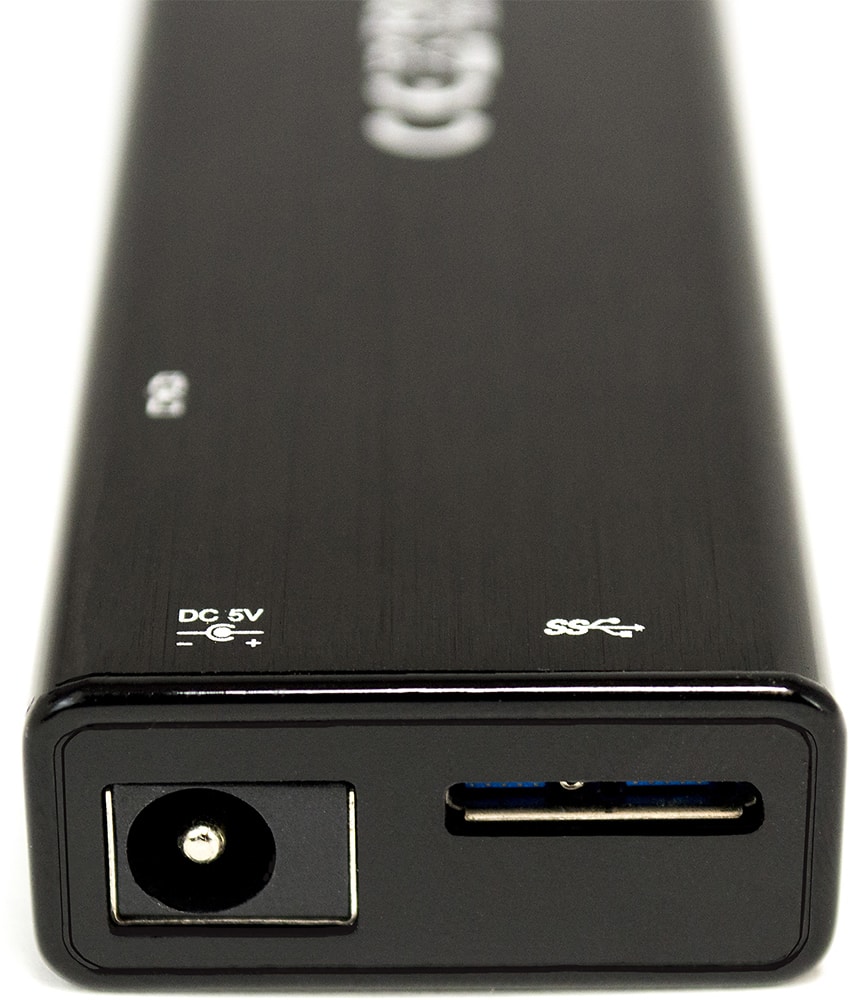
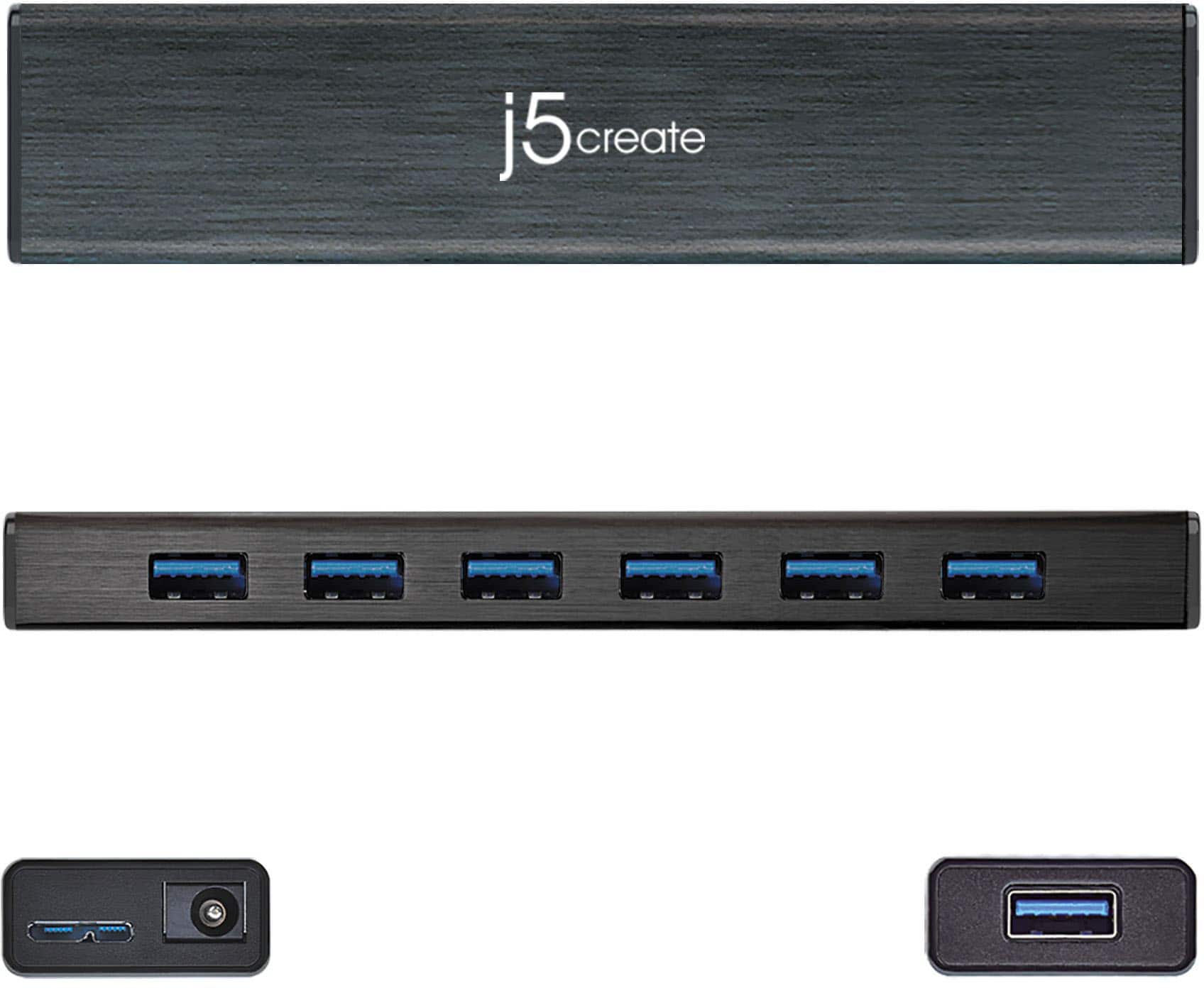
Posted .Supports USB bus-powered or DC self-powered for power hungry USB devices
Great USB tool for powerful computing
||Posted . Owned for 1 month when reviewed.This reviewer received promo considerations or sweepstakes entry for writing a review.This 7-port USB hub is a powerhouse. It enables using multiple tools without having to juggle them in and out of limited plug-ins on your laptop. I currently am using an external hard drive, a wireless mouse and two flash drives through this hub. Love it!
I would recommend this to a friendsuper usefull
||Posted . Owned for 2 months when reviewed.This reviewer received promo considerations or sweepstakes entry for writing a review.super useful and it allowed me to connect all my stuff also mac friendly
I would recommend this to a friendFast hub!
||Posted .This reviewer received promo considerations or sweepstakes entry for writing a review.I purchased because I need extra USB ports for my devices that Inuse for flight simulating. This hub is easy to set up and is super fast.
I would recommend this to a friendBrand response from J5create Team
Posted .Extends your MacBook or notebook by 7 USB 3.0 ports with a single USB plug
Really useful
||Posted . Owned for 2 months when reviewed.This reviewer received promo considerations or sweepstakes entry for writing a review.I only have one USB 3.0 port on my laptop. This allows me to plug in 7 USB devices. If I want to work on my laptop in another location, I just unplug the one connection. Then when I return to my desk, I plug the USB hub back in to connect all my devices (printer, external hard drive, etc.) Additionally, if you use the optional power supply, I assume this will draw less current from the laptop, so the laptop doesn't heat up as much.
I would recommend this to a friendBrand response from J5create Team
Posted .Hello Andrew,
Having all of your USB peripherals plugged into a hub does make really easy to disconnect your laptop and go. The power supply will provide extra power to the hub to support the needs of the devices plugged into in. Your feedback is greatly appreciated.
Have a nice day,
j5create
Beast!!!
||Posted . Owned for 1 month when reviewed.This reviewer received promo considerations or sweepstakes entry for writing a review.I use every single port on this thing. It is not uncommon for me to use every port at least once daily. The price is right and it works well! I would buy another in a flash if I needed another one!
I would recommend this to a friendJ5 Create - 7 Port USB Hub
||Posted .This reviewer received promo considerations or sweepstakes entry for writing a review.So far I'm very pleased with this 7 port USB Hub. My laptop just doesn't have enough slots. It was easy to install, slim and works great.
I would recommend this to a friendBrand response from J5create Team
Posted .All Plug n Play ports, no drivers
Useful addition
||Posted . Owned for 3 weeks when reviewed.This reviewer received promo considerations or sweepstakes entry for writing a review.Exactly what we needed. My son wanted to use a gaming keyboard, mouse in addition to charge his controller. Since the PS4 we have only has 2 USB ports and one is dedicated for the hard drive we needed more option. So this works great, giving us extra ports. Has it's own power source, and using all these extra peripherals hasn't caused any issues with lag.
I would recommend this to a friendGreat Product!
||Posted . Owned for 1 month when reviewed.This reviewer received promo considerations or sweepstakes entry for writing a review.Great product for the price. Not an amazing deal...is the only reason it did not get five stars from me.
I would recommend this to a friendWell made!
||Posted . Owned for 8 months when reviewed.This reviewer received promo considerations or sweepstakes entry for writing a review.Very well made. Sturdy. Sleek. Nice piece. The thing I love about this piece is how well made it feels. I e had cheaper flimsy hubs. This is definitely not that!
I would recommend this to a friendGood Hub
||Posted . Owned for 3 weeks when reviewed.This reviewer received promo considerations or sweepstakes entry for writing a review.This hub is great for adding ports to a laptop or computer. It is powered so each port has its own power.
I would recommend this to a friendBrand response from J5create Team
Posted .Hi Fiberoptic, the JUH377 is a great device for adding flash drives, web cameras, mice, keyboards to the computer. With no driver installation required, simply plug and use! ** Feel free to contact us with our information on the packaging for Technical Support, device warranty registration or if you have any other questions and/or require any further
assistance and someone will be glad to assist you. Be sure to check out our website for other devices that could also be of great usage to you and your colleagues.
Just as a heads up, we also provide both Spanish and English speaking Technical Support. Thanks.
Great USB hub
||Posted .This reviewer received promo considerations or sweepstakes entry for writing a review.I needed a hub with more ports and found this product on line. The reviews were good so I thought WHY NOT. I must say, it's working great!
I would recommend this to a friend