Customer Ratings & Reviews
- Model:
- JVCU100
- SKU:
- 12210019
Rating by feature
- Value
Rating 4.4 out of 5 stars
- Quality
Rating 4.4 out of 5 stars
- Ease of Use
Rating 4.6 out of 5 stars
Not the easiest to test
Posted .This reviewer received promo considerations or sweepstakes entry for writing a review.Works well, but not the easiest camera/microphone to test prior to using prior to using Zoom or Meet applications.
I would recommend this to a friendCan't recommend
Posted .This reviewer received promo considerations or sweepstakes entry for writing a review.The camera visual quality itself is so-so, but the audio quality from the built-in mic is very staticy and totally unusable. The camera also tends to have a bit of a fisheye effect at the edges.
No, I would not recommend this to a friendBrand response from J5create Team
Posted .Hello,
Thank you for sharing this issue with us. It looks like you encountered a phenomenon called radio frequency interference (RFI). This is caused by USB 3.0 devices. The signal from USB 3.0 devices (like docking stations and adapters) can interfere with wireless devices operating within the 2.4GHz band (like wireless keyboards and mice). Some wireless devices operate in the 5GHz band are less likely to be affected by RFI.
Our U.S. based support team will be more than happy to provide assistance with technical questions like this. Our support team can be contacted by email, chat, or phone through the Support tab on our website.
Thanks,
-J5Create
Great performance
Posted .This reviewer received promo considerations or sweepstakes entry for writing a review.Needed this to replace a broken laptop camera. Couldn’t find any other brands in stock. Ordered this unit and couldn’t be happier. The lowlight feature is really great and the quality is much better than my old web camera. Would recommend!
I would recommend this to a friendBrand response from J5create Team
Posted .Hi!
That's great to hear! With the pandemic in full swing, it's vital to stay connected and I'm glad this has made things easier for you. If you have any questions regarding you device, please don't hesitate to contact us. Our information can be found on the back of all of our product boxes and on our website under the support tab. There you can find links to our livechjat, phone, and ticketing services.
Thanks,
j5create
Great camera
Posted .This reviewer received promo considerations or sweepstakes entry for writing a review.Bought to replace my old webcam. Way better than my old one 10/10
I would recommend this to a friendAffordable and great quality
Posted .This reviewer received promo considerations or sweepstakes entry for writing a review.I got this webcam to use with my MacBook Pro 15-inch. I wanted to keep the laptop folded up and use it with an external monitor. This camera has way better quality than the built-in webcam on my MacBook, and was literally plug and play simple. Super happy so far.
I would recommend this to a friendBrand response from J5create Team
Posted .Hello,
This webcam is an upgrade to most native laptop webcams. The j5create webcam has 1080p playback. The camera does not require any software drivers to use, so it is completely plug and play. It’s great to hear that you are happy with your purchase.
Thanks,
j5create
Worked great but then stopped working after 2mo
Posted .This reviewer received promo considerations or sweepstakes entry for writing a review.Good value. Good enough quality and build. Good camera quality. Plug and play. Unfortunately, it stopped working after 2-ish months. When plugged in, all that appears is a faint green light. The web cam doesn't register on the computer. The USB connecting and ejecting sound repeats continuously when plugged in. I contacted j5create, but they haven't responded back yet.
No, I would not recommend this to a friendBrand response from J5create Team
Posted .Hello Sebastian,
I believe that I was able to find your support request. You should be receiving a response soon.
Thank you,
j5create
Poor color
Posted .This reviewer received promo considerations or sweepstakes entry for writing a review.Cons: Color quality and saturation were very poor, even in the best of lighting. Use this camera if you have 100% natural light and maybe you will have tolerable color. When I tried to solve this issue, J5 Create was very unorganized in its customer support, and refused to honor a return. Get a Logitech instead. Pros: The wide angle was nice The resolution was pretty decent
No, I would not recommend this to a friendBrand response from J5create Team
Posted .Hello Steve, we value customer input as it helps us discover flaws in our system. I'm sorry to hear about the customer service experience you had with us. The JVU100 has a companion app that allows you to adjust brightness, color, hue and more. If you have not been able to download the app, our agents will be happy to assist you in adjusting the settings. Our contact information can be found on the website and casing. I apologize for the inconvenience you had with us and hope we may still earn your business and trust.
Respectfully,
j5create
needed camera for call
Posted .This reviewer received promo considerations or sweepstakes entry for writing a review.best buy has the best cameras for conference calls - thankful it was in stock
I would recommend this to a friendGreat Deal, Fantastic Video!
Posted .This reviewer received promo considerations or sweepstakes entry for writing a review.Fantastic Video. MUCH better than both my built in HP Laptop Camera and one of the Top Selling USB Cameras I bought on Amazon.
I would recommend this to a friendBrand response from J5create Team
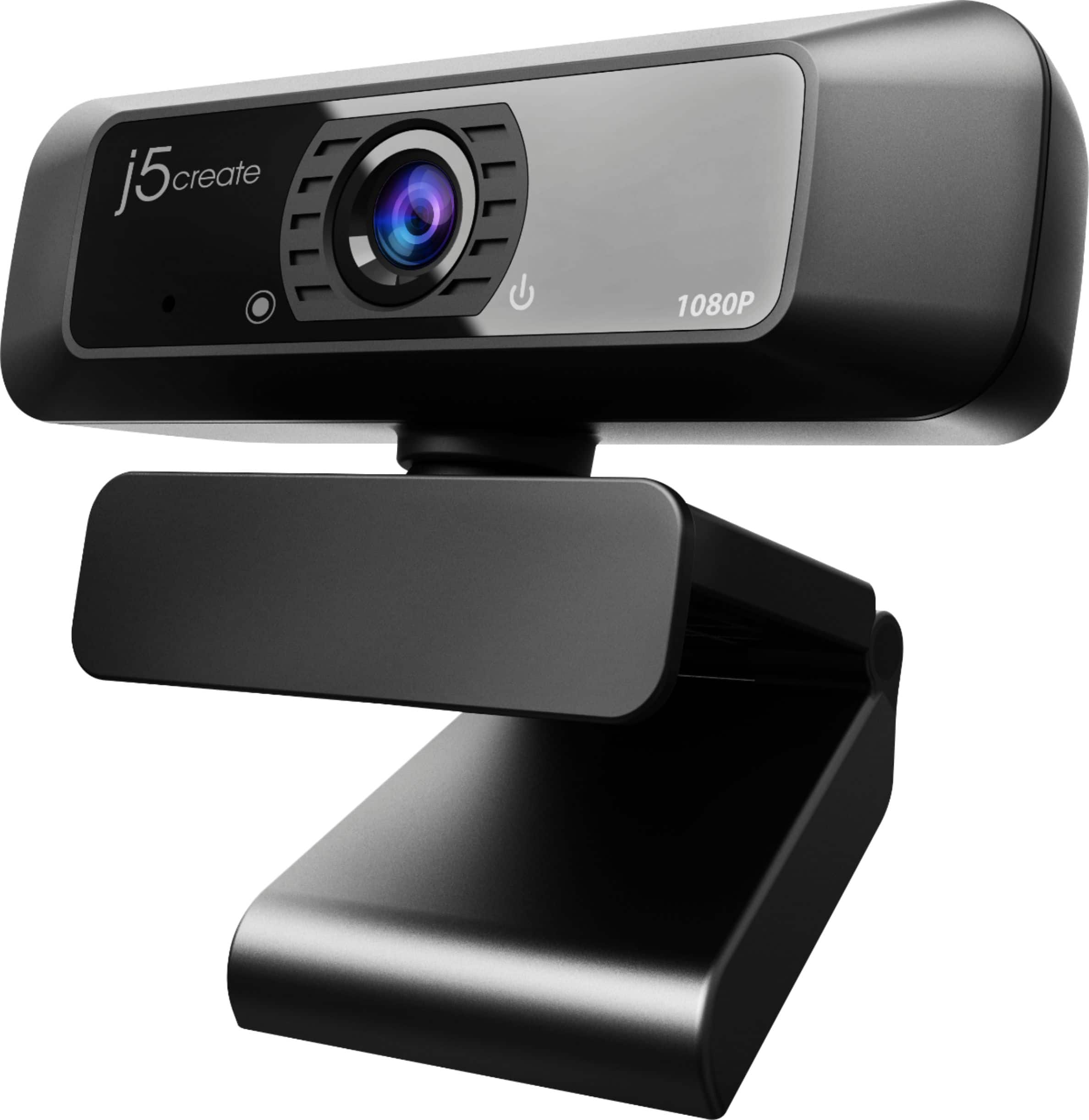
Posted .High definition 1080p image sensor with wide angle lens.
Love Sunshine
Posted .This reviewer received promo considerations or sweepstakes entry for writing a review.It works for what we need it for right now which are zoom meetings. It could use better lighting. Brighter.
I would recommend this to a friendHelp
Posted .This reviewer received promo considerations or sweepstakes entry for writing a review.A 1 so far; I've plugged it into my Dell and my Mac, and nothing happens. My old Logitech works like a charm. Am I missing something?
No, I would not recommend this to a friendBrand response from J5create Team
Posted .Hello,
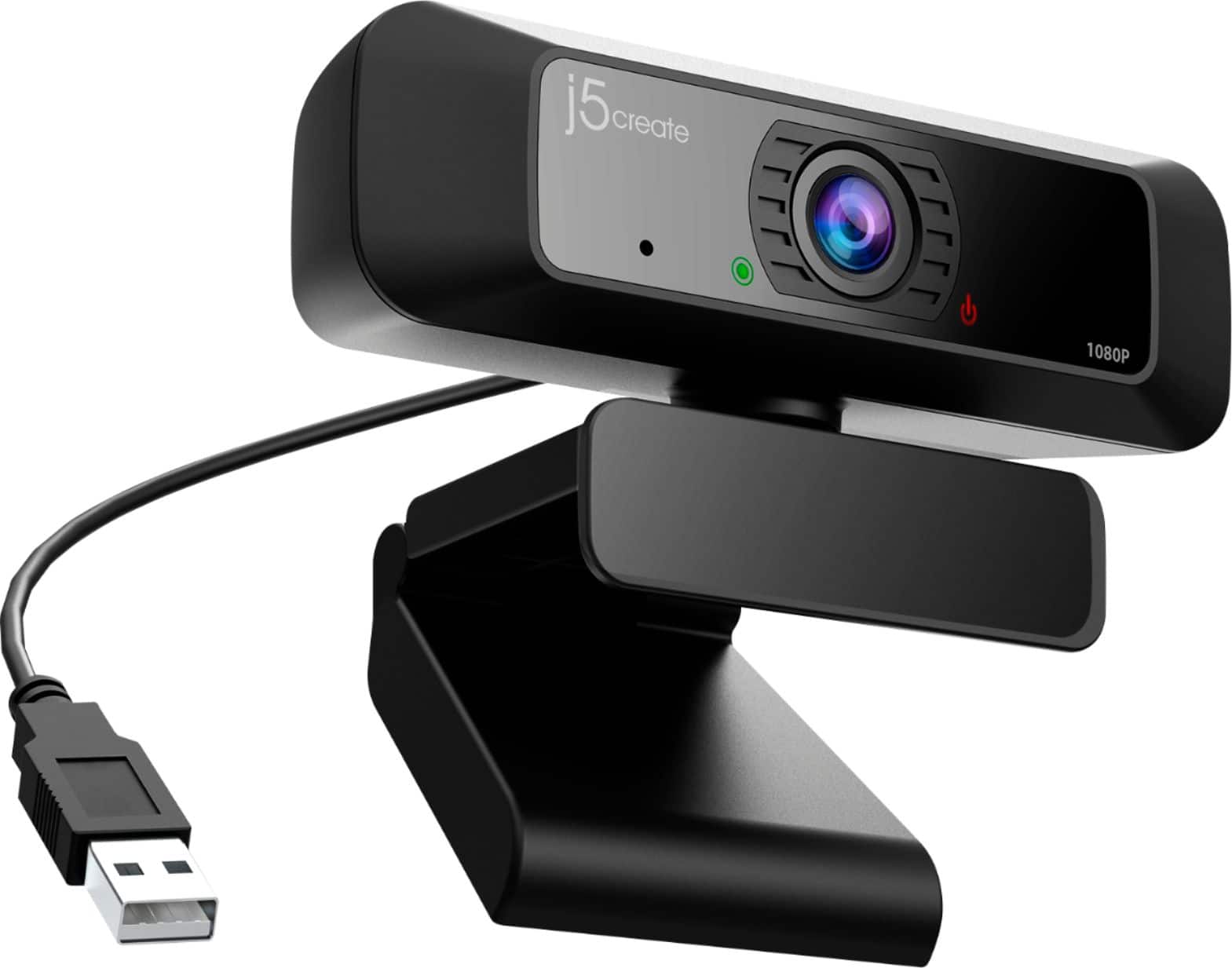
An easy way to test the webcam is to open up the Windows Camera App or the Facetime App on your Mac. When the webcam is plugged in there will be a red light on the camera and when it is recording there will be a green light. If you need any more assistance you can contact the j5create customer support team. Our contact information is printed on the product packaging and is available on the j5create website under ‘Support’.
Thank you,
j5create
Item quickly stopped working
Posted .This reviewer received promo considerations or sweepstakes entry for writing a review.In less than 30 days, first the built-in microphone stopped working and about a week later, the camera stopped working, Very disappointing experience.
No, I would not recommend this to a friendBrand response from J5create Team
Posted .Hello,
With the issues that you are experiencing I would ask that you contact the j5create customer service team. They can assist you with troubleshooting the issues that you are encountering with the webcam. If the webcam is defective our products are covered by a 2 year limited warranty. Our contact information can be found on the product package and on our website under the ‘Support’ drop down.
Thank you,
-The j5create Team