Customer Ratings & Reviews








- Model:
- JBLBAR1000PROBLKAM
- SKU:
- 10100639
Rating by feature
- Value
Rating 4.5 out of 5 stars
- Quality
Rating 4.7 out of 5 stars
- Ease of Use
Rating 4.7 out of 5 stars
- Pros mentioned:Sound qualityCons mentioned:Remote control

A Solid 4-Stars
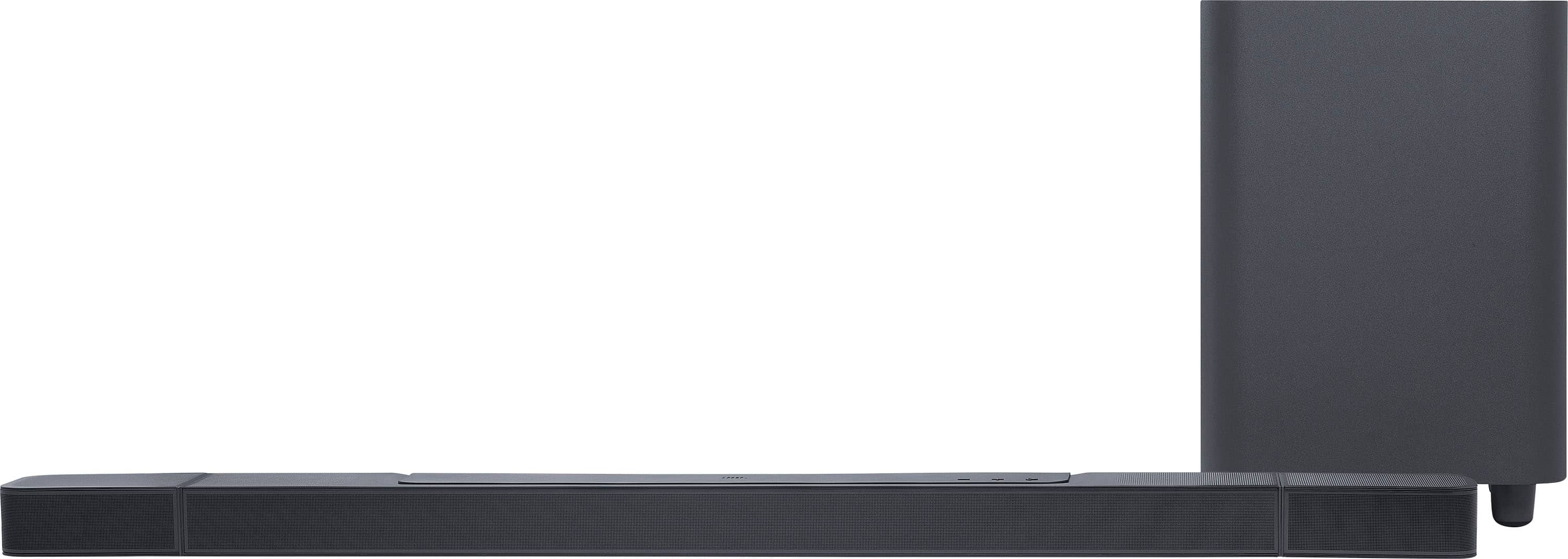
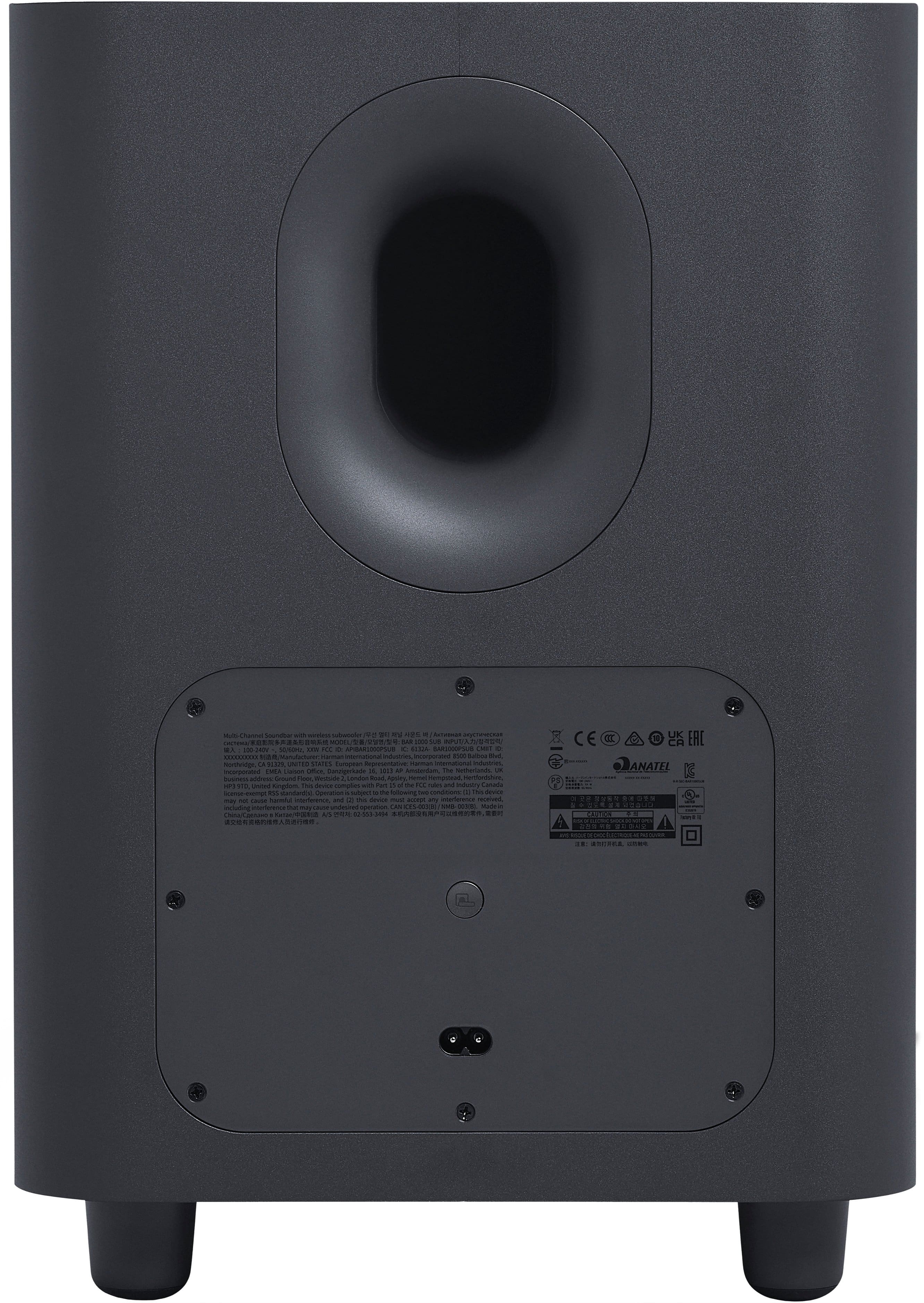
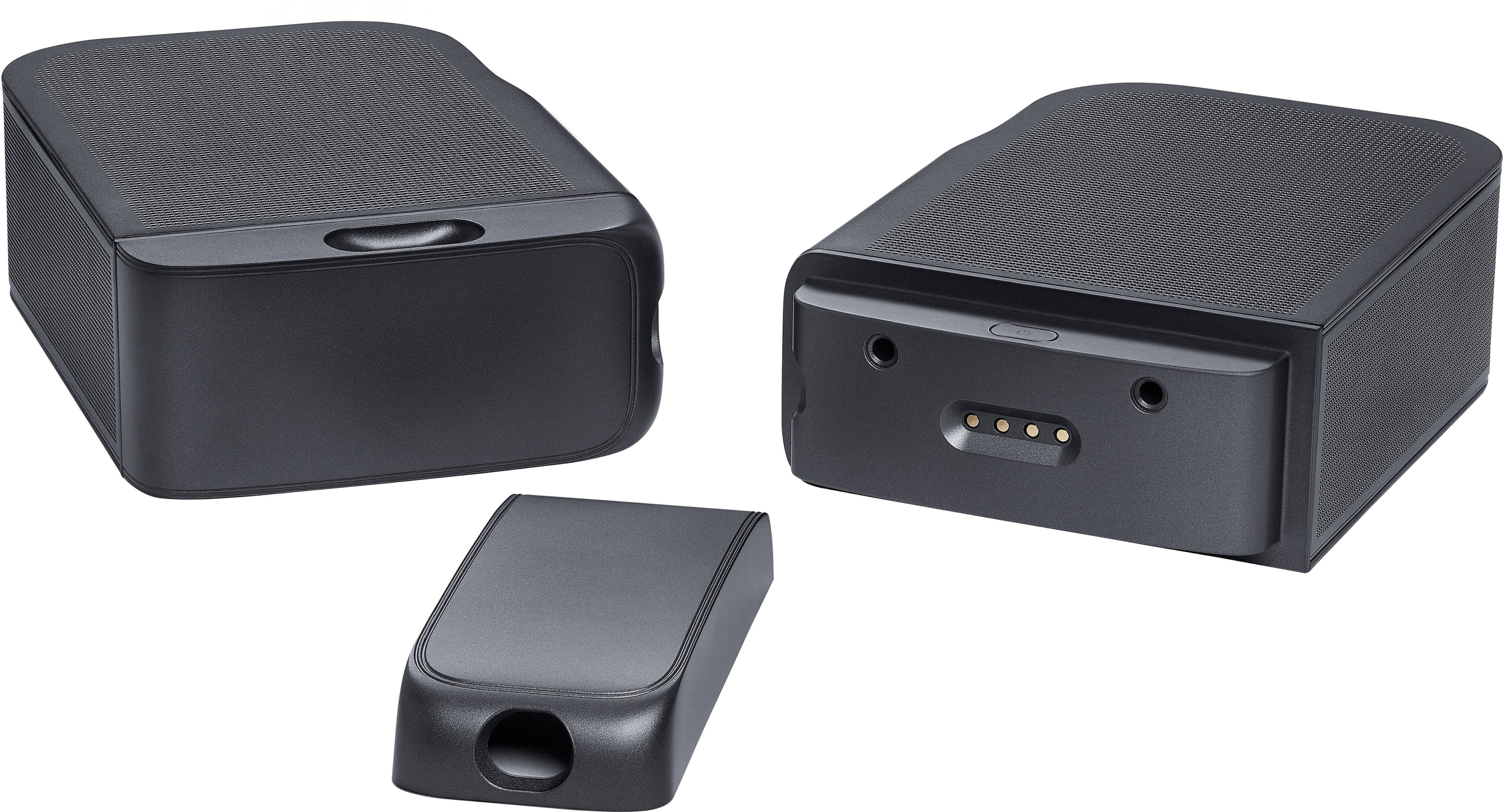
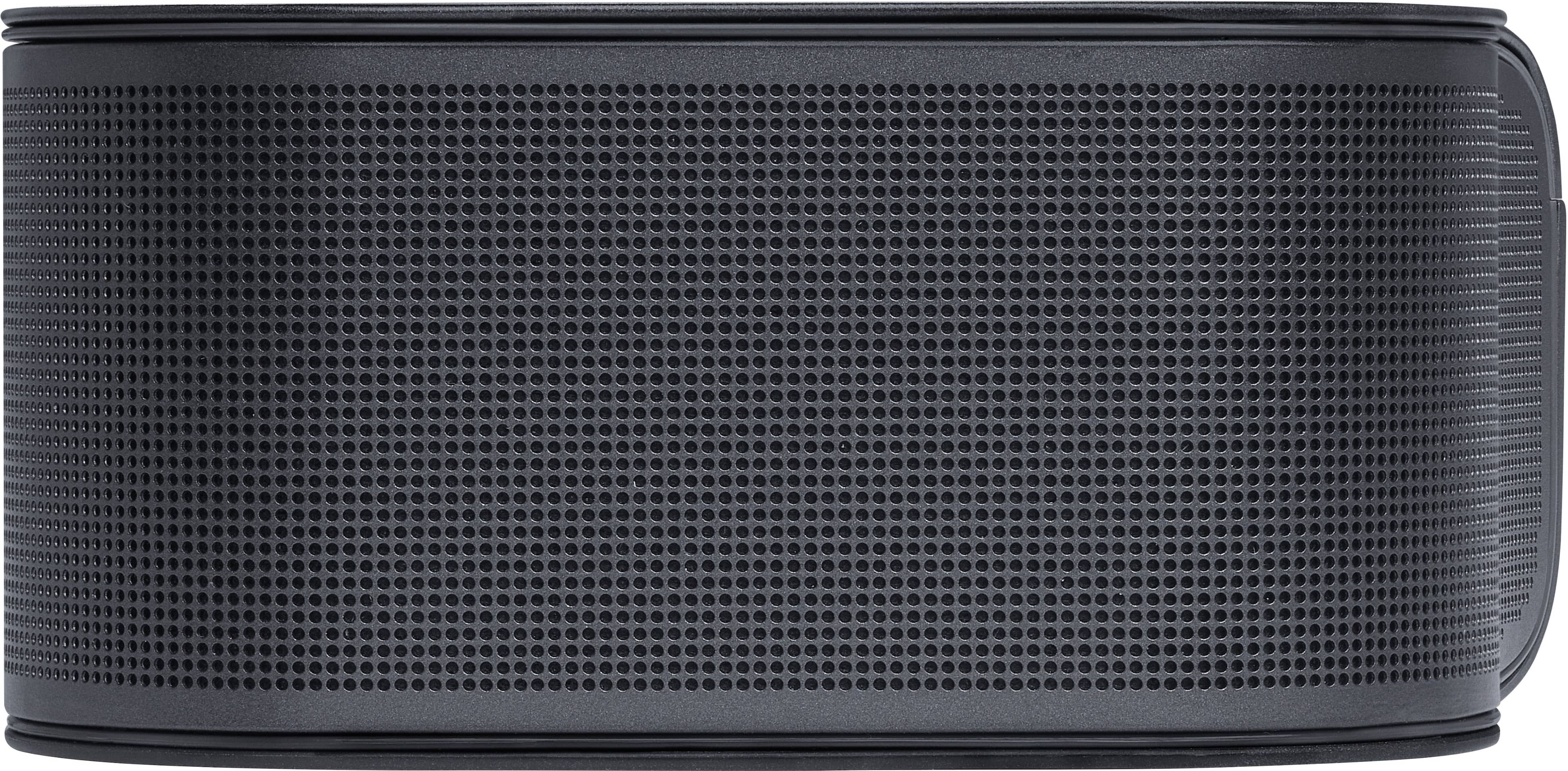
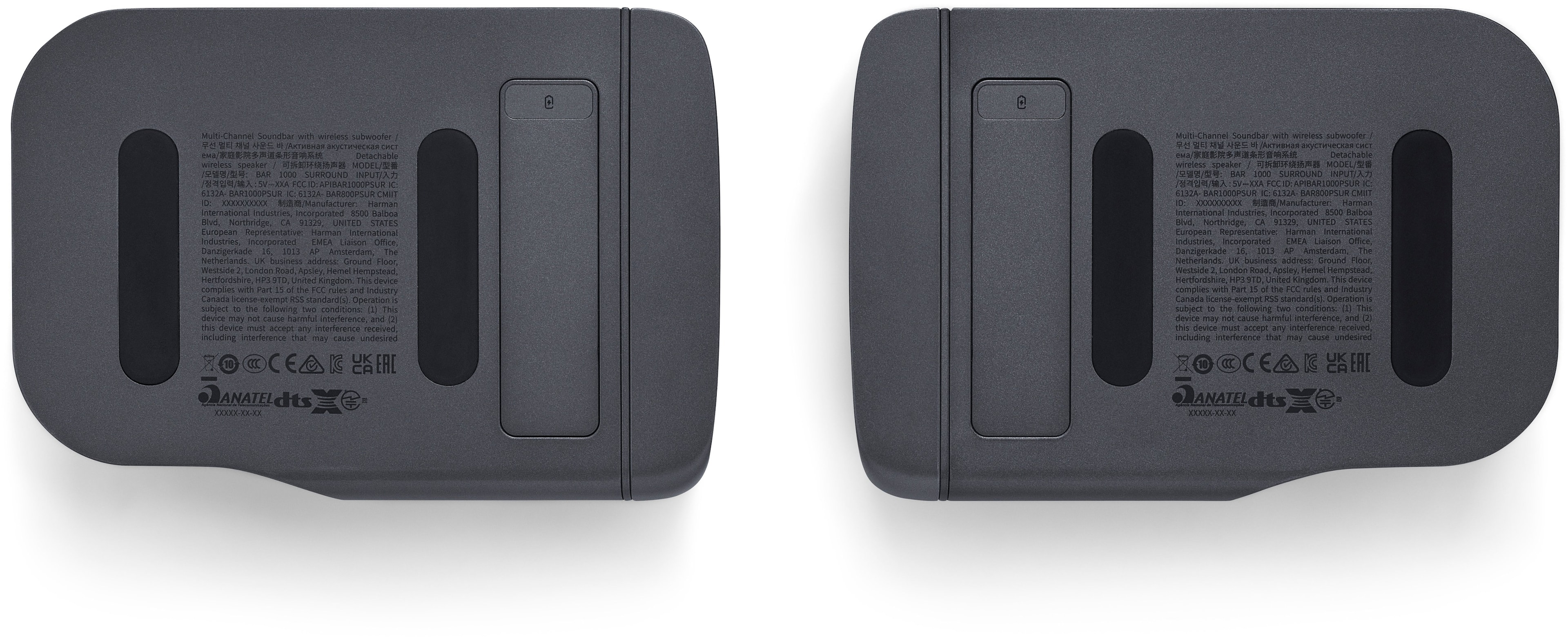
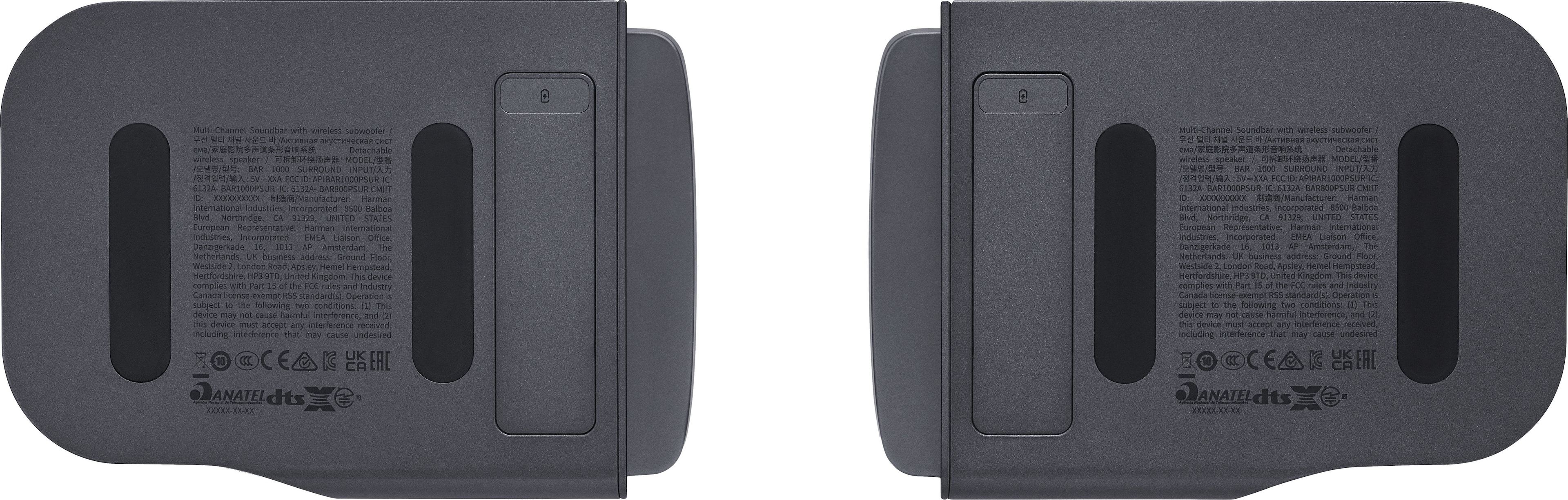
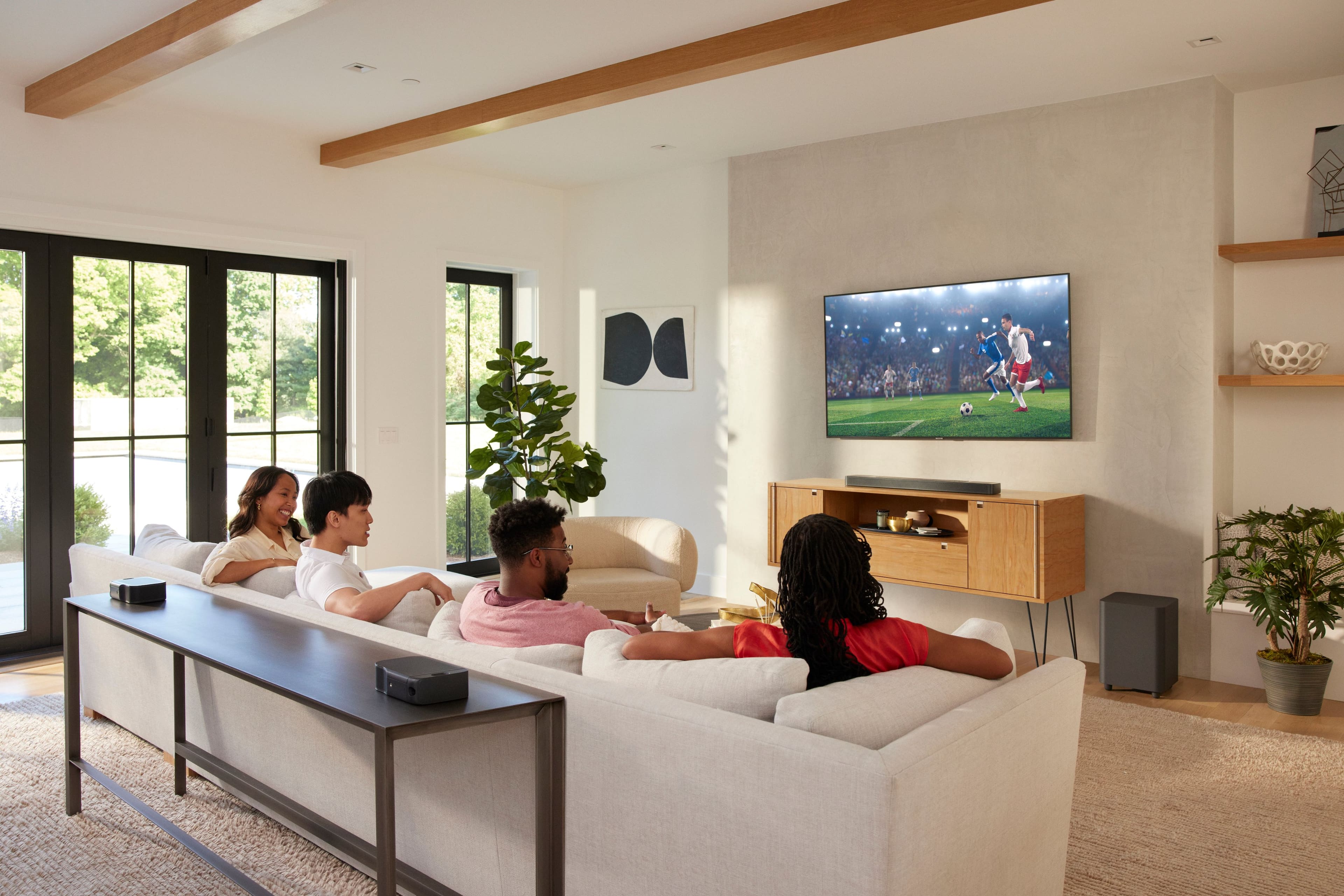
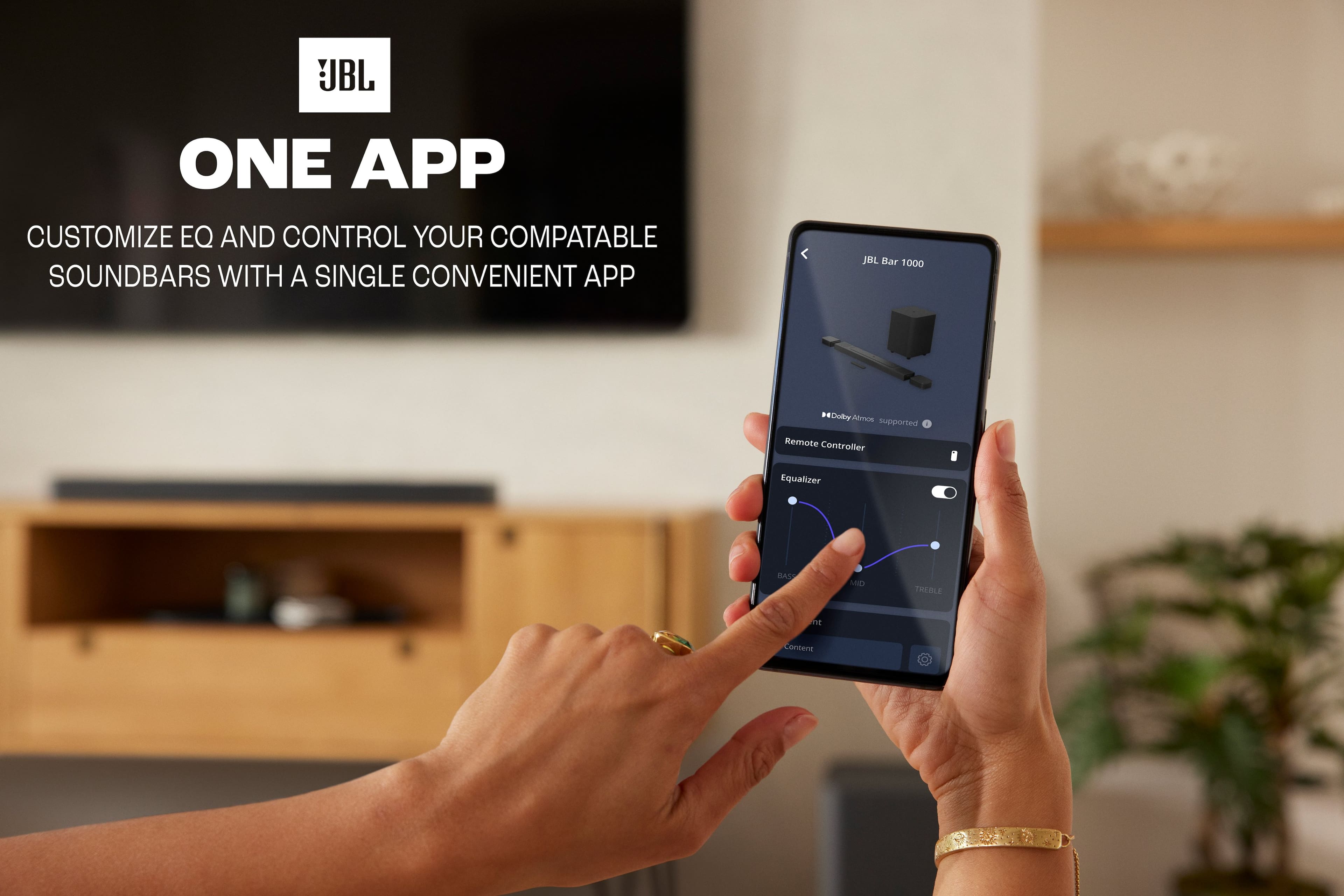
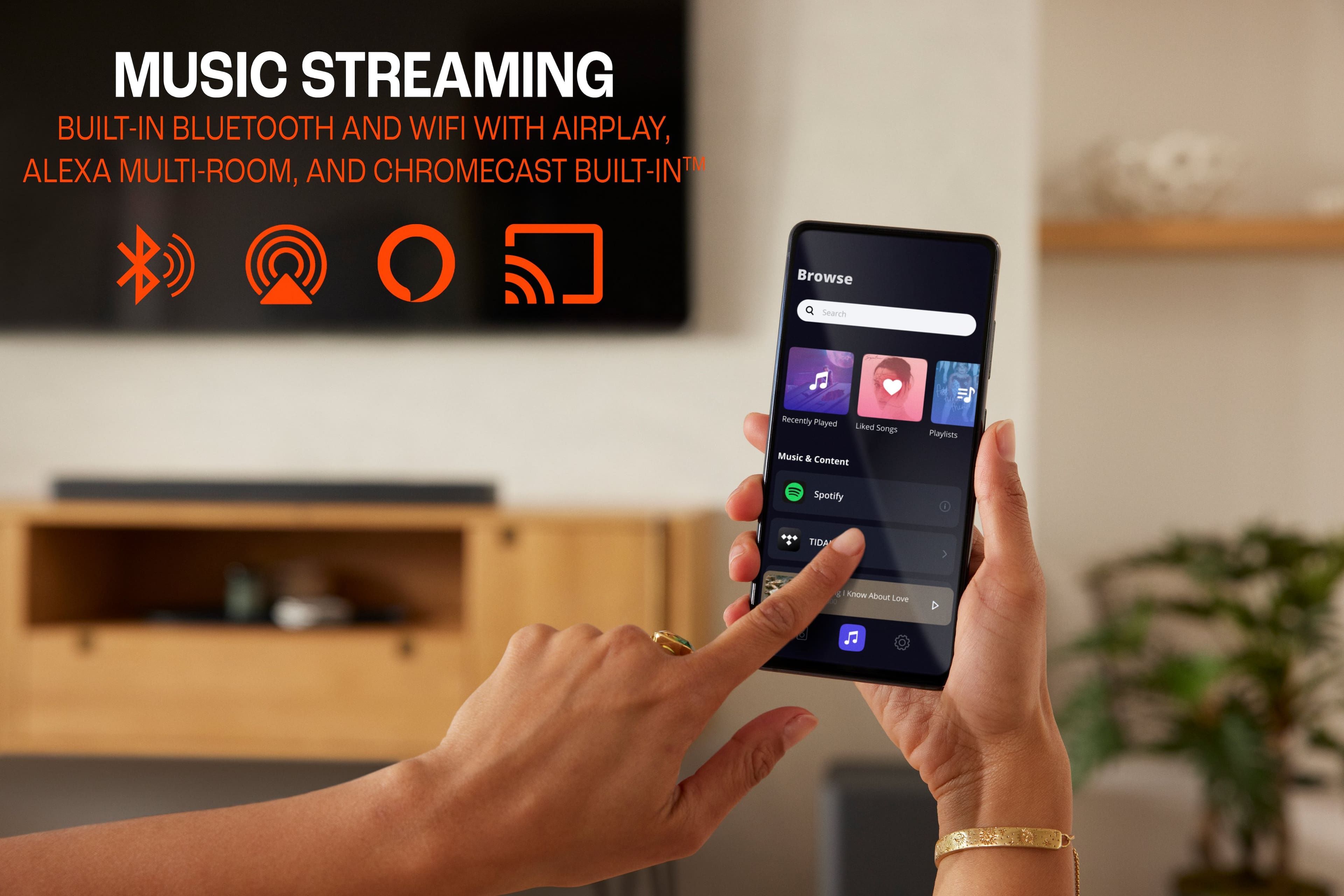
|Posted .This reviewer received promo considerations or sweepstakes entry for writing a review.SHORT REVIEW: The JBL BAR 1000 system exceeds our family’s expectations for a room filling, 3-D Multibeam Surround Sound, Dolby Atmos supported soundbar. And it does this while maintaining dialogue clarity that is consistently understandable. After using for 5 days, never once did my wife ask me “what did s/he just say?” My recommendation is for small to medium sized rooms. Much larger environments would no doubt benefit from JBL’s flag-ship BAR 1300 system. PROS - Easy to Setup; Truly Wireless Rechargeable Rear Speakers; 10” Subwoofer; Impressive Volume (room size dependent); Understandable Dialogue; Supports 4K Dolby Vision Atmos and DTS:X; Multi-Room Music; JBL ONE app; Rear Calibration; WiFi or Ethernet; End-caps for Soundbar & Rear Speakers; and Learns TV’s Remote Functions. CONS - Streaming music lacks substance (subjective); Limited EQ Adjustments with only one alternative room EQ choice; No USB-C cables or power adapters provided for a stationary installation of the rear speakers. BOTTOM LINE: If this is your first soundbar, or you are upgrading from 2.1, 3.1, 4.1, even some 5.1.2 systems, then you will be blown away when watching Blu-Ray movies. But if you do a lot music streaming, or upgrading from a 7.1.x system, then you may not be as enthusiastic. LONG IN-DEPTH REVIEW: BACKGROUND: I own and continue to use two competitor’s soundbars (7.1.2 in a larger Family Room area, and 3.1 in our Bed Room) that incorporate proprietary dialogue technologies (Voice Adjust & AccuVoice). This review will use our existing systems as a baseline for comparison. This JBL is installed a 12’ x 17’ x 8’ Living Room with hardwood floors without drapes. UNBOXING: Extremely well packaged for shipping. Easy enough to remove the subwoofer, soundbar, individual rear speakers, and other accessories to begin the setup. BASIC SETUP: A quick setup guide was included but too small to actually read. I had downloaded and read the setup guide along with the full user manual. My initial goal was to plug in the soundbar and charge the rear speakers. Both the sub and rear speakers came paired to the soundbar. FIRMWARE UPGRADE: I used an iOS tablet to download the JBL ONE app for setup, feature tweaking, and upgrades. Once installed the base unit became “self-aware” and began a firmware upgrade that took about 12 minutes @ 300 Mbps. SOUND CHECK: Before connecting to our HDTV, since I had the JBL app opened, I used iOS Airplay to stream a Goose concert. Sounded pretty darn good, somewhat overly “bright”, but still putting a smile on my face while I was tweaking the audio settings alternating between the remote and the JBL app. I thought the JBL cranked beyond my expectations at a 22 level (scale 0 to 32). But overall volume was not an issue for me as others have mentioned. After using for 5 days, to my ears, the musical sound stage was lacking in overall warmth and sounding thin. As much as I tried, I could not dial in/out the limited EQ settings or by turning off PureVoice and Smart Mode. I must mention unlike other mid to high end systems, there are no easily selectable EQ settings allowing for different uses. Example, it would be awesome to have a dedicated remote button with the ability to step through preconfigured EQ settings like Auto Mode, TV Mode, Night Mode, Music Mode, Stereo Only Mode, etc. Options that have the audio fine-tuned for specific uses. Maybe JBL can incorporate those features into a firmware upgrade with controlling through their JBL ONE app? I understand there actually are 2 modes, default “Smart Mode” for rich sound effects, and “Standard Mode” for news & weather with reduced effects. (See PDF Manual.) Suggestion - make your modes user friendly by including in your JBL ONE app, while providing other mode options (as mentioned above) would be a welcomed addition for users HDTV CONNECTIVITY: Used the provided HDMI cable to connect our HDTV eARC port to the JBL eARC port. Then connecting our ATT STB to the soundbar HDMI-1 and our Blu-ray player to HDM-2. Excellent feature having 3 HDMI inputs on the JBL using it as the source switch. CALIBRATION: Once the soundbar is setup, and the rear speakers are sufficiently charged, you should calibrate for your specific room environment. A fairly simple 2-step process after you read the manual, or use the app, and follow the instructions. I can’t say it changed much, other than possibly “centering” the rear speakers. Anyway, I applaud JBL for incorporating this feature for those room environments that may substantially benefit due to high ceilings, drapes, rugs, etc. TEACH ME: The JBL base unit can “learn” four HDTV remote functions: Power on/off, Volume +, Volume -, and Mute. This was helpful because my ATT STB doesn’t support HDMI-CEC. Reference the full PDF manual, 7.2.1. DOLBY ATMOS: Dropped in the Blu-ray player “San Andrea” and was immediately treated to a thunderous immersive room of Atmos 3-D special effects extraordinaire emanating from all directions at a volume 20 level. While at no time did I have any issues with vocals or dialogue. CABLE & STREAMING: Using AT&T was less impressive vrs. Blu-ray movies. Watching cable movies and some streaming movies there is a volume drop. I believe it’s the source material and/or streaming service provider, not JBL. Nevertheless, you may encounter volume inconsistencies between media types. REMOTE: I thought the remote was lacking needed features. Like a stepping treble button, a dedicated PureVoice button, and maybe a Smart Mode on/off button. But after setup with the JBL ONE app, I find the remote adequate covering the most used functions. PUREVOICE: This is JBL’s proprietary technology with “…enhanced vocal clarity and easily hear and understand speech”. Works for me! And you can temporarily turn OFF PureVoice. MULTI-ROOM MUSIC: I was able to easily add the JBL BAR 1000 “Living Room” system to my existing Android phone Google Home app, combining it with my “Family Room / Kitchen” competitor’s system, into a “Home Group” for a first-floor musical bacchanalia. It was under this Home Group sound environment, with both systems simultaneously streaming music, that I and others could evaluate (A - B) the competing two systems. (The competitor’s won out by all…) Anyway, if you have nothing to compare it to, you should still be satisfied. REAR SPEAKERS: I intentionally saved this topic for last. For the past 5 days, I have vacillated between these truly wireless rechargeable rear speakers being a technical monumental achievement, vrs. the constant moving back and forth for charging is a bit of a pain. Including a set of USB-C cables with power adapters would have resolved this dilemma. Since I have this system installed in our living room that is not used daily for movies, I can easily live with moving to charge. Plus, my wife prefers I didn’t clutter her end tables with my toys…
I would recommend this to a friend Should’ve gone with BOSE
||Posted .This reviewer received promo considerations or sweepstakes entry for writing a review.The detachable speakers do not have good quality sound, not worth the $$
No, I would not recommend this to a friendTc
||Posted . Owned for 1 month when reviewed.This reviewer received promo considerations or sweepstakes entry for writing a review.Been having trouble with it. Waiting on geek sqaud to come and hopefully fix it.
No, I would not recommend this to a friendBrand response from JBL Support
Posted .Thanks for bringing this to our attention. We'd like to work with you directly to address the issues you're experiencing with your JBL Bar 1000. If needed, we'd also like to get more information so we can check your options. Please contact our customer support.

- Pros mentioned:Bass, Detachable speakers, Sound quality
Sweet
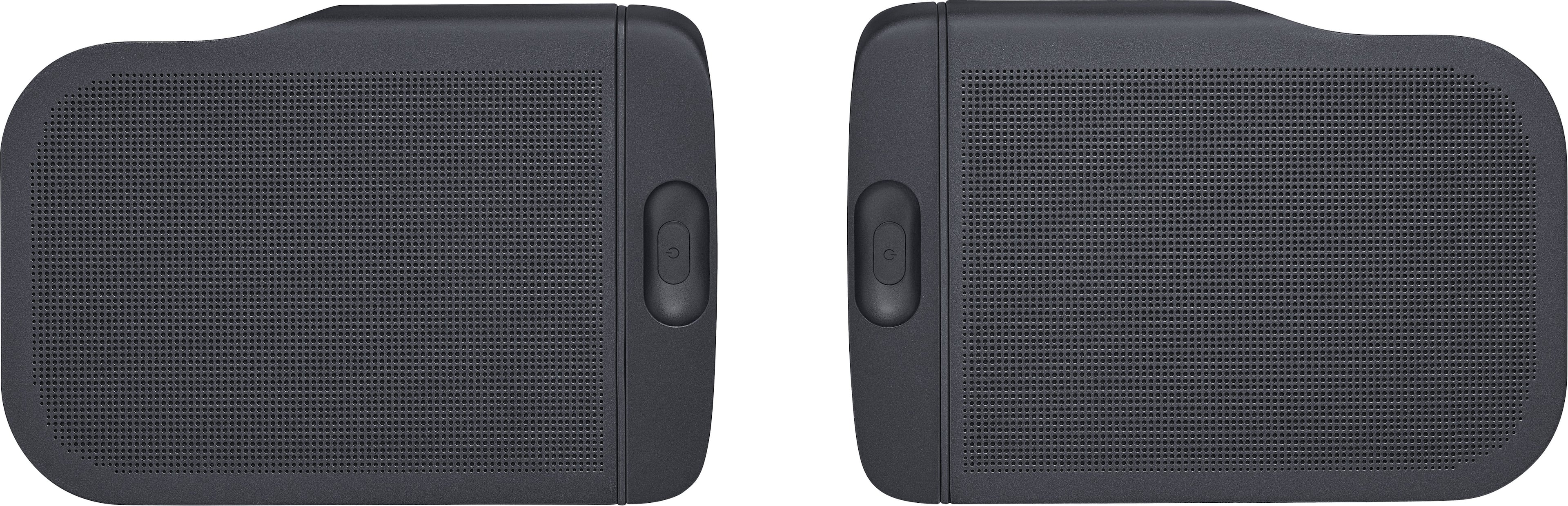
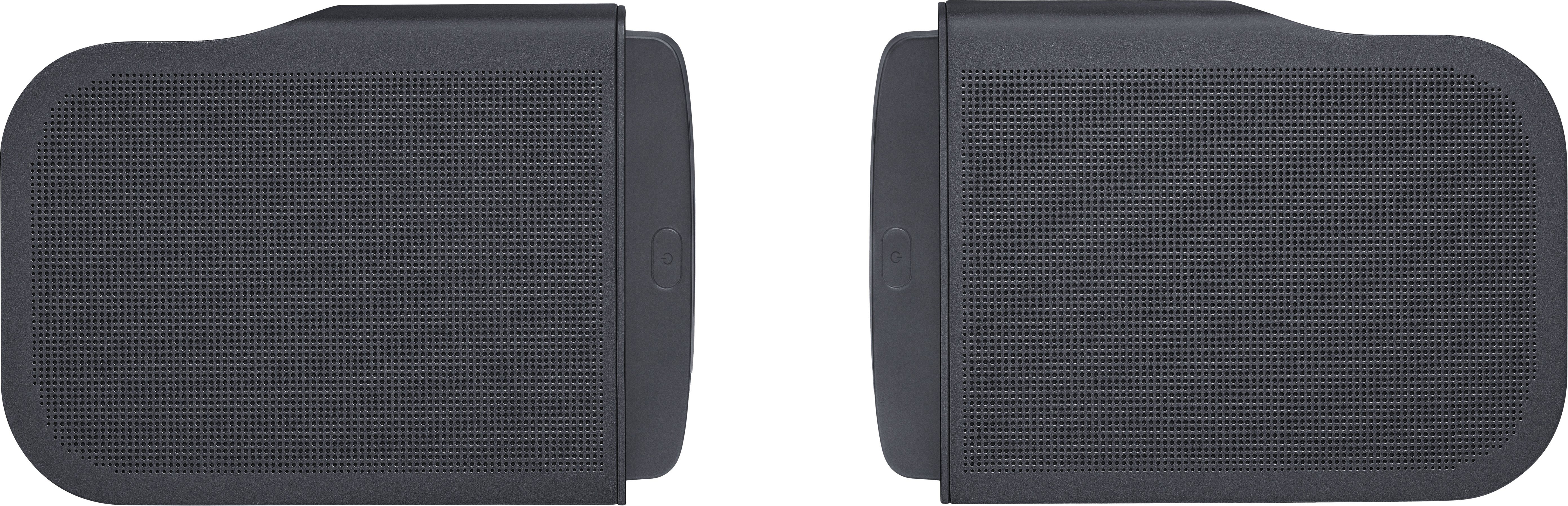
|Posted .This reviewer received promo considerations or sweepstakes entry for writing a review.Nice. I have had a few soundbars over the years but this one is the best one yet. It's my first one from JBL though I have owned a few of their other products and enjoyed them as well. They have a longstanding reputation for being one of the best (THE best IMO) speaker companies around. Sorry bose, you're good too but you're not jbl. I also have had some altec (lansing) speakers which are great too but partly due to their affiliation with jbl. Enough with the history lesson; if you want to know more look it up. OK so I hope we've established that I like jbl and if they make something it must be (better be) good. Yeah I probably use parentheses too much too. (I think I spelled that right.) Don't fall asleep yet I'm almost to the review. This thing is loaded up with everything (no kitchen sink included though) that you might currently want from a soundbar. I hesitate to call it a soundbar because it seems much more than that. Ok so it's not quite as good as my $5000 plus or my $10,000 plus audio/surround systems (I likes my audio) but it's still good for around $1000 and doesn't require a genius or a ton of cables to hook it up. Quality cables for high end systems can get pretty expensive nowadays. I really like the detachable surround speakers which can be used wirelessly and placed wherever you like and can be recharged with usb c or by docking them to the soundbar. They sound good for their small size. The system allows you to calibrate them if you change their location but that's really up to you. Also has a pretty massive subwoofer that gives you plenty of bass for movies or music. I'm currently using it in a medium size spare bedroom but it can get loud if you want to use it in a bigger space. Nice app for your phone too which adds a few more features. Get one. Your neighbors may not like it unless you invite them in to jam down or watch some movies.
I would recommend this to a friend DON’T BUY
||Posted . Owned for 1 year when reviewed.This reviewer received promo considerations or sweepstakes entry for writing a review.Absolutely the worst sound bar on the market. Always malfunctioning. Always turns off for no reason. Detachable speakers rattle and hum. Always have to reset to factory settings because it gets stuck. Don’t buy
No, I would not recommend this to a friendNO HELP
||Posted . Owned for 2 months when reviewed.This reviewer received promo considerations or sweepstakes entry for writing a review.It sounded great in the store but cannot get it to work at home and I am waiting on the phone for many minutes (over 15 now) to get help. I may have to hang up and wait again. I purchased this at Thanksgivings.
No, I would not recommend this to a friendLiked it at first.
||Posted . Owned for 3 weeks when reviewed.This reviewer received promo considerations or sweepstakes entry for writing a review.I had to take it back because the sub woofer started making weird crackling sounds. Decided to spend the extra money and swithch to Sonos.
No, I would not recommend this to a friend- Pros mentioned:Bass, Detachable speakers, Sound quality
Great Soundbar!
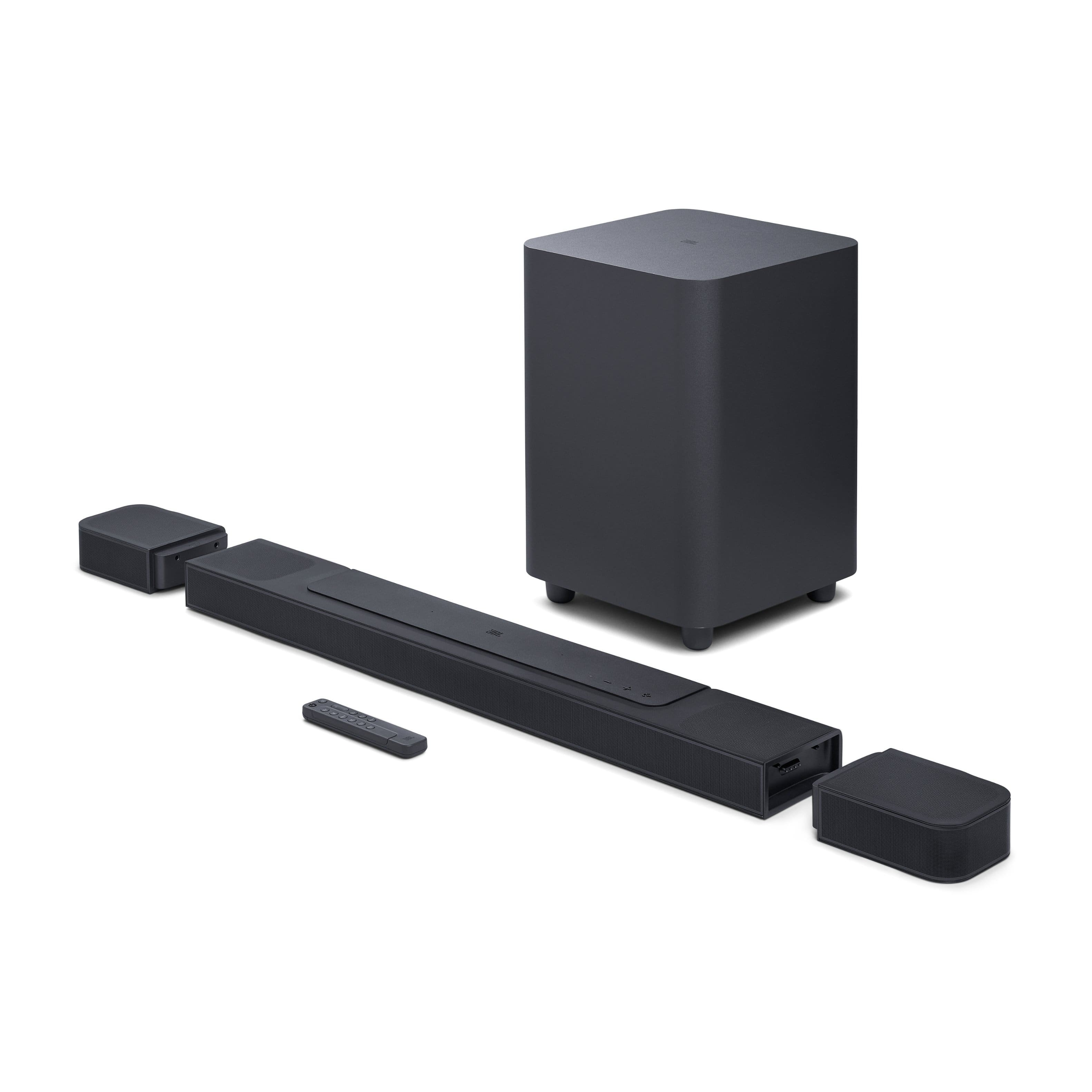
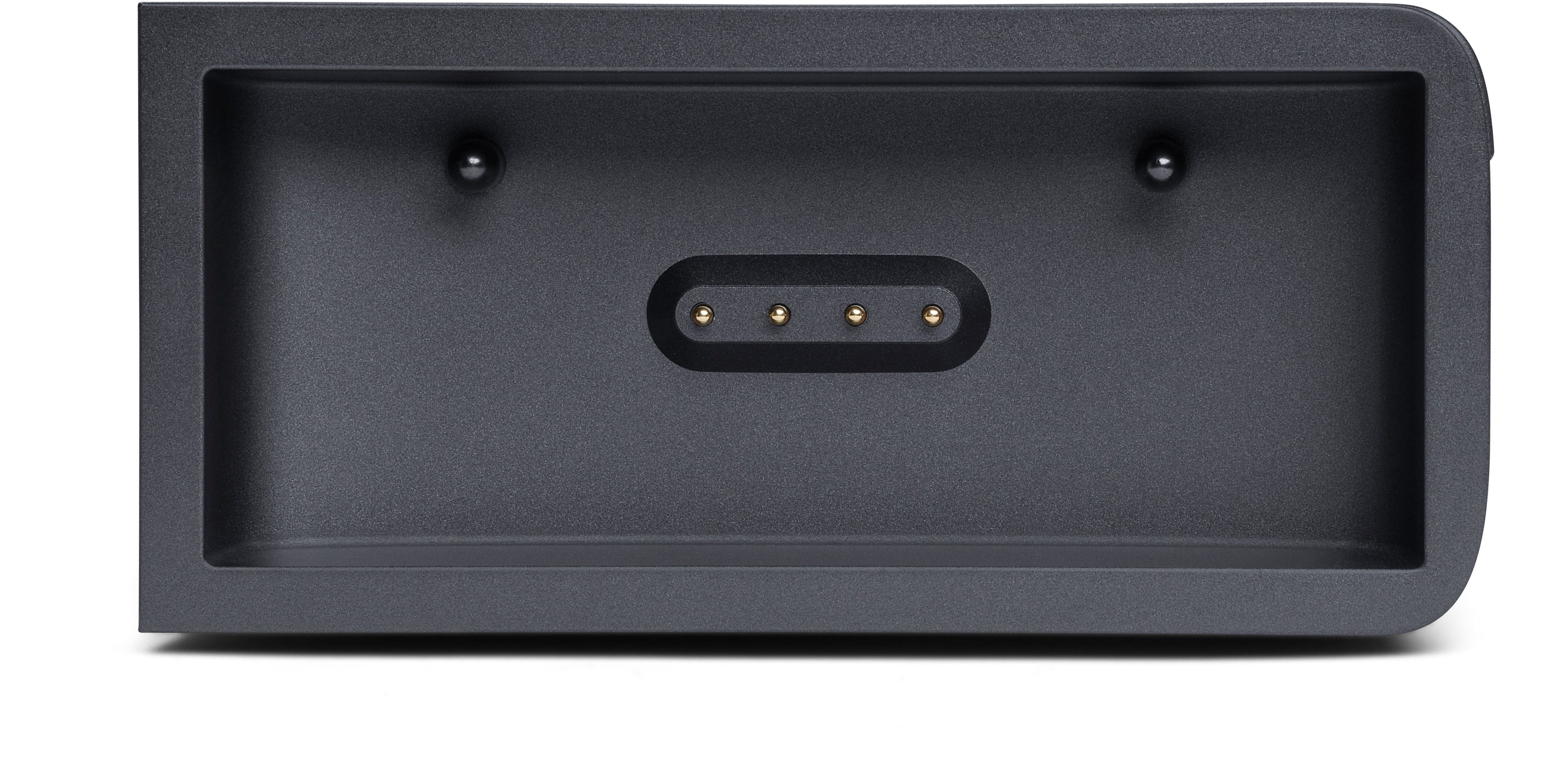
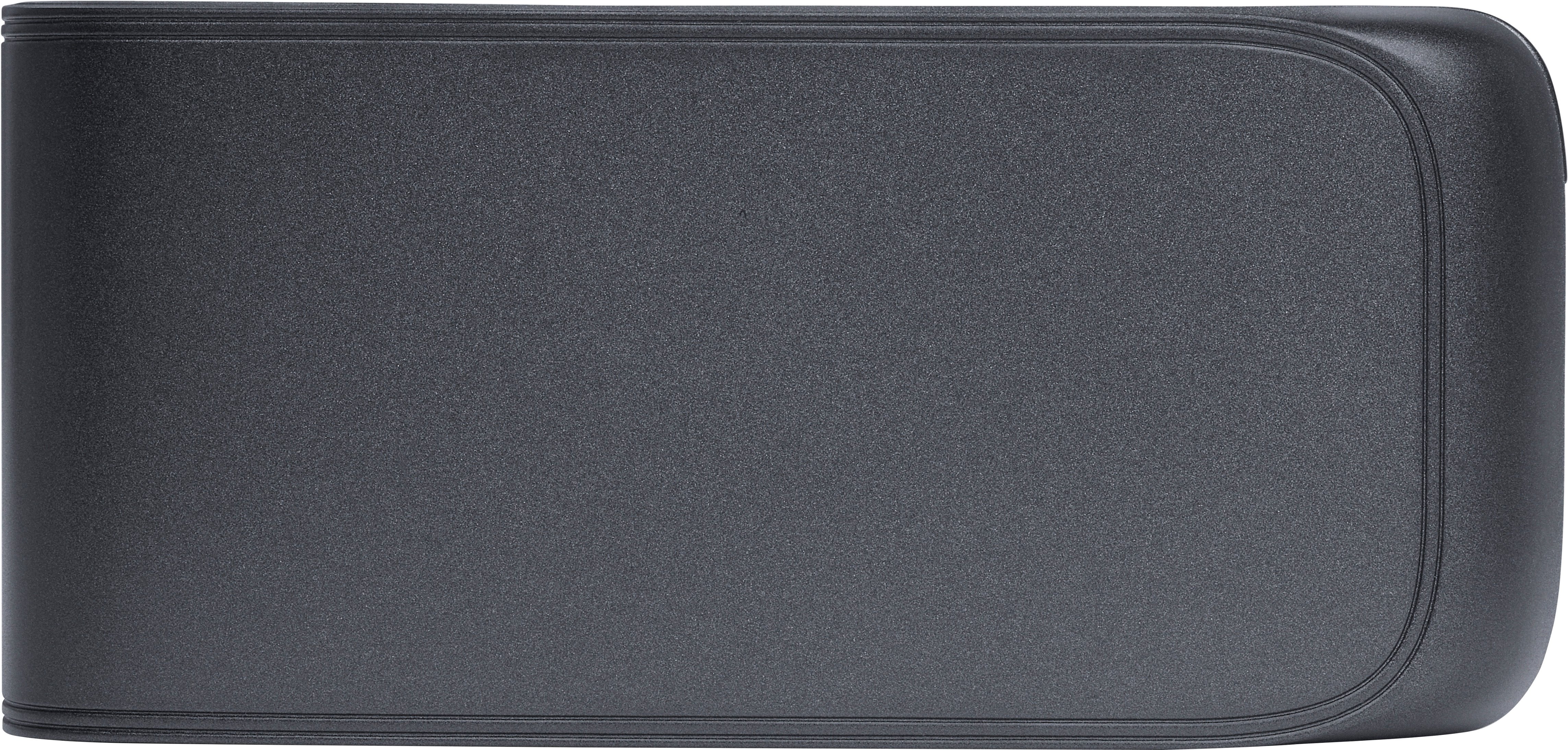
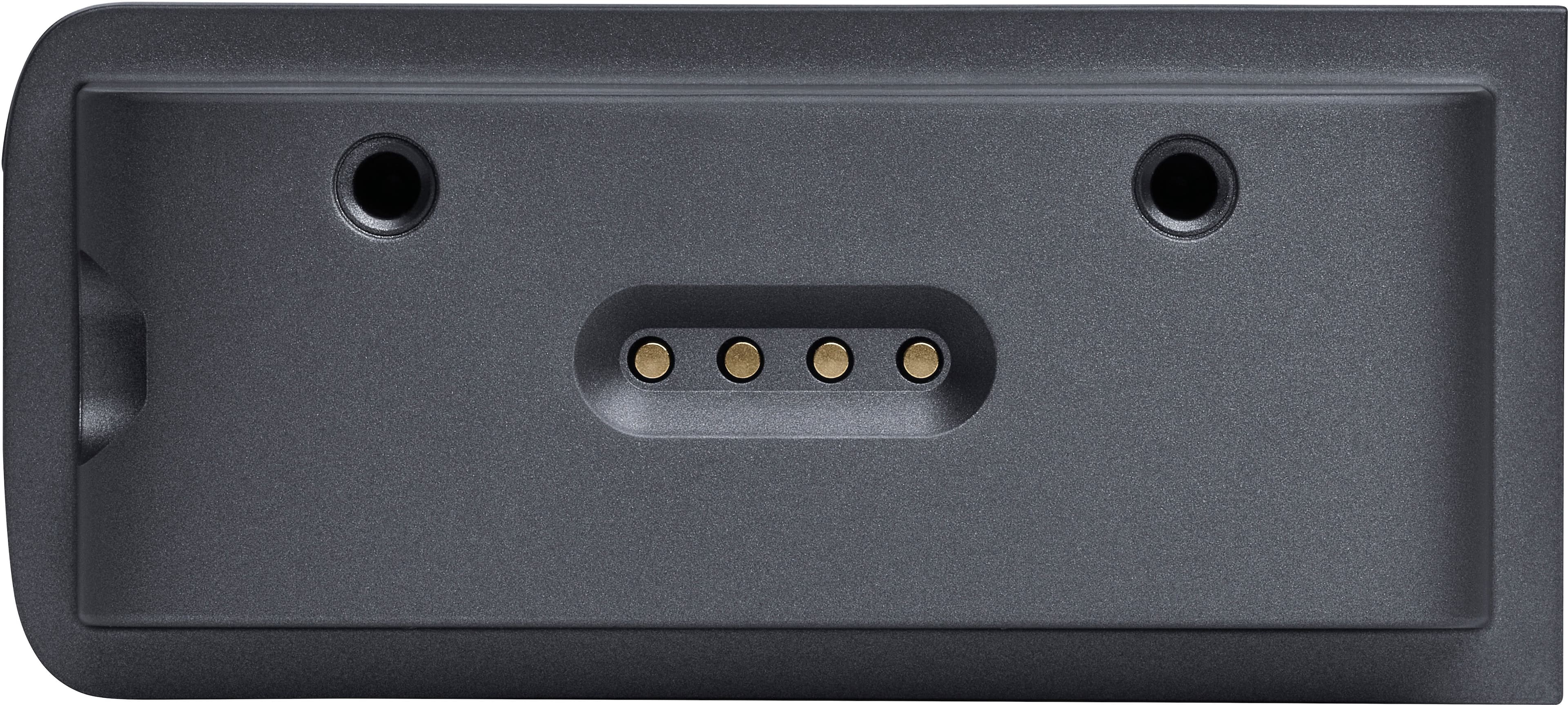
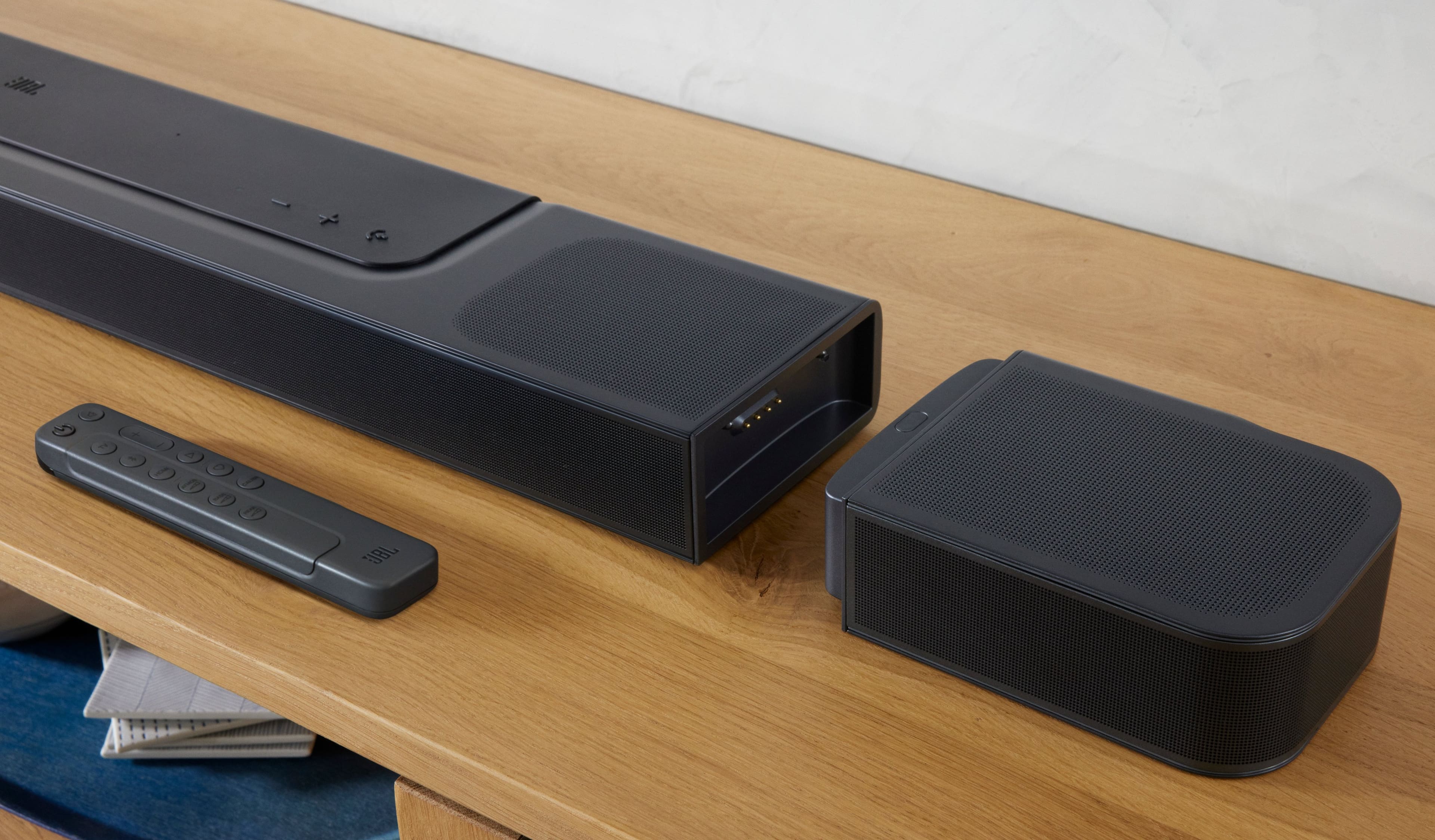
|Posted .This reviewer received promo considerations or sweepstakes entry for writing a review.The JBL BAR 1000 soundbar makes a great addition to your audio/visual system. The sound it produces is clear and crisp, even at high levels. The included wireless subwoofer is plenty powerful without being overwhelming. Some buyers might want a little more boom from the subwoofer, but I feel it is just right. The detachable surround speakers are a fantastic addition to the soundbar. When detached, they can be placed anywhere in the room to give you true surround-sound feel. They have cover caps that fit on the ends where they detach from the main soundbar that my previous bar did not have. Another great feature is that the detachable speakers are rechargeable by reconnecting them to the main bar. Set-up is very easy using the JBL One app. The bar has Chromecast built-in, and works with Hey Google, Apple AirPlay, Spotify, and other services seamlessly. The included remote is definitely an upgrade from my previous system. It has a calibrate button for easy calibration of your system when you have your speakers arranged. It supports Dolby Atmos, DTS:X, and Multibeam. I am very pleased with the sound from my connected TV and streaming music from my smartphone. I would highly recommend this soundbar.
I would recommend this to a friend Not worth price
||Posted . Owned for 3 weeks when reviewed.This reviewer received promo considerations or sweepstakes entry for writing a review.Dont waste money on this. Couldnt even tell if it was on. Sound is weak. I got lowest priced sony receiver, two sony shelf speakers and a klipsch subwoofer for same price. Its 100 times louder and same price. Only good if you dont have space for speakers or live in apartment/attached unit where you cant make noise. Does not bring the thunder…
No, I would not recommend this to a friendBrand response from JBL Support
Posted .Thank you for taking the time to provide us with your feedback. We are sorry to hear that the sound quality of our JBL Bar 1000 didn't meet your expectations. we recommend downloading the JBL One App and customizing the EQ settings of the soundbar to your preference. We always strive to improve and your feedback will be shared with the relevant team. For any further queries or concerns, please do not hesitate to contact our customer support.
- Pros mentioned:Detachable speakers, Sound quality
The G.O.A.T Soundbar/Sound system!
|Posted .This reviewer received promo considerations or sweepstakes entry for writing a review.The JBL BAR 1000 7.1.4-channel soundbar with detachable surround speakers is a powerhouse in the world of audio technology. With its impressive features, including MultiBeam, Dolby Atmos, and DTS:X support, this soundbar promises to deliver an immersive and cinematic audio experience. The model I am reviewing specifically is the JBLBAR1000PROBLKAM, which comes in a sleek and stylish black design. One of the standout features of the JBL BAR 1000 is its 7.1.4-channel configuration. This setup includes seven front-firing speakers, one dedicated center channel, two detachable surround speakers, and a MASSIVE wireless subwoofer. This comprehensive arrangement ensures that every corner of your room is filled with rich and dynamic sound, creating a truly immersive listening environment. And when I say every corner - I mean it. During the Movie "Elvis" you can hear footsteps seemingly walk right up beside you, and various elements of the music ABOVE YOU. This is TRUE ATMOS from a soundbar! Similarly, the new Atmos edition of "Dark Side of the Moon" is more impressive (to me anyway as a music buff) with clocks, guitars, and other effects going ABOVE AND around you. It feels like you are right there in the center of the studio! I've always used Pink Floyd's DSOTM as a system test (as many thousands of other audiophiles do), and I am now glad I have an Atmos mix in my arsenal. I've heard the original album thousands of times - but with the JBL BAR 1000 - it's TRULY like hearing it for the first time. Enough of my gushing, and back to the hardware! The inclusion of detachable surround speakers is a remarkable feature that sets the JBL BAR 1000 apart from many other soundbars on the market. These speakers can be easily removed from the main unit and placed around your room, enhancing the surround sound experience. Whether you're watching a thrilling action movie, listening to music, or playing an immersive video game, the detachable surround speakers add an extra layer of depth and realism to the audio. The MultiBeam technology in the JBL BAR 1000 is another notable feature. This advanced signal processing technology enables the soundbar to deliver a wide and spacious soundstage. It uses beamforming to direct sound in multiple directions, resulting in a more immersive and enveloping audio experience. With MultiBeam, you'll feel like you're in the middle of the action, with sound coming from all around you. Dolby Atmos and DTS:X compatibility, again, further enhance the audio capabilities of the JBL BAR 1000. These object-based audio technologies enable sound to be positioned and moved precisely in a three-dimensional space, creating a lifelike and realistic sound environment. Whether it's the sound of rain falling from above or a helicopter flying overhead, the JBL BAR 1000 reproduces these audio elements with stunning accuracy and precision. Setting up the JBL BAR 1000 is a breeze. It comes with an HDMI eARC connection, which allows for a seamless and high-quality audio transmission from your TV (which I strongly recommend). Additionally, it supports Bluetooth connectivity, making it easy to stream music wirelessly from your mobile devices. The soundbar also includes an HDMI input and output, an optical input, and a USB port for versatile connectivity options. In terms of design, the JBL BAR 1000 features a sleek and modern look with a black finish that blends seamlessly into any home theater setup. The build quality is excellent, and the included remote control offers intuitive and convenient operation. The wireless subwoofer adds a deep and VERY powerful bass to the overall sound, further enhancing your audio experience. One aspect to consider is the size of the JBL BAR 1000. Due to its 7.1.4-channel configuration and detachable surround speakers, it may require a larger space to accommodate its presence. However, if you have room for it, the JBL BAR 1000's performance will undoubtedly impress. In conclusion, the JBL BAR 1000 7.1.4-channel soundbar with detachable surround speakers, MultiBeam, Dolby Atmos, and DTS:X support is a top-of-the-line audio solution that delivers a truly immersive and cinematic experience. With its powerful sound, easy setup, and stylish design, it's an excellent choice for anyone looking to elevate their home theater or gaming setup to new heights. And I am glad to have it in my guest room, as an alternate "audiophile" grade listening space. As of this date, the JBL BAR 1000 blows every other soundbar in its class STRAIGHT out of the water. So if you are still sitting on the fence about purchasing it - GET IT. YOU WON'T BE SORRY!
I would recommend this to a friend - Pros mentioned:Sound qualityCons mentioned:Remote control
A+ sound. Unique Features. Terrible Remote.
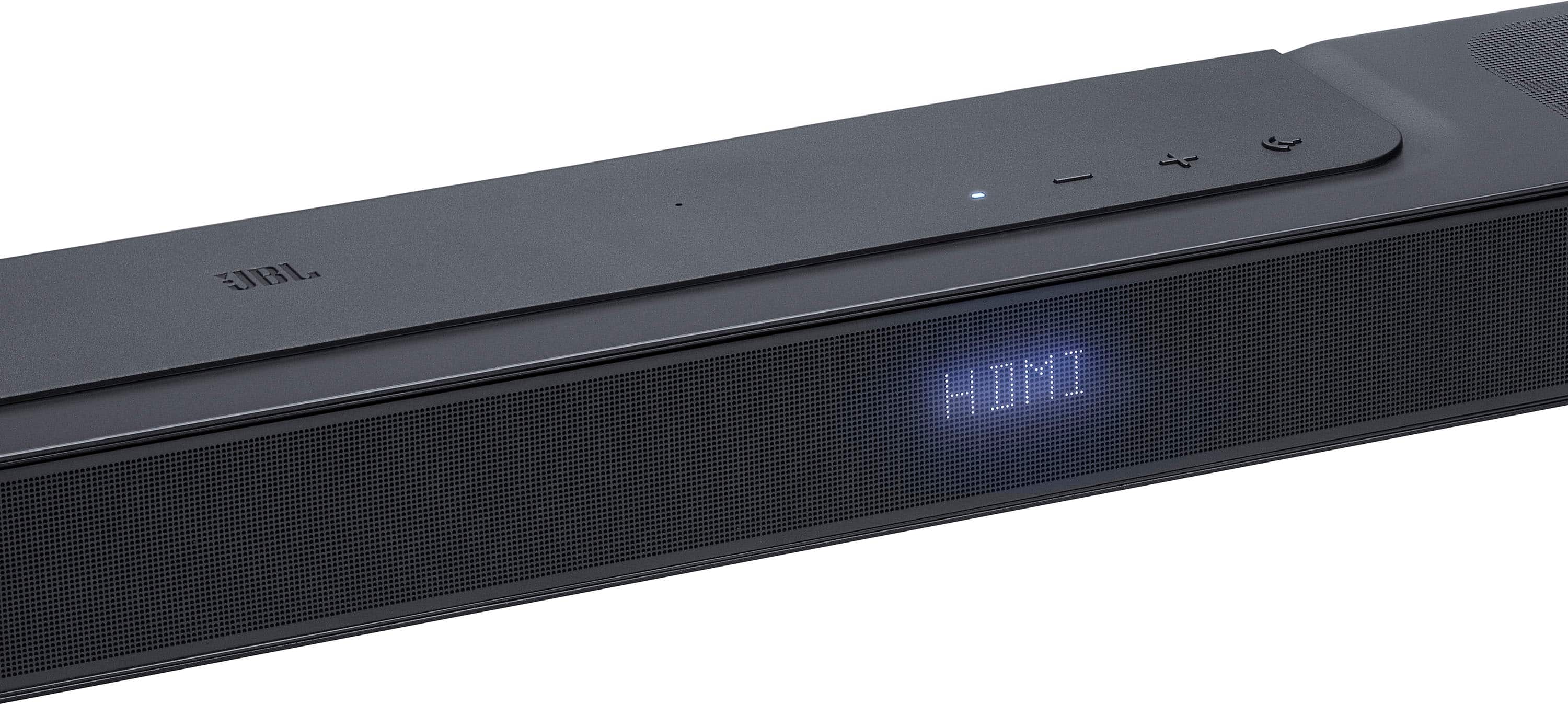
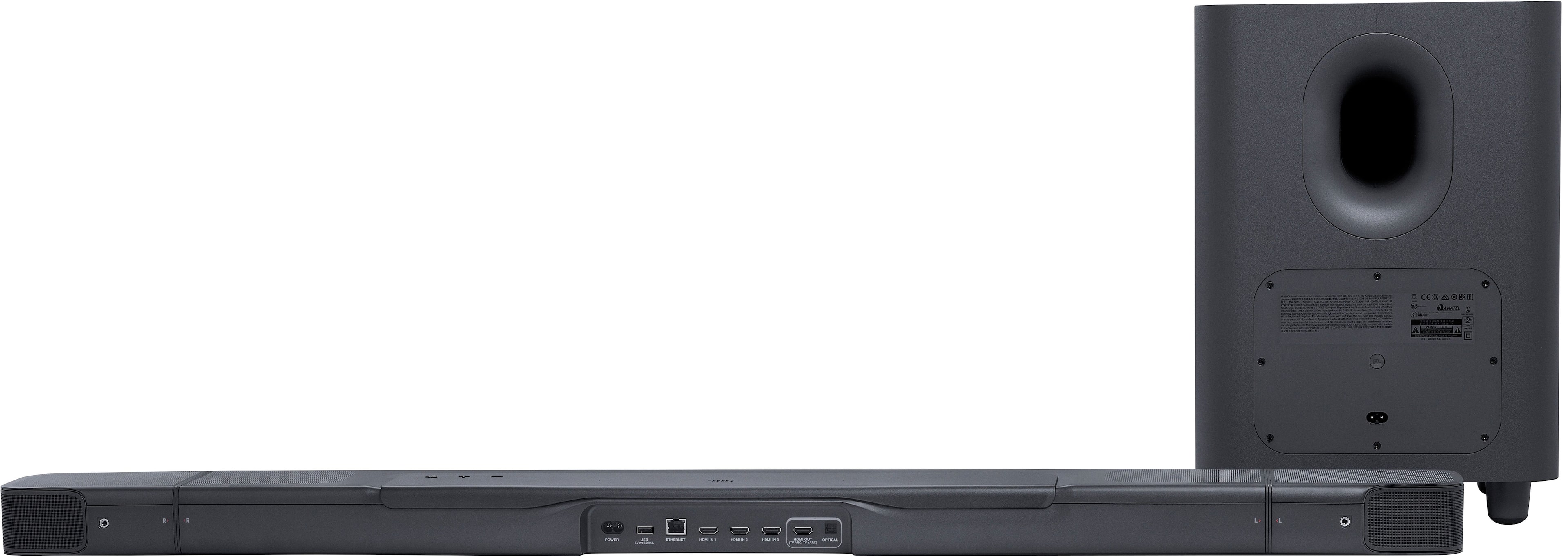
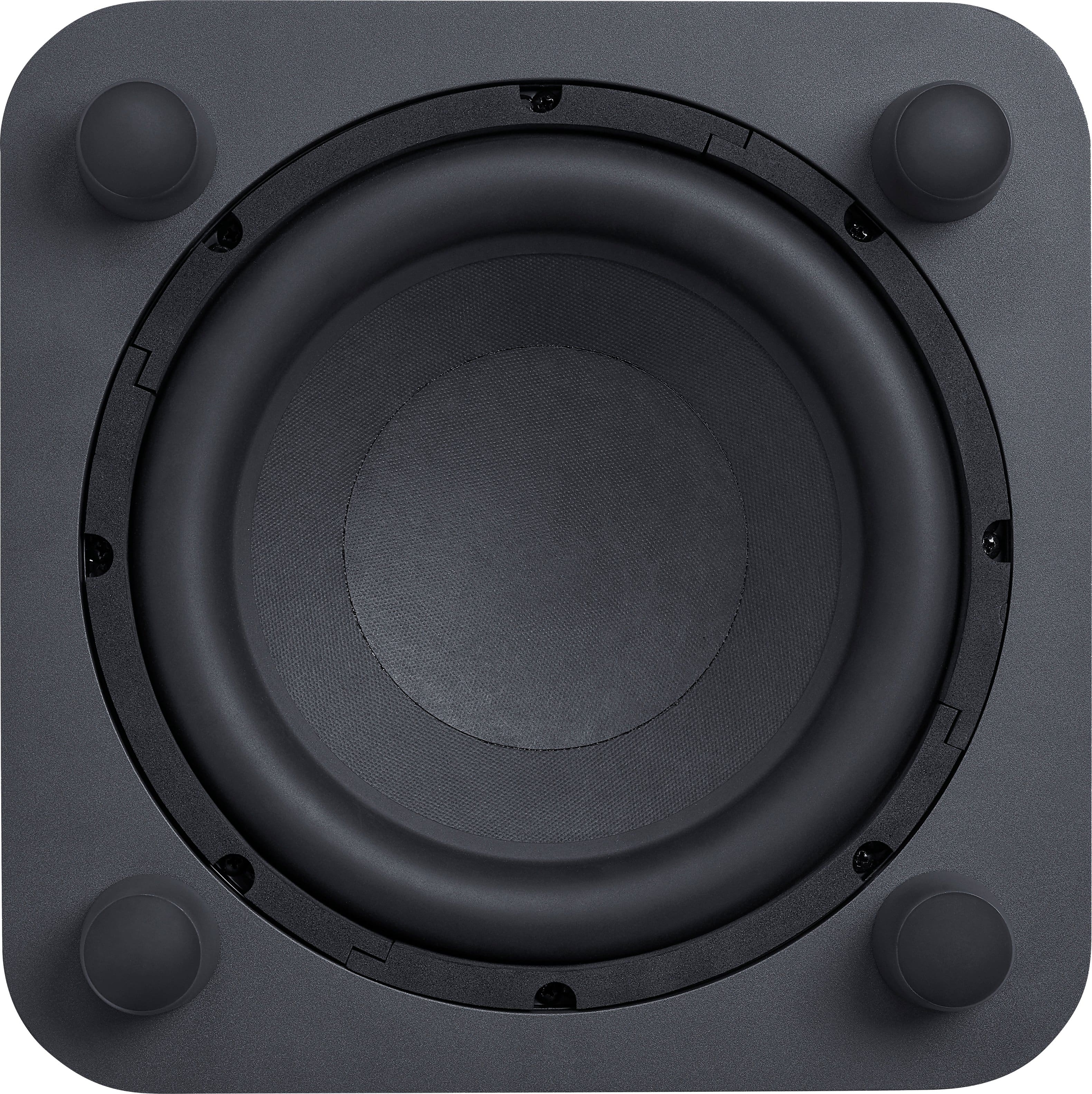
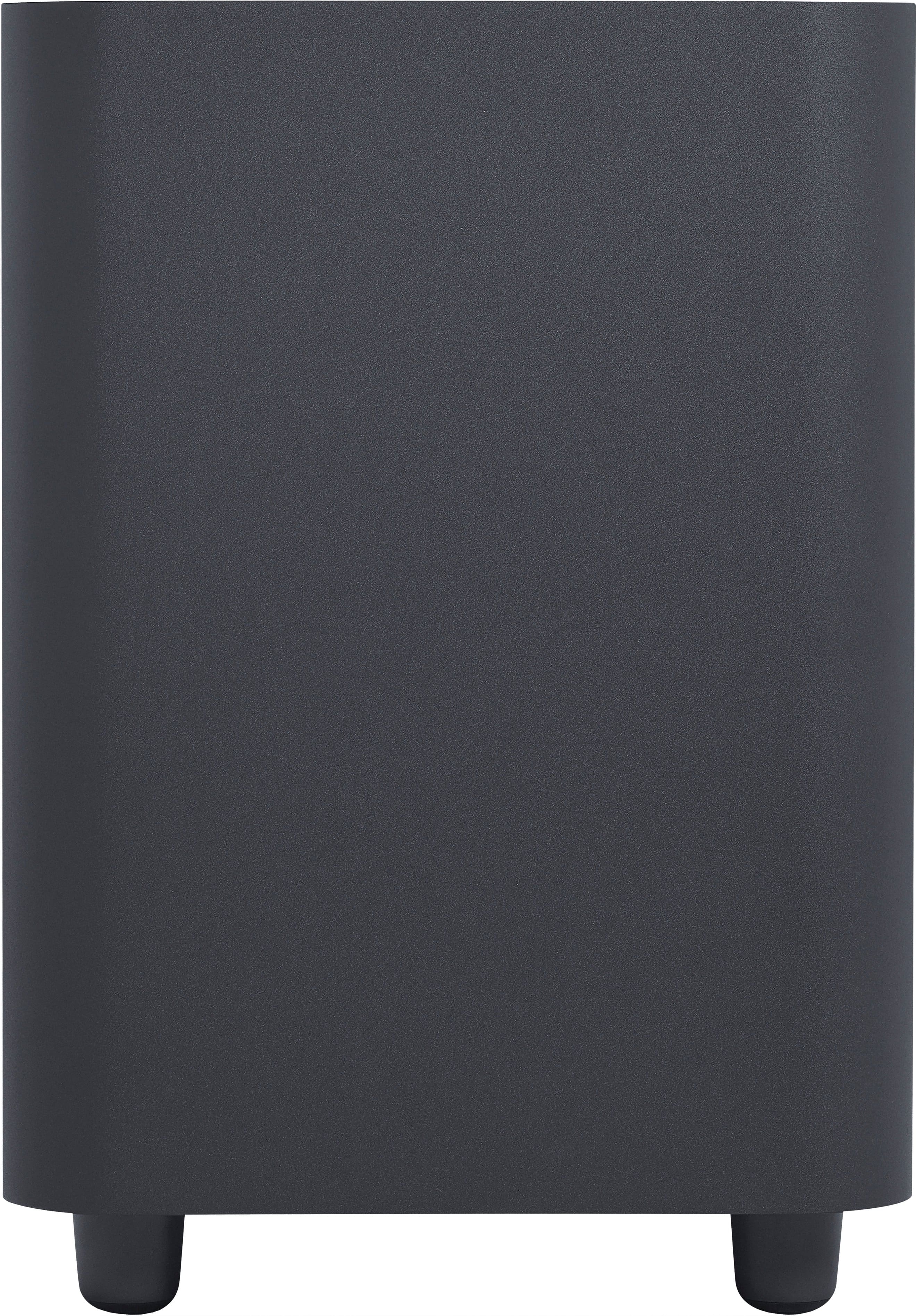
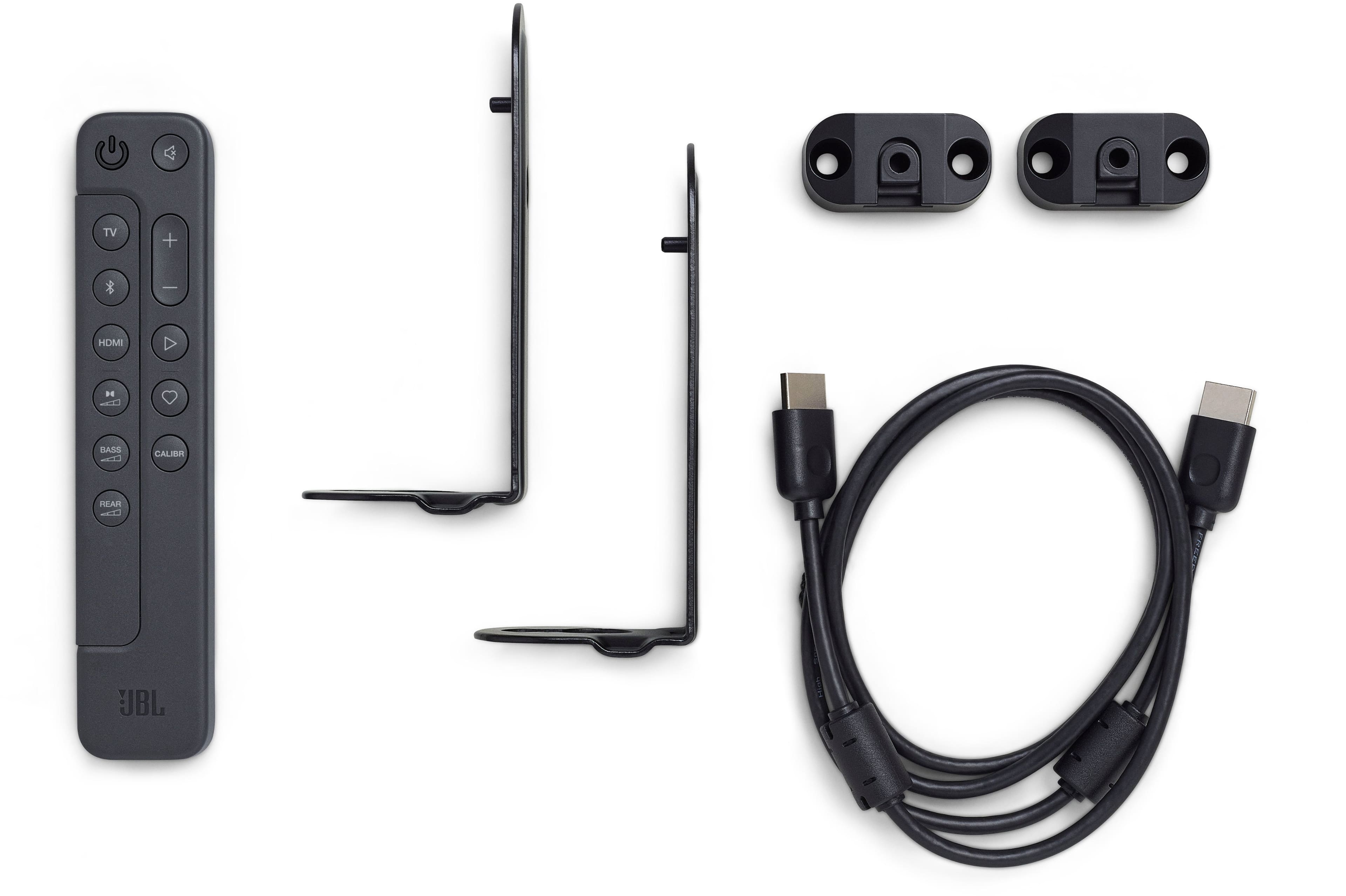
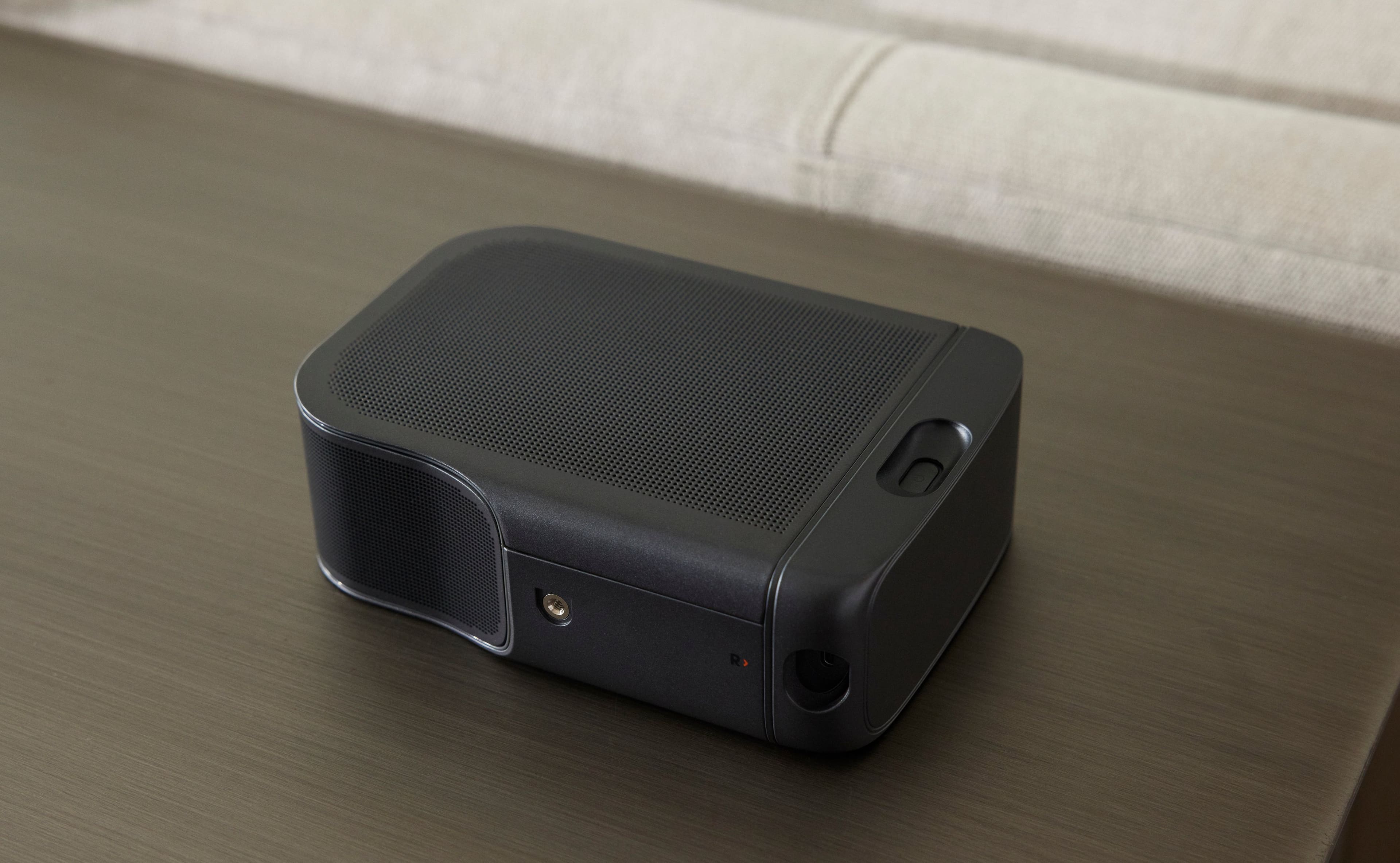
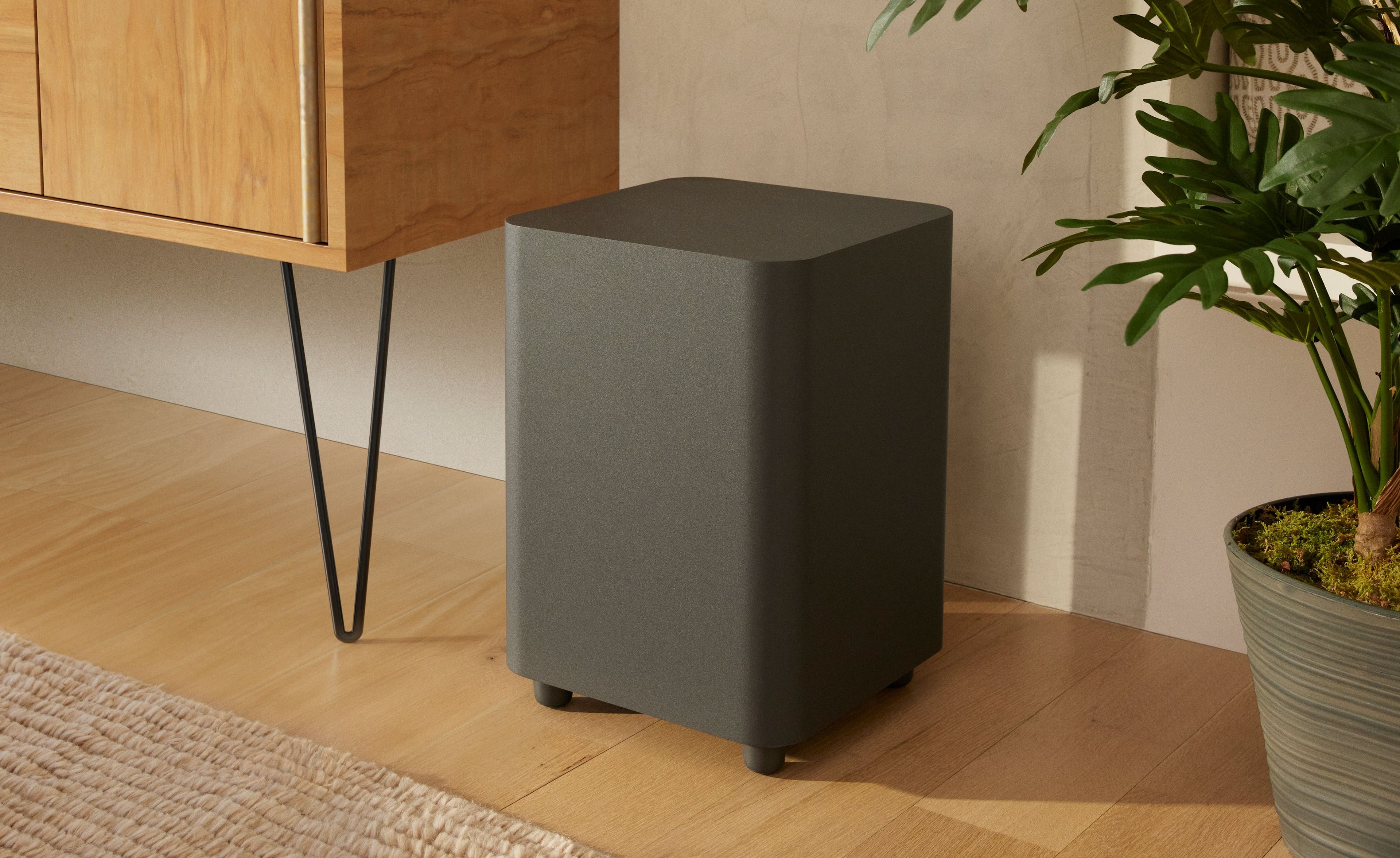
|Posted .This reviewer received promo considerations or sweepstakes entry for writing a review.The JBL Bar 1000 could be the best premium Atmos, Dolby Vision capable 7.1.4 soundbar system out right now. “Could be,” because while it sounds amazing, the lack of a button on the remote to instantly switch sound profiles, i.e., movie, news or surround, stereo detracts from its enjoyment. This is far from a catastrophic flaw, of course, but, for me, it does needlessly present a usability hurdle to prevent it from being a 5-star product. As an audio “system” it’s top-notch and unique with part of the bar being detachable for use as physical 70w rear speakers with both up and front firing tweeters. A robust 10” wireless subwoofer that down fires crushes soundbars with only built-in woofers. The result is a satisfying realistic surround sound less reliance on “virtualization.” Another outstanding feature is the Bar 1000’s three HDMI-in ports, all with the latest 2.3 spec, which gamers will hail, because it’s hard enough to find a soundbar even one 2.3 HDMI port. It also greatly “future proofs” this model for 8K video passthrough, if that ever becomes a “thing.” So, yes, the Bar 1000 is excellent tech except for the remote. I’ll discuss my impressions, including the remote, in more detail, but first a quick summary of what’s in the box and setup. In addition to the Bar 100 and 10” wireless sub, included is a remote ( with AAA batteries), a HDMI cable, two power cables – one for the soundbar and one for the sub, plus basic wall mounts for both the soundbar and the detachable speakers – optional to install of course. It’s a nice add-in since many other companies charge extra for these. The Bar 1000 construction is ABS plastic with a metal grill. Even though it’s plastic it feels solid and has no negative impact on sound quality. I would prefer a wood frame, but I wouldn’t want to pay extra for it either. Overall, it’s clean and bland, which is perfect for a soundbar. Soundbars should be heard, not seen. If you want to attach it to a 3rd party mount, the mounting holes are on the bottom, not back. Connection to the TV is via e-ARC HDMI. There is also an optical audio-in jack along with the aforementioned 3 HDMI inputs. An USB-A port is provided for streaming devices, such as the Fire TV Stick, that require USB power. Volume controls and a sync button are on top of the Bar 1000. This is mostly a “backup,” since I assume users, like myself, will rely on either the remote or app to control the soundbar. I appreciate JBL not adding useless buttons or distracting lights here to keep the top uncluttered. Brilliantly though, JBL did embed a LED status message area on the front. It’s invisible except when you change volume, inputs and such to give you visible confirmation. Setup is simple, but if you want to use Wi-Fi, and the JBL One app’s features granting the app permission to use your exact location is required. I found this off-putting but relented. I tried allowing only my general location and it refused to start the setup process. After setup is complete you can turn off exact location, but, I guess, “damage” is done at that point. I know there is a growing number of privacy aficionados, so you have been warned. During setup the app will connect the Bar 1000 to your home Wi-Fi for use with streaming protocols like AirPlay2 and Google Chromecast. The Bar 1000 showed up in my available speakers on my Apple devices after this setup. If you don’t use either of these protocols you can connect tp your music streaming subscription via the JBL One app. All major services are available except Apple Music, which, of course, if you use an Apple device you can connect with Airplay 2. This is also when the Bar 1000 will also calibrate to your room. This involves it sending out tones to determine your room’s characteristics, distance to the sitting area and placement of the rear speakers. If you change anything recalibrating is easy from the app. The app also features a 3-band equalizer and all of the functions of the physical remote with one big exception – I had no luck using it to turn off “smart mode,” equalization, i.e., automatic, which I’ll get into. This is a huge headscratcher since it devalues using the app over the physical remote since there are times when you’ll want to turn off “smart mode.” Also, so far, I’ve found nothing to indicate whether the microphone is on or off by default, or seen any button, or button combination, that will turn it off. I can only assume it’s off by default untill you set up a voice service like Alexa, or Hey Google. Then again, there is that saying about assuming. This omission is bit odd since I have other sound bars and speakers that have a light to indicate if the microphone is on. Listening impressions: Movies (Atmos, DD7.1, DD5.1), TV networks, Major cable entertainment channels -- Comparing the Bar 1000’s spec sheet to similarly priced competitors it is missing frequency depth. In reality this is a non-factor as it’s a dazzling powerhouse for movie surround sound with a definite presence. If it’s missing some low or highs I don’t notice it. Dialog is clear even at low volume and pinpoint to the speaker – no muddy mumbling or frequency cut offs. Being able to use at low volume is useful at night. There is also good separation of simultaneous special effects surround sounds like street noise, squealing car tires, hypersonic planes. The 10” subwoofer really shows its chops here too. For example, in final Top Gun Maverick scenes the exploding missiles and soaring dogfights are heard and felt, and to me, at a greater extent than my soundbar with “built-in” subwoofer. That soundbar is good, but the JBL wins here, no question. The booms were BOOMS! To be fair though, I don’t have room or desire for a subwoofer in the room my other soundbar is in, so it has its place and value. The “punch” of the subwoofer can be adjusted in 5 levels in case you don’t want to disturb the neighbors. Most importantly, with it’s 7.1.4 setup, the surround sensation is 360 degrees, floor to ceiling. No fake simulated sound obvious with some sound bars. The detachable rear speakers are the difference because obviously real rear speakers are always going to sound better than phantom ones. The rear speaker design is genius and easy to use. Magnets hold them to the Bar 1000. When you are ready to watch something surround encoded they peel right off the bar. Now just place them behind your listening area for instant rear speakers. The detachable speakers are powered with internal, rechargeable, batteries. When the movie is over reattach to Bar 1000 to recharge, which takes 4 hours (they work while charging too). Alternatively, they charge via USB-C, though neither a USB-C cable nor charger is included. If you binge movies or entire TV shows be aware the batteries conk out after about 2.5 hours. At that point you’ll need to connect to USB-C if you want to continue using the rear speakers for your binge. Also, in case you were wondering, no, the rear speakers cannot be used independently. Similar to movies, the sound quality for current TV programs is excellent this programming typically is mixed with at least 5.1, and true surround is where the Bar 1000 shines. Other TV (News, YouTube channels, older TV shows, some sports broadcasts) This is where I found the remote (and app) design distracted me from my enjoyment of the Bar 1000. The source quality of sports, news channels, YouTube podcasts, and older TV shows, unlike movies and TV shows recorded in surround, can vary widely with factors such as age of the show, the creator’s soundstage, and broadcast quality of the channel. Especially with the latter three, surround is unwanted. Most soundbars and AV receivers are designed so the user can quickly turn off awkward surround with dedicated equalization buttons such as “news”, “sports,” “neutral,” to restore natural sound. Not so on the Bar 1000. Instead it defaults to “smart mode,” and controls equalization. As discussed, this works great with surround encoded movies and TV shows. But with, say a stereo news channel or YouTube podcast “smart mode” fails unless you like your podcast to sound like the host is speaking through a megaphone. Vocals here are boomy and wide rather than pinpointed on the speaker. The solution here is to turn off smart mode. The problem for me is having to perform some “finger gymnastics,” by pressing the mute button for 3 seconds then the up-volume button. There is no reason JBL could not have programmed a dedicated “smart mode” button. It’s just annoying to have to toggle smart mode with multiple buttons and to me that demotes this otherwise 5-star soundbar to 4. Additionally, the remote is not backlit which is another knock on convenience here because in addition to doing the “finger gymnastics” to adjust the surround, you’ll also have to turn the lights on or up to see the buttons. Music -- As mentioned, there are many ways to stream music to the Bar 1000. I use AirPlay 2 with both my own lossless music collection on my Mac and Spotify (free). Naturally lossless sounds fuller than Spotify’s lossy, but both have clear vocals and notes even at low volumes that might be used for background rather than an all-out party, a sign of a good speaker. Of course, it does depend on the source. For instance, music recorded in the 50’s often has a hollow sound that no speaker is going to fix. The subwoofer is on point here too, putting life and vibe into your listening pleasure. The room my Bar 1000 is in is rather small – about 16x14, so whether it can fill a larger room, I can’t say. But for a room of this size it’s on par with a good pair of bookshelf speakers.
I would recommend this to a friend Sound bar
||Posted . Owned for 1 month when reviewed.This reviewer received promo considerations or sweepstakes entry for writing a review.Sound bar doesn't sound...and your technicians can't find the problem...it has been a month and they still haven't fix the problem!!!
No, I would not recommend this to a friendBrand response from JBL Support
Posted .We're here to help with your JBL Bar 1000. Our JBL Bar 1000 can be connected with your devices via HDMI, Optical connection, and Bluetooth. We'd like to work with you to know the set-up that you are planning with your unit, please reach out to our customer support.
- Pros mentioned:Bass, Sound quality
A powerhouse of great sound
|Posted .This reviewer received promo considerations or sweepstakes entry for writing a review.The JBL Bar-1000 is my fourth soundbar, and it’s by far the best. It’s exceptionally clean and clear, and the Pure Voice feature keeps dialog from getting lost. This is a full-featured sound system. It has Dolby Atmos, DTX-X, and MultiBeam surround sound. Additionally, there’s WIFI-6, Bluetooth 5, Chromecast, AirPlay, Alexa with Multi-Room Music, Google Assistant, 3-HDMI inputs plus an eARC connection. It has everything I want in a modern soundbar including 880 watts of power that will fill a room. All of this comes in an attractive package along with a slim remote that has every adjustment you need in a simple format. Setup was a breeze. The JBL One App leads you through the process of connection, pairing the wireless sub and rear channel speakers (typically automatic), connecting to WIFI, and updating its firmware. Finally, it will tune the system to your room. The JBL App will also connect to several streaming music services and allow your mobile device to play through the system. The rear channel speaker can either be magnetically docked to the ends of the bar or detached and placed anywhere you wish since they wirelessly connect with the bar. They are battery-powered and recharge when docked, but they also have USB-C power connections if you wish to keep them detached. I don’t know why you’d want them docked since they are the rear channels and also have Atmos upward-firing speakers. Sound is what it’s all about, and the Bar-1000 is a beast. My viewing area is at the end of a 16 x 32 foot room, and I watched the new Avatar movie as a test. The sub was shaking my sofa without being at its highest level (I backed it down). The sound was immersive while being clear and bright. It was the best Atmos experience I’ve had with a soundbar system. The Pure Voice feature helps tremendously, especially with TV broadcasts, where the surround effects and ambient sounds muddle the dialog. Even though I had a good soundbar (the same brand as my TV which offered a couple of unique features), it’s been retired. The JBL is my system now. For the quality, power, and sound it gives, it’s good value. I initially switched from a large discrete surround system to a soundbar not for audio performance but for simplicity and appearance in my living room. Now I can still have that minimalist appearance plus sound that’s as good as the big system. I definitely recommend this system.
I would recommend this to a friend JBL songbar.
||Posted . Owned for 1 month when reviewed.This reviewer received promo considerations or sweepstakes entry for writing a review.It was a piece of junk I had to return it, buy something new.
No, I would not recommend this to a friend- Pros mentioned:Bass, Sound quality
High Quality Surround Sound Without Wires!
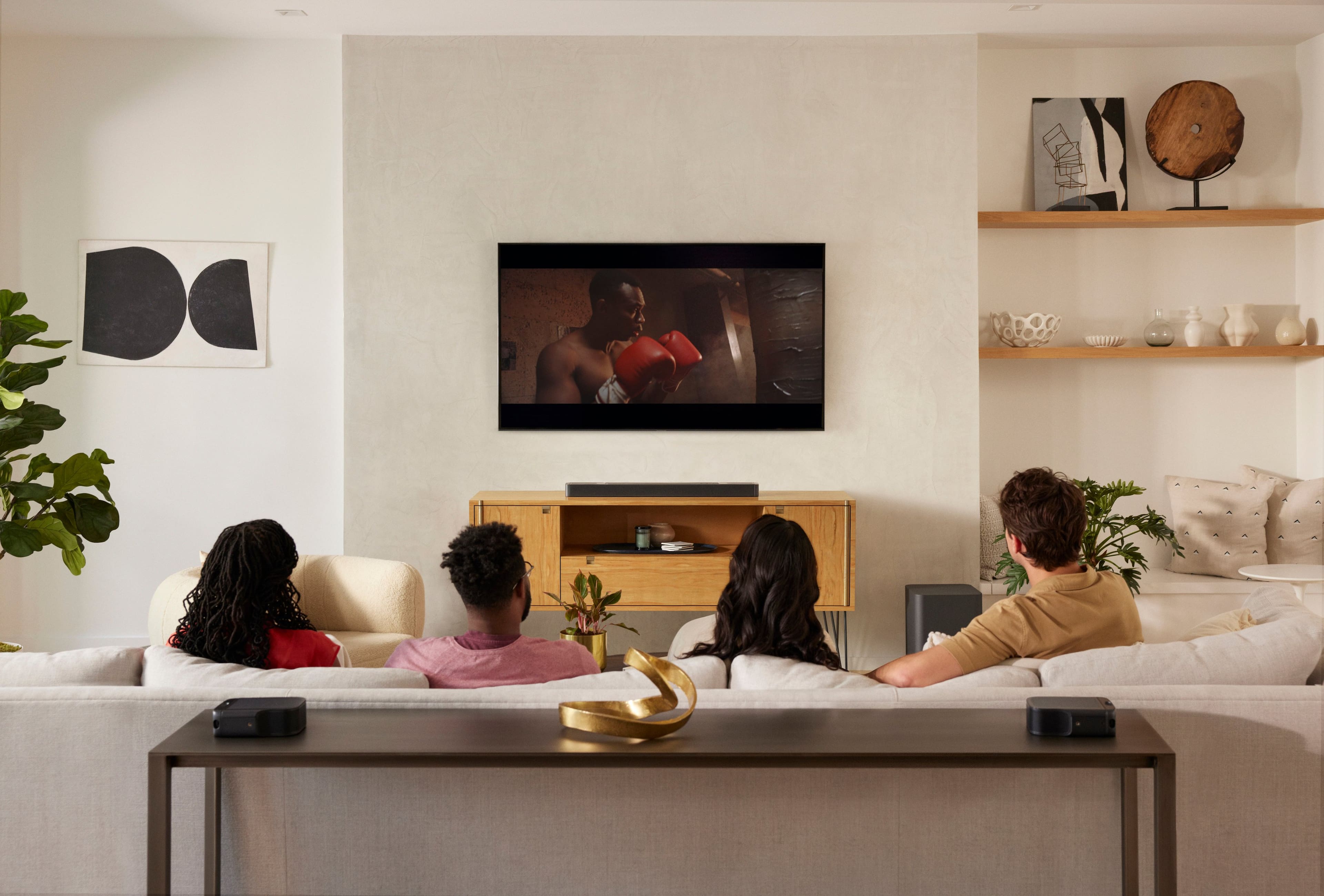
|Posted .This reviewer received promo considerations or sweepstakes entry for writing a review.I have dreamed of a sound bar with these features for a long time. As someone who lives in an apartment and not planning to stay for a long time, I do not want to run wires for rear channel speakers, but I have never been able to experience true surround sound with the typical 2.1 soundbars. With this bar having detachable, rechargeable, wireless speakers, I have true surround sound without the effort. The rear speakers even have USB-C plugs if I want to leave them in place long-term. Otherwise, I can pull them off the bar when I want to watch a movie and just put them back when done. The bar even comes with end caps for the bar and rear speakers if someone chooses to leave them detached permanently. The other great detail is that the rear speakers snap back into place on the bar with magnets, so the process is simple! When it comes to sound, I am really, really impressed. This has a powerful wireless subwoofer, which takes zero effort to set up. Simply give it power, and the job is done. For the most part, I am keeping the bass at level 1, so I do not bother my neighbors. In testing, I was blown away by this being a soundbar. Anything more than bass level 1 in the evening, and I might have some complaints. After a simple calibration process where the rear speakers are first sat next to your seat, followed by wherever you want to place them behind you, the system has spatial awareness to time sounds based on your location in the room. I kept playing demo videos just to experience the excellent surround effects. Overall, I have not found any negatives about the sound quality. Simply put, it is excellent! I have not felt this immersed in sound since I had a traditional surround sound system years ago, before soundbars were a thing. Inputs include 3 HDMI ports, plus a TV output with ARC. If you do not have a TV with ARC, there is an optical input. Additionally, there is a USB port to play MP3 files, Bluetooth, and a Wi-Fi connection to connect to smart home setups. Via the JBL One app, it is simple to add the bar to those accounts and tell your voice assistant to play music on it. The best part is that the bar does not even have to be turned on to start playing. Simply make the request, and it turns on to play. Keep in mind that the soundbar itself does not have a microphone for voice assistants. In case someone wonders, it does have a microphone, but that is strictly used for the calibration process after placing the rear speakers in the room. If you don’t have a voice assistant, you can still use the app to stream music from your phone via Wi-Fi, or you can connect the phone itself via Bluetooth – whatever is more convenient. When it comes to inputs, my only complaint is the lack of an analog input for older devices. My parents would not be able to easily connect their record player to this bar. In my case, I have one modern TV with HDMI-ARC, but I have another one that does not have ARC or optical out. Without a converter, that TV cannot connect to this bar. Of course, one could also argue that it is not reasonable to pair an old TV with a soundbar of this high quality. Control is simple via a very sleek, easy-to-use infrared remote control. There are not many buttons. The few that exist have various shapes, which makes it simple to use without having to look at the remote in a dark room. This is also a great feature for someone with vision impairment. In addition to the remote, the identical buttons, plus additional features, are present in the JBL One app. The app found the bar instantly and immediately upgraded the software of the bar to the latest edition. My one and only complaint is that this update process took over 10 minutes, and it ties up both the bar and the phone while it is occurring. It initially said it would take 17 minutes, but it thankfully moved a little faster than that. One would expect a faster update process with brand-new technology connected to a 1 Gbps internet connection. With updates being the only annoyance, I still love this soundbar. It sounds amazing, is easy to use, and has some great features, especially when it comes to integrating with smart home speakers.
I would recommend this to a friend Not great.
||Posted . Owned for 3 months when reviewed.This reviewer received promo considerations or sweepstakes entry for writing a review.Midling sound compared to Samsung and bad stereo up mixing that makes music sound quite odd.
No, I would not recommend this to a friendBrand response from JBL Support
Posted .Thank you for providing your feedback on our JBL Bar 1000. We'd like to know more about your setup so we can give you some recommendations. Please contact JBL Customer Support. We're here to help.
- Pros mentioned:Sound quality
Just about perfect...
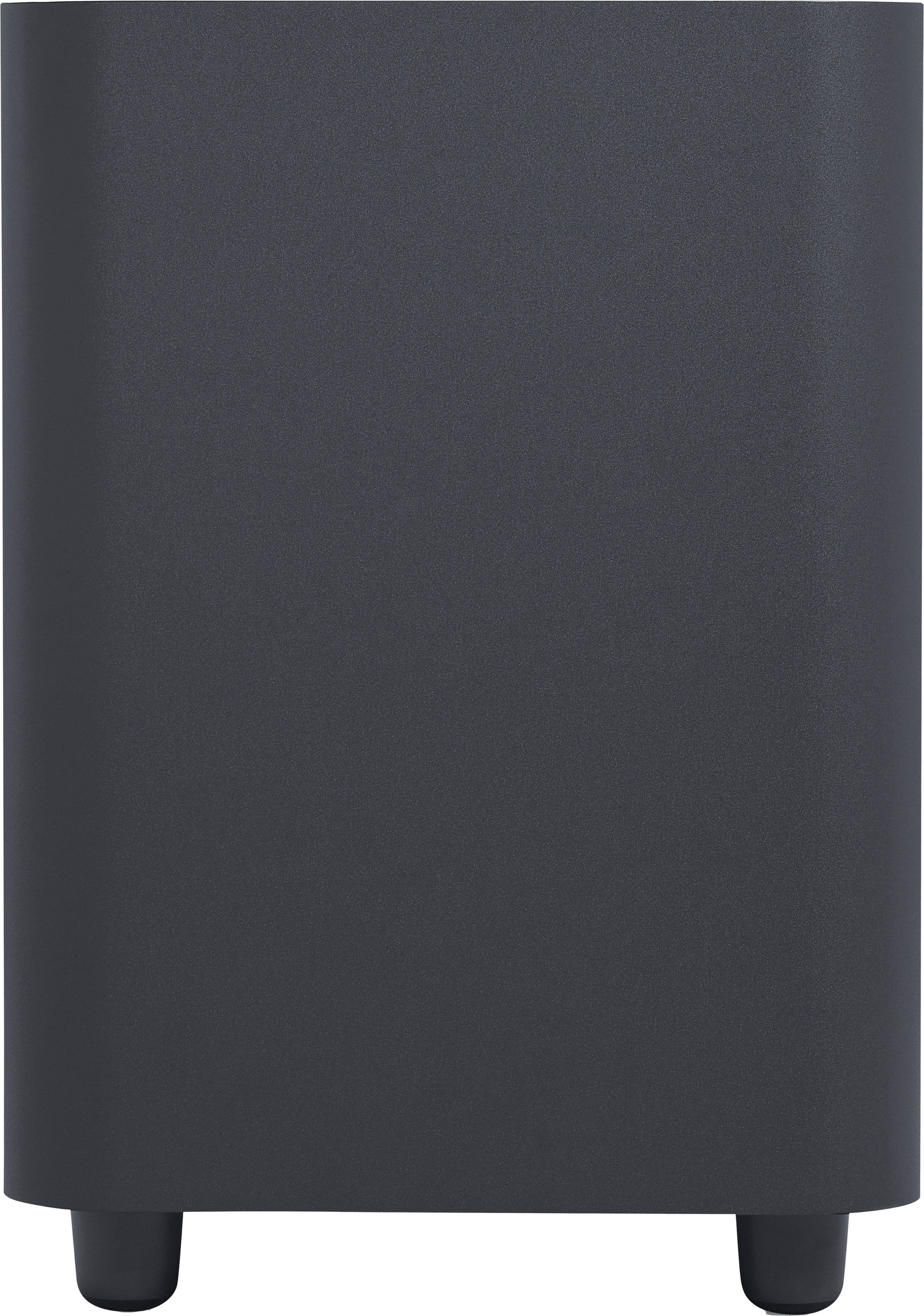
|Posted .This reviewer received promo considerations or sweepstakes entry for writing a review.If you want the short version of my review: The Bar 1000 is a solid, enveloping soundbar with multiple HDMI inputs, a good subwoofer, auto calibration, plenty of volume, and plenty of streaming audio options. I did note throughout the review period that there were times when voices disappeared into the mix, making it hard to understand dialogue, and music listening was just so-so. Overall, the cost-to-value ratio is great, and I recommend it to those who are looking for a loud, capable soundbar with a great subwoofer and surrounds that don't have to be placed near a wall outlet to work. The long version: I received the JBL Bar 1000 a week or so ago and have enjoyed putting it through its paces. One of the things I immediately liked was the multiple HDMI inputs. Too many quality soundbars just have one HDMI input, which doubles as an output too. What about those of us who have gaming consoles that we'd rather not have to plug into the back of our TVs? I very much appreciated the Bar 1000's three HDMI inputs in addition to the typical eARC input/output. The Bar 1000 also has wireless surround speakers that attach to the bar itself to charge and can then be removed and placed in listening position when the user wants the greatest enveloping sound experience. These surround speakers operate on battery power and have both up-firing and front-firing units in them, contributing Atmos effects as well as standard surround effects to the sound field. You can also just leave these surround speakers in place on the Bar 1000 if you choose, which does help extend the sound field out and to the sides of the listening position, but does not as effectively envelop the listener. I found during my review that if I was watching casually, I just left the wireless surrounds attached to the main bar, but if I was watching a movie and sitting in place, I would go ahead and deploy the wireless surrounds to get the maximum surround effects. Set up was really easy. There are no advanced menus; really very little customization at all when it comes to the Bar 1000. You have to download the JBL One app on a smart phone and you can use it to perform an auto calibration. Pay close attention to the app's instructions, I ended up switching the surround speakers around (they are a vital part of the calibration process) and my first attempt to calibrate sounded terrible. After I realized my mistake and redid the calibration, everything sounded much better. The Bar 1000 comes with a powerful 10" sub, rated at 300 watts. It is tall, but does not take up a large footprint. It is also wireless, other than the wall plug, and puts out plenty of volume. On the whole, the Bar 1000 (with surround speakers deployed), was plenty loud, in a space that was roughly 15' x 15' and open to one side. I never got the volume over 30 on the display, and it was definitely enough. The first movie I turned on was John Wick 4. At the beginning of the movie, John is punching a makiwara, a board that martial artists use to practice. Each time his fist makes contact, there is an incredible and resounding thump that shakes the room. I remember watching this scene in the theaters, and it was the loudest part of the movie. I waited for the Bar 1000 soundbar to distort as I turned the volume up, but it didn't. It handled the extreme thumps without any problem, and I was impressed. While he is smacking the board, the Bowery King is speaking and this is where I noticed a weakness of the Bar 1000: It doesn't always handle vocals well during loud scenes. JBL markets the Bar 1000 as having PureVoice dialogue enhancement, but the results were hit and miss for me. Streaming Black Adam, I noticed the same exact issue. Dialogue, particularly during busy, active scenes, became lost. And the Bar 1000 does not include controls to adjust the center image and turn it up louder. This was the only disappointment that I had with the Bar 1000 during movie watching. I didn't have these issues when watching regular TV content or playing games through the Bar 1000. It was just the busy mixes of movies where I noticed this issue. The wireless surrounds work great. When deployed, I was very pleased with their ability to make me feel as if I was enveloped by sound. Avatar, Black Adam, John Wick, movies with an aggressive surround mix; they all sounded amazing with the surrounds deployed. No issues with battery life either. The surrounds lasted through a full movie and then I just attached them to the main bar to charge when I was done. Switching to music, I streamed several titles from a popular music service. Music sound quality was okay. I liked that the Bar 1000 had bass, treble, and mid adjustments which did help things out, but I was disappointed in how centered the music sounded. There was no sense of stereo separation, which I have experienced with other soundbars. That being said, when I deployed the surrounds and used them to supplement the music listening experience, things got much better. In conclusion, I feel like the Bar 1000 has many strengths and a couple of weaknesses. Sound is clear and loud. The sub is great. The auto calibration is great to have in a soundbar of this price. However, the Bar 1000 is hampered by less-discernible dialogue during busy scenes and mixes and a just-okay music listening experience. Overall, however, I would recommend. For the price, it is an amazing value.
I would recommend this to a friend - Pros mentioned:Sound quality
atmos you can hear
|Posted .This reviewer received promo considerations or sweepstakes entry for writing a review.Being a long time fan of soundbars it might just be one of my favorite things. Home entertainment has always been at the top of my wish list. I went through a period in my life that I actually returned to many soundbars because I could never find the perfect one. Along with this JBL I have another high end 7.4.1 soundbar system that we use daily. This JBL 1000 soundbar came in a beat up box and I was worried the unit was damaged on the inside. After unboxing, everything was safely packed. Actually overly packed but I was relieved by that due to the way the carrier treated the box. Set up is straightforward and you have many connections to chose from including optical and three HDMI ports with one EARC connection. The bar comes with detachable surround speakers and a down firing 10” sub. The surrounds last approx 10 hours when removed or can be charged with a usbc charger. The system outputs 880 watts which was more than enough to fill our large living room with sound. I recommend you use the app on your phone but it comes with a remote and downloading the app isn’t required. During testing I blasted Top Gun maverick for my atmos testing. This JBL 1000 did not disappoint. I could hear the jets flying up and down long with front to back. The vertical sounds were better than expected and the rears have upward firing mids to slam down the effect. The sub is big and usually down firing speakers get a lot of rattle but the insulation on this sub is superb. Nothing near by rattled but I felt the deep bass in my chest. On to the music I was impressed that the system connects to Wi-Fi and Bluetooth because I prefer the Wi-Fi connection. I listened to a few songs and was a little sad about the mid range. I missed details in some songs and it was a loud deep and pitchy sound at higher volumes. You can adjust but I never got it perfect. Even with the missing mid range our home was filled with sound and it wasn’t a bad experience. Most people who listen to music periodically would be happy with the deep bass and full sound you get. Overall I think this is a fantastic home theater system worth seriously considering.
I would recommend this to a friend Expensive junk.
||Posted . Owned for less than 1 week when reviewed.This reviewer received promo considerations or sweepstakes entry for writing a review.I had to have the Geek Squad out several times. The sound bar didn't work properly from day one.
No, I would not recommend this to a friendBrand response from JBL Support
Posted .We're here to help with your JBL Bar 1000. We'd like to know more about the issue you're experiencing with your unit so we can assist you further. Please contact JBL Customer Support via our official website or toll-free hotline at (877) 871-6755 Mon - Fri: 9:00 am - 11:00 pm (ET) Sat-Sun: 9:00 am - 5:00 pm (ET).
UN HAPPY LOYAL LONGTIME CUSTOMER
||Posted . Owned for 1 month when reviewed.This reviewer received promo considerations or sweepstakes entry for writing a review.Dropped price and wouldnt price match or let me return Unopened , 17 days later
No, I would not recommend this to a friend