Customer Ratings & Reviews
- Model:
- NSP Pastel Green
- SKU:
- 6550419
Rating by feature
- Value
Rating 4.7 out of 5 stars
- Quality
Rating 4.8 out of 5 stars
- Ease of Use
Rating 4.6 out of 5 stars
Customers are saying
Customers have good things to say about the Nano S Plus Crypto Hardware Wallet, particularly its ease of use and security features. Many appreciate its overall performance, quick setup, and ample storage capacity. Some customers have expressed concerns about the lack of Bluetooth, compatibility issues with certain devices, and the absence of an internal battery.
This summary was generated by AI based on customer reviews.
Not a great review sorry
||Posted . Owned for 1 month when reviewed.This reviewer received promo considerations or sweepstakes entry for writing a review.Didn’t really use it. Can’t connect to phone. Got nano X
No, I would not recommend this to a friendMust have
||Posted . Owned for 2 weeks when reviewed.This reviewer received promo considerations or sweepstakes entry for writing a review.Must have if you are serious about the future of crypto.
I would recommend this to a friendGood deal
||Posted . Owned for 3 weeks when reviewed.This reviewer received promo considerations or sweepstakes entry for writing a review.Must be knowledgeable of different blockchain networks when depositing or withdrawing. Not for a beginner.
I would recommend this to a friendCold storage
||Posted . Owned for 3 weeks when reviewed.This reviewer received promo considerations or sweepstakes entry for writing a review.This is a great device to cold store my crypto and nft’s.
I would recommend this to a friendGreat
||Posted . Owned for 1 month when reviewed.This reviewer received promo considerations or sweepstakes entry for writing a review.Best cost-benefit in hard wallets available today.
I would recommend this to a friendDOA out of the box.
||Posted . Owned for 2 weeks when reviewed.This reviewer received promo considerations or sweepstakes entry for writing a review.Unfortunately this item was DOA out of the box. I tried different cords and ports on my computer but nothing. I then tried with my phone while using different cords but still nothing. Returned it the same day and was refunded. This is meant to hold your crypto, if this had died after set up, it would have been a nightmare!.
No, I would not recommend this to a friend- Cons mentioned:Compatibility
Bought incompatible item
||Posted . Owned for 3 months when reviewed.This reviewer received promo considerations or sweepstakes entry for writing a review.The ledger wasnt compatible with my mobile phone ( Iphone12 Pro) I would have to purchase the ledger with bluetooth capabilities that is compatible with my Iphone 12 Pro …
No, I would not recommend this to a friend My personal bank.
||Posted . Owned for 3 weeks when reviewed.This reviewer received promo considerations or sweepstakes entry for writing a review.Its worth the money and keep your crypto safe and sound.
I would recommend this to a friendGood
||Posted . Owned for 1 month when reviewed.This reviewer received promo considerations or sweepstakes entry for writing a review.Got it as a holiday gift for my brother, he likes it so far
I would recommend this to a friend- Pros mentioned:Ease of use
Nano s
||Posted . Owned for 1 month when reviewed.This reviewer received promo considerations or sweepstakes entry for writing a review.Went with this model being a middle grade of their products. Very happy with it. Was simple to use and would recommend this wallet.
I would recommend this to a friend - Pros mentioned:Ease of use
Well worth every dollar!
||Posted . Owned for 3 weeks when reviewed.This reviewer received promo considerations or sweepstakes entry for writing a review.Works flawlessly, just do your research and transfer small increments to make sure you’re sending to the right address first.
I would recommend this to a friend Wasn’t worth it
||Posted . Owned for 1.5 years when reviewed.This reviewer received promo considerations or sweepstakes entry for writing a review.Chances are you’ll wish you kept your crypto on Coinbase.
I would recommend this to a friend- Pros mentioned:Ease of use
Definite buy!
||Posted . Owned for 3 weeks when reviewed.This reviewer received promo considerations or sweepstakes entry for writing a review.A must buy! Easy to setup & use, there are many youtube videos on how to set it up, load assets and move them.
I would recommend this to a friend Get your coins off exchanges!
||Posted . Owned for 3 weeks when reviewed.This reviewer received promo considerations or sweepstakes entry for writing a review.Works good, nicely packaged. Get your coins off exchanges! If you dont know why then i worry
I would recommend this to a friend- Pros mentioned:Ease of use
Safe wallet
||Posted . Owned for 2 weeks when reviewed.This reviewer received promo considerations or sweepstakes entry for writing a review.I like the fact that it is easy to use. I feel safe storing my crypto currency here.
I would recommend this to a friend - Pros mentioned:Overall performance
Great gift
||Posted . Owned for 1 week when reviewed.This reviewer received promo considerations or sweepstakes entry for writing a review.Bought for a Christmas present for a friend. We definitely recommend to others. . 
I would recommend this to a friend - Pros mentioned:Security
Works as expected
||Posted . Owned for 3 weeks when reviewed.This reviewer received promo considerations or sweepstakes entry for writing a review.Keeps your crypto safe as long as you don’t connect the wallet to external sources.
I would recommend this to a friend Cold wallet
||Posted . Owned for 3 weeks when reviewed.This reviewer received promo considerations or sweepstakes entry for writing a review.This cold wallet is okay if you are just using for storing
No, I would not recommend this to a friend- Pros mentioned:SecurityCons mentioned:Battery, Bluetooth

Cold Crypto Safe
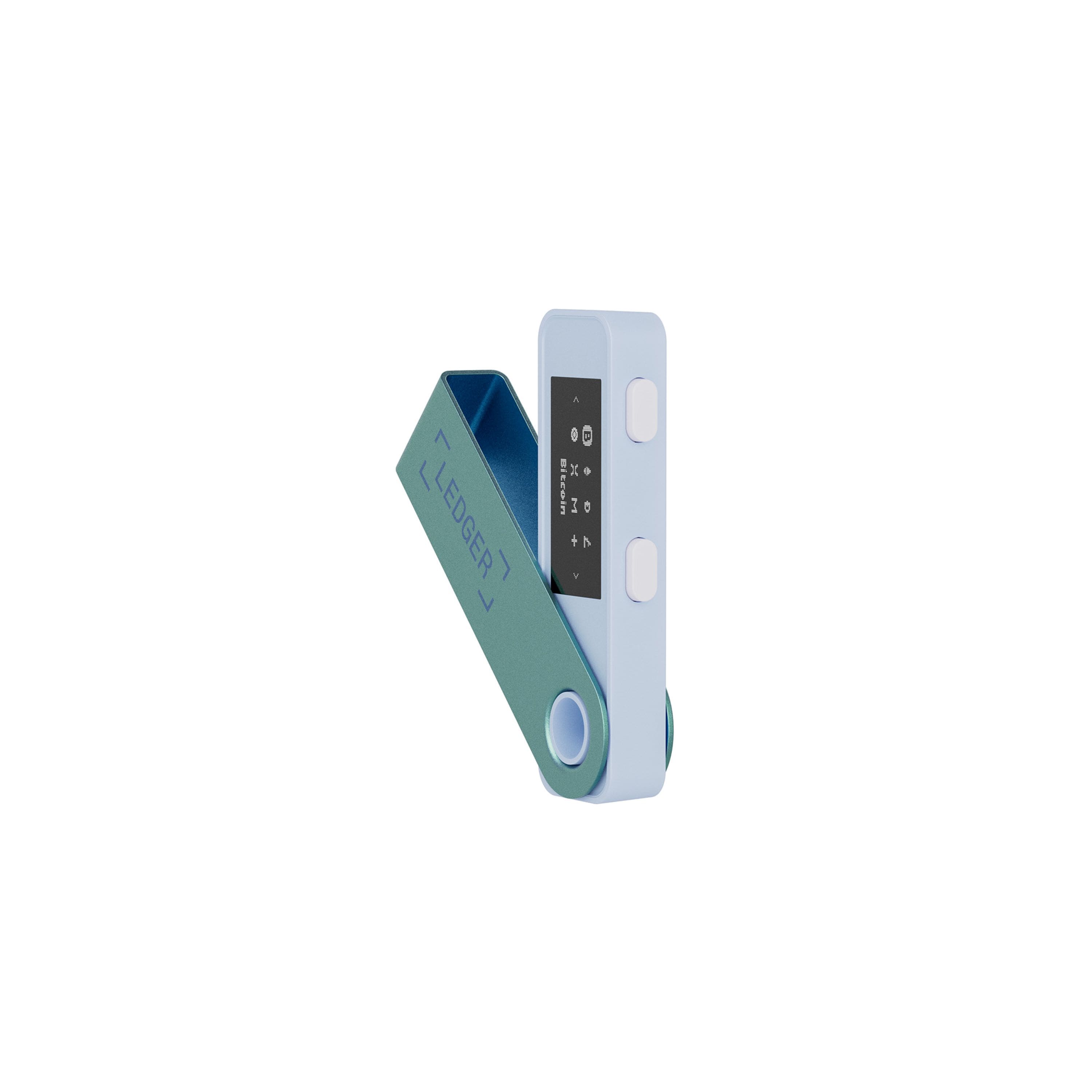
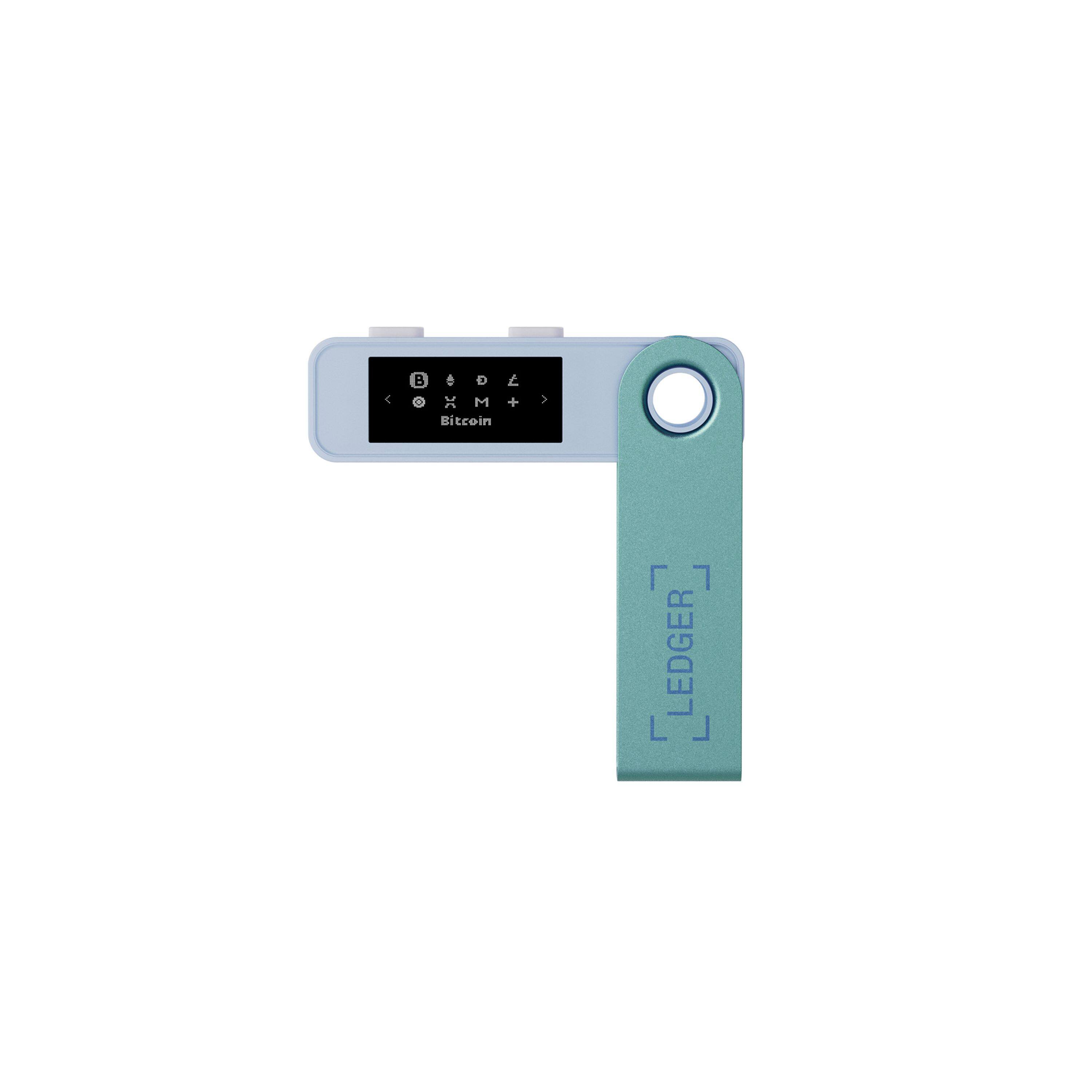
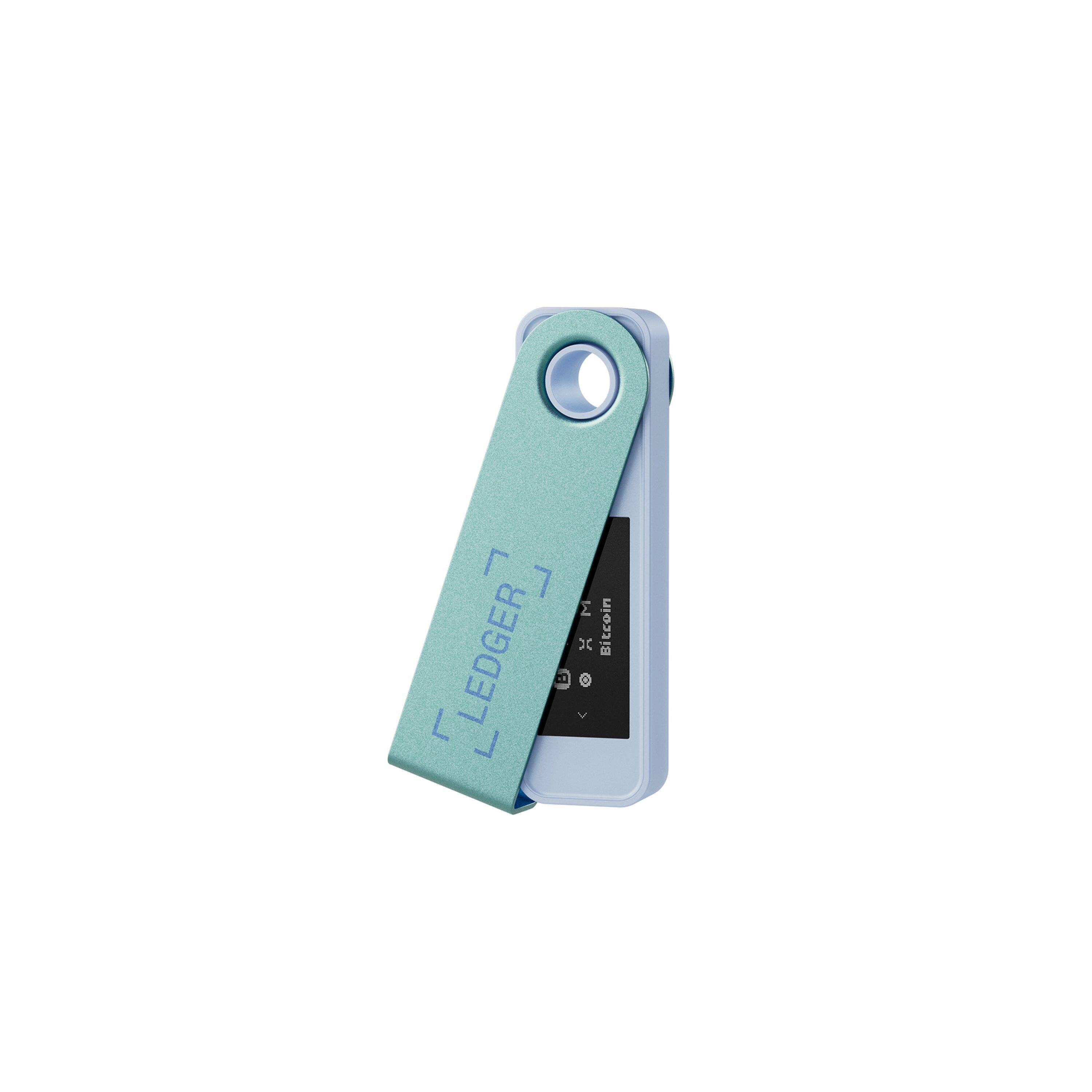
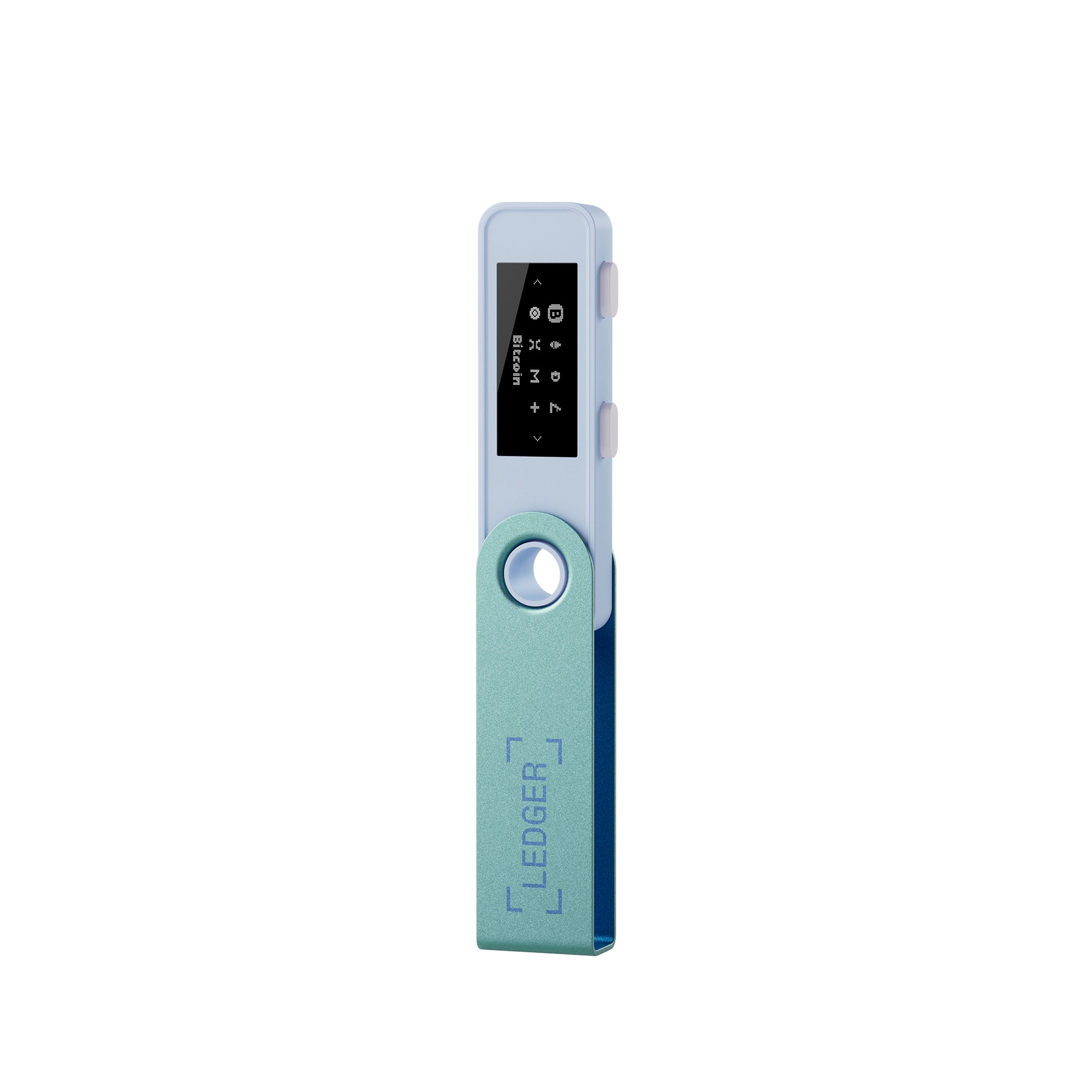
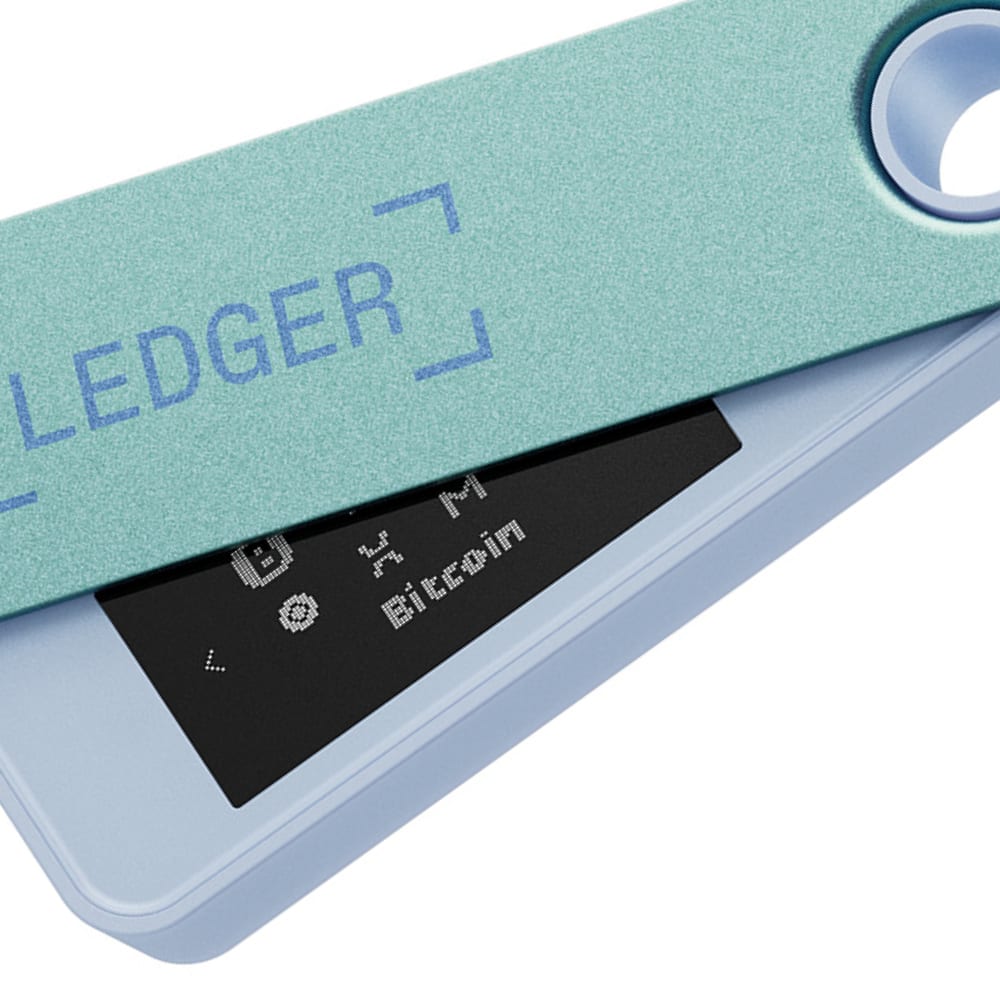
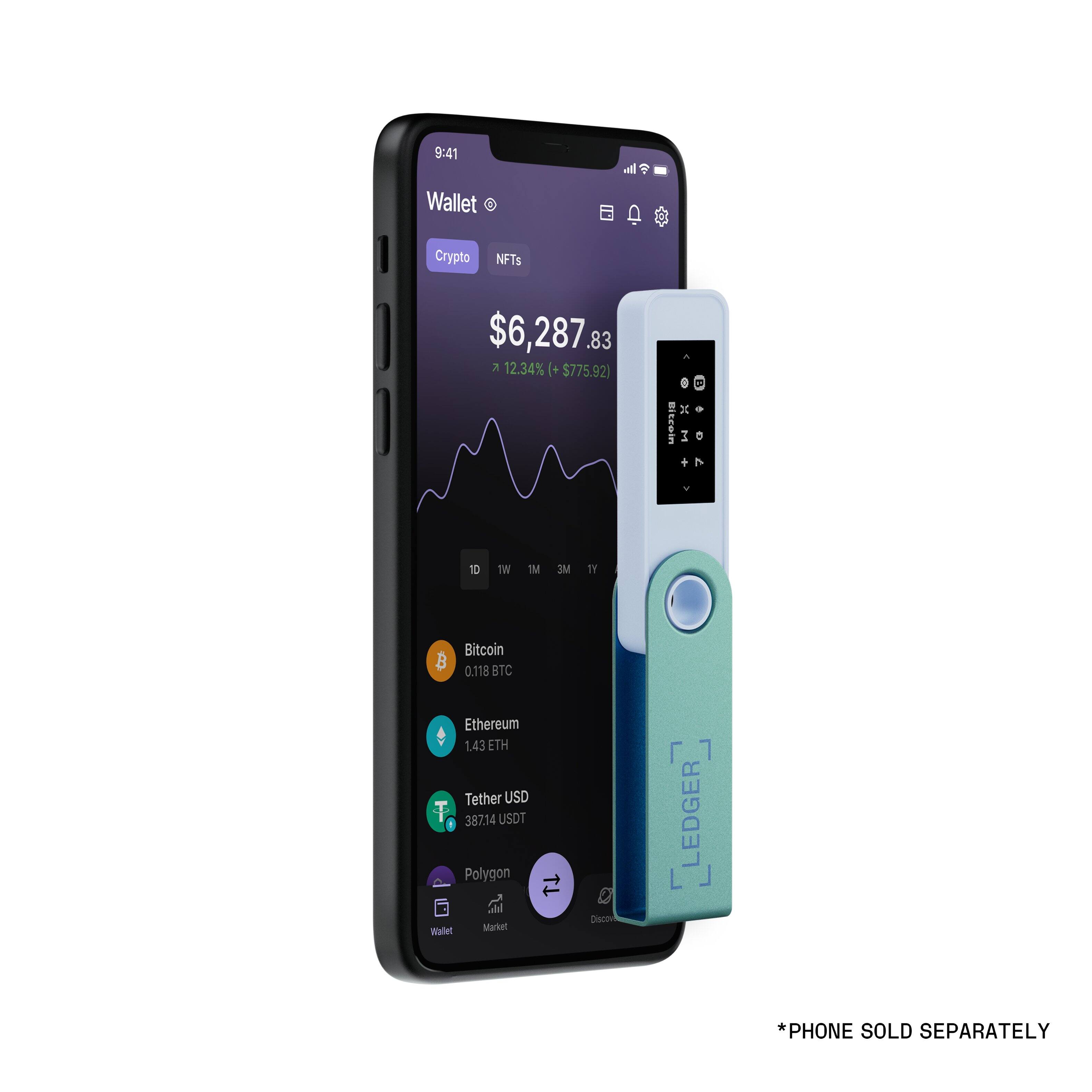
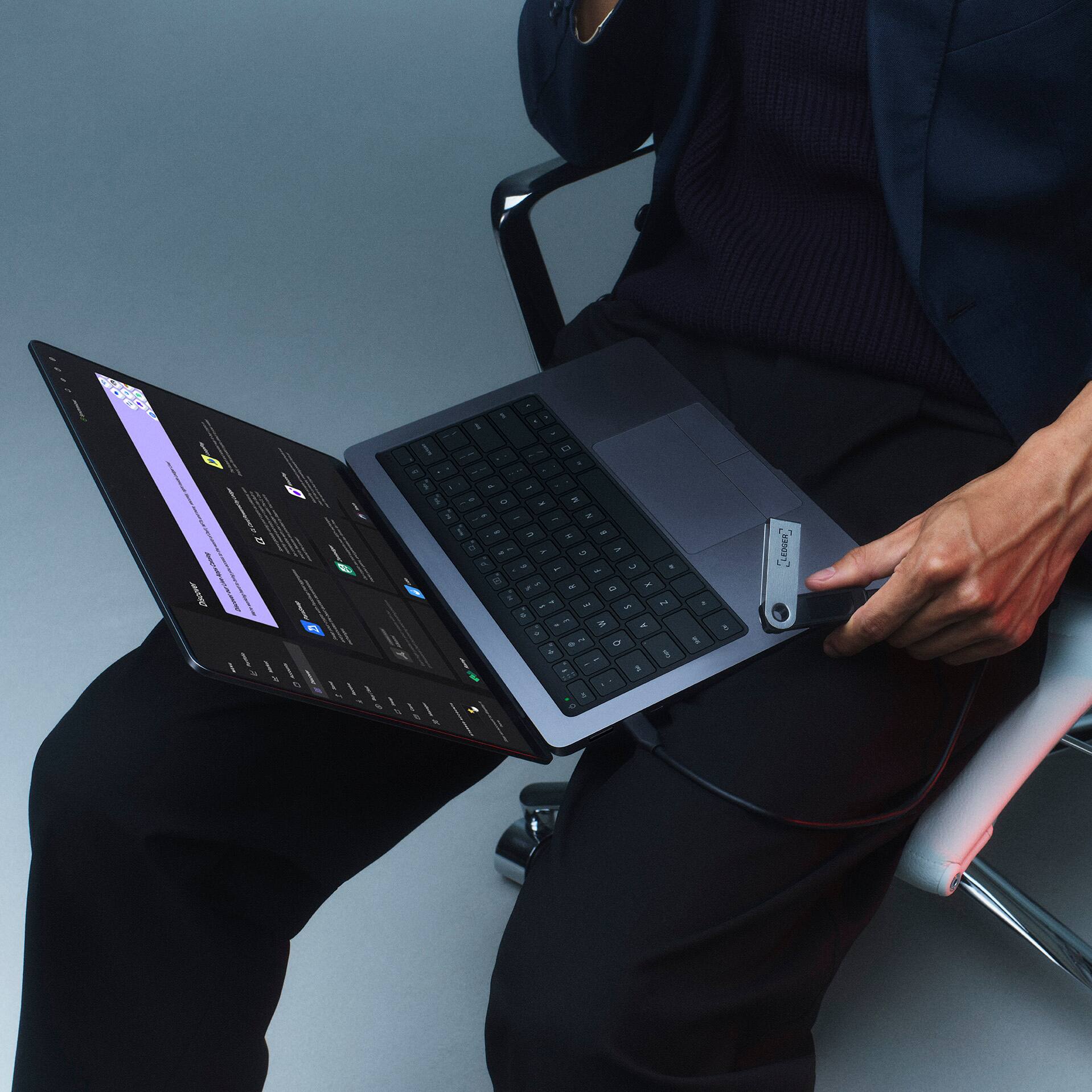
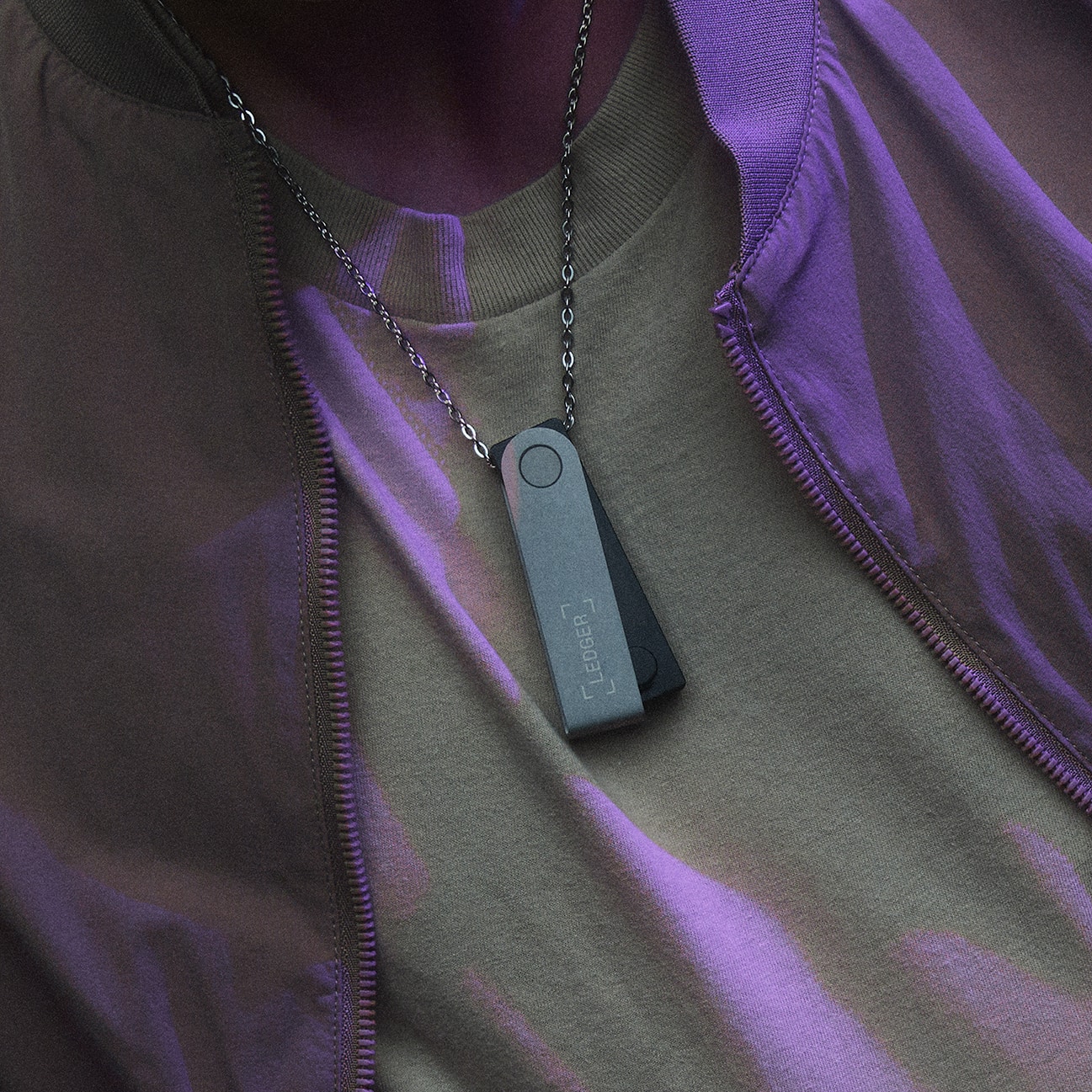
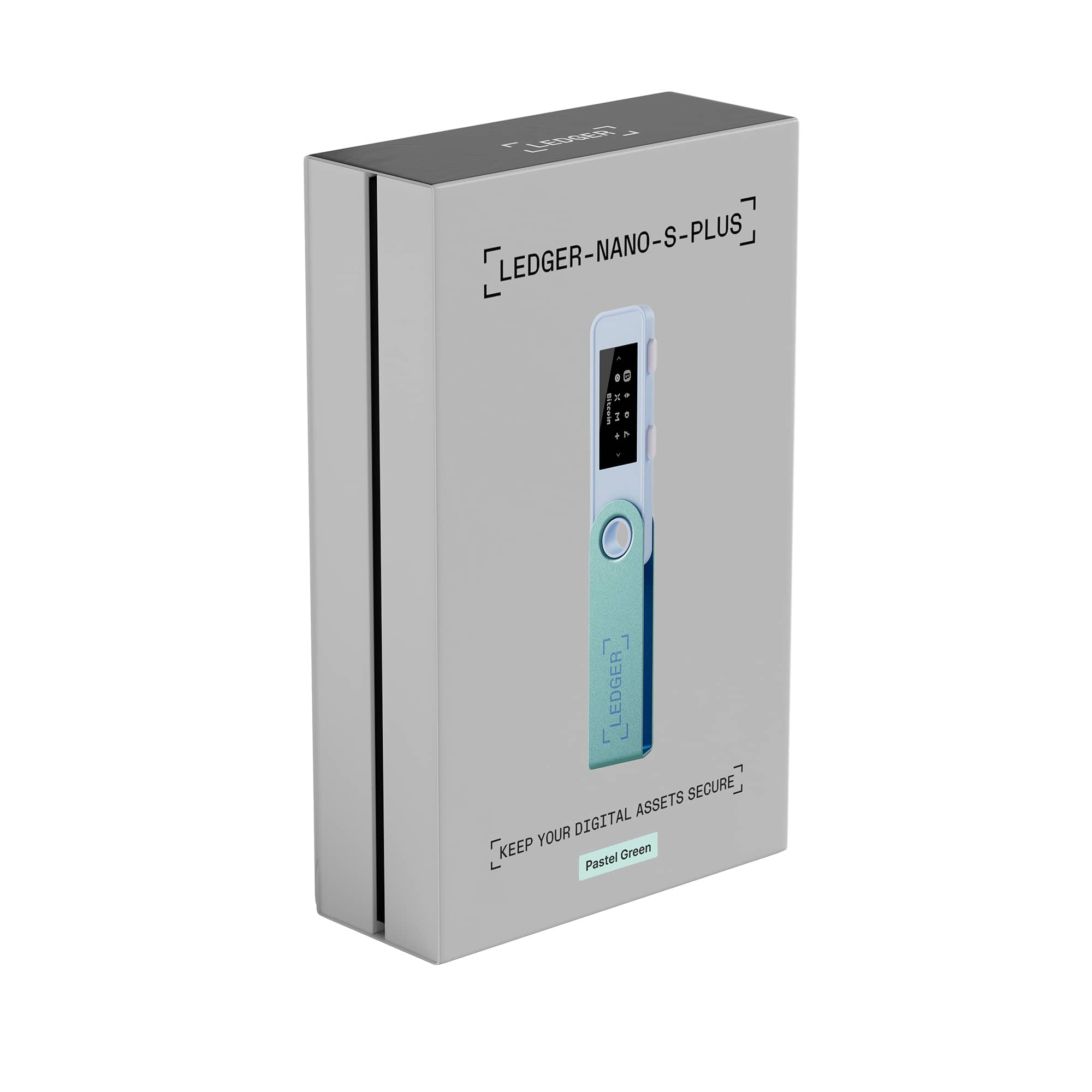
|Posted .This reviewer received promo considerations or sweepstakes entry for writing a review.I am a beginner in crypto currency. It was suggested to me to not keep crypto currency on any exchange or “Hot wallet” but instead to store it in a hardware wallet. Although my assets aren’t large amounts, I just wanted to make sure I was doing all that I can to secure them. The Nano S looks like a USB drive with an LCD screen with two buttons. The buttons are used to navigate through the settings. It is made with aluminum and plastic. The aluminum acts as a cover. It does not have an internal battery and this model does NOT have bluetooth. The Nano has to be connected to your computer with an included USB-A to USB-C braided cable for it to work. It does not currently support iOS devices. It has a memory capacity of 1.28MB but should be plenty enough space for many crypto apps. For security there’s a PIN lock which is 4-8 digits long and you can set it to lock in 1, 2, 5, 10 minutes or set it to no PIN lock. All the device settings are only available on the Nano itself. The Nano S Plus uses CC EAL5+ CERTIFIED SECURE CHIP to protect your crypto, NFTs and Tokens. A hardware crypto wallet works as a “cold storage” wallet which means that it never exposes your private key online. Ledger says that Your private key is stored within your Nano. The setup process says to plan for 30 minutes to complete and take your time and you really should really take your time. Your Nano S will generate your 24 word secret recovery phrase during the setup process. Make sure you write them down correctly and spelling counts. Then keep it in a safe place because if anyone gets a hold of these words, they can steal your crypto assets. The last step in the setup checks to see if your Nano is genuine. There are copycats out there. Making crypto transactions is so nerve racking for me because if I make a mistake in the process, there’s a chance that I can lose my assets. The included manuals does not show you how to make transactions. The hardest thing for me when making transactions with this Nano S Plus is reading the address on the LCD screen with my aging eyes because the font is so small and thin. I set the brightness to HIGH and it really helps. All you do on the Nano is to verify the address and everything else is done on the exchange side. After you make the transfer from your exchange, you synchronize the Ledger Live app and verify the transaction was made successfully. There’s still lots to learn about crypto especially regarding security but with this hardware wallet, I feel more secure knowing that I am the only one that has access to my assets. I just hope that I don’t lose my Nano S Plus but knowing that just as long as nobody knows my pin or my recovery phrase, my cryptos will be safe.
I would recommend this to a friend - Pros mentioned:Ease of use
Great device
||Posted . Owned for 1 month when reviewed.This reviewer received promo considerations or sweepstakes entry for writing a review.It might be the basic ledger option but it does everything you need it to.
I would recommend this to a friend