Customer Ratings & Reviews


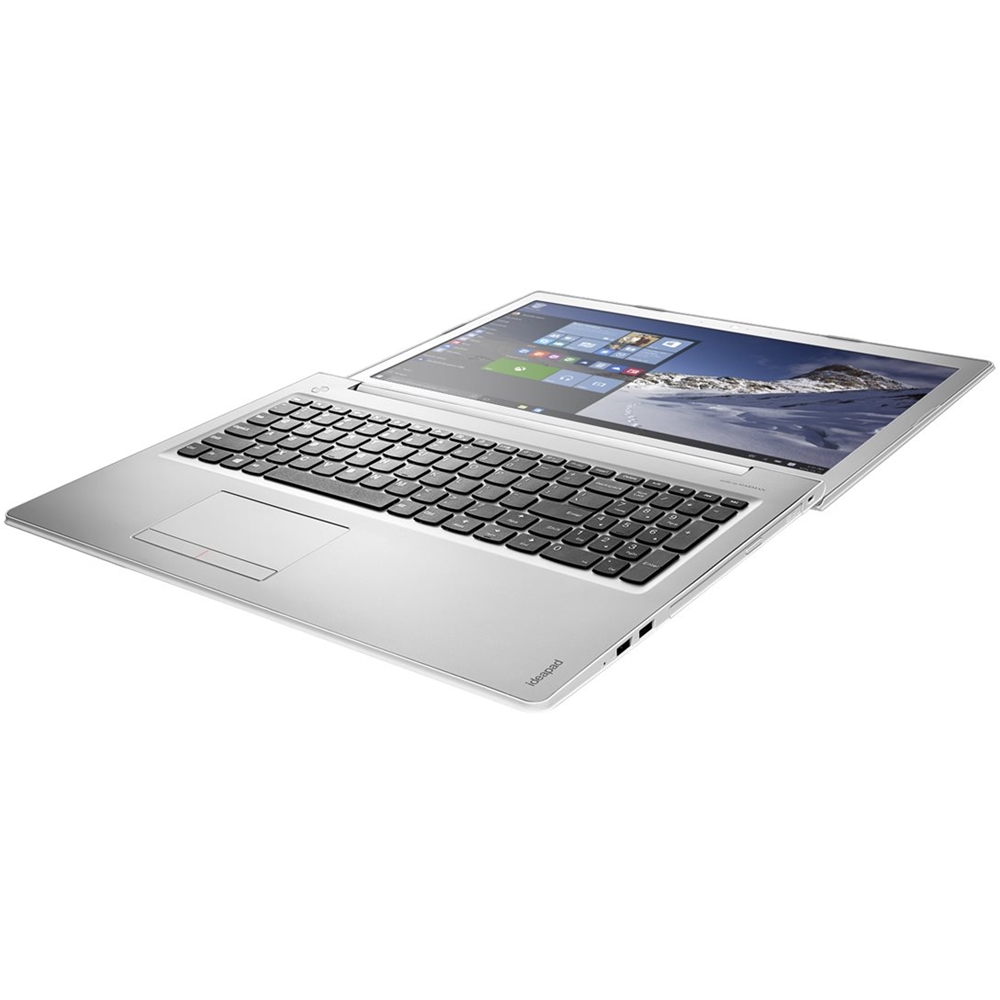

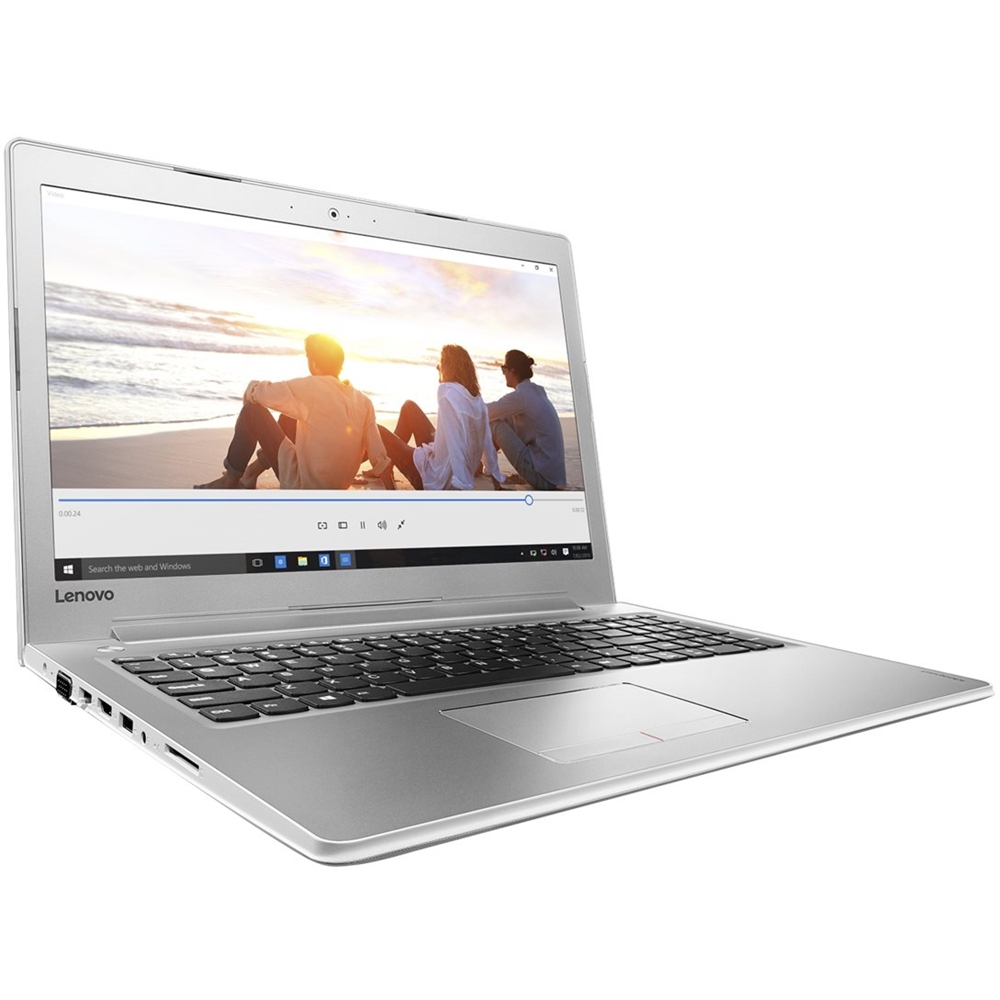
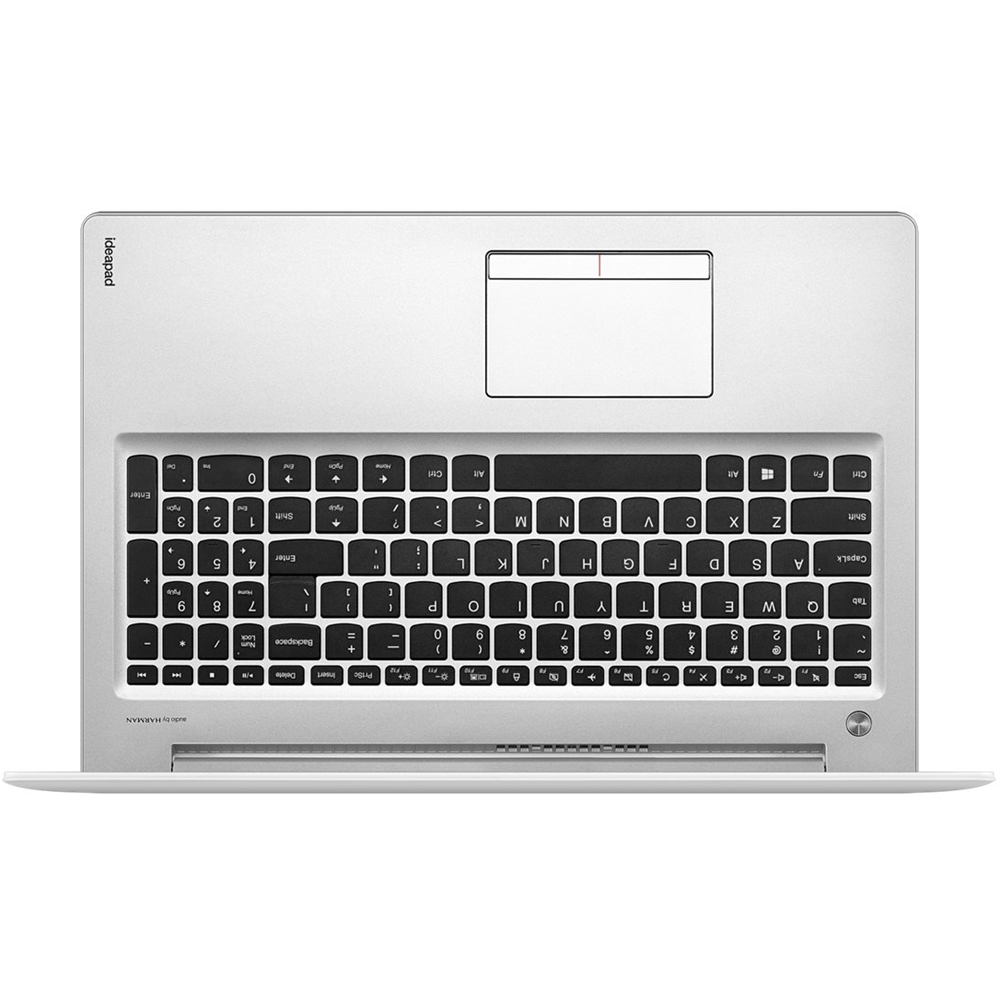

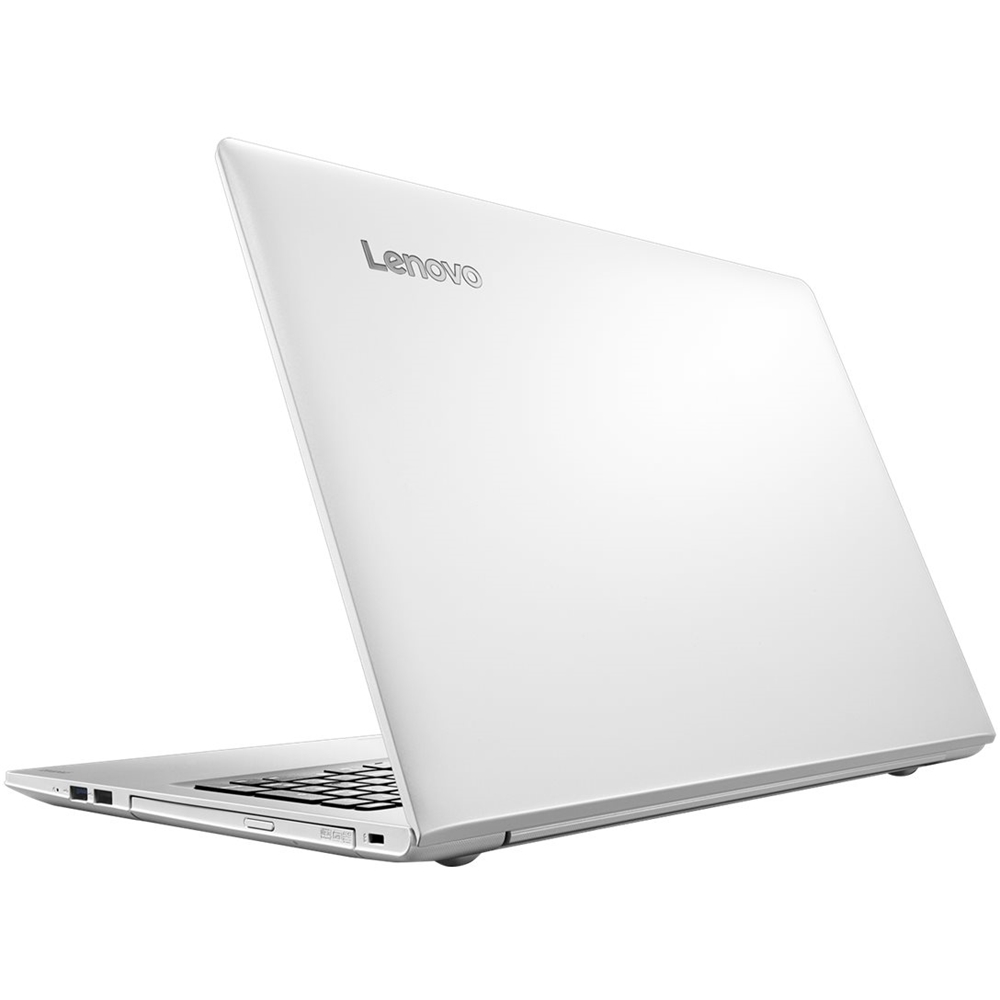
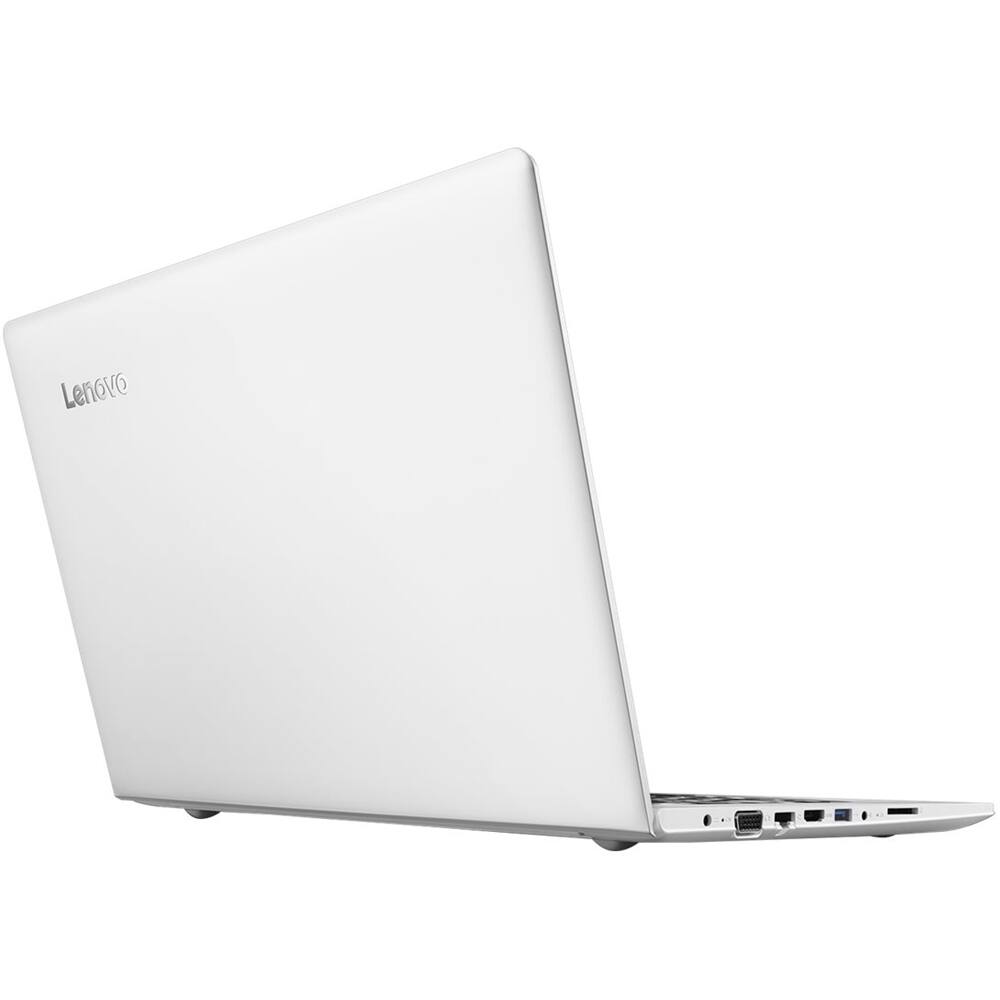

- Model:
- 80SV0056US
- SKU:
- 5623583
to a friend
Customers are saying
Customers recognize the quality of the 510-15IKB 15.6" Laptop's processor, with comments highlighting its power and speed. The solid-state drive is also praised for its contribution to fast performance and quick boot-up times.
This summary was generated by AI based on customer reviews.
Great laptop
||Posted .This reviewer received promo considerations or sweepstakes entry for writing a review.Very satisfied with my purchase, fast processor slick design awesome performance.
I would recommend this to a friendSuper fast
||Posted .This reviewer received promo considerations or sweepstakes entry for writing a review.This laptop boots up in seconds. Crisp screen. Love the keyboard.
I would recommend this to a friendBrand response from Lenovo Product Expert
Posted .Thank you for choosing the Lenovo IdeaPad 510-15 laptop. We are pleased to hear that the performance and features of the IdeaPad 510-15 meets your computing need so well.

great computer
||Posted .This reviewer received promo considerations or sweepstakes entry for writing a review.great computer, I love it, fast speed, bright picture
I would recommend this to a friendBrand response from Lenovo Product Expert
Posted .Thank you for choosing the Lenovo IdeaPad 510-15 laptop. We are pleased to hear that the performance of the IdeaPad 510-15 meets your computing needs so well.
- Cons mentioned:Key placement
Keyboard shift-key problem
Posted .This reviewer received promo considerations or sweepstakes entry for writing a review.Major problem: The right sideshift key is very small and placed too far to the right of the keyboard for typing quickly. There is an up-arrow key where the shift key should be. Consequently, I end up not capitalizing when I thought I had, and typing a line up from where I was. I use multiple computers with normal keyboards, and find it difficult to over-reach to get to the right side shift key on just one keyboard. I'm returning this laptop.
No, I would not recommend this to a friendBrand response from Lenovo Product Expert
Posted .With regard to the right shift key issue you mention, there is a free software APP called KeyTweak that may help you. You can switch the key functions of specific keys on your keyboard with this software, so you could change the right shift key with the key you hit in its place. Just Google search "KeyTweak" and you will find articles about what the software does and you will find the download location for this free APP.













