Customer Ratings & Reviews




- Model:
- F0CU0022US
- SKU:
- 5732317
to a friend
Customers are saying
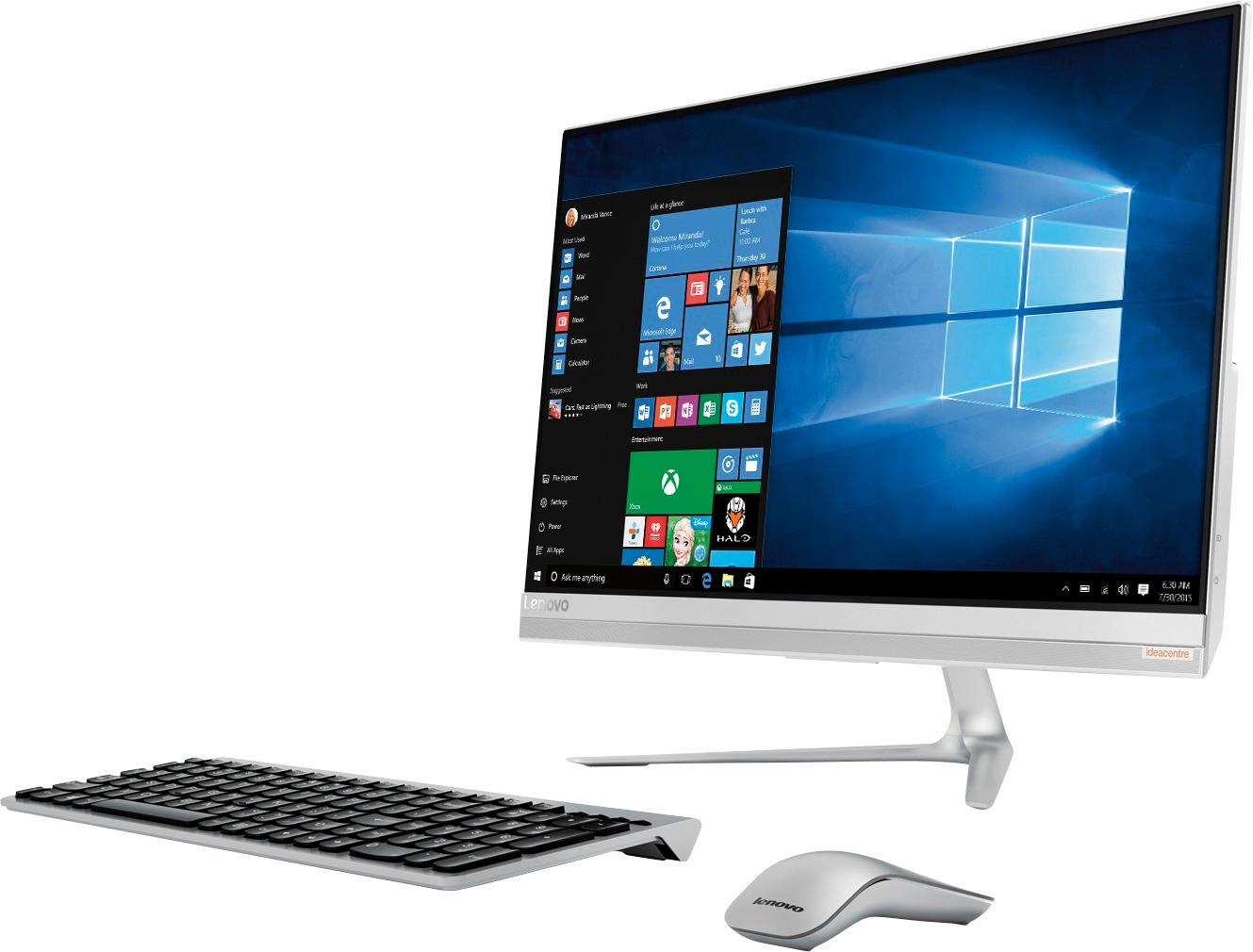
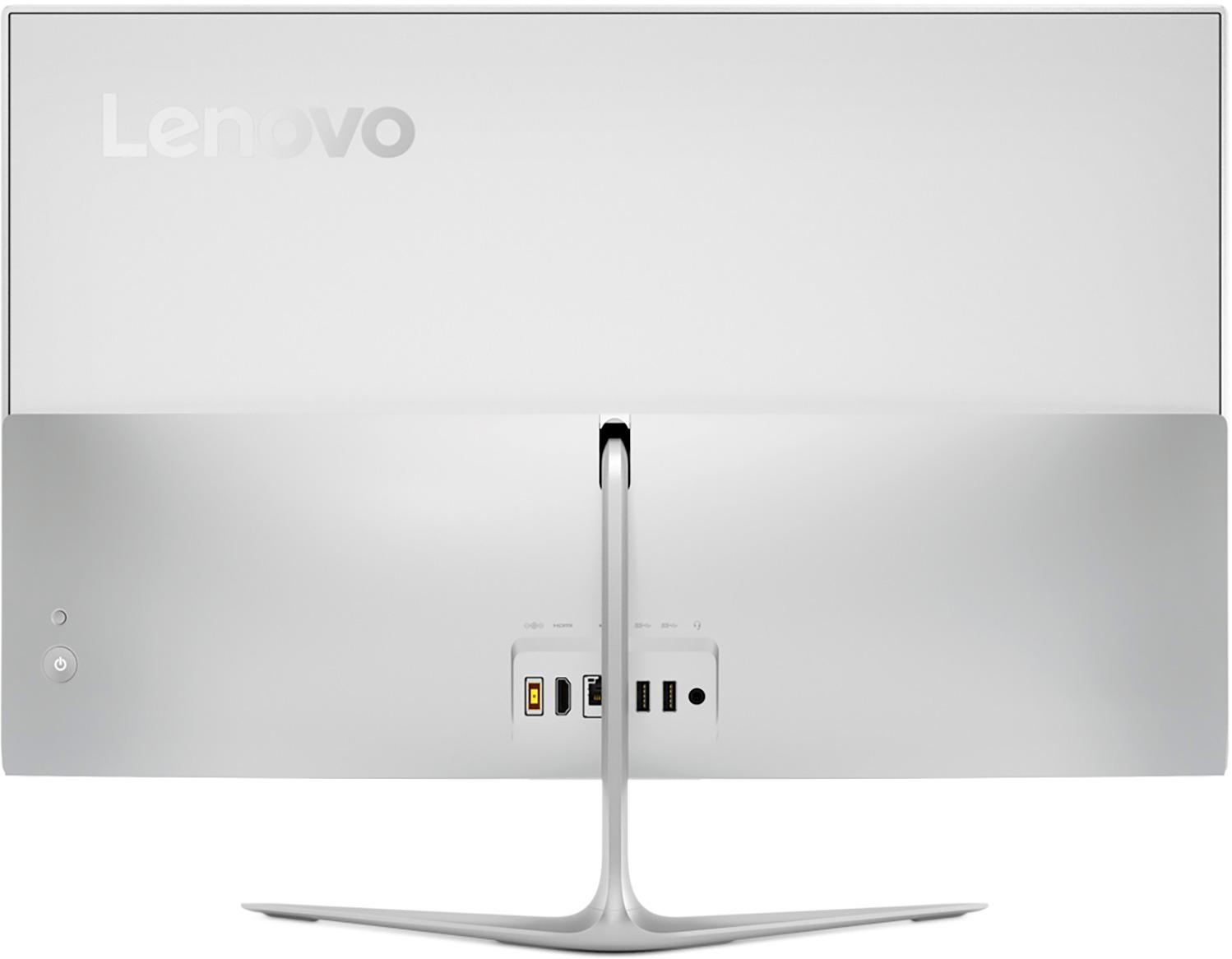
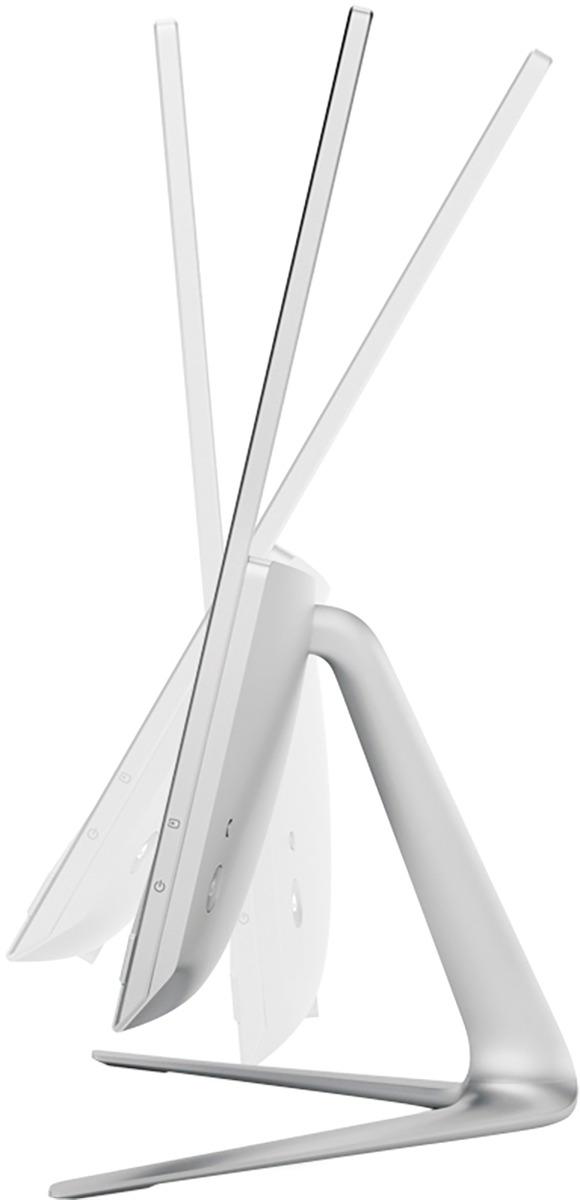
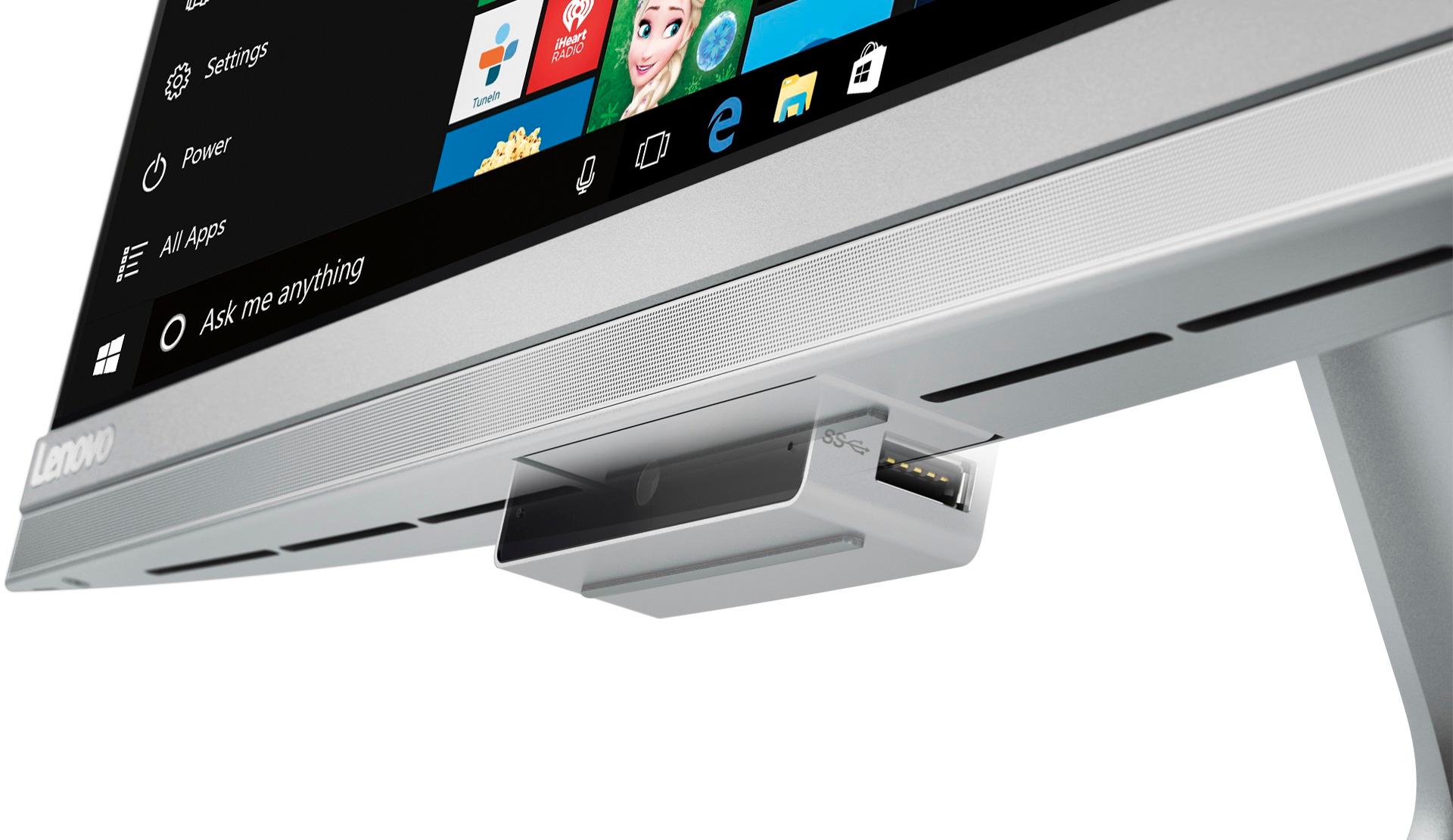
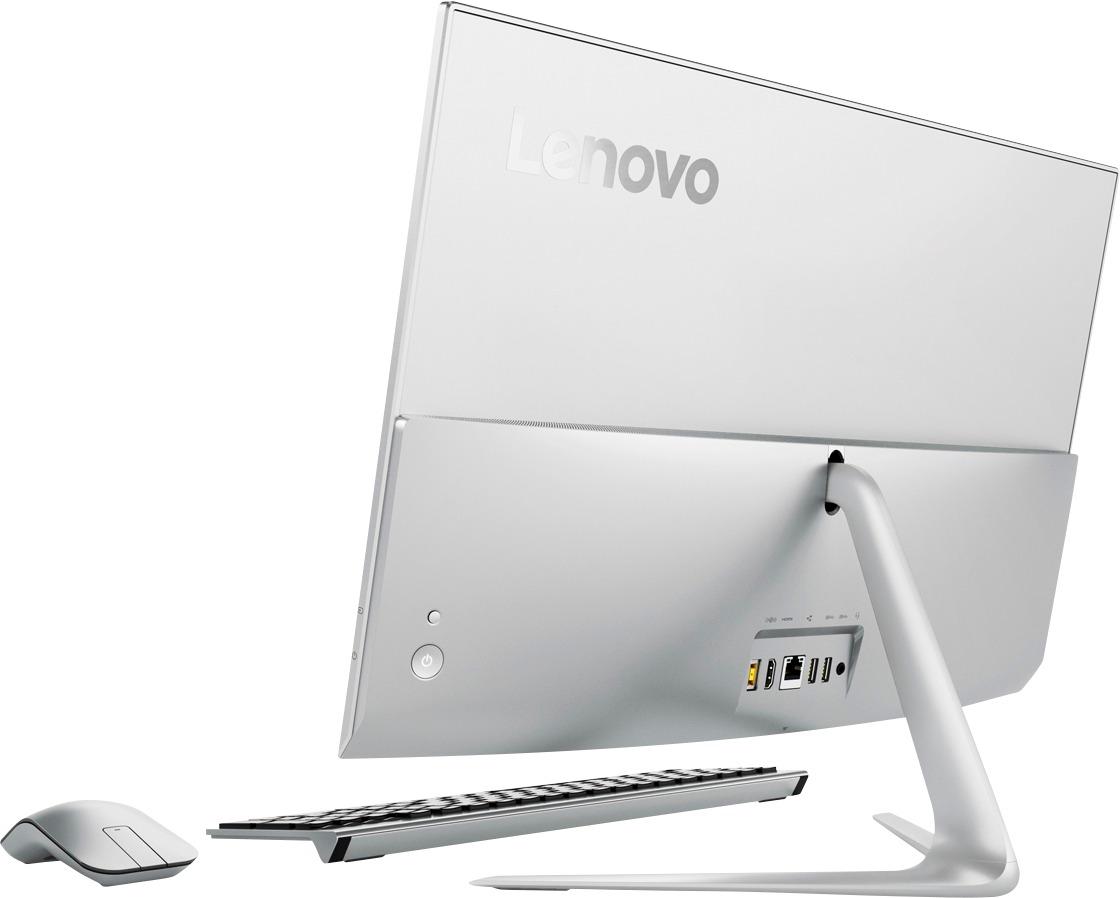
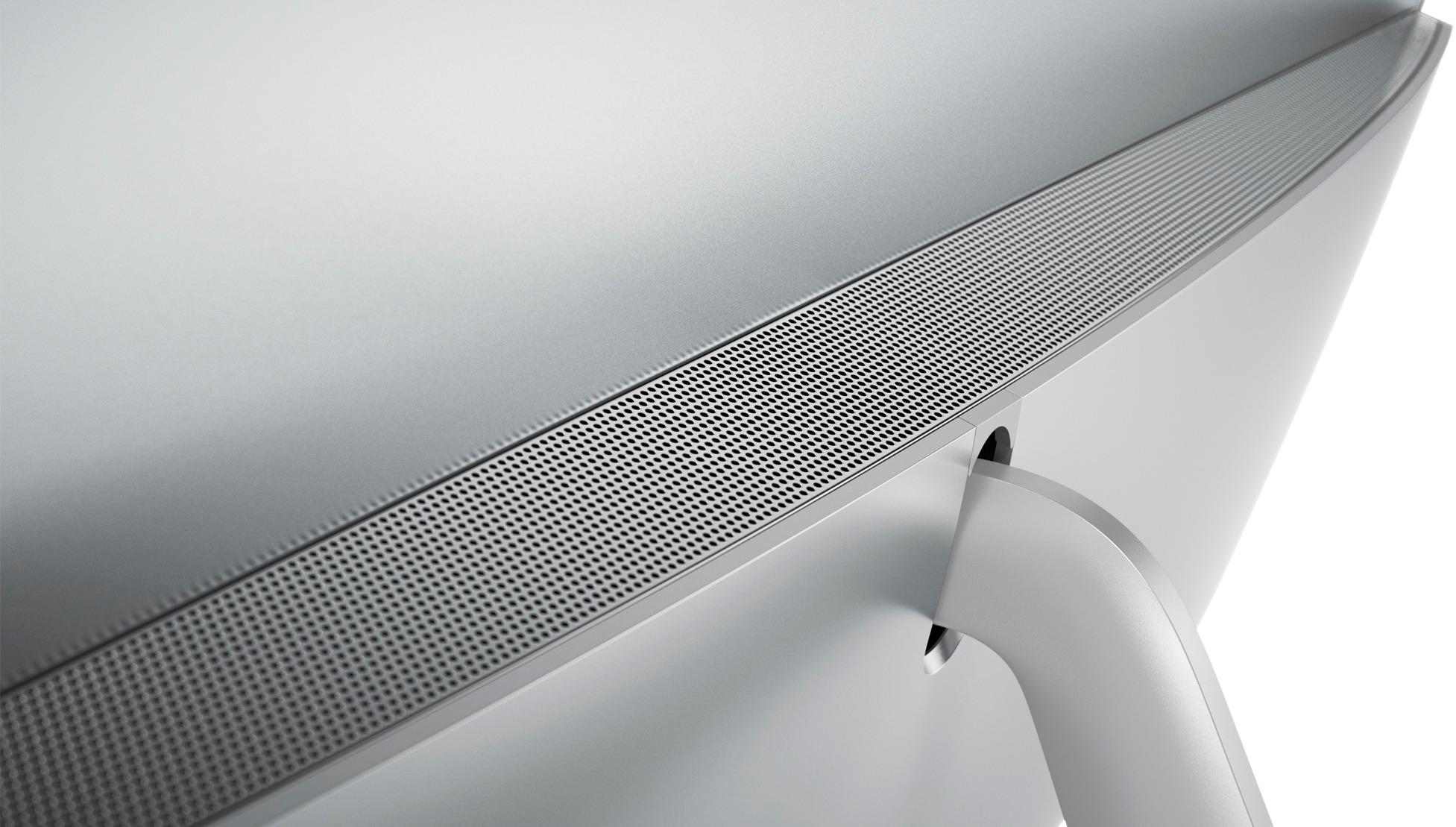
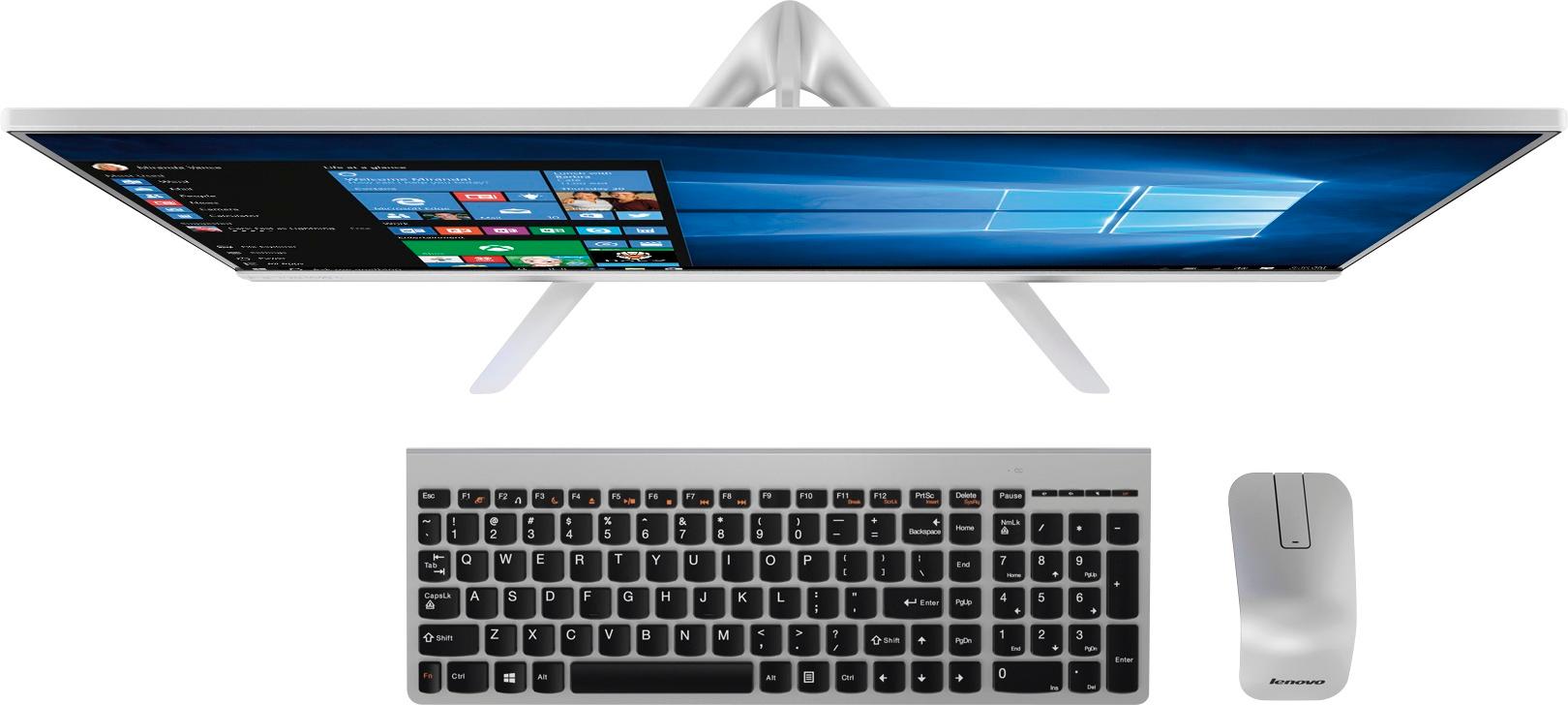
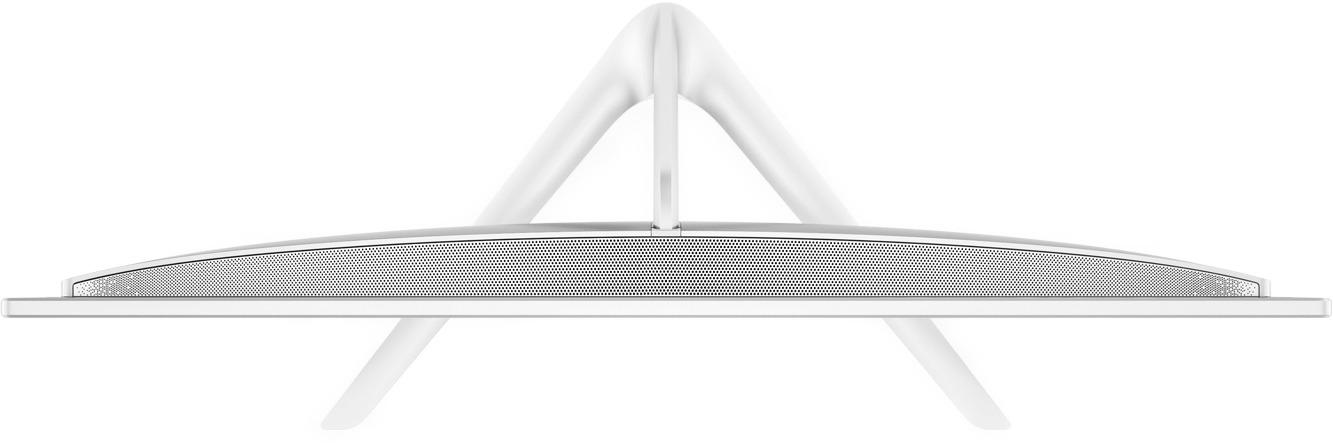
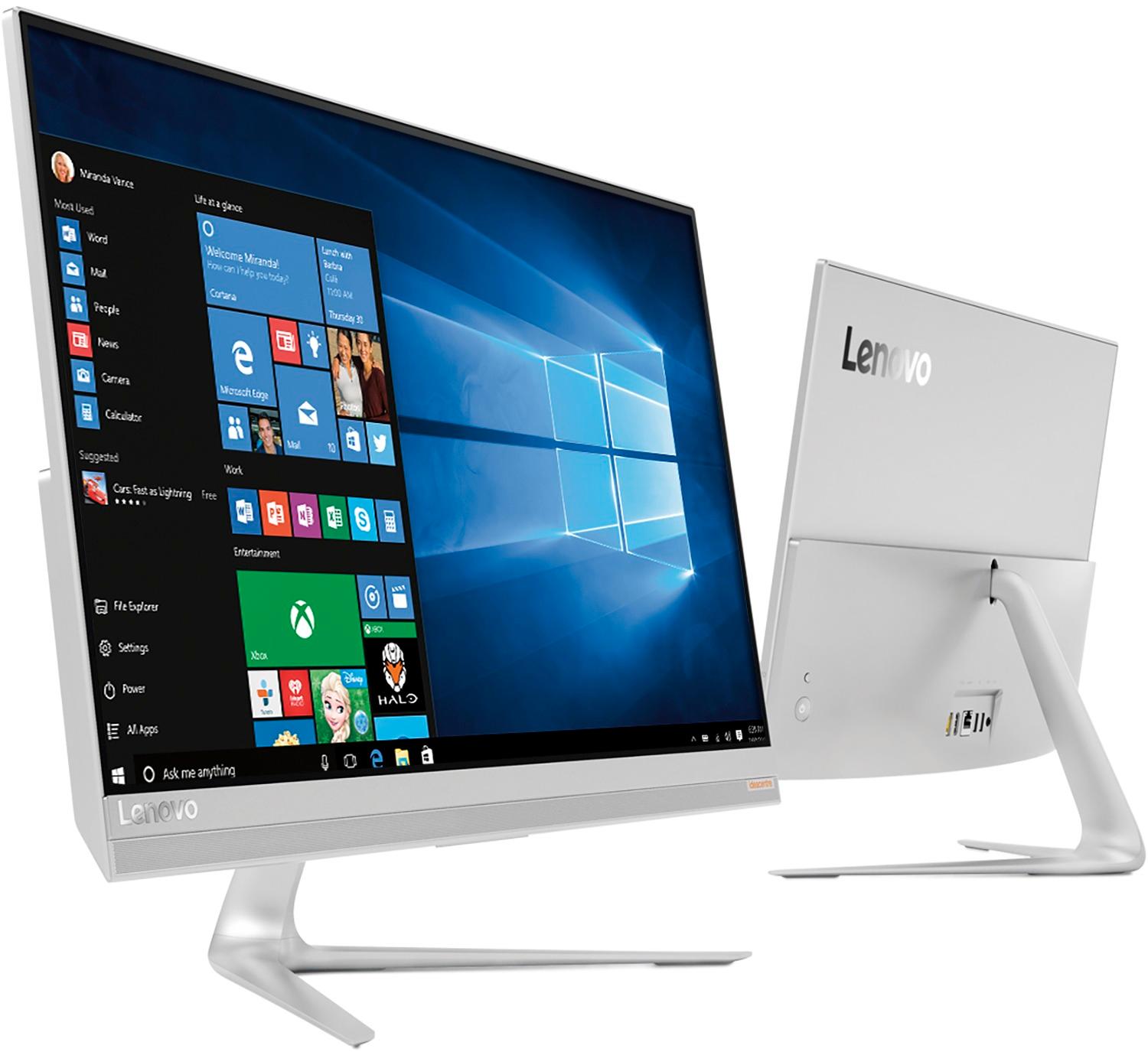
Customers are delighted by the 520S-23IKU's responsive touch screen and ease of use, praising its performance and compact design. Many appreciate the clear picture quality and the space-saving all-in-one form factor. However, some customers wish it had more conveniently located USB ports and better speakers.
This summary was generated by AI based on customer reviews.
Lenovo
||Posted .This reviewer received promo considerations or sweepstakes entry for writing a review.Machine works great, no issues. Saves tons of space over regular configurations.
I would recommend this to a friendBrand response from Lenovo Product Expert
Posted .Thank you for choosing the Lenovo IdeaCentre 510s-23 All-In-One system. We are pleased to hear that the IdeaCentre 510s-23 AIO meets your computing needs so well.

- Pros mentioned:Processor speed
Good, Fast, Quiet Machine
||Posted .This reviewer received promo considerations or sweepstakes entry for writing a review.The processor is very fast. I had concerns about fan noise. It isn't a problem. The wireless mouse is a bit too cute by half. I still use the old mouse for specific purposes.
I would recommend this to a friendBrand response from Lenovo Product Expert
Posted .Thank you for choosing the Lenovo IdeaCentre 520s-23 All-In-One system. We are pleased to hear that the IdeaCentre 520s-23 AIO is working out so well for you.
- Pros mentioned:Touch screen
Excellent All In One
||Posted .This reviewer received promo considerations or sweepstakes entry for writing a review.I have a Yoga 900 and that works great, but I want a touchscreen monitor and a single unit, no more messy wires. It is light weight and can be moved around house easily.
I would recommend this to a friendBrand response from Lenovo Product Expert
Posted .Thank you for choosing the Lenovo IdeaCentre 520s-23 All-In-One system. We are pleased to hear that the features and performance of the IdeaCentre 520s-23 AIO meets your computing needs so well. We appreciate your loyalty to the Lenovo Brand.
- Pros mentioned:Ease of use
Great all-in-one option
||Posted .This reviewer received promo considerations or sweepstakes entry for writing a review.I really like this Lenovo product. I have never had all-in-one before and found it easy to navigate. I especially love the ease and simplicity of the wireless keyboard and mouse!
I would recommend this to a friendBrand response from Lenovo Product Expert
Posted .Thank you for choosing the Lenovo IdeaCentre 520s-23 All-In-One system. We are pleased to hear that the ease of use, features and performance of the IdeaCentre 520s-23 AIO meets your computing needs so well.
- Pros mentioned:Touch screen
Love this all-in-one
||Posted .This reviewer received promo considerations or sweepstakes entry for writing a review.i was worried about an all-in-one desktop but this one is great. I run it wireless and it takes little desk space so i can move it where everywhere i want to.
I would recommend this to a friendBrand response from Lenovo Product Expert
Posted .Thank you for choosing the Lenovo IdeaCentre 520s-23 All-In-One system. We are pleased to hear that the IdeaCentre 520s-23 AIO is working out so well for you.
- Pros mentioned:Ease of use
Good performance for my work
||Posted .This reviewer received promo considerations or sweepstakes entry for writing a review.When I first started using this device, it guided me on how to use it and made it easy for me to access apps and the settings.
I would recommend this to a friendBrand response from Lenovo Product Expert
Posted .Thank you for choosing the Lenovo IdeaCentre 520s-23 All-In-One system. We are pleased to hear that the ease of use and performance of the IdeaCentre 520s-23 AIO meets your computing needs so well.
- Cons mentioned:Usb ports
Should have used an SSD
||Posted .This reviewer received promo considerations or sweepstakes entry for writing a review.I feel like Lenovo cut some corners by using a hard drive instead of an SSD. All in all the PC is fine, nothing super special though to be honest.
No, I would not recommend this to a friend - Pros mentioned:Processor speed
very nice computer
||Posted .This reviewer received promo considerations or sweepstakes entry for writing a review.Computer is plenty fast for everyday tasks. We actually run Adobe Creative suite on it and the processor never complains. Display is stunning.
I would recommend this to a friendBrand response from Lenovo Product Expert
Posted .Thank you for choosing the Lenovo IdeaCentre 520s-23 All-In-One system. We are pleased to hear that the performance of the IdeaCentre 520s-23 AIO meets your computing needs so well.
- Pros mentioned:Touch screen
FRIST TIME USING A NON CORD COMPUTER LOVE IT
||Posted . Owned for 5 months when reviewed.This reviewer received promo considerations or sweepstakes entry for writing a review.MY DAUGHTER TALK ME INTO BUYING THIS CAUSE SHE CALLED ME OLD FASHION WITH ALL THE CORDS AND TOWER WHICH IS OUT DATED BUT NOW I LOVE THIS TOUCH SCREEN AND WIRELESS MOUSE
I would recommend this to a friend Great computer
||Posted .This reviewer received promo considerations or sweepstakes entry for writing a review.First all in one desktop. It's great! Getting to website faster then my laptop. Picture quality is great. Absolutely love this computer!!!
I would recommend this to a friendBrand response from Lenovo Product Expert
Posted .Thank you for choosing the Lenovo IdeaCentre 520s-23 All-In-One system. We are pleased to hear that the performance of the IdeaCentre 520s-23 AIO meets your computing needs so well.
Great All in One Desk Top Computer
||Posted .This reviewer received promo considerations or sweepstakes entry for writing a review.My wife loves her new home computer. She loves the All in One feature since it takes very little space. No annoying tower to hide.
I would recommend this to a friendBrand response from Lenovo Product Expert
Posted .Thank you for choosing the Lenovo IdeaCentre 520s-23 All-in-One system for your wife. We are pleased to hear that the features and performance of the IdeaCentre 520s-23 AIO meets your wife's computing needs so well.
Nice looking computer for regular day to day use
||Posted .This reviewer received promo considerations or sweepstakes entry for writing a review.We have been using this pc for regular work and school related items and it has been performing admirably. Items I found annoying are the installed Lenovo apps. Also, I realized later that the video graphics card on it may not be the best one out there if you are into high end graphics for gaming. The included keyboard is not full-size and is sometimes little challenging to get acquainted to. Not sure why Lenovo choose to not have a right sized keyboard.
I would recommend this to a friendBrand response from Lenovo Product Expert
Posted .Thank you for choosing the Lenovo IdeaCentre 520s-23 All-In-One system. The installed Lenovo APPs are a quick start user's guide, utilities to help improve the Windows 10 experience and to alert the user to necessary updates. This model has integrated graphics processing, meaning the Intel Core i7-7500U processor handles graphics processing with on board Intel HD Graphics 620 processing. The keyboard and mouse are a slim line design, to complement the system design.
- Pros mentioned:Processor speed
well pleased ,easy to use
||Posted .This reviewer received promo considerations or sweepstakes entry for writing a review.Up graded after11 years. easy to learn new system so far. Does much more and quicker than old computer.well pleased so far.
I would recommend this to a friendBrand response from Lenovo Product Expert
Posted .Thank you for choosing the Lenovo IdeaCentre 520s-23 All-In-One system. We are pleased to hear that the performance of the IdeaCentre 520s-23 AIO meets your computing needs so well.
- Pros mentioned:Ease of use
I love my new computer.
||Posted .This reviewer received promo considerations or sweepstakes entry for writing a review.Space is essential. This computer is easy to work on. And I like the challenge of learning about a new system and product.
I would recommend this to a friendBrand response from Lenovo Product Expert
Posted .Thank you for choosing the Lenovo IdeaCentre 520s-23 All-In-One system. We are pleased to hear that the IdeaCentre 520s-23 AIO meets your computing needs so well.
- Pros mentioned:Performance
Good
||Posted . Owned for more than 2 years when reviewed.This reviewer received promo considerations or sweepstakes entry for writing a review.Pretty good budget pc for someone that needs something that could do light work or for school
I would recommend this to a friend - Pros mentioned:Design
Sleek and functional
||Posted .This reviewer received promo considerations or sweepstakes entry for writing a review.Sleek design that takes up little space. Lenovo hasn't failed me yet and this one delivers.
I would recommend this to a friendBrand response from Lenovo Product Expert
Posted .Thank you for choosing the Lenovo IdeaCentre 520s-23 All-In-One system. We are pleased to hear that the features and performance of the IdeaCentre 520s-23 AIO meets your computing needs so well. We appreciate your loyalty to the Lenovo Brand.
- Pros mentioned:Touch screen
well pleased ,easy to use
||Posted .This reviewer received promo considerations or sweepstakes entry for writing a review.big improvement from old computer.also likel larger screen. would recommendto others.
I would recommend this to a friendBrand response from Lenovo Product Expert
Posted .Thank you for choosing the Lenovo IdeaCentre 520s-23 All-In-One system. We are pleased to hear that the features and performance of the IdeaCentre 520s-23 AIO meets your computing needs so well.
- Pros mentioned:Processor speed
Great all in one
||Posted .This reviewer received promo considerations or sweepstakes entry for writing a review.I had a shaky first day after set up but whatever was going on cleared up by the second day and it’s worked fantastic since. Programs load fast.
I would recommend this to a friendBrand response from Lenovo Product Expert
Posted .Thank you for choosing the Lenovo IdeaCentre 520s-23 All-In-One system. It sounds like the issues you mentioned during "day one" with your Lenovo IdeaCentre 520s-23 AIO may have been operating system software updates. You can easily check the health of this device and keep the operating system up to date. This system has Lenovo utilities installed to help maintain the health of the device and keep the operating system software up to date. Type "Lenovo Vantage" in the Cortana Search window (if Lenovo Vantage is not installed on your device, you can download the APP and install it now). Select Lenovo Vantage from the list. In the window that opens, click on "Health and Support". In the expanded menu, select "Hardware Scan" In the window that opens, select "Run Quick Tests". This will scan your entire system for errors. Follow any directions that may pop up. If the problem continues after this scan, now click on "System Update". First select Windows update from the menu. Scan your system to be sure you have the latest version of Windows 10. Once that scan is complete, select "Additional Updates". This will scan your device to be sure there are no new BIOS/Driver updates needed. Follow any instructions that may pop up.
Lenovo computer
||Posted .This reviewer received promo considerations or sweepstakes entry for writing a review.Very similar to the last computer I had. Hopefully it will last longer than the last one, which the touch screen went bad right after the warranty expired. Seems to be ok at this time. would have cost almost as much to repair as to buy a new one.
I would recommend this to a friendBrand response from Lenovo Product Expert
Posted .Thank you for choosing the Lenovo IdeaCentre 520s-23 All-In-One system. We are pleased to know that the IdeaCentre 520s-23 AIO met your requirements for a new computer.
Open box is way to go
||Posted .This reviewer received promo considerations or sweepstakes entry for writing a review.To my delight there was an open box at amazing price; it works perfectly; fast and display is dazzling. I have two issues: 1. I had to stop using mouse; does not respond easily and requires pressing hard to point where my arm started to ache. I spend much time adjusting the settings to no avail; is it just a bad product and do others have this experience? The keyboard is fine. 2. I want to upgrade to 16 ram. I know most All In Ones have the components crammed it which makes this complicated. Is it hard or easy to upgrade the ram?
I would recommend this to a friendBrand response from Lenovo Product Expert
Posted .Thank you for choosing the Lenovo IdeaCentre 520s-23 All-In-One system. We are pleased to hear that the value and performance of the IdeaCentre 520s-23 AIO meets your computing needs so well. With regard to the mouse, you can make adjustments to the mouse in your system settings. You can get there by clicking on the magnifying glass at the bottom left of your Windows 10 screen. Type "mouse" in the search window. Select "Mouse & touchpad settings" from the list of choices. You can make general adjustments to the mouse there. You can also select "Additional mouse options" for more detailed adjustments to the mouse sensitivity by increasing the delay of the mouse. The RAM and hard drive are user upgradable on this model. It is not a project for a novice but is doable. If you have any concerns about your ability to do the job, we recommend you contact the Best Buy Geek Squad for expert, professional installation. Here is a link to the User Manual with instructions for replacing RAM and/or hard drive within this system on pages 37 and 38 for the RAM: https://download.lenovo.com/consumer/desktop_pub/510s_520s_hmm_20170306.pdf