Customer Ratings & Reviews
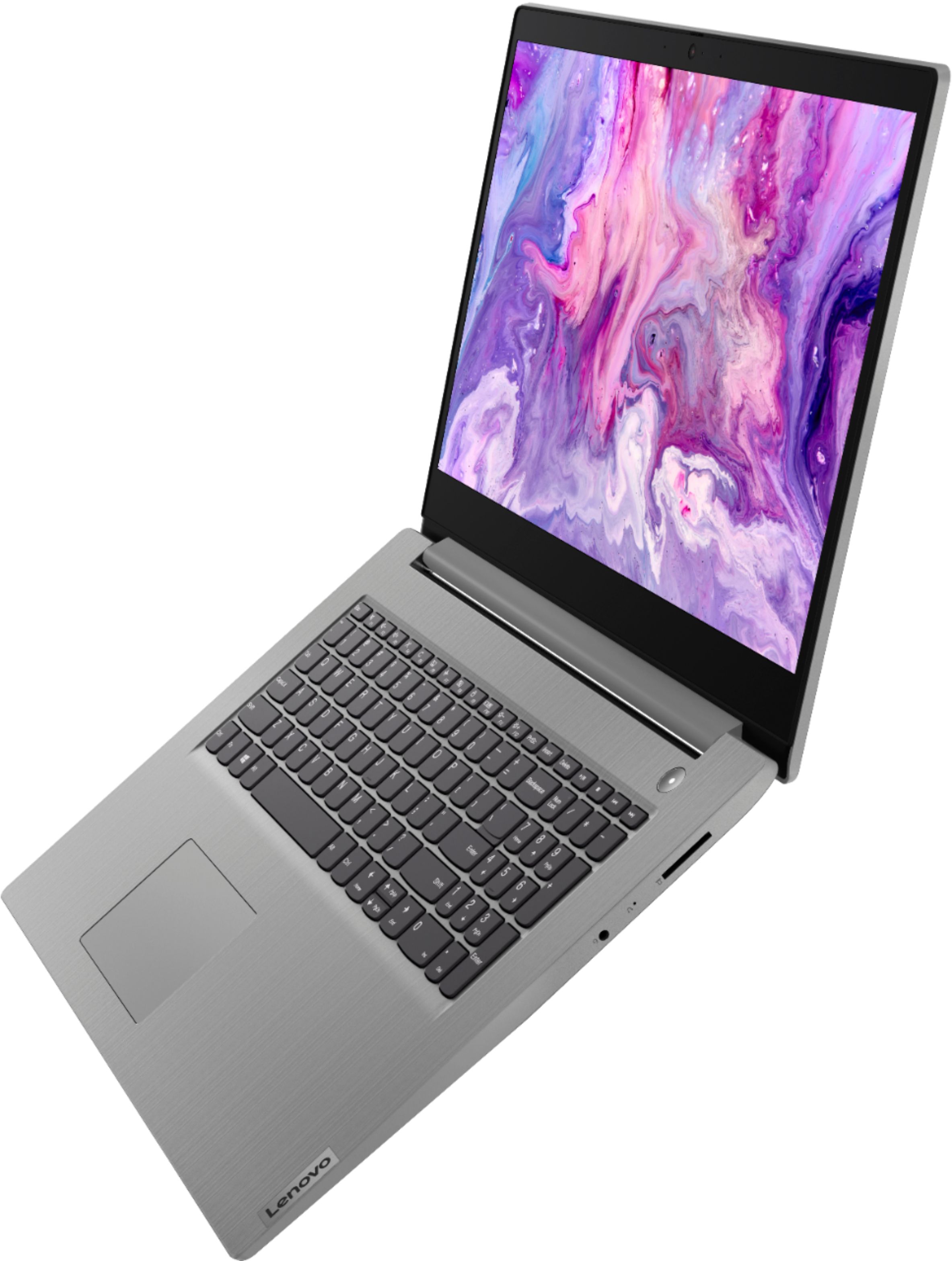
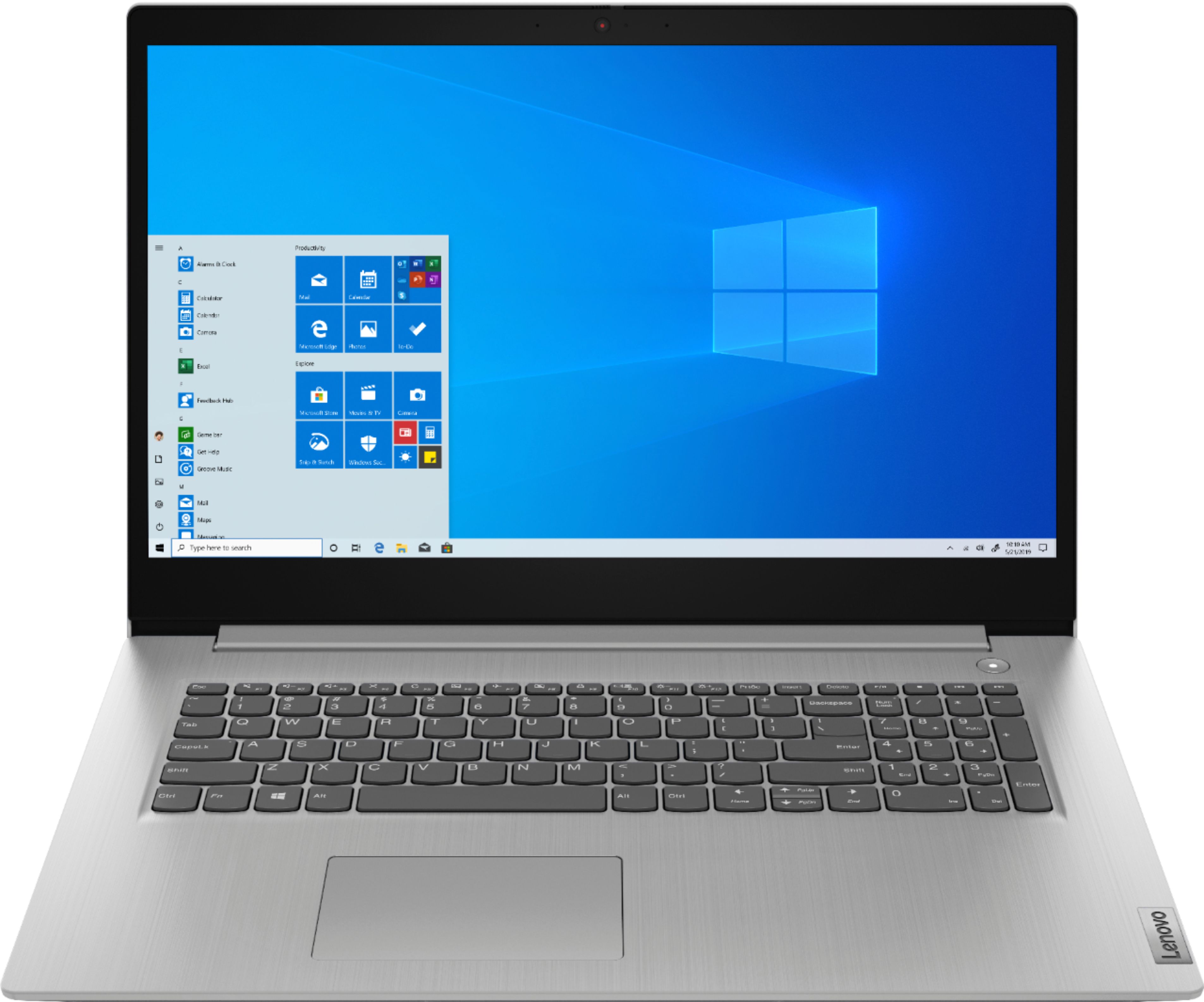
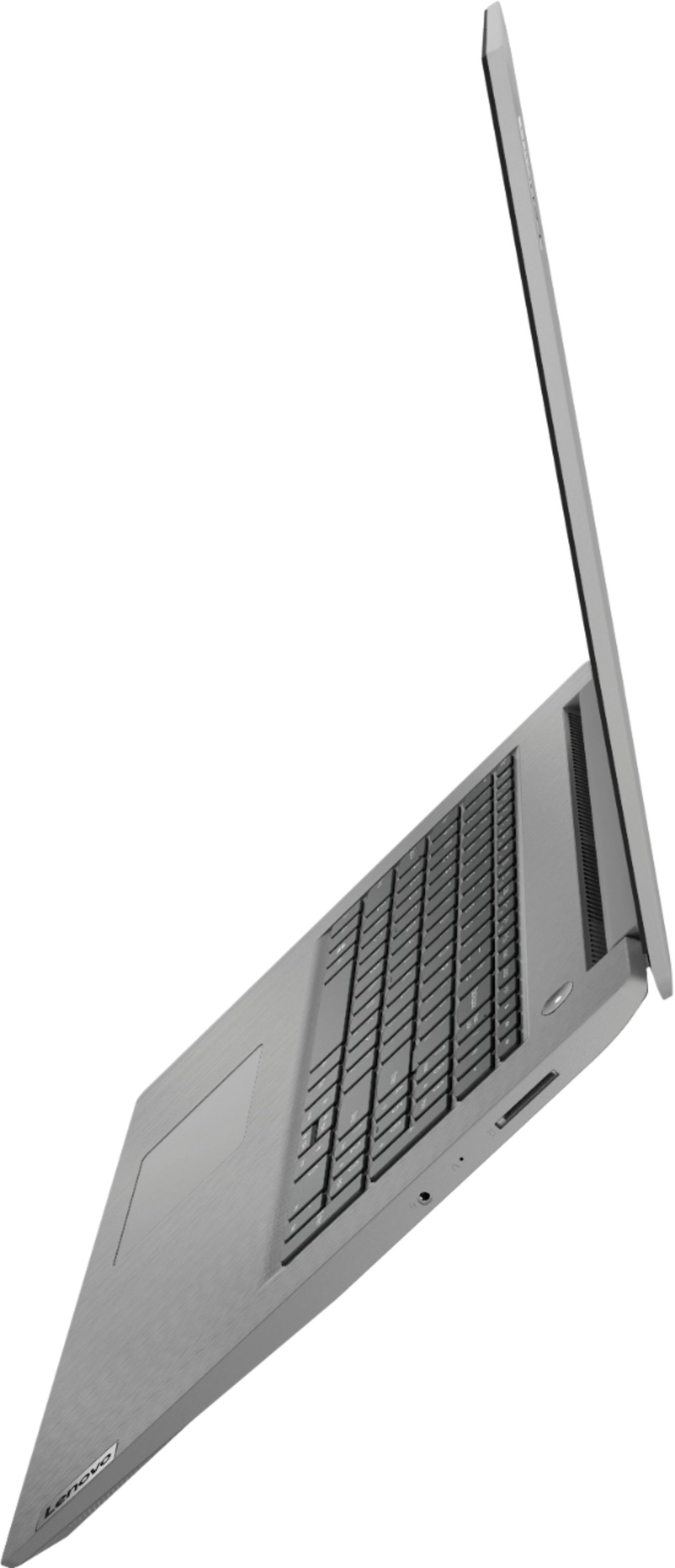
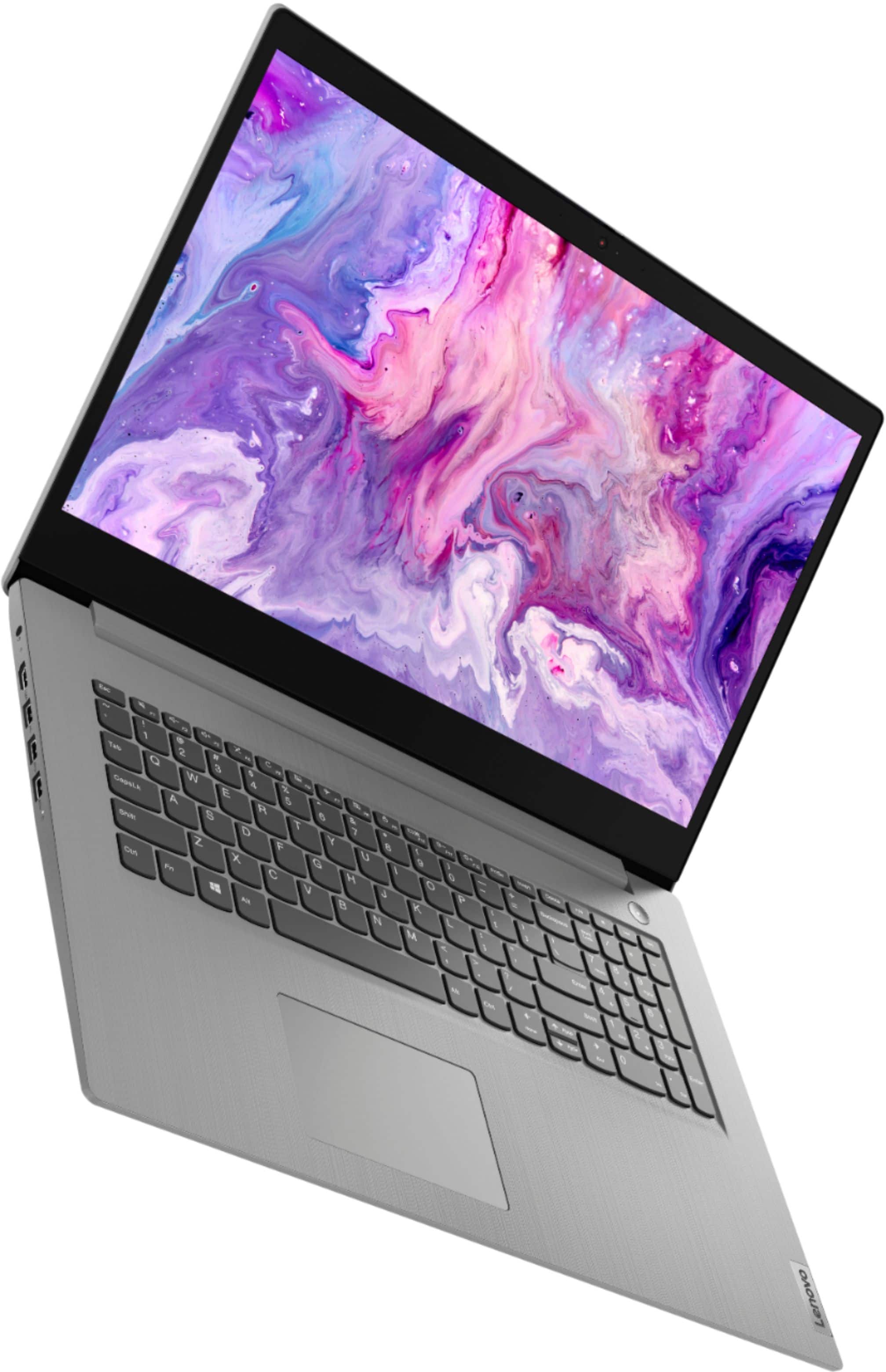
- Model:
- 81W2004AUS
- SKU:
- 6418694
Rating by feature
- Battery Life
Rating 4.2 out of 5 stars
- Speed
Rating 4.0 out of 5 stars
- Display
Rating 4.0 out of 5 stars
Customers are saying
Customers value the IdeaPad 3 17" Laptop for its large screen size, affordable price, and easy setup. They appreciate its performance, storage capacity, and ability to multitask with ease. However, some customers have concerns about the battery life and microphone quality, while others find the low resolution of the display to be a drawback.
This summary was generated by AI based on customer reviews.
- Pros mentioned:Performance, Screen size
Easy to use, decent laptop.
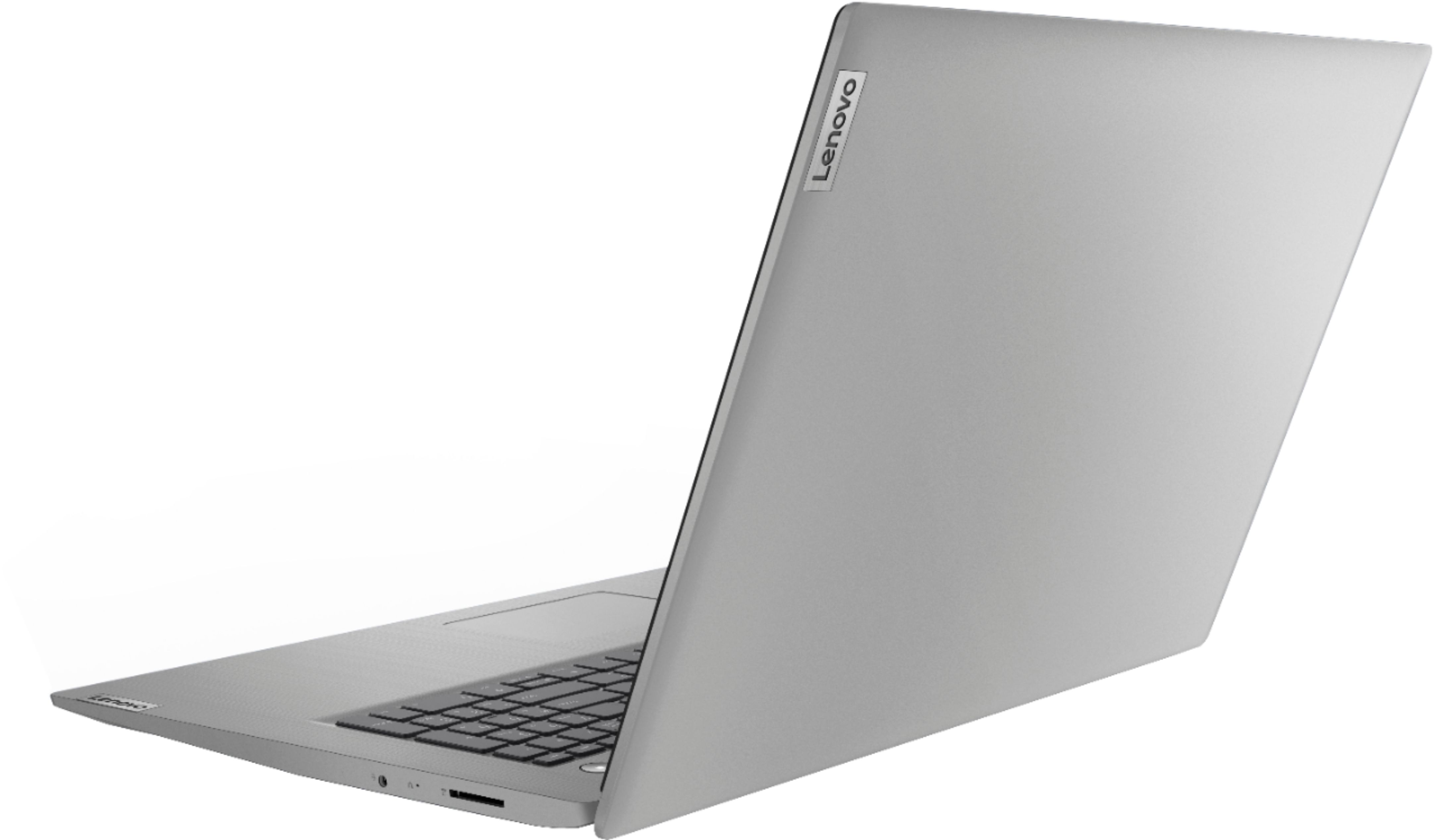
||Posted . Owned for 3 weeks when reviewed.This reviewer received promo considerations or sweepstakes entry for writing a review.This is my first new laptop in about 10 years. A lot has changed. Most importantly, I was not going to give up a 17" screen, so I chose this particular one based upon price and features. I don't use it to game, so I didn't need the 'biggest, baddest, fastest' but I did want some better performance, this has it. 12 GB of Ram was more than I had been using and this processor seems fast enough for me. I web surf/shop/watch and do photo and some video editing, all of which can be done with no issues on this machine. The storage should also be enough, but I do have older drives I can still use if necessary. It boots up really fast. The light weight factor is great (compared to what I was using.) It is also very quiet. I read the arguments about Windows S vs. Windows 10 home. I'm a big Google user (but I don't want a Chrome book) so being potentially locked out of Google services was a little daunting, but I made the switch to Win 10 home easily and am able to use all my Google services and other software I was used to using on my old machine. Some of the changes I don't like are: the lack of DVD/CD drive. (I used to burn audio CD's for my car or videos for family) Not having any of my older Microsoft software like, Word or Excel installed on it. All of the USB ports are on the left side only as is the power cord. (where I primarily use the laptop, having these cords on the right side would work much better) No removable battery. (I used to use my old one primarily plugged in and I took the battery out so that I didn't over use it) No backlit keyboard. I get that newer laptops are pretty much all going this way, and as I stated, it is my first new one in about 10 years, so overall, as I get adjust to it, I like it. I'm glad I made this purchase.
I would recommend this to a friendBrand response from Lenovo Product Expert
Posted .Thank you for choosing the Lenovo IdeaPad 3 laptop. We are pleased to hear that the value and performance of the IdeaPad 3 meets your computing needs so well! We value your feedback as we are always looking for ways to improve our devices.

- Pros mentioned:Easy setup, Price, Screen size
Like size of screen-17”
||Posted .This reviewer received promo considerations or sweepstakes entry for writing a review.Never had a Lenovo laptop before....easy to set up, great size. However, some difficulties setting up my favorites....sure I can figure it out Would recommend, middle of the road in price
I would recommend this to a friendBrand response from Lenovo Product Expert
Posted .Thank you for choosing the Lenovo IdeaPad 3 laptop. We are pleased to hear that the value and performance of the IdeaPad 3 meets your computing needs so well! Thank you for your recommendation
- Pros mentioned:Price, Screen size, Speed
My very first laptop, and I’m beyond thrilled!
||Posted . Owned for 3 weeks when reviewed.This reviewer received promo considerations or sweepstakes entry for writing a review.The price is right , the screen size is incredible for eyes that aren’t perfect. Runs very fast , the antivirus has caught and blocked everything that could’ve potentially been hurt my laptop. I’m simply beyond thrilled ! I’d recommend this to anyone.
I would recommend this to a friendBrand response from Lenovo Product Expert
Posted .Thank you for choosing the Lenovo IdeaPad 3 laptop. We are pleased to hear that the value and performance of the IdeaPad 3 meets your computing needs so well!
- Pros mentioned:Price
Laptop review
||Posted . Owned for 2 weeks when reviewed.This reviewer received promo considerations or sweepstakes entry for writing a review.I purchased this unit as a replacement for a Toshiba laptop. This unit is on 10 to 15 hours per day.Being partial to AMD chips, this computer just about filled my needs. Would have liked a CD unit too, but couldn't argue with the price and delivery time. The shipping was on time and the computer was very well packaged. Overall construction...of the laptop is good. But when picking it up (by the ends) it feels a little flimsy. Would have liked the unit to be a little more solid. THIS COMPUTER IS SHIPPED WITH MICROSOFT'S S-MODE OPERATING SYSTEM. If you don't know what that is, don't buy this unit. I like the layout and feel of the keyboard. I use a small mouse and the enpty space below the keyboard and alongside the track ball pad is perfect for my mouse. I also use a battery powered clipon light, so lighted keyboards were not critical. But if you use this at night, it would be handy The \ key is scalloped on the botton, like the other keys so it should feel the same but the key is actually square, so if your a feel typist it may feel strange. The laptop also came with Trend Micro software. Don't even waste your time with it. I would have rather BB gave me 29.99 of the laptop then include this "Soft"ware. There are better packages out on the market that are free. But I did notice that MS S-mode does not come with WINDOWS defender. That's ashame. Overall, this laptop does what I want it too at a good price. I recommend the unit but not the "Free" software included.
I would recommend this to a friendBrand response from Lenovo Product Expert
Posted .Hello, thank you for choosing the Lenovo IdeaPad 3 17" laptop. Windows 10 S-Mode provides added security by only allowing APPs available (and therefore certified by Microsoft) at the Microsoft Store. If you do not need the added security or you need to install APPs not available at the Microsoft Store, you can switch to standard Windows 10 Home 64-bit Operating System, at no additional cost. Here is a link to instructions for switching from Windows 10 S-Mode to Windows 10 Home: https://support.microsoft.com/en-us/help/4456067/windows-10-switch-out-of-s-mode
if you need additional assistance with this we recommend reaching out to Lenovo Tech Support at 877-453-6686
Love this Laptop
||Posted . Owned for less than 1 week when reviewed.This reviewer received promo considerations or sweepstakes entry for writing a review.Love this laptop! it does everything I want it to do! Gaming looks AMAZING on it! BUT BESTBUY SENT ME A USED LAPTOP WHEN IT WAS SUPPSE TO BE NEW! HOW DO I KNOW? WELL I WAS FILLING OUT APPLICATIONS FOR SCHOOL AND IT WAS TRYING TO AUTOFILL SOMEONES NAME AND ADDRESS THAT I NEVER EVEN HEARD OF FOR EVERY APPLICATION WHAT I WAS DOING! VERY VERY UPSET! WILL BE CALLING BEST BUY TO GET A NEW ONE SHIPPED TO ME! BESIDES ALL OF THIS I DO 100% RECCOMMED THIS TO EVERYONE
I would recommend this to a friend- Pros mentioned:Price, Screen size
Great value for the features
||Posted . Owned for 1 month when reviewed.This reviewer received promo considerations or sweepstakes entry for writing a review.I needed to replace my laptop and for the price this was by far the greatest value. A large screen size, plenty of storage and lightweight for its size. I am not a gamer so for my needs this was a great choice.
I would recommend this to a friend - Pros mentioned:Screen size, Speed
frustrating at first, but good computer
||Posted . Owned for 3 weeks when reviewed.This reviewer received promo considerations or sweepstakes entry for writing a review.Initially very frustrating to install Chrome, as default over rides with Microsoft. Must remove S suite before it will let you install Chrome. It is a learning curve as I have only used a chromebook for 5 years, I never would have thought the learning curve would be so steep (and frustrating). Once I had chrome installed, the screen size is wonderful, the speed is nice and I can now access all l of my information on Google.
I would recommend this to a friendBrand response from Lenovo Product Expert
Posted .Thank you for choosing the Lenovo IdeaPad 3 17 Laptop, model number 81W2004AUS. This model ships with Windows 10 S-Mode Operating System. Windows 10 S-Mode provides added security by only allowing APPs available ( and therefore certified by Microsoft) at the Microsoft Store. If you don't need the added security or you need to install APPs not available at the Microsoft Store, you can switch to standard Windows 10 Home 64-bit Operating System, at no additional cost. Here is a link to instructions for switching from Windows 10 S-Mode to Windows 10 Home: https://support.microsoft.com/en-us/help/4456067/windows-10-switch-out-of-s-mode
- Cons mentioned:Microphone
I know Computers, and this is a great one!
||Posted . Owned for 1 week when reviewed.This reviewer received promo considerations or sweepstakes entry for writing a review.I understand what makes a computer run, and this is great value of price to the hardware this machine comes with. I'm coding, gaming, and multi-tasking at a breeze with this. Boots quick due to SSD. 1TB Storage? Of course! Big screen to multitask, of course! Bright? Of course! Nice modern look to the laptop, love it! Do yourself a favor and get this laptop if your serious about business, and play. (If you're looking to use the webcam, preferable to invest in a different one) (Speakers, you can always connect blue-tooth, earphone, or speaker!)(Backlit keyboard, just get a touch desk lamp from Amazon for $12) Great Laptop! So happy!
I would recommend this to a friendBrand response from Lenovo Product Expert
Posted .Thank you for choosing the Lenovo IdeaPad 3 17 Laptop, model number 81W2004AUS. This model ships with a 720p (HD) webcam with manual Privacy Shutter and Dual Array Microphones for a great video conferencing experience. The audio within this configuration consists of stereo 1.5WS system speakers and Dolby Audio sound enhancement software. For the best audio experience, be sure Dolby Audio is turned on and adjusted to your personal preferences.
- Pros mentioned:Performance, Screen size
Perfect laptop for me!
||Posted . Owned for 1 month when reviewed.This reviewer received promo considerations or sweepstakes entry for writing a review.I love, love, LOVE this laptop!! Just what I need for simple Office apps, email, surfing and streaming. I reverted back to the original Windows build instead of the Microsoft one as I needed more apps that the system would not allow me to install. No issues with lag time, freezing up, etc. It does exactly what I need it to. Love the 17' screen too. Takes a while to get used to considering the size but trust me - my older eyes dig it!
I would recommend this to a friend - Pros mentioned:Price, Screen size
Good not Great
||Posted . Owned for less than 1 week when reviewed.This reviewer received promo considerations or sweepstakes entry for writing a review.This will do just fine for a 3rd grader that needs a basic computer to connect to web meetings and handle schoolwork. A quick view of the specifications will tell you that is is missing a lot of features that many other laptops have, But then again, many other laptops cost quite a bit more and the screen size is not as large.
I would recommend this to a friendBrand response from Lenovo Product Expert
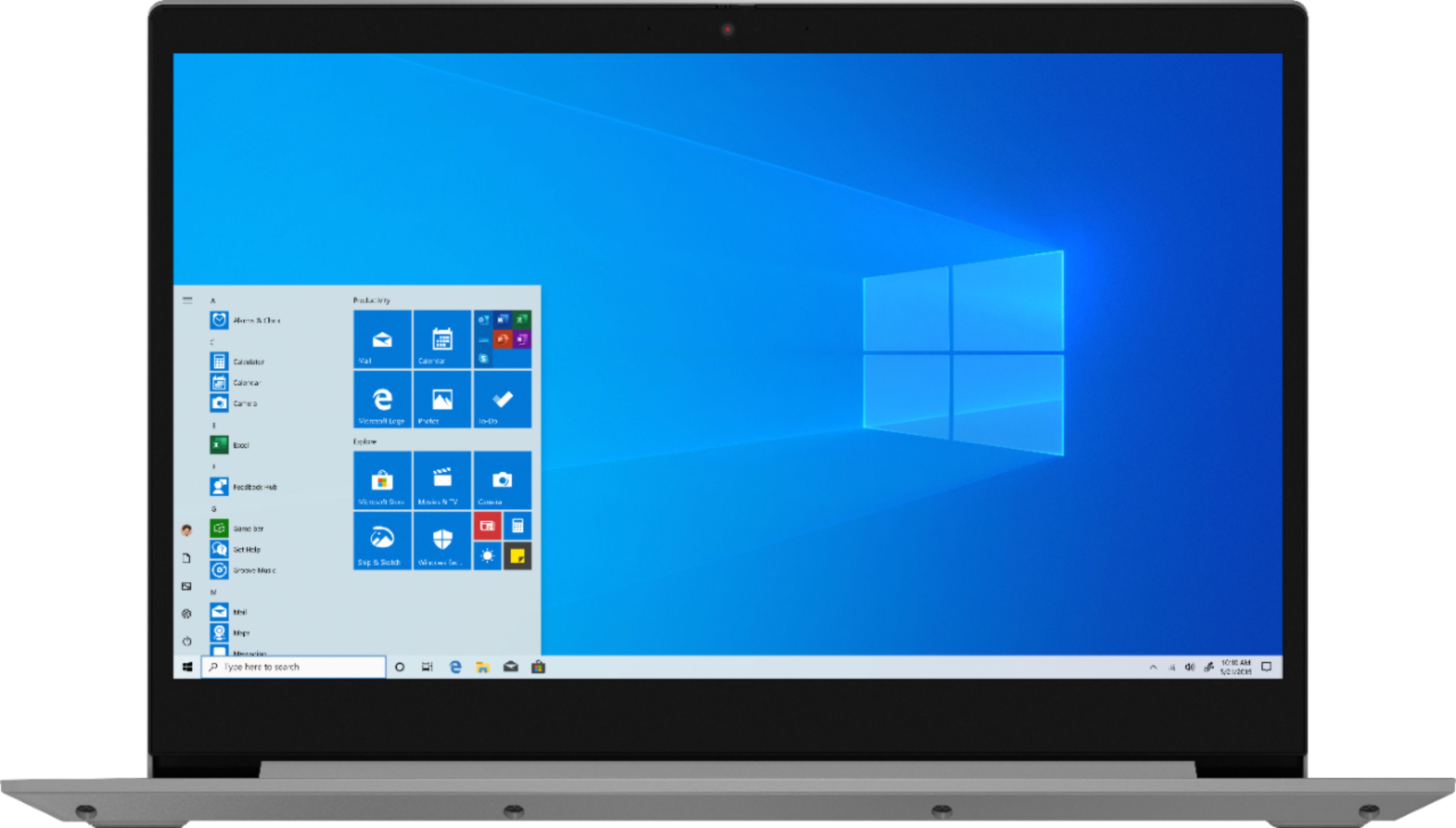
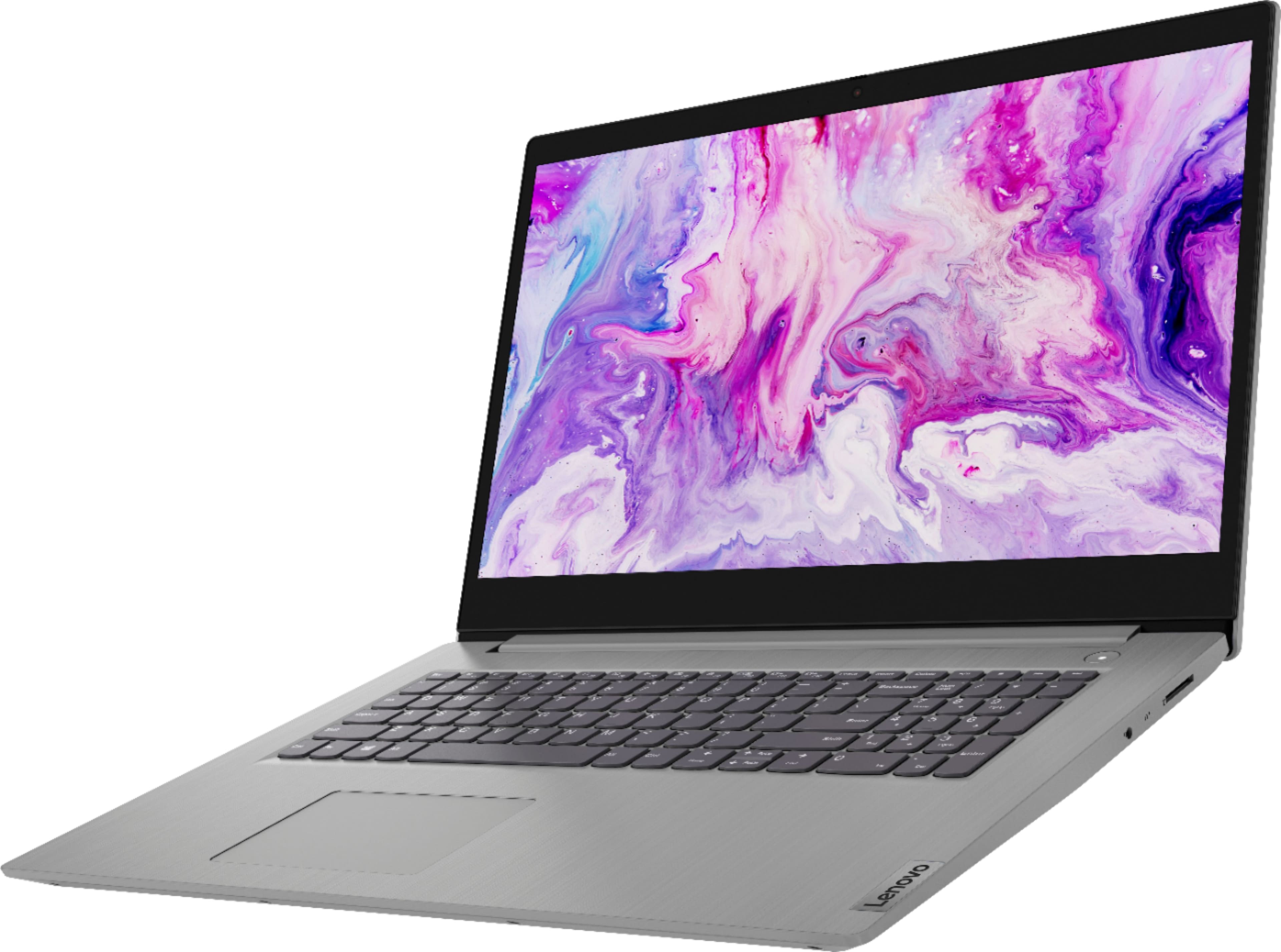
Posted .The Lenovo IdeaPad 3 17 Laptop, model number 81W2004AUS, is a mid-level, moderate use configuration, with its AMD Ryzen 7 3700U processor. This 4-Core/8-Thread processor has a base speed of 2.3GHz and a boost speed of up to 4.0GHz. This configuration has 12GB of DDR4-2400MHz RAM, a standard mechanical, 1TB, 5200 RPM hard drive for maximum storage space and a second, 128GB M.2 NVMe solid state hard drive for quick boot up and file recall. There is a 17.3-inch (screen size measured diagonally) LCD w/LED Backlight (Anti-glare) screen, with a resolution of 1600 x 900 (HD+) and a brightness level of 250 nits. It is good with Microsoft Office type programs, internet browsing and other moderate workloads. The IdeaPad 3 17 is a great value in mid-range computing power.
beautiful fast computer
||Posted . Owned for less than 1 week when reviewed.This reviewer received promo considerations or sweepstakes entry for writing a review.I wanted a computer with a wide monitor-17'', and this one serve that need greatly. You can open up to 10 websites and it wont slowing down the computer, It is also very quite. I have heard people say that the Ryzen chip is a loud and gets hot, not this one. Love the price too.
I would recommend this to a friendBrand response from Lenovo Product Expert
Posted .Thank you for choosing the lenovo IdeaPad 3 17 Laptop, model number 81W2004AUS. We are pleased to hear that the performance of the IdeaPad 3 17 meets your computing needs so well. This configuration ships with the 4-Core/8-Thread AMD Ryzen 7 3700U processor, with a base speed of 2.3GHz and a Turbo Boost Speed of up to 4.0GHz, for maximum computing power. This processor is supported by 12GB DDR4-2400MHz RAM, a 1TB mechanical hard drive plus, a 128GB M.2 NVMe solid state hard drive, for the fastest program and file access. There is a LCD w/LED Backlight (Anti-glare) screen, with a resolution of 1600 x 900 (HD+) and a brightness level of 250 nits. This configuration can handle many of today's most demanding programs.
- Pros mentioned:Screen size
Quick
||Posted . Owned for 3 weeks when reviewed.This reviewer received promo considerations or sweepstakes entry for writing a review.Purchased this laptop for home and work use, very impressed with the speed and performance of the Ryzen7 processor. Initial start up was a breeze. Daily start up and loading of many screens and documents is very quick. I appreciate the feature of the 'privacy shutter' on the webcam, previous experience has always had me invest in a cover otherwise. The size of the screen is large, which was not specifically something I was looking for but isn't a bad feature. I have had comments by older family members, that they could actually see what was going on -which for someone who might have trouble, is great! Battery life is normal, I do not leave it on charge for longer than to obtain a 100% and usually try to let it run as low as possible before putting it back on, I do not want to over charge and cause issues. It typically can make through a day of at home work typically about 5 or so hours. I did quite a bit of research before deciding on this specific model, my spouse had recently purchased a Lenovo IdeaPad3 also, but with a iCore5. The price point of this model with said features was very reasonable. I am extremely satisfied with my choice and can't wait to use some of the features I haven't yet come across.
I would recommend this to a friendBrand response from Lenovo Product Expert
Posted .Hello there! Thank you for choosing the Lenovo IdeaPad 3 17" laptop. We are pleased to hear that the value, features, and performance of the IdeaPad 3 meets your computing needs so well! We are happy to hear the IdeaPad 3 i5 is working out so well for your wife. We appreciate your loyalty to the Lenovo brand. To squeeze out some extra battery life try using the laptop with a lower screen brightness than 100%, but that is still easy to read and comfortable for you. A high screen brightness setting is one of the number one factors to drain battery life. Also here is a link to tips for getting more battery life within Windows 10: https://support.microsoft.com/en-us/help/20443/windows-10-battery-saving-tips
- Cons mentioned:Microphone
It's a moderate computer for everyday use.
||Posted .This reviewer received promo considerations or sweepstakes entry for writing a review.Although I had to return my device due to a defective inside the device, It was making rattling sound from the cooling fans or from the speakers I'm not sure. Otherwise it's a nice machine for students, home-office work & light gaming.
I would recommend this to a friendBrand response from Lenovo Product Expert
Posted .Thank you for choosing the Lenovo IdeaPad 3 17" laptop. We are pleased to hear that the value and performance of the o IdeaPad 3 meets your computing needs so well, and that your original issue has been resolved =)
- Pros mentioned:Screen sizeCons mentioned:Battery life
Great and porwerfull laptop
||Posted . Owned for 3 weeks when reviewed.This reviewer received promo considerations or sweepstakes entry for writing a review.Great laptop, very powerful and fast. The proccesorand ram works great, big screem and decent resolution which is great. My only observation is the battery, it last no more than 4 hours depending on your work but is not a big deal. I feel very happy with this computer and great value for whai it offers.
I would recommend this to a friend Lenovo IdeaPad 3 17" HD+ LED Laptop
Posted .This reviewer received promo considerations or sweepstakes entry for writing a review.Serious Issue with this laptop. Lenovo IdeaPad 3 17" HD+ LED Laptop will randomly black out after the Lenovo Splash Screen; then Windows 10 goes to Blue-Screen and recovery / repair. Not really happy about this considering I didn't even use it for a week before this issue started. I'm going to return it and replace it with a more reliable brand "ASUS - DELL".
No, I would not recommend this to a friendBrand response from Lenovo Product Expert
Posted .We are sorry to hear that you are having issues with your Lenovo IdeaPad 3 17 Laptop, model number 81W2004AUS. This model ships with Windows 10 S-Mode Operating System. Windows 10 S-Mode provides added security by only allowing APPs available ( and therefore certified by Microsoft) at the Microsoft Store. If you don't need the added security or you need to install APPs not available at the Microsoft Store, you can switch to standard Windows 10 Home 64-bit Operating System, at no additional cost. Even if you have switched out of S-Mode, be sure any software you installed is compatible with Windows 10. There is no need to install Microsoft Office software. The software is already part of the operating system, you just need to activate the software with a purchased product key. If you have installed a copy of Microsoft Office, this is conflicting with the existing copy on the system and this will slow your system down. If you have installed a 3rd party anti-virus program, be sure that Windows Defender is turned off and that the trial version of McAfee Anti-Virus software is uninstalled. There can only be one anti-virus program on the system. You may need to restore your system to original factory default settings if any of the programming errors have occurred. You can do that by typing "restore" in the Cortana search window. Just click on the magnifying glass icon at the bottom left of your Windows 10 Desktop. Click on "Reset This PC" Then click on "Get Started" and follow the on screen directions to restore to factory defaults. If the problem persists, we recommend you contact Lenovo Tech Support at: 877-453-6686.
- Pros mentioned:Price
Fantastic Value!
||Posted . Owned for 1 month when reviewed.This reviewer received promo considerations or sweepstakes entry for writing a review.This is a fantastic value. We bought two of these for distance learning, email, and light gaming (Roblox and Slither primarily). The performance is just as good as the HP laptop we bought 2 years ago for $1500. This computer has a 128 gb SSD, plenty to run Windows and your apps, as well as a 1 TB hdd for data storage. The difference in quality is in the display. The Lenovo had a matte display and the colors are somewhat muted. It's not a bad display, just not the best. If you want a really nice display, you're going to pay for it. If your budget is $600, you want a lot of storage but still want an SSD to boot from and to run your apps from, this is a fantastic machine. I highly recommend and am thinking about buying a third.
I would recommend this to a friend - Cons mentioned:Microphone
Fine for most purposes, but microphone is terrible
||Posted . Owned for 1 month when reviewed.This reviewer received promo considerations or sweepstakes entry for writing a review.Overall it meets my needs. I use it for Microsoft Word and Powerpoint, Corel painter, Wordpress and Youtube. However it's terrible with zoom. The video on zoom is okay, but the sound (microphone) is absolutely terrible. The people I talk to on zoom can't bear to hear anything coming from my microphone. I have to keep myself on mute. There is something wrong with the microphone or the driver. It picks up the computer fan and can't handle the background sound. Troubleshooting has been no help. I've troubleshooted through zoom as well with no solution.
I would recommend this to a friendBrand response from Lenovo Product Expert
Posted .Hello, we are sorry to hear you are experiencing this issue with your Lenovo IdeaPad 3 laptop. It is possible updating your system device drivers will resolve this issue. You can easily accomplish this by scanning the computer with the Lenovo Utility software available on this computer. This system has Lenovo utilities installed to help maintain the health of the device and keep the operating system software up to date. Type "Lenovo Vantage" in the Cortana Search window (if Lenovo Vantage is not installed on your device, you can download the APP and install it now). Select Lenovo Vantage from the list. In the window that opens, click on "Health and Support". In the expanded menu, select "Hardware Scan” In the window that opens, select "Run Quick Tests". This will scan your entire system for errors. Follow any directions that may pop up. If the problem continues after this scan, now click on "System Update". First select Windows update from the menu. Scan your system to be sure you have the latest version of Windows 10. Once that scan is complete, select "Additional Updates". This will scan your device to be sure there are no new BIOS/Driver updates needed. Follow any instructions that may pop up. If the issue continues after these updates, we recommend you call Lenovo Tech Support at: 877-453-6686 for additional help.
- Pros mentioned:Easy setup, Screen size
Great laptop. Easy to use. 17” screen is fabulous!
||Posted . Owned for 3 weeks when reviewed.This reviewer received promo considerations or sweepstakes entry for writing a review.It’s a pretty quality laptop. It’s user friendly and the 17” screen is awesome! Ideapad navigates very well, but can be extremely sensitive so be careful where your hands are lingering on the keyboard! Nothing negative to say, this laptop is easy, good for everyone to use.
I would recommend this to a friend - Pros mentioned:Screen size, Speed
Great all around laptop!
||Posted . Owned for 3 weeks when reviewed.This reviewer received promo considerations or sweepstakes entry for writing a review.This laptop is a great buy for the price! The screen is very large, but the laptop is still extremely lightweight. It's lightning fast and works well with streaming movies. Sound quality is above average too, All in all, I'm really pleased.
I would recommend this to a friendBrand response from Lenovo Product Expert
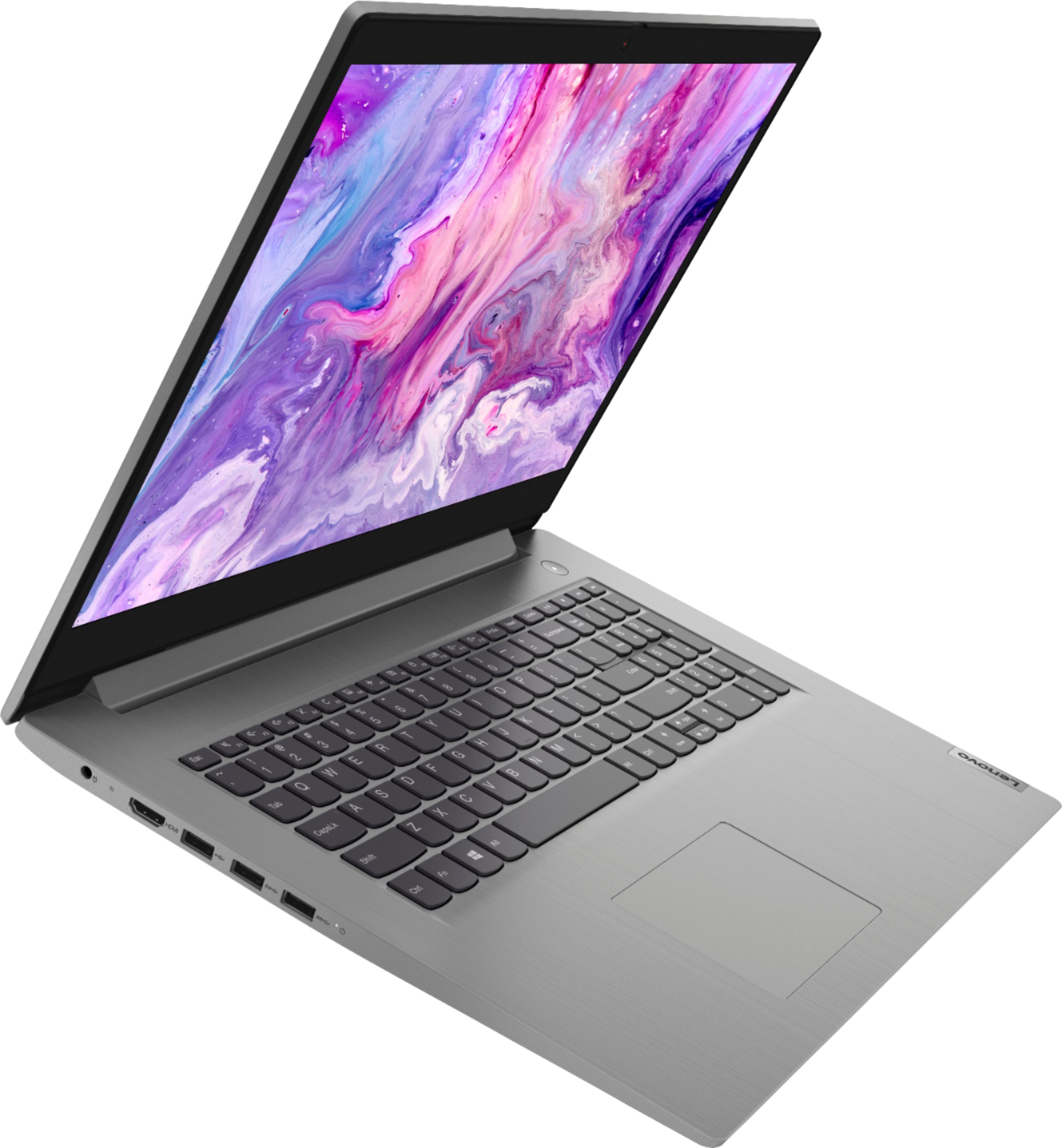
Posted .Thank you for choosing the Lenovo IdeaPad 3 17 Laptop, model number 81W2004AUS. This model provides a 17.3-inch (screen size measured diagonally) screen, but only measures 15.83 x 11.07 x 0.78 inches total and weighs just 4.84 lbs. The IdeaPad 3 17 ships with stereo 1.5W system speakers with Dolby Audio sound enhancement. The Lenovo IdeaPad 3 17 laptop, ships with the powerful Quad-Core/Eight-Thread AMD Ryzen 7 3700U processor, supported by 12GB DDR4-2400MHz RAM a 1TB mechanical hard drive and a 128GB solid state hard drive. This Processor has a base speed of 2.3GHz and a Turbo Boost speed of up to 4.0GHz. This model ships with Windows 10 S-Mode Operating System. Windows 10 S-Mode provides added security by only allowing APPs available ( and therefore certified by Microsoft) at the Microsoft Store. If you don't need the added security or you need to install APPs not available at the Microsoft Store, you can switch to standard Windows 10 Home 64-bit Operating System, at no additional cost.
- Pros mentioned:Performance
i would give it 6 stars if i could
||Posted . Owned for 1 year when reviewed.This reviewer received promo considerations or sweepstakes entry for writing a review.best laptop in the world, honestly could be classified as a gaming laptop, runs quickly, rarely ever overclocked, can run 2 displays easily and as long as you are taking care of it it is gonna take care of you
I would recommend this to a friend