Customer Ratings & Reviews
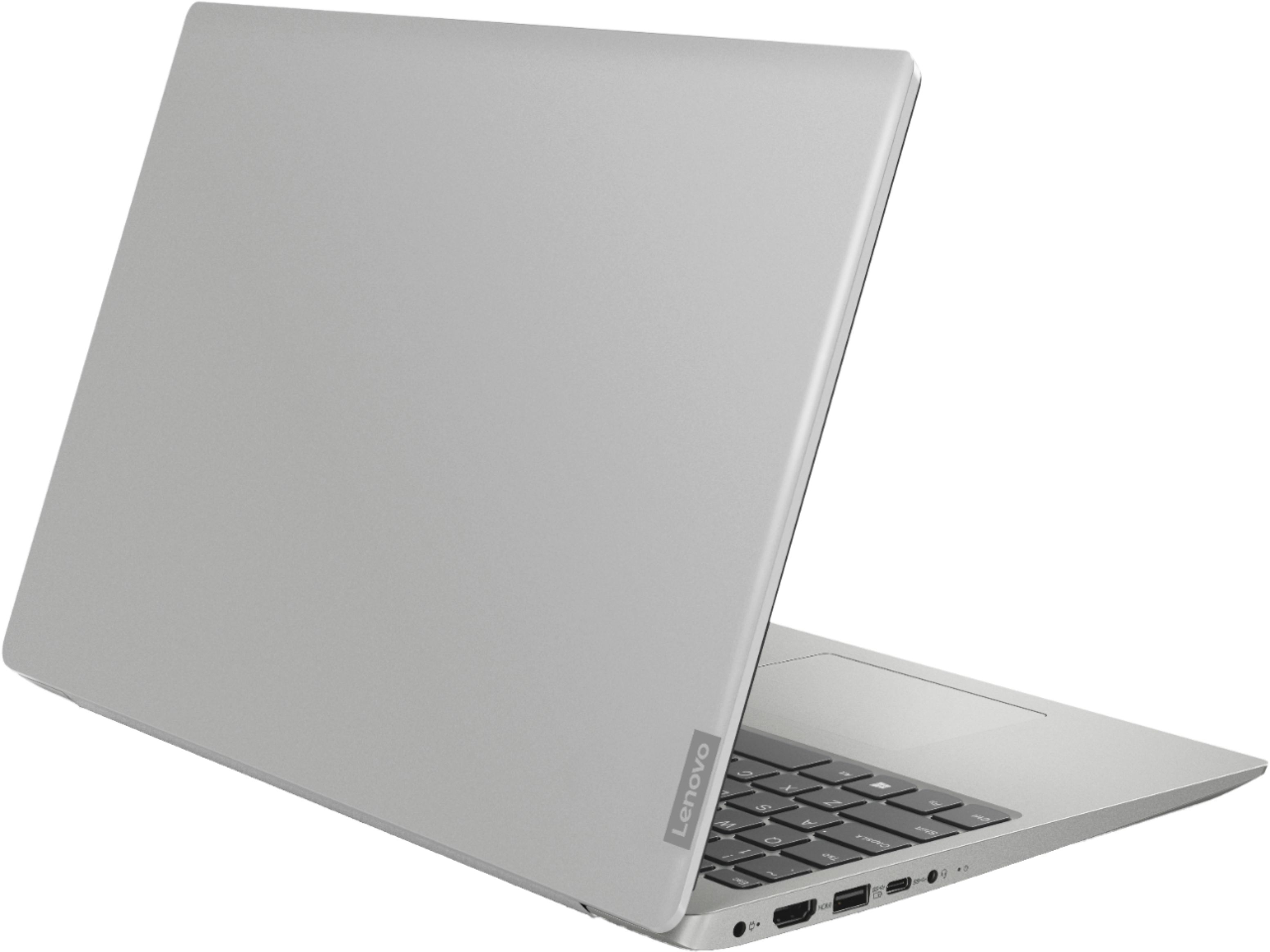
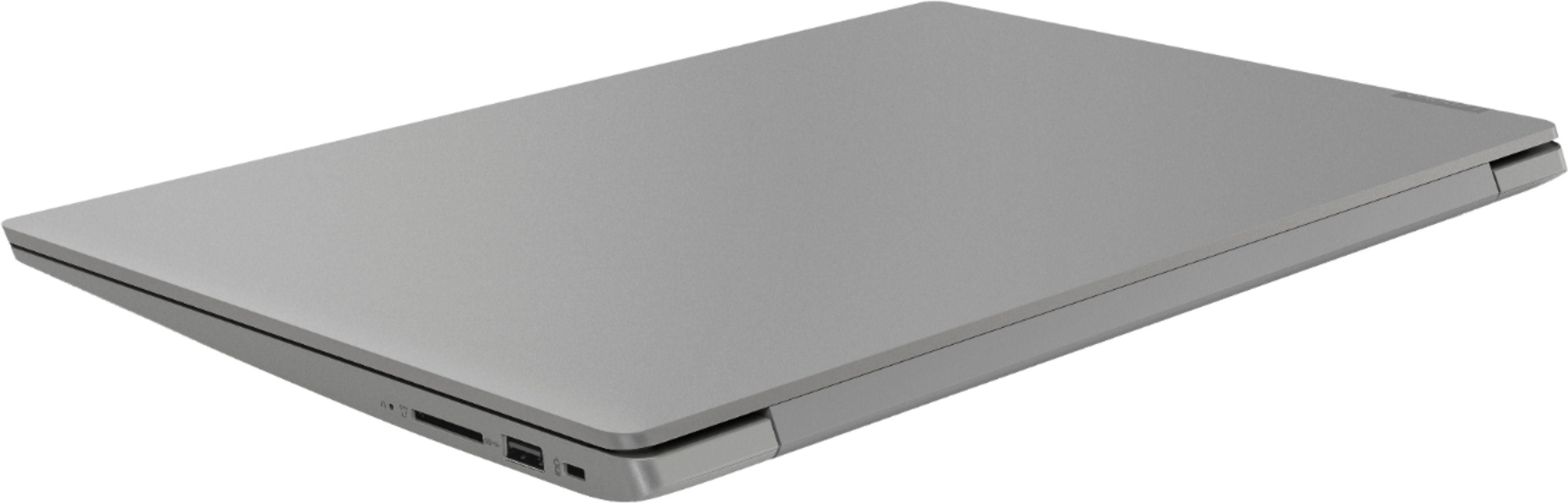
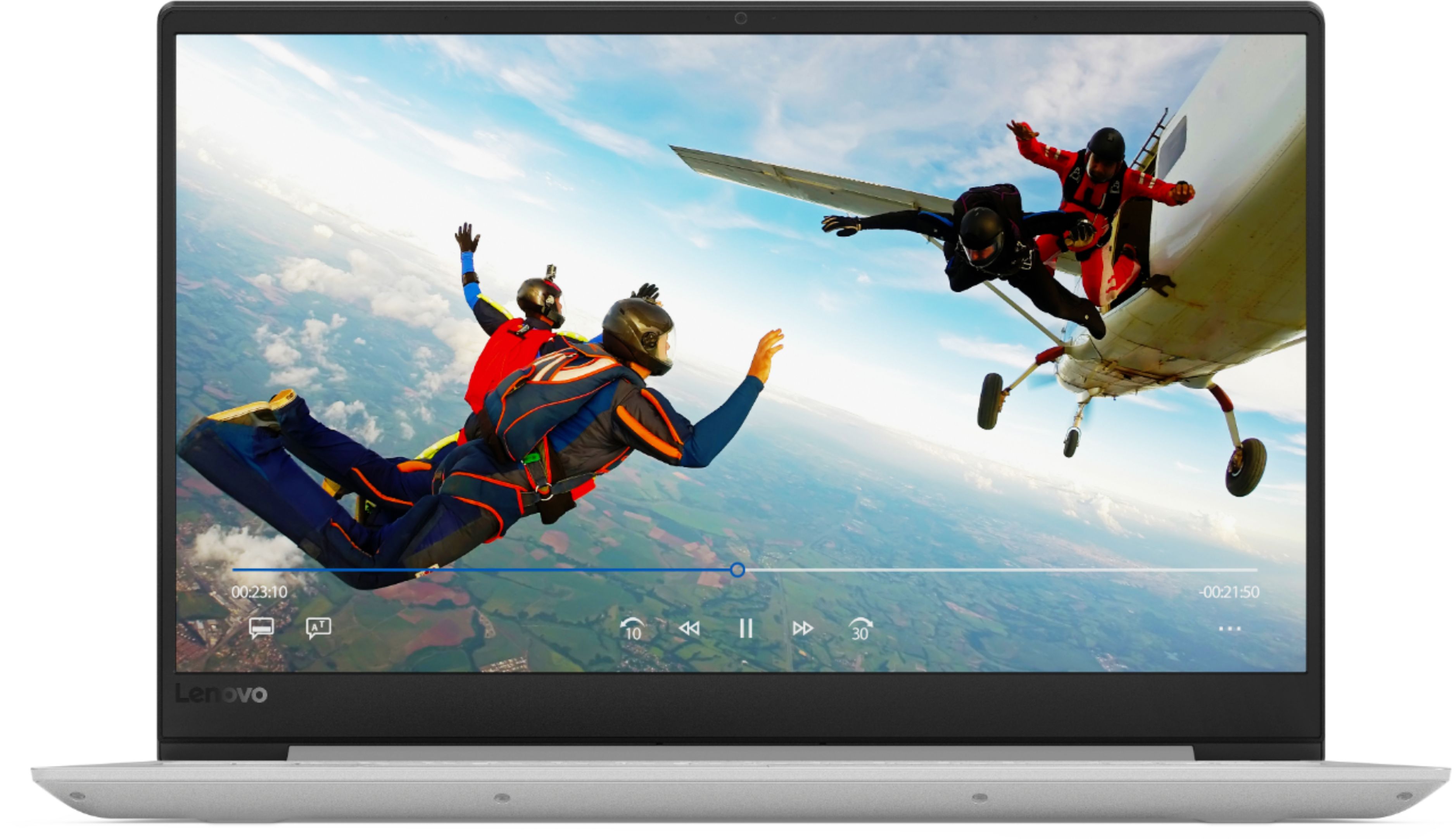
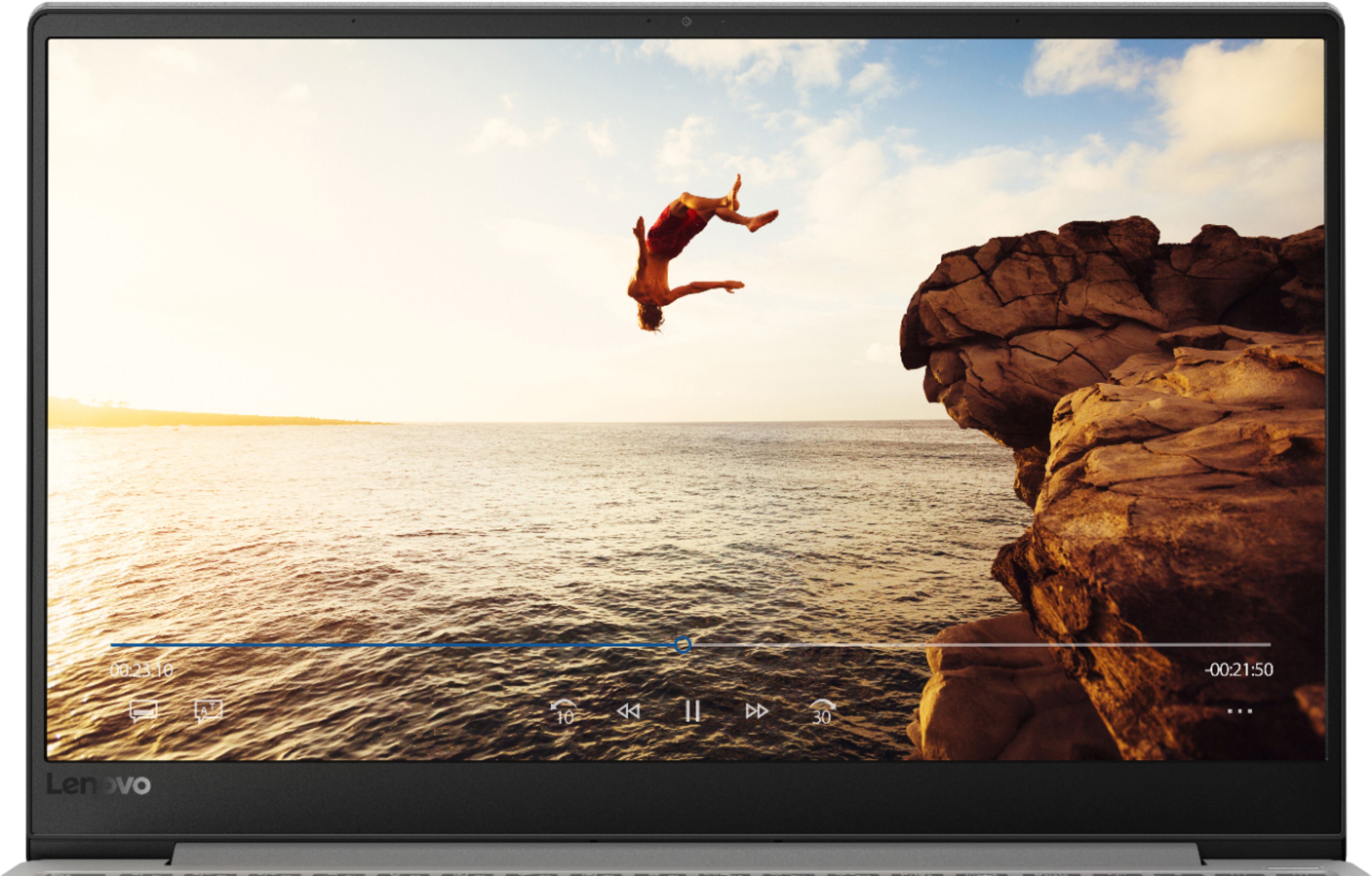

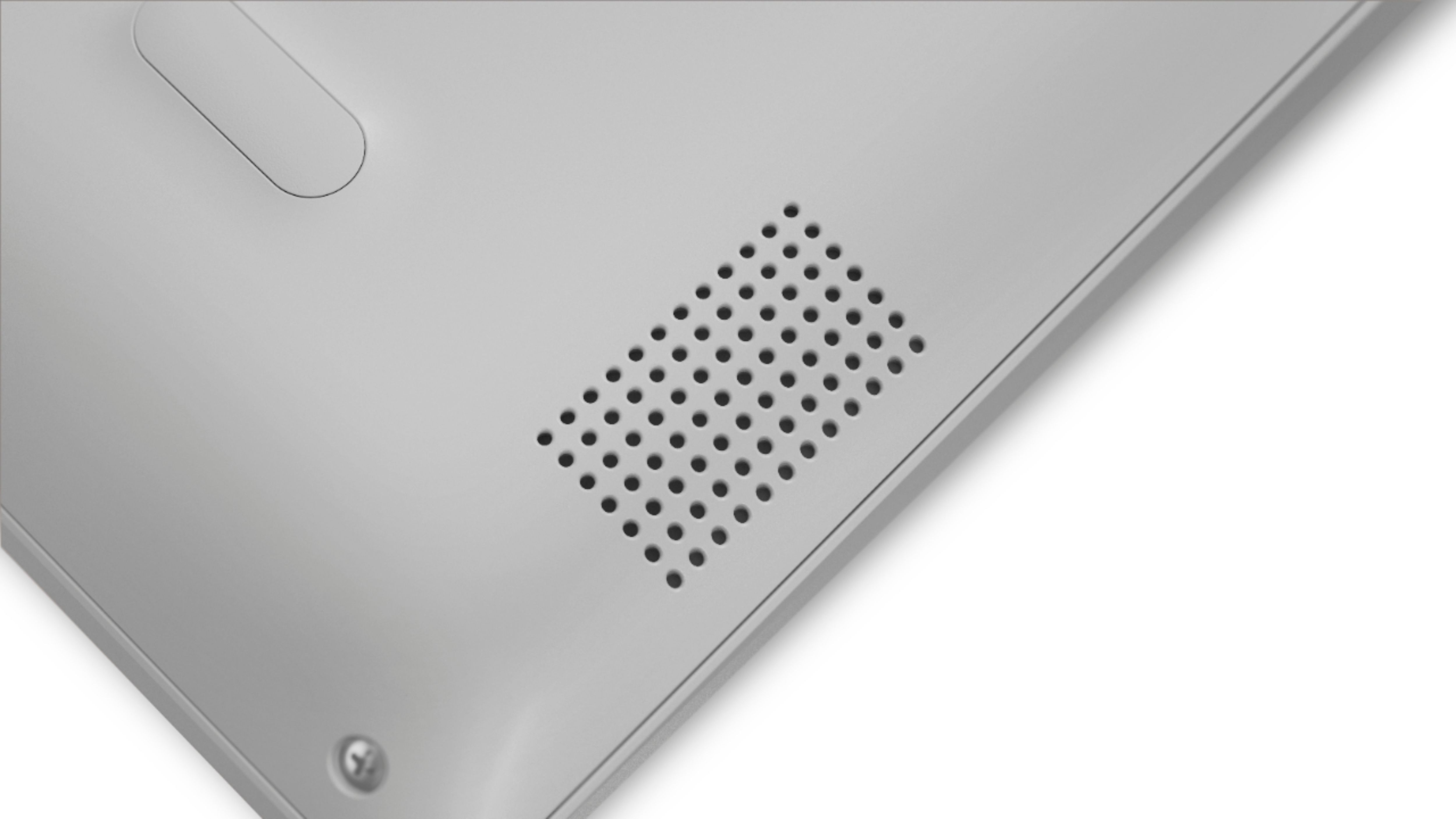
- Model:
- 81F500NSUS
- SKU:
- 6291881
Rating by feature
- Battery Life
Rating 4.5 out of 5 stars
- Speed
Rating 4.5 out of 5 stars
- Display
Rating 4.6 out of 5 stars
Customers are saying
Customers find value in the IdeaPad 330S laptop's fast performance, affordable price, and lightweight design. Many users appreciate its large storage capacity and excellent performance for the price. However, some users have concerns about its short battery life and noisy fan.
This summary was generated by AI based on customer reviews.
Poorer than expected for the price
||Posted .This reviewer received promo considerations or sweepstakes entry for writing a review.Pretty bad experience for my first time with Lenovo. The laptop was on sale when I made the purchase, so I thought I got myself a great deal despite all the negative reviews here. First of all, I am used to low-end tier laptops so this level of price is a huge improvement. The laptop is fast, just like what I expected from the specs. It would've been a good laptop, if not for the other minor problems which added up to become a huge deal. First, the noise. After setting up the laptop and signing in, etc. I can hear the whistling noises coming from the bottom side. I looked up online, and it could be either dirt in the fans, or a "coil whine". I brought the laptop up to Best Buy and the Geek Squad people did a quick check and they said it was dirt from the fans. Inside a new laptop? I bought a new product, so I expect the product I'm receiving to be free of defects, and this laptop already sounds like it has gone through 6 months of usage. While at the store, I checked the same model they have on display, and sure enough, that same whistling noise is there. Other laptops displayed (even other Lenovo Ideapads), plus from my past laptops, never has this problem. I visited another Best Buy store and the exact same thing; out of all the displayed laptops of all brands and even other Lenovo models, this is the only one that still has that whistling noise. I suspect this is a common issue in this model. If you don't know how this really sounds like, here is a video https://www.youtube.com/watch?v=aYIPp9Wa9o8. Note that this is NOT the actual laptop of the review, but in the video this PC makes a similar sound I heard from this laptop. Second is the WiFi adapter. It could be due to a driver problem, but that should not be the case for a new laptop. However, the WiFi speed I get on this one is super weak. Even putting the laptop next to the router, I still get 1/3 of what my iPhone gets at the same spot. The signal strength on the laptop would also waver more than normal as if I'm 10m away from the router. Third, downloading issues. For whatever reason, there are some files I cannot finish downloading. Even if the WiFi is slow because of the issue above, it shouldn't matter when I reach 100% download progress. For reproducing purpose, the file I tried to download is https://www.eclipse.org/downloads/download.php?file=/technology/epp/downloads/release/2018-12/R/eclipse-cpp-2018-12-R-win32-x86_64.zip. This file will always reach 100% and would scan for virus (if using Edge). It will stay that way for 30 minutes. I tried it with another browser (Vivaldi) and the same issue occurred. Not sure why this is the case. Fourth, battery. This laptop, like many new laptops nowadays, doesn't come with a removable battery. I expect that to remove it you will need technicians. So don't buy this and expect it to has removable batteries like past laptops in 2012. The capacity is pretty terrible though. From the look of it, every percentage on the battery = 1 minute. 100% = 100 minutes left. Normal browsing and you probably won't last more than two hours. Definitely not more than three. Plugging in to recharge gave an estimate of 3+ hours till full charge. Not sure if it's just my luck I got a bad battery or not. Finally, Lenovo and its software. The Lenovo Vantage program bundled in the laptop is similar to other brands and their maintenance software. Except for this Vantage program, it just looks like a huge useless ad. Can't go anywhere without it advertising itself about DashLane or some security software I don't need. The only thing I find useful in this program is their hardware and update scans, the rest look useless. Even their other small "features" that they have (WiFi security, Rapid charge, etc) look just as useless. There is nothing noticeable from using this Vantage bloatware. Attached is also a screenshot of the BIOS update prompt before I updated the BIOS on the machine. Notice all the typos. Is this what an official product of Lenovo looks like? Maybe that is the quality I should be expecting out of Lenovo. This is a new low even for bloatware. All of those really made a bad experience for this laptop, and for the brand. Not gonna buy another Lenovo product, if they can't even get their software and a laptop of this price range working properly. Even cheap 2012 laptops I bought from Walmart performed more consistently.
No, I would not recommend this to a friendBrand response from Lenovo Product Expert
Posted .We are sorry to hear that you are having issues with your Lenovo IdeaPad 330s-15 laptop. We recommend you call Lenovo Tech Support for help with your specific issues at: 877-453-6686.
For 2018, Lenovo retained its place for a second year as the best laptop vendor:
https://www.laptopmag.com/articles/laptop-brand-ratings
Camera Error Already
||Posted .This reviewer received promo considerations or sweepstakes entry for writing a review.I have not had this laptop for more than 2 weeks yet and I have not had an issue with the laptop really up until now. I use the built-in camera for Youtube as it works better than my USB HD webcam. I turned the camera on to start recording and each time it stated Error code 0xA00F429D<MicrophoneMuted> However the microphone was not muted and I checked all the settings and they were fine. I spent hard earned money to invest in my future and this laptop was fine up until now. I even restarted and then shutdown and restarted the laptop and the same error appeared. I refused to spend money to get it fixed. Besides that some glitches when using my video editing software and I had to buy a separate laser mouse because this touchpad is not the best. The laptop's speed is awesome, it's great for Microsoft word and internet searching and it looks great but I am disappointed that I am already getting error messages with the camera I depended on. Also, my system just updated yesterday. I do not know what's wrong with it. I will just return it.
I would recommend this to a friendBrand response from Lenovo Product Expert
Posted .We are sorry to hear that you are having issues with your lenovo IdeaPad 330s-15 laptop, specifically with the Web Cam. Error code 0xA00F429D relates to the Windows 10 drivers and BIOS files that control the web cam and the microphone within the IdeaPad 330s-15. Updating the BIOS files and the communications Drivers may correct the issue you are having. This can easily be accomplished by scanning your computer with the Lenovo Utility software installed on the IdeaPad 330s-15. This system has Lenovo utilities installed to help maintain the health of the device and keep the operating system software up to date. Type "Lenovo Vantage" in the Cortana Search window (if Lenovo Vantage is not installed on your device, you can download the APP and install it now). Select Lenovo Vantage from the list. In the window that opens, click on "Health and Support". In the expanded menu, select "Hardware Scan" In the window that opens, select "Run Quick Tests". This will scan your entire system for errors. Follow any directions that may pop up. If the problem continues after this scan, now click on "System Update". First select Windows update from the menu. Scan your system to be sure you have the latest version of Windows 10. Once that scan is complete, select "Additional Updates". This will scan your device to be sure there are no new BIOS/Driver updates needed. Follow any instructions that may pop up. If the issue still continues after these updates, we recommend you call Lenovo Tech Support at: 877-453-6686 for additional help.
Great touch screen
||Posted . Owned for 1 month when reviewed.This reviewer received promo considerations or sweepstakes entry for writing a review.Good computer easy to use Light weight, touch screen is very nice Best by customer service is the best
I would recommend this to a friendBrand response from Lenovo Product Expert
Posted .The Lenovo IdeaPad 330s-15 laptop, model number 81F500NSUS, does not have a touchscreen. The Lenovo IdeaPad 330s-15 ships with a powerful Quad-Core/Eight-Thread Intel Core i5-8250U processor, 8GB of DDR4-2400MHz RAM. This configuration has a 15.6" (measured diagonally) 1920 x 1080 (FHD) resolution screen, with a brightness level of 250 nits. The Lenovo IdeaPad 330s-15 ships with a 1TB standard hard drive, supported by 16GB of Intel Optane Memory. This configuration can handle many of today's most demanding programs and is good with multi-tasking. If this describes the kind of computing you do, the Lenovo IdeaPad 330s-15 will be a great choice for you.
- Pros mentioned:Performance, Price, Storage
Great laptop
||Posted .This reviewer received promo considerations or sweepstakes entry for writing a review.Got this item on sale for $440. At that price it’s out standing with an 8th gen. i5, 8GB of RAM and 1 TB HD with 16GB SSD. Very impressive performance.
I would recommend this to a friendBrand response from Lenovo Product Expert
Posted .Thank you for choosing the Lenovo IdeaPad 330s-15 laptop. We are pleased to hear that the value and performance of the IdeaPad 330s-15 meets your computing needs so well. The Lenovo IdeaPad 330s-15 ships with a powerful Quad-Core/Eight-Thread Intel Core i5-8250U processor, 8GB of DDR4-2400MHz RAM. This configuration has a 15.6" (measured diagonally) 1920 x 1080 (FHD) resolution screen, with a brightness level of 250 nits. The Lenovo IdeaPad 330s-15 ships with a 1TB standard hard drive, supported by 16GB of Intel Optane Memory. This configuration can handle many of today's most demanding programs and is good with multi-tasking. If this describes the kind of computing you do, the Lenovo IdeaPad 330s-15 will be a great choice for you.
- Pros mentioned:Fast, Storage
Great mid level laptop
||Posted .This reviewer received promo considerations or sweepstakes entry for writing a review.My girlfriend's MacBook stopped working and was going to cost around $600 to repair. Since I am sick and tired of trying to figure out how to do anything on Apple products (I'm a PC person all the way) I said enough is enough and bought her this Lenovo laptop. She uses her laptop in business and for online shopping and was always having issues when navigating her Mac. Out of the box and on her desk ready for work was about 30 minutes. The few apps that were always giving her trouble on her Mac were easily and quickly installed, up and running . All them were originally Windows based anyway and she hasn't had a problem with them since. The 1TB HD is way more storage than she'll ever need. This computer is fast enough and now when she has a problem I am able to easily and quickly solve it. Her only issues now are dealing with going from a Mac to a PC. She used to always lose files on the Mac. It took me seconds to show her how to find lost files and now she has no problems. For the price and ease of use, this laptop is great.
I would recommend this to a friendBrand response from Lenovo Product Expert
Posted .Thank you for choosing the Lenovo IdeaPad 330s-15 laptop. We are pleased to hear that the features and performance of the IdeaPad 330s-15 meets the computing needs of your girl friend so well. The Lenovo IdeaPad 330s-15 ships with a powerful Quad-Core/Eight-Thread Intel Core i5-8250U processor, 8GB of DDR4-2400MHz RAM. This configuration has a 15.6" (measured diagonally) 1920 x 1080 (FHD) resolution screen, with a brightness level of 250 nits. The Lenovo IdeaPad 330s-15 ships with a 1TB standard hard drive, supported by 16GB of Intel Optane Memory. This configuration can handle many of today's most demanding programs and is good with multi-tasking. If this describes the kind of computing you do, the Lenovo IdeaPad 330s-15 will be a great choice for you. For 2018, Lenovo retained its place for a second year as the best laptop vendor:
https://www.laptopmag.com/articles/laptop-brand-ratings
- Pros mentioned:PriceCons mentioned:Battery life
Really good for the price
||Posted .This reviewer received promo considerations or sweepstakes entry for writing a review.This laptop is killer, for the price i5 with 8gb or ram and 16gb of Intel optane, this thing is great it does have some drawbacks as the Intel UHD 600 graphics aren't nearly enough to even run games such as Minecraft above 35fps, if this model had maybe a mx150 you or even a 1050 it would be a perfect laptop, I got this one on sale for around 350 I belive. It has an amazing display I love the non gloss finish, battery life is meh but it gets the job done I haven't experienced any crashes or anything not running is at should as long as we're not talking about graphics, I've red some reviews about a whistling sound when you run the machine for a little while and I do heat it it's not enough to.be noticeable, it does what I need it to do (recording and mixing audio)
I would recommend this to a friendBrand response from Lenovo Product Expert
Posted .Model number 81F500NSUS of the Lenovo IdeaPad 330s-15 laptop, ships with the integrated Intel UHD Graphics 620 processing version. This configuration has a IPS LCD w/LED Backlight (Anti-glare) screen, with a resolution of 1920 x 1080 (FHD) and a brightness level of 250 nits. This model ships with a 2CELL 30WH, Lithium Polymer battery, with a battery life of up to 7 hours, depending on the work that the device is performing. The Lenovo IdeaPad 330s-15 is a mid-level performance laptop, with the Quad-Core/Eight-Thread Intel Core i5-8250U processor, supported by 8GB DDR4-2400MHz RAM. It will generate heat whenever it is turned on, even at idle, this is normal. The onboard fan will maintain the proper operating temperature for the device. You will hear the fan whenever it runs, this too is normal. If you believe the sound of the fan is not the normal sound of the fan performing properly, we recommend you visit your local Best Buy and have the Geek Squad check your system. For 2018, Lenovo retained its place for a second year as the best laptop vendor:
https://www.laptopmag.com/articles/laptop-brand-ratings
- Cons mentioned:Battery life
Good value laptop, especially when on sale.
||Posted .This reviewer received promo considerations or sweepstakes entry for writing a review.I bought this laptop while it was on sale. The full HD IPS display is crisp, but the colors are weak, and it could be brighter. Touchpad is very good, and keyboard is decent, with little flex. I replaced the HD with a NVME SSD, so my experience is not based on stock configuration. I have a triple-boot setup, Windows 10, Linux Mint, and Kubuntu. it runs all three operating systems very well. Performance with the I5 is actually better than I expected. Fan noise and heat are minimal. Biggest issue I have with the 330S is with the wimpy 2-cell battery. For me, two hours use on the battery is about it. I wouldn't buy this model to play PC games, The Intel graphics performance is weak. All that said, I'm very satisfied with my 330S.
I would recommend this to a friend - Pros mentioned:Storage
My first laptop
||Posted .This reviewer received promo considerations or sweepstakes entry for writing a review.I wasn't sure what to expect, this being my first laptop, but I'm impressed! I use this laptop on a daily basis and so glad I bought it! I have a Lenovo desktop that I bought a couple of years ago, but I'm completely sold on the power of the laptop lol.......I take this thing everywhere! I use it for my everyday personal uses such as web-surfing, as well as my everyday business uses, especially all of the Microsoft applications. Did I mention gaming?......oh how I love my games lol!!!! It's a wonderful laptop at a great price and has a very good storage capacity. I would recommend to anyone who needs an everyday laptop, that's needs reliability and ease of use.
I would recommend this to a friendBrand response from Lenovo Product Expert
Posted .Thank you for choosing the lenovo IdeaPad 330s-15 laptop. We are pleased to hear that the performance of the IdeaPad 330s-15 meets your computing needs so well. The Lenovo IdeaPad 330s-15 ships with a powerful Quad-Core/Eight-Thread Intel Core i5-8250U processor, 8GB of DDR4-2400MHz RAM. This configuration has a 15.6" (measured diagonally) 1920 x 1080 (FHD) resolution screen, with a brightness level of 250 nits. The Lenovo IdeaPad 330s-15 ships with a 1TB standard hard drive, supported by 16GB of Intel Optane Memory. This configuration can handle many of today's most demanding programs and is good with multi-tasking. If this describes the kind of computing you do, the Lenovo IdeaPad 330s-15 will be a great choice for you. For 2018, Lenovo retained its place for a second year as the best laptop vendor:
https://www.laptopmag.com/articles/laptop-brand-ratings
Excellent Value, Great Processor and Battery Life
||Posted .This reviewer received promo considerations or sweepstakes entry for writing a review.A week before the President's day sale, my dad's Dell Laptop had an update that ended up wiping his Hard Drive and he could no longer connect to our newly updated Wifi. I decided to go look at some laptops while working and liked the look and feel of the Lenovo, so I bought it for my dad. He was surprised at how fast it booted up and how it handled some of his games (I was pretty surprised and happy too). I have looked at bad reviews on here for this laptop and it seems that too many people complain about issues that are fixed by some simple searching, but, I decided since my dad's computer now has been good to him for a week that, heck, I might as well pick one up too to use for college. I love the screen and the laptop is decently quiet, I would say that it's a huge difference compared to the laptops I have had in the past. I got the Geek Squad Protection Plan on both for a few years because with almost any laptop you never know what might happen. So far, I think that this is the best value laptop out there for simple people who don't need a gaming machine, but it does run some games surprisingly, so for that I really do love it. Buy it if you are looking for a sleek and fast laptop. Completely boots up in under 15 seconds too.
I would recommend this to a friendBrand response from Lenovo Product Expert
Posted .Thank you for choosing the Lenovo IdeaPad 330s-15 laptop for both you and your father. We are pleased to hear that the IdeaPad 330s-15 meets both your computing needs and your father's so well. The Lenovo IdeaPad 330s-15 ships with a powerful Quad-Core/Eight-Thread Intel Core i5-8250U processor, 8GB of DDR4-2400MHz RAM. This configuration has a 15.6" (measured diagonally) 1920 x 1080 (FHD) resolution screen, with a brightness level of 250 nits. The Lenovo IdeaPad 330s-15 ships with a 1TB standard hard drive, supported by 16GB of Intel Optane Memory. This configuration can handle many of today's most demanding programs and is good with multi-tasking. If this describes the kind of computing you do, the Lenovo IdeaPad 330s-15 will be a great choice for you.
- Pros mentioned:Fast, Lightweight, Price
Notebook
||Posted .This reviewer received promo considerations or sweepstakes entry for writing a review.It’s been a while since I bought a notebook and I was surprised how light and sleek this was. I love the feel and it’s so fast. Enough memory to store all the pics of the grand children. It was a good price, I’m very happy with my purchase.
I would recommend this to a friendBrand response from Lenovo Product Expert
Posted .Thank you for choosing the Lenovo IdeaPad 330s-15 laptop. We are pleased to hear that the features and performance of the Ideapad 330s-15 meets your computing needs so well. The Lenovo IdeaPad 330s-15 ships with a powerful Quad-Core/Eight-Thread Intel Core i5-8250U processor, 8GB of DDR4-2400MHz RAM. This configuration has a 15.6" (measured diagonally) 1920 x 1080 (FHD) resolution screen, with a brightness level of 250 nits. The Lenovo IdeaPad 330s-15 ships with a 1TB standard hard drive, supported by 16GB of Intel Optane Memory. This configuration can handle many of today's most demanding programs and is good with multi-tasking. If this describes the kind of computing you do, the Lenovo IdeaPad 330s-15 will be a great choice for you. For 2018, Lenovo retained its place for a second year as the best laptop vendor:
https://www.laptopmag.com/articles/laptop-brand-ratings
- Cons mentioned:Battery life
Pretty Good
||Posted . Owned for 2 months when reviewed.This reviewer received promo considerations or sweepstakes entry for writing a review.Pros: 1080p display, processor speed, Optane accelerated HDD, HDMI, Type-C port Cons: Bluetooth connection, Wifi Speed, Weak Integrated Graphics, Tiny battery This device actually performs quite well for the money. I purchased the 330s as a light duty mobile workstation, and to watch videos on the go. It is fine as long as it's near the charger. The Core i5 is fast but the UHD graphics chip is just bad. Bluetooth has been spotty so far, perhaps a driver update could help.
I would recommend this to a friendBrand response from Lenovo Product Expert
Posted .The Lenovo IdeaPad 330s-15 laptop ships with Bluetooth 4.1 capability, the latest 5G 802.11AC frequency WiFi, integrated Intel UHD Graphics 620 version and a 2CELL 30WH, Lithium Polymer Battery, with a battery life of up to 7 hours, depending on the work that the device is performing. To keep your Windows 10 computer running at its optimum, be sure you have the latest version of Windows 10 on the computer and that all of the supporting BIOS files and drivers are also up to date. You can easily accomplish this by scanning the computer with the Lenovo Utility software installed on the computer. This system has Lenovo utilities installed to help maintain the health of the device and keep the operating system software up to date. Type "Lenovo Vantage" in the Cortana Search window (if Lenovo Vantage is not installed on your device, you can download the APP and install it now). Select Lenovo Vantage from the list. In the window that opens, click on "Health and Support". In the expanded menu, select "Hardware Scan" In the window that opens, select "Run Quick Tests". This will scan your entire system for errors. Follow any directions that may pop up. If the problem continues after this scan, now click on "System Update". First select Windows update from the menu. Scan your system to be sure you have the latest version of Windows 10. Once that scan is complete, select "Additional Updates". This will scan your device to be sure there are no new BIOS/Driver updates needed. Follow any instructions that may pop up. If the issue still continues after these updates, we recommend you call Lenovo Tech Support at: 877-453-6686 for additional help.
- Pros mentioned:Fast, Lightweight
LOVE IT
||Posted . Owned for 1.5 years when reviewed.This reviewer received promo considerations or sweepstakes entry for writing a review.I purchased this Laptop over a year ago and I am still obsessed with it !! It is truly a great Product. I initially used it for personal use and now for Business . I love how it’s not too thick and it can fit in my tote . I have to say that I dropped it a few times and so far no damage ( don’t try that at home though ). I truly love The design of it , it’s super fast and the screen resolution is amazing !!
I would recommend this to a friend - Pros mentioned:FastCons mentioned:Battery life
everything i wanted
||Posted . Owned for 11 months when reviewed.This reviewer received promo considerations or sweepstakes entry for writing a review.lots of memory. Very fast. Can play big games like Sims 4. Battery is not long, but plugging in is fine.
I would recommend this to a friend - Pros mentioned:Storage
Good 8th Gen Intel Processor Laptop
||Posted .This reviewer received promo considerations or sweepstakes entry for writing a review.This was going to be my first time getting a laptop after searching for a long time. When it was on sale, I got it. Good storage size and the Quad-Core Processor are major positives. Only thing that I would like to have is an SSD (which could prob be added but may be confusing that with the AMD version). Overall good value.
I would recommend this to a friendBrand response from Lenovo Product Expert
Posted .Model number 81F500NSUS ships with a standard 1TB 5400 RPM hard drive that is supported with 16GB of Intel Optane solid state memory. The Optane memory keeps an image of Windows 10 within the solid state memory for quick boot up. The Optane memory also keeps images of the programs and files that the specific users accesses the most for the quickest recall. The Lenovo IdeaPad 330s-15 ships with a powerful Quad-Core/Eight-Thread Intel Core i5-8250U processor, 8GB of DDR4-2400MHz RAM. This configuration has a 15.6" (measured diagonally) 1920 x 1080 (FHD) resolution screen, with a brightness level of 250 nits. The Lenovo IdeaPad 330s-15 ships with a 1TB standard hard drive, supported by 16GB of Intel Optane Memory. This configuration can handle many of today's most demanding programs and is good with multi-tasking. If this describes the kind of computing you do, the Lenovo IdeaPad 330s-15 will be a great choice for you.
- Pros mentioned:FastCons mentioned:Battery life
Good laptop
||Posted . Owned for 1 year when reviewed.This reviewer received promo considerations or sweepstakes entry for writing a review.Good laptop it’s nice and fast for the basic things I use it for. I knocked one star because once the trials of antivirus and spyware are up they pop up all the time taking up 40% of the screen. You can’t turn it off either. Also battery life isn’t the greatest but it’s good for a couple hours.
I would recommend this to a friend - Pros mentioned:PriceCons mentioned:Fan noise
Most Affordable computer that has some speed
||Posted .This reviewer received promo considerations or sweepstakes entry for writing a review.I bought this computer on the cheap end for mid speed level computers. It was $200 under any other computer in the store for this level of speed. One down side is that the computer is big and the fan clicks on and off too much and rather noisy. Not good for sitting back in bed with because of its large size.
I would recommend this to a friendBrand response from Lenovo Product Expert
Posted .Thank you for choosing the Lenovo IdeaPad 330s-15 laptop. This is a full size, 15.6" (screen size measured diagonally) screen traditional laptop. The overall size of the device though is only 14.11 x 9.61 x 0.76 inches and weighs just 3.96 lbs. Regarding the fan running, be sure you have the latest BIOS and Drivers on your computer. You can easily check this by scanning the computer with the Lenovo Utility software installed on the device. This system has Lenovo utilities installed to help maintain the health of the device and keep the operating system software up to date. Type "Lenovo Vantage" in the Cortana Search window (if Lenovo Vantage is not installed on your device, you can download the APP and install it now). Select Lenovo Vantage from the list. In the window that opens, click on "Health and Support". In the expanded menu, select "Hardware Scan" In the window that opens, select "Run Quick Tests". This will scan your entire system for errors. Follow any directions that may pop up. If the problem continues after this scan, now click on "System Update". First select Windows update from the menu. Scan your system to be sure you have the latest version of Windows 10. Once that scan is complete, select "Additional Updates". This will scan your device to be sure there are no new BIOS/Driver updates needed. Follow any instructions that may pop up. If the issue still continues after these updates, we recommend you call Lenovo Tech Support at: 877-453-6686 for additional help.
- Cons mentioned:Hard drive
Get the Solid State Hard Drive
||Posted .This reviewer received promo considerations or sweepstakes entry for writing a review.Great laptop. But I highly recommend getting the solid state hard drive unless it's going to stay in one spot. I use mine at work and have to use it in a car at times then take it home and game with it later on. Hard drive lasted maybe a month and a half before it gave out. But like I said great laptop.
I would recommend this to a friendBrand response from Lenovo Product Expert
Posted .Model number 81F500NSUS of the Lenovo IdeaPad 330s-15 ships with a standard 1TB standard hard drive, supported by 16GB of Intel Optane Memory, giving this standard hard drive the performance of a solid state hard drive. The Lenovo IdeaPad 330s-15 ships with a powerful Quad-Core/Eight-Thread Intel Core i5-8250U processor, 8GB of DDR4-2400MHz RAM. This configuration has a 15.6" (measured diagonally) 1920 x 1080 (FHD) resolution screen, with a brightness level of 250 nits. This configuration can handle many of today's most demanding programs and is good with multi-tasking. If this describes the kind of computing you do, the Lenovo IdeaPad 330s-15 will be a great choice for you. For 2018, Lenovo retained its place for a second year as the best laptop vendor:
https://www.laptopmag.com/articles/laptop-brand-ratings
- Pros mentioned:Performance, Price
Great Value and Better Performance
||Posted .This reviewer received promo considerations or sweepstakes entry for writing a review.For the price that I paid I expected some lag but on the contrary this laptop performed so well that I purchased 3! The best part of the deal was that Walmart had it on sale for less money and Best Buy customer service matched the price. We use this for a small business for everyday computing. It works great for my sales managers. If they are still available go get it!
I would recommend this to a friendBrand response from Lenovo Product Expert
Posted .Thank you for choosing the Lenovo IdeaPad 330s-15 laptop. We are pleased to hear that the value, features and performance of the IdeaPad 330s-15 meets your computing needs so well. We appreciate your loyalty to the IdeaPad 330s-15 and the Lenovo Brand. The Lenovo IdeaPad 330s-15 ships with a powerful Quad-Core/Eight-Thread Intel Core i5-8250U processor, 8GB of DDR4-2400MHz RAM. This configuration has a 15.6" (measured diagonally) 1920 x 1080 (FHD) resolution screen, with a brightness level of 250 nits. The Lenovo IdeaPad 330s-15 ships with a 1TB standard hard drive, supported by 16GB of Intel Optane Memory. This configuration can handle many of today's most demanding programs and is good with multi-tasking. If this describes the kind of computing you do, the Lenovo IdeaPad 330s-15 will be a great choice for you. For 2018, Lenovo retained its place for a second year as the best laptop vendor:
https://www.laptopmag.com/articles/laptop-brand-ratings
- Pros mentioned:Fast, Storage
Graduation present for Grandson
||Posted . Owned for 1 week when reviewed.This reviewer received promo considerations or sweepstakes entry for writing a review.My grandson was over-joyed with the Lenovo. He's used a Lenovo for a few years and with the up to date technology in the new laptop, navigation is a breeze. Storage and CPU space is enormous and speed is lightning fast. Not sure if he needed to install the complimentary security and 365. Left that up to his mom and him.
I would recommend this to a friendBrand response from Lenovo Product Expert
Posted .Thank you for choosing the Lenovo IdeaPad 330s-15 laptop for your grandson. The Lenovo IdeaPad 330s-15 ships with a powerful Quad-Core/Eight-Thread Intel Core i5-8250U processor, 8GB of DDR4-2400MHz RAM. This configuration has a 15.6" (measured diagonally) 1920 x 1080 (FHD) resolution screen, with a brightness level of 250 nits. The Lenovo IdeaPad 330s-15 ships with a 1TB standard hard drive, supported by 16GB of Intel Optane Memory. This configuration can handle many of today's most demanding programs and is good with multi-tasking. If this describes the kind of computing you do, the Lenovo IdeaPad 330s-15 will be a great choice for you. For 2018, Lenovo retained its place for a second year as the best laptop vendor:
https://www.laptopmag.com/articles/laptop-brand-ratings
- Pros mentioned:Lightweight
Perfect for price, portability
||Posted .This reviewer received promo considerations or sweepstakes entry for writing a review.I needed something small and lightweight for travel but didn’t want to compromise on functionality. This laptop does both. Perfect for business, does just what you need. Also good for light gaming, nothing too graphic intense. Power cable is small and portable. I would definitely buy another one of these.
I would recommend this to a friendBrand response from Lenovo Product Expert
Posted .Thank you for choosing the Lenovo IdeaPad 330s-15 laptop. We are pleased to hear that the features and performance of the IdeaPad 330s-15 laptops. The Lenovo IdeaPad 330s-15 ships with a powerful Quad-Core/Eight-Thread Intel Core i5-8250U processor, 8GB of DDR4-2400MHz RAM. This configuration has a 15.6" (measured diagonally) 1920 x 1080 (FHD) resolution screen, with a brightness level of 250 nits. The Lenovo IdeaPad 330s-15 ships with a 1TB standard hard drive, supported by 16GB of Intel Optane Memory. This configuration can handle many of today's most demanding programs and is good with multi-tasking. If this describes the kind of computing you do, the Lenovo IdeaPad 330s-15 will be a great choice for you. For 2018, Lenovo retained its place for a second year as the best laptop vendor:
https://www.laptopmag.com/articles/laptop-brand-ratings