Customer Ratings & Reviews

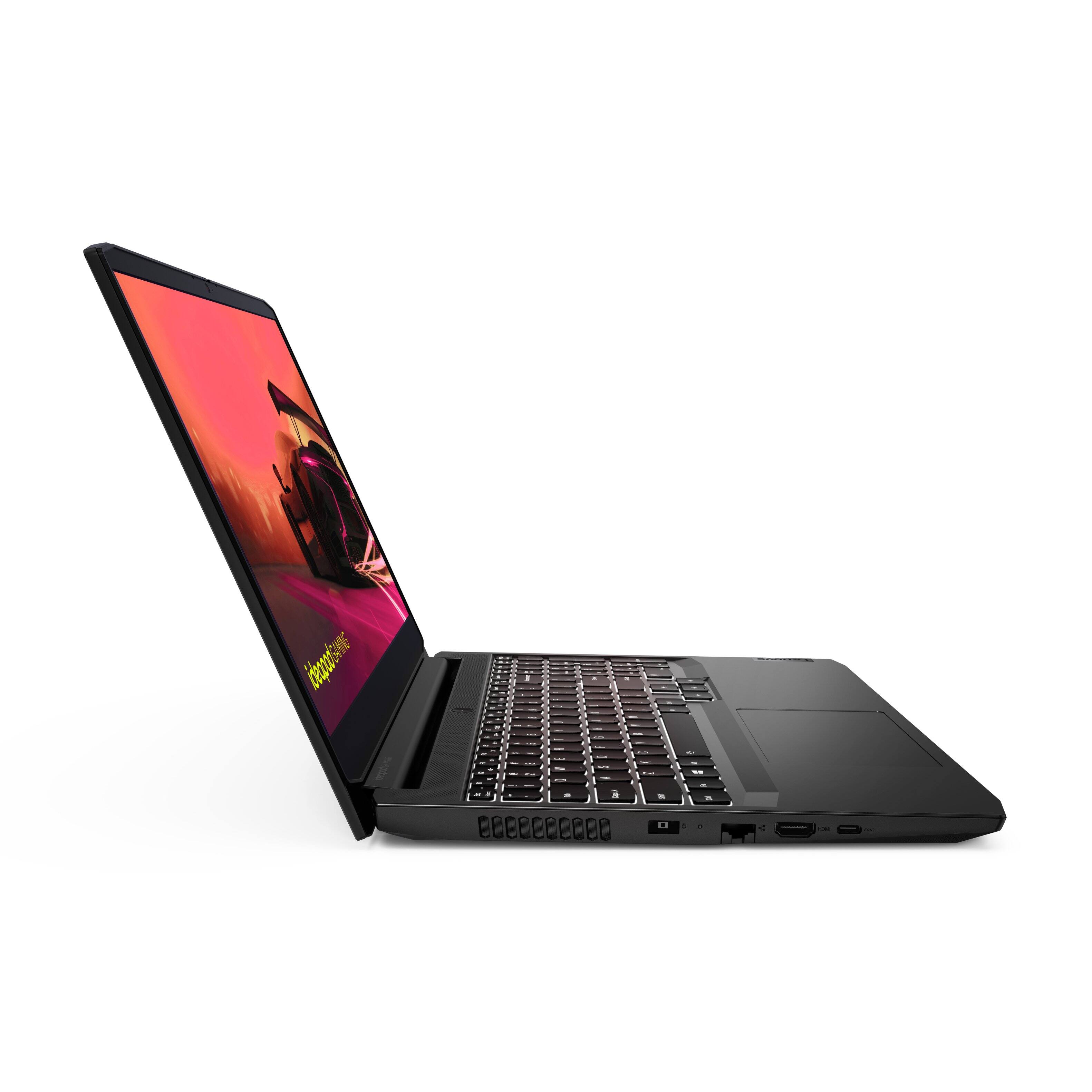
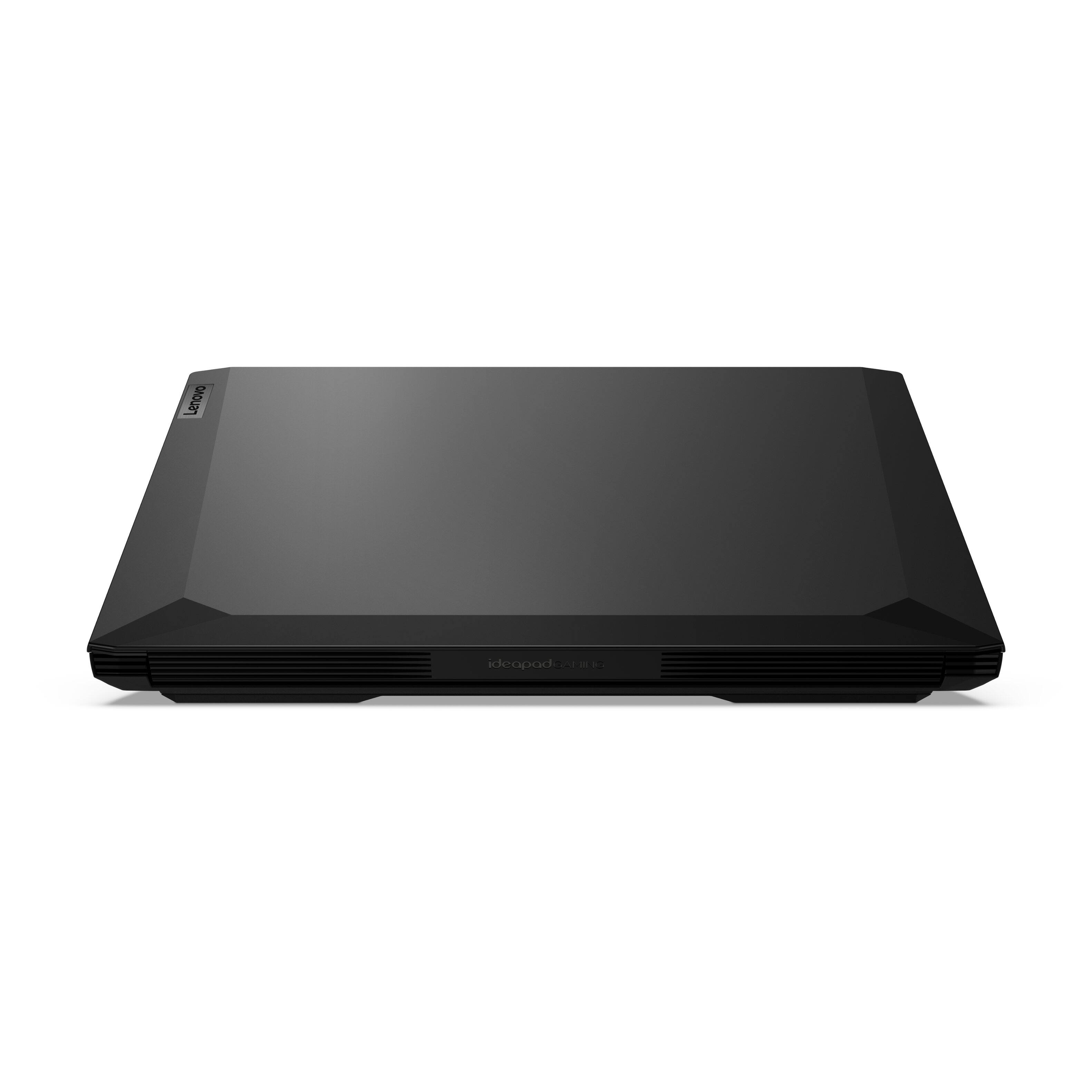
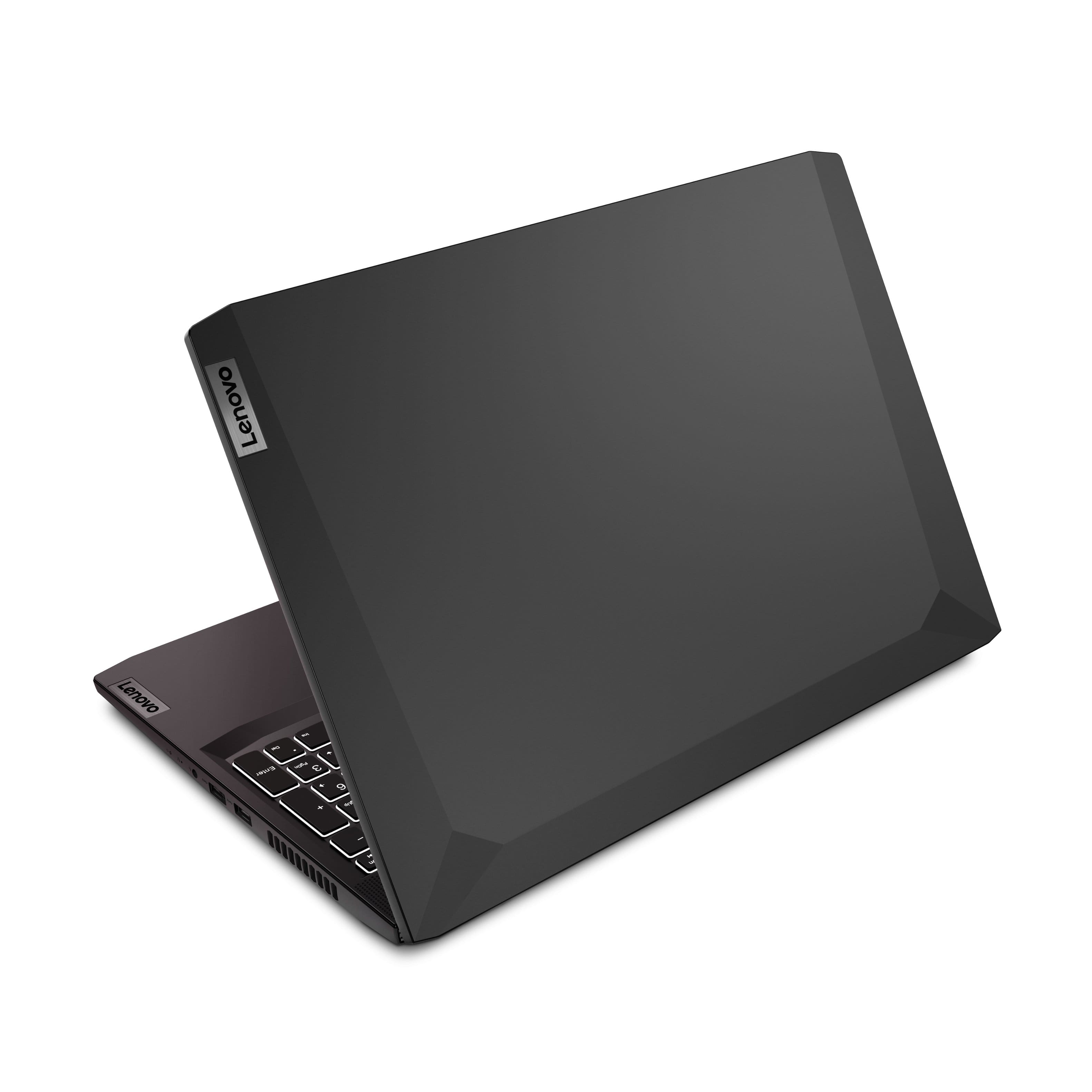
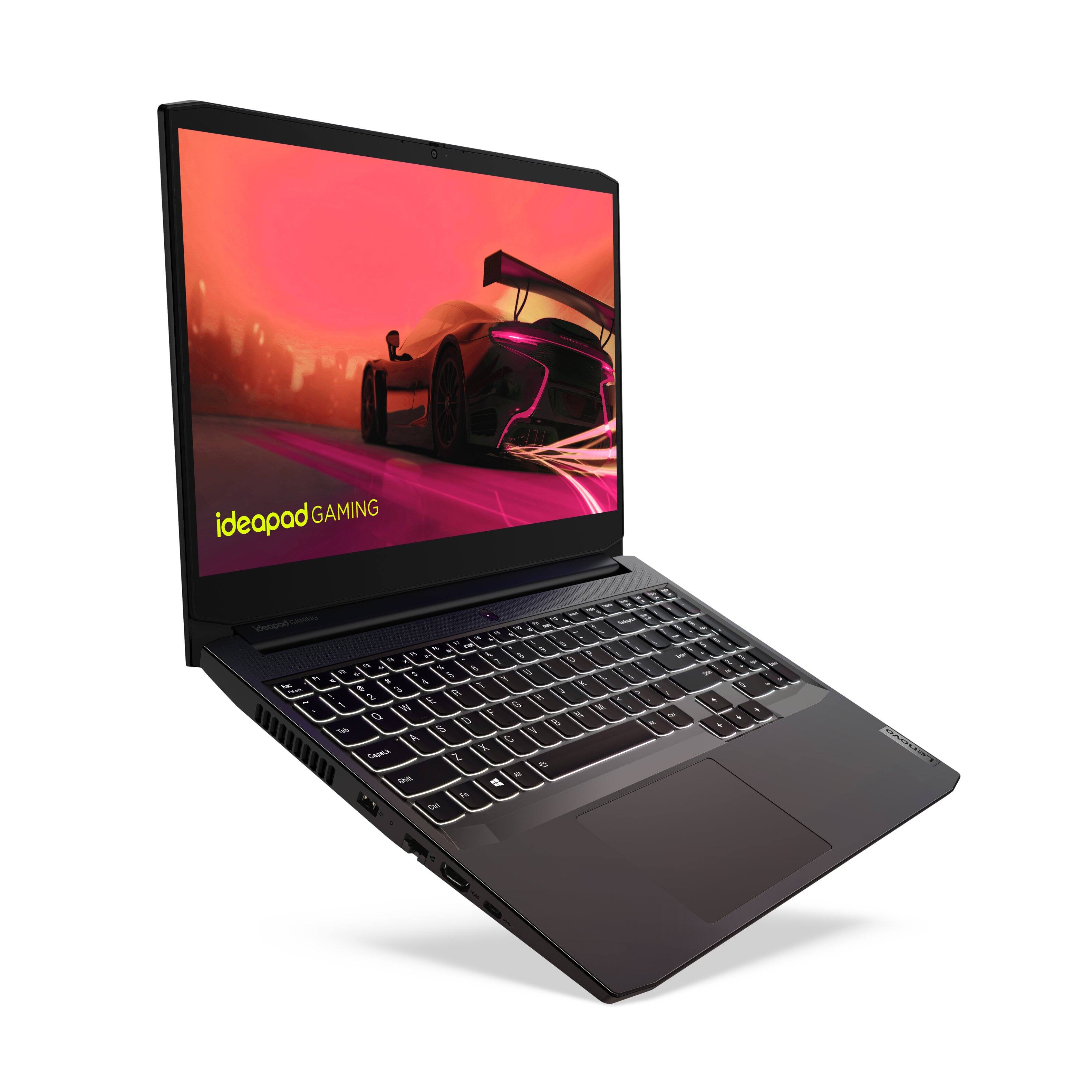

- Model:
- 82K200USUS/82K20003US
- SKU:
- 6455137
Rating by feature
- Battery Life
Rating 3.9 out of 5 stars
- Speed
Rating 4.5 out of 5 stars
- Display
Rating 4.5 out of 5 stars
Customers are saying
Customers regard the IdeaPad Gaming 3 15" Laptop favorably for its performance and value, particularly praising its speed and capabilities for both gaming and work. However, concerns were raised about the battery life and screen brightness, with some users finding the latter insufficient. The ease of upgrading RAM was also highlighted as a positive aspect. Other features like the graphics card, processor, and storage received mixed reviews.
This summary was generated by AI based on customer reviews.
- Pros mentioned:Graphics, Ram, SpeedCons mentioned:Battery life, Screen brightness
Great machine for the money.
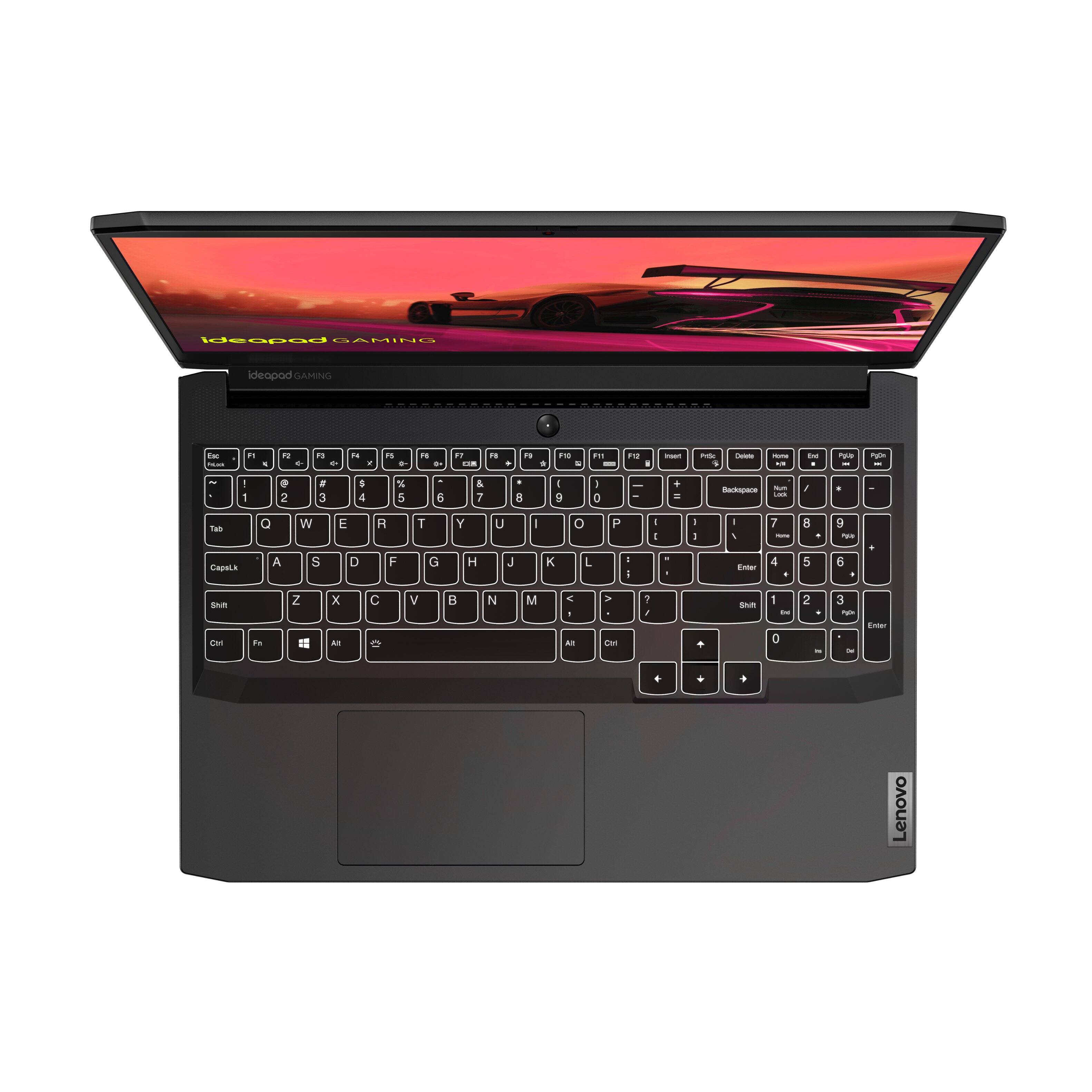
||Posted . Owned for 2 weeks when reviewed.This reviewer received promo considerations or sweepstakes entry for writing a review.Got this pc with low gaming expectations but have been blown away. I have a gaming desktop with a 2070 and this cheap laptop keeps right up with it. Honestly just use the laptop for gaming now and leave the desktop to mine lol. Actually surprised with how well the 1650 performs. I get a locked 50-60 fps on red dead, 80-120 on doom eternal, and 120 on ori (not a demanding title but still). Wish it had DLSS support but I haven’t needed it. I can use ultra textures for most games but turn the shadows, reflections and use a light AA. It looks fine, especially at 1080p. The 120hz screen is awesome. It could be brighter but what can you expect on a $680 laptop? Everything is silky smooth and the color looks fine. Oh and the Ryzen 5600h? Animal. I have an overclock 1600af (2600) in my desktop and this thing crushes it. I wouldn’t have ever expected that from a thermally constrained laptop processor lol but wow. Ryzen 5000 series in mobile is incredible. The integrated Vega graphics sips power and performs great for basic tasks. It will automatically switch to power saving graphics when not gaming. When it uses the integrated graphics, you will lose 2gb of ram. Boohoo! Not a big deal with this laptop, it’s incredibly easy to add memory. Got an extra stick for $37 and now I’m good to go. You’d probably want to order that when you order your laptop. It also has a space to add a sata hhd/ssd (although, mine had the nvme drive installed in the spot that blocked it so I couldn’t use the space :/). It even came with a drive mount and cable in the box. It’s got another space for a small nvme on the other side of the mother board. Opening the pc is easy, couple screws and then just pry it open. (just get one of those plastic tools to pry open the sides,). It was seemingly designed to be upgraded. The keyboard has a white backlight (not rgb) but who cares? You bought a $680 laptop lol. I love the back light. The keyboard quality is acceptable. Nothings ground breaking but I’ve used it hard for the last two weeks with no issues. Same goes for the touch pad. It’s a bit flimsy? Really not an issue for me. Honestly haven’t used the battery much, but I’m not expecting to be blown away. I assume if you’re not gaming it will be fine. I mainly use this for work so I have a plug accessible. I wouldn’t game on battery anyways, it will hurt the performance. The devices shell is plastic but looks good. It’ll get fingerprints and smudges but it’s all good. There is deck flex in the keyboard, but again, for me, not a big deal. It has two usb 3.x (not sure what type specifically), one usb c (can’t charge with it), hdmi port and a proprietary charger. Overall, this runs great and is a great value. 120hz ips screen, dedicated 1650 graphics, ryzen 5600h, and accessible ram + storage. I can’t find anything majorly wrong with it. Sure, maybe the build quality could be a bit better but this is an entry level gaming laptop. It’s has a better build than most laptops I’ve owned in the past. Mine was on sales for $680, they also have them refurbished for $620-$640. Seriously worth the price considering the state of the DIY market.
I would recommend this to a friend - Pros mentioned:Graphics, PerformanceCons mentioned:Battery life
Awesome!!
||Posted . Owned for 3 weeks when reviewed.This reviewer received promo considerations or sweepstakes entry for writing a review.I was looking for a computer that had the best of both worlds when it came to gaming and school working. I absolutely enjoy this computer for playing mine craft, modern warfare, and so on. It came with a free month of the pc game pass with Xbox. It is lighting fast and the fans keep it extremely cool during gaming. School work is a breeze with this computer. It responds in a click and can handle all the windows and programs I have open at once. The only thing is this computer is not for someone looking for long battery life at all. It last maybe an hour depending what you are doing with it. Graphics are very nice and clear.
I would recommend this to a friendBrand response from Lenovo Product Expert
Posted .Thank you for choosing the Lenovo IdeaPad 3 15 Gaming Laptop, model number 82K20003US. This model configuration ships with a Integrated 45Wh, Lithium-Polymer Battery, which within this configuration, has a battery life of up to 5 hours, depending on the work the device is performing. If you are getting substantially less battery life, first, set your screen brightness at less than 100-percent - try 80-percent to start with. Then, be sure Battery conservation Mode is turned off. This power management setting should only be used when the laptop is plugged in all the time. It will prolong overall battery life by only charging the battery to 60-percent of capacity. Here is a link to instructions for turning off Battery Conservation Mode: https://support.lenovo.com/us/en/solutions/ht103159. Also check what programs are running in the background on the computer. Be sure only the programs you want running in the background are. These programs will drain the battery. Here is a link to information about how to find out what programs are running in the background on your Windows 10 computer and how to manage them for better system performance: https://www.windowscentral.com/how-prevent-apps-running-background-windows-10. Then, finally, be sure any software you installed is compatible with Windows 10. Incompatible software will drain the battery at a faster rate. There is no need to install Microsoft Office software. The software is already part of the operating system, you just need to activate the software with a purchased product key. If you have installed a copy of Microsoft Office, this is conflicting with the existing copy on the system and this will slow your system down. If you have installed a 3rd party anti-virus program, be sure that Windows Defender is turned off and that the trial version of McAfee Anti-Virus software is uninstalled. There can only be one anti-virus program on the system. You may need to restore your system to original factory default settings if any of the programming errors have occurred. You can do that by typing "restore" in the Cortana search window. Just click on the magnifying glass icon at the bottom left of your Windows 10 Desktop. Click on "Reset This PC" Then click on "Get Started" and follow the on screen directions to restore to factory defaults. If the problem persists, we recommend you contact Lenovo Tech Support at: 877-453-6686.

- Cons mentioned:Battery life
We like it!
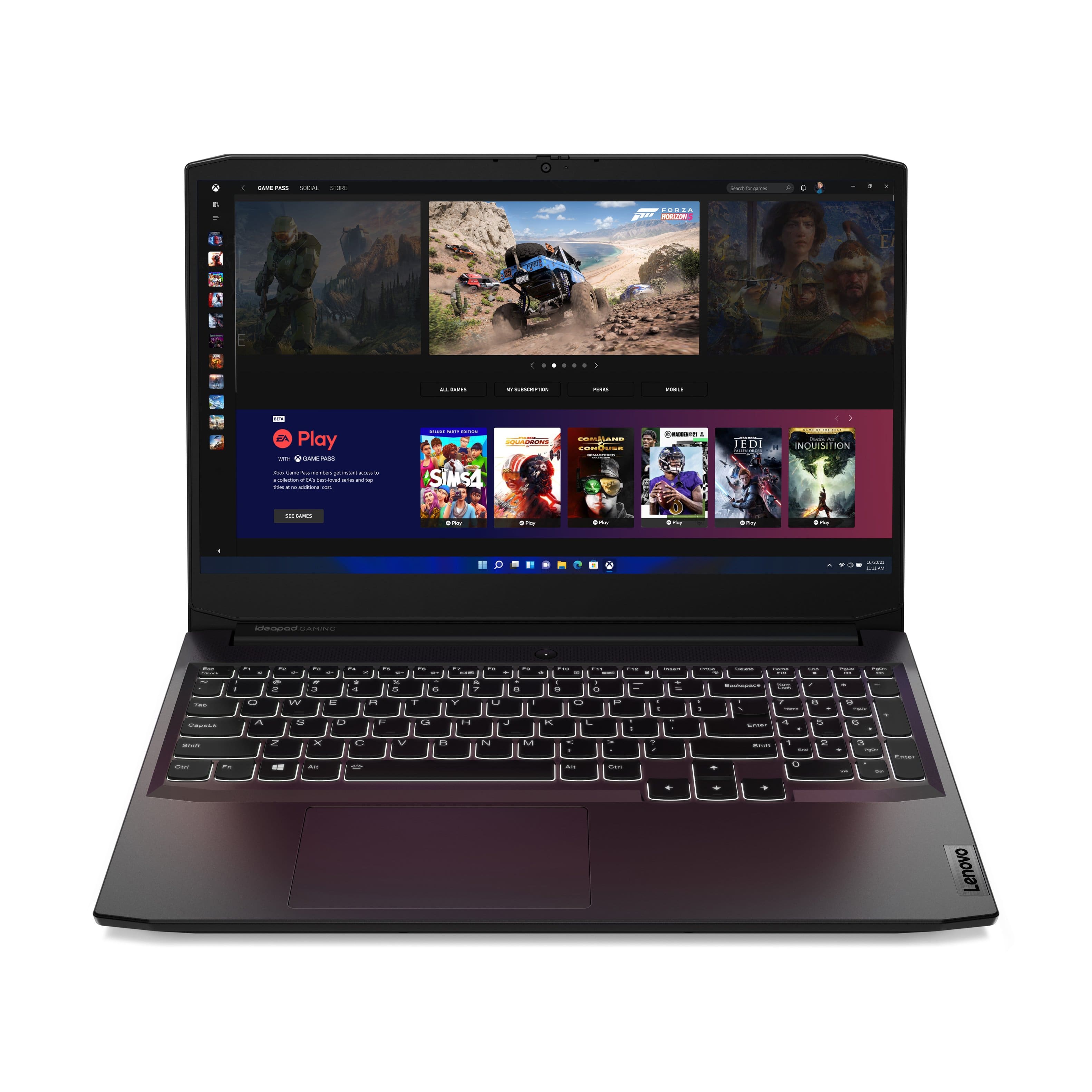
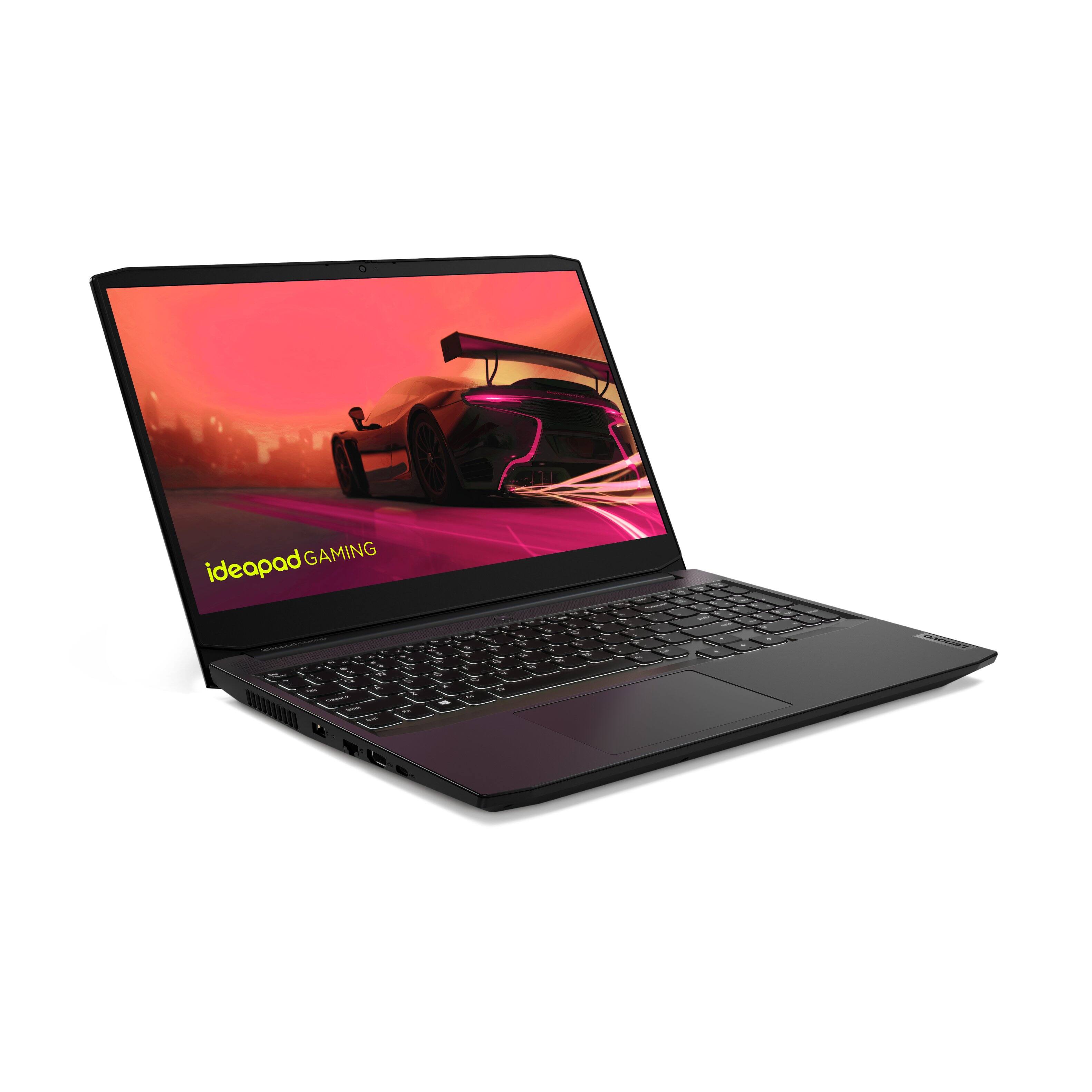
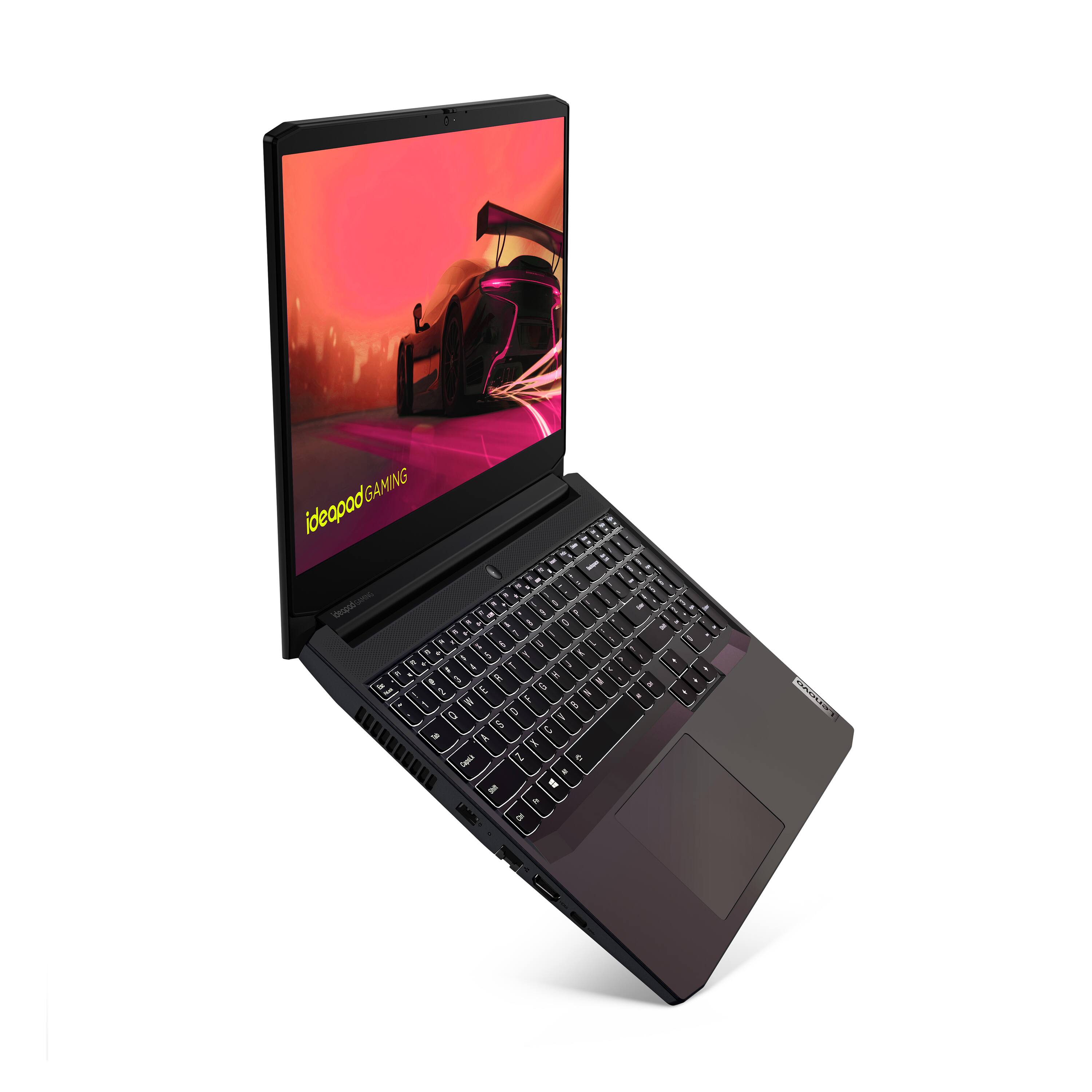
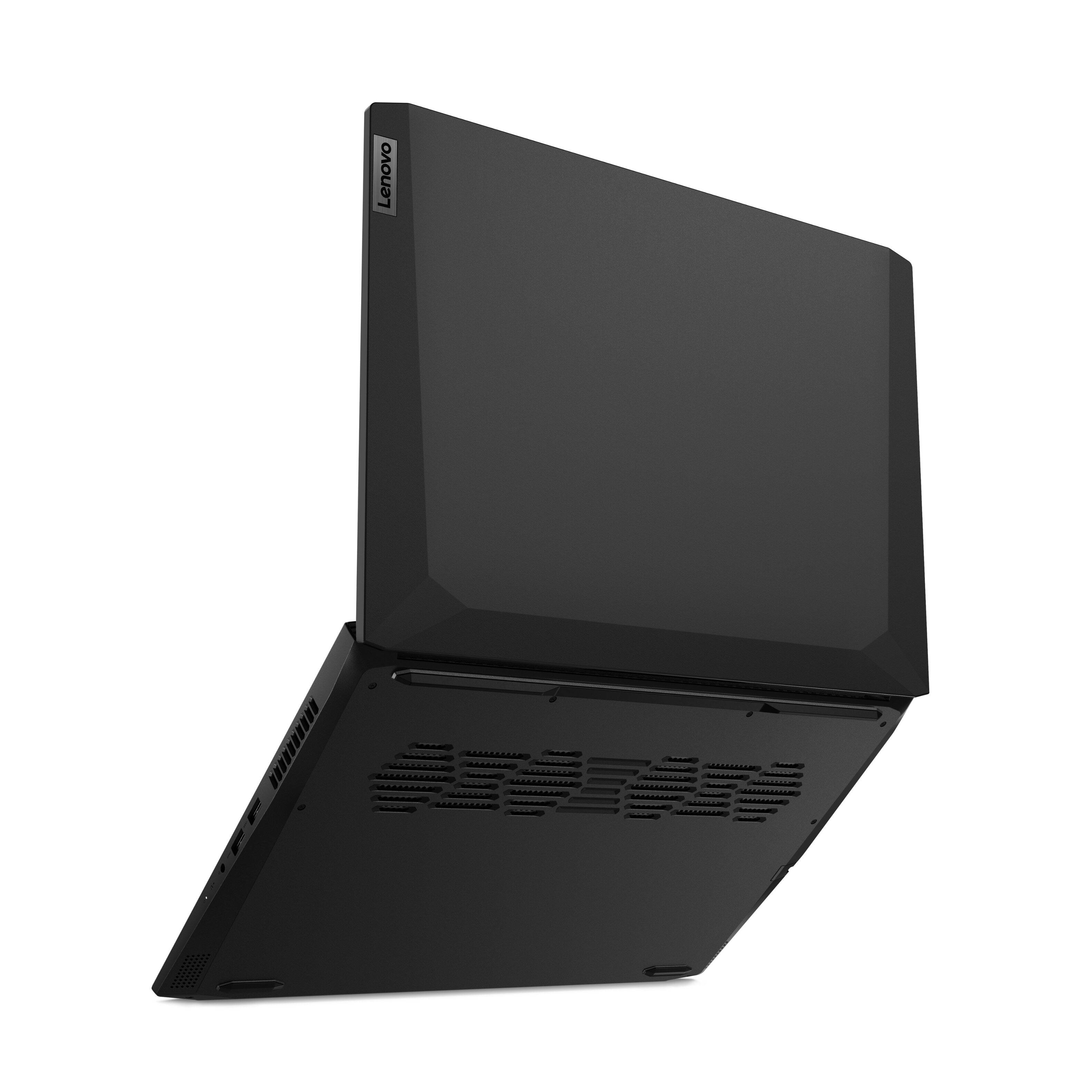
||Posted . Owned for 1 week when reviewed.This reviewer received promo considerations or sweepstakes entry for writing a review.We're very happy with this laptop. I got it for my wife to use in our home office - mostly family bookkeeping, email, and scanning + managing a music library that's stored both in the cloud and on the laptop. This is our first SSD computer - it boots up very fast. Also very fast opening files and applications. We're using it with two external monitors, usb keyboard, wireless mouse, and a small scanner. We're using a USB docking station to support the peripherals. The laptop itself has 1 USB-C, 2 USB-A ports, and one HDMI port, which is reasonable. Also an ethernet port and a mic/headphone jack. I'm impressed with the cooling setup. Long rubber feet lift it up off the surface underneath. It has substantial cooling vents across the bottom rear, and on both sides. I expect there's a row of fans across the bottom, just above the vents - but I haven't been able to see through the vent holes to confirm. We haven't tested the battery life yet - this one lives on a desk, plugged in. So I'm scoring that a 4, since we have no data on it yet.
I would recommend this to a friendBrand response from Lenovo Product Expert
Posted .Thank you for choosing the Lenovo IdeaPad 3 15 Gaming Laptop, model number 82K20003US. This model ships with a Integrated 45Wh, Lithium-Polymer Battery, which within this configuration, has a battery life of up to 5 hours, depending on the work the device is performing. We are pleased to hear that the IdeaPad 3 15 Gaming Laptop meets your computing needs so well.
Great processing power and lasts a long time
||Posted . Owned for 1.5 years when reviewed.This reviewer received promo considerations or sweepstakes entry for writing a review.This computer easily got me through 2 years of school at Salt Lake Community College and is powerful for a laptop. Highly recommend. Battery power is definitely as advertised, even when running something like Cubase
I would recommend this to a friendGreat laptop for everyday tasks and some gaming
||Posted . Owned for 1 week when reviewed.This reviewer received promo considerations or sweepstakes entry for writing a review.Lenovo Gaming Ideapad 3 AMD Ryzen 5 5600H @ 3.30 GHz (4.20 GHz Turbo) 6 cores, 12 threads Nvidia Geforce GTX 1650 @ 4 GB GDDR6 VRAM 8 GB RAM DDR4 @ 3200 MHz 512 GB M.2 PCIe SSD 15.6" 1920x1080 Full HD @ 120 Hz 2x USB 3.1 Gen 1, 1x USB 3.1 Type-C, 1x HDMI 2.0, 1x LAN, 1x audio jack, Bluetooth 5.0, webcam Pretty good laptop overall, strong processor, decent video card, I really enjoy typing on the keyboard. When it comes to upgrading RAM it is supposed to be able to take 32 GB DDR4 (2x16) according to google, however, if you use the crucial system scanner it will say that the maximum is 16 (8x2), I haven't tested 32 yet. To uprade the storage you need to decide on adding a M.2 PCIe SSD (2280) or a 2.5" hard drive (mechanical or SSD). The refresh rate of the screen is pretty good at 120Hz, however, it can't be changed to 60Hz in case you wanted to extend the battery life. I would suggest disabling the turbo (CPU), since it would greatly decrease the temps and you still get pretty good performance. With the turbo on you get 18,000 pts in passmark and the temps go up to 98° (max. is 105° for this processor), with the turbo off you get 15,300 pts, (-15%) but the temps goes down to 80° (-18%). It will all depend on what are you using the computer for, because if you don't need that extra performance, then it would be better to have the turbo off and keep the CPU less hot. The trackpad is ok, but I would have preferred dedicated keys. I would say this is one of the best price-performance gaming laptop out there. At $600 - $700 range this is a great deal.
I would recommend this to a friendBrand response from Lenovo Product Expert
Posted .Thank you for choosing the Lenovo IdeaPad 3 15 Gaming Laptop, model number 82K200USUS. This model ships with 8GB DDR4-3200MHz RAM (1x 8GB SO-DIMM DDR4-3200MHz RAM), within two DDR4 SO-DIMM slots, dual-channel capable. The maximum RAM this configuration can support is: Up to 16GB DDR4-3200MHz RAM. There is a 512GB M.2 2280 PCIe 3.0x4 NVMe solid state hard drive installed. The maximum storage capacity this configuration can support is: up to two drives, 1x 2.5 inch HDD + 1x M.2 2242 SSD or 1x M.2 2242/2280 SSD - 1x M.2 2242 SSD or 2.5 inch HDD up to 1TB - M.2 2242 SSD up to 512GB or M.2 2280 SSD up to 1TB. We recommend you consult with your certified technician about your upgrade options. With regard to the touchpad, you can make adjustments to the touchpad in your system settings. You can get there by clicking on the magnifying glass at the bottom left of your Windows 10 screen. Type touchpad in the search window. Select Mouse & touchpad settings from the list of choices. You can make general adjustments to the touchpad there. You can also select Additional mouse options for more detailed adjustments to the touchpad sensitivity by increasing the delay of the touchpad. We are pleased to hear that the value and performance of the IdeaPad 3 15 Gaming Laptop meets your computing needs so well.
- Pros mentioned:Performance
Great for the money
||Posted . Owned for 9 months when reviewed.This reviewer received promo considerations or sweepstakes entry for writing a review.Great budget computer, runs most games just fine. Never had an issue with it.
I would recommend this to a friend - Pros mentioned:Performance
Great Gaming Laptop!
||Posted . Owned for 10 months when reviewed.This reviewer received promo considerations or sweepstakes entry for writing a review.Great gaming laptop. It runs great and the specs are amazing.
I would recommend this to a friend - Pros mentioned:SpeedCons mentioned:Battery life
Solid affordable, Gaming PC on the go.
||Posted .This reviewer received promo considerations or sweepstakes entry for writing a review.When it comes to cutting corners, this Lenovo makes it seem they didn't really cut to deep. Its a solid gaming PC with an AMD Ryzen processor, that can run most games and has a sizeable 512 GB storage to boot. Id recommend if your a heavy gamer to invest in a portable ssd as an accessory through but that's just in backlog. The game cam run most titles without hitch. Of the titles i tested I can say: - Skyrim runs extremely well. - Grand Theft Auto V will need some tweaking but it runs decently. - Watch Dogs 2 is pretty good as well. The only drawback is that your running a laptop on the go so along side the ssd you might also want to grab a portable or extended battery for long trips, especially of you are gonna run heavy games, as the battery power will drop with them.
I would recommend this to a friendBrand response from Lenovo Product Expert
Posted .Thank you for choosing the Lenovo IdeaPad 3 15 Gaming Laptop, model number 82K20003US. This model ships with a Integrated 45Wh, Lithium-Polymer Battery, which within this configuration, has a battery life of up to 5 hours, depending on the workload. We are pleased to hear that the performance and features of the IdeaPad 3 15 Gaming Laptop meet your computing needs so well.
- Pros mentioned:Ram
Perfect for the price
||Posted . Owned for 1.5 years when reviewed.This reviewer received promo considerations or sweepstakes entry for writing a review.Exactly what I was looking for. I'm a simple gamer. I mainly play Rocket League or the occasional Halo campaign. This laptop has a great refresh rate both on screen and external monitor. I output to curved 2k 165hz monitor and the image is beautiful and crisp with no lag or tears. I did have to upgrade the RAM but that's my preference. But it was super easy installing the chips. I highly recommend this affordable powerhouse to anyone looking to casually game or is ok with sacrificing some image effects for a crisp experience.
I would recommend this to a friend - Pros mentioned:Graphics, Speed
Gaming on the go...FOR REAL.
Posted .This reviewer received promo considerations or sweepstakes entry for writing a review.Definitely an upgrade from my desktop. It's mobile, light, and a lot of processing power plus a GTX 1650 graphics card. It runs on the same nvme standard as the Xbox series s/x but I wouldn't try switching the hard drives as I think the one in the laptop is longer. Unfortunately upon opening my laptop I found an RGB Port and have no clue as to how to connect to it. User manuals and even the Lenovo site tells me nothing about it. It's not a determine factor but it would be nice to add some color to this dark colored laptop
I would recommend this to a friend - Pros mentioned:PerformanceCons mentioned:Battery life
It had me at Hello World
||Posted . Owned for 1 week when reviewed.This reviewer received promo considerations or sweepstakes entry for writing a review.I needed a laptop for two things: looking at Big Data with various types of programming environments, and light gaming. I was originally going to go with another Lenovo with integrated graphics but I wasn't totally sure it would do what I wanted and went to the store to see if I could demo it. There wasn't really a way to see what it could do but a little bit of typing on it had me feeling meh. So I turned around and lo and behold here was this thing staring me in the face. I typed a couple functions into Excel and was sold. The keys have the perfect give, everything is in the right place, well proportioned, I can use the arrow keys and number pad like normal, they aren't shrunk or weirdly positioned or out of proportion. (Some of the laptops I saw had arrow or function keys that were practically unusable.) The light up keyboard is super helpful for finding delete and underscore in a not well lit room. And it's handled the not-super-high-demand games I've thrown at it with ease. Some down sides: Lenovo has some standard bells and whistles in even their budget models that are missing from this like a touchscreen and fingerprint scanner. These are nice to have but I don't really miss them. It's kinda chunky. The battery is awful, even when not gaming. These things make portability a real issue unless, like me, you only really need it to move around your house. It could use one more USB port. The mousepad is pretty big - its position doesn't throw me off as some folks have said, but it is easy to accidentally do a gesture on it and suddenly have all 50 things you have open tiled on your desktop. The camera - uh, let's just say plan to have your zooms in a well lit room. It's also not exactly the most attractive laptop out there. Overall this beast was a couple hundred more than I wanted to spend but it's just so much more usable and for a light gaming laptop the prices really don't get much lower.
I would recommend this to a friendBrand response from Lenovo Product Expert
Posted .Thank you for choosing the Lenovo IdeaPad 3 15 Gaming Laptop, model number 82K200USUS. This full-size high performance laptop weighs just 4.96 lbs. The IdeaPad 3 15 Gaming Laptop ships with a Integrated 45Wh, Lithium-Polymer Battery, which within this model configuration, has a battery life of up to 5 hours, depending on the work the device is performing. With regard to the touchpad, you can make adjustments to the touchpad in your system settings. You can get there by clicking on the magnifying glass at the bottom left of your Windows 10 screen. Type "touchpad" in the search window. Select "Mouse & touchpad settings" from the list of choices. You can make general adjustments to the touchpad there. You can also select "Additional mouse options" for more detailed adjustments to the touchpad sensitivity by increasing the delay of the touchpad. This IdeaPad 3 15 Gaming Laptop ships with an HD (720p) webcam with Privacy Shutter and Dual Array Microphones, built in. If you are getting substantially less battery life, first, set your screen brightness at less than 100-percent - try 80-percent to start with. Then, be sure Battery conservation Mode is turned off. This power management setting should only be used when the laptop is plugged in all the time. It will prolong overall battery life by only charging the battery to 60-percent of capacity. Here is a link to instructions for turning off Battery Conservation Mode: https://support.lenovo.com/us/en/solutions/ht103159. Also check what programs are running in the background on the computer. Be sure only the programs you want running in the background are. These programs will drain the battery. Here is a link to information about how to find out what programs are running in the background on your Windows 10 computer and how to manage them for better system performance: https://www.windowscentral.com/how-prevent-apps-running-background-windows-10. Then, finally, be sure any software you installed is compatible with Windows 10. Incompatible software will drain the battery at a faster rate. There is no need to install Microsoft Office software. The software is already part of the operating system, you just need to activate the software with a purchased product key. If you have installed a copy of Microsoft Office, this is conflicting with the existing copy on the system and this will slow your system down. If you have installed a 3rd party anti-virus program, be sure that Windows Defender is turned off and that the trial version of McAfee Anti-Virus software is uninstalled. There can only be one anti-virus program on the system. You may need to restore your system to original factory default settings if any of the programming errors have occurred. You can do that by typing "restore" in the Cortana search window. Just click on the magnifying glass icon at the bottom left of your Windows 10 Desktop. Click on "Reset This PC" Then click on "Get Started" and follow the on screen directions to restore to factory defaults. If the problem persists, we recommend you contact Lenovo Tech Support at: 877-453-6686.
Perfect for beginners
||Posted . Owned for more than 2 years when reviewed.This reviewer received promo considerations or sweepstakes entry for writing a review.I was never into video games until the pandemic. My partner purchased this laptop for me to keep me from getting bored. I play Disney Dreamlight Valley and other similar games on this laptop with zero issues. I also went through online college with this laptop. Theres a ton of space to play games and go to school. Its beautiful, its sleek, ths screen is the perfect size, and its big enough that most laptop cases fit it. I highly reccomend as a beginner.
I would recommend this to a friend- Pros mentioned:Performance, Ram
A great beginners gaming Laptop
||Posted . Owned for 1 month when reviewed.This reviewer received promo considerations or sweepstakes entry for writing a review.This is a good budget laptop. I bought this mainly to have a pc/steam in my living room and to take in on the go with me casionally. For gaming its great. I run emulation on it no problem, and it runs modern games on moderate settings. I would say if you were picking this up for AAA gaming on high settings you might want to aim higher as thatll push the limits on this machine. Storage is great with an expandable SSD slot, and easy to upgrade RAM.
I would recommend this to a friendBrand response from Lenovo Product Expert
Posted .Thank you for choosing the Lenovo IdeaPad Gaming 3 15 Laptop. We are very pleased to hear that the specifications, features, and performance of the Lenovo IdeaPad Gaming 3 15 Laptop meet your computing needs so well. For compatibility, that really will depend on the requirements of the specific game you want to play (of the specific software you want to use). We recommend you check with the game's software publisher's web site for their compatibility with your Windows (Chrome, Android) operating system and the minimum/recommended hardware requirements (Is a Graphics card required, the processor speed and the minimum required system RAM and the minimum available hard drive space) to run their program, then compare those requirements to this system's configuration.
- Cons mentioned:Screen brightness
Would be a 4.25 stars if 16GB vs 8GB (3.75 stars)
||Posted . Owned for 1 month when reviewed.This reviewer received promo considerations or sweepstakes entry for writing a review.I actually wanted to give a 3.75 stars just to encourage the 16GB Memory vs the 8GB which this comes with . . . this is my main complaint if anything by LENOVO makers. . .This is such a clean & simple laptop - the main reason I bought it is because of all the ports. . . especially the USB ports (newer type), etc. and the price in the $800-$900 range for the Ryzen . . I am using it for the office work in general. . . The weight is light which is nice. . . I also like the keyboard having numbers on the right side and the simplicity and understated look of a matt finish. . .In the past I had done well with the ASUS gaming laptops (for durability so that the screen doesn't break like an HP type of laptop - I had three break on me because of the SCREEN). . . I am not sure how long a Lenovo will last but I think I prefer the one bar in the middle for the neck/spine vs. two bars (like HP) I still have gaming ASUS (2 laptops) from Best Buy from 8 & 10 yrs prior but it started getting too slow. But I bought this computer knowing that for my main computer, for higher end graphics. . . I will probably pay double to get a gaming computer that also has the PORTS in it even though it might be heavier, it will be easier because I need the ports. Personally, I like how rubbish is less likely to get into the keyboard and the feel of the bounce back. . . I have a MSI Razor and the keyboard on that is nice, but there is always the danger of small pieces of random trash getting into the keyboard (it happens a lot) and I have to vacuum it out, tap it upside down, or actually open the computer and take it out. But I have a feeling, this laptop has more tighter spaces, so it is less likely to happen.
I would recommend this to a friend - Pros mentioned:Price, Speed
great value
||Posted . Owned for 1 year when reviewed.This reviewer received promo considerations or sweepstakes entry for writing a review.Amazing for the price, good value, smooth and fast.
I would recommend this to a friend - Pros mentioned:Performance
Great for the price
||Posted . Owned for 1 month when reviewed.This reviewer received promo considerations or sweepstakes entry for writing a review.Good computer. It handle most games at medium to high settings with stable performance . Easy set up & number of ports is enough for most. Stays cools & you can game of long periods.
I would recommend this to a friendBrand response from Lenovo Product Expert
Posted .Thank you for choosing the Lenovo IdeaPad Gaming 3 15 Laptop. We are very pleased to hear that the specifications, features, and performance of the Lenovo IdeaPad Gaming 3 15 Laptop meet your computing needs so well.
- Cons mentioned:Battery life
Not the best, but good for a fixed budget
||Posted . Owned for 3 weeks when reviewed.This reviewer received promo considerations or sweepstakes entry for writing a review.This is a good budget laptop. Ensure you have proper cooling and all the games you play should run well. The most time gaming I have gotten while this was on the battery was about an hour. I prefer to use this while it is plugged in.
I would recommend this to a friendBrand response from Lenovo Product Expert
Posted .Thank you for choosing the Lenovo IdeaPad 3 15 Gaming Laptop, model number 82K200USUS, ships with a 3CELL_45WH_INTERNAL, Lithium Polymer Battery, which within this configuration, has a battery life of up to 9 hours, depending on the work the device is performing. If you are getting substantially less battery life, first, set your screen brightness at less than 100-percent - try 80-percent to start with. Then, be sure Battery conservation Mode is turned off. This power management setting should only be used when the laptop is plugged in all the time. It will prolong overall battery life by only charging the battery to 60-percent of capacity. Here is a link to instructions for turning off Battery Conservation Mode: https://support.lenovo.com/us/en/solutions/ht103159. Also check what programs are running in the background on the computer. Be sure only the programs you want running in the background are. These programs will drain the battery. Here is a link to information about how to find out what programs are running in the background on your Windows 10 computer and how to manage them for better system performance: https://www.windowscentral.com/how-prevent-apps-running-background-windows-10. Then, finally, be sure any software you installed is compatible with Windows 10. Incompatible software will drain the battery at a faster rate. There is no need to install Microsoft Office software. The software is already part of the operating system, you just need to activate the software with a purchased product key. If you have installed a copy of Microsoft Office, this is conflicting with the existing copy on the system and this will slow your system down. If you have installed a 3rd party anti-virus program, be sure that Windows Defender is turned off and that the trial version of McAfee Anti-Virus software is uninstalled. There can only be one anti-virus program on the system. You may need to restore your system to original factory default settings if any of the programming errors have occurred. You can do that by typing "restore" in the Cortana search window. Just click on the magnifying glass icon at the bottom left of your Windows 10 Desktop. Click on "Reset This PC" Then click on "Get Started" and follow the on screen directions to restore to factory defaults. If the problem persists, we recommend you contact Lenovo Tech Support at: 877-453-6686.
- Pros mentioned:Performance
Great laptop
||Posted . Owned for 1.5 years when reviewed.This reviewer received promo considerations or sweepstakes entry for writing a review.Great laptop I think anyone wanting to game or do editing will love it no problems at all
I would recommend this to a friend - Pros mentioned:Performance
Great Laptop For Sims and Skyrim!
||Posted . Owned for 1 month when reviewed.This reviewer received promo considerations or sweepstakes entry for writing a review.This laptop is a huge upgrade from my last one that I had for almost 10 years. I really wanted a computer that would allow me to play Sims 3 and Sims 4 smoothly and this one does a fantastic job with both! I have several expansions for both as well and it works like a dream. Additionally, I was happily surprised by its ability to run Skyrim SE amazingly as well, although it does make the laptop get very hot. This review is not a technical review, but if you are looking for a laptop to play any of the games I mentioned, I highly recommend this one :)
I would recommend this to a friendBrand response from Lenovo Product Expert
Posted .Thank you for choosing the Lenovo IdeaPad 3 15 Gaming Laptop. We are pleased to hear that the performance of the IdeaPad 3 15 Gaming laptop meets your computing needs so well. It is normal for the Ideapad 3 15 Gaming laptop to feel warm to the touch when the computer is under heavy workloads for an extended period of time. Check to be sure that the games you are running are compatible with this specific model's configuration. You can use Lenovo Q-Control to manually control fan and system performance: ( Fn + Q ) option to change the fan by undervolting the processor. If the issue continues, we recommend you call Lenovo Tech Support at: 877-453-6686.
- Pros mentioned:Performance
Great
||Posted . Owned for more than 2 years when reviewed.This reviewer received promo considerations or sweepstakes entry for writing a review.Prefect pc for me I recommend it for everyone it’s best pc
I would recommend this to a friend