Customer Ratings & Reviews
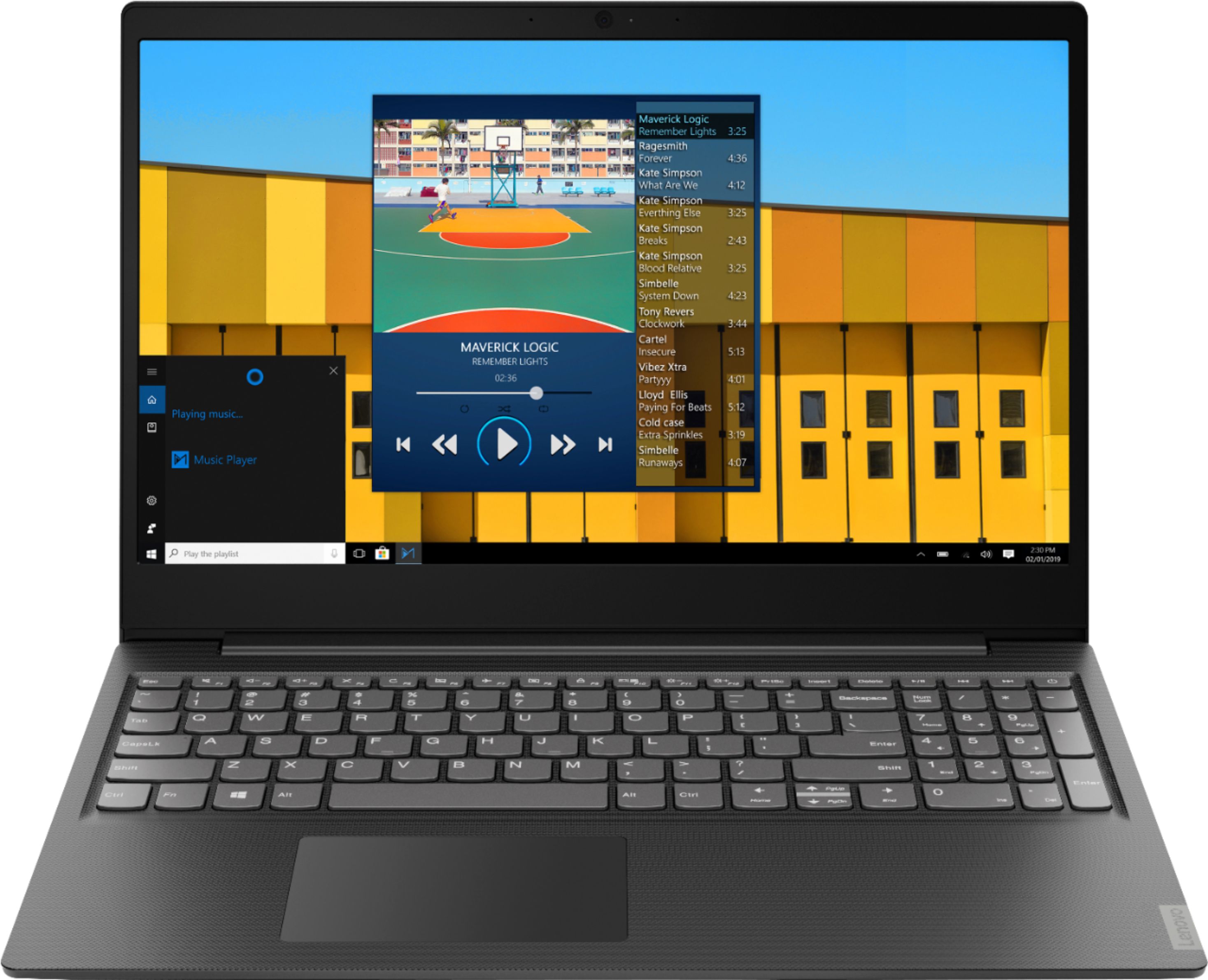
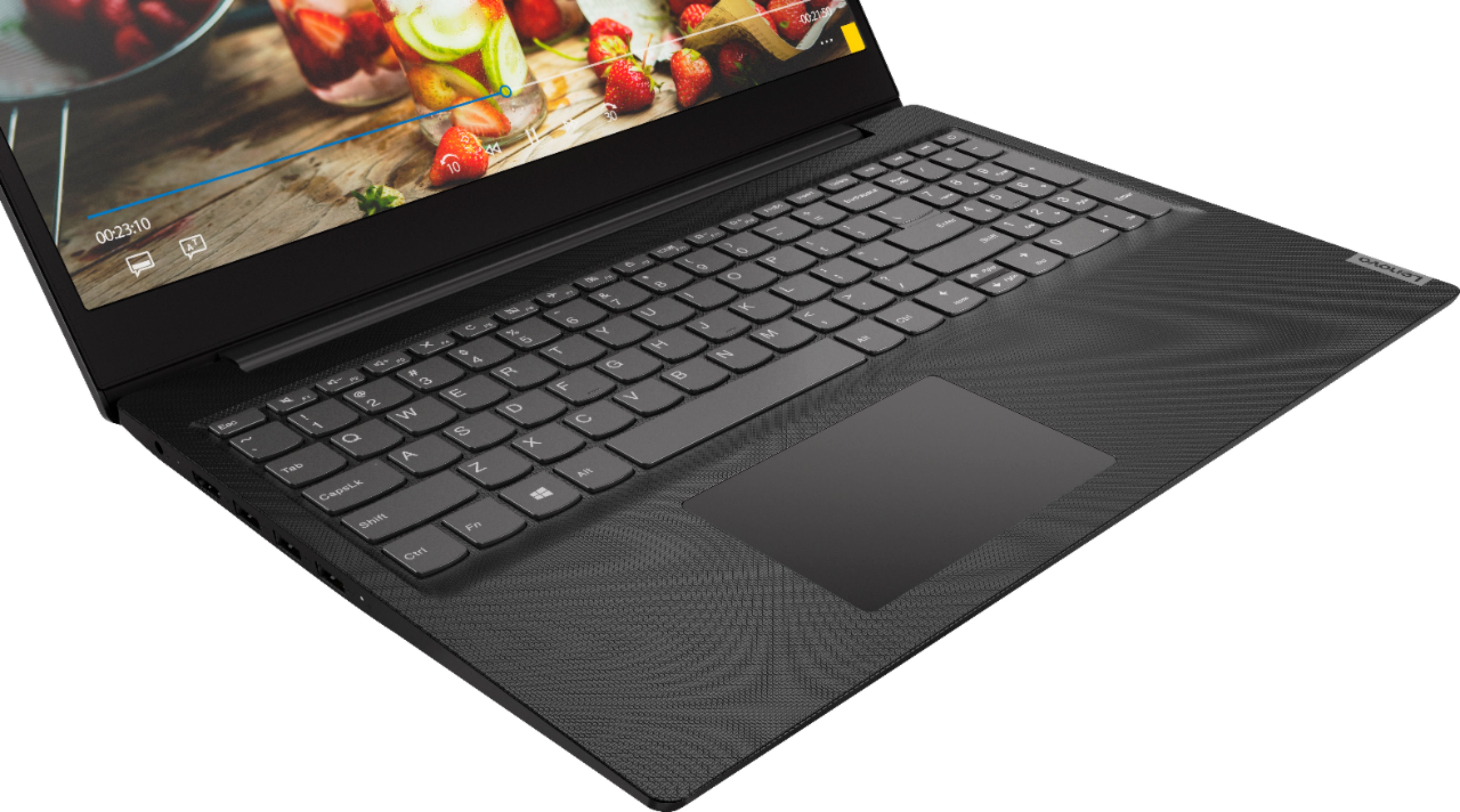

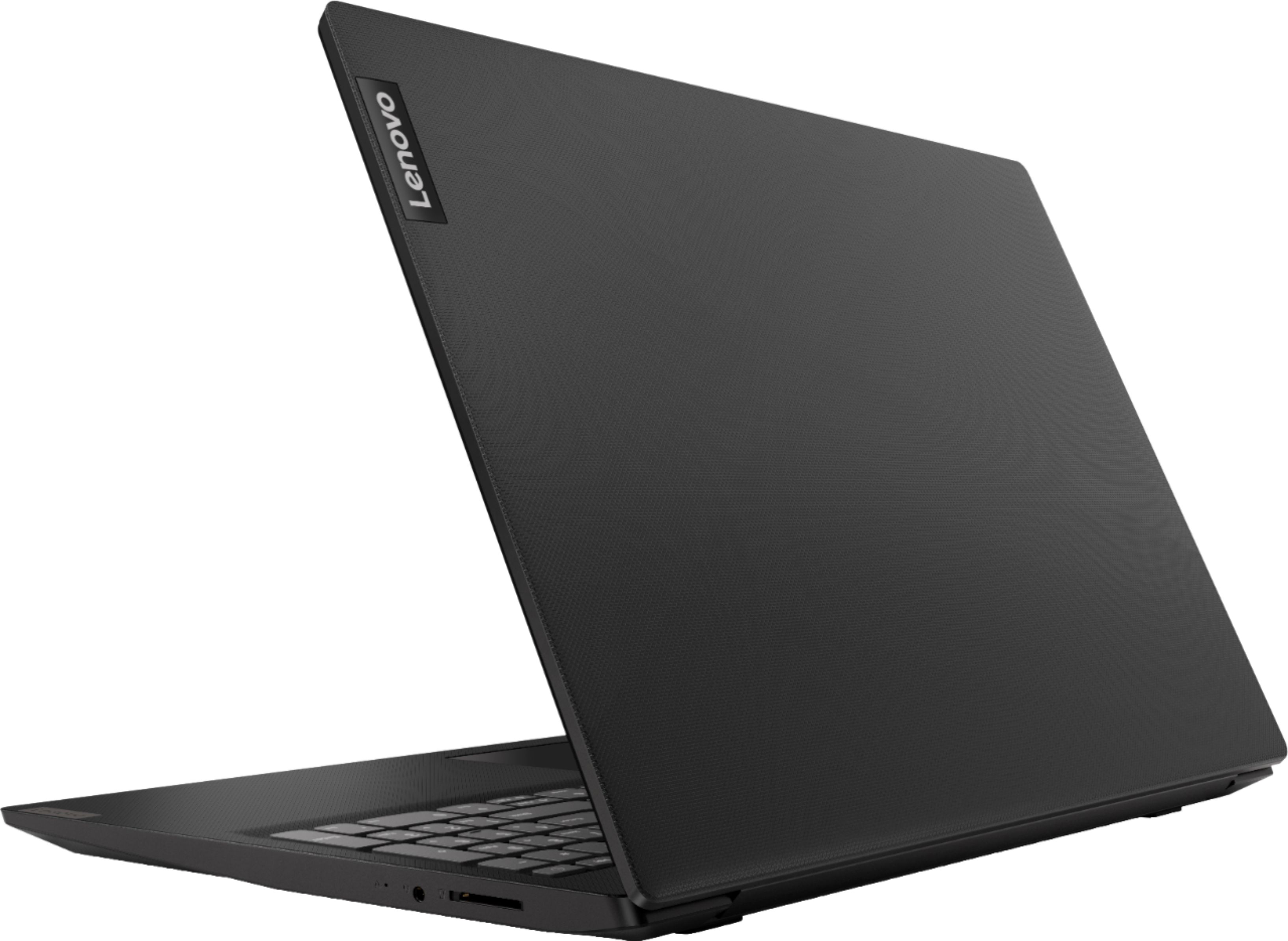
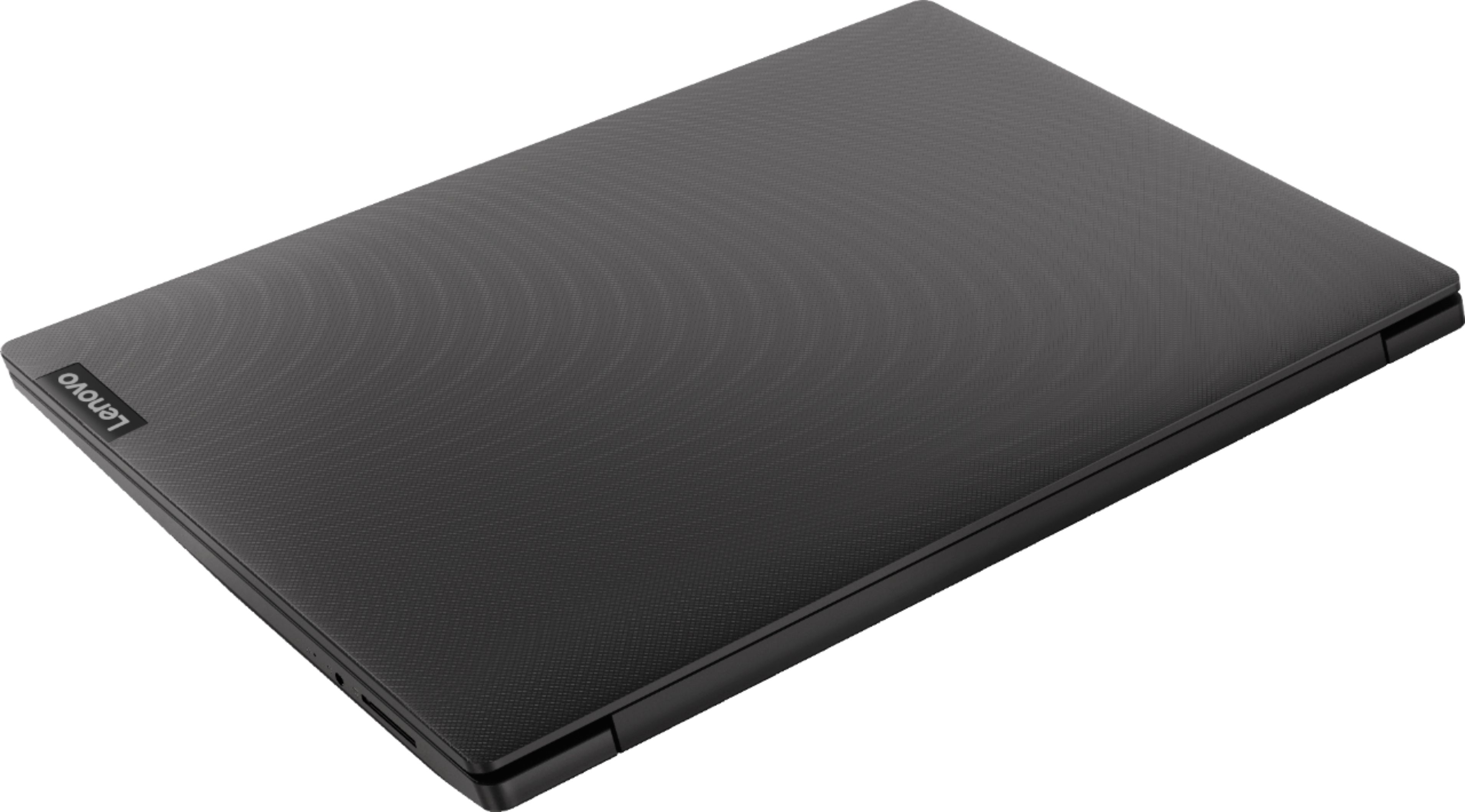


- Model:
- 81MV0001US
- SKU:
- 6323665
Rating by feature
- Battery Life
Rating 4.0 out of 5 stars
- Speed
Rating 3.1 out of 5 stars
- Display
Rating 3.8 out of 5 stars
Customers are saying
Customers love the IdeaPad S145 15.6" Laptop for its budget-friendly price, easy setup, and lightweight design. However, some users have expressed concerns about its slow performance, limited RAM, short battery life, and touchpad issues.
This summary was generated by AI based on customer reviews.
- Pros mentioned:Lightweight, Price
Can't beat the price!
||Posted . Owned for 1 week when reviewed.This reviewer received promo considerations or sweepstakes entry for writing a review.I picked this up on sale @ $199 and did the 16GB Ram upgrade as well as the 1TB SSD and with the bloatware still installed from the disk clone, it boots up in under 10 seconds. For a lightweight email, browser and media machine it is perfect. And I can even use it for some light work tasks like packet captures and analyses with Wireshark. Not sure i have had a laptop out of the 20 plus I have had for work and personal use that has had this much function at even double the price. The display is the only shortfall from being the perfect mobile lightweight laptop. And it is fine for my needs so I am satisified for the value.
I would recommend this to a friendBrand response from Lenovo Product Expert
Posted .The Lenovo IdeaPad S145-15 laptop is an entry level, light use system with its Intel Pentium processor. It is not meant for multi-tasking or demanding programs. It is good for Microsoft Office and light internet browsing. This model ships with Windows 10 S-Mode Operating System. Windows 10 S-Mode provides added security by only allowing APPs available ( and therefore certified by Microsoft) at the Microsoft Store. If you don't need the added security or you need to install APPs not available at the Microsoft Store, you can switch to standard Windows 10 Home 64-bit Operating System, at no additional cost. Please note, this model is not user upgradable. A certified technician must do all of the work, so as to not void the warranty.

- Cons mentioned:Slow
Not to hard to pull the harddrive
||Posted . Owned for 1 week when reviewed.This reviewer received promo considerations or sweepstakes entry for writing a review.Needed a laptop and this one look good tried to start it up with Windows 10 after 20+min it finely started we could not opt out of Windows 10 so we powered it off pulled the battery put in a PNY SSD and it went nuts looking for windows HaHaHa! at that point we used a USB 2.0 8Gb stick with Linux Mint 19.02 and it Did a full boot into Mint every thing worked except the WiFi so we added a USB WiFi and we were good ran the install did all the updates and now it boots in about 10 seconds now very fast. we are done with Microsoft.
I would recommend this to a friend - Pros mentioned:Lightweight
Great for Working From Home
||Posted . Owned for 1 year when reviewed.This reviewer received promo considerations or sweepstakes entry for writing a review.Originally purchased to replace an older model Dell laptop, this Lenovo has proved to be invaluable to me when I started working at home because of the pandemic. Someday I don't feel like being boxed up in my home office and this laptop allows me the freedom of working from other parts of my home (like my couch!). Slim but powerful enough to meet the demands of VPN and Zoom meetings with ease.
I would recommend this to a friend Good.
||Posted . Owned for 1 year when reviewed.This reviewer received promo considerations or sweepstakes entry for writing a review.Nice and good. I really like it. I have it sitting at my house for a long time because I did not see the need for its use. Right now it is my priority. As a small laptop, I can say that I am fully satisfied.
I would recommend this to a friendGreat computer great price
||Posted . Owned for 3 months when reviewed.This reviewer received promo considerations or sweepstakes entry for writing a review.Ive had it for awhile and i love it. Very conviniente and very easy set up even for me
I would recommend this to a friendBrand response from Lenovo Product Expert
Posted .Thank you for choosing the Lenovo IdeaPad S145-15 laptop. We are pleased to hear that the ease of setup and performance of the IdeaPad S145-15 meets your computing needs so well. This is an entry level, light use system with its Intel Pentium processor. It is not meant for multi-tasking or demanding programs. It is good for Microsoft Office and light internet browsing. This model ships with Windows 10 S-Mode Operating System. Windows 10 S-Mode provides added security by only allowing APPs available ( and therefore certified by Microsoft) at the Microsoft Store. If you don't need the added security or you need to install APPs not available at the Microsoft Store, you can switch to standard Windows 10 Home 64-bit Operating System, at no additional cost.
Lenovo - IdeaPad S145 15.6
||Posted . Owned for 1 year when reviewed.This reviewer received promo considerations or sweepstakes entry for writing a review.Lenovo - IdeaPad S145 15.6 Laptop is a great laptop.
I would recommend this to a friendGreat laptop for school
||Posted . Owned for 3 weeks when reviewed.This reviewer received promo considerations or sweepstakes entry for writing a review.It's doing amazing for my daughters school work. Love it
I would recommend this to a friendBuy it to upgrade it; a great travel or 2nd laptop
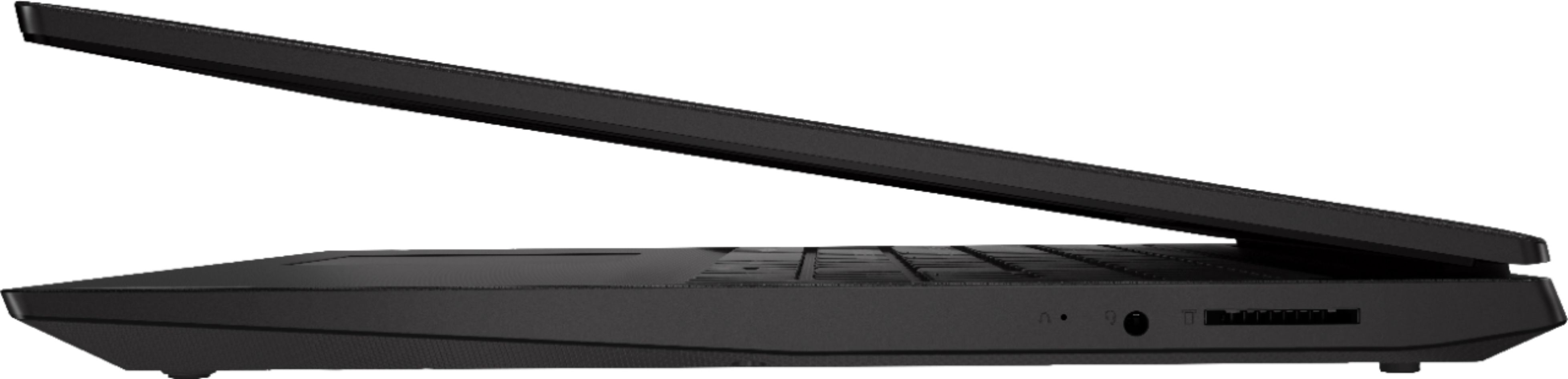
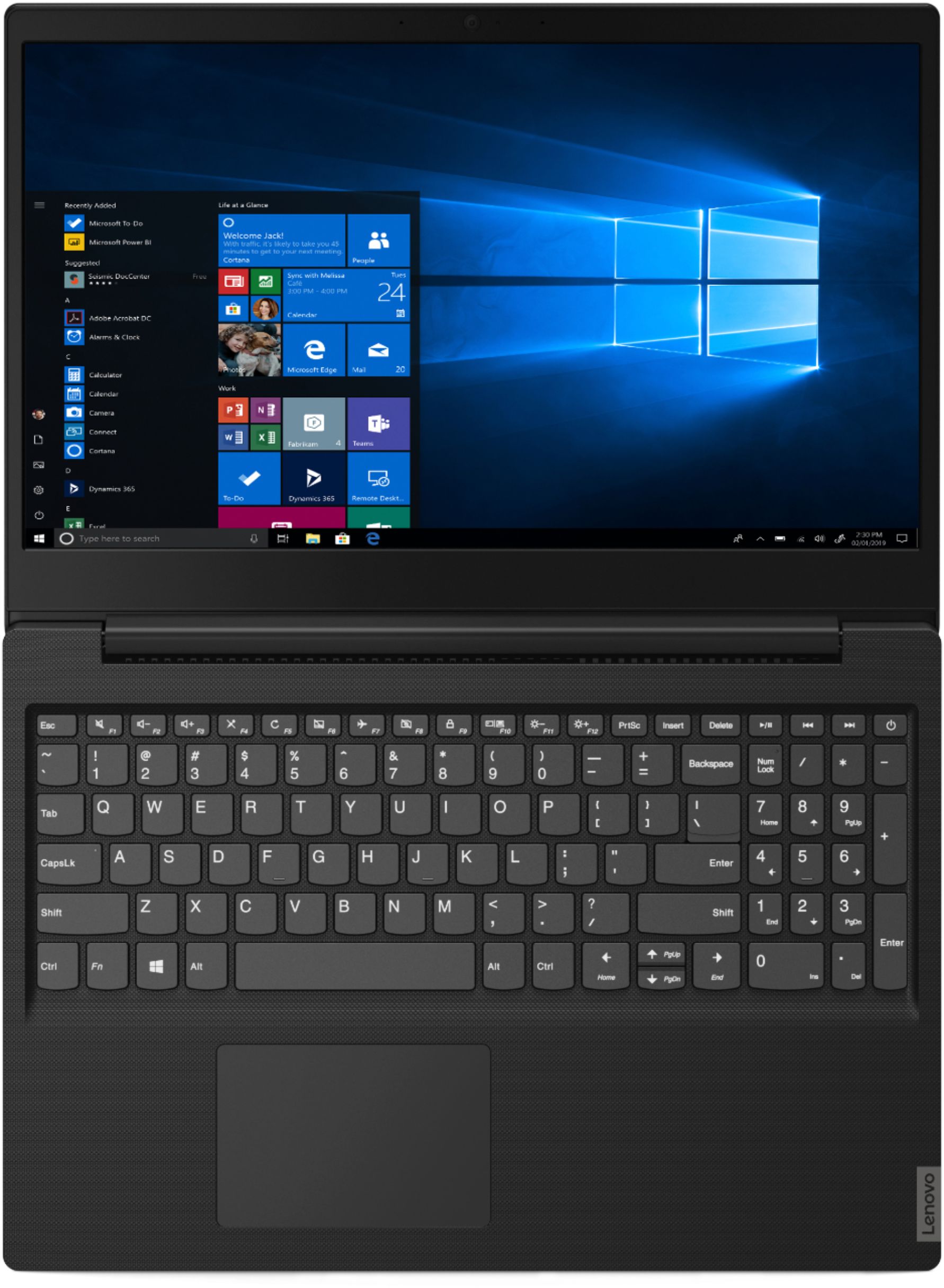
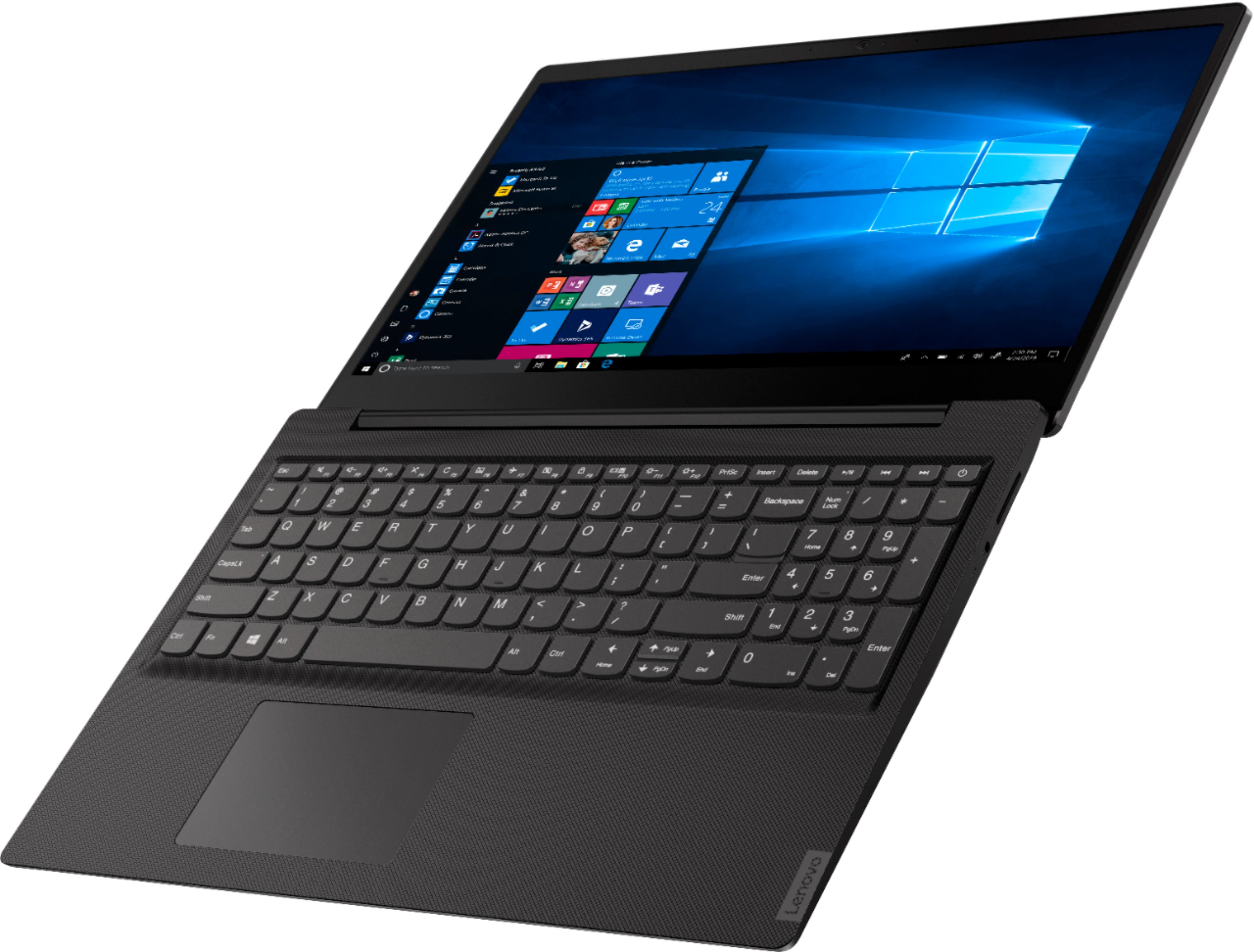
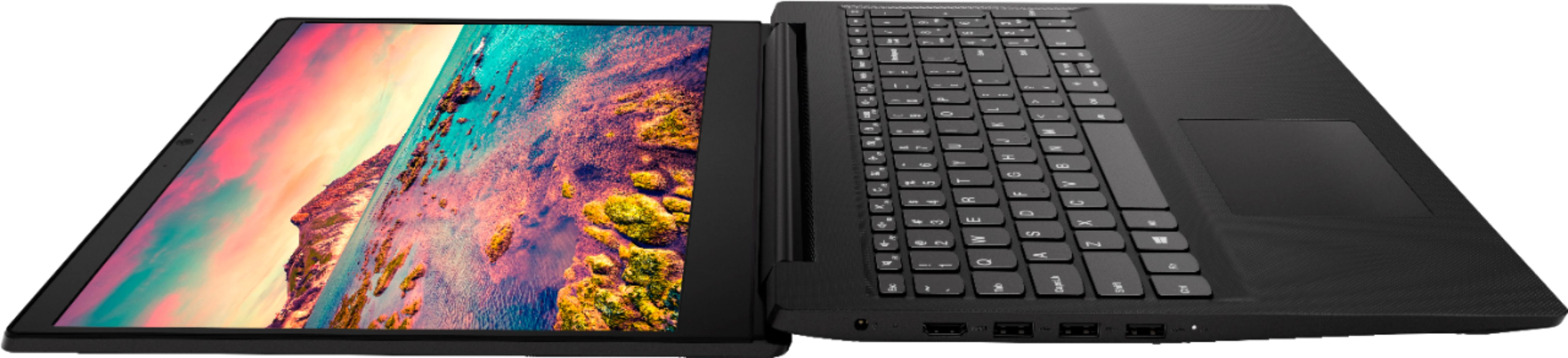
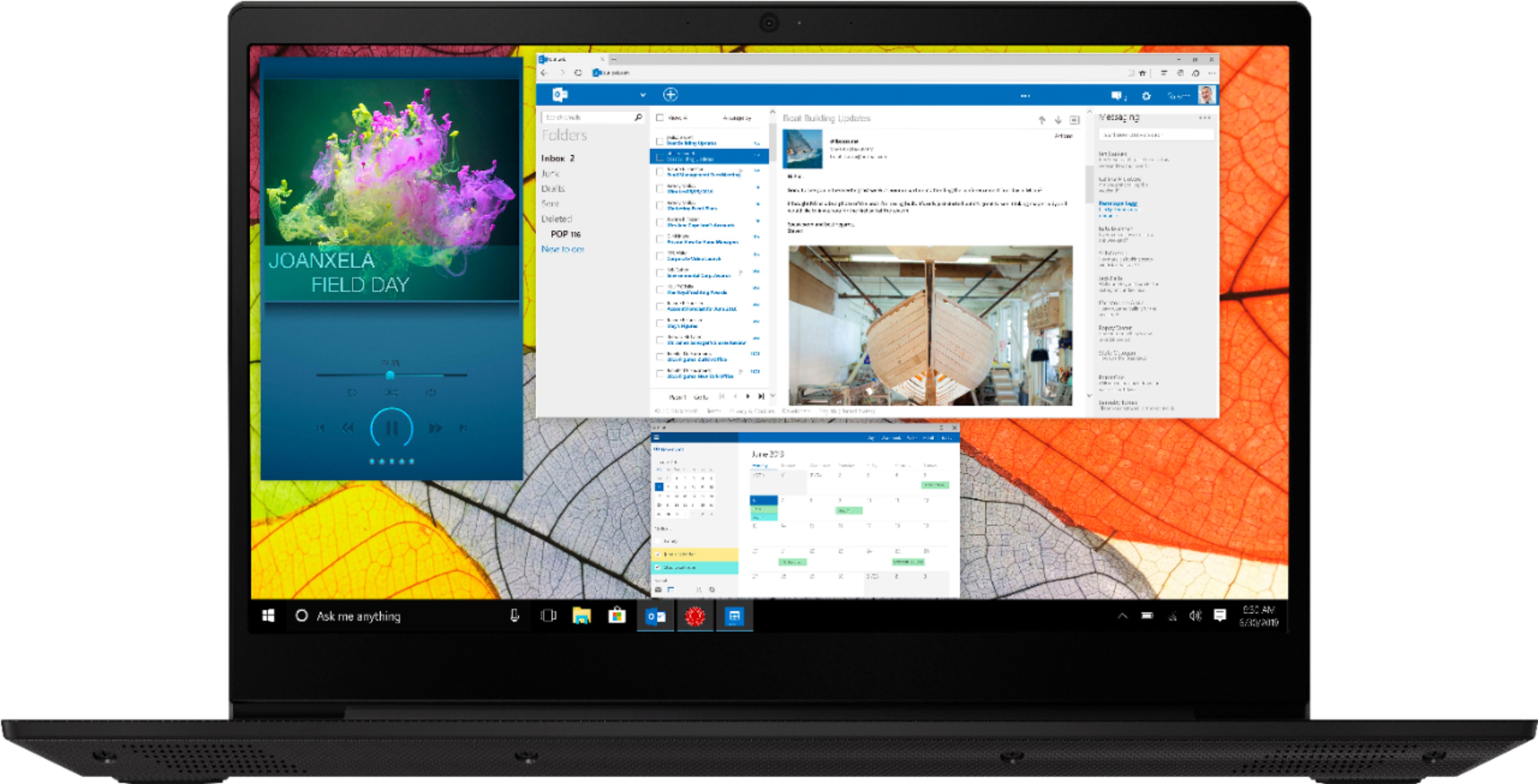
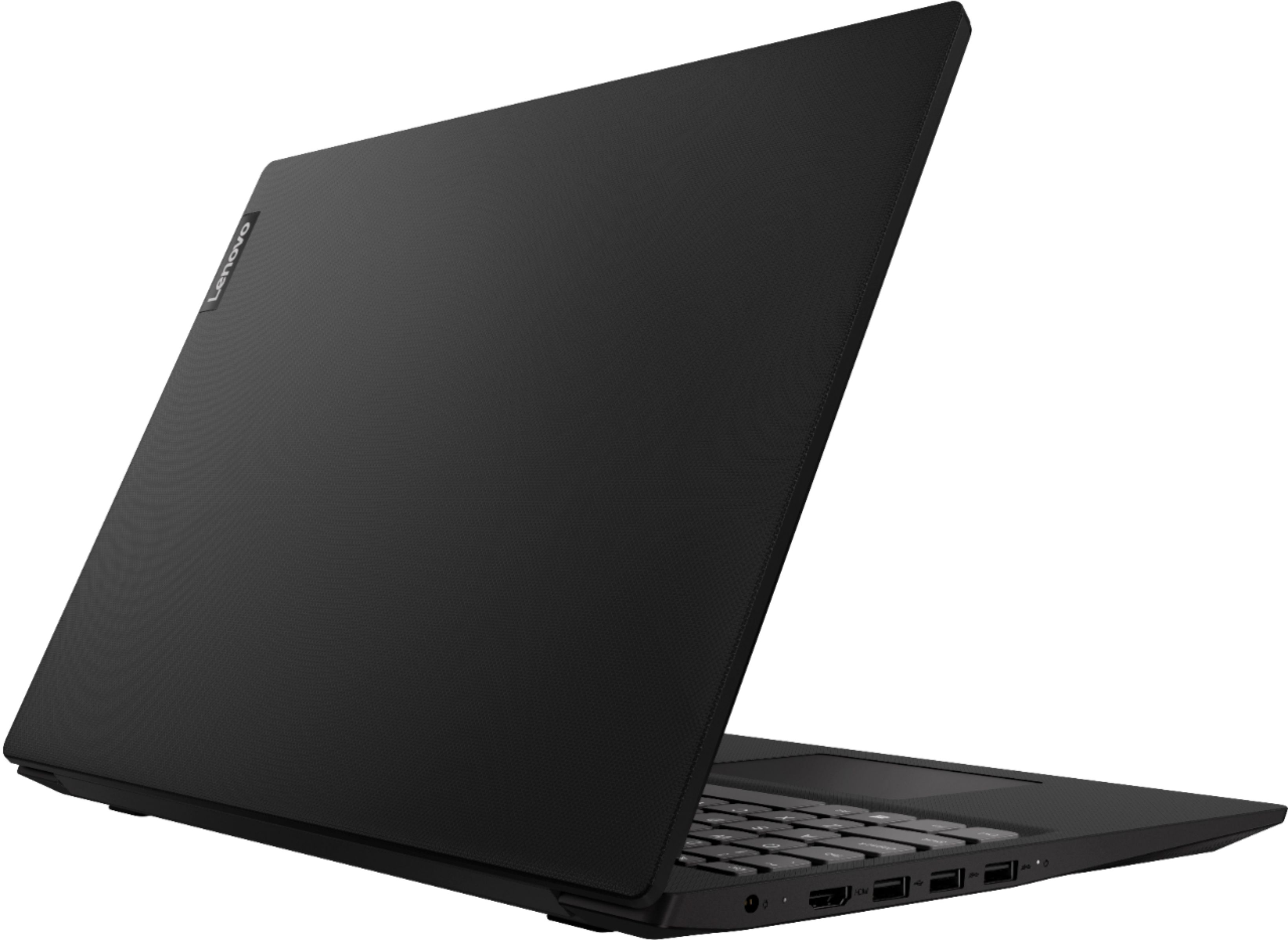
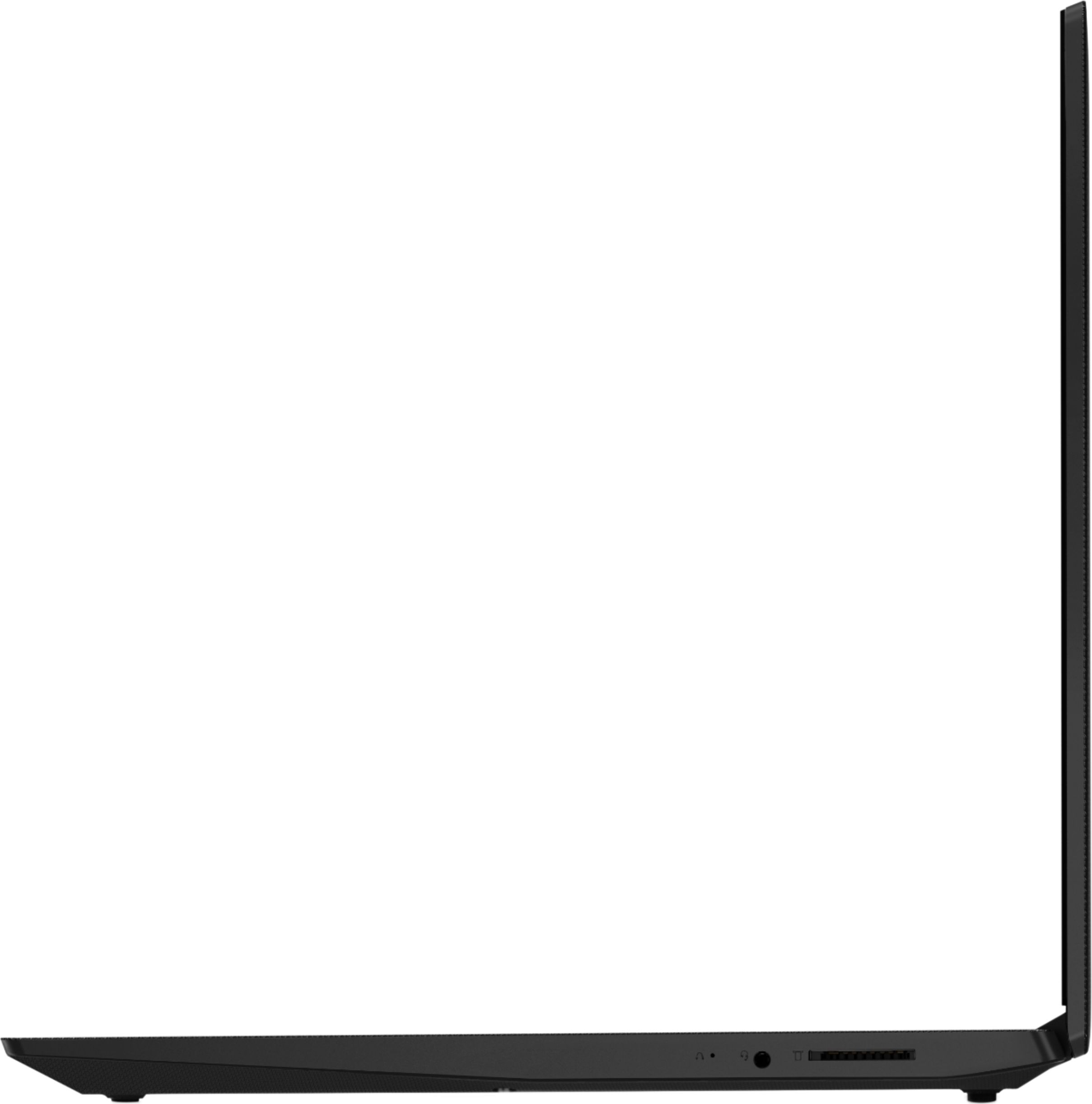
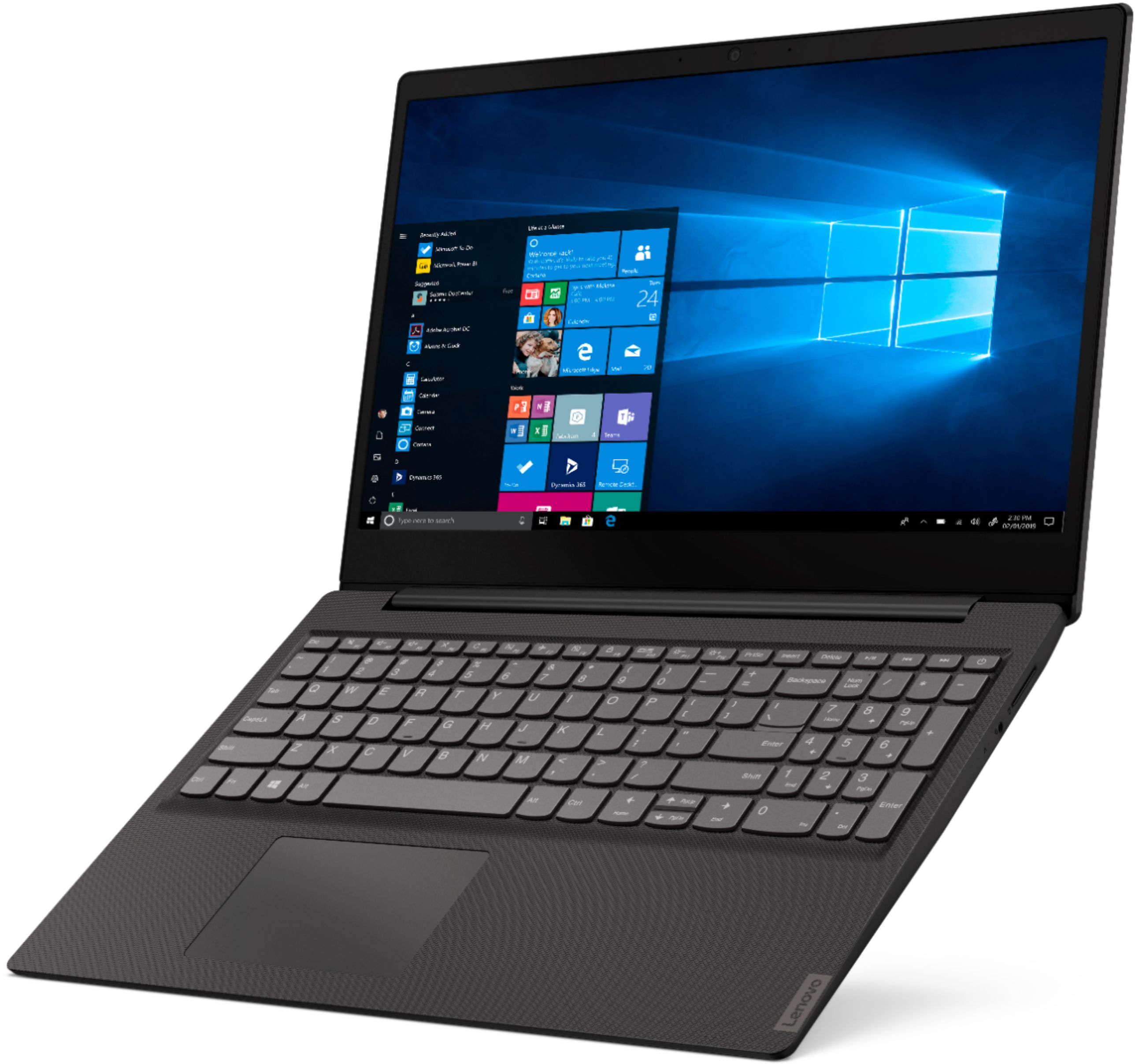
Posted .This reviewer received promo considerations or sweepstakes entry for writing a review.This is a long review so here’s a summary for the impatient – I think this laptop is worth the current $219.99 price as is, but the best thing about it is that this inexpensive laptop is very easy to upgrade. In upgraded form, this has become my favorite larger-screened cheap travel laptop, and I would highly recommend it for that purpose, or as a general second computer. Read on for details... I am sure that the manufacturer would tell us that this laptop is not user serviceable and any modification must be performed by an authorized technician to not void any warranty, but the fact is, it’s very easy to open up this laptop (10 Phillips head screws and some gentle prying is all it takes), and the memory (one available slot) is not soldered on (so is easily replaced - see photos). As it comes from Lenovo, this laptop is hindered by its slow hard drive am minimal RAM, so I immediately replaced the slow 500GB hard drive with a 1TB SSD I had lying around, replaced the 4GB RAM with a 16GB stick of DDR4 I had available, and slapped a clean copy of the just-released Windows 10 version 1903 on the laptop. (These fresh installs save about 10 GB of space normally taken up by bloatware from the manufacturer.) I paid $219.99 minus $30 I had in reward dollars. At that price, and with the extra drive and ram I had available, it was a no-brainer. But even if you don’t have extra computer parts lying around, if you wait for sales, it is definitely possible to put in an SSD and to at least double the RAM for a total cost of <$300 (that’s including the laptop itself). That’s a fantastic price for such a laptop. Here are my impressions: The laptop performs very well. With the SSD and 16GB RAM I put in, it boots up in <7 seconds, and the Pentium Gold 5405U processor is fine for how I use a computer like this. I am typing this review, for example, in LibraOffice Writer while streaming Pandora radio, with Firefox and Opera browsers open (each with multiple tabs open), with GIMP open to scale and convert the two photos posted with this review, and while transferring 200GB of my music to the laptop from an external drive via USB 3.1. No sluggishness of any kind. It also performs well in its stock configuration, as long as you stick to monotasking or very light multitasking and have more patience when working since just about everything will be slower with the original spinning hard drive. ***Build Quality*** –– quite good; it’s all plastic at this price, but it seems sturdy and durable. Little flex on the keyboard deck. Speaking of the keyboard, it’s fine. It’s not backlit (and at this price I wouldn't expect it to be), but the keys have (just) enough depth to them and my typing is not slowed down by the keyboard. Mostly, it just does its job and doesn't get in the way. ***Weight*** – I haven’t weighed this laptop, but I own many laptops and I’d guess this one is about 4 lbs or so. It’s not featherlight, but on the light side, and definitely doesn't feel like it weighs you down as you carry it or put it into a backpack or briefcase. ***Screen Quality*** – the resolution is 1366 x 768, which is noticeable on a 15.6” screen, but I’m ok with it. It’s still more than standard HD and good enough for me to read books on via Kindle for PC with no problems. The screen is fairly bright, but the contrast is only ok. For a $220 laptop, it’s actually better than I was expecting, so despite the faults, I’m not complaining. A higher resolution screen would also shorten battery life. Speaking of which: ***Battery Life*** – it’s adequate. Looks like in normal use I can expect something like 6 hours or so. Not great, but nowhere near the worst, either. ***Port Selection*** - Not bad at all, especially considering the price. You've got HDMI, 1 USB 2.0, 2 USB 3.1 Gen 1, SD card reader and standard 3.5mm audio jack. Note that the SD card reader is not spring loaded, and also that an SD card inserted into the slot does not go in deep enough to sit flush with the computer. ***Audio*** – the speakers on this laptop are adequate. They fire down from the front edge of the laptop, which is not the best solution if you’re looking for audio quality, but the quality is actually not terrible as long as you do not expect any bass. It’s not bad at all for acoustic stringed instruments, for example, and if you spend some time tweaking the various audio settings, you can settle on something you like for what you’re listening to. There's not much separation or soundstage, though, This laptop does include Dolby audio profiles, which I wouldn't necessarily expect at this price. ***Wireless performance*** – very good. This laptop uses a Realtek 8821CE802.11ac network adapter, and the performance in and around my house has been very good, with surprisingly fast download speeds. ***Gaming*** - yes you can! So many times I read reviews of laptops where someone then asks “can it run game X?”, only to be told that “no, it’s not a gaming laptop.” While it’s definitely true that you're not going to run the latest AAA titles on something like a Pentium Gold 5405U that lacks a discrete video card, I think people would be surprised at just how much you can do without one. As I like to say, ***any laptop is a gaming laptop if you choose the right games***. :) There are many many great titles from that past that are more than capable of being run perfectly on this hardware, including things like first-person shooters running at over 60 fps. I am personally running the following games without incident: Elder Scrolls IV: Oblivion Unreal Gold Unreal Tournament 1999 Unreal Tournament 2004 Half-Life Half-Life 2 Far Cry Silent Hunter III Counter-strike Source Counter-strike Condition Zero Counter-strike Global Offensive (this one averages about 55 fps with graphic settings on low) Deux Ex GOTY Painkiller-Black Painkiller – Overdose Pinball Arcade Clive Barker’s Undying F.E.A.R No One Lives Forever No One Lives Forever 2 Freespace 2 Medieval II: Total War Civilization IV Star Wars – X Wing Star Wars – Tie Fighter Star Wars – X Wing vs Tie Fighter Star Wars – X Wing Alliance Age of Wonders Star Wars Knights of the Old Republic Crysis Nox Android Emulator (to enable me to run some classic games I love, including Chess, Backgammon, Go, Gin Rummy and others) Other software I am running on this computer without any problems includes: LibraOffice 6.1 (a free alternative to Microsoft’s Office Suite) GIMP 2.10.10 (it's like a free version of Photoshop) Pandora Spotify Amazon Music TablEdit (a great program for creating sheet music or tablature) Firefox Opera Overdrive Cloud Library Amazon Kindle Up until now, my favorite travel laptop has been the ASUS - 11.6" Laptop - Intel Celeron - 4GB Memory - 32GB eMMC Flash Memory - Star Gray Model:E203MA-TBCL432B SKU:6266600. You can read my review of that laptop here on Best Buy (it is the first one that shows up when you look for “Most Relevant” reviews). Now, I would say that unless you need the ultimate portability of an 11.6 inch laptop, this Lenovo Ideapad S145 is my new favorite inexpensive laptop. The combination of sufficient performance, relatively light weight, decent enough audio, bright screen, decent battery life and most important - ***upgradability*** makes this an easy choice for traveling, or as a second computer. I would highly recommend it.
I would recommend this to a friendBrand response from Lenovo Product Expert
Posted .This model is not user upgradable. A certified technician must do all of the work, so as to not void the warranty. For 2018, Lenovo retained its place for a second year as the best laptop vendor:
https://www.laptopmag.com/articles/laptop-brand-ratings
- Pros mentioned:Performance, Price
Budget Laptop WInner
||Posted .This reviewer received promo considerations or sweepstakes entry for writing a review.For the money, this is a rocking little laptop and runs like a champ within its prescribed limits. After setting it up (and being mindful of what permissions you're giving it), let it do it's thing. Restart, then go to work stripping it of everything you don't need. If you're afraid you might delete something necessary, set a restore point before uninstalling, disabling or limiting access to all the pre-installed junk. Strip the Startup Apps to the bare minimum. Create a High Performance plan. SWITCH OUT OF S MODE! PC users are terrorized enough by Microsoft without allowing them to dictate what apps you can load on YOUR computer. Billy wants to psychically scrotize you by threatening that you can't go back once you switch out of S Mode. You won't want to. Change your account settings to run locally only. The Cloud is not your friend. It's always irritating to see perfectly good products slagged by people who erred in purchasing them. How many times does Lenovo have to comment that this is a "light-duty" laptop and not up to compute-intensive multi-tasking to get the light bulb to come on? Are you going to record, mix and master your next hit record on this? No, you're not. Are you going to become the Shadow of the Tomb Raider world heavyweight champ on this? No, you're not. Get rid of the bloat and you'll enjoy power-on to log-in under 20 seconds. Run it within its specs and you'll find you got a very good laptop for the little money you spent on it. As always, YMMV.
I would recommend this to a friendBrand response from Lenovo Product Expert
Posted .The Lenovo IdeaPad S145-15 laptop is an entry level, light use system with its Intel Pentium processor. It is not meant for multi-tasking or demanding programs. It is good for Microsoft Office and light internet browsing. This model ships with Windows 10 S-Mode Operating System. Windows 10 S-Mode provides added security by only allowing APPs available ( and therefore certified by Microsoft) at the Microsoft Store. If you don't need the added security or you need to install APPs not available at the Microsoft Store, you can switch to standard Windows 10 Home 64-bit Operating System, at no additional cost. The Lenovo IdeaPad S145-15 laptop ships with just two adware programs, a 30-day trial of Microsoft Office 365 (as part of Windows 10 operating system) and a 30-day trial of McAfee virus protection. Lenovo computers ship with one of the cleanest factory software installs within the consumer computer industry.
- Pros mentioned:Performance, Price
Solid basic computer
||Posted . Owned for 3 weeks when reviewed.This reviewer received promo considerations or sweepstakes entry for writing a review.I have owned at least 30 laptops over the last 20 years. I am a physician who has 5 children. Between my requirements for work and the educational needs for my children, I have required laptops for various needs - high-level business, education, recreation. I have purchased high-end, high performance computers as well as lower-end computers strictly for function. I purchased this laptop for basic function, but let me just say that it has performed as well as many mid-range computers. I bought this on sale for about $200, but I would give it the performance level of a computer in the $700-800 range. It is fast, dependable, with all the basics that most any user could want or need for school or work. I am picky about computers, and I grade harshly. I usually do not write reviews. So, for me to take the time to endorse this computer will hopefully help someone who has been unsure whether to purchase or not to make a decision.
I would recommend this to a friendBrand response from Lenovo Product Expert
Posted .Thank you for choosing the Lenovo IdeaPad S145-15 laptop. We are pleased to hear that the value and performance of the IdeaPad S145-15 meets your computing needs so well. The IdeaPad S145-15 is an entry level, light use system with its Intel Pentium processor. It is not meant for multi-tasking or demanding programs. This model ships with Windows 10 S-Mode Operating System. Windows 10 S-Mode provides added security by only allowing APPs available ( and therefore certified by Microsoft) at the Microsoft Store. If you don't need the added security or you need to install APPs not available at the Microsoft Store, you can switch to standard Windows 10 Home 64-bit Operating System, at no additional cost.
- Pros mentioned:PriceCons mentioned:Ram, Slow
It’s decent if all you need is decenr
||Posted . Owned for 1 month when reviewed.This reviewer received promo considerations or sweepstakes entry for writing a review.My mother bought this one because she needed a laptop for work to travel with instead of just her desktop but she wanted something cheaper. Her desktop is significantly better at 8gb ram i7 with a 1tb so she did complain about sluggishness, start up times, and overall lag on this laptop. After doing simple tests I informed her (as I had before she got it) it’s just gonna be slow...it’s only 4gb ram. She stopped doing the majority of work on her laptop and strictly sticks to her desktop but now only uses the laptop to pull up slides and documents to show clients. (She has 150mbps wifi with an Eero mesh system so no, WiFi was no problem) if it’s basic use then sure but anything strenuous or using Microsoft office she says spend the extra money ESPECIALLY if it’s the primary computer which it was not in this case.
No, I would not recommend this to a friendBrand response from Lenovo Product Expert
Posted .The Lenovo IdeaPad S145-15 is an entry level, light use system with its Intel Pentium processor. This model ships with the latest 5G 802.11AC frequency WiFi. It is not meant for multi-tasking or demanding programs. It is good for Microsoft Office and light internet browsing. If this describes your computing needs, the IdeaPad S145-15 would be a good choice.
- Cons mentioned:Slow
Five starts if you upgrade memory and SSD
||Posted . Owned for less than 1 week when reviewed.This reviewer received promo considerations or sweepstakes entry for writing a review.This is your typical budget laptop. Has all the basic stuff you want for such little money. However, buy an SSD and an 8GB stick of memory and this becomes a decent laptop. It boots up in just a few seconds. There are no warranty void stickers, just remove about ten screws and carefully separate the bottom cover. This is not "certified tech only" level, it's very easy. One memory slot, I put in 8GB DDR4-2133 corsair valueselect and a standard 2.5" SSD I had laying around. I've sold computer like this for years so I know what to expect, it's a reasonable build quality and gets the job done if you are on a budget, Screen is passable. If you don't upgrade the hardware this laptop is fairly slow. The main culprit isn't even the CPU, it's these modern 5400rpm laptop drives that just cannot keep up with the demands of Windows 10. I also recommend making a standard Windows 10 Home bootable drive and wipe the laptop and start over without any bloatware on it.
I would recommend this to a friendBrand response from Lenovo Product Expert
Posted .The Lenovo IdeaPad S145-15 laptop is an entry level, light use system with its Intel Pentium processor. It is not meant for multi-tasking or demanding programs. It is good for Microsoft Office and light internet browsing. This model ships with Windows 10 S-Mode Operating System. Windows 10 S-Mode provides added security by only allowing APPs available ( and therefore certified by Microsoft) at the Microsoft Store. If you don't need the added security or you need to install APPs not available at the Microsoft Store, you can switch to standard Windows 10 Home 64-bit Operating System, at no additional cost. Please keep in mind, this model is not user upgradable. A certified technician must do all of the work, so as to not void the warranty.
- Cons mentioned:Battery life
Sadness, underwhelming.
||Posted . Owned for 4 months when reviewed.This reviewer received promo considerations or sweepstakes entry for writing a review.I wasn't expecting anything special I truly wasn't I was expecting a great battery life or speed of light type of speeds. So needless to say my expectations were not high or unreasonable but wow battery is useless as soon as the comp is unplugged from charger the battery bar IMMEDIATELY losing a 25% from that point on you have maybe an hour and a half worth of straight constant use before its done I'll lay some credit down and say maybe 2 hours but now if you're on and off of it closing and opening there's honestly no telling how much time you'll ha e there was one week where I hadn't charge it but just closed it and played with it quickly and did that for a week no charging needed other times though it'll last 8 to 12 hours. I very VERY RARELY use this for online type of things I simply purchased to use an older "daw" for when I didn't want to sit at my regular comp somehow has multiple viruses no P**N AT ALL only trusted and clean websites and not regularly .aybe a total of 7 hours since I got this in late November of '19 I've done all I could to fix it to no avail some how on its own it has deleted things that are internally needed to be properly updated and when I attempt to reacquire them or fix them it will not complete the download uoad nothing so its nearly useless. And as for how fast it is as I said I only use it for a daw I had stored some pics on it and sound fonts less than 30 percent of the storage is being used and it takes nearly 20 mi uses to completely boot up for it to be used I've cleaned it out I've done all I could but steadily gets worse. If looking for a decent budget laptop I'd say choose another.
No, I would not recommend this to a friendBrand response from Lenovo Product Expert
Posted .The Lenovo IdeaPad S145-15 laptop, model number 81MV0001US, is an entry level, light use system with its Intel Pentium processor. It is not meant for multi-tasking or demanding programs. It is good for Microsoft Office and light internet browsing. There is a 30-day trial of McAfee Virus protection software installed on this computer at the factory. You don't need to use McAfee. You can uninstall McAfee and then install any 3rd party virus protection you choose. There is also Windows Defender Virus Protection software installed on this computer that is free and you can turn on once you have uninstalled McAfee. This model ships with Windows 10 S-Mode Operating System. Windows 10 S-Mode provides added security by only allowing APPs available ( and therefore certified by Microsoft) at the Microsoft Store. If you don't need the added security or you need to install APPs not available at the Microsoft Store, you can switch to standard Windows 10 Home 64-bit Operating System, at no additional cost. This model ships with a 2CELL_30WH_INTERNAL, Lithium Polymer Battery, with a battery life of up to 6 hours, depending on the work the device is performing. If you need additional help with the issues you are experiencing, we recommend you call Lenovo Tech Support at: 877-453-6686.
- Pros mentioned:Lightweight
Great for school
||Posted . Owned for 1 month when reviewed.This reviewer received promo considerations or sweepstakes entry for writing a review.I bought this laptop for school. I wanted something I could get my work done on that wasn’t outrageous. It is a little slow to boot, compared to a chrome book but that’s also a different OS. It does what I need to do and functions great with multiple tabs open. I am able to use office online just fine, I did not do the whole take it out of S mode and download office thing because I didn’t feel like and as long as it works as it is, I’m good with it. The laptop is lightweight and it feels good when using as in the keys and trackpad. Overall I feel this is a great value for the money and does exactly what I need it to do.
I would recommend this to a friendBrand response from Lenovo Product Expert
Posted .Thank you for choosing the Lenovo IdeaPad S145-15 laptop. This is an entry level, light use system with its Intel Pentium processor. It is not meant for multi-tasking or demanding programs. It is good for Microsoft Office and light internet browsing. This model ships with Windows 10 S-Mode Operating System. Windows 10 S-Mode provides added security by only allowing APPs available ( and therefore certified by Microsoft) at the Microsoft Store. If you don't need the added security or you need to install APPs not available at the Microsoft Store, you can switch to standard Windows 10 Home 64-bit Operating System, at no additional cost.
- Pros mentioned:PriceCons mentioned:Slow
Very Pleased
||Posted . Owned for 3 weeks when reviewed.This reviewer received promo considerations or sweepstakes entry for writing a review.I hadn't heard of Lenovo before but took a chance on it. The price was well within my budget limits and I love the light weightness and ease of use. After using it for about a month, I've noticed it's a bit on the slow side but not sure if the computer or my Wi-Fi. Will have my grandson check it out when he's home from college :)
I would recommend this to a friendBrand response from Lenovo Product Expert
Posted .Thank you for choosing the Lenovo IdeaPad S145-15 laptop. This is an entry level, light use system with its Intel Pentium processor. It is not meant for multi-tasking or demanding programs. It is good for Microsoft Office and light internet browsing. This model ships with Windows 10 S-Mode Operating System. Windows 10 S-Mode provides added security by only allowing APPs available ( and therefore certified by Microsoft) at the Microsoft Store. If you don't need the added security or you need to install APPs not available at the Microsoft Store, you can switch to standard Windows 10 Home 64-bit Operating System, at no additional cost.
- Pros mentioned:Price
Decent for the price range.
||Posted . Owned for 1 month when reviewed.This reviewer received promo considerations or sweepstakes entry for writing a review.Bought this laptop for my daughter to replace her old Dell that crapped out. So far seems to be sufficient for her since it is primarily used for school work. Memory is not great and will most likely have to upgrade to 8GB. Plenty of disk space for her to store mostly mp3 files. Since this is used for school didn't want to pay a lot for a machine. Good bargain for a school only laptop.
I would recommend this to a friendBrand response from Lenovo Product Expert
Posted .Thank you for choosing the Lenovo IdeaPad S145-15 laptop for your daughter. This is an entry level, light use system with its Intel Pentium processor. It is not meant for multi-tasking or demanding programs. It is good for Microsoft Office and light internet browsing. This model ships with Windows 10 S-Mode Operating System. Windows 10 S-Mode provides added security by only allowing APPs available ( and therefore certified by Microsoft) at the Microsoft Store. If you don't need the added security or you need to install APPs not available at the Microsoft Store, you can switch to standard Windows 10 Home 64-bit Operating System, at no additional cost.
- Pros mentioned:Performance, Price
great laptop
||Posted .This reviewer received promo considerations or sweepstakes entry for writing a review.If you get this laptop at regular price, it's still a good deal. If you get it on sale, it's a GREAT deal. There's a much longer review than mine about how easily upgradeable this thing is. You don't really find that in this price range. So far, no issues. Did a clean install of windows on a new SSD, and this thing shows no signs of slowing down. Definitely worth a look if you want performance on a budget!
I would recommend this to a friendBrand response from Lenovo Product Expert
Posted .Thank you for choosing the Lenovo IdeaPad S145-15 laptop. Please keep in mind, this model is not user upgradable. A certified technician must do all of the work, so as to not void the warranty. For 2018, Lenovo retained its place for a second year as the best laptop vendor:
https://www.laptopmag.com/articles/laptop-brand-ratings
- Pros mentioned:Lightweight
Light and thin
||Posted . Owned for 1 month when reviewed.This reviewer received promo considerations or sweepstakes entry for writing a review.I recently purchased this laptop because I needed one to use for my school. It is lightweight which is great and also sleek. I like how the texture of the laptop is too. Some of the cons that I have noticed are that it lagging a lot of times where I have to even manually turning off the laptop by pressing the power down because it got stuck for few minutes. Another thing, it makes a light mark on the screen. Everytime I open it, there is a line in the screen from the little curve part of the laptop. Other than that, it is really cheap which is good.
No, I would not recommend this to a friendBrand response from Lenovo Product Expert
Posted .Thank you for choosing the Lenovo IdeaPad S145-15 laptop. This model weighs just 4.07 lbs. This is an entry level, light use system with its Intel Pentium processor. It is not meant for multi-tasking or demanding programs. It is good for Microsoft Office and light internet browsing. If this describes your computing needs, the IdeaPad S145-15 would be a good choice.
- Pros mentioned:Easy to use, Performance
Amazing Value - Most bang for the buck!!!
||Posted . Owned for 1 month when reviewed.This reviewer received promo considerations or sweepstakes entry for writing a review.I needed an inexpensive laptop to use while performing live music. This laptop only cost me $175.00 before taxes. I own several computers but my main computer is a Dell XPS 13 9365 2-in-1 that I've owned for two years now. Including all the accessories, such as the docking station, the system cost me nearly $4000.00 Comparing the inexpensive Lenovo S145 with the Dell XPS 13, believe it or not, the Lenovo performs much better. I must add that as a retired Web Developer, I have a lot of experience with several computer models. I will admit that, over the years my experience with Dell has been good. My point is that there actually are bargains out there and, for sure, this Lenovo is one of them.
I would recommend this to a friendBrand response from Lenovo Product Expert
Posted .Thank you for choosing the Lenovo IdeaPad S145-15 laptop. We are pleased to hear that the value and performance of the IdeaPad S145-15 meets your computing needs so well. This is an entry level, light use system with its Intel Pentium processor. It is not meant for multi-tasking or demanding programs. It is good for Microsoft Office and light internet browsing. This model ships with Windows 10 S-Mode Operating System. Windows 10 S-Mode provides added security by only allowing APPs available ( and therefore certified by Microsoft) at the Microsoft Store. If you don't need the added security or you need to install APPs not available at the Microsoft Store, you can switch to standard Windows 10 Home 64-bit Operating System, at no additional cost.
- Pros mentioned:Performance, Price
Excellent Value for little $$$
||Posted . Owned for 1 month when reviewed.This reviewer received promo considerations or sweepstakes entry for writing a review.This laptop is a gem, especially when you consider the price. It's tech stats may seem a bit lacking, however, I have been pleasantly surprised at its performance, right out of the box. After some simple, inexpensive upgrades, it's a top performer. You get a laptop that outdoes many costing more than double. Highly recommend!
I would recommend this to a friendBrand response from Lenovo Product Expert
Posted .Thank you for choosing the Lenovo IdeaPad S145-15 laptop. This is an entry level, light use system with its Intel Pentium processor. It is not meant for multi-tasking or demanding programs. It is good for Microsoft Office and light internet browsing. This model ships with Windows 10 S-Mode Operating System. Windows 10 S-Mode provides added security by only allowing APPs available ( and therefore certified by Microsoft) at the Microsoft Store. If you don't need the added security or you need to install APPs not available at the Microsoft Store, you can switch to standard Windows 10 Home 64-bit Operating System, at no additional cost. Please keep in mind, this model is not user upgradable. A certified technician must do all of the work, so as to not void the warranty.