Customer Ratings & Reviews
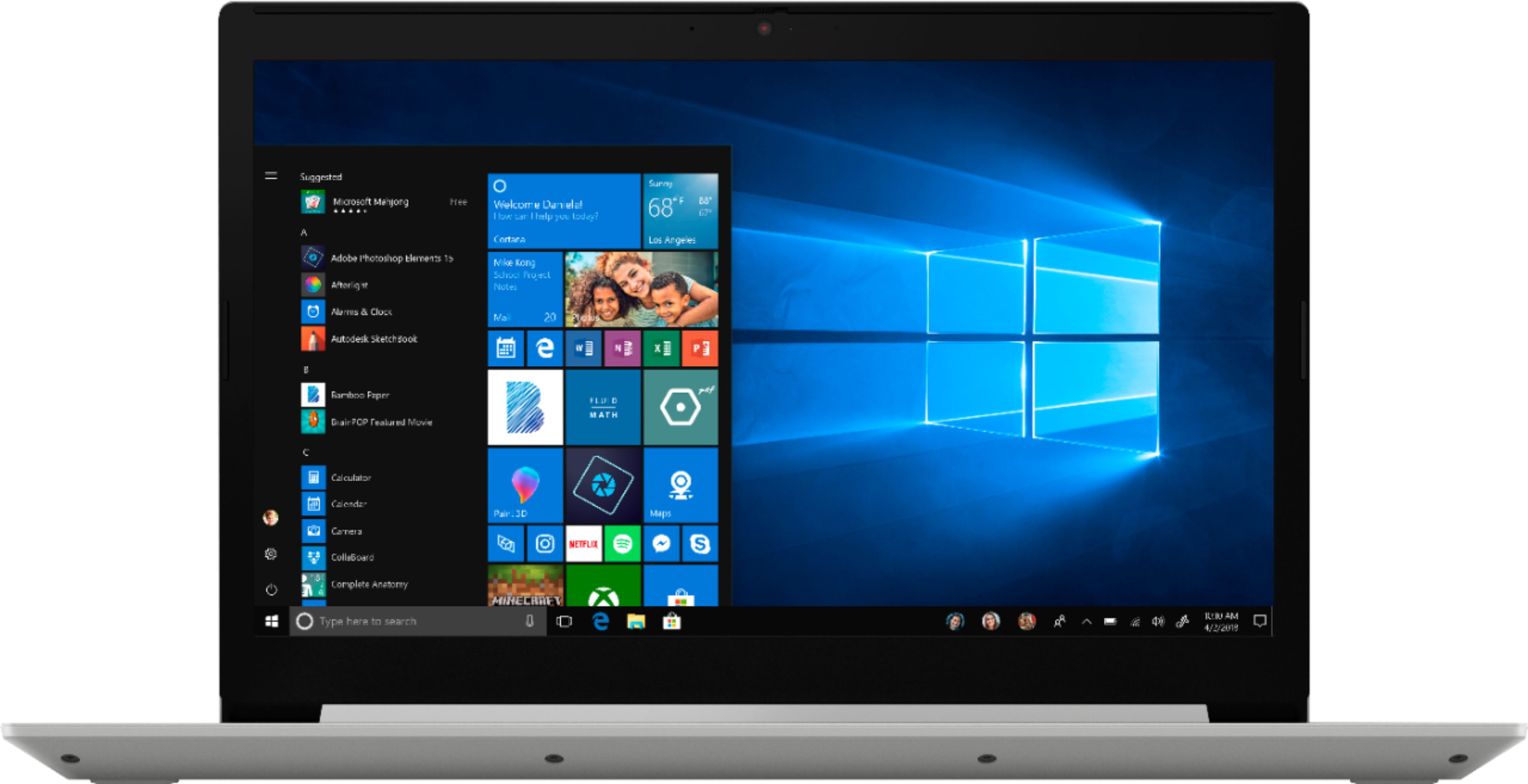
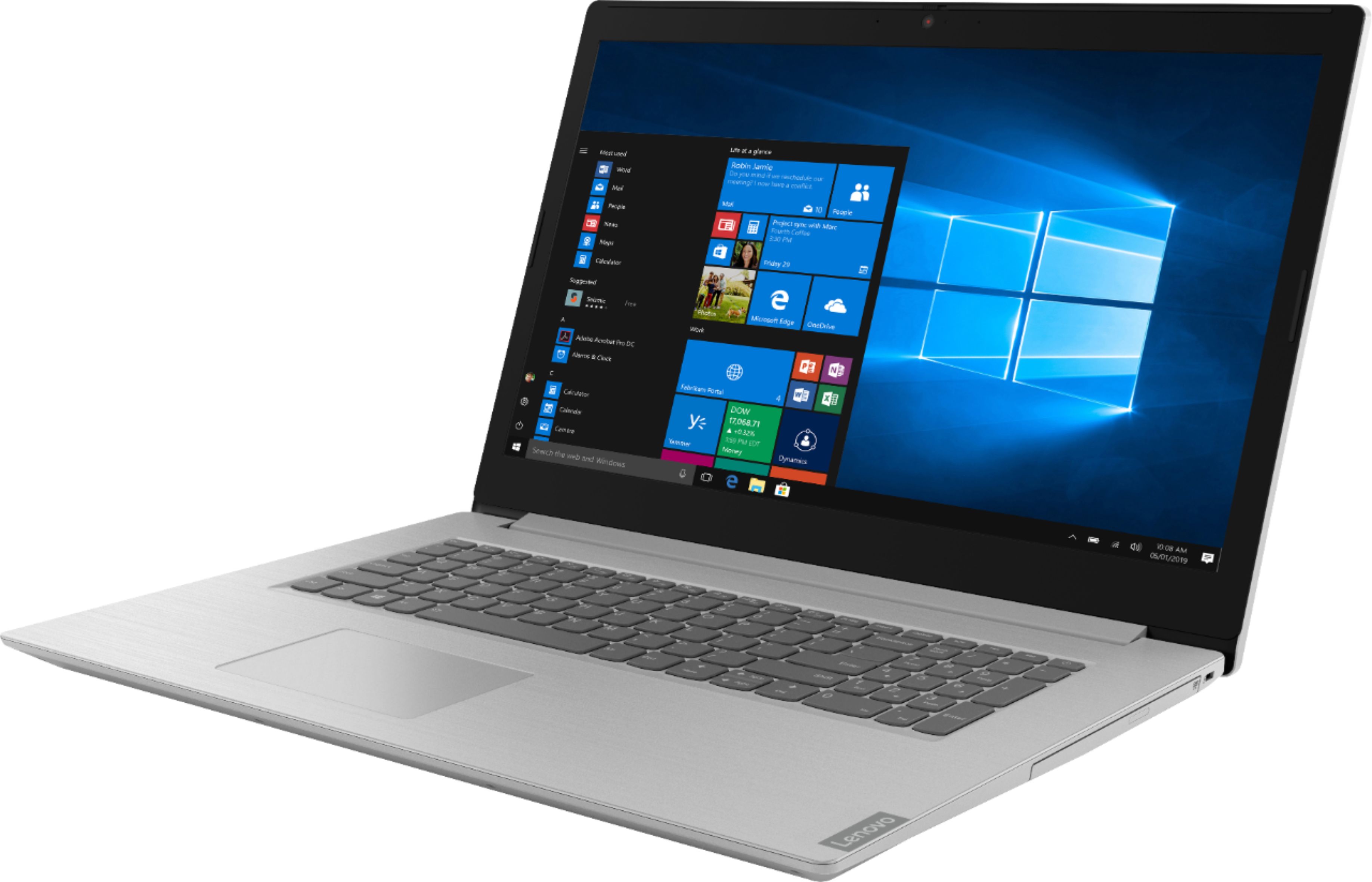
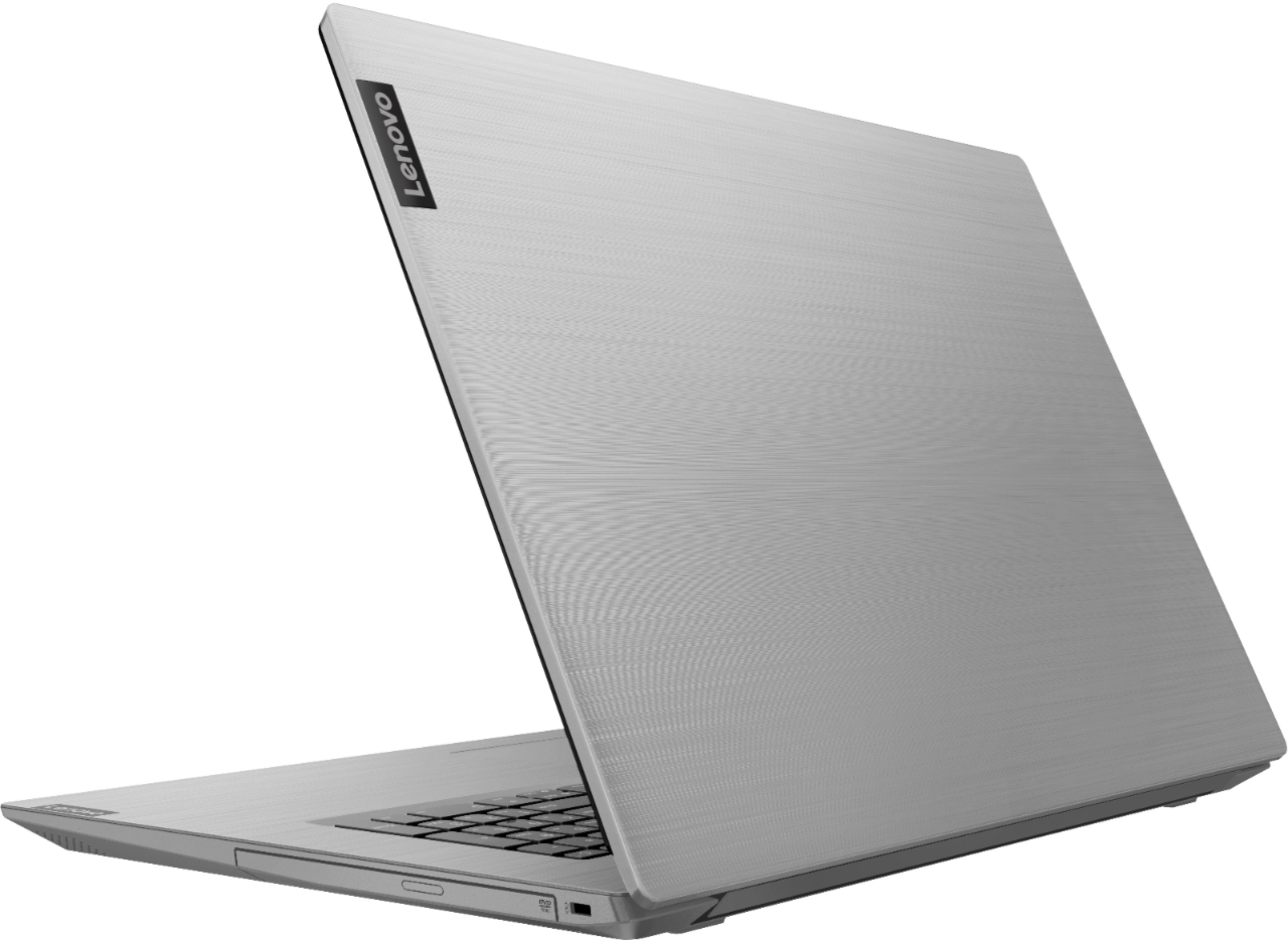
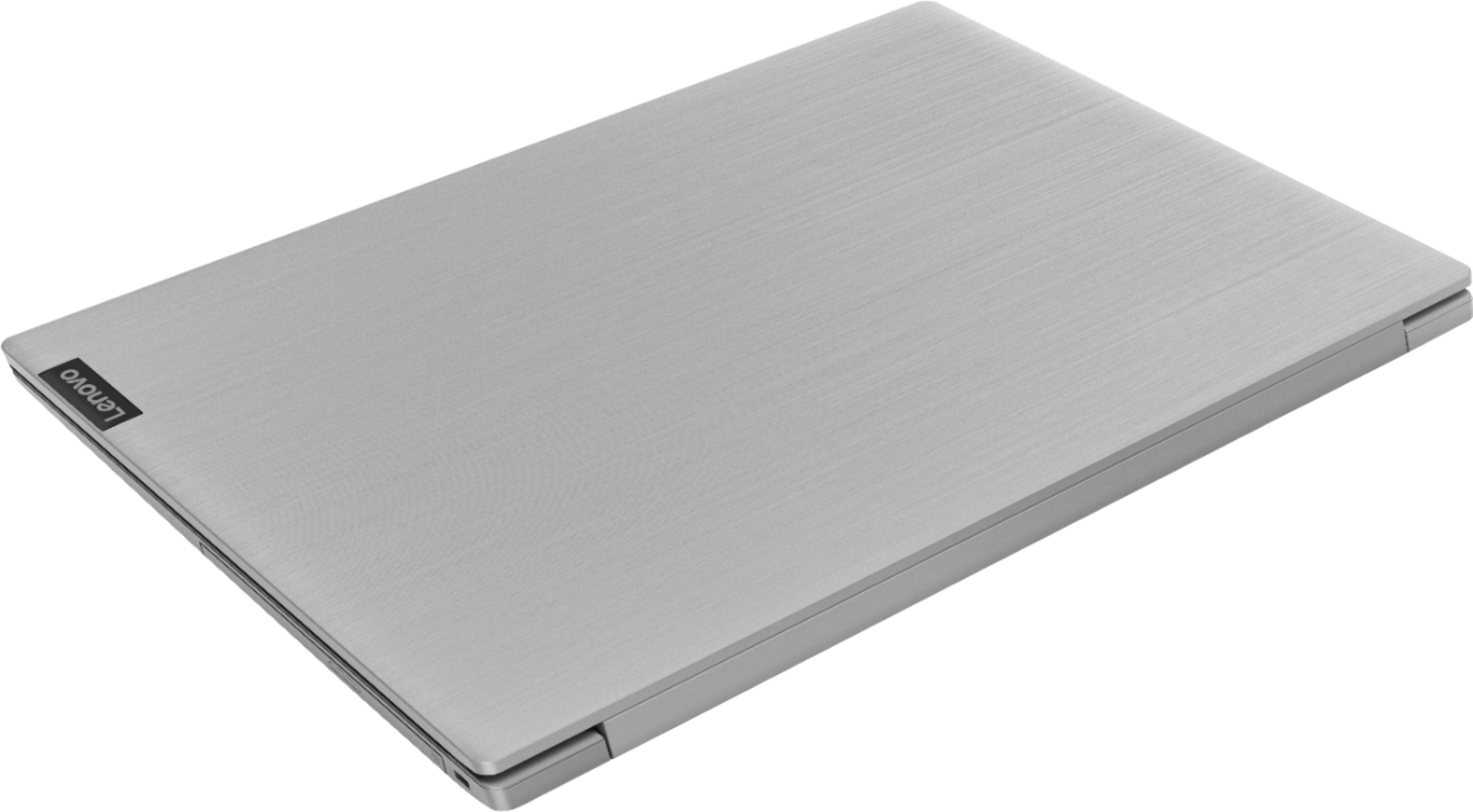
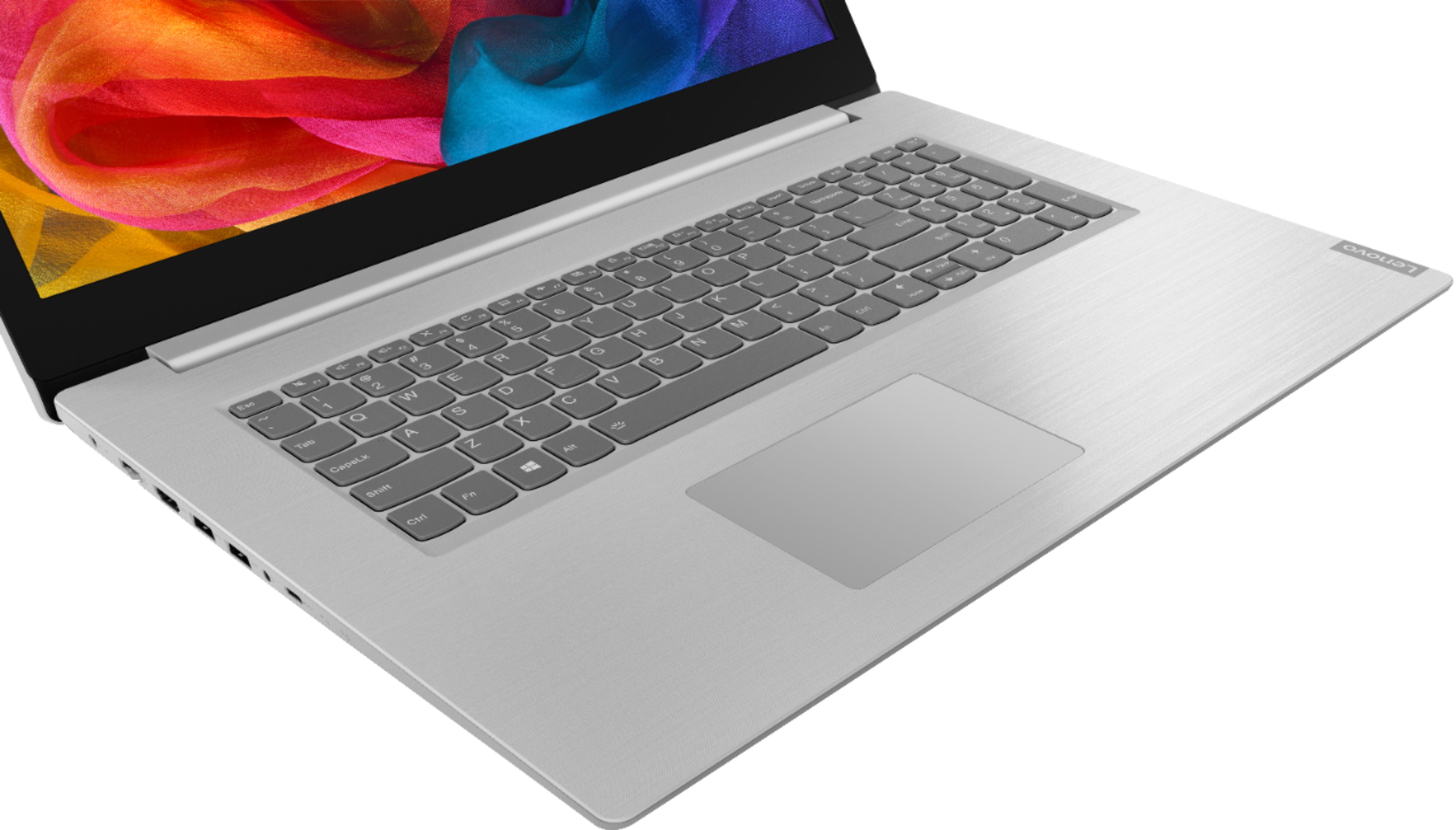


- Model:
- 81M0S00000
- SKU:
- 6331987
Rating by feature
- Value
Rating 4.4 out of 5 stars
- Quality
Rating 4.2 out of 5 stars
- Ease of Use
Rating 4.3 out of 5 stars
Customers are saying
Customers are satisfied with the large screen, price, and ease of use of the L340-17IWL 17.3" Laptop. They appreciate the good specs for the price and find it easy to use. However, some customers have mentioned that the laptop is a little slow at start-up and the sound occasionally cuts out.
This summary was generated by AI based on customer reviews.
So far so good, love it!
||Posted . Owned for 3 weeks when reviewed.This reviewer received promo considerations or sweepstakes entry for writing a review.Not quite a month having it, but it is light weight and responsive. 17" monitor is fab! Great deal!
I would recommend this to a friendBrand response from Lenovo Product Expert
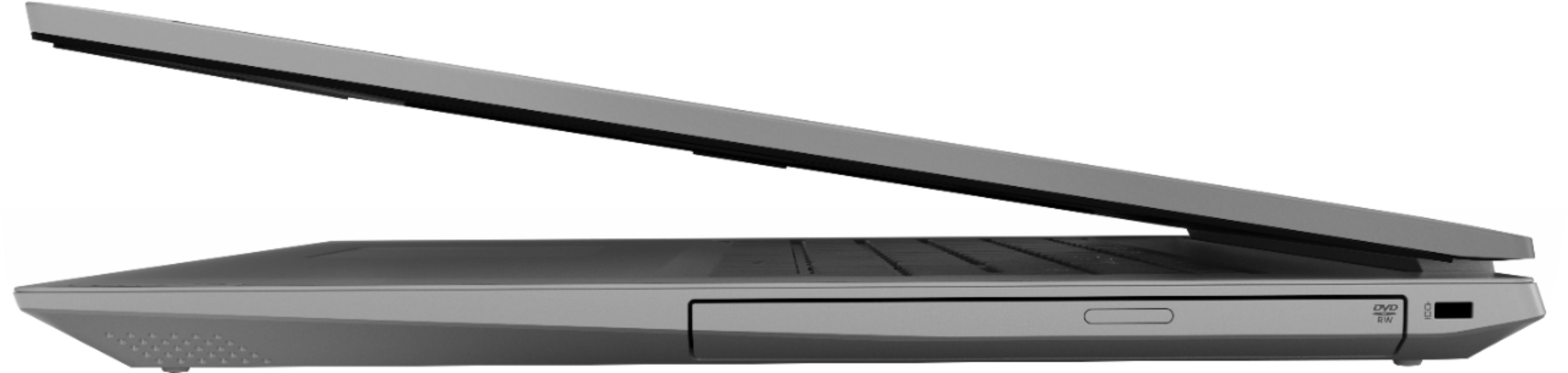
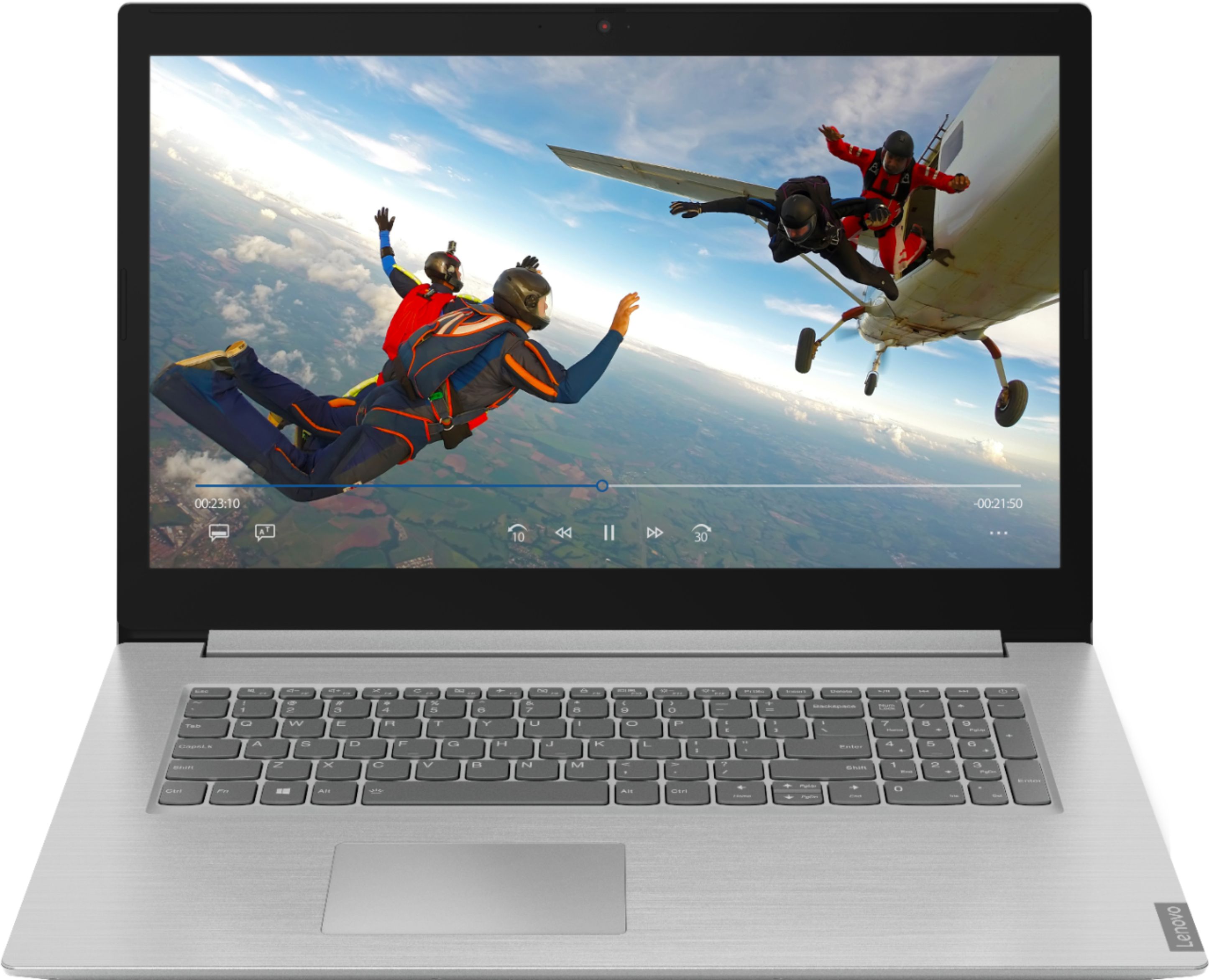
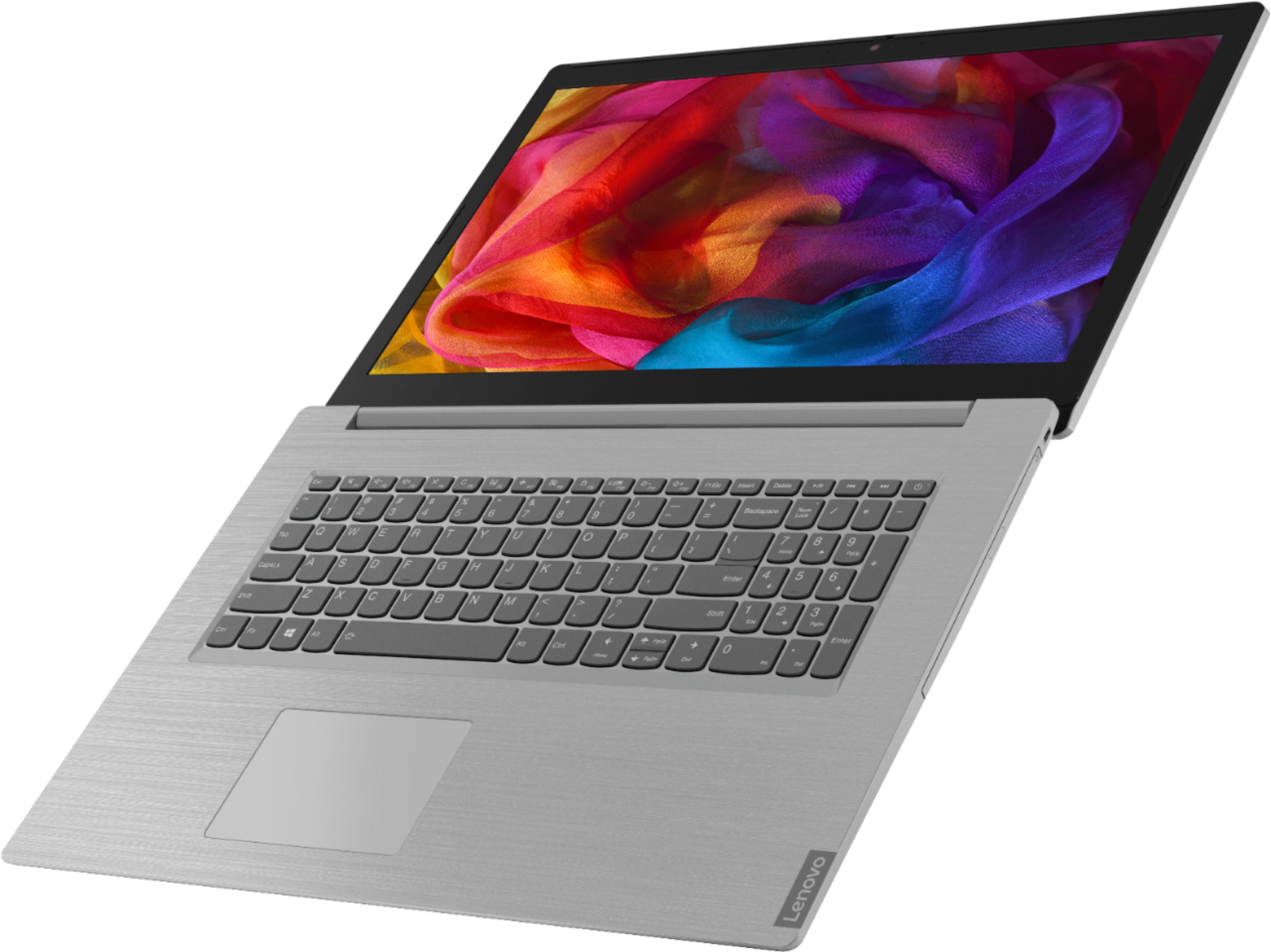
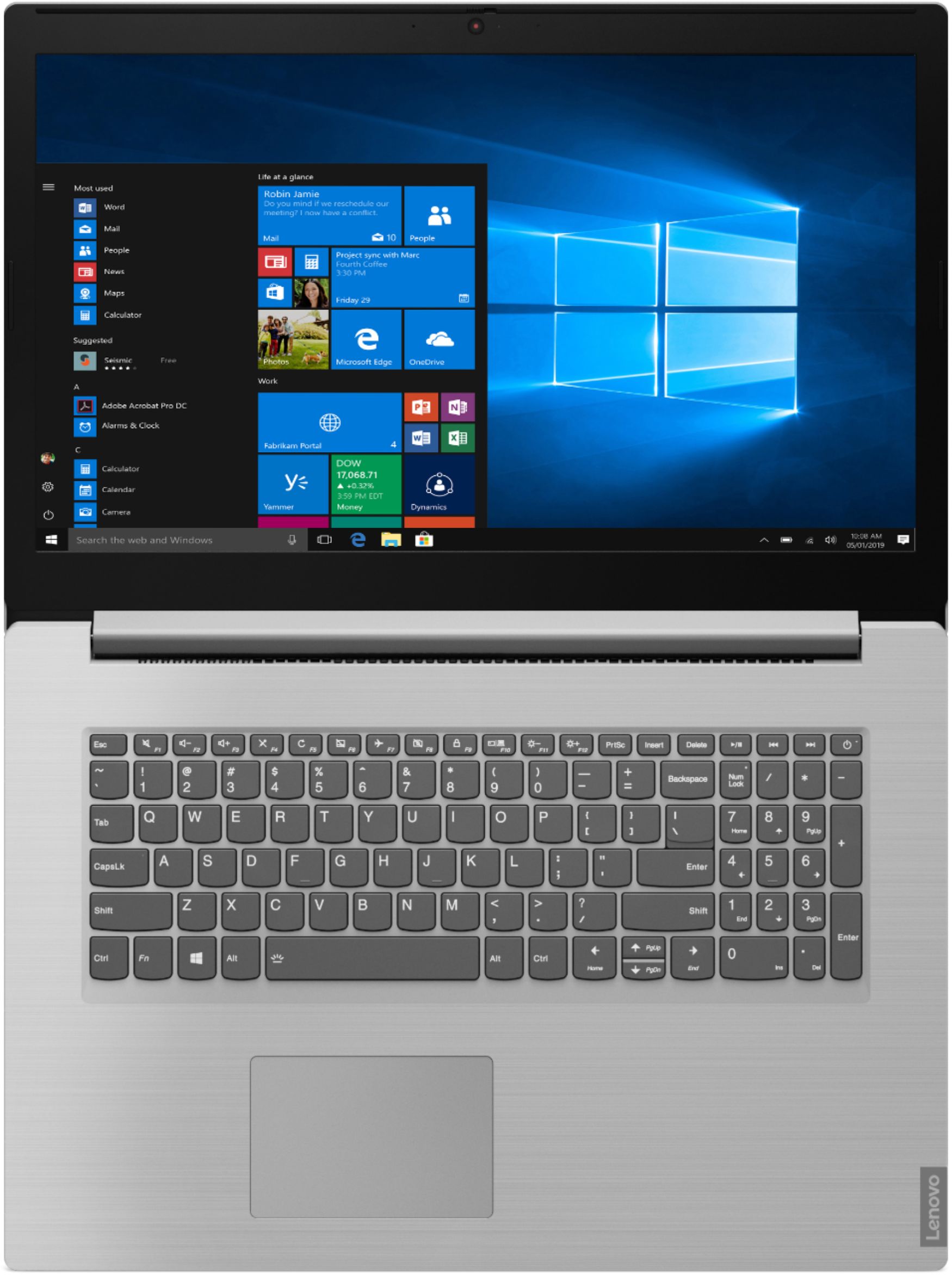
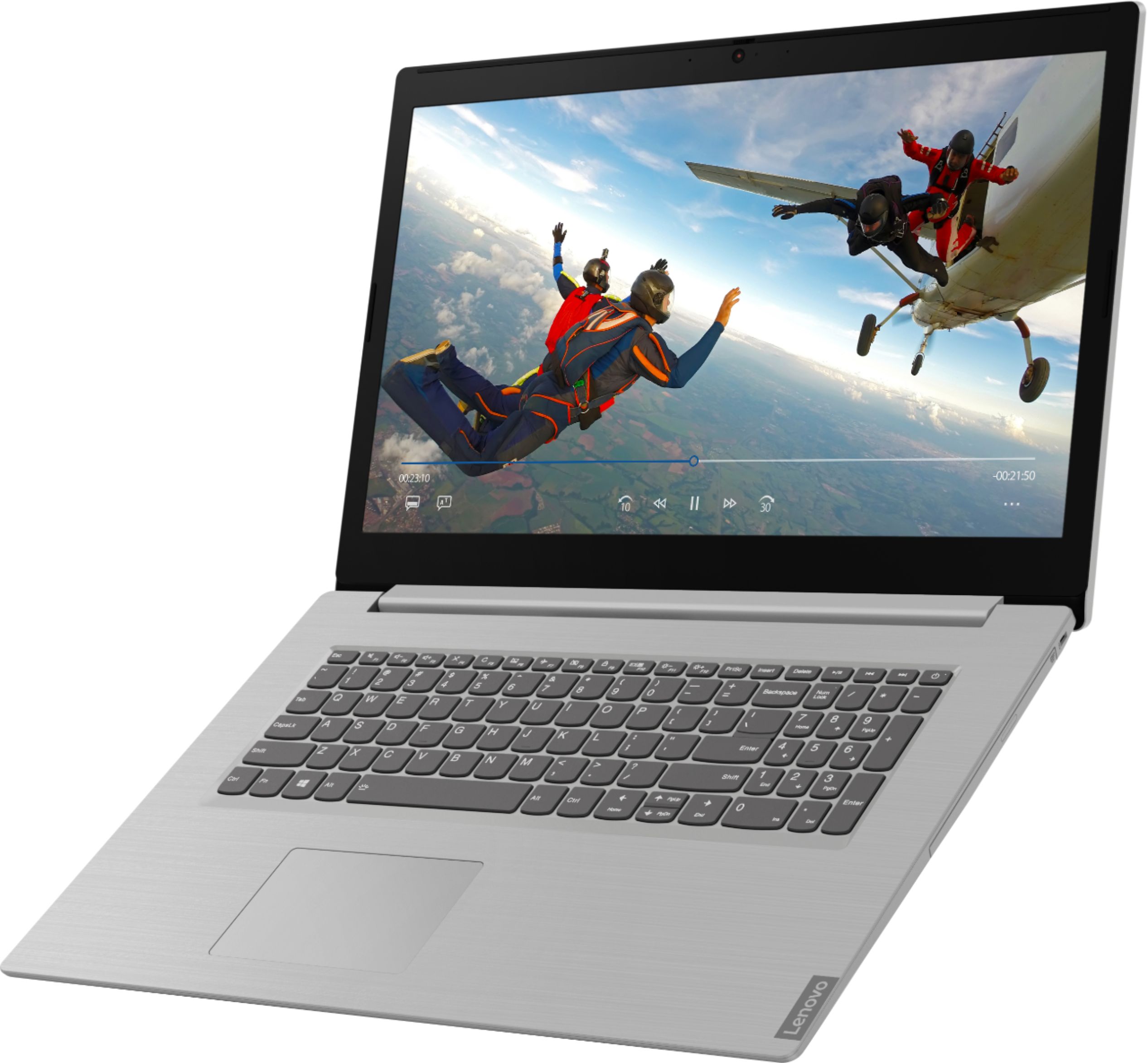
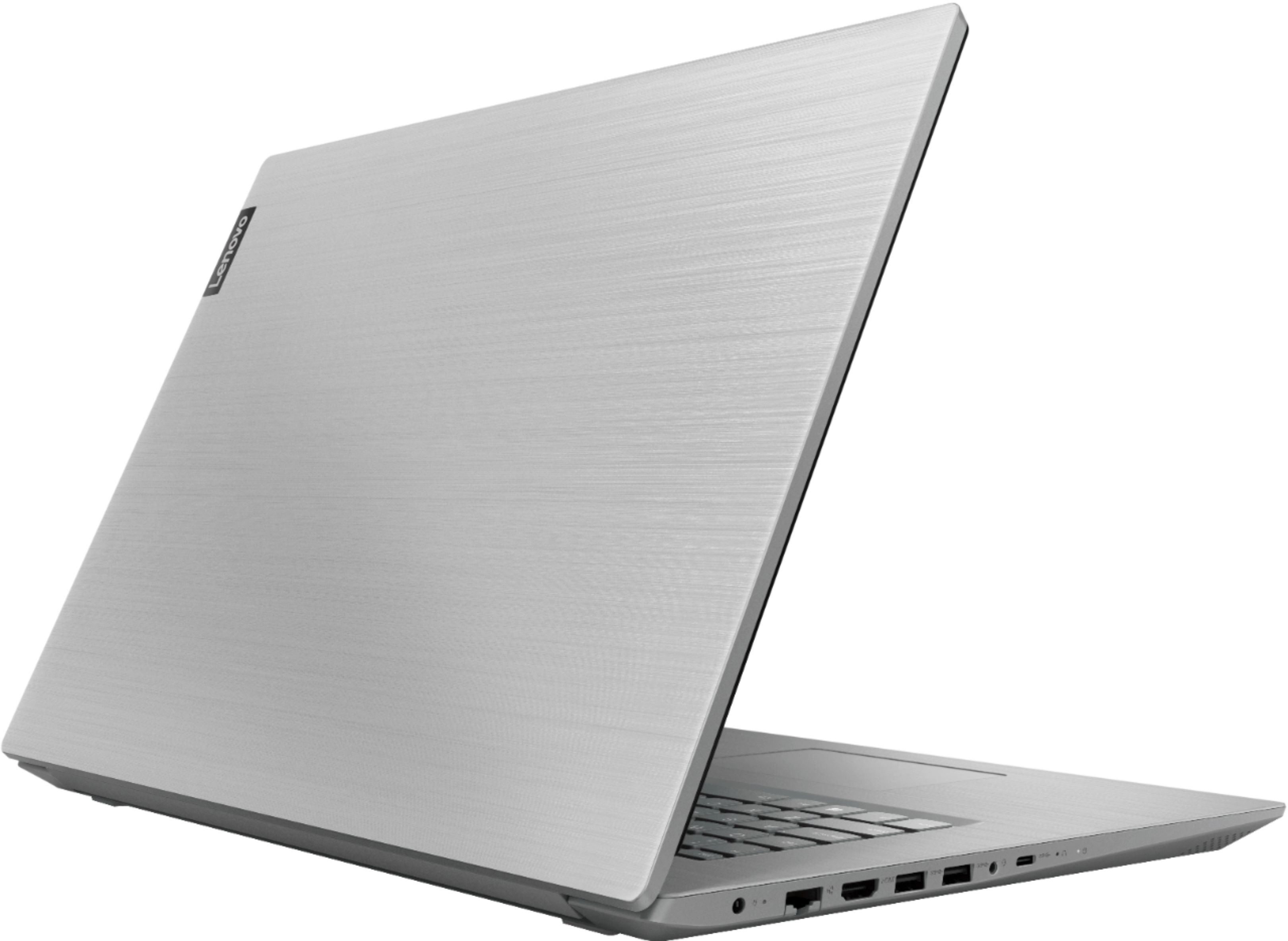
Posted .Thank you for choosing the lenovo L340-17 laptop. This model with its over-size 17.3-inch screen (screen size measured diagonally) measures: 16.26 x 11.20 x 0.96 inches and weighs just 6.16 lbs. The Lenovo IdeaPad L340-17 laptop is a mid-level, moderate use configuration, with its Intel Core i3-8145U processor. This Dual-Core processor has a base speed of 2.1GHz and a boost speed of up to 3.9GHz. This configuration has 8GB of DDR4-2400MHz RAM. It is good with Microsoft Office type programs, internet browsing and other moderate work. If this describes your computing needs, the IdeaPad L340-17 would be a good choice for you. For 2018, Lenovo retained its place for a second year as the best laptop vendor:
https://www.laptopmag.com/articles/laptop-brand-ratings
- Pros mentioned:Large screenCons mentioned:Sound
DISAPPOINTED
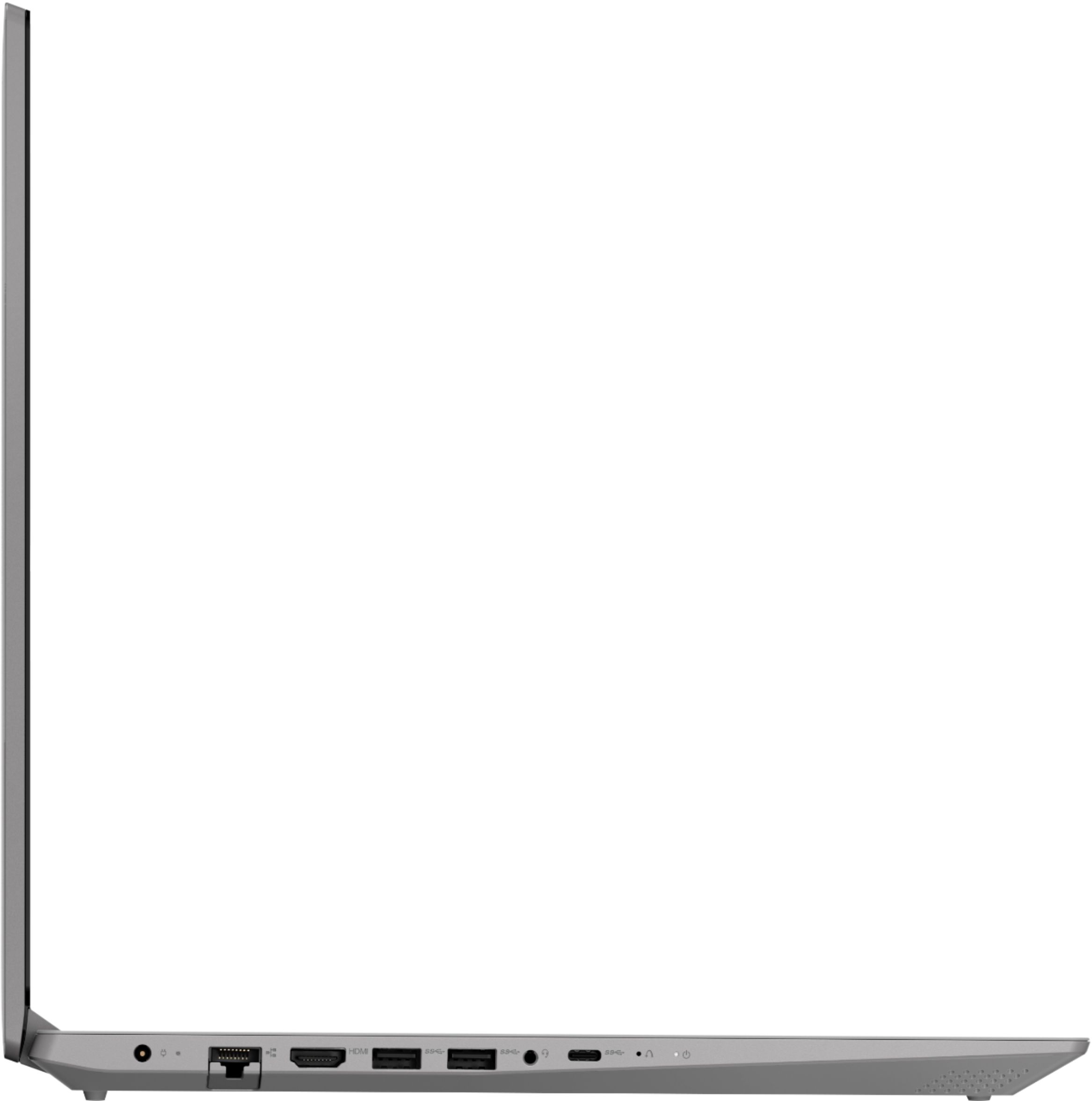
||Posted . Owned for 3 weeks when reviewed.This reviewer received promo considerations or sweepstakes entry for writing a review.The fan on my 2 year old laptop (not a Lenovo) stopped working making the online experience less than pleasant.I do some of my work at home,and it's going to take a while for the repair. I needed a replacement right way. The Lenovo Ideapad L340 was on sale,had high marks in the reviews so I picked one up. I'm not one that can spend a lot on anything so when I pay what to me is big money even on sale,I expect more than I received from this laptop. It is painfully slow to start up. I continually have to reset the magnification because for some reason in the middle of maneuvering or moving the mouse (which is another difficulty-the mouse pad is also used for right and left clicking..a nightmare) the screen either becomes extremely enlarged or decreases. The sound cuts out often enough to cause a problem- restarting it has so far fixed the problem,but its inconvenient having to shut down all my work progress to restart to get the sound back. The positives:I like the keyboard-it's comfortable and the keypad is large which is nice. It is a 17 inch,but not clunky or heavy-it looks really nice. It has a DVD drive,(but no SD slot which I didn't know until it was too late. Some of my work requires one so I have to make an extra purchase.Not happy) It might work for some,but not for me,and now I'm kinda stuck with it. Will make the best of a not so pleasant experience for as long as I have to. Looking forward to my not so old laptop be be fixed. Sorry
No, I would not recommend this to a friendBrand response from Lenovo Product Expert
Posted .The Lenovo IdeaPad L340-17 laptop will boot from off to the Windows 10 desktop in less than 40-seconds. If you are experiencing slower performance, Be sure any software you installed is compatible with Windows 10. There is no need to install Microsoft Office software. The software is already part of the operating system, you just need to activate the software with a purchased product key. If you have installed a copy of Microsoft Office, this is conflicting with the existing copy on the system and this will slow your system down. If you have installed a 3rd party anti-virus program, be sure that Windows Defender is turned off and that the trial version of McAfee Anti-Virus software is uninstalled. There can only be one anti-virus program on the system. You may need to restore your system to original factory default settings if any of the programing errors have occurred. You can do that by typing "restore" in the Cortana search window. Just click on the magnifying glass icon at the bottom left of your Windows 10 Desktop. Click on "Reset This PC" Then click on "Get Started" and follow the on screen directions to restore to factory defaults. Regarding the audio, when the audio turns off unexpectedly, try tapping the HotKey in the F1 position on your keyboard. This toggles the system audio on/off. Also be sure the audio level is up, by tapping the HotKey in the F3 position to increase the volume. Also, regarding the zooming in/out of the screen image may indicate inadvertent touches on the touchpad. You can make adjustments to the touchpad in your system settings. You can get there by clicking on the magnifying glass at the bottom left of your Windows 10 screen. Type "touchpad" in the search window. Select "Mouse & touchpad settings" from the list of choices. You can make general adjustments to the touchpad there. You can also select "Additional mouse options" for more detailed adjustments to the touchpad sensitivity by increasing the delay of the touchpad. If these tips don't fix the issue, be sure you have the latest version of Windows 10 on the computer and that all of the supporting BIOS files and drivers are up to date as well. You can easily accomplish this by scanning the computer with the Lenovo Utility software installed on the computer. This system has Lenovo utilities installed to help maintain the health of the device and keep the operating system software up to date. Type "Lenovo Vantage" in the Cortana Search window (if Lenovo Vantage is not installed on your device, you can download the APP and install it now). Select Lenovo Vantage from the list. In the window that opens, click on "Health and Support". In the expanded menu, select "Hardware Scan" In the window that opens, select "Run Quick Tests". This will scan your entire system for errors. Follow any directions that may pop up. If the problem continues after this scan, now click on "System Update". First select Windows update from the menu. Scan your system to be sure you have the latest version of Windows 10. Once that scan is complete, select "Additional Updates". This will scan your device to be sure there are no new BIOS/Driver updates needed. Follow any instructions that may pop up. If the issue still continues after these updates, we recommend you call Lenovo Tech Support at: 877-453-6686 for additional help.
Nice except for "S" mode
||Posted . Owned for 3 weeks when reviewed.This reviewer received promo considerations or sweepstakes entry for writing a review.Overall, this is a great laptop and is perfect for all my needs. The only thing, and I do mean the only thing I have a complaint about is that the Windows 10 program on this laptop comes in "S" mode (safe mode) and will not let you download anything. When you try, it gives you a message stating you need to take it out of "S" mode. For about a week, we tried everything, calling everyone, to no avail. We even called the manufacturer and after 2 hours on the phone, they finally said to call Microsoft. So, we called Microsoft and spoke to a really nice gentleman who told us that they were aware of the issue and what to do to get it fixed. Eventually, we were able to get it out of "S" mode. For those of you who have this issue, call Microsoft and they will help you but don't call the manufacturer because they are worthless.
I would recommend this to a friend- Pros mentioned:Easy to use, Large screen, Price
I absolutely love it so far
||Posted . Owned for 1 month when reviewed.This reviewer received promo considerations or sweepstakes entry for writing a review.Its very easy to set up very user friendly! I dont nred it for much but has plenty storage and fast ! I love having 17 in screen big time and at this price who could pass it up !!!!
I would recommend this to a friend - Cons mentioned:Slow
Maybe I just got a dud?
||Posted .This reviewer received promo considerations or sweepstakes entry for writing a review.Click on Chrome... go do something else for several minutes while it loads... type url... go do something else for several minutes while it loads... That was my experience. Not trying to multi-task, no other programs open. One episode of a show on Netflix required restarting twice and plugging in headphones because the laptop couldn't find it's own attached speakers. Took it in and was told by Geek Squad (not an impressive customer service experience overall) that "yeah, this model runs slow". She didn't seem to actually be listening to me, or didn't believe me, until it took over half-an-hour to get things to load to disconnect my Microsoft account in order to return it. I purchased a "Geek Squad Certified" (which I would now be very wary of) open-box model, so maybe it was just a dud.
No, I would not recommend this to a friendBrand response from Lenovo Product Expert
Posted .The Lenovo IdeaPad L340-17 laptop is a mid-level, moderate use configuration, with its Intel Core i3-8145U processor. This Dual-Core processor has a base speed of 2.1GHz and a boost speed of up to 3.9GHz. This configuration has 8GB of DDR4-2400MHz RAM. It is good with Microsoft Office type programs, internet browsing and other moderate work. If the performance you are experiencing is slower, be sure any software you installed is compatible with Windows 10. There is no need to install Microsoft Office software. The software is already part of the operating system, you just need to activate the software with a purchased product key. If you have installed a copy of Microsoft Office, this is conflicting with the existing copy on the system and this will slow your system down. If you have installed a 3rd party anti-virus program, be sure that Windows Defender is turned off and that the trial version of McAfee Anti-Virus software is uninstalled. There can only be one anti-virus program on the system. You may need to restore your system to original factory default settings if any of the programing errors have occurred. You can do that by typing "restore" in the Cortana search window. Just click on the magnifying glass icon at the bottom left of your Windows 10 Desktop. Click on "Reset This PC" Then click on "Get Started" and follow the on screen directions to restore to factory defaults. If the problem persists, we recommend you contact Lenovo Tech Support at: 877-453-6686.
- Pros mentioned:Large screen
New to me
||Posted . Owned for 3 weeks when reviewed.This reviewer received promo considerations or sweepstakes entry for writing a review.I haven't had this computer very long but so far I love it. It is much lighter weight wise, than my previous old Acer. I love the Platinum Gray color as well as the tough of the keyboard. One feature that I required before purchasing a new laptop was that it have a 17' screen. I found just that in this model. Call me old school but Im happy it has a cd/dvd drive. The windows software was easy to download. I have not used many of the features yet but I do like that the fully charged battery is longlasting. Overall I'm pleased with this purchase.
I would recommend this to a friendBrand response from Lenovo Product Expert
Posted .Thank you for choosing the Lenovo IdeaPad L340-17 laptop. We are pleased to hear that the features and performance of the IdeaPad L340-17 meets your computing needs so well. The Lenovo IdeaPad L340-17 laptop is a mid-level, moderate use configuration, with its Intel Core i3-8145U processor. This Dual-Core processor has a base speed of 2.1GHz and a boost speed of up to 3.9GHz. This configuration has 8GB of DDR4-2400MHz RAM. It is good with Microsoft Office type programs, internet browsing and other moderate work. If this describes your computing needs, the IdeaPad L340-17 would be a good choice for you.
- Pros mentioned:Performance, Price
Good laptop
||Posted . Owned for 3 weeks when reviewed.This reviewer received promo considerations or sweepstakes entry for writing a review.This one is good buy(price was right 379.00) and i did boost a performance by replacing hard drive with SSD. Now it works good.
I would recommend this to a friendBrand response from Lenovo Product Expert
Posted .Thank you for choosing the Lenovo IdeaPad L340-17 laptop. Please keep in mind, this model is not user upgradable. A certified technician must do all of the work, so as to not void the warranty. The Lenovo IdeaPad L340-17 laptop is a mid-level, moderate use configuration, with its Intel Core i3-8145U processor. This Dual-Core processor has a base speed of 2.1GHz and a boost speed of up to 3.9GHz. This configuration has 8GB of DDR4-2400MHz RAM. It is good with Microsoft Office type programs, internet browsing and other moderate work. If this describes your computing needs, the IdeaPad L340-17 would be a good choice for you.
- Pros mentioned:PriceCons mentioned:Slow
Good performance overall
||Posted . Owned for 2 weeks when reviewed.This reviewer received promo considerations or sweepstakes entry for writing a review.A little slow at start up. Ease of use. Comfortable keyboard and mouse pad. In general good buy for the price.
I would recommend this to a friendBrand response from Lenovo Product Expert
Posted .The Lenovo IdeaPad L340-17 will boot from off to the Windows 10 desktop in less than 40 seconds. If you are experiencing slower start up speeds, be sure any software you installed is compatible with Windows 10. There is no need to install Microsoft Office software. The software is already part of the operating system, you just need to activate the software with a purchased product key. If you have installed a copy of Microsoft Office, this is conflicting with the existing copy on the system and this will slow your system down. If you have installed a 3rd party anti-virus program, be sure that Windows Defender is turned off and that the trial version of McAfee Anti-Virus software is uninstalled. There can only be one anti-virus program on the system. You may need to restore your system to original factory default settings if any of the programing errors have occurred. You can do that by typing "restore" in the Cortana search window. Just click on the magnifying glass icon at the bottom left of your Windows 10 Desktop. Click on "Reset This PC" Then click on "Get Started" and follow the on screen directions to restore to factory defaults. If the problem persists, we recommend you contact Lenovo Tech Support at: 877-453-6686.
- Pros mentioned:DesignCons mentioned:Weight
Very good computer for the money
||Posted . Owned for 2 months when reviewed.This reviewer received promo considerations or sweepstakes entry for writing a review.Good speed nice display and clean design. Also runs cool and quite. Battery life is ok and it could be lighter.
I would recommend this to a friendBrand response from Lenovo Product Expert
Posted .Thank you for choosing the Lenovo IdeaPad L340-17 laptop. This model ships with a 3CELL_36WH_INTERNAL, Lithium Polymer Battery, with a battery life of up to 7 hours, depending on the work that the device is performing. The Lenovo IdeaPad L340-17 laptop is a mid-level, moderate use configuration, with its Intel Core i3-8145U processor. This Dual-Core processor has a base speed of 2.1GHz and a boost speed of up to 3.9GHz. This configuration has 8GB of DDR4-2400MHz RAM. It is good with Microsoft Office type programs, internet browsing and other moderate work. If this describes your computing needs, the IdeaPad L340-17 would be a good choice for you.
- Pros mentioned:Large screen
Easy to set up and get started
||Posted . Owned for 3 weeks when reviewed.This reviewer received promo considerations or sweepstakes entry for writing a review.Needed a new computer for my parents. Easy to det up and show them how to use. Loaded with features and super fast response time. Clear & vibrant screen image. Handy size without being too heavy. Makes a great extra computer.
I would recommend this to a friendBrand response from Lenovo Product Expert
Posted .Thank you for choosing the Lenovo IdeaPad L340-17 laptop for your parents. We are pleased to hear that the ease of setup and use as well as the performance of the IdeaPad L340-17 meets your parents' computing needs so well. This model ships with a large 17.3 inch screen (screen size measured diagonally) but the computer measures only 16.26 x 11.20 x 0.96 inches and weighs just 6.16 lbs. The Lenovo IdeaPad L340-17 laptop is a mid-level, moderate use configuration, with its Intel Core i3-8145U processor. This Dual-Core processor has a base speed of 2.1GHz and a boost speed of up to 3.9GHz. This configuration has 8GB of DDR4-2400MHz RAM. It is good with Microsoft Office type programs, internet browsing and other moderate work. If this describes your computing needs, the IdeaPad L340-17 would be a good choice for you.
- Pros mentioned:Performance, Price
Great monitor size and resolution
||Posted . Owned for 3 weeks when reviewed.This reviewer received promo considerations or sweepstakes entry for writing a review.Great specs for the price. I’m very satisfied with the performance of the laptop.
I would recommend this to a friendBrand response from Lenovo Product Expert
Posted .Thank you for choosing the Lenovo IdeaPad L340-17 laptop. The Lenovo IdeaPad L340-17 laptop is a mid-level, moderate use configuration, with its Intel Core i3-8145U processor. This Dual-Core processor has a base speed of 2.1GHz and a boost speed of up to 3.9GHz. This configuration has 8GB of DDR4-2400MHz RAM. It is good with Microsoft Office type programs, internet browsing and other moderate work. If this describes your computing needs, the IdeaPad L340-17 would be a good choice for you.
- Pros mentioned:Easy to use, Large screen
Great Laptop
||Posted . Owned for 3 weeks when reviewed.This reviewer received promo considerations or sweepstakes entry for writing a review.This is the first laptop I have ever owned. I have found it very easy to use and enjoy the large screen for doing my schoolwork. The picture quality is wonderful as well.
I would recommend this to a friend Good value laptop
||Posted .This reviewer received promo considerations or sweepstakes entry for writing a review.Of all the less expensive laptops, I've found Lenovos to be better than other brands. I usually swap in an SSD. Only gave it 4 stars because one in five had a dead DVD, but Best Buy swapped it with no hassle.
I would recommend this to a friendBrand response from Lenovo Product Expert
Posted .Thank you for choosing the Lenovo L340-17 laptop. We are sorry to hear that one of the models you purchased had an issue with the optical drive. This may have been due to a Windows 10 update at initial activation. This can easily be fixed by updating the BIOS files and drivers that support Windows 10 on this device. This system has Lenovo utilities installed to help maintain the health of the device and keep the operating system software up to date. Type "Lenovo Vantage" in the Cortana Search window (if Lenovo Vantage is not installed on your device, you can download the APP and install it now). Select Lenovo Vantage from the list. In the window that opens, click on "Health and Support". In the expanded menu, select "Hardware Scan" In the window that opens, select "Run Quick Tests". This will scan your entire system for errors. Follow any directions that may pop up. If the problem continues after this scan, now click on "System Update". First select Windows update from the menu. Scan your system to be sure you have the latest version of Windows 10. Once that scan is complete, select "Additional Updates". This will scan your device to be sure there are no new BIOS/Driver updates needed. Follow any instructions that may pop up. If the issue still continues after these updates, we recommend you call Lenovo Tech Support at: 877-453-6686 for additional help. For 2018, Lenovo retained its place for a second year as the best laptop vendor:
https://www.laptopmag.com/articles/laptop-brand-ratings
- Pros mentioned:Large screen
Great deal for the memory alone!
||Posted . Owned for 3 weeks when reviewed.This reviewer received promo considerations or sweepstakes entry for writing a review.I got this laptop for my wife, who's starting up her own custom design business. It has a nice big screen for when she's working on a design, or even multiple designs. And what what really pushed me to choose this model was the memory. Now she has a ton of HD space and the 8 GB ram allows her to work with graphics in multiple windows with ease and speed.
I would recommend this to a friend - Pros mentioned:Large screen
Great deal for students
||Posted . Owned for 3 weeks when reviewed.This reviewer received promo considerations or sweepstakes entry for writing a review.I was hesitant to buy a new laptop because I rarely used my old one, but I needed something reliable for my online classes. It is a little bigger than what I was looking for at 17.3" but the larger screen shows an amazing quality picture. I haven't tried the webcam yet, but the ease of using only one button for screenshots is a pretty nice feature. The amount of memory (8GB) and harddrive (1TB) makes the ease of getting multiple things done a breeze. The setup was a little confusing to me, but mostly because it was late and I was tired. I opted to have Geek Squad do the setup for me.
I would recommend this to a friend - Pros mentioned:Large screen, Price
Great computer
||Posted . Owned for 1 month when reviewed.This reviewer received promo considerations or sweepstakes entry for writing a review.Great storage on hard disc. Love that has a big screen and nice resolution. Price was good. The processor is really fast. In general love the computer.
I would recommend this to a friend - Pros mentioned:Price
Great laptop
||Posted .This reviewer received promo considerations or sweepstakes entry for writing a review.Great for surfing the web and handling business at home. Not the fastest but definitely not the slowest computer. If you want to use it to game I would personally recommend a gaming laptop but this is a great computer for the price!
I would recommend this to a friendBrand response from Lenovo Product Expert
Posted .The Lenovo IdeaPad L340-17 laptop is a mid-level, moderate use configuration, with its Intel Core i3-8145U processor. This Dual-Core processor has a base speed of 2.1GHz and a boost speed of up to 3.9GHz. This configuration has 8GB of DDR4-2400MHz RAM. It is good with Microsoft Office type programs, internet browsing and other moderate work. If this describes your computing needs, the IdeaPad L340-17 would be a good choice for you. For 2018, Lenovo retained its place for a second year as the best laptop vendor:
https://www.laptopmag.com/articles/laptop-brand-ratings
- Pros mentioned:Large screen, Price
Great value!
||Posted . Owned for 1 month when reviewed.This reviewer received promo considerations or sweepstakes entry for writing a review.Great value! Big screen! Good laptop for the price.
I would recommend this to a friendBrand response from Lenovo Product Expert
Posted .Thank you for choosing the Lenovo IdeaPad L340-17 laptop. We are pleased to hear that the value, features and performance of the IdeaPad L340-17 meets your computing needs so well. The Lenovo IdeaPad L340-17 laptop is a mid-level, moderate use configuration, with its Intel Core i3-8145U processor. This Dual-Core processor has a base speed of 2.1GHz and a boost speed of up to 3.9GHz. This configuration has 8GB of DDR4-2400MHz RAM. It is good with Microsoft Office type programs, internet browsing and other moderate work. If this describes your computing needs, the IdeaPad L340-17 would be a good choice for you.
- Pros mentioned:Large screen
So far, so good.
||Posted . Owned for 1 month when reviewed.This reviewer received promo considerations or sweepstakes entry for writing a review.I bought this laptop for personal use. I enjoy a larger screen display and a keyboard that isn't so compact that I fumble over the keys. This laptop seems to fit my needs. My biggest complaint is probably the large plug. It either hangs off the end of my surge protector in an awkward way or it blocks multiple plugs.
I would recommend this to a friendBrand response from Lenovo Product Expert
Posted .The Lenovo IdeaPad L340-17 laptop is a mid-level, moderate use configuration, with its Intel Core i3-8145U processor. This Dual-Core processor has a base speed of 2.1GHz and a boost speed of up to 3.9GHz. This configuration has 8GB of DDR4-2400MHz RAM. It is good with Microsoft Office type programs, internet browsing and other moderate work. If this describes your computing needs, the IdeaPad L340-17 would be a good choice for you.
Great laptop
||Posted .This reviewer received promo considerations or sweepstakes entry for writing a review.I enjoy this laptop because it had all the features I need and is very user friendly. The icons are eau to understand and I can switch between the programs I need easily. Setup took less time than I expected and I didn't have to get any help from others to complete it. I thought because it has a larger screen it would be heavier and possibly harder to manage, but it is light enough to carry when I need to travel.
I would recommend this to a friendBrand response from Lenovo Product Expert
Posted .Thank you for choosing the Lenovo IdeaPad L340-17. This model weighs just 6.16 lbs. We are pleased to hear that the features and performance of the IdeaPad L340-17 meets your computing needs so well. For 2018, Lenovo retained its place for a second year as the best laptop vendor:
https://www.laptopmag.com/articles/laptop-brand-ratings