Customer Ratings & Reviews
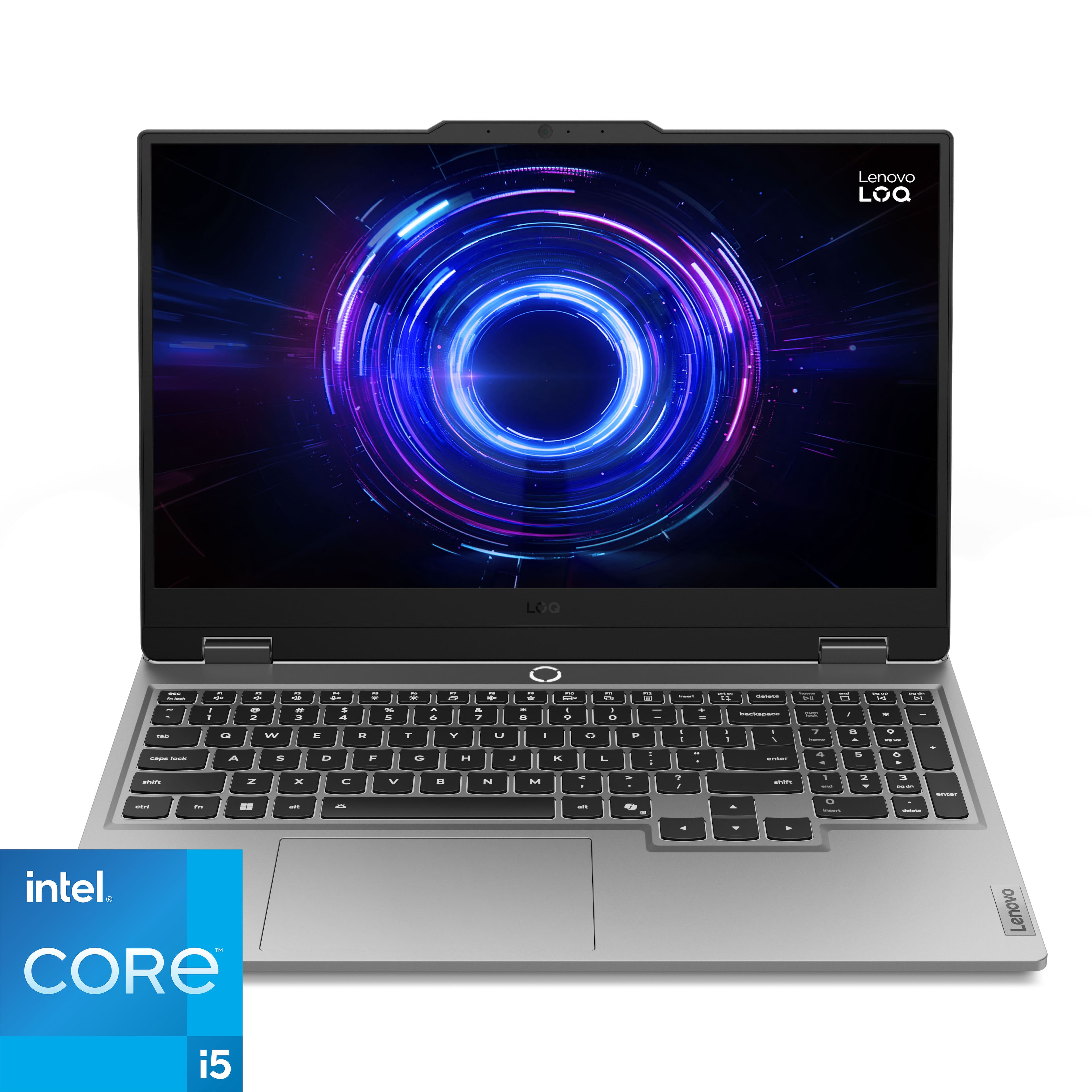


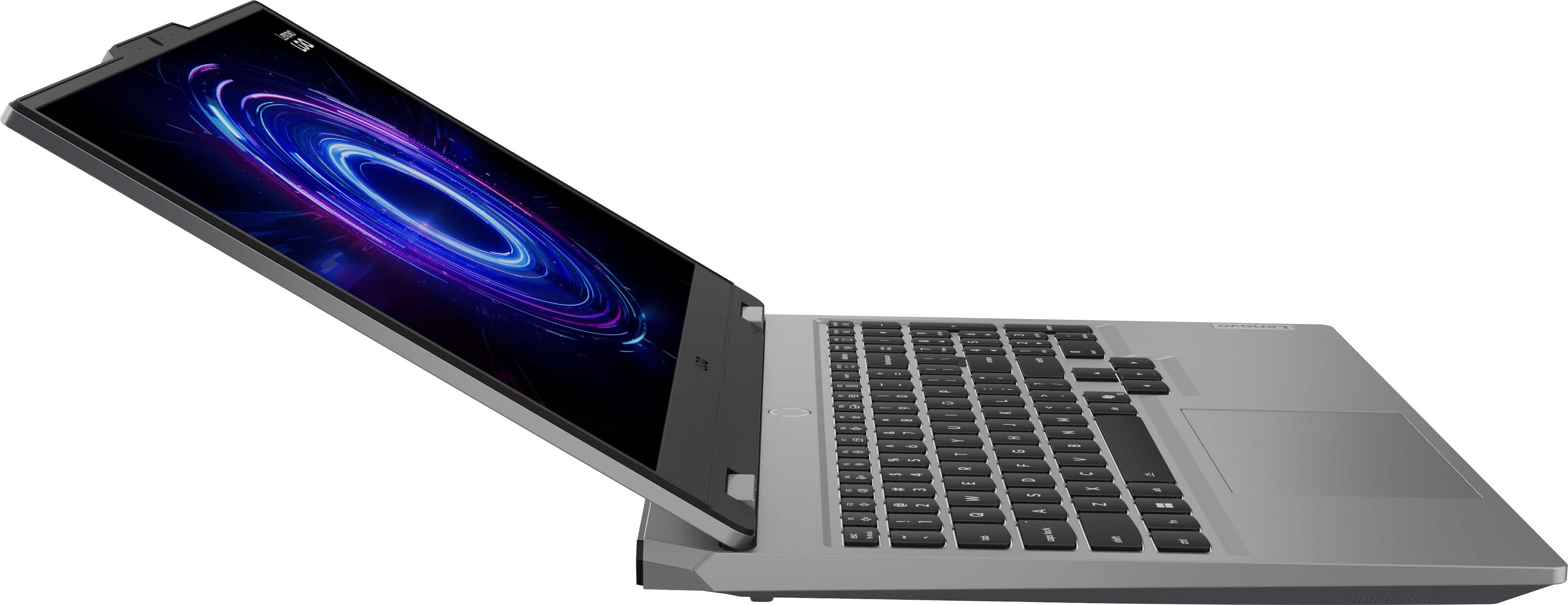
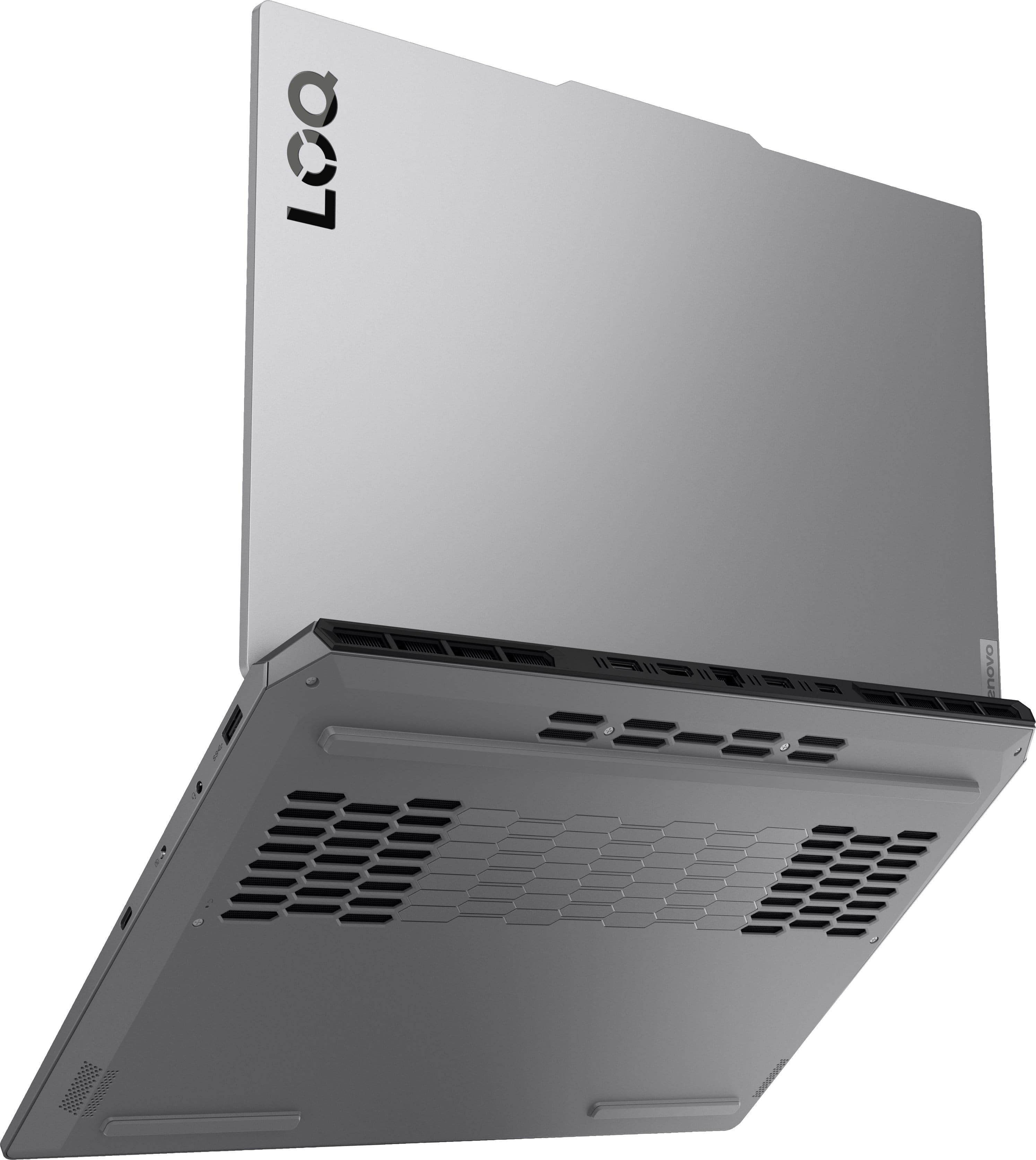
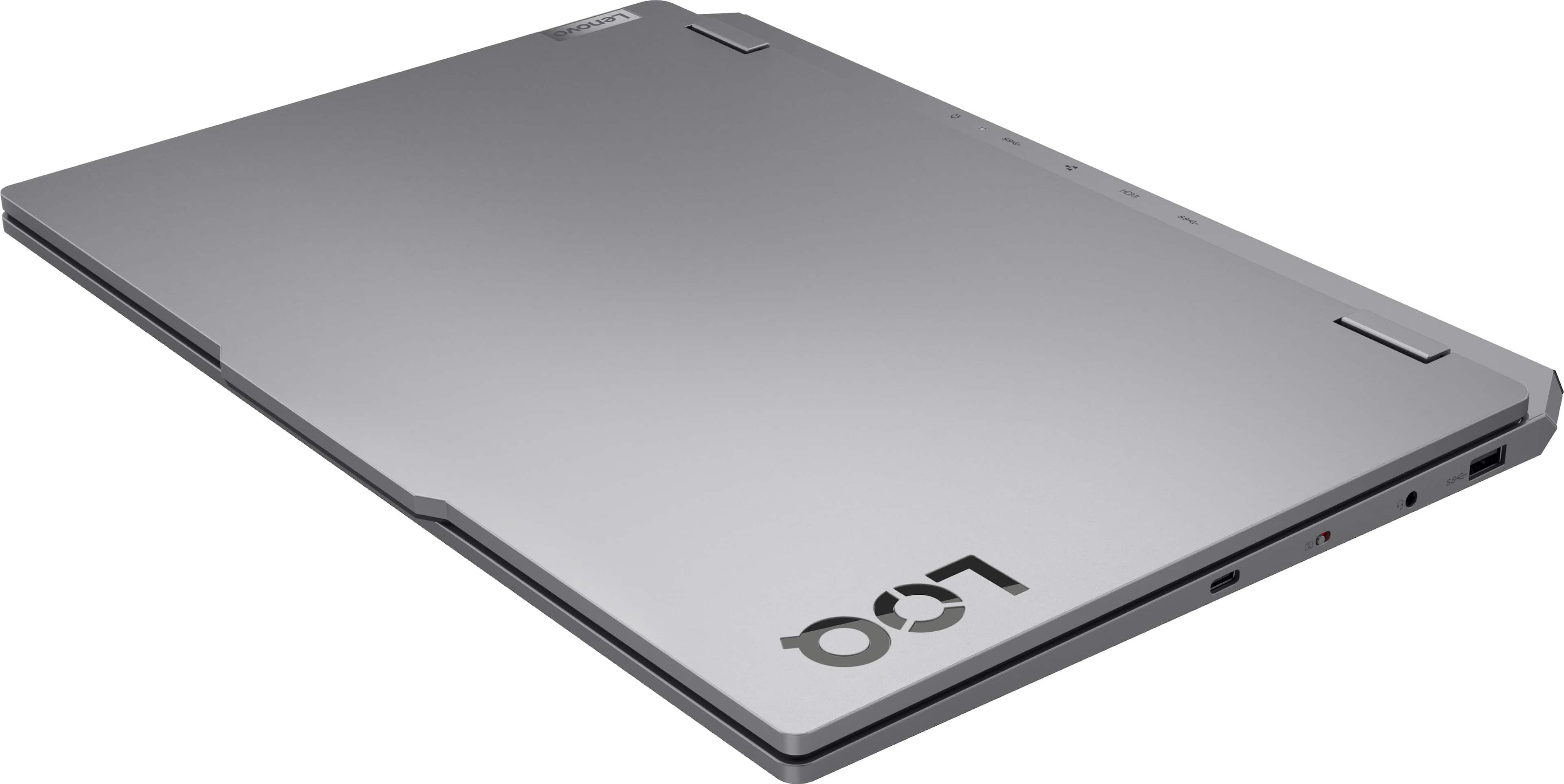
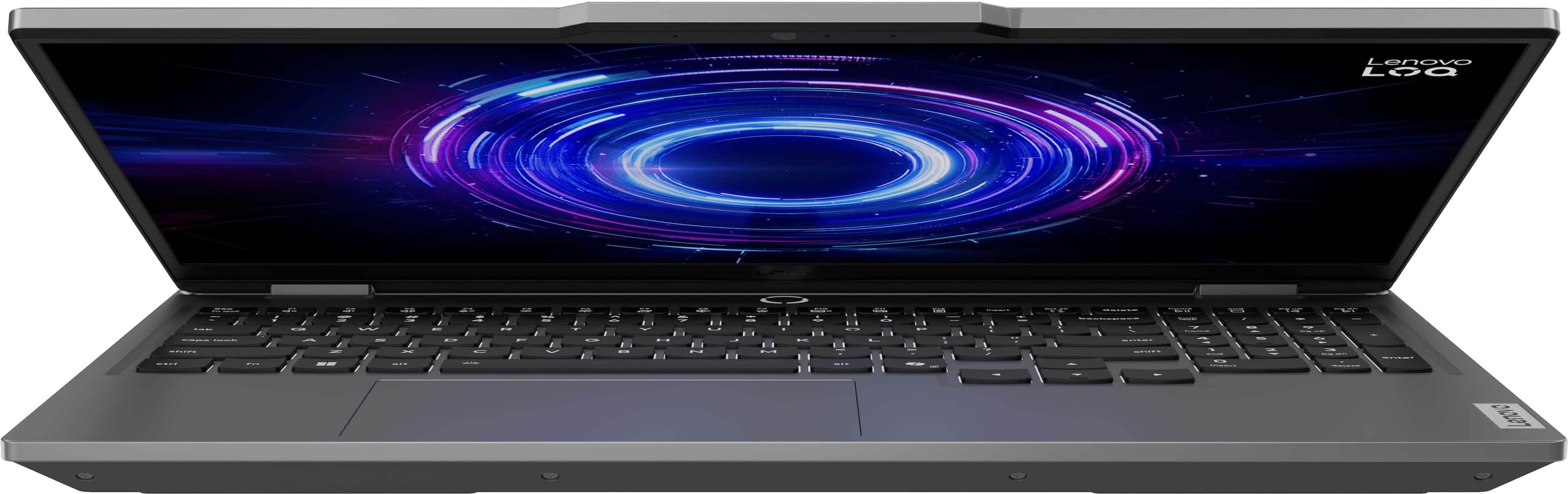
![Sure, here is the corrected and grouped text from the image:
- **Top Row:**
- `esc` `F1` `F2` `F3` `F4` `F5` `F6` `F7` `F8` `F9` `F10` `F11` `F12` `insert`
- **Second Row:**
- `~` `!` `@` `#` `$` `%` `^` `&` `*` `(` `)` `_` `+` `backspace` `num lock` `/` `*` `-` `tab`
- **Third Row:**
- `Q` `W` `E` `R` `T` `Y` `U` `I` `O` `P` `[` `]` `\` `delete` `home` `end` `pg up` `pg dn`
- **Fourth Row:**
- `caps lock` `A` `S` `D` `F` `G` `H` `J` `K` `L` `;` `'` `enter` `4` `5` `6`](https://pisces.bbystatic.com/image2/BestBuy_US/images/products/55335010-9a5f-4237-b437-bfbd6a9f6ff2.jpg)


- Model:
- 83JE002KUS
- SKU:
- 11249612
Rating by feature
- Battery Life
Rating 3.9 out of 5 stars
- Speed
Rating 4.7 out of 5 stars
- Display
Rating 4.6 out of 5 stars
Lenovo LOQ 5050
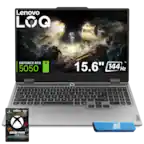
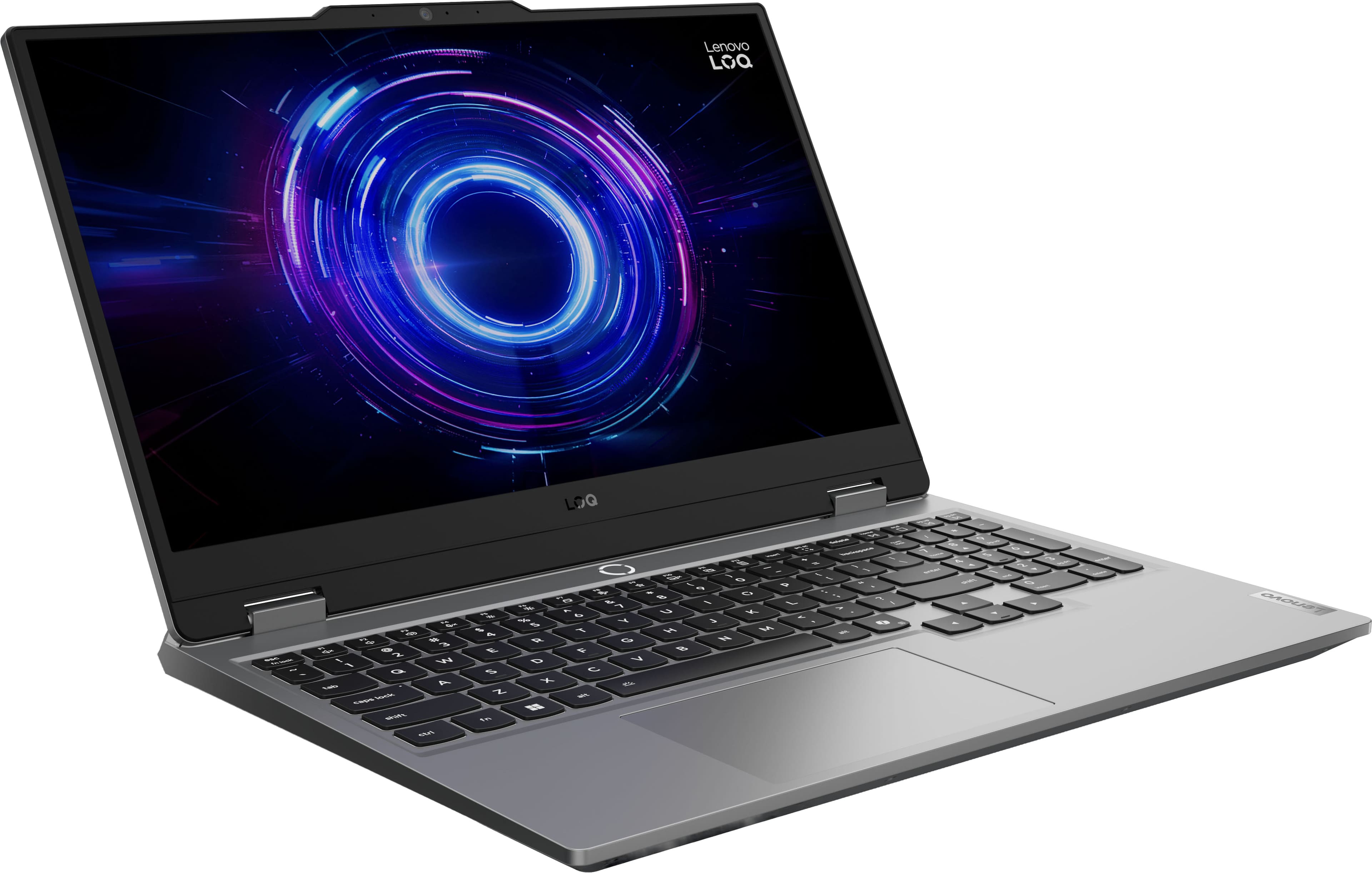
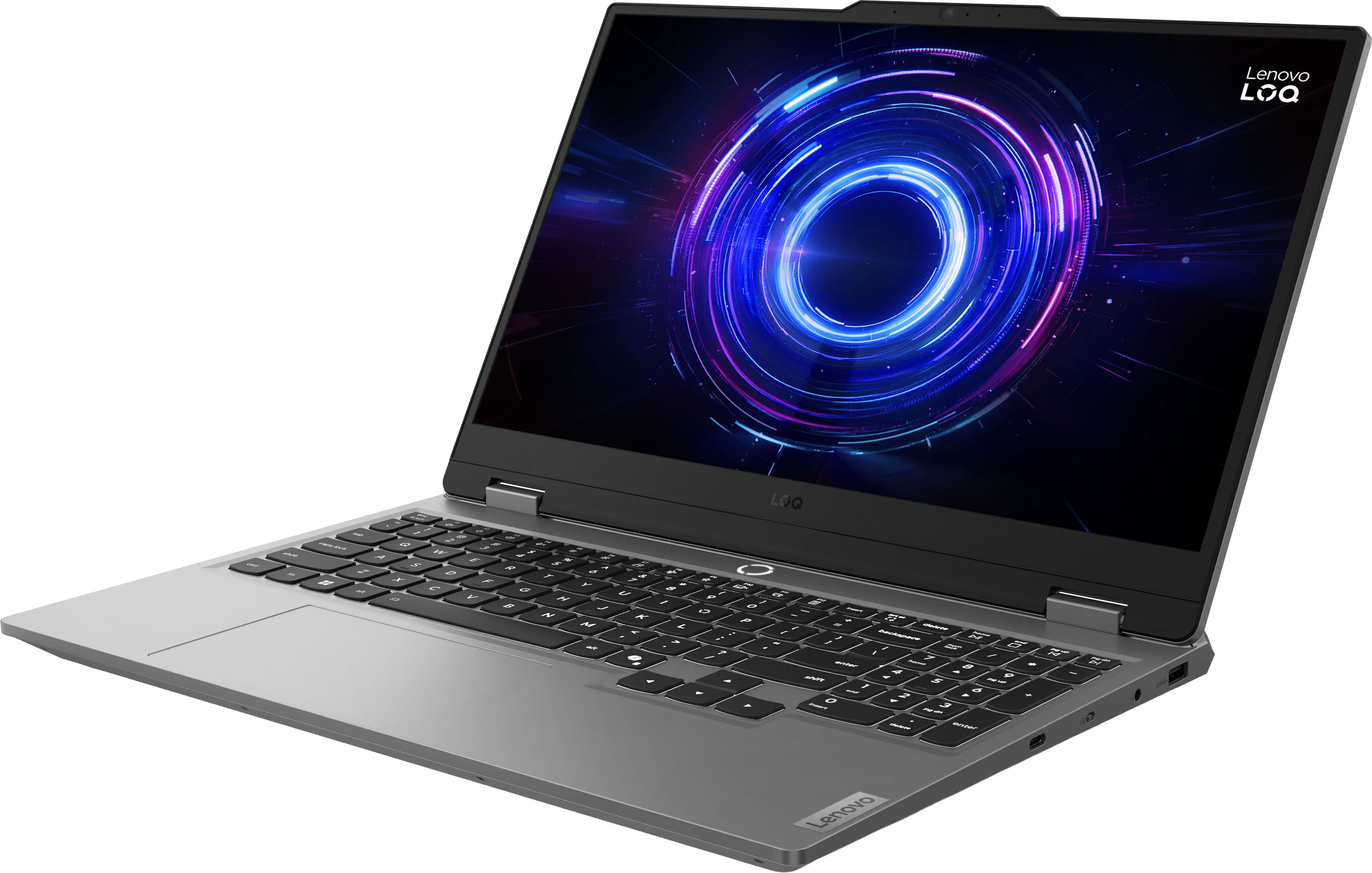
||Posted . Owned for 1 month when reviewed.This reviewer received promo considerations or sweepstakes entry for writing a review.The Lenovo LOQ 5050 is super reliable and great for gaming. I have had it for 2 months almost now, and it runs every game great. No problems what so ever, the display is 144 hz and It is super fast.
I would recommend this to a friendBrand response from Lenovo Product Expert
Posted .Hey Julius,
Thank you for choosing Lenovo and for sharing your feedback with us!
We are pleased to read that you are satisfied with your purchase.
Please don't hesitate to reach out to us via the Q& A section of this product page or contact Lenovo Support should you have any questions or need assistance.
Regards,
Lenovo
It brings the passion back
||Posted .This reviewer received promo considerations or sweepstakes entry for writing a review.To kick off my freelance career,I treated myself to a powerful gaming laptop. My goal was to master pro construction software, and it's perfect for the job. No regrets!
I would recommend this to a friendBrand response from Lenovo Product Expert
Posted .Hi,
Thanks for choosing Lenovo and for sharing your feedback with us!
We are glad to read that you are satisfied with your purchase overall.
Please don't hesitate to reach out to us via the Q& A section of this product page or contact Lenovo Support should you have any questions or need assistance.
Regards,
Lenovo
Best computer
||Posted .This reviewer received promo considerations or sweepstakes entry for writing a review.This Gaming pc is my first and hands down is the best. I was so undecided on getting this but the Best Buy rep was helpful and explained the pros and cons on different Brands and products. And again I don’t regret making this decision. Love how the computer works for gaming and for work.
I would recommend this to a friendBrand response from Lenovo Product Expert
Posted .Hi,
Thanks for choosing Lenovo and for sharing your feedback with us!
We are glad to read that you are satisfied with your purchase.
Please don't hesitate to reach out to us via the Q& A section of this product page or contact Lenovo Support should you have any questions or need assistance.
Regards,
Lenovo
Would recommend
||Posted .This reviewer received promo considerations or sweepstakes entry for writing a review.The Lenovo LOQ i7 is one of those laptops that feels like it’s doing a lot without trying too hard. It’s built for people who want real performance but don’t want to pay premium “gaming laptop” prices like a Legion or Alienware.
I would recommend this to a friendBrand response from Lenovo Product Expert
Posted .Hi,
Thanks for choosing Lenovo and for sharing your feedback with us!
We are glad to read that you are satisfied with your purchase.
Please don't hesitate to reach out to us via the Q& A section of this product page or contact Lenovo Support should you have any questions or need assistance.
Regards,
Lenovo
Good for medium setting
||Posted . Owned for 2 weeks when reviewed.This reviewer received promo considerations or sweepstakes entry for writing a review.Great laptop! I use it for school and it kills it in light and medium gaming 5 stars if it had more ram but i get that it doesnt have 32 because of the rampocalypse
I would recommend this to a friendIt's great if it works
||Posted . Owned for 1 month when reviewed.This reviewer received promo considerations or sweepstakes entry for writing a review.Amazing laptop, but had to return the original because the screen didn't turn on. After using the 2nd one for a month, the screen started turning black for no reason.
No, I would not recommend this to a friendGreat product.
||Posted .This reviewer received promo considerations or sweepstakes entry for writing a review.I love it i use it every day. Crashes now and again but thats due to incorrect downloads and updates on my end. Do recommend.
I would recommend this to a friendLoq 15irx10
||Posted .This reviewer received promo considerations or sweepstakes entry for writing a review.Great build quality and feel, and honestly runs anything I throw at it pretty well, its a bit heavy but thats to be expected.
I would recommend this to a friendBrand response from Lenovo Product Expert
Posted .Hi,
Thanks for choosing Lenovo and for sharing your feedback with us!
We are glad to read that you are satisfied with your purchase overall.
Please don't hesitate to reach out to us via the Q& A section of this product page or contact Lenovo Support should you have any questions or need assistance.
Regards,
Lenovo
Lenovo Black Friday 2025
||Posted .This reviewer received promo considerations or sweepstakes entry for writing a review.Box looked like it sustained an impact but the product was in mint condition and everything worked as intended!
I would recommend this to a friendBrand response from Lenovo Product Expert
Posted .Hi,
Thanks for choosing Lenovo and for sharing your feedback with us!
We are glad to read that you are satisfied with your purchase.
Please don't hesitate to reach out to us via the Q& A section of this product page or contact Lenovo Support should you have any questions or need assistance.
Regards,
Lenovo
Best bang for the buck
||Posted .This reviewer received promo considerations or sweepstakes entry for writing a review.So far it really good laptop running newest games with a nice picture
I would recommend this to a friendBrand response from Lenovo Product Expert
Posted .Hi,
Thanks for choosing Lenovo and for sharing your feedback with us!
We are glad to read that you are satisfied with your purchase.
Please don't hesitate to reach out to us via the Q& A section of this product page or contact Lenovo Support should you have any questions or need assistance.
Regards,
Lenovo
Good Laptop
||Posted .This reviewer received promo considerations or sweepstakes entry for writing a review.This computer was setup and ready to be used in roughly 30 minutes. It is capable of running video games on Steam and other platforms while also acting as a workhorse for school work and other professional uses. Great computer for the price and I would recommend to others.
I would recommend this to a friendLOQ Delivers
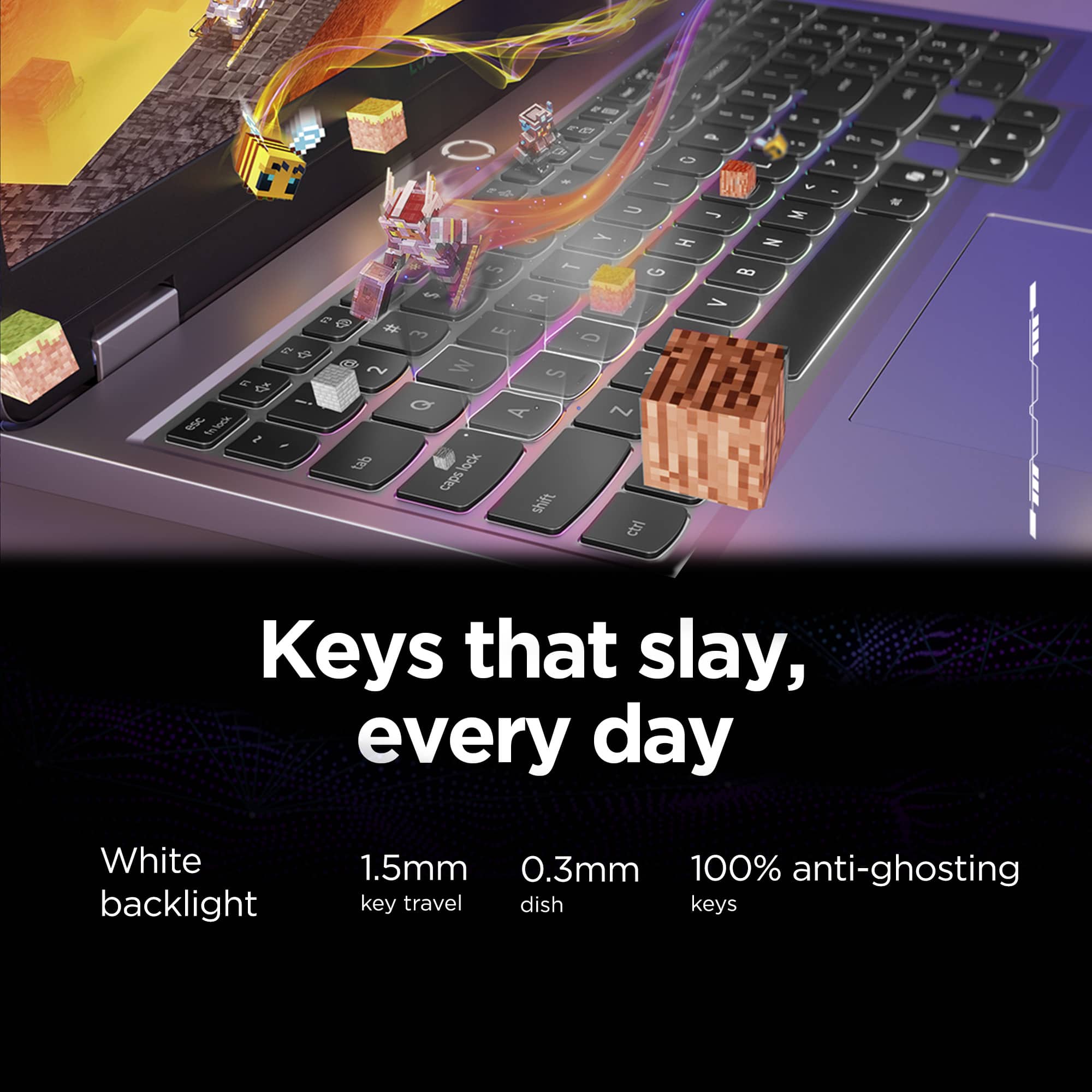
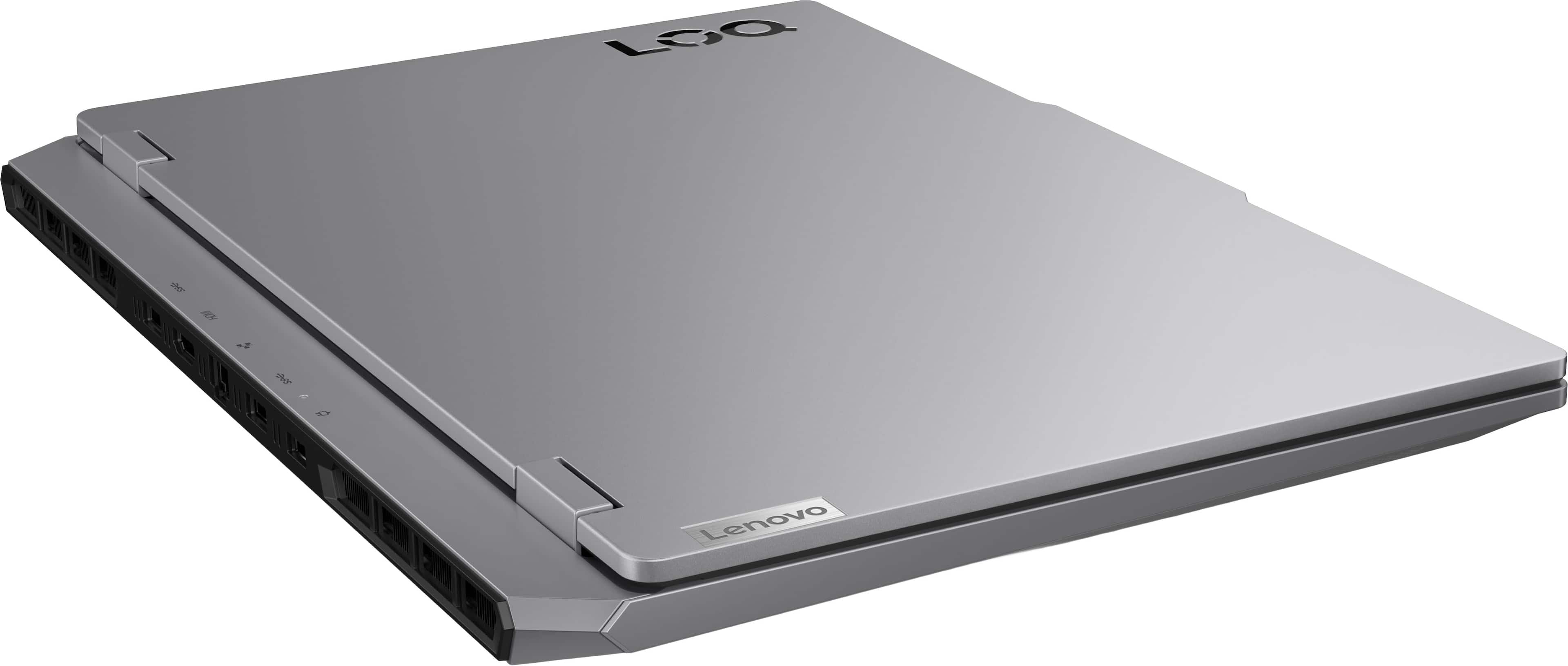
||Posted .This reviewer received promo considerations or sweepstakes entry for writing a review.Laptop is responsive, even without the ability to upgrade. Having upgrade options helps to future-proof the device. Backlit keyboard and battery runtime is excellent, even without optimizations. I am glad I waited for this model to be available with no regrets.
I would recommend this to a friendSatisfied customer
||Posted .This reviewer received promo considerations or sweepstakes entry for writing a review.Very satisfied with this gaming laptop. Very fast and efficient. I can work on multi apps. Gaming with this laptop is so satisfying.
I would recommend this to a friendBrand response from Lenovo Product Expert
Posted .Hi JanM,
Thanks for choosing Lenovo and for sharing your feedback with us!
We are pleased to read that you are quite satisfied with your LOQ 15.
Please feel free to reach out to us via the Q& A section of this product page should you have any questions or need assistance.
Best,
Lenovo
Great deal
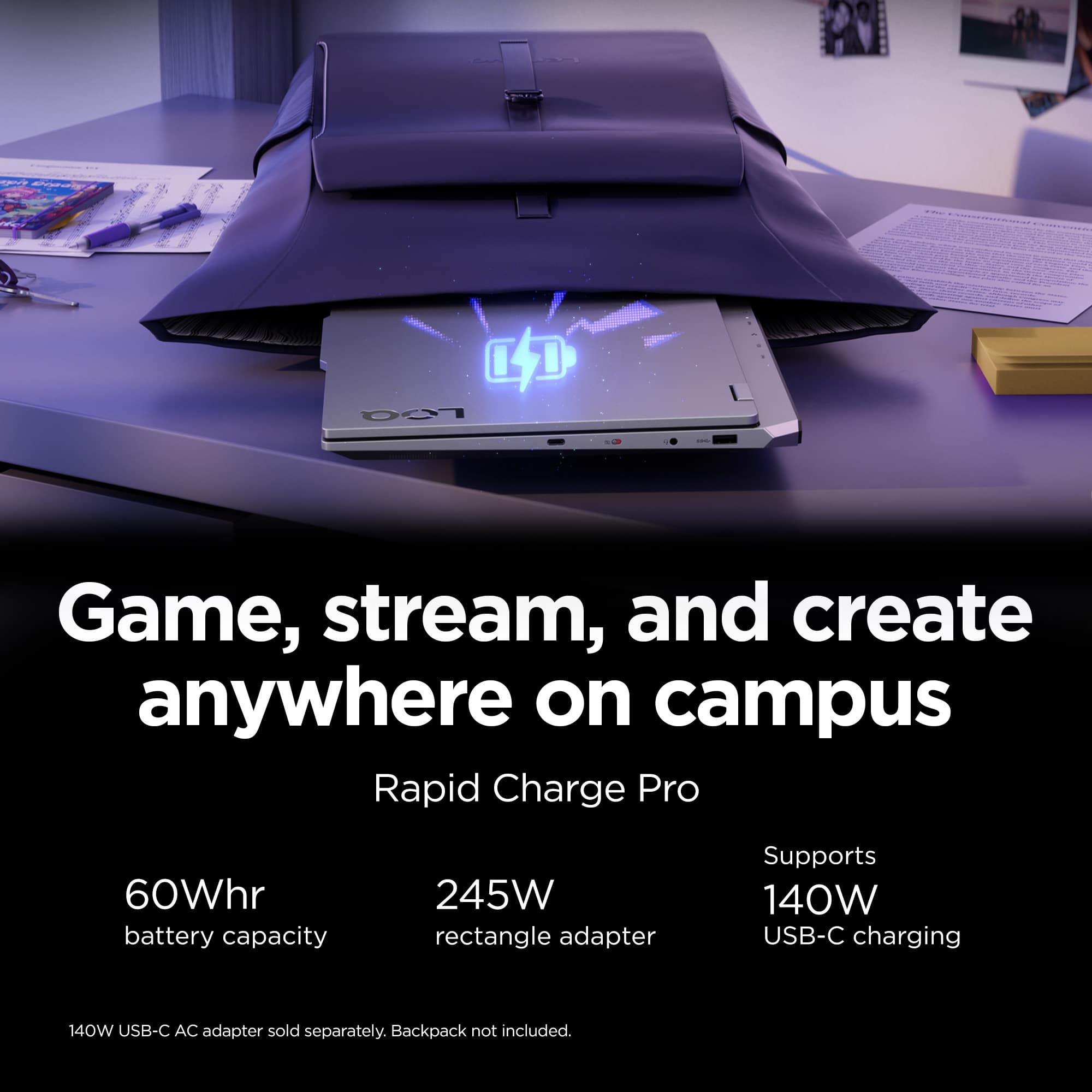
||Posted . Owned for 3 weeks when reviewed.This reviewer received promo considerations or sweepstakes entry for writing a review.Good laptop. Battery runs out pretty quick though. Gotta keep it plugged in.
I would recommend this to a friendBrand response from Lenovo Product Expert
Posted .Hi JehadA-
Thank you for choosing Lenovo and sharing your feedback with us. We are excited to hear that you are enjoying the LOQ Gaming Laptop. Our goal is to offer the best user experience, and we would like to enhance your experience by recommending a few things you can do to extend your battery life.
Firstly, we recommend running and installing all available drivers updates through Lenovo Vantage and Windows Update Settings, these updates are crucial to the device’s health and will affect the device’s power output and USB compatibility. To check for updates within Lenovo Vantage begin by launching the application, then select the “Check for updates” button on the top of the right-hand of the display. To check for Windows Updates, start by launching the Settings app, then selecting the Windows Update tab on the left-hand side of the page, finally select the “Check for updates’ button located in the top right of the page.
Secondly, the LOQ allows you to change the computer’s thermal mode. This will allow your device to cycle between higher performance, quiet, or automatically adjust based on your needs. You can toggle thermal modes simply with the Fn+Q hotkey. We recommend using Quiet Mode to enhance your battery life.
Please reach out to us through the Q & A section of this product page with any questions or if you need any assistance.
Best wishes,
Lenovo
Gaming laptop
||Posted . Owned for 3 weeks when reviewed.This reviewer received promo considerations or sweepstakes entry for writing a review.Laptop is fast processing, high definition screen & has long battery life my 11 yr old son loves it, and the purchase at bestbuy was sooooo convenient and easy and ready for pickup right away
I would recommend this to a friendA good pc laptop
||Posted .This reviewer received promo considerations or sweepstakes entry for writing a review.This has to be one of the best pc laptops out there
I would recommend this to a friendupgradable
||Posted .This reviewer received promo considerations or sweepstakes entry for writing a review.Love it so far! Upgraded to 64gb memory fits just fine
I would recommend this to a friendBrand response from Lenovo Product Expert
Posted .Hi,
Thanks for choosing Lenovo and for sharing your feedback with us!
We are glad to read that you are satisfied with your purchase.
Please don't hesitate to reach out to us via the Q& A section of this product page or contact Lenovo Support should you have any questions or need assistance.
Regards,
Lenovo
Very good performance
||Posted . Owned for 2 weeks when reviewed.This reviewer received promo considerations or sweepstakes entry for writing a review.I am so happy because i bought this. Game performance are perfect. Also ips screen is very good
I would recommend this to a friendBrand response from Lenovo Product Expert
Posted .Hi,
Thanks for choosing Lenovo and for sharing your feedback with us!
We are glad to read that you are satisfied with your purchase.
Please don't hesitate to reach out to us via the Q& A section of this product page or contact Lenovo Support should you have any questions or need assistance.
Regards,
Lenovo
Birthday computer
||Posted . Owned for 3 weeks when reviewed.This reviewer received promo considerations or sweepstakes entry for writing a review.This was a gift for my grandson, which he very much loved.
I would recommend this to a friendBrand response from Lenovo Product Expert
Posted .Hi MaryaliceG,
Thanks for choosing Lenovo and for sharing your feedback with us!
We are pleased to read that your grandson is loving this LOQ 15.
Please feel free to reach out to us via the Q& A section of this product page should you have any questions or need assistance.
Best,
Lenovo
Johnny's Computer
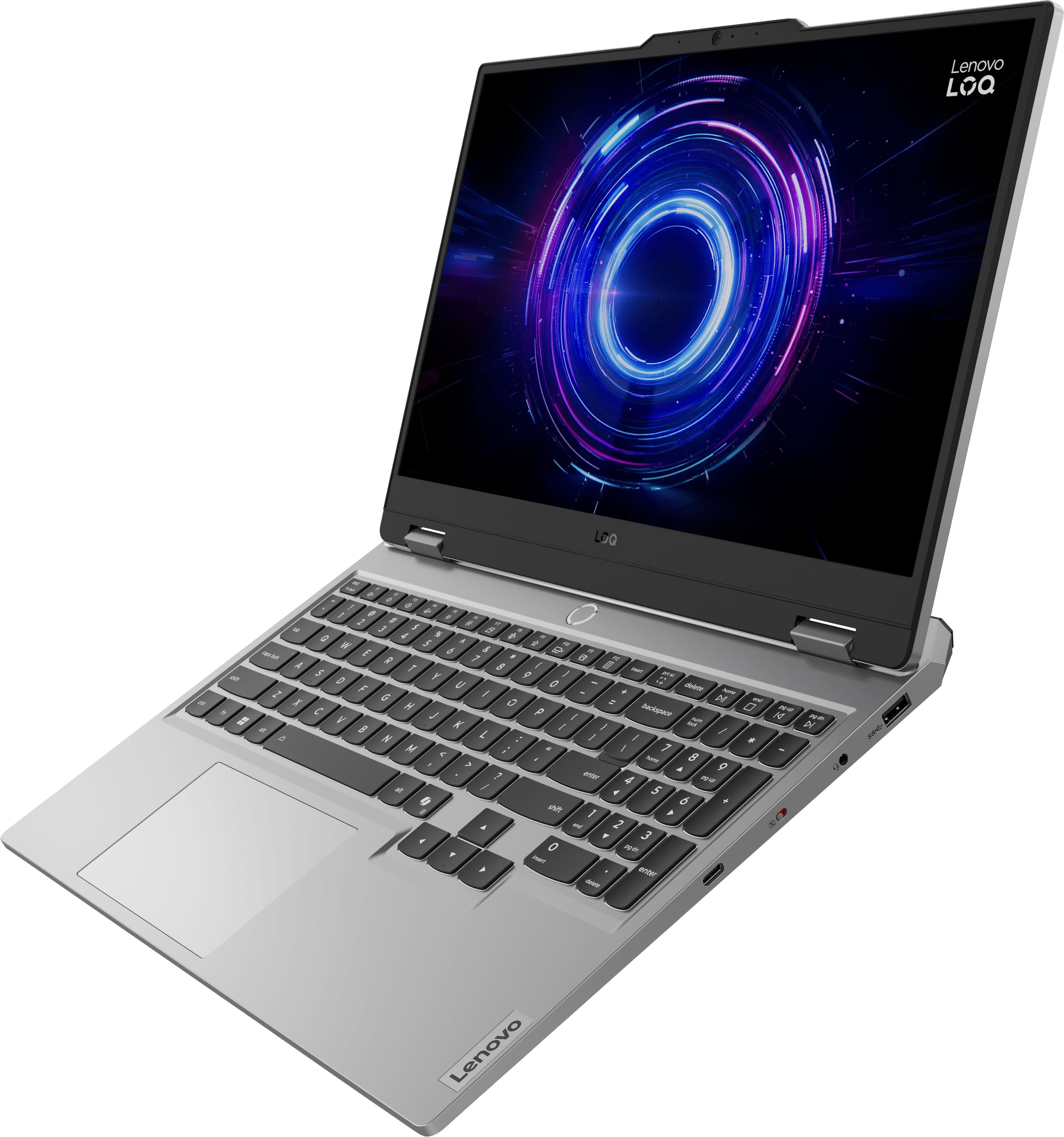
||Posted . Owned for less than 1 week when reviewed.This reviewer received promo considerations or sweepstakes entry for writing a review.Best computer I ever had. Perfect size screen. Comfortable key pad. Pretty screen.
I would recommend this to a friendBrand response from Lenovo Product Expert
Posted .Hi,
Thanks for choosing Lenovo and for sharing your feedback with us!
We are pleased to read that this LOQ 15 is the best laptop you've had.
Please feel free to reach out to us via the Q& A section of this product page should you have any questions or need assistance.
Best,
Lenovo