Customer Ratings & Reviews
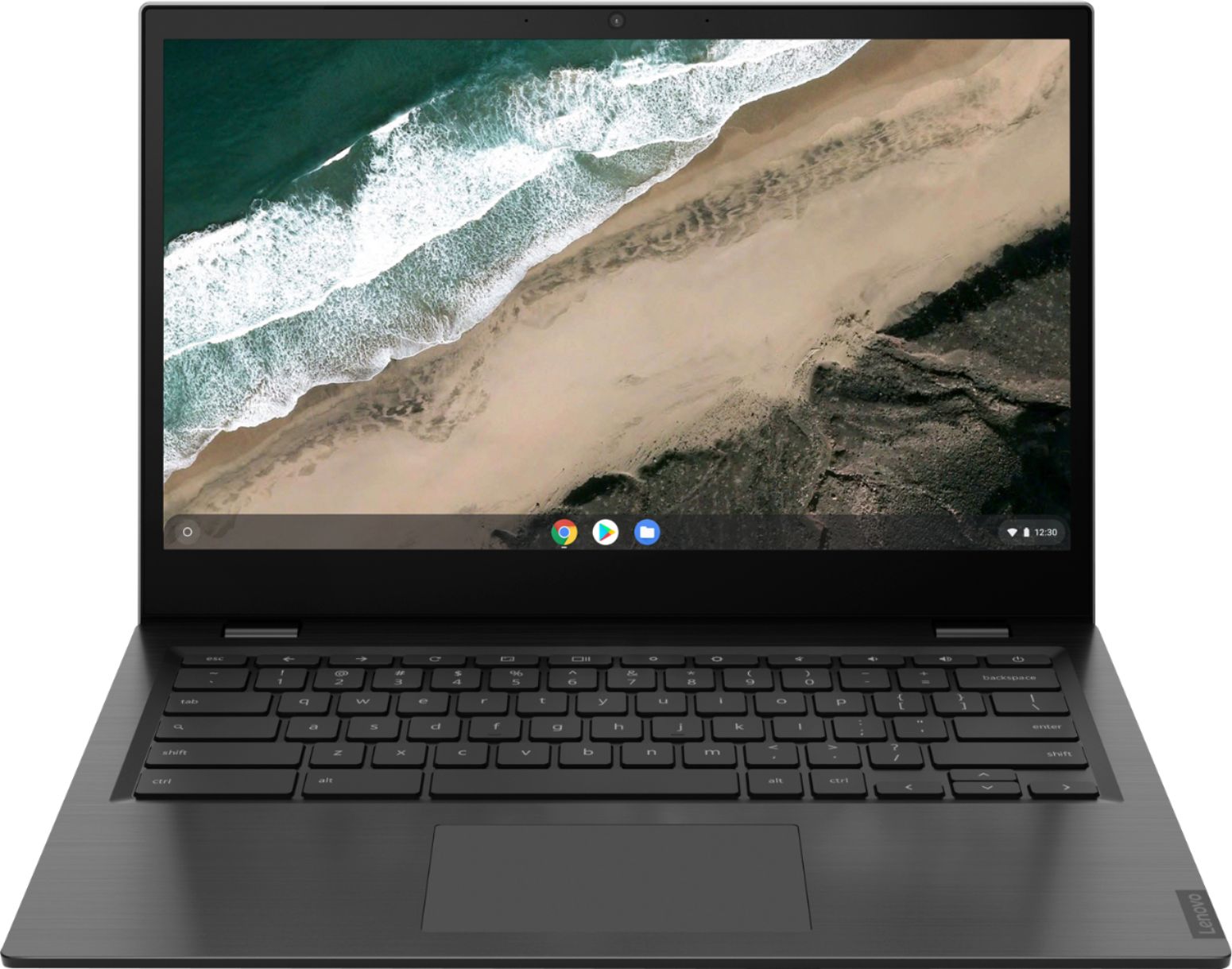
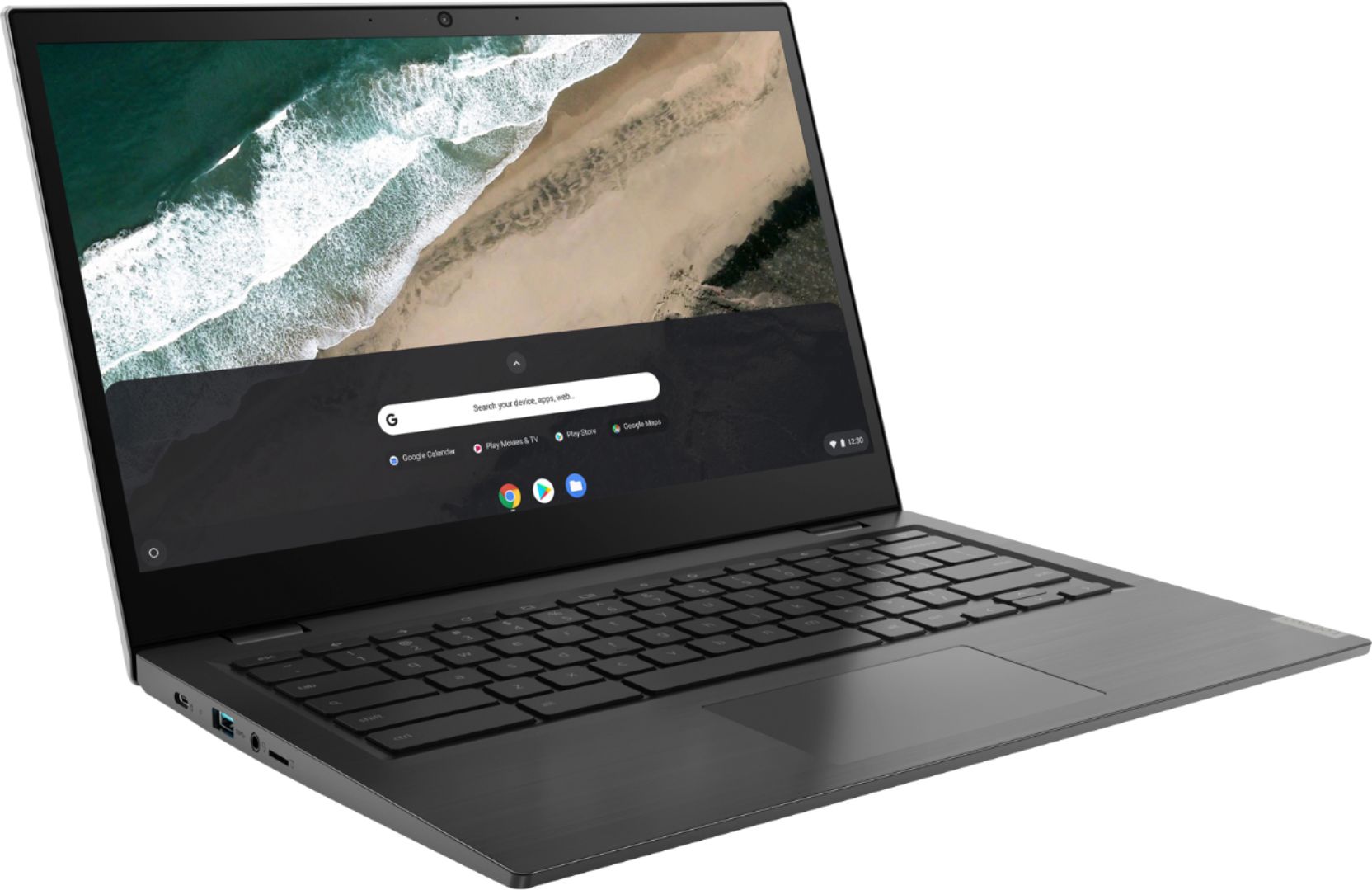
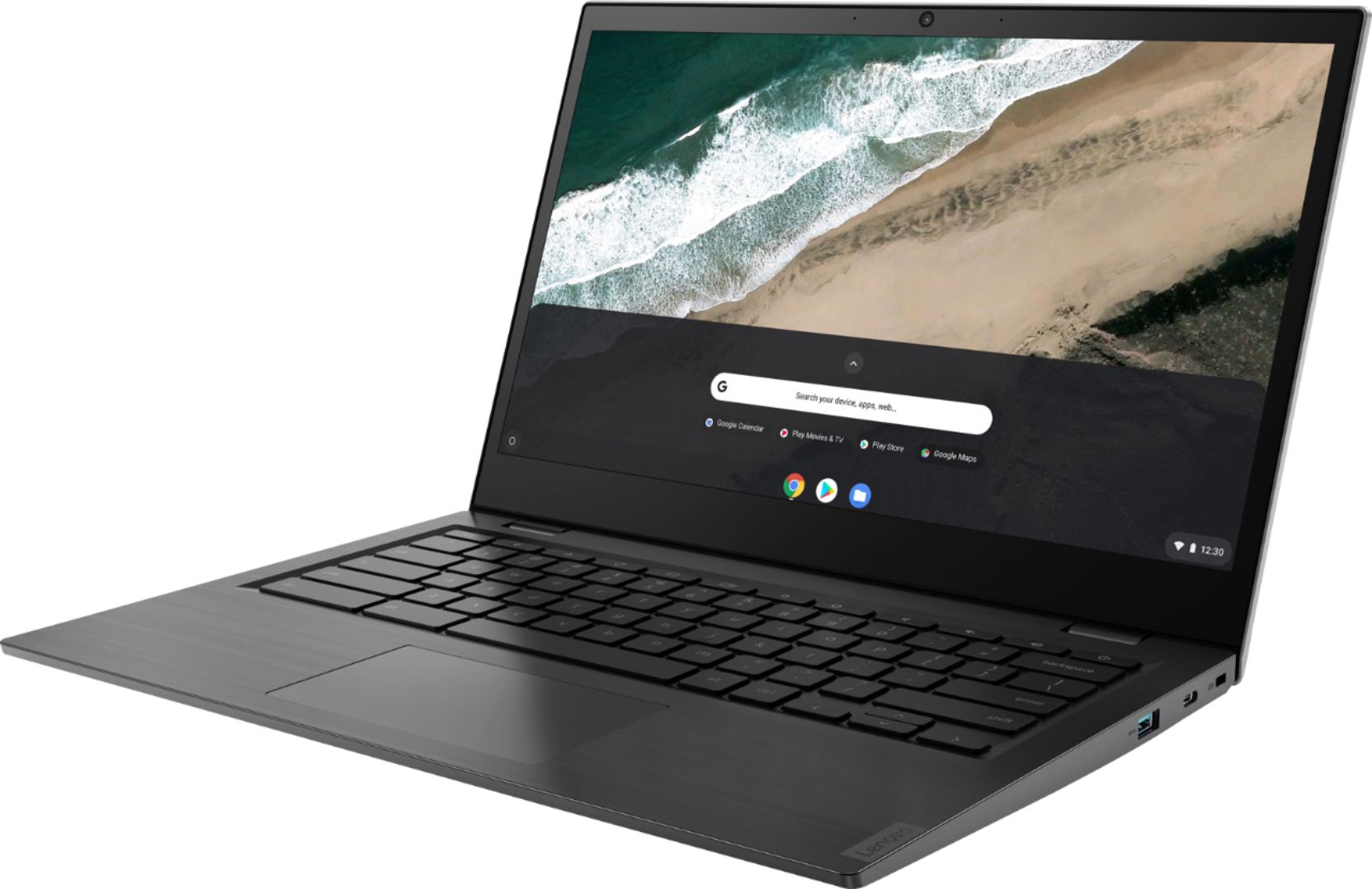



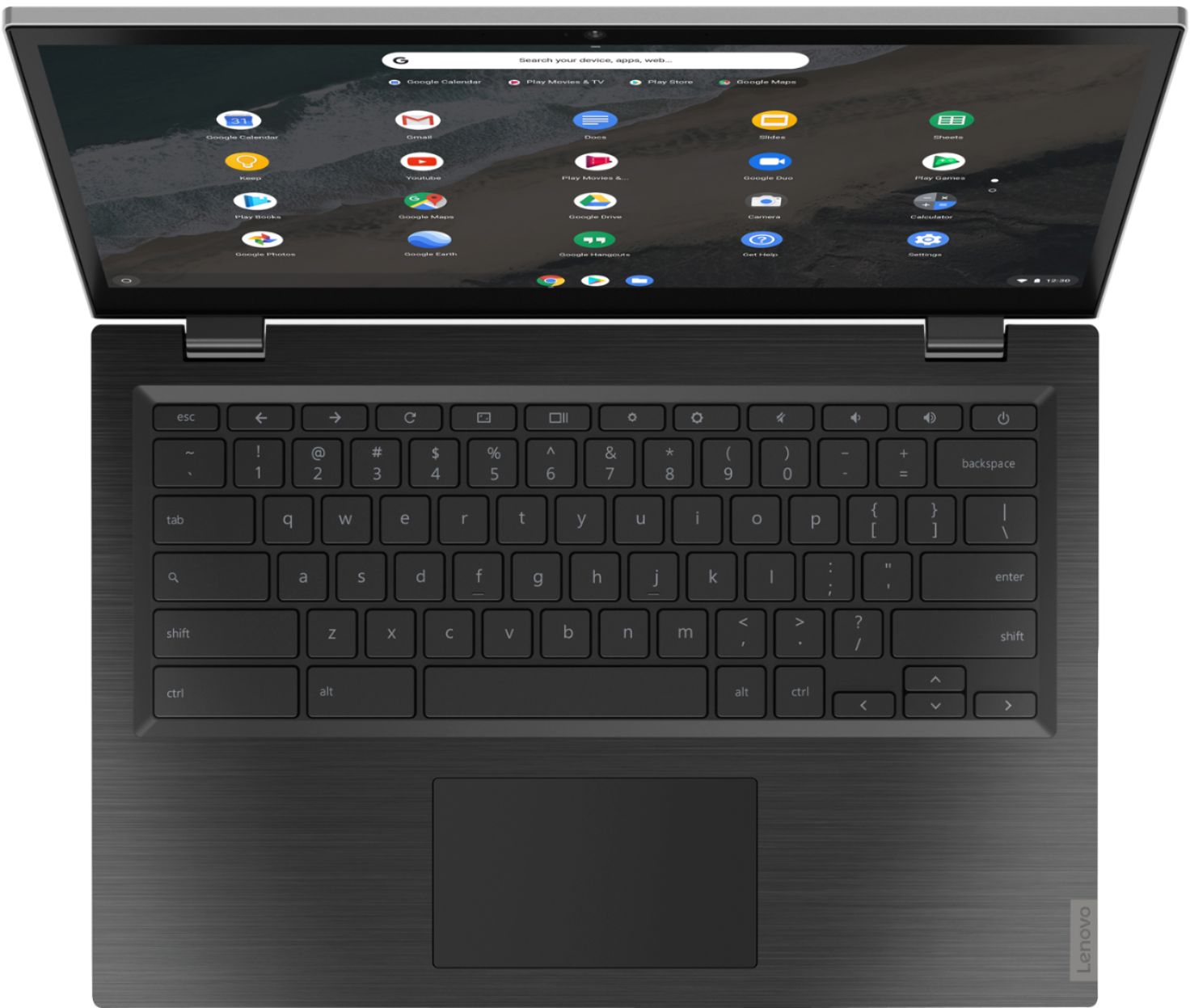


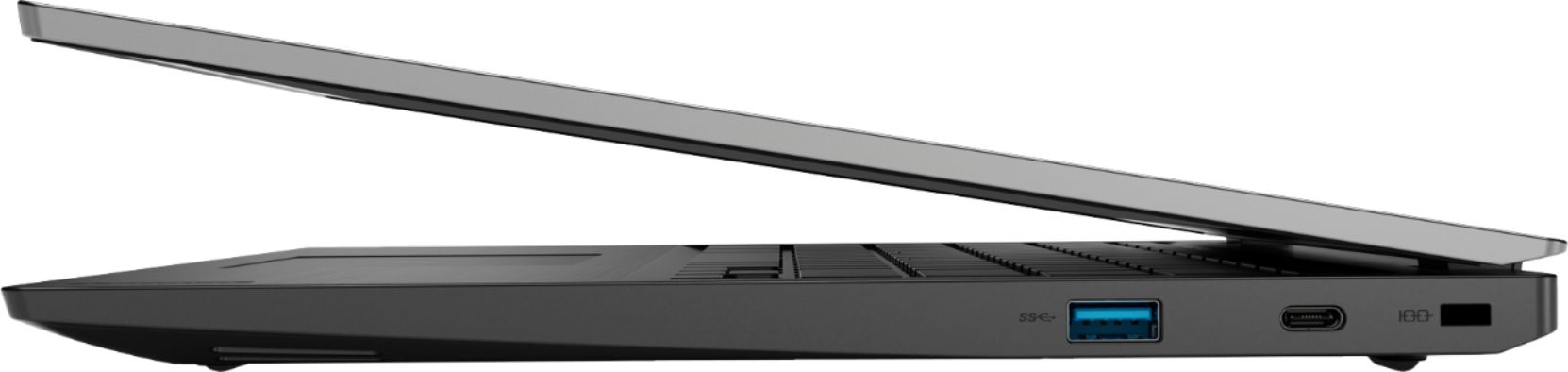



- Model:
- 81WX0000UX
- SKU:
- 6361115
Rating by feature
- Battery Life
Rating 4.5 out of 5 stars
- Speed
Rating 4.1 out of 5 stars
- Display
Rating 4.6 out of 5 stars
Customers are saying
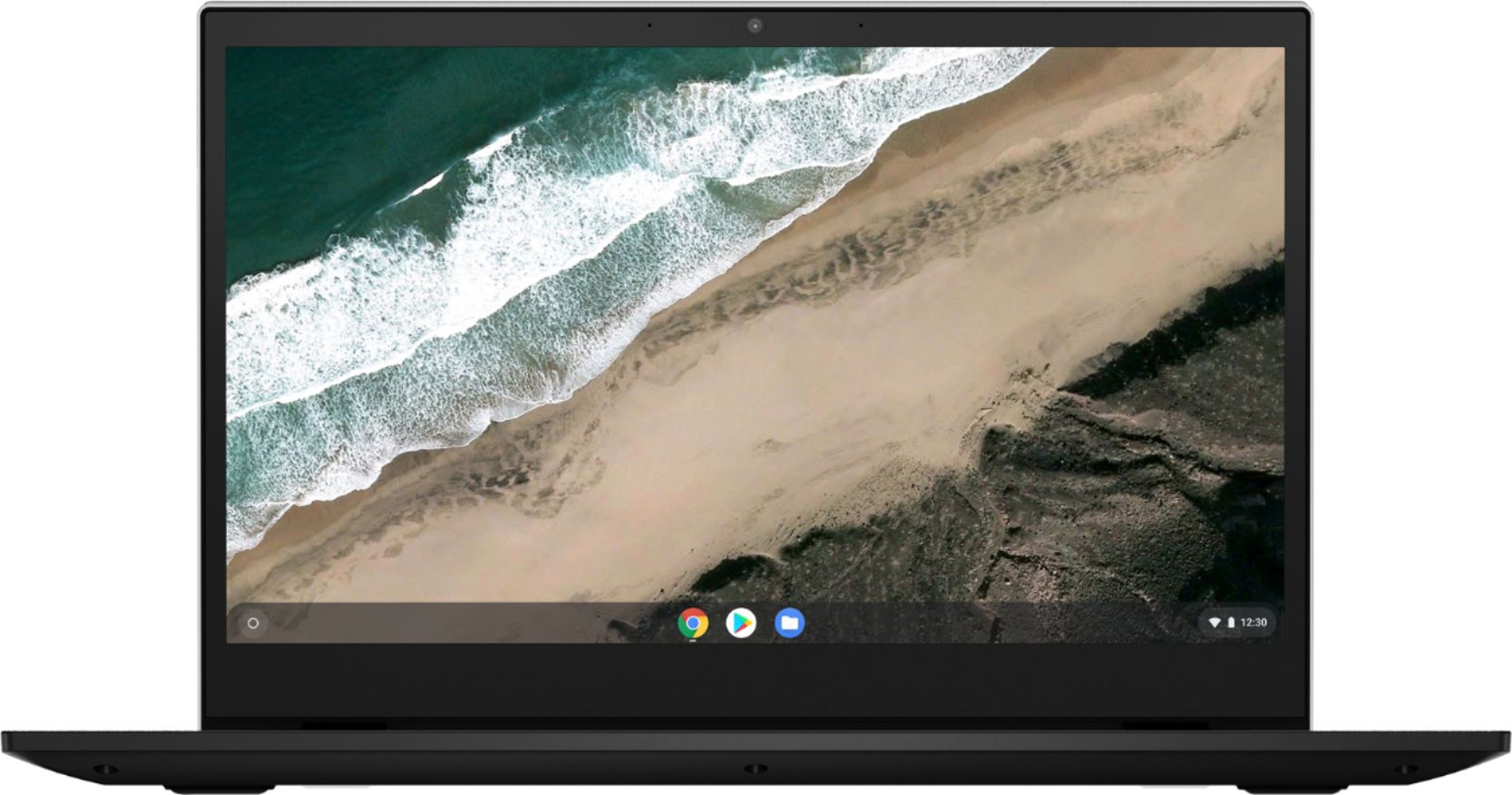
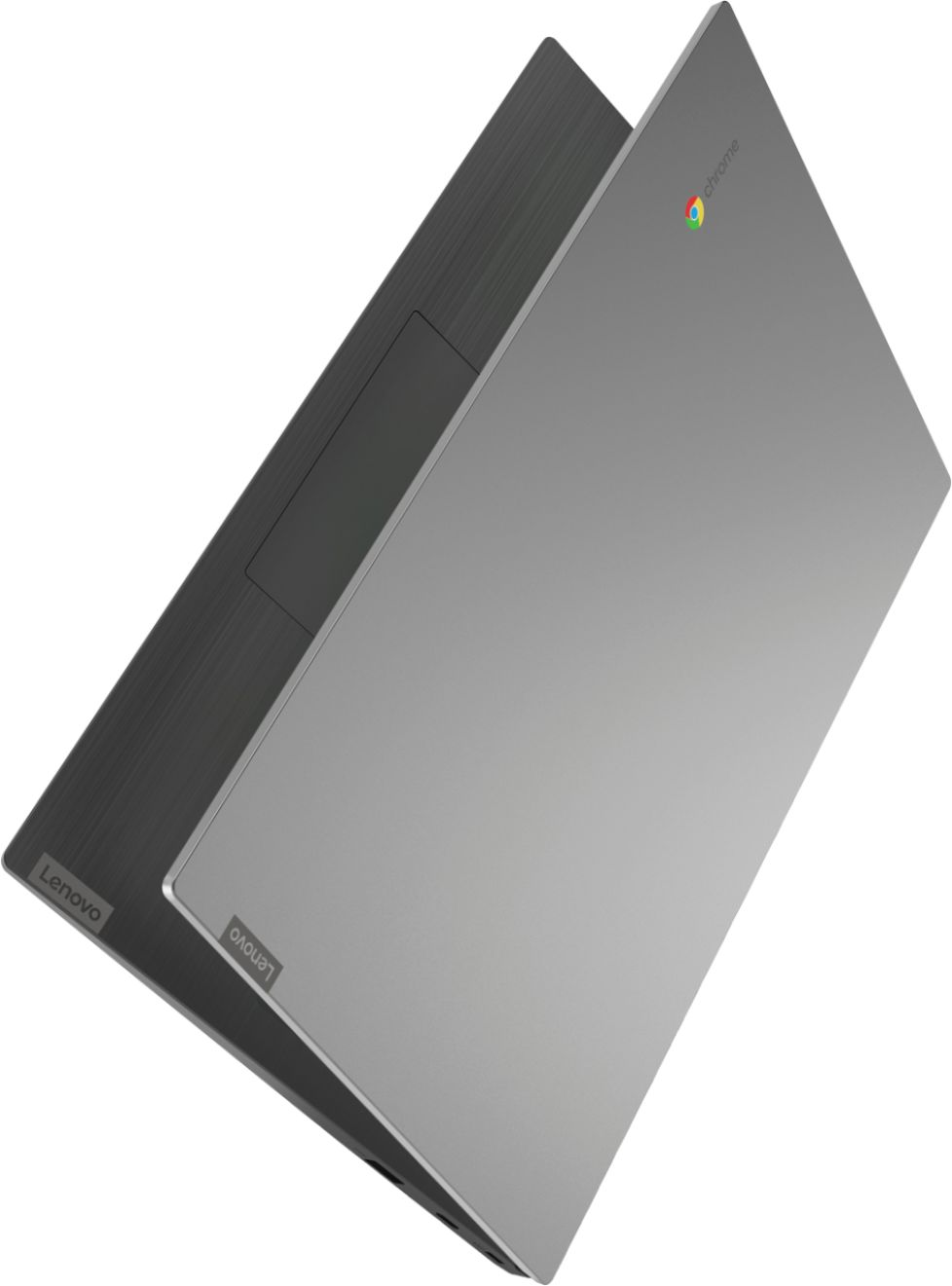
Customers highly value the touch screen, ease of use, and performance of the S345-14AST 14" Touch-Screen Chromebook. Many also appreciate its affordable price and lightweight design, finding it suitable for various uses. While some users noted that the camera and speakers could be improved, the positive feedback on other features outweighs these concerns. Overall, the Chromebook receives praise for its excellent value and user-friendliness.
This summary was generated by AI based on customer reviews.
- Pros mentioned:Touch screen
Great Value not to be missed!
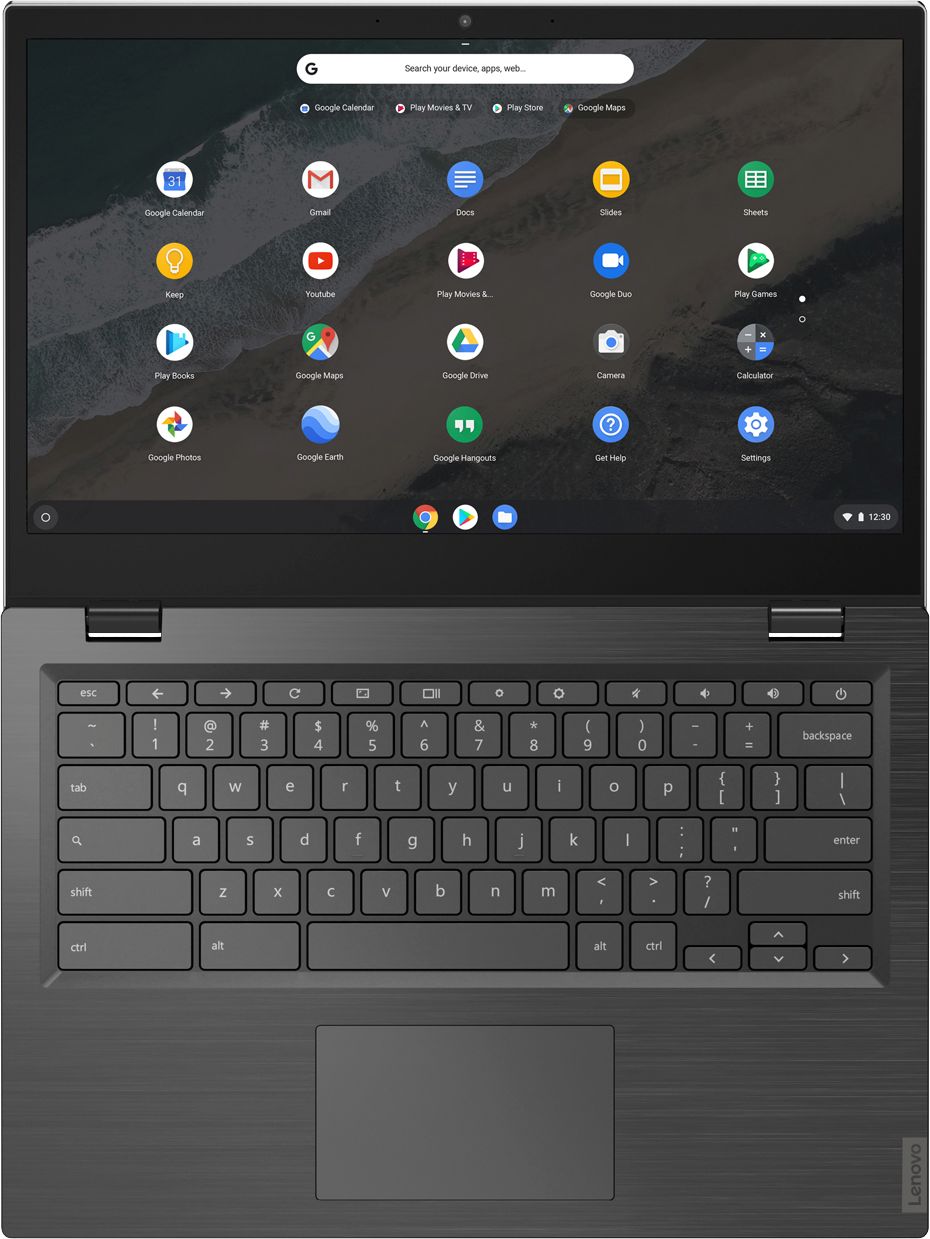
||Posted . Owned for 1 week when reviewed.This reviewer received promo considerations or sweepstakes entry for writing a review.This is a very snappy chromebook that comes with premium features for a price much less than what you expect. For less than $300 used this chromebook offers: - a 1080p touch screen with great viewing angles -a backlit keyboard
I would recommend this to a friendBrand response from Lenovo Product Expert
Posted .Thank you for choosing the Lenovo S345 14 Chromebook, model number 81WX0000UX. We are pleased to hear that the value, features and performance of the S345-14 Chromebook meets your computing needs so well.

College Student
||Posted .This reviewer received promo considerations or sweepstakes entry for writing a review.Purchased for daughter who graduated high school. She just needed for college surf the web. She told me it works great and very lightweight.
I would recommend this to a friend- Pros mentioned:Price
Great comp for the price
||Posted . Owned for 1 month when reviewed.This reviewer received promo considerations or sweepstakes entry for writing a review.I really like this laptop. It was a breeze to set up. I have had it for a month and have had no issues. The price was great and I have a backlit keyboard. :) There were no issues with connecting to wifi.
I would recommend this to a friendBrand response from Lenovo Product Expert
Posted .Thank you for choosing the Lenovo S345 14 Chromebook. We are pleased to hear that the easy setup and performance of the S345 14 Chromebook meets your computing needs so well.
- Pros mentioned:Price
Great little Chromebook
||Posted . Owned for 1 month when reviewed.This reviewer received promo considerations or sweepstakes entry for writing a review.Got this for my 11 year old daughter for school this fall while she takes classes from home. So far it's been great. Has everything she needs and has got the job done. Price was excellent as well. Couldn't be happier.
I would recommend this to a friendBrand response from Lenovo Product Expert
Posted .Thank you for choosing the Lenovo S345-14 Chromebook for your daughter. We are pleased to hear that the value and performance of the S345-14 Chromebook meets your daughter's computing needs so well. Looking for a device that’s easy-to-use but doesn’t sacrifice performance? The Chromebook S345-14 has it all. Running on the lightning-fast Chrome OS, it boots up in seconds, updates automatically, has built-in virus protection, and is powered by speedy 7th Generation AMD processing. With a slim 180-degree hinged chassis and battery that lasts up to 10 hours, this Chromebook will perform anywhere.
- Pros mentioned:Touch screen
Perfect for my kids!
||Posted . Owned for 2 months when reviewed.This reviewer received promo considerations or sweepstakes entry for writing a review.Perfect for my kids and virtual learning. Bought in the beginning in June the price dropped and Best Buy credit back the difference and I got a second one! Love the backlit keyboard & screen and sound quality are great!
I would recommend this to a friend Goody
||Posted . Owned for 1 week when reviewed.This reviewer received promo considerations or sweepstakes entry for writing a review.So far so good it’s great for my school work but you can’t download zoom which is a bummer other then that it’s good , light weight, clear screen
I would recommend this to a friendBrand response from Lenovo Product Expert
Posted .Hi there, thank you for choosing the Lenovo Chromebook S35-14AST 14". To use Zoom on this Chromebook you will need to visit the Chrome OS store and add download/add the extension to your Chrome browser. The Address is https://chrome.google.com/webstore/detail/zoom/hmbjbjdpkobdjplfobhljndfdfdipjhg?hl=en-US
If you need further assistance please don't hesitate to reach out to Lenovo Chromebook Tech Support at 866-800-426-7378
- Pros mentioned:Performance
Good for the price
||Posted . Owned for 1 year when reviewed.This reviewer received promo considerations or sweepstakes entry for writing a review.Survived one school year with my 6 year old . He did his online school with it without issues till he dropped it one to many times
I would recommend this to a friend - Pros mentioned:Price
Solid Chromebook with touchscreen
||Posted . Owned for 3 months when reviewed.This reviewer received promo considerations or sweepstakes entry for writing a review.These are great. Maybe could use a slightly faster processor, but overall excellent for the price. I bought 30 of these for staff when COVID hit. Had to go to 3 different store locations to get all 30 but was worth it!
I would recommend this to a friendBrand response from Lenovo Product Expert
Posted .Once again, thank you for choosing the Lenovo S345-14 Chromebooks for your business. Here is a link to tips for keeping these Chromebooks running at their best: https://www.computerworld.com/article/3333005/chromebook-tune-up.html. If you ever need additional help with your Chromebooks, we recommend you call Lenovo Tech Support for Chromebooks at: 800-426-7378.
- Pros mentioned:Touch screen
Chromebook
||Posted . Owned for 3 weeks when reviewed.This reviewer received promo considerations or sweepstakes entry for writing a review.Even though the chromebook is touch screen I actually wanted the flip model but since we live in the age of Covid I decided returning would be too problematic.
I would recommend this to a friendBrand response from Lenovo Product Expert
Posted .Once again, thank you for choosing the Lenovo S345-14 Chromebook. Here is a link to tips for keeping your Chromebook running at its best: https://www.computerworld.com/article/3333005/chromebook-tune-up.html. If you ever need additional help with your Chromebook, we recommend you call Lenovo Tech Support for Chromebooks at: 800-426-7378.
- Pros mentioned:Touch screen
Adequate for zoom meetings
||Posted . Owned for 3 weeks when reviewed.This reviewer received promo considerations or sweepstakes entry for writing a review.I bought this laptop for zoom workouts. It's adequate for that and more. I was also curious about what a Chromebook was about. I'm pleasantly surprised.
I would recommend this to a friend Nice computer at an open box price
||Posted . Owned for 2 weeks when reviewed.This reviewer received promo considerations or sweepstakes entry for writing a review.This was bought so my niece could continue her online schooling. It was picked up curbside without all the accessories that it was to have. I was disappointed with customer service when I couldn't fix this besides returning to curbside and explain my concerns. Once that was done, a cord was given to me, no question and not much of a wait. Service during the pandemix is definitely appreciated. NICE COMPUTER, the niece loves it.
I would recommend this to a friend- Pros mentioned:Touch screen
Great for school work
||Posted . Owned for 3 weeks when reviewed.This reviewer received promo considerations or sweepstakes entry for writing a review.Since home schooling is about to begin my daughter is able to do her work in google classroom and not have to worry about following behind.
I would recommend this to a friendBrand response from Lenovo Product Expert
Posted .Once again, thank you for choosing the Lenovo IdeaPad S145-15 Laptop for your daughter. You can keep your computer running at its best by keeping the Windows 10 Operating System and all supporting BIOS files and drivers up to date. You can easily accomplish this by scanning the computer with the Lenovo Utility software available on this computer. This system has Lenovo utilities installed to help maintain the health of the device and keep the operating system software up to date. Type "Lenovo Vantage" in the Cortana Search window (if Lenovo Vantage is not installed on your device, you can download the APP and install it now). Select Lenovo Vantage from the list. In the window that opens, click on "Health and Support". In the expanded menu, select "Hardware Scan" In the window that opens, select "Run Quick Tests". This will scan your entire system for errors. Follow any directions that may pop up. If the problem continues after this scan, now click on "System Update". First select Windows update from the menu. Scan your system to be sure you have the latest version of Windows 10. Once that scan is complete, select "Additional Updates". This will scan your device to be sure there are no new BIOS/Driver updates needed. Follow any instructions that may pop up. If you ever need additional help with your Lenovo computer, we recommend you call Lenovo Tech Support at: 877-453-6686 for additional help.
- Cons mentioned:Camera quality
Fairly fast, large screen chromebook
||Posted . Owned for 2 months when reviewed.This reviewer received promo considerations or sweepstakes entry for writing a review.We got this chromebook for at home school, and it performed admirably. The only criticism would be that the camera is lackluster.
I would recommend this to a friendBrand response from Lenovo Product Expert
Posted .The Lenovo S345-14 Chromebook ships with a 720(HD) webcam and microphone built in. Here is a link to changing the settings for your Chromebook webcam: https://www.chromestory.com/2019/06/how-to-change-camera-resolution-on-your-chromebook/. If the issue continues, we recommend you contact Lenovo Tech Support for Chromebooks at: 800-426-7378.
- Pros mentioned:Touch screen
Great machine
||Posted . Owned for 3 weeks when reviewed.This reviewer received promo considerations or sweepstakes entry for writing a review.Not particularly speedy, but great for browsing and email. Worth the money. 2 year old loves the touchscreen
I would recommend this to a friendBrand response from Lenovo Product Expert
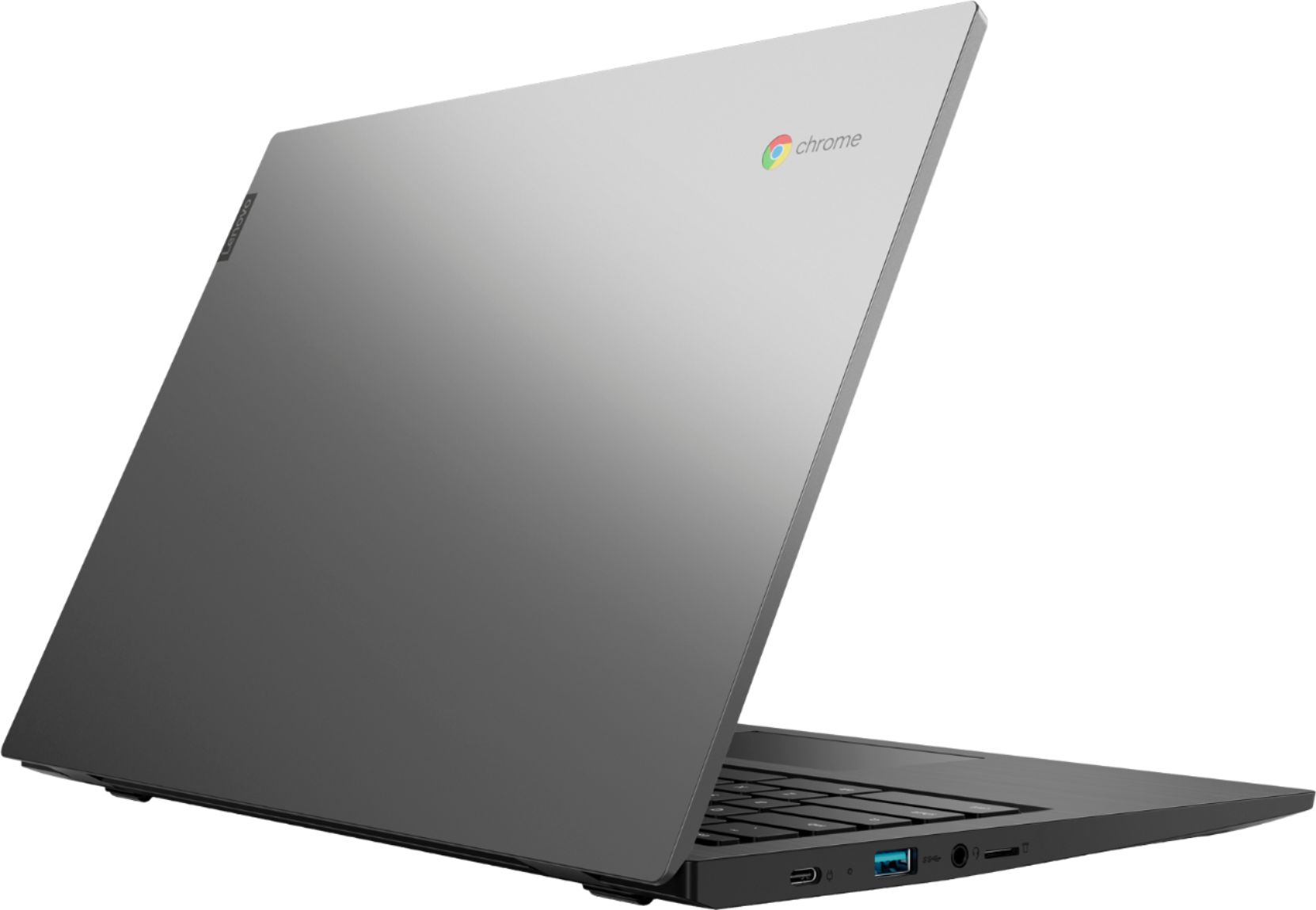
Posted .The Lenovo IdeaPad S345-14 Chromebook ships with the Dual-Core AMD A6-9220C processor with a base speed of 1.6GHz and a boost speed of up to 3.9GHz. This processor is supported by 4GB DDR4-1666MHz RAM, and a 32GB eMMC solid state hard drive. No setup needed—just log in with your Google account to experience a new type of 2-in-1 laptop for everything you love to do. The Lenovo Chromebook C330 is easy to use, offers built-in virus protection, and keeps going with long battery life. Stay synced with your Android phones and tablets, and everywhere you’re signed in with your Google account, so your stuff stays with you even when your laptop doesn’t.
- Pros mentioned:Touch screen
Computer
||Posted . Owned for 1 month when reviewed.This reviewer received promo considerations or sweepstakes entry for writing a review.Takes a little time to adjust to touch screen. Able to adjust and establish the good operation of the computer
I would recommend this to a friendBrand response from Lenovo Product Expert
Posted .Thank you for choosing the Lenovo S345-14 Chromebook. We are pleased to hear that the S345-14 Chromebook meets your computing needs so well.
- Pros mentioned:Ease of use
Perfect Chromebook for virtual schoolwork
||Posted . Owned for 3 weeks when reviewed.This reviewer received promo considerations or sweepstakes entry for writing a review.I bought this Lenovo Chromebook for my 8 year grandson to use for virtual schooling during this Pandemic...He loves it...easy to use .. very good quality...very happy with this purchase!
I would recommend this to a friend - Pros mentioned:Speed
Lenovo Chromebook AMD A-6 Series
||Posted . Owned for 2 months when reviewed.This reviewer received promo considerations or sweepstakes entry for writing a review.Durable frame, good speed, wish the touchscreen was a bit more responsive, and the backlit keyboard isnt bright enough. Overall it is still worth the money.
I would recommend this to a friend - Pros mentioned:Ease of use
Nice Chromebook
||Posted . Owned for 3 weeks when reviewed.This reviewer received promo considerations or sweepstakes entry for writing a review.It is my 15 year-old first own kaptop abd works quite well. Quick start up, easy to operate, cool features. Happy about it.
I would recommend this to a friendBrand response from Lenovo Product Expert
Posted .Thank you for choosing the Lenovo S345-14 Chromebook for your child. We are pleased to hear that the S345-14 Chromebook is working out so well for your child. Looking for a device that’s easy-to-use but doesn’t sacrifice performance? The Chromebook S345-14 has it all. Running on the lightning-fast Chrome OS, it boots up in seconds, updates automatically, has built-in virus protection, and is powered by speedy 7th Generation AMD processing. With a slim 180-degree hinged chassis and battery that lasts up to 10 hours, this Chromebook will perform anywhere.
Good Buy
||Posted . Owned for 1 month when reviewed.This reviewer received promo considerations or sweepstakes entry for writing a review.Great buy ! Works just fine. Light as a feather. I use it while sitting in my recliner, or on the go.
I would recommend this to a friendBrand response from Lenovo Product Expert
Posted .Thank you for choosing the Lenovo S345-14 Chromebook. We are pleased to hear that the features and performance of the S345-14 Chromebook meets your computing needs so well.
- Pros mentioned:Performance
Great quality!
||Posted . Owned for 1 month when reviewed.This reviewer received promo considerations or sweepstakes entry for writing a review.Bought this for our son for online school. It is perfect for his school work and assignments. Doesn’t allow him to access some programs that could be harmful to children.
I would recommend this to a friendBrand response from Lenovo Product Expert
Posted .Thank you for choosing the Lenovo S340-14 Chromebook for your son. We are pleased to hear that the features and performance of the S340-14 Chromebook meets the computing needs of your son so well. No setup needed—just log in with your Google account to experience the safe, streamlined Chrome OS. Staying synced with Android phones and tablets is easy and you can log in anywhere. So, your stuff stays with you even when your laptop doesn’t—all while keeping email, maps, docs, and pics safely stored either locally or in the cloud.