Customer Ratings & Reviews






- Model:
- 80V4000GUS
- SKU:
- 5579143
Rating by feature
- Value
Rating 3.8 out of 5 stars
- Quality
Rating 3.7 out of 5 stars
- Ease of Use
Rating 4.1 out of 5 stars
Customers are saying
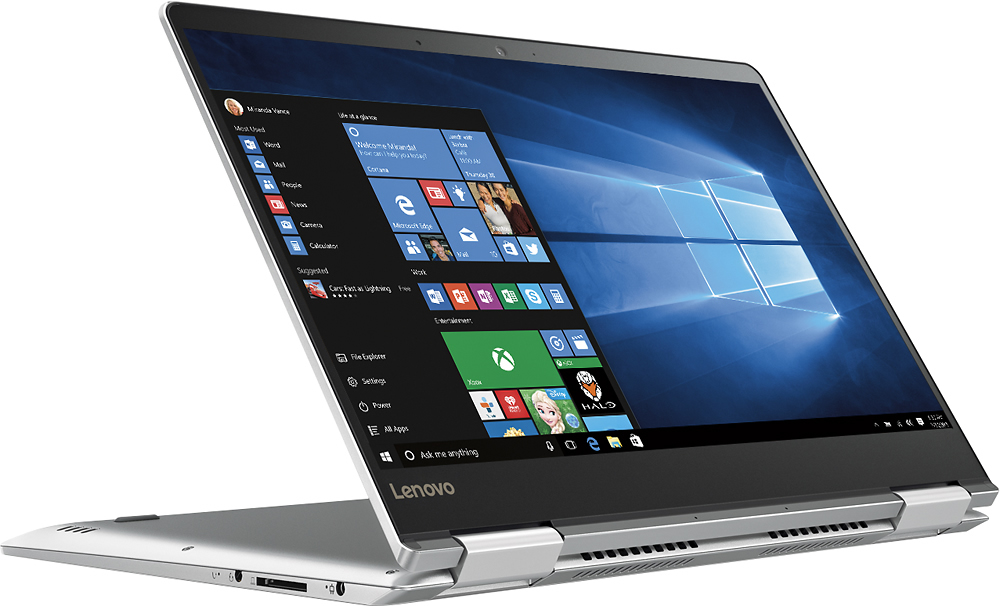
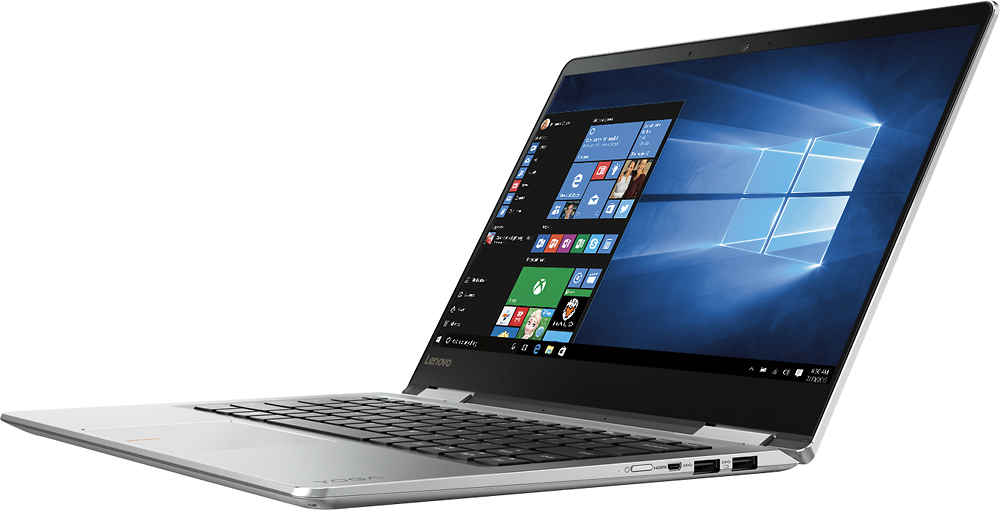
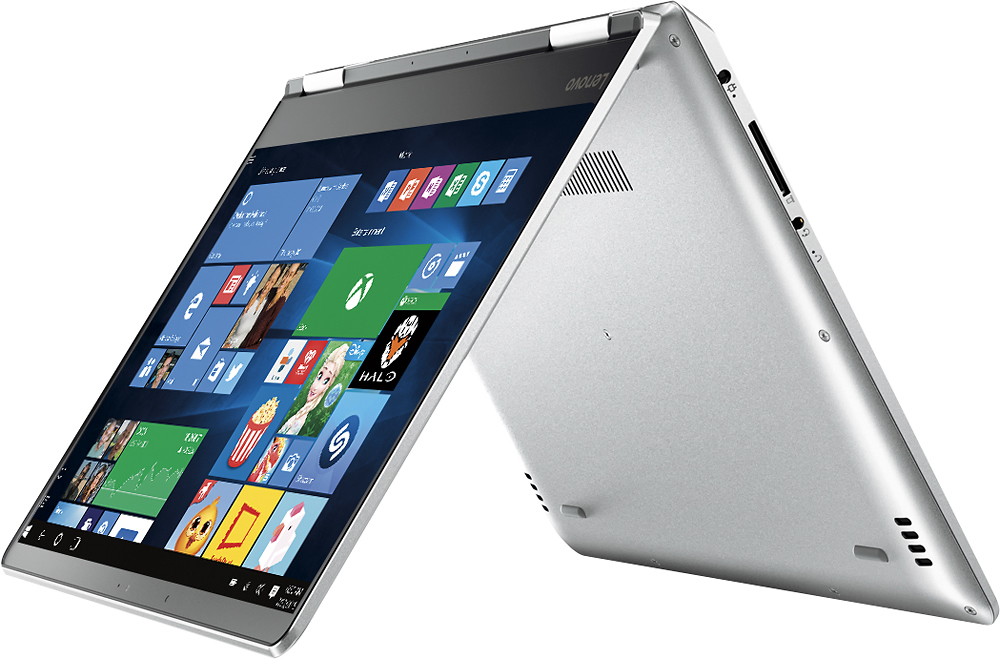
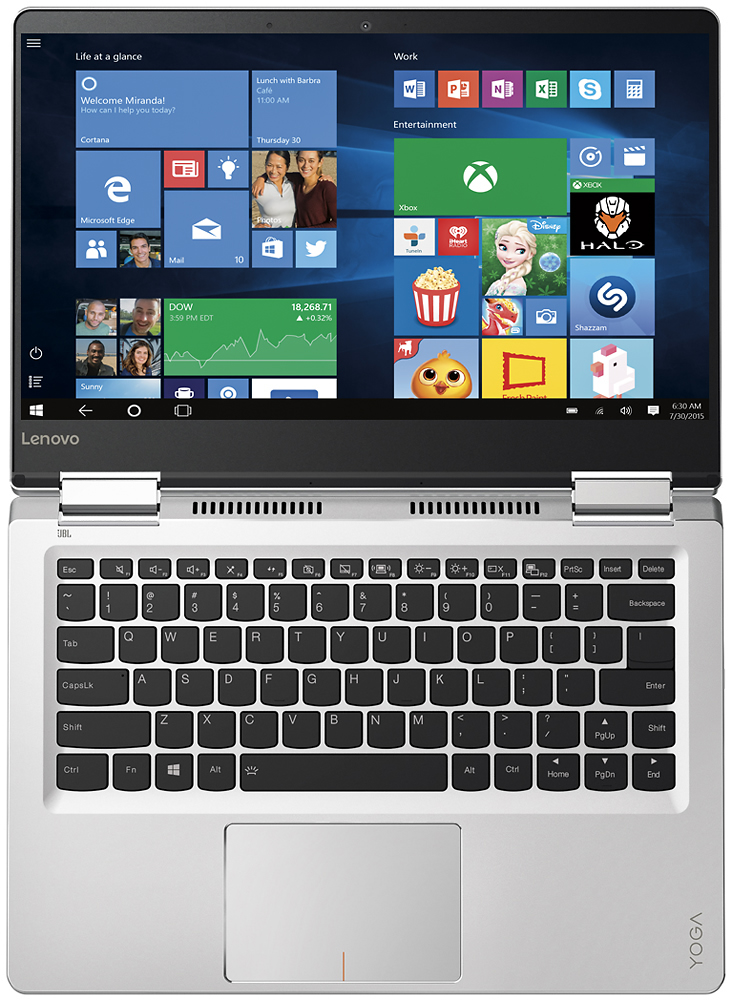
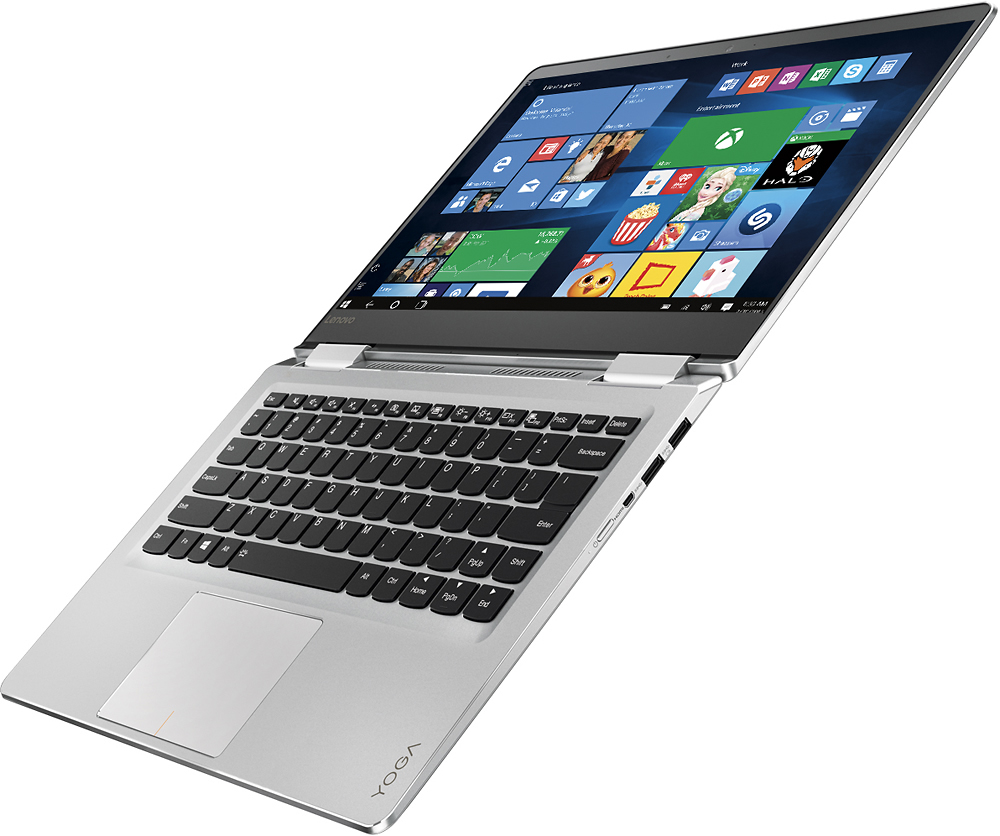
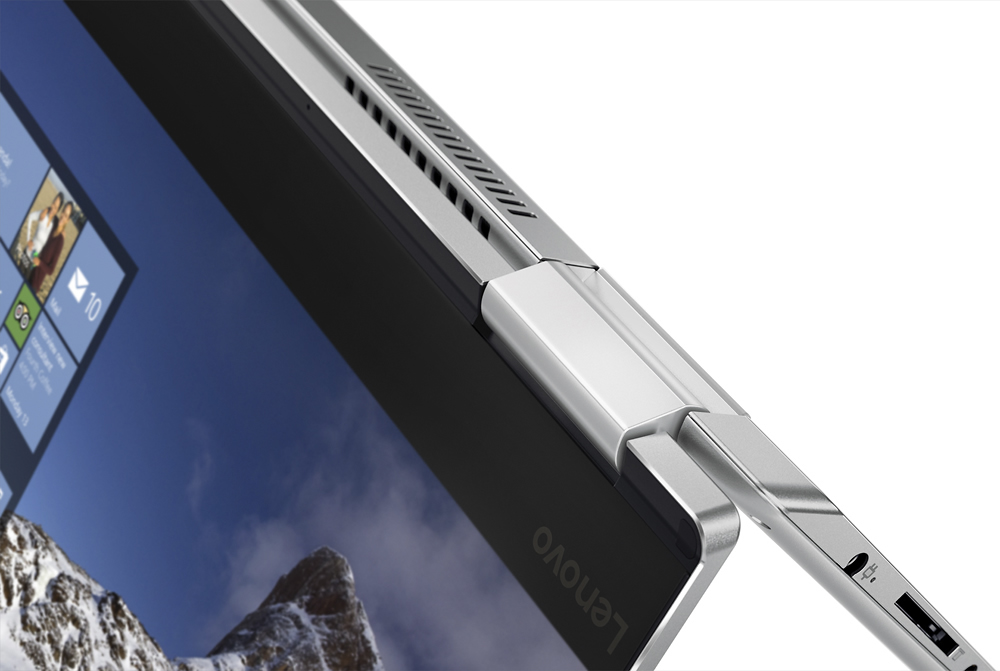
Customers admire the Yoga 710 2-in-1 laptop for its lightweight design, touchscreen capabilities, and affordable price point. Many users also appreciate its long battery life, user-friendly interface, and fast performance. While some users have expressed concerns about fan noise and the placement of the shift key, these issues do not seem to be widespread.
This summary was generated by AI based on customer reviews.
Wont recommend
||Posted .This reviewer received promo considerations or sweepstakes entry for writing a review.This was the worse laptop that I ever got, in just a few days it got broken while doing the update of the system.
No, I would not recommend this to a friendBrand response from Lenovo Product Expert
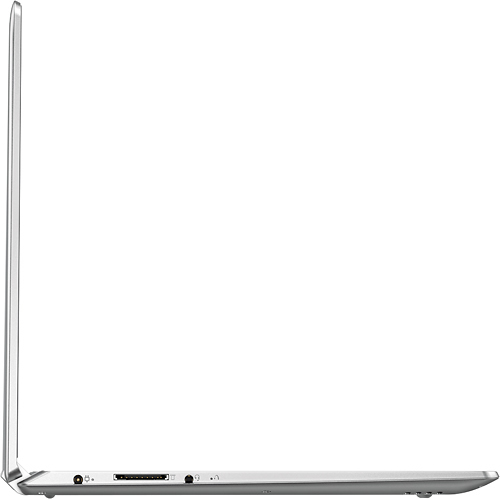
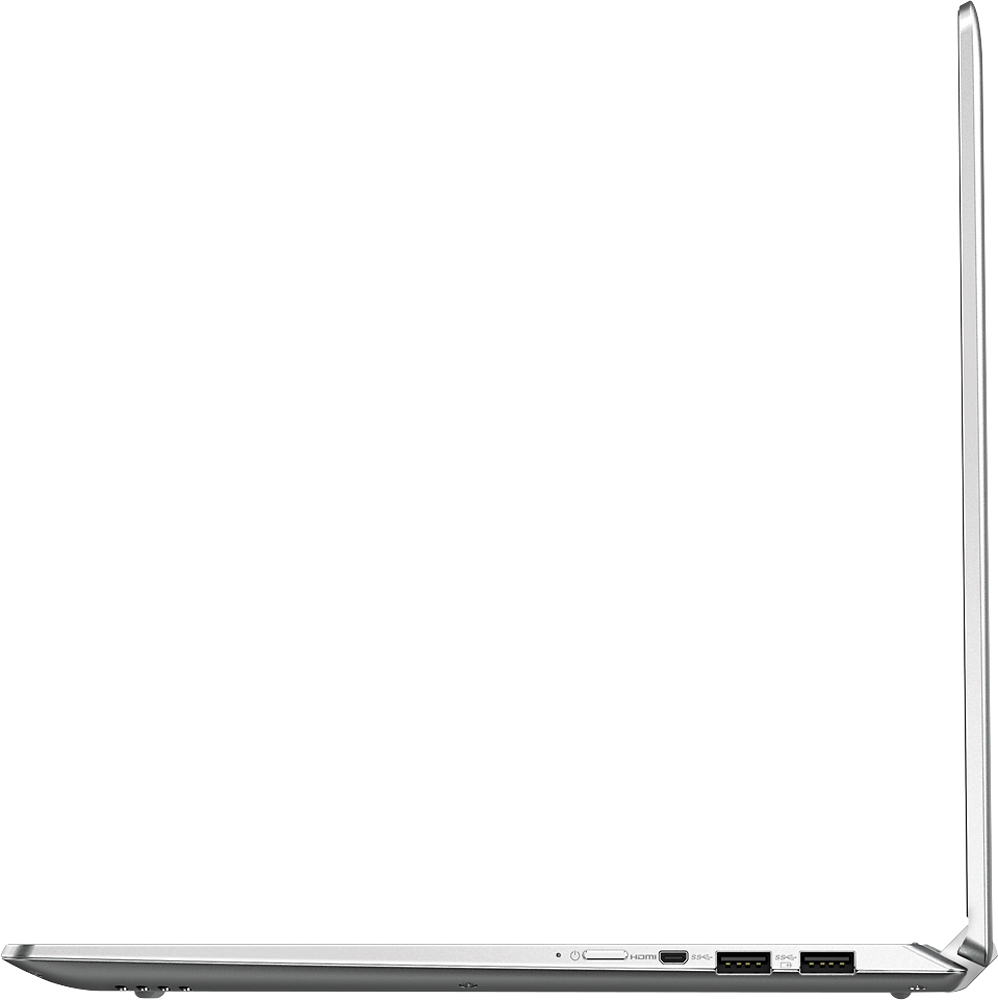
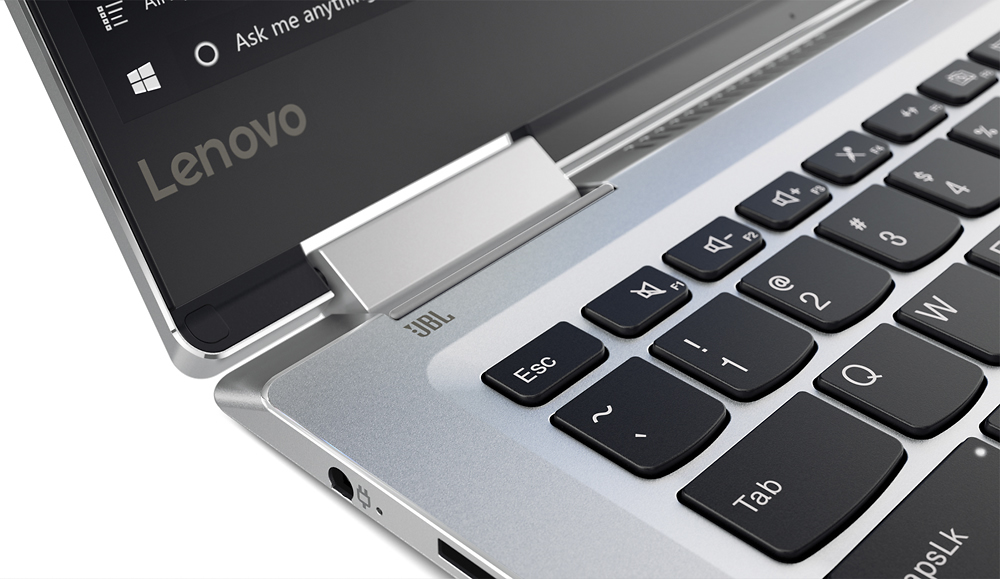
Posted .This system is equipped with OneKey Recovery System. There is a very small pin hole on the left side of the device, right near the headphone jack on the device. You will need a pin to push this reset button. Plug the device in. Let the battery charge for about 15 minutes. Push the reset button. The system should boot to a choice screen where you can choose "Restore To Factory Default". Select this. It will delete everything from the hard drive except the original factory install of the operating system. You will need to reinstall all programs and files after the reset. If you don't have copies of the files, try to make one before you restore by selecting "Boot to desktop" and trying to back up your files.

Not so great
||Posted .This reviewer received promo considerations or sweepstakes entry for writing a review.This thing heats up so much, I had to return it. You couldn't even touch the keyboard, it was so hot.
No, I would not recommend this to a friendProblems
||Posted .This reviewer received promo considerations or sweepstakes entry for writing a review.Nothing except problems since I purchased- no updated drivers - no audio - worse laptop ever
No, I would not recommend this to a friendBrand response from Lenovo Product Expert
Posted .With regard to the issues you mention with your device, there may be driver updates for your specific system. Follow the link below to look for new driver updates for your specific system. You can also run diagnostics from the Lenovo site as well. As always, be sure to create a restore point on your system before you make any changes. You can do this by just typing "restore point" in the search window within Cortana and follow the link to create a restore point. Here is the link:
http://support.lenovo.com/us/en/products/Laptops-and-netbooks/Yoga-Series/yoga-710-14ikb/80V4/000GUS?tabName=Downloads&linkTrack=Mast:SubNav:Support:Drivers and Software|Drivers and Software
- Pros mentioned:Light weight, Touch screen
Brilliant Laptop For The Price
Posted .This reviewer received promo considerations or sweepstakes entry for writing a review.Excellent quality. I mean seriously, you get an aluminum crafted laptop, which runs on an Intel iCore 5 processor, which has a GHZ of around 2.4. As well as acting as a tablet, allowing it to stretch basically completely around the entire body. The Solid State Drive (SSD) works beautifully, I can close the laptop down and come back in an hour and just pop the lid back up and it'd turn on in a second. Typing on it feels good too, not something too great, but you get used to it. The computer is fast as well, it loads and installs programs fast. Speakers could be better, but I personally think they are fine for a regular person, but if you use your laptop speakers for party music in a party, this isn't the laptop. The screen, it's indeed very bright, and has many configurations on how bright you want the screen. Very pleased with the visuals, for 1080p resolution, this is great. The weight, it's light. Sure, not as light as a mac-book air, but very similar indeed. I also do enjoy how I can carry it on one hand with no issue. Few complaints, storage. Storage is just 256GB of SSD, wish it could've been a little more, to maybe 500GB. Overall, very pleased with the laptop as of now. It's quiet, weightless, fast, and bright.
I would recommend this to a friendBrand response from Lenovo Product Expert
Posted .Thank you for choosing the Lenovo Yoga 710-14. With regard to additional storage space for this device, you can easily increase solid state storage space on this device by using the SD card slot.
- Pros mentioned:Light weight, Touch screen
Great Laptop
Posted .This reviewer received promo considerations or sweepstakes entry for writing a review.As a student, I always commute so I was looking for a light laptop. Till now, Lenovo yoga 710 feels a great laptop to work with. The screen clarity and touch response along with 2in1 attributes made it look good. I feel the price of $700 is relatively higher when compared to the non-SSD laptops of higher end configurations sold for much lesser price.
I would recommend this to a friendBrand response from Lenovo Product Expert
Posted .Thank you for choosing the Lenovo Yoga 710-14. We are pleased to hear that the Yoga 710-14 meets your computing needs so well.
- Cons mentioned:Fan noise
Beautifal but noisy
Posted .This reviewer received promo considerations or sweepstakes entry for writing a review.I returned this laptop after 10 days, at first i said i can get use to it, but after several days, the constant up and down sounds of the fan while the computer just sits idle truly become annoying. Like all the other complaints in the reivews, this was the noisiest laptop i have used in a long time. I love Lenovo products and I bought this because of how awesome my work issued lenovo thinkpad is, while this computer looks so much nicer then the thinkpad line, i could not believe how annoying the constant fan was, even at an idle the fan is always there. i admit i thought the other reviewers on here just had a bad build or something but it really seems to be common for this model. I was forced to switch brands for now but will be back as a lenovo customer in the next year or so. I really really hope they can get the fan issues to go away as i would love to own this device without the sounds. I did read all the comments Lenovo put on the other reviews on this model and i did install all the latest drivers for power management and even the bios update, none helped. On the plus side, it does go to show how great Lenovo customer support is that they took the time to post on here to help their customers!
No, I would not recommend this to a friendBrand response from Lenovo Product Expert
Posted .Thank you for your review. As you mentioned, we are looking in to this issue.
- Pros mentioned:Light weight
Good computer, but mine is defective
Posted .This reviewer received promo considerations or sweepstakes entry for writing a review.I was recommended this computer by multiple people, as was my husband who surprised me with it. I set it up today and it seemed to be working pretty well. I noticed that the speakers do not work, and say I have no audio input installed so Best Buy tells me that its either defective or an issue on their fault. I also notice that when I try to select something that the mouse is in a different place than it should be, almost like the calibration is off, I was also told that could be do to a defective model. I also have to double click to select something multiple times. Other than that, there is no loud fan noise, its very fast and everything else seems to be working much better than my old laptop. I love that it is light weight. I am hoping that they give me a new one and it will work correctly.
I would recommend this to a friendBrand response from Lenovo Product Expert
Posted .With regard to the issues you mention with your device, there may be driver updates for your specific system. Follow the link below to look for new driver updates for your specific system. You can also run diagnostics from the Lenovo site as well. As always, be sure to create a restore point on your system before you make any changes. You can do this by just typing "restore point" in the search window within Cortana and follow the link to create a restore point. Here is the link:
http://support.lenovo.com/us/en/products/Laptops-and-netbooks/Yoga-Series/yoga-710-14ikb/80V4/000GUS?linkTrack=Caps%253ABody_SearchProduct&tabName=downloads&beta=false
- Cons mentioned:Fan noise, Shift key
good computer but the fan is horrible
Posted .This reviewer received promo considerations or sweepstakes entry for writing a review.bought this about a week and a half ago. over all great looking, fast pc but the fan is always on. ALWAYS!!! and it has a high pitch to it too. used lenovos advice and updated bios and drivers but no fix. not sure what to do. return or stick with it. also, shift key on the right is half the size and really messes me up when typing as i keep on hitting the wrong (up arrow) button. sound could be better too. if there is not solution the fan i am seriously considering returning it.
No, I would not recommend this to a friendBrand response from Lenovo Product Expert
Posted .With regard to the fan noise issues you mention with your device, there is a new BIOS driver update for your specific system. Follow the link below to look for new driver updates for your specific system. You can also run diagnostics from the Lenovo site as well. As always, be sure to create a restore point on your system before you make any changes. You can do this by just typing "restore point" in the search window within Cortana and follow the link to create a restore point. Here is the link: http://support.lenovo.com/us/en/products/Laptops-and-netbooks/Yoga-Series/yoga-710-14ikb/80V4/000GUS/downloads/DS118587. With regard to the right shift key issue you mention, there is a free software APP called KeyTweak that may help you. You can switch the key functions of specific keys on your keyboard with this software, so you could change the right shift key with the key you hit in its place. Just Google search "KeyTweak" and you will find articles about what the software does and you will find the download location for this free APP.
- Pros mentioned:Speed
Great touch screen laptop, really fast and smooth
Posted .This reviewer received promo considerations or sweepstakes entry for writing a review.This is a great laptop, and is fast, very well designed and finished. However, there is some problem with its headphone jack and needs to be reset to get it to work. Otherwise works absolutely fine!
I would recommend this to a friend - Pros mentioned:Light weight
Phenomenal Purchase
Posted .This reviewer received promo considerations or sweepstakes entry for writing a review.(is writing this review on my Lenovo Yoga 710 14") For starters, I'm an accountant, a college student, hoarder of documents, music fanatic, and a frequent (lightweight) gamer. I read all of the negative reviews before purchasing this device and I have to say that I'm experiencing no issues with it. It's light, powerful, spacious, and it has a graphics card. It's quiet, speakers sound good, battery lasts 8-10 hours with light use, charges quickly, and it's AMAZING for multitasking. Being able to flip this device around makes my life really simple with swapping between work and play. Graphics are good, the display is really nice, and everything loads really quick. In a timed test, it takes 9.6 seconds for this computer to start up and reach the desktop. I have no complaints about the device. Overall I recommend this for college students and business professionals.
I would recommend this to a friendBrand response from Lenovo Product Expert
Posted .Thank you for choosing the Lenovo Yoga 710-14. We are pleased to hear that the features and performance of the Yoga 710-14 meets your computing needs so well.
Great bang for the buck1
Posted .This reviewer received promo considerations or sweepstakes entry for writing a review.I like most others have experienced the fan issue when I first purchased the laptop. I did try all the fixes that people recommended and Lenovo recommended but it only masked the issue. So I decided to exchange the laptop for another one and lo and behold I got lucky! The fan on this one is quite when at idle and goes on slighlty like a normal laptop would when using a few applications. Overall I am very satisfied with the laptop's aesthetics, performance, functionality, and price point. I primarily purchased this for business school over a MacBook since I will be utilizing excel heavily. My only dislike about the laptop which is very minor is the right shift key not being a full sized shift key like most laptops. This requires a bit getting used to.
I would recommend this to a friendBrand response from Lenovo Product Expert
Posted .Thank you for choosing the Lenovo Yoga 710-14. With regard to the right shift key issue you mention, there is a free software APP called KeyTweak that may help you. You can switch the key functions of specific keys on your keyboard with this software, so you could change the right shift key with the key you hit in its place. Just Google search "KeyTweak" and you will find articles about what the software does and you will find the download location for this free APP.
Bleeding screen
Posted .This reviewer received promo considerations or sweepstakes entry for writing a review.I am on my second laptop, both of them had problems with the screen. I can't believe this is supposed to be a strong point for this model, but the same issue with both laptops that I've got: in the corners, especially top corners, there is a lot of bleeding light. When the laptop boots or if you have black background it is really noticeable. Did anyone else had issues like this? I'm very disappointed because I really like the design and performance.
No, I would not recommend this to a friendBrand response from Lenovo Product Expert
Posted .Thank you for choosing the Lenovo Yoga 710-14. No, we have not heard about any issues with the screen or "bleeding light" at the corners of the screen on this model. There may be driver updates for your specific system. Follow the link below to look for new driver updates for your specific system. You can also run diagnostics from the Lenovo site as well. As always, be sure to create a restore point on your system before you make any changes. You can do this by just typing "restore point" in the search window within Cortana and follow the link to create a restore point. Here is the link:
http://support.lenovo.com/us/en/products/Laptops-and-netbooks/Yoga-Series/yoga-710-14ikb/80V4/000GUS?linkTrack=Caps%253ABody_SearchProduct&tabName=downloads&beta=false
Highly dependable
Posted .This reviewer received promo considerations or sweepstakes entry for writing a review.Used for more than 5 years, its serving the purpose. Extremely solid state hard ware computer
I would recommend this to a friend- Cons mentioned:Fan noise
Freezing and loud fan
Posted .This reviewer received promo considerations or sweepstakes entry for writing a review.I've had this computer for just over a week. The fan is VERY loud at times and almost constantly running. When I am doing only a few tasks, it suddenly gets really loud and then everything freezes and I either have to pull up task manager and close things down, or if I can't even do that, I have to hold down the power button to restart it. Lenovo always pops up on message boards about this issue (of which there are many), and suggests updating drivers. I followed the link and have no idea what I'm looking for. If you are not a computer person, don't bother with this because apparently you have to start fixing things right out of the box. Beyond this, it's not a particularly pleasing machine to use. The keyboard is shallow, the touch screen is sticky feeling, and occasionally stops responding (related to above issues), It has sharp edges, and just feels cheap. I had a different laptop that was similar in all respects but had and HDD. It was much nicer and I wish I hadn't switched for this "upgraded" SSD system.
No, I would not recommend this to a friendBrand response from Lenovo Product Expert
Posted .We are sorry to hear about the issues you are having with your new Lenovo Yoga 710-14. With regard to the freeze issues you mention with your device, there may be BIOS and power management driver updates for your specific system. Follow the link below to look for new driver updates for your specific system. You can also run diagnostics from the Lenovo site as well. As always, be sure to create a restore point on your system before you make any changes. Here is the link:
http://support.lenovo.com/us/en/products/Laptops-and-netbooks/Yoga-Series/yoga-710-14ikb/80V4/000GUS?tabName=Downloads&linkTrack=Mast:SubNav:Support:Drivers and Software|Drivers and Software
- Pros mentioned:Light weightCons mentioned:Fan noise
Great, Light convertable laptop
Posted .This reviewer received promo considerations or sweepstakes entry for writing a review.Great thin, light, portable Yoga. Some have complained about the fan noise but doesn't bother me.
I would recommend this to a friendBrand response from Lenovo Product Expert
Posted .Thank you for choosing the Lenovo Yoga 710-14. We are pleased to hear that the Yoga 710-14 is working out so well for you.
Great physicality
Posted .This reviewer received promo considerations or sweepstakes entry for writing a review.I've had this for about 24 hours and overall I appreciate how light and portable it is (I am a college student). I am already familiar with the software, so I was glad it doesn't try to show off to the customer with overly fancy features. The one drawback I have so far is that the charging cord is extremely short. I am 5'2 and it only just stretches across my arm span. The adaptor that plugs in to the wall will fall out with the slightest tug, and I am not looking forward to having to always be close to a wall in order to charge it. Other than that I am very satisfied with the product.
I would recommend this to a friendBrand response from Lenovo Product Expert
Posted .Thank you for choosing the Lenovo Yoga 710-14. With regard to the short charger cord, we will look in to this for future improvements.
- Cons mentioned:Fan noise
Good computer overall
Posted .This reviewer received promo considerations or sweepstakes entry for writing a review.Bought this laptop on cyber monday, I just wanted to try it myself despite the bad reviews. The laptop performed wee great keyboard. Only problem was that the audio stop working and I tried installing the app but nothing helped. So I decided to returned it. Fan noise is loud at times but do not bother me.
I would recommend this to a friend - Cons mentioned:Fan noise
Wow, the fan is annoying!
Posted .This reviewer received promo considerations or sweepstakes entry for writing a review.Wow the fan is annoying! I thought people who were complaining were being a bit dramatic, but after buying the computer I get it. Makes more noise than laptops from 15 years ago. Quite disappointing. I spent a few hours researching solutions for the problem and implemented the one solution people say works -- it's an override to the defaults, but still the fan continues to be a major annoyance. The computer is brand new yet the fan either turns on and off every few seconds or changes speeds every few seconds. Often very noisy, even after just turning it on. Plus, I live in New England so the computer is cold when it starts and yet the fan turns on to cool it off. Makes no sense. Moreover, Lenovo hasn't addressed the issue even though people have been complaining for 4 months. Makes me wonder if it's a hardware issue that they can't fix. Doesn't help that the fan is directly below the microphone so anyone I talk to on skype or meetaway.com can't consistently hear me because they can only hear my fan. Oh well. I am planning on returning the computer. I have never returned a piece of technology before in my life. Guess there's a first for everything.
No, I would not recommend this to a friend Excellent little machine for the price
Posted .This reviewer received promo considerations or sweepstakes entry for writing a review.I will preface this by saying that I have a top of the line gaming laptop as my primary computer at home. After an accident that damaged the screen of my 4 month old gaming computer ($%&*!), and a $500 estimate to replace the screen (4k), I decided to hook it up to an external monitor on my desk and get a smaller, more basic laptop with a better battery life to take to and from law school. With little time to lose, I headed to Best Buy (Federal Way, WA) and talked options with Todd (I'm 80% sure this is his name - older gentleman, very nice). He showed me several options in my size and price range and I decided on this one. I took it home, synced everything from my other computer through OneDrive, and got working on it within the hour. I've now had this computer for several days. I don't know if there was some sort of patch or something (because there seems to be a lot of complaints in the other reviews), but the fan almost never runs and is very quiet when it does. I have zero problems with it. The battery lasts 12 hours if I'm just writing or surfing the web. It's light, compact, and lightening fast. I'm very happy with this computer and I will recommend it to my colleagues if they need one.
I would recommend this to a friendBrand response from Lenovo Product Expert
Posted .Thank you for choosing the Lenovo Yoga 710-14. We are pleased to hear that the value, features and performance of the Yoga 710-14 meets your computing needs so well.
- Cons mentioned:Fan noise
Like it except for...
Posted .This reviewer received promo considerations or sweepstakes entry for writing a review.Just got one today, the fan makes noise everytime when you do some simple stuff like installing programs. Not good for a laptop like this.
I would recommend this to a friendBrand response from Lenovo Product Expert
Posted .We are sorry to hear that you are unhappy with the performance of the fan on this Lenovo Yoga 710-14. There may be power management and BIOS driver updates for your specific system that may help the problem. Follow the link below to look for new driver updates for your specific system. You can also run diagnostics from the Lenovo site as well. As always, be sure to create a restore point on your system before you make any changes. Here is the link:
http://support.lenovo.com/us/en/products/Laptops-and-netbooks/Yoga-Series/yoga-710-14ikb/80V4/000GUS?tabName=Downloads&linkTrack=Mast:SubNav:Support:Drivers and Software|Drivers and Software

















