Customer Ratings & Reviews
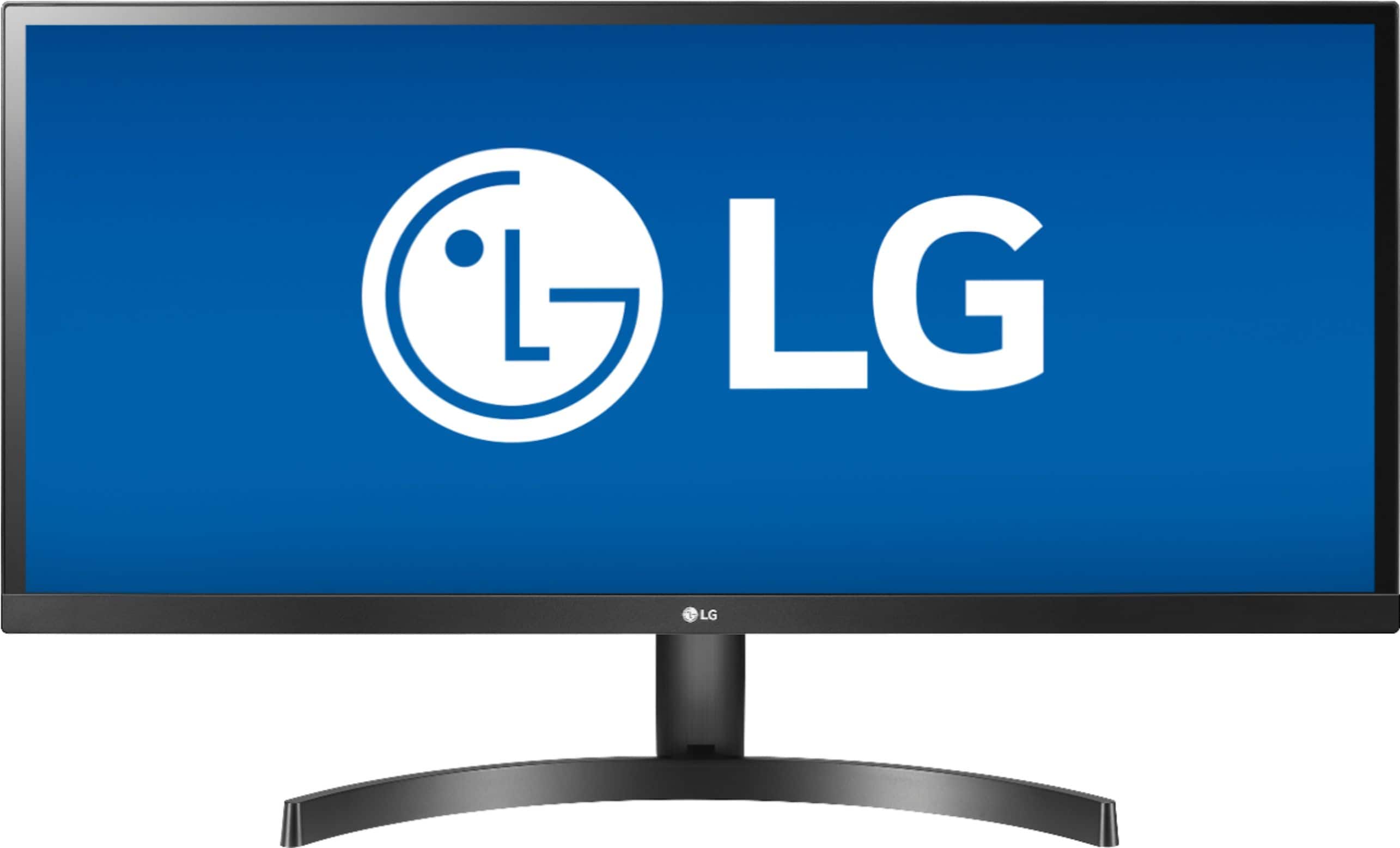
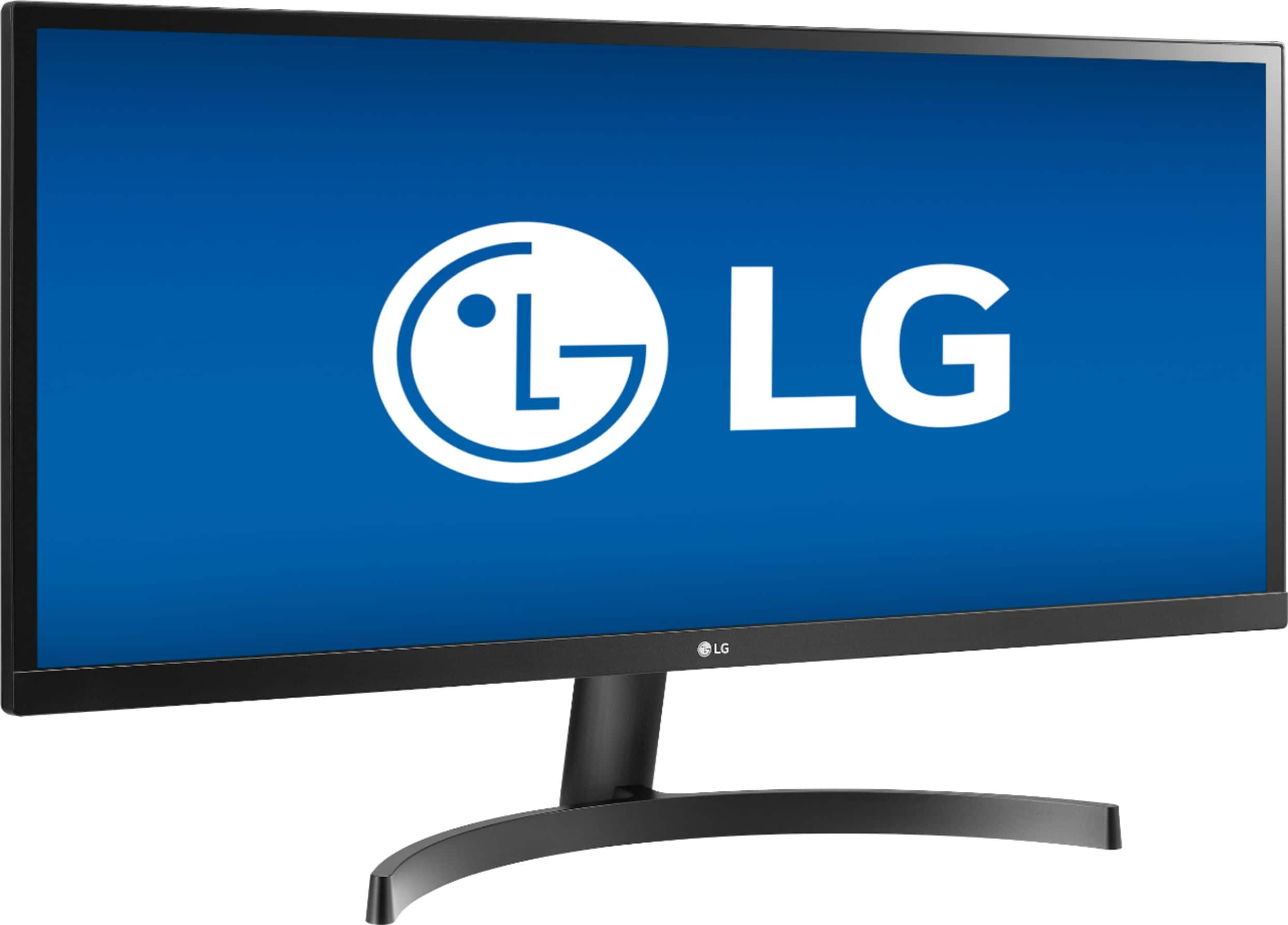
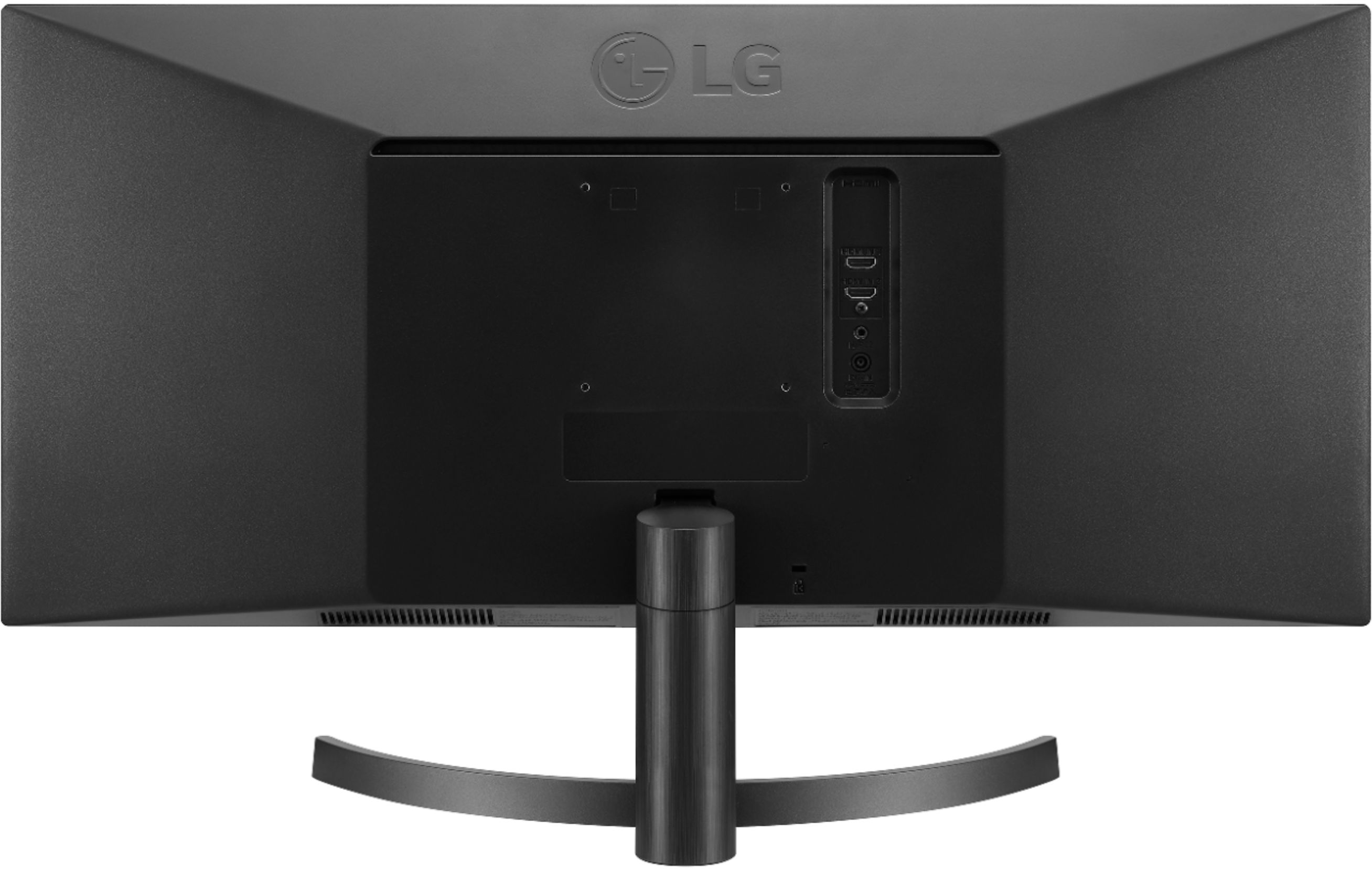
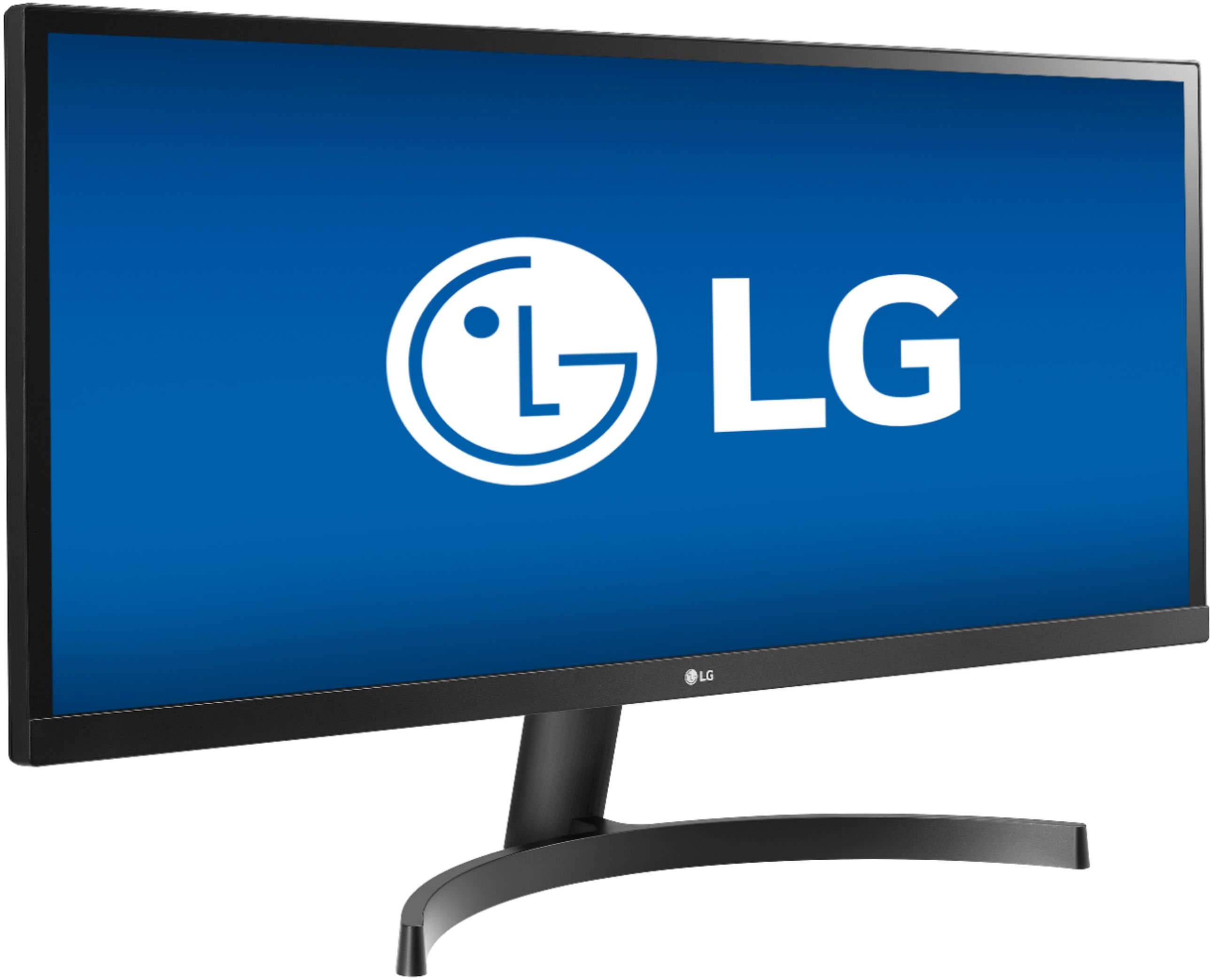



- Model:
- 34WL500-B
- |
- SKU:
- 6329954
Customer reviews
Rating 4.6 out of 5 stars with 1600 reviews
(1,600 customer reviews)Rating by feature
- Display Quality4.9
Rating 4.9 out of 5 stars
- Ease of Use4.7
Rating 4.7 out of 5 stars
- Features4.6
Rating 4.6 out of 5 stars
Customers are saying
Customers enjoy the large screen size and find the monitor easy to use. Many appreciate the price and the improved multitasking capabilities due to the screen size. However, some customers point out that the resolution could be better and that the monitor lacks built-in speakers. A few also mention that the stand could be more adjustable.
This summary was generated by AI based on customer reviews.
Rated 5 out of 5 stars
6 minutes to unbox, setup, plug-in and use!
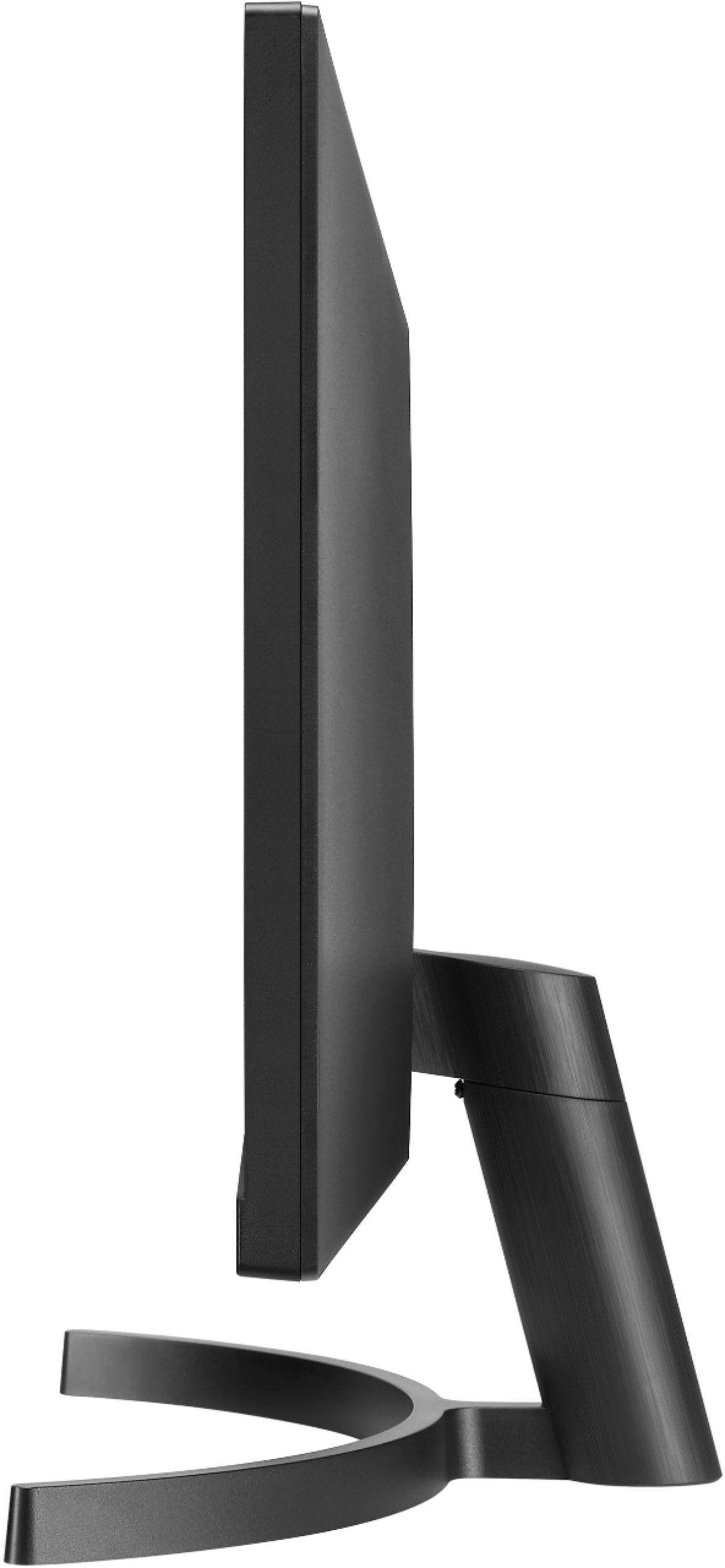
||Posted .This reviewer received promo considerations or sweepstakes entry for writing a review.I work from home on a lot of projects, which includes extensive use of spreadsheets, project management software, remote desktop support, as well as remote in to servers to manage ERP system. I has a 27" widescreen monitor attached to a laptop and I am not a fan of using the laptop screen as a monitor unless it is my one and only and I am sitting fairly close to it. My eyesight is good and I don't need glasses. I just don't like working with laptop screens that are not high resolution (which is pretty much most laptops these days). My biggest frustration lately has been using one monitor to do all of my tasks and having to switch back and forth, copy/paste, and manage several desktop sessions at once. It has been getting out of control. I see other people use 21" monitors and do magic. I used to do that but it frustrates me that in today's time, that we all should take advantage of what's available to us. Earlier today, I was frustrated and wanted to do something about it. I searched for ultrawide monitors with USB-C and actually found a really good deal with LG on the 29" model and after studying it, decided that is what I wanted but something was telling me... 29" isn't going to be big enough - I will need the 34" and so I came upon this model. These monitors aren't in stock in most Best Buys, but I did happen to find a store 1-1/2 hours away from me. I purchased the monitor on the website with curb delivery (meaning I would have to drive to their store and park and they will bring the monitor out to my car). We found the Best Buy easily and once in the parking lot, wasn't hard to find where to park for curbside service. I rolled down the window and had responded from the service ticket online that I was there and what car I was in, but as I had pressed the button, a gentleman from Best Buy immediately saw us and asked who we were and what we were there for and within two minutes, we were loaded up! We stopped in at Sherpa Everest Restaurant in Ann Arbor on our way back to Ohio (our favorite restaurant). When we got home, I unloaded this huge box (not only long, but the depth was huge, too!). I placed the box in my home office and we ate our food and went on a one hour walk. It's Sunday evening and I have to start work 6 am online so I wanted to get the monitor setup, plugged in, and learn about its features so if there was anything cool, I can take advantage of it! Unboxed - easy to open the box and take the monitor out. The monitor itself is really lightweight. I propped it up carefully in my office chair, making sure I had access to the back properly to attach the stand and to ensure the monitor didn't fall. I was confused for a moment because that was all that was in the box, it seemed... just the monitor!!! But, when I picked up the Styrofoam from the bottom of the box, I saw all the other components including the CD. Everything was "loose" but properly wrapped and somehow didn't slip or slide around the box. Kudos to the packaging designer! Ok, I am at 3 minutes. Time to assemble the stand. I hate this part because typically how a monitor should stand on its feet isn't what I have in my mind! For some reason, the pieces just fit together real easy and no tools required. I had the stand assembled and on the monitor. Picked it up and put it on the desk. I am at five minutes. I already had my laptop plugged in and turned on so it was a matter of taking the hdmi cable and choosing one of two slots to plug it in. Next, I took the power cord and crap, it is really short! Geez! Is this a joke? No worries, I had a power strip sitting next to a power outlet close by. Got the monitor plugged in and the computer recognized it. I was able to log in immediately. The monitor threw a message as a reminder for me to change my Windows setting. I did the change, opened up excel and was very pleased with the results!!! 6 minutes! The rest took a lot longer. I don't have a CD drive so I went online to download the software to allow for the screen to be split into several different accommodations such as splitting the monitor in two, three, or four and choosing many different layouts. When I went to LG's website, it was easy to find the software but the software description was vague and didn't have the keywords "monitor split" - instead it talked about adding "four monitors". Sorry, we are dividing your monitor up into segments or windows that are self-contained. Not knowing if this is what I needed, I downloaded and installed it. Software is horrible in concept. It alludes to the fact that you select a screen layout and then you choose "apply all" and then you reboot your computer. Selecting any of the layouts brings up red boxes on your monitor depicting what you want, but NOTHING changes if you are new to this and don't have any open windows. It took me awhile to figure out exactly how to use the software and it is easier if you already have various programs open because then it will automatically shift the windows for you and it is immediate gratification! I was making it out to be harder than what it is. Basically just choose your layout and exit. No need to reboot. It automatically takes effect and I have experimented and it works. Sweet since I prefer different layouts depending on what I am doing! Downloading, installing and experimenting with this feature took about 30 minutes. I have to say, the screen split is well worth it and is an added bonus. I experimented with spreadsheets and this is where it excels. I am able to display huge spreadsheets and use much less scrolling left and right. Working with extensive spreadsheets are now so easy, as well as having more than one spreadsheet open and positioned around the screen. Working with an ERP system, having the ultrawide allows me to not have to scroll on those few menu items that would drive me crazy scrolling. In some ERP systems, they have dashboards that displays pertinent information about a part, but when scrolling it's typically 7-8 pages wide! Finally, it all fits on one screen and the text is big enough to read! Remote Desktop - just using it as-is took up the whole monitor which is okay and nice, actually - but when I changed the resolution for RDP to 1280 x 800 I found that I can place two RDP sessions on the monitor quite easily and still have room to work with. Resolution is good. Quality is good. Productivity is off the chart. Flexibility with the screen is tremendous. The price point is spot-on. A lot of value and allows for those of us who are interested but not willing to spend the money, to take the plunge!!! You see the price and it is twice the price of a standard monitor - and basically you are getting... two monitors forged into one ultrawide glass with one monitor stand. It is huge lengthwise and will take up a lot of real estate on your desk. (So will two monitors). It does NOT have USB-C. According to the video, it shows the bottom as having USB-C. This model doesn't and wish I knew that before buying. With USB-C, you are future-proofing yourself. The HDMI connection does NOT send sound to the monitor's built-in speakers. It should. HDMI should carry sound. Not sure if this is limitation on my laptop or the monitor itself. I will have to do some research. I thought I saw someone post you have to use a sound auxiliary cable from your computer to monitor. Connectivity. Here's the deal. If you have pc's and laptops that have HDMI then this monitor is perfect for you. If you have USB-C, then you will need to buy a USB-C to HDMI adapter. I happen to have one and it works well with this monitor. The next model up has USB-C native which is sweet. I could have easily opted for that version but they didn't have it in stock anywhere near me. If that is important to you, then you will want to order it and have it shipped to you or delivered to your Best Buy in a few days. I saved a lot of money with buying this monitor and the productivity is going to go through the roof. Well, well worth it. If you are in need of a monitor, consider this or the model up.
I would recommend this to a friend- Pros mentioned:Ease of use, Screen size
Rated 5 out of 5 stars
Worth it.
||Posted . Owned for 4 months when reviewed.This reviewer received promo considerations or sweepstakes entry for writing a review.Wide, sleek & great performance. Pair this w/ a monitor stand to make a clean & efficient office space. I really enjoy having it all on one screen & the split screen software makes it a ease to use to have "multiple screens" all on one platform. This really is a great purchase for my office needs & desktop use.
I would recommend this to a friend - Pros mentioned:Screen sizeCons mentioned:Speakers
Rated 5 out of 5 stars
so glad I bought this
||Posted . Owned for 1 year when reviewed.This reviewer received promo considerations or sweepstakes entry for writing a review.Great monitor, bought it right before everything was shut down last March. Has helped tremendously with processing spreadsheets and having multiple windows open. Only downside is that there are no speakers but there is an headphone jack but I'm not sure that is very useful
I would recommend this to a friend - Pros mentioned:Multitasking, Screen size
Rated 5 out of 5 stars
High Quality & Really Wide
||Posted . Owned for 3 weeks when reviewed.This reviewer received promo considerations or sweepstakes entry for writing a review.Purchased about a month ago and this monitor has been excellent. Very responsive and has high quality picture. I especially love being able to seamlessly work between two or three different programs at once and not have to move windows around. Would definitely recommend this product.
I would recommend this to a friend - Pros mentioned:Screen sizeCons mentioned:Resolution
Rated 4 out of 5 stars
Good for working from home
||Posted . Owned for 1 year when reviewed.This reviewer received promo considerations or sweepstakes entry for writing a review.This is a nice, standard ultra wide screen display. The price point makes it worth it if you are looking for a display for productivity work (eg word processing, emails, spreadsheets), but I would not recommend this for graphics heavy work or gaming, because it is only 1080p and not very bright.
I would recommend this to a friend - Pros mentioned:Ease of use, Screen size
Rated 5 out of 5 stars
Great monitor for office work
||Posted . Owned for 2 weeks when reviewed.This reviewer received promo considerations or sweepstakes entry for writing a review.This 34 inch monitor replaces two smaller monitor I had, saves up space on the table. Also the wide screen helps to see two word documents or any files side by side. I find I can get stuff done quicker since I do not have to look from one screen to another.
I would recommend this to a friend - Pros mentioned:Price, Screen size
Rated 5 out of 5 stars
Great monitor for everyday work
||Posted . Owned for 3 weeks when reviewed.This reviewer received promo considerations or sweepstakes entry for writing a review.My wife and I both got these monitors. They may not be the best if you are trying to do professional color correction or anything like that, but for everyday use, one of these replaced two monitors for me. The size is awesome. The price is right. A really great monitor for those who like a large workspace.
I would recommend this to a friend - Pros mentioned:Screen sizeCons mentioned:Resolution
Rated 5 out of 5 stars
This Thing is Huge!
||Posted . Owned for 2 months when reviewed.This reviewer received promo considerations or sweepstakes entry for writing a review.I really liked the size of this monitor, it is huge! All was great but my laptop did not handle the higher resolution, so it did not work for me. Sure wish it did as I loved the size of it, guess size matters with monitors.
I would recommend this to a friend - Pros mentioned:Ease of use, Screen size
Rated 5 out of 5 stars
Great Monitor
||Posted . Owned for 1 month when reviewed.This reviewer received promo considerations or sweepstakes entry for writing a review.I absolutely love this monitor. I realize that you can split windows within your monitor with Windows 10, but having the templates makes it much easier. I also love how wide the screen is. We liked this monitor so much, we bought a second one for my wife.
I would recommend this to a friend - Pros mentioned:Screen size
Rated 5 out of 5 stars
All purpose monitor for diverse use!
||Posted . Owned for 1 month when reviewed.This reviewer received promo considerations or sweepstakes entry for writing a review.This a great monitor, it has great clarity, its big but has a small foot print on your desk. For someone like me who works from home its great for the use of multiple screens on one desktop. This in my opinion is a great buy as far as working and money wise.
I would recommend this to a friend - Pros mentioned:Ease of use, Screen size
Rated 5 out of 5 stars
as good as two monitors!
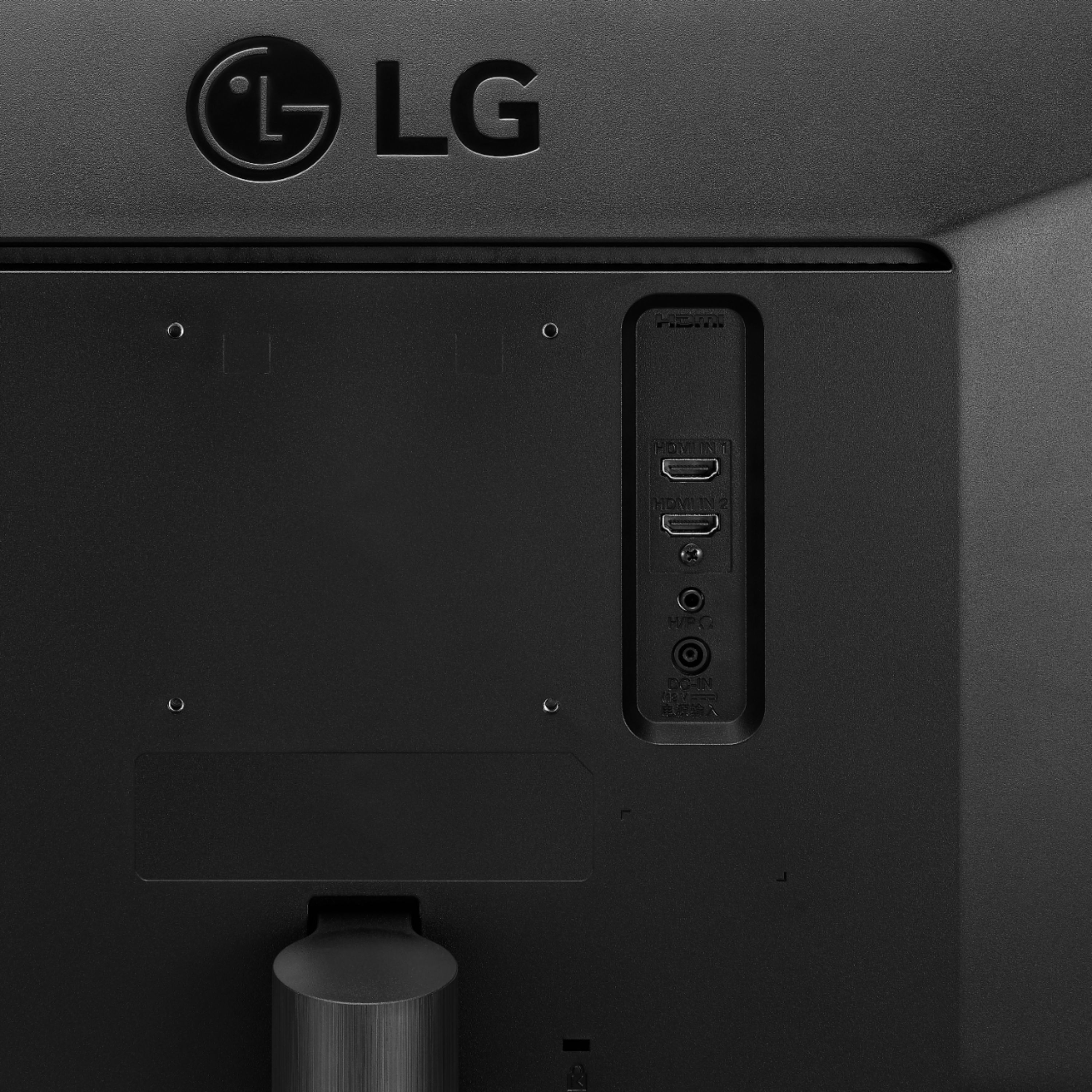
||Posted . Owned for 1 month when reviewed.This reviewer received promo considerations or sweepstakes entry for writing a review.This is really big sized monitor, you feel like using two monitors. I'm a programmer so its easy to work with keeping two windows side by side. This one has two HDMI ports. Life saver if you are using two computers and wanted to switch frequently without changing monitor.
I would recommend this to a friend - Pros mentioned:Screen size
Rated 5 out of 5 stars
Ultra-Widescreen Beauty!
||Posted . Owned for less than 1 week when reviewed.This reviewer received promo considerations or sweepstakes entry for writing a review.Very nice display. Colors are vibrant, blacks are pretty good. I have no black light bleed, and the matte finish is excellent. Not the sharpest display but works just fine for gaming with a slightly improved 75Hz refresh. Im happy with it. The wider display is pretty cool for sure.
I would recommend this to a friend - Pros mentioned:Price, Screen size
Rated 5 out of 5 stars
Great price, great monitor
||Posted . Owned for 1 month when reviewed.This reviewer received promo considerations or sweepstakes entry for writing a review.I used this monitor for my photography business and I LOVE it. It's perfect to simultaneously run Photoshop and Lightroom side by side without having to toggle back and forth. For the price, this is a great monitor. I would recommend, for sure.
I would recommend this to a friend - Pros mentioned:Screen size
Rated 4 out of 5 stars
Great Monitor
||Posted . Owned for 2 months when reviewed.This reviewer received promo considerations or sweepstakes entry for writing a review.Bought this for my boss. He loves the size and clarity. I am a bit nervous as the first one died in just over a year (hence the four stars). Not covered under warranty. Think it was a board but not desire to replace for the cost. Time will tell if this was a fluke or potential flaw in the model.
I would recommend this to a friend - Pros mentioned:Ease of use, Screen size
Rated 5 out of 5 stars
Great monitor
||Posted . Owned for 1 month when reviewed.This reviewer received promo considerations or sweepstakes entry for writing a review.This LG monitor was a great purchase. It was easy to install and it’s width is perfect for multitasking on the computer. I’m using it alongside a laptop and it’s super easy to keep all of my work organized and easy to view. I would definitely recommend.
I would recommend this to a friend - Pros mentioned:Price, Screen size
Rated 5 out of 5 stars
Not a bad monitor with nice colors
||Posted . Owned for 3 months when reviewed.This reviewer received promo considerations or sweepstakes entry for writing a review.For the most part for the price it is a very nice monitor for light gaming, picture editing and everyday use. The colors are bright and not over saturated. If u think the monitor is big, that's because it's. Very nice wide screen, but make sure u have plenty of room
I would recommend this to a friend - Pros mentioned:Ease of use, Screen size
Rated 5 out of 5 stars
Love this monitor
||Posted . Owned for 2 weeks when reviewed.This reviewer received promo considerations or sweepstakes entry for writing a review.I bought this monitor to help with work from home and was not disappointed. You can have multiple applications open on the screen at a time which helps. You can also stretch applications across the whole screen. This was very easy to assemble.
I would recommend this to a friend - Pros mentioned:Hdr
Rated 5 out of 5 stars
Great 21:9 Monitor For A Solid Price!
||Posted . Owned for 1 month when reviewed.This reviewer received promo considerations or sweepstakes entry for writing a review.75mhz monitor with really deep blacks and solid colors. HDR supported. Games look great on this monitor. The split-screen functionality is helpful if you have more than one input you need up at once. Overall a great monitor! VESA compatible, too!
I would recommend this to a friend - Pros mentioned:Screen sizeCons mentioned:Resolution
Rated 4 out of 5 stars
Good but problem with Display port connector.
||Posted . Owned for 1 month when reviewed.This reviewer received promo considerations or sweepstakes entry for writing a review.really good monitor. a lot of space on the screen but there is one issue at least with an NVIDIA GPU. when you connect from Display port to HDMI will not give you the complete resolution... it will look bad. so its better to use just HDMI to HDMI cable with no adapter.
I would recommend this to a friend - Pros mentioned:Price, Screen size
Rated 5 out of 5 stars
LG 34” Ultra Wide Screen Monitor
||Posted . Owned for 3 weeks when reviewed.This reviewer received promo considerations or sweepstakes entry for writing a review.It’s an amazing and big monitor. If you’re shopping for a big new monitor, look no further. I got it on sale but it’s worth every penny even if it’s not on sale. My boy loves this monitor for gaming. Highly recommended!!!
I would recommend this to a friend