Customer Ratings & Reviews
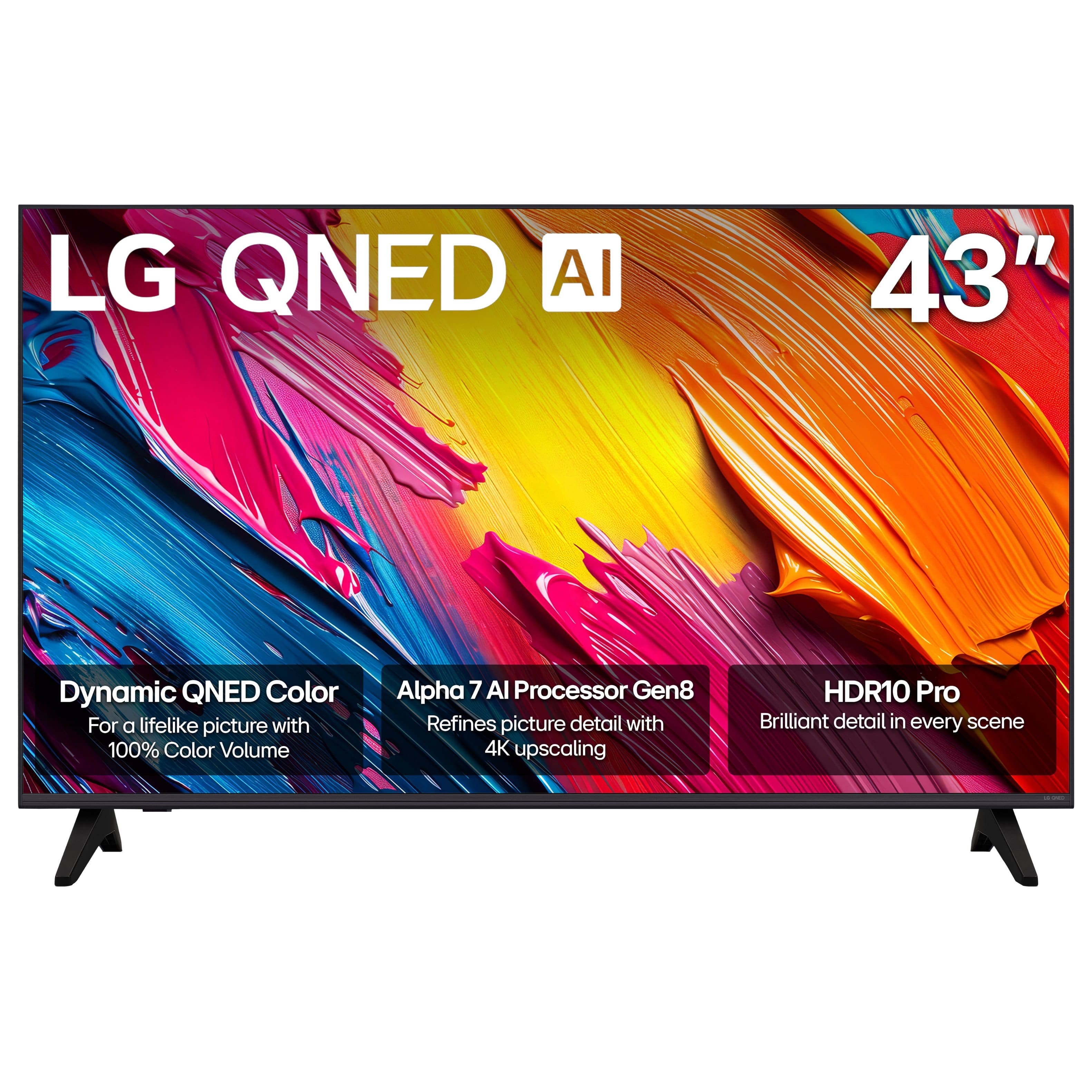
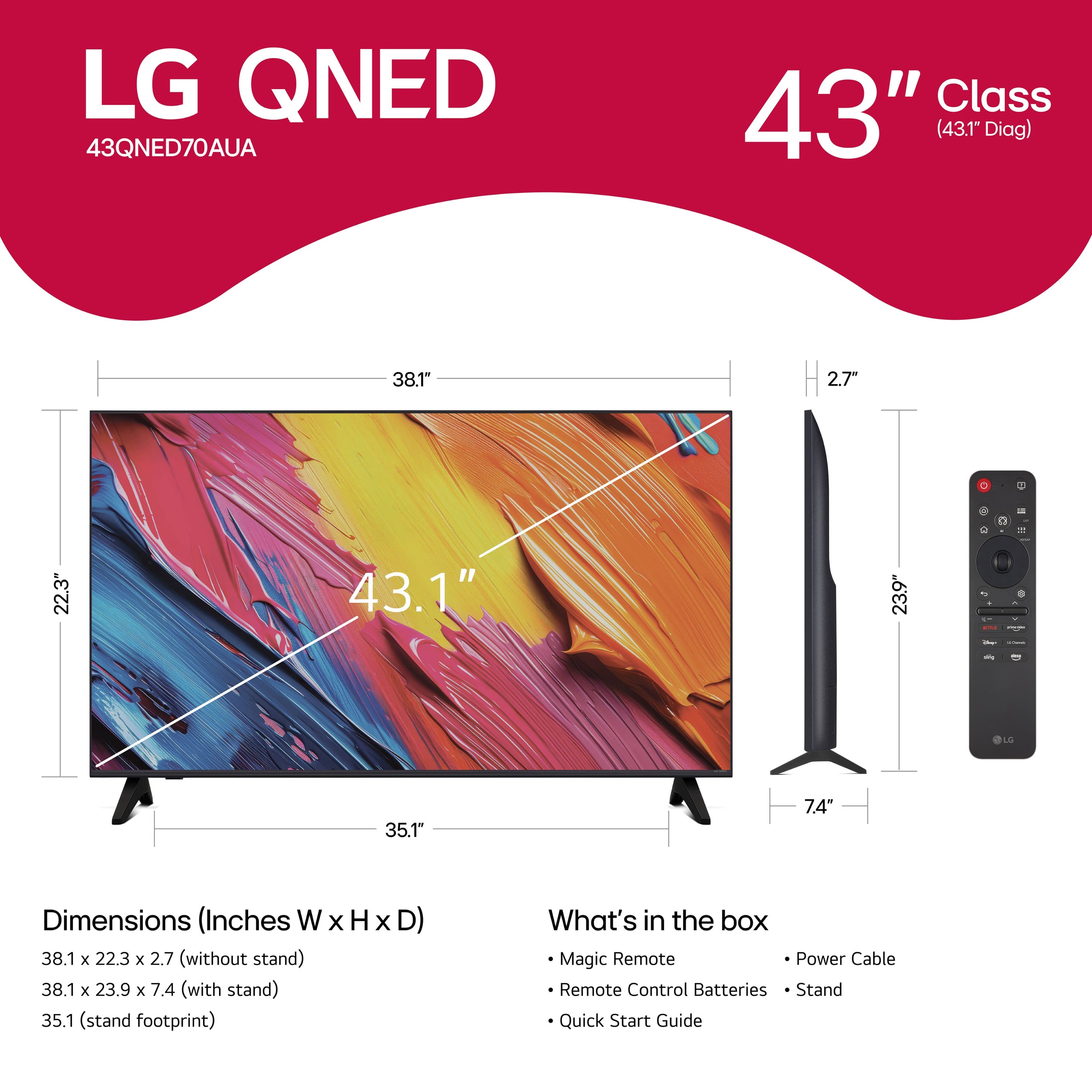

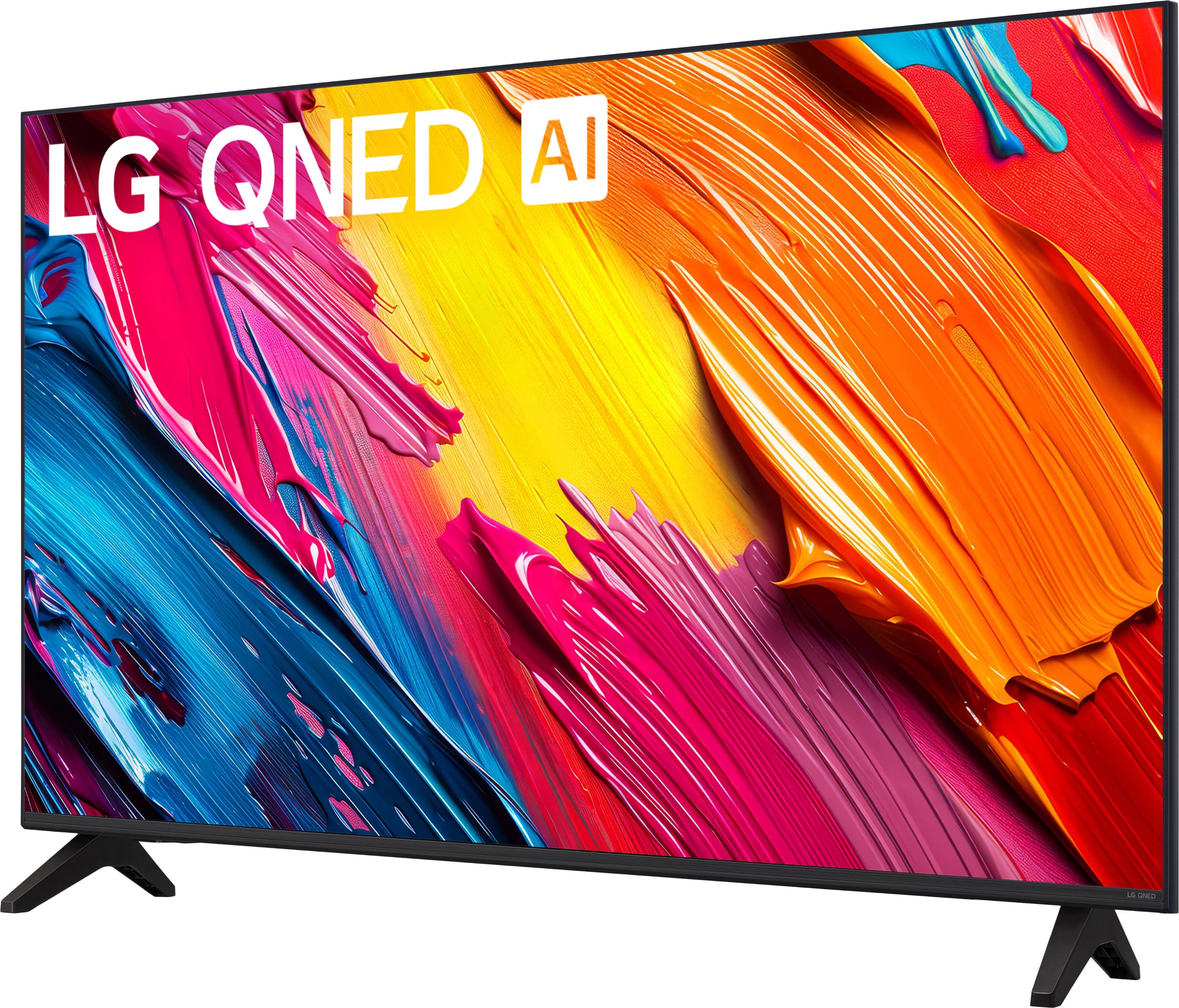

- Model:
- 43QNED70AUA
- SKU:
- 12376915
Rating by feature
- Picture Quality
Rating 4.8 out of 5 stars
- Sound Quality
Rating 4.6 out of 5 stars
- Brightness
Rating 4.8 out of 5 stars
Full featured
||Posted . Owned for 1 week when reviewed.This reviewer received promo considerations or sweepstakes entry for writing a review.Feature packed smart tv. Qled for this price is amazing. Bought two 50” as well. Perfect !
I would recommend this to a friendJust what we needed
||Posted .This reviewer received promo considerations or sweepstakes entry for writing a review.Excellent TV, easy set up, quick delivery and good sale price
I would recommend this to a friendLG 43
||Posted .This reviewer received promo considerations or sweepstakes entry for writing a review.Excellent quality. Been buying LG tv’s for about a decade.
I would recommend this to a friendThe TVs
||Posted . Owned for 1 month when reviewed.This reviewer received promo considerations or sweepstakes entry for writing a review.Good tv like tv nice tv 2 tv. …………………. …………………..
I would recommend this to a friendGreat Experience @ BestBuy
||Posted . Owned for 2 weeks when reviewed.This reviewer received promo considerations or sweepstakes entry for writing a review.Great assistance from the reps with helping us decide on the perfect tv.
I would recommend this to a friendLG TV
||Posted . Owned for 1 month when reviewed.This reviewer received promo considerations or sweepstakes entry for writing a review.great product have all LG products, good customer service
I would recommend this to a friendA Frustrating Product
||Posted . Owned for 3 months when reviewed.This reviewer received promo considerations or sweepstakes entry for writing a review.I hate this tv and find it unwatchable a good deal of the time. When it is working, the picture is good and the sound is fine. But it often seems to lose it's connection. The sound stops, then the picture freezes and eventually blacks out for a brief period before it starts playing again. I have tried to turn off any automatic activities that might run in the background and interfere. I routinely check for updates and have removed and reinstalled the streaming app I use for routine viewing. Some actions have seemed to improve it briefly but it doesn't last. I bought this set for the bedroom because I was happy with an LG I have in my living room. Fortunately, I had not moved the old Samsung with a Fire Stick out before discovering the problems with this one. When the LG is especially bad, I watch the old one. I recently set them both at the same point of a program in order to compare. Less than 15 minutes later, the LG was already 7 minutes behind the the other.
No, I would not recommend this to a friendBrand response from LG Digital Customer Care
Posted .Hi, there. Thank you for reaching out. We understand the importance of having your LG TV (43QNED70AUA) model deliver a smooth and reliable viewing experience. One helpful step you can try is resetting the Home Dashboard device list to ensure the TV isn’t repeatedly attempting to reconnect to a previously paired device in the background. You can also try turning off Quick Start+ in Settings → General, as this feature can occasionally affect streaming stability. For more guidance, visit https://www.lg.com/us/support/product/lg-43QNED70AUA.AUS. We’d be glad to take a closer look and assist you further. Please send us an email at [email protected] so our team can help right away. ^Juvy

Awesome color quality
||Posted . Owned for 1 week when reviewed.This reviewer received promo considerations or sweepstakes entry for writing a review.This colorful, bright panel is great for my retro setup.
I would recommend this to a friendLg b5 TV
||Posted . Owned for 1 week when reviewed.This reviewer received promo considerations or sweepstakes entry for writing a review.Great TV for a great price. Would definitely recommend.
I would recommend this to a friendStand
||Posted . Owned for 1 month when reviewed.This reviewer received promo considerations or sweepstakes entry for writing a review.The stand is weak and the screw holes do not go so deep but all is well
I would recommend this to a friendWouldn’t Recommend
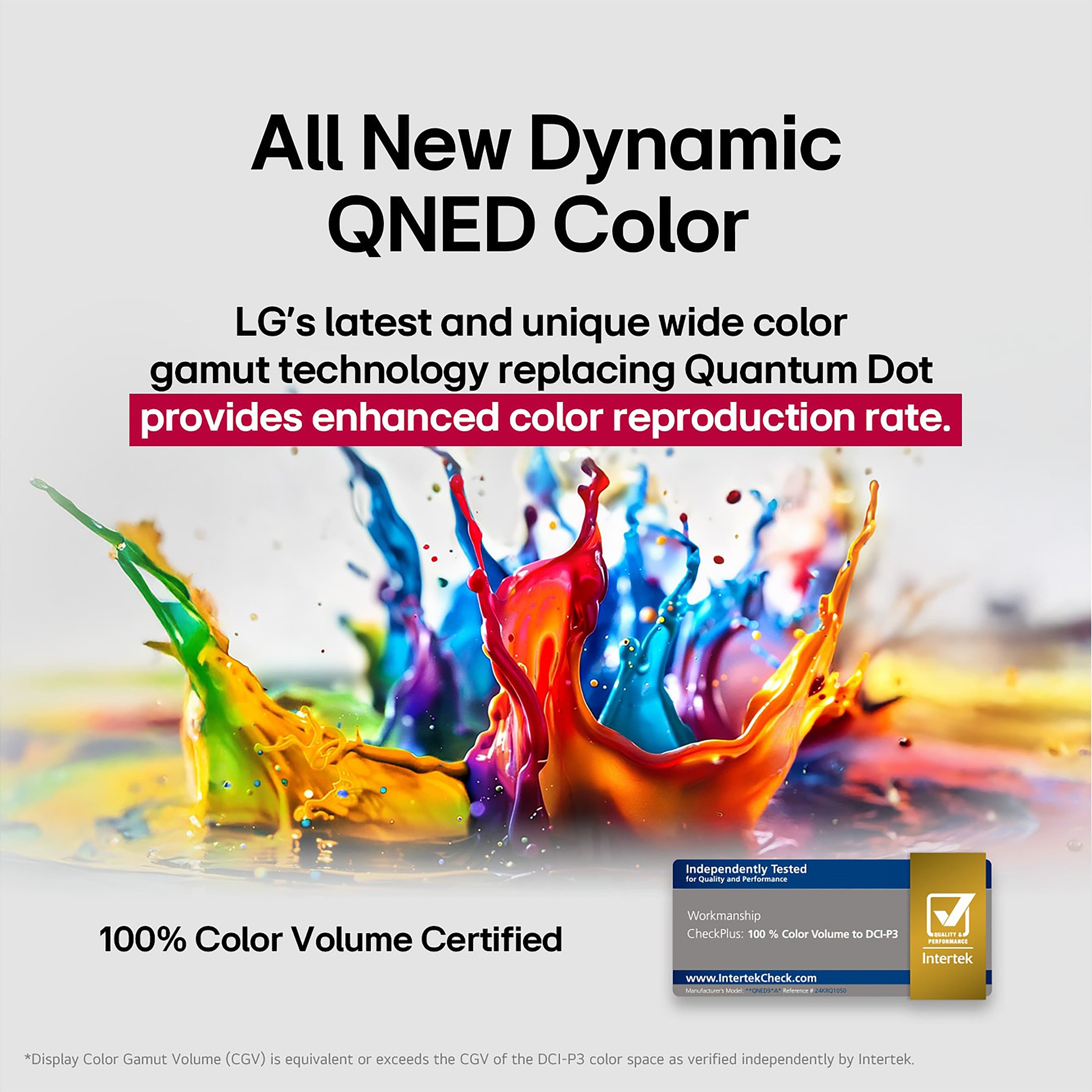
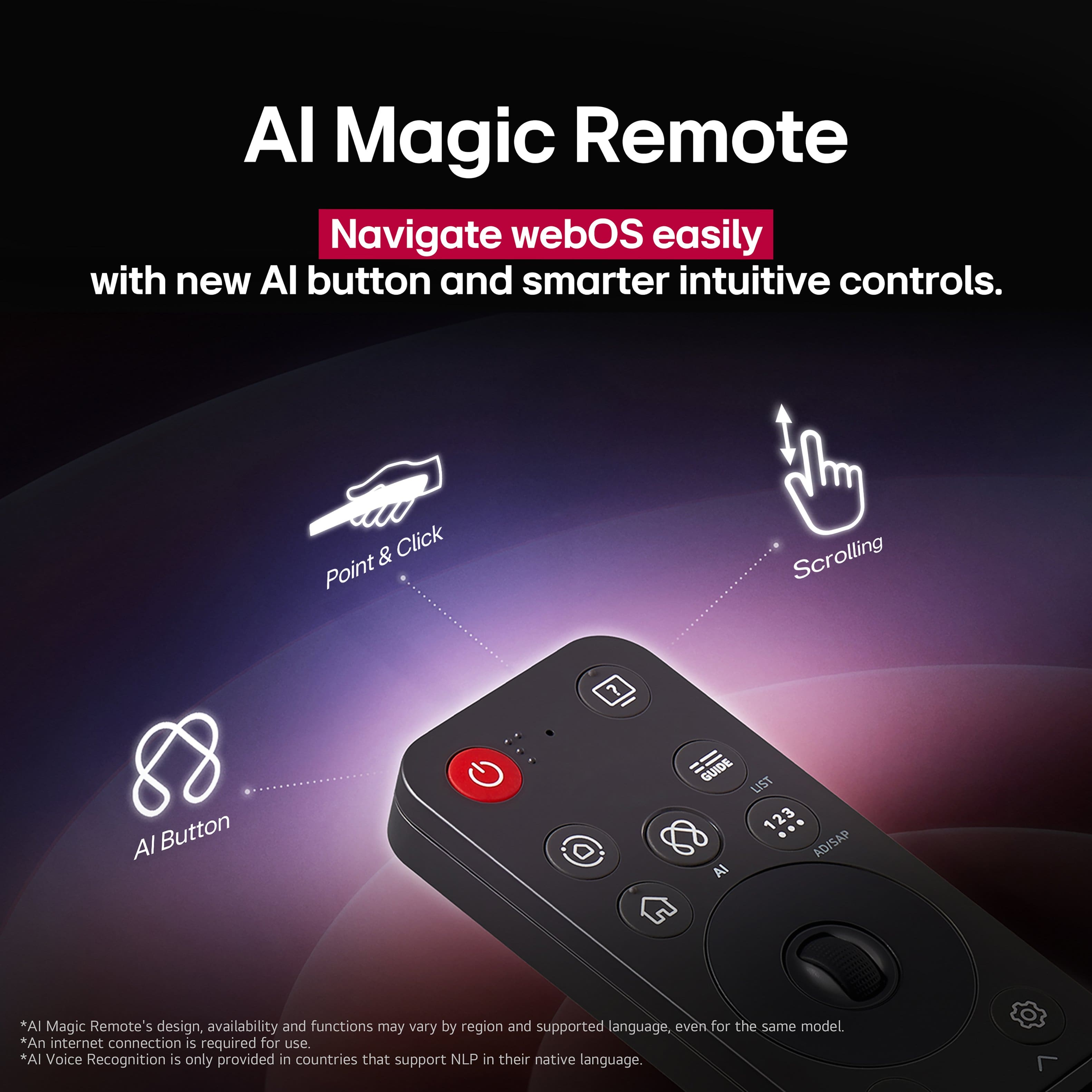
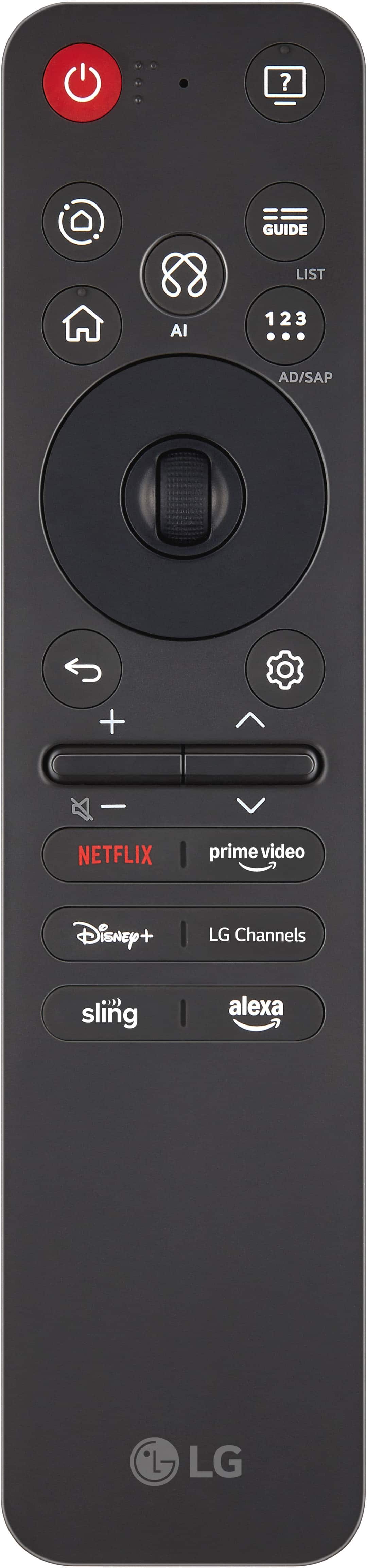
||Posted .This reviewer received promo considerations or sweepstakes entry for writing a review.Nice picture but no real difference between the QNED and 4K LED. The remote is absolutely horrible and the WiFi receiver is glitchy and doesn’t pick up well from 30 ft away!
No, I would not recommend this to a friendBrand response from LG Digital Customer Care
Posted .Hello there, StevenF. Thank you for sharing your experience with us regarding your LG - 43" Class 70A Series QNED AI 4K UHD Smart webOS TV. We understand that the unit didn't meet your expectations and we understand your inquiry regarding the WiFi connectivity and remote. To help with the connection, we recommend ensuring the TV software is up to date and power cycling your router to refresh the signal. Your feedback is important, and we'd like to assist you further to ensure your QNED TV is performing at its best.
https://www.bestbuy.com/product/lg-43-class-70a-series-qned-ai-4k-uhd-smart-webos-tv-2025/JJ8VPZWRPV
For further assistance and any specific concerns you may have, please contact us on [email protected], and our team will be more than happy to assist you. We appreciate your patience. —Renzo
Didn't like remote
||Posted . Owned for 3 weeks when reviewed.This reviewer received promo considerations or sweepstakes entry for writing a review.The remote was not user friendly. Returned this tv for another brand
No, I would not recommend this to a friendTerrible Wi-Fi connectivity
||Posted . Owned for 3 months when reviewed.This reviewer received promo considerations or sweepstakes entry for writing a review.This television is pretty much useless due to terrible WiFi connectivity. I purchased this television for my daughter but she cannot get through an episode on Disney plus or any other stream platform because the tv has connectivity issues to the WiFi. My other wifi-enabled devices work without an issue but this LG consistently disconnects from the WiFi. I would not recommend this smart TV.
No, I would not recommend this to a friendBrand response from LG Digital Customer Care
Posted .Hi, Christina. Thank you for reaching out, and we understand the importance of having your LG TV (43QNED70AUA) model maintain a stable Wi‑Fi connection. To fix connectivity drops, perform a network reset. Go to Settings > General > Network > Wi-Fi Connection and select "Forget" for your network. Then, unplug the TV and router for 60 seconds. After plugging them back in, reconnect to the 5GHz band if possible for a more stable streaming connection. For more guidance, visit https://www.lg.com/us/support/help-library/lg-tv-troubleshooting-your-tvs-internet-connection--1426626051711. We’d be glad to take a closer look into this for you. Please send us an email at [email protected]. We're here to help. ^Juvy
Worst UI Ive used
||Posted . Owned for 3 weeks when reviewed.This reviewer received promo considerations or sweepstakes entry for writing a review.Super super slow, very poor network speeds. Took 3 tries to set up and some functions still do not work. The picture of the tv does not look right, especially paired with the warped backlight filter with bright spots all around the edges. I would not recommend this tv to anyone.
No, I would not recommend this to a friendBrand response from LG Digital Customer Care
Posted .Hi, there. thank you for sharing your experience with the LG 43QNED70AUA. We understand how important it is for your TV to deliver smooth performance and clear picture quality, and we appreciate you taking the time to highlight what’s happening.
For slow network speeds and setup issues, we recommend checking your TV’s software version by going to Settings > All Settings > Support > Software Update and ensuring it's up to date. A firmware update can often resolve connectivity and performance problems. For the picture and backlight concerns, adjusting the Local Dimming and Brightness settings under Picture Mode Settings may help reduce edge blooming and improve clarity. For more help, visit https://www.lg.com/us/support/help-library/lg-tv-the-best-picture-settings-for-your-lg-tv--20150577528034. If you’d like further assistance, feel free to email us at [email protected] and we’ll be happy to help. ^Juvy
Swapped for a roku tv
||Posted .This reviewer received promo considerations or sweepstakes entry for writing a review.Tv was so slow out of the box. Not gonna trust best buy reviews on my next purchase.
No, I would not recommend this to a friendBrand response from LG Digital Customer Care
Posted .Hi, Nahson. Thank you for reaching out to us. We understand the importance of having your LG TV (43QNED70AUA) model deliver smooth performance right from the start.
To help improve speed, please try performing a firmware update by going to Settings > Support > Software Update > Check for Updates. Keeping your TV’s software current often enhances responsiveness and app stability. For guidance, visit https://www.lg.com/us/support/help-library/lg-tv-how-to-update-an-lg-smart-tv--1430510575535. You can also clear unused apps or reset the TV’s Home Dashboard to free up system resources. If the issue continues after these steps, kindly send us an email at [email protected] so we can assist you further. ^Juvy
Missing tv
||Posted .This reviewer received promo considerations or sweepstakes entry for writing a review.Have not received item! I ordered this on November 1 and have not received it yet!
No, I would not recommend this to a friendBrand response from LG Digital Customer Care
Posted .Hi, JudiV. Thank you for reaching out about your LG TV (43QNED70AUA) model. We understand the importance of receiving your order on time, especially when you’ve been waiting since November 1. Since delivery and order status are handled directly by the retailer, one helpful step is to check your order confirmation or tracking link to see if any updates or delays were posted. If no tracking information is available, contacting Best Buy customer service at 888-237-8289 with your confirmation number can help them locate the shipment quickly. For more details about the product, visit https://www.lg.com/us/tvs/lg-43qned70aua-qned-4k-tv. If you’d like us to look into anything related to your LG product once it arrives, please feel free to send us an email at [email protected]. We're here for you! ^Juvy
I wouldn't take this TV for free.
||Posted . Owned for 3 weeks when reviewed.This reviewer received promo considerations or sweepstakes entry for writing a review.The home page sucks you have limited options to change it you get an arrow on the screen you can't get rid of it
No, I would not recommend this to a friendBrand response from LG Digital Customer Care
Posted .Hi, Anthony. Thank you for sharing your feedback about the LG TV (43QNED70AUA) model. We understand how important it is to have a smooth and customizable home screen experience.
For this model, one helpful step is to reset the Home Dashboard by pressing the Settings button on your remote, navigating to “All Settings” → “General” → “System” → “Reset to Initial Settings.” This can refresh the interface and often remove persistent on‑screen elements like arrows. You can also explore more guidance on customizing the webOS home screen here: https://www.lg.com/us/webos/home-screen-apps. If you’d like us to assist further with your case and provide tailored troubleshooting, please send us an email at [email protected] so we can help coordinate next steps. ^Juvy
Not satisfied
||Posted .This reviewer received promo considerations or sweepstakes entry for writing a review.Sorry I don’t like this product at all . This is not what I was expected . I woul
No, I would not recommend this to a friendBrand response from LG Digital Customer Care
Posted .Hi, there. Thank you for sharing your feedback on the LG TV (43QNED70AUA) model. We understand how you felt when a product doesn’t meet your expectations.
As a troubleshooting step, please check the picture mode settings (such as Standard, Cinema, or Game) since adjusting these can significantly change the viewing experience. You can also run the Picture Test in the settings menu to confirm if the display is functioning properly. More helpful guidance here: https://www.lg.com/us/support/product/lg-43QNED70AUA.AUS. If you still feel the product isn’t right for you, kindly send us an email at [email protected] so we can assist you further. ^Juvy
LG TV
Posted .This reviewer received promo considerations or sweepstakes entry for writing a review.TV works fine and sales personnel were knowledgeable and helpful
I would recommend this to a friend