Customer Ratings & Reviews
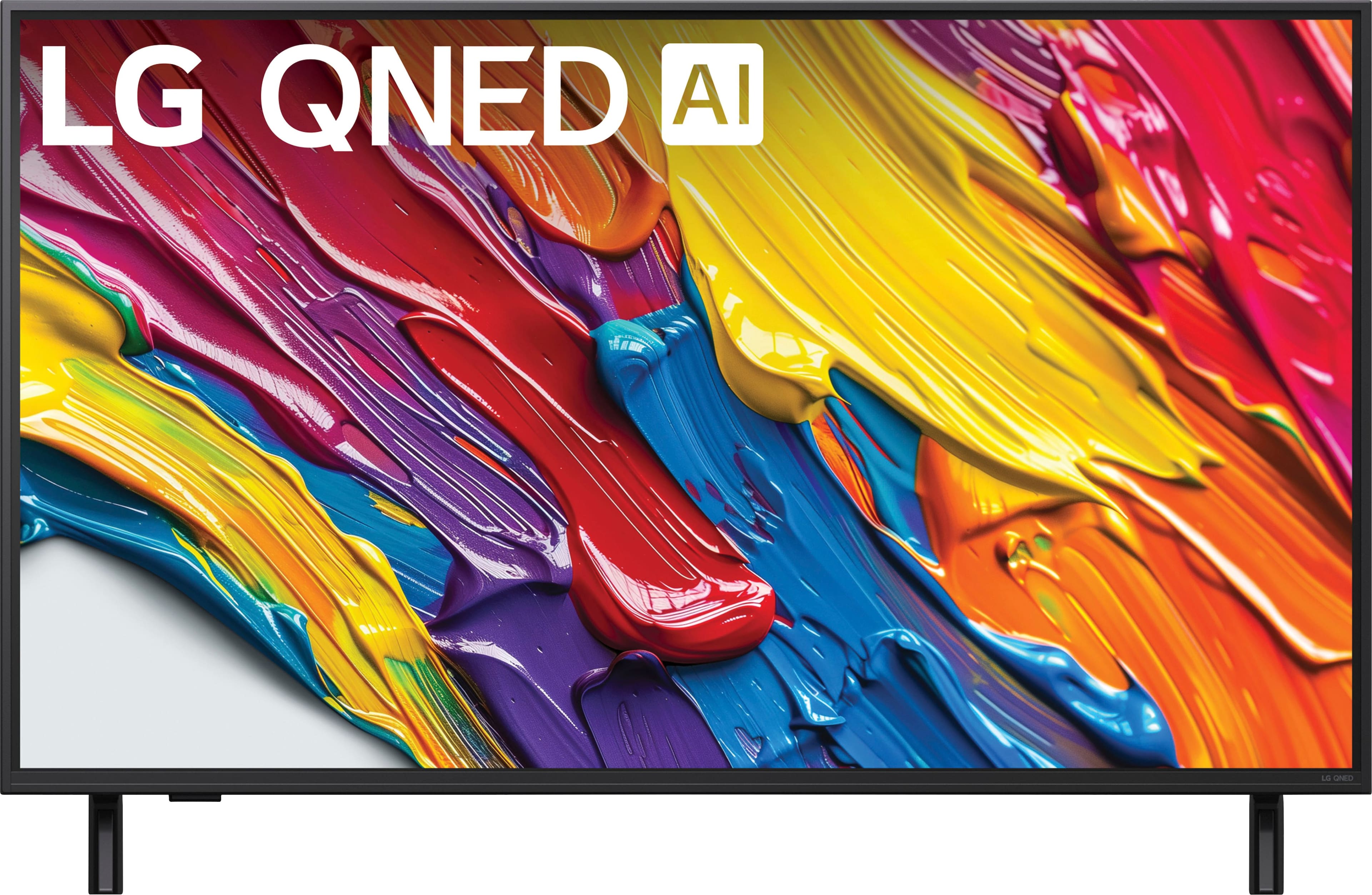
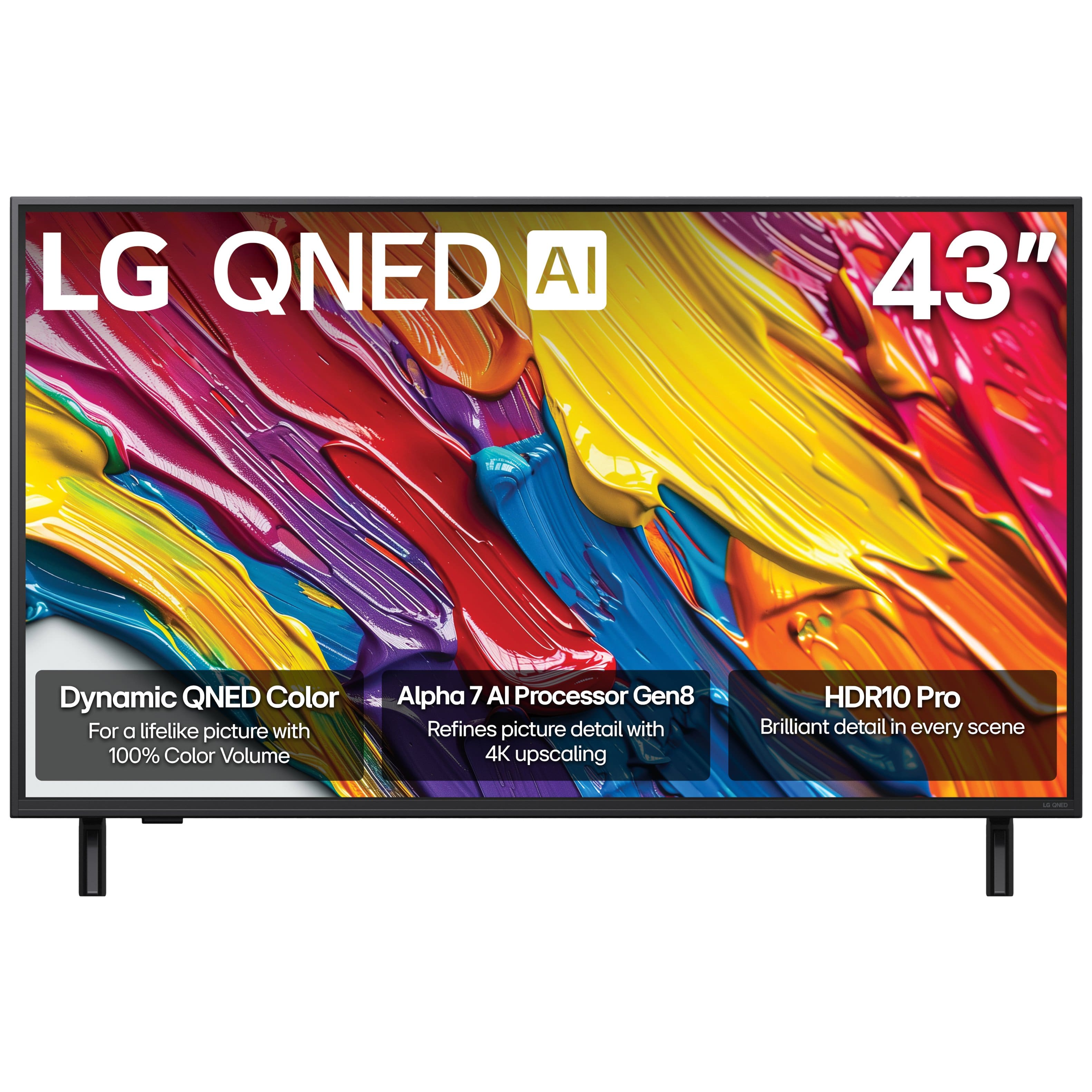







- Model:
- 43QNED82AUA
- SKU:
- 10867236
Rating by feature
- Picture Quality
Rating 4.8 out of 5 stars
- Sound Quality
Rating 4.5 out of 5 stars
- Brightness
Rating 4.7 out of 5 stars
New tv
||Posted .This reviewer received promo considerations or sweepstakes entry for writing a review.Picture quality of fantastic. Sound is great! Great for price
I would recommend this to a friendGood TV-not easy setup
||Posted . Owned for 2 weeks when reviewed.This reviewer received promo considerations or sweepstakes entry for writing a review.I bought this TV for my parents to replace an old Samsung. The picture looks fantastic, but the setup process is not very intuitive. It took me a few web searches and YouTube videos just to figure out how to get it to default to the HDMI 1 input.
I would recommend this to a friendGreat TV
||Posted . Owned for 2 weeks when reviewed.This reviewer received promo considerations or sweepstakes entry for writing a review.Overall pleased with the price and picture quality
I would recommend this to a friendJust annoying
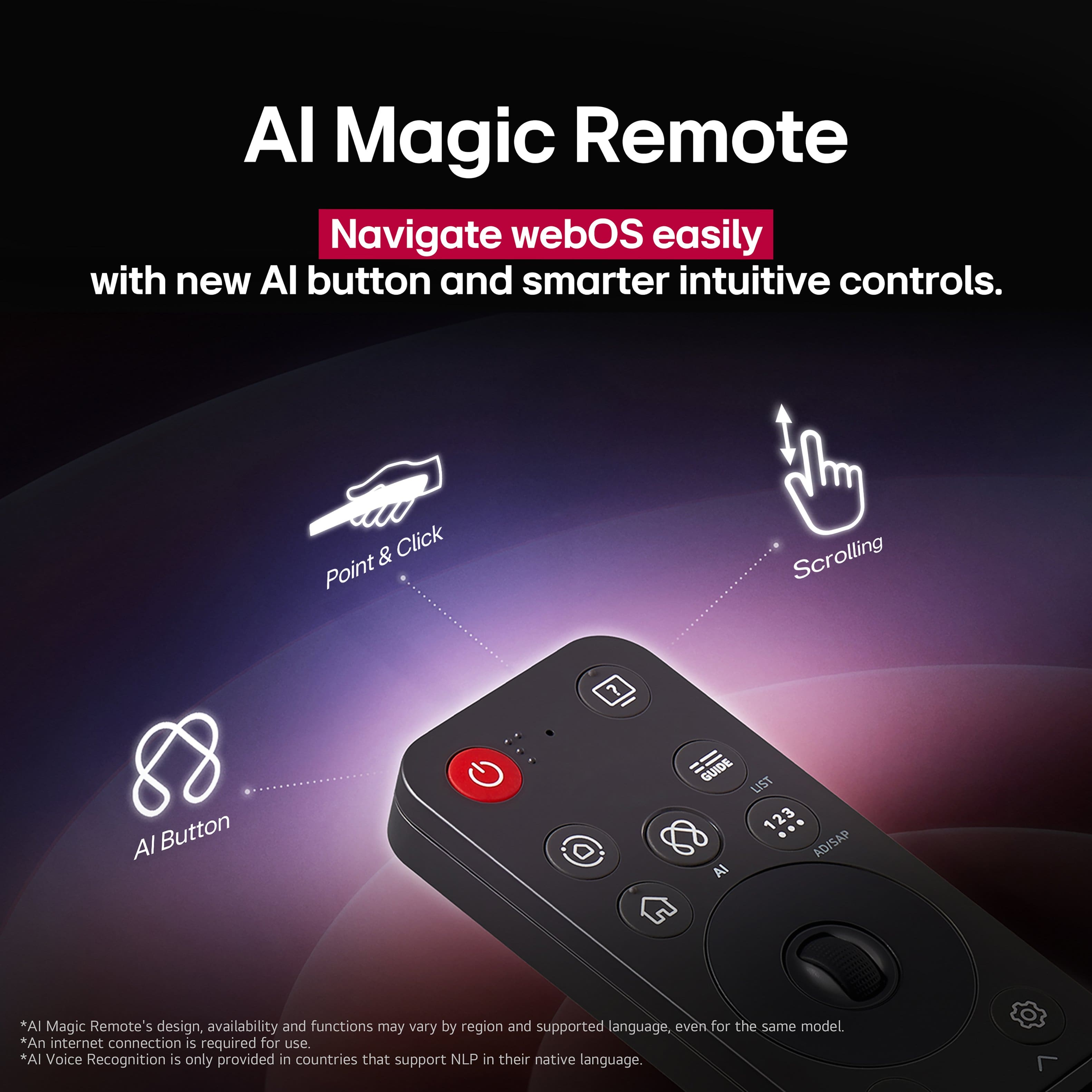
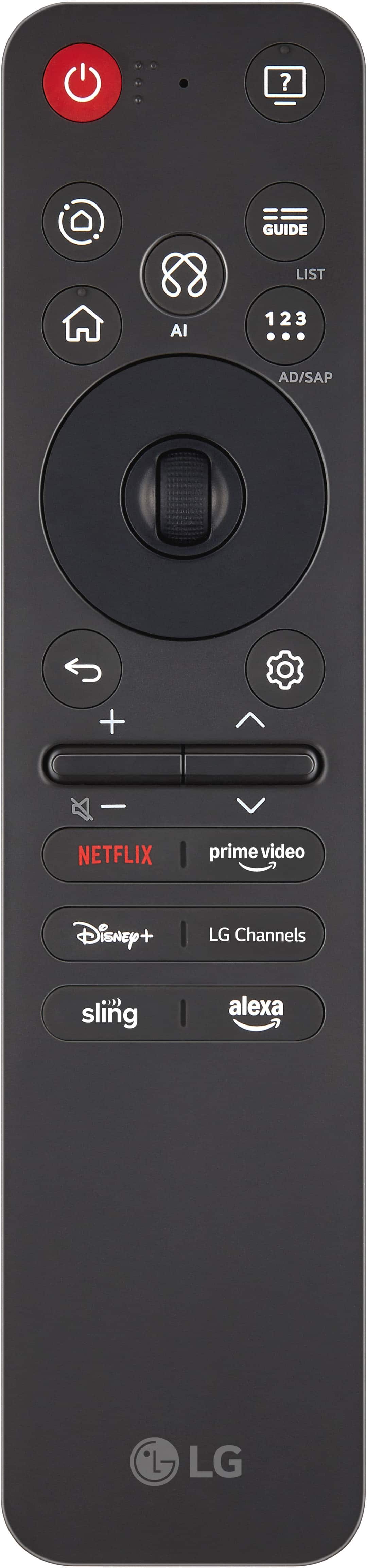
||Posted . Owned for 3 weeks when reviewed.This reviewer received promo considerations or sweepstakes entry for writing a review.It has a pointer that keeps showing up with no instructions as to how to stop it for good -really annoying.The remote is just as annoying-hold down some buttons to long and something different happens.NO mute button -suppose to hold down the volume bar to get mute-but then have to reset to where the volume was.
No, I would not recommend this to a friendBrand response from LG Digital Customer Care
Posted .Hi there, MarshallS. Thank you for sharing your experience with us regarding your LG 43QNED82AUA TV. We understand your inquiry about the pointer appearing on the screen and the functionality of your remote control, particularly concerning the mute feature. Your feedback is important, and we'd like to assist you further.
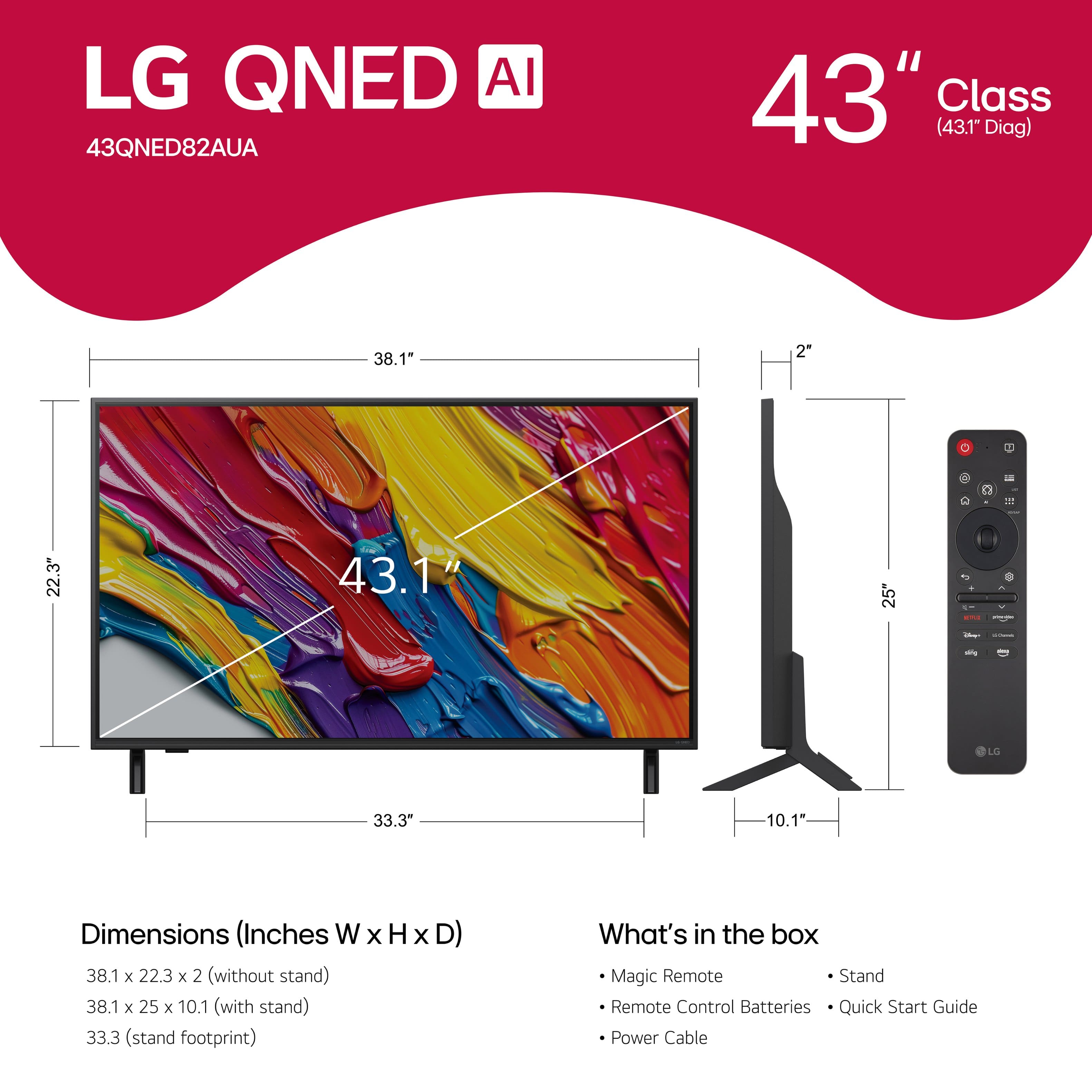
For the pointer that keeps showing up, this is a feature of the LG Magic Remote. You can temporarily make the pointer disappear by pressing any of the directional arrow buttons (up, down, left, or right) around the scroll wheel on your remote. The pointer will reappear if you scroll the wheel, shake the remote, or press the Home or Settings buttons. While there isn't a way to permanently disable the pointer, you can adjust its sensitivity and size in the TV's settings. To do this, go to:
Settings (gear icon on remote)
All Settings
General
Additional Settings
Pointer Options
From here, you can adjust the "Tracking speed" and "Pointer size" to make it less noticeable or sensitive to movement.
Regarding the mute function, on many LG Magic Remotes, pressing down on the volume rocker (the part you use to decrease volume) will mute the TV. To unmute, you would press it again. Some users prefer to adjust the volume down to zero, but the quick press on the volume rocker usually serves as a mute toggle.
https://www.bestbuy.com/site/lg-43-class-82a-series-qned-ai-4k-uhd-smart-webos-tv-2025/6621804.p?skuId=6621804
Please send us a private message on Social Media @LGUSSupport and our team will be more than happy to explore possible solutions for optimizing your TV's settings or to address any further questions you may have about your unit. We appreciate your patience. —Renzo
Great TV
||Posted . Owned for 2 weeks when reviewed.This reviewer received promo considerations or sweepstakes entry for writing a review.Great tv for the size. No complaints! The LG UI is pretty fast on it.
I would recommend this to a friendOffice TV
||Posted . Owned for 1 week when reviewed.This reviewer received promo considerations or sweepstakes entry for writing a review.Great TV for my office. Great picture and sound quality.
I would recommend this to a friendLg ONED 82A
||Posted .This reviewer received promo considerations or sweepstakes entry for writing a review.Beautiful TV - great picture and very cool interactive remote !
I would recommend this to a friendLG NEQ
||Posted . Owned for 1 week when reviewed.This reviewer received promo considerations or sweepstakes entry for writing a review.Great TV. Setup was a bit annoying but not difficult.
I would recommend this to a friendGreat TV
||Posted .This reviewer received promo considerations or sweepstakes entry for writing a review.Bought for daughters bedroom and works exactly as hoped
I would recommend this to a friendLG TV
||Posted .This reviewer received promo considerations or sweepstakes entry for writing a review.Very nice exactly like described it’s also the perfect size not too big or too small
I would recommend this to a friendGood lower/mid range tv
||Posted . Owned for 2 months when reviewed.This reviewer received promo considerations or sweepstakes entry for writing a review.It was good for the money but I decided to fork over more money and get the LG OLED. The WebOS is easy and powerful to work with.
I would recommend this to a friendLG QNED has a great picture!!
||Posted .This reviewer received promo considerations or sweepstakes entry for writing a review.I bought the LG 43 inch QNED since it has a great picture and was reasonably priced.
I would recommend this to a friendPerfect tv for bedroom
||Posted .This reviewer received promo considerations or sweepstakes entry for writing a review.Excellent picture fun add ons and It’s a freaking Xbox and works with steam
I would recommend this to a friendDifficult setup, nice TV
||Posted .This reviewer received promo considerations or sweepstakes entry for writing a review.Not the easiest set up but very nice TV for my mom. Between the LG customer service and MediaCom, NEVER AGAIN....and YES I have set up smart TV's before, including my own LG.
No, I would not recommend this to a friendBrand response from LG Digital Customer Care
Posted .Hello there, Barbie. Thank you for sharing your experience with us regarding your LG 43" Class 82A Series QNED AI 4K UHD Smart webOS TV. We understand your inquiry regarding the setup process. We want to ensure your mother's new unit provides the best viewing experience possible.
https://www.bestbuy.com/product/lg-43-class-82a-series-qned-ai-4k-uhd-smart-webos-tv-2025/JJ8VPZTHQV
For further assistance and any specific concerns you may have, please contact us on [email protected]. —Renzo
LG REPLACEMENT TV
||Posted . Owned for 1 month when reviewed.This reviewer received promo considerations or sweepstakes entry for writing a review.Great TV Thanks And even greater Techs. Hope we have a long life together!
I would recommend this to a friendReplacement TV for defective Samsung
||Posted . Owned for 3 weeks when reviewed.This reviewer received promo considerations or sweepstakes entry for writing a review.Great TV for a reasonable price. I am happy with it.
I would recommend this to a friendI love the TV.
||Posted . Owned for 1 month when reviewed.This reviewer received promo considerations or sweepstakes entry for writing a review.The TV is wonderful. Very clear, wonderful sound. I love it!
I would recommend this to a friendGreat TV
||Posted . Owned for 3 weeks when reviewed.This reviewer received promo considerations or sweepstakes entry for writing a review.TV calibration was minimal out of the box. Improved remote compared to previous iterations. Overall great quality for the price.
I would recommend this to a friendGreat Value TV
||Posted . Owned for 1 month when reviewed.This reviewer received promo considerations or sweepstakes entry for writing a review.Every feature of the TV has exceeded my expectations.
I would recommend this to a friendNice television
||Posted .This reviewer received promo considerations or sweepstakes entry for writing a review.Good TV , nice picture. The sound bar I bought with it is a piece of junk and wont even connect the sub woofer.
I would recommend this to a friend