Customer Ratings & Reviews
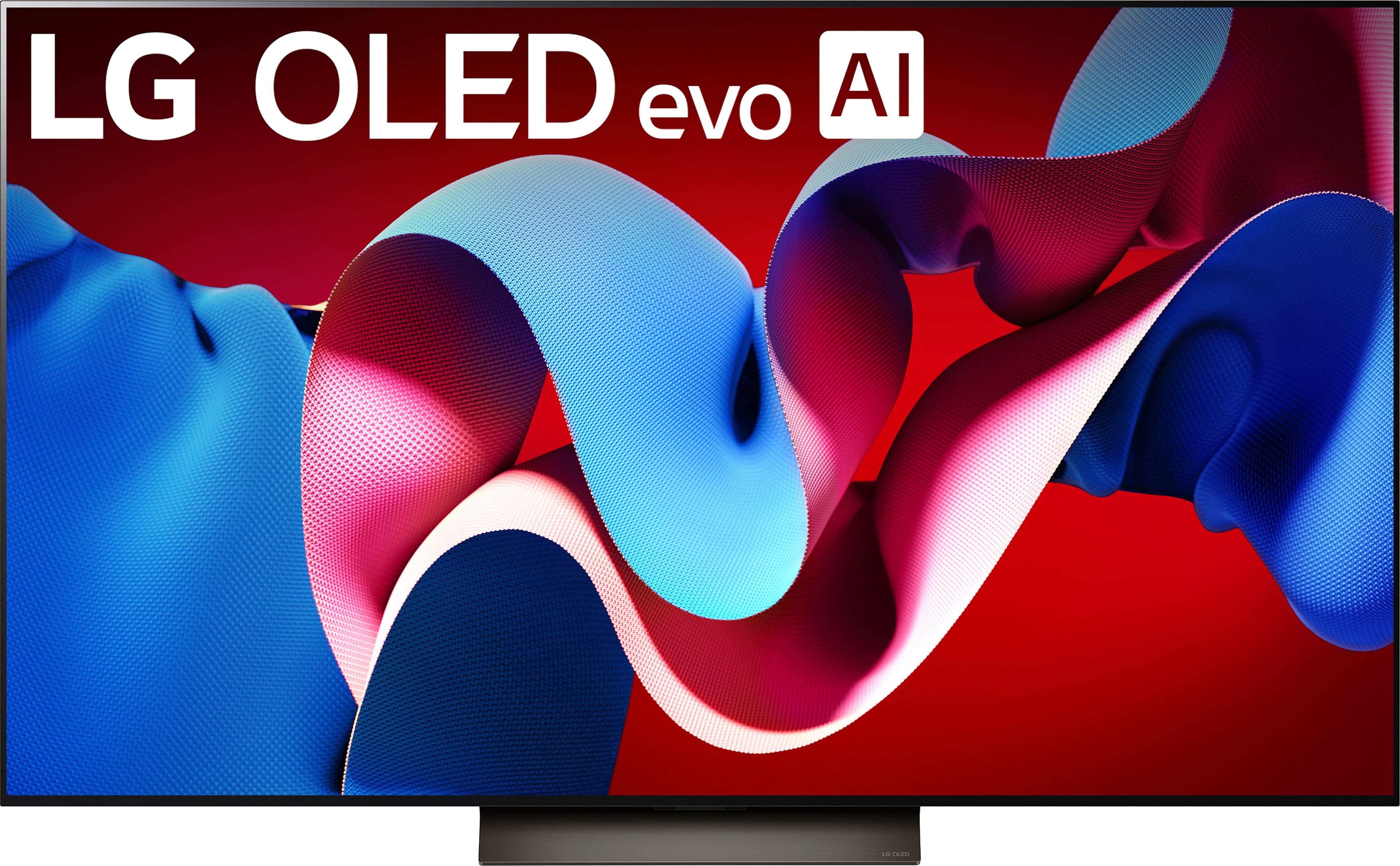
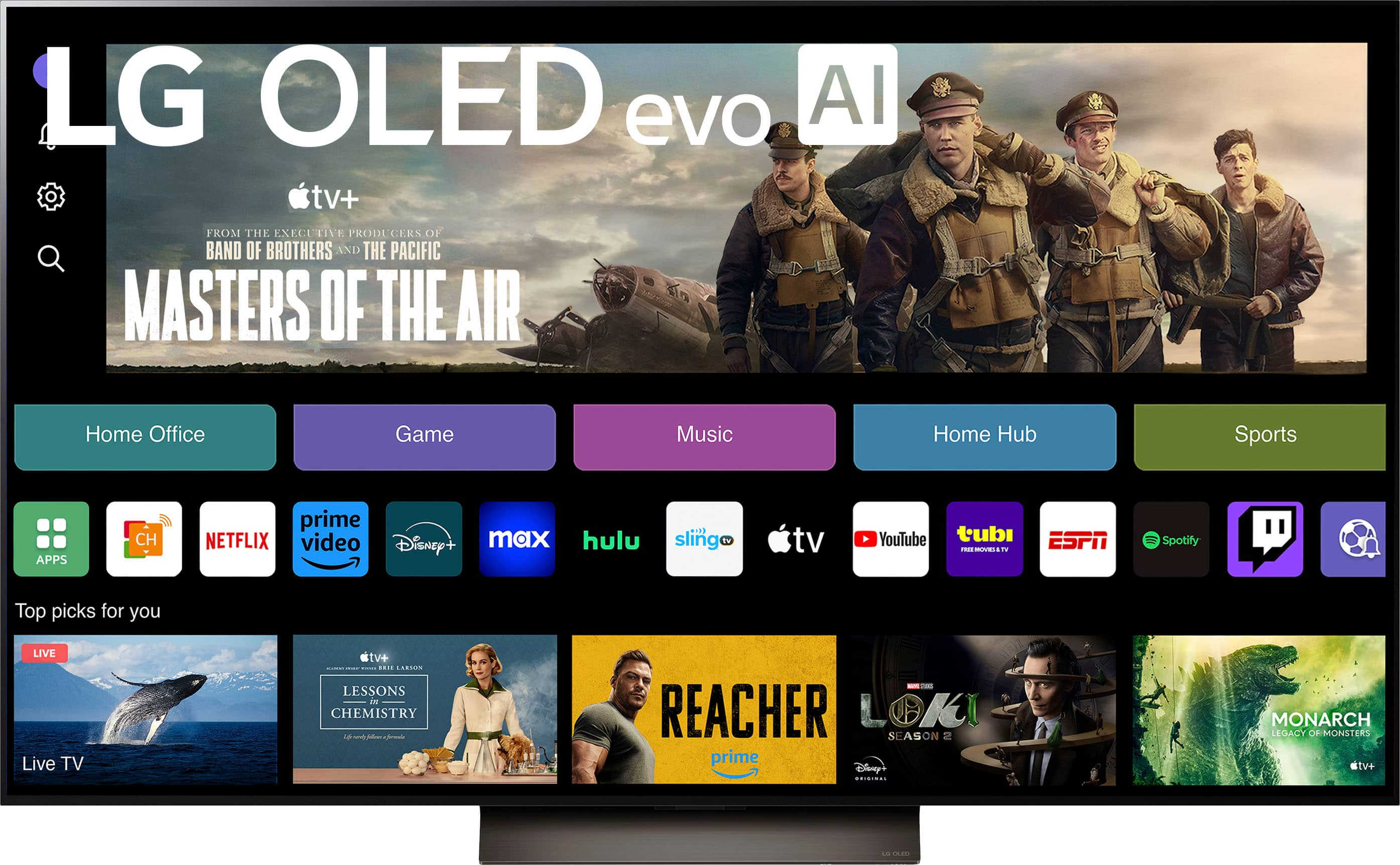
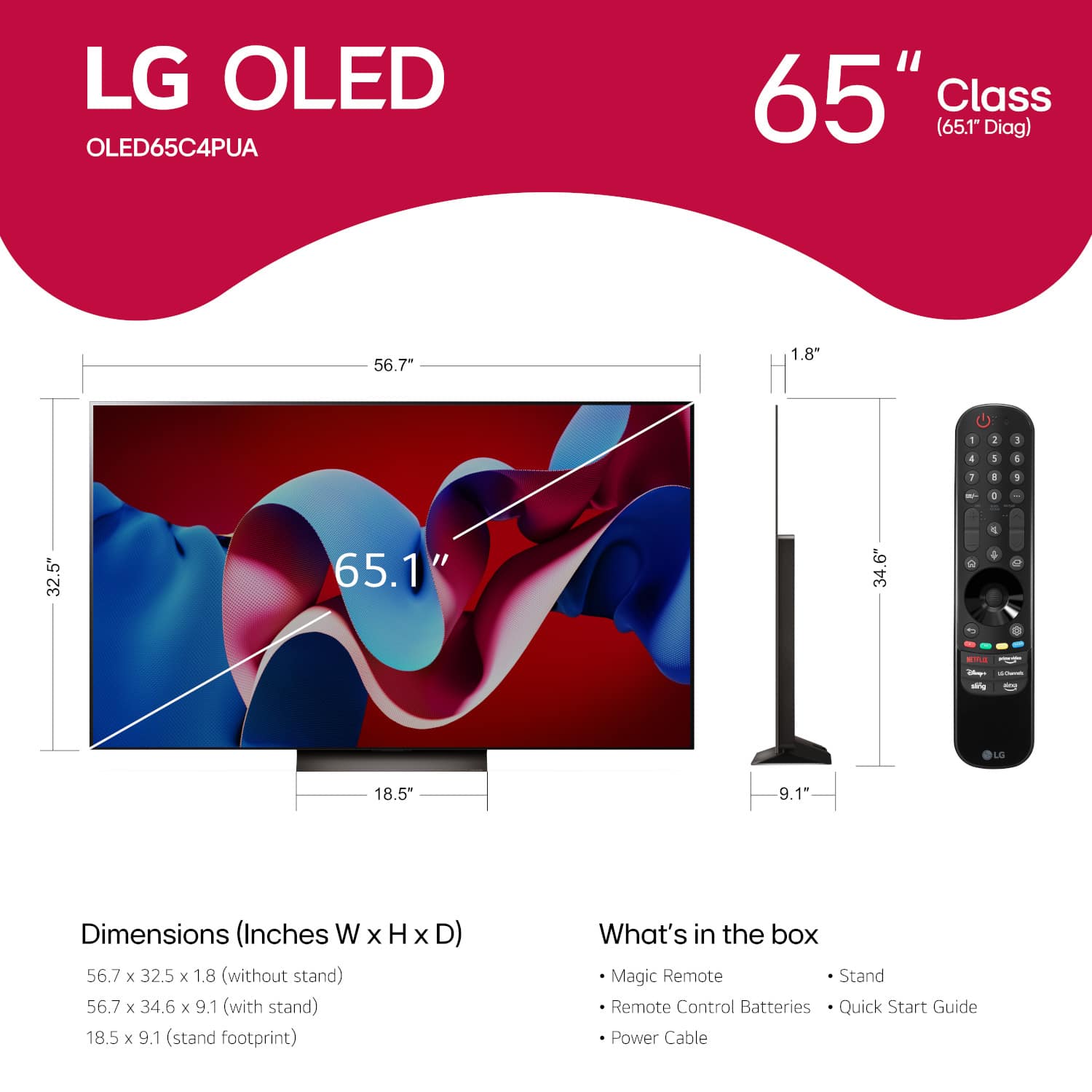
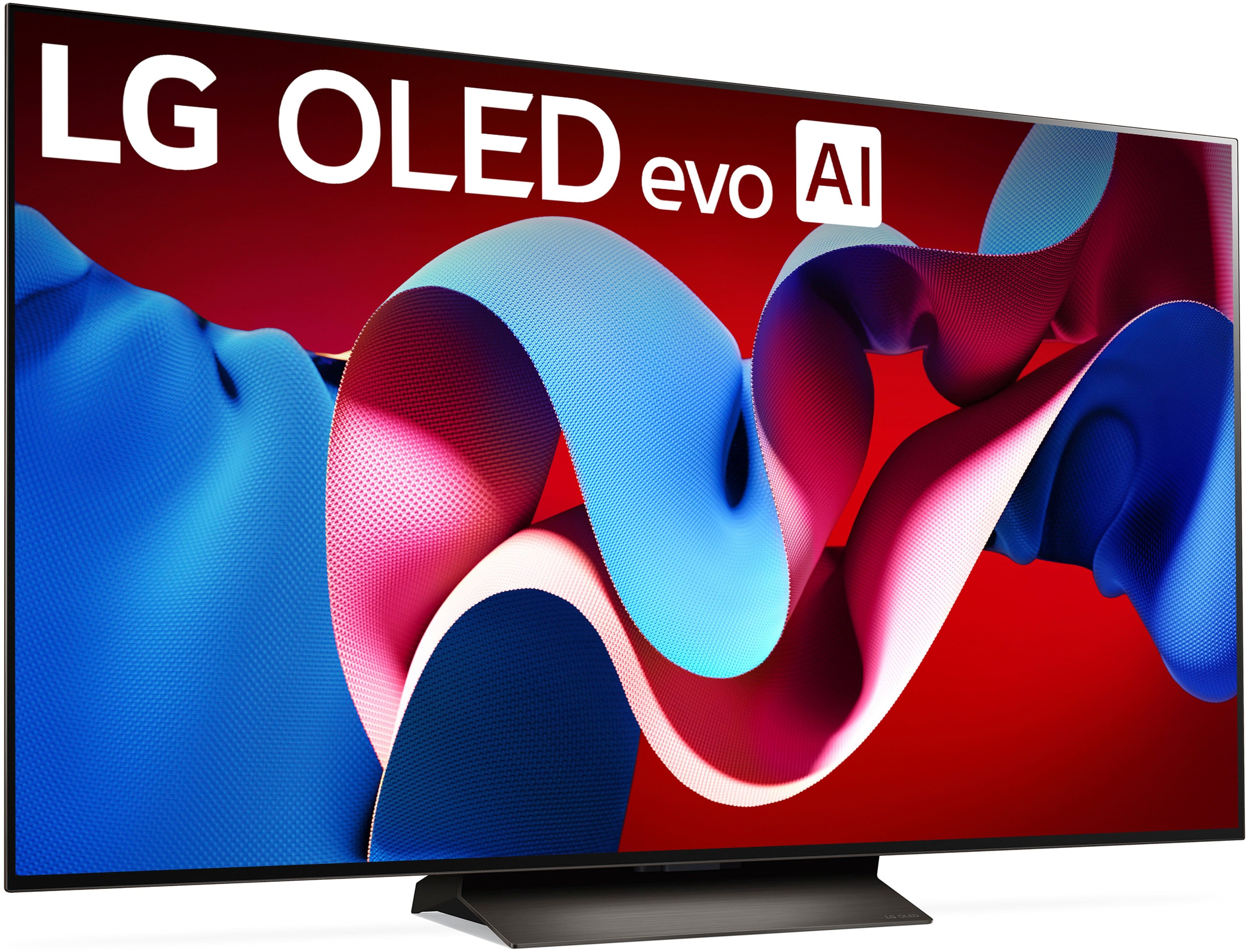
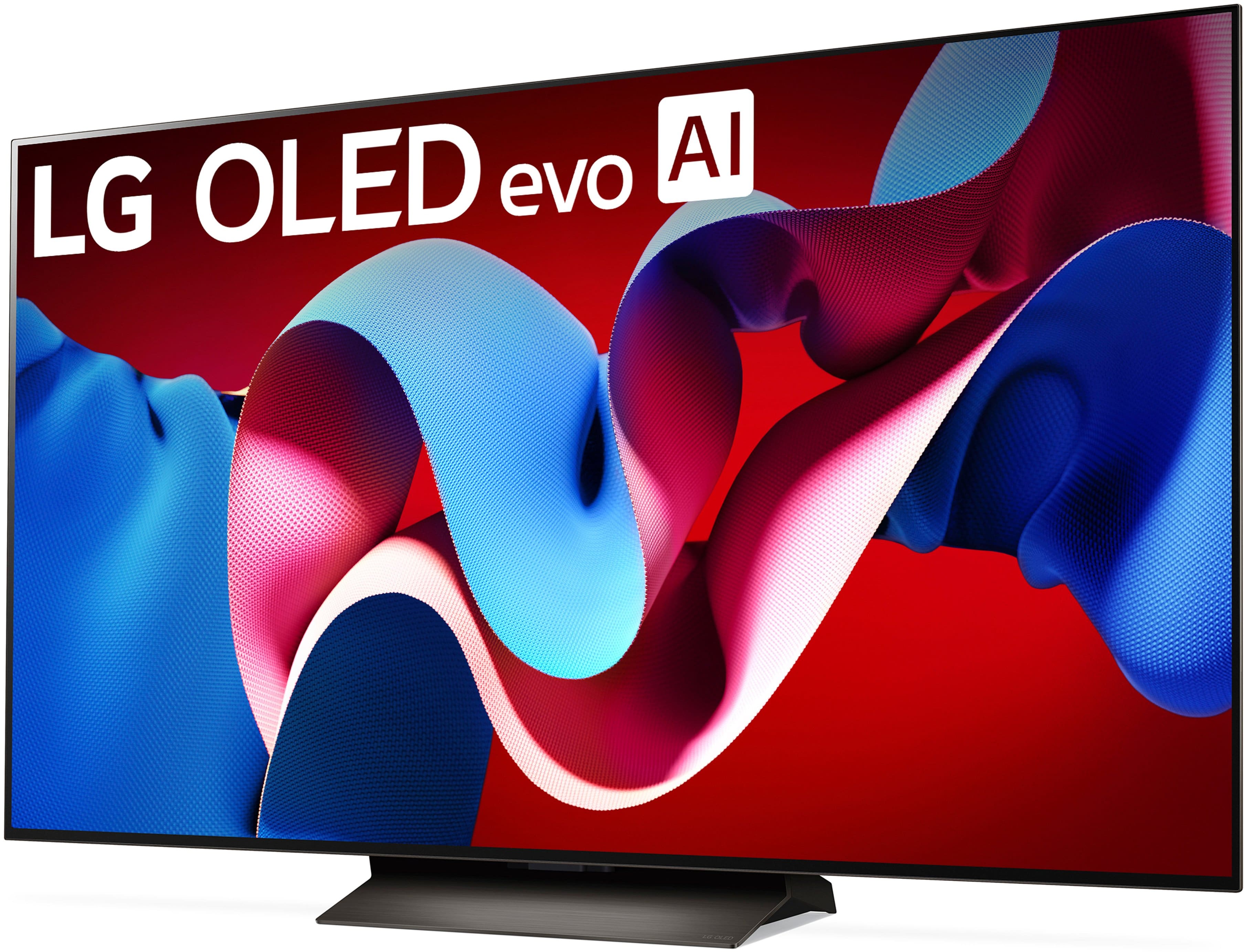
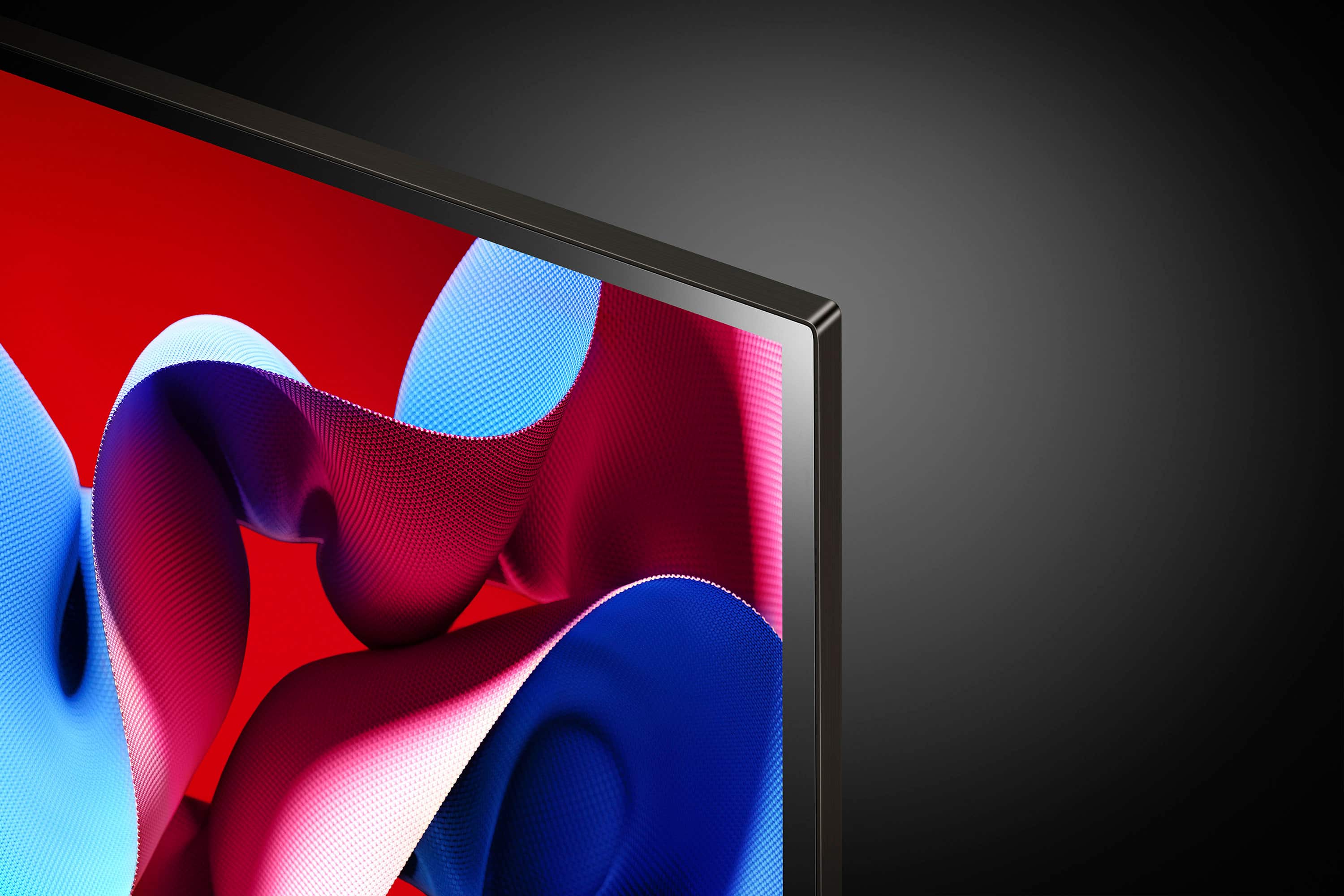
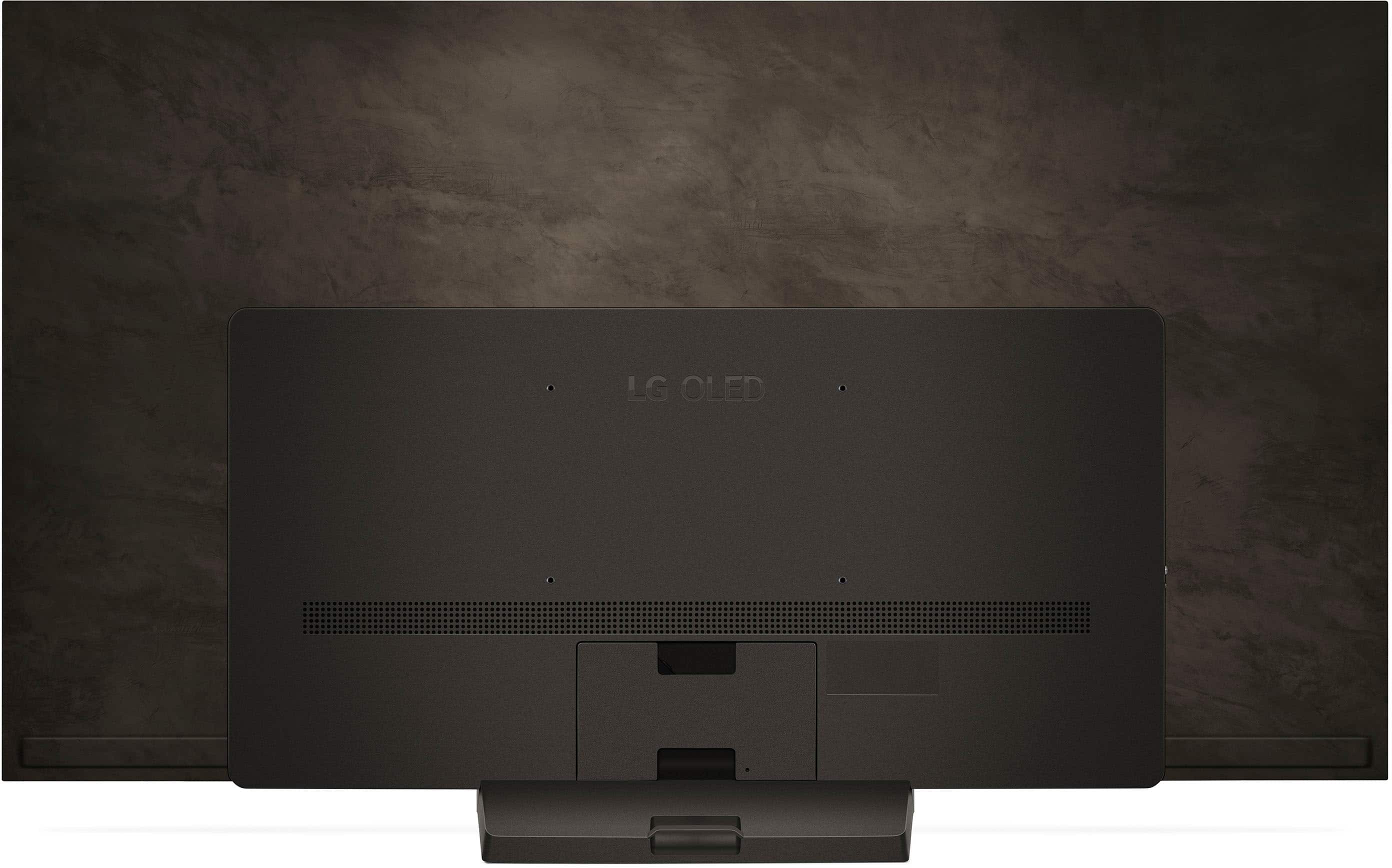





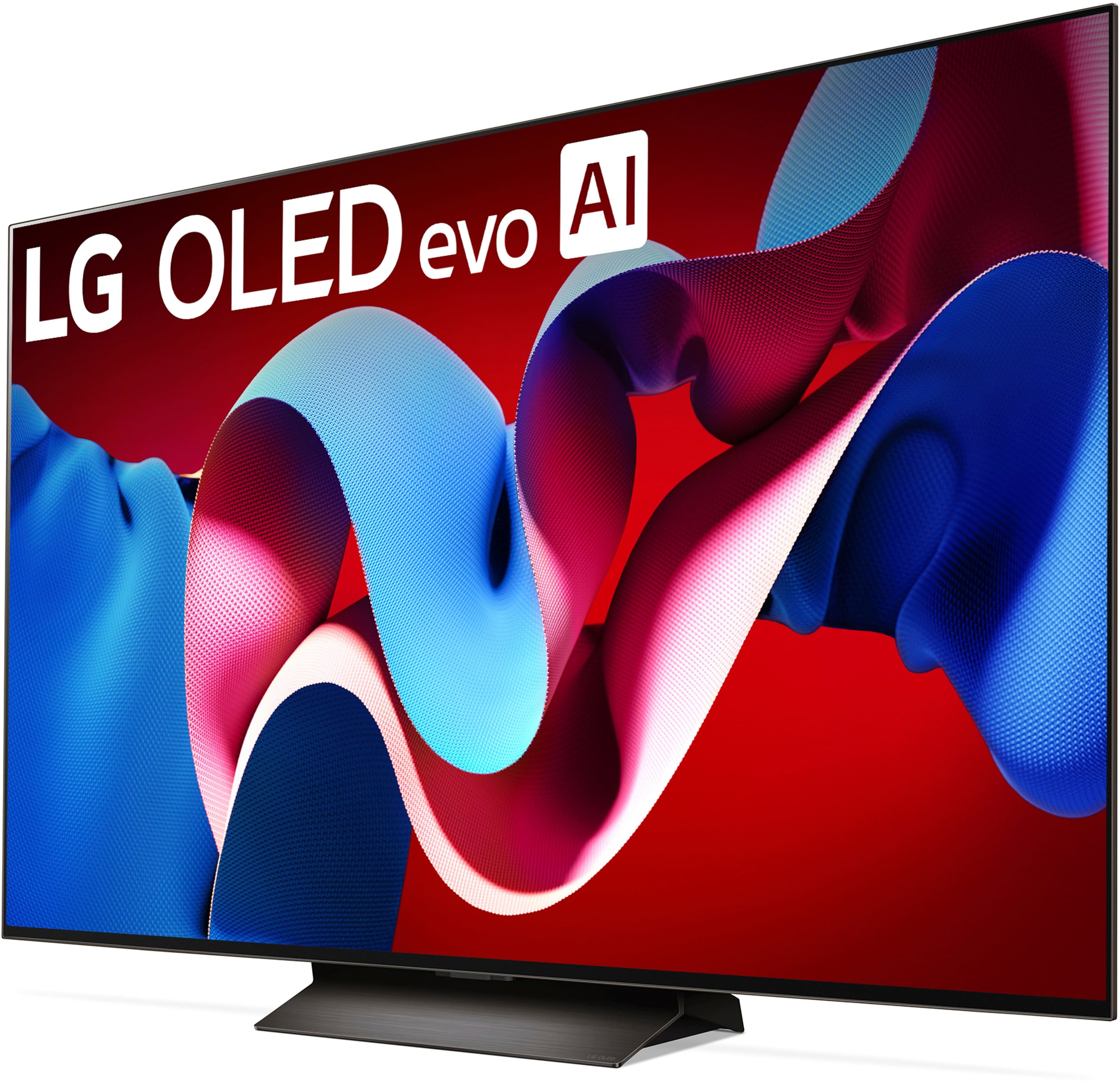






- Model:
- OLED65C4PUA
- SKU:
- 10672065
Rating by feature
- Picture Quality
Rating 4.9 out of 5 stars
- Sound Quality
Rating 4.6 out of 5 stars
- Brightness
Rating 4.9 out of 5 stars
Customers are saying
Customers praise the 65" Class C4 Series OLED evo 4K UHD Smart webOS TV (2024) for its exceptional picture quality, vibrant colors, and overall OLED quality, with many highlighting its ease of use, great refresh rate, and sleek design. However, some customers have expressed concerns about the remote control and the price.
This summary was generated by AI based on customer reviews.
LG 75" UQ70 Series LED
Posted .This reviewer received promo considerations or sweepstakes entry for writing a review.Worse tv I've ever owned. About 2 weeks after purchase, it will not power up or connect to the internet via WiFi. Will never purchase an LG again. It's Samsung only from now on. Really disappointing. If I could give it zero stars, I would. Beware of LG.
No, I would not recommend this to a friendBrand response from LG Digital Customer Care
Posted .Hi, Jeffrey. Thank you for sharing your experience with the LG TV (OLED65C4PUA) model. We understand your concern about the issues you’ve encountered, especially soon after your purchase. We aim to offer top-notch products and ensure a smooth and seamless viewing experience. To help troubleshoot the power and Wi-Fi connection issues, we recommend resetting the TV. Unplug it from the power source for a few minutes, then plug it back in. This can sometimes resolve connectivity problems. For more guidance, visit the following links: https://www.lg.com/us/support/help-library/lg-tv-why-does-my-tv-have-no-power--1441914332865 and https://www.lg.com/us/support/help-library/lg-tv-troubleshooting-your-tvs-internet-connection--1426626051711. If you continue to experience difficulties, please send us a private message on social media @LGUSSupport. We're dedicated to assisting you further and ensuring you receive the support you need. ^Juvy