Customer Ratings & Reviews












- Model:
- OLED65C4PUA
- SKU:
- 10818538
Rating by feature
- Picture Quality
Rating 4.9 out of 5 stars
- Sound Quality
Rating 4.6 out of 5 stars
- Brightness
Rating 4.9 out of 5 stars
Customers are saying
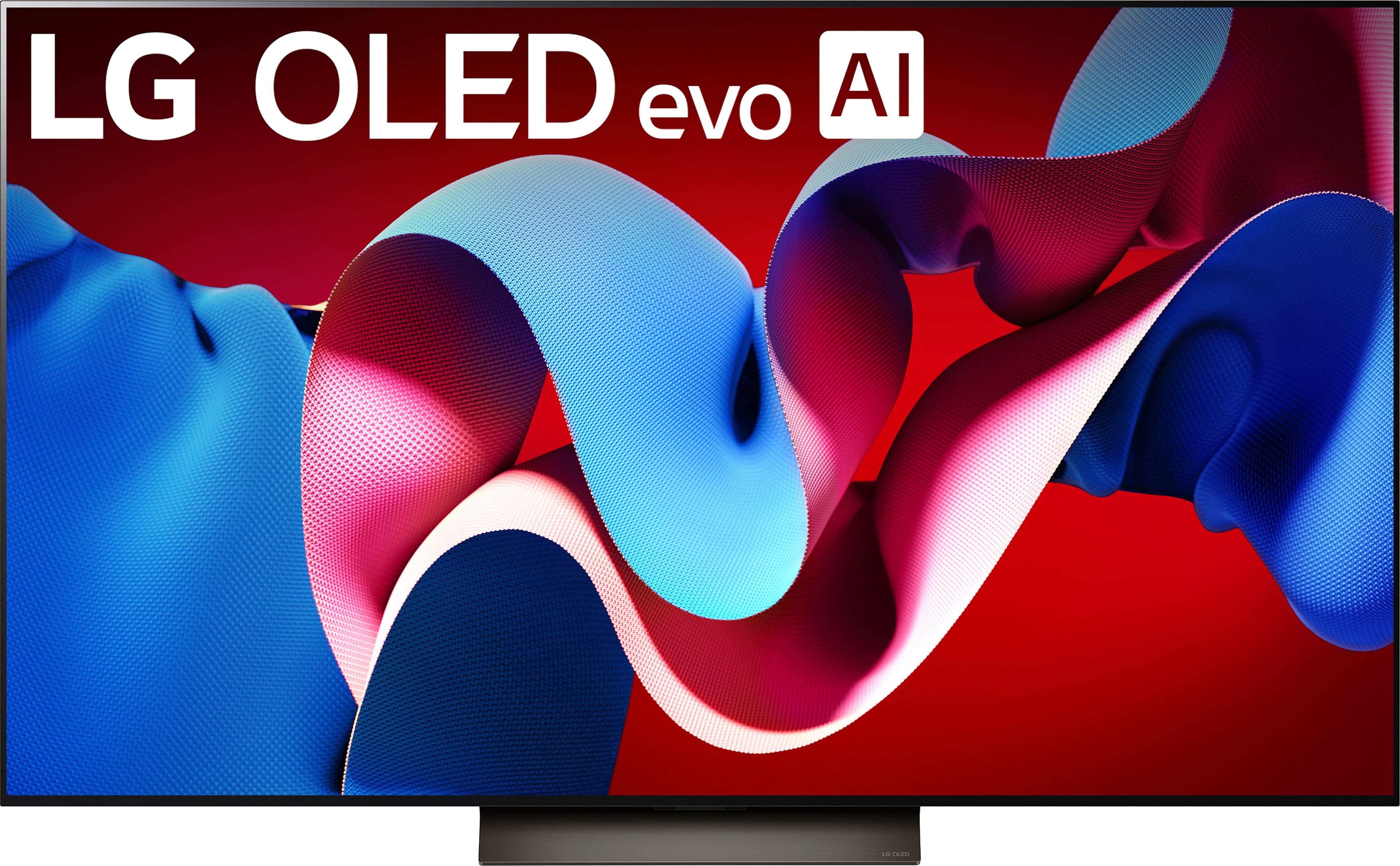
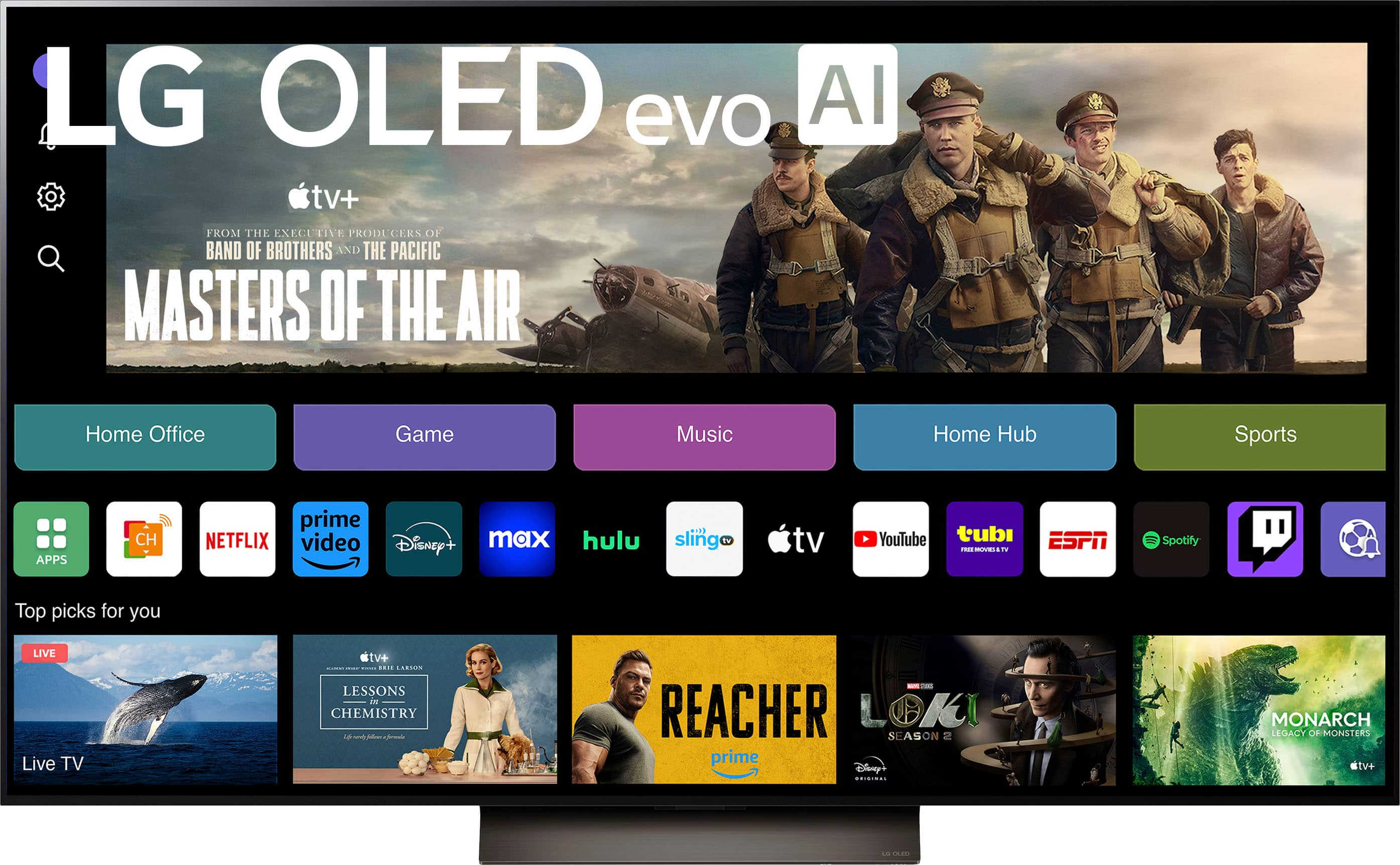
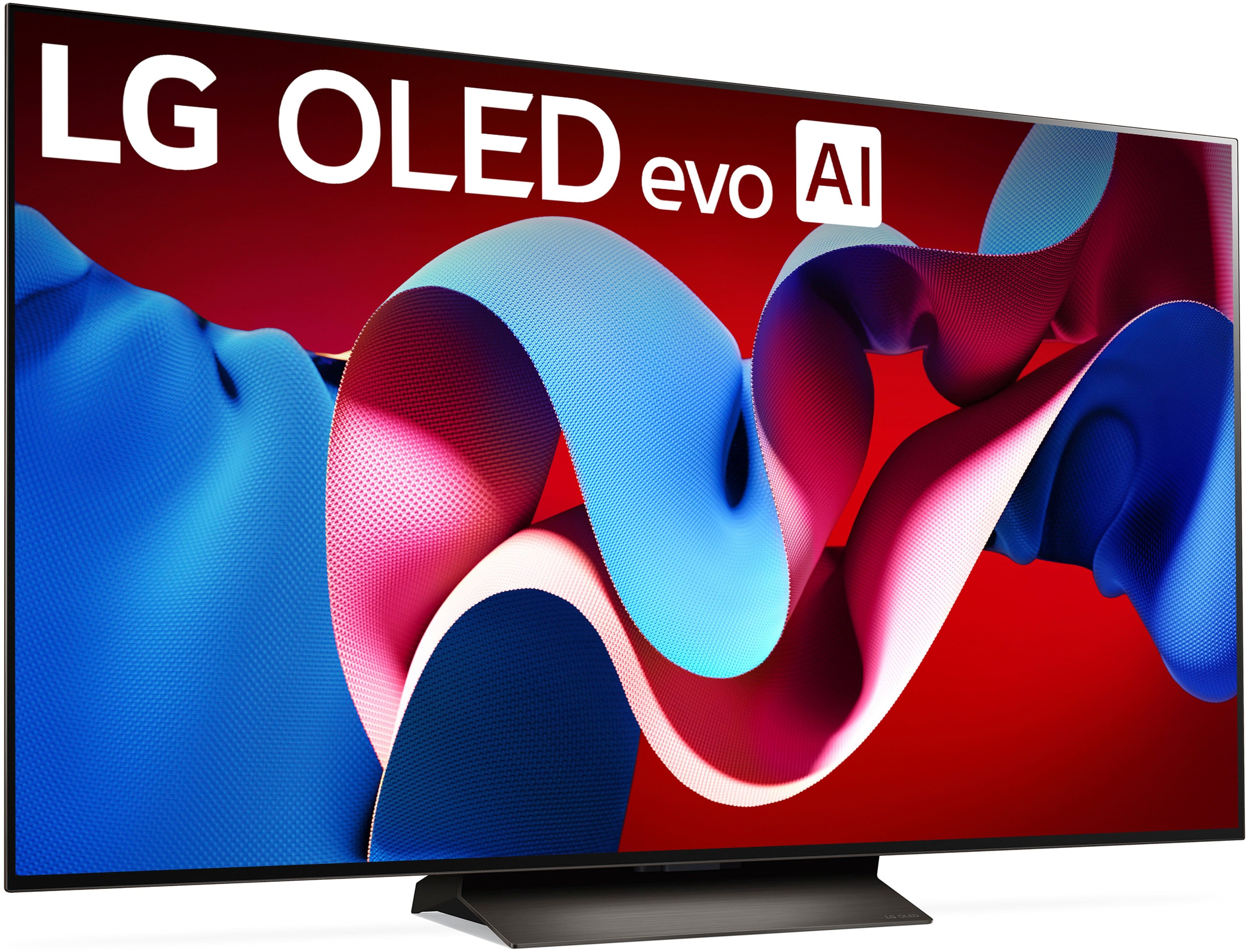
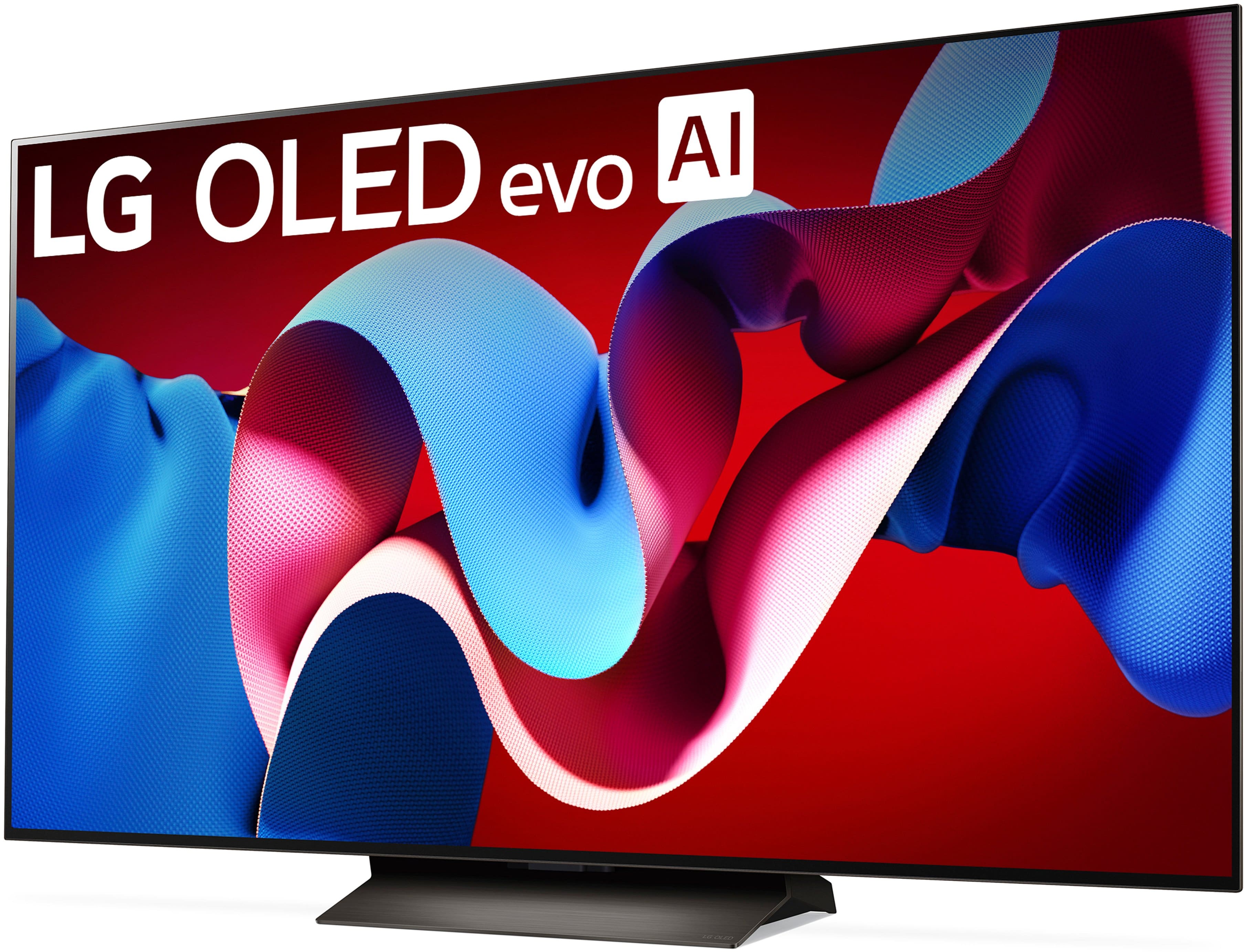
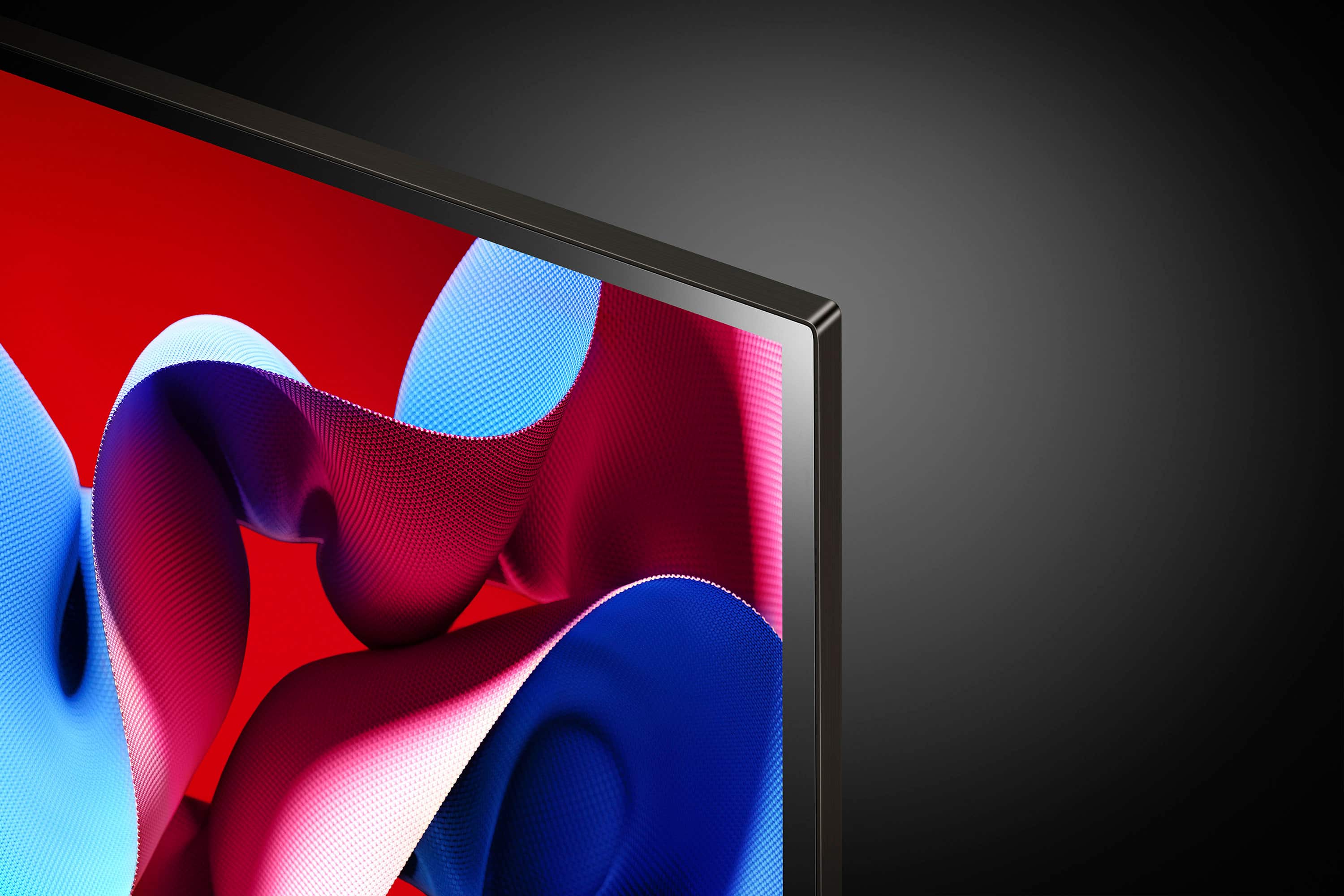
Customers praise the 65" Class C4 Series OLED evo 4K UHD Smart webOS TV (2024) for its exceptional picture quality, vibrant colors, and overall OLED quality, with many highlighting its ease of use, great refresh rate, and sleek design. However, some customers have expressed concerns about the remote control and the price.
This summary was generated by AI based on customer reviews.
- Pros mentioned:Picture quality
Satisfied!
||Posted . Owned for 1 month when reviewed.This reviewer received promo considerations or sweepstakes entry for writing a review.The tv is great with vivid pictures. I am really enjoying it.
I would recommend this to a friend Lg c4 oled 65
||Posted . Owned for 3 weeks when reviewed.This reviewer received promo considerations or sweepstakes entry for writing a review.I have the incredible experience buy my lg c4 65, i buy open box and the next time i want to going againg ti best buy for buy my next tv
I would recommend this to a friend- Pros mentioned:Picture quality
LG C4 OLED
||Posted . Owned for 1 week when reviewed.This reviewer received promo considerations or sweepstakes entry for writing a review.Excellent picture and so much sharper than lcd screen
I would recommend this to a friend - Cons mentioned:Remote control
I don’t think I would buy this again.
||Posted .This reviewer received promo considerations or sweepstakes entry for writing a review.On the whole, it’s a good TV. But the remote that comes with it is ridiculous. It works not just with the usual licking, but by pointing that puts a cursor on the screen. The cursor comes many times a day, usually when I have not requested it. It is squirrelly , hard to control, and I have to click to get out of it. So it is a hassle many times a day. I don’t think I would buy it again.
No, I would not recommend this to a friendBrand response from LG Digital Customer Care
Posted .Hello there, DavidS. Thank you for sharing your experience with us. We understand your inquiry regarding the Magic Remote cursor on your LG 65" Class C4 Series OLED evo 4K UHD Smart webOS TV. We understand that the pointer's activation frequency didn't meet your expectations and can be a hassle during your daily viewing.
To help make the remote more comfortable to use, you can adjust the pointer settings by going to Settings > General > System > Additional Settings > Pointer Options. From there, you can reduce the Tracking Speed to "Slow" or change the Pointer Size to "Small" to make it less distracting. Additionally, simply pressing any of the directional arrow buttons (Up, Down, Left, or Right) will immediately hide the cursor.
https://www.bestbuy.com/product/lg-65-class-c4-series-oled-evo-4k-uhd-smart-webos-tv-2024/JJ8VPZQF6G
For further assistance and any specific concerns you may have, please contact us on [email protected]. We appreciate your patience. —Renzo
Perfect
||Posted . Owned for 4 months when reviewed.This reviewer received promo considerations or sweepstakes entry for writing a review.Excelent for play with my ps5 and Watch anime and movies.
I would recommend this to a friend- Pros mentioned:Picture quality
Music Room Video
||Posted . Owned for 1 month when reviewed.This reviewer received promo considerations or sweepstakes entry for writing a review.My third LG evo and they just keep getting better.
I would recommend this to a friend - Pros mentioned:Picture quality
Perfect
||Posted . Owned for 3 weeks when reviewed.This reviewer received promo considerations or sweepstakes entry for writing a review.Love this TV the color and picture is amazing. I love our size 65 inches
I would recommend this to a friend - Pros mentioned:Picture quality
Great tv
||Posted . Owned for 3 weeks when reviewed.This reviewer received promo considerations or sweepstakes entry for writing a review.Great tv, just about the best you can get. The adaptive AI image quality features are great
I would recommend this to a friend - Pros mentioned:Picture quality
Awesome TV
||Posted . Owned for 2 weeks when reviewed.This reviewer received promo considerations or sweepstakes entry for writing a review.Best tv I've ever had, great for tv, movies, and gaming. I'd get a soundbar to match.
I would recommend this to a friend - Pros mentioned:Picture quality
LG 65 inch OLED TV
||Posted . Owned for 3 weeks when reviewed.This reviewer received promo considerations or sweepstakes entry for writing a review.Excellent picture quality Great Sound Control Many different Options Music Sports Movies etc
I would recommend this to a friend - Pros mentioned:Color
OLED
||Posted . Owned for 1 month when reviewed.This reviewer received promo considerations or sweepstakes entry for writing a review.I love this tv, super brigar, clear and hás smart fuctionality
I would recommend this to a friend Best picture ever
||Posted .This reviewer received promo considerations or sweepstakes entry for writing a review.Always been a Samsung kind of guy but when it went out my Son says no you have to get this LG..Glad I listen to him this TV is awesome best screen I've ever seen. Highly recommend
I would recommend this to a friend- Pros mentioned:Picture quality
Unbelievable speakers and picture resolution
||Posted . Owned for 2 months when reviewed.This reviewer received promo considerations or sweepstakes entry for writing a review.Amazing TV vest i have ever own, picture quality not need of a sound bar
I would recommend this to a friend - Pros mentioned:Picture quality
Best tv
||Posted . Owned for 2 months when reviewed.This reviewer received promo considerations or sweepstakes entry for writing a review.This TV has excellent picture quality. Recommended
I would recommend this to a friend - Pros mentioned:Picture quality
LG TV
||Posted . Owned for 1 month when reviewed.This reviewer received promo considerations or sweepstakes entry for writing a review.Great picture excellent choice happy with the purchase
I would recommend this to a friend - Pros mentioned:Picture quality
Great TV
||Posted . Owned for 1 month when reviewed.This reviewer received promo considerations or sweepstakes entry for writing a review.I bought this to replace a 2018 LG OLED. Very nice picture quality.
I would recommend this to a friend - Pros mentioned:Picture quality
Love this TV!
||Posted . Owned for 1 month when reviewed.This reviewer received promo considerations or sweepstakes entry for writing a review.I love how clear this tv is! 65’ is the perfect size for our living room!
I would recommend this to a friend - Pros mentioned:Picture quality
PriscellaH
||Posted . Owned for 2 months when reviewed.This reviewer received promo considerations or sweepstakes entry for writing a review.Excellent TV, Excellent picture, and Excellent sound.
I would recommend this to a friend - Pros mentioned:Picture quality
LG OLED - Great TV!
||Posted . Owned for 3 weeks when reviewed.This reviewer received promo considerations or sweepstakes entry for writing a review.This TV is great! Between the picture and sound it provides a great home theatre experience!
I would recommend this to a friend Oled contrast
||Posted . Owned for 1 week when reviewed.This reviewer received promo considerations or sweepstakes entry for writing a review.We upgraded from a 55 inch LG C1 when the size in the brightness is definitely noticeable. I would 100% recommend this for both gamers and moviegoers.
I would recommend this to a friend