Customer Ratings & Reviews
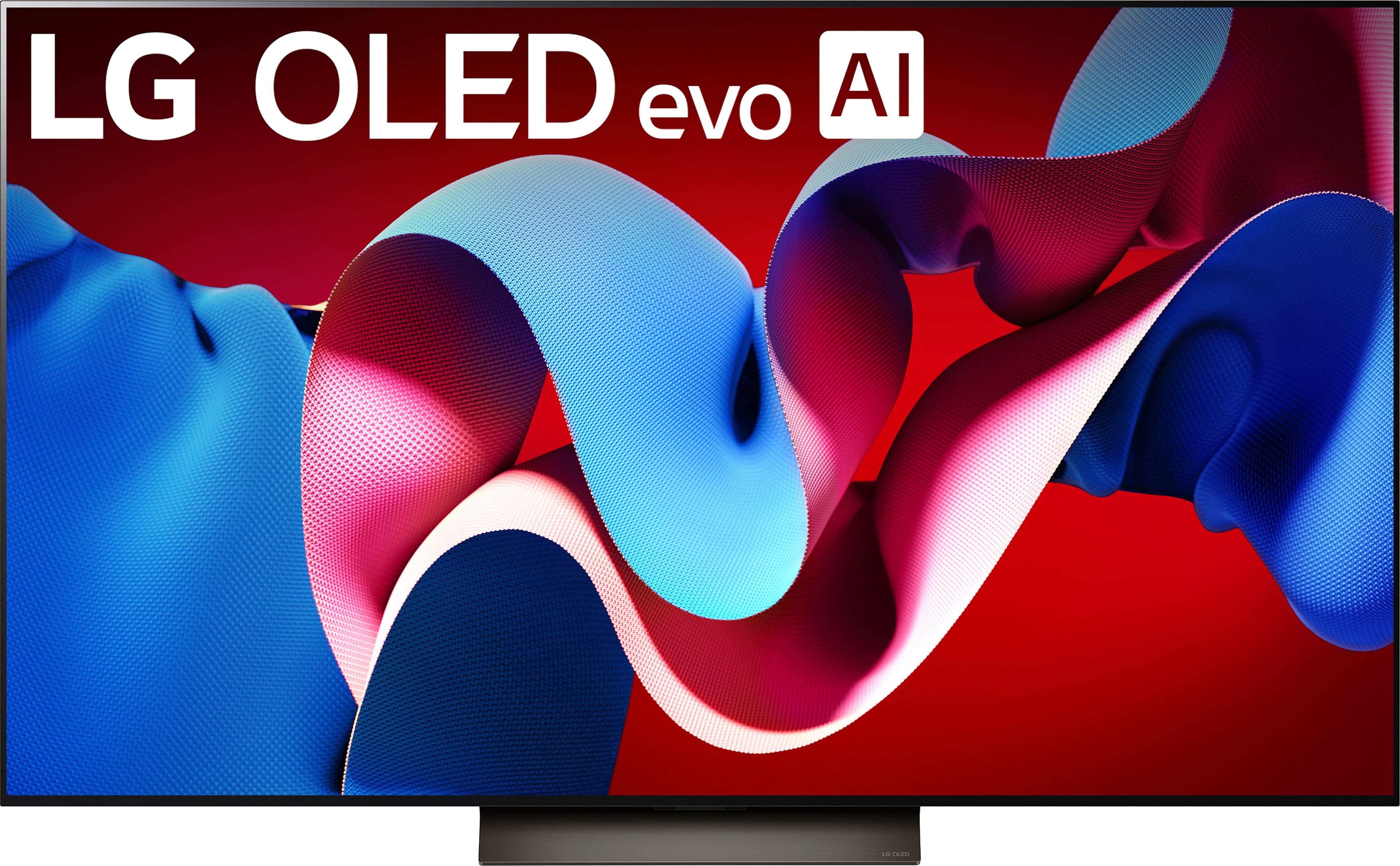
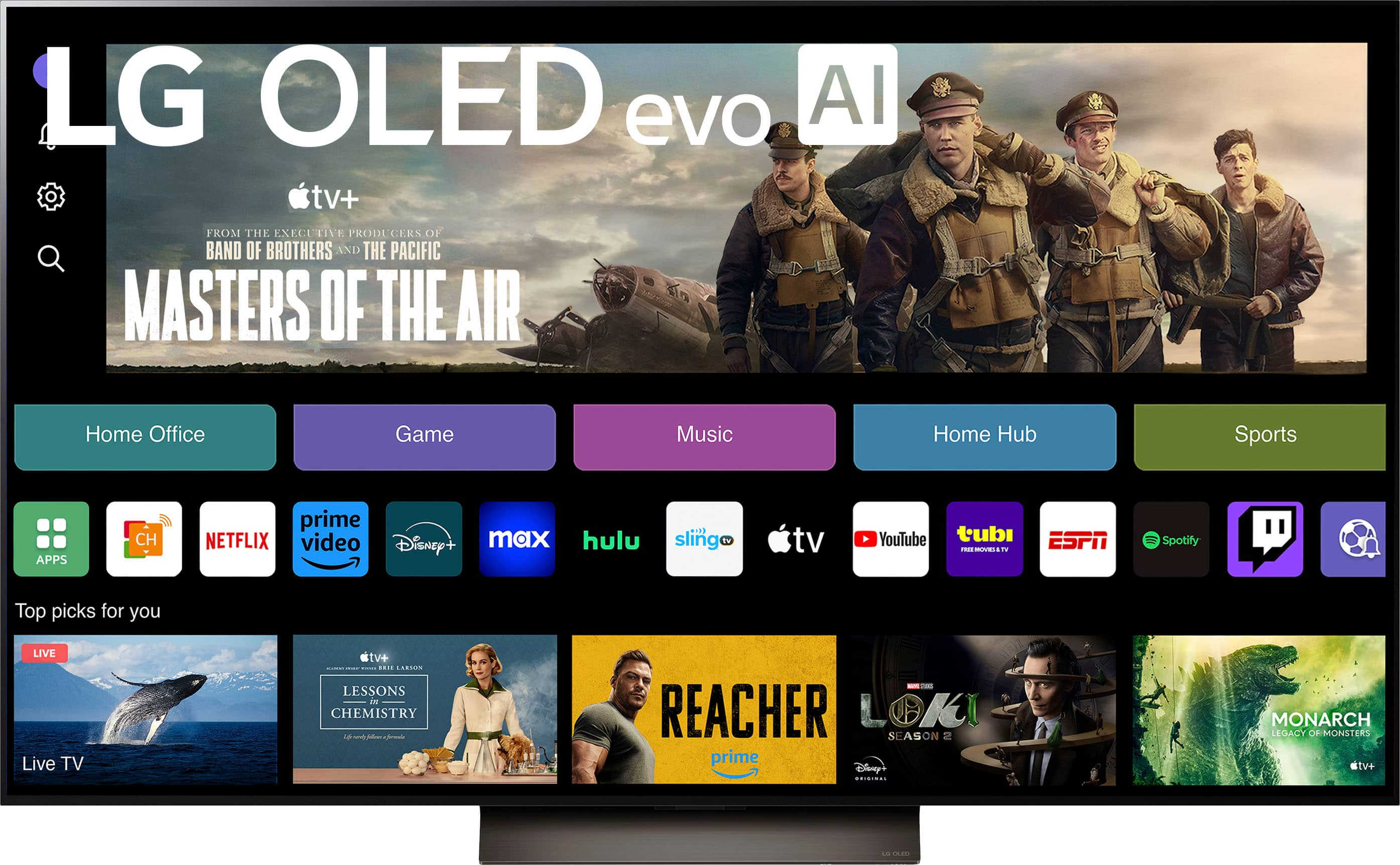
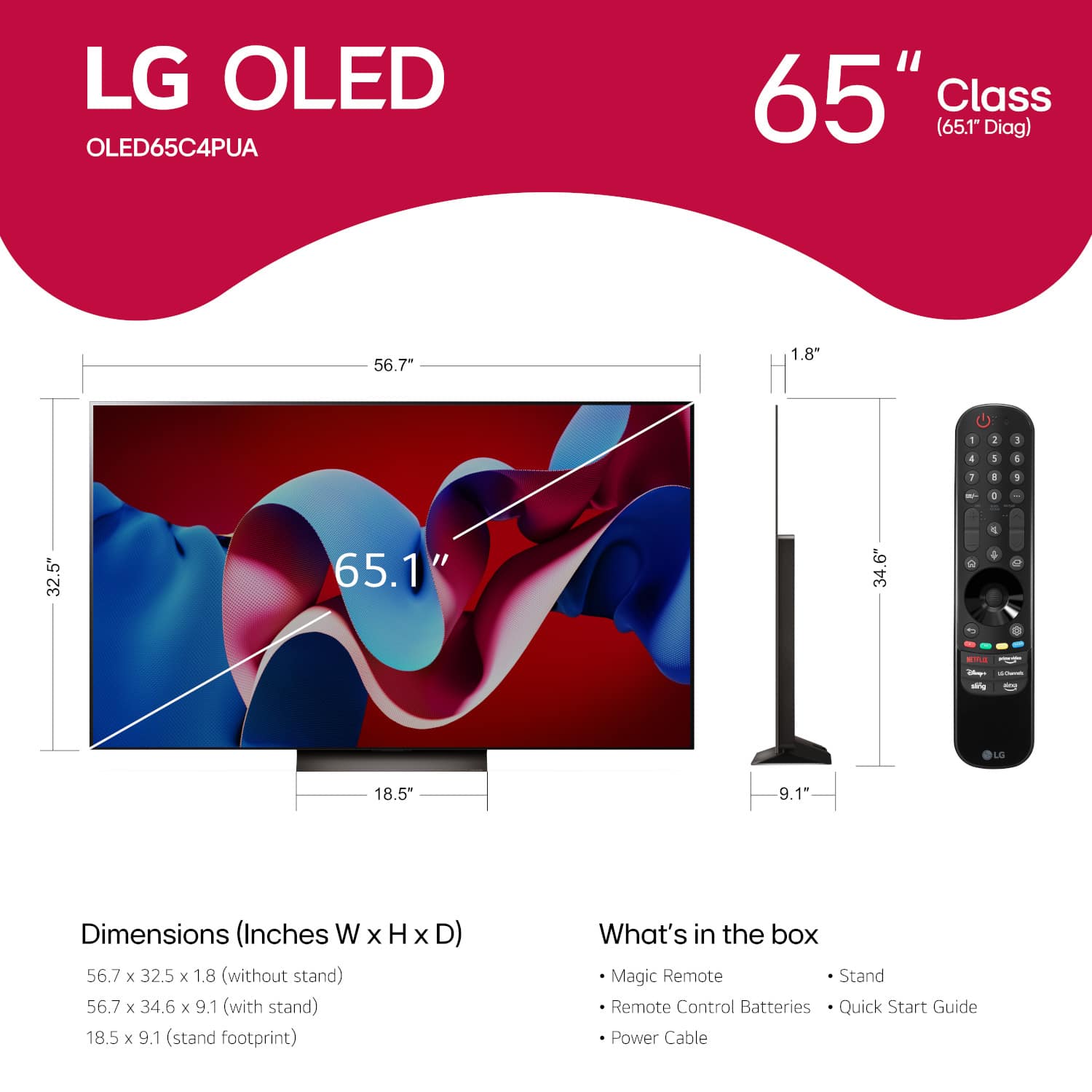
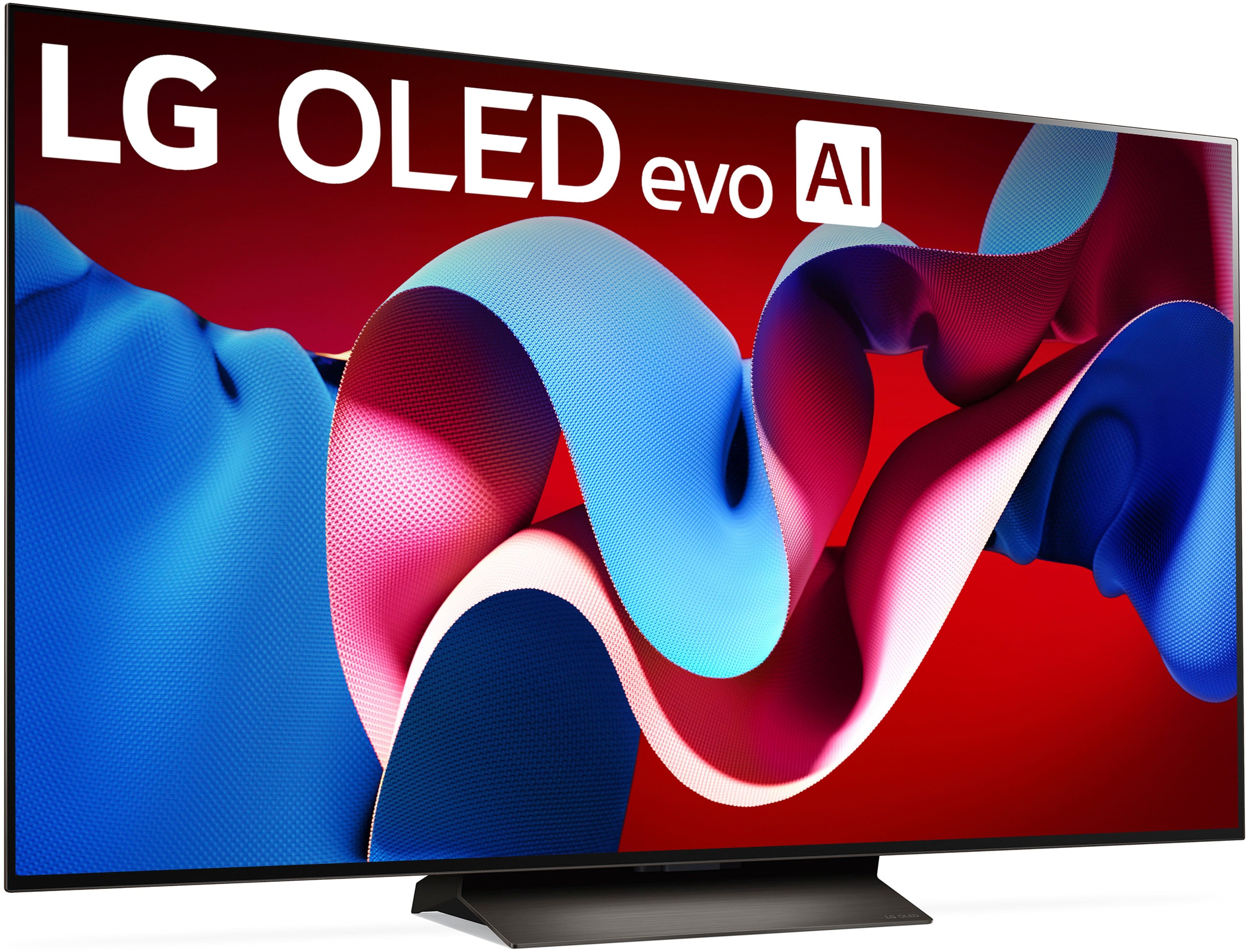
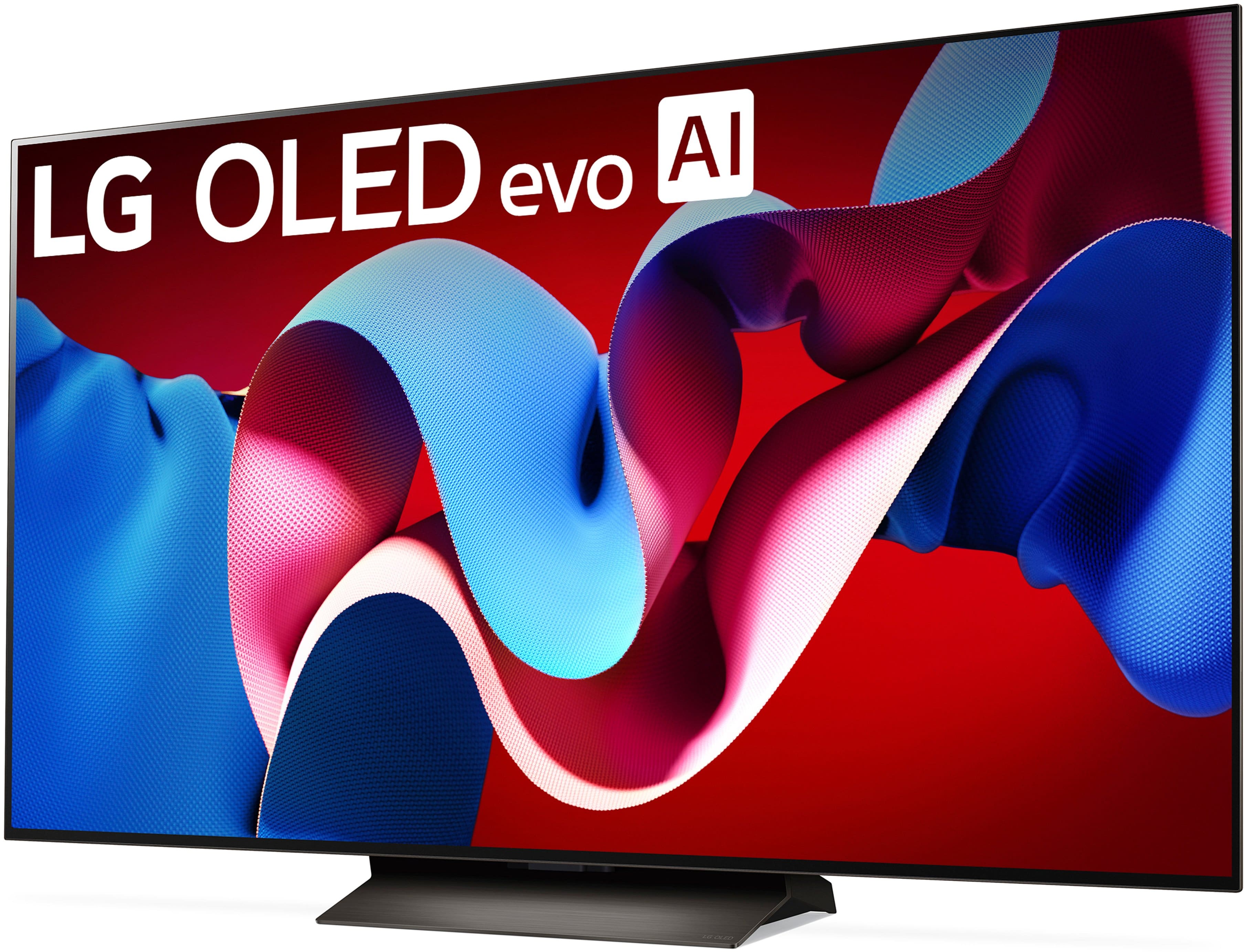
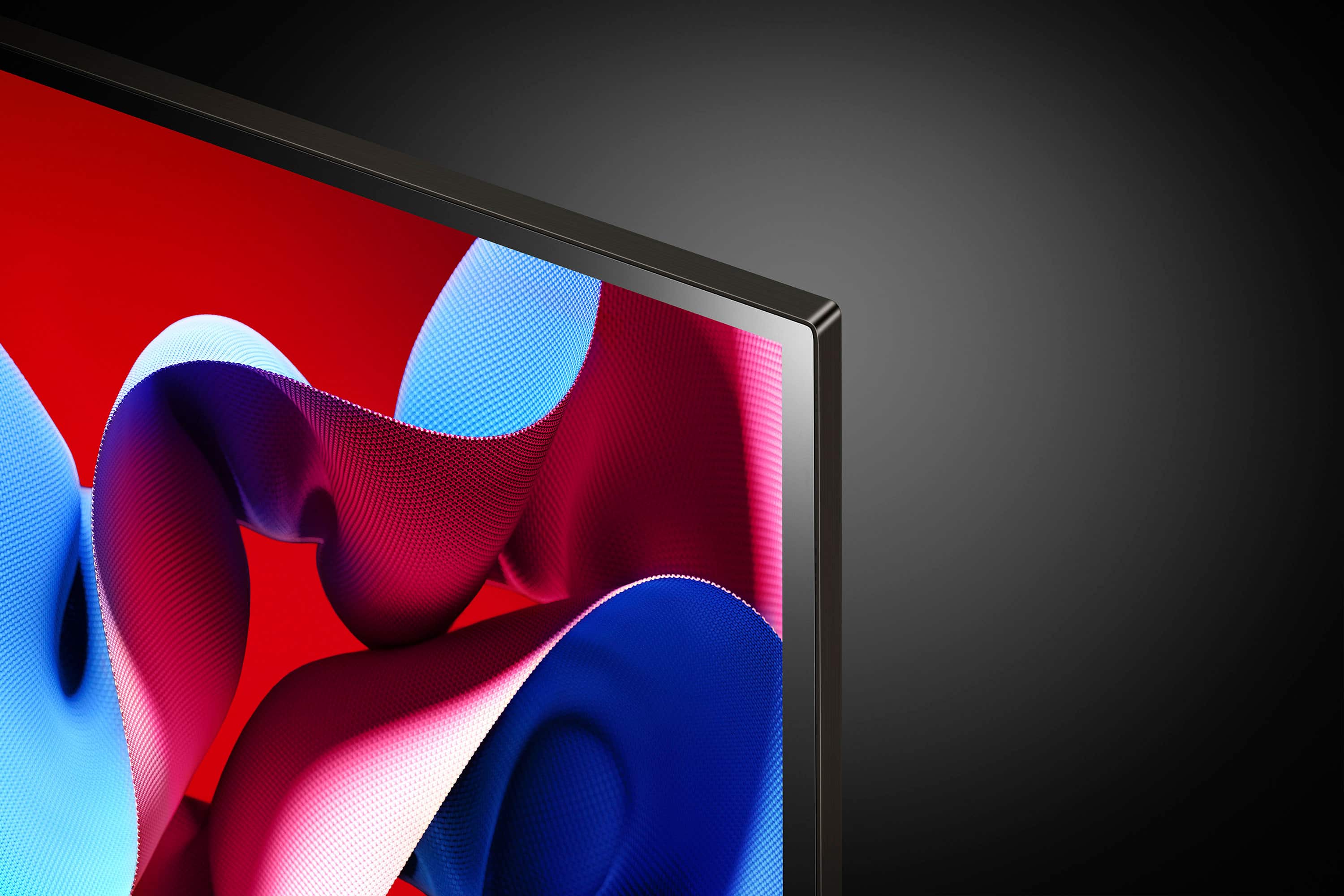
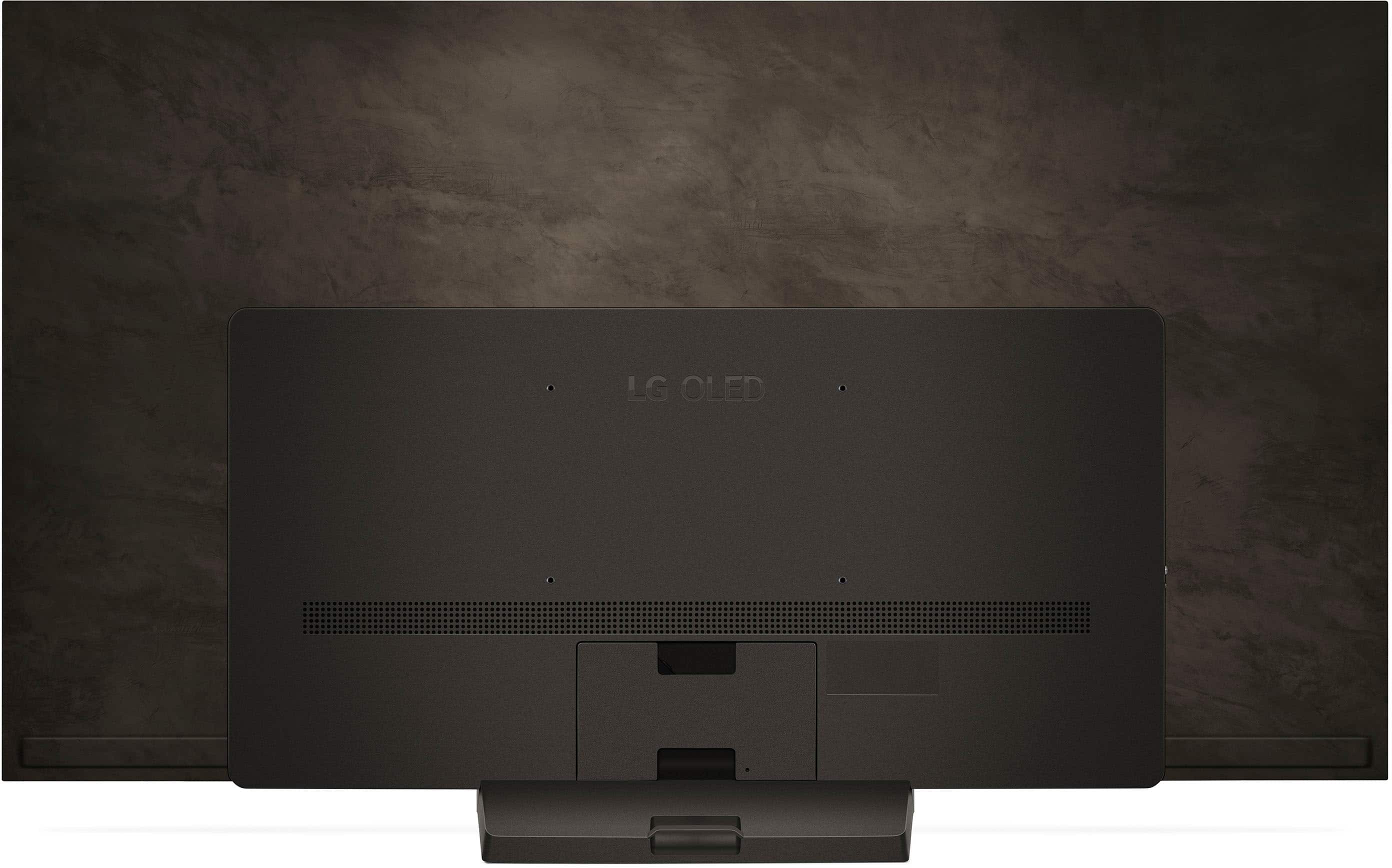












- Model:
- OLED65C4PUA
- SKU:
- 10818538
Rating by feature
- Picture Quality
Rating 4.9 out of 5 stars
- Sound Quality
Rating 4.6 out of 5 stars
- Brightness
Rating 4.9 out of 5 stars
Customers are saying
Customers praise the 65" Class C4 Series OLED evo 4K UHD Smart webOS TV (2024) for its exceptional picture quality, vibrant colors, and overall OLED quality, with many highlighting its ease of use, great refresh rate, and sleek design. However, some customers have expressed concerns about the remote control and the price.
This summary was generated by AI based on customer reviews.
- Pros mentioned:Picture quality
Great Buy
Posted .This reviewer received promo considerations or sweepstakes entry for writing a review.Love the TV. We put this in our bedroom and it made our room come to life. Picture is exceptional.
I would recommend this to a friend - Pros mentioned:Picture quality
Stunning Picture, But Sound and Remote Lag Behind
Posted .This reviewer received promo considerations or sweepstakes entry for writing a review.I’ve used LG OLED TVs before and this one has the best picture quality in its class. I didn’t give five stars because the sound could use a boost—consider a soundbar—and the remote isn’t as good as the previous version.
I would recommend this to a friend - Pros mentioned:Picture quality
Lg 65” oled
Posted .This reviewer received promo considerations or sweepstakes entry for writing a review.Great tv that deserves a look by any buyer. Picture quality is amazing.
I would recommend this to a friend - Pros mentioned:Picture quality
Excellant TV
Posted .This reviewer received promo considerations or sweepstakes entry for writing a review.Love this TV. Picture is so fabulous. Pretty easy to use too.
I would recommend this to a friend - Pros mentioned:Picture quality
Highly recommended
Posted .This reviewer received promo considerations or sweepstakes entry for writing a review.The LG C4 tv was as good as the various website ratings as the best mid-price tv available. I added the S70TR soundbar and subwoofer. The sound is almost as good as my older Yamaha system
I would recommend this to a friend - Pros mentioned:Picture quality
Excellen TV. TV & Sound Bar Control , improve.
Posted .This reviewer received promo considerations or sweepstakes entry for writing a review.TV Excellent. 5 Stars TV Control : Home is bellow volume. Prone to press home instead of volume. Rear sound bar speakers volume can not be controlled independently
I would recommend this to a friend Tv for home
Posted .This reviewer received promo considerations or sweepstakes entry for writing a review.Nice but expensive still worth it because good television
I would recommend this to a friendOpen Box BEWARE!
Posted .This reviewer received promo considerations or sweepstakes entry for writing a review.Picked up a last min open box (excellent condition) 6/7/2025. After driving 40+ miles to get it, and unfortunately the stand was missing. Please check that everything that is says belongs is there before taking it home. I tried to return to my local store unfortunately the first associate told me I couldnt return it there and I needed to go to the original store. I spoke to Best Buy costumer service said that as long as I didnt purchase it at an outlet its returnable anywhere. I went back to my local store and the manager assisted me. Hoewever it’s unfortunate that they had me going in circles and feeling like I did something wrong.
No, I would not recommend this to a friend- Pros mentioned:Picture quality
LG OLED
Posted .This reviewer received promo considerations or sweepstakes entry for writing a review.My third OLED LG TV. All good, great picture. Internet works as it should.
I would recommend this to a friend - Pros mentioned:Ease of use
Excellent TV
Posted .This reviewer received promo considerations or sweepstakes entry for writing a review.Can’t get better than this LG for a TV. Easy to operate and great to watch.
I would recommend this to a friend - Pros mentioned:Picture quality
My new TV
Posted .This reviewer received promo considerations or sweepstakes entry for writing a review.Great picture good price when I bought it. Very happy with it would recommend this tv
I would recommend this to a friend Great TV while it worked for 8 days
Posted .This reviewer received promo considerations or sweepstakes entry for writing a review.This LG tv was my second with them. I liked my C2 so much I bought a 55 C4 last week as a second tv. Worked great for the first 8 days. After that the screen went black and got 4 flashing red lights. Tried to reset it with no success. Have Best Buy Total Care Plus. Called them and they said I had to deal with LG first. After a couple days the TV screen did come up on its own. LG will not send anyone now to check it out because of that. This makes me nervous that this will just happen again. Very disappointing that this happened after days. Make sure you get an extended warranty with any tv you get from them.
No, I would not recommend this to a friend- Pros mentioned:Picture quality
Mrs.
Posted .This reviewer received promo considerations or sweepstakes entry for writing a review.We are pleased with our LG TV and we really like the picture quality. We also enjoy the larger size screen.
I would recommend this to a friend - Pros mentioned:Picture quality
Awesome TV
Posted .This reviewer received promo considerations or sweepstakes entry for writing a review.Best choice I've made on a new TV upgrade no regrets!
I would recommend this to a friend Monterey T install
Posted .This reviewer received promo considerations or sweepstakes entry for writing a review.Excellent service for the TV and installation of the mounting. A separate contract to move furniture out of the way was not done as needed, and that separate charge to my credit card is the subject of an ongoing dispute
I would recommend this to a friendNice color and functionality.
Posted .This reviewer received promo considerations or sweepstakes entry for writing a review.This TV is very good quality. The brightness and colors are awesome. First smart TV and having the additionally functionality is very nice without have to attach additional device for streaming.
I would recommend this to a friendGreat
Posted .This reviewer received promo considerations or sweepstakes entry for writing a review.Good quality. The people who helped install it were nice too
I would recommend this to a friend1000th Review
Posted .This reviewer received promo considerations or sweepstakes entry for writing a review.Absolutely stunning tv! Just purchased it today. Easy set up. Very happy! Recommend!
I would recommend this to a friendBe warned. Pixels will die over time.
Posted .This reviewer received promo considerations or sweepstakes entry for writing a review.As an OLED55CXPUA owner (bought from Best Buy December 2020) I cannot and will not recommend any OLED TVs due to the fact you will get dead pixels along the TVs edge (with in 1/2 inch) after the OEM warranty has expired. My OLED55CXPUA with 1740 power on hours has sat in the same location since it was installed the last 4 years. It has less than 1 hour per day average since I got it. I have countless dead pixels all around the edge of the screen (peppered) and even a sizable cluster 9+. I have no idea when the first pixel died on my TV but this problem will only get worse over time. All the reviewers online talk about “screen burn in” but really it is a red herring to keep customers from knowing the truth that pixels die en mass. There are tons of post online about this problem being a manufacturing defect that is either caused by moisture or oxygen ingress from the edge of the panel due to it not being sealed well. At this point I cannot retroactively buy an extended warranty for an issue which was not advertised or disclosed yet does exist. If you are going to buy an OLED get the extended warranty but know that you will have to use it and deal with the hassle of repairing the TV with another panel which will also, more than likely, suffer the same fate. The extended warranty also makes the TV cost more. Save your money and priceless time and get a QLED or other LCD panel until LG can sort out the dying pixel issues since all OLED TV brands use LG panels. I will be spreading the word to all my friends/family, coworkers about this problem. To be forewarned is to be forearmed.
No, I would not recommend this to a friendBrand response from LG Digital Customer Care
Posted .Hi, Jesse. Thank you for taking the time to share your experience with your LG TV (OLED55CXPUA) model and your concerns about OLED technology. We understand your concern about encountering issues with dead pixels, especially given the care and minimal usage you’ve described. We strive to provide high-quality products and exceptional services to ensure a smooth experience.
OLED TVs deliver exceptional picture quality through self-lit pixels, but as with all advanced display technologies, certain factors can impact their longevity. For issues like dead pixels, we recommend running the built-in pixel refresh feature, which can help mitigate pixel-related concerns. This feature is typically accessible through the TV’s settings menu. For more help, visit https://www.lg.com/us/support/help-library/lg-tv-troubleshooting-pixel-outage-or-colored-dots-on-screen--20150933240306.
We’d also like to investigate your situation further. Please send us a private message on social media @LGUSSupport, and our team will review your case to explore possible solutions. We value your trust and are committed to improving your experience with our products.
Thank you for bringing this to our attention, and we’re here to assist. ^Juvy
Great TV
Posted .This reviewer received promo considerations or sweepstakes entry for writing a review.Very happy with the TV as well as delivery from Best Buy.
I would recommend this to a friend