Customer Ratings & Reviews
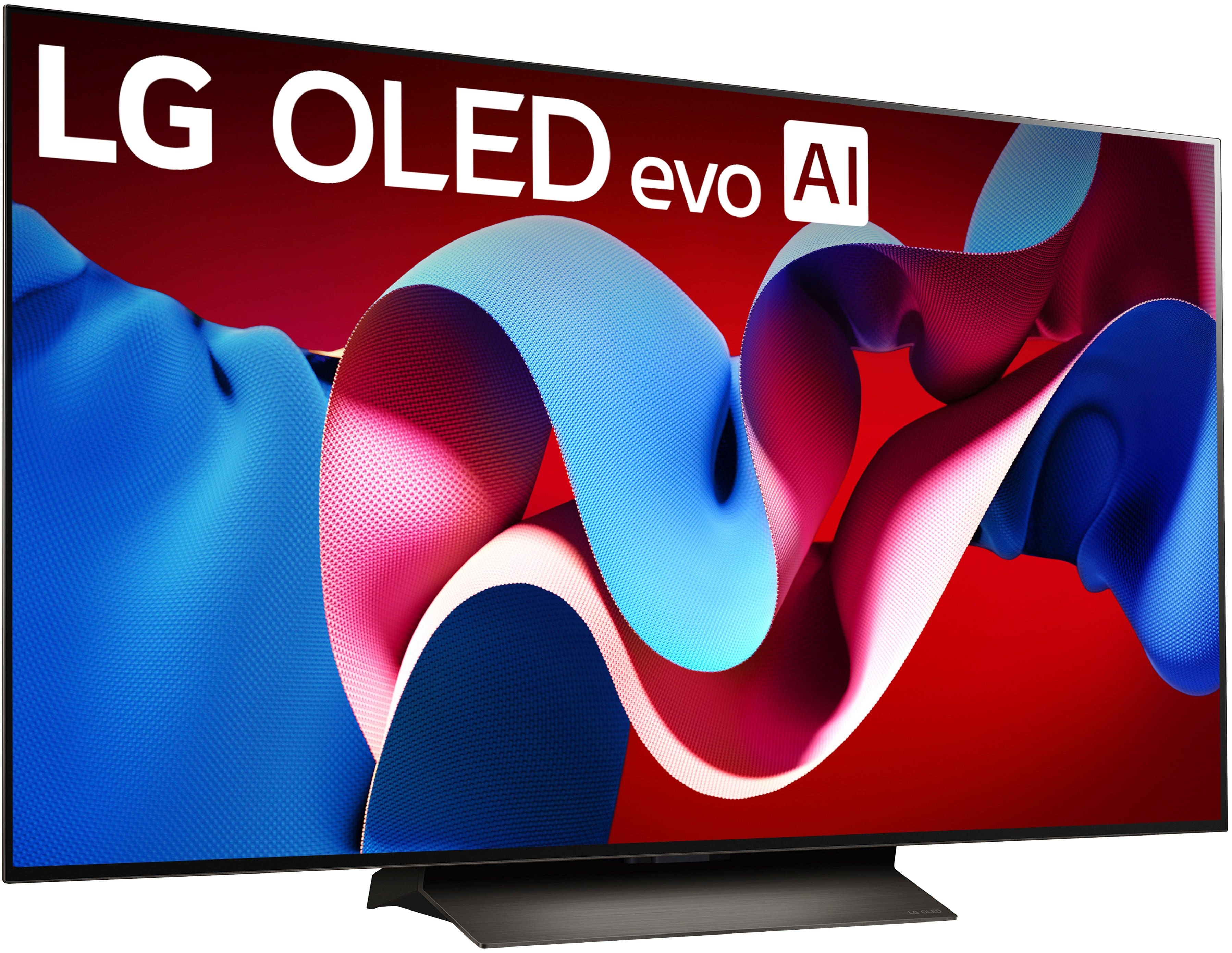
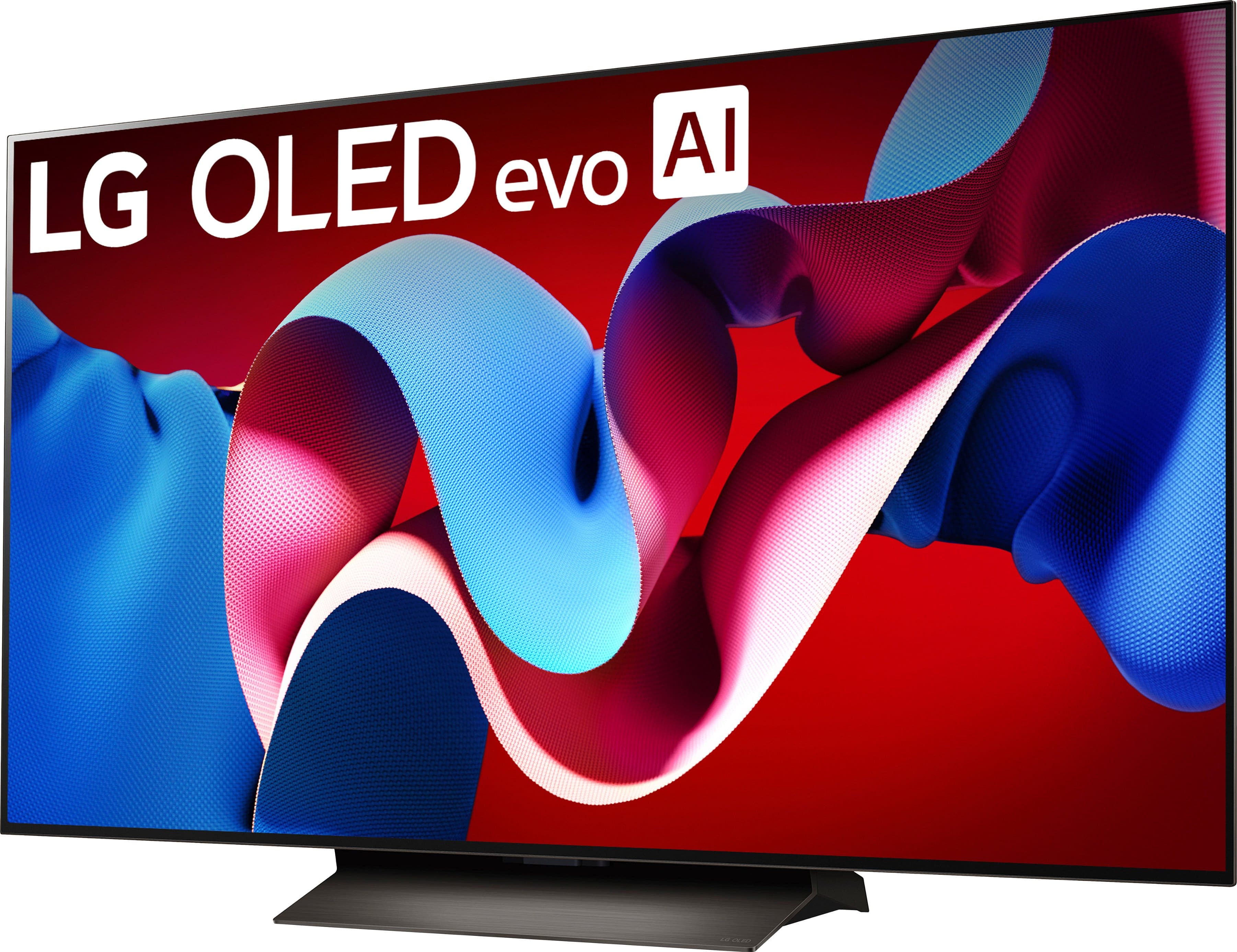
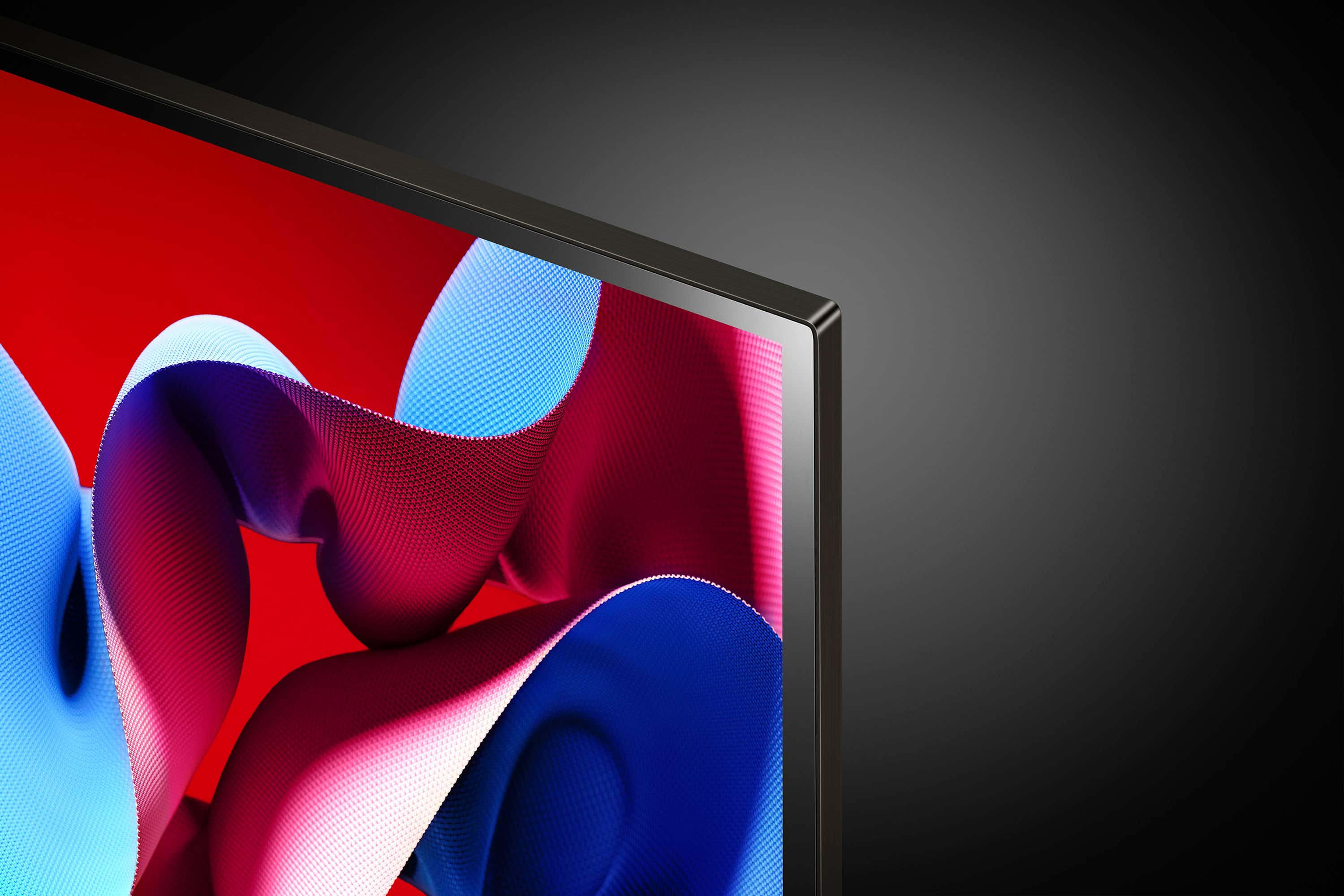
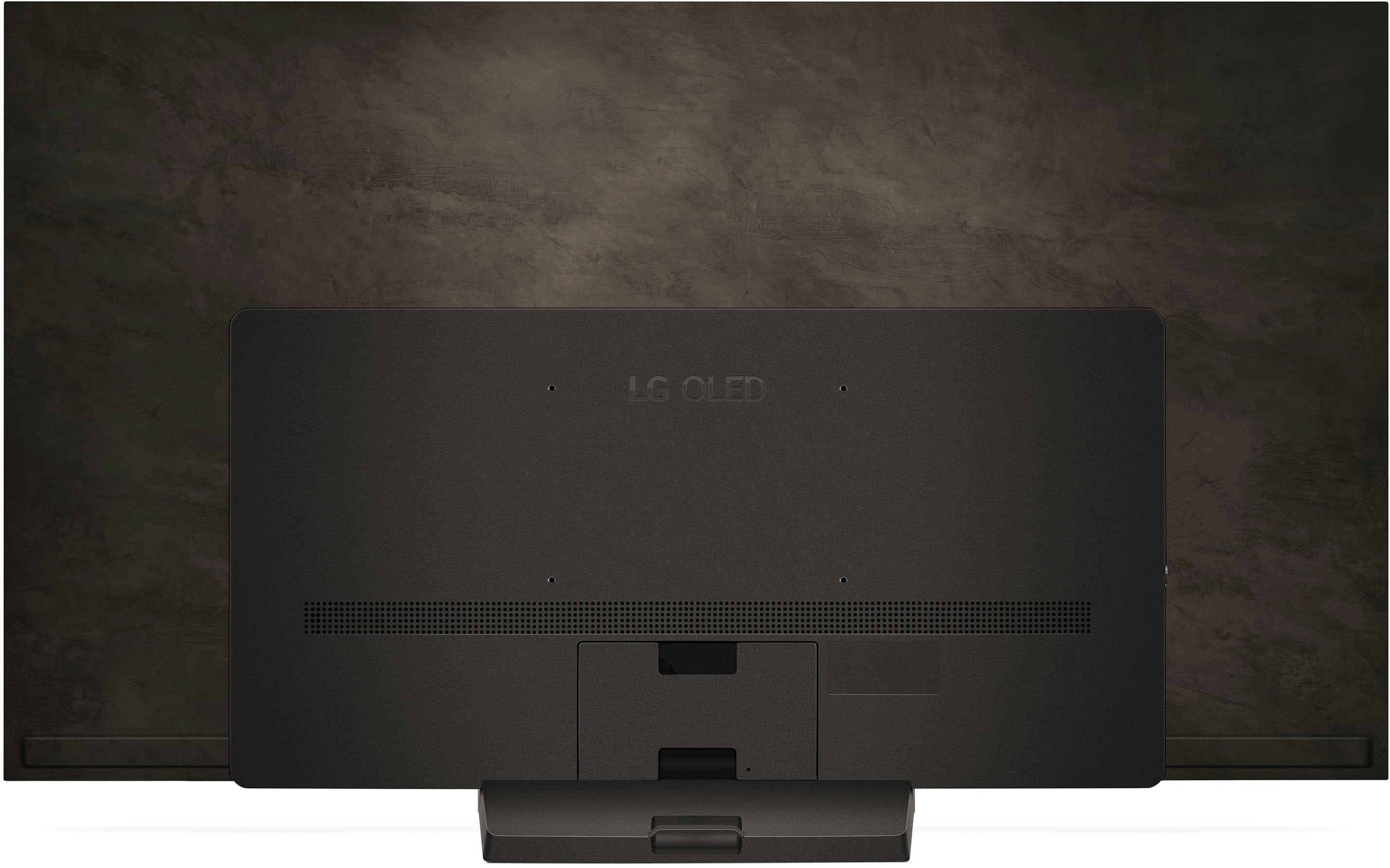
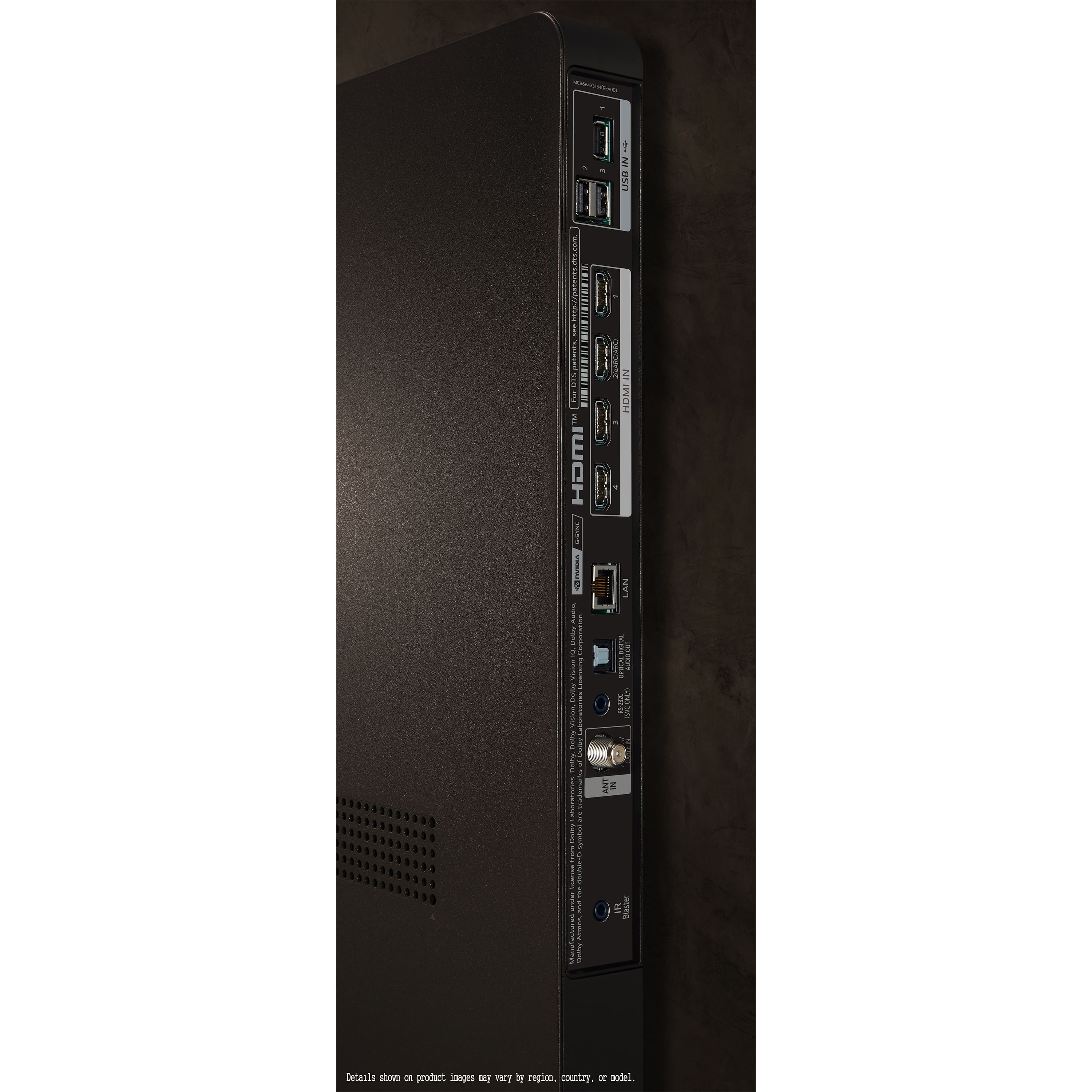
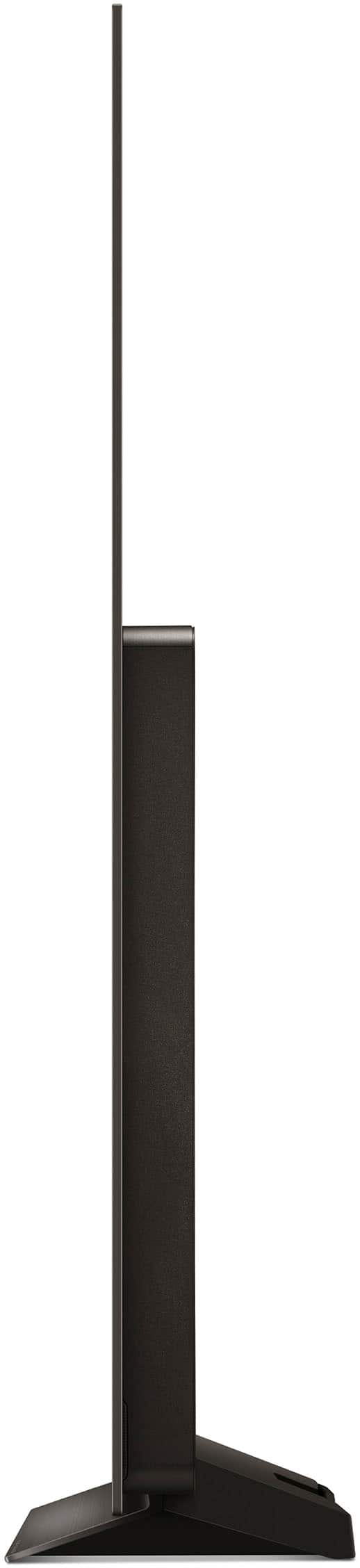
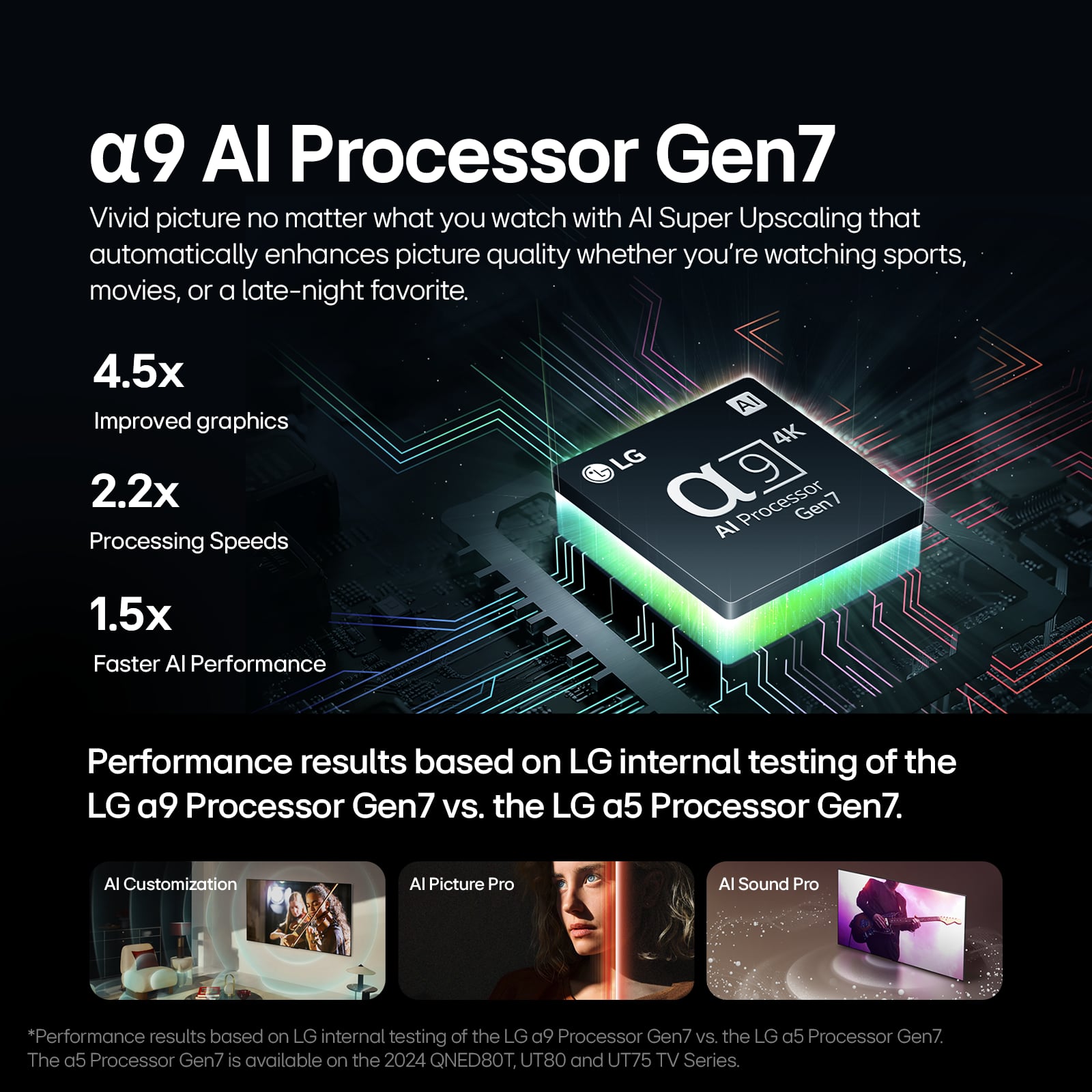





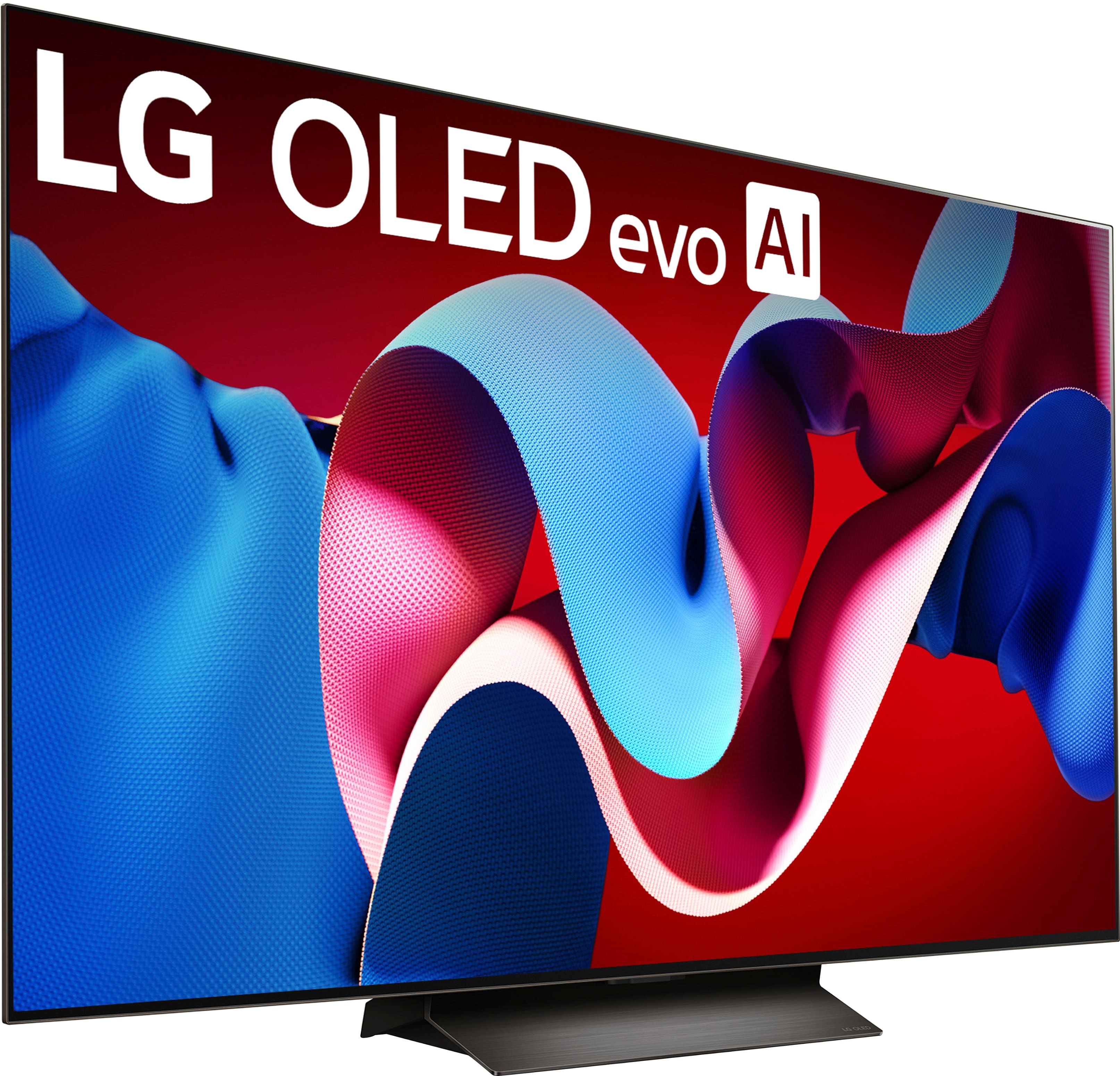






- Model:
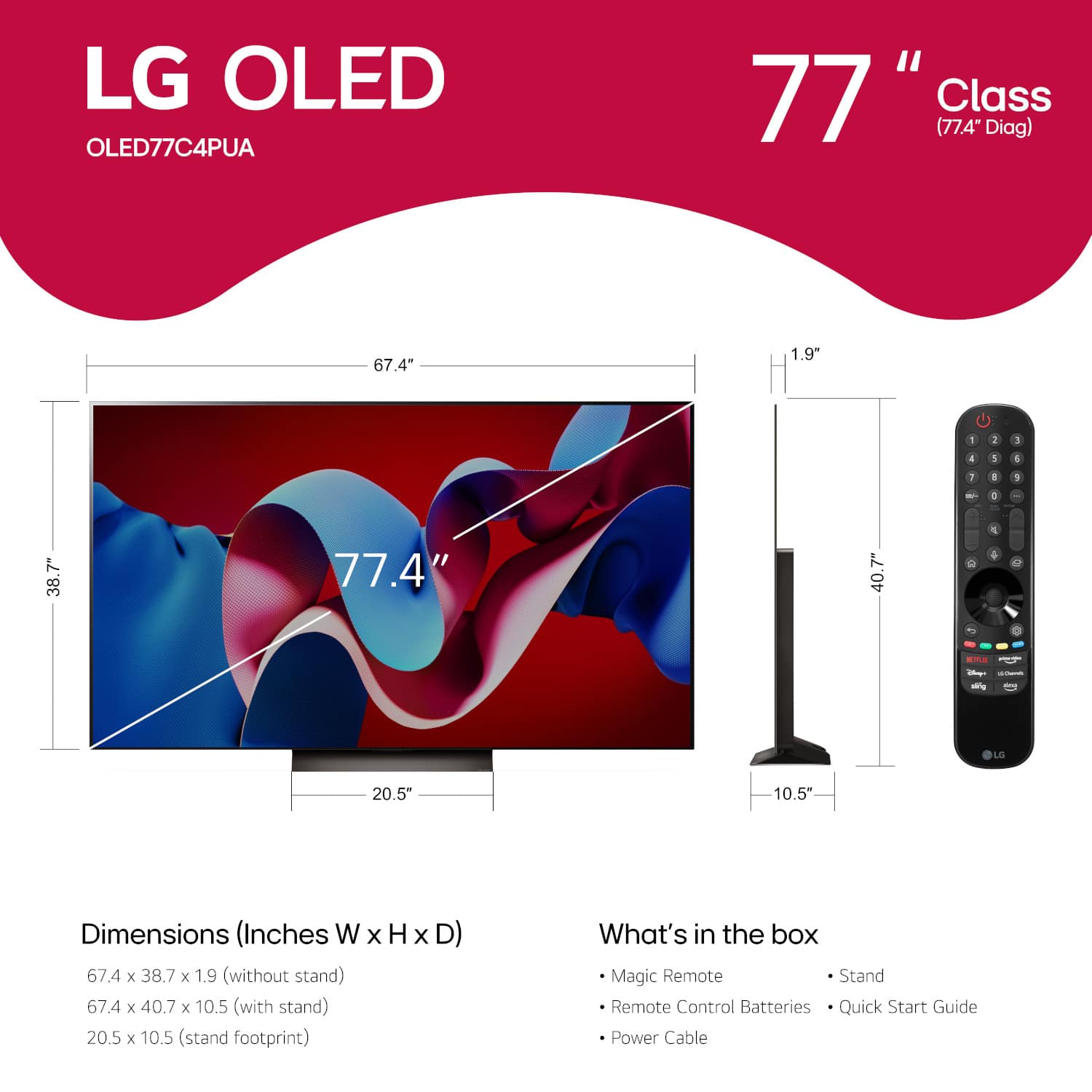
- OLED77C4PUA
- SKU:
- 11028408
Rating by feature
- Picture Quality
Rating 4.9 out of 5 stars
- Sound Quality
Rating 4.6 out of 5 stars
- Brightness
Rating 4.9 out of 5 stars
77' LG OLED C4
Posted .This reviewer received promo considerations or sweepstakes entry for writing a review.This TV is awesome !! Black is truly black white is pure. It really is like looking through a clear window when viewing natural scenes.
I would recommend this to a friendGreat Picture
Posted .This reviewer received promo considerations or sweepstakes entry for writing a review.I purchased this to replace a 55" TV, same brand but 13 years old. it was easy to setup and it is easy to use.
I would recommend this to a friendThe best in oled tv in the market
Posted .This reviewer received promo considerations or sweepstakes entry for writing a review.The best tv you can buy in 2025 lg c4 in movie gaming is the beasts I tried different tv nothing like this c4 buy you don't go wrong
I would recommend this to a friendVibrancy & Color
Posted .This reviewer received promo considerations or sweepstakes entry for writing a review.Amazing TV! OLED is a true difference maker. OLED + 77” makes for the best tv
I would recommend this to a friendLG OLED TV
Posted .This reviewer received promo considerations or sweepstakes entry for writing a review.Our new TV LG OLED 77” we purchased in December 2024 works great. It’s clear picture makes it all the better.
I would recommend this to a friendVery pleased
Posted .This reviewer received promo considerations or sweepstakes entry for writing a review.every thing about this TV is great! The picture is much better than Sony
I would recommend this to a friendLG 77" C4
Posted .This reviewer received promo considerations or sweepstakes entry for writing a review.Great Product! Brightness was what was expected even in a bright living room.
I would recommend this to a friendLove IT
Posted .This reviewer received promo considerations or sweepstakes entry for writing a review.Went to Best Buy just window shopping and came out with the best TV I could’ve bought. Also they had a great deal at the moment $800off so it was a no brainer.
I would recommend this to a friendSALESMAN OF THE YEAR
Posted .This reviewer received promo considerations or sweepstakes entry for writing a review.I bought my 77"LG OLED from Best Buy in Braintree MA. The man in the TV section who name is Brian P. was outstanding, Brain knew everything about TV'S. His Professional Knowledge was great. Brian was the reason I bought my new TV and soundbar, Great Job Brain P. Thank you very much for your service
I would recommend this to a friendLG C4 TV
Posted .This reviewer received promo considerations or sweepstakes entry for writing a review.Great TV. Quality is amazing. Works great with a XBOX Series X and PS5.
I would recommend this to a friendOk
Posted .This reviewer received promo considerations or sweepstakes entry for writing a review.I bought this to watch 4K UHD and play my PS5 Pro on. It has a great picture and it looks so good although it is not future proof because 8K is right around the corner. Also, for the money that you pay for this thing you expect all these TVs to come with the OLED synergy bracket that’s crazy that we have to pay extra for that.
I would recommend this to a friendBest Ever
Posted .This reviewer received promo considerations or sweepstakes entry for writing a review.Best TV for sports i have ever owned. NO MORE BLURRRRR.
I would recommend this to a friendLack of LG support
Posted .This reviewer received promo considerations or sweepstakes entry for writing a review.I purchased a LG OLED77CPUA tv from Best Buy on 11-15-23 for $2974.98. On 5-14-24 the tv would not turn on. I called LG for warranty work to be done. They needed the serial number so I called them back on 5-15-24 with all info. They could not find a repair service to work on a tv that big so I was offered $2997.49 in reward points to purchase a tv from LG.com. I ordered the same model tv and it was supposed to deliver 6-13-24. On 6-12-24 at 0738 I received a message from RXO that my delivery was confirmed for 6-13-24. At 1041 I received another message from RXO that my delivery was delayed. delivery was rescheduled for 6-17-24. On 6-14-24 at 1533 I received a message that the delivery was confirmed for 6-17-24 between 1100-1500. At 1115 I received a call from RXO that my delivery was being delayed again. I told RXO I was cancelling the order. I called LG and cancelled the order. I explained every day that RXO moved the delivery I had to reschedule the installers and reschedule my help for doing projects on the house. I was not going to give RXO a third chance based on all the BBB complaints they have for delays. On 6-18-24 at about 1800 I talked to Josh in the online orders department. I asked for a cash refund and he said he would send out the form in 24-48 hrs and once he got it back a refund of $2724.99 would be processed in 3-5 days. I never got the form. On numerous calls to LG customer service said they would escalate the matter and I would get a call back in 24-48 hrs. I never once got a call back. On 7-10-24 after being hung up on twice I talked to Monica. She informed me they are still waiting for the tv to be returned. I told her that is between LG and RXO. Delivery was not made to me or even attempted. She told me there was nothing to be done until the tv was returned. I asked for a supervisor and was told there was no one higher there. I feel I should get the refund asap. I filed a complaint with the BBB on 7-10-24. Their reply was they should have a resolution soon. Now it's 8-14-24 and still no resolution. All I get are lies and promises. Stay clear of LG, they clearly don't stand behind their products.
No, I would not recommend this to a friendBrand response from LG Digital Customer Care
Posted .Hi, Keith. Thank you for detailing your experience with LG TV (OLED77C4PUA) model. We understand your concern about the multiple challenges with both delivery and refund processes. We strive to provide exceptional customer service and ensure a smooth and seamless shopping experience. To help expedite your refund, please make sure to check if there are any updates or actions required on your end. In the meantime, please reach out to us on social media @LGUSSupport with your order details and any relevant information. We will prioritize this matter and work diligently to resolve it.
We genuinely appreciate your understanding and patience as we work to find a satisfactory solution. ^Juvy
Great picture but bad about installing new apps
Posted .This reviewer received promo considerations or sweepstakes entry for writing a review.LG tv’s are good quality/great picture but they have a problem unknown to most. They cannot update / install some apps unless your ISP uses a specific protocol. Without this protocol you cannot login to your lg account which inturn prevents you from updating / installing. No youtube tv if you have this problem. I had this problem with my last lg and hoped it had been resolved when i bought this new 77” OLED. Dissapointed to find the problem still there. This will be my last LG tv.
No, I would not recommend this to a friendBrand response from LG Digital Customer Care
Posted .Hi, Roy. Thank you for sharing your feedback with LG TV (OLED77C4PUA) model. We understand your concern about being unable to update or install apps like YouTube TV, especially with such a great TV like your unit. We strive to provide reliable, high-quality products that exceed our customer's needs and expectations. To resolve this, we recommend first checking if your TV is connected to a stable internet connection. Sometimes, issues with app installations can occur if there are network interruptions. Additionally, try updating the TV software to ensure you're on the latest version, as this can often resolve compatibility issues. For more guidance, visit https://www.lg.com/us/support/help-library/lg-tv-how-to-update-an-lg-smart-tv--1430510575535. If the issue persists and is related to your ISP protocol, we suggest reaching out to your internet provider to see if any settings or configurations can be adjusted to allow for smoother app installations.
Please send us a private message on social media @LGUSSupport, and our team will be happy to assist you further with troubleshooting and explore possible solutions. We’re committed to ensuring your satisfaction, and we're here to help. ^Juvy
Too Much Glare
Posted .This reviewer received promo considerations or sweepstakes entry for writing a review.I wanted an anti-glare TV and this one was recommended. However, the screen is like a mirror. The glare was worse than my prior (non-glare) TV.
No, I would not recommend this to a friendBrand response from LG Digital Customer Care
Posted .Hi there, Aerin. Thank you for sharing your experience with us. We understand your situation and can appreciate how glare on the screen can be bothersome, especially when you were expecting an anti-glare TV. The LG OLED77C4PUA, being an OLED display, offers incredible picture quality, but due to its reflective nature, it can sometimes cause glare in bright environments or rooms with a lot of light.
To reduce glare, we recommend adjusting the room's lighting or positioning the TV at an angle that minimizes reflections. Additionally, the TV's Brightness Booster feature can be adjusted through the settings to help enhance the display in brighter rooms.
LG TV - Picture Quality and Optimization | LG USA Support - https://www.lg.com/us/support/help-library/lg-tv-picture-quality-and-optimization--20152175493545
Please send us a private message on Social Media @LGUSSupport, and our team will be more than happy to explore further solutions or assist with settings adjustments for optimal viewing. We appreciate your patience and look forward to resolving this for you.
—Renzo
Not worth the money.
Posted .This reviewer received promo considerations or sweepstakes entry for writing a review.This LG TV has invasive terms of service that MUST be agreed to or the product will not function.
No, I would not recommend this to a friendBrand response from LG Digital Customer Care
Posted .Hi, James. Thank you for sharing your feedback regarding the LG TV (OLED77C4PUA) model. We understand your concern about the terms of service and the need to agree to them in order to use the product. We strive to provide top-notch products and ensure a smooth experience. These terms are required for accessing all of the features and functionality of the TV.
To manage your preferences, you can review and adjust the privacy settings through the TV's menu under "Settings" > "General" > "Privacy." This allows you to control data collection and usage according to your preferences.
Please send us a private message on social media @LGUSSupport if you need further assistance or have any questions. We're here to help. ^Juvy
Do NOT waste your money
Posted .This reviewer received promo considerations or sweepstakes entry for writing a review.Worst TV we have ever owned. Paid over $3000 for this tv. In a year we have had several service calls, several days w/o tv and now the tv is cooked. Got a black line, then a red line now it will not power on. Overpriced piece of junk!
No, I would not recommend this to a friendBrand response from LG Digital Customer Care
Posted .Hi there. Thank you for bringing this to our attention. We understand your concerns about the issues with your LG TV model OLED77C4PUA. To address this, please send us a private message on our social media platform via @LGUSSupport. Our team will assist you in exploring possible repair options or solutions to resolve the problem and ensure you get the support you need. We appreciate your patience and are here to help. ^Sam