Customer Ratings & Reviews
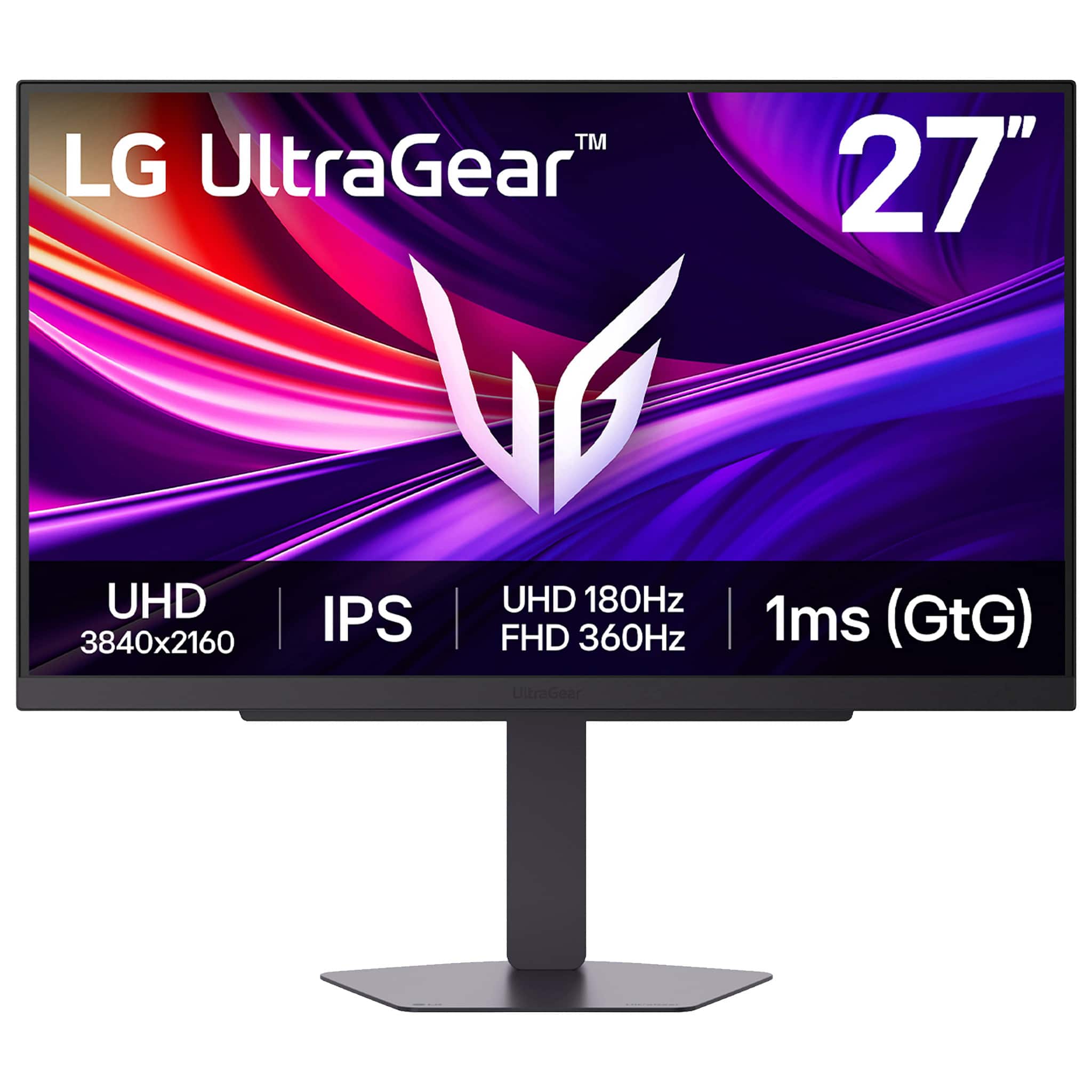
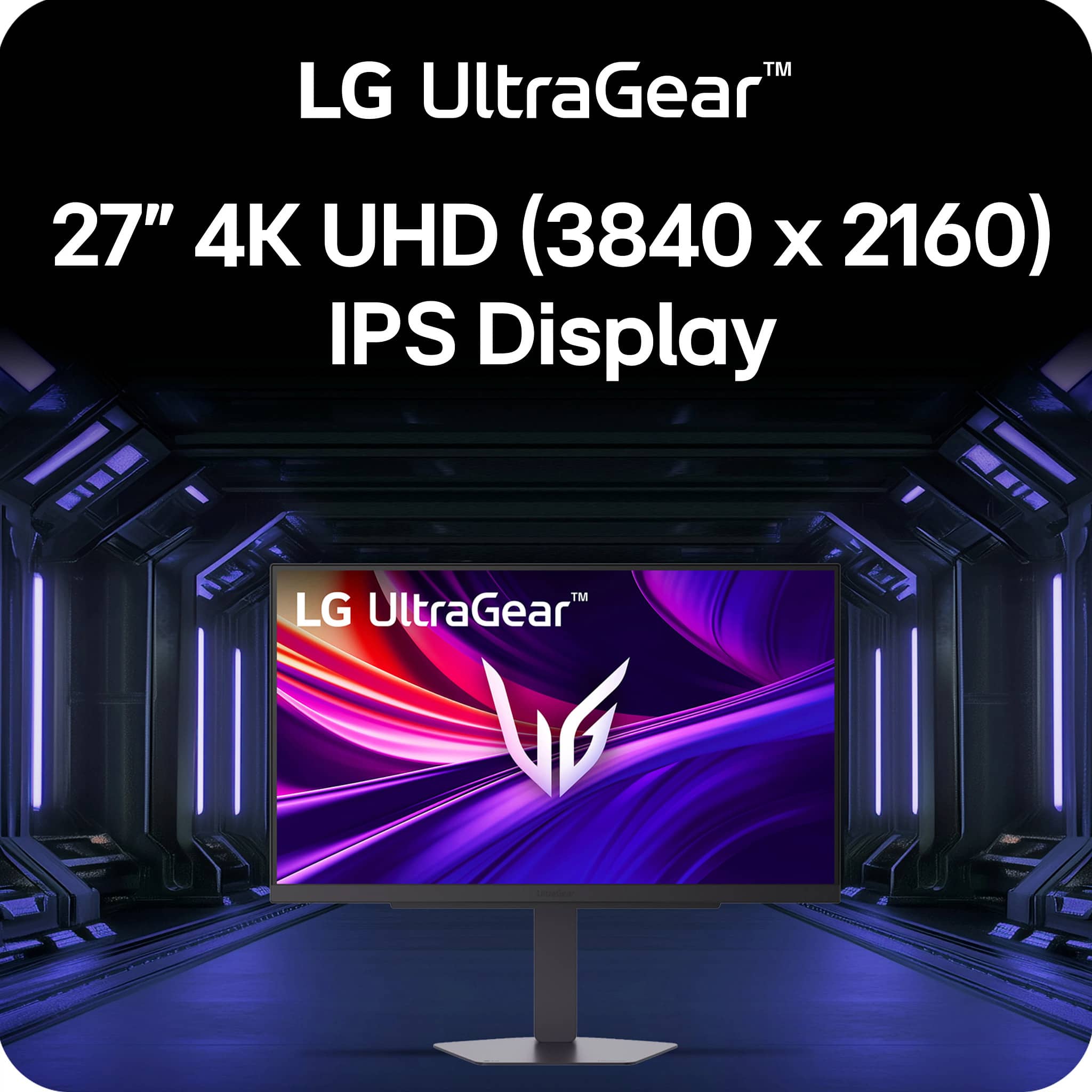
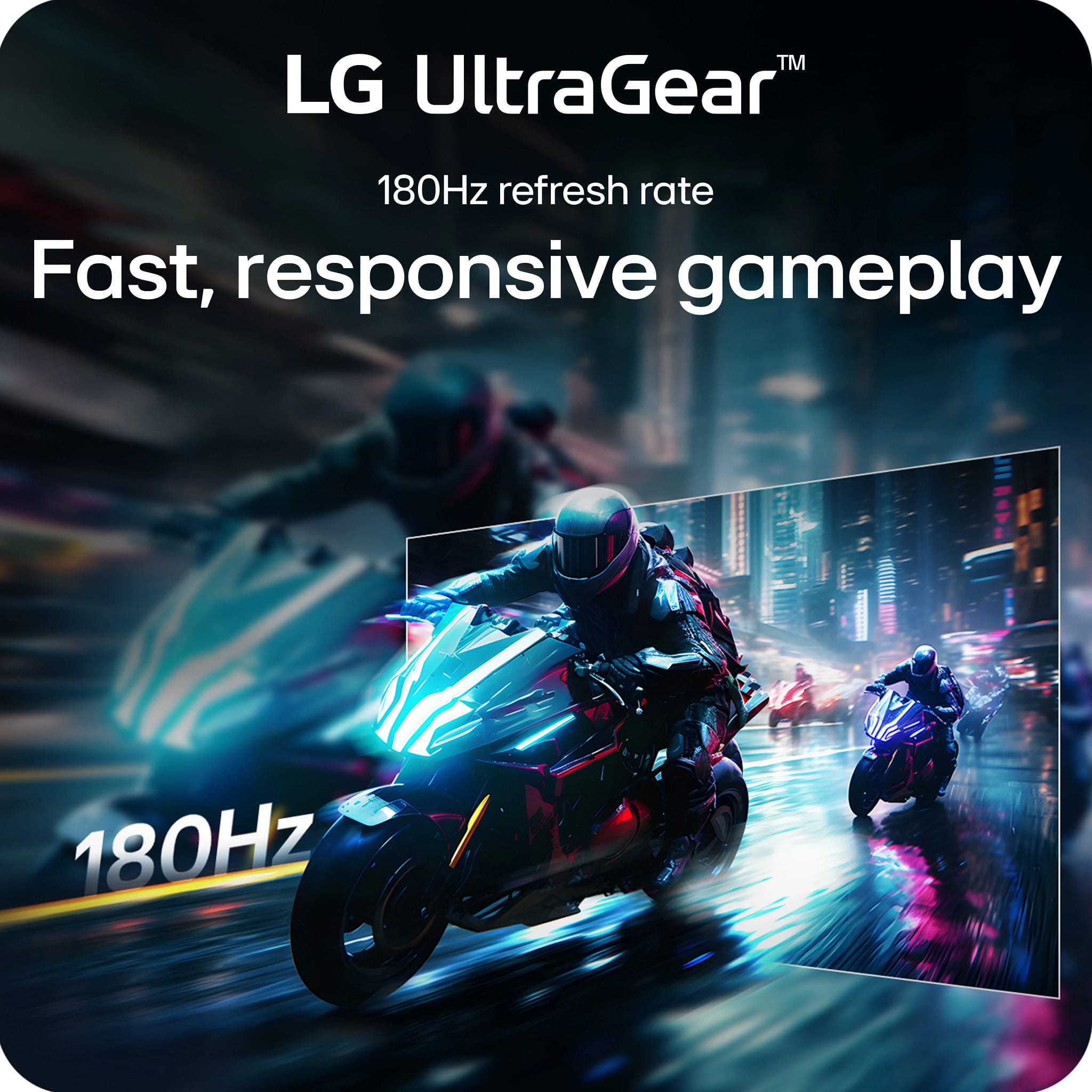
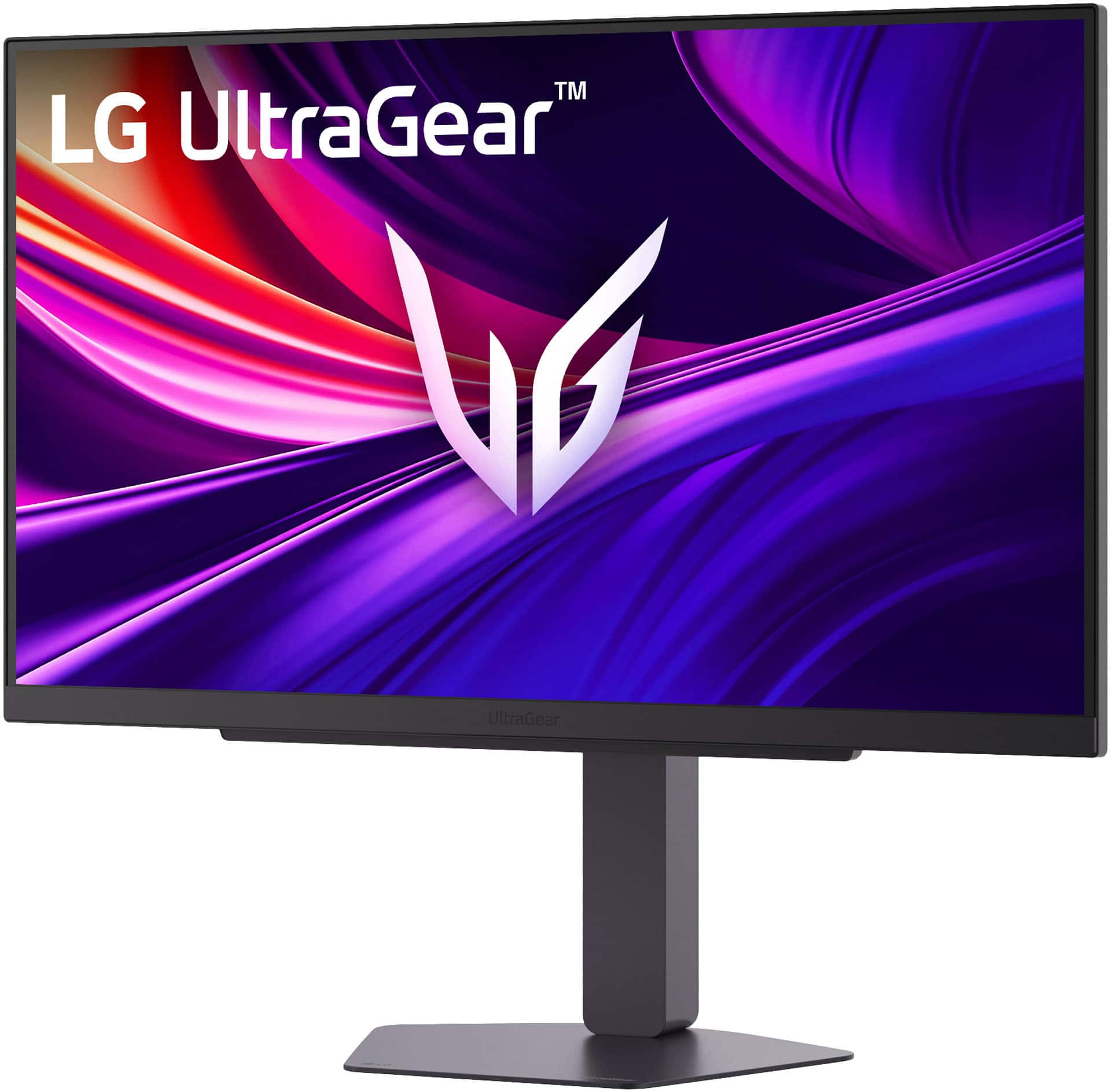
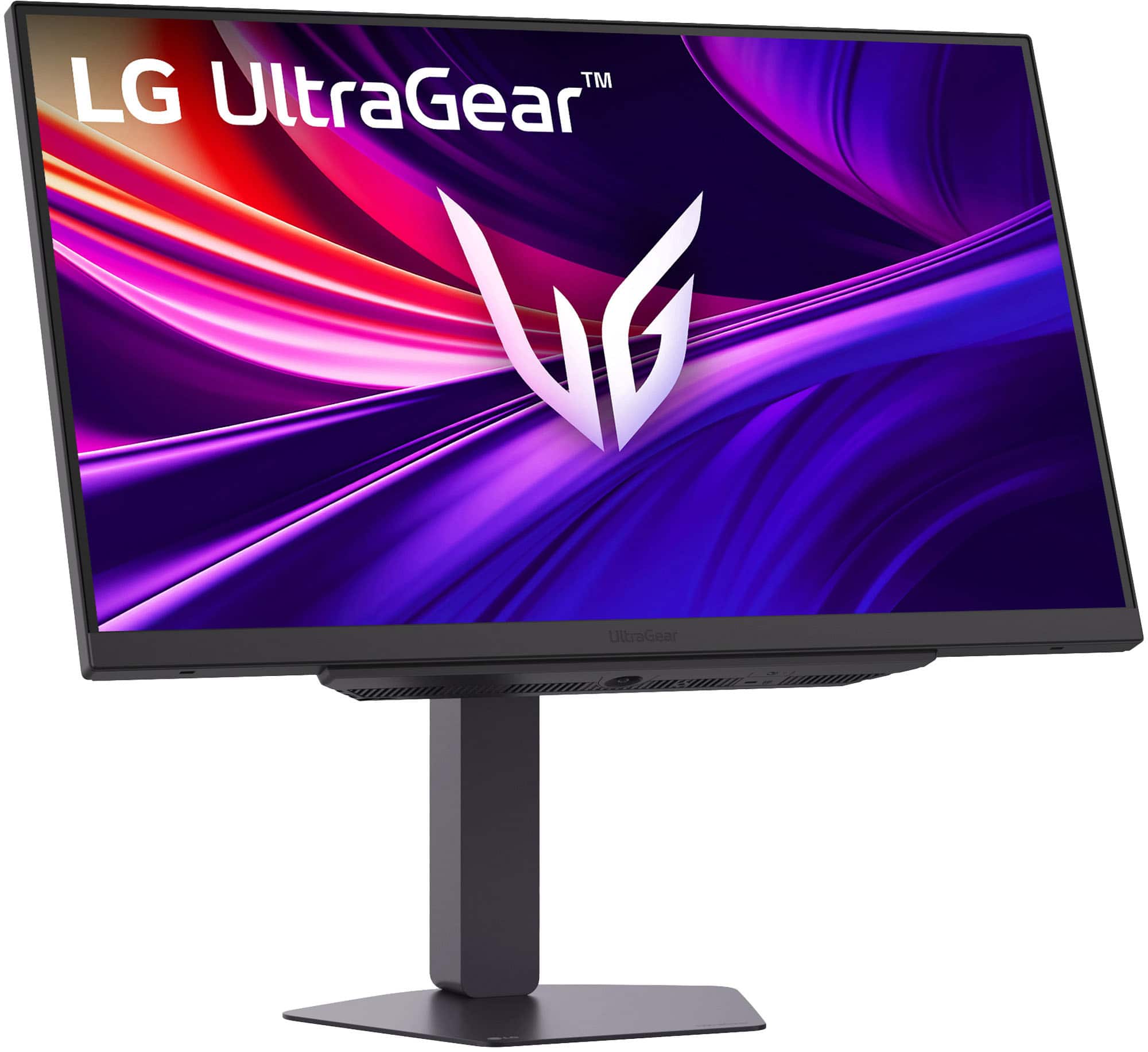
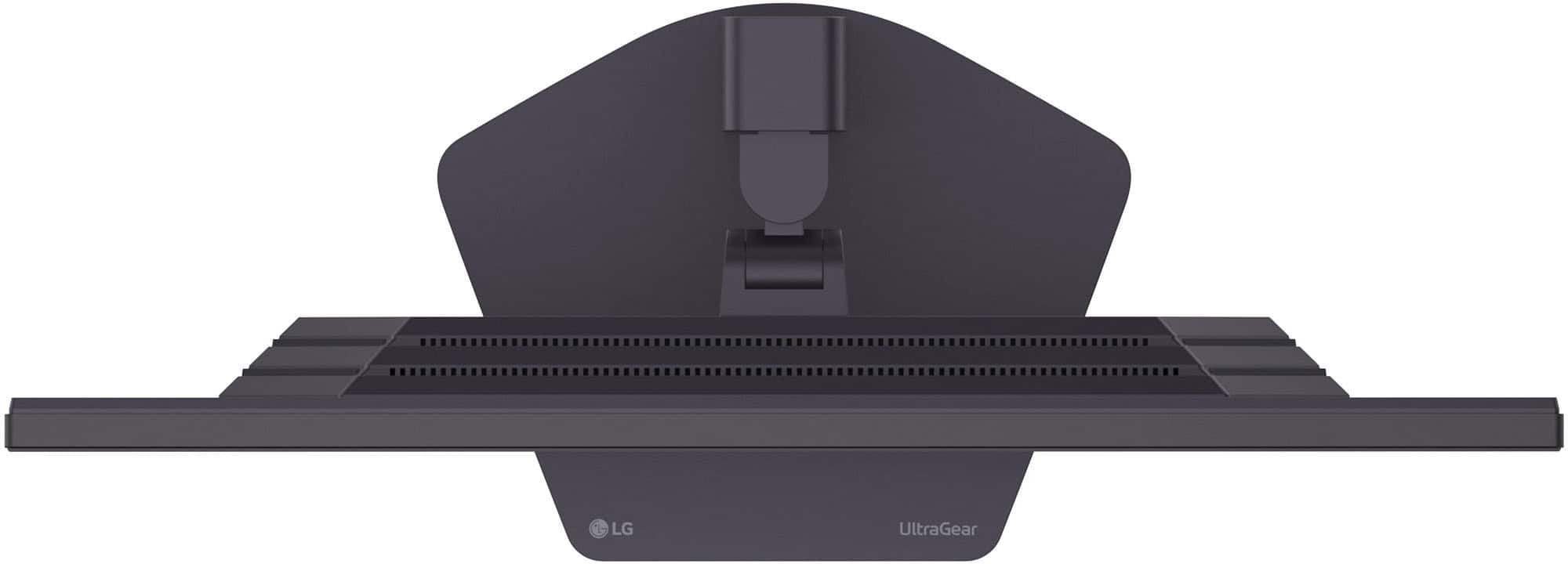
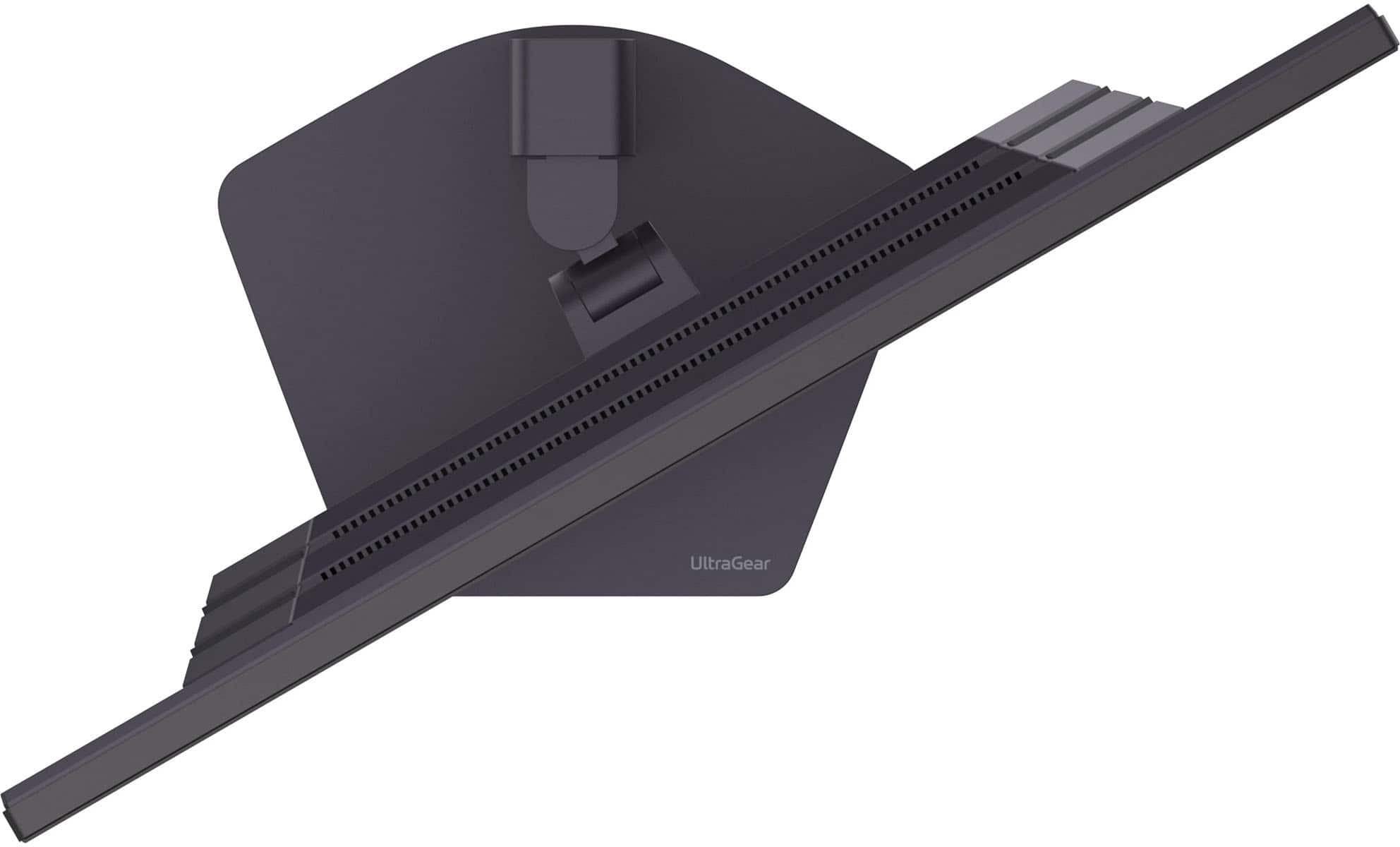

- Model:
- 27G810A-B
- |
- SKU:
- 11471914
Customer reviews
Rating 4.7 out of 5 stars with 120 reviews
(120 customer reviews)Rating by feature
- Display Quality4.8
Rating 4.8 out of 5 stars
- Ease of Use4.8
Rating 4.8 out of 5 stars
- Features4.7
Rating 4.7 out of 5 stars
Rated 4 out of 5 stars
Great picture , alot of grey on dark scenes
||Posted . Owned for 3 weeks when reviewed.This reviewer received promo considerations or sweepstakes entry for writing a review.Decent Monitor ! When screen goes dark it leaves alot of greys , the 4k makes this monitor really pop off . Recommend this monitor if on sale only ! For the full price you can get an Oled that gets much better contrast .
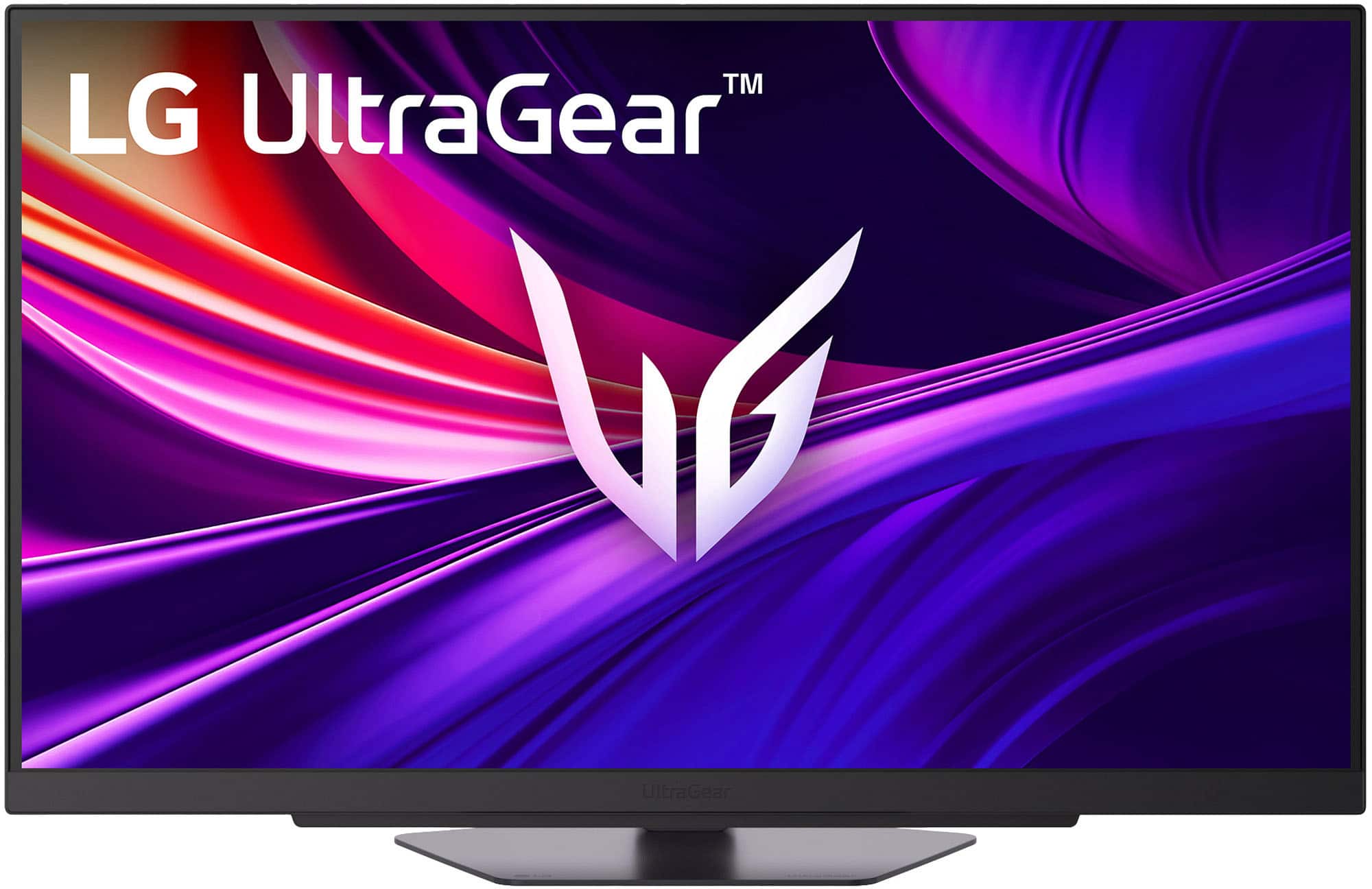
This review is from LG - UltraGear 27" IPS Dual Mode (4K UHD 180Hz, FHD 360Hz), 1ms, NVIDIA G-SYNC, AMD Freesync Gaming Monitor (HDMI, DP, USB-C) - Black
I would recommend this to a friendRated 5 out of 5 stars
Worth It
||Posted .This reviewer received promo considerations or sweepstakes entry for writing a review.Upgraded from a 1440p (QHD) Monitor. The difference is night and day. At 27 inches, 4k looks more than crystal clear when gaming.
This review is from LG - UltraGear 27" IPS Dual Mode (4K UHD 180Hz, FHD 360Hz), 1ms, NVIDIA G-SYNC, AMD Freesync Gaming Monitor (HDMI, DP, USB-C) - Black
I would recommend this to a friendRated 5 out of 5 stars
Great value for a gaming monitor
||Posted .This reviewer received promo considerations or sweepstakes entry for writing a review.I was able to get this on sale and it definitely has great value for the price. Solid gaming monitor for my Xbox and PC.
This review is from LG - UltraGear 27" IPS Dual Mode (4K UHD 180Hz, FHD 360Hz), 1ms, NVIDIA G-SYNC, AMD Freesync Gaming Monitor (HDMI, DP, USB-C) - Black
I would recommend this to a friendRated 5 out of 5 stars
Great
||Posted . Owned for 2 weeks when reviewed.This reviewer received promo considerations or sweepstakes entry for writing a review.Really good monitor made my xbox series x gameplay look and run better
This review is from LG - UltraGear 27" IPS Dual Mode (4K UHD 180Hz, FHD 360Hz), 1ms, NVIDIA G-SYNC, AMD Freesync Gaming Monitor (HDMI, DP, USB-C) - Black
I would recommend this to a friendRated 5 out of 5 stars
Great resolution
||Posted . Owned for 2 weeks when reviewed.This reviewer received promo considerations or sweepstakes entry for writing a review.I love it! The resolution is great and i appreciate how easy it was to set up.
This review is from LG - UltraGear 27" IPS Dual Mode (4K UHD 180Hz, FHD 360Hz), 1ms, NVIDIA G-SYNC, AMD Freesync Gaming Monitor (HDMI, DP, USB-C) - Black
I would recommend this to a friendRated 5 out of 5 stars
Smooth
||Posted . Owned for 1 week when reviewed.This reviewer received promo considerations or sweepstakes entry for writing a review.Just WOW. A very clear picture, very smooth when playing games, no issues so far
This review is from LG - UltraGear 27" IPS Dual Mode (4K UHD 180Hz, FHD 360Hz), 1ms, NVIDIA G-SYNC, AMD Freesync Gaming Monitor (HDMI, DP, USB-C) - Black
I would recommend this to a friendRated 5 out of 5 stars
Excellent performing monitor.
||Posted . Owned for 1 month when reviewed.This reviewer received promo considerations or sweepstakes entry for writing a review.Excellent monitor. Defintely use the display port. Crisp graghics.
This review is from LG - UltraGear 27" IPS Dual Mode (4K UHD 180Hz, FHD 360Hz), 1ms, NVIDIA G-SYNC, AMD Freesync Gaming Monitor (HDMI, DP, USB-C) - Black
I would recommend this to a friendRated 5 out of 5 stars
Excellent quality
||Posted . Owned for 1 week when reviewed.This reviewer received promo considerations or sweepstakes entry for writing a review.Excellent quality high pixels discounted price very satisfied
This review is from LG - UltraGear 27" IPS Dual Mode (4K UHD 180Hz, FHD 360Hz), 1ms, NVIDIA G-SYNC, AMD Freesync Gaming Monitor (HDMI, DP, USB-C) - Black
I would recommend this to a friendRated 5 out of 5 stars
Great Monitor
||Posted . Owned for 1 week when reviewed.This reviewer received promo considerations or sweepstakes entry for writing a review.Great monitor at a great price!! Thank you Best buy cuatomer service!!
This review is from LG - UltraGear 27" IPS Dual Mode (4K UHD 180Hz, FHD 360Hz), 1ms, NVIDIA G-SYNC, AMD Freesync Gaming Monitor (HDMI, DP, USB-C) - Black
I would recommend this to a friendRated 5 out of 5 stars
Works as advertised
||Posted . Owned for 3 weeks when reviewed.This reviewer received promo considerations or sweepstakes entry for writing a review.Easy setup out of the box, Works as advertised, thank you
This review is from LG - UltraGear 27" IPS Dual Mode (4K UHD 180Hz, FHD 360Hz), 1ms, NVIDIA G-SYNC, AMD Freesync Gaming Monitor (HDMI, DP, USB-C) - Black
I would recommend this to a friendRated 5 out of 5 stars
Very good
||Posted . Owned for 1 week when reviewed.This reviewer received promo considerations or sweepstakes entry for writing a review.Amazing monitor with no issues or problems. Truly amazing
This review is from LG - UltraGear 27" IPS Dual Mode (4K UHD 180Hz, FHD 360Hz), 1ms, NVIDIA G-SYNC, AMD Freesync Gaming Monitor (HDMI, DP, USB-C) - Black
I would recommend this to a friendRated 5 out of 5 stars
Great monitor for PlayStation 5 and Xbox Series X
||Posted . Owned for 1 week when reviewed.This reviewer received promo considerations or sweepstakes entry for writing a review.I purchased the monitor for my PS5 and Xbox Series X and it works great.
This review is from LG - UltraGear 27" IPS Dual Mode (4K UHD 180Hz, FHD 360Hz), 1ms, NVIDIA G-SYNC, AMD Freesync Gaming Monitor (HDMI, DP, USB-C) - Black
I would recommend this to a friendRated 5 out of 5 stars
Sharp Image Quality!
||Posted .This reviewer received promo considerations or sweepstakes entry for writing a review.Excellent Monitor for Video Editing, Gaming, and Productivity.
This review is from LG - UltraGear 27" IPS Dual Mode (4K UHD 180Hz, FHD 360Hz), 1ms, NVIDIA G-SYNC, AMD Freesync Gaming Monitor (HDMI, DP, USB-C) - Black
I would recommend this to a friendRated 5 out of 5 stars
Great Investment!
||Posted .This reviewer received promo considerations or sweepstakes entry for writing a review.Great Monitor, looks great great graphics! Best purchase made!
This review is from LG - UltraGear 27" IPS Dual Mode (4K UHD 180Hz, FHD 360Hz), 1ms, NVIDIA G-SYNC, AMD Freesync Gaming Monitor (HDMI, DP, USB-C) - Black
I would recommend this to a friendRated 5 out of 5 stars
Great monitor
||Posted .This reviewer received promo considerations or sweepstakes entry for writing a review.Excellent quality, exactly what I was looking for!
This review is from LG - UltraGear 27" IPS Dual Mode (4K UHD 180Hz, FHD 360Hz), 1ms, NVIDIA G-SYNC, AMD Freesync Gaming Monitor (HDMI, DP, USB-C) - Black
I would recommend this to a friendRated 5 out of 5 stars
Budget friendly with packful performance
||Posted .This reviewer received promo considerations or sweepstakes entry for writing a review.Excellent monitor for 4K gaming. I highly recommend this product
This review is from LG - UltraGear 27" IPS Dual Mode (4K UHD 180Hz, FHD 360Hz), 1ms, NVIDIA G-SYNC, AMD Freesync Gaming Monitor (HDMI, DP, USB-C) - Black
I would recommend this to a friendRated 5 out of 5 stars
The best of 2025
||Posted . Owned for 1 week when reviewed.This reviewer received promo considerations or sweepstakes entry for writing a review.The best of the best in terms of price and quality
This review is from LG - UltraGear 27" IPS Dual Mode (4K UHD 180Hz, FHD 360Hz), 1ms, NVIDIA G-SYNC, AMD Freesync Gaming Monitor (HDMI, DP, USB-C) - Black
I would recommend this to a friendRated 5 out of 5 stars
Great Monitor
||Posted .This reviewer received promo considerations or sweepstakes entry for writing a review.Great monitor. Great display and much improved over what i had.
This review is from LG - UltraGear 27" IPS Dual Mode (4K UHD 180Hz, FHD 360Hz), 1ms, NVIDIA G-SYNC, AMD Freesync Gaming Monitor (HDMI, DP, USB-C) - Black
I would recommend this to a friendRated 4 out of 5 stars
Good monitor, just not super
||Posted .This reviewer received promo considerations or sweepstakes entry for writing a review.It is a good display, but not sure what makes it so special over other similar, less expensive options.
This review is from LG - UltraGear 27" IPS Dual Mode (4K UHD 180Hz, FHD 360Hz), 1ms, NVIDIA G-SYNC, AMD Freesync Gaming Monitor (HDMI, DP, USB-C) - Black
I would recommend this to a friendRated 5 out of 5 stars
Pretty good
||Posted . Owned for 1 week when reviewed.This reviewer received promo considerations or sweepstakes entry for writing a review.Pretty good monitor, I would definitely buy it again
This review is from LG - UltraGear 27" IPS Dual Mode (4K UHD 180Hz, FHD 360Hz), 1ms, NVIDIA G-SYNC, AMD Freesync Gaming Monitor (HDMI, DP, USB-C) - Black
I would recommend this to a friend