Customer Ratings & Reviews
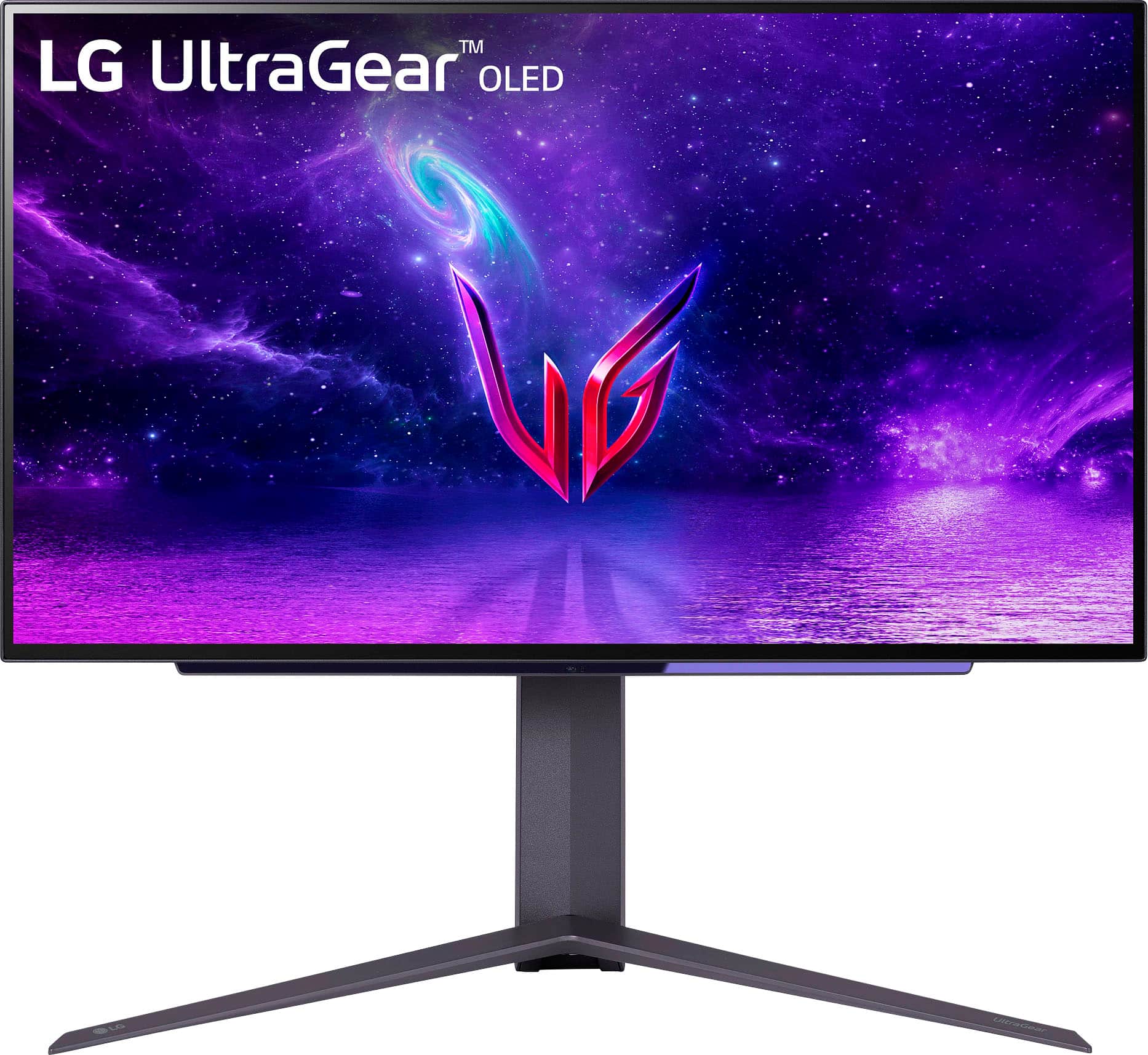
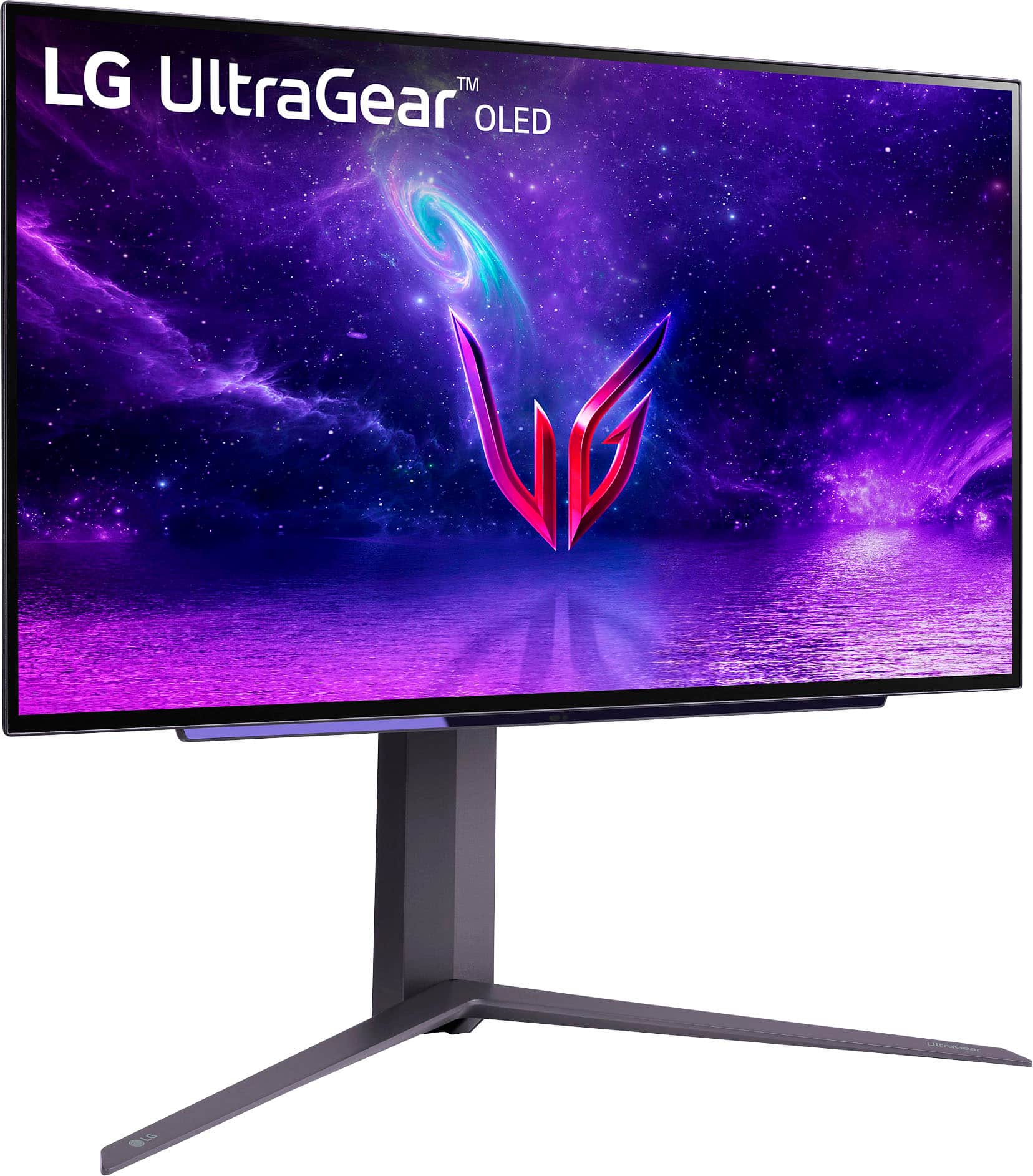
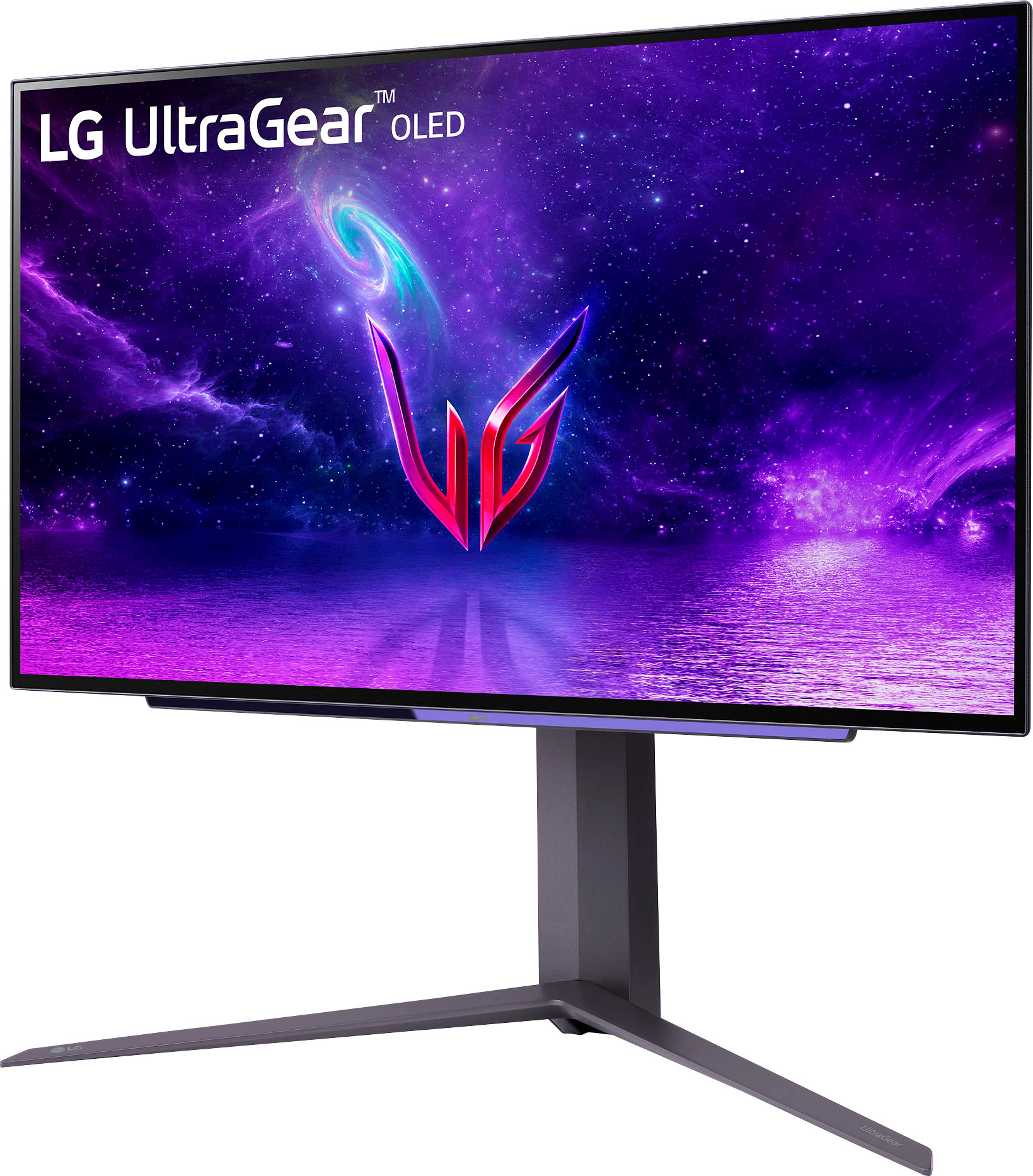
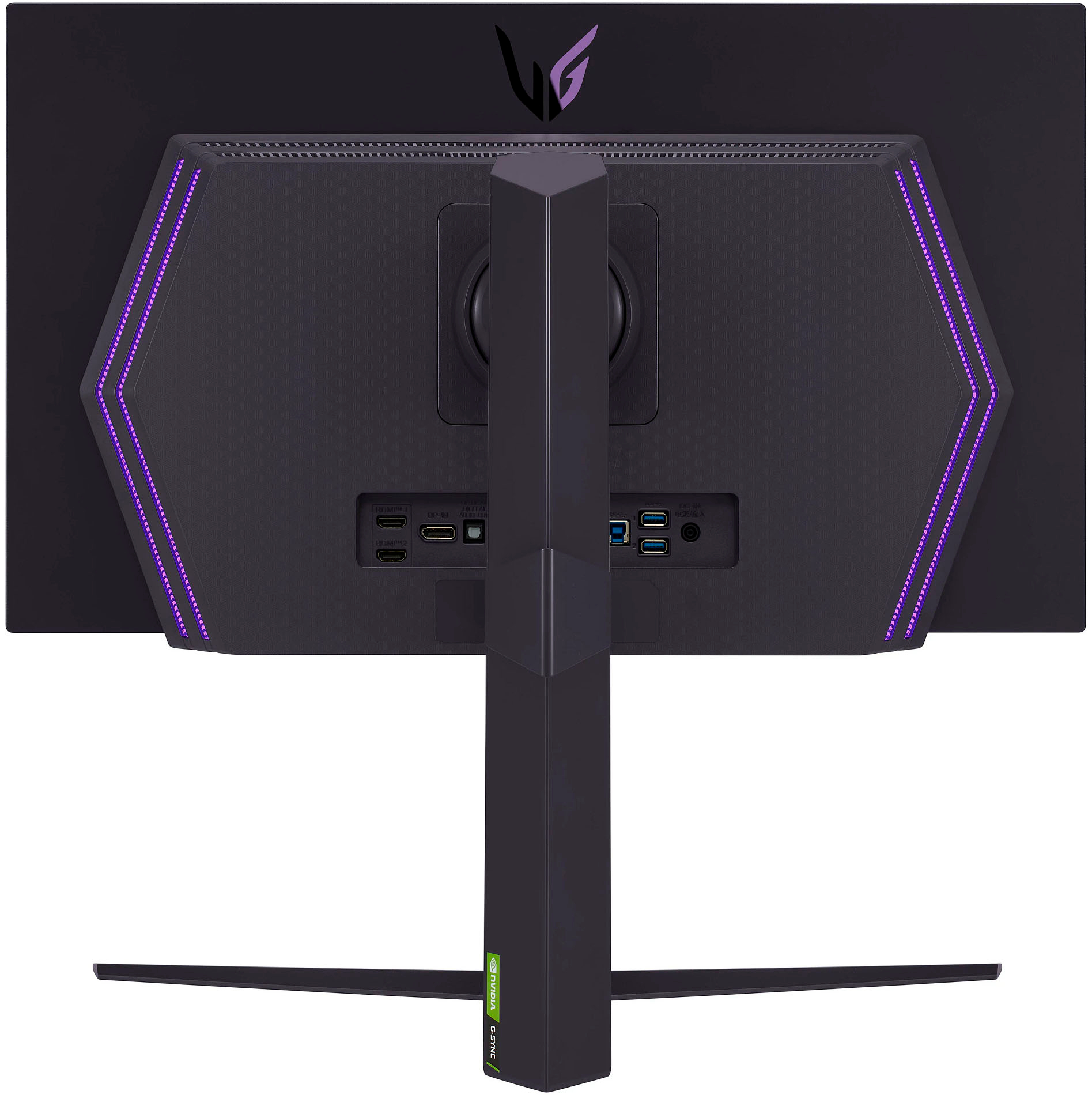

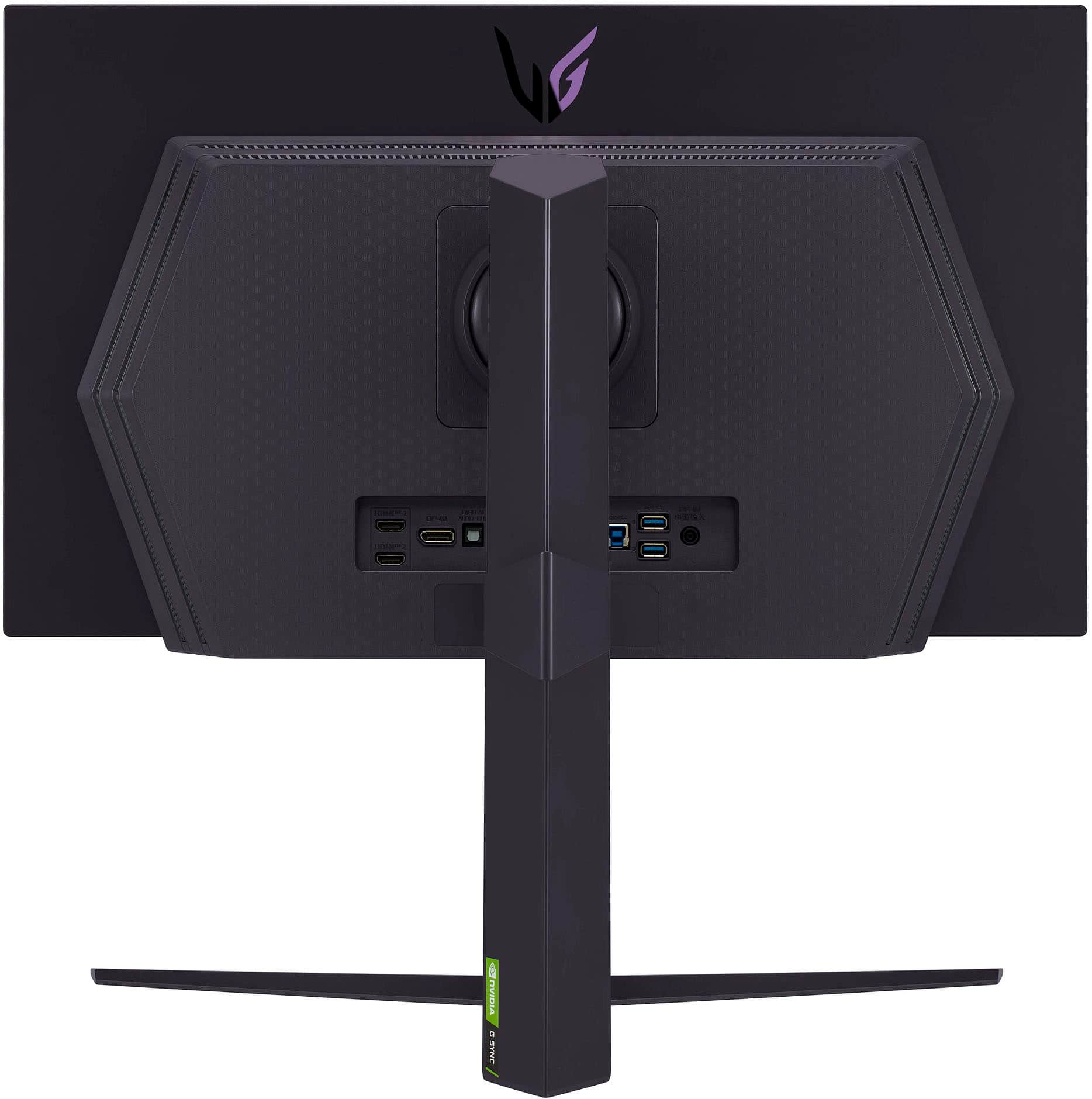
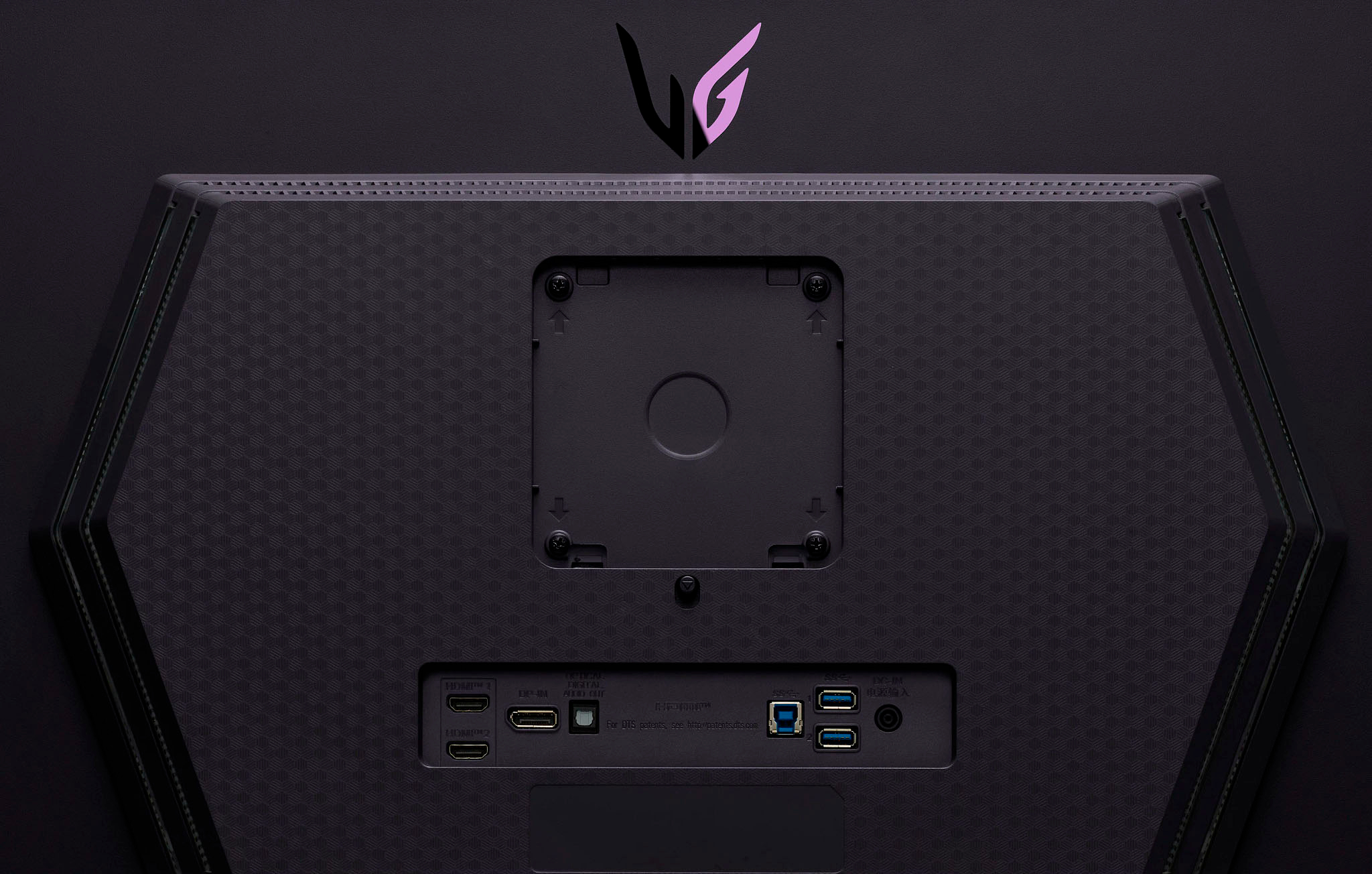
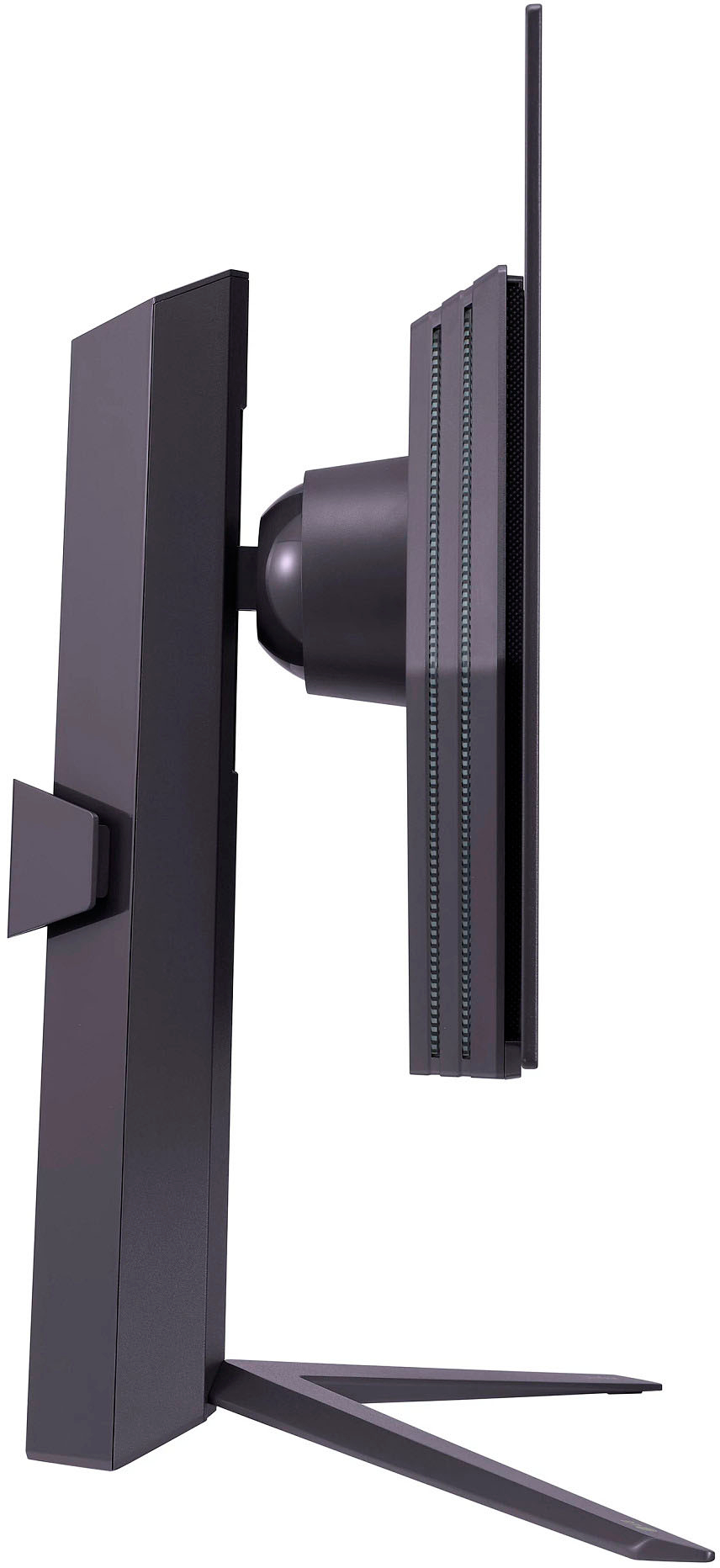
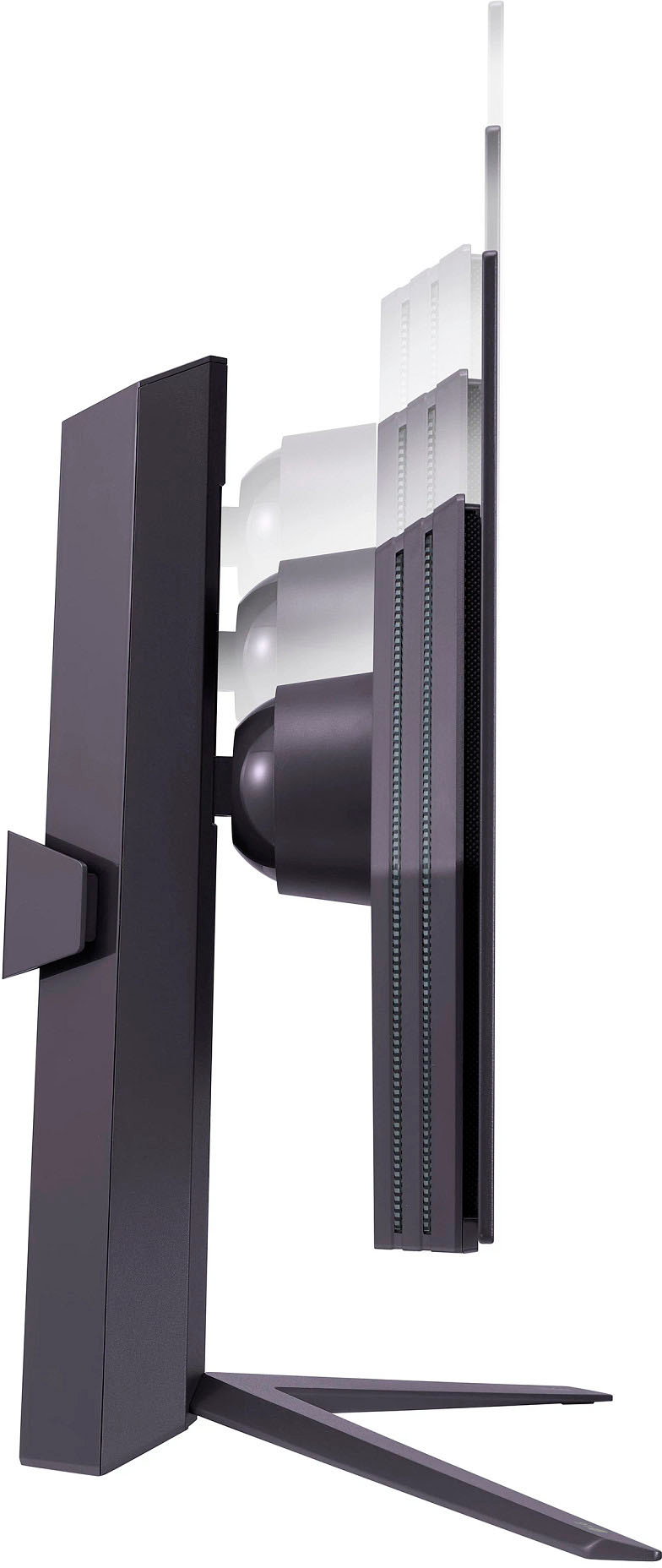


- Model:
- 27GR95QE
- SKU:
- 6530357
Rating by feature
- Display Quality
Rating 4.7 out of 5 stars
- Ease of Use
Rating 4.6 out of 5 stars
- Features
Rating 4.6 out of 5 stars
Customers are saying
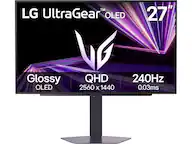
Customers praise the UltraGear 27" OLED monitor's exceptional picture quality, high refresh rate, and deep blacks, frequently highlighting the impressive OLED technology and HDR capabilities. However, some users note that the monitor's brightness could be improved and express concerns about the price point. A few also mention issues with the remote and the matte coating.
This summary was generated by AI based on customer reviews.
Must-Have upgrade
||Posted . Owned for 11 months when reviewed.This reviewer received promo considerations or sweepstakes entry for writing a review.Going from an IPS to OLED was absolutely incredible, the colors are true to artists intent and the immersion while gaming has changed completely, a perfect upgrade if you’re trying to stay in the 1440p game.
I would recommend this to a friend- Cons mentioned:Brightness
Good but not at this price with caveats
||Posted . Owned for 2 weeks when reviewed.This reviewer received promo considerations or sweepstakes entry for writing a review.I was so excited for this monitor but there are too many deal breakers for me to recommend it. Here's the short version of my Cons. 1. Low gamma flicker when using VRR and FPS fluctuates 2. ALL calibration settings are locked out in HDR 3. Aggressive matte coating resulting in shimmer on white or light colors. The first issue is the biggest deal breaker for me. I cannot stand flicker on displays and in Battlefield 2042 I was getting flicker even at 150 -200 fps with my 4090. This is the most evident in darker areas/low gamma zones and it has to do with the gamma curves at specific refresh rates. It's pretty decently documented on LG Oled TVs and it seems they still haven't quite figured out a way around it on the monitors. If you play bright games, or you cap your framerate at the lowest number your graphics card hits then you won't see it outside of loading screens. But what's the point of a 240hz monitor if you're going to cap it at 144? Maybe its not a deal breaker for you, but at 999USD that's too much of a sacrifice considering there are more deal breakers to follow. 2. This one makes no sense to me. Why do monitor manufacturers lock out calibration settings in HDR mode? This one is no different. You can adjust all video settings to taste in SDR but once you're in HDR you can't adjust white balance, colors, or anything other than select preset picture modes. This makes no sense to me at all. On LG's own OLED TV's each mode has its own complete calibration. You can sort of get around this using your graphics card's control panel, but if you connect a console, it won't have those options and you'll be at the mercy of the picture modes. 3. The aggressive matte coating is grainy. Both of my old monitors have matte coatings but they are smooth and don't have a sparkly texture to them. This coating is grainy and leaves a shimmery sparkle on white and light colors. This was distracting and takes away from the OLED impact. If you have an OLED TV this won't give you the same wow factor. Finally the PROs 1. I actually think it's bright enough. People complained about that, It got bright enough to actually be uncomfortable in HDR playing doom eternal. 2. It accepts a 4k 120hz hdr signal from the consoles. This was a great surprise. The monitor warns you that its not a native signal but it works well without having to change anything from your console. 3. Black looks black. It's OLED's magic and it looks great here too. Ultimately I can't recommend this monitor because of the lack of adjustable video options in HDR mode. If LG releases a firmware to adjust all video options in HDR I might actually consider repurchasing this monitor. There are ways to avoid the flicker so this is the big one holding me back.
No, I would not recommend this to a friendBrand response from LGAnswers
Posted .We appreciate the time you committed in providing us with detailed and constructive feedback. We’re so sorry that the product did not meet your overall needs. This will be considered for our continuous improvement. Should you need any assistance with your unit, please send us a private message on Facebook or Twitter at @LGUSSupport, or reach us at our customer service line at (800) 243-0000, and we will be happy to accommodate you. ^Jolly

Best Monitor
||Posted . Owned for 1 month when reviewed.This reviewer received promo considerations or sweepstakes entry for writing a review.Best monitor EVER. Im in live with Oled displays, I have the LG CX and been wanting to play pc games on it, fortunately this monitor came put and 1440 for mi is the perfect spot. Now with better colors and true black, im amazed at how good and crispy games look now.
I would recommend this to a friendThing is awesome squirrel
||Posted . Owned for 1.5 years when reviewed.This reviewer received promo considerations or sweepstakes entry for writing a review.Absolutely love this thing.The way you can move it up and down the monitor itself can move up and around.It's absolutely amazing.Picture quality is amazing
I would recommend this to a friend- Cons mentioned:Brightness
It’s overhyped
||Posted . Owned for 2 weeks when reviewed.This reviewer received promo considerations or sweepstakes entry for writing a review.This monitor is bad, just bad…. Yes the picture does look good once you fine tune the video settings. But you can’t get it bright enough to play good fps games and the matte finish on the screen is bad. I can suggest to try brightening up the screen thru whatever game you may be playing. But that didn’t work for me. Just made all the blacks look gray and the colors kind of washed. I would tell you to avoid this monitor if you like fps games or play competitively.
No, I would not recommend this to a friendBrand response from LG Digital Customer Care
Posted .Hi, there. We sincerely appreciate you taking the time to share your experience with the LG - UltraGear 27" OLED QHD 240Hz 0.03ms FreeSync and NVIDIA G-SYNC Compatible Gaming Monitor with HDR10 - Black monitor (27GR95QE-B.AUS) model. We're truly sorry to hear about the challenges you encountered with the brightness and screen finish. Your feedback is invaluable to us, and we take your concerns seriously. We understand the importance of optimal performance, especially for FPS gaming, and we regret that the monitor did not meet your expectations in this regard. We would love the opportunity to further discuss your feedback and explore potential solutions. Please feel free to reach out to us directly on Facebook or X (Twitter) using @LGUSSupport. ^Juvy
Only OLED going forward
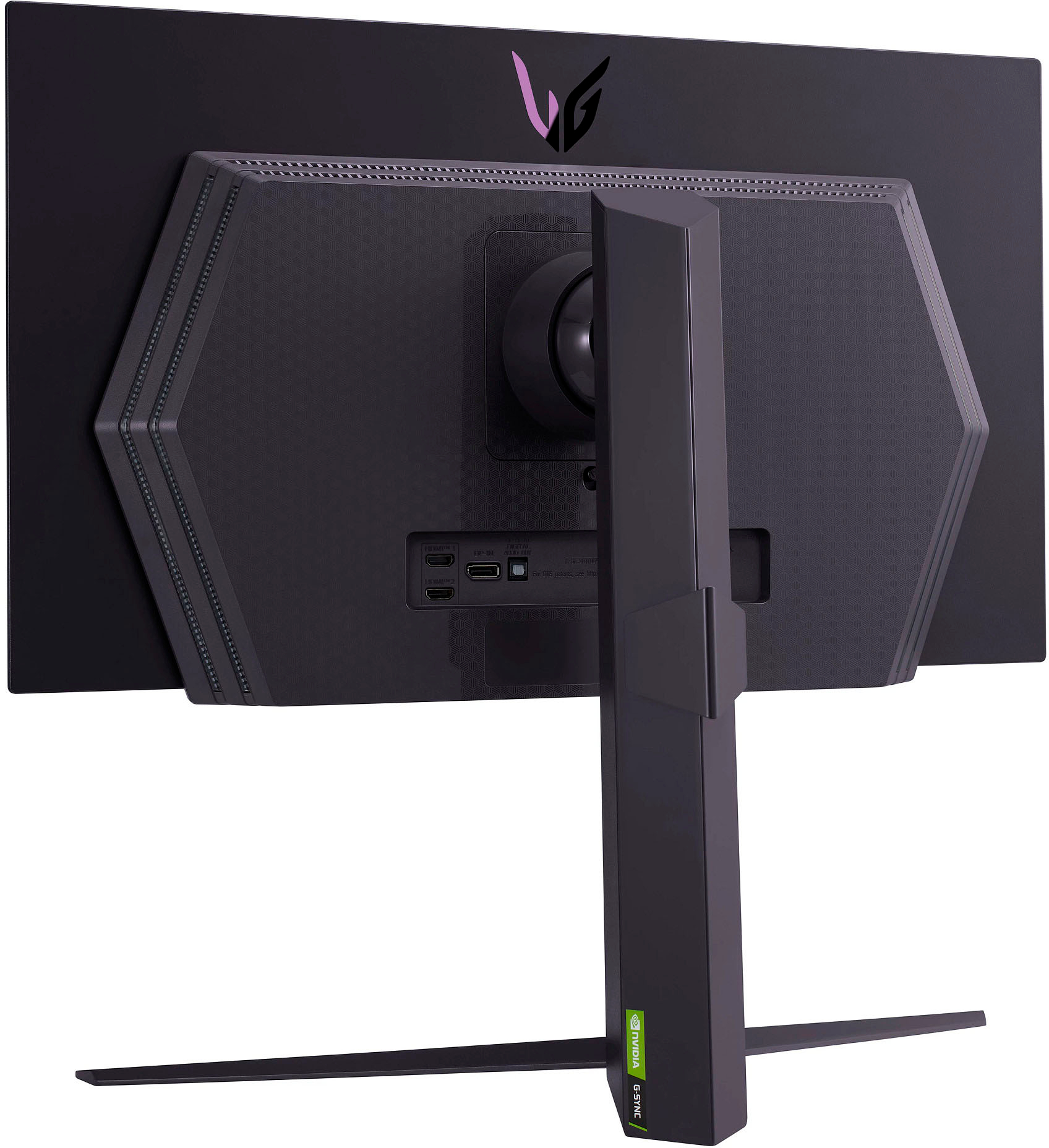
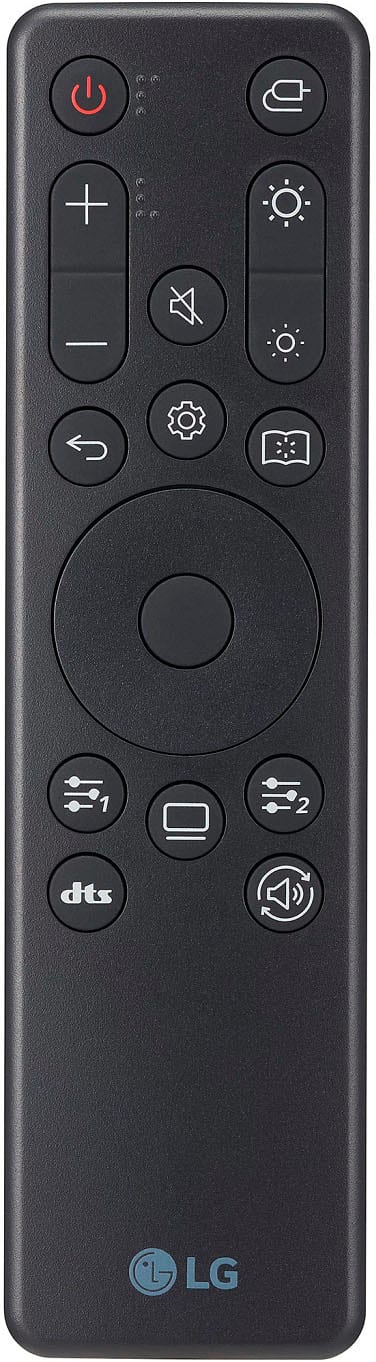
||Posted . Owned for 1 year when reviewed.This reviewer received promo considerations or sweepstakes entry for writing a review.OLED has really elevated games for me. Dark scenes are fantastic. There is some fringing on text, so I wouldn’t use this as a monitor for productivity as it’s not great on the eyes. If you’re only gaming though, this is a fantastic choice. My biggest complaint other than the fringing text is the remote has stopped working. It was nice to have while it lasted. Luckily the under screen controls are easy enough to use.
I would recommend this to a friendGreat purchase!
||Posted . Owned for 5 months when reviewed.This reviewer received promo considerations or sweepstakes entry for writing a review.Awesome monitor! Works as intended. A little too dim but the color are beautiful. Would recommend!
I would recommend this to a friend- Cons mentioned:Price
Great Monitor
||Posted . Owned for 2 months when reviewed.This reviewer received promo considerations or sweepstakes entry for writing a review.Amazing picture quality. It truly is a step up from normal IPS panels. It also has several cleaning functions to ensure pixels do not have burn in. Only downside is price, but it is a very new model and OLED is new to monitors
I would recommend this to a friend - Cons mentioned:Brightness
Something great ruined by auto-dimming/brightness.
||Posted . Owned for less than 1 week when reviewed.This reviewer received promo considerations or sweepstakes entry for writing a review.Pros: - Its OLED, blacks are black. - There is NO noticeable ghosting what so ever, this has the best pixel response time I have personally ever dealt with, again its one those things that comes with it being an OLED. Cons: - Brightness... Oh there is a lot left to be desired when it comes to brightness. First, it is normally quite dim, which is fine, if it wasn't for the fact that if there is ANY motion on screen it has an automatic dimming feature that cannot be turned off. Second, if anything on screen is bright, you will instantly lose 50% of your brightness on the entire screen. Again, there is no way to disable this feature. The only way to work-around it is to enable the sRGB picture mode, which seems to sacrifice brightness right off the bat so that the monitor does not auto-adjust brightness on you. - No nipple control or lack of buttons on the monitor itself. You either have to download their software or use a remote, I know this is a nit-pick but, having that basic feature is... basic. Every monitor has the nipple control or more than 1 button for changing settings on the screen without having to use a remote or software Overview: - If you are okay with a monitor that is, dim, like really dim, or constantly dims itself based on what is on screen, this is still a good monitor. But its a hard sell when you can get a 170hz or 240hz IPS monitor for half the price with better brightness. Extra: - I hope LG comes out with a firmware update to give control to the auto-dimming features and allow this monitor to run at is peak brightness all the time, probably would be the best monitor on the market in my opinion without the brightness and dimming issues.
No, I would not recommend this to a friendBrand response from LGAnswers
Posted .Thank you so much for taking the time to provide a detailed feedback. We work continuously to improve the quality of our products and services that drive customer satisfaction. If you need more assistance with your LG product, please send us a private message on Facebook or Twitter using @LGUSSupport and we'll be happy to accommodate you. ^James.
- Cons mentioned:Brightness
Great monitor
||Posted . Owned for 2 weeks when reviewed.This reviewer received promo considerations or sweepstakes entry for writing a review.Honestly love this monitor it’s my first oled and I didn’t really believe most reviews on oled until I actually got one it’s a little dimmer than even other pleads but as long as your not in a bright room it’s fine it’s definitely worth it
I would recommend this to a friend - Cons mentioned:Brightness
Great monitor but could be brighter.
||Posted . Owned for 1 week when reviewed.This reviewer received promo considerations or sweepstakes entry for writing a review.I still highly enjoy this monitor depsite the brightness not being the best. Colors out the box are great and you cannot beat 240hz and an oled panel for competitive games.
I would recommend this to a friend - Cons mentioned:Brightness
Great Monitor for Gaming
||Posted . Owned for 1 week when reviewed.This reviewer received promo considerations or sweepstakes entry for writing a review.I purchased this monitor to replace an existing 27" 1440p 144hz LG IPS monitor. The OLED monitor has far exceeded my expectations in regard to the smooth motion the 240hz panel and fast pixel response provides. The only major negative to this monitor is the brightness. In my use case in a mostly dark room, I do not have a problem, but I could see the brightness being an issue in a well-lit room. While I would like the brightness to be a notch or two higher, it is definitely not a deal-breaker, and I am very satisfied with my purchase. Side note: I initially ordered an open-box excellent monitor that came with about a 1 inch scratch on the screen. I am in the process of returning this monitor, but I ordered another open-box excellent listing. This monitor was in perfect condition, and I am satisfied with the savings.
I would recommend this to a friendBrand response from LGAnswers
Posted .We are so delighted that your LG UltraGear OLED Monitor is exceeding your expectations and giving you a five-star experience! Your comments confirm our primary focus on putting customer experience and satisfaction first. Should you need us for any future concerns, reach out to us via Facebook or Twitter by private or direct message using the handle @LGUSSupport. We are here for you! ~Rita - UltraGear
Best monitor I’ve ever owned!
||Posted . Owned for less than 1 week when reviewed.This reviewer received promo considerations or sweepstakes entry for writing a review.Purchased this monitor on the 02/21/23, received it on 02/22/23 and finally got done setting up today since I work in the afternoons. The fact that the screen has a matte finish on it doesn’t bother me at all since my m27q has a matte screen as well. The performance of this monitor is amazing! Buttery smooth playing on 240hz than the 170hz I got used to playing on for a while. Some people have mentioned that they’ve experienced some issues regarding the monitor forcing a 4k 120hz resolution when hooking it up to their pc and having to the delete the tv resolutions with cru. I can gladly say I have not experienced that at all with my monitor since I did use the DisplayPort cable it comes with. I did however get the warning pop up when using the monitor on my ps5 but I left it on 4k 120hz with vrr. Overall I like this monitor and I’m glad I’ve made the purchase!
I would recommend this to a friendYou won't be upset you got this.
||Posted . Owned for 4 months when reviewed.This reviewer received promo considerations or sweepstakes entry for writing a review.I've been using this monitor now for a while and I have to say, I won't be using anything other than OLED. It's a little sad because I bought a very competitive TN panel that the pros use for Counter-Strike, but I just can't go back. The image is beautiful, the colors pop and it's the smoothest and cleanest experience while also being rapid quick. People talk about the peak brightness for this monitor but honestly, I keep it on Gamer 1 profile at max brightness and YES it is bright. I can focus on what I need to with no issues, even if the sun is out and poking it's way through my room.
I would recommend this to a friend- Cons mentioned:Brightness
Great Gaming oled, a litte dim
||Posted . Owned for 3 weeks when reviewed.This reviewer received promo considerations or sweepstakes entry for writing a review.Great Oled monitor. Really is at good as it gets when it comes to 2k gaming. The only thing is the monitor is dim. It does help in HDR mode and removing the energy saving option. I added a light bar to the top of the monitor and it was perfect!
I would recommend this to a friend A little pricey but worth every penny.
||Posted .This reviewer received promo considerations or sweepstakes entry for writing a review.So far I am in love with this monitor. First of all I can see why people say it is dim but overall the brightness does not bother me at all. I have actually cut down the OLED light during my night time gaming. The contrast is why I bought an OLED monitor. The construction of the monitor is very nice quality as well and I really enjoy the aesthetics. The matte finish is honest the last of my worry and something I don’t even think about. One of the biggest sellers for me was the HDMI 2.1 that was included for console gaming, this is why in my opinion no other announced OLED a monitor can compete in my eyes. I am a little worried of burn in but I think the crisp of the picture makes it worth it. Overall, if you are questioning whether or not to purchase this monitor I say treat your self.
I would recommend this to a friend- Cons mentioned:Brightness
OLED with poor delivery
||Posted . Owned for 1 week when reviewed.This reviewer received promo considerations or sweepstakes entry for writing a review.Color: 5/5 - it's an OLED monitor. Great vibrant colors. Refresh Rate + Response Time: 5/5 - 240 Hz as proimsed and ultrafast response time Contrast: 5/5 - great OLED contrast Brightness: 1/5 - 200 nits peak brightness. This monitor becomes mediocre and even underwhelming when used in even a moderately bright room. The 200 nits simply doesn't allow the OLED monitor to be useful whether it be gaming or work during the day. This is arguably the biggest downfall to this monitor. HDR: 1/5 - With such low peak brightness this monitor is unable to truly produce HDR quality picture. Compare it to other OLED monitors with the Alienware being an example which has a peak brightness of 1000 nits (5x this monitor). Usability: 2/5 - This monitor requires a remote control to turn on.. This might just be a problem for me, but I find it hard to already keep track of where my TV remote is, so needing a remote to turn on this monitor just isn't practical. I can see where LG was thinking in terms of this and how having a remote makes it seem like the appliance is more premium, but it just wasn't practical. Not to mention, as an LG OLED TV owner, my monitor was shut off when my partner turned on the TV. In other words, the TV remote is able to turn on/off my monitor...just poor execution here. Overall this monitor is a 2/5 for me. I wouldn't recommend it to most people simply because the peak brightness makes it unsuable in even a slightly bright room and at this price point, it's probably better to purchase an OLED monitor that has a much higher peak brightness.
No, I would not recommend this to a friendBrand response from LG Digital Customer Care
Posted .Hi, there. Thank you for sharing your detailed review of the LG Monitor (27GR95QE-B) model. We appreciate your insights, especially regarding the vibrant colors and impressive refresh rate, as well as your concerns about peak brightness and usability. Your feedback is invaluable as it helps us understand customer experiences better.
To enhance your monitor's performance in brighter environments, we recommend adjusting the monitor settings to optimize brightness and contrast. This can sometimes improve visibility in well-lit rooms.
If you have further questions or would like assistance, please send us a private message on social media @LGUSSupport. We're here to help and would love to explore solutions that enhance your experience. Thank you for being a valued LG customer. ^Juvy
Beautiful picture
||Posted . Owned for 3 weeks when reviewed.This reviewer received promo considerations or sweepstakes entry for writing a review.Fantastic OLED monitor. Colors really pop and look great with PS5 and PC. Looked great right out of the box with minor adjustments. Highly recommend.
I would recommend this to a friendGoid, not perfect.
||Posted . Owned for 1 year when reviewed.This reviewer received promo considerations or sweepstakes entry for writing a review.Once you experience an oled at 240 hz, you'll never wanna go back. Unfortunately, due to how OLED works, you will experience flicker if you enable G-synk or free synk. The alt tab feature of your PC will not function normally if you enable HDR with this monitor, frustrating to the point I disabled it. Although there are negatives, the benefits of a 0.1 ms response time, and a high refresh rate make up for it. I wish they could at least work out the HDR, and variable, refresh rate issues. Still a very good monitor.
I would recommend this to a friend- Cons mentioned:Brightness
Amazing
||Posted . Owned for 2 weeks when reviewed.This reviewer received promo considerations or sweepstakes entry for writing a review.the LG UltraGear 27GR95QE monitor is a pricey affair, but the value it provides in return is unbeatable. The OLED panel is just as good as the LG TVs, offering incredibly good looking image quality, inky blacks, fast response time, and a plethora of features to accommodate all gaming needs. There are some minor issues though - the standard brightness is less than ideal if you want a really bright picture, and some burn-in concerns will linger behind the back of your mind. But if these aren’t major concerns for you, and you have the deep pockets to consider a purchase, the 27GR95QE is one of the best gaming monitors you can buy right now.
I would recommend this to a friend