Customer Ratings & Reviews
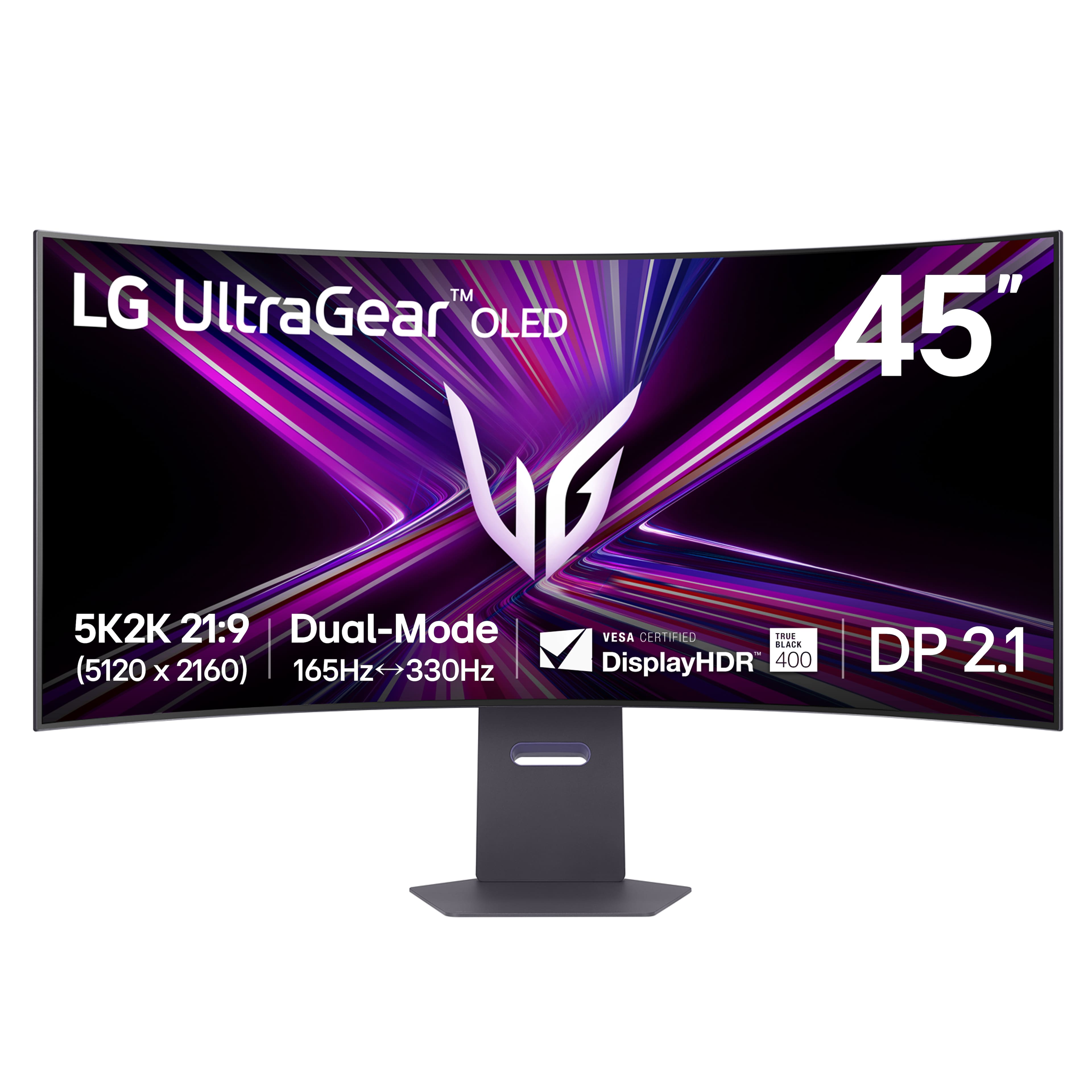
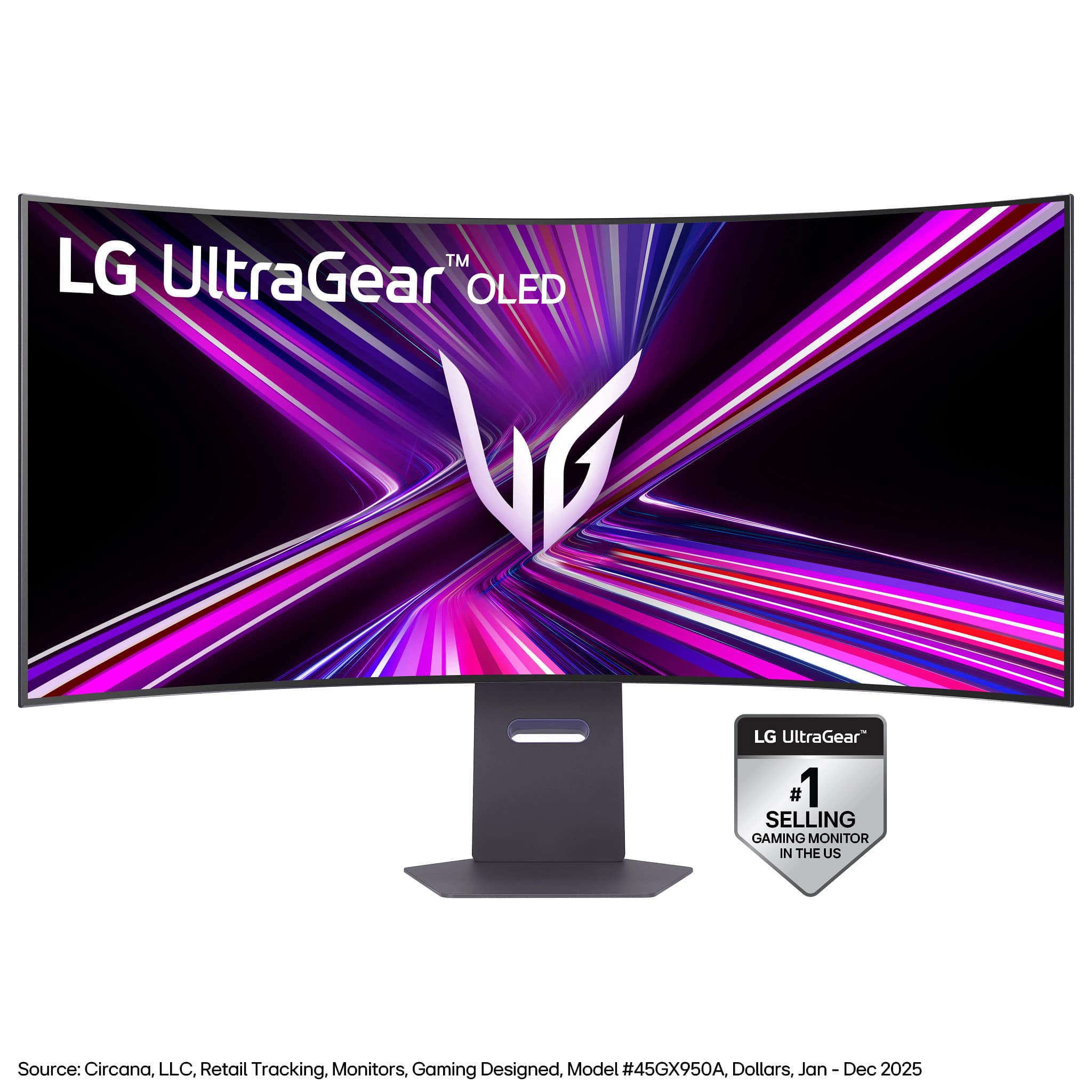
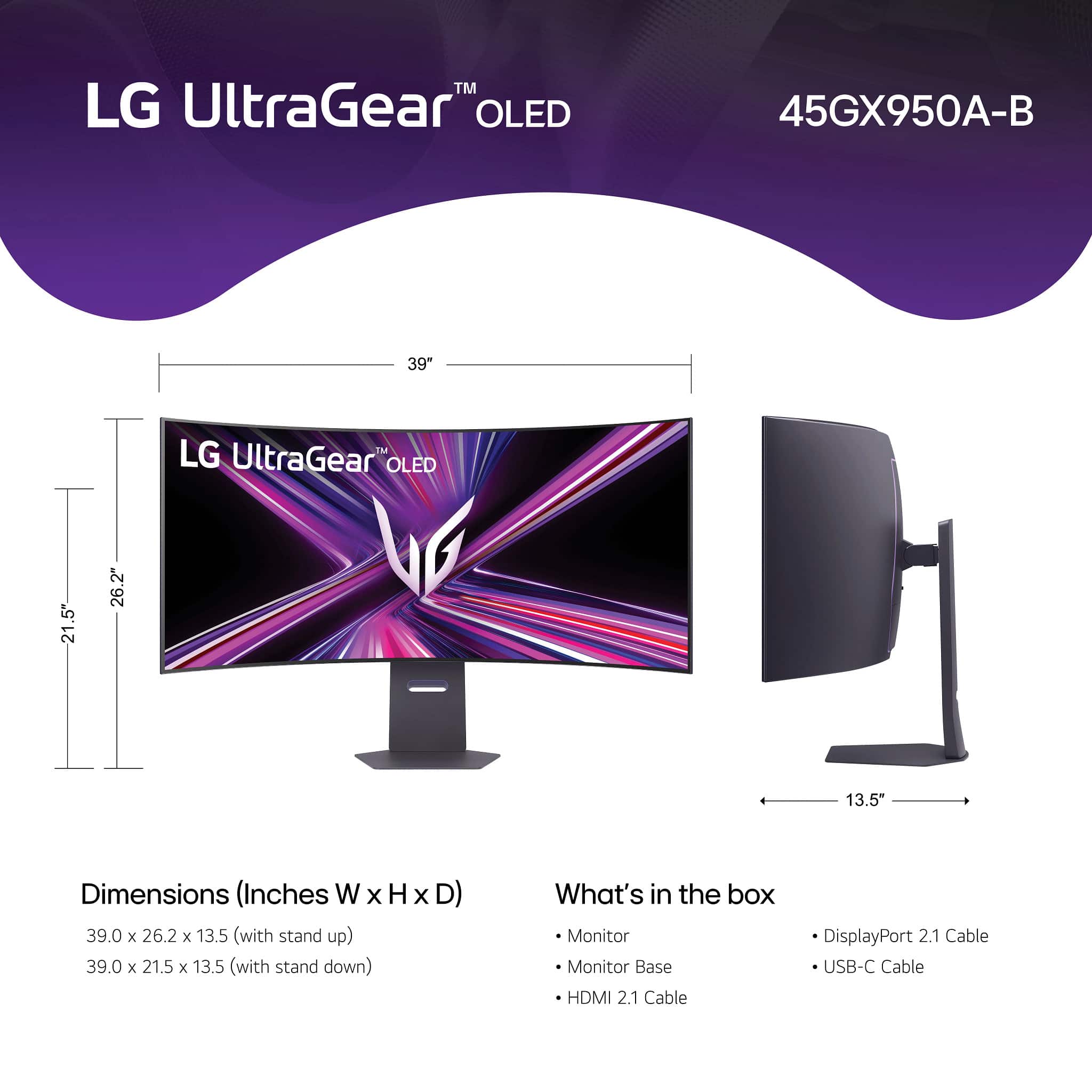








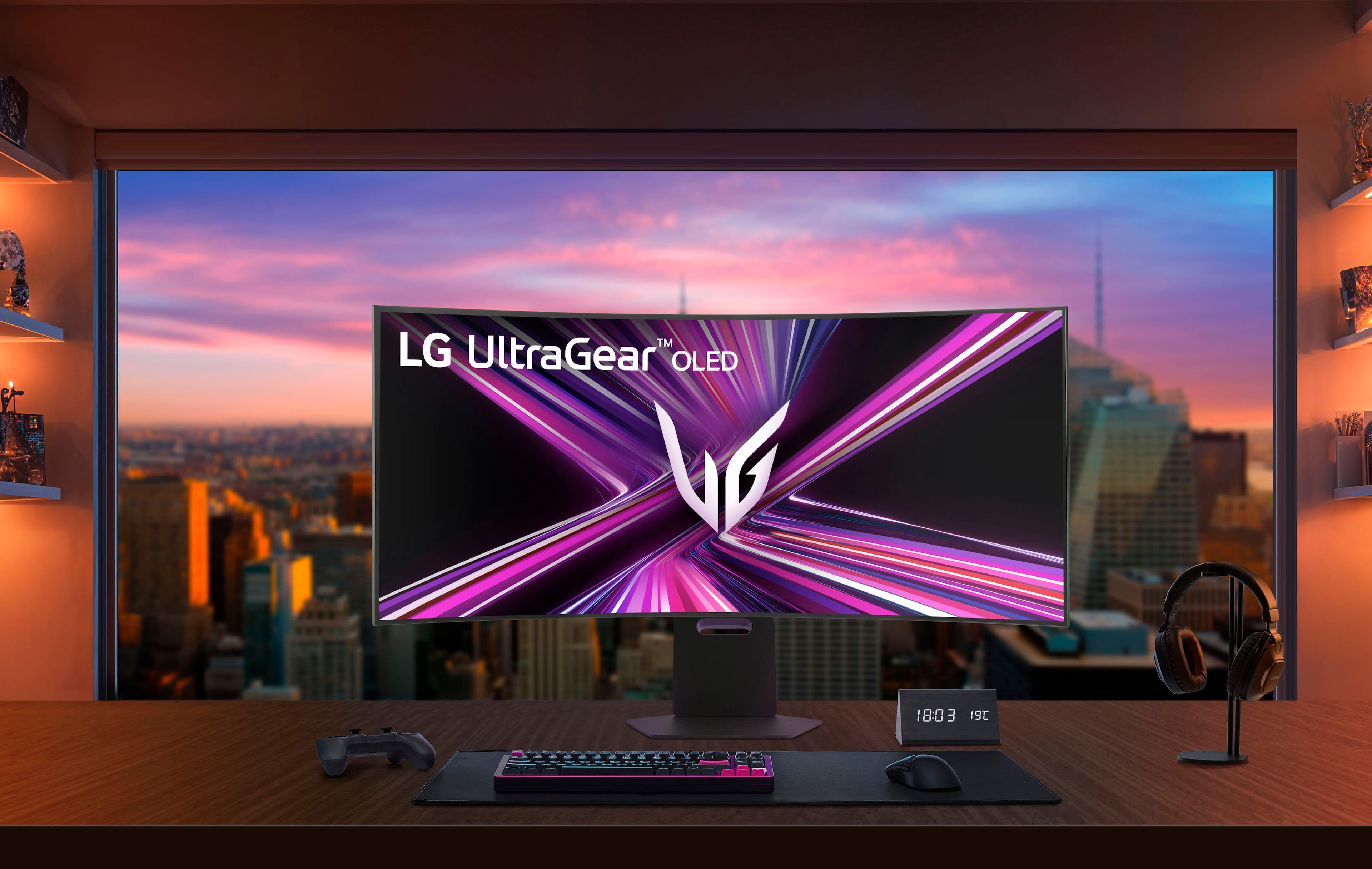
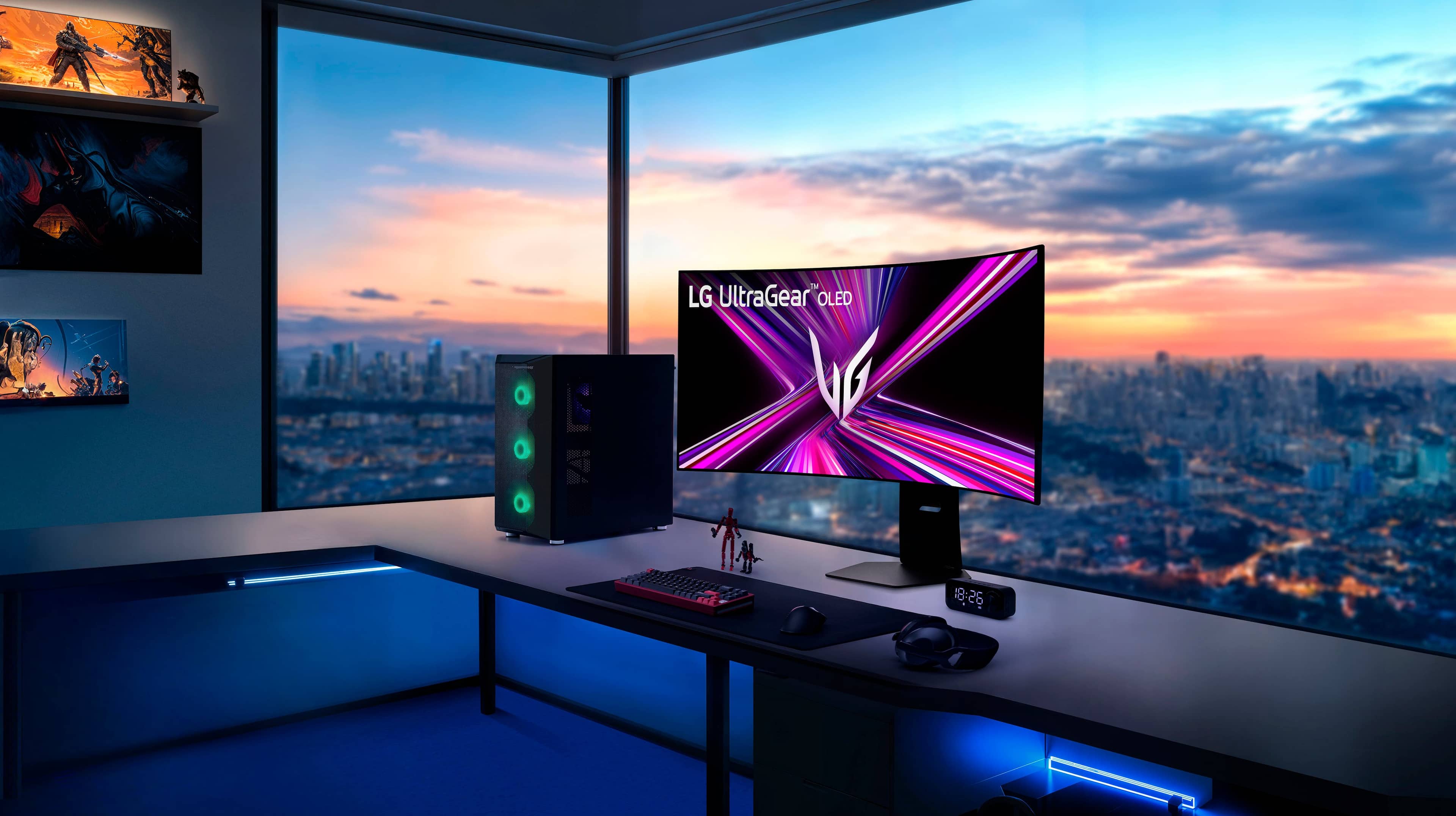

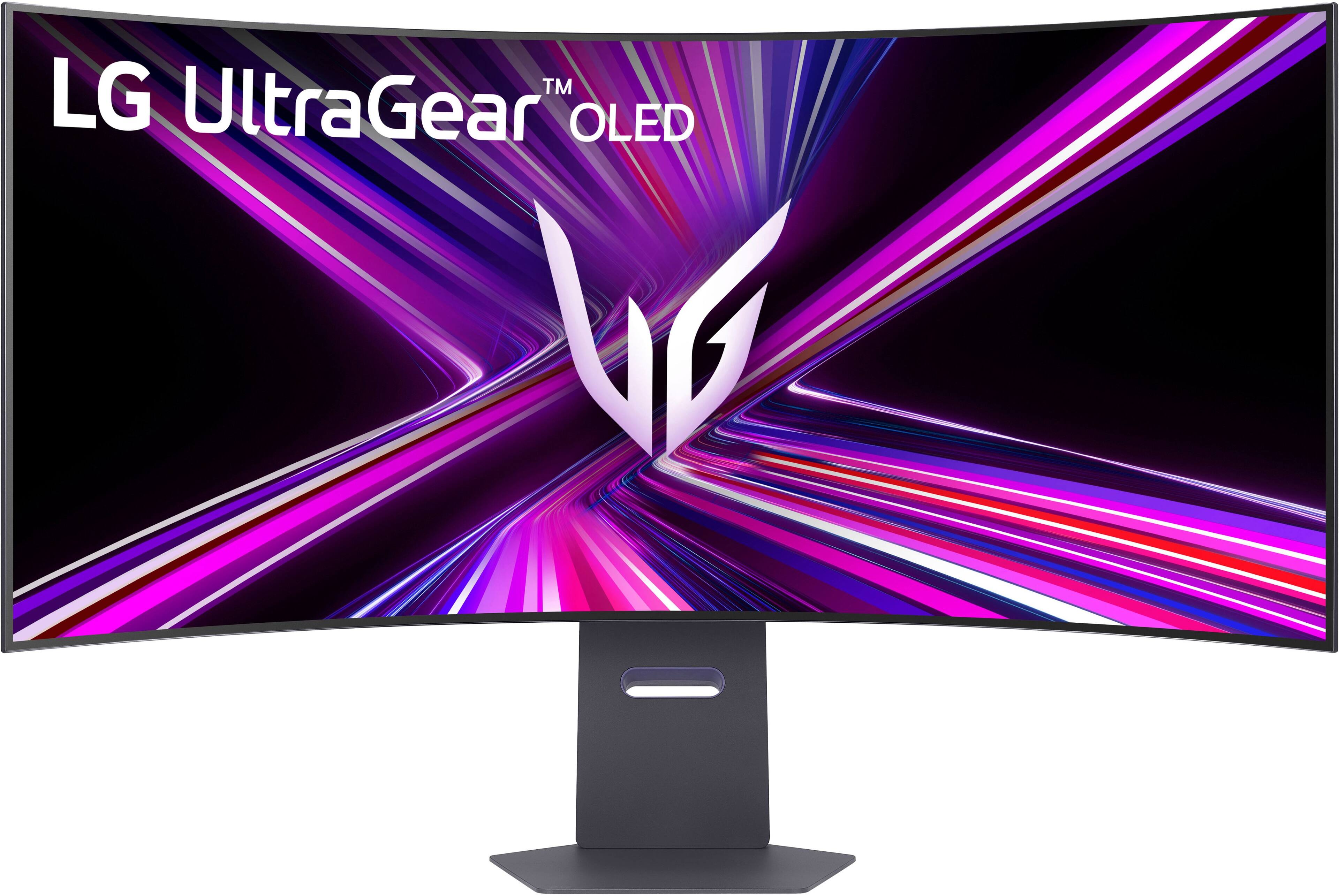
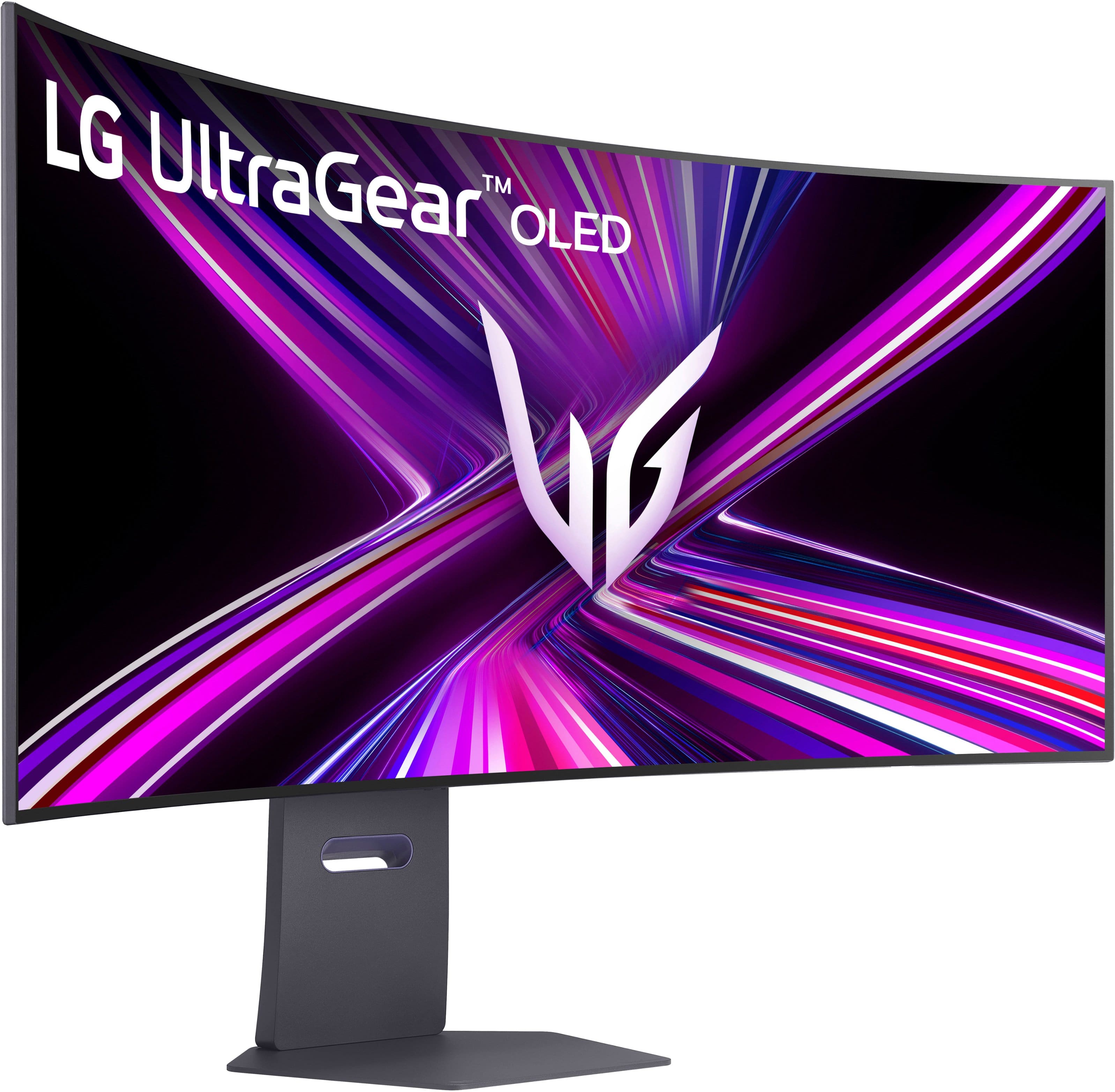
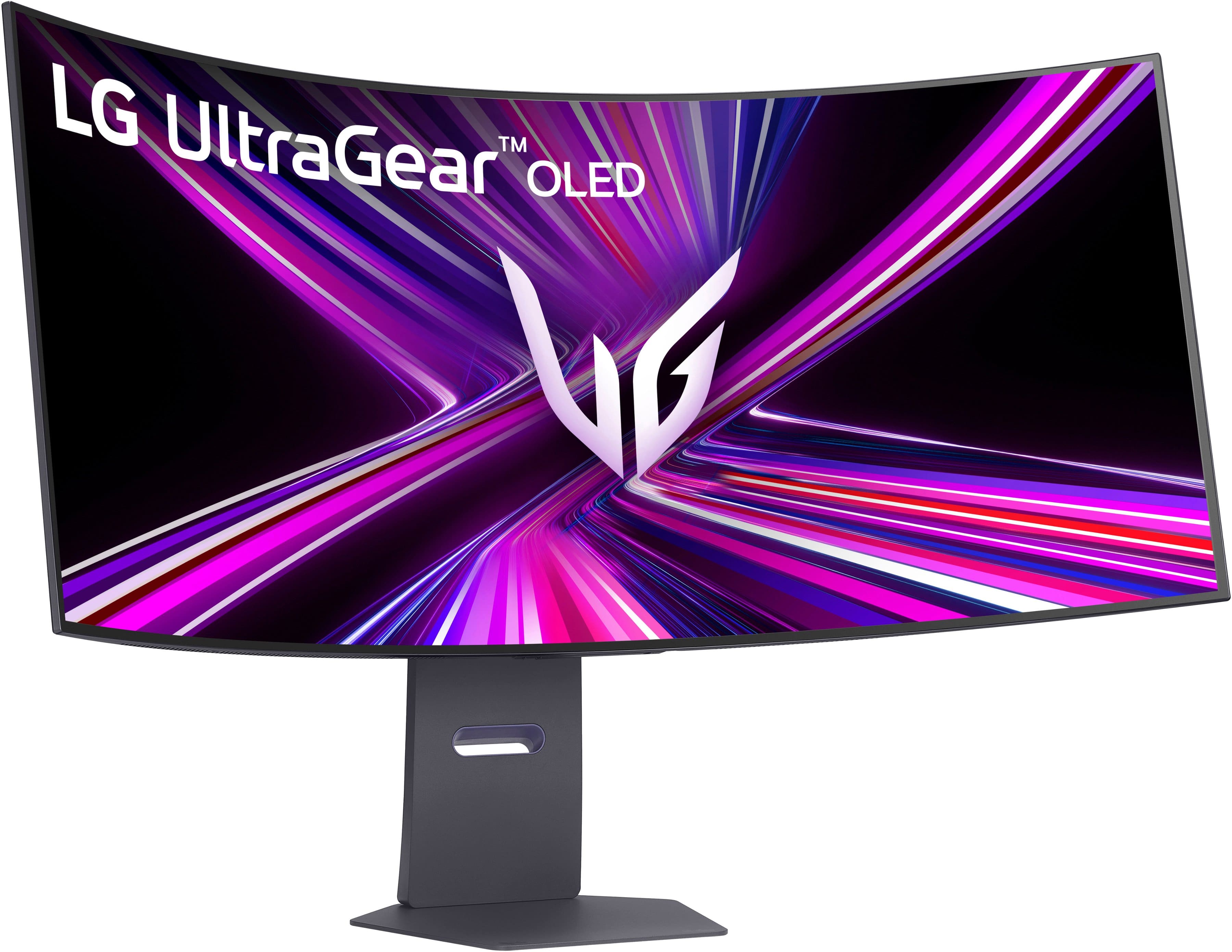

- Model:
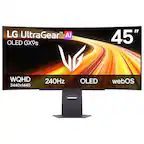
- 45GX950A-B
- |
- SKU:
- 11083571
Customer reviews
Rating 4.8 out of 5 stars with 487 reviews
(487 customer reviews)Rating by feature
- Display Quality4.9
Rating 4.9 out of 5 stars
- Ease of Use4.8
Rating 4.8 out of 5 stars
- Features4.8
Rating 4.8 out of 5 stars
Customers are saying
Customers are pleased with the overall performance and the expansive screen size of this product. Users frequently highlight the stunning OLED quality, vibrant resolution, and smooth refresh rate as key contributors to an immersive viewing experience. While the display technology receives high praise, some users have noted challenges regarding the functionality of the DisplayPort connectivity.
This summary was generated by AI based on customer reviews.
- Pros mentioned:Overall performance, Refresh rate, Screen size
Rated 5 out of 5 stars
The Ultimate Ultrawide
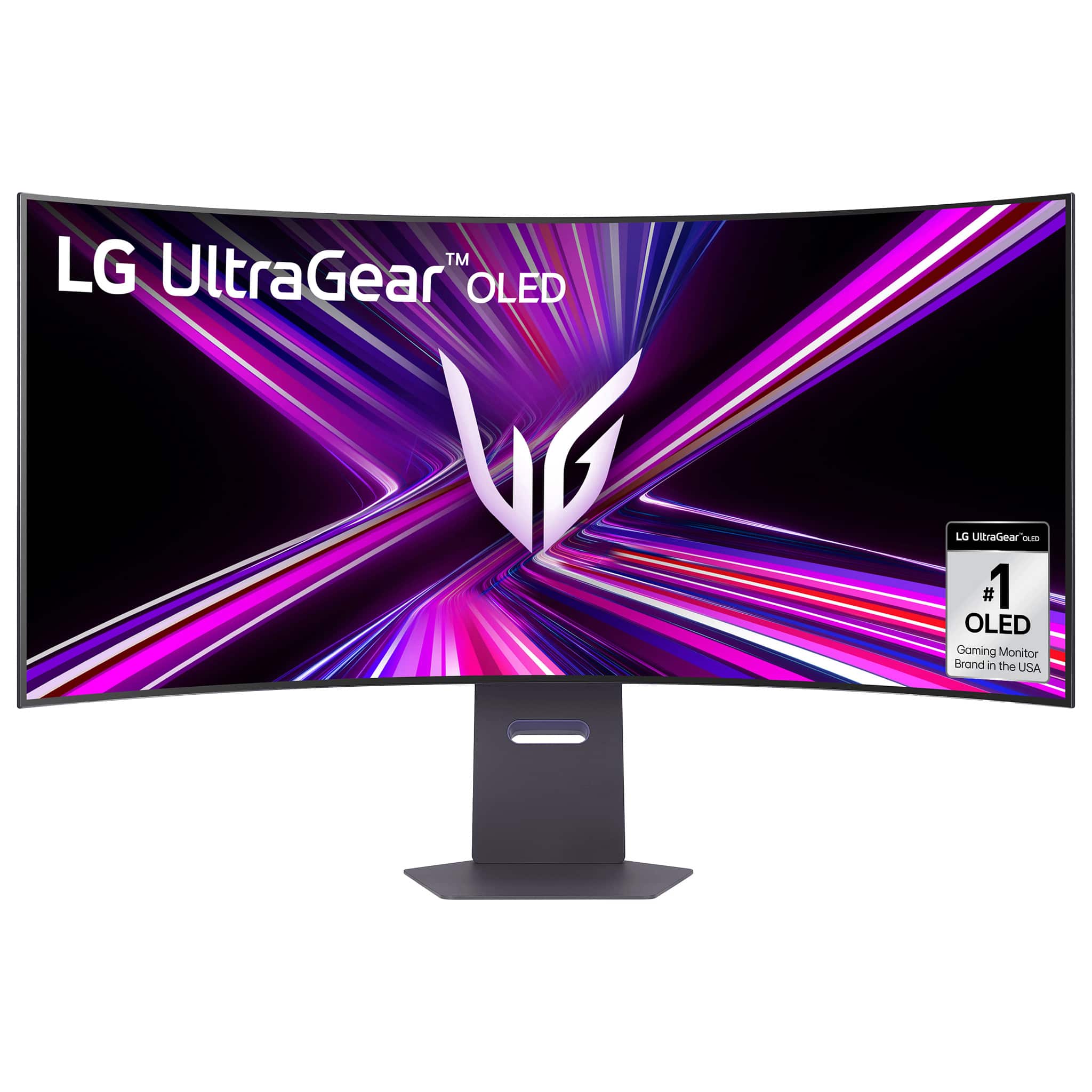
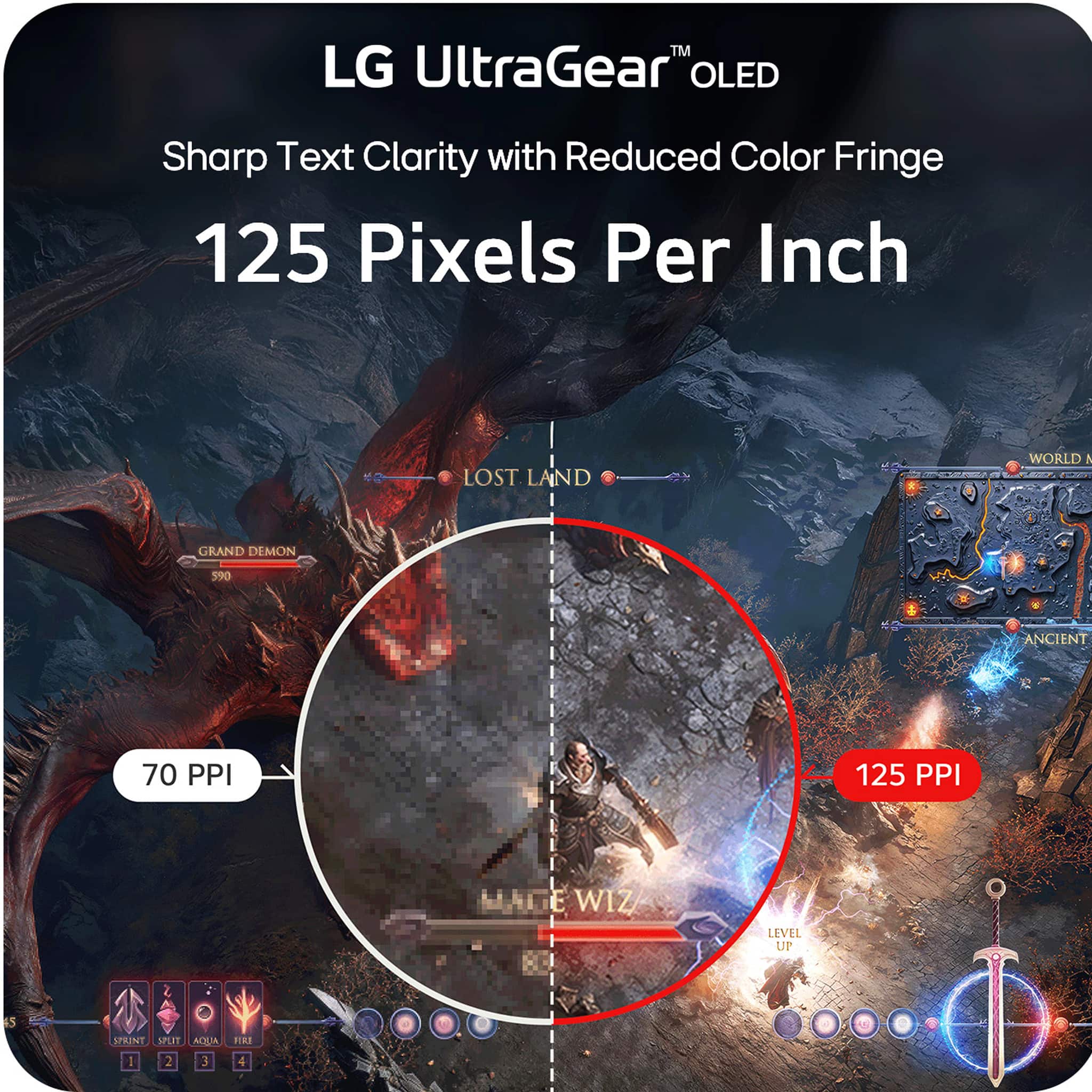
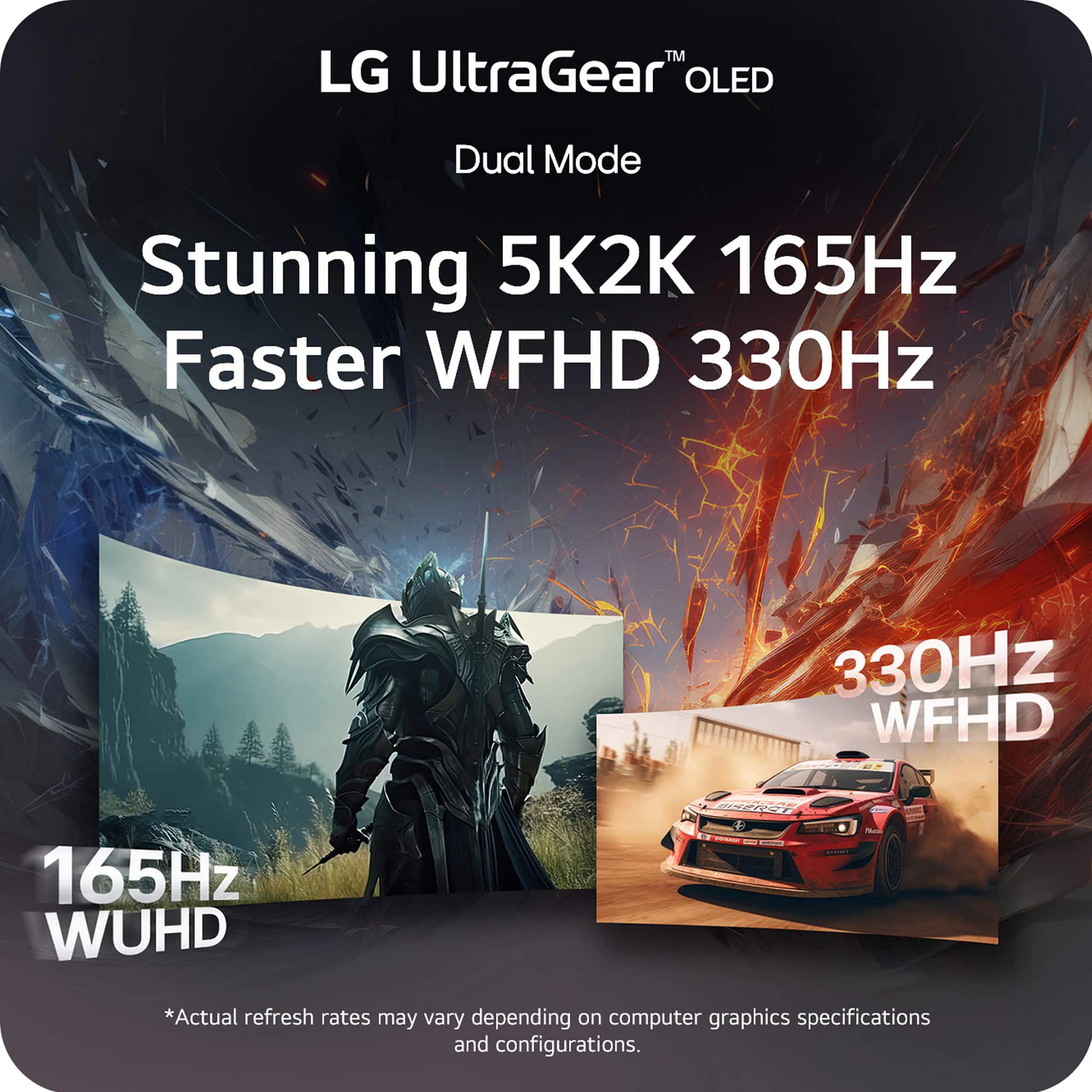
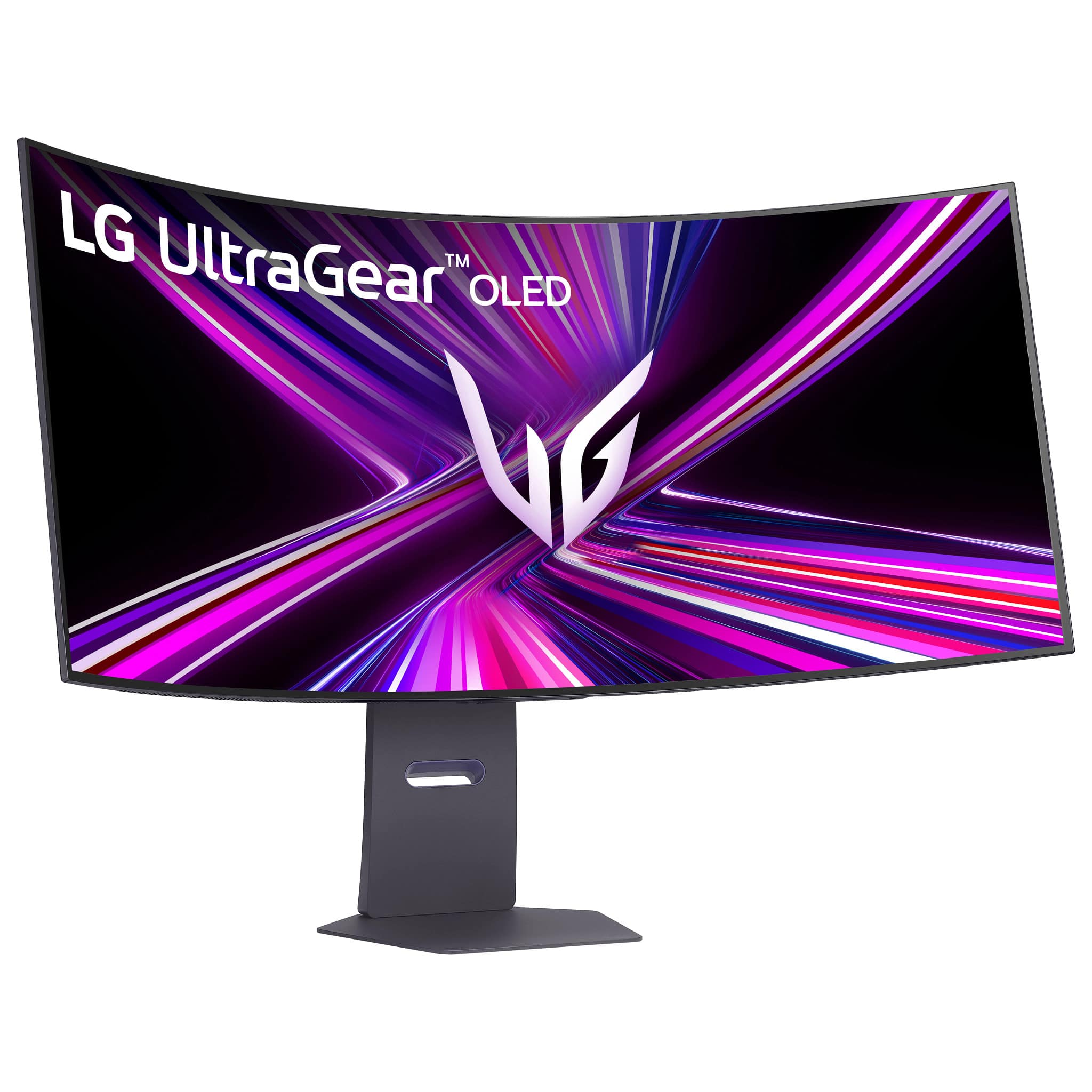
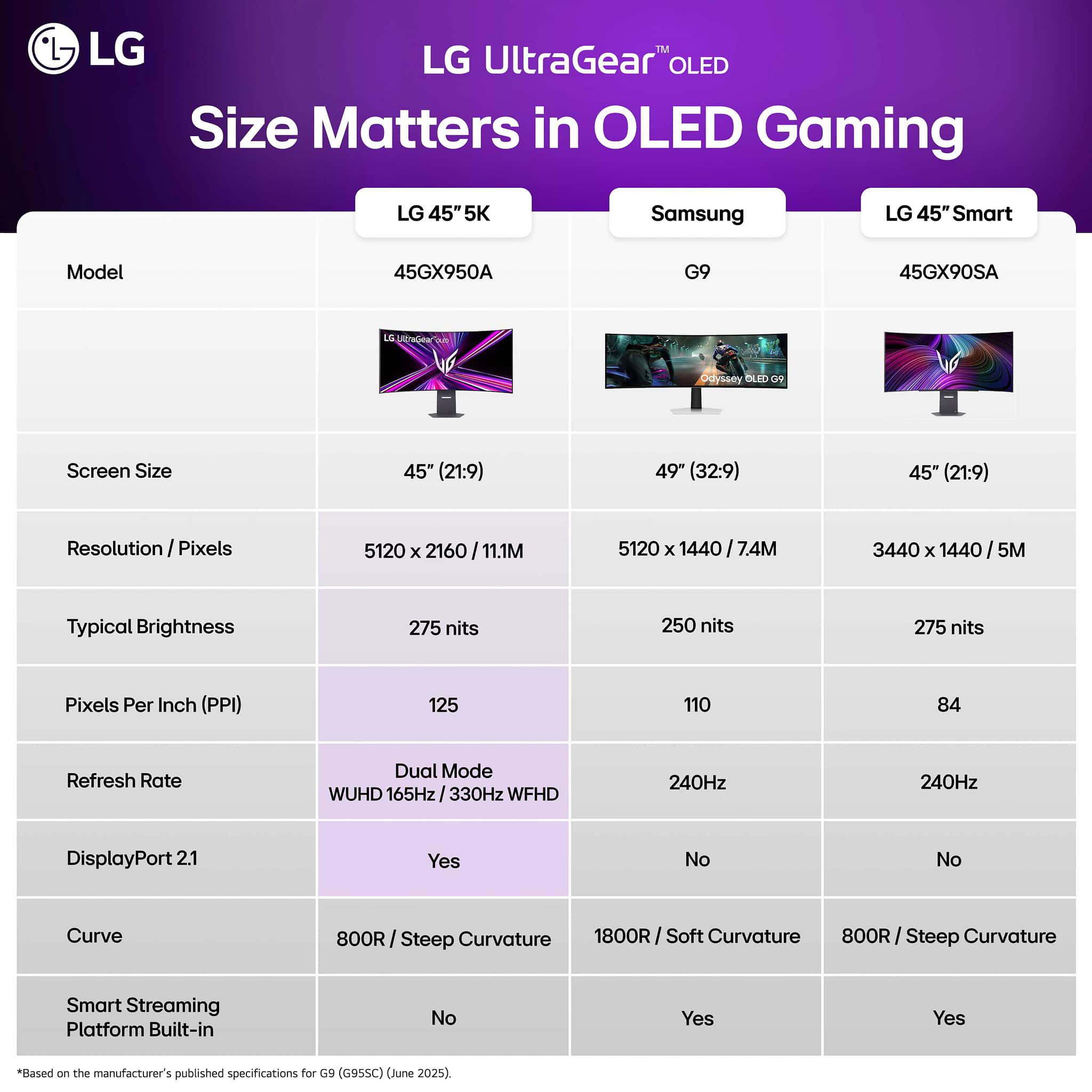
||Posted .This reviewer received promo considerations or sweepstakes entry for writing a review.This is hands-down the best monitor I’ve ever owned. I’ve been waiting years for a 5K ultrawide OLED, and LG absolutely delivered. I was initially concerned about the aggressive curve, especially coming from a 34-inch ultrawide with a more modest 1800R curve. But with a screen this large, the deeper curve makes perfect sense, it’s not just justified, it’s essential. For gaming, it’s phenomenal. The 330Hz refresh rate is a game-changer for competitive shooters, offering unmatched smoothness and responsiveness. For cinematic, story-driven games, 165Hz at 5K resolution is stunning, the visuals are vibrant, sharp, and incredibly immersive. At 125 PPI, text is crisp, and the overall clarity is outstanding. The expanded screen real estate has transformed how I work and play. It’s one of the best upgrades I’ve ever made. I absolutely love this monitor.
This review is from LG - UltraGear 45" OLED Dual Mode (5K2K WUHD 165Hz, WFHD 330Hz) 0.03ms G-Sync/FreeSync Premium Pro Gaming Monitor - Black
I would recommend this to a friend - Pros mentioned:Oled quality, Refresh rate, Resolution
Rated 5 out of 5 stars
Great do everything monitor
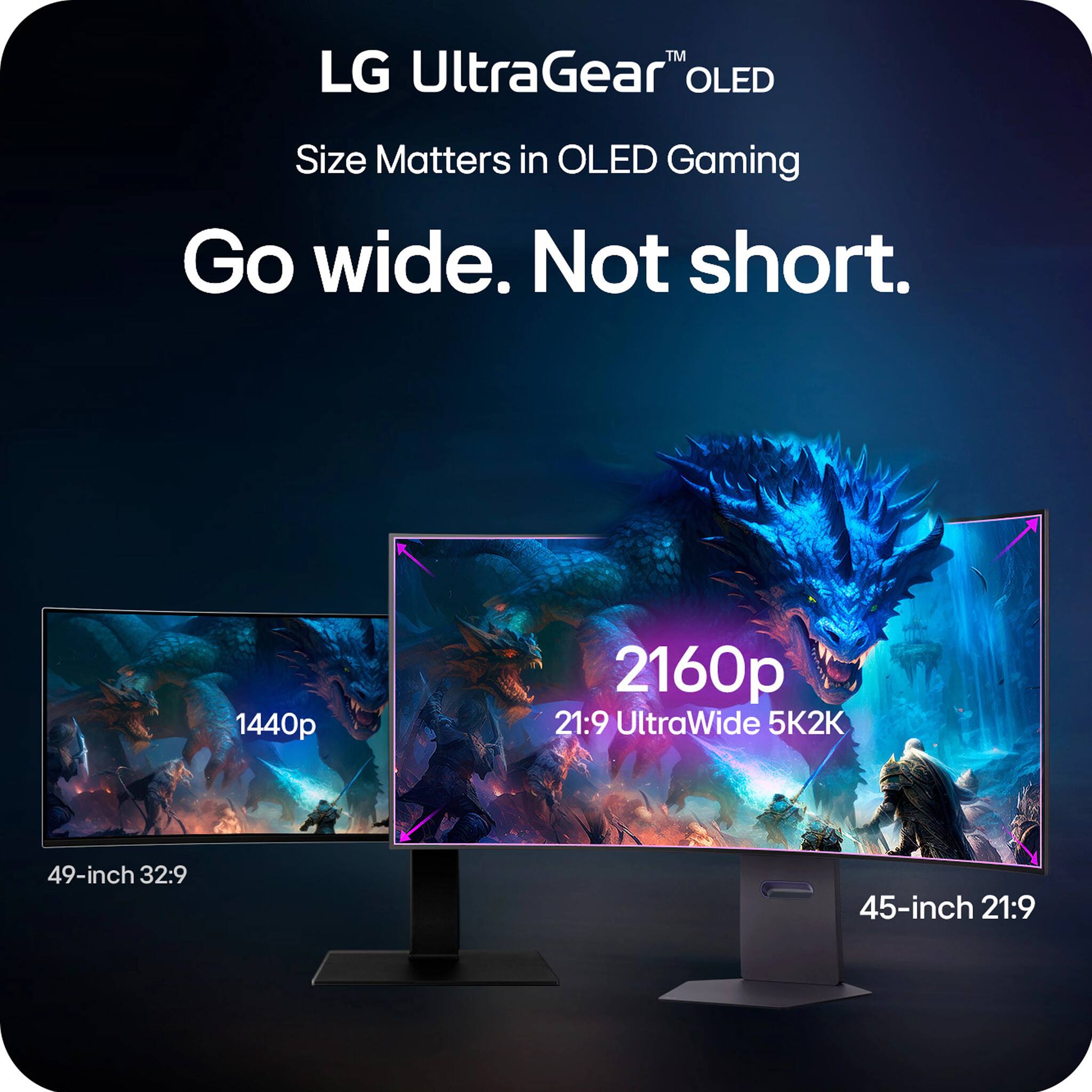
||Posted .This reviewer received promo considerations or sweepstakes entry for writing a review.Tried to get a Samsung 49" ultrawide and had a massive flickering issue. So I returned and snagged this. I didn't know how I would feel about the 21:9 vs 32:9. From a standard use case I like it quite a bit more having the extra height. Also the OLED is extremely good. And using it for gaming it keeps up great in refresh rate. I use it for some media editing and the high resolution is fantastic as well. As is the color reproduction. It's a great do everything. I would highly recommend.
This review is from LG - UltraGear 45" OLED Dual Mode (5K2K WUHD 165Hz, WFHD 330Hz) 0.03ms G-Sync/FreeSync Premium Pro Gaming Monitor - Black
I would recommend this to a friend - Pros mentioned:Overall performance, Resolution, Screen size
Rated 5 out of 5 stars
So happy with this monitor after some adjustments
||Posted . Owned for 2 weeks when reviewed.This reviewer received promo considerations or sweepstakes entry for writing a review.I’m coming from a alienware OLED monitor and I’m very happy with this one! First the size/resolution is hands down the best feature of this monitor. The curve is aggressive, but works well for the size. This curve would be too much for me on a smaller monitor. Out of the box the picture is not great, but after adjusting the setting the picture is incredible. I will miss the glossy screen from my last monitor because matte does loss that “pop”, but it’s not an extreme difference. If you have the money then I would highly recommend this. The main issue right now is even though an Nvidia 5090 can run games pretty well, newer games will probably still struggle at high settings. So the combined investment for everything is very high.
This review is from LG - UltraGear 45" OLED Dual Mode (5K2K WUHD 165Hz, WFHD 330Hz) 0.03ms G-Sync/FreeSync Premium Pro Gaming Monitor - Black
I would recommend this to a friend - Pros mentioned:Oled quality, Overall performance
Rated 5 out of 5 stars
This 5K2K monitor will not disappoint you.
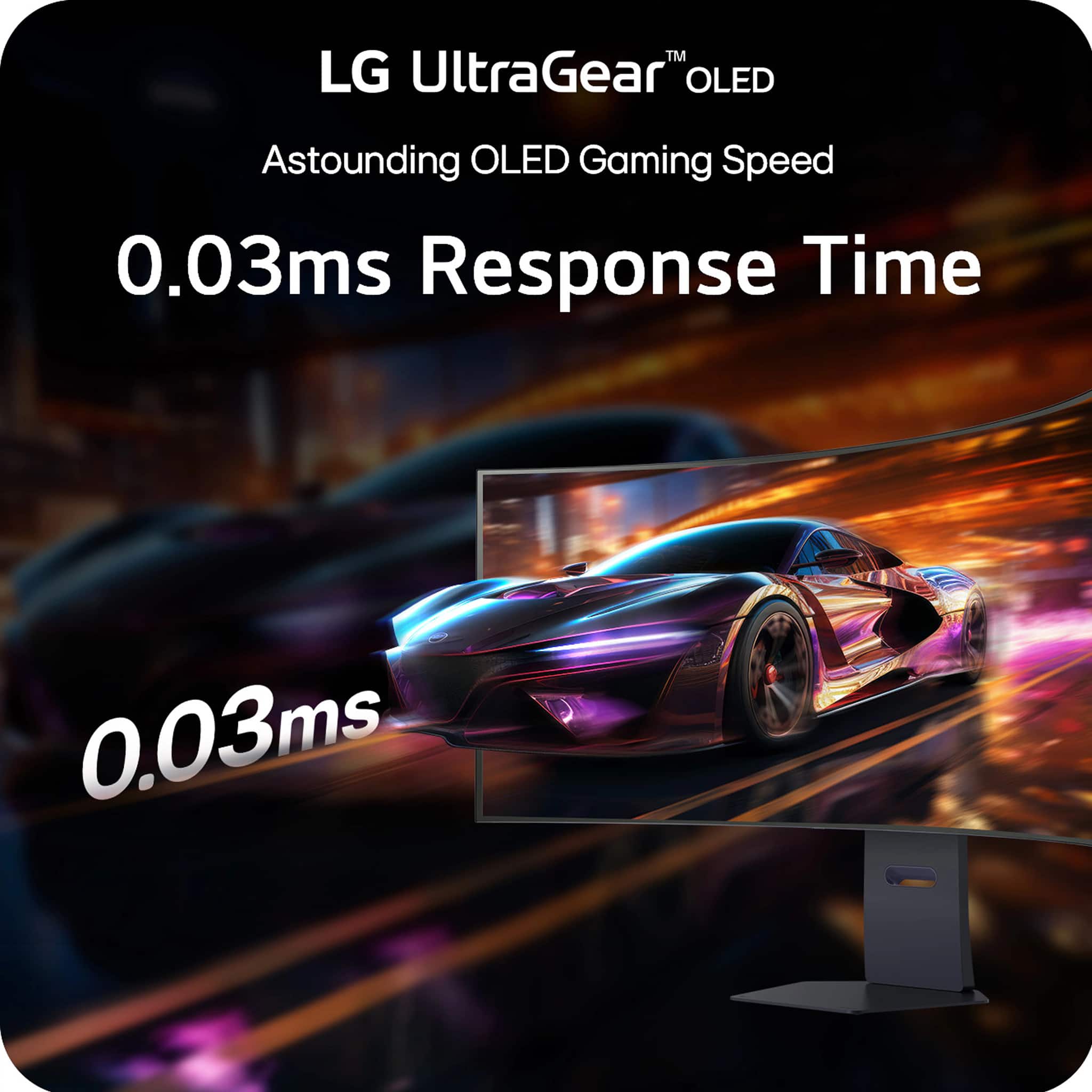
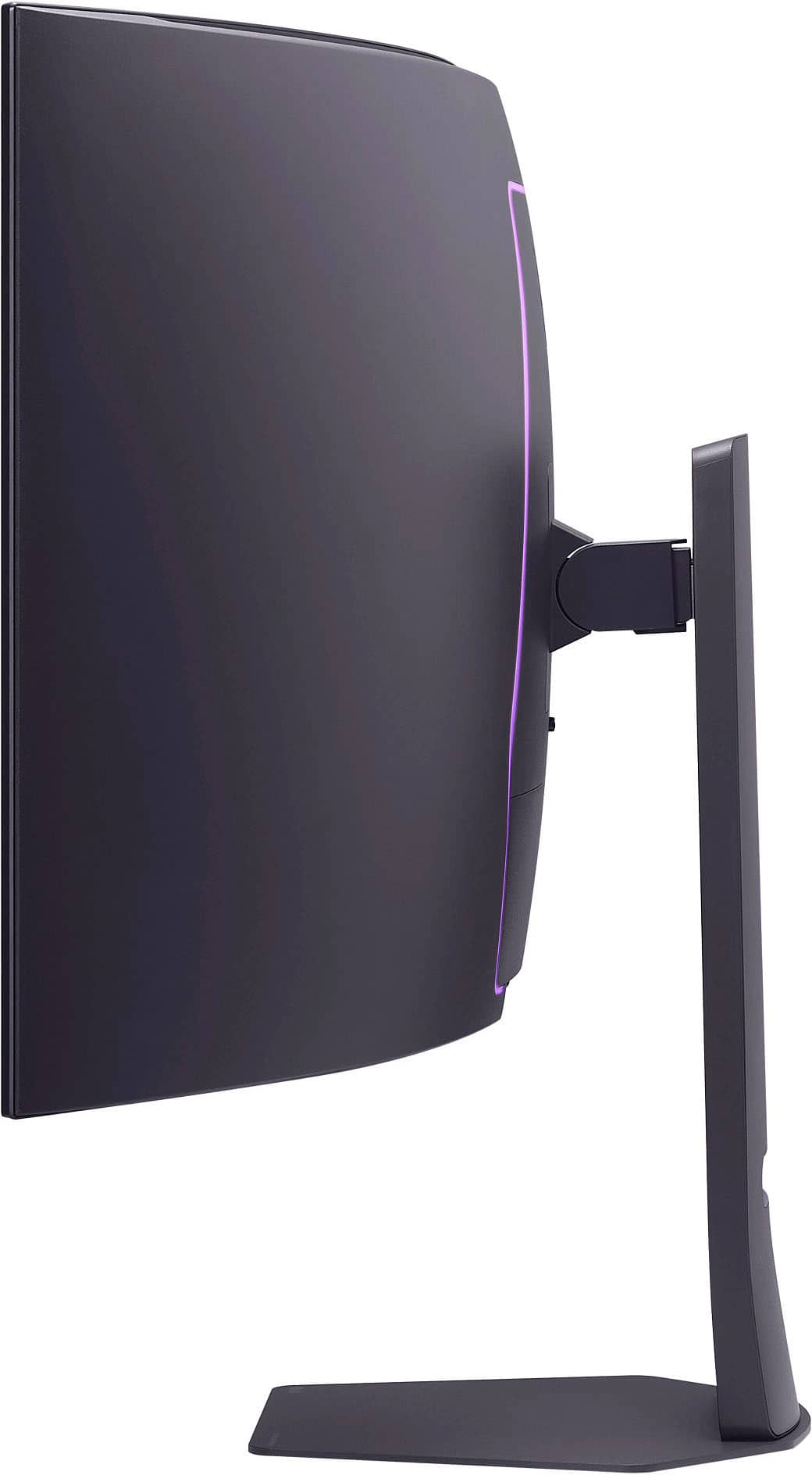
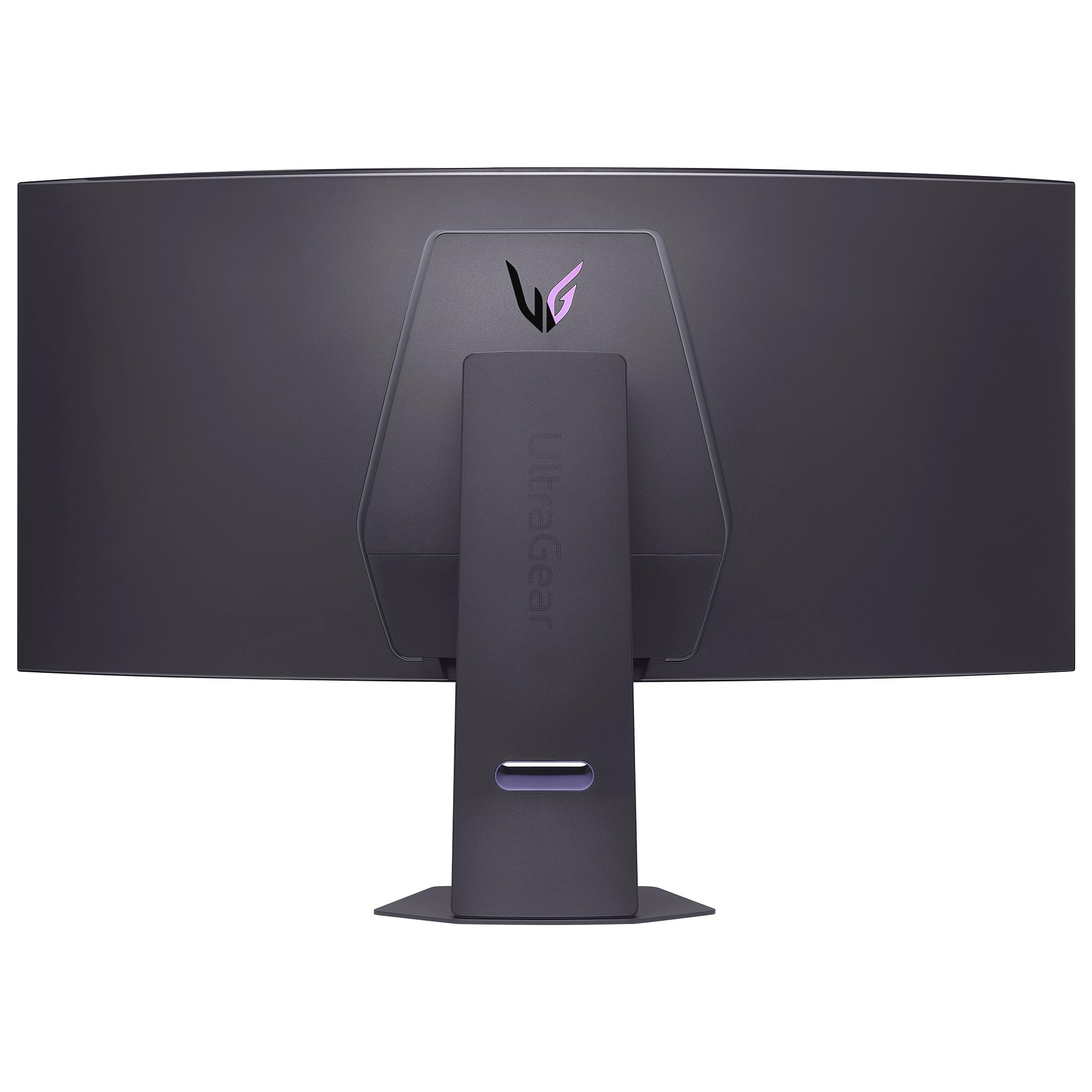
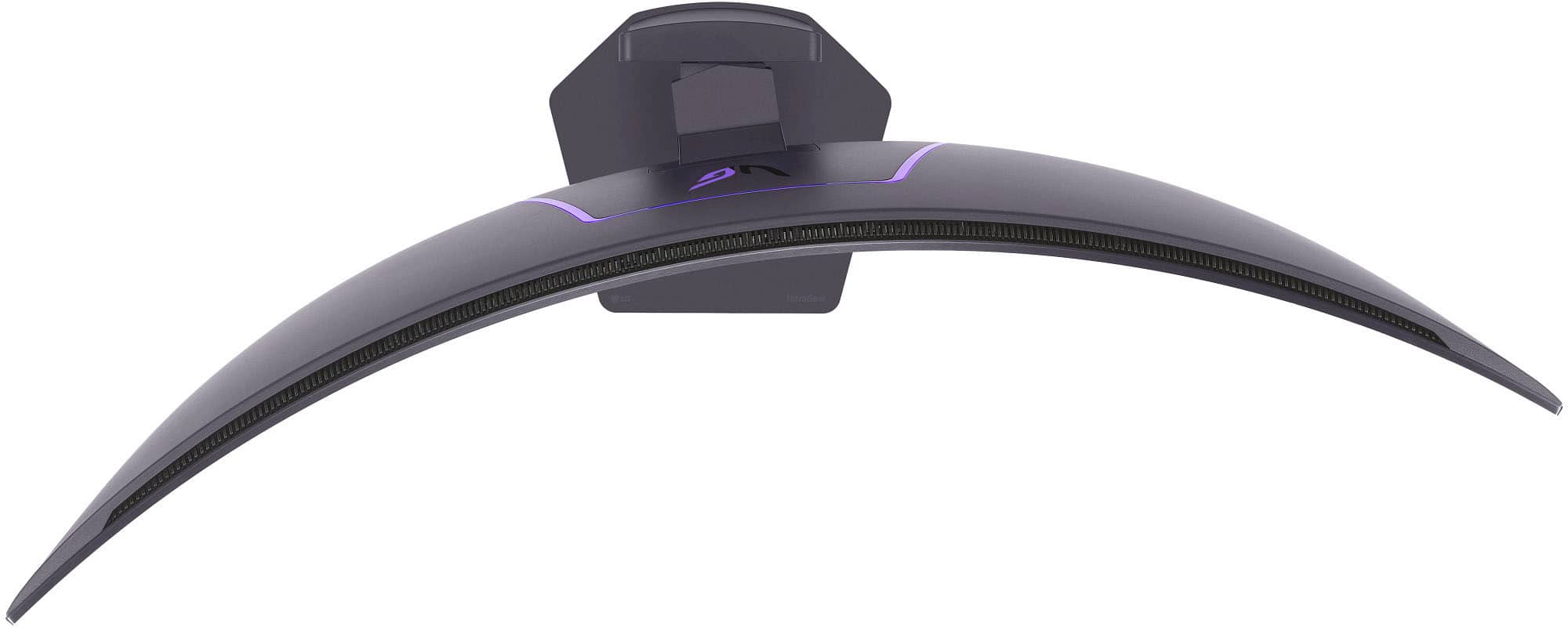
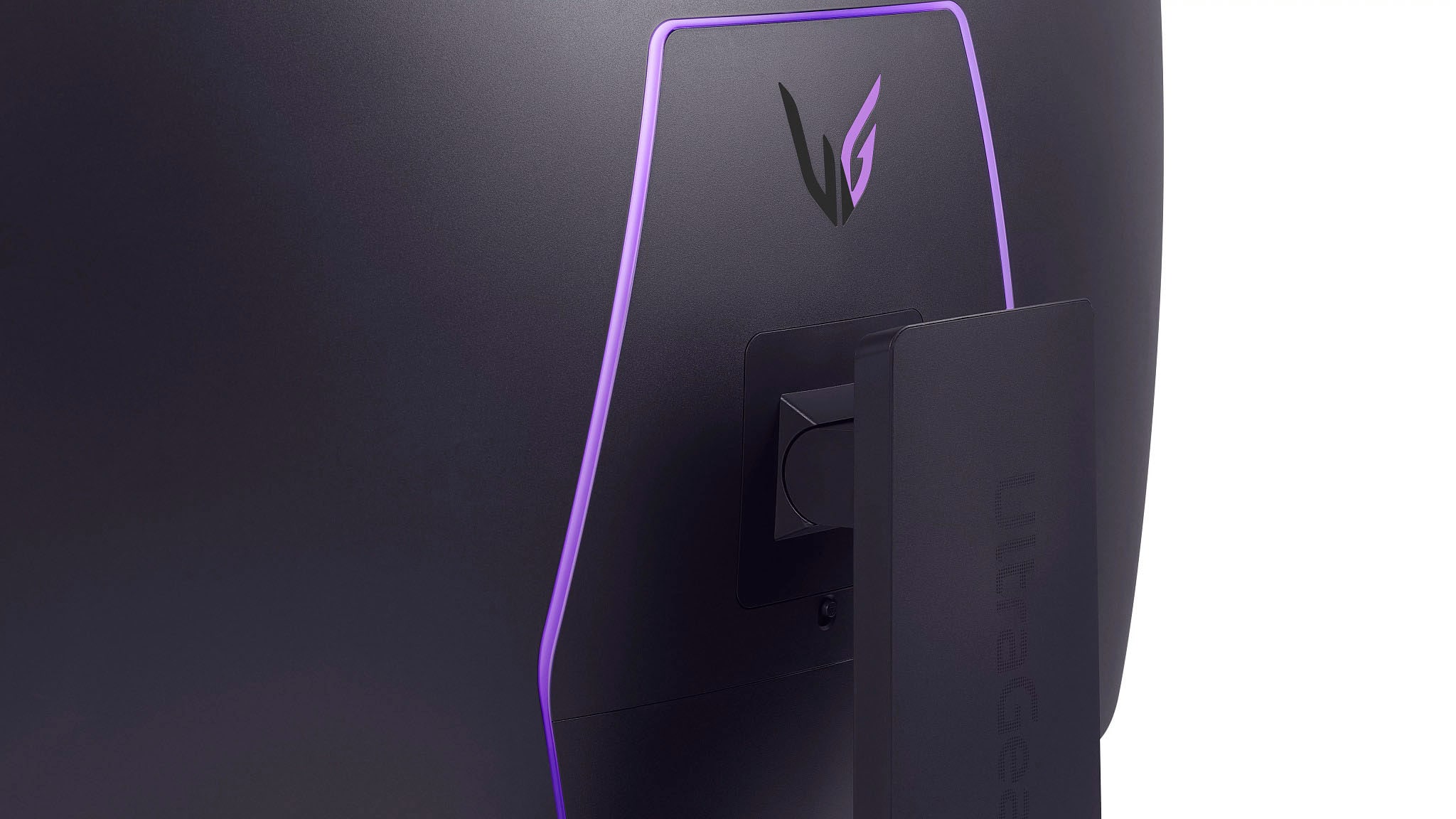
||Posted .This reviewer received promo considerations or sweepstakes entry for writing a review.First Impressions After waiting for the perfect monitor for over 5 years, the LG 45GX950A has exceeded all expectations. It’s not just a monitor—it’s a full-on experience. This 45” OLED monitor is in a class of its own and is a huge upgrade that was well worth the wait. It's large and immersive enough to double as a TV. Performance & Display Quality Playing games on an OLED panel at 165Hz with this resolution is unprecedented. Text is razor-sharp and extremely legible at 125 PPI. The tiny pixels make individual RGB subpixels invisible even under a magnifying glass. The default brightness is set at 100%, which can be harsh on the eyes, but reducing it to 50% creates a comfortable and rich viewing experience. Design & Build The matte finish is an excellent choice, minimizing reflections during daytime use or nighttime movie viewing. Unlike glossy screens with aggressive curves that can reflect the room or even distort the monitor’s own image, the matte surface eliminates internal glare and reflection, which can be problematic on an 800R curve. The monitor also features a stylish, hexagonal customizable LED backlight, and the black rear cover helps minimize ambient light scatter, unlike white back panels. Features & Functionality A key improvement over my old LG monitor is the convenience factor. The 45GX950A auto-switches to the active input source—a welcome change from having to switch manually. Also, DisplayPort now carries audio to the internal speakers, which are surprisingly loud and adequate for everyday use. Gaming Experience The 21:9 ultrawide aspect ratio is perfect for cinematic content and immersive gameplay. With a 0.03 ms response time and support for up to 165Hz (330Hz with overclocking), this monitor is lightning-fast. The wider field of view is especially ideal for racing sims, flight sims, and open-world titles. If you've never gamed on an OLED display, the difference in black depth and contrast will feel almost surreal. Power Efficiency Despite its size and capabilities, the monitor uses only 35 watts for non-gaming activity and 40 watts during gaming when HDR brightness is at 50%. That’s incredibly efficient and allows it to run cool even during extended use. Pros: 1. You will feel very giddy at first – in a good way. The curve feels dramatic but quickly becomes natural and immersive. 2. Blazing speed: 165Hz/330Hz refresh and 0.03 ms response time. 3. Convenience: Auto input switching and DisplayPort audio. 4. Cinematic ultrawide 21:9 ratio with a vertical 2160 resolution. 5. Immersive and ideal for games and movies with deeper blacks. 6. Low power usage and high efficiency. 7. Matte finish eliminates distracting reflections. 8. Customizable backlight with functional design choices like the black rear panel. Cons: 1. A faint white vertical bar appeared at first, but OLED Image Cleaning resolved it quickly. 2. On the pricey side, though the feature set justifies the cost. 3. Your GPU or CPU may need upgrading to handle the full 5K2K resolution. 4. For uncompressed DisplayPort 2.0/2.1 support, you’ll need an RTX 5000 or RX 7000 series card. Final Thoughts If you're looking for a monitor that blends stunning visuals, fast refresh rates, immersive curvature, and premium build quality—this is it. I didn’t get to see this in person before buying, but after using it for a day, I can confidently say I will be more than 100% satisfied with it for years to come. Highly recommended.
This review is from LG - UltraGear 45" OLED Dual Mode (5K2K WUHD 165Hz, WFHD 330Hz) 0.03ms G-Sync/FreeSync Premium Pro Gaming Monitor - Black
I would recommend this to a friend - Pros mentioned:Overall performance, Screen size
Rated 5 out of 5 stars
So happy with this purchase
||Posted . Owned for 1 month when reviewed.This reviewer received promo considerations or sweepstakes entry for writing a review.Got it home and had it set up in less than ten minutes. No tools needed. Sound quality is great. It's plenty loud and you can easily switch between internal speakers or a wired headset. Picture quality is amazing. Love the contrast. Watched a video of someone walking through Tokyo at night. Image quality is amazingly sharp. The areas that are supposed to be bright, like the neon signs, are very bright and color quality is superb. At the sane time dark areas like the night sky are black like it's s supposed to be. Plenty of connection ports so you can have a computer and a streaming device hooked up at the same time and easily switch between them. Great monitor. Highly recommend.
This review is from LG - UltraGear 45" OLED Dual Mode (5K2K WUHD 165Hz, WFHD 330Hz) 0.03ms G-Sync/FreeSync Premium Pro Gaming Monitor - Black
I would recommend this to a friend - Pros mentioned:Overall performance, Screen size
Rated 5 out of 5 stars
Amazing Monitor for Gaming and Productivity
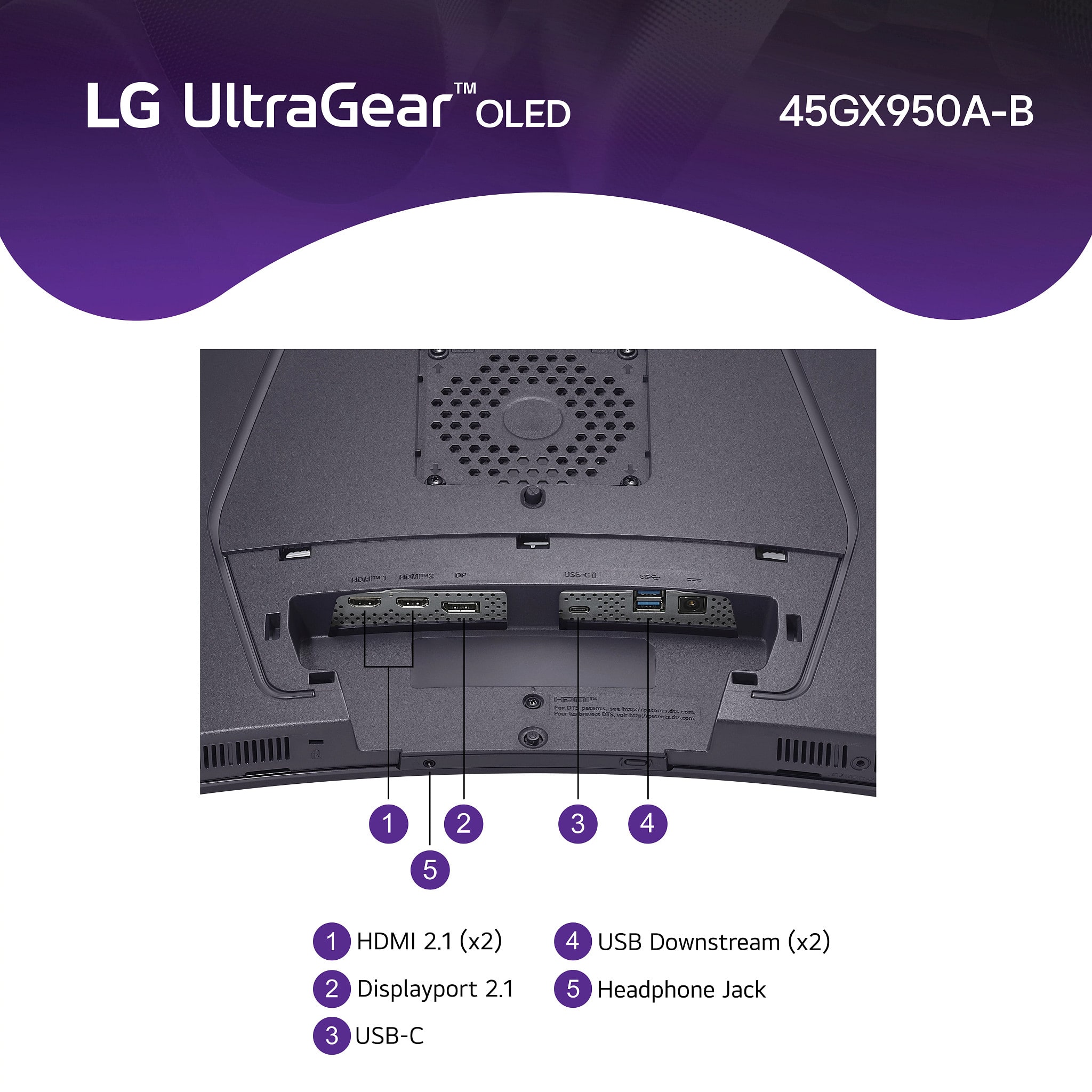
||Posted .This reviewer received promo considerations or sweepstakes entry for writing a review.I came from a dual IPS 24” setup and the switch to the LG Curved OLED was shockingly seamless (took maybe a day or day and a half to adjust to the curve). The picture quality is amazing (I had gotten both the Samsung G9 OLED (49”) as well, but I’m in a room where I have good lighting and it gets on the brighter side during the day (while I work), so the matte screen was my preferred screen (both devices did look great). For my work case, I really preferred the 45” (16:9) compared to 49” (32:9) screens. The screen size is perfect for looking at PDFs, Excel or CAD on one side split height (ie, two fourths screen size) and having the full height screen on the other side for whichever program I need bigger or having something else up. The connectivity options are great and the ability to plug a KM switch or usb hub and speakers into the monitor and have it auto switch when you change your input is a good option as well (just make sure your device can handle the screen resolution as well as power everything, that was an issue with my older work laptop). Overall, I love the screen / the aspect ratio / size of the LG. I definitely recommend seeing it in person to make sure the size works for you (or take advantage of Best Buy’s generous return policy to test out the 45” screen).
This review is from LG - UltraGear 45" OLED Dual Mode (5K2K WUHD 165Hz, WFHD 330Hz) 0.03ms G-Sync/FreeSync Premium Pro Gaming Monitor - Black
I would recommend this to a friend - Pros mentioned:Oled quality, Resolution, Screen size
Rated 5 out of 5 stars
Beautiful OLED at 5K resolution.
||Posted .This reviewer received promo considerations or sweepstakes entry for writing a review.Currently THE best monitor available anywhere. Great LG OLED display, nice and bright, great resolution, VRR, and HUGE. A great upgrade from the lower resolution previous model Ultragear. If you have a high end graphics card, it's a must-have. If not, you can always switch it to 2K resolution mode.
This review is from LG - UltraGear 45" OLED Dual Mode (5K2K WUHD 165Hz, WFHD 330Hz) 0.03ms G-Sync/FreeSync Premium Pro Gaming Monitor - Black
I would recommend this to a friend - Pros mentioned:Overall performance, Refresh rate, Screen size
Rated 5 out of 5 stars
Great Curved Monitor
||Posted . Owned for 3 weeks when reviewed.This reviewer received promo considerations or sweepstakes entry for writing a review.This is a nice monitor, what I like about is the size, most curved monitors height is narrow, not this one. It also has a high quality picture and great refresh rate.
This review is from LG - UltraGear 45" OLED Dual Mode (5K2K WUHD 165Hz, WFHD 330Hz) 0.03ms G-Sync/FreeSync Premium Pro Gaming Monitor - Black
I would recommend this to a friend - Pros mentioned:Oled quality, Resolution
Rated 5 out of 5 stars
Pricey but amazing
||Posted . Owned for 2 months when reviewed.This reviewer received promo considerations or sweepstakes entry for writing a review.I was concerned about the “aggressive” curvature (R800) distorting the picture for CAD work, and it does, but far less than I was afraid of. (My prior monitor was a R1000.) In the end, the OLED provides excellent quality for photography applications and the 5k2k resolution plenty of room for all my applications (including technical drawings and CAD). The USB connectivity not only extends USB to a hub, but it also allows controlling the monitor (albeit only from one computer even when using all four video inputs) and update firmware. The $2000 full price is gefty, and the $1500 special offer still pricey, but it is an amazing monitor … provided you have a powerful enough graphics card and high speed cable.
This review is from LG - UltraGear 45" OLED Dual Mode (5K2K WUHD 165Hz, WFHD 330Hz) 0.03ms G-Sync/FreeSync Premium Pro Gaming Monitor - Black
I would recommend this to a friend - Pros mentioned:Overall performance, Resolution, Screen size
Rated 5 out of 5 stars
Stunning monitor - works great for Macs too!!
||Posted .This reviewer received promo considerations or sweepstakes entry for writing a review.Upgraded from a 49" ultra wide but the 4 extra inches in height truly make a world of a difference. MacBook Pro user with beautiful resolution. Loving it for both productivity and gaming. Well worth the Black Friday sale!
This review is from LG - UltraGear 45" OLED Dual Mode (5K2K WUHD 165Hz, WFHD 330Hz) 0.03ms G-Sync/FreeSync Premium Pro Gaming Monitor - Black
I would recommend this to a friend - Pros mentioned:Refresh rate, Resolution, Screen size
Rated 5 out of 5 stars
LG 45GX950
||Posted . Owned for less than 1 week when reviewed.This reviewer received promo considerations or sweepstakes entry for writing a review.The LG 45GX950 is a beast of a Ultrawide monitor. The speed, color, and ability to play fast paced games in 4k is awesome. Of course you need a good graphics card to achieve 4K 165 HZ, and my 5090 Works quite well! But if you don't have a 5090, or even if you do, you can use its dual mode and play your favorite games at 1080p 330 HZ. Pretty sweet either way!
This review is from LG - UltraGear 45" OLED Dual Mode (5K2K WUHD 165Hz, WFHD 330Hz) 0.03ms G-Sync/FreeSync Premium Pro Gaming Monitor - Black
I would recommend this to a friend - Pros mentioned:Overall performance, Screen size
Rated 5 out of 5 stars
Top tier technology for gaming and productivity
||Posted .This reviewer received promo considerations or sweepstakes entry for writing a review.This monitor is incredibly good, the curve the features and the flexibility are all amazing things to have, super involving gaming, and very good for productivity as well. 5k and 2k monster
This review is from LG - UltraGear 45" OLED Dual Mode (5K2K WUHD 165Hz, WFHD 330Hz) 0.03ms G-Sync/FreeSync Premium Pro Gaming Monitor - Black
I would recommend this to a friend - Pros mentioned:Oled quality, Resolution
Rated 5 out of 5 stars
The current end game high end monitor
||Posted .This reviewer received promo considerations or sweepstakes entry for writing a review.I upgraded from a 49" samsung neo g9 and the difference between even that already very high end monitor and this was obvious. The heightened PPI from the noticeably higher resolution panels fitting into a slightly smaller screen to the heightened color accuracy and contrast that is expected in OLED panels. After several months of daily use I have notice no burn in and no reduction in overall max brightness, the burn in avoidance safety features in the monitor are also not intrusive in the slightest so there is no downside to leaving them on. I will likely keep this monitor for many years to come as it is simply end game quality.
This review is from LG - UltraGear 45" OLED Dual Mode (5K2K WUHD 165Hz, WFHD 330Hz) 0.03ms G-Sync/FreeSync Premium Pro Gaming Monitor - Black
I would recommend this to a friend - Pros mentioned:Overall performance
Rated 5 out of 5 stars
Easily the Best Monitor I've ever had
||Posted . Owned for 6 months when reviewed.This reviewer received promo considerations or sweepstakes entry for writing a review.I've had a multitude of monitors from Alienware Oleds to the Odyssey 49 inch versions. My biggest gripe with those was how wide they were and I was always looking side to side while scrolling pages. The Viewpoint of this monitor is much easier to work with day to day as it is taller and I spend less time scrolling. The colors are impeccable but had to do a screen cleaning just after setting it up. The one thing I will say is it seemed to have some gray vertical shading in the screen but after the first week of using it and doing a screen cleaning (built into monitor) all of that went away. Well worth it when this is on sale. It's great for work and if you're into gaming at all, it's stellar. I play some FPS but mainly run it with my Racing sim when I'm not wanting to wear VR headset. No tearing, blurs, delays at all. It just works. I love it.
This review is from LG - UltraGear 45" OLED Dual Mode (5K2K WUHD 165Hz, WFHD 330Hz) 0.03ms G-Sync/FreeSync Premium Pro Gaming Monitor - Black
I would recommend this to a friend - Pros mentioned:Oled quality, Screen size
Rated 5 out of 5 stars
What an experience.
||Posted .This reviewer received promo considerations or sweepstakes entry for writing a review.I bought this monitor thinking, I want the best in business because I really need it and YOLO. And boy am I happy with this purchase. This is like having 3 vertical monitor together without a bazel. Then windows 11 gives me option for creating a separate desktop to keep my tasks organized. I love working on this new monitor. My experience is amazing probably because I bought a beast system with AMD Ryzen 9950 x3d with Nvidia GTX 5090 and other specs maxed out. But as a widescreen OLED, you can't go wrong with buy this one. It's beautiful, crisp and big.
This review is from LG - UltraGear 45" OLED Dual Mode (5K2K WUHD 165Hz, WFHD 330Hz) 0.03ms G-Sync/FreeSync Premium Pro Gaming Monitor - Black
I would recommend this to a friend - Pros mentioned:Overall performance, Resolution
Rated 5 out of 5 stars
This is oled gaming perfection! <3
||Posted .This reviewer received promo considerations or sweepstakes entry for writing a review.I just upgraded today from a Samsung LED G9 Odyssey 49 inch, to his 45 inches of LG OLED awesomeness! The 4K resolution for gaming is a game changer for me. Day and night difference in picture quality and game screen size for games. Truly you get more screen with this 45 inch than the 49 ultrawide samsung monitor. I have a i9 intel, RTX 4090 card and 32 RAM and I had no issues whatsoever with the monitor... it was truly a seamless plug and play experience. So maybe the ones having issues with the DP 2.1 cable is because their PCs are older/less capable? I truly had no hiccups at all. Definitely a must buy for me. Totally recommended. I play mostly Marvel Rivals and let me tell you, the picture quality at epic graphics and Quality DLSS setting is the best. I calibrated the picture quality to "Gamer 2", reduced the sharpness to 50, set the Peak Brightness to High and the Gamma to "Mode 4" and to me that is best awesome quality I've been dreaming for! truly worth the upgrade and the money I paid (the full $2K).
This review is from LG - UltraGear 45" OLED Dual Mode (5K2K WUHD 165Hz, WFHD 330Hz) 0.03ms G-Sync/FreeSync Premium Pro Gaming Monitor - Black
I would recommend this to a friend - Pros mentioned:Overall performance, Screen size
Rated 5 out of 5 stars
Big monitor
||Posted . Owned for 1 month when reviewed.This reviewer received promo considerations or sweepstakes entry for writing a review.Great Monitor. Perfect for coding! The curved screen doesn't bother me, I thought it would. It really helps keep your work in focus vs a flat screen at this size. Don't use the box handles to carry it. I was considering a Dell that has a built in KVM switch as I use my monitors for work and play but I couldn't justify the cost. This is the next best thing. I recommend two hands. I haven't had any issues with it.
This review is from LG - UltraGear 45" OLED Dual Mode (5K2K WUHD 165Hz, WFHD 330Hz) 0.03ms G-Sync/FreeSync Premium Pro Gaming Monitor - Black
I would recommend this to a friend - Pros mentioned:Overall performance
Rated 5 out of 5 stars
LG UltraGear 45” OLED : A 5K2K Workhorse
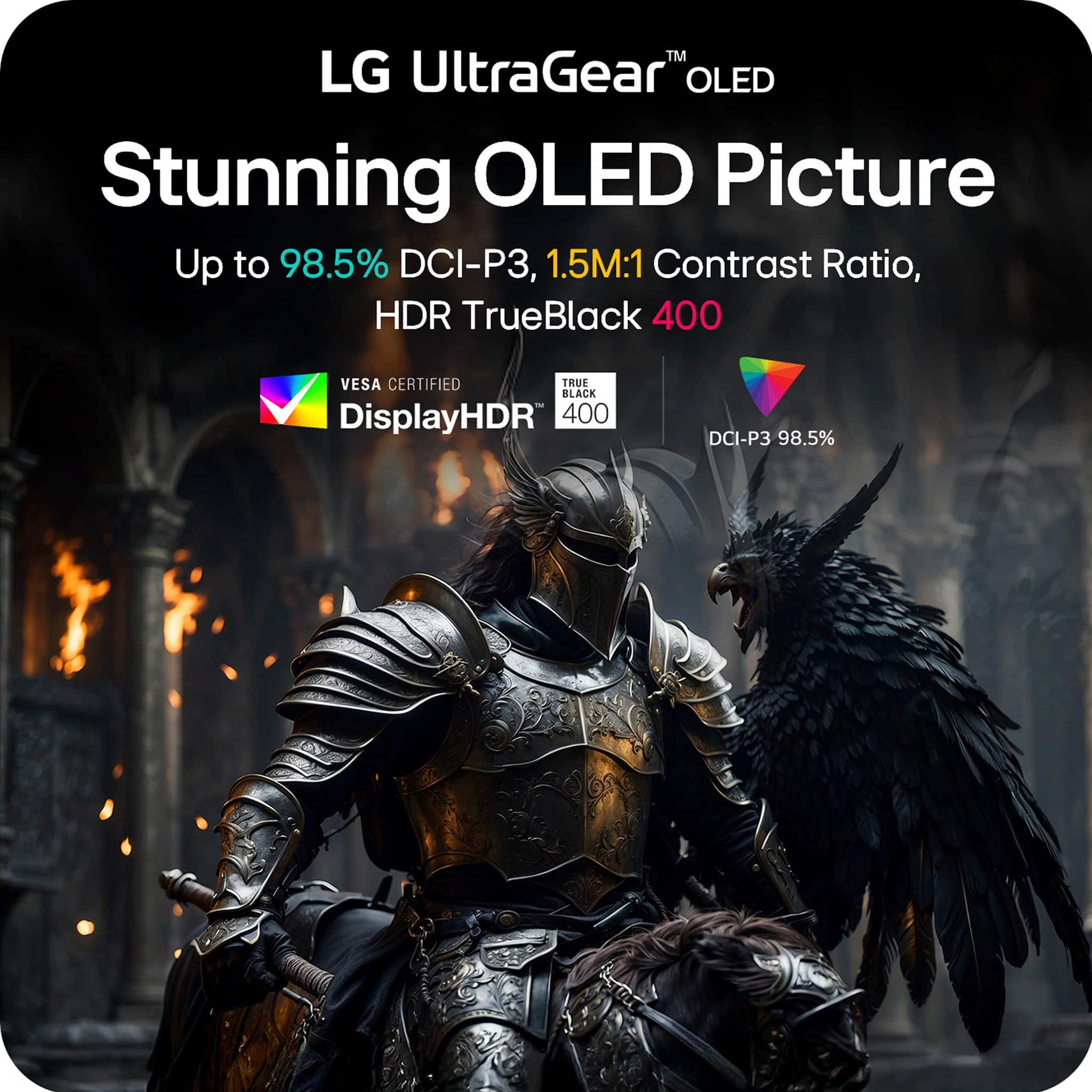
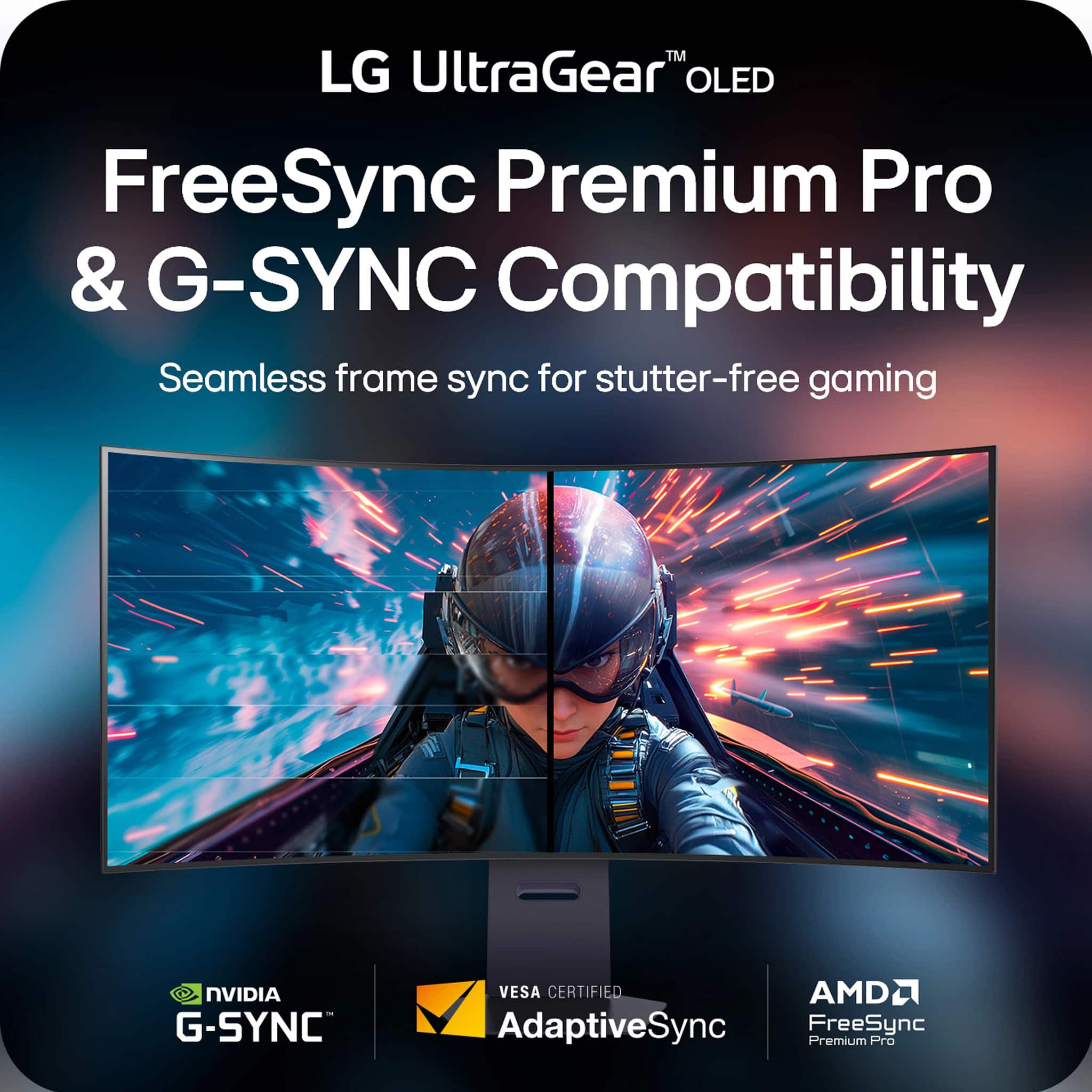
||Posted . Owned for 2 weeks when reviewed.This reviewer received promo considerations or sweepstakes entry for writing a review.The best “do-everything” display I’ve ever used (work + competitive gaming in one) The LG UltraGear 45” OLED Dual Mode is hands-down one of the most impressive monitors I’ve ever owned. It’s the rare display that genuinely feels built for two different worlds: cinematic, ultra-sharp productivity and content work… and then instant-switch, high-speed competitive gaming. The Dual Mode is the killer feature. In one moment you’re in 5K2K WUHD at 165Hz, which looks absolutely insane at 45 inches — crisp text, huge workspace, and a wide, immersive canvas that makes everything feel premium. Then when you want raw performance, flipping to WFHD 330Hz turns it into a competitive gaming monster. That flexibility alone makes it worth it because it replaces what would normally be two separate monitors. And because it’s OLED, the picture quality is on another level: • Perfect blacks and insane contrast • Colors look rich and clean without that “washed” IPS glow • Motion looks ridiculously smooth, especially paired with the 0.03ms response time It also nails the essentials for serious gaming. G-Sync/FreeSync Premium Pro makes gameplay feel stable and fluid with no distracting tearing, and the overall responsiveness is instantly noticeable — aiming feels tighter, tracking feels cleaner, and fast movement stays readable. Build quality is exactly what you expect from LG’s UltraGear line: solid, premium, and designed like it means business. It’s also one of the few monitors that feels equally at home as a high-end workstation display and a top-tier gaming panel. If you want a monitor that can do editing, productivity, console gaming, PC gaming, and esports-level performance without compromise, this is it. It’s not just a monitor — it’s a whole setup upgrade. Highly recommended.
This review is from LG - UltraGear 45" OLED Dual Mode (5K2K WUHD 165Hz, WFHD 330Hz) 0.03ms G-Sync/FreeSync Premium Pro Gaming Monitor - Black
I would recommend this to a friend - Pros mentioned:Oled quality
Rated 5 out of 5 stars
LG STRIKES AGAIN, but there are caveats!
||Posted . Owned for 3 weeks when reviewed.This reviewer received promo considerations or sweepstakes entry for writing a review.Outside of the non glossy picture, I have nothing to say but great things about this monitor. The curve is massive compared to the Alienware monitor but it's not overwhelming. I also love the amount of settings I have at my disposal and even thought the speakers aren't top tier, im glad they have their own volume input. Sometimes I don't want to use my sound bar to take up and HDMI slot. Keep in mind the consoles will have a beautiful picture but there will be black bars as the aspect ration for consoles are not yet set to Ultra-wide. Obviously on PC the full display is at your disposal and man do games look amazing but I can't wait for consoles to do their part and update to ultra-wide formate, that goes for the Apple TV as well. That being said if you're okay with the Matte screen and not glossy, you'll fall in love and apps that support ultra-wide make games and movies look and feel much different. A must Have!
This review is from LG - UltraGear 45" OLED Dual Mode (5K2K WUHD 165Hz, WFHD 330Hz) 0.03ms G-Sync/FreeSync Premium Pro Gaming Monitor - Black
I would recommend this to a friend - Pros mentioned:Resolution, Screen size
Rated 5 out of 5 stars
Great OLED
||Posted . Owned for 1 week when reviewed.This reviewer received promo considerations or sweepstakes entry for writing a review.I've only used this for a few days now, but it's a noticeable step up from my LG 34" QHD monitor. The curve is very pronounced, but I feel it's more immersive that way. The blacks are perfect and the colors are definitely more vivid. The 5k is incredible too. I use it mostly for my flight sim, so if you use it for gaming, make sure you have a strong PC to run it.
This review is from LG - UltraGear 45" OLED Dual Mode (5K2K WUHD 165Hz, WFHD 330Hz) 0.03ms G-Sync/FreeSync Premium Pro Gaming Monitor - Black
I would recommend this to a friend