Customer Ratings & Reviews
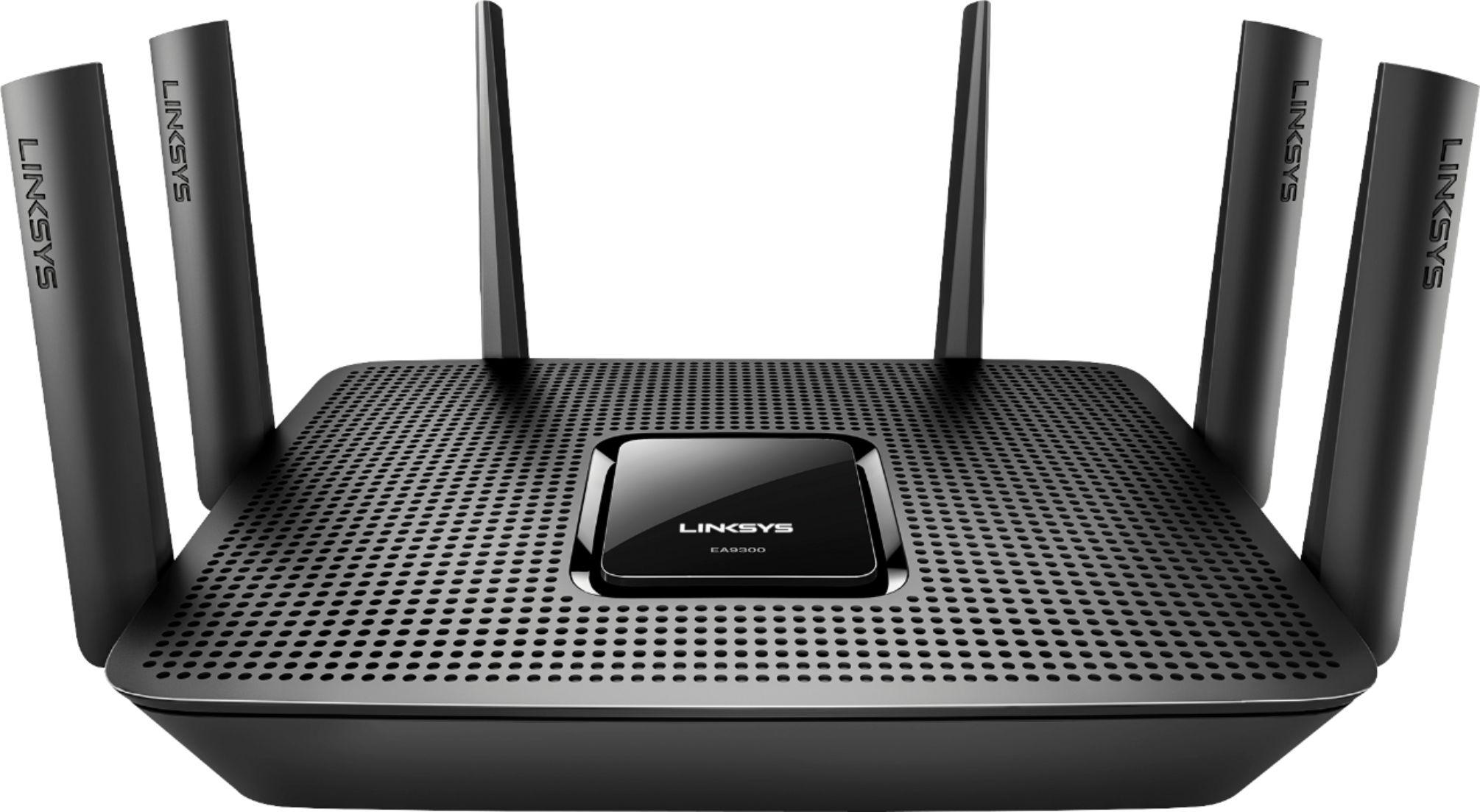
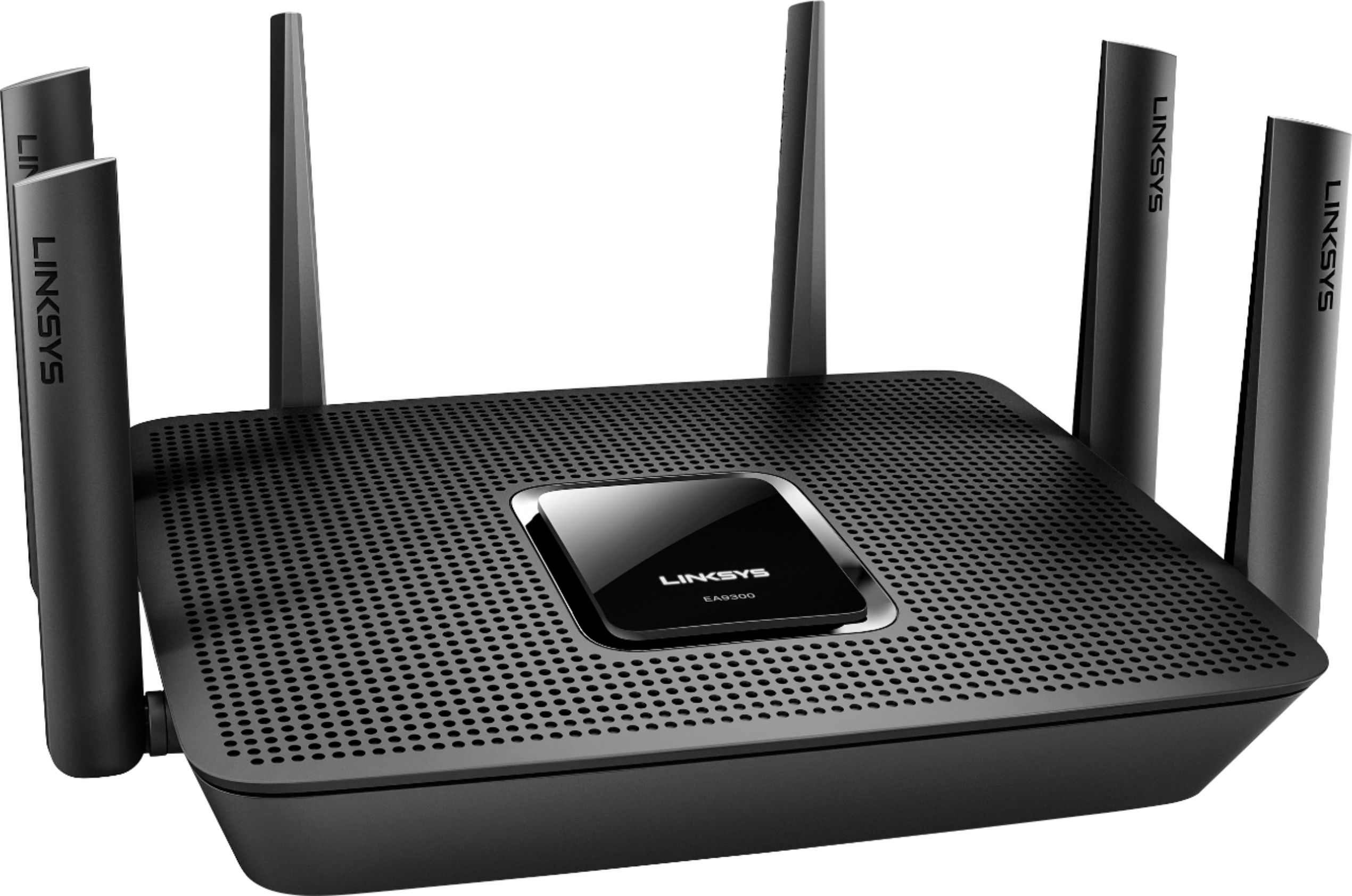
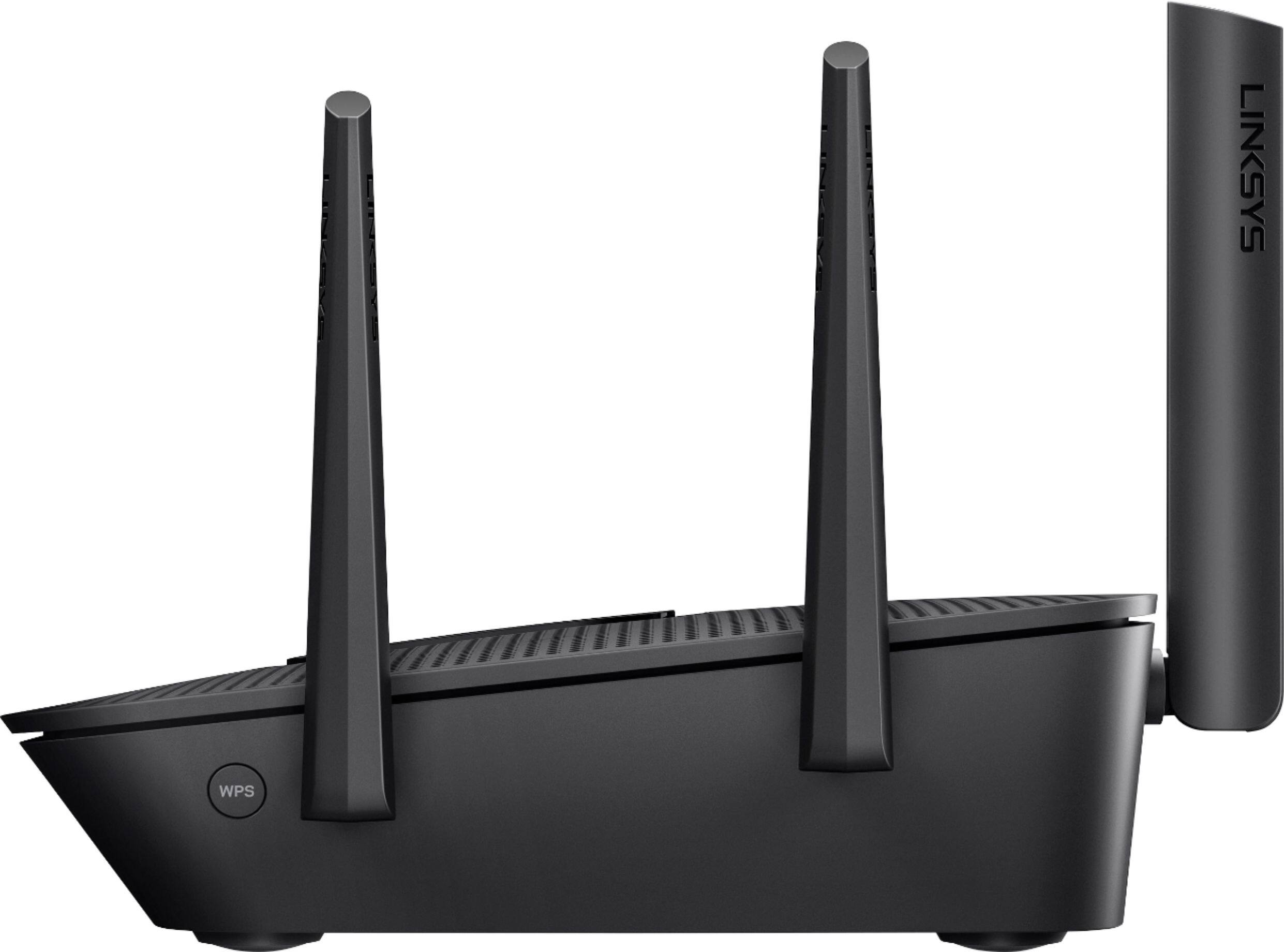

- Model:
- EA9300
- SKU:
- 5844817
Rating by feature
- Value
Rating 3.5 out of 5 stars
- Quality
Rating 3.9 out of 5 stars
- Ease of Use
Rating 3.8 out of 5 stars
Customers are saying
Customers recognize the Max-Stream™ AC4000 Tri-Band Wi-Fi Router's impressive range, ease of use, and strong performance, with many praising its simple setup and excellent signal strength for reliable coverage throughout their homes. Positive feedback also highlights smooth streaming and gaming experiences. While some users noted the router's size and higher price point, the majority found these drawbacks outweighed by the numerous benefits. A small number of users reported occasional connection issues.
This summary was generated by AI based on customer reviews.
Worked well......for a little while
||Posted .This reviewer received promo considerations or sweepstakes entry for writing a review.Worked fast & well for a little while. The all of a sudden the 2.4 channel stopped working. Do a search on this issue with Linksys. Not happy once this happened. Will need to try router updates & hopefully they have one to correct this issue. Until then I am very unhappy with this one
No, I would not recommend this to a friendThe range on this router is poor!
||Posted .This reviewer received promo considerations or sweepstakes entry for writing a review.I purchased this router based on an in-store recommendation. My old router was 2+ years old and I was looking for something with a bit more speed and range. What a waste of $250! The range was better with my old router and the speed was about the same. Keep our old equipment or look else where!
No, I would not recommend this to a friendBrand response from Linksys Staff
Posted .Hi, FLSunFun,
To boost the range and speed of your EA9300 router, we can try assigning fixed channels for both radio bands depending on what will work best with your current network setup and house structure. Send us your contact details and the link to this post at [email protected] so we can have one of our Escalation Engineers walk you through the steps.
Regards,
Jay
Linksys Support
$50 Router Disguised as a $300
||Posted .This reviewer received promo considerations or sweepstakes entry for writing a review.Absolutely worthless. Does not operate in bridge mode at all, devices can connect to the router, but it does not bridge internet as it’s supposed to. Trying to make devices too smart is making them not work. Save your money.
No, I would not recommend this to a friendBrand response from Linksys Staff
Posted .Hi, Suge,
It is quite odd for the bridge mode of the router to not function as expected. There may be needed changes on the routers settings to make this work properly. Allow us to have our Second Level Technicians get in touch with you to further troubleshoot the challenges.
Just send us your contact details at [email protected] along with the link to this post.
We look forward to your response.
Regards,
Thaddeus
Linksys Support
Not so good
||Posted .This reviewer received promo considerations or sweepstakes entry for writing a review.After buying this router my internet started to move slower
No, I would not recommend this to a friendBrand response from Linksys Staff
Posted .Hi Victor,
There are a number of factors that could affect the speed of your internet, such as outdated firmware, number of connected devices, and type of cables. To isolate, try to hardwire a computer directly to your modem or use a different Ethernet cable for further isolation
Let us know the results and provide further details at [email protected] with your contact details and the link oi this review so our Support team can take a closer look into this.
Regards,
Jan
Linksys Support
- Pros mentioned:Performance, Setup, SpeedCons mentioned:Connection
Great
Posted .This reviewer received promo considerations or sweepstakes entry for writing a review.Super easy to set up. performance is great. I was using the router provided by my cable company and had all kinds of problems with slow speeds and dropping connection. After switching to the AC4000 my speeds have significantly increased and my connections haven't dropped once. I have 10 wireless devices connected and two wired with no performance drops.
I would recommend this to a friend Range is poor
||Posted .This reviewer received promo considerations or sweepstakes entry for writing a review.Definitely will be returning this to Best Buy. I am upset about the range being very poor in my house. I replaced my NetGear X6S thinking that this is a better one, but turned out having range performance. The netgear was a lot better than this.
No, I would not recommend this to a friendBrand response from Linksys Staff
Posted .Hi, Rollie,
Before you consider returning the EA9300 router, please allow one of our Escalation Engineers to optimize its settings to boost your Wi-Fi range. It's possible that the channels for both frequency bands were not properly configured to match with your current network environment. Send us the link to this post at [email protected] along with your contact details.
We'll wait for your email.
Regards,
Jay
Linksys Support
- Cons mentioned:Size

Signal is so Strong
|Posted .This reviewer received promo considerations or sweepstakes entry for writing a review.The wifi connection of this product is extraordinarily strong. I am pleased with the easy app-enabled installation and device management. Coupled with a compatible wifi extender, this product creates consistent continuity of signal performance. This size is the only negative I can think of about it. This thing is a behemoth! There is nowhere you can place it to be discrete and still get a good signal, but that's okay if it gives me unarguably amazing signal strength.
I would recommend this to a friend - Pros mentioned:Ease of use
Another Winner from Linksys
|Posted .This reviewer received promo considerations or sweepstakes entry for writing a review.I have been very impressed with this router. Not only is their setup super easy, the coverage is Amazing. No dead spots inside of a 4200 sq ft home, and the signal even reaches well into the back and front yard. Linksys is really making home wifi user friendly and extremely useful. I have had no issues streaming 4k content to multiple devices at the same time. Definitely pick this up if you have a large home and do not want to deal with mesh wifi units!!
I would recommend this to a friend - Pros mentioned:Ease of use, Range
Powerful Router, Easy Setup
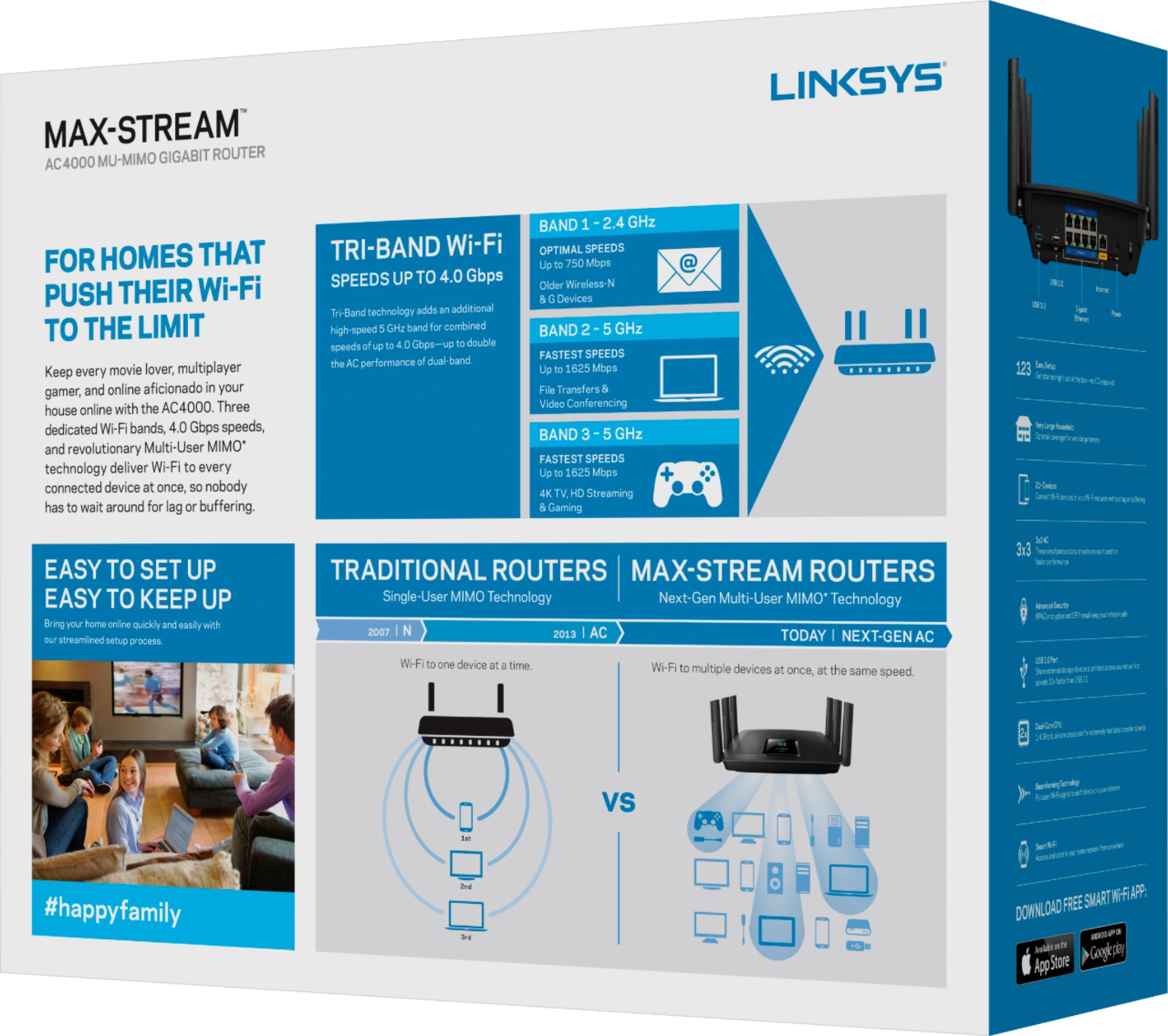
|Posted .This reviewer received promo considerations or sweepstakes entry for writing a review.This router was so easy to setup and use, really, just plug it in and connect. Has 3 bands, 2 5Ghz and 1 2.4 Ghz. The range is very good, I can connect from anywhere in my house w/no problem and outside from my front sidewalk. Haven't tried it any further away. It says you can connect up to 21 devices, i only have a half dozen or so and it handles those easily. If you have a big house running lots of wifi devices this is definitely the router you want.
I would recommend this to a friend - Pros mentioned:RangeCons mentioned:Connection
I wanted to love it
|Posted .This reviewer received promo considerations or sweepstakes entry for writing a review.I was impressed with the design of router out of the box. The setup went well after about three tries. I was impressed with the range of the router but I experienced several dropped connections. One major drawback for me was the app used to control the settings and functions very plain and not very user friendly. And when I tried a web based iip address connection it tried to get me to run setup again. I like this router but with better UI i will love it
I would recommend this to a friend - Pros mentioned:Performance
Excellent Wi-Fi Router
|Posted .This reviewer received promo considerations or sweepstakes entry for writing a review.As a tech savvy consumer, I was most impressed with this Linksys Wi-Fi Router. This is one quality piece of electronics, made by an established and respected brand. Its sleek, modern design, is sure to look good in any room in your home you choose to place it. When it comes to your home wi-fi network, it makes sense to be certain that the equipment you're using is capable of handling the level of internet service you're paying for.* And in that, the Linksys Max-Stream AC4000 Tri-Band Wi-Fi Router, delivers. Set-up was a breeze; just follow the simple directions in the Quick Start Guide. Creating a LinksysSmartWiFi account enables you to complete installation of your new router, as well as, go in and adjust settings. There's even a handy app which allows you to access your network administration remotely, from anywhere. My household has multiple devices accessing our wi-fi network all day long. After replacing our previous router, I've noticed less lag or buffering for video playback, games run smoother, and websites seem to load more quickly. This Linksys router really has improved our devices' performance, considerably. *Remember, you may also be wanting to upgrade your modem too, so as to make the most of what the Linksys Max-Stream AC4000 Tri-Band Wi-Fi Router has to offer. After both positive and negative experiences with a variety of makes, models, and brands of routers (and modems), and after setting up many home networks, I can wholeheartedly recommend Linksys as a trusted name for internet and networking electronics.
I would recommend this to a friend - Pros mentioned:Ease of use, Performance
Astonishingly great
|Posted .This reviewer received promo considerations or sweepstakes entry for writing a review.First of all this isn't easy triple band router I didn't expect much of a lame performance, I expected the absolute best and that's exactly what I got!! Working with the app as well as setup was ridiculously easy even for a novice because my fiance follow it along perfectly. This is the absolute top of the mountain there's maybe one or two routers better than this but for a small family this is perfect.
I would recommend this to a friend - Pros mentioned:Ease of use, Range
Great Option
|Posted .This reviewer received promo considerations or sweepstakes entry for writing a review.I've always had success with Linksys products. This one is no exception. It works well in a smaller home versus the one I was already using (great coverage but far larger range than I needed). Was able to handle all of the devices in my home with ease. Simple to set up and pretty much forget about. Definitely worth trying out if you're looking for a quality router to handle your every day needs.
I would recommend this to a friend A good choice if you need blazing fast wifi
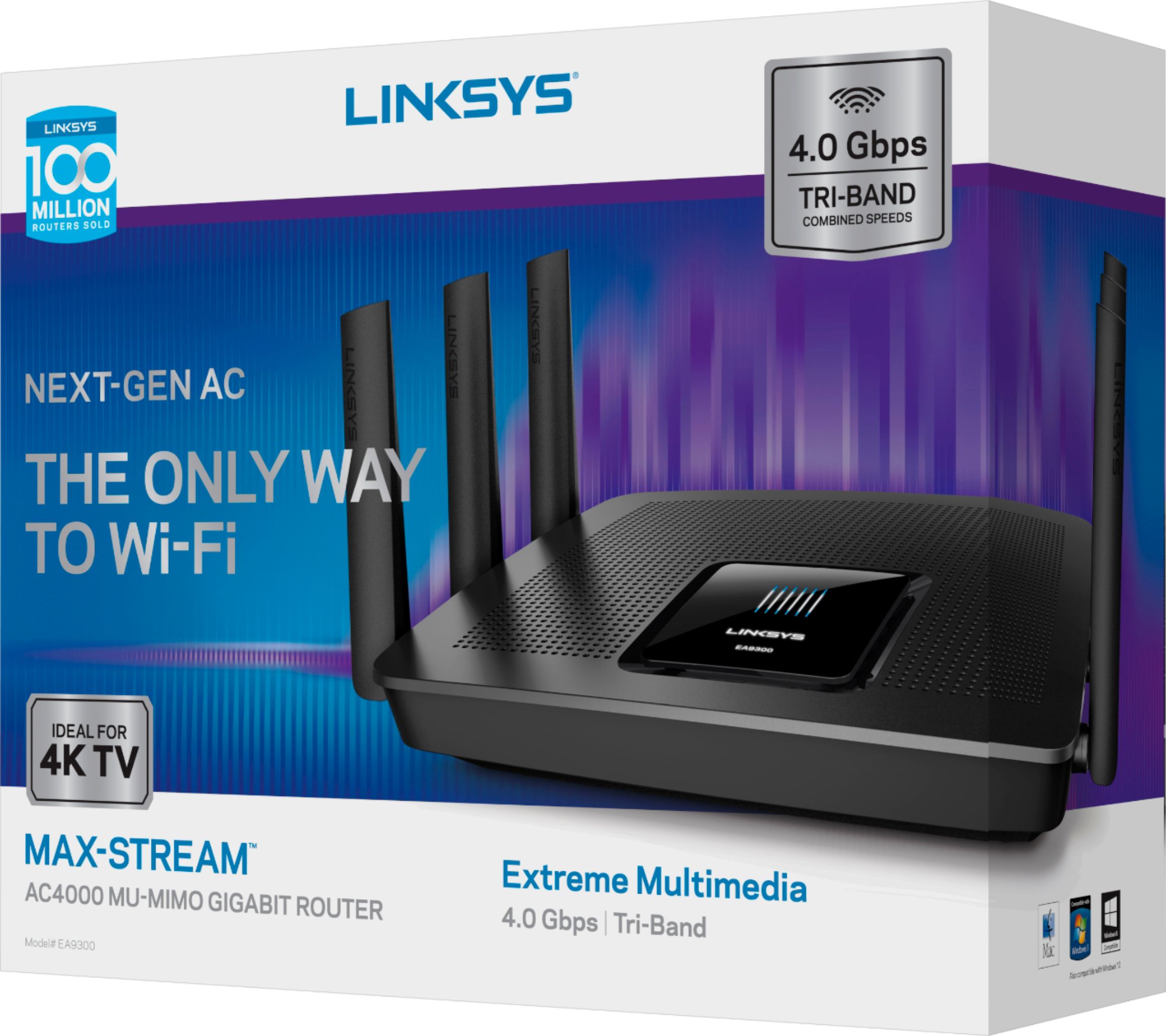
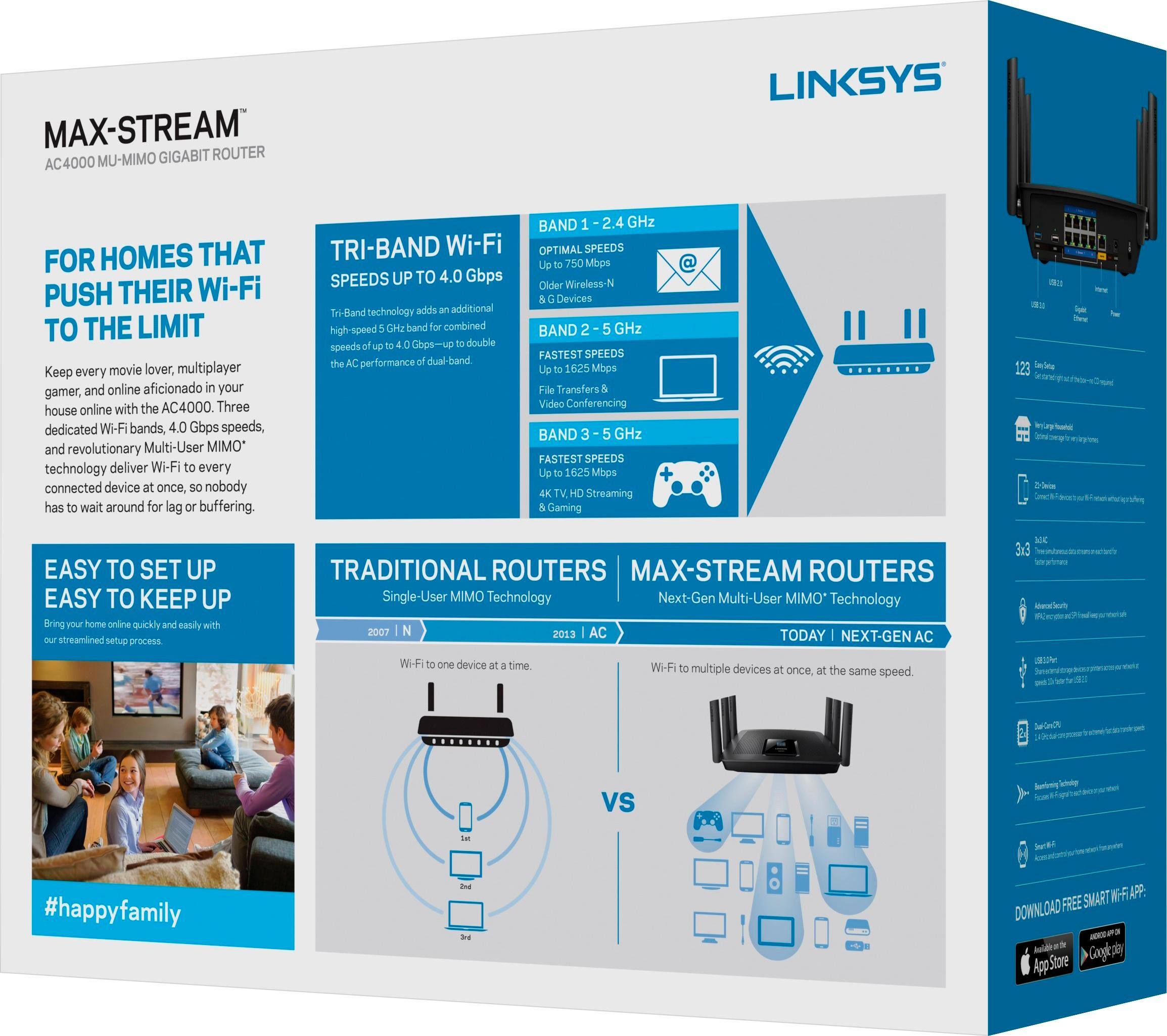
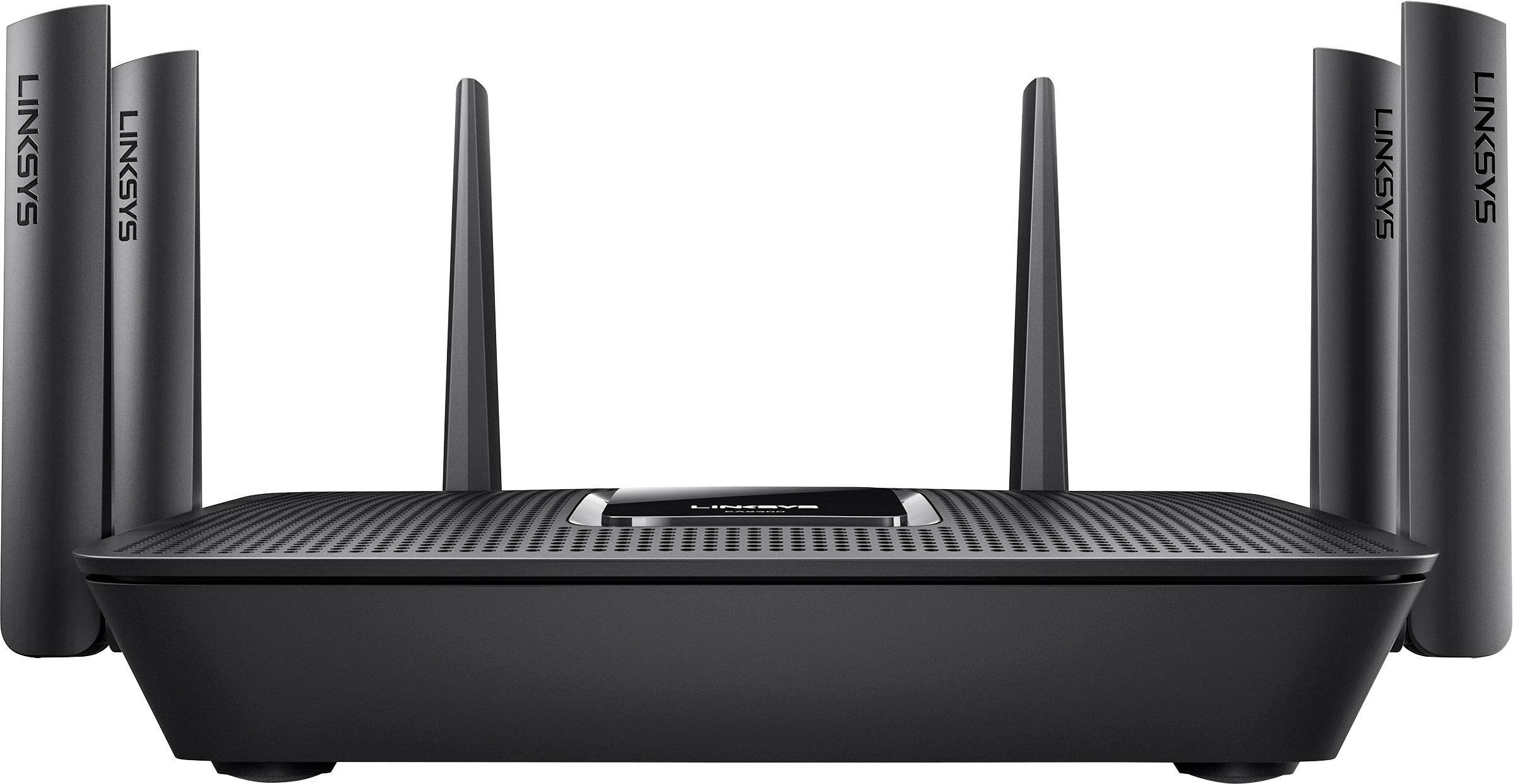
|Posted .This reviewer received promo considerations or sweepstakes entry for writing a review.Disclaimer - I was given this device in exchange for a fair and unbiased review. TL;DR version - The Linksys EA9300 MAXSTREAM AC4000 router is decent choice in a crowded market. There are many things to like about it - super fast wifi connectivity speeds that actually can saturate the fastest internet connections you'd see in a home, a modern design carried over from last year's EA-series routers, and easy-to-use apps (for smartphone) and web access (for desktop computers) for setting up and managing the router. Setup is very flexible for many situations ranging from home to small or medium office. WiFi range is good but not great, but still has usable coverage in medium and large homes and can handle a lot of devices with ease. Full review: First, the box. Linksys finally fixed something I've had a problem with for a while - instead of just advertising the total combined speed of the router, they put a disclaimer on it with a breakdown of the speeds. While marketing wants you to believe this can connect to a single device at 4000 mbps, the box tells you that the speed breaks down to 750 mbps for 2.4 GHz N network devices and two separate 1625 mbps 5 GHz AC networks. They also let you know that, chances are, you won't see connections anywhere near these speeds. The iPhone 6s and 7 handsets that were tested with this router would top out around 530 mpbs on 5 GHz AC and 130 mbps on 2.4 GHz N connections. Everything was also packaged well - plenty of foam to protect the router itself and it was easy to get everything out of the box. Onto the the hardware. It's a very stylish piece of kit, black on black with 6 antennas arranged on the back and sides of the hardware. The antennas are permanently attached, meaning you can't upgrade them for higher-gain models like you can in the Linksys WRT series and with some other brands. The router is also powered by a 12 volt/5 amp power supply that comes in the form of a "line lump". also in the package is a CAT5E ethernet cable, about 4 feet long. This cable is actually a disappointment to me; CAT6 cables don't cost much more to make, let alone buy. As for the setup process, it's straight-forward. You log into the setup page, configure your internet connection and WiFi, and your basic setup is complete. For more advanced settings, you would either use the Linksys Smart Wifi app or log into the router's configuration page with your computer. Two settings I found that are defaults that make this router less secure are WiFi protected setup (WPS) being enabled by default, and WPA/WPA2 mixed security mode being enabled by default. Both settings are easy to change. In terms of speed, this router has it in spades. I was able to saturate a Google fiber connection (gigabit) with an iPhone 6s and an iPhone 7 connected to one of the 5 GHz networks white at a friend's house. Network file transfers from a 5GB USB 3 hard drive to a desktop sustained speeds fast enough to nearly saturate the gigabit network connection (105 MB/s read). With a load test involving 6 computers, 8 smartphones (3 iPhone 6s, 2 iPhone 7, 1 iPhone SE, 1 Moto Z Play, one Samsung Note 5, one Samsung J3), 3 tablets (iPad Air 2, iPad Air, and Acer Iconia One 8), 2 smart TVs (Sony XBR850C and LG LH5700), 2 smart TV devices (Apple TV Gen3 and Amazon FireTV Stick Gen 1), 4 game consoles (XBox One S, XBox 360 E, XBox 360, and Nintendo Wii), and a slow cooker (because why not), the router balanced everything out between wireless networks and managed to share 300mbps without much of an issue for 15 minutes (peak transfer was 275 mbps, internet connection is Comcast 250/25). We managed to also get 75 MBytes/s (600 mbit/s) out of the 5TB USB 3.0 hard drive to a computer over ethernet while repeatedly testing WiFi speeds at the Google house. Wireless Network coverage is both good but not stellar. Compared to most routers, the EA9300 does a good job with network coverage throughout a typical home. at 50 feet, 5 GHz wifi is slow but not lossy, and 2.4 GHz wifi is fast enough to stream Netflix or Vudu in HD. At 100 feet, the 5 GHz coverage is non-existent but the 2.4 GHz is still usable. The 2.4 GHz wifi finally dropped out on my iPhone 6s at 180 feet, which is impressive but still 50 feet short of what my current Linksys router can do. There are other options on the market if you want greater coverage - including options from Linksys. All in all, this is another good option from Linksys. While I'd like to see better wifi range out of it, I'm not disappointed with the wifi range it does provide. The amount of speed it provides is awesome, however.
I would recommend this to a friend- Pros mentioned:Speed
Brings the Best out of your internet
|Posted .This reviewer received promo considerations or sweepstakes entry for writing a review.This router as all routers has it's pro's and con's but I will tell you my opinion on them and let you decide. Starting at the unboxing experience you feel like your opening up a high end router. No strings are pulled here and no cardboard wasted. The first thing you will notice though and this lines up with the con side is that the router is HUGE! The router it came from was much smaller but it did not perform like this one does. In my home I pay for internet speeds of 100mbs and with my old router I would get upwards of 130 maybe 150 if it was a good day. Which made me love that router but this router destroyed that! From the moment I plugged it in and set it up which was the standard go to this website kind of deal. It pushed out 260mbs which for lack of a better word blew my mind. I also tested the coverage and I do have a smaller home of 1800 sq ft but even when I drive away from my house I can usually get 4 - 5 houses over before my internet connection disconnects. Simply put if you want the best, THIS IS THE BEST! I also like that it has a simple white Linksys logo that doesn't illuminate crazy bright unlike most routers I've used where it looks like the circus is in town. It's a big router so you will need to make room for it but you will get the best internet connection you've ever had. Buy this!
I would recommend this to a friend Lasted less than 14 days
||Posted .This reviewer received promo considerations or sweepstakes entry for writing a review.This router started off working as advertised but less than 2 weeks after purchase the 2.4 Band died. I tried multiple factory resets to no avail. I’m going back to Netgear.
No, I would not recommend this to a friendBrand response from Linksys Staff
Posted .Hi,
We understand that a factory reset could have at least fixed this setback. Please take time to reach out to us at [email protected] so our Escalation Engineers can double-check your router's condition and provide the necessary assistance. When you email, include the link to this post for our reference.
We hope to hear more from you soon.
Regards,
Klaudette
Linksys Support
- Pros mentioned:Range
Another good router from Linksys
|Posted .This reviewer received promo considerations or sweepstakes entry for writing a review.I've found this router to be pretty much on par with the router they released last year (the EA9500, AC5400). Range seems pretty comparable and very adequate for my needs. I get coverage everywhere in my home and only see a bar drop below max in the very corners (where it will only drop 1 bar so still very good coverage). Theoretical maximum speed is a little lower than last year's offering, but I don't see that being an issue for most people. Unless you're streaming a lot of things at the same time from inside your home, your internet will definitely be the bottleneck for most things you do. All in all, I'll continue to use my EA9500. The price difference of the EA9300 and EA9500 is pretty small now a days so I don't think I can recommend this newer one that touts a slower speed. But if you can't find the EA9500 for a similar price, you won't be doing yourself a disservice by going with the 9300.
I would recommend this to a friend Great router for a small business
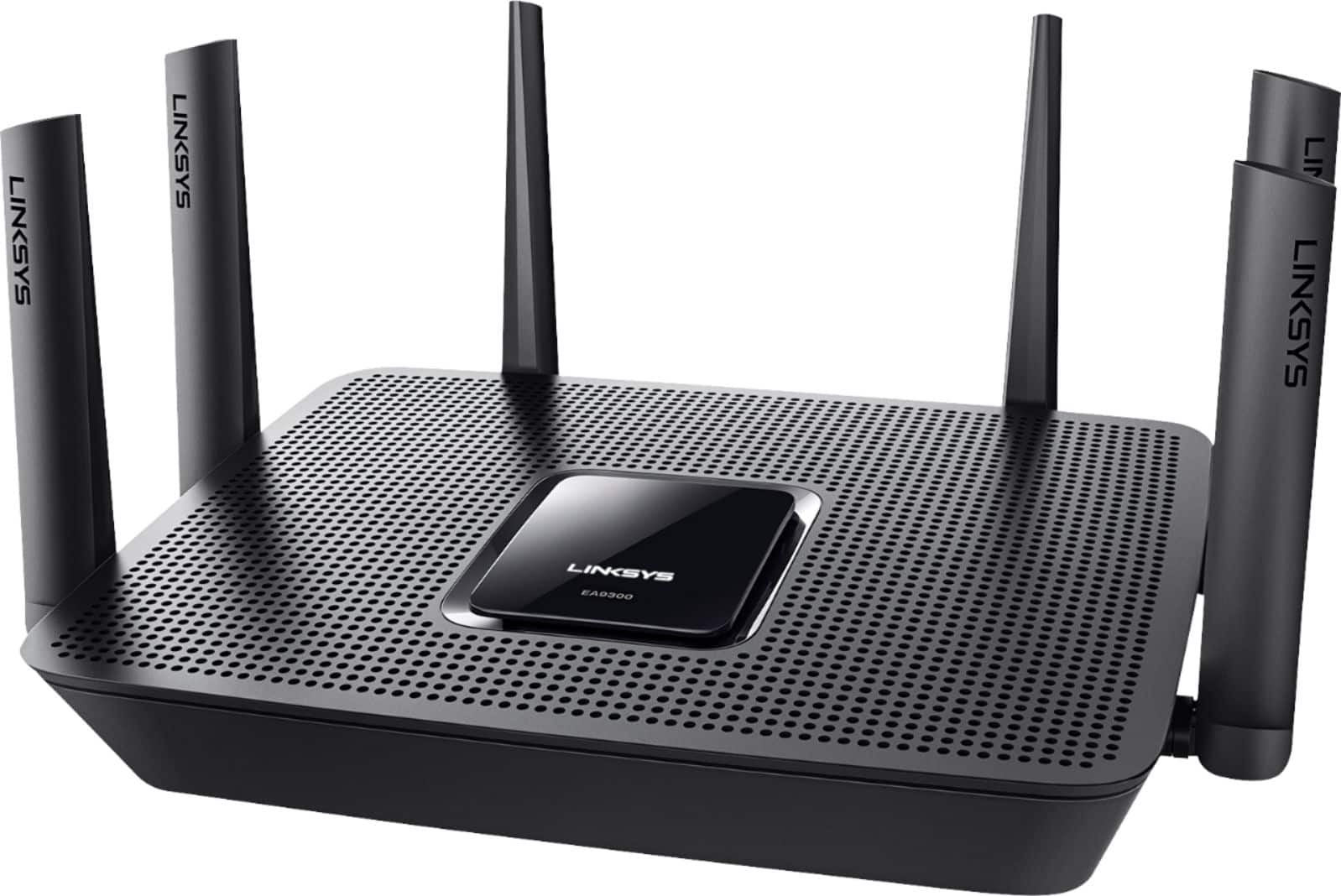
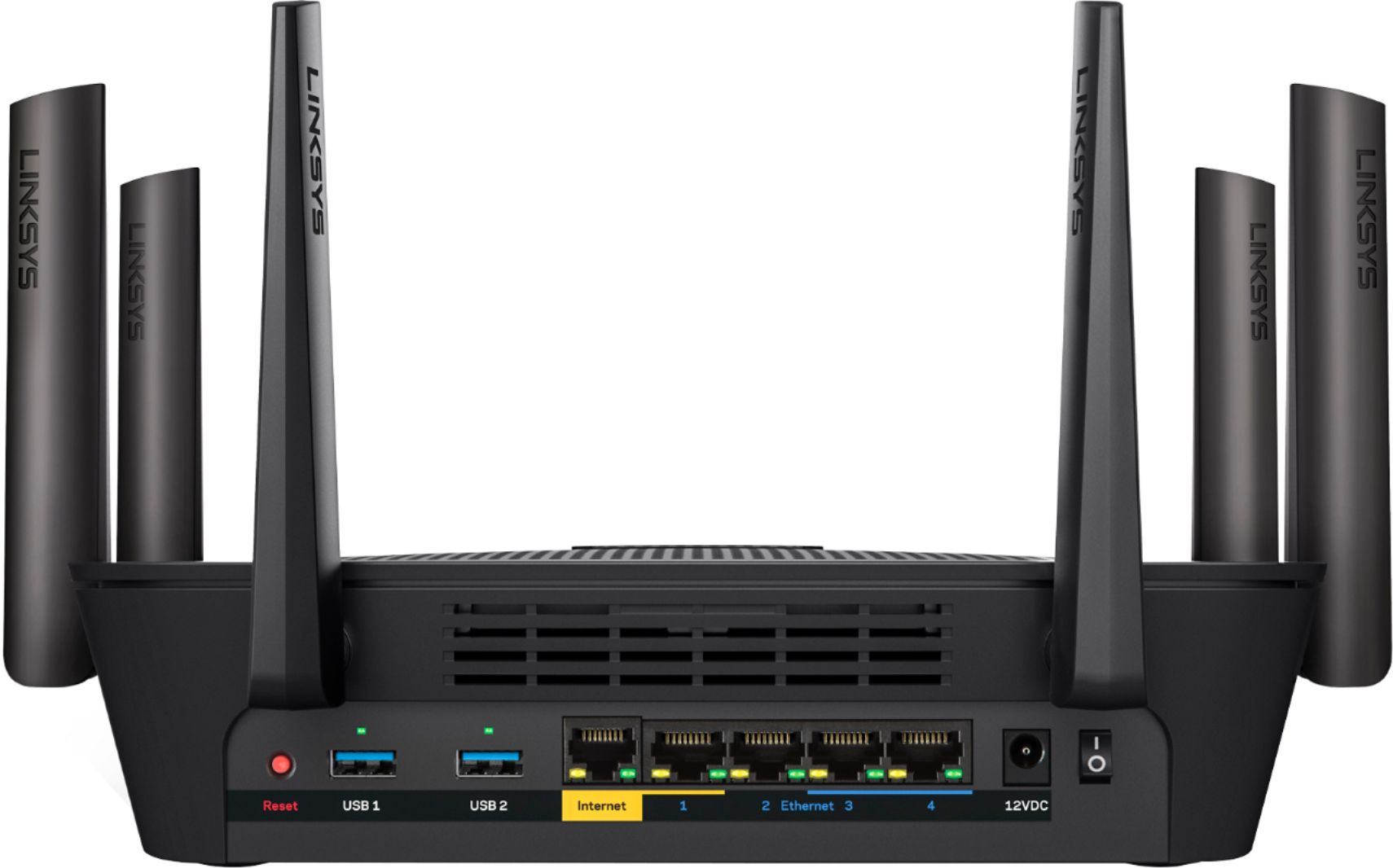
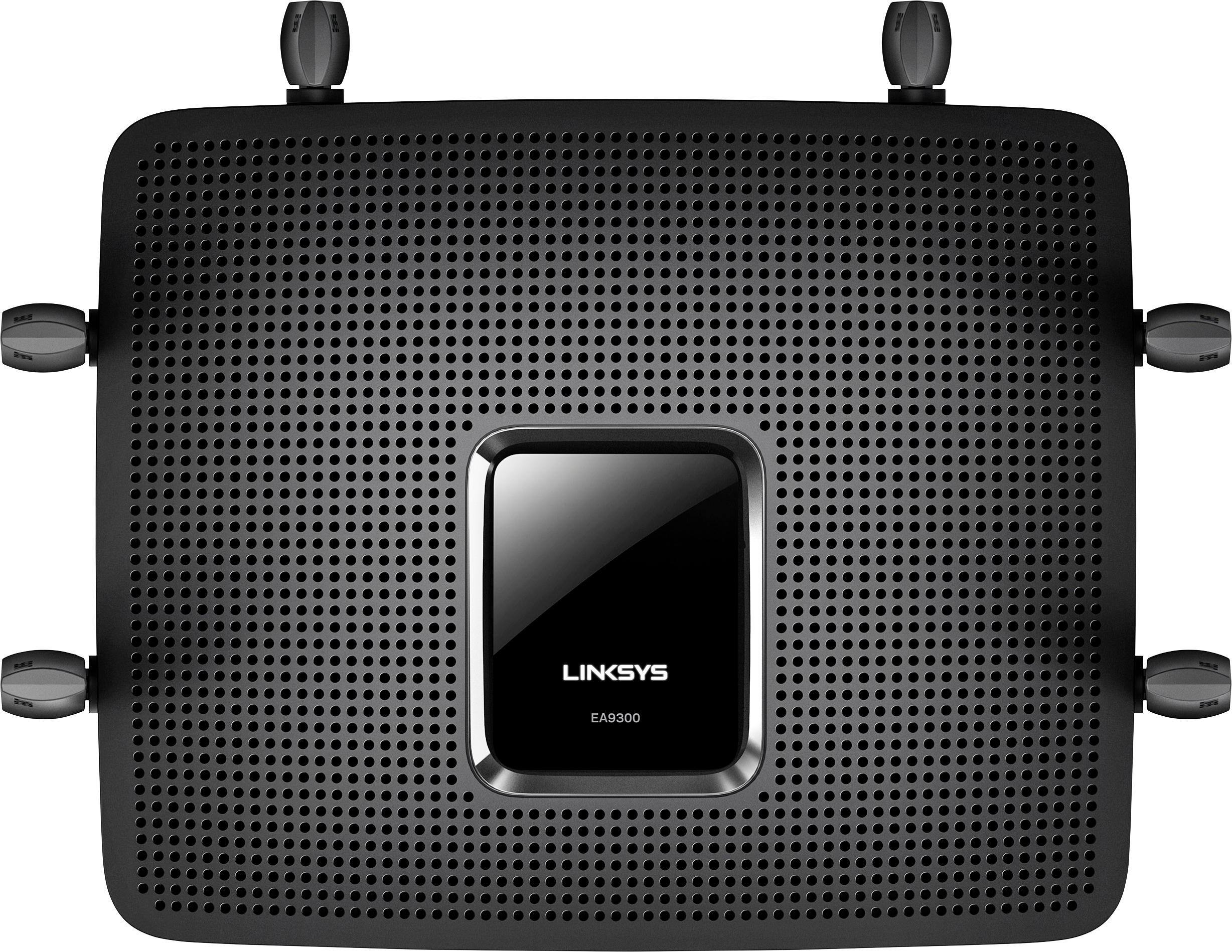
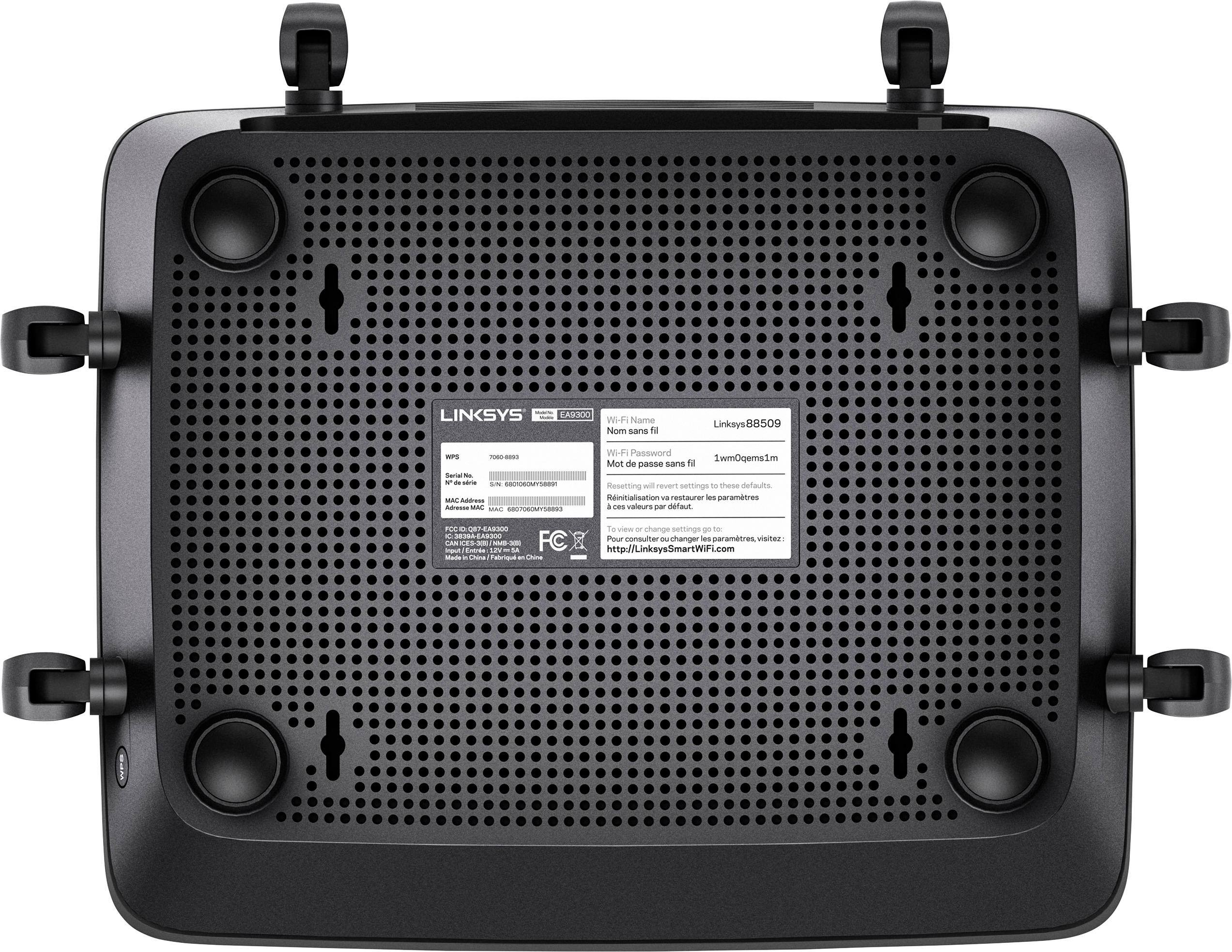
|Posted .This reviewer received promo considerations or sweepstakes entry for writing a review.The router that this is being compared to is a Linksys EA9500, kinda the bigger, faster brother to this Linksys EA9300. Physical: The Linksys EA9300 is thankfully a bit smaller than the EA9500. If I were to hazard a guess, it's about 30% smaller. It has 4 gigabit wired ports vs. the 8 found on the EA9500. While the EA9500 sits on the floor, at least the EA9300 includes some mounting holes to let you mount it on a wall. There is a large square screen on top. When powered on it shows the Linksys name. Even when the Activity Lights are enabled in the setup, it didn't show anything else. By contrast, the EA9500 shows 8 bars to indicate the 8 antennas. I got a quick glimpse of an activity light at one point, but didn't see it again. After some searching I found out that the additional lights on this screen only appear when there are errors. I believe the activity lights that can be disabled via the menu would probably only be the link lights on the back. The top and bottom of this router is perforated, presumably to let heat escape. I expect that it will also let in dust, so I will have to make sure to blow out the dust regularly. There is a WPS button somewhat hidden on the left side towards the front of the device. It just has "WPS" printed on it, there isn't the expected WPS logo on or near it. There does not seem to be a physical button to shut off wireless signal. Setup: After making the physical connections to my cable modem, power and one wired connection to my laptop, I powered on my cable modem first, then the router second. I was rather disappointed that the router insists on completing the initial setup wirelessly. The menu system could use a little more thought. Some menu items seem out of place, such as going to Connectivity to modify the activity lights. I also wish that you could hover over options to get a better description of what the option is. In particular, I was left wondering what "Airtime Fairness" was. There was no manual included in the box and I finally found the explanation online. Performance: One thing to understand is how the Guest wireless network works. This seems geared towards small businesses without an option to toggle a much easier home use. A person can freely connect to the guest wireless network, but their browser will redirect them to the authentication page where they need to enter the guest network password to utilize the internet. And each calendar day, you must enter the password again into the capture portal. This would be great for a small business, but at home, this capture portal sequence won't allow Internet of Things or simple network appliances a segregated (from your local network resources) access to the internet. I am getting great wired speeds between locally attached devices. I am also getting very good wireless range and speeds. Not quite to the level of the EA9500, but great nonetheless. Overall, I would say this is a great router for a small business. It offers solid networking performance. If the guest wireless network did not have the capture portal, I would highly recommend this for the home as well.
I would recommend this to a friend- Pros mentioned:Speed
Stunning Performance, MU-MIMO, Excellent Features
|Posted .This reviewer received promo considerations or sweepstakes entry for writing a review.Having read press releases regarding Linksys's new EA9300 Max-Stream, it's MU-MIMO technology, and other advanced features I was anxious to implement its capabilities and run it through its paces. With two (2) 5 ghz bands, along with a third 2.4 ghz band, the EA 9300 claims to be able to accommodate up to 21 devices. For testing purposes I ran all my devices simultaneously while viewing video content and/or downloading updates on all of them. I streamed 4K content to my television. I downloaded files and streamed YouTube video on my laptop. On my iPad I watched previously purchased television episodes. And finally on my phone, I streamed Hulu/Netflix and downloaded updates. During this testing I experienced no slowdown in my internet speeds, video streaming, and application/program updates. With a relatively easy setup and great wifi coverage range this is, by far, the best router I have ever used. The capabilities of this router are amazing and would easily allow the EA 9300 to simultaneously handle multiple 4K streams and numerous other wifi "loads". Superb piece of technology.
I would recommend this to a friend - Pros mentioned:Performance
Fantastic Router
|Posted .This reviewer received promo considerations or sweepstakes entry for writing a review.This router is one of the best performing routers I've come across. It has multiple features that make it a high performance router for someone who does alot of gaming or streaming. The thing I like most about the router is the functionality with your phone. Linksys has developed smart apps that allow you to access and control your router from your phone instead of having to go into your computer and do the old 192.168..trick. So that to me makes it much easier to control and use the router to the best of its capabilities. I have lots of movies and music on an external HD that I plug into my router and stream through the router. Very handy indeed! My xbox gets a great 75MBs connection even though the router is upstairs. All in all i would highly recommend this router to anyone!
I would recommend this to a friend