Customer Ratings & Reviews
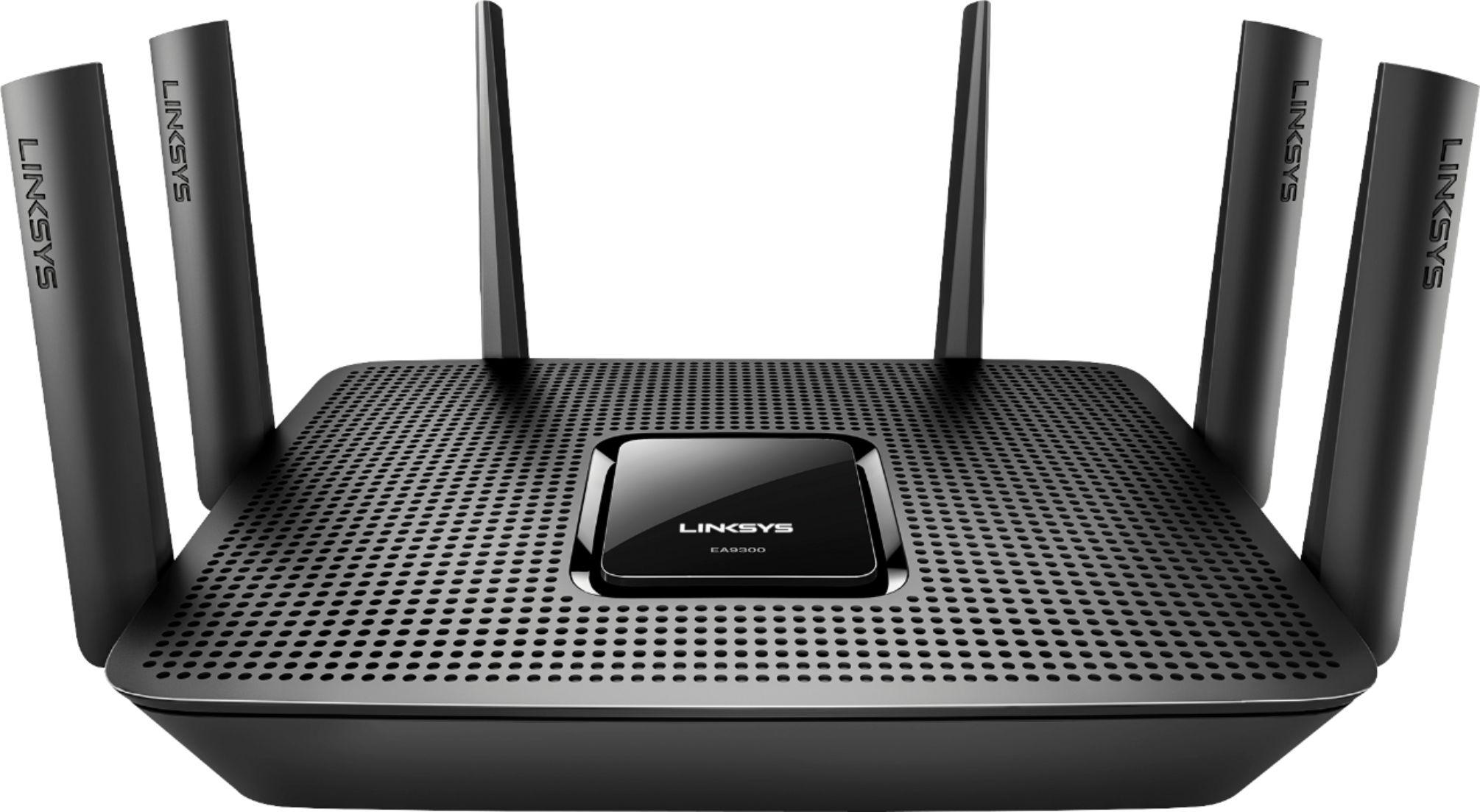
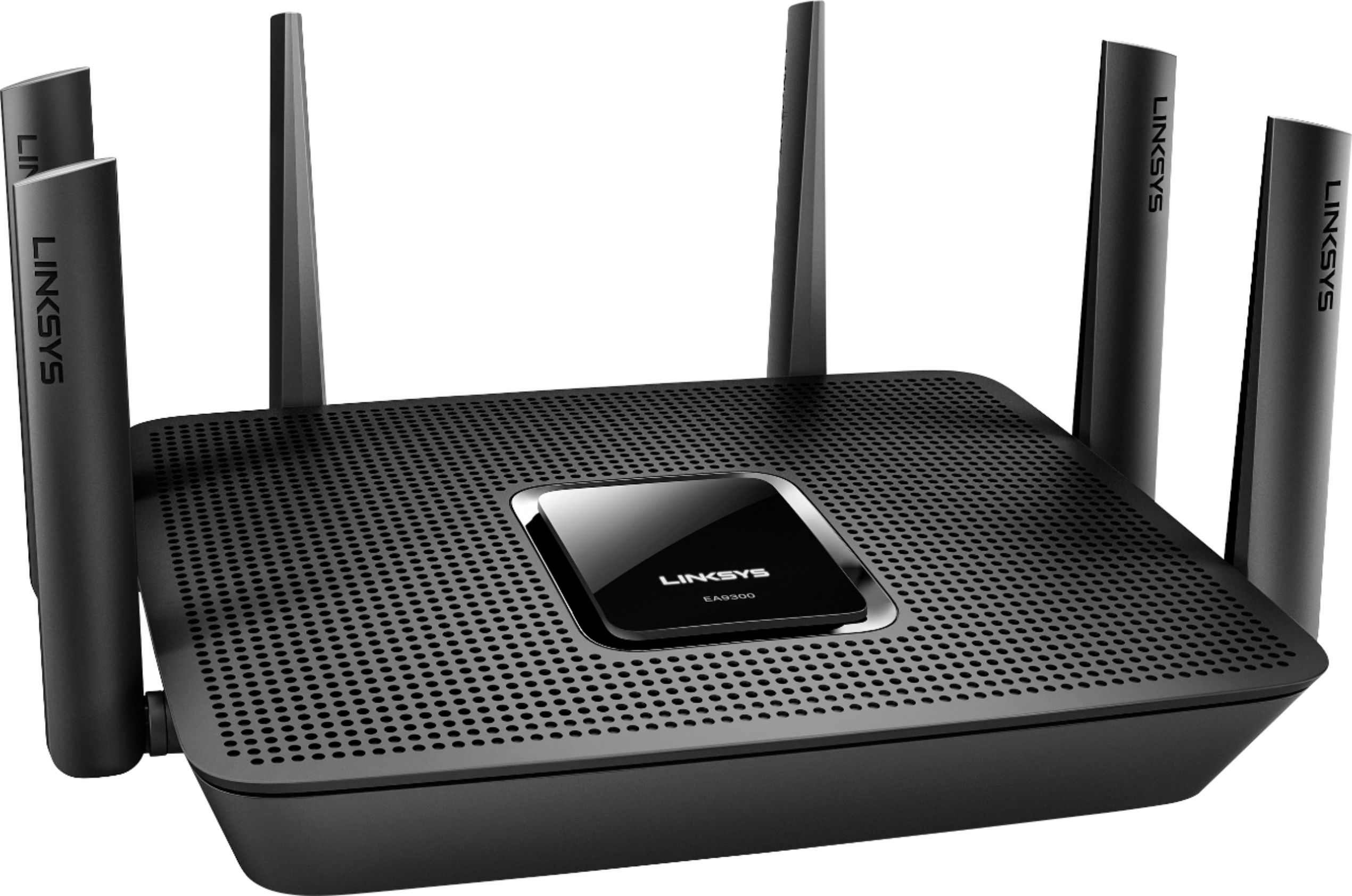
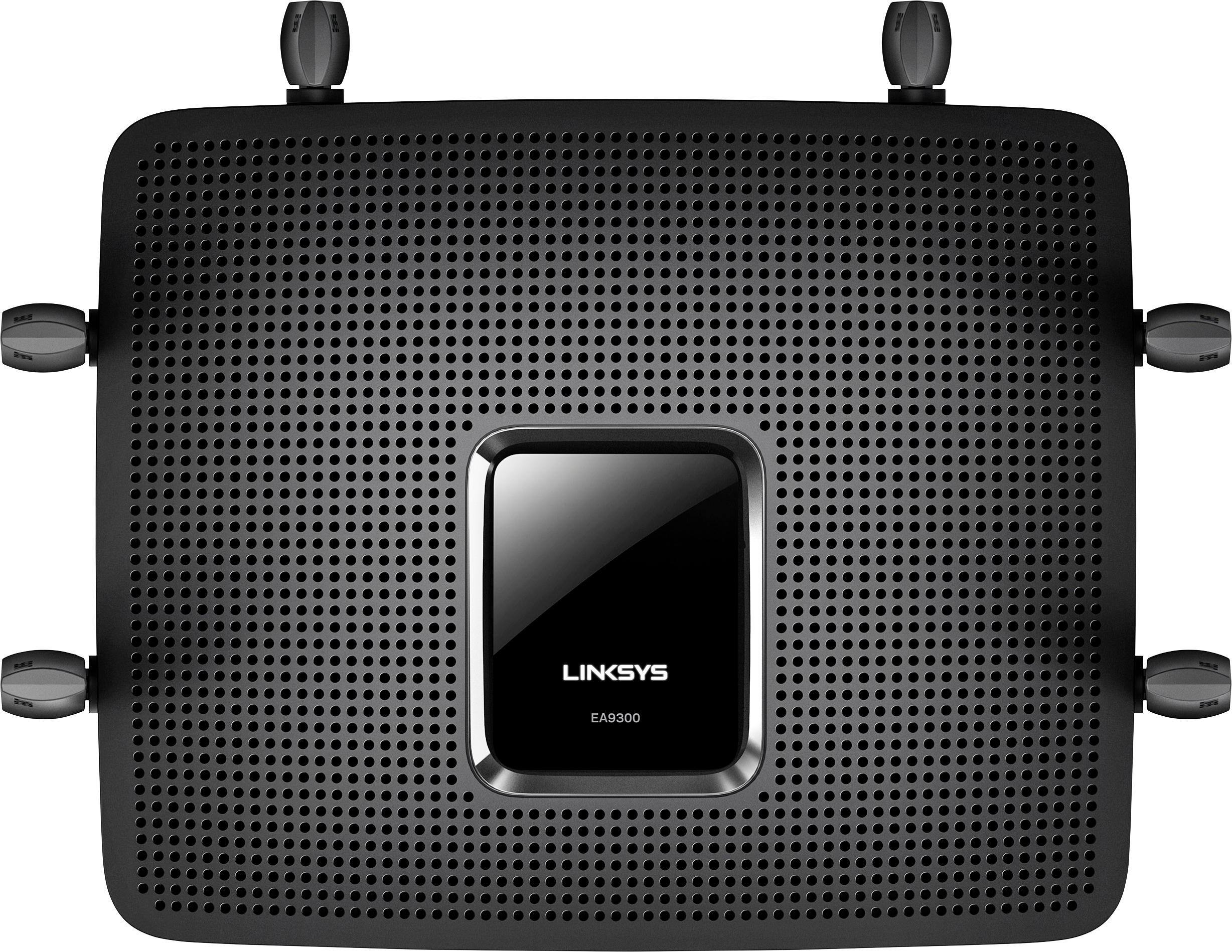
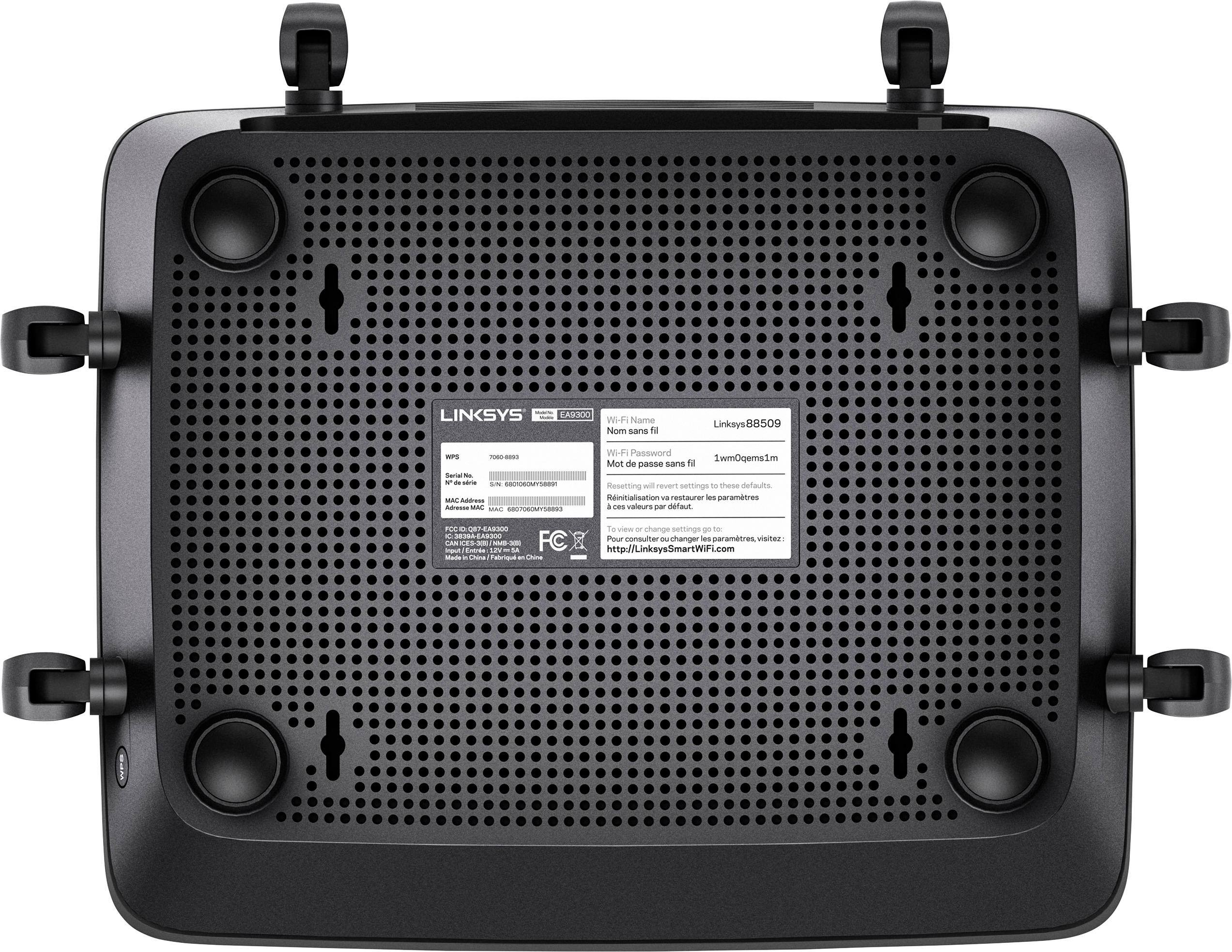
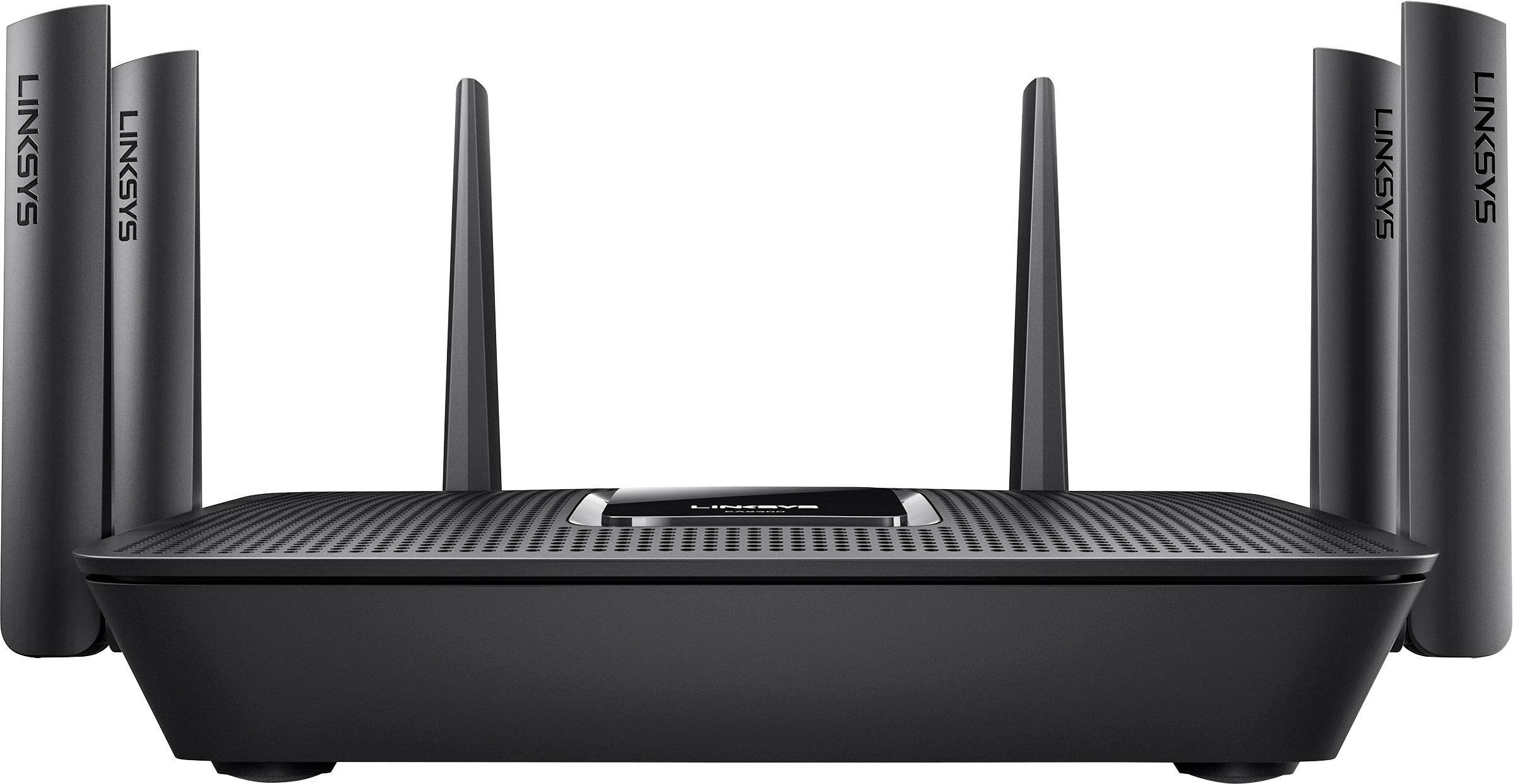
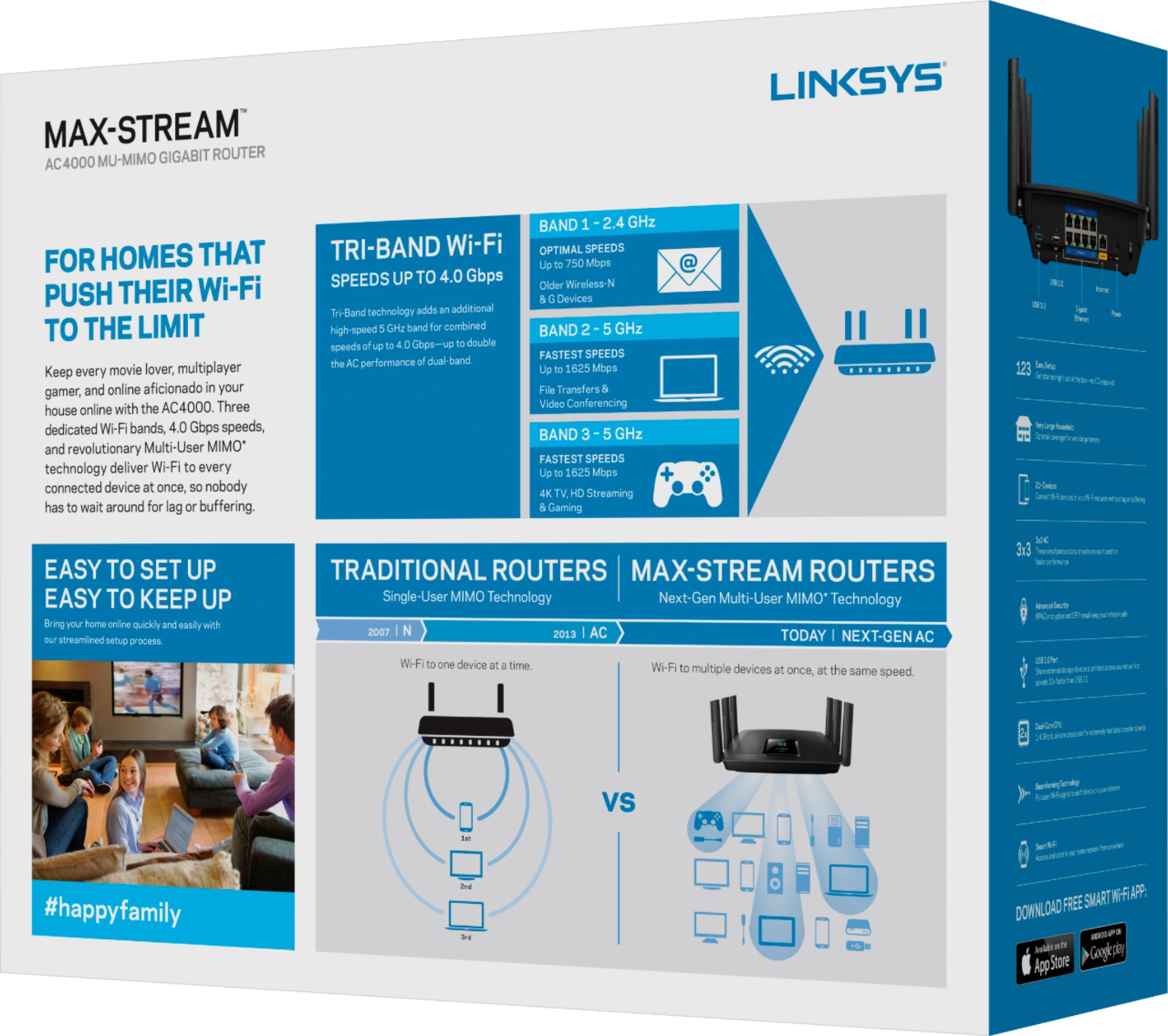
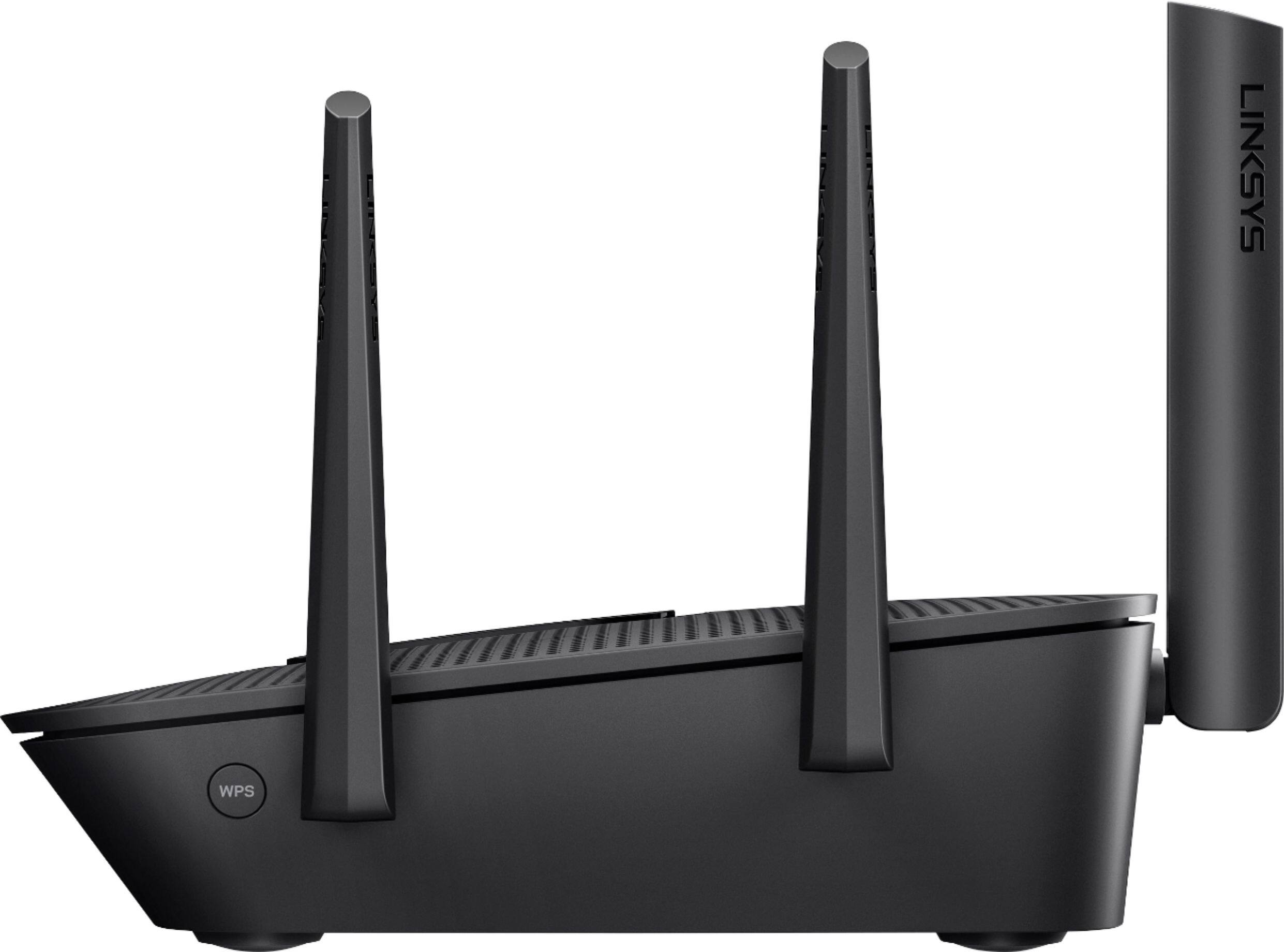

- Model:
- EA9300
- SKU:
- 5844817
Rating by feature
- Value
Rating 3.5 out of 5 stars
- Quality
Rating 3.9 out of 5 stars
- Ease of Use
Rating 3.8 out of 5 stars
Customers are saying
Customers recognize the Max-Stream™ AC4000 Tri-Band Wi-Fi Router's impressive range, ease of use, and strong performance, with many praising its simple setup and excellent signal strength for reliable coverage throughout their homes. Positive feedback also highlights smooth streaming and gaming experiences. While some users noted the router's size and higher price point, the majority found these drawbacks outweighed by the numerous benefits. A small number of users reported occasional connection issues.
This summary was generated by AI based on customer reviews.
- Pros mentioned:Ease of use

After some updates, THE BEST
|Posted .This reviewer received promo considerations or sweepstakes entry for writing a review.I have enjoyed setting up this unit, one of the easiest plug and play routers you can get on the market. Setup on your phone (Android or iOS) simple app with full control at home or anywhere you maybe. Email or push notification help with your system is down or being attack by DOS. Seem less integration with smart home devices, I had a party with well over 30 devices connected at the same time with no slow down while I tested my cable providers speeds. Built in speed test that saves so you can monitor high and low network usage. The only con I came up with was the power consumption of this device. My bill went up $10 a month while using this since it draws a lot of power. I only hook it up when I have parties so guest can draw from it and I can still watch my Netflix.
I would recommend this to a friend - Pros mentioned:Performance
Workhorse, a tank!
|Posted .This reviewer received promo considerations or sweepstakes entry for writing a review.This thing is made to handle whatever you can throw at it. The Tri band technology and MU-MIMO is what helps to set this apart from the others... In a home with heavy internet usage, and 12-15+ things connected to the router at any given moment, you need something that can handle it all, WITHOUT lagging... We have 3 iPad's, a Macbook, iMac, 2 cellphones, Firestick, Netflix, smart TV's, and some home security devices all connected to my router and it performs exactly as it should perform. The app is also great, you can prioritize which devices should be receiving the strongest connection. And I love seeing what/who is connected, but I wish the app would show the bandwidth usage by device so I could see what is taking up most of the bandwidth. Other than that, I love it!
I would recommend this to a friend Impressive Performance and Utility
|Posted .This reviewer received promo considerations or sweepstakes entry for writing a review.Wow, I'm quite impressed with this router. So, some background, since about 2009, I've been running ddwrt on my routers because it generally was better than the built-in router firmware, supported applications/services that allowed me to attach network storage and stream media from that storage to various devices at home, or access my storage away from home. I also liked experimenting with small linux projects though after a few years, this gave way to mostly enjoying it for the ability to dramatically customize my in-home network and manage network storage and streaming/file share from said storage. The router this replaced was among the top routers a bit under 4 years ago and still made top lists when I was putting together suggestions for coworkers two years ago. Despite that pedigree, I've still had issues with it at home. For various reasons, I've not wanted to relocate the cable service entrance to my home, so the cable modem and router are located pretty close to this on my first floor. However, I have portions of the second floor which have poor reception made worse when they're devices like a bathroom scale, which doesn't have the most powerful of wifi radios. The basement also periodically has connectivity issues, which sucks because that's the location of the media room (projector, sound projector, firetv, and some more goodies). My streaming box usually does a good job of buffering, but it's still annoying to have 5-10 hiccups over a one hour episode of a good show. So, The EA9300 had both big shoes to fill and some issues to see if it could overcome. And it did. I now have connectivity throughout the whole house - buffering issues due to location are a thing of the past. The router supposed by network storage and even correctly mounted the various partitions I'd created to streamline optware on ddwrt. This really blew me away - I was expecting to have to load ddwrt to get good NAS and streaming performance at home. That it's a first class feature is great. Wifi configuration options are pretty nice - not as complete as ddwrt, but enough where I didn't feel there was something I immediately wanted, which I could not do. Another issue which I had with the previous router which also supported multiple ssids on different bands, was that some devices at home, my roku enabled tv in particular, would only connect on one band but not the other. That's fine, but the roku friendly band would periodically become "lost" and I'd need to restart the router to get it back. Or I'd see it from my phone and be able to connect and verify it had internet access, but the roku tv would never connect until a reboot. Having this issue go away wasn't something I noticed immediately, but it's one that I've appreciated over the month I've spent so far with the EA9300.
I would recommend this to a friendDon’t buy
||Posted .This reviewer received promo considerations or sweepstakes entry for writing a review.Died after 11 months continually had problems. Returned for a Netgear
No, I would not recommend this to a friendBrand response from Linksys Staff
Posted .Hello, Nick,
Although we regret to hear your experience with the router, we appreciate your posting this review. An outdated firmware may have caused the issues. If you still have the EA9300, then please give our Escalation Engineers an opportunity in making it up to you. Just email the link to this post and your contact information at [email protected].
We'd love to be of help.
Regards,
Klaudette
Linksys Support
- Pros mentioned:Speed
What I expect from Linksys
|Posted .This reviewer received promo considerations or sweepstakes entry for writing a review.This router is a traditional router with additional features for streaming by wireless at greater speeds. I really like the auto switching between 2.3 and 5ghz. Using the same SSID if you like make s it all seamless. I really like the widget interface and the fact I can manage it from a web-page like all the traditional routers. It connected to my Amazon Firestick perfectly and the network map is very useful. It works as expected and the only reason it did not get 5 stars is a common problem I have with all the new Linksys routers. My Galaxy S4 cell phone and my Galaxy 7 Tablet won't stay connected. In fact it is so bad I have to have a WAP so I can use them
I would recommend this to a friendBrand response from Linksys Staff
Posted .Hi, agrogersmd,
It's odd that your Galaxy S4 phone and Galaxy 7 Tablet won't stay connected to your new EA9300 Router. We'd like to have one of our Escalation Engineers tweak your router's settings to ensure that all your wireless devices will have a stable connection. Shoot us an email at [email protected] with your contact information and the link to this post.
Regards,
Jay
Linksys Support
More bandwidth! Total control over my WIFI Speed
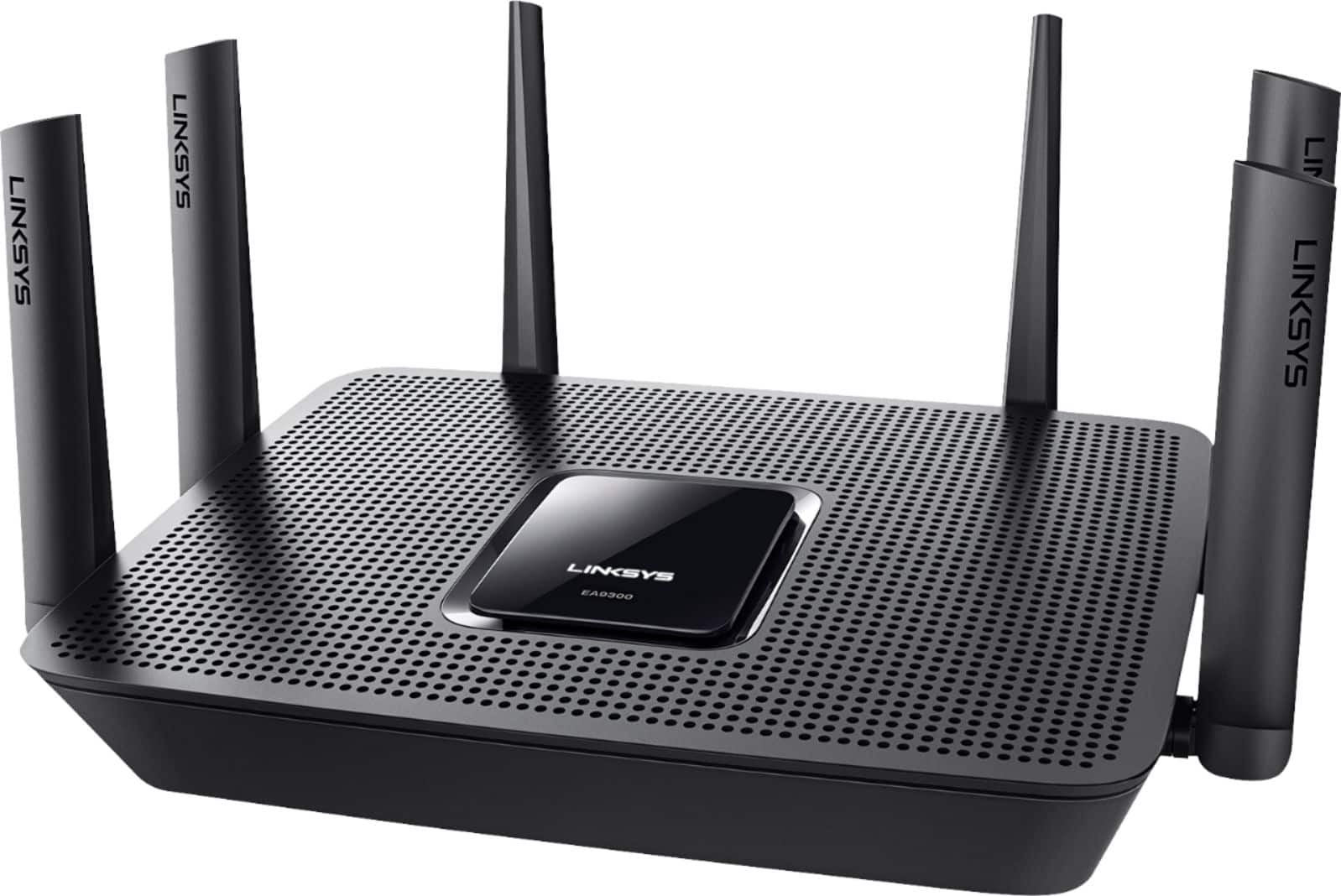
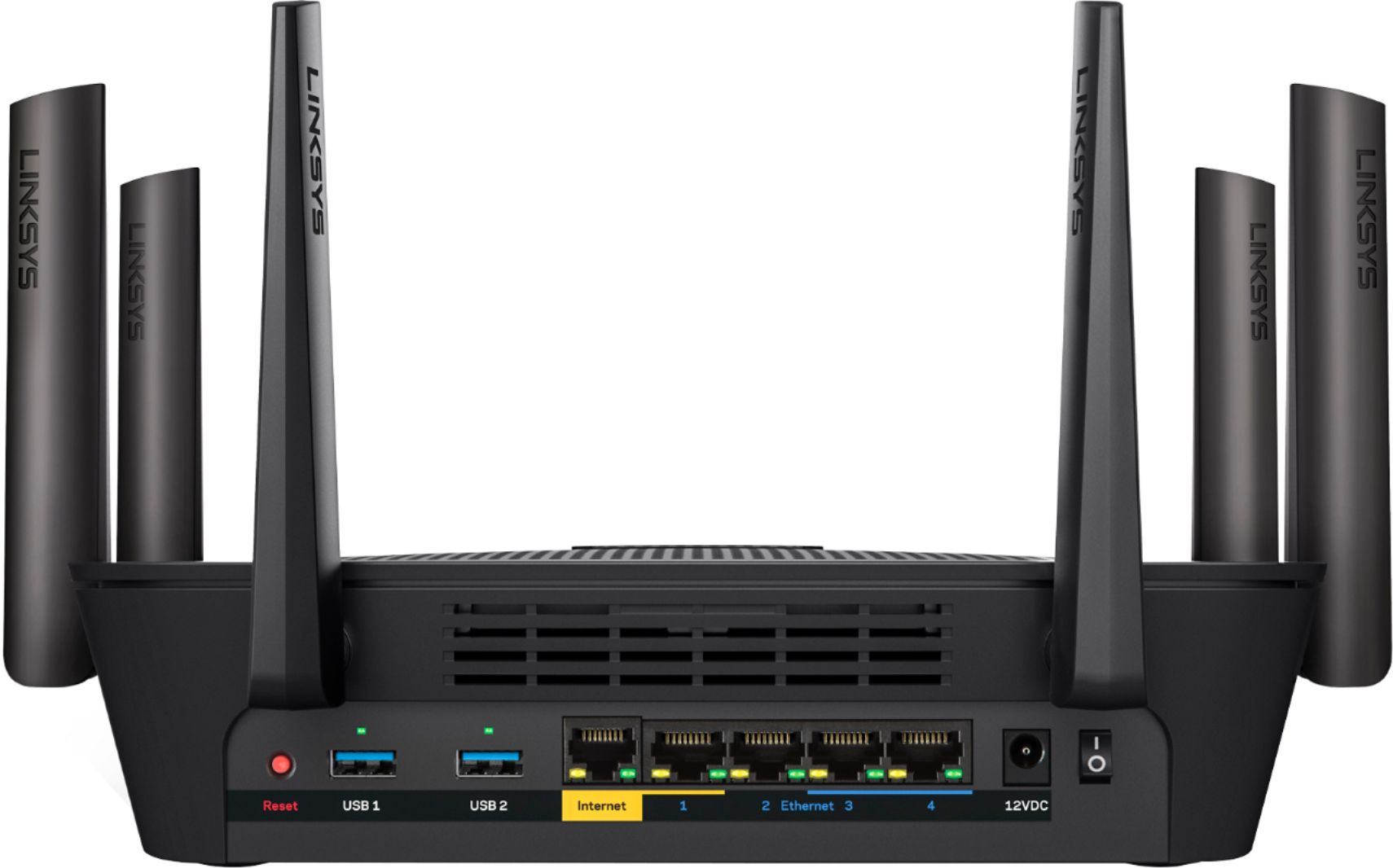
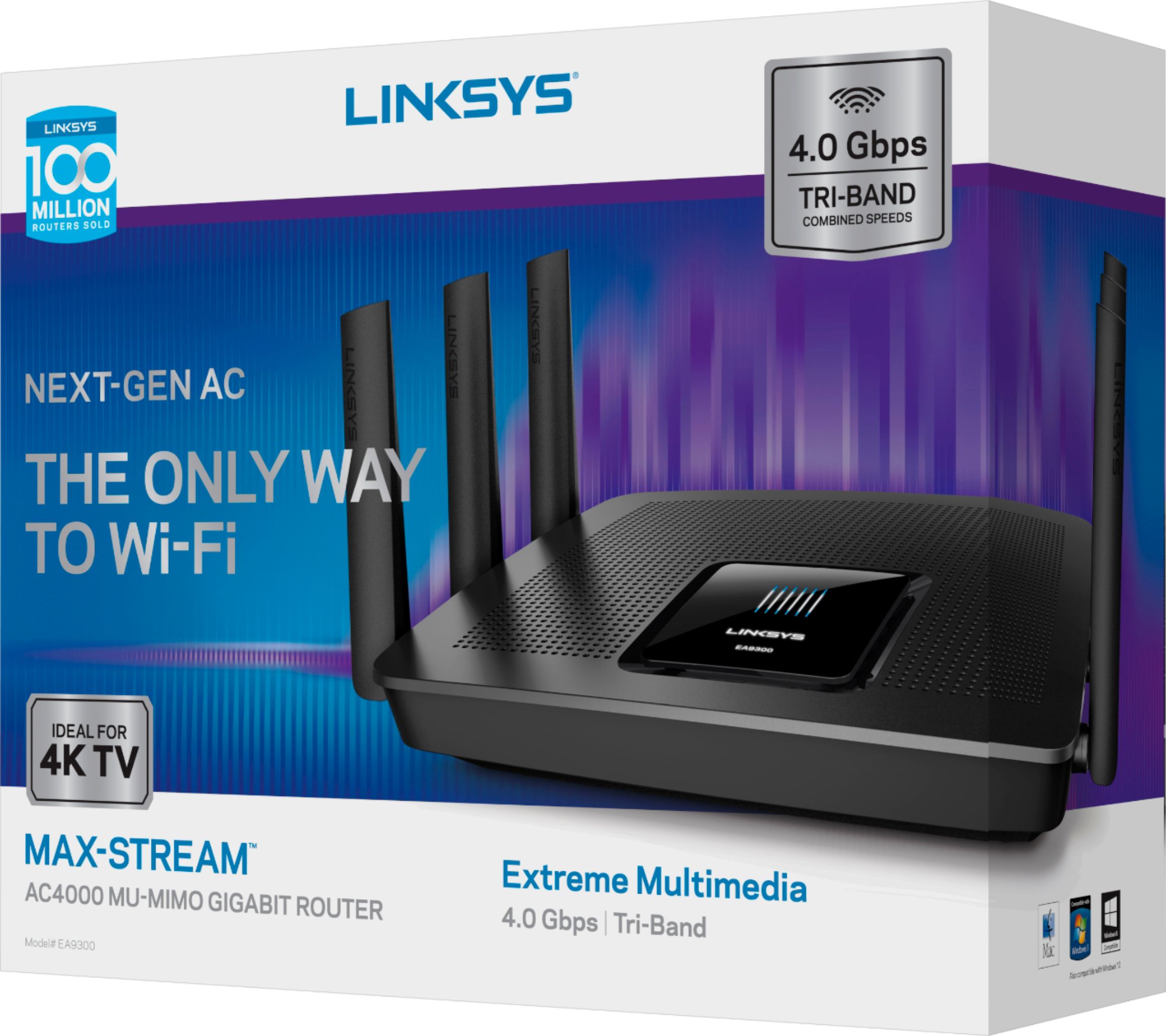
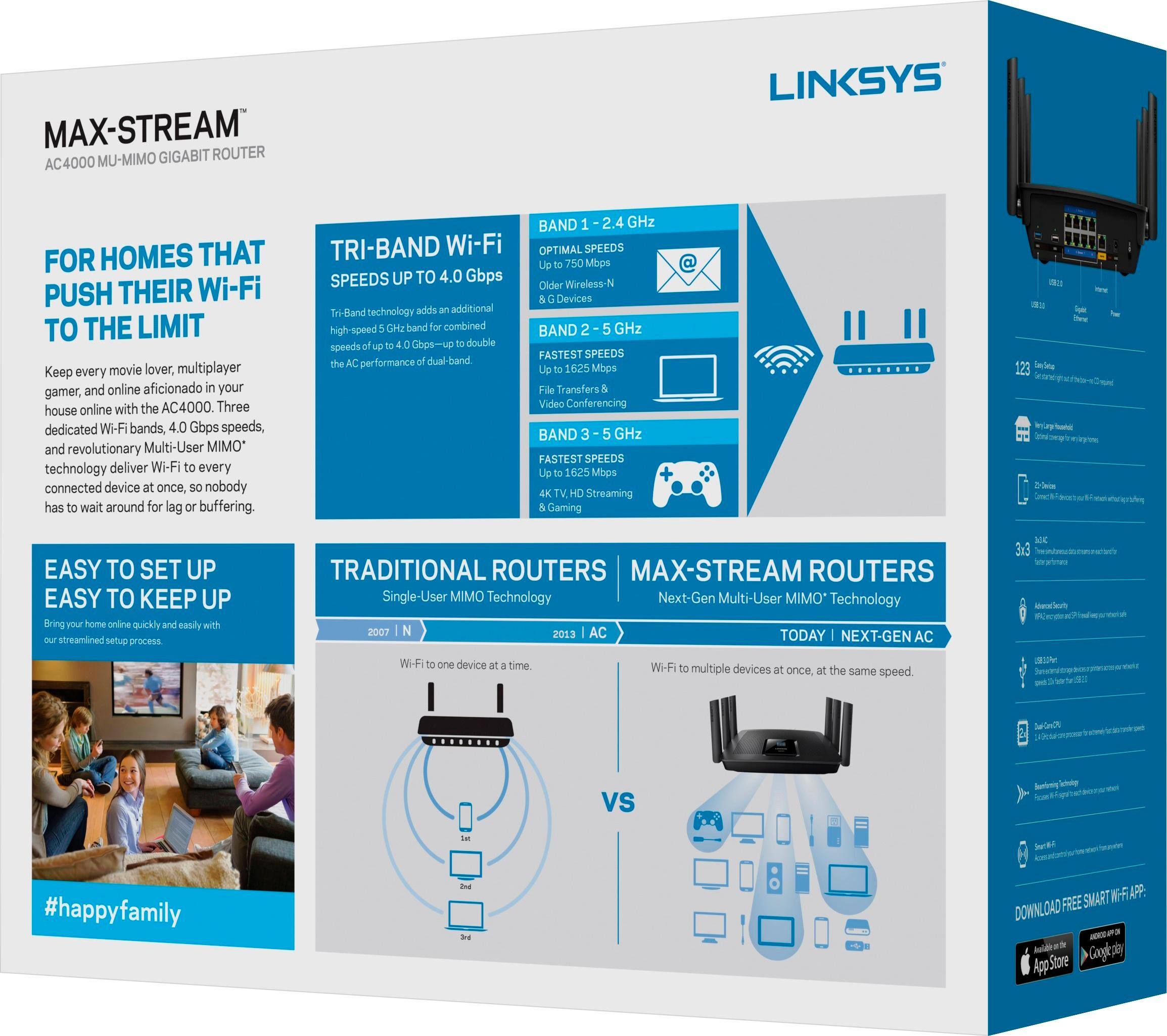
|Posted .This reviewer received promo considerations or sweepstakes entry for writing a review.WIFIs and routers need to be upgraded to handle all the WIFI demands in a home. We’re a family of three with 4 computers, 2 printers, a WII U, 3 smart phones, 3 tablets and Bluetooth speakers and headphones. Whew! A lot of bandwidth requirements, that’s a lot of technology! We enjoy the lightning-fast Wi-Fi on all our devices with our Linksys MAX-STREAM AC4100 Tri-Band Router (EA9300). Ideal for busy our busy family with multiple connected devices. This router offers ample bandwidth for simultaneous 4K and HD video streaming, next-gen online gaming, and other data-heavy activities. The router’s three dedicated bands help minimize lag even when multiple devices are connected, delivering speeds of up to 600 Mbps (2.4 GHz) + 1667 Mbps (5 GHz) + 1667 Mbps (5 GHz). High-bandwidth applications are routed to the two high-speed 5 GHz bands, while lower-bandwidth activities utilize the 2.4 GHz band. Traditional routers and range extenders force you to manually connect to either the range extender's or router's network in order to experience the best Wi-Fi signal. That slows time, plus, if everyone is using the same signal, our WIFI slows. Thanks to Seamless Roaming support, the AC4100 router lets our device automatically switch to the strongest signal as I move around the inside and outside (close to the building) home, with less buffering and fewer dropped calls. Pairing this router with a compatible range extender, you too can enjoy a strong, seamless Wi-Fi signal in every room of your house. Devices such as 4K TVs, HD streaming media players, tablets, and game consoles consume a lot of bandwidth. With MU-MIMO (Multi-User Multiple-Input Multiple-Output) technology, the AC4100 router sends Wi-Fi to multiple devices at the same time and same speed. Your whole family can play online games, stream 4K videos, and browse simultaneously without experiencing lag or buffering. Four Gigabit Ethernet ports let you connect more devices and share files 10x faster than with standard Ethernet. The ultra-fast USB 3.0 port is ideal for connecting shared network storage devices as well as a range of other peripherals. The AC4100 wireless router features six external adjustable antennas that provide four powerful streams of data to your devices--ensuring complete coverage of your home. Better coverage means faster Internet speeds wherever you are. The Max-Stream EA9300, a new mid-range $299 router that offers 802.11ac networking and various other advanced networking technologies, including beamforming, a quad-core processor, and integrated Alexa support for voice controls. With the Linksys App, you can closely monitor and manage your home Wi-Fi remotely using a smartphone or tablet. ● Guest Access: Create a separate, password-protected Wi-Fi network for up to 50 guests and easily share the password. ● Parental Controls: Ensure a safe Internet experience for your kids -- even when you're away from home. Restrict access to inappropriate or distracting content, control usage, and block specific devices from accessing the Internet. ● Device Prioritization: You can prioritize devices that need the most speed. Managing your home Wi-Fi with Linksys App is fast and easy.
I would recommend this to a friend- Pros mentioned:Ease of use
Super-fast speeds and easy setup
|Posted .This reviewer received promo considerations or sweepstakes entry for writing a review.Linksys has a long history of innovation with router technology. The EA9300 is a great move forward after the previous release from last year. Setup was fast (less than 10 minutes). The user experience they created with the setup was simple and intuitive. One of the few misses was the fact that the unit has only 4 ethernet outlets. I would think this could have been easy to bring up to 4 or 8. I tried the Speedtest.net test at several locations that were near and far from the router. I achieved super-fast speeds and very little degradation in speed the further I got from the router hub. I think this is another winner for Linksys.
I would recommend this to a friend Top Speeds and Simple Setup
|Posted .This reviewer received promo considerations or sweepstakes entry for writing a review.In a word "WOW", this tri-band router is super fast. I had an opportunity to try this one against a similar-priced Netgear product (Nighthawk X6) and bottom line is the Linksys AC4000 (or EA9300) was faster in every test. Also with 4 PC's and two cell phones plus an Arlo base unit running, the individual speeds were not reduced - more details later. Setup was very easy even though during the first setup it automagically downloaded the latest firmware/upgrades. There are many advanced settings if you want to use them similar to most routers, I liked the ability to set priorities as well as LINKSYS Skill in the Alexa app setting. Also Linksys website is well laid out and you can find details on firmware and set up instructions here: http://www.linksys.com/us/support-article?articleNum=226169. You can also reference reboot and advanced instructions here: http://www.linksys.com/us/support-product?pid=01t34000003vwV0AAI. So I do value those support benefits as well as the function of the product. It is a fact that most if not all cable modem WiFi routers are just not very fast nor have great antennas. When a product like this one is inserted to support wireless you can expect your speeds to double or even triple as I found out. As far as testing results, I started with a bandwidth of 345 Mbs (not bad considering I am guaranteed 300 Mbs from Spectrum/Time Warner. My first test from an HP AIO PC using 5G right next to this router showed 345 Mbs compared to the Netgear router of 325 Mbs. Used Ookla speedtest for all testing. About 30 feet away was an old Gateway laptop with only 811.n ability. She went from 49 Mbs using her internal 2.4 GHz wireless card to 88 Mbs using the EA9300 and got 79 Mbs using the Netgear. I updated this old laptop with a Linksys Wusb6300 and at 5GHz I got 91 Mbs using the EA9300 and the Netgear was close at 89 MBs. A new AIO PC with AC wireless but in the basement (2 stories down from router) and over 120 feet away got 234 Mbs with the EA9300 and 190 Mbs with the Netgear using 5 GHz. Lastly a Dell 2/1 about 50 feet away got 214 Mbs and the Netgear got 192 Mbs. I've only shown the download times. The uploads didn't show much variance between the EA9300 and the Netgear. So overall the EA9300 operated faster, but as many people know, the exact load while a test is made can vary; but every time the EA9300 won. Also I should say that I ran the tests with only one of routers in my home network and also with both routers in the network and the speed ratings were the same. The directions say to remove any attached router and I did - so that the address of the EA9300 was the expected http://192.168.1.1 But you can run both routers in the network and I found that the IP address will be dynamically altered for you - no problem (remember you do have to turn off the wireless in the cable modem). My feeling is this is a very high quality product with great support site and great function. I have not used it a long time, but I am very happy with this router.
I would recommend this to a friend- Pros mentioned:SpeedCons mentioned:Lag
No Lag/Losses with this Multi-Tasker!
Posted .This reviewer received promo considerations or sweepstakes entry for writing a review.I swapped out my other Linksys router with this Max-Stream and I am very happy no doubt! With the Quad core & high speeds of up to 4Gbps, (especially when I hooked up in conjunction) with my new Max-Stream Extender, I was able to have a house full of guests with multiple devices (of course....lol) being used at the same time. ie: ipads, multiple phones, TV, desktop and I think a couple of laptops and even someone was using the games as well and I had basically zero lag time/buffer and heard zero complaints from my guests as well. It's easy to create (and share) a separate password protected network for all of your guests (I believe up to 50) pretty impressive for me as a "Home Network". You can also easily prioritize any of your devices to have the quickest speeds within your network which I find super handy. Parental control is also available so if you have kids (or ?) on your network that you need to limit. Also, with the Linksys App, you can control your entire network from anywhere with your mobile. Undoubtedly new tech advances so darn quick these days and we all really need to keep up with the pace the best we can. I can say personally that as I have described above, I am really satisfied with this modem and the expansion features it provides for sure!
I would recommend this to a friend - Pros mentioned:Range, Speed
Fantastic Router
|Posted .This reviewer received promo considerations or sweepstakes entry for writing a review.This router is fantastic! Great speed and range. Linksys has an updated app that makes setup and monitoring very simple.
I would recommend this to a friend Great Router
Posted .This reviewer received promo considerations or sweepstakes entry for writing a review.I received this as a present and love it. It does everything advertised. Having one 2.4GHz & two 5GHz frequencies really makes a lot of difference. I had a Asus 66r router which was really out dated, so this was a great upgrade. The signal strength has doubled in my house to include the 5ghz one. Streaming Netflix, Xbox, phones, and computers on the network all at the same time does not affect the quality of bandwidth. Definitely would recommend this router.
I would recommend this to a friend- Pros mentioned:Ease of use, Range
Powerful router but disconnects intermittently
|Posted .This reviewer received promo considerations or sweepstakes entry for writing a review.I’m not really sure how I want to rate this. This router is very simple to setup and is one of the more powerful router I’ve come across. Speeds on both bands (when working) are amazing. The range on the device is also very good. I have a 2000sqft home and the device is located upstairs in the middle of the house. There’s no dead spots and I will still be connected even if I go out to the drive way. I have over 20 devices connected to it on both 2.4 and 5GHZ channels (cell phones, desktops, laptops, tablets, TVs, security cameras and game consoles.) However, the one issue I immediately encountered was intermittent disconnects on the 5GHz channels across various devices. I updated the firmware right away and cycled the device hoping for the issue to disappear but the disconnection continued. Although it’ll re-connect almost immediately after it disconnects but it’s still very frustrating. So when it’s working, this is an awesome router. I had been busy to troubleshoot it more but until the problem with the 5GHz gets fixed I won’t be able to recommend this unit to others.
No, I would not recommend this to a friendBrand response from Linksys Staff
Posted .Hi,
This is an unusual behavior for the Linksys router. We suggest that you set a static wireless channel for the 5GHz network to reduce interference. You can also try to reset and configure the router again to try fix this.
If this behavior continues, let us know at [email protected] and we'll have our Escalation Engineers assist you. Also, include the link to this post for our reference.
We hope to hear from you soon.
Regards,
Thaddeus
Linksys Support
Can't go wrong, keeps getting better!
|Posted .This reviewer received promo considerations or sweepstakes entry for writing a review.As a previous user of the Linksys AC3200, I thought things couldn't get any better! How wrong I was. Granted, for the general user, the 3200 is more than adequate. If you, however, are a power-user-super-geek with MANY devices connected at the same time; you will benefit greatly from the AC4000. Just like the previous model, the 4000 offers the groundbreaking mu-mimo technology which prevents lag when users are using bandwidth heavy applications. The 4000, however offers 3 bands (1 2.4 and 2 5ghz bands) which delivers a theoretical combined speed of 4Gbps. Under the hood, there is a 1.8GHz quad core cpu and 512MB of RAM (which for a router is very impressive!). The one thing I considered taking a star away for (but then came to my senses) was the large size of the router itself. Coming at 11 inches across - it is pretty massive. But, really, that is secondary. What matters most is that performance has improved for me over the 3200 model. With that model I was averaging 95-100Mbps, with the 4000 I am now pushing 125-130Mbps throughout the house, and into the yard (and the neighbors yard!). Another "wow factor" are the 6 (yes six!) moveable antennas on the unit itself. The 2 USB 3.0 ports allow adding a flash drive or hard drive for backup storage, or anything else you can think of (FTP server? Sure! Through the linksys admin page. Media Server? Yep! Samba? It can!). The linksys admin page offers many tweaks. Don't get put off by the initial setup, or by the some of the comments. You CAN go back and create different names for all three of the wifi bands. It is obvious that Linksys understands the uber-geeks out there (which I'm more than proud to be!). The AC4000 is the unit for me, as well as you! Get it! You won't be sorry!
I would recommend this to a friend- Pros mentioned:Ease of use
Excellent Router
|Posted .This reviewer received promo considerations or sweepstakes entry for writing a review.This router is a great value. It is very simple to get started. Installation took me about 20 minutes and it is very easy to manage with the Linksys app. This router provides a excellent wifi range throughout my home that is slightly over 3,000 sq. ft and two stories. Our family currently has 6 devices using this router and there are zero complaints. Great product and great value. I would highly recommend this Linksys router.
I would recommend this to a friend - Pros mentioned:Speed
Beast of a router
|Posted .This reviewer received promo considerations or sweepstakes entry for writing a review.This is the 2nd MIMO Linksys I have had in the last year. Comes in to a close 2nd to the EA9500. This beast has just about all the power to handle all you can throw at it, both wifi and wired. If it had 8 ports instead of 4, I would give it tops. Handles 2.5 and 5Ghz with ease. 4K streaming is no problem at all. 2 Xbox One S and PS4 Running with no loss in speed what so ever. Linksys does it again
I would recommend this to a friend - Pros mentioned:Speed
Highly recomended
|Posted .This reviewer received promo considerations or sweepstakes entry for writing a review.This router has great coverage and excellent speed using both N and AC connections.
I would recommend this to a friend - Pros mentioned:Speed
Ricky Bobby Fast
|Posted .This reviewer received promo considerations or sweepstakes entry for writing a review.I have a standard WiFi modem from my cable company. I made this the primary over theirs, and it is AMAZING. From the far side of my house (about 150 feet and several walls), the speed was double my cable provider modem and many fewer drops. I have 4 Roku in my house, and 4 connected TVS (plus people) and it was amazing. Plus, not I have control over my WiFi and my cable company does not.
I would recommend this to a friend - Pros mentioned:Ease of use, Speed
Powerful Product
Posted .This reviewer received promo considerations or sweepstakes entry for writing a review.I got this product because it was one of the few routers that I found which can fully take advantage of my gigabit speeds. The wired connection gives me 900Mbps both upstream and down, and wireless approaches 700Mbps when I'm close to the router. The Netgear I had first purchased maxed out about 400 both wired and wireless. Setup was mostly easy, and got things up and running in about 15 minutes. Even though I don't use the USB ports anymore, I was using them during my initial setup as a file server/backup drive. I found that the network drive would relatively frequently disappear and require me to reconnect to the drive. I have since bought a NAS, which has eliminated the issue, but I worry down the road this could be an issue if I need the USB ports. One of the biggest issues I have is the official Linksys press release stated that there were certain features that would become available via firmware updates down the line. So far, there is no indication that they will be implementing these promised features (on the Linksys message boards, an employee stated that they have no plans to implement one of them). If a company states something will be coming as part of a product, then later states (after return period ends) that these features are not being worked on, it gives me serious pause about ever purchasing their products again. So at this point, id beware of any promises they might make about implementing changes or future fixes to their products. All in all, I'd say I'm happy with the product, given the small number of choices I have for full speeds. It's a powerful router for a decent price, but my bigger concern is about the company as a whole, and not fulfilling customer promises. The future will tell, and I'll update my review should Linksys follow through on these feature updates.
No, I would not recommend this to a friend - Pros mentioned:Ease of use
Good Router
Posted .This reviewer received promo considerations or sweepstakes entry for writing a review.After doing a fair amount of research I decided on the Linksys AC3200 and the sales rep talked me into the Netgear R8000 - AC3200 router. I've not had problems with Netgear in the past but this one was DOA. After about 6 hours of trouble shooting I determined it was a short in the CAT5 plug on the back of the router. Returned it without any problems at all (kudos Best Buy), and purchased the Linksys AC4000. It was up and running in about 15 min and I've not had any issues at all. Great coverage and the app is quite helpful with both setup and managing all of the attached devices. I'm not an IT guy for sure, know enough to get into trouble, but this router is the best I've owned for sure.
I would recommend this to a friend - Pros mentioned:Speed
All around great router
|Posted .This reviewer received promo considerations or sweepstakes entry for writing a review.This router has great wi-fi coverage. I have full bars every where in my house. And on top of that great coverage it can handle some load too. This would be a good choice for homes with multiple wi-fi users. Don't forgot a router can only be as fast as your internet when viewing content online. And this one is faster than my 200mbps internet.
I would recommend this to a friend