Customer Ratings & Reviews


- Model:
- 960-001427
- SKU:
- 11526123
Rating by feature
- Value
Rating 4.4 out of 5 stars
- Quality
Rating 4.6 out of 5 stars
- Ease of Use
Rating 4.6 out of 5 stars
Good Camera
||Posted . Owned for 1 week when reviewed.This reviewer received promo considerations or sweepstakes entry for writing a review.It vastly improved my resolution on Zoom and Skype.
I would recommend this to a friendLogitech Webcam
||Posted . Owned for 2 weeks when reviewed.This reviewer received promo considerations or sweepstakes entry for writing a review.Easy to install with clear photo during virtual meetings.
I would recommend this to a friendIts a webcam.
||Posted . Owned for 2 months when reviewed.This reviewer received promo considerations or sweepstakes entry for writing a review.Plug and go. Use for business meetings and have had no issues.
I would recommend this to a friend
Finally a camera that works with my curved display
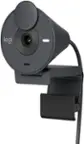
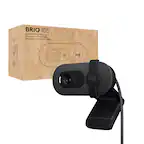
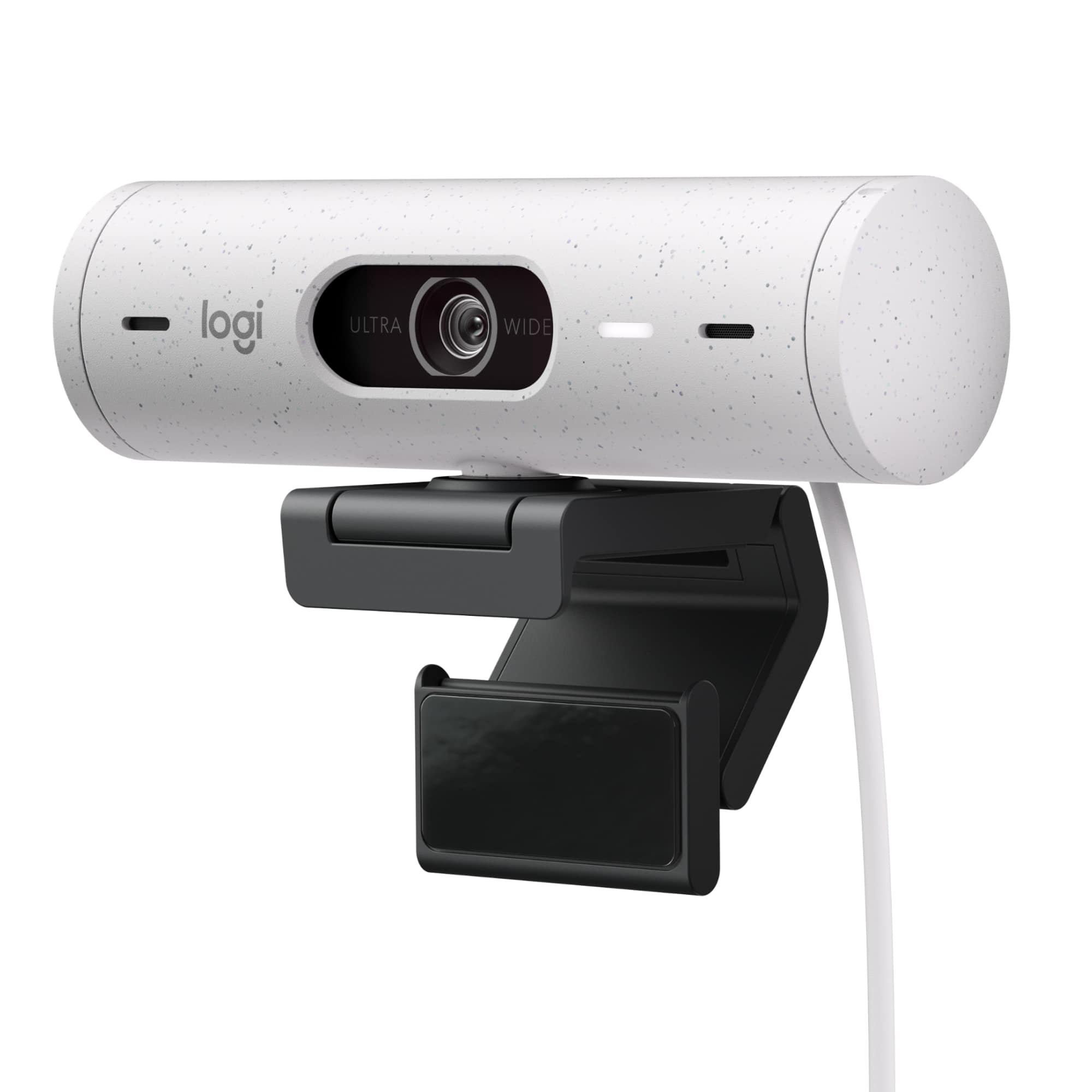
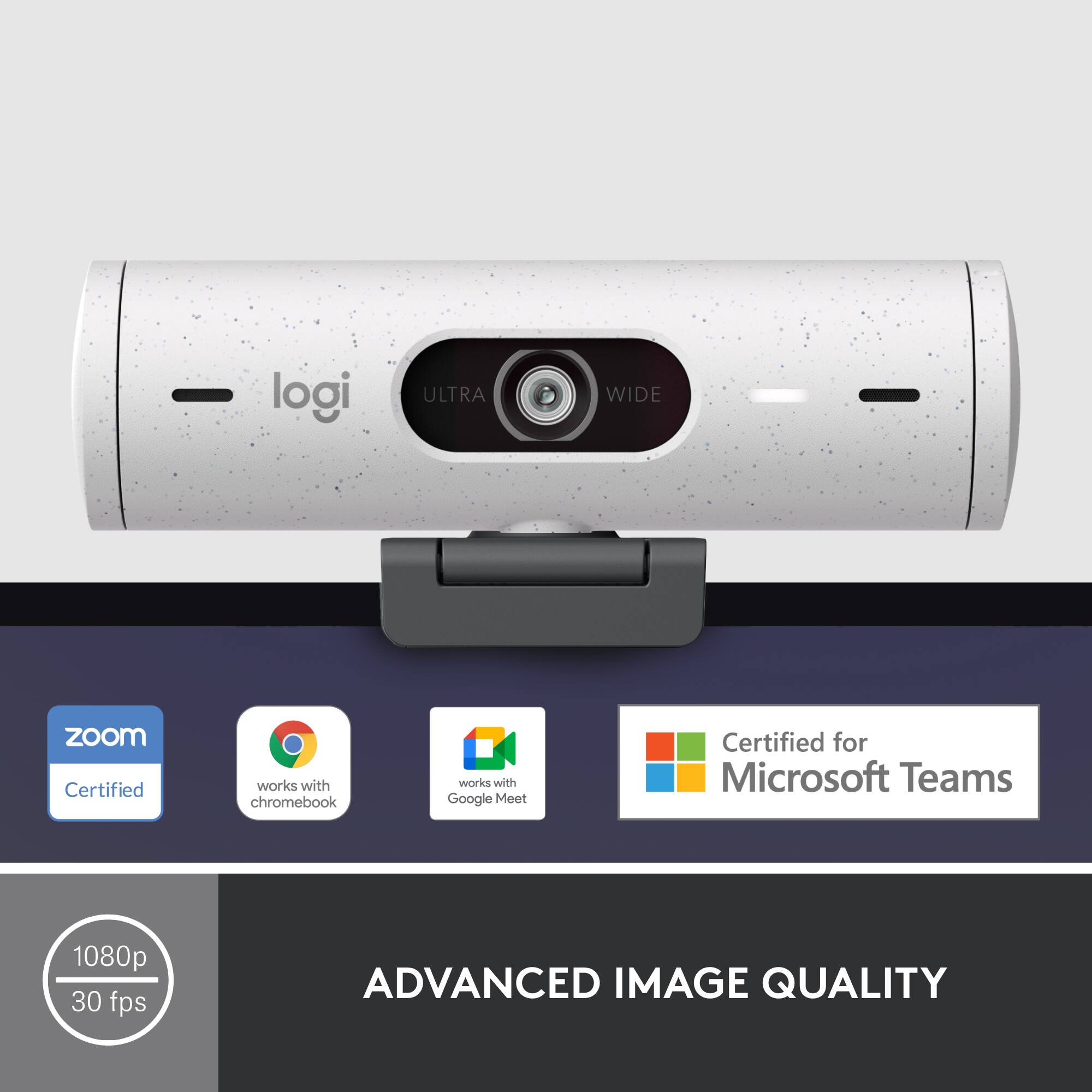
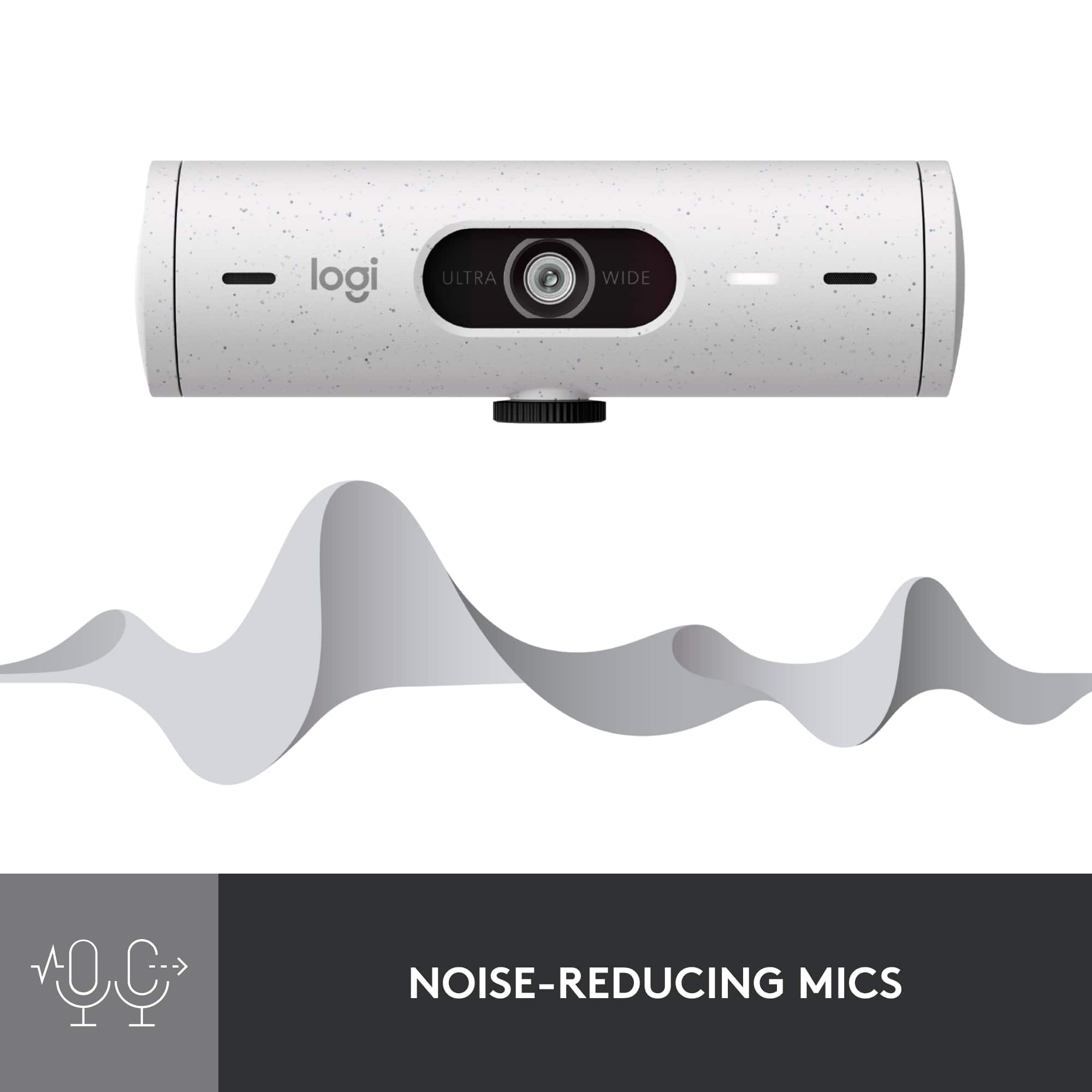
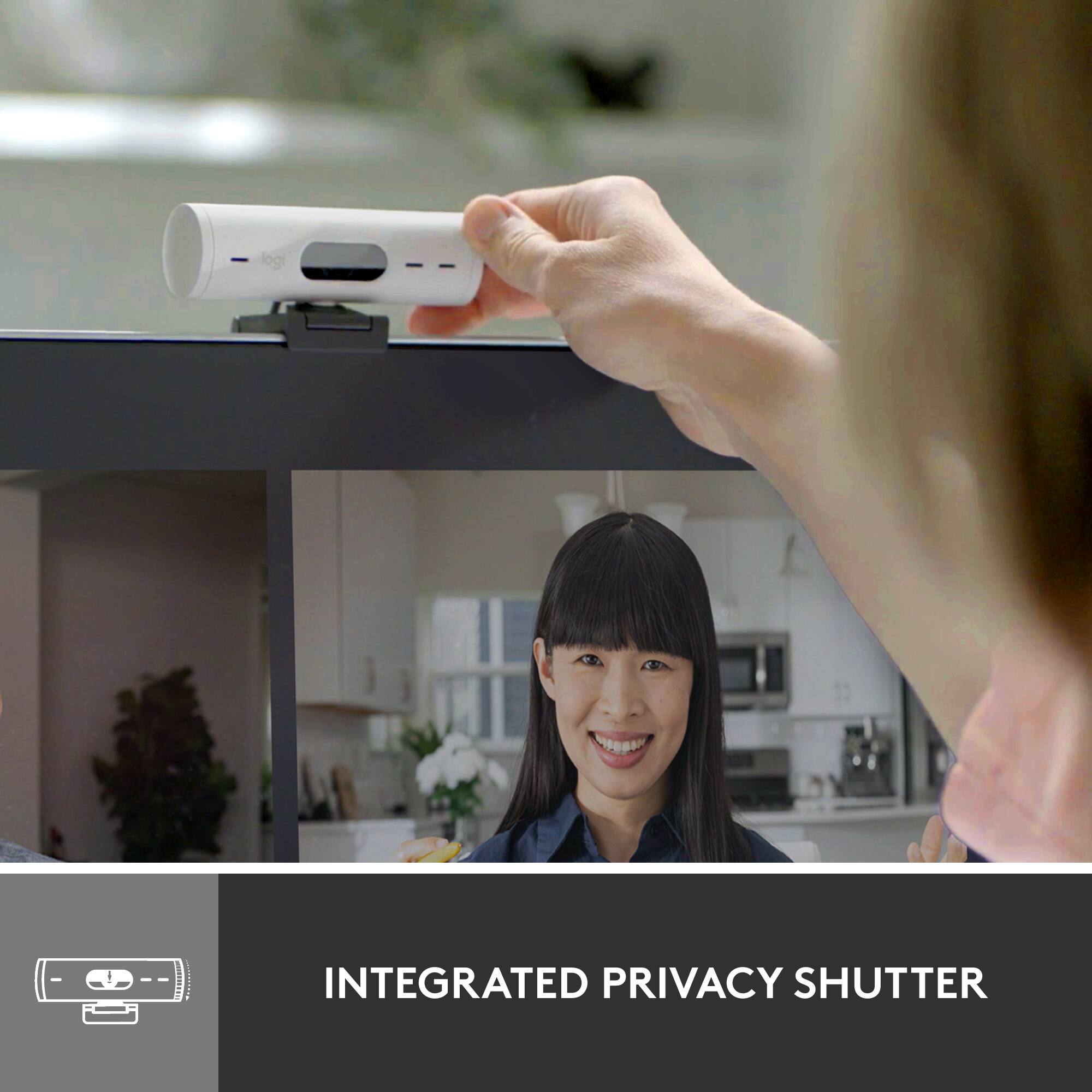
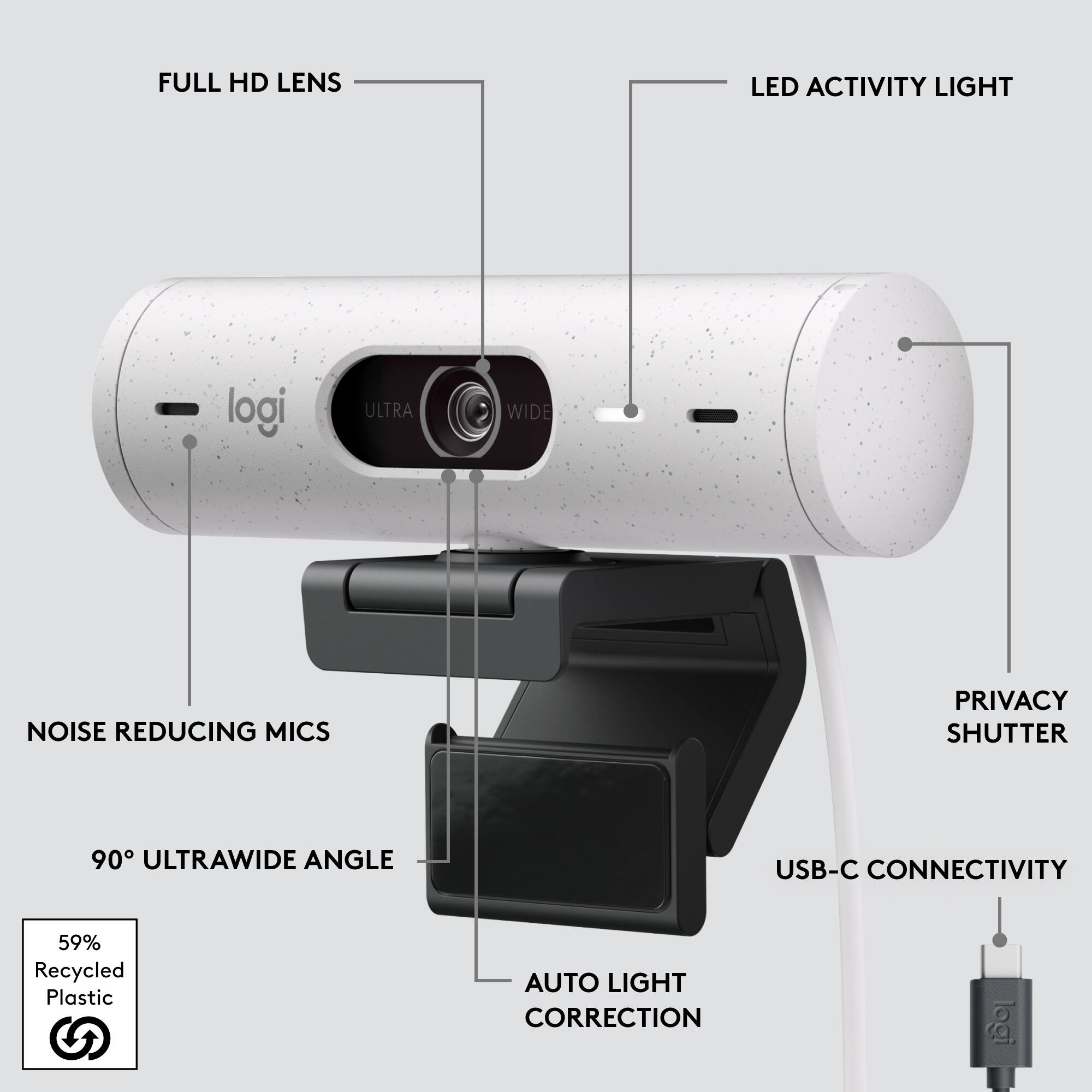
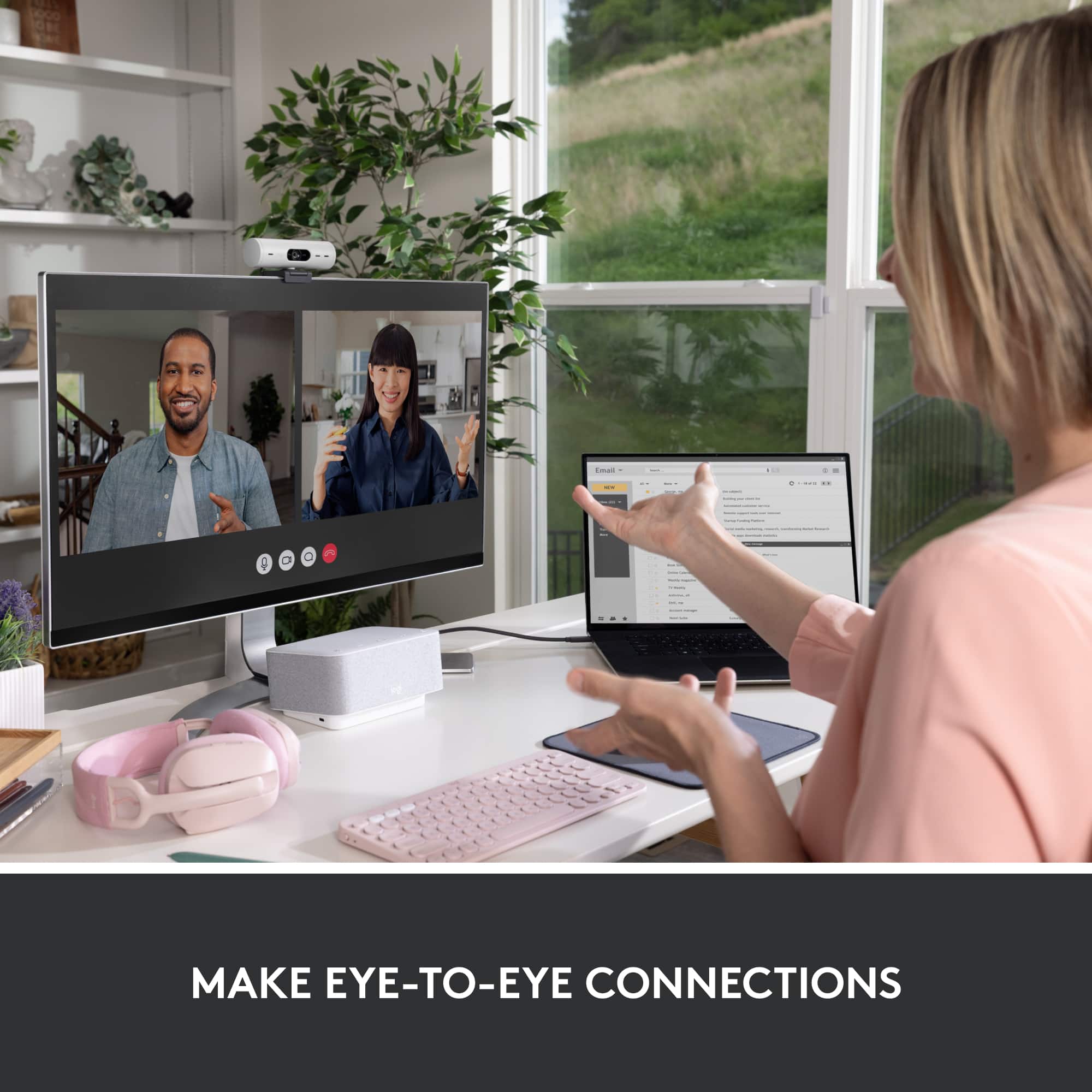
|Posted .This reviewer received promo considerations or sweepstakes entry for writing a review.Since so many people started working from home, webcams have become borderline essential equipment again. Unfortunately, webcam designs haven’t really kept up with changing designs in tech. All through the pandemic I’ve been using a venerable C920 from Logitech. And it worked… mostly. The visuals it produced were still good but it leaned over a bit too far into my display area and had trouble gripping to my curved monitor, leading to it frequently falling forward onto my desk if my dog bumped into something and made it shake. I’d been thinking about possible upgrades for a few months when the Brio 500 caught my eye, and I decided to give it a shot. And oh my, what a difference ten years can make. The brio is a bit chunkier than a lot of the previous webcam designs you might be used to. The cylindrical body adds a lot of volume, and there are significantly more moving parts than any webcam I’d previously had experience with. But with that comes a lot of much needed flexibility. The stand feels almost infinitely adjustable compared to what I got with the C920, and can affix to a monitor either via friction or an adhesive pad that does an admirable job of holding it to the back of my curved monitor. The mounting point to the camera itself can flip 180 degrees if needed, intended to allow you to quickly switch to showing documents on your desktop during a video conference, and when you don’t need it you can just fold the whole thing back behind your screen to keep it out of the way. There’s also built in strain relief since the camera itself is held by a magnet rather than permanently affixed, so you don’t need to worry about a cable snag pulling it off your monitor (or pulling the monitor off the desk.) Which is all to say that the thing finally stays in place and out of the way on my curved monitor, something I imagine a lot of people with similar hardware can appreciate. The stand isn’t all the camera has going for it though. Image quality on this thing is great by webcam standards too. The HD image it produces is crisp and has surprisingly good color accuracy (though, it must be pointed out, still inferior to a proper handheld camera.) It comes equipped with a wide angle lens with a ninety degree field of view, which means it can easily capture three to four adult in the frame. This makes it ideal for home use where you’re likely to have people crowding around the camera or office conference rooms. Of course if you’re like me and only plan to use it for solo calls there are options to change that. Using either the Logitech Tune or GHub apps you can restrict the FOV to something a little tighter via digital zoom, as well as manually configuring the image to match your preferences. Audio is provided by an array mic which offers decent noise isolation, though I suspect most will prefer to stick to headsets if they have the option. And the rotating privacy screen does a good job of blocking visuals – though it doesn’t completely cut the hardware connection. There are a few downsides to the Brio 500 I should mention though. First up is that unlike some of the other cameras in the Brio line it does not come with the IR camera needed for it to work for Windows Hello facial recognition. I also found that the magnetic coupler on the camera, which doubles as the plug for the integrated threaded mount, tends to unscrew at the drop of a hat. If I need to turn the camera to the side at all it tends to start to unscrew, making it easier to just pull the whole thing off the magnet and clip it back on at the right angle. Also it should be noted that this particular model only works with a USB-C connection, which still tend to be a bit sparce on most desktops. Overall I’d recommend the Brio 500 for anyone working from home with an unusually shaped monitor, hosting video calls with the whole family, or looking for a good video conferencing solution for smaller conference rooms.
I would recommend this to a friendNice Camera
||Posted . Owned for 3 weeks when reviewed.This reviewer received promo considerations or sweepstakes entry for writing a review.Works as expected, except for during my Zoom calls Zoom says Brio 500 has a speaker. I don't see a speaker on the device. it may be Zoom or the product. Don't know as of this writing.
I would recommend this to a friendPlug and Play and Go! Packed with Features!
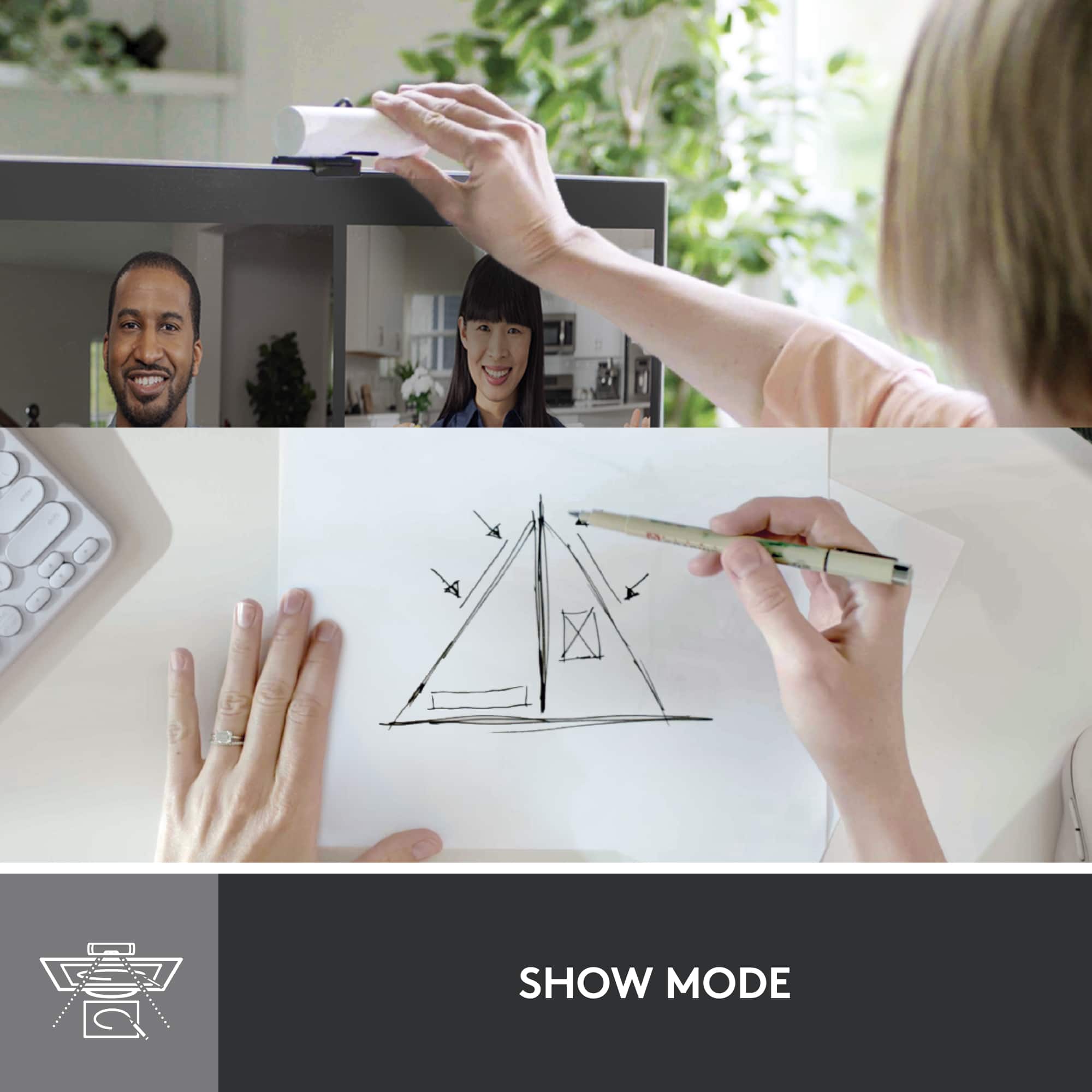
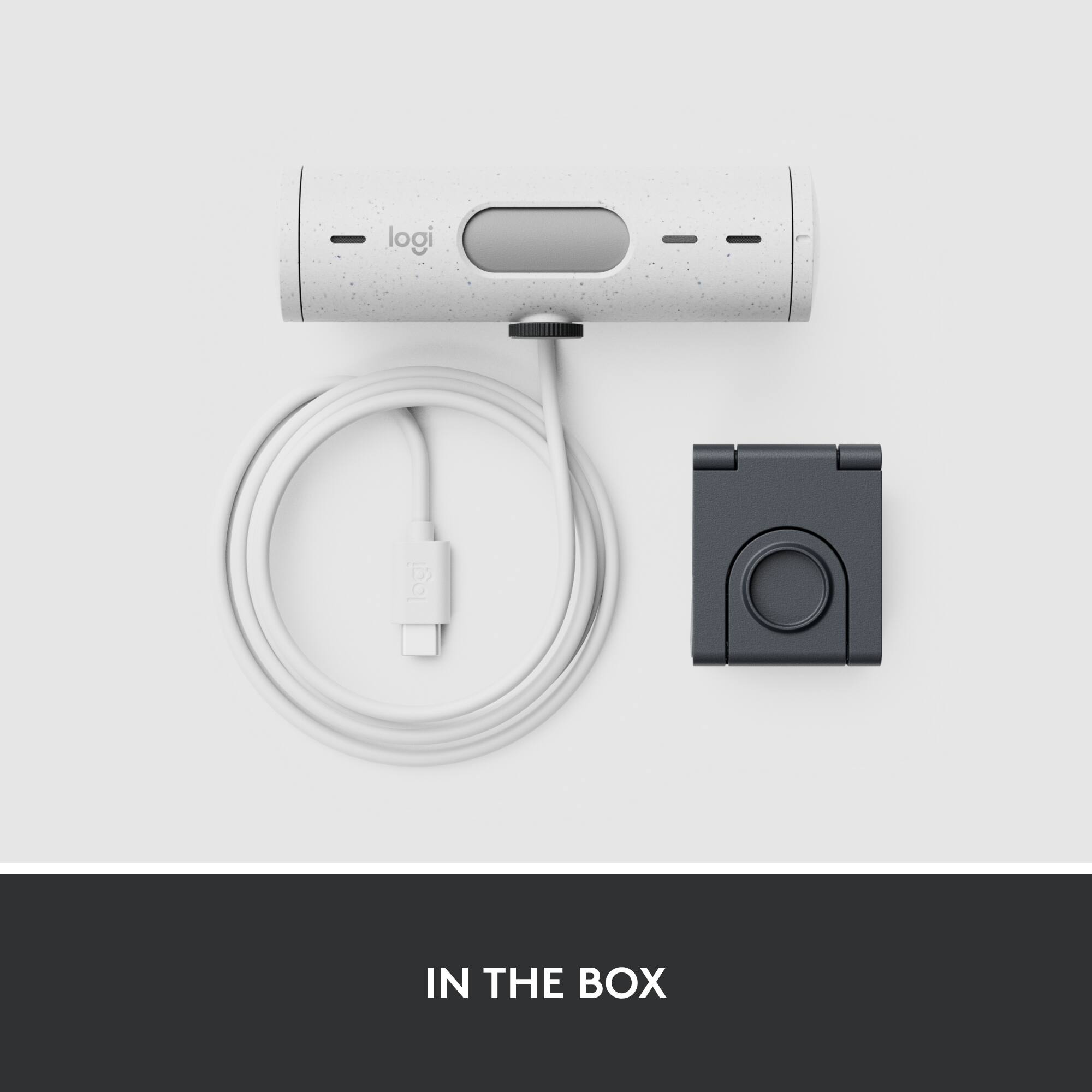
|Posted .This reviewer received promo considerations or sweepstakes entry for writing a review.A webcam that is definitely more than adequate for the average user. The ideal/targeted user of this webcam are professionals that like to show their work on their desk or around/behind them (teacher, designer, artist, architect, etc.). Pros: -Plug and play right out of the box, no installation or steps needed to get the webcam running on various video-conferencing platforms. Easy to use and get up and running. -Love the built in privacy shutter. Just turn the round knob on the end like a chap stick to cover/open. Shutter is a different color so you can easily see when its down or up. -Uses USB-C to connect to your PC (pro in that it is future proof), cable has plenty of length. -Mounts easily and securely to top/back of monitor, comes with double sided tape to secure onto your monitor but I didn't feel like I needed to use it. -Very sturdy magnetic connection keeps the webcam connected to the monitor mount. -Show Mode! You can flip the camera to look straight down, and the image/feed auto-rotates on your PC. This is great if you want to write/draw something out on paper and want people to see or follow along. Ideal webcam if you are an artist, teacher, designer, etc. -Can easily adjust the angle of the webcam up, down, left, right. -Color, lighting, video is smooth and crystal clear. Lens has wide angle so can see quite a bit. -Very compact and portable, easy to grab and go if you want to travel with this webcam. -Not required or necessary but you can download an app that allows you to further tweak and adjust settings of the webcam to your liking (such as zoom out, etc.). -Comes loaded with features (tracking/framing, zoom out, color/image resolution adjustments, etc.) that might be overwhelming to most average users. -Up to 60 fps and 1080p support. Cons: -Uses USB-C to connect to your PC (con in that my current docking station has limited USB-C ports and most third-party USB-C to USB-A adapters don't support video delivery, but other reviewers seem to have no issues using an adapter) -At first I thought my webcam was covered in white spots, looked like hard water residue, but turns out that's just the Graphite color/design of the webcam - thought that was weird. -I feel like I need to use both hands when adjusting the webcam to Show Mode, not a quick or fluid adjustment that can be done with one hand. Note: I used this on my monitor that is connected to a Windows PC. Tested on Google Meet, Microsoft Teams, and Zoom.
I would recommend this to a friendNice Camera
||Posted . Owned for 1 week when reviewed.This reviewer received promo considerations or sweepstakes entry for writing a review.Very easy to install (plug and play) and very impressed with the picture quality. Works great for our Teams meetings. Very happy with our purchase.
I would recommend this to a friendNot Logitechs best
||Posted . Owned for 3 months when reviewed.This reviewer received promo considerations or sweepstakes entry for writing a review.Not impressed with this camera. You can't set it to stay still, so it's all over the place. It says it's 1080p but it looks more like 720 or worse.
No, I would not recommend this to a friendBest camera for the price
||Posted . Owned for 1 week when reviewed.This reviewer received promo considerations or sweepstakes entry for writing a review.Perfect, everything I can ask for. I didn’t expect the quality to be up to par with actual cameras.
I would recommend this to a friendLogi
||Posted . Owned for 1 month when reviewed.This reviewer received promo considerations or sweepstakes entry for writing a review.Something was giving my PC lagging issues that would soon freeze completely when I’d plug the camera in.
No, I would not recommend this to a friendHome office
||Posted . Owned for 2 weeks when reviewed.This reviewer received promo considerations or sweepstakes entry for writing a review.We use this for video calls on the home computer and the images are nice and clear
I would recommend this to a friendGreat Webcam
||Posted . Owned for less than 1 week when reviewed.This reviewer received promo considerations or sweepstakes entry for writing a review.Great Webcam for beginners. Couldn't beat the price I got it for.
I would recommend this to a friendEasy setup and great picture
|Posted .This reviewer received promo considerations or sweepstakes entry for writing a review.This webcam has a cool smooth exterior and is not a solid black. There are speckles that I first thought were dust but they are part of the cool look. The mounting bracket is well made and has a sticky surface for no slipping on the back of your monitor. The sticky surface however makes at a little difficult if you plan to swap it to different devices. If you are only using it on one monitor it will work well. The webcam hooks onto the mount magnetic and stays on well. The mount can be tilted forward and the webcam swivels to get the best picture. Just make sure computer has an available USB-C connection since this is what the cable connects with. The software is easy to use and you can adjust the zoom preset to get the best view while minimizing your surroundings. Sound quality is clear and crisp as well. The webcam cover is built in and can be opened or closed with a twist dial on the side. Light quality is good in a bright and low light conditions. My son has been using if for home schooling and it performs much better than the computer's built in webcam.
I would recommend this to a friendIt's Ok.
||Posted . Owned for 1 week when reviewed.This reviewer received promo considerations or sweepstakes entry for writing a review.I thought it would be better. The picture quality is not what it say's. It's ok.
No, I would not recommend this to a friendNot great
||Posted . Owned for 2 weeks when reviewed.This reviewer received promo considerations or sweepstakes entry for writing a review.Was hoping for something with more definition. Picture came. Ross as blurry.
No, I would not recommend this to a friendWebcam doesn't work on macOS 13
||Posted .This reviewer received promo considerations or sweepstakes entry for writing a review.Bought this for to use with my new external display. Unfortunately, didn't work out of the gate and only shows my a black screen even though my computer and the native LogiTune app say it is connected. Returning for a logistream.
No, I would not recommend this to a friendMuch better than the built in camera
||Posted . Owned for 1 month when reviewed.This reviewer received promo considerations or sweepstakes entry for writing a review.I bought this for my Girlfriend to use with her Chromebook. It was a little tough to get it to connect the first time but once we figured it out, it worked perfectly.
I would recommend this to a friendNot super user friendly
||Posted . Owned for 1 month when reviewed.This reviewer received promo considerations or sweepstakes entry for writing a review.Does not auto utilize windows hello feature, too complicated to make it active
No, I would not recommend this to a friendBrand response from Logitech
Posted .We're sorry you're disappointed with the product. Your feedback is valuable, and we'll make sure it reaches the relevant team. Thanks for sharing your experience.
Solid Webcam Upgrade
|Posted .This reviewer received promo considerations or sweepstakes entry for writing a review.I was looking to upgrade my older Logitech C920 camera, but the Logitech Brio 4k webcam seemed like it was overkill for what I was looking for, so I was happy to see Logitech made the Brio 500. Out of the box, it's your basic plug and play webcam situation. Something to be aware of is this webcam requires a USB-C port. My monitor has a built in USB hub that I plug all my accessories into so I can swap my personal and work laptop at my desk. So I resorted to using a USB-C to USB-A adapter because the monitor doesn't have a USB-C input port. It worked without a hitch and I was up and running in a few minutes. The Brio 500 works for both Windows and Mac devices plug-&-play out of the box, but if you want some additional customization, you can download the Logi Tune software. This is how you manage firmware updates for the camera, in fact, there was one required out of the box as soon as I set it up. The Logi Tune software also allows you to customize color temperatures, zoom, etc. It did not allow me to adjust the frame rate. The camera is supposed to support 1080p at 30 FPS and 720p at 60 FPS, but there was no way to toggle that in the Tune app. The Brio has 2 cool new hardware features that set it apart from my older C920. First, it has a built-in privacy shutter that you can open and close, which is a nice privacy / security feature. Also, the camera attaches to the base with a magnetic connection, so you can pivot the camera down to the desk. It plays a bit like what Apple described for their new Continuity Camera feature, so you can pivot the camera down to the desk, and the camera automatically rotates the image so you can share what's on your desk without it looking upside down to anyone you're sharing / broadcasting to. There's also a built-in microphone, but I have a dedicated USB microphone that I use, so I can't speak to that. All in all, I really like the camera, the video quality is great for a webcam and is great for work Zoom calls as well as recording / streaming. Since most internet video is compressed in order to stream, the quality of 1080p video still looks great.
I would recommend this to a friendDefinitely Best Suited for Business Needs
|Posted .This reviewer received promo considerations or sweepstakes entry for writing a review.Ever since the first COVID lockdowns of 2020, most of us who would go into an office daily, have been working from home in some capacity ever since then and continue to do so this day. This has caused many people, myself included, to want to invest in some decent teleconferencing gear such as microphones and webcams. That is where the Brio 500 comes into play. I definitely would not classify it as a webcam for streaming, this is designed with the business user in mind. The rotation of the camera to show your notes or drawings or whatever it may be is cool, but not something I would ever need in my line of work. The feature does work pretty well, the camera does a good job knowing when it's being rotated down and when to readjust to a face. I did notice some bugs with this device. For starters, I use Logi G Hub and it did detect this device. However, it said no firmware was available. Then when I download the LogiTune software, it says there is a firmware update. Seems to be some disparity between the two apps. Also, the auto focus seemed to be a little funky in low lighting such as night time or cloudy days with background lighting. It would seem to not want to focus on my face or auto focus at all until I would wave my hand at the camera. A little annoying to deal with... The camera quality on this webcam is very good, if you are recording a seminar, a meeting, this will give you a great picture with great lighting and the wide angle lens is a very nice touch. Having a wider angle makes your video look more professional and framed. I have not been able to test the beta version of RightSight. But that sort of innovation is interesting and definitely will help this webcam stand out in the market. If you are someone who does video calls quite frequently with clients/coworkers, I absolutely recommend you get this webcam. If you do not do those calls as often or already have a 720p camera and are in that boat, I would pass. All in all, a great webcam, a little high on price, which is why I have to do 4/5 stars just because I do not see the full value.
I would recommend this to a friend