Customer Ratings & Reviews






- Model:
- 920-011559
- SKU:
- 11252532
Rating by feature
- Value
Rating 4.5 out of 5 stars
- Quality
Rating 4.8 out of 5 stars
- Ease of Use
Rating 4.7 out of 5 stars
- Pros mentioned:Ease of use, Keyboard quality
Fantastic
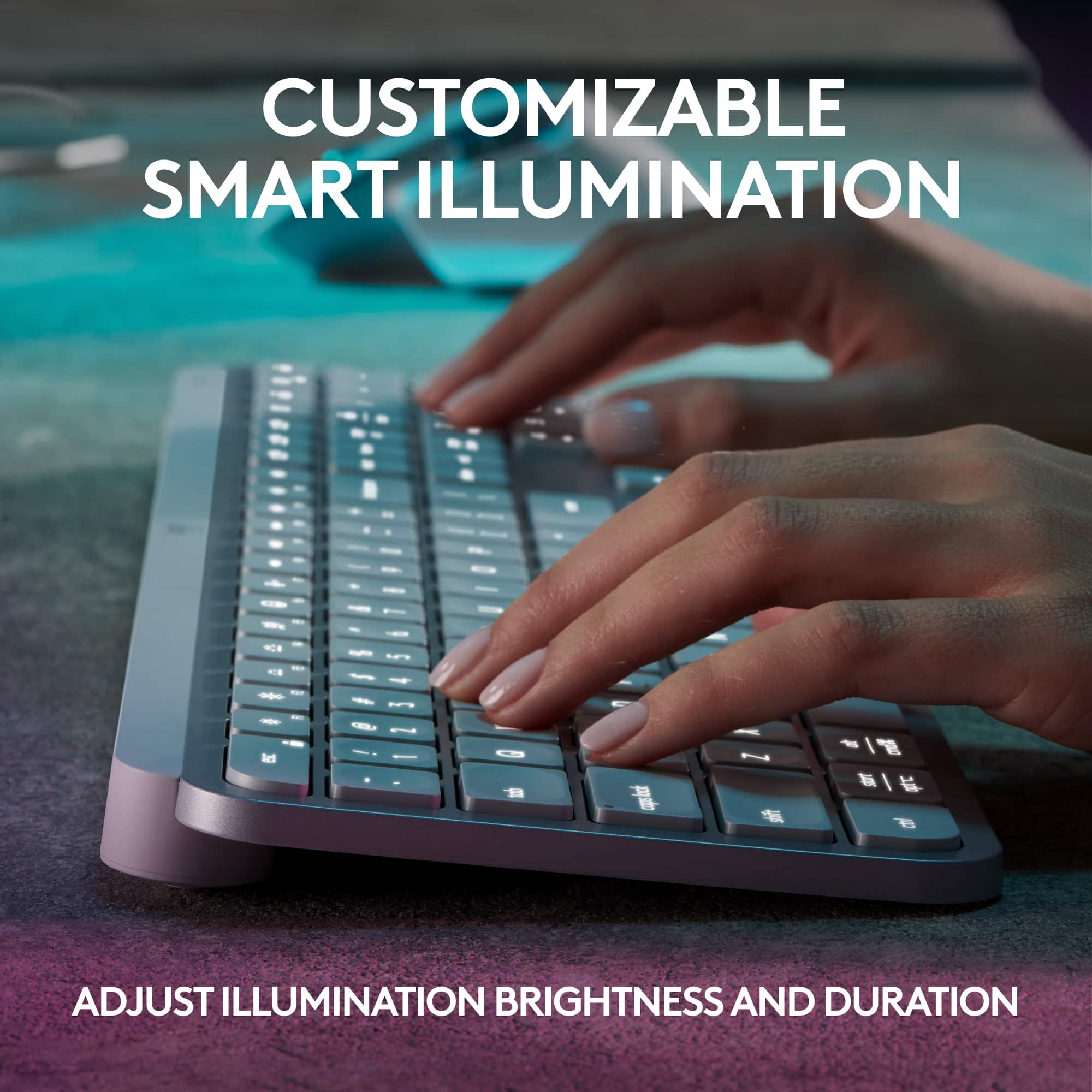
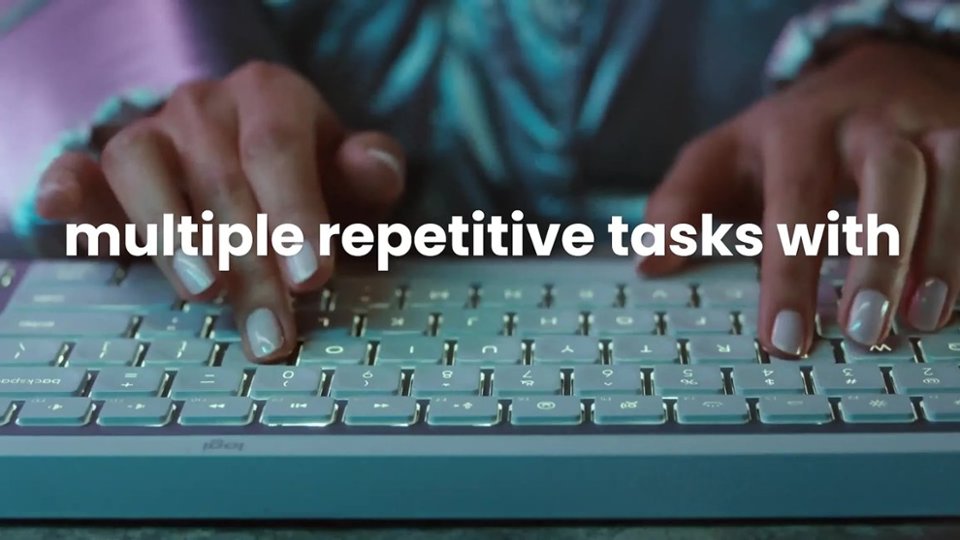
Posted .This reviewer received promo considerations or sweepstakes entry for writing a review.This keyboard is great. I enjoy the black light that only works when touching the keys, easy to click, slick design. I have this keyboard for work and one at home for personal use.
I would recommend this to a friendBrand response from Logitech
Posted .We're delighted to hear that you're so pleased with your Logitech MX Keys S! It's wonderful to know that you've incorporated it into both your work and personal life. Thank you for your kind words and for choosing Logitech!
- Pros mentioned:Keyboard quality

Logitech is the Leader in Keyboards
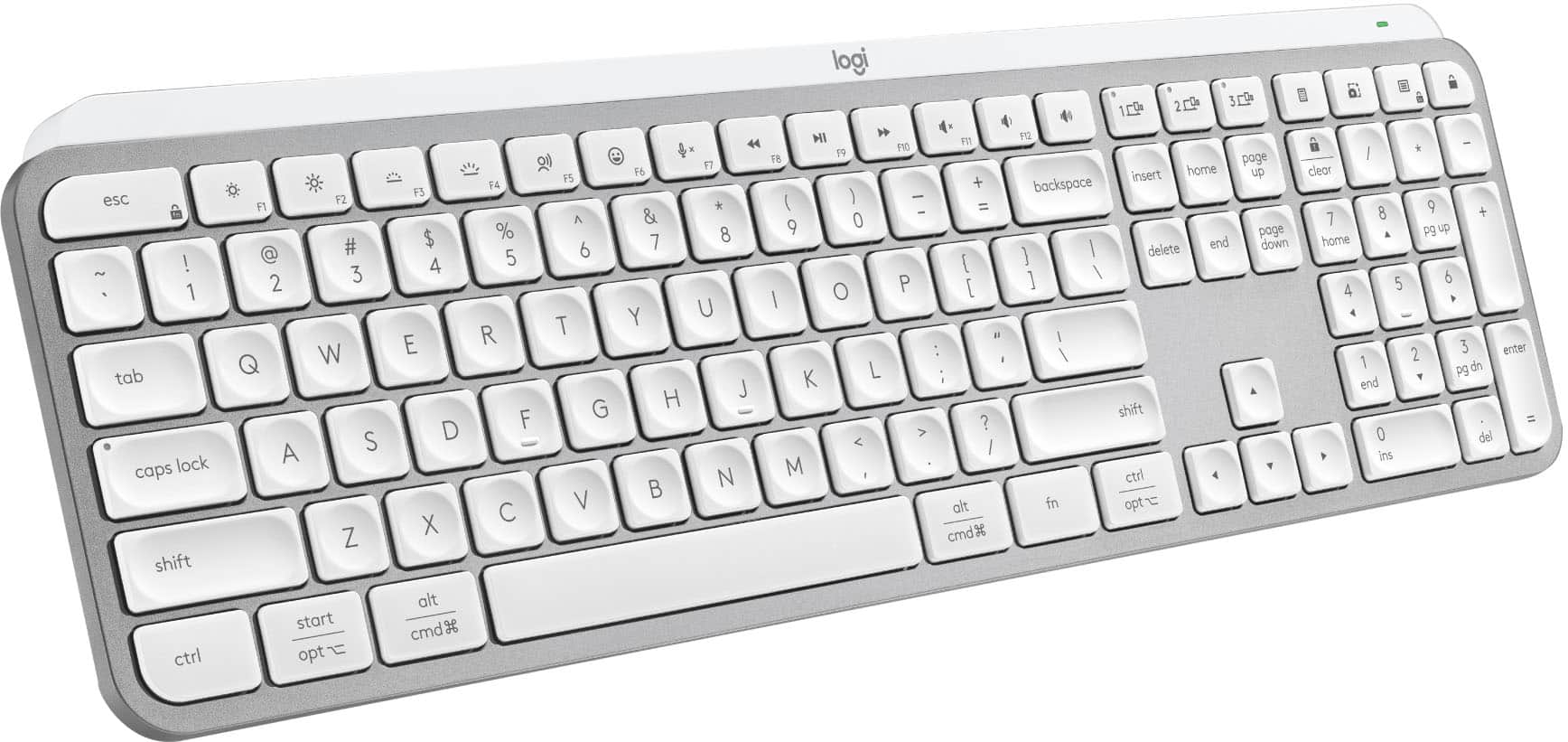
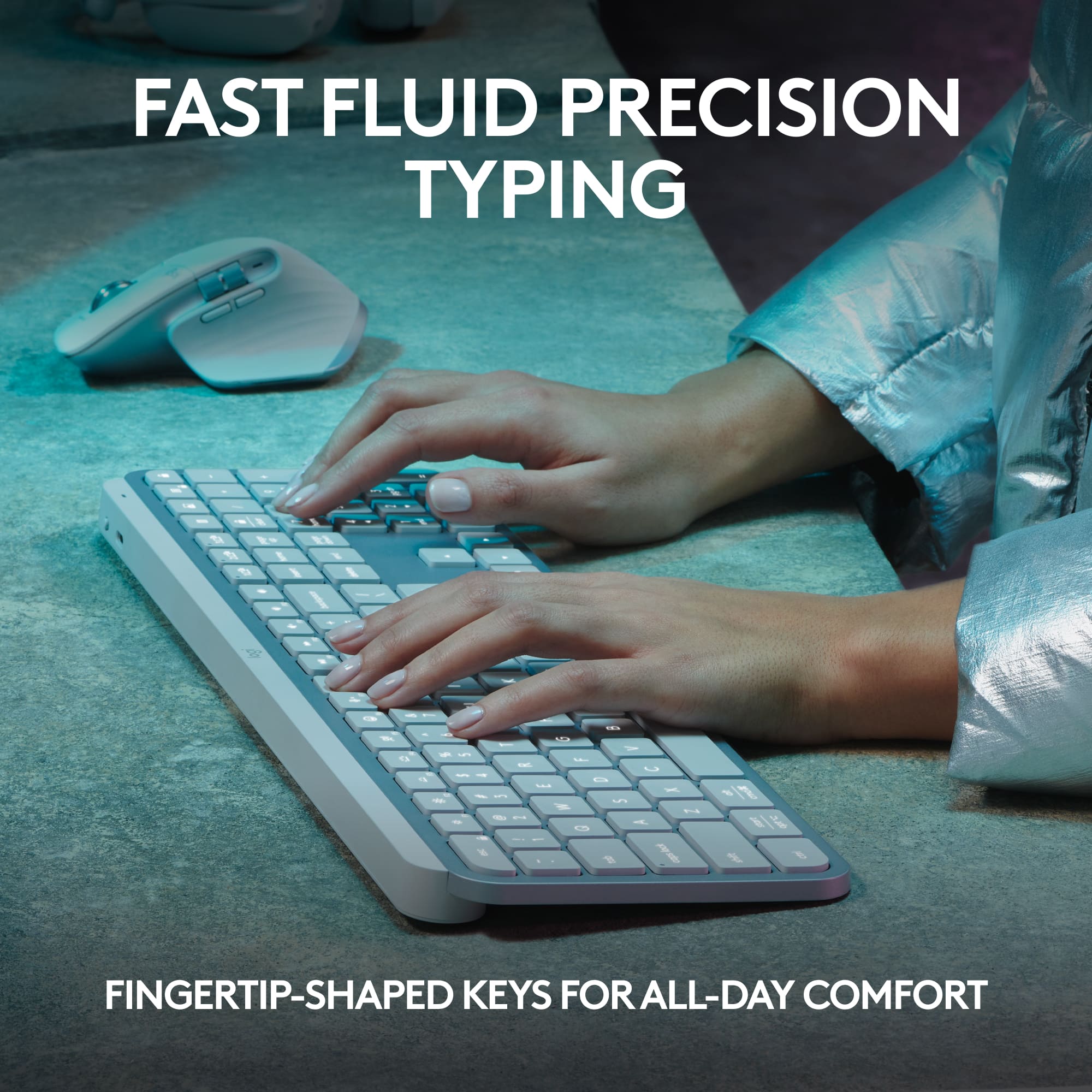
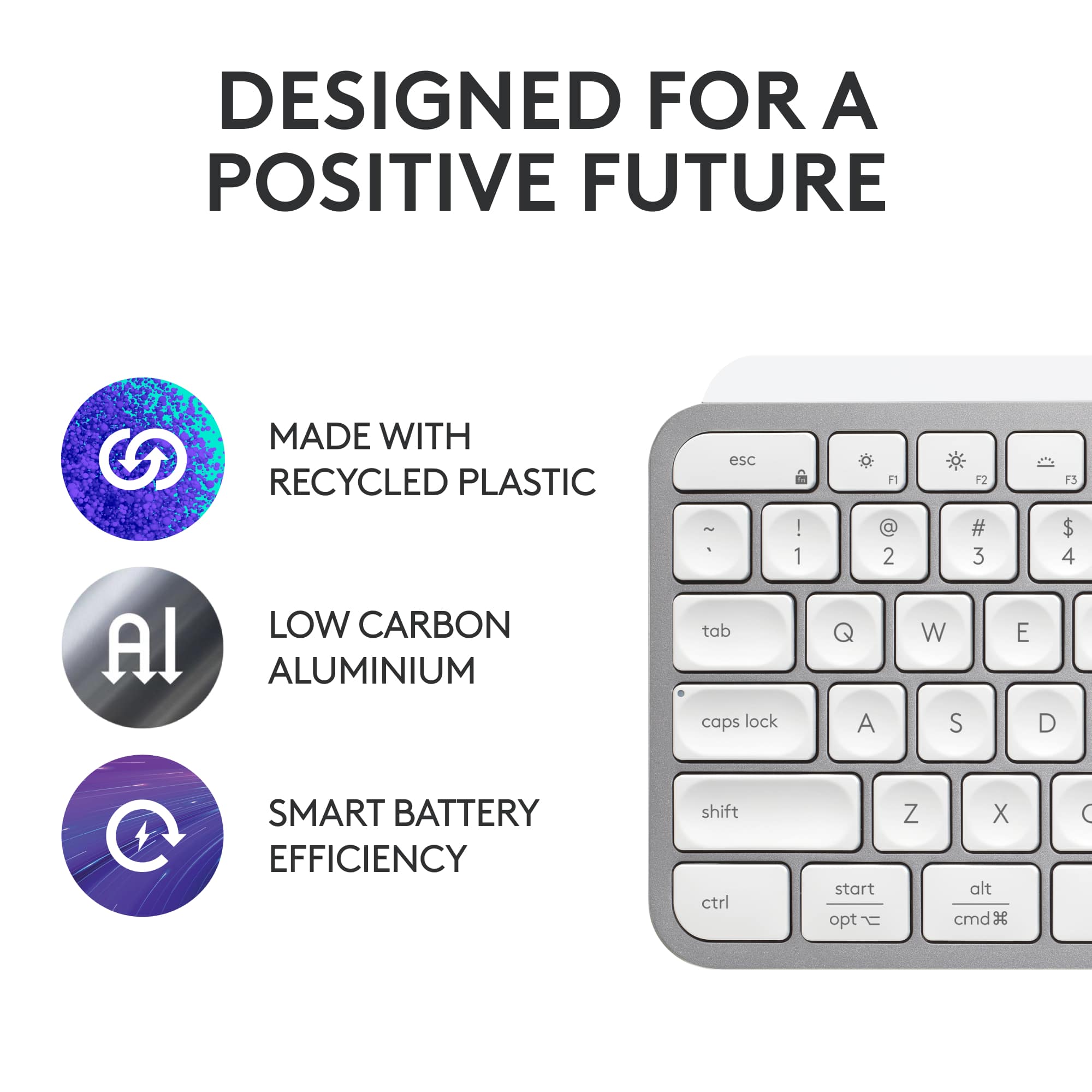
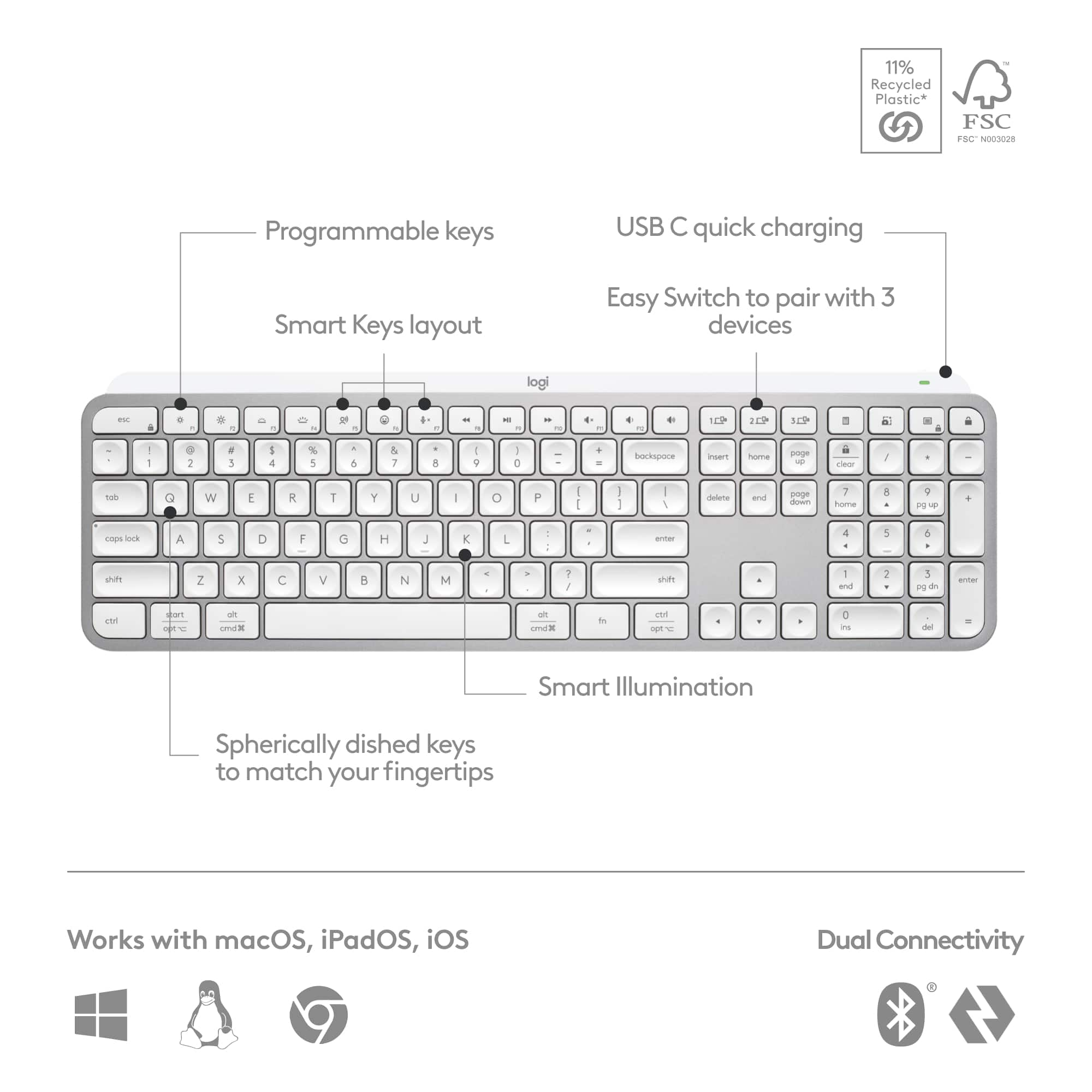
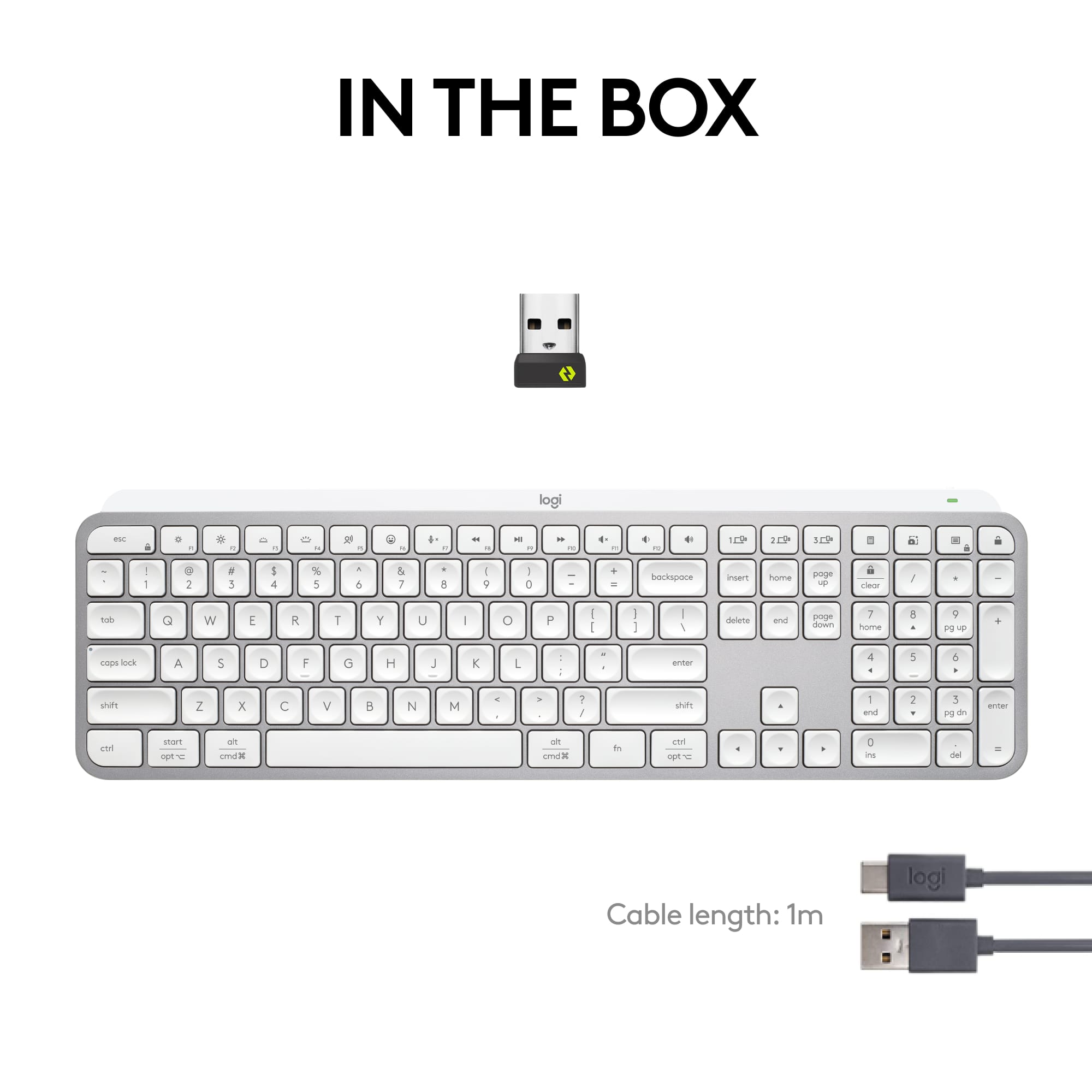
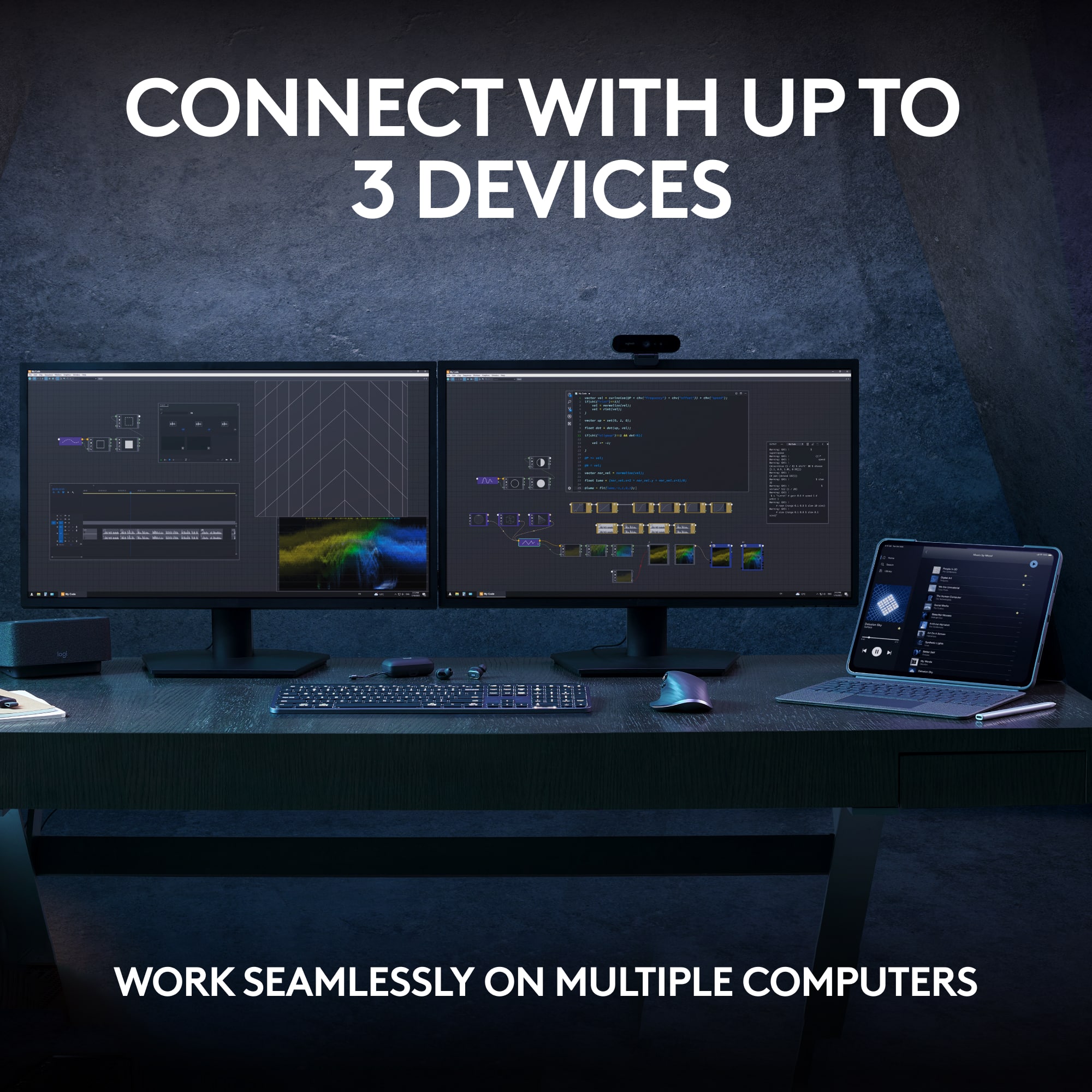
|Posted .This reviewer received promo considerations or sweepstakes entry for writing a review.Having used various third-party keyboards with both PCs and Macs (and iPads) over the years, I’ve had extensive experience with high-end, low-end, middle of the road keyboards, you name it. Logitech never fails to bring it on! They just simply make the best keyboards out there. This one’s no exception. Just the look of it is so sleek and classy, with the low profile making my desk setup look clean and minimalist. And it’s a good, hefty weight which will not slide easily around on a surface, nor is it cheap or plasticky feeling at all. The shape of the keys makes it easy to type, with a good tactile feel and bounce back when typing. I like the backlighting of the keys, and how they can sense when you position your hands above them and they turn on automatically. And no batteries to worry about, as it recharges with a USB-C connection. Setup via Bluetooth was a breeze. I tried this keyboard with my iMac, MacBook, ASUS and Dell laptops, and my iPads—worked perfectly with all of them, and I was able to hook it up with a max of three devices at once and switch seamlessly between them when warranted.
I would recommend this to a friend - Pros mentioned:Keyboard quality
Finally Goes Bolt
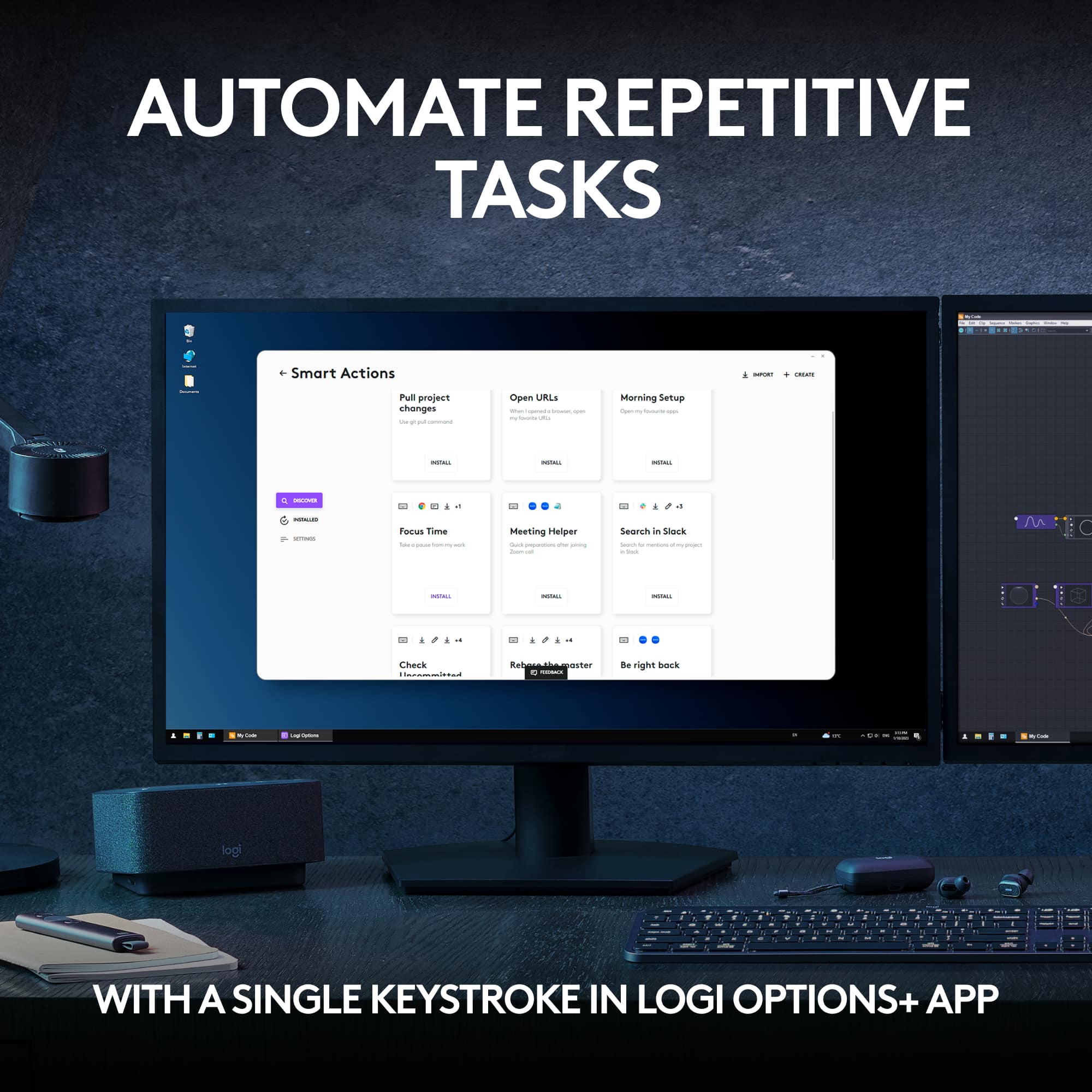
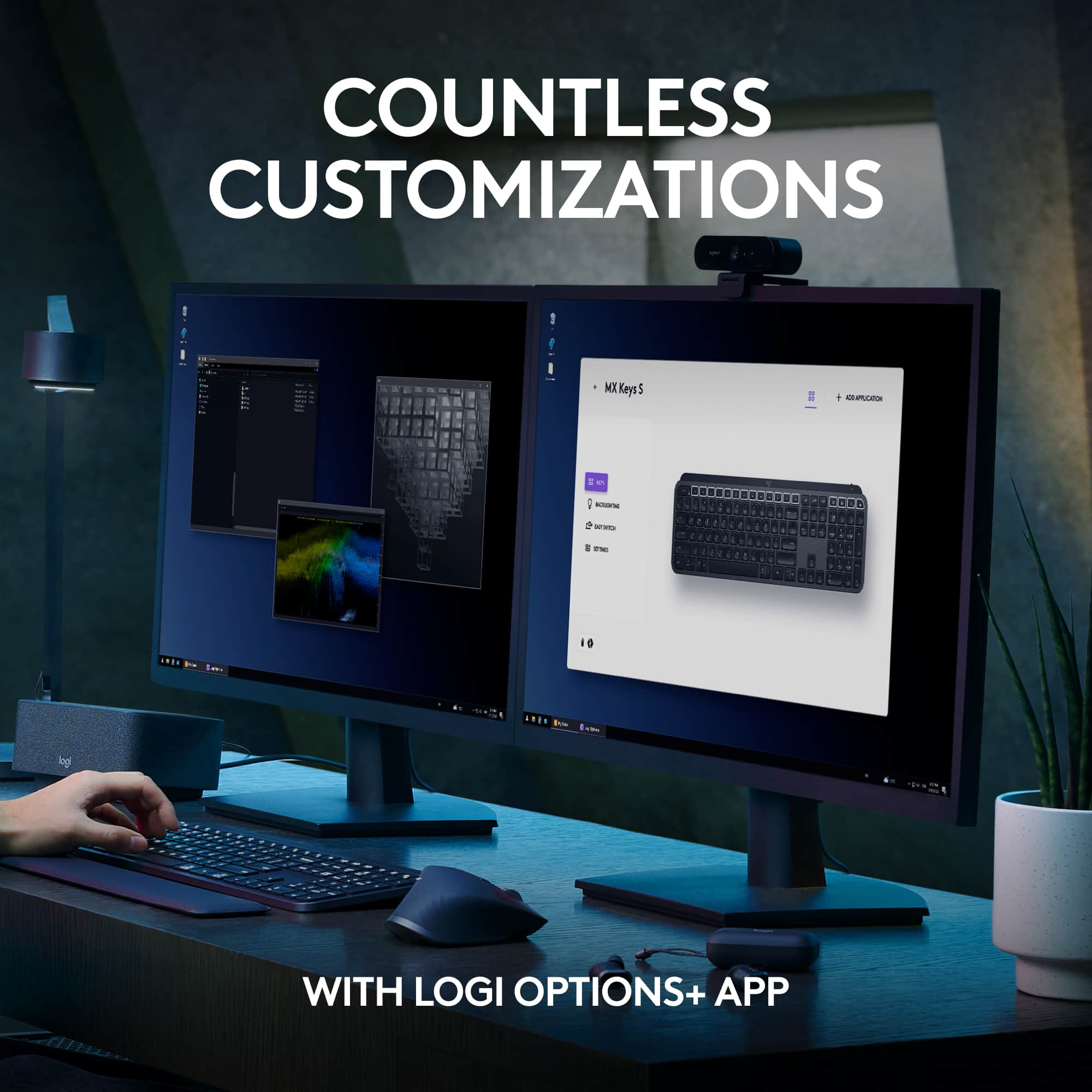
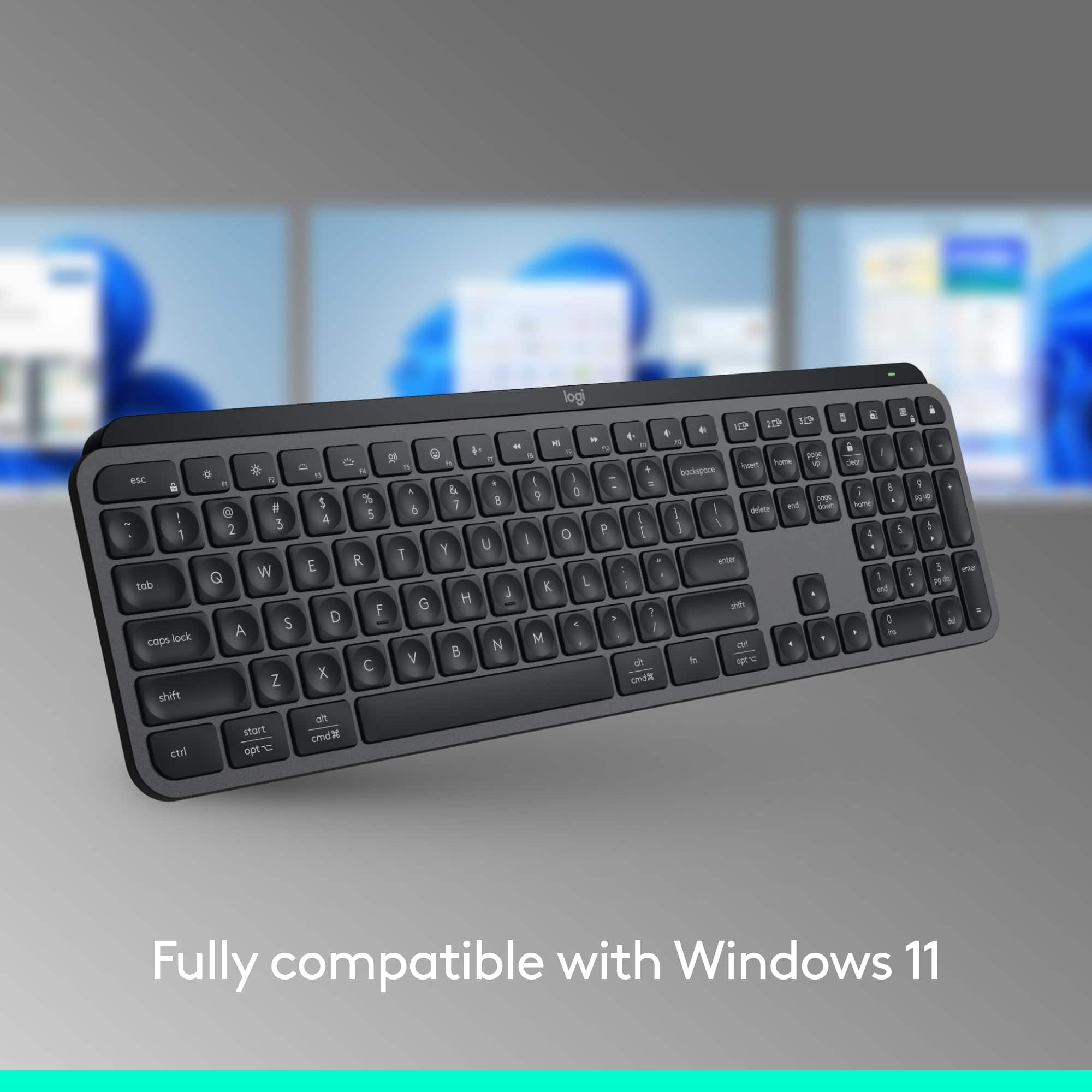
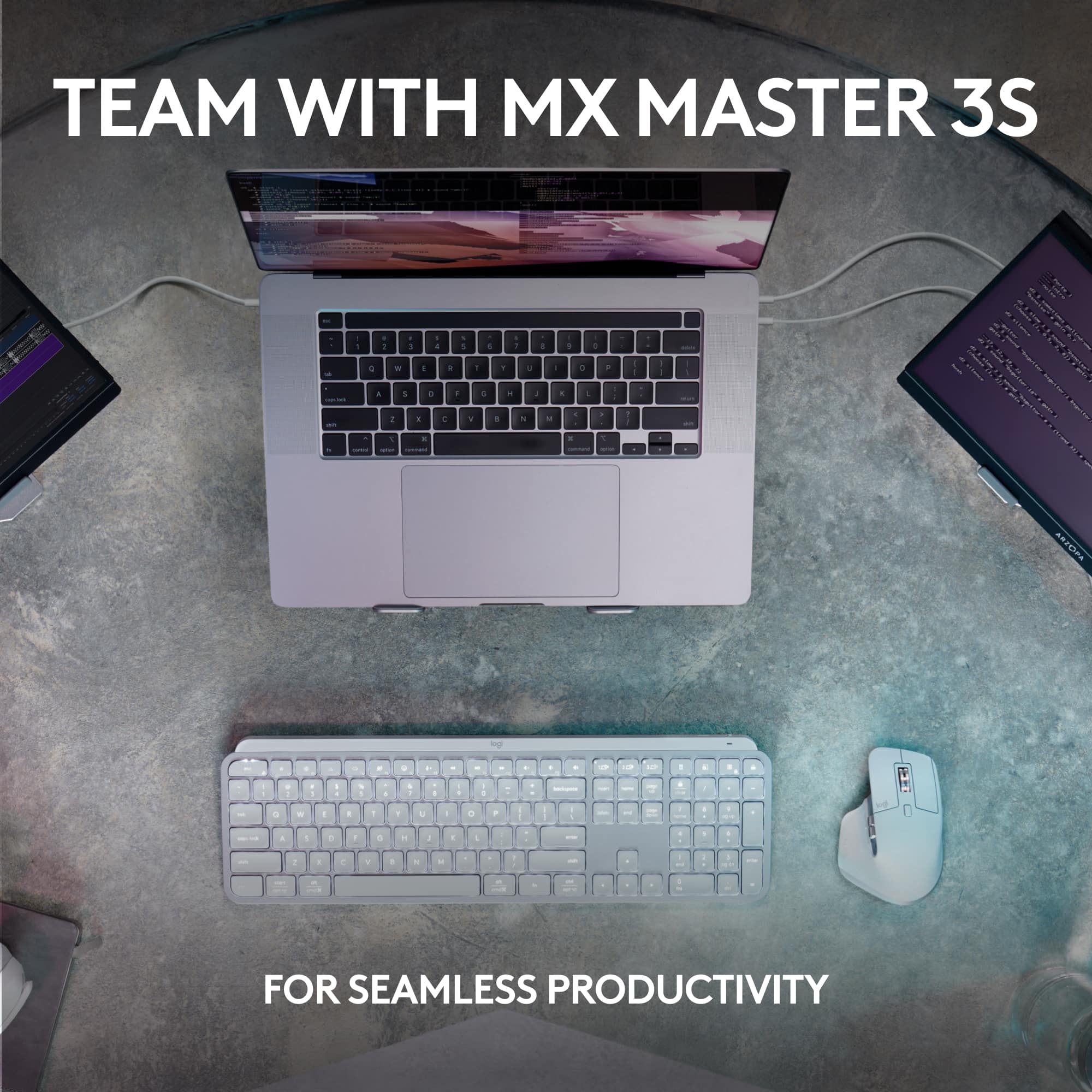
|Posted .This reviewer received promo considerations or sweepstakes entry for writing a review.I've been waiting for this update to Logitech's MX Keys series. Whereas the previous version only worked with the Unified Receiver, this one is fully supported by their Bolt adapter. But there's more than just that. There are new key layouts that are better suited to those that do a lot of video/remote conferencing. Essentially, this keyboard appears to almost exactly the same as their MX Keys for Business keyboard, but now in all black. This is great, because now the keyboard matches their MX Master 3S mouse and can use the same Bolt adapter. With all of this said, this keyboard is a total pleasure to type on. The travel isn't too shallow, it's quiet, and the indented keys help your fingers find the sweet spot. The elevation of the keyboard isn't adjustable, but I find the angle to be perfect for me. Key backlighting is configurable directly or updated through the Option+ app. It's useful to save power - which I didn't notice to last any longer than its predecessors. And as before, it uses USB-C to charge and can accommodate 3 different devices connected to it.
I would recommend this to a friend Impressed to say the least
Posted .This reviewer received promo considerations or sweepstakes entry for writing a review.Nice keyboard. A little louder than what I anticipated but not too annoying. I like lighted keys feature a a lot. The looks match my decor as well.
I would recommend this to a friendBrand response from Logitech
Posted .Thanks for the encouraging feedback! We’re glad the product is working well for you. Your support helps us keep innovating.

- Pros mentioned:Key feel, Keyboard quality
LOVE IT !!
Posted .This reviewer received promo considerations or sweepstakes entry for writing a review.Love it! I've tried several in search of a good wireless, backlit keyboard to replace my discontinued Logitec K800. Finally found this that has all of those features and has good key-feel.
I would recommend this to a friend - Pros mentioned:Keyboard quality
Best Keyboard
Posted .This reviewer received promo considerations or sweepstakes entry for writing a review.I love this keyboard more than I thought I would! It has a satisfying sound without being noisy, I love the backlit keys, and it's so nice being able to switch devices with one key
I would recommend this to a friendBrand response from Logitech
Posted .Your feedback means a lot to us, and we’re so glad to hear you’re enjoying your Logitech device. We work hard to create products that make life easier and more enjoyable, and it’s great to know we hit the mark. Thanks again for your support!
- Pros mentioned:Keyboard quality
4.5, some issues but overall great
Posted .This reviewer received promo considerations or sweepstakes entry for writing a review.It's more like a 4.5 stars but there are some annoying issues. There should be more backlight settings such as always on and the sensor to turn the light back on after a while aren't always responsive, at least not immediately. There are some issues with the caps locks being too close to "A". The software that allows you to customize the keyboard isn't the best and could use some serious improvements especially with allowing you to program the keys. When using the usb reciever, there are some issues with connection as sometimes the keyboard will disconnnect and it will take a while to work again. The solution to this is just switching up ports, but why is this a problem in the first place. Might be missing on or two things, but besides that, the keyboard is amazing. Looks nice, feels smooth, sounds nice, and has several cool features.
I would recommend this to a friendBrand response from Logitech
Posted .Hello, Thanks for the thorough review of the MX Keys S! We appreciate you taking the time to share your experience, both the positives and negatives. It sounds like you really enjoy the keyboard's design, feel, sound, and features, but there's room for improvement in backlighting options, software customizability, and occasional connection issues. Your feedback is valuable to us as we work to make our products even better.
- Pros mentioned:Battery life
Almost perfect
Posted .This reviewer received promo considerations or sweepstakes entry for writing a review.Very good -- an older keyboard I loved failed, and this one is a better, very similar, replacement. No batteries, USB C charging which lasts at least a week even with heavy use, and several levels of back illumination, My only complaint is that when backlight off the key lettering is very faint, and since I'm not a typist, finding the keys requires me to have backlighting on.
I would recommend this to a friendBrand response from Logitech
Posted .It's great to hear the MX Keys S is proving to be a better replacement for your old keyboard, especially with the convenience of USB-C charging and the adjustable backlighting! We appreciate your feedback regarding the faint key lettering when the backlight is off. We understand how that can be an issue for non-typists and rely on visual cues. Thanks for sharing your experience!
- Cons mentioned:Size
Keyboard not for me.
Posted .This reviewer received promo considerations or sweepstakes entry for writing a review.Keyboard was just too small for me, and it lies flat which made it difficult to use and, since it was a Marketplace product, it was extremely difficult to return.
No, I would not recommend this to a friend - Pros mentioned:Keyboard quality
Amazing!!
Posted .This reviewer received promo considerations or sweepstakes entry for writing a review.This keyboard is awesome! It’s small enough to fit in my backpack, so I bring it back and forth from work to home. I was going to buy a cheaper version for home but transporting is the way to go since it’s so amazing. I’m not the best at typing, however this keyboard helps me to type faster and better than those standard large keyboards that my work provides. Expensive but definitely worth it!
I would recommend this to a friend - Pros mentioned:Ease of use
Logitech Keyboard
Posted .This reviewer received promo considerations or sweepstakes entry for writing a review.This keyboard is easy to set up and works great. Very light so it’s easy to transport.
I would recommend this to a friend - Pros mentioned:Keyboard quality
Great keyboard estimation point
Posted .This reviewer received promo considerations or sweepstakes entry for writing a review.It's a terrific keyboard. The backlit keys make a big difference. The connection to my laptop is easy and fast.
I would recommend this to a friendBrand response from Logitech
Posted .That's wonderful to hear you're finding the keyboard terrific! We're so glad the backlit keys are making a big difference for you and that the connection to your laptop is easy and fast. Thanks for sharing your positive experience!
- Pros mentioned:Keyboard quality
Logitech Master Keys
Posted .This reviewer received promo considerations or sweepstakes entry for writing a review.Love this product. It’s the best keyboard I have ever bought. Sticking with Logitech forever
I would recommend this to a friendBrand response from Logitech
Posted .That's fantastic to hear! We're absolutely thrilled you love the Logitech MX Keys S so much and that it's the best keyboard you've ever owned. Your loyalty to Logitech means a lot to us! Thanks for the wonderful feedback!
- Pros mentioned:Connectivity
Great Keyboard
Posted .This reviewer received promo considerations or sweepstakes entry for writing a review.Very easy to type on and interfaces with no problem with the computer.
I would recommend this to a friendBrand response from Logitech
Posted .Thank you for your positive feedback on the Logitech MX Keys S! We're so glad to hear you find it easy to type on and that it interfaces seamlessly with your computer.
- Pros mentioned:Battery life
Only a few compare, but still overpriced
Posted .This reviewer received promo considerations or sweepstakes entry for writing a review.It's definitely a nice keyboard, but might consider the mechanical version next time. Mine is finally giving out after a little over 2 years of everyday use. Here's what stood out to me- Pros: - Bright LED Backlight - Keys are slim and quiet - Battery held about the same charge after 2 years - Versatile software for customization Cons: - Lights are spotty at higher settings - Mechanics under the keys break easily and make it hard to clean - Hand sensor goes bad and will trigger lights randomly - Minor latency might not be as noticeable to others - Having to charge the battery can annoying for a stationary keyboard. - Did I mention it's overpriced?
No, I would not recommend this to a friendBrand response from Logitech
Posted .Hello! Thanks for the detailed review of the Logitech MX Keys S! We appreciate you sharing both the pros and cons of your experience. It's valuable to hear that you like the bright LED backlight, quiet keys, long battery life, and customizable software. We're sorry to hear that you've experienced some issues with the lights, mechanics under the keys, hand sensor, and latency. We will definitely pass on your feedback to our product development team so they can consider improvements in future iterations. In order to help you effectively, please provide your information to our support team via email at [email protected] with your
- Name:
- Email Address:
- Country:
- Product Name:
- Brief description of issue:
Upgrade from your old wired keyboard to wireless
|Posted .This reviewer received promo considerations or sweepstakes entry for writing a review.I was looking for a different keyboard for work as my existing keyboard was an old wired keyboard that came with an old desktop. I wanted a full keyboard that I didn't have to press so hard. With this keyboard I don't feel like I have to press the keys as hard, nor do I have to press them as far. It is much more comfortable for me to use this keyboard than my previous wired keyboard. This keyboard was not set up initially for the F keys to work. With my work I tend to use the F keys quite a bit, so I changed the F keys so they work as F keys when I press them. The keyboard is also programmed out of the box so the back lighting comes on automatically. I have not changed that function, but may in the future as I don't really need it. There is an app to download to customize the keyboard, but I have not had a need to use it yet. Depending on how long the battery charge lasts, I may not bother with it. In general I am very happy with this keyboard and would recommend it if you have an old wired keyboard.
I would recommend this to a friendWireless work space
Posted .This reviewer received promo considerations or sweepstakes entry for writing a review.I hate wires so this helps my OCD. Gives my work area a clean look
I would recommend this to a friendBrand response from Logitech
Posted .We're glad to hear that the Logitech MX Keys S is helping you achieve a clutter-free workspace! It's designed to provide a premium typing experience without the hassle of wires. Thank you for your positive feedback!
- Pros mentioned:Keyboard quality
Very content
Posted .This reviewer received promo considerations or sweepstakes entry for writing a review.It works great and it's comfortable to the touch. I like the fact that it backlights when you touch it so you can use it in the dark war during the day.
I would recommend this to a friendBrand response from Logitech
Posted .Hello, Thrilled to hear you're enjoying the MX Keys S! We appreciate you mentioning both its functionality and comfort. The smart backlighting sounds particularly helpful for late-night typing sessions. Happy typing!
- Pros mentioned:Keyboard quality
No Function Key Spacing
Posted .This reviewer received promo considerations or sweepstakes entry for writing a review.Not a bad keyboard that replaces my K800. But the one thing that baffles me. Why in God's name did you guys eliminate the spacing between the function keys F4-F5, F8-F9 on all of the MX series??? Those of us who blind type rely on feel and location. Now I hit the wrong F keys often. I love the feel of the keys (like the K800) but I am making constant mistakes + there is no spacing between QWERTY and the function row. Wake up guys.
I would recommend this to a friendBrand response from Logitech
Posted .Hey! Thanks for your feedback on the MX Keys S. We appreciate you recognizing the great feel of the keys, similar to the K800. We understand your frustration and apologize for the inconvenience caused by the missing spacing between the F4-F5 and F8-F9 keys. This can definitely be a problem for touch typists who rely on key placement. Your insights are valuable for us as we continuously strive to improve our offerings.
- Pros mentioned:Key feel
Great function and feel
Posted .This reviewer received promo considerations or sweepstakes entry for writing a review.I love the feel and the quiet of the keys. And the profile is just the right height.
I would recommend this to a friend