Customer Ratings & Reviews




- Model:
- 910-006251
- SKU:
- 10840202
Rating by feature
- Value
Rating 4.8 out of 5 stars
- Quality
Rating 4.8 out of 5 stars
- Ease of Use
Rating 4.8 out of 5 stars
Excellent purchase
||Posted . Owned for 1 month when reviewed.This reviewer received promo considerations or sweepstakes entry for writing a review.It was an excellent purchase, it's quiet and very accurate, Compatible with mac
I would recommend this to a friendIf your going to have a mouse in the house…
||Posted . Owned for 1 month when reviewed.This reviewer received promo considerations or sweepstakes entry for writing a review.Best mouse in the house! Easy to use and very responsive for the price!
I would recommend this to a friendBrand response from Logitech
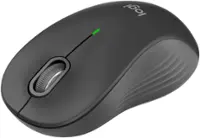
Posted .Sounds like the Signature M650 is your mvp (most valuable player)! Easy to use, responsive, and budget-friendly - a winning combo for all your tasks. Enjoy!
Amazing Mouse For The Price
||Posted . Owned for 1 week when reviewed.This reviewer received promo considerations or sweepstakes entry for writing a review.You won’t be disappointed. This mouse is from a great brand and works as intended!
I would recommend this to a friendLogitech M650 "silent" mouse
||Posted . Owned for 1 month when reviewed.This reviewer received promo considerations or sweepstakes entry for writing a review.I would have given it 5 stars but after about 2 weeks it started to click (not all of the time but most of the time). Wish it had a faster scroll wheel.
I would recommend this to a friendGreat Logi Mouse
||Posted . Owned for 3 weeks when reviewed.This reviewer received promo considerations or sweepstakes entry for writing a review.Great Mouse! I bought two of these great mouses. Love the way they respond and very ergonomic. Highly recommended and good value!
I would recommend this to a friendLogitech Mouse.
||Posted . Owned for 3 weeks when reviewed.This reviewer received promo considerations or sweepstakes entry for writing a review.Love this mouse. Fits well in my hand. I can’t seem to get the hang of the mouse pad on my laptop, so this works well for me.
I would recommend this to a friend- Pros mentioned:Ergonomics

Not Quite Quiet
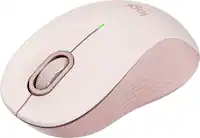
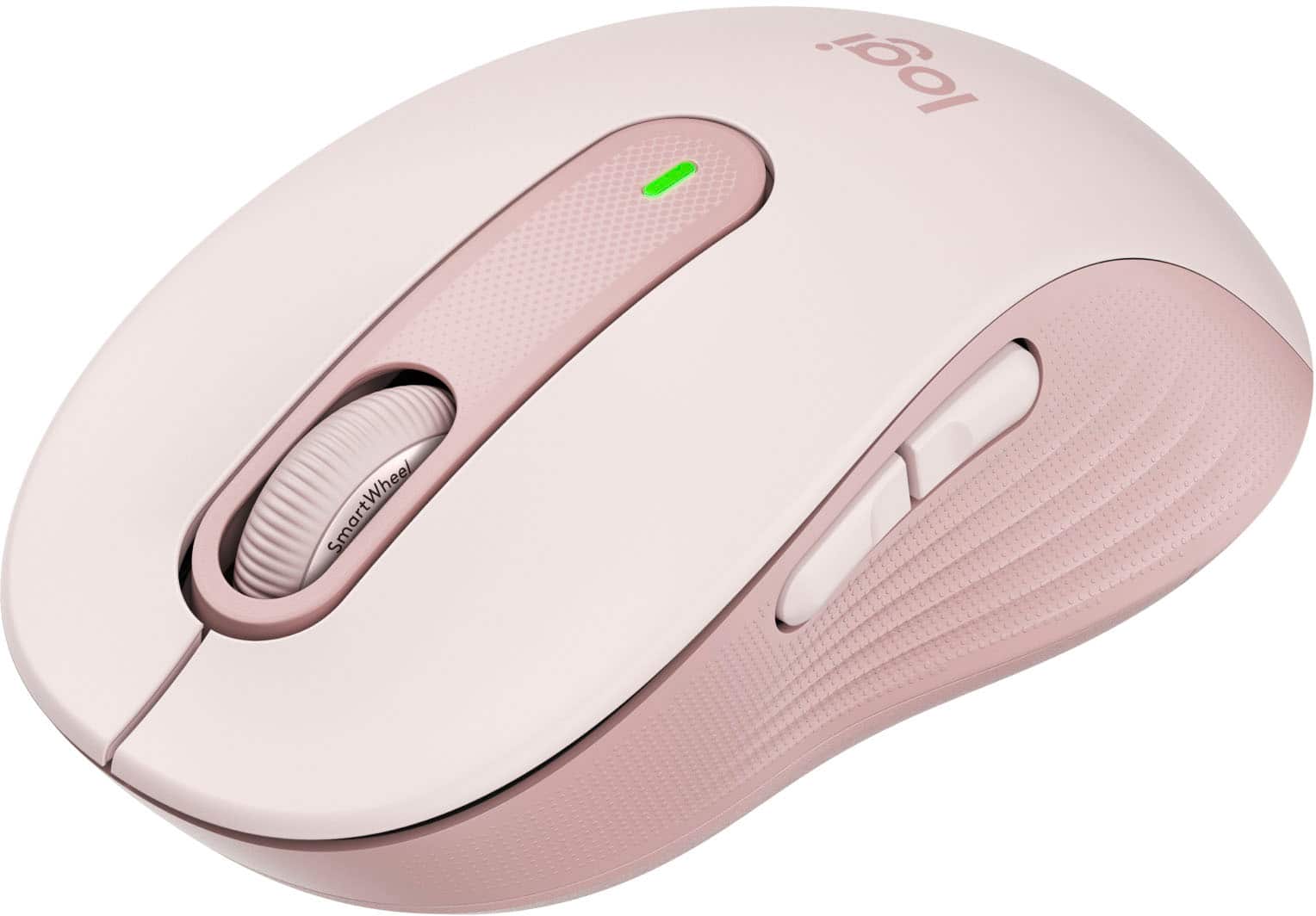
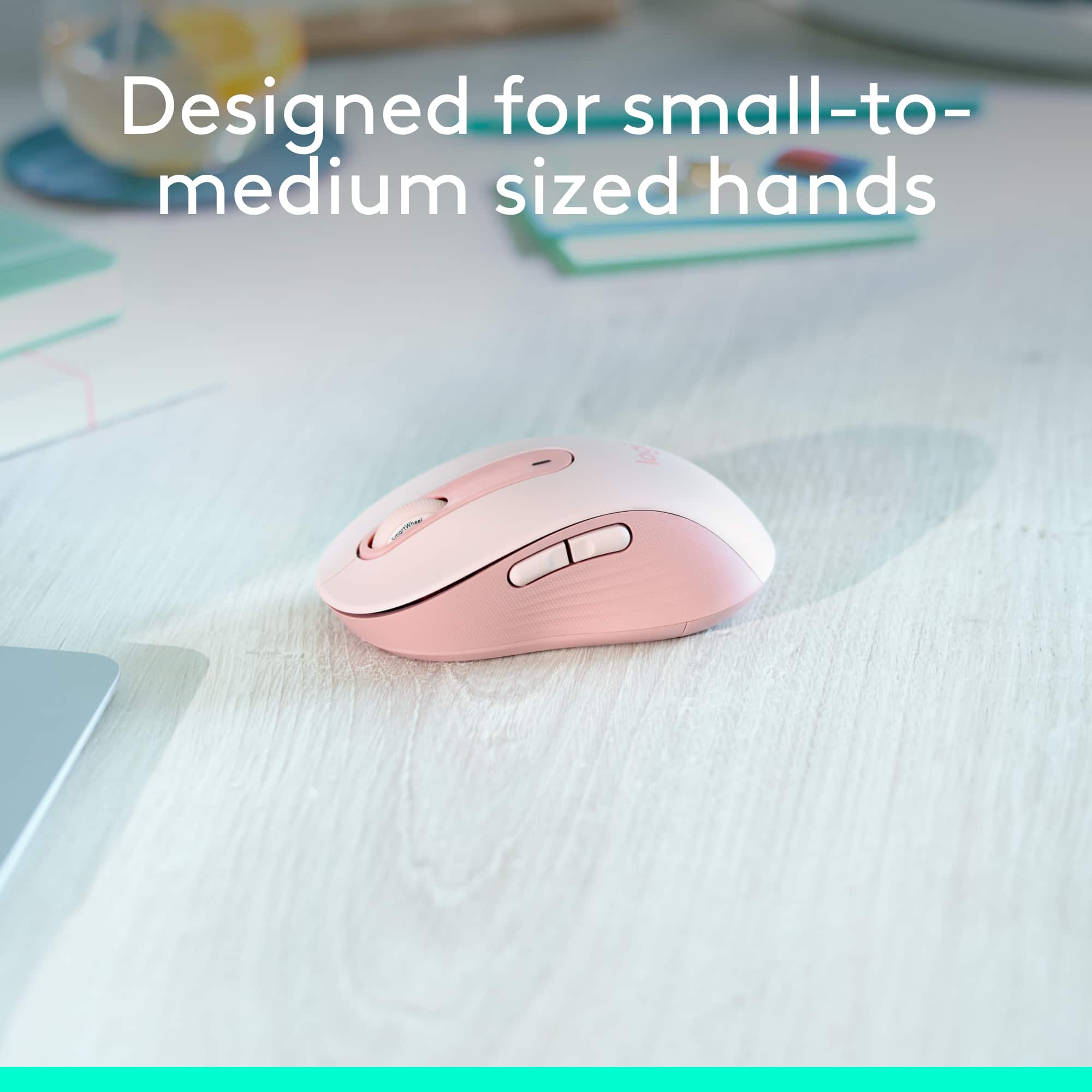
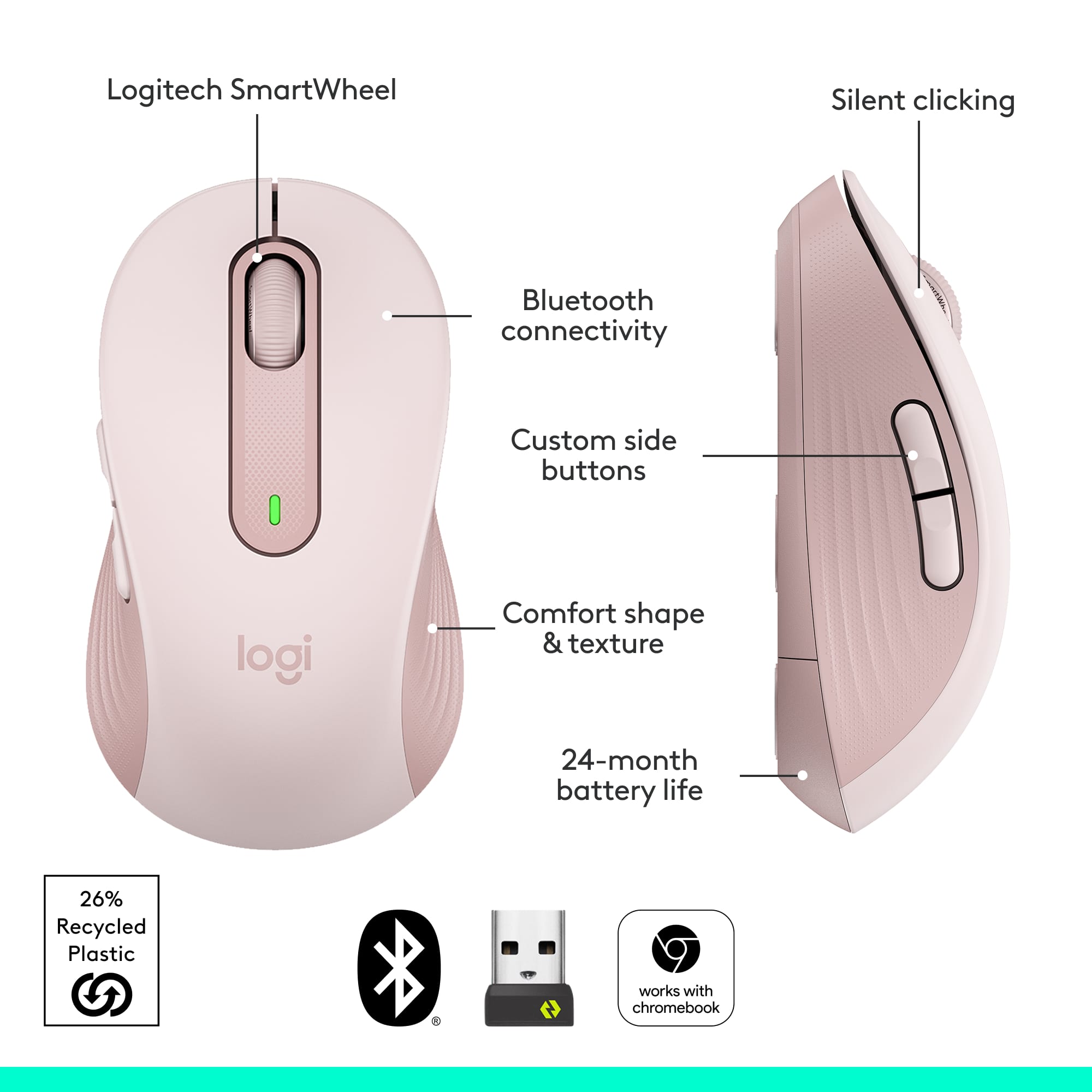
|Posted .This reviewer received promo considerations or sweepstakes entry for writing a review.Just when I started to love the silent switches on this mouse I hit the Back button on the slide and heard a loud click. The only reason it sounded loud was because the top switches are silent and you get spoiled with this very quickly. Also the feel and activation of the top switches are nearly perfect where as the side buttons are the typical ones you find on most mice today. Its still a great mouse but I sure wish Logitech would have used the same silent switches on the side buttons. On a positive note, I’ve never had a mouse nearly install itself the way this M650 did. I connected the battery to power up the mouse and I suddenly got a notice on my laptop asking me if I want to install the Logitech M650! Normally I have to go into Bluetooth devices in Windows to add a device so I was shocked how easy it was to pair this mouse. I wish all Bluetooth devices connected this easily. I have used Logitech mice before so I am quite familiar with their fit and feel. This M650 is the medium/small size so its slightly smaller than a typical mouse and its geared for smaller hands but I also think it makes it perfect for laptops and Chromebooks. I like the fact that its small enough to sit on my laptop below the keyboard and not get in the way of my typing. The mouse has a very solid feel and it has some weight which makes moving it accurately an easy task. The sides have ridges built in and are made of a grippier substance so you get a firm grip with your hand resting over the mouse. Overall the ergonomics are perfect for what I like in mouse. The top two switches and the scroll wheel are quiet when clicked which is a definite improvement over other mice I have used however the forward and back switches on the side are as noisy as ever. Not sure why Logitech didn’t make all the switches quiet! The switches that are quiet have a very distinct activation so you don’t miss or need the clicking sound when clicking. The scroll wheel is also quiet and the detents are easy to feel so scrolling with this mouse is top notch. There are the typical five buttons and you can configure them if you don’t like the preprogramed settings by using Logitech’s app. To use the software you have to install the usb receiver which is stored next to the battery inside the mouse. The only issue I have had so far is that the battery cover can be difficult to open due to its small size. Since Logitech claims that you can get nearly two years out of a single battery its not an issue I’ll be fighting very often.
I would recommend this to a friend Great mouse but stopped working
||Posted . Owned for 7 months when reviewed.This reviewer received promo considerations or sweepstakes entry for writing a review.I was really enjoying this mouse, until it stopped working after 7.5 months. It's very comfortable for a small/travel mouse. Having bluetooth and the USB dongle is perfect for use with bluetooth with my laptop but then being able to quickly connect it to other stuff with the dongle.
No, I would not recommend this to a friendBrand response from Logitech
Posted .Hey! We're very sorry to hear your Signature M650 stopped working after only 7.5 months. That's definitely not the experience we expect for our products, and we understand how frustrating it must be. We apologize for the inconvenience this has caused. In order to help you effectively, please provide your information to our support team via email at [email protected] with your
- Name:
- Email Address:
- Country:
- Product Name:
- Brief description of issue:
Well Designed
||Posted . Owned for 2 months when reviewed.This reviewer received promo considerations or sweepstakes entry for writing a review.The mouse is very well built, uses batteries efficiently and is very silent.
I would recommend this to a friendSmooth Operator
|Posted .This reviewer received promo considerations or sweepstakes entry for writing a review.The first thing I noticed about this mouse is how comfortable it is to use, and how naturally it fits in my hand. The quality and attention to detail is immediately noticeable. The performance and size of the Logitech Signature M650 wireless mouse makes it suitable for everyday use, while being compact enough to be easily put in a bag and taken on the go. The sharp optics make operating it smooth and precise. Tracking is spot on, and the scroll wheel operates perfectly. The comfort and precision make this Logitech mouse a distinct improvement over using a basic mouse. As advertised, the button clicks are silent. Logitech designed this mouse to work wirelessly by Bluetooth or with a USB receiver. There is a software App that allows the extra mouse buttons to be customized, but the App is not necessary to use the mouse. The USB receiver fits into a USB-A size port. After inserting the receiver, it took a few seconds for the computer to recognize and configure it. I tested the USB receiver in a few different docking stations and USB expansion adapters, and found the performance to be flawless whether it was connected directly or indirectly to my computer. The USB receiver can be stored in the body of the mouse under the battery cover. This mouse also works over Bluetooth. This is especially useful because more and more laptops are being equipped with USB-C ports only. Pairing this mouse via Bluetooth was simple and once done the connection was stable and reliable. The pairing process is similar to headphones or speakers. Simply select the mouse from the device list and you are done. I was able to use this mouse with Windows and Chromebooks laptops so I can confirm that it is fully compatible with both operating systems. The mouse is right hand oriented, so left handed users can get the left handed version, or use this one and compensate for the differences.
I would recommend this to a friendBrand response from Logitech
Posted .Hello, Kotor! I'm happy to hear that you're enjoying the M650 mouse! Feel free to reach out to our support team here https://support.logi.com/hc/en-us/requests/new?ticket_form_id=360000621393 if you ever need any assistance or if something happens in the 1-year limited hardware warranty. Thank you for the in-depth review and for shopping Logitech! - Maggie from Logitech
Excellent smaller travel mouse.
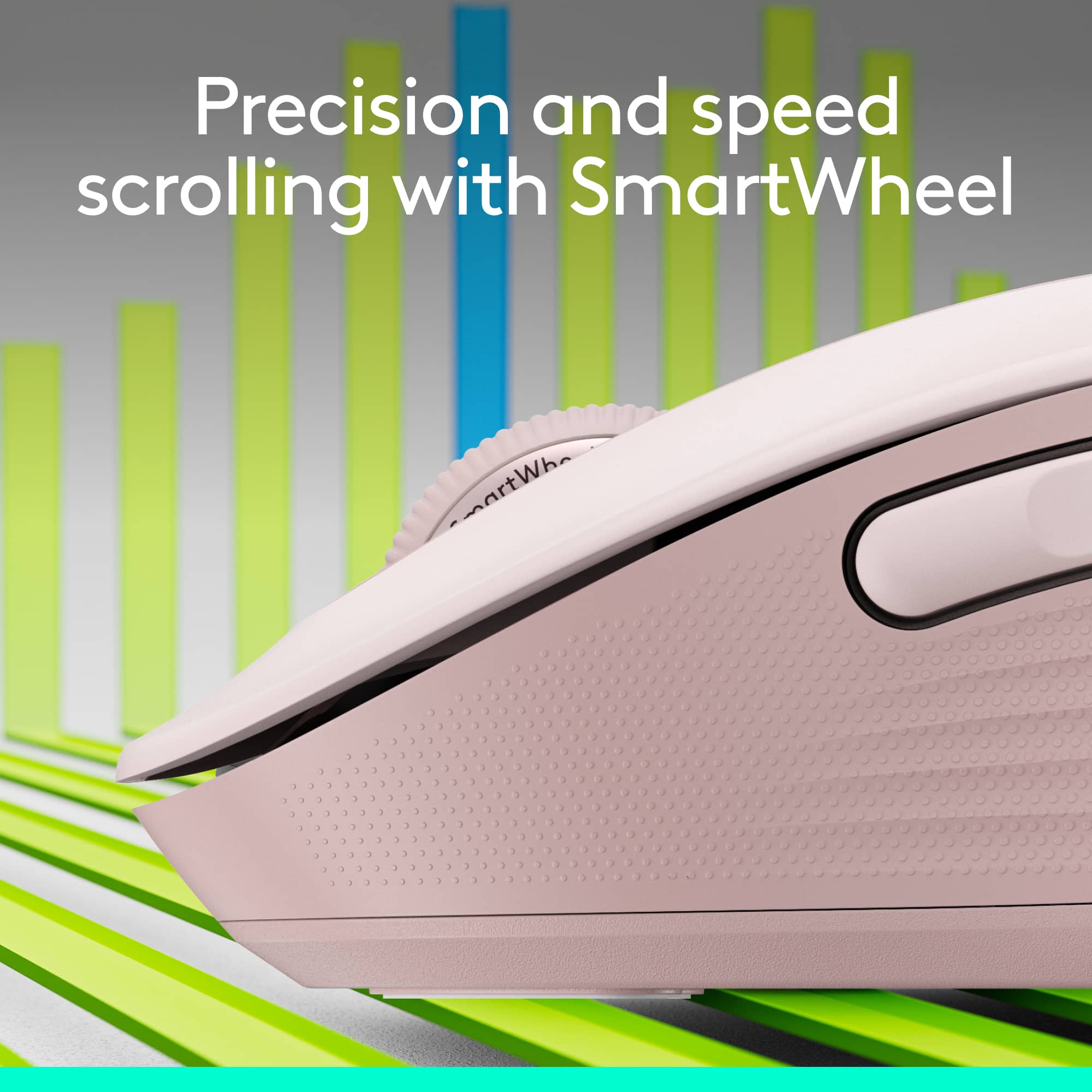
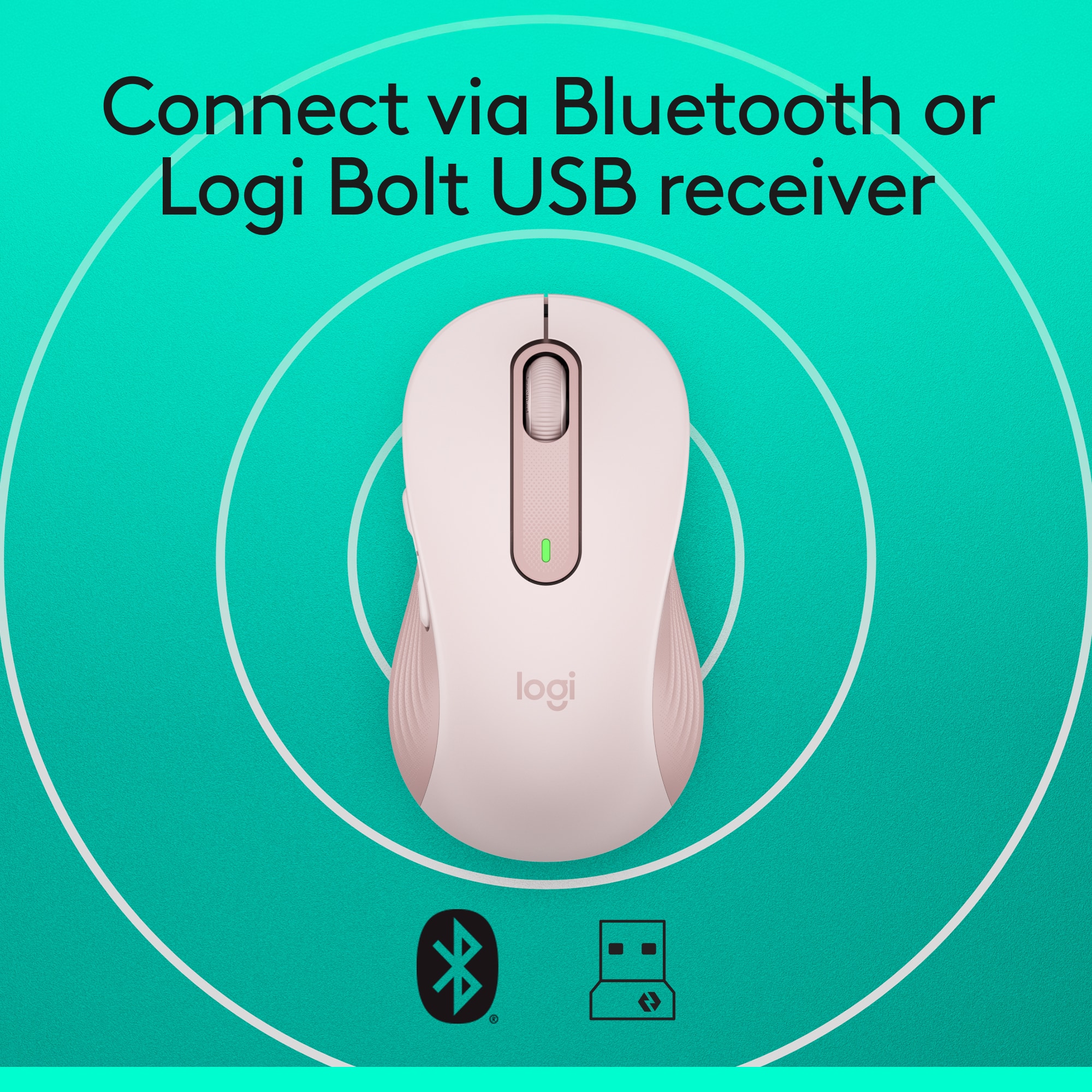
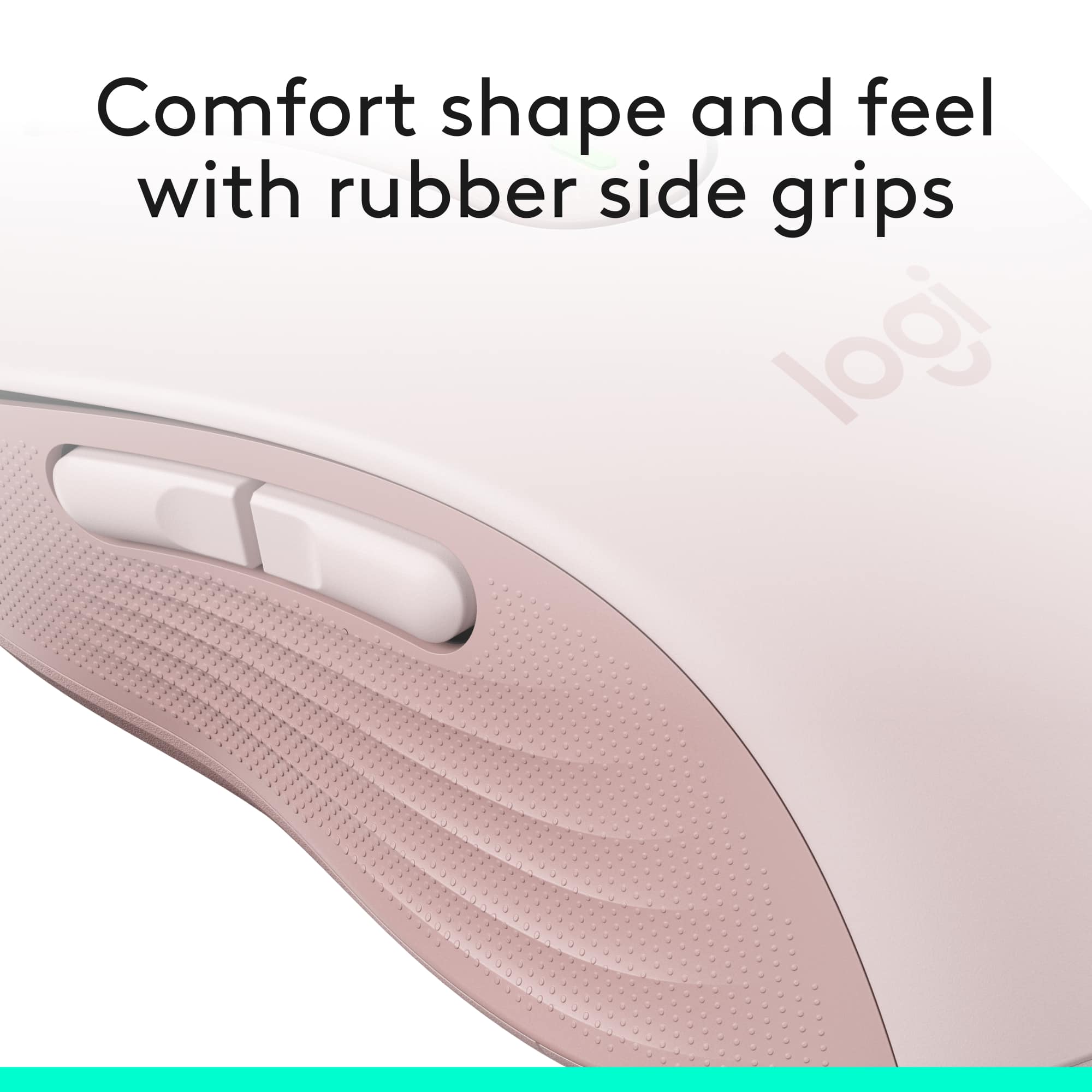
|Posted .This reviewer received promo considerations or sweepstakes entry for writing a review.Logitech mice have been one of my favorites for years, I wanted a smaller replacement mouse for my older Anywhere mouse as it goes through batteries fairly fast. And once I saw the new Signature M650 was available in a smaller size I had to grab it. Unboxing: The mouse comes in a plastic clamshell that’s very easily opened by the perforated back. Inside is the mouse, and inside the mouse is your wireless dongle. There’s a battery already installed and you just remove a pull tab so it can make contact. First thoughts: The mouse itself is about the same size as the Anywhere MX, it’s a good bit lighter and has more of a pronounced “arch” to the middle. The sides have a nice soft touch textured finish and is very grippy, the top area is a satin hard plastic, very smooth and feels great in hand “I prefer this over the Anywhere MX glossy finish”. The battery door is on the underside, it’s easy to remove and only uses a single AA battery, and next to the battery is a slot for the wireless dongle. Use: After installing the Logi Options software and plugging in the dongle the mouse was instantly available “after turning it on first”. The software allows you to assign different functions to the buttons and tracking speed. The mouse also supports Bluetooth but I’m going ahead and using the dongle as I’ve always preferred the performance with it over Bluetooth. I really like the wheel, their new “SmartWheel” works great, this is where instead of clicking a button or pressing the mouse wheel to engage free spin you just flick the wheel and it acts like it’s spinning freely so you can scroll up/down quickly, then when scrolling normally it scrolls slowly, I never used the free wheel option as I didn’t like having to press a button/wheel to engage it. Logitech says this has a silent click, and they aren’t kidding, there’s no click noise at all, just a nice tactile click to it, but the side buttons definitely have an audible click to them along with a good stout tactile click. Not sure why they didn’t make the side keys silent but it takes nothing away from the mouse quality and functionality wise. I’ve tried the mouse on different surfaces to see how it responds and so far it works great on pretty much anything, just a glossy white ceramic tile gave it some problems but it works fine on any mouse pad or mousing surface I have. Conclusion: I really like this mouse it’s small, comfortable “for the size”, and easily fits into my laptop bag. They state the battery can last up to two years “wow” and I guess it will be a long time till I have to replace them. The batteries in the Anywhere MX lasted a month or so and I go through a lot of batteries with that one, this one should help save some money if the batteries do last that long. So if you are looking for a new mouse and want to be able to pick your size and even L/R handiness, a mouse that works great for everyday use and won’t burn through batteries then the new M650 line is one you really want to take a look at.
I would recommend this to a friendBrand response from Logitech
Posted .Hello Steve! I am so glad to hear you are loving all the features of our new M650. Thank you for being a Logitech customer and taking the time to write this awesome review for us! Just to let you know, it does come with a 1 year warranty with us, should anything happen to it down the road. Have an awesome day!
-Danielle from Logitech
- Pros mentioned:Ergonomics
Smooth, Quiet Ergonomic Mouse
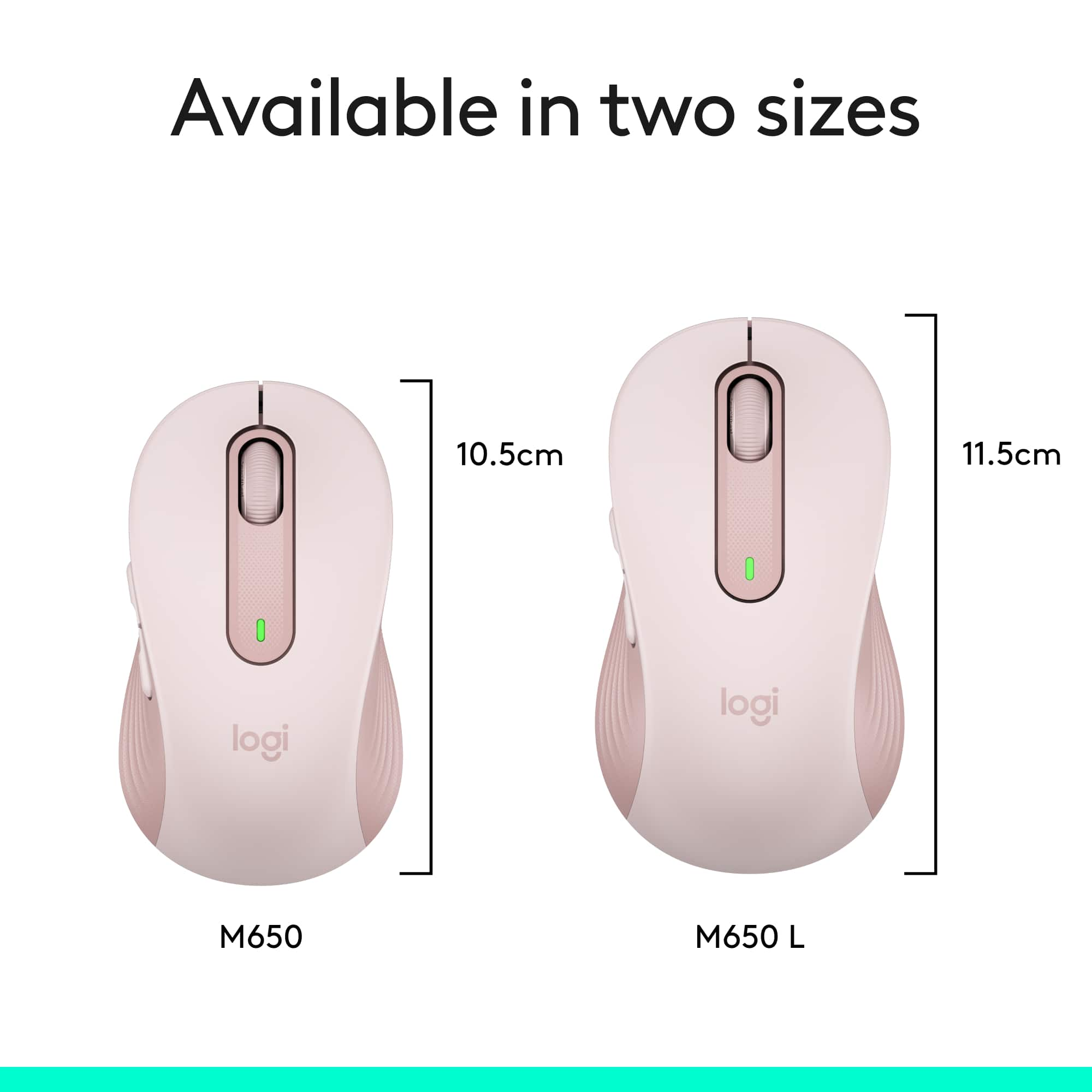
|Posted .This reviewer received promo considerations or sweepstakes entry for writing a review.I needed to replace a failing wired mouse on a deskside Windows system and decided to go wireless. The Logitech Signature M650 mouse is a wireless mouse that can be connected via Bluetooth or dedicated wireless dongle. The dongle is stored inside the battery compartment if not used. I disconnected the wired mouse and connected via Bluetooth. The transition was seamless, it took about 30 seconds to connect the mouse and it has worked flawlessly. Motion is very precise and smooth, the buttons are quiet, and life is very good! The real beauty of the M650 line are the number of ergonomic options available. It comes in two sizes and a left handed variant. There are two 'extra' programmable buttons on the side that sit high enough up on the side to prevent accidental clicks. The two side buttons and the 'roller' button are programmable via the Logi Options+ software along with the scroll and pointer speed. I think The large mouse is better for larger hands, or if you prefer more of a palm grip. I have medium large hands but prefer more of a 'claw' grip on the mouse so I opted for the smaller M650. It will be easy to find an Signature M650 mouse family member that will work well for you, check it out!
I would recommend this to a friend Quiet and simple
|Posted .This reviewer received promo considerations or sweepstakes entry for writing a review.While it looks like a basic mice, it has a lot of improvements over older versions. First, this comes in different sizes and colors. Make sure you pick the best for you: Small/Medium size, right-handed (This mice), larger size, right-handed, and large left-handed. Then it comes in different colors, and different sizes have different color options. Note that left-handed version comes only in large size. The mice is straight and the right and left buttons can be reassigned via the Logi software, but the additional buttons are on the left side on this version, which in impractical on left hands. This color (Graphite / Black) is made with over 60% recycled plastic (Other colors vary). Due to improvements in the Bluetooth connection, it runs on a single AA battery that Logitech claims it lasts up to 2 years. I'm using it with a Logitech keyboard that makes similar claims and so far it's holding up. This is a Bluetooth LE mouse (LE for Low Energy), so if paired with an older computer, it might need to use the USB receiver instead. Most laptops in the past several years should work fine. It doesn't need any other software to run, but the Logitech Options Plus software (currently in extended Beta) allows for a lot of customization, and if using the USB receiver, there is an application to connect multiple devices (mouse and keyboards) to the same adapter. Note that the 'Bolt' receiver is a new design introduced in 2021 and replaces the 'Unifying' receiver that Logitech shipped for years. They're not interchangeable, so be aware. The receiver is USB-A only, and for USB-C connections it needs an optional adapter (not included). The center wheel has soft 'clicks' for precise tracking. One interesting feature is that the clicks of the buttons is almost silent. Unlike other mouses, there is no characteristic 'click' sound. It's almost imperceptible, more silent than most keyboards. It does retain that same feedback when pressing the button, just without the sound. The side buttons are programmable via the Option Plus software (Windows / Mac), and it supports per-application settings. I have it connected via an USB-C dock with the Bolt USB receiver, and used it with Windows, Mac and Linux computers. Logitech advertises that Windows, macOS, iPadOS, Chrome OS, Android and Linux are all supported. Note that this mice can connect to one device at a time. It doesn't support the 'Flow' and multipoint connection features of the more expensive MX line. Overall is a great mice for daily use and compact enough to carry.
I would recommend this to a friend- Pros mentioned:Ergonomics
Best mouse I have ever had.
||Posted . Owned for 1 month when reviewed.This reviewer received promo considerations or sweepstakes entry for writing a review.There is nothing I don't like about this mouse. It is quiet, easy to use, fits my hand well, and doesn't have that weird plastic smell that won't go away. Love it!
I would recommend this to a friendBrand response from Logitech
Posted .Thanks for your feedback! We’re glad you like the Logitech - Signature M650 Wireless Optical Mouse, and we appreciate your input to help us get even better.

Great Mouse!
|Posted .This reviewer received promo considerations or sweepstakes entry for writing a review.I've got a general issue with being overly effusive in my praise of simple objects (e.g. mouse pads, reading glasses, computer mice...), but this little Logitech - Signature M650 Wireless Scroll Mouse impressed me from the very first moment I took it out of the box! I also have a general issue with popularity of "unboxing". That said, Logitech actually took the time & energy to make the normally horrendous clamshell packaging really easy to open (see picture); maybe I'm too easily impressed, but this says to me that a manufacturer spent at least a few minutes to get the little stuff right- which makes me hopeful for the more important items. I've been a long-time user of Logitech wireless mice & keyboards for both my old office & new work from home (WFH) set-ups. As such, I wasn't sure how much one could improve a mouse. Logitech did a great job making a couple key improvements that stand out: - The dual USB/Bluetooth connectivity meant that I was able to test the Logitech - Signature M650 Wireless Scroll Mouse on my most-used WFH laptop. Had it not been for the BT option, I don't have any extra USB ports to support both my keyboard and another mouse because I can't install the software that would allow pairing a new mouse to my existing USB receiver :( Side note: I HAVE done this on my personal computer with other Logitech products and it's a very easy process to un-pair/re-pair new devices to a Logitech USB receiver- it simply requires downloading a simple tool & following a few easy steps. - I wasn't sure why "silent clicks" would be an advantage, but I really like it! Primary reason? Stealth multi-tasking on conference & video calls- no more clicking to give you away. The Logitech - Signature M650 Wireless Scroll Mouse is available in regular, Large & Left-Handed varieties. I got the regular size because I'm generally a size-medium sort of person. Upon receipt, I realize that I must have been using larger options all along, so pay attention to the size of what you're used to before you rush out to get a new Logitech - Signature M650 Wireless Scroll Mouse when you next need this most critical interface device!
- Pros mentioned:Ergonomics
Wireless mouse
||Posted . Owned for 3 weeks when reviewed.This reviewer received promo considerations or sweepstakes entry for writing a review.Very happy with the product. Easy to install and working fine. Very nice design and ergonomic.
I would recommend this to a friend - Pros mentioned:Ergonomics
Logitech Wireless Mouse
||Posted . Owned for 3 weeks when reviewed.This reviewer received promo considerations or sweepstakes entry for writing a review.Smooth movement with silent clicks. Fits nice in hand. Works great.
I would recommend this to a friend Right size and grip
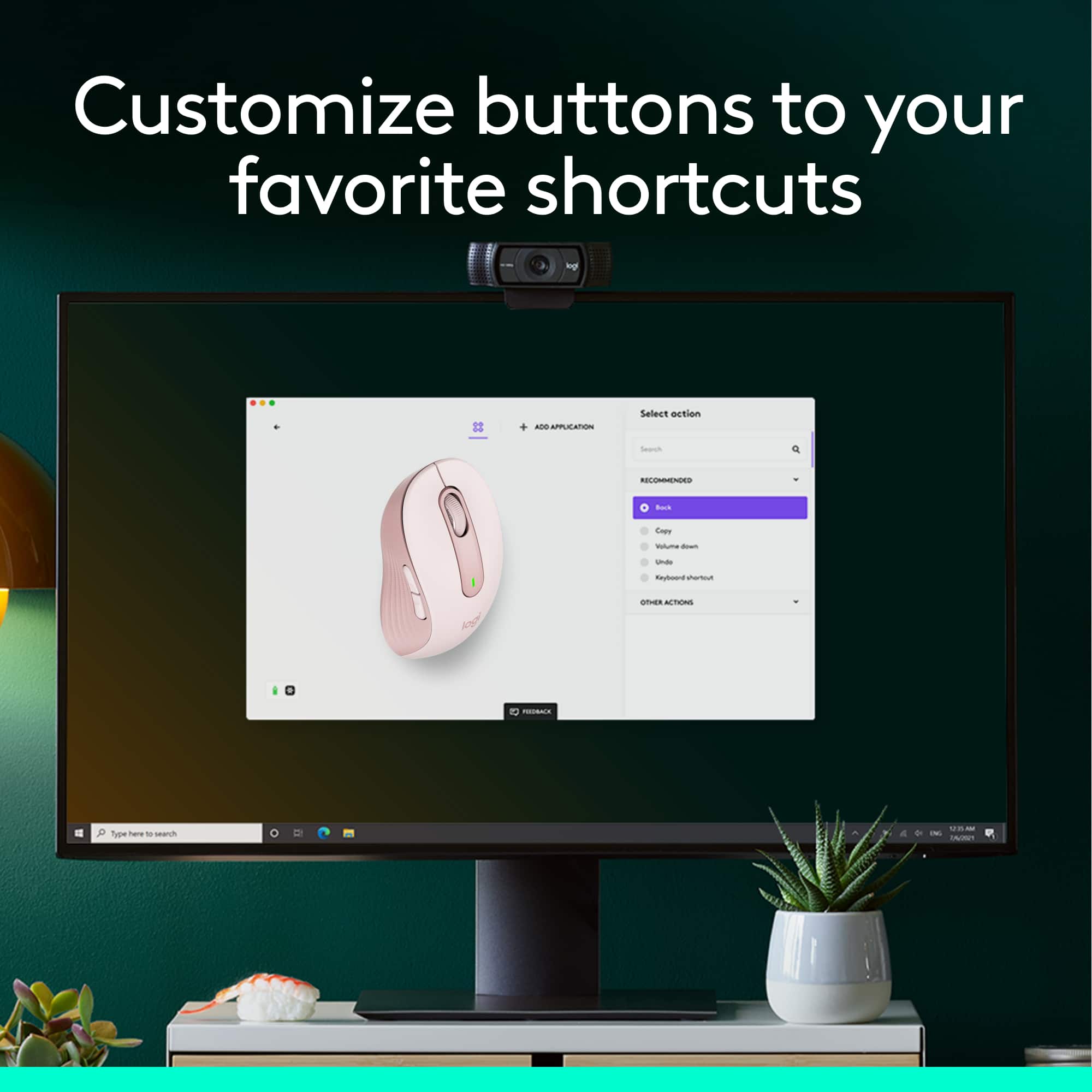
|Posted .This reviewer received promo considerations or sweepstakes entry for writing a review.>> Overview I chose the Logitech M650 mouse version for small/medium sized hands, and after using it for several days I am very happy with it. My rating went from 4 stars to 5 stars during that period. It feels very comfortable, with the right size and grip, and very silent. The package with the Logitech M650 mouse came with a poster/quick-start-guide that presents a summary of the mouse features. I think it is worth giving it a look to know the characteristics and what this mouse is capable of. - Pros: excellent grip, comfortable, silent, right size. - Cons: a little heavier than desired. >> Fit and Comfort I have small hands, so I chose the version for small/medium sized hands. It ended up being a little smaller than the mouse I had been using, so I initially was not sure it was the right mouse for me, and I wondered if getting the larger version would have been the right thing to do. However, after using it on a continuous basis for a few days, I came to realize that it is just the right size for my hands. I think it is because of its weight that I found myself using the mouse in multiple ways (perhaps it has the right weight then): - Holding, moving and clicking on it with my fingers - Using my fingers and resting the middle part of my palm against the mouse, leaving the area towards my wrist free of contact. - Resting my whole hand on the mouse while using it. Undoubtedly, getting a new mouse needs some adjustment time, especially in my case where I had used my previous mouse for almost two years. >> Clicking When clicking, the Logitech M650 is very silent, which contrasts with my Logitech mechanical keyboard when I am working at my desk. A few times I felt like I didn’t push the button, well there is the tactile feeling that something got clicked. Just be careful about this little detail if you are the kind of person that focuses a lot on receiving audible feedback from actions you take on devices. >> Connectivity As shown in the start guide and the package itself, you can connect the mouse to your laptop/computer/etc. through Bluetooth or wireless with the USB adapter it comes with. I have used the device in both modes. I have a Surface docking station and I use the USB adapter to connect to it. If I want to move away from the desk, then I use the Bluetooth connectivity. Both modes have worked very well for me so far, no complaints. The only thing to be careful here is when connecting to Bluetooth to press and hold the little button on the bottom of the mouse until the light starts blinking rapidly, then it will be able to pair. >> Customize This device has default settings for the side buttons, for example in Microsoft Edge (or Chrome for that matter), the front side key navigates forward while the back side key navigates backwards. This is handy when browsing. You can leave your M650 with the default configuration it came with, but if you want to configure your mouse with some advanced features, you’d need to download the Options+ App. I downloaded the App (over 100MB download), and although it says Beta, it worked flawlessly for the most part. I was able to configure what actions the side buttons would perform on different apps. I am not expecting to have many applications customized (just remembering what actions the side buttons do on a couple of apps is already too much to remember). The only issue I found was not being able to customize the side buttons to work with Word on my Surface ARM64. It throws an error about not being able to configure the plugin. This might be a restriction on the ARM64 version of Word, I haven’t investigated though (but will). >> Scrolling The M650 mouse is advertised to achieve a line-by-line document scrolling, but I haven’t gotten to reach this line-by-line. I am not sure if it depends on the DPI of my monitor or other factor (yet to figure out). That being said, there is indeed a noticeable difference between scrolling in web pages for example and Word documents. In web pages the scrolling covers more lines than in Word documents, the latter goes a couple of lines on every scroll, while it covers multiple lines in web pages. I was very impressed by this capability, and I love it.
I would recommend this to a friend- Pros mentioned:Ergonomics
Mouse
||Posted . Owned for 1 month when reviewed.This reviewer received promo considerations or sweepstakes entry for writing a review.Solved problem of moving around on the computer screen. It is much easier than using the keypad to move around on the screen. We have not plugged it in yet as the battery is working fine and our desk is crowded. It fits nicely in the hand whether left or right handed.
I would recommend this to a friendBrand response from Logitech
Posted .It’s fantastic to hear that you’re satisfied with your Logitech product. We strive to deliver quality and reliability, and your feedback reassures us that we’re on the right path. Thanks for your continued support—we’re lucky to have you with us.
- Pros mentioned:Ergonomics
Perfect for smaller hands
||Posted . Owned for 10 months when reviewed.This reviewer received promo considerations or sweepstakes entry for writing a review.Love this mouse. Great for my smaller hands. Works great, love the wireless. The no clicking took a bit to get used to but love it now.
I would recommend this to a friendBrand response from Logitech
Posted .We’re so pleased to hear you’re happy with your Logitech device. Your support means a lot, and we’re honored to be part of your tech experience.