Customer Ratings & Reviews
![COMPATIBILITY [TWITCH, YOUTUBE GAMING, DISCORD, STREAMLABS OBS]](https://pisces.bbystatic.com/image2/BestBuy_US/images/products/ee9315b5-1599-482f-ae74-63216a2773d3.jpg)
- Model:
- 960-001280
- SKU:
- 10939254
Rating by feature
- Value
Rating 4.2 out of 5 stars
- Quality
Rating 4.6 out of 5 stars
- Ease of Use
Rating 4.5 out of 5 stars
Great for streaming
||Posted . Owned for 1 month when reviewed.This reviewer received promo considerations or sweepstakes entry for writing a review.Great camera for my twitch streaming! Used for a deck cam!
I would recommend this to a friendAwesome professional webcam
||Posted . Owned for 3 months when reviewed.This reviewer received promo considerations or sweepstakes entry for writing a review.Love this webcam! Nice high quality build, love the color, for the professional user!
I would recommend this to a friendBest Camera
||Posted . Owned for 1 year when reviewed.This reviewer received promo considerations or sweepstakes entry for writing a review.Great camera quality, good focusing and Logitech settings.
I would recommend this to a friendLogitech For The Win!
||Posted .This reviewer received promo considerations or sweepstakes entry for writing a review.My new desk setup includes a Macbook Pro (in clamshell mode), a Magic Keyboard and a LG 34in. Ultra Wide monitor. The issue is when I have Zoom meetings I don't want to take my MB out of the dock. Enter in The Logitech StreamCam Plus Webcam. I'm now able to keep my MB in clamshell mode and participate in meetings!
I would recommend this to a friendBrand response from Logitech
Posted .Hi Raynardo,
Thank you for your five-star review! It is greatly appreciated. Continue to enjoy your device. If you ever need assistance, please contact Logitech Support on the website.
LaShonda from Logitech
Good resolution
||Posted . Owned for 11 months when reviewed.This reviewer received promo considerations or sweepstakes entry for writing a review.I use it with green screen I have 2 webcams laptop needs usb-c to connect this webcam
I would recommend this to a friendSolid webcam
||Posted . Owned for 1 month when reviewed.This reviewer received promo considerations or sweepstakes entry for writing a review.It’s definitely a little wonky at first to get used to however once you get it you get it. It’s actually a lot more flexible and viable and I use different angles all the time.
I would recommend this to a friendBrand response from Logitech
Posted .Hey! Thanks for reaching out about the StreamCam. We're glad to hear you're finding it flexible and viable for your various needs.
It’s great for the money
||Posted . Owned for more than 2 years when reviewed.This reviewer received promo considerations or sweepstakes entry for writing a review.This web cam is amazing. I started a podcast with my friend & it looks amazing when I added the video to YouTube. Also it’s easy to hook up for online streaming with twitch.
I would recommend this to a friend
Great Webcam with Great Software
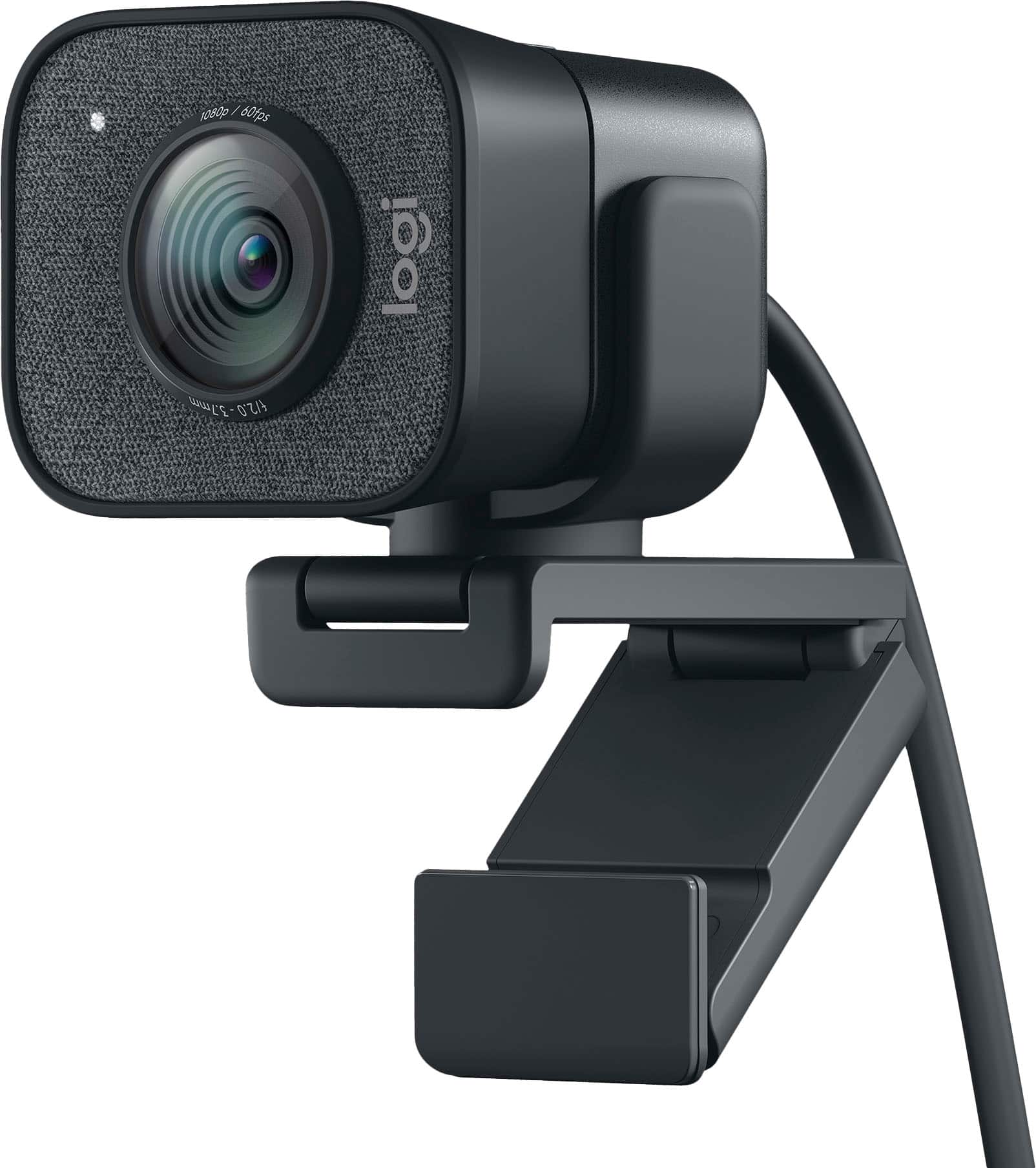
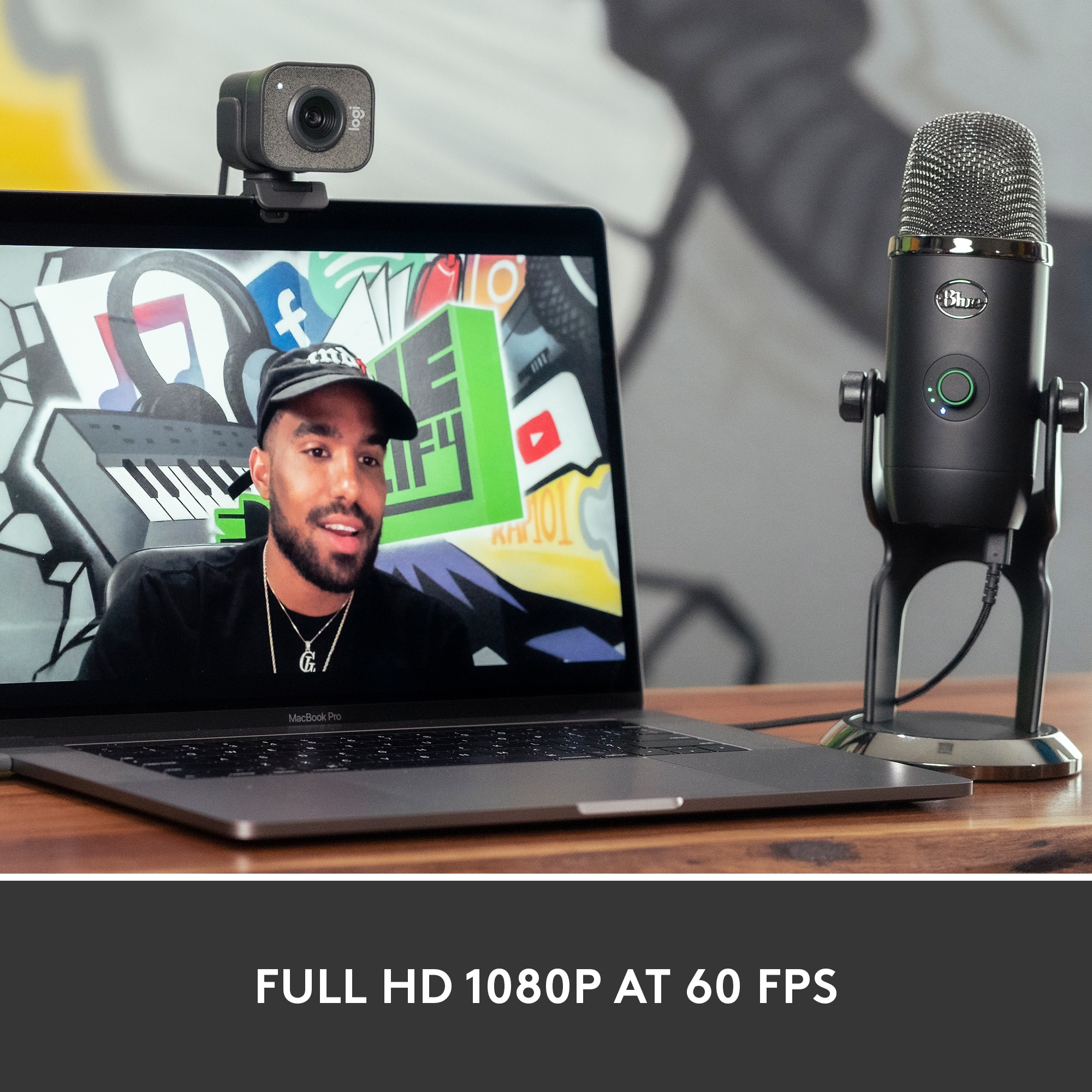
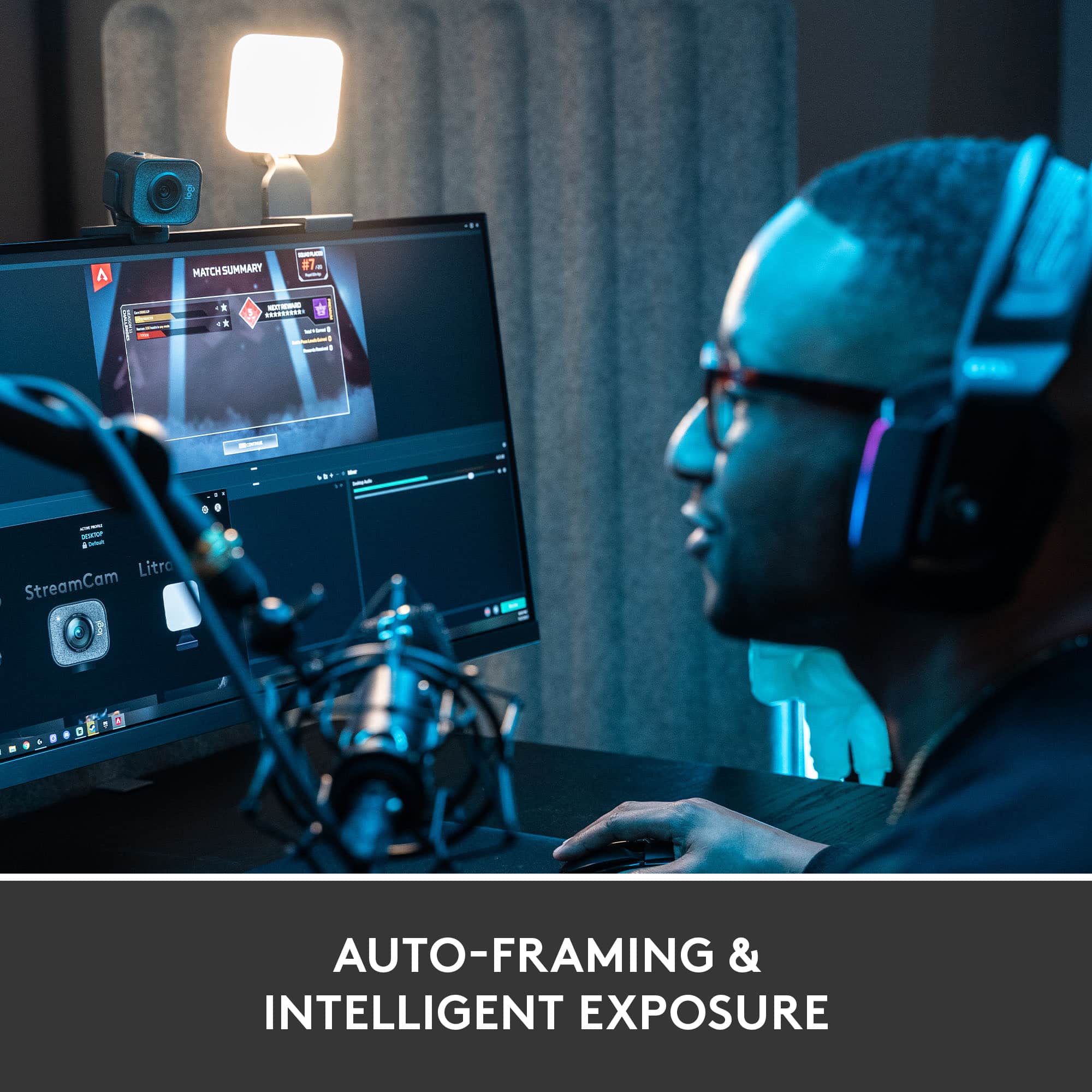
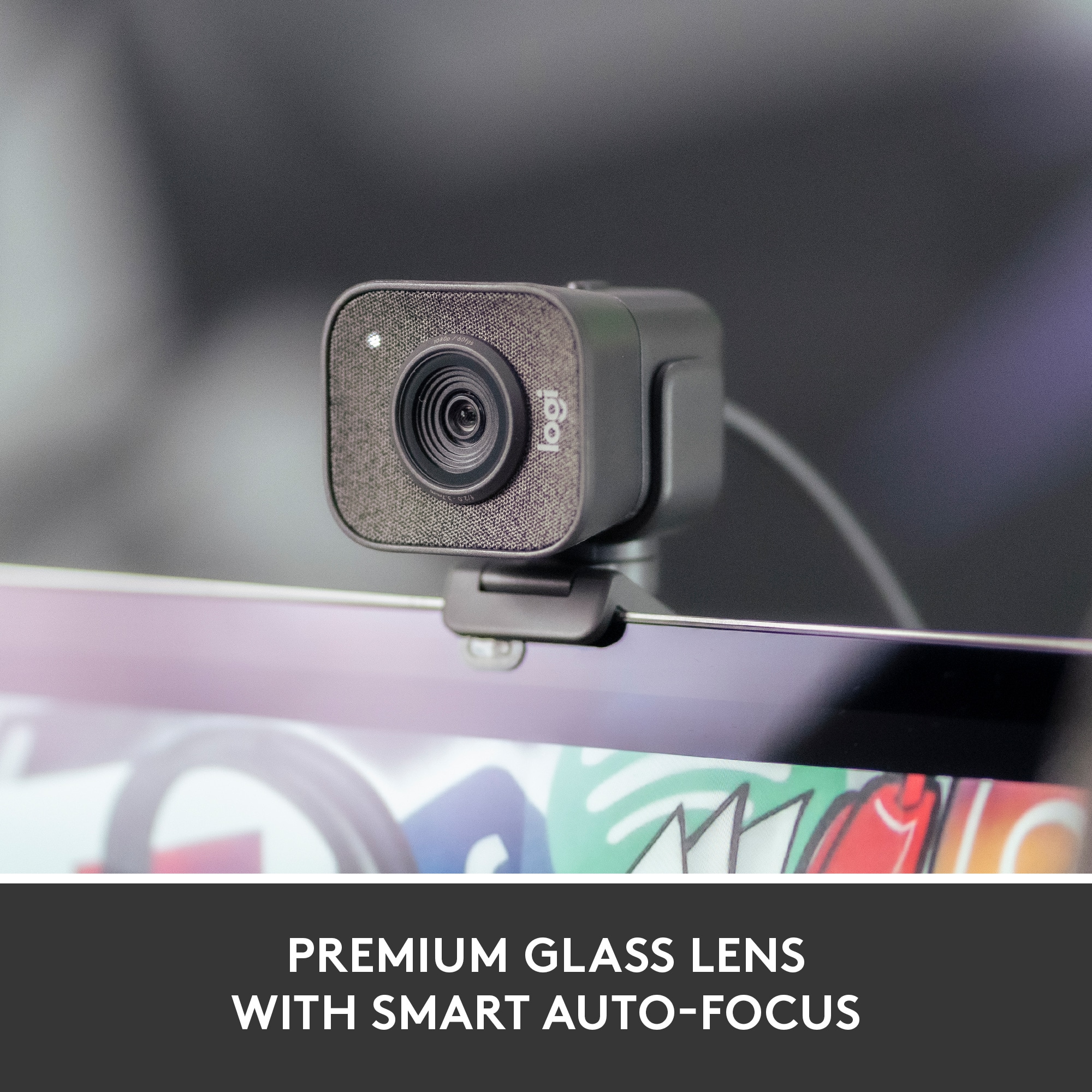
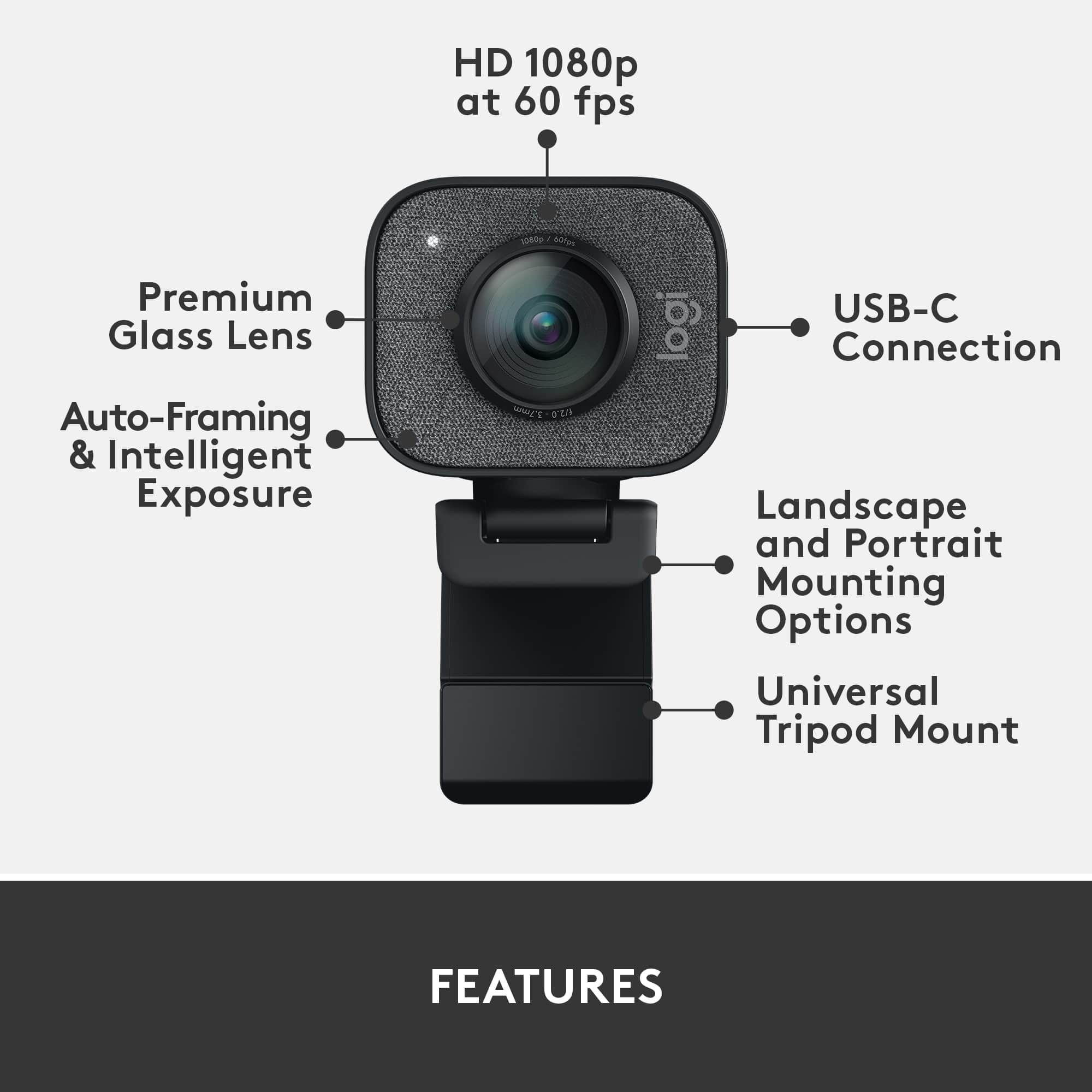
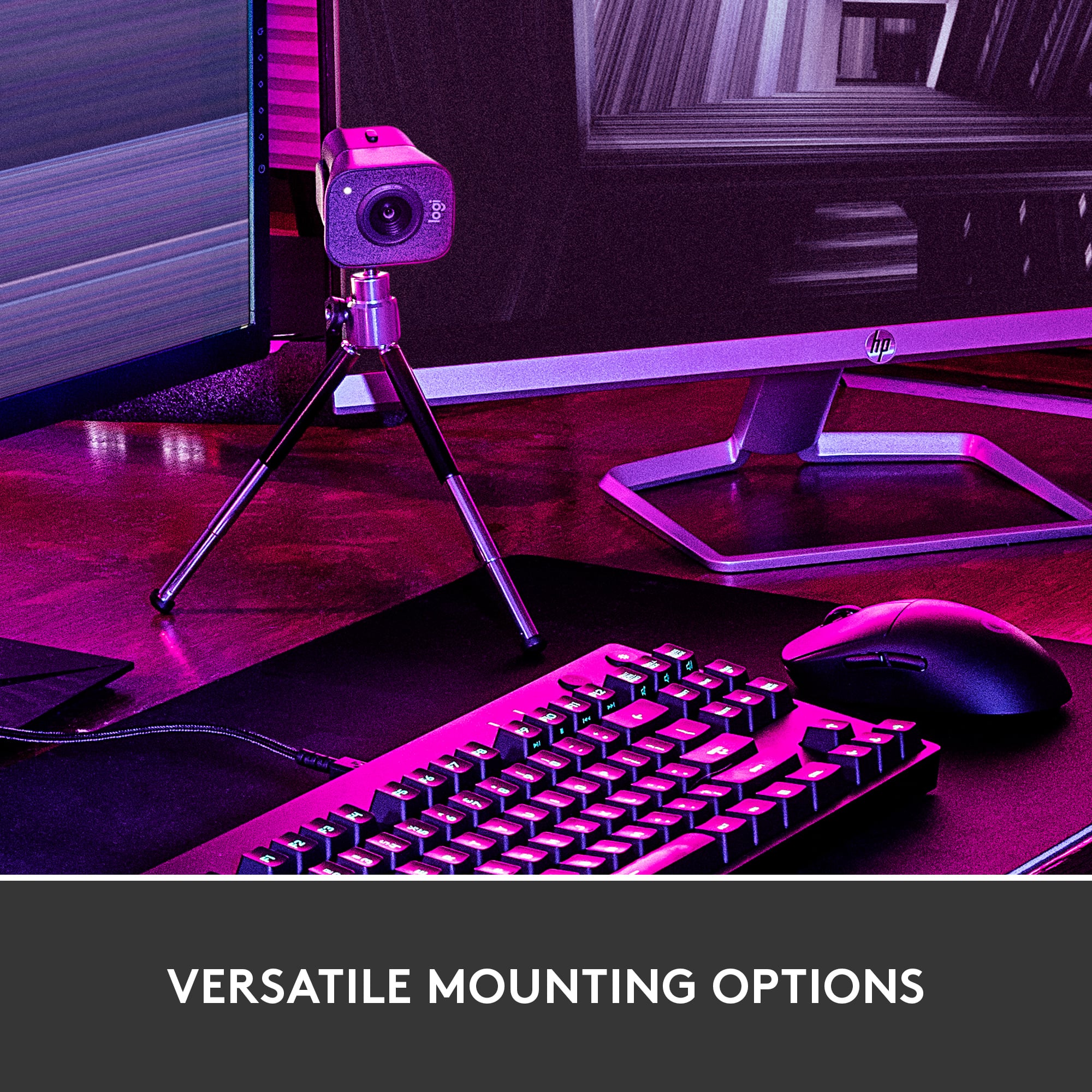
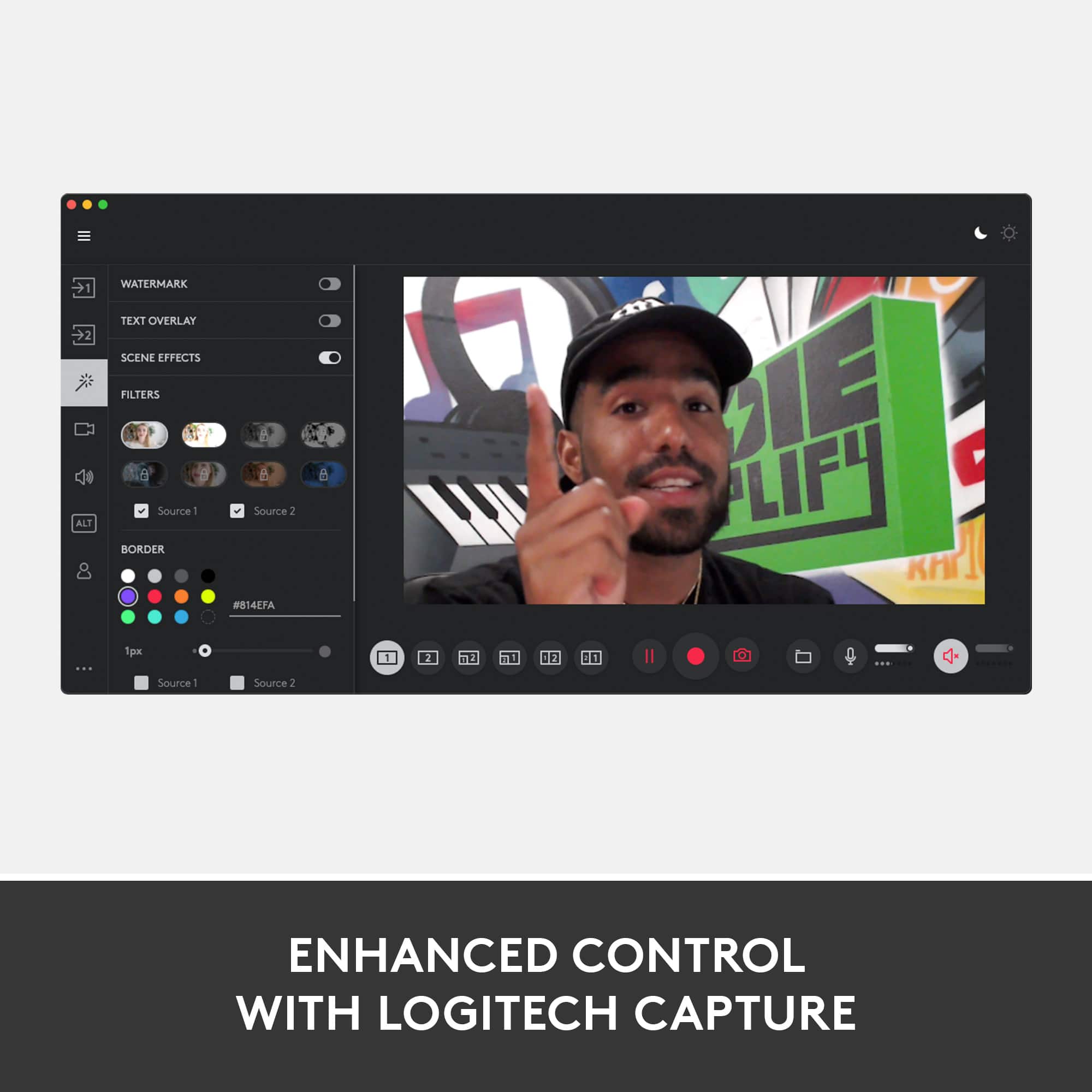
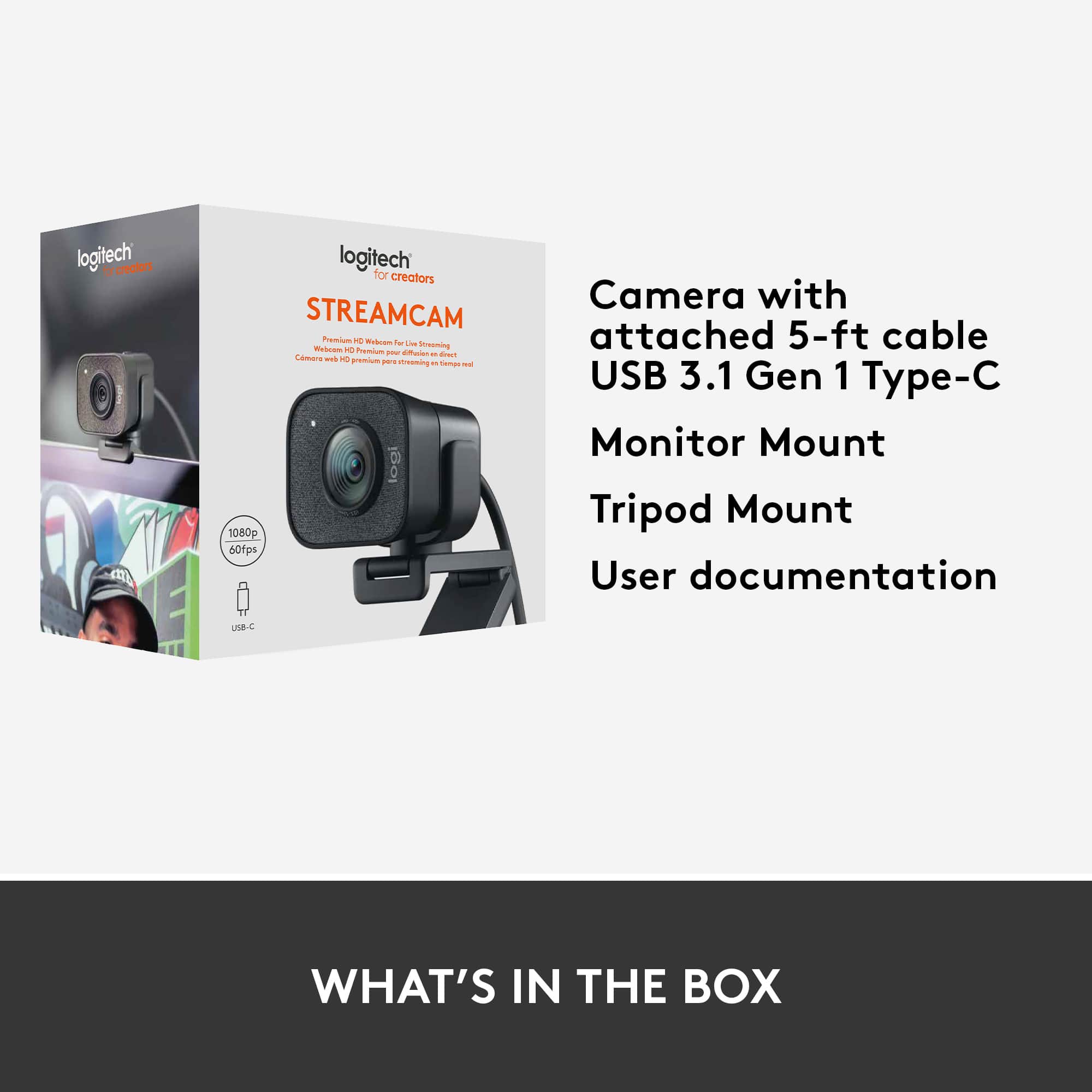
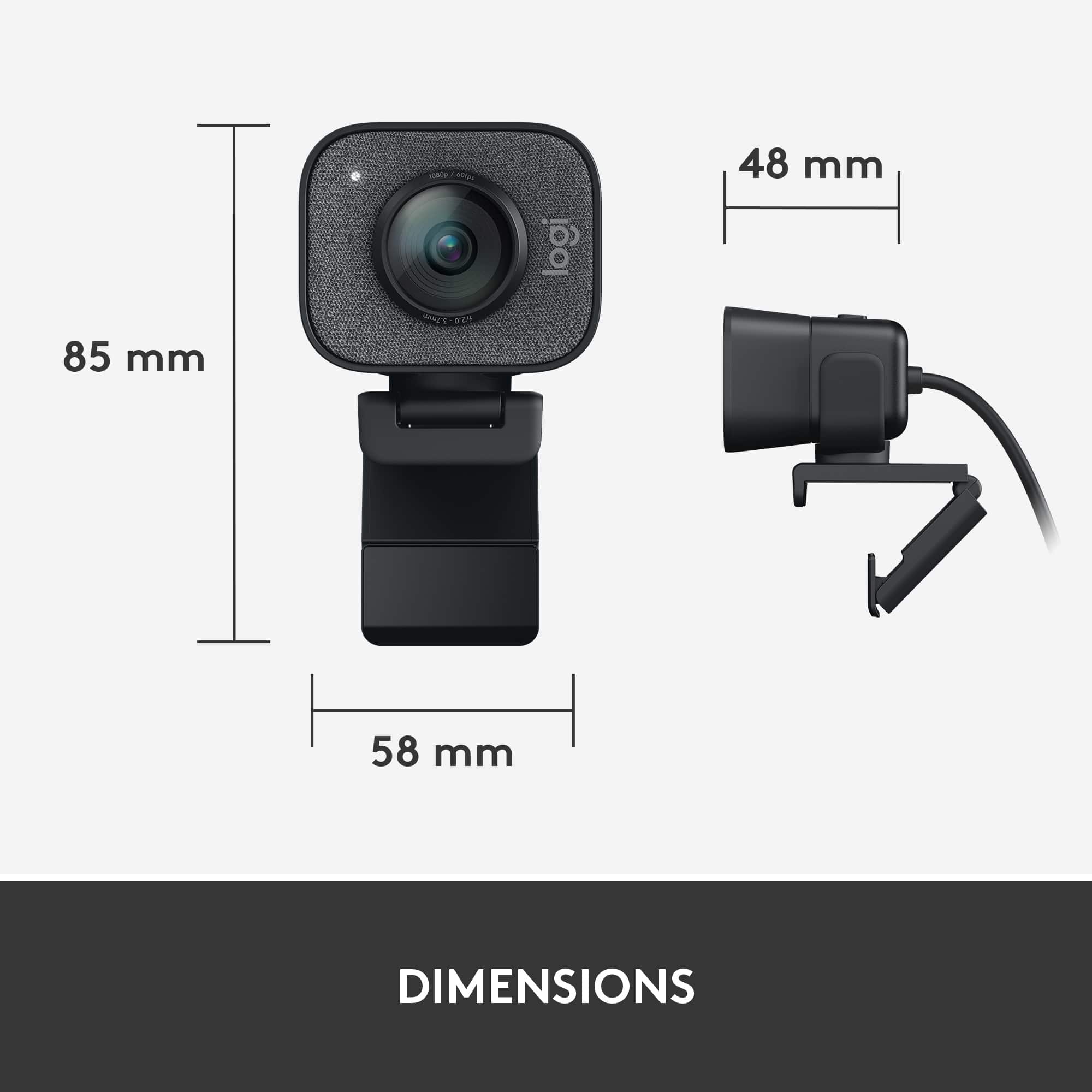
|Posted .This reviewer received promo considerations or sweepstakes entry for writing a review.The StreamCam is an excellent webcam and probably the best webcam Logitech has right now (with the possible exception of the Brio). The overall image quality and microphone improvements over the C922 that I have been using were pretty minor, but the extra software features and versatility of mounting give you enough extra stuff that I think the step is justified if you need it. In the box you get: The webcam A monitor mount A tripod with a detachable adapter The webcam itself is quite a bit larger than the C922 or any other webcam I’ve used in the past, but it mounts my monitor firmly and, though it gets close, the mount doesn’t protrude into the screen. If you have a laptop or monitor with very thin bezels it may be something you have to deal with. It can be positioned in the standard horizontal orientation or be turned vertically by opening up the clamp and it’s fairly easy to do without completely disturbing your setup. It should be noted that the USB connection on the camera is USB-C 3.1; if you don’t have a USB-C port on your PC there is no adapter in the box, so you would need to get a USB-C to USB-A adapter. Getting the webcam setup was really easy; it automatically prompted me to download the software when I connected it and it installed in a few minutes. The software is well laid out and makes it easy to make adjustments to the webcam controls and recording quality. It also lets you setup recording from multiple sources like other other displays or even other webcams, which is really handy. You can also overlay text and borders to your video feed. Video quality is excellent - the image is sharp and the autofocus works well. I wouldn’t say it’s leaps and bounds over the C922, but I did prefer the exposure control in the StreamCam over the C922 and you get 1080p/60 recording/streaming, which the C922 is not capable of. The microphone quality is good, but not great. I found the dual mono setting to have the best quality to me; stereo made my voice sound far away and background noise was much more noticable. It’s fine for video calls, but I would definitely recommend pairing it with a USB microphone like the Blue Yeti. The price is on the high side for a webcam, but if you know what you want it for I think you do get a good amount of value for the money, especially for streaming.
I would recommend this to a friendLogi webcam
||Posted . Owned for 3 weeks when reviewed.This reviewer received promo considerations or sweepstakes entry for writing a review.Nice clear image. I have not been able to get it into 1080 mode, but I’m sure that’s operator error, otherwise it works as expected.
I would recommend this to a friendBrand response from Logitech
Posted .That's great to hear about the StreamCam Plus's image quality! It's odd that you're unable to get it into 1080p mode. Try checking the software settings or the webcam's resolution settings within your operating system.
nice webcam
||Posted . Owned for 1 month when reviewed.This reviewer received promo considerations or sweepstakes entry for writing a review.pretty cool i connected with my macbook pro works really well it replaced my builtin webcam i put it on top of my monitor so i can use my macbook with big screen and facetime works perfecly compatible
I would recommend this to a friendBrand response from Logitech
Posted .Hi Dan the Man,
Thank you for your five-star review! It is greatly appreciated. Continue to enjoy your device. If you ever need assistance, please contact Logitech Support on the website.
LaShonda from Logitech
Most Powerful Webcam I Ever Bought
||Posted . Owned for 3 weeks when reviewed.This reviewer received promo considerations or sweepstakes entry for writing a review.Literally the most Powerful Webcam I ever got for my multiple weekly event livestreaming and virtual meetings!
I would recommend this to a friendBrand response from Logitech
Posted .Thank you for taking the time to share your positive experience with the Logitech StreamCam Plus. We are thrilled to hear that it has become your go-to webcam for your livestreams and virtual meetings.
twitch streamer
||Posted . Owned for less than 1 week when reviewed.This reviewer received promo considerations or sweepstakes entry for writing a review.beautiful 4k quality i am very impressed at the quality when im streaming live thank you
I would recommend this to a friendBrand response from Logitech
Posted .That's fantastic to hear you find the StreamCam Plus delivers impressive video quality for your live streams! While it's a 1080p webcam, many platforms use that resolution for optimal performance
Good webcam
||Posted . Owned for 2 months when reviewed.This reviewer received promo considerations or sweepstakes entry for writing a review.Good webcam, kinda pricey but as far as webcams go this one is pretty good. The app for it is also decent.
I would recommend this to a friendWorth It
||Posted . Owned for more than 2 years when reviewed.This reviewer received promo considerations or sweepstakes entry for writing a review.Been using for almost two years now and it’s still going strong! Great purchase!
I would recommend this to a friendIn home meetings
||Posted . Owned for 2 months when reviewed.This reviewer received promo considerations or sweepstakes entry for writing a review.Quick set up, the picture quality is excellent for all streaming events
I would recommend this to a friendGood resolution
||Posted . Owned for 5 months when reviewed.This reviewer received promo considerations or sweepstakes entry for writing a review.I use it with green screen I have 2 webcams laptop needs usb-c to connect this webcam
I would recommend this to a friendgood stream camera to feel professional
||Posted . Owned for 3 weeks when reviewed.This reviewer received promo considerations or sweepstakes entry for writing a review.good for my stream, i like using it as a security camera too
I would recommend this to a friend10 of 10!
||Posted . Owned for less than 1 week when reviewed.This reviewer received promo considerations or sweepstakes entry for writing a review.I just fall in love with this camera, looks amazing for the price.
I would recommend this to a friendWont read USB 3.1
||Posted . Owned for 1 month when reviewed.This reviewer received promo considerations or sweepstakes entry for writing a review.Comes with a usb-c 3.1, and is apparently compatable with startard 3.0 or 3.1 USB adapters. but it is not. It will not read any USB 3.1 ports on my pc and does not run 1080p or 60fps. I've tried all of the "fixes" from logitech support and other consumers. Nothing works. not worth the money, better cameras for cheaper cable is way too short
No, I would not recommend this to a friendBrand response from Logitech
Posted .Hi mitch, Very sorry to hear about the issues you're having with the StreamCam and it not apparently working with your USB 3.1 port on your PC. (How were you able to find out that the StreamCam doesn't run 1080p or 60 fps if it didn't work?) To get Full HD at 60 fps we recommend the following computer specifications: USB-C 3.1 port, 2017 or later, 7th gen Intel i5 or better, dedicated graphics card, and 8GB RAM. Make sure that the USB port you're using is indeed a 3.0/3.1 which will have a distinct blue on the port. Also, make sure that you're not using a USB hub and, if you are, then make sure that it's a USB 3.0 one (here's a link to the product support page that has a Getting Started section that has a picture of the USB 3.0 port: https://support.logi.com/hc/en-us/articles/360043221373.) I personally use the StreamCam using an adapter going into the USB 3.0 port. If none of those things work, than there may be a hardware issue with the StreamCam which would be covered by the 1 year limited hardware warranty. Here's the link to File A Claim: https://support.logi.com/hc/en-us/articles/360043221253-Warranty-Logitech-StreamCam. Hope that you found this helpful and that all is going well. Thank you for being a Logitech customer. - Richard from Logitech
A good camera for streamers
||Posted . Owned for more than 2 years when reviewed.This reviewer received promo considerations or sweepstakes entry for writing a review.A great camera for streamers! Easy to use. Great size and adjustability.
I would recommend this to a friend