Customer Ratings & Reviews
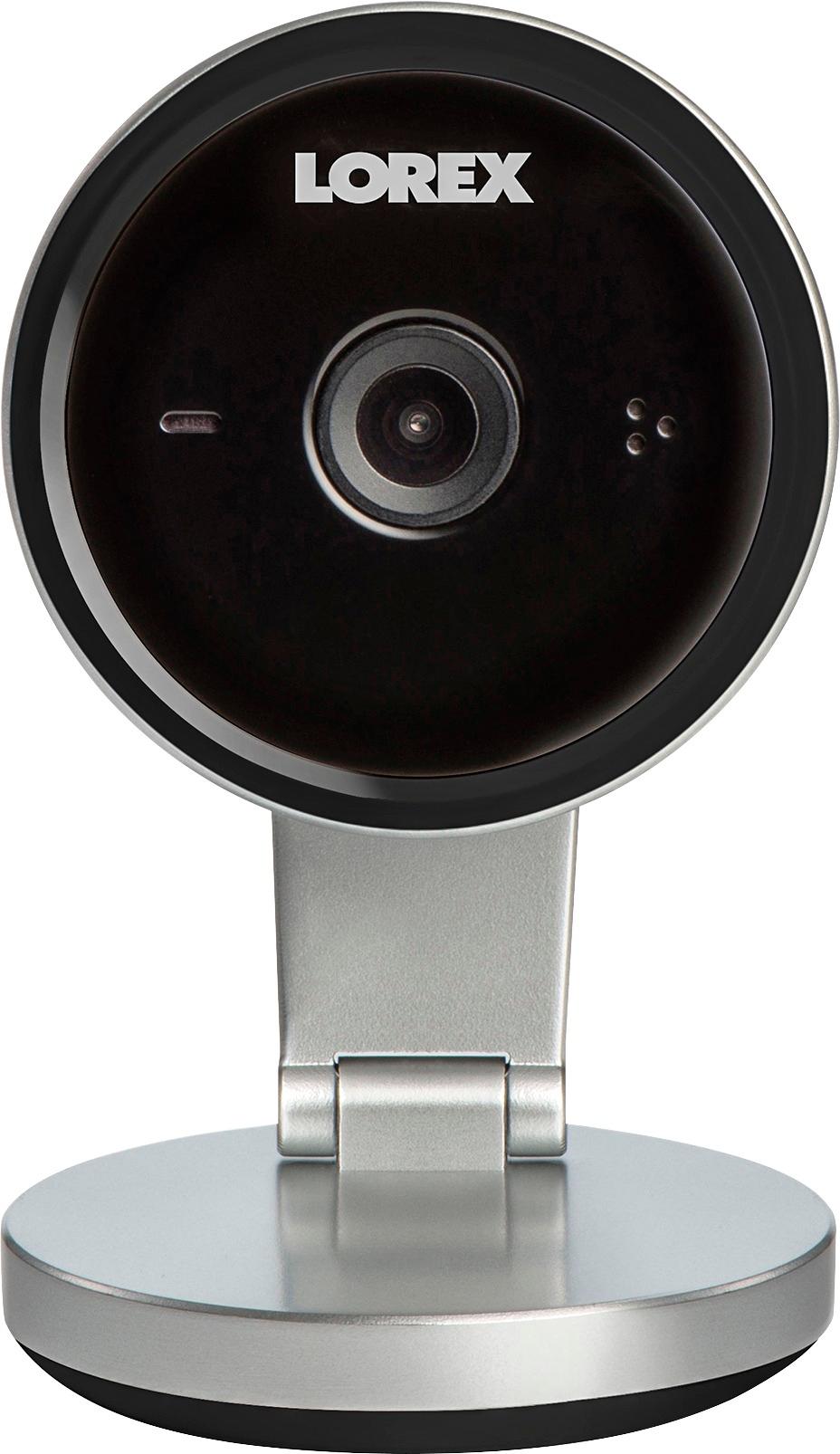
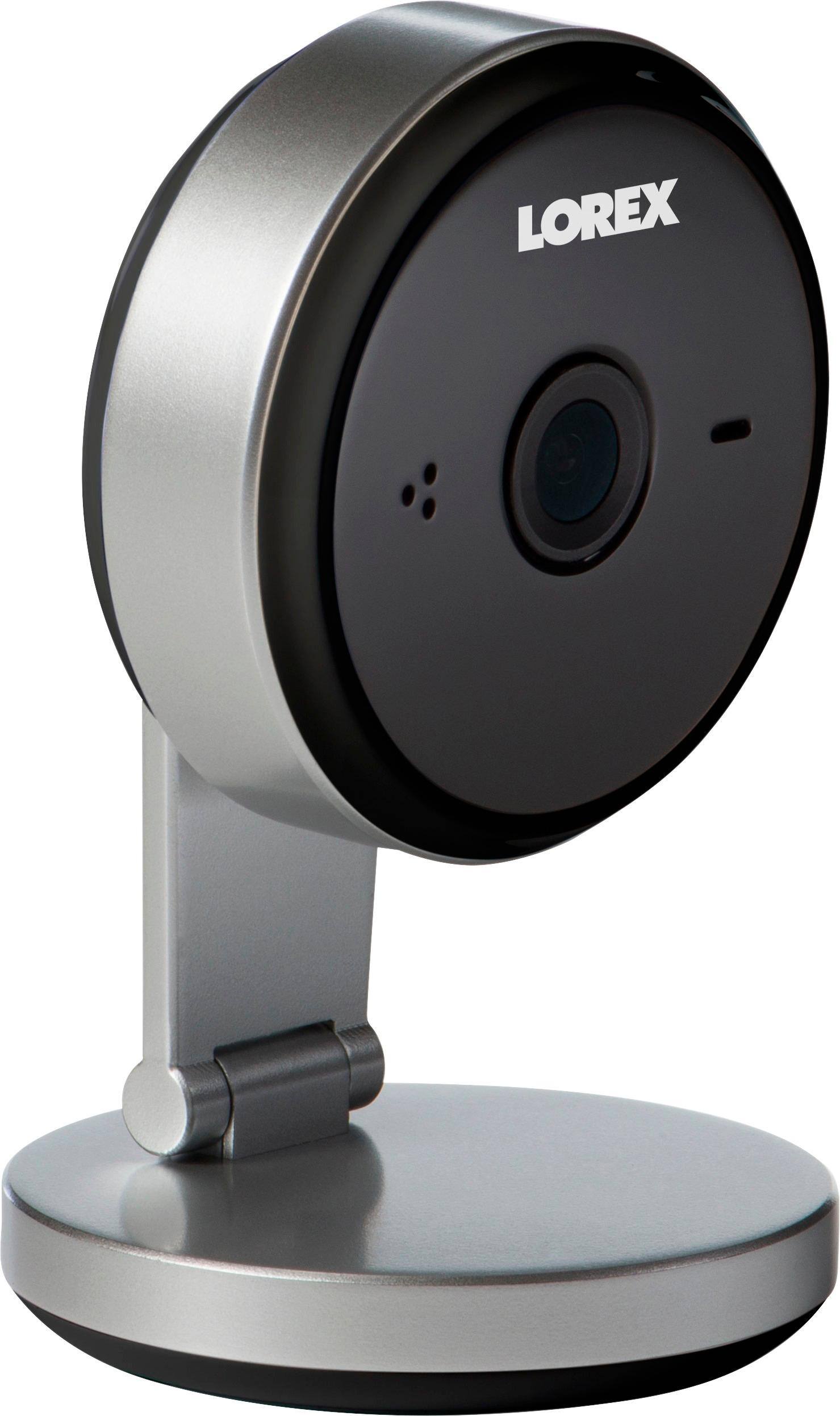
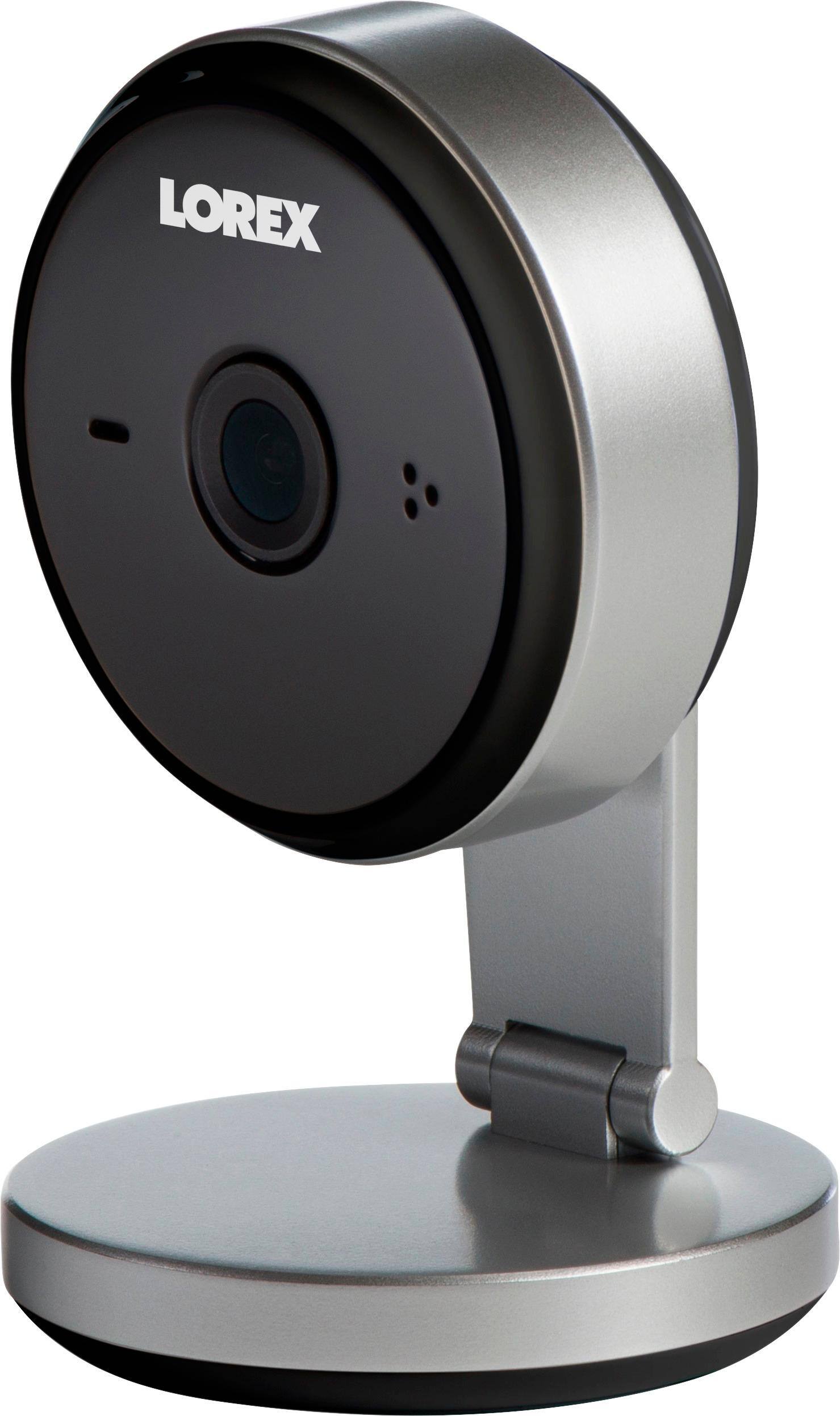



- Model:
- FXC32BK
- SKU:
- 5824309
to a friend
Customers are saying
Customers love the clear video quality of the Indoor 4MP Wi-Fi Security Camera, frequently praising its ease of setup. However, some users experienced difficulties connecting the camera to their Wi-Fi network. The camera's picture quality was a highlight for many. A few customers reported connectivity issues, particularly with dual-band routers.
This summary was generated by AI based on customer reviews.
- Cons mentioned:Wifi connectivity
New Product - BEWARE!!
Posted .This reviewer received promo considerations or sweepstakes entry for writing a review.I think these reviews are fake. I bought one yesterday and it wouldn't connect to my network. Spent hours talking with their tech support and was told to exchange the unit. Got a replacement the very afternoon and got the same result. More hours with tech support: download firmware but can't install unless you can connect to network. I finally was able to install the firmware through a "back door" but it didn't work. Camera won't work on the upper band of a dual band router. Spent all afternoon with tech support and they did their best, but no success. I'm returning the 2nd unit today.
No, I would not recommend this to a friendBrand response from LorexbyFLIRSupportTeam
Posted .Hello,
Thank you for your feedback, and our apologies for your troubles.
As technical support advised you, this camera is not compatible with the 5GHz band of dual band routers, only 2.4GHz.
For those using dual band routers, you can still connect the camera to your 2.4GHz network to enable remote connectivity. Please ensure that the 2.4GHz band on your router has not been disabled.
Thanks and best regards,
Lorex