Customer Ratings & Reviews


- Model:
- SLK-00001
- SKU:
- 6408378
Rating by feature
- Battery Life
Rating 4.3 out of 5 stars
- Speed
Rating 4.3 out of 5 stars
- Display
Rating 4.4 out of 5 stars
Customers are saying
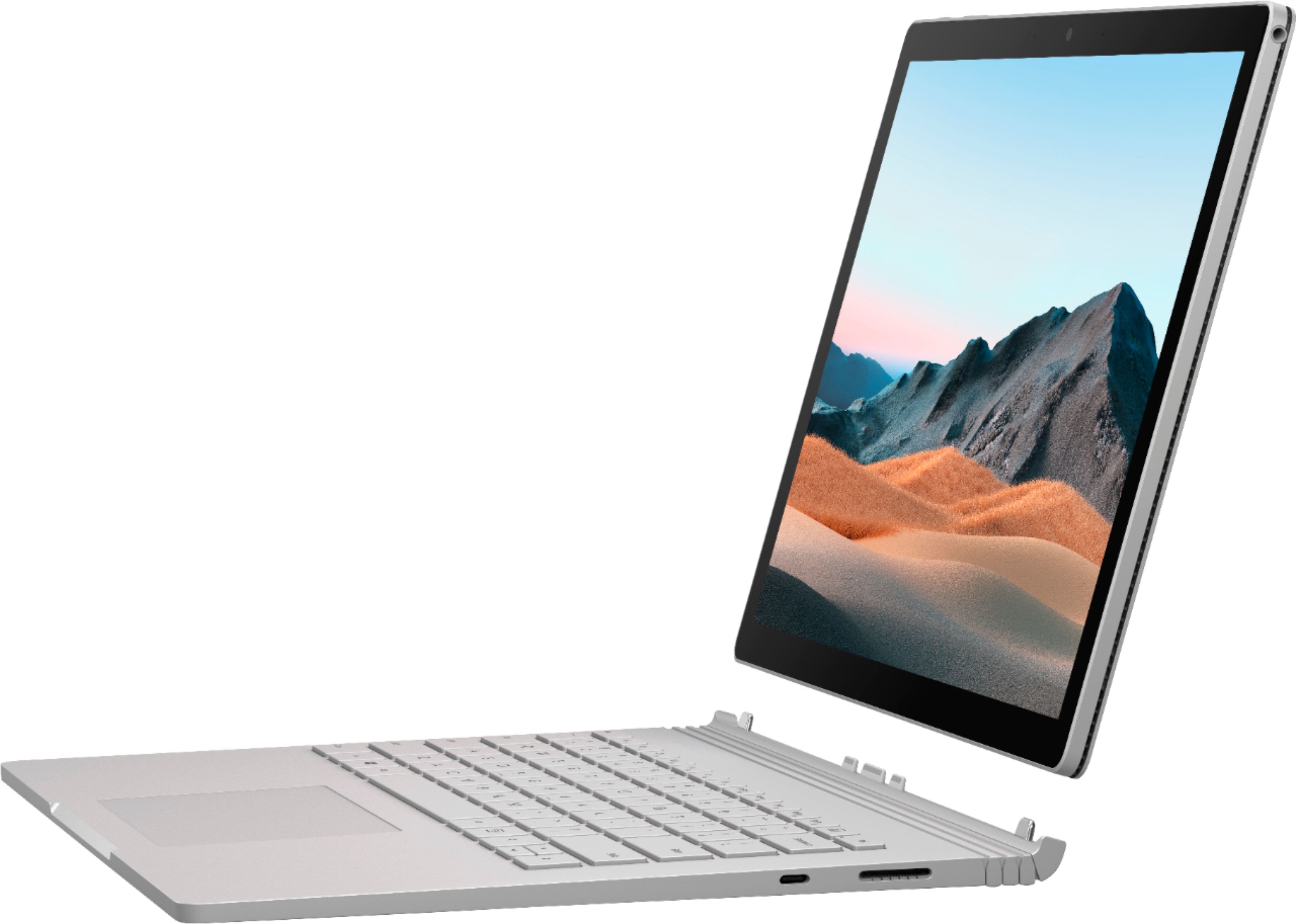
Customers highly value the Surface Book 3's performance, battery life, and versatility as a 2-in-1 device, praising its lightweight design and ample RAM. However, some users experienced issues with screen quality, heat generation, and speaker volume. Concerns were also raised regarding the keyboard's reliability and the GPU's performance in demanding applications.
This summary was generated by AI based on customer reviews.
- Cons mentioned:Speakers
Good device for students
||Posted . Owned for 1 week when reviewed.This reviewer received promo considerations or sweepstakes entry for writing a review.Overall, the Surface Book 3 is a great device for students as it features both a tablet mode alongside a regular notebook. The main advantage of it is the premium build quality along with the dedicated graphics that give it an advantage against some of the other slim thin and light laptops. One negative point is the speakers don’t get as loud but overall it is a lovely device.
I would recommend this to a friendBrand response from MicrosoftOutreachTeam
Posted .Hello,
We're glad that you consider Surface Book 3 to be a great device for students! It's great to hear that you're a fan of its versatile design and durable construction, too. Thank you for sharing your feedback; we hope you enjoy using your new Surface.
Cheers,
Chuck
Surface Customer Care
- Pros mentioned:Processor speed
Nice computer
||Posted . Owned for 1 month when reviewed.This reviewer received promo considerations or sweepstakes entry for writing a review.It love it ! It is very comfortable to use it. And it is very fast.
I would recommend this to a friend - Pros mentioned:Processor speed
Way better then a Mac book in my opinion
||Posted . Owned for 1 week when reviewed.This reviewer received promo considerations or sweepstakes entry for writing a review.Best computer I’ve used so far, very enjoyable. I’ve used it everyday and I continue to do class work as well as school work on my Surface Book 3. Very powerful and very quiet and very responsive to touch screen features. I saw this a week before my birthday and I was thankful that it was there when I went back to get it. Very satisfied and very happy.
I would recommend this to a friendBrand response from MicrosoftOutreachTeam
Posted .Hello,
We're glad that you're happy with the power and responsiveness of your new Surface Book 3. It's great to hear that it's the best computer you've used, too. Thank you for sharing your experience; we hope you continue to enjoy it.
Cheers,
Chuck
Surface Customer Care
- Pros mentioned:Processor speed
Amazing 2 in 1
||Posted . Owned for less than 1 week when reviewed.This reviewer received promo considerations or sweepstakes entry for writing a review.Superb laptop. It’s the best of both world, tablet and a powerful loaded desktop in a laptop. Super fast, light and the touch screen is very user friendly. This is my second Surface book, I’m finally replacing it after 8 years and I hope Microsoft continues to make the Surface book.
I would recommend this to a friend - Pros mentioned:Processor speed, Weight
Perfect computer
||Posted . Owned for 3 weeks when reviewed.This reviewer received promo considerations or sweepstakes entry for writing a review.Lightweight, fast, love the options for laptop or tablet.
I would recommend this to a friend - Pros mentioned:Battery life, Ram, WeightCons mentioned:Screen quality

An Amazing Feat of Engineering
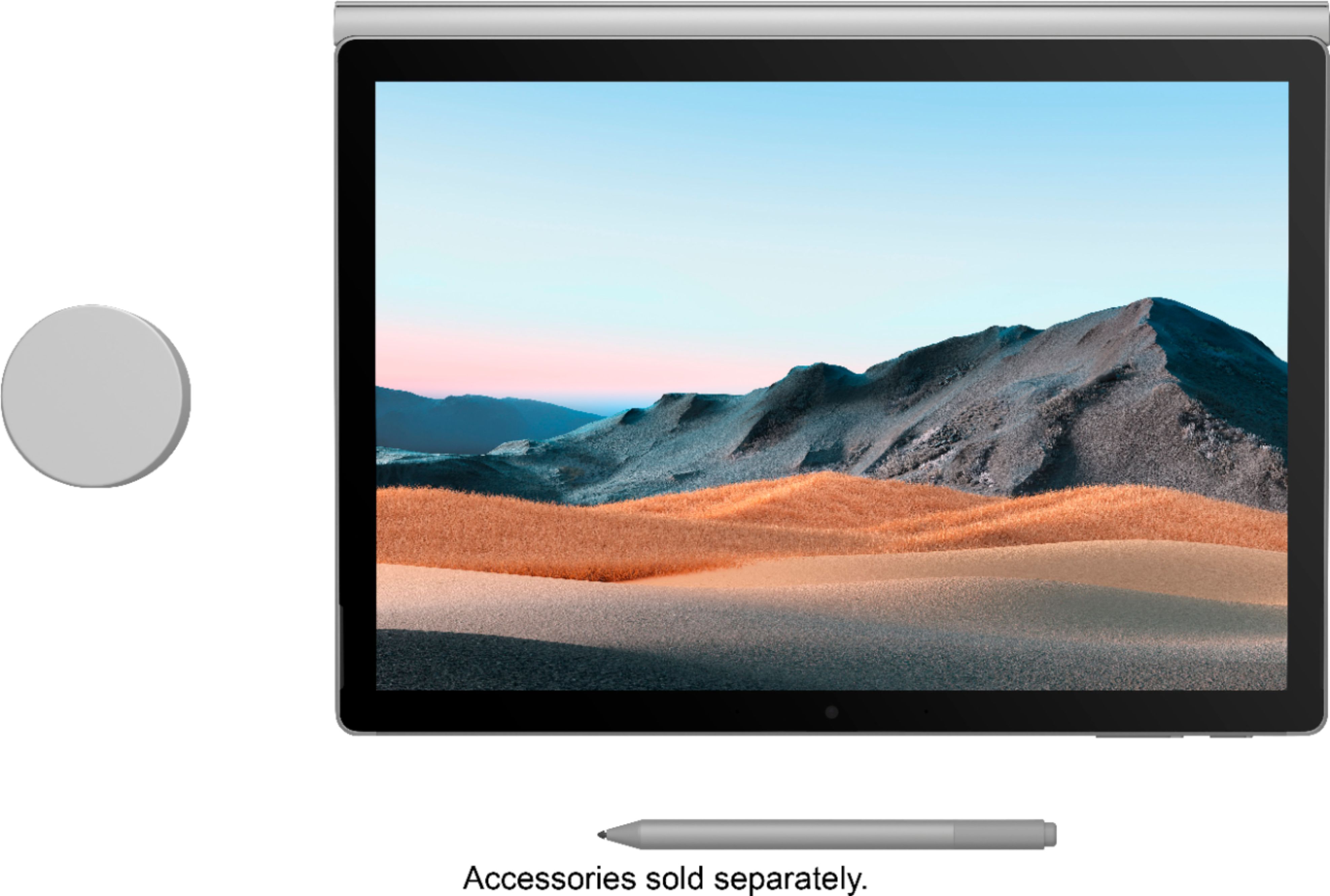
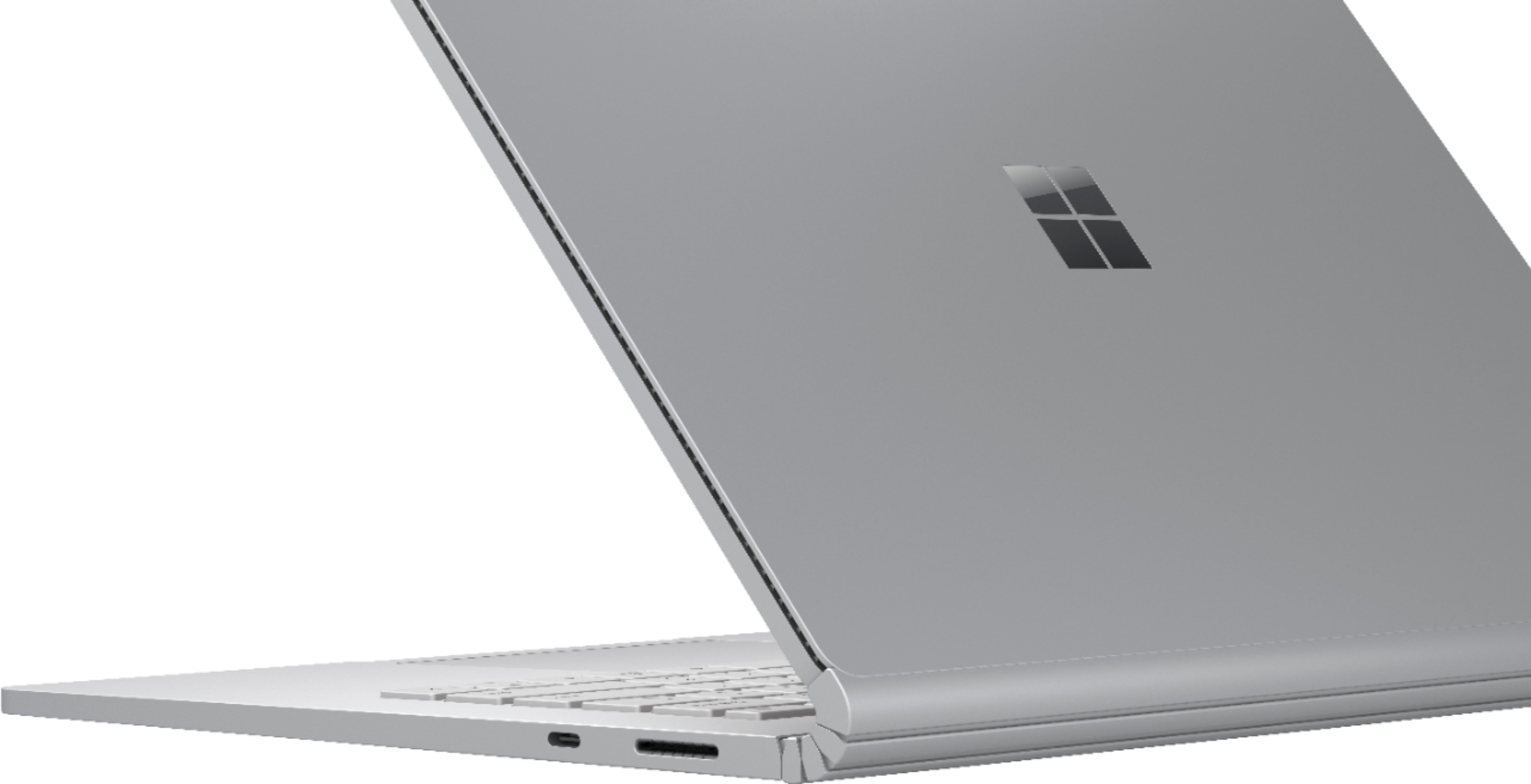
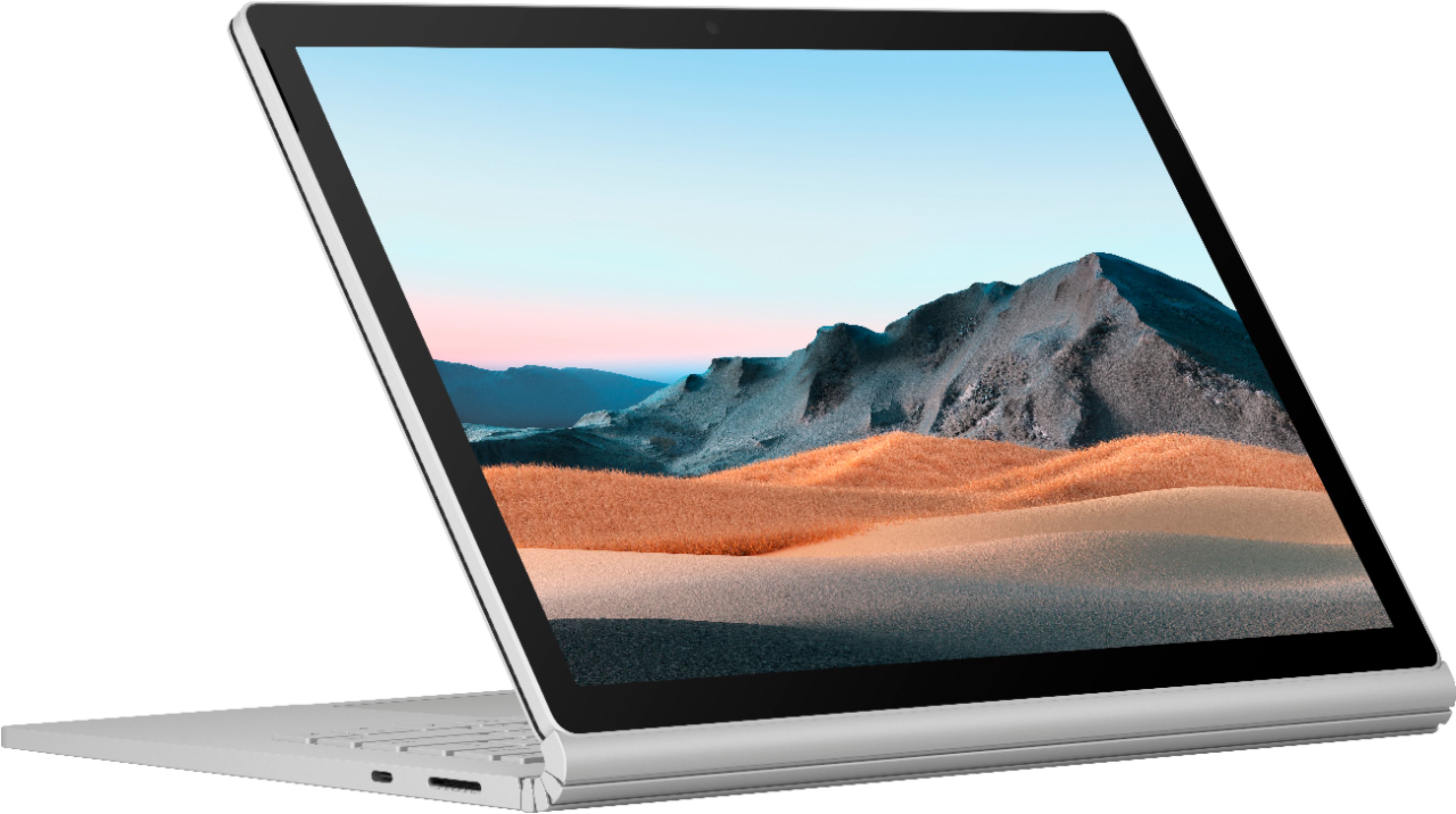
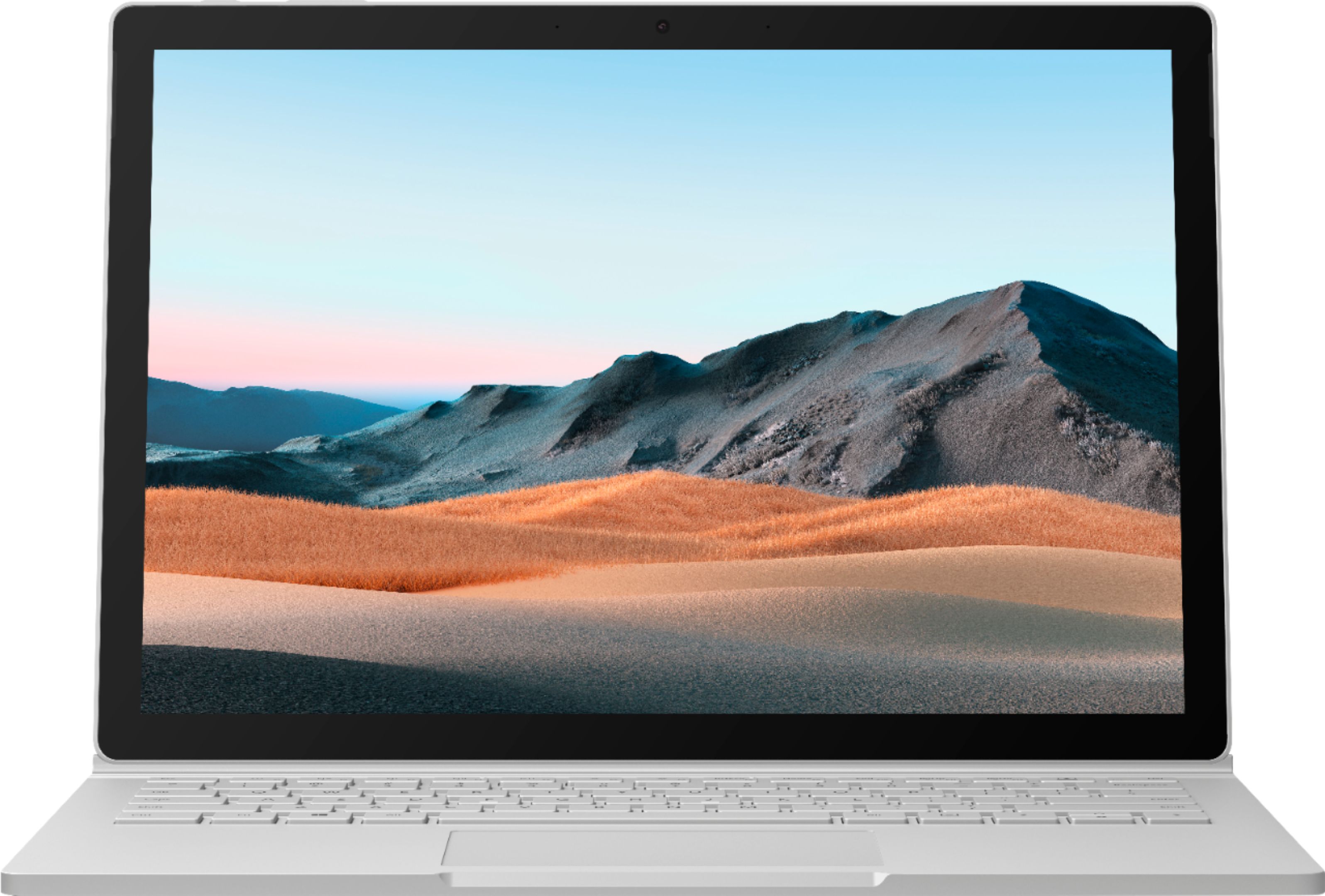
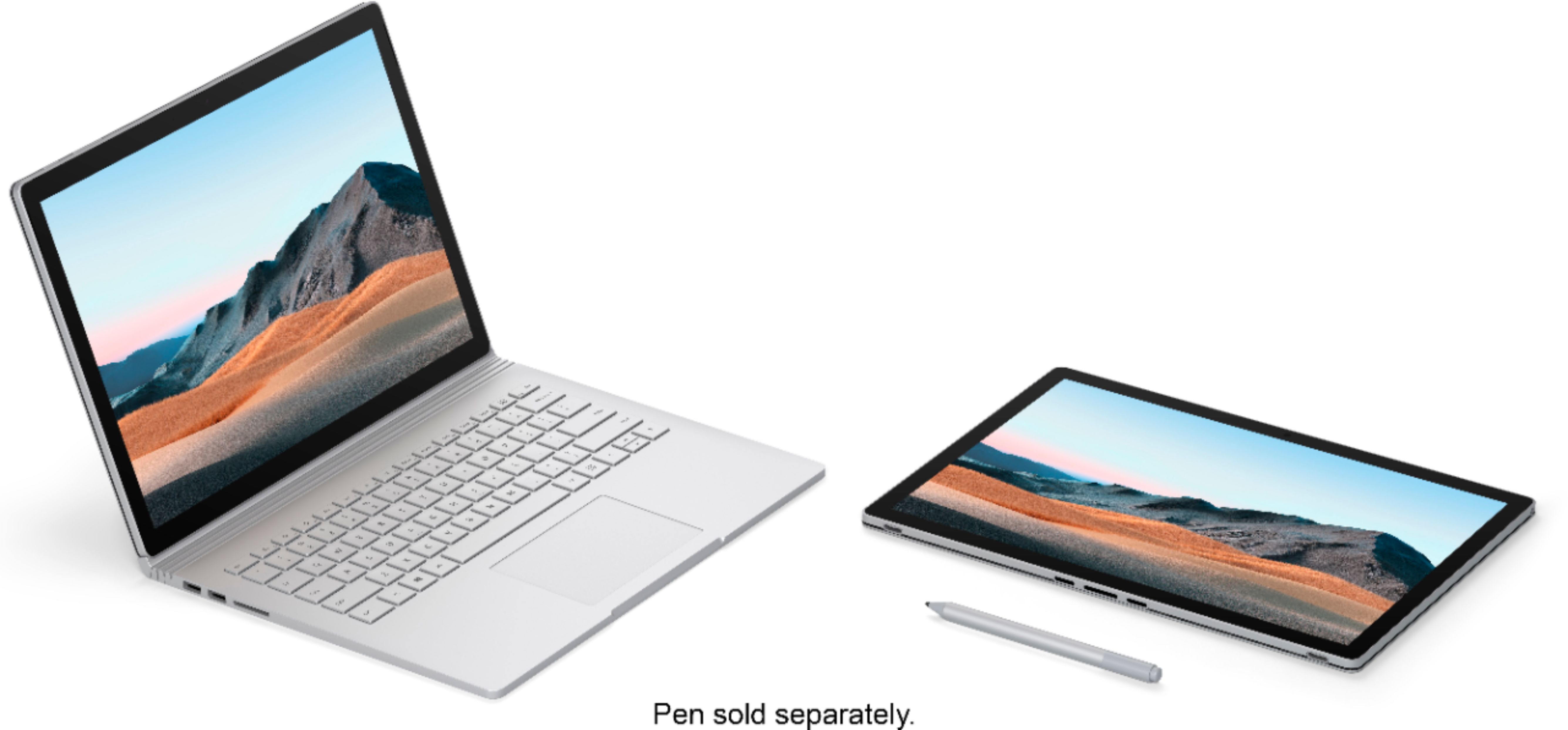
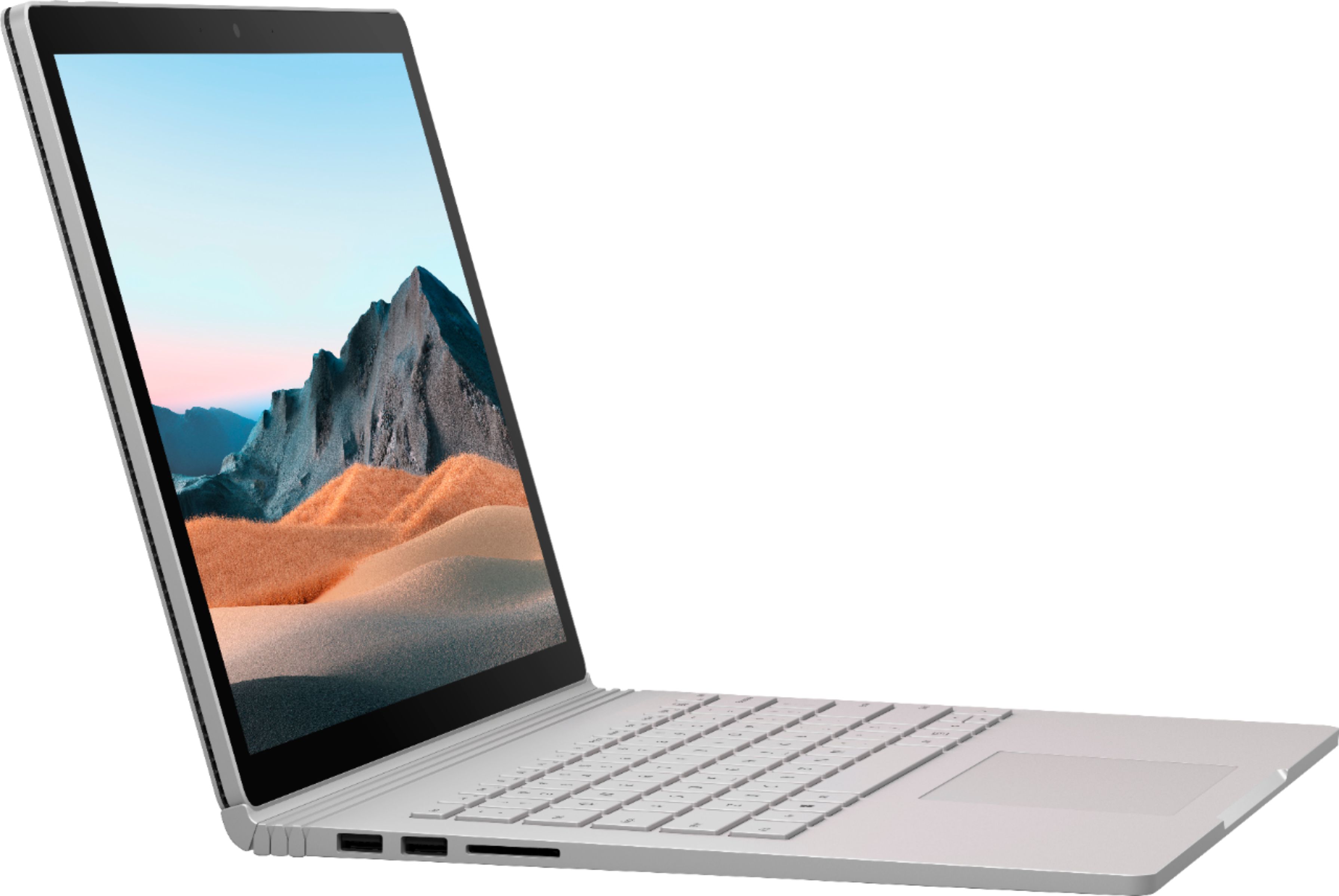
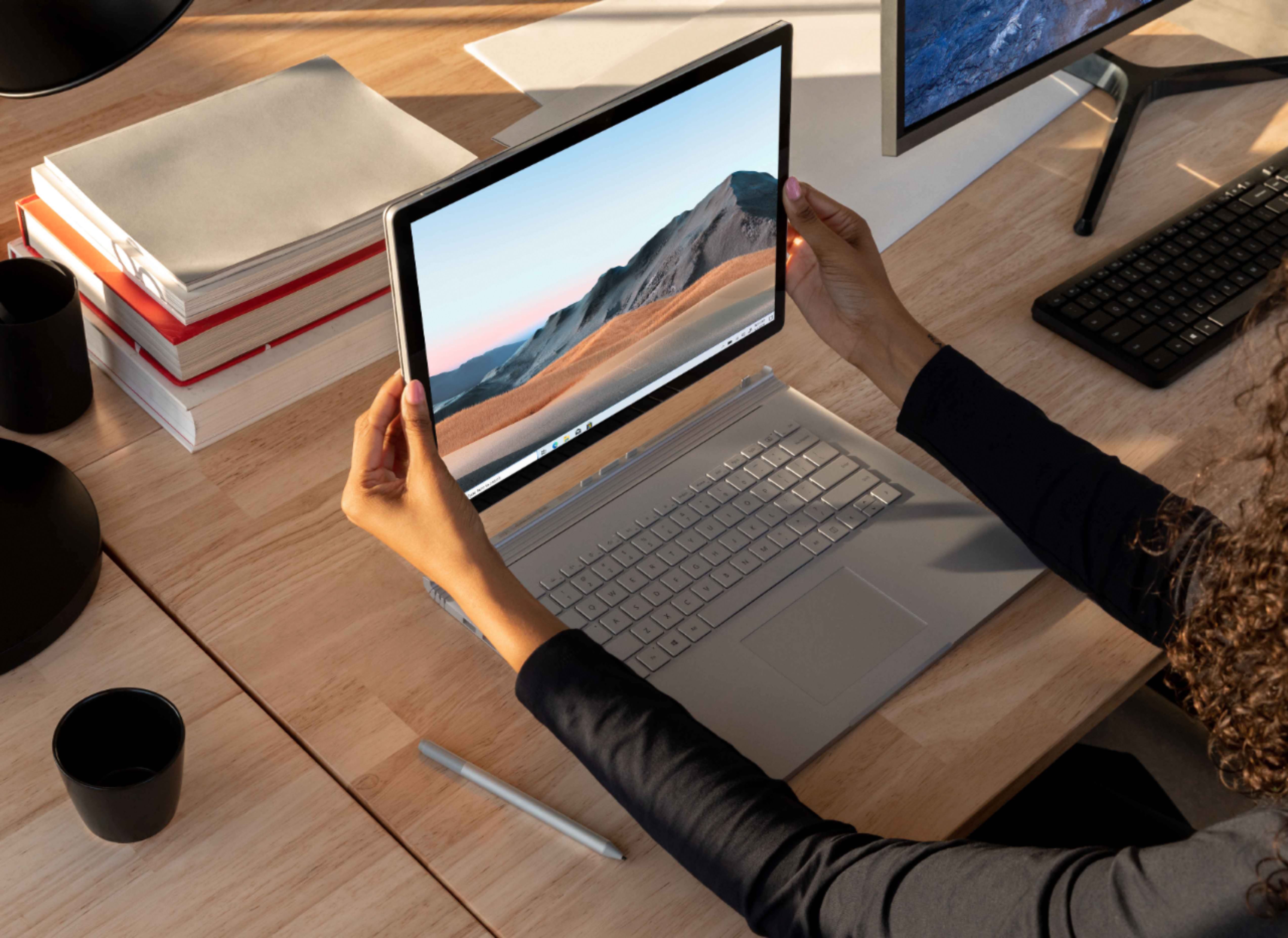
|Posted .This reviewer received promo considerations or sweepstakes entry for writing a review.The Microsoft Surface Book 3. This device is very exciting for me. The Surface Pro 3 was my first foray into Microsoft designed hardware. At the time lightweight and powerful touch screen device. Coming from a background of touchscreen laptops throughout my college years followed by nearly 5 years of workstation laptops, it was good to be back in the portable but powerful touch world. But I soon found that unlike college, my usage patterns had shifted. Instead of notetaking being a major part of my workflow, it now made up around 20%. I needed something that could handle actually sitting on one's lap for an extended period of time. And the weight made using it in tablet mode freehand for extended periods of time taxing. When the Surface Book came out, I was excited and intrigued. But circumstances have kept me away. . . until now. Full disclosure, I was provided this Surface Book 3 as part of an invitation-only program where I'm provided products for free for the purpose of writing honest, unbiased reviews. Ah, the Surface Book 3. It arrived in a pretty dense package. The box itself is some sort of dense foam or cardboard that in addition to providing a nice shell and protection, also adds gravitas due to its weight. Opening it up, I was taken in by the clean anodized sliver like look of the laptop. Of course, I immediately attempted to detach the tablet. No joy. Ah, need to charge the battery and press the dedicated button to undock. Good to know and after having spent a minute struggling and exerting a decent amount of effort pulling on the tablet, glad to know that it will not just flop apart. When docked in laptop mode, you can be sure it will stay that way. While the laptop charged, I took the time to examine it in detail. On the right hand side of the keyboard is USB-C (yay!) and the surface power port. Right side gives you two USB and an SD card slot. Even though I know the USB-C will allow massive port replication and connecting external monitors, it would be nice to have more ports natively on the device. A bit surprising, there's only a headphone port on the tablet/screen. And the three buttons common to the Surface line, power, volume up and volume down. Pretty clean looking, spartan, and sparse. To be honest, the port selection is sufficient for 90% of my use. As it is now, my work laptop connects to a docking station via USB-C/Thunderbolt and almost nothing plugs into it. Still, I'm old school enough to miss having a smattering of available ports. Powering up and going through the Windows 10 setup was normal Microsoft fare. I did notice however that the keyboard doesn't house any speakers. Instead, sound is exclusively in the tablet. One the one hand, that makes sense. After all, in tablet mode, that's where you'd expect the sound to come from, not a keyboard located whereever you left it. On the other hand, that means your sound quality is limited due to the constraints of fitting speakers in the tablet. Once account setup was complete and I did the first thing I do on every new computer (install my favorite browser), I was ready to try out the tablet for the first time. Undocking was easy though it took doing it a couple times to get the movement right so that the tablet didn't "catch" on the keyboard as I lifted it out. You essentially want to use a hand or arm to put a bit of pressure on the keyboard while you pull up on the tablet. Do it a couple times, and you'll be a pro. The native 3000x2000 screen is nice though the aspect ratio results in a laptop that looks a bit square. It's weird, but a really square screen took a little getting used to. The upside though is the keyboard is almost the perfect size. Nearly full, well spaced, and decent travel (we'll come back to this in a bit.) Lifting the tablet, I was in for a surprise - it is LIGHT! I was expecting Surface Pro 3 weight and this was around half that. And, I would find, amazing battery life, given that you're holding a full fledged Windows 10 device in your hand. This is ridiculous. And by ridiculous I mean it almost defies logic and reason how well Microsoft got the design down on this. The weight and weight distribution made it easy to hold one handed. I feel I can now actually spent time freehand while sitting on my couch web surfacing or doing some light work. The only thing missing is a nice pen or stylus. Hmm, well, I have my SP3 pen, let's try that. The pen worked, but it essentially was just a mouse in pen form. For navigating around, it worked well and seemed very pen like. It was only when writing notes or writing out website names that I noticed it was being treated like a mouse - the inking just wasn't the same as on the SP3. I did find that the magnets at the bottom of the screen where it docks to the keyboard were strong enough to hold the pen, but it was much more easily dislodged. I'd started getting away from pen (and tablet mode) use on the SP3, but the relative ease of use means the Surface Book 3 would be well served with a good pen option. One of my next other first tasks on a new machine is to put the keyboard through its paces. There's a typing tutor/speed tester website I use which allows me to perform pretty standardized and apples to apples comparison between keyboards I use. The keyboard was comfortable to use. I found that my speed was slower on the Surface Book 3 keyboard, about 79 WPM but my error rate was always right around zero. On other recent machines and keyboards I've tested, my raw WPM was higher, but the "corrected" WPM which accounts for errors was 80 meaning my effective typing speed on this is about the same. I give the slight edge to the SB3 because it does annoy me a bit going back to correct minor mistakes while typing. That said, the SB3 is not completely perfect. After a couple hours of laptop mode use, I found myself frustrated by a need to adjust the screen angle a bit further back close to 30 degrees or a bit more. However, you only get a bit beyond vertical. I suppose it's a compromise between a strong enough hinge to sturdily hold the screen in place and flexibility to fold back away from vertical but man, that is a bit limiting. The near vertical setting is great for when the SB3 is on a desk. On your lap, you inevitable need it to lean a bit further to get a great angle between the screen and your face, particularly when you're not sitting completely upright. For the next few days, I played around with the SB3. Using it to go through my typical post work tasks, browsing the web, responding to emails, doing research, remote desktoping and completing some work projects, watching YouTube and Hulu. I'm very happy with the video playback, screen clarity, and brightness. Side by side with a 1080p screen, you can definitely see that this is sharper. The speakers aren't as good as those in similar full fledged laptops and that was my only complaint. Several afternoons, I took this outside - no problem reading the screen in direct sunlight - with the brightness turned up. This is great for hanging out on the porch or backyard. I often adjust the timing of such sctivities to coincide with a sun angle that allows for my phone's screen to be readable. Now, I can just grab the SB3 tablet. The final test was to load up a few work applications and run them directly on the SB3. I'll admit, I was a bit apprehensive about this part. I was really enjoying the SB3 and did not want something that may reveal feet of clay. A year ago, I got a new work laptop. I agonized then over three choices, one of which was the Surface Book 2. I ended up not getting the SB2 due to concerns over performance and warranty support. Now, the SB3 will be put to the task. It did not disappoint. Installing and running Altium went well. My projects opened quickly and the compile time on complex PCB projects was within a few seconds of my work laptop with an i9 processor. Firing up a firmware (code) project in Eclipse ran similarly well. Having 32GB of RAM really comes in handy with memory hungry Java applications. One thing a lot of people don't realize is that a well designed operating system should consume as much RAM as possible. Why? Because RAM is faster than accessing a HD or SSD and the more it uses, the faster your applications will run. Doing a build and run of my GCC based unit tests, the SB3 actually beat out my i9 work laptop (also with 32GB of RAM) by a few seconds. The final test application was Visual Studio (2013 Pro). While I had some hope that a Microsoft development environment on a Microsoft machine may have some synergies, Visual Studio ran just a quickly. No stuttering loading projects or running my Resharper analysis. I typically keep Visual Studio on a widescreen monitor at work. This normally makes for a slightly reduced experience when running just on my work laptop at home. On the SB3 however, it was a good fit, though I did adjust the scaling from 200% to 150% as a compromise between getting the horizontal resolution/width I wanted while still keeping text readable. As I write this review, I'm reminded of something else I noticed over the past few days - the battery life. While I didn't carry out a battery run-down test (I'm sure there will be plenty of these available to cross compare), I did notice that I could go nearly a full day between plugging in the SB3 to charge. This is a marked difference from the SP3, my current laptop, heck even my phone. There's only one other device that I have which can boast similar battery life, and I've had it for the past 6 years. This bodes well for the longevity of the SB3 for me. I have to say, Microsoft has done an amazing job with the Surface Book 3. Well rounded, powerful, great battery life, and a detachable tablet. I think this is among the top of available machines in the 3-5lb range.
I would recommend this to a friend Great for an architecture student
||Posted . Owned for 1 week when reviewed.This reviewer received promo considerations or sweepstakes entry for writing a review.Was debating whether this computer was worth the money but I saved $300 being a student and I am in love with its design but also its capability to handle my architecture software such as rhino and adobe creative cloud. Converting the screen to a tablet is so convienient to take notes, watch movies, or work on designs/sketches by hand!
I would recommend this to a friendBrand response from MicrosoftOutreachTeam
Posted .Hi Jaibino,
We're glad that Surface Book 3 satisfies your needs as an architecture student. It's great to hear that it offers a convenient way to do classwork and have fun, too. Thank you for sharing your experience; we hope you get a lot of use out of it.
Cheers,
Chuck
Surface Customer Care
A bit pricey, but quality laptop
||Posted . Owned for 1 month when reviewed.This reviewer received promo considerations or sweepstakes entry for writing a review.I have owned this for about a month and thus far it's been a quality machine. Nice processing power and I do really like the detachable screen that can function as a tablet. I've wanted a tablet, but I wanted more power and don't always want to use it as such. This gives you the best of both worlds with a bit more power. This replaced my old MacBook that was too slow. Just remember to turn it on and off after every use as you should or it hangs up just a bit. Overall night quality laptop in my opinion. And I love love the touch screen capabilities that can be used as a tablet or when working on it as a laptop.
I would recommend this to a friend- Pros mentioned:Performance, Weight
great laptop
||Posted .This reviewer received promo considerations or sweepstakes entry for writing a review.best laptop i have ever , it fast , light weight ,
I would recommend this to a friend - Pros mentioned:Battery life
Excellent surface book for work or leisure!!!
||Posted . Owned for 2 weeks when reviewed.This reviewer received promo considerations or sweepstakes entry for writing a review.This surface book 3 is great to use with or without keyboard. The battery is last long with one is in touchscreen and other is in keyboard. I can use touchscreen for surfing the internet or Netflix with ease. It is replacing my mini IPad with more flexibility and features by using surface pen.
I would recommend this to a friend - Pros mentioned:Performance
Great Laptop
||Posted .This reviewer received promo considerations or sweepstakes entry for writing a review.Excellent laptop, I primarily use it for video / photo editing (Adobe Photoshop and Premier Pro). Also use it for software development. Fantastic performance, love the convertibility of it as well. Ended up returning for a larger screen though. Full review on YouTube: https://youtu.be/0Q2WyNNqM64
I would recommend this to a friend Just what I needed
||Posted . Owned for 1 month when reviewed.This reviewer received promo considerations or sweepstakes entry for writing a review.This laptop checked the boxes for what I needed: 13" size - for portability 1080p webcam - for work/zoom (I do telemedicine on the go, and a crappy camera will not cut it, neither will a usb camera) Graphics card - for gaming on the go There are ZERO other laptops on the market that check those 3 boxes. ZERO. Not Razer (crappy webcam), not Apple (no graphics card), not Dell (no graphics card), and not even the slightly larger and very nice Zephyrus G14 (no webcam at all). Now, this is an expensive laptop. The computing performance can be obtained at a much cheaper price from competitors. For a lot of people, the biggest selling feature for this laptop is the ability to be a fully functioning PC in the form factor of a tablet. Although this is quite cool and works wonderfully, the bottom line for me was that it checked the boxes I mentioned above for both work and play - I needed a small laptop that I could carry around all day, do telemedicine with a decent webcam, and on an off day do some gaming on the side. This does that.
I would recommend this to a friend- Pros mentioned:Performance
Powerful
||Posted . Owned for 3 weeks when reviewed.This reviewer received promo considerations or sweepstakes entry for writing a review.Powerful laptop though I don't see much change from prior versions. Would have expected at least solving the issue related to space at the hinge when it is closed. But one thing about Microsoft, it outlive any apple product
I would recommend this to a friend - Cons mentioned:Heat
Great for college!
||Posted . Owned for 1 week when reviewed.This reviewer received promo considerations or sweepstakes entry for writing a review.Awesome laptop and tablet in one for college course and notes. Sadly the built in volume is low for me to hear, but luckily I got Bluetooth speakers to make up for it. Also in tablet mode, it gets hot real fast, gotta be careful.
I would recommend this to a friend - Cons mentioned:Gpu
Horrible, Max $800 value
||Posted . Owned for 1.5 years when reviewed.This reviewer received promo considerations or sweepstakes entry for writing a review.This doesn't work as a laptop or a tablet. Check out the benchmarks before you buy this, CPUs and GPUs from 2013 have better ratings than these. You have to constantly detach/reattach the screen to get the main GPU to actually be picked up by the system. It constantly crashes and goes to a blue screen due to the horrible connection between the keyboard and screen, just moving the laptop from one table to another is likely to cause it to crash.
No, I would not recommend this to a friend - Pros mentioned:Processor speed
Versatile, incredibly useful for business classes
||Posted . Owned for 1 month when reviewed.This reviewer received promo considerations or sweepstakes entry for writing a review.Needed a Windows laptop as an alternative to Mac when necessary. There are so many benefits to this machine - being able to use it as a tablet, the touchscreen, the pen for note-taking and the power to multi-task. It was a snap to set up too. Works like a breeze with Office 365.
I would recommend this to a friendBrand response from MicrosoftOutreachTeam
Posted .Hello Atty,
Welcome to the Surface family! We're glad that your new Surface Book 3 has proven to be a versatile, useful option for business use. Thank you for sharing your experience.
Cheers,
Chuck
Surface Customer Care
Good computer so far. Needs longer battery life.
||Posted .This reviewer received promo considerations or sweepstakes entry for writing a review.I purchased this computer from Best Buy about a week ago. Microsoft Surface Book 3 13.5" 32GB ram. I like the computer so far. My base model Macbook Pro which was less than half the price and is 2 years old is about the same speed as this computer or even a little faster, but I needed Windows to run a program. This computer is good so far, but really needs more battery life and it boots up slow for a computer with 32GB of ram (my Mac has 8GB and boots faster). Even with the keyboard illumination turned off, this computer battery drains quickly compared to my MacBook Pro. The one thing I like about this computer better than the Macbook Pro is that this one has USB ports and a SD card slot, which the Mac does not have.
I would recommend this to a friendBrand response from MicrosoftOutreachTeam
Posted .Hello,
Thank you for sharing your experience with your new Surface Book 3. If it seems like your battery life is too short, Microsoft Support may be able to help. We recommend checking out tips for optimizing and maximizing batter life in your Surface here: https://support.microsoft.com/en-us/help/4483194/maximize-surface-battery-life
Hope that helps,
Chuck
Surface Customer Care
Love the Surface Book
||Posted . Owned for 1 month when reviewed.This reviewer received promo considerations or sweepstakes entry for writing a review.I purchased this computer to replace my previous Surface Pro 3 that was WORN OUT! This is my 3rd Surface product. Other than the battery swelling in the keyboard on my last computer, I've been extremely pleased with Surface Products. This newest version, though pricey, is a huge upgrade and I LOVE IT! The pricey factor comes into play because it has TWO batteries (one in the tablet and one in the keyboard which will be useful when power isn't readily available) so I can't fault the price point. The design and functionality of the 3-1 removable tablet/keyboard combination is way more useful than I thought it would be. The engineers nailed it on this one!
I would recommend this to a friendBrand response from MicrosoftOutreachTeam
Posted .Hi Thomas – We value when loyal fans like you take the time to leave us a review! We're thrilled that you love the battery life, and functionality of your Surface Book 3. We hope it continues to serve you well. Best, Erica Surface Customer Care
- Pros mentioned:Performance
Good needs work on battery conservation
||Posted .This reviewer received promo considerations or sweepstakes entry for writing a review.I had the book and this. I like the book better lighter and equal performance. Sometimes the computer doesn't shut down and causes the battery to discharge when I need it.
I would recommend this to a friend - Pros mentioned:Performance
Great
||Posted . Owned for 1 week when reviewed.This reviewer received promo considerations or sweepstakes entry for writing a review.Purchased for daughter for college. Has not started classes yet but she definitely loves it so far just playing around it. She has had a Mac for high school but because of her college and degree decided to switch and has had no problems with adjustment.
I would recommend this to a friend