Customer Ratings & Reviews




- Model:
- V4C-00022
- SKU:
- 6374345
Rating by feature
- Battery Life
Rating 4.4 out of 5 stars
- Speed
Rating 4.6 out of 5 stars
- Display
Rating 4.6 out of 5 stars
Customers are saying
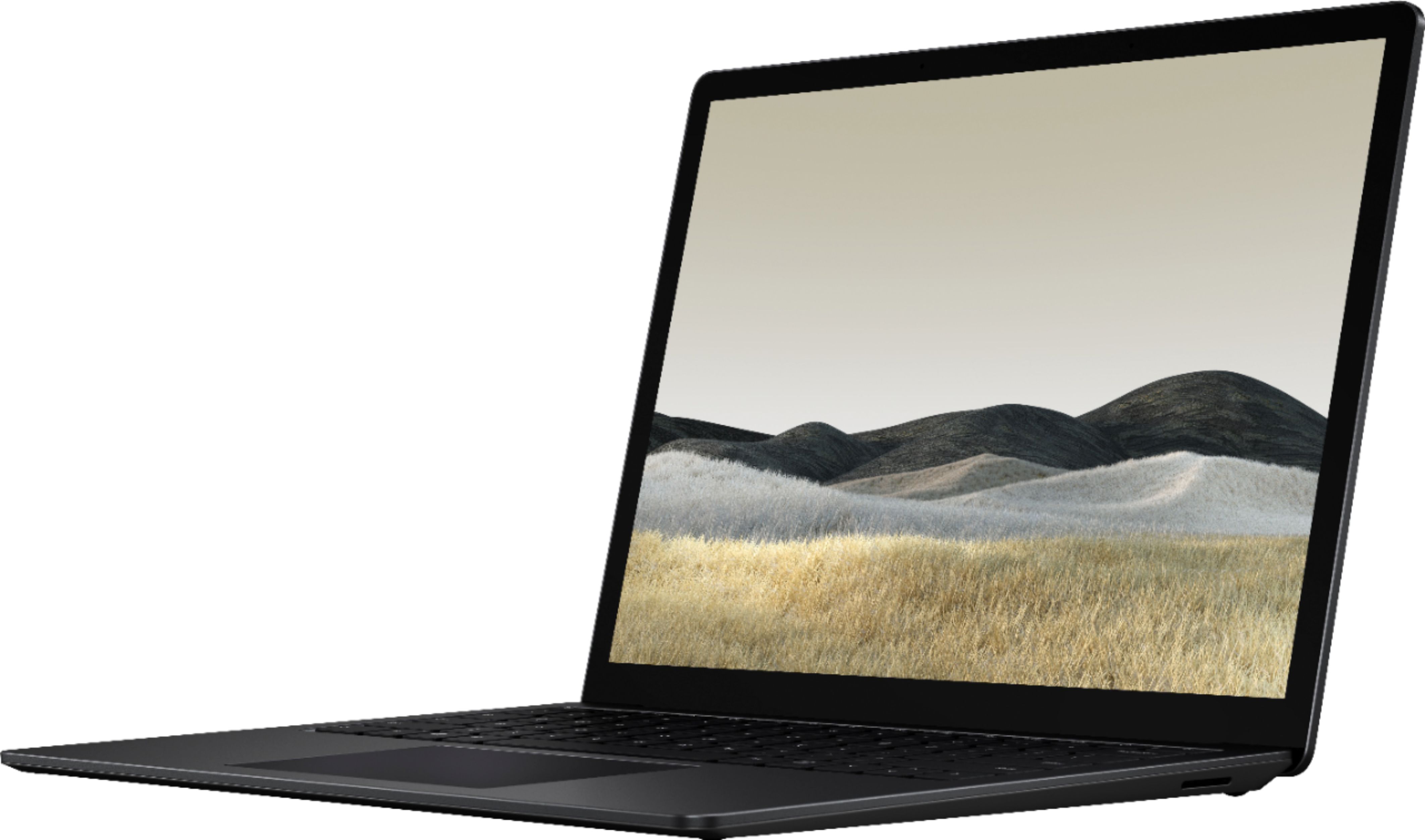
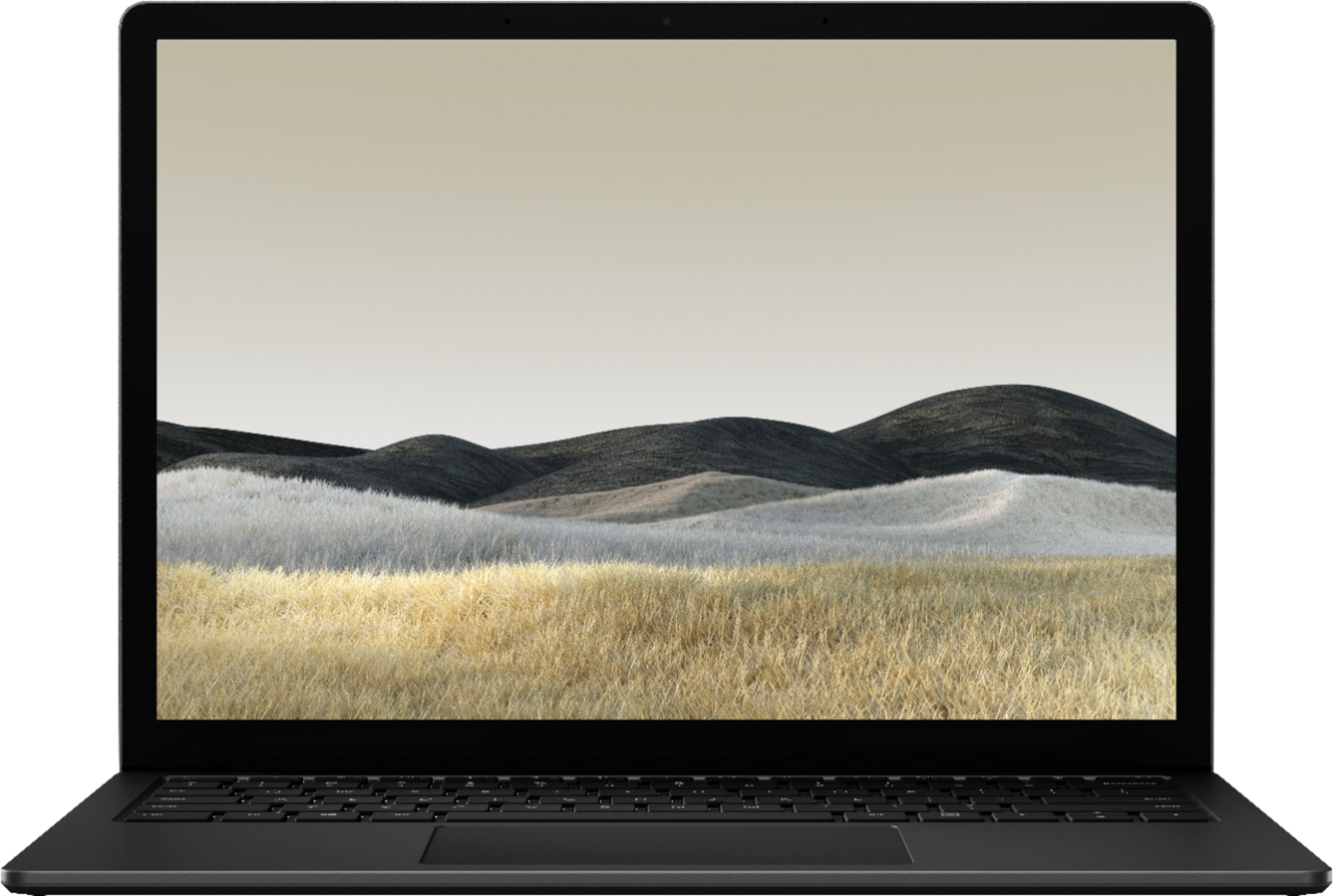
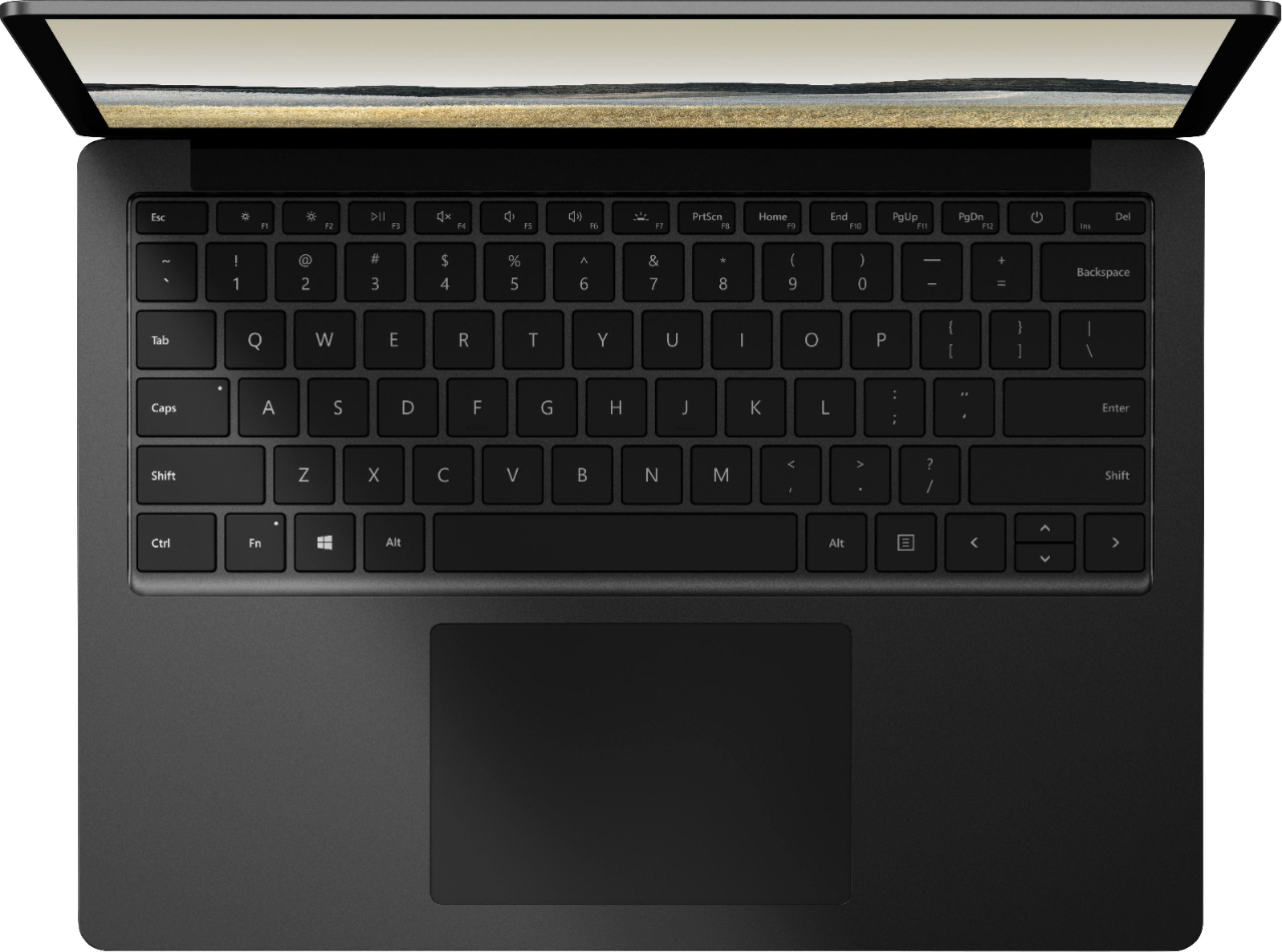
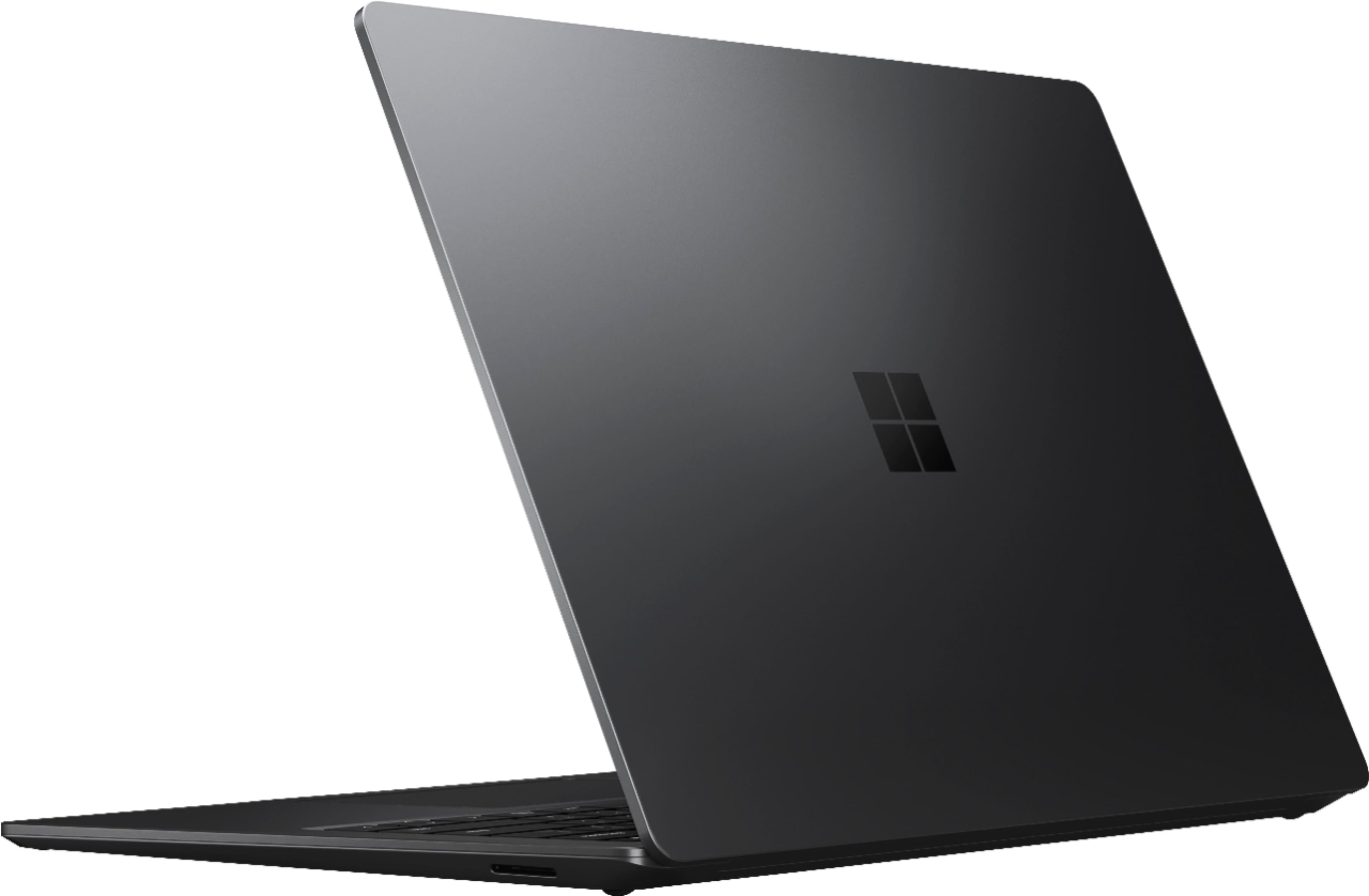
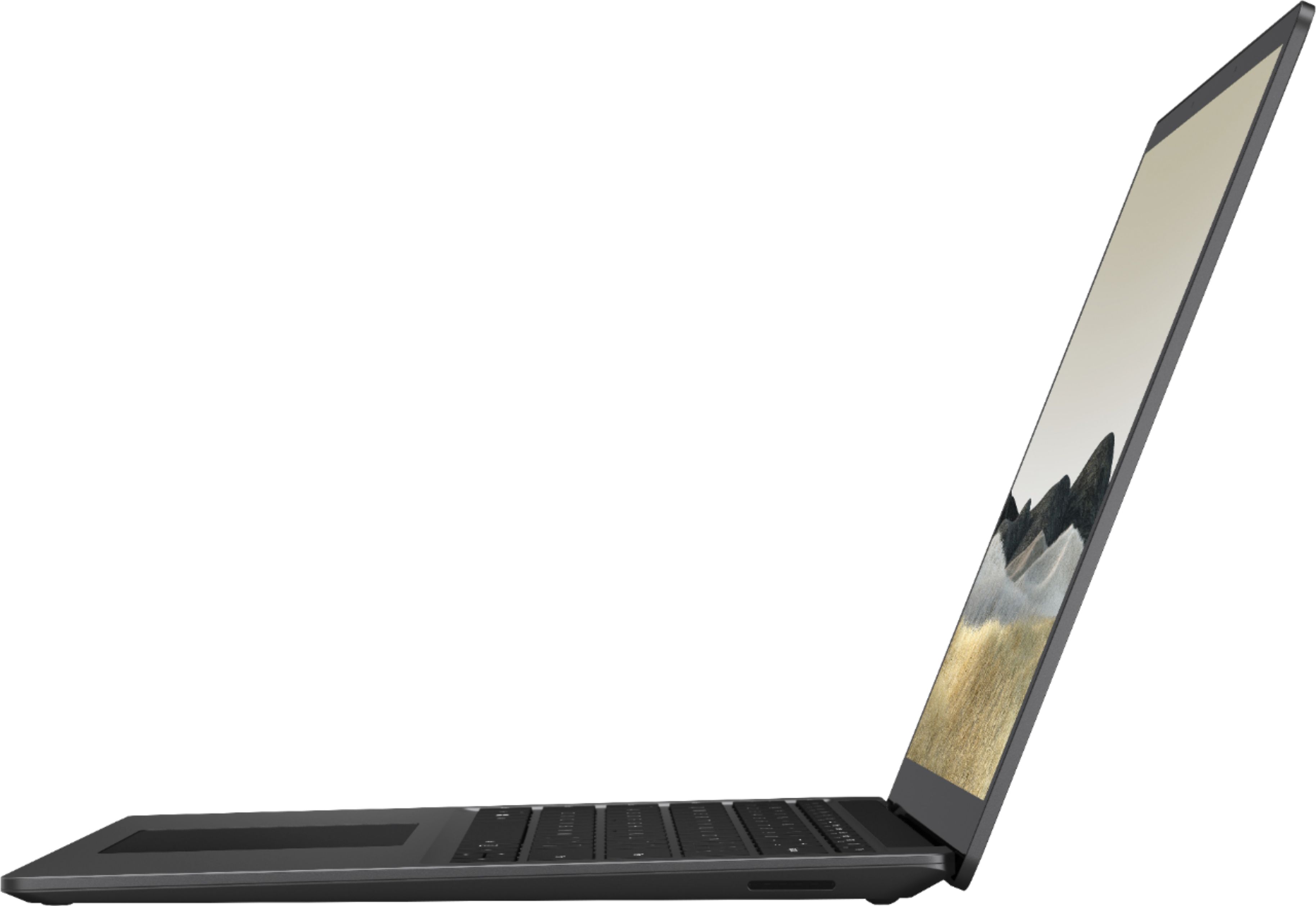
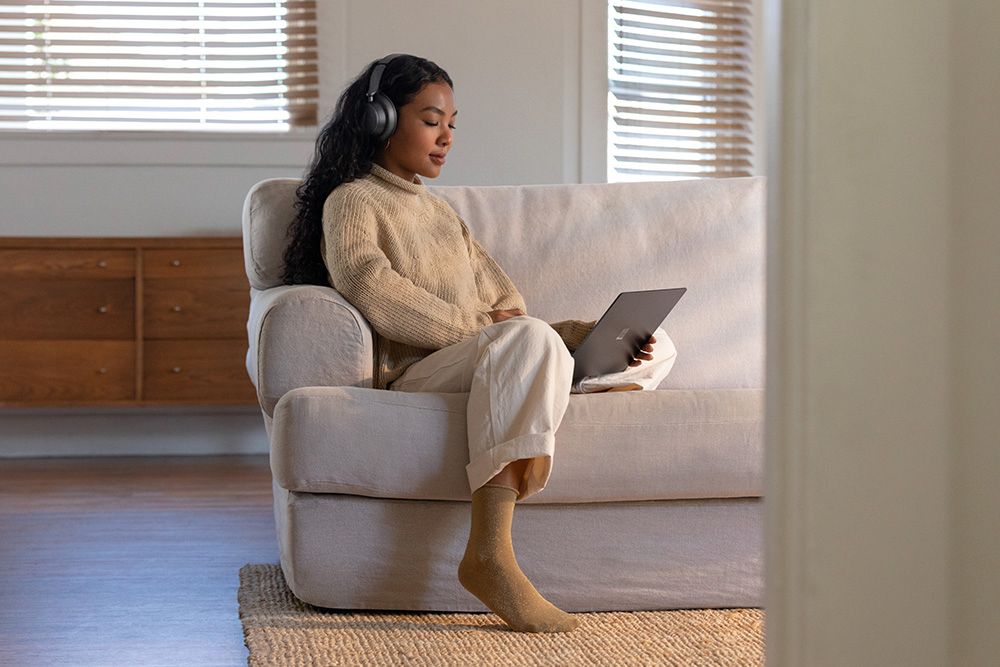
Customers are satisfied with the Surface Laptop 3's lightweight design, ease of use, and keyboard quality. Many appreciate its portability and sleek aesthetics, while some find the battery life to be a positive feature. However, concerns exist regarding the price point, potential overheating issues, and a limited number of USB ports. A few users also noted that the fan can be noisy at times.
This summary was generated by AI based on customer reviews.
- Pros mentioned:Design, Keyboard quality, Speed
I love this laptop!!!
||Posted . Owned for 2 weeks when reviewed.This reviewer received promo considerations or sweepstakes entry for writing a review.I use Windows 10 while at work, but never felt comfortable with it since I use my MacBook pro and iMac to write while at home. I had considered getting a windows machine to get better acquainted with Windows 10, which seemed less friendly to me. I had my eye on the Dell XPS 13 for awhile, but then I saw a surface laptop and decided to bring it home. The style of this laptop is on par with apple products and in fact may be even more stylish than MacBook, which seems dated in comparison. The minimal look to the surface laptop 3 gives it a classy feel. No intel stickers on the computer, or distracting engravings detract from its style. Its all aluminum case is a pleasure to hold, while is slim design makes it seem lighter than its actual weight. It is practical to carry in my bag, but I notice the added weight when toting it around. The laptop is powerful enough to do the things I need a laptop to do, mainly editing word documents. I bought the intel i5, 256 GB model with 8GB of RAM, normally $1299 but was on sale for $899 at the time. The laptop 3 does what I need it to do, and is snappy while doing it. The power brick connects using a surface connector, which charges the computer. A bonus, when this port is connected to the surface dock, it powers the laptop while communicating with dual monitors and connected USB devices like hard drives and wired keyboards. It is nice to simply dock to the surface connector and begin using all my connected monitors and devices without having to sacrifice my USB A or C ports. The dock ports are not modern and probably should be updated for 2020 by adding at least one or two USB C options. But for my needs, it works perfectly as is; two mini display ports to power my old 23 inch Apple Cinema displays and two USB-A type3s that are connected to a hard drive and keyboard. The dock makes my desk less cluttered, a nice benefit. The keyboard and trackpad are great. I would love this keyboard on my MacBook. This is the best trackpad that I have used on a windows machine, but the mac trackpads are just slightly better. The touchscreen and support for the surface pen is nice, but I rarely use them. Writing on the laptop screen is awkward, since the screen does not fold all the way over. My messy handwriting in even worse when adding notes to OneNote. There is no dedicated place on the surface 3 to attach the surface pen when not using it, but the magnets on the top of the display does a good enough job to keep it handy (see photo). The battery life is not great. I can adjust power usage to extend battery life while sacrificing performance, but this is more of a Windows 10 thing, not really an exclusive surface 3 trait. While on best performance, my power dropped to 50% after two hours of web surfing and light document editing, which is fine for me since I am accustomed to this battery life. The surface laptop 3 is not the most powerful that can be found, and its cost (unless on sale, like mine) is higher than other options. I enjoy the style of the surface laptop 3 which compliments the Windows 10 operating system well. Unexpectedly, it has become my main device. I still love my macbook but after using macOS for so long, working on the surface laptop seems fresh. I like it.
I would recommend this to a friend - Pros mentioned:Design, Speed
The most convenient and practical laptop
||Posted . Owned for 3 weeks when reviewed.This reviewer received promo considerations or sweepstakes entry for writing a review.Beyond Excellent would be the proper rating for this Microsoft Surface 3 13”. I am currently working from home because of the lockdown and this laptop is just amazing. It is fast, smart and sleek! Completely justifying the true meaning of a computer, which is, “Convenience”. I had purchased a MacBook Air 13.3 but I guess being a layman in IT issues, I needed a computer that is not complicated at all and so I returned the MacBook and exchanged it with this Surface Pro Laptop 3 13. Best decision.
I would recommend this to a friend - Pros mentioned:Design, Speed
Microsoft's Best Surface Yet
||Posted . Owned for 5 months when reviewed.This reviewer received promo considerations or sweepstakes entry for writing a review.The Surface Laptop 3 is hands down the best laptop I have ever owned. I purchased this computer months ago while I was still in school. Mainly for university classes and it has since surpassed it's uses since then. The all metal design is amazing and certainly fits the sleek look its going for. The matte black model can be sort of a fingerprint magnet at times but because of the metal finish it can wipe right off really easily. Its extremely fast and snappy. The only real con I can say about the laptop is its battery life, for some it can feel a little short. Sometimes into the 4-5 hour range and for others it can be 6-7. It mainly and always comes down to your individual use. Overall, I can really say it's the third times a charm for the Surface Laptop 3.
I would recommend this to a friend - Pros mentioned:Ease of use, Speed
Love love love
||Posted . Owned for 2 weeks when reviewed.This reviewer received promo considerations or sweepstakes entry for writing a review.I love this laptop. It's beautiful and works wonderful. The only complaint i have is that the battery life is horrible. I've had it for about 2 weeks now and i charge it fully so that i can use it for school work. After about 3-4 hours of use I'll need to charge it again. It's incredibly annoying. I'm glad i purchased the geek squad protection for it because that's not something I'm okay with putting up with. I've tolerated it because it's an amazing laptop and it's so incredibly fast and easy to use.
I would recommend this to a friendBrand response from MicrosoftOutreachTeam
Posted .Hi Claudia – Thank you for sharing your experience with Surface Laptop 3. For tips on how to optimize your Surface's battery life, please visit our website: https://aka.ms/AA4r434 Best, Erica Surface Customer Care

- Pros mentioned:Keyboard quality, Speed, Weight
Surface
||Posted . Owned for 1.5 years when reviewed.This reviewer received promo considerations or sweepstakes entry for writing a review.It’s fast, lightweight, and computer keyboard adjust to your typing. It’s a great computer overall I’m satisfied with it. I have for a year and couple months and still works great. wish the computer accessories were more economical.
I would recommend this to a friend - Pros mentioned:Ease of use, Speed
Amazing!
||Posted . Owned for 1.5 years when reviewed.This reviewer received promo considerations or sweepstakes entry for writing a review.Best computer ive ever had!! I love it so much! Super fast and very easy to use i absolutely love it! The battery will last me for a very long time!
I would recommend this to a friend - Pros mentioned:Design, Weight
Great for school!
||Posted . Owned for 1.5 years when reviewed.This reviewer received promo considerations or sweepstakes entry for writing a review.This laptop has been a perfect school tool for my son in the 7th grade. It is a lightweight, compact design that fits in-and-out of a book bag with minimal effort.
I would recommend this to a friend - Pros mentioned:Ease of use
Microsoft Surface Laptop
||Posted . Owned for 1 month when reviewed.This reviewer received promo considerations or sweepstakes entry for writing a review.Microsoft Pro Laptop: I love my new laptop. I has a slightly larger screen than my old one. Nice and slim. So easy to use. Would definitely recommend.
I would recommend this to a friend - Pros mentioned:Ease of use, Weight
Pricey but worth it
||Posted . Owned for 1 month when reviewed.This reviewer received promo considerations or sweepstakes entry for writing a review.I love it, its light to carry, easy to use I love the touch screen I bought the pen to go with it. Pricey but I love it
I would recommend this to a friend - Pros mentioned:Design, Keyboard quality
The curb side pick-up is fast, staff very helpful
||Posted . Owned for 1 month when reviewed.This reviewer received promo considerations or sweepstakes entry for writing a review.Love the new surface laptop, sleek design and solid build!
I would recommend this to a friend - Pros mentioned:Design
Great product
||Posted . Owned for less than 1 week when reviewed.This reviewer received promo considerations or sweepstakes entry for writing a review.I am now a big fan of Microsoft, this is a perfect computer for work and it is so beautiful! In my eyes, the surface laptop3 is an art.
I would recommend this to a friend - Pros mentioned:Weight
Great for a college student
||Posted . Owned for 10 months when reviewed.This reviewer received promo considerations or sweepstakes entry for writing a review.Great for a college student! Light weight and gets the job done. I am also a huge fan of the touch screen capability.
I would recommend this to a friendBrand response from MicrosoftOutreachTeam
Posted .Hi Jenn – Thanks for sharing! We're delighted that your new Surface Laptop 3 fits your needs for college. Best, Erica Surface Customer Care
- Pros mentioned:Ease of use
SURFACE
||Posted . Owned for 1 week when reviewed.This reviewer received promo considerations or sweepstakes entry for writing a review.We love the owner, design, portability and ease of use of this surface. We are both Apple & MS users (weird I know) but for the price point this was just a no brainer. We are very happy with the purchase.
I would recommend this to a friend - Pros mentioned:Design
Not very reliable
||Posted . Owned for 2 weeks when reviewed.This reviewer received promo considerations or sweepstakes entry for writing a review.I am an IT professional with over 20 years of repair experience, so I've had my hands on many different computers over the years. ALL THIS THING LIKES TO DO IS BLUE SCREEN AND SHUT DOWN! I kept fixing all of them and it just kept happening. I figured I would give it a solid couple weeks of use to break it in and give Windows updates the benefit of the doubt. Attachment shows picture of crash history (all the red x's were critical failures resulting in blue screens). As you can see, on 1/31 I started getting critical hardware errors. Not acceptable for a brand-new machine that I dropped over $1000 of hard earned cash on. All the crashes I experienced during my short time of use were during projects that didn't get saved. This will be getting returned and does not have my recommendation. I understand that I can return for a new one and this could just be a lemon. However, my trust is lost and I will be returning to my loyal and trust able Macbook. Dear Microsoft, The Surface Laptop 3 is a beautiful laptop. I was easily persuaded to purchase as soon as I laid my hands on it at Best Buy. Please put more attention to detail on the internals and optimize the OS, which in the end matters the most. No one should have to suffer this much with a band new out of the box laptop. A beautiful, but dead machine doesn't do us any good. Thanks, KRS
No, I would not recommend this to a friendBrand response from MicrosoftOutreachTeam
Posted .Hi there,
Thank you for taking the time to reach to share your experience with the community. We're sorry to hear you've encountered difficulties with your new Surface Laptop 3. We appreciate your feedback about having the blue screen error and experiencing intermittent shut downs on your device. If you haven't returned your Surface Laptop 3, our specialized care team would love to assist you. To receive assistance please fill out a form here: aka.ms/SurfaceCustomerCare and include this unique reference ID number we created on your behalf: 2002045130791.
We hope to hear from you soon.
Kindly,
Rebecca
Surface Customer Care
Great in-store pickup experience
||Posted . Owned for 3 weeks when reviewed.This reviewer received promo considerations or sweepstakes entry for writing a review.Online ordering was easy and the in-store pickup process was quick and safe in terms of minimal contact. We ordered a wide range of products and were able to pick them up in batches as they became available. The majority of items were available the next day, and even with a snow storm the following week the remaining pickup dates were accurate and on time. Overall, this was an incredibly positive experience for a new business customer.
I would recommend this to a friend5 stars in my book!
||Posted . Owned for 1 year when reviewed.This reviewer received promo considerations or sweepstakes entry for writing a review.1 year later review. I love my laptop. It's small, light and I've had almost no issues. It stopped charging, so I contacted microsoft and they sent me a brand new charger at no cost. I was told by someone, these laptops are airtight and if something were to happen, you can't just open it up and fix it easily. I dont know how true it is since I am not a tech expert.
I would recommend this to a friend- Pros mentioned:Keyboard quality
Awesome laptop
||Posted . Owned for 3 weeks when reviewed.This reviewer received promo considerations or sweepstakes entry for writing a review.I have to say this laptop by far is very well put together. I love everything about it
I would recommend this to a friend Love it
||Posted .This reviewer received promo considerations or sweepstakes entry for writing a review.Beautiful color, works great and the battery life is amazing!
I would recommend this to a friendBrand response from MicrosoftOutreachTeam
Posted .Hello – It's wonderful to hear that you love the colorful design of your new Cobalt Blue Surface Laptop 3. We hope it continues to serve you well. Cheers, Erica Surface Customer Care
My favorite Windows laptop!
||Posted . Owned for 1.5 years when reviewed.This reviewer received promo considerations or sweepstakes entry for writing a review.I have used several Windows laptops, but none say quality like the Surface 3! I absolutely love this laptop for work and for personal use!
I would recommend this to a friendUser friendly
||Posted . Owned for 3 weeks when reviewed.This reviewer received promo considerations or sweepstakes entry for writing a review.Good product, user friendly greatly satisfied with scratch free screen
I would recommend this to a friend