Customer Ratings & Reviews
Customer reviews
Rating 4.5 out of 5 stars with 2 reviews
(2 customer reviews)to a friend
Rated 4 out of 5 stars
Powerful, Moderate Gaming PC
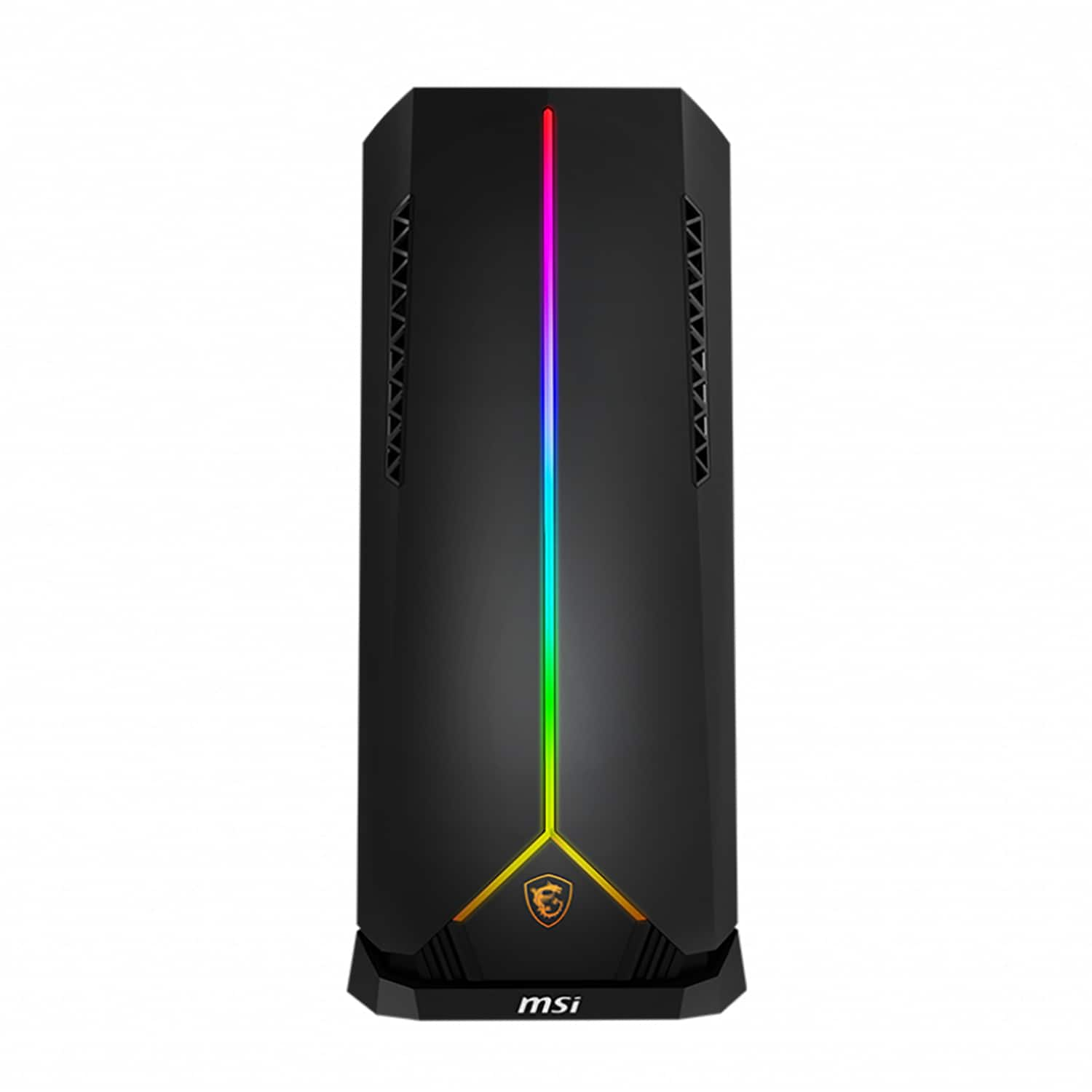
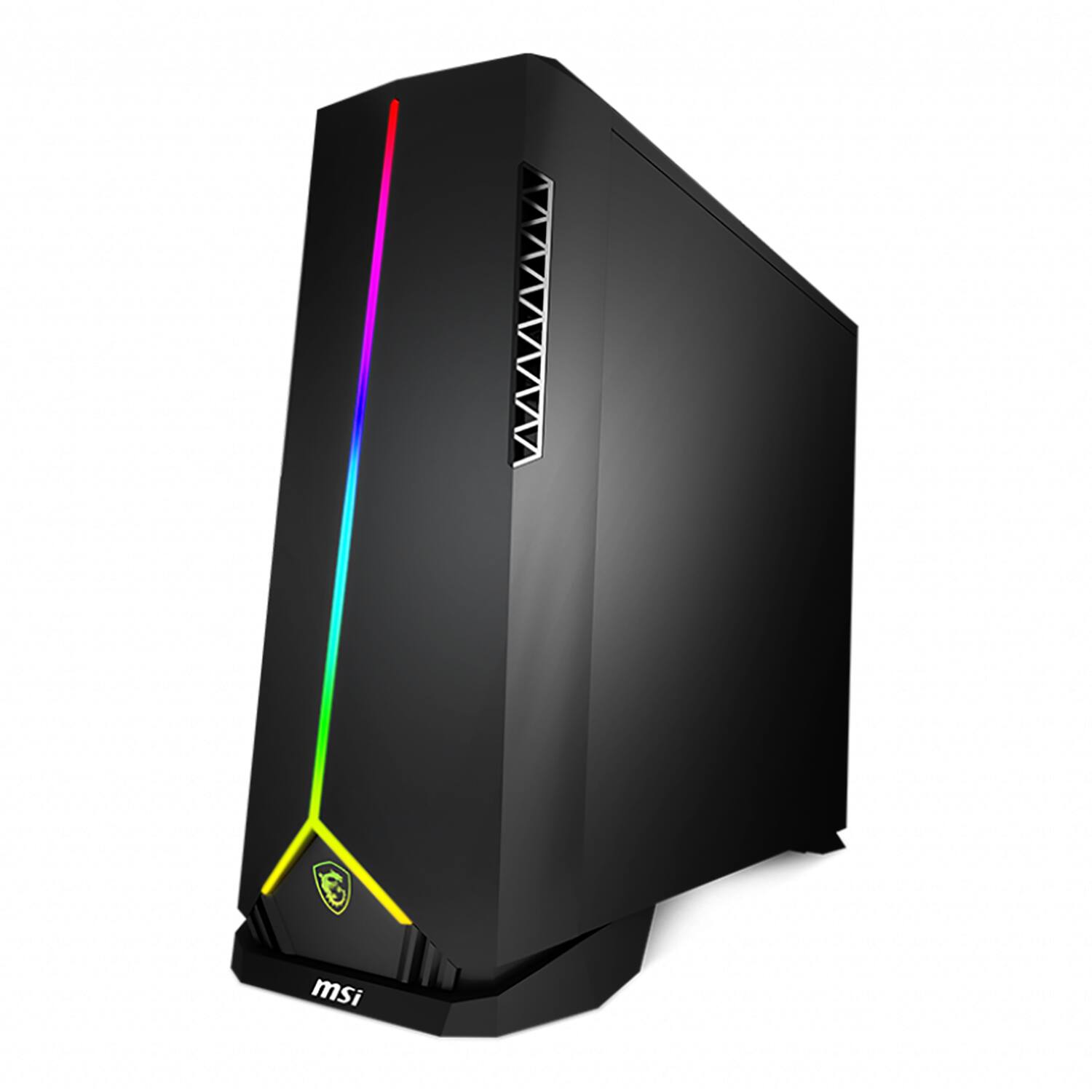
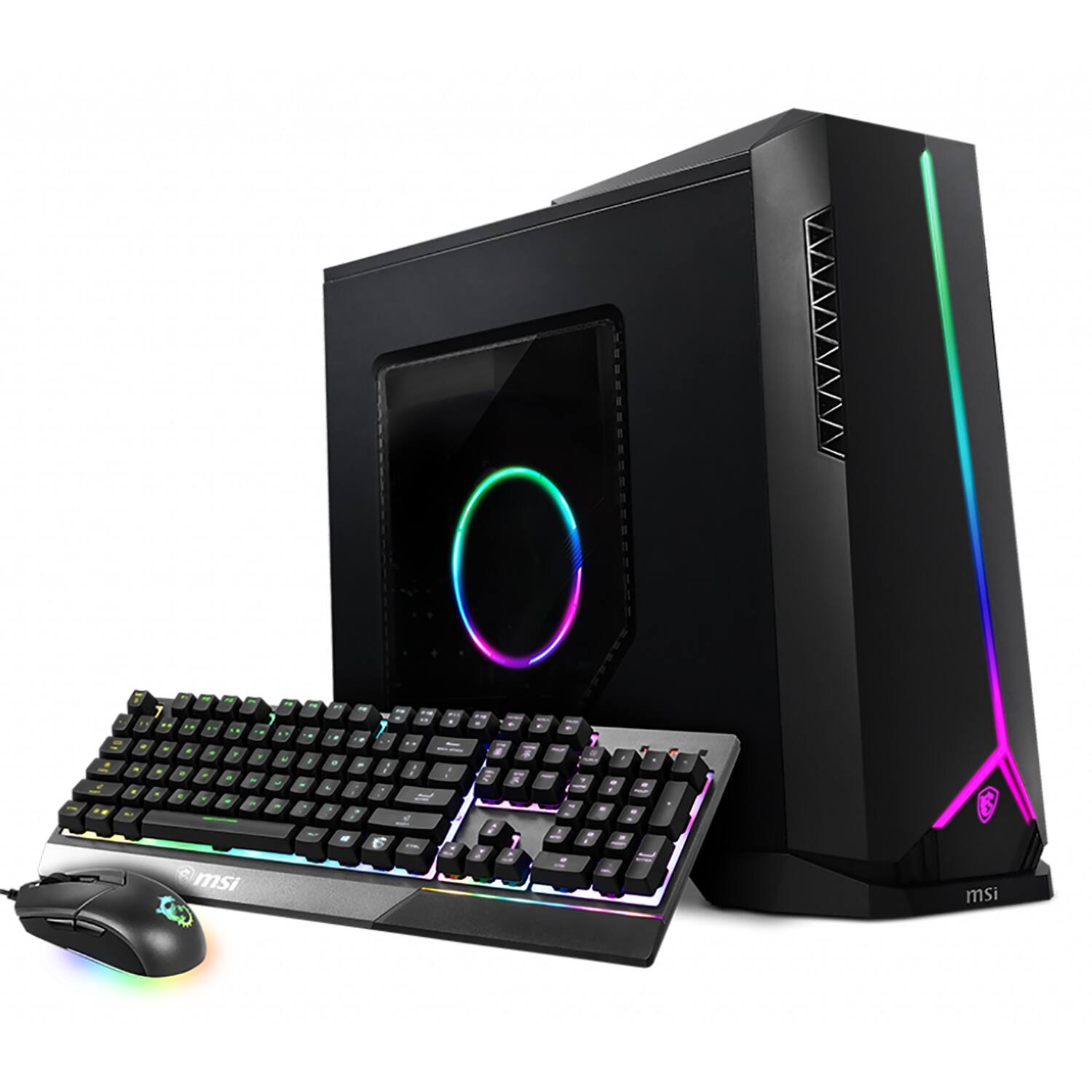
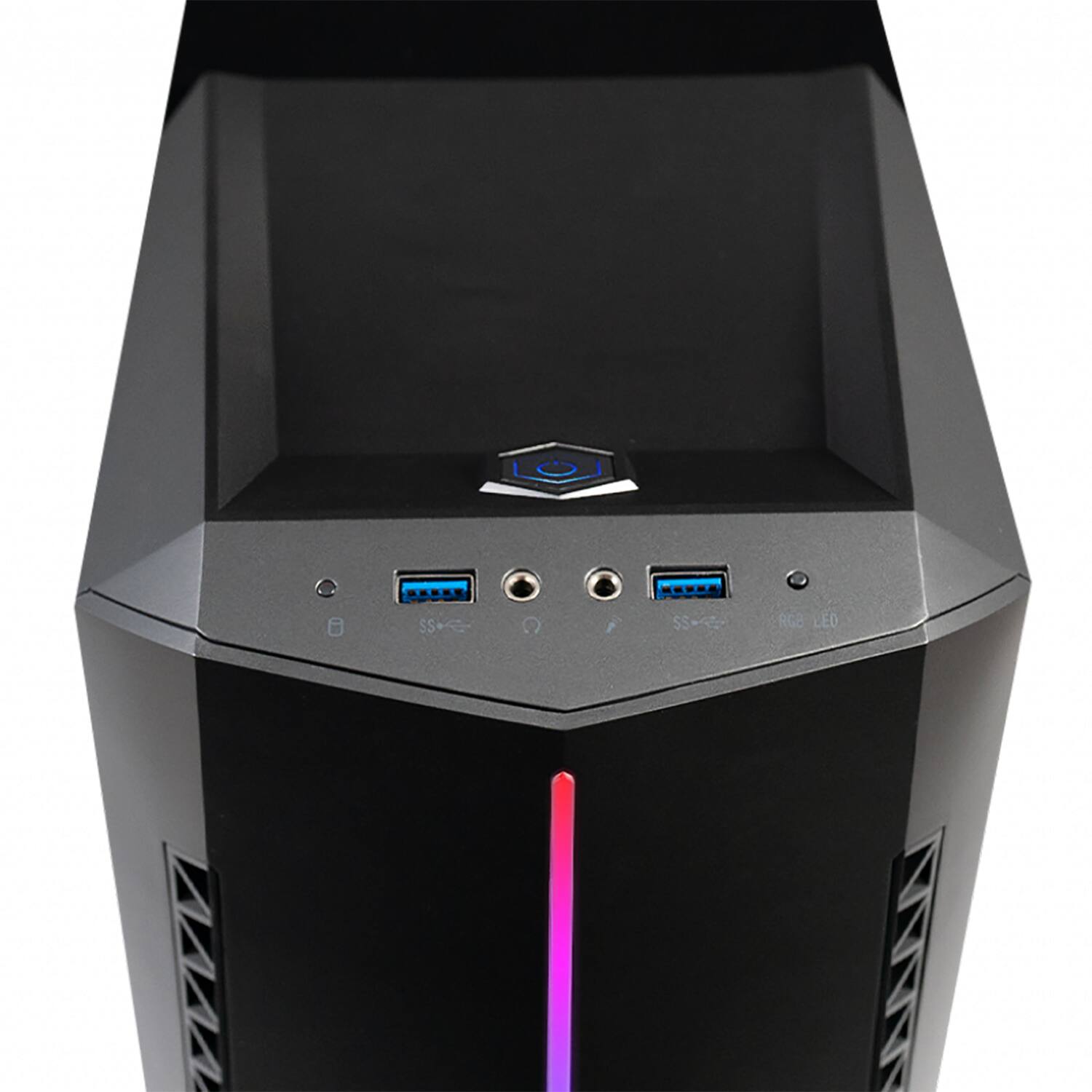
||Posted . Owned for less than 1 week when reviewed.This reviewer received promo considerations or sweepstakes entry for writing a review.I ordered this PC to replace an aging gaming PC that I had built. It was no longer able to keep up with games that require more and more power with each update. For many reasons, I simply did not have the time to rebuild a PC, so I wanted an Out of the Box experience. This review will be broken down into three parts: Unboxing, First Power On, and Normal Usage. Unboxing: For starters, the PC tower and included mouse, keyboard, and antenna come very well packaged. The box is a sturdy cardboard with thick foam inserts. The internal components of the PC are wrapped in foam padding. *IMPORTANT* - You will need to remove the side panel of the tower to remove the foam protecting the internal components as well as the plastic cover over the glass window on both sides. This will need to be done prior to starting up the machine. Removal of the panel is simple, with only two Philips screws holding it in place. I was relived to see all of the protection that went into shipment, as we all know the troubles packages can go through during handling. Aesthetically, the tower is of a sleek, modern design. The side view window offers the user a clear view of components. The case is a mixture of metal (mainly the sides) and plastic (the front). The included keyboard has good haptic feedback and the mouse is of an ergonomic design. The included Wi-Fi antenna has a magnetic base which connects flawlessly to the top of the unit. For first impressions of the unit, I would rate a 4/5. The back panel where the components plug in is slightly warped and bends when pressed, however, since this is at the rear of the PC, it does not present an immediate eye sore. First Power On As the included instructions state, getting started with powering on is simple. Connecting the included Wi-Fi antenna is simple as well as the power cord. The instructions indicate to turn on the I/O switch on the power supply, however, this particular model does not appear to have that option on the external portion of the unit. The device powered on and quickly went to the Windows start up screen. This is where I ran into several issues that made the start up process a bit frustrating. The first issue I had was when I was prompted to select a language. Once selected, the icon spun for several minutes, then displayed a “OOBELANGUAGE” error, with the options to “Skip” or “Try Again”. The “Try Again” options presented the same issue, and while the “Skip” portion did take me to the next prompt screen, I encountered more issues. I was then presented with the “Region” screen where the United States/Canada/Mexico were not listed as an option (I am in the northeast United States). From here, no matter the option that was chose, the unit would freeze and become unresponsive. I began troubleshooting and realized that the PC required a complete Windows reboot to resolve the issue. Once a Windows Reboot was performed, I was able to cycle through the rest of the first time start up options with ease. While a simple fix, I foresee this issue creating many headaches for those who are unsure of how to proceed. Because of this, I rate the “First Power On” a 2/5. Normal Usage After inputting my preferred settings, I was able to use the machine as intended with no further issues. The boot time from off to logged in is less than ten seconds. Running multiple applications (eg. Spotify, Internet browser, Microsoft Suite) can be done simultaneously with ease. I am, currently, able to run the following PC games at their highest graphics settings: Dead by Daylight, Minecraft, Microsoft FSX, and BEAMng. I have not experienced any glitches with the system and would rate the normal/expected usage to be a solid 5/5. Overall, I would give this a 4/5 rating. It runs phenomenally and has a stylish design to it. The only reason I did not rate this a perfect 5/5 is due to the initial Windows Installation issue during the setup. I have included pictures of the rear of the PC where the ports are located as, at the time of purchase, there were no photos of this.
I would recommend this to a friendRated 5 out of 5 stars
Loveeeee it!
||Posted . Owned for 3 months when reviewed.This reviewer received promo considerations or sweepstakes entry for writing a review.Purchased for my 12 year old son. He is soooo happy!
I would recommend this to a friend